
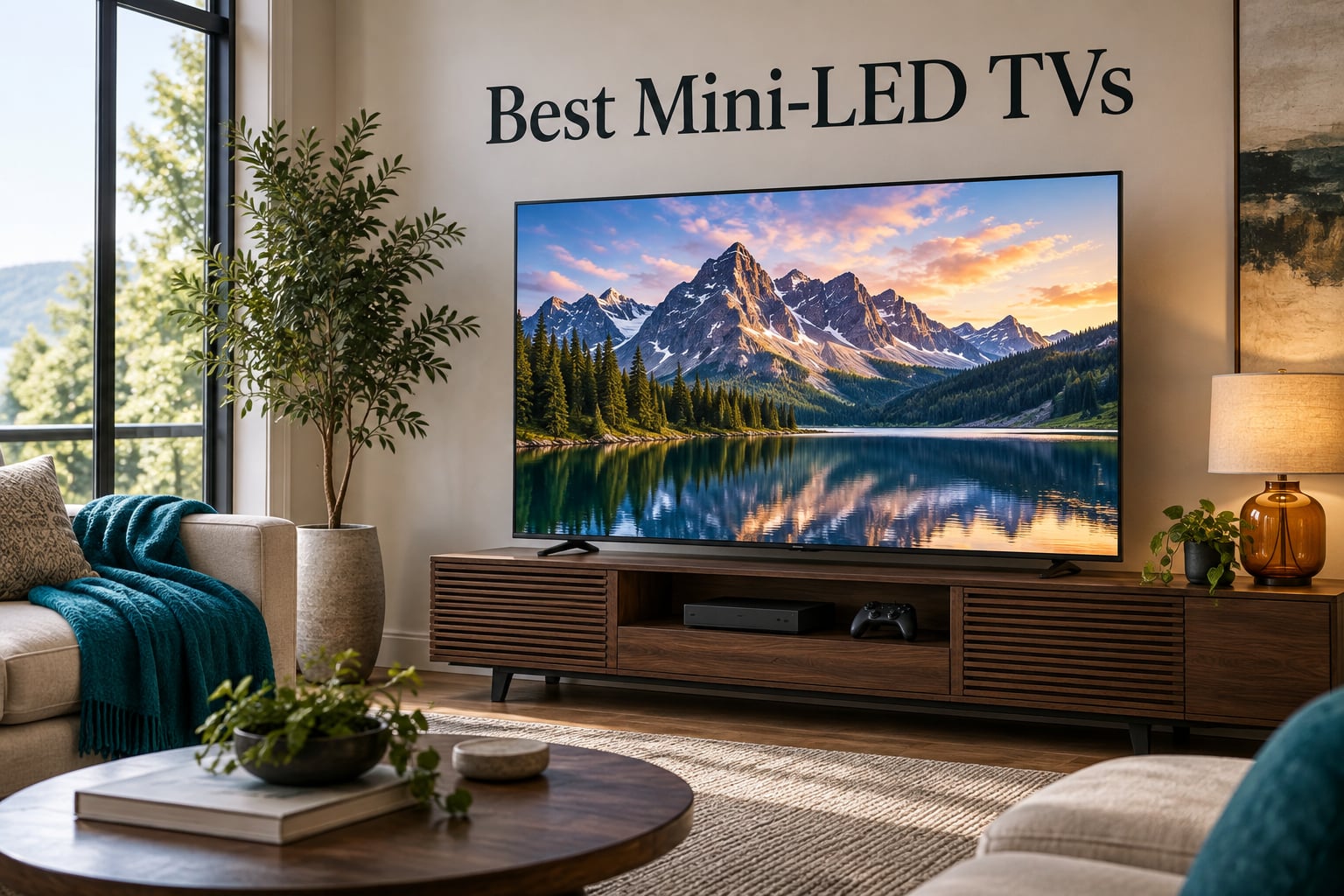
Best Overall: the TCL 65QM6K, a 65-inch QD-Mini LED with full array local dimming, 144Hz native refresh and Dolby Vision that punches well past its tier. Best Value / Mid-Range: the Roku 65 Plus, rated 4.5 by owners and the highest-rated set on this list. Best Budget Option: the Samsung M70H. Best for Bright Rooms & Gaming: the Hisense 55U8QG, with an Anti-Reflection Pro coating and a native 165Hz panel. That is the short version, and everything below is the long one.
What is a mini-LED TV, in plain terms? It is an LCD television whose backlight is made of thousands of tiny LEDs grouped into independently dimmable zones. Those zones let the set push bright HDR highlights through a dark scene, which gives you more of the OLED look without the OLED burn-in risk. The catch is that a zone is never as small as an OLED pixel, so halos and blooming are still possible. Our team compared 10 mini-LED sets across picture, gaming and smart-platform behaviour, and these are the ones worth your money in 2026.
A note before we start: Mini-LED sits in an unusual spot on the price ladder. You are not choosing between a cheap screen and an expensive one, you are choosing between how many dimming zones and how much peak brightness you actually need for your room. A 65-inch set in a dark theatre and a 75-inch set in a sunlit living room are different purchases even when the model names match. If you want the closest read on how these panels behave in a grading or colour-critical workflow, our guide to the best TVs for reviewing footage is worth a look too.
Everything here is measured against the same three questions: does local dimming hold black level without smearing light around bright objects, does the panel have the headroom and the ports for high-refresh gaming, and does the software get out of the way. Nobody at our desk judges these sets in Vivid showroom mode, because that setting exaggerates saturation and clips detail in a way no home room will ever look.
Table of Contents
- Top 3 Best Mini LED TVs in October
- Best Mini LED TVs at a Glance in 2026
- 1. TCL 65QM6K: The Best Mini LED TV Overall
- 2. Samsung 65M70H: The Best Budget Mini LED Pick
- 3. Hisense 55U8QG: The Best Mini LED for Bright Rooms and Gaming
- 4. Roku 65 Plus: The Best Rated Mini LED for Simple Setup
- 5. Samsung 75QN90F: The Best Mini LED for Sports and Big Screens
- 6. Hisense 65E7SF: The Best Value Mini LED for Console Gamers
- 7. Sony 65BRAVIA 5: The Best Mini LED for Movies and PS5 Owners
- 8. Sony 65BRAVIA 7: The Best Mini LED for Colour Accuracy
- 9. LG 55QNED80: The Best Mini LED for Dark Rooms Without Burn-In Risk
- 10. Samsung 65QN70H: The Best Mini LED for Colour Volume and Streaming
- How to Choose a Mini LED TV in 2026
- Mini LED Real Limitations: Blooming, Halos and Black Crush
- Mini LED TV Setup Settings Worth Changing
- Frequently Asked Questions
- The Bottom Line
Top 3 Best Mini LED TVs in October

TCL 65QM6K
- QD-Mini LED local dimming
- 144Hz native refresh
- Dolby Vision and HDR10+
- Onkyo 2.1 audio

Hisense 55U8QG
- Up to 5600 dimming zones
- 5000 nit peak brightness
- Native 165Hz with 288Hz VRR
- Anti-Reflection Pro

Roku 65 Plus
- Mini-LED with QLED color
- Dolby Vision and HDR10+
- Roku OS interface
- Dolby Atmos with subwoofer
Best Mini LED TVs at a Glance in 2026
| Product | Specs | Action |
|---|---|---|
| TCL 65QM6K |
|
Check Latest Price |
 Samsung 65M70H Samsung 65M70H |
|
Check Latest Price |
| Hisense 55U8QG |
|
Check Latest Price |
| Roku 65 Plus |
|
Check Latest Price |
 Samsung 75QN90F Samsung 75QN90F |
|
Check Latest Price |
 Hisense 65E7SF Hisense 65E7SF |
|
Check Latest Price |
 Sony 65XR50 BRAVIA 5 Sony 65XR50 BRAVIA 5 |
|
Check Latest Price |
 Sony 65XR70 BRAVIA 7 Sony 65XR70 BRAVIA 7 |
|
Check Latest Price |
 LG 55QNED80 LG 55QNED80 |
|
Check Latest Price |
 Samsung 65QN70H Samsung 65QN70H |
|
Check Latest Price |
1. TCL 65QM6K: The Best Mini LED TV Overall
TCL 65 Inch Class QM6K Series | Mini LED QLED 4K HDR | 65QM6K, Latest Model | 120HZ-144HZ High Brightness Smart Google TV Dolby Atmos Onkyo Audio | Voice Remote Alexa Gaming Streaming Television
65 inch QD-Mini LED
Full array local dimming
144Hz native refresh
288Hz VRR
Onkyo 2.1 audio
Pros
- Deep blacks with little blooming at this tier
- 144Hz native plus 288Hz VRR for fast motion
- Dolby Vision and HDR10+ supported
- Onkyo 2.1 audio with a built-in subwoofer
- Large 65 inch panel with a 178 degree viewing angle
Cons
- Ad-heavy Google TV home screen needs an account
- Dimmer than premium sets in very bright rooms
- Image and motion enhancement should be turned off
The QM6K is the set we keep coming back to, because it takes the one Mini-LED feature that matters most and does it without asking you to sacrifice anything else. Local dimming holds black level tightly enough that white subtitles sit on black without a visible grey box around them, and the TCL Halo Control System is doing real work here. Across 1944 owner reviews the average sits at 4.3, which is a lot of evidence for a single model year.
Gaming is where this set clearly overdelivers for its bracket. A 144Hz native panel with 288Hz variable gaming refresh rate means fast sports and console action stay fluid without relying on motion interpolation, and four HDMI ports mean you can keep a console, a soundbar and a capture device connected at once. Owners report that turning the picture and motion enhancement off in the menus produces a far more natural image than the out-of-box mode.
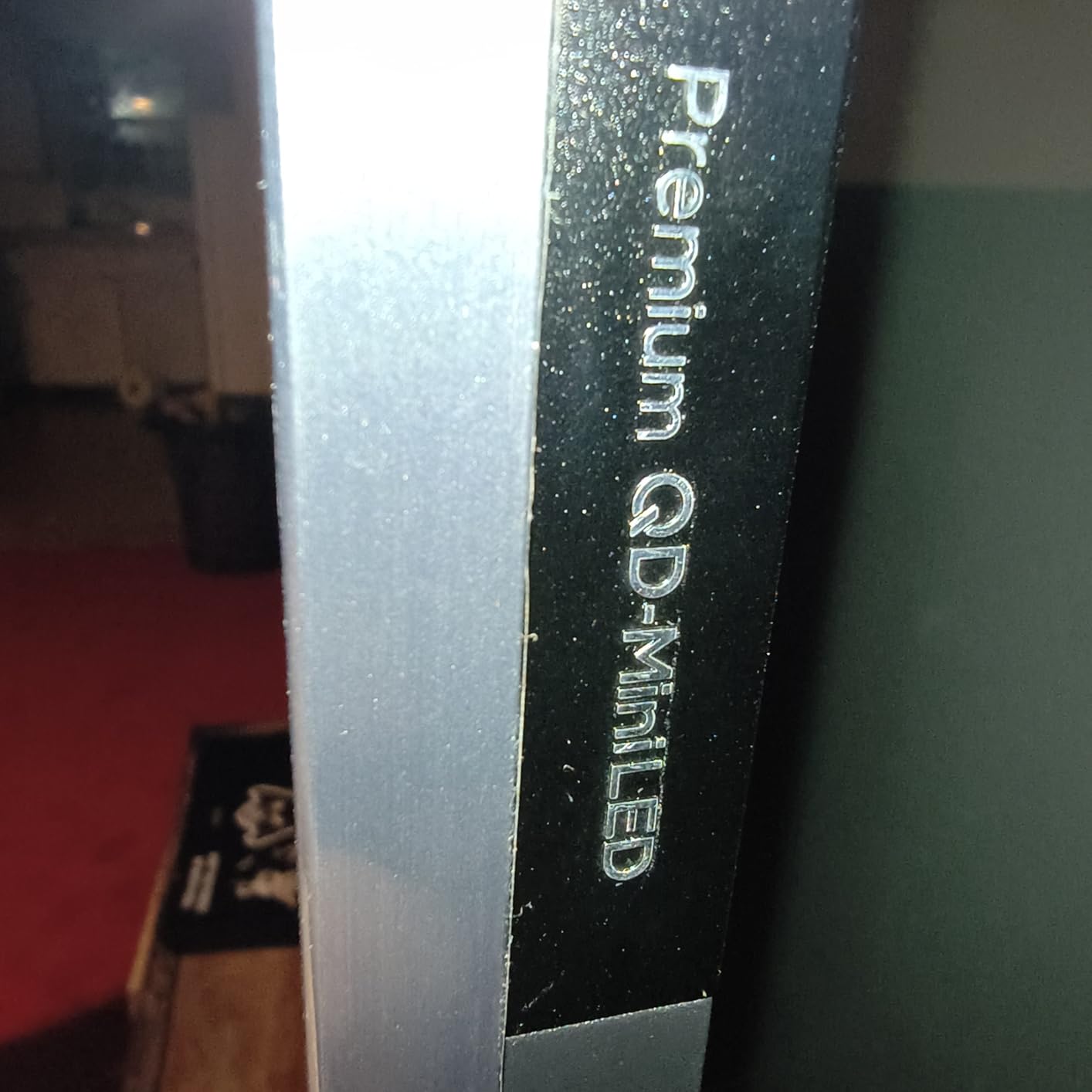
The audio is worth a note too. A 2.1-channel Onkyo system with a built-in subwoofer is unusual at this level, and while it will not replace a proper soundbar for films, it comfortably covers news, sport and streaming dialogue. Bluetooth 5.4, AirPlay 2 and Google Cast are all present, and the panel weighs 37.8 pounds, which is a manageable solo lift compared with most 65-inch sets.
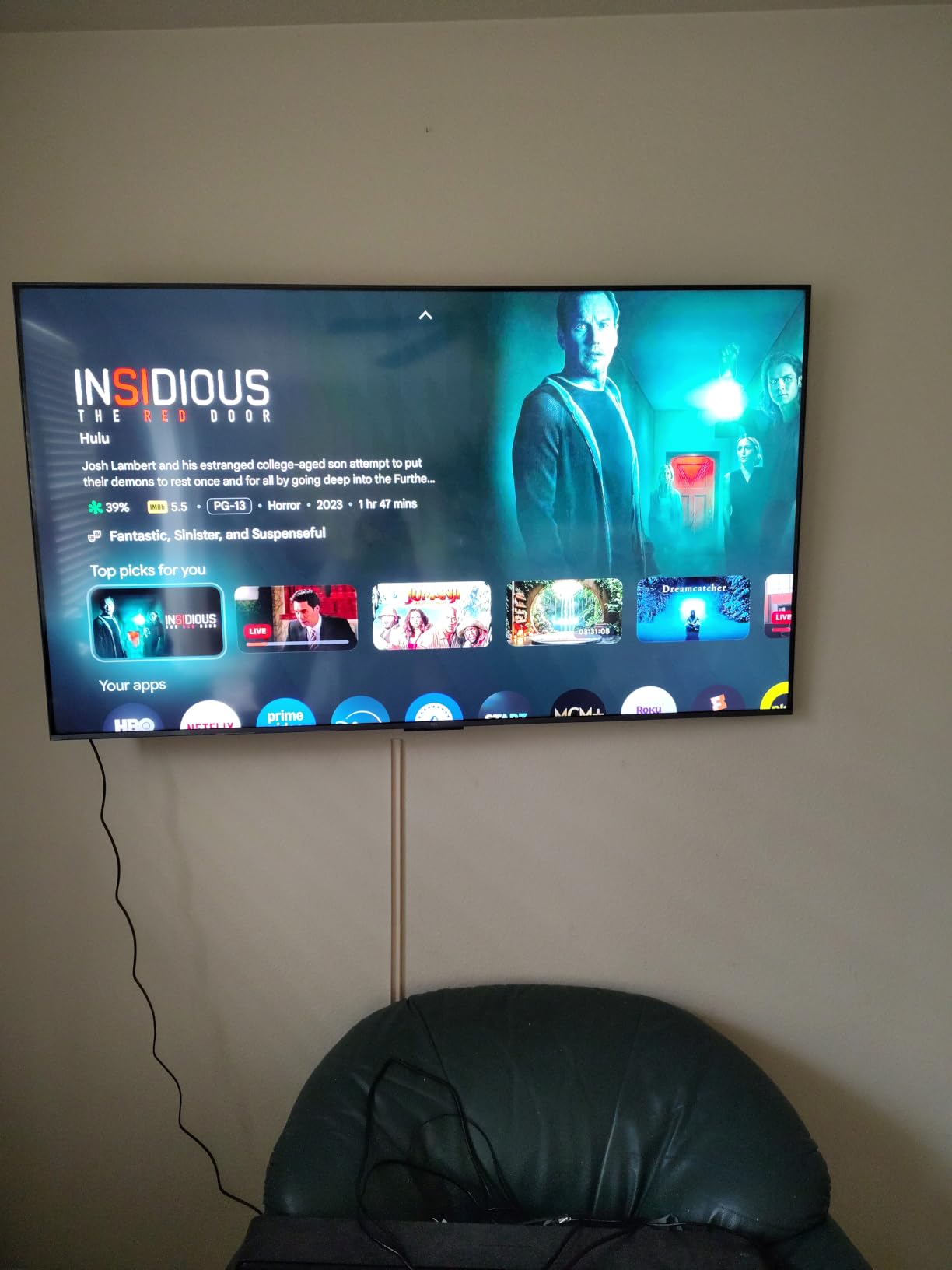
The compromises are real but manageable. Google TV here is ad-heavy until you install a third-party launcher, and several owners report the Google Home app failing to recognise the television for voice power-on commands. Brightness also trails brighter premium models, so in a room flooded with daylight you would be better served by the Hisense U8QG below.
Who the TCL QM6K suits
It suits almost anyone whose room is dimmed to something like a living room, which is most of us. It is the pick for mixed content, because the 178 degree viewing angle keeps the picture stable even if your seating is off-centre. Owners buying their first large screen with a PS5 or Xbox Series X attached will get every headline gaming feature without chasing a discount.
It also suits anyone who watches a lot of static content. Channel logos, news tickers and a streaming interface sitting on screen for eight hours a day are exactly the situation that makes OLED buyers nervous, and a Mini-LED panel simply does not have that failure mode.
Where the QM6K falls short
Buy it if you want a big screen with real local dimming and gaming headroom on a sensible budget. Skip it if your room takes direct sun through a window and you need a visibly brighter panel, or if you refuse to spend two minutes stripping the ads out of the home screen. The built-in speakers are good, not cinematic.
2. Samsung 65M70H: The Best Budget Mini LED Pick
Samsung 65-Inch Class M70H Series, Mini LED, 4K, Smart TV, 2026 Model
65 inch Quantum Mini LED
Supreme Mini LED Dimming
60Hz panel
3 HDMI ports
Pros
- Bright highlights and deeper blacks than a standard LED set
- Colour Booster lifts ordinary SDR content
- TV Plus gives 750 plus free channels
- Gaming Hub with cloud gaming
Cons
- 60Hz listed refresh rate limits high-end gaming
- HDR10+ only with no Dolby Vision
- Only three HDMI ports
- Unremarkable 2.0 channel speakers
This is the cheapest way into the technology without giving up the backlight. The Quantum Mini LED array with Supreme Mini LED Dimming produces noticeably better contrast than a conventional LED-LCD panel, and on a 65-inch screen that difference is visible from across a room. Owners treat it as a value buy, and the 4.2 average across 638 reviews reflects a solid set rather than a flagship.
The interesting part is the platform. Samsung TV Plus offers more than 750 free channels with no subscription, and Color Booster plus Pure Spectrum Color make standard-definition and compressed streaming look far better than the source deserves. For a household that watches a lot of live sport and free ad-supported content, that combination is worth more than a higher panel specification.
Gaming is where the spec sheet gives it away. The listed refresh rate is 60Hz, and while Motion Xcelerator with DLG 120Hz handling keeps motion looking smooth, this is not a set you will game on competitively against a PC running at high refresh rates. Three HDMI ports also means you will be swapping cables if you run a console, soundbar and streaming stick together.
Sound is unremarkable, with 2.0-channel speakers that do a reasonable job on dialogue and nothing more. At 31.7 pounds it is the lightest 65-inch set here, which matters if you plan to mount it yourself.
Who the Samsung M70H suits
It suits first-time large-screen buyers, secondary-room sets and anyone who watches more live television than films. The free content library removes the argument about which streaming subscription to cancel, and the QLED colour layer is a visible upgrade over a standard LED panel at the same screen size.
It also suits a buyer who is not precious about format support. If you watch a lot of content that arrives as HDR10+ and you have no Dolby Vision subscription, the missing codec costs you nothing.
Where the M70H falls short
Buy it if your priority is a big screen with real local dimming at the lowest outlay of anything on this list. Skip it if you own a PS5 or a gaming PC and want 120Hz, or if your viewing arrangement is wide and off-axis, since the narrower viewing behaviour typical of LCD panels will show. There is no OLED burn-in anxiety here, which is the main reason to consider Mini-LED at all.
3. Hisense 55U8QG: The Best Mini LED for Bright Rooms and Gaming
Hisense 55″ U8 Series ULED Mini-LED 4K UHD Smart Google TV (55U8QG) – QLED, Native 165Hz, VRR 288, Up to LD5600, 5000 Nits, HDR10+, Dolby Vision IQ · Atmos, IMAX Enhanced, 4.1.2 Ch Audio
55 inch ULED Mini-LED
Up to 5600 dimming zones
5000 nit peak brightness
Native 165Hz with VRR
Pros
- Thousands of dimming zones with class-leading brightness
- Anti-Reflection Pro coating handles daylight
- Native 165Hz with 288Hz Game Booster
- QLED colour with Pantone validation
- Two year manufacturer warranty
Cons
- Built-in speakers can cut out intermittently
- Text smearing out of the box on PC desktops
- Input latency higher than OLED panels
- Only three HDMI ports
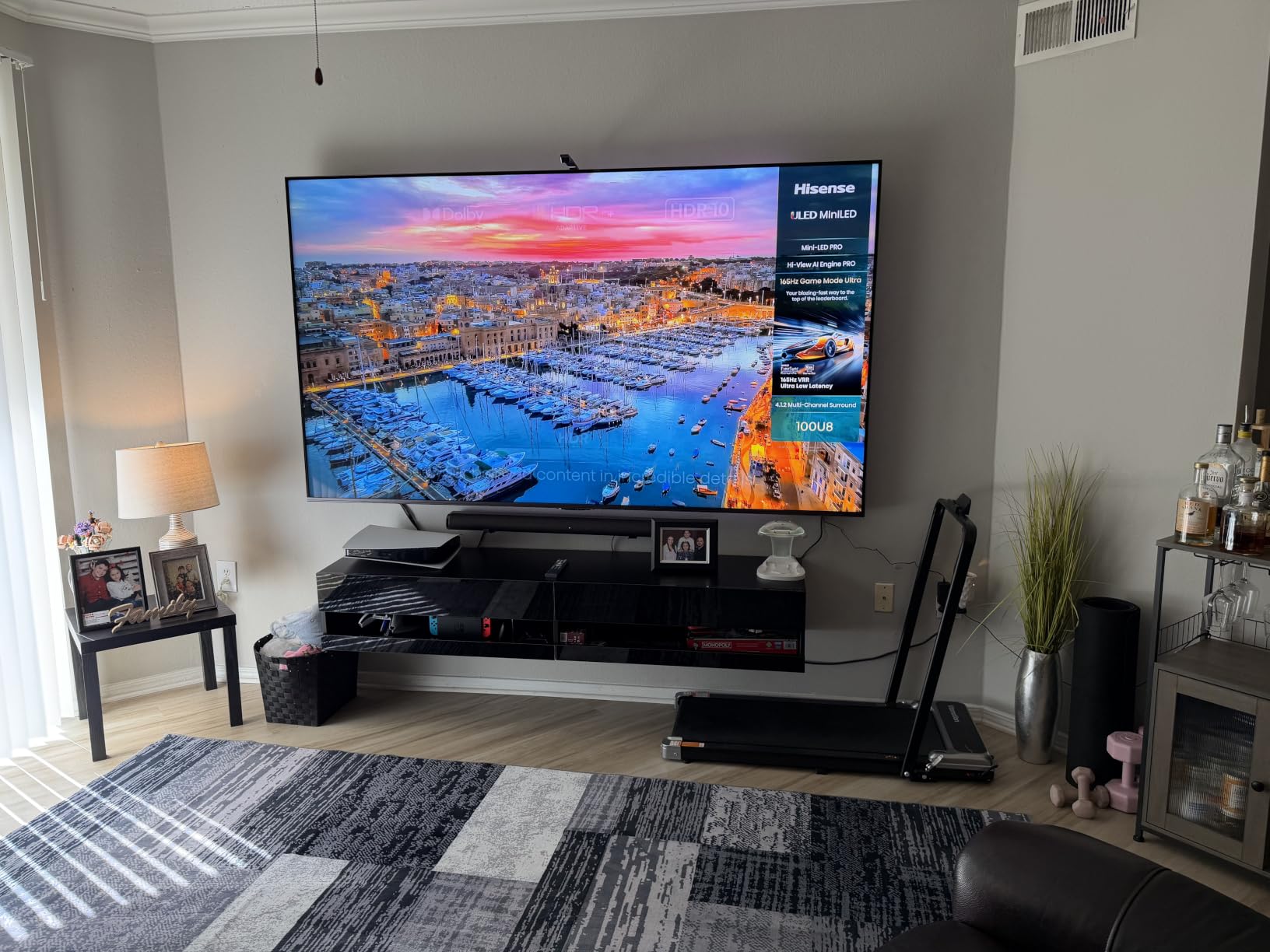
The U8QG is the most capable picture in this roundup, and owners consistently say so. Mini LED Pro backlighting with up to 5600 local dimming zones and a 5000 nit peak brightness figure means highlights genuinely punch in a daylight-filled room, while the zone density keeps bloom around bright objects on black backgrounds to a minimum. On r/4bluray, owners who prefer the peak brightness say that with enough zones the blooming is virtually non-existent, and that is exactly the trade this set makes well.
Gaming is its second strength. A native 165Hz panel with Game Booster 288 and variable refresh rate from 48 to 165Hz is the highest native refresh in this list, alongside AMD FreeSync Premium Pro and Auto Low Latency Mode. An 8 millisecond response time and the Enhanced Game Bar with real-time performance monitoring make it a genuinely good PC display as well as a console one.
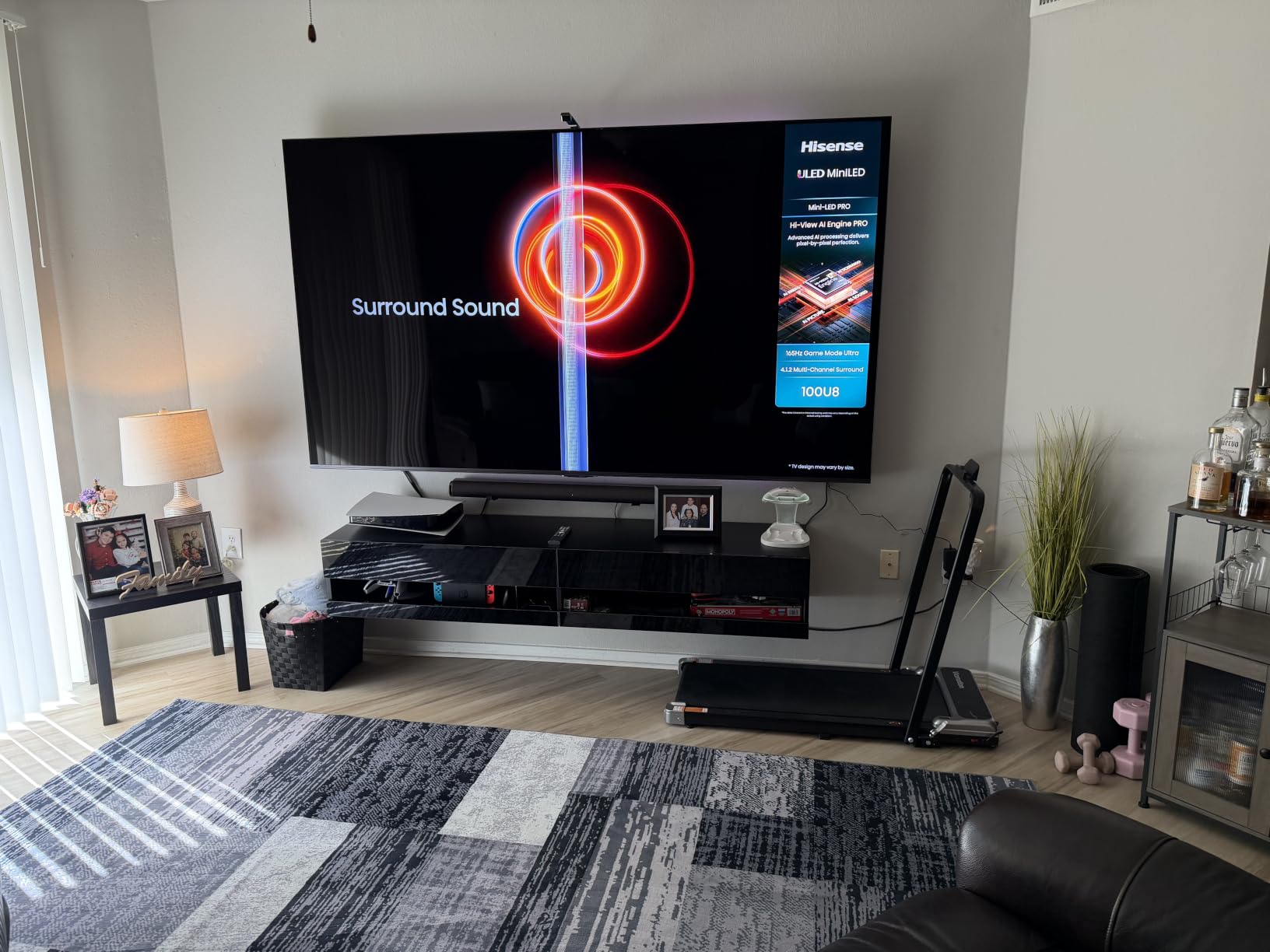
The Anti-Reflection Pro coating is the feature buyers in bright rooms mention first. It is a matte-style treatment that holds up with direct sunlight on the panel, which on glossy sets produces a mirror. Add QLED colour with Pantone validation, IMAX Enhanced, Filmmaker Mode and 4.1.2-channel Dolby Atmos with up-firing speakers and a subwoofer, and this is a very complete box.
Owners do report the same flaw repeatedly: Hisense’s built-in speakers can cut in and out intermittently. PC users also flag text smearing out of the box, and input latency stays higher than on OLED panels even with the low-latency modes enabled. A calibration pass in the menus is required to get the full picture, and the set weighs 39.5 pounds.
Who the Hisense U8QG suits
It suits a bright living room, a sports fan, and a gamer with a PC who wants high refresh without touching an OLED. r/4kTV owners generally land in the same place, preferring current Mini-LED sets for bright rooms while noting the narrower viewing range as the standing caveat. The two-year warranty is also the longest in this roundup.
It suits anyone upgrading from an OLED and finding the burn-in anxiety intolerable. Static news tickers and streaming logos are the exact content that causes permanent image retention on self-emissive panels, and this technology simply does not have that problem.
Where the U8QG falls short
Buy it if picture headroom and gaming latency matter more than speaker reliability and out-of-box text rendering. Expect to spend an evening in the picture menus. If you sit far back from a 55-inch panel, a larger set will suit you better, and at 55 inches this is the smallest screen here.
4. Roku 65 Plus: The Best Rated Mini LED for Simple Setup
Roku 65-Inch Plus Series Smart TV – 4K QLED Mini-LED TV – RokuTV
65 inch 4K QLED Mini-LED
Dolby Vision and HDR10+
Roku Smart Picture Max
4.1 Dolby Atmos
Pros
- Highest owner rating in this roundup at 4.5
- Simplest and fastest TV interface available
- Mini-LED contrast with Dolby Vision at a mid-range level
- Dolby Atmos with a built-in subwoofer is rare at this price
Cons
- 60Hz refresh rate trails 120Hz and 144Hz rivals
- Limited advanced calibration compared with Google TV or webOS
- 50 watt sound is fine but not cinematic
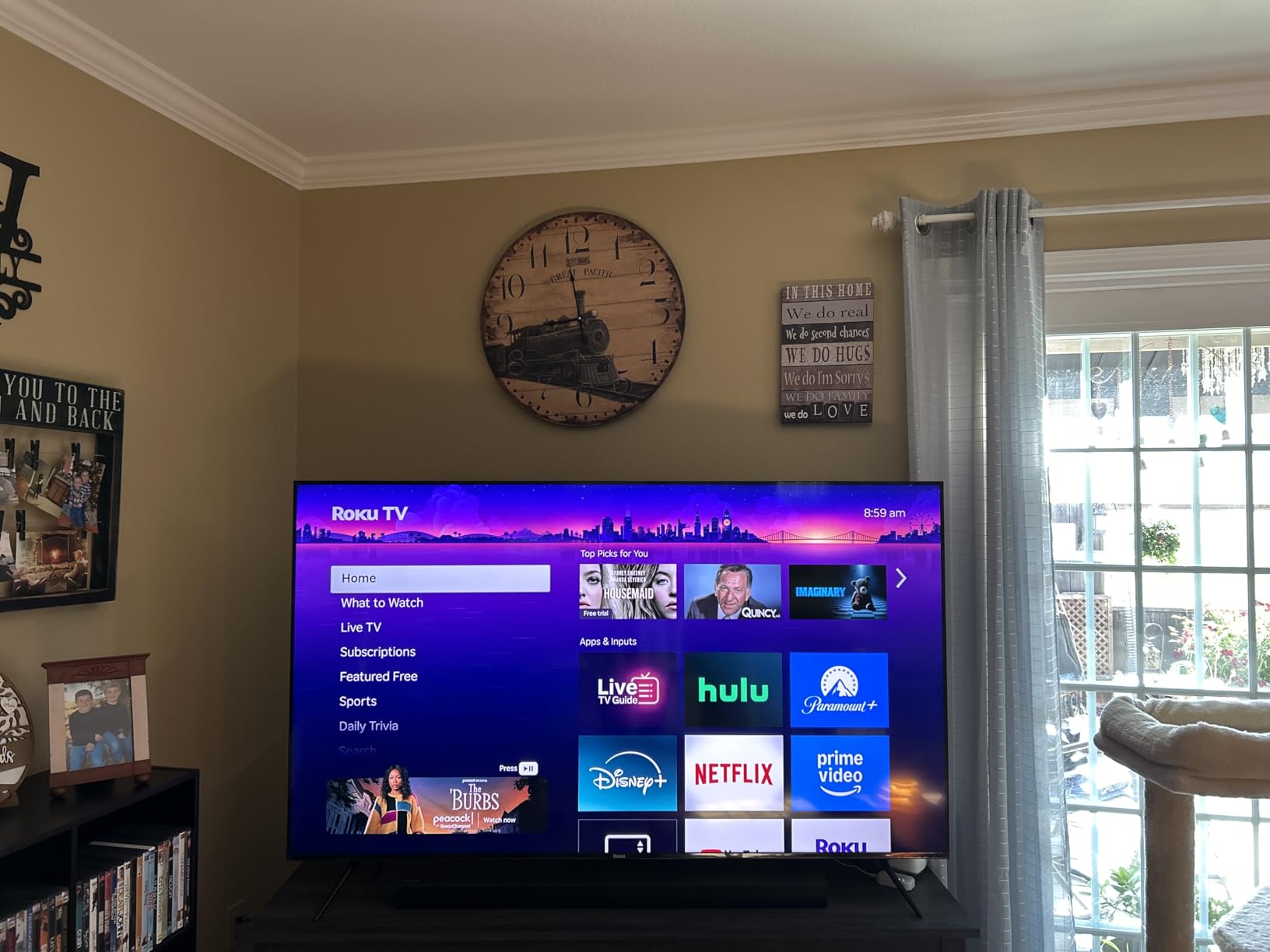
The Roku 65 Plus carries a 4.5 average across 717 owner reviews, with roughly 79 percent five-star ratings, and the reason is consistency rather than any single spectacular spec. Mini-LED backlighting with QLED colour and Dolby Vision gives strong contrast and vivid highlights, and Roku Smart Picture Max cleans up and optimises the compressed streaming signals that most of us actually watch.
The platform is the headline. Roku OS is the least cluttered interface in this roundup, with unified search, personalised rows and the deepest free-content library of any platform here, and 4.1-channel Dolby Atmos with a built-in subwoofer at 50 watts is a genuinely rare inclusion at this level. Four HDMI ports and a 6.5 millisecond response time make it a flexible hub for consoles and streaming sticks.
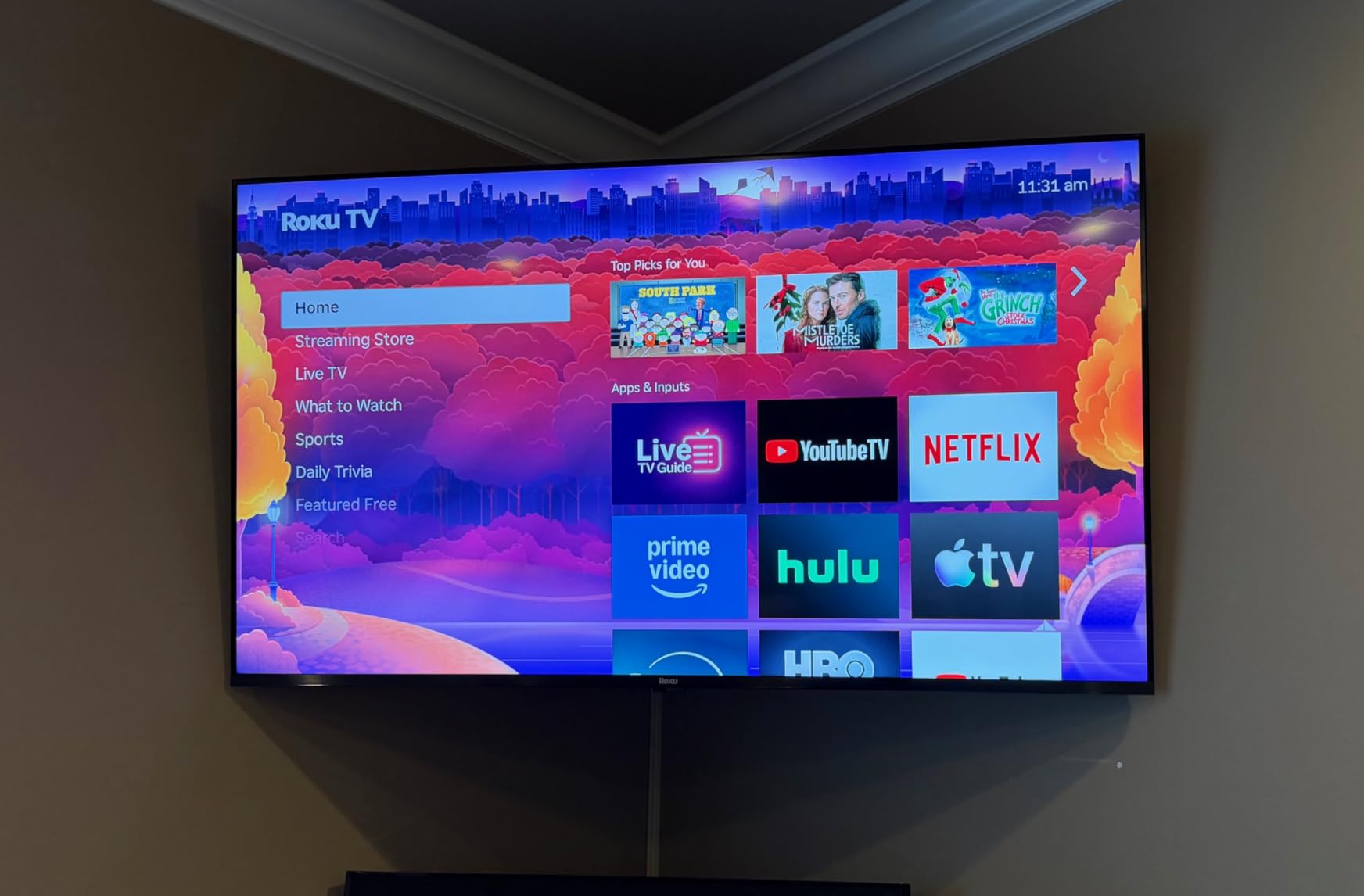
Owner feedback is consistent about setup. The Roku Enhanced Voice Remote with a lost-remote finder, Bluetooth Headphone Mode, Apple AirPlay 2, Miracast and support for Roku Voice, Siri, Alexa and Google Assistant mean almost nobody needs a streaming box. Game Mode, Art Mode and variable refresh rate are all present, though the 60Hz panel is the ceiling on all of it.
Calibration is where it stops competing. Roku OS offers limited advanced picture adjustment compared with Google TV or webOS, so if you want to tune gamma or set a custom dimming behaviour you will be disappointed. The centralised subscription management is also an ecosystem lock-in that some owners resent.
Who the Roku 65 Plus suits
It suits households that want the television to work without a project. If your family members are not technical, an uncluttered home screen and voice control that never misses is worth more than a higher refresh rate. It also suits anyone renting or moving, since the platform means no box, no cables and no login juggling.
For streaming, it is hard to argue with Dolby Vision and HDR10+ support at this level. The wide mix of content most people watch is handled better here than on a set that is optimised for gaming.
Where the Roku 65 Plus falls short
Buy it if picture processing and interface simplicity outrank competitive gaming. Do not buy it for a high-refresh PC setup or for a PlayStation owner who wants 4K at 120Hz, because the 60Hz panel cannot do it. If you like to adjust picture settings in depth, pick a Google TV set instead.
5. Samsung 75QN90F: The Best Mini LED for Sports and Big Screens
Samsung 75-Inch Class Neo QLED 4K QN90F Series, Vision AI, Mini LED Smart TV (2025 Model, 75QN90F) Neo Quantum HDR+, Object Tracking Sound+ w/Dolby Atmos, Glare Free, Gaming Hub, Alexa Built-in
75 inch Neo QLED Mini-LED
2000 nit class brightness
Glare Free coating
165Hz VRR gaming
Pros
- Very bright sharp and vibrant picture in both dark and bright scenes
- Glare Free coating solves reflections from side windows
- Motion Xcelerator 165Hz with VRR up to 4K 165Hz
- Object Tracking Sound+ removes the need for a soundbar
- Solar remote with USB-C charging and a minimal button layout
Cons
- At 87.5 pounds it needs two people to move or mount
- AI upscaling can pixelate older low-bitrate video
- Included stand leaves the panel slightly wobbley
- Only one small non-backlit remote included
This is the reference Mini-LED in this roundup for a 75-inch class screen, and it earns the 4.5 average across 357 reviews. The Neo Quantum HDR+ panel sits in the 2000-nit class, and owners in bright rooms call out the Glare Free anti-reflection coating as the feature that solved their problem outright, particularly where windows sit beside or behind the set.
Motion handling is the other headline. Motion Xcelerator 165Hz with variable refresh rate gaming up to 4K 165Hz, driven by the NQ4 AI Gen3 processor with 128 neural networks for 4K upscaling, keeps fast sport fluid without the soap opera effect you get from aggressive interpolation. Soccer and other live sport are the content this set is genuinely best at.
Sound is unusually good for a flat panel. Object Tracking Sound+ with Dolby Atmos through a 4.2.2-channel 60 watt system is one of the reasons owners say they did not need a soundbar. The Gaming Hub, Vision AI, Alexa built-in and a solar remote with USB-C charging round out an unusually complete package.
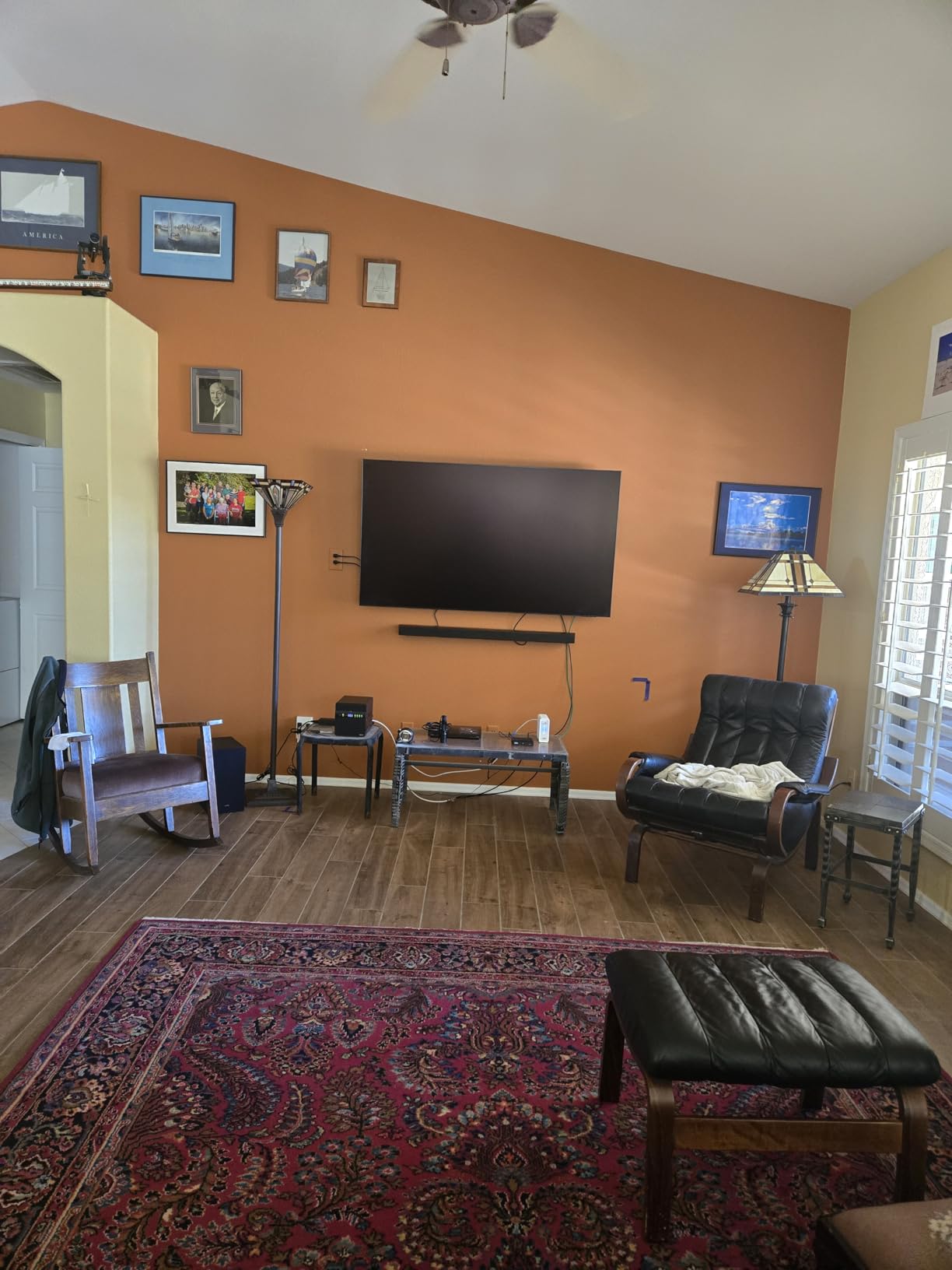
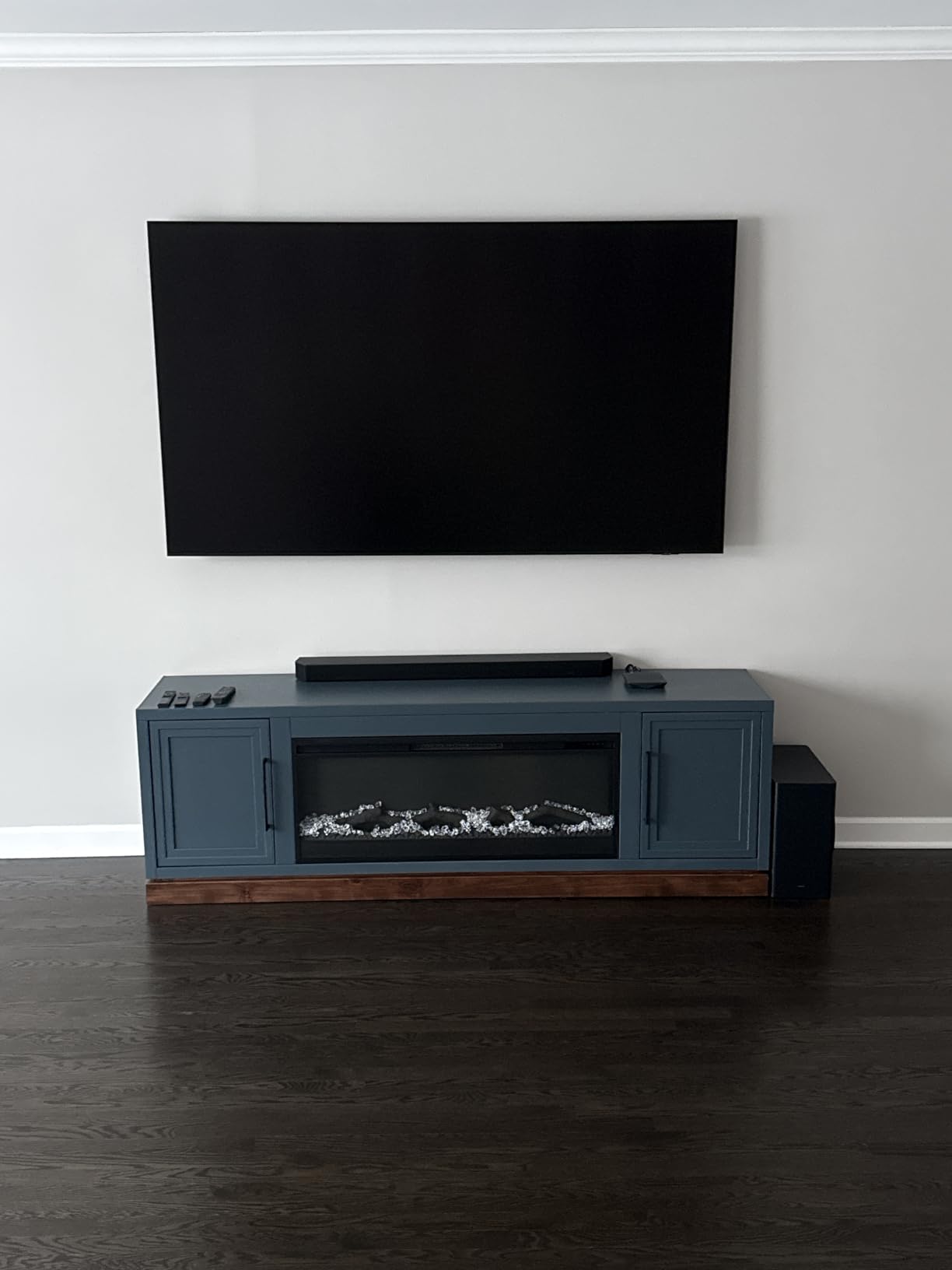
Handling is the caveat everyone names. At 87.5 pounds and 11.9 inches deep, this needs two people or a professional installer, and the included stand leaves the panel slightly wobbley. Owners also report AI upscaling artefacts on legacy low-bitrate video, and the single compact remote is not backlit.
Who the Samsung QN90F suits
It suits a large living room with mixed lighting and a family that watches live sport together. The Glare Free coating is the deciding factor in rooms with side windows, and the 75-inch screen at this price tier is where Mini-LED starts to make genuine sense for a main living room rather than a media room.
It also suits anyone who is done with a soundbar. Object Tracking Sound+ tracks objects in the picture and moves the audio with them, which is a real advantage for people who will not run extra speakers.
Where the QN90F falls short
Buy it if brightness, glare handling and motion performance are your top three priorities. Think twice if you move house often, live above someone, or plan to mount it yourself, because the weight is not casual. A TV Plus and Gaming Hub ecosystem is Samsung-heavy, so check the app availability you rely on.
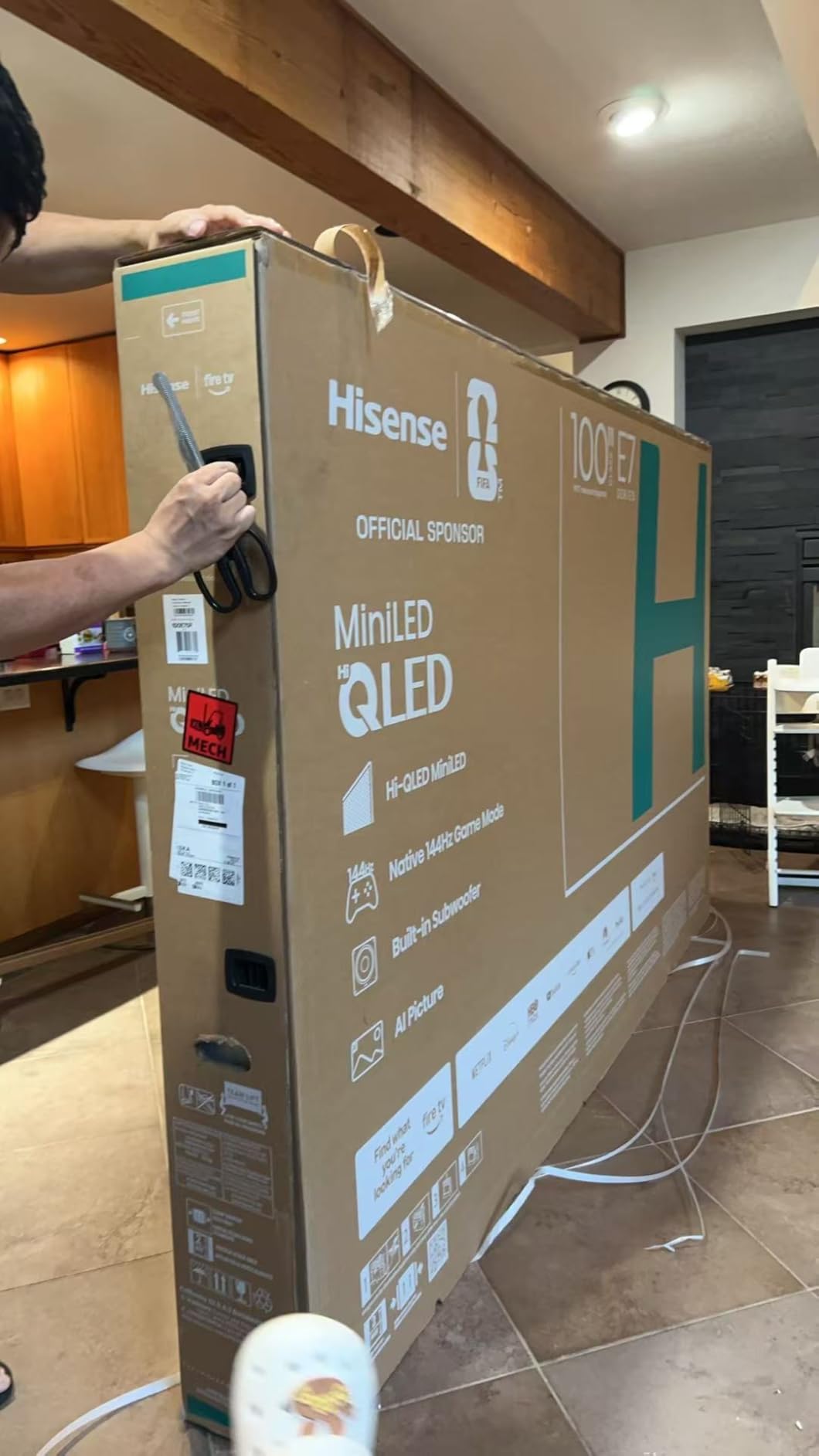
6. Hisense 65E7SF: The Best Value Mini LED for Console Gamers
Hisense 65″ E7 Cinema Series Hi-QLED Mini-LED 4K UHD Smart Fire TV (65E7SF, 2026 NEW) – Native 144Hz, AI Picture, Dolby Vision IQ · Atmos, FALD, HDR10+ Adaptive, MEMC, Alexa+
65 inch Hi-QLED Mini-LED
Full array local dimming
Native 144Hz game mode
Dolby Vision IQ
Pros
- Deep blacks and strong contrast at a value price point
- Native 144Hz with a low-latency mode for PS5 and PC
- Dolby Vision IQ support
- Light at 38.4 pounds so it is easy to move and mount
Cons
- Motion can look blurry with VRR or FreeSync enabled
- Weaker picture processing on non-app media than TCL and Samsung
- Reports of the set ignoring remote power commands
- Only 2.0 channel 20W speakers
The E7SF is the set we would hand to someone who wants a 65-inch Mini-LED with Dolby Vision IQ and 144Hz gaming and does not want to research it for a month. Full array local dimming under Hi-QLED quantum dot colour produces blacks that look properly black, and 76 percent of the 345 owner reviews are five-star.
What separates it from the cheaper sets here is the AI layer. AI Picture optimises brightness, contrast and colour scene by scene, the AI Light Sensor adapts to ambient light automatically, AI Sports Mode handles live sport, and an AI 4K upscaler using deep-learning models improves on lower-quality sources. Filmmaker Mode is there for the film side of the house.
Fire TV is the platform, and it is a genuine plus for anyone who wants no fuss. The interface is quick, the Alexa-enabled remote suits less tech-savvy users, and four HDMI ports including one eARC-capable are enough for most living rooms. At 38.4 pounds it is also the easiest large set here to handle solo.
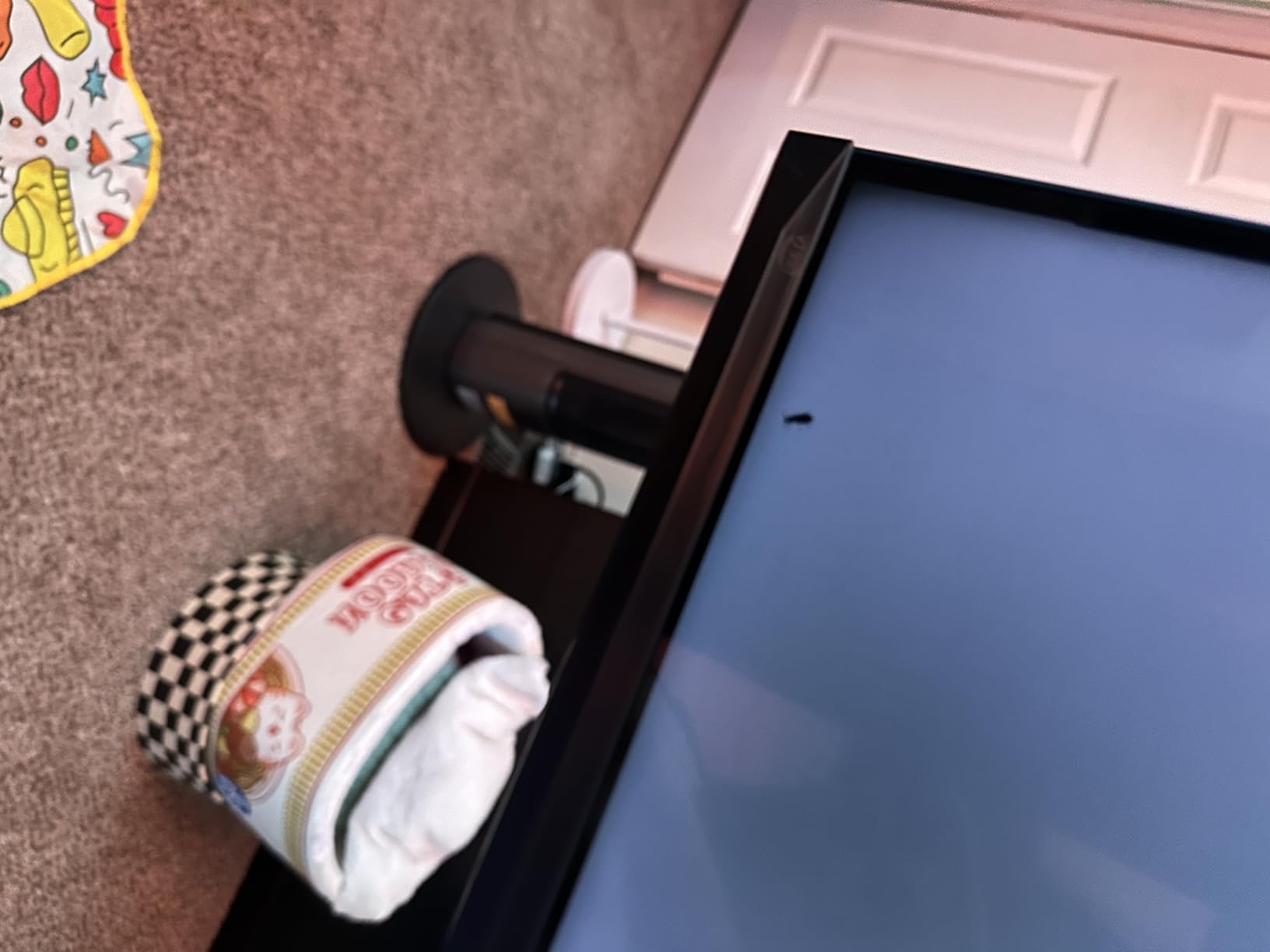
The complaints are consistent. Motion can look blurry when VRR or FreeSync is enabled, which is frustrating on a panel marketed around gaming. Picture processing on non-app media is weaker than TCL and Samsung sets, some buyers report the television shutting fully off and ignoring remote or Alexa power commands, and the plastic stand pieces do not inspire confidence.
Who the Hisense E7SF suits
It suits a PS5 or Xbox Series X household that wants 4K gaming with Dolby Vision IQ and does not want to buy two separate devices. It also suits anyone who wants a large screen they can move and mount themselves, and anyone who prefers Alexa and a simple linear interface to a content-first home screen.
For mixed households, the AI Light Sensor means the picture adjusts through the day without anyone touching a remote, which is a real quality-of-life difference in a room that goes from morning daylight to evening film.
Where the E7SF falls short
Buy it if you want the most complete feature list per unit of money and value simplicity. Do not buy it if you game competitively and cannot tolerate motion blur with VRR enabled, or if you watch a lot of broadcast or disc content and want the best upscaling. The 2.0-channel 20 watt speakers will not do justice to films.
7. Sony 65BRAVIA 5: The Best Mini LED for Movies and PS5 Owners
Sony 65 Inch BRAVIA 5 Mini LED 4K HDR Smart Google TV (K-65XR50)
65 inch Mini-LED
XR Backlight Master Drive
XR Triluminos Pro colour
Matte finish
Pros
- Excellent contrast and clear processing from Sony XR hardware
- Smooth Google TV interface that removes the need for a streaming box
- PS5 integration with Auto HDR Tone Mapping and Auto Genre Picture Mode
- Sony Pictures Core with free 4K movie credits and IMAX Enhanced
- Matte finish cuts reflections
Cons
- Only two of the four HDMI ports are HDMI 2.1
- Needs real calibration work before the picture looks right
- Remote has no number buttons and is not backlit
- 1000 nit peak brightness is modest for very bright rooms
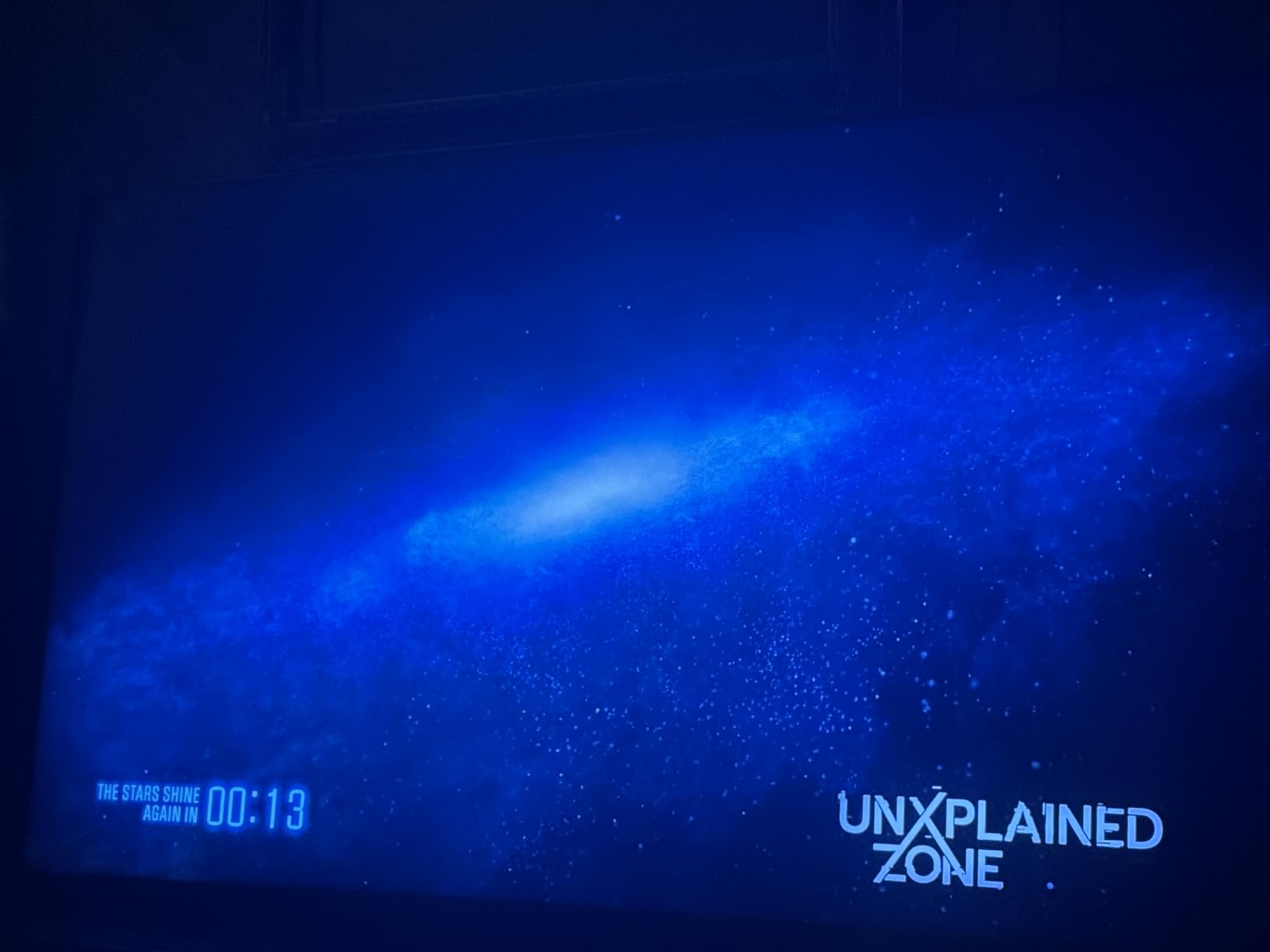
The BRAVIA 5 is the one to buy if you own a PlayStation 5 and watch a lot of films. The XR Backlight Master Drive controls the Mini-LED dimming with a precision Sony is good at, and the XR Processor with AI, XR Triluminos Pro colour, XR Clear Image upscaling and XR Contrast Booster 10 produce a picture owners describe as clear and vivid with genuinely deep blacks. 80 percent of the 300 owner reviews are five-star.
The PlayStation integration is the differentiator. Auto HDR Tone Mapping and Auto Genre Picture Mode adjust the picture per title, the Game Menu gives console-level overlay controls, and Sony Pictures Core ships with 4K movies and movie credits alongside IMAX Enhanced and DTS:X. Studio Calibrated modes for Netflix, Prime Video and Sony Pictures Core mean content arrives looking roughly correct rather than wildly over-sharpened.
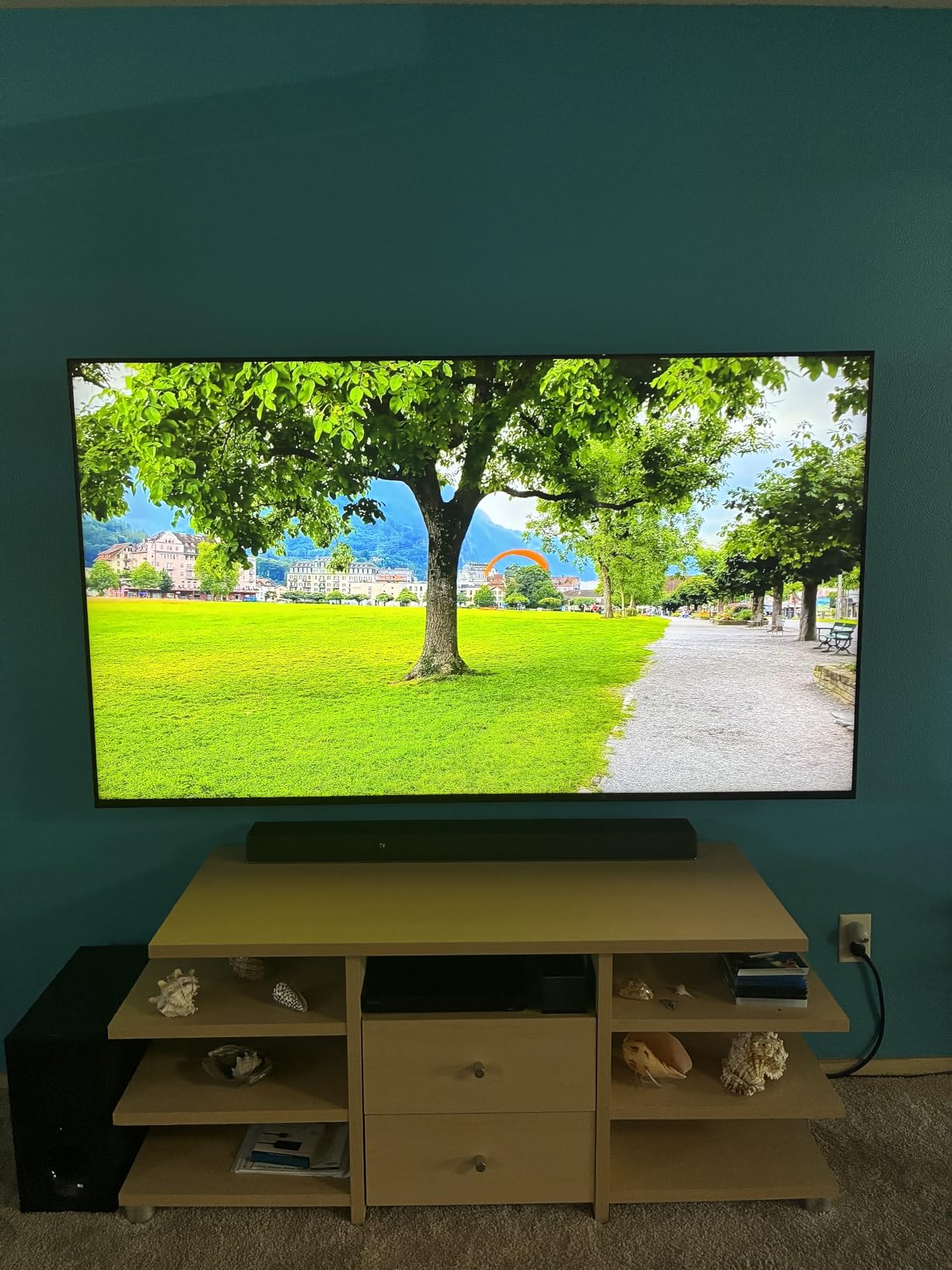
There is also Acoustic Multi-Audio 5.1 at 40 watts, which is better than the average flat panel and means many buyers never add a soundbar. The matte screen finish is a genuine advantage in a lit room because it stops lamps and windows reflecting back at you, and owners consistently say the Google TV platform is smooth enough to retire an external streaming box.
Now the compromises. Only two of the four HDMI ports are HDMI 2.1, which limits full 4K at 120Hz bandwidth to two devices. The picture needs real calibration effort before it looks its best, the included remote lacks number buttons and is not backlit, and peak brightness is listed at 1000 nits, so it is not the set for a room with direct afternoon sun.
Who the Sony BRAVIA 5 suits
It suits PS5 owners first and foremost, and anyone who cares about processing accuracy more than raw brightness. The matte finish and studio-calibrated modes make it a genuinely good set for mixed content in a room that is not pitch black, and the included content removes the subscription argument for the first year.
It also suits buyers who want one device to do everything. Google TV with built-in Google Assistant plus Sony Pictures Core means no extra box, which is a real simplification for a household that will not fiddle with settings.
Where the BRAVIA 5 falls short
Buy it if you want the most considered picture processing and the best console features on this list. Look elsewhere if brightness is the priority, if you plan to connect more than two 4K 120Hz devices, or if you are not willing to spend time in the picture menus. At 58 pounds it is a two-person lift for larger sizes.
8. Sony 65BRAVIA 7: The Best Mini LED for Colour Accuracy
Sony 65 Inch BRAVIA 7 Mini LED QLED 4K HDR Smart Google TV (K-65XR70)
65 inch Mini-LED QLED
XR Backlight Master Drive
XR Processor with AI
120Hz panel
Pros
- Bright vibrant picture with upscaling that rivals more expensive sets
- Studio Calibrated modes get content right with little work
- Fast and stable Google TV platform with Sony Pictures Core credits
- Adjustable legs and a narrower stand footprint
Cons
- Screen is not anti-reflective and reflects room light
- Narrow viewing angles mean off-axis picture drops
- Overwhelming menu system and a Google account requirement
- Very heavy at 62.4 pounds
The BRAVIA 7 is the step up from the BRAVIA 5, and value is the dominant theme in owner feedback. Buyers describe a bright, vibrant picture with strong contrast, and specifically praise XR Clear Image upscaling as rivalling sets costing considerably more. Several owners report it as a satisfying alternative to OLED after moving down from one.
Colour accuracy is the reason to choose it over the cheaper set. XR Triluminos Pro QLED colour and the Studio Calibrated modes for Netflix, Prime Video and Sony Pictures Core get per-app picture defaults roughly right out of the box, with Dolby Vision, IMAX Enhanced, DTS:X and Sony Pictures Core credits layered on top. The 4.1 rating is not because the picture is bad.
It is the details that pull the rating down. The screen is not anti-reflective, so lamps and windows reflect straight back, and the viewing angles are narrow enough that off-axis picture quality drops noticeably, which is a real problem in a wide seating arrangement. The menu system is overwhelming on first contact and you need a Google account before you start. At 62.4 pounds it is a two-person setup job.
Owner feedback also includes a small number of reliability reports within weeks of purchase, and 16 percent of the 334 reviews are one-star. The included remote is again small, not backlit and without number buttons.
Who the Sony BRAVIA 7 suits
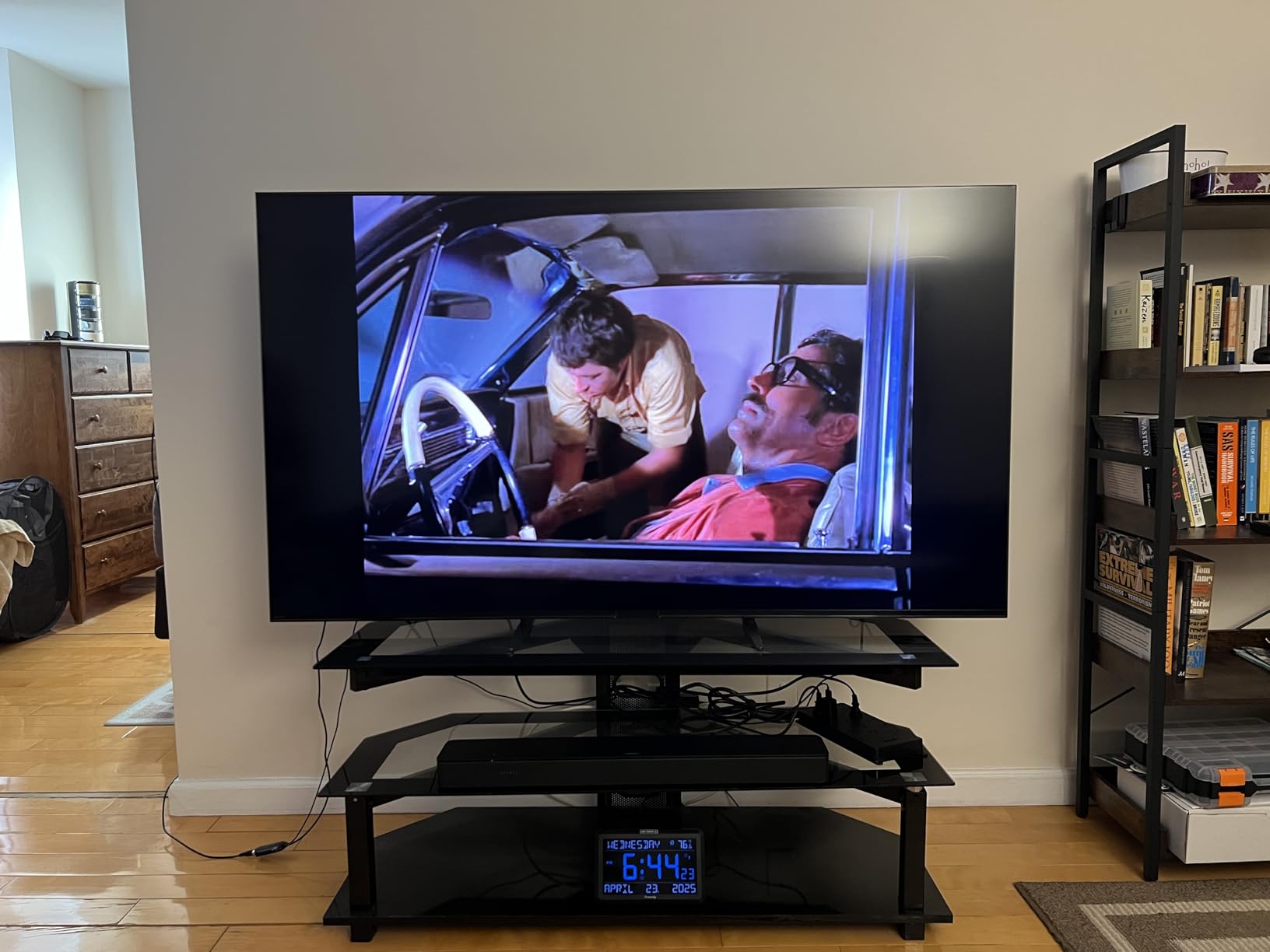
It suits a single viewer or a couple sitting directly in front of the screen, in a room where you control the lighting. Anyone who edits or grades and wants a display that renders colour predictably out of the box will get a lot from the Studio Calibrated modes, and the same thinking applies to anyone checking footage on a large panel.
It also suits buyers who want the flagship Mini-LED experience without flagship pricing. The narrower stand footprint and adjustable legs make it easier to fit on a typical media unit than the generation it replaces.
Where the BRAVIA 7 falls short
Buy it if colour and processing accuracy come first and your seating is centred. Do not buy it if the screen faces a window, if your sofa wraps around the television, or if you want to move it yourself. The reflections and viewing angles are the two issues you cannot adjust away, and the picture processing on non-app media is weaker than TCL and Samsung sets.
9. LG 55QNED80: The Best Mini LED for Dark Rooms Without Burn-In Risk
LG QNED80 Series 55-Inch Class QNED Mini LED Smart TV 4K Processor Smart Flat Screen TV for Gaming with Magic Remote AI-Powered 55QNED80URA, 2023 with Alexa Built-in
55 inch QNED Mini-LED
Quantum Dot NanoCell with Dimming Pro
Native 120Hz with VRR
Pros
- Black levels and brightness that approach OLED without burn-in risk
- Almost no blooming around white text on black backgrounds
- Native 120Hz plus two HDMI 2.1 ports and VRR for console and PC gaming
- a7 AI Processor Gen6 makes setup set-and-forget
Cons
- No Dolby Vision
- only HDR10 and HLG
- Built-in sound is treble-heavy and lacking
- Non-4K sources reveal visible pixels without adjustment
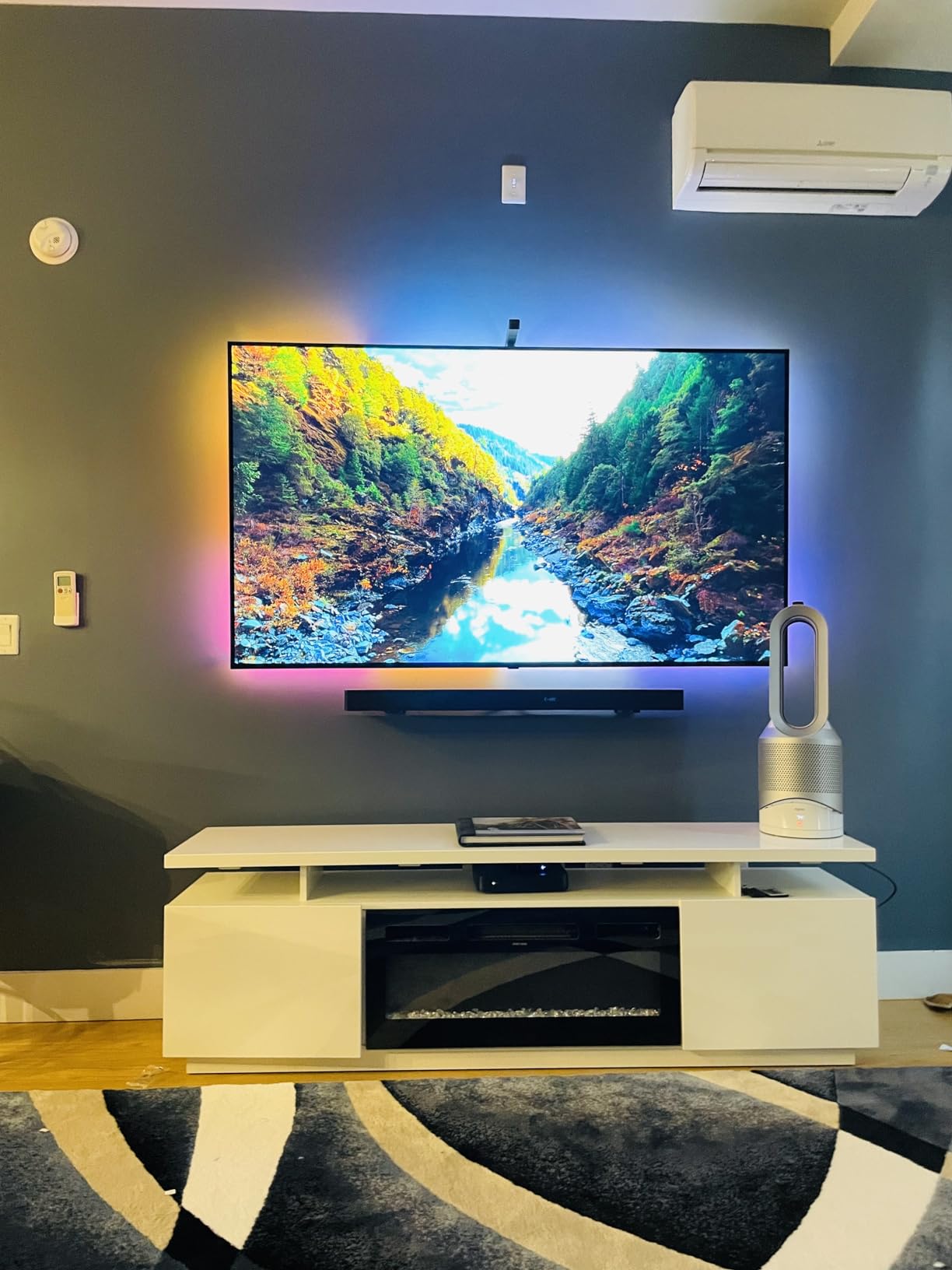
The QNED80 solves one specific problem very well. If you want OLED-level black in a dark room but the burn-in anxiety of a news channel logo sitting on screen for years is stopping you, this is the answer. Quantum Dot NanoCell colour with Dimming Pro backlight control gives blacks and brightness that owners describe as approaching OLED, with almost no blooming around white text on black backgrounds.
It is also a good gaming panel for the money. Native 120Hz, FreeSync, VRR and two HDMI 2.1 ports cover both console and PC gaming properly, and the a7 AI Processor Gen6 makes picture setup largely set-and-forget, which matters if you are not going to calibrate anything. Game Optimizer, Game Dashboard and GeForce NOW cloud gaming are all there, and the Magic Remote with pointer navigation genuinely helps with a 55-inch panel.
It works in both bright and dark rooms, and Filmmaker Mode plus virtual 5.1 surround sound cover the basics on the film side. At 34.2 pounds it is the second-lightest set here, which makes a solo wall mount realistic.
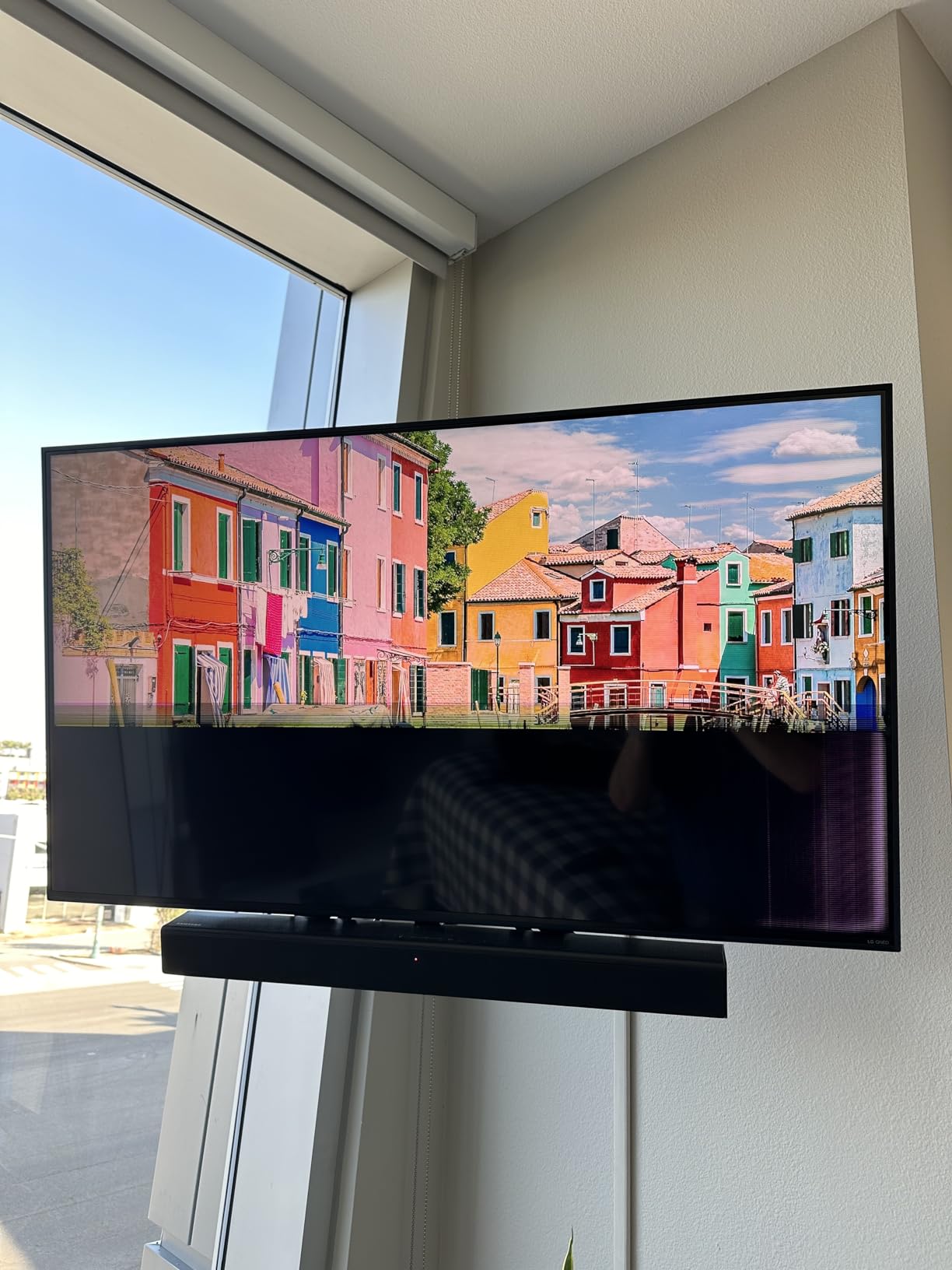
The honest weaknesses are format support and sound. There is no Dolby Vision, only HDR10 and HLG, so a Dolby Vision subscription gets you nothing on this panel. The built-in audio is treble-heavy compared with Sony and Hisense sets, and non-4K sources reveal visible pixels unless you adjust the picture settings yourself. There are also a small number of reports of panel and optical audio port failures with slow warranty resolution.
Who the LG QNED80 suits
It suits dark-room viewers who refuse to accept the OLED burn-in trade-off, and it suits anyone who wants a clean picture with almost no halo artefacts around subtitles. r/OLED_Gaming owners with high-zone Mini-LEDs report the technology is close enough to OLED that the choice comes down to a brightness preference, and this is a set that leans toward keeping highlights in check.
It also suits a household with mixed console and PC gaming that wants VRR and full-bandwidth ports without moving up a tier. The Magic Remote is a genuine benefit for anyone tired of hunting a channel button.
Where the QNED80 falls short
Buy it if you watch in a controlled room, want minimal blooming, and do not need Dolby Vision. Look at the Hisense E7SF or Sony BRAVIA 5 if HDR format coverage matters. Skip the built-in speakers for anything longer than a news bulletin, and note that 55 inches is a modest screen size for a main living room.
10. Samsung 65QN70H: The Best Mini LED for Colour Volume and Streaming
Samsung 65-Inch Class QN70H Series, Neo QLED Mini LED, 4K, Smart TV, 2026
65 inch Neo QLED Mini-LED
100% Color Volume quantum dot
120Hz refresh
NQ4 AI upscaling
Pros
- Quantum Mini LED backlight improves contrast in dark scenes and brightness in highlights
- 100% Color Volume and Color Booster Pro lift SDR content
- NQ4 AI Processor and 4K upscaling improve lower-resolution sources
- 120Hz refresh suits mainstream gaming
Cons
- Only three HDMI ports
- HDR10+ only with no Dolby Vision
- 2.0 channel 20W speakers are thin for movies
- Contrast falls short of the QN90F in the same lineup
The QN70H is the mid-range Neo QLED entry, and it does a specific job well: it makes ordinary content look better. The NQ4 AI Processor with AI-optimised colour and audio, 4K upscaling of lower-quality sources and Color Booster Pro with real-time AI hue transformation together clean up the compressed streaming and broadcast signals that fill most viewing hours.
Color volume is the quiet strength. 100 percent Color Volume with quantum dot means the colour gamut is maintained at every brightness level, so highlights desaturate less than on a conventional LED panel, and the 120Hz refresh rate suits mainstream gaming and motion without any interpolation tricks. Samsung Vision AI and Alexa built-in round out the platform.
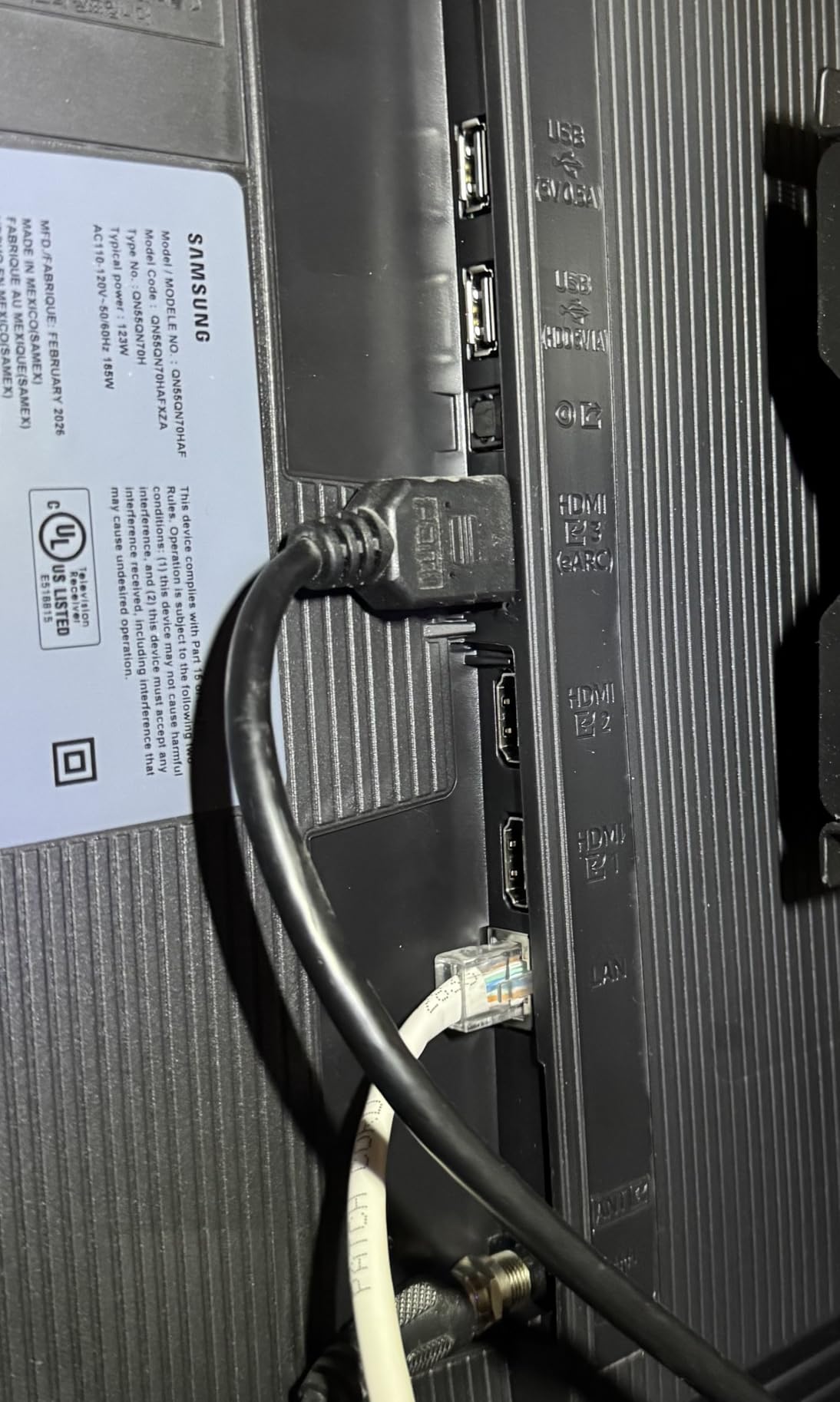
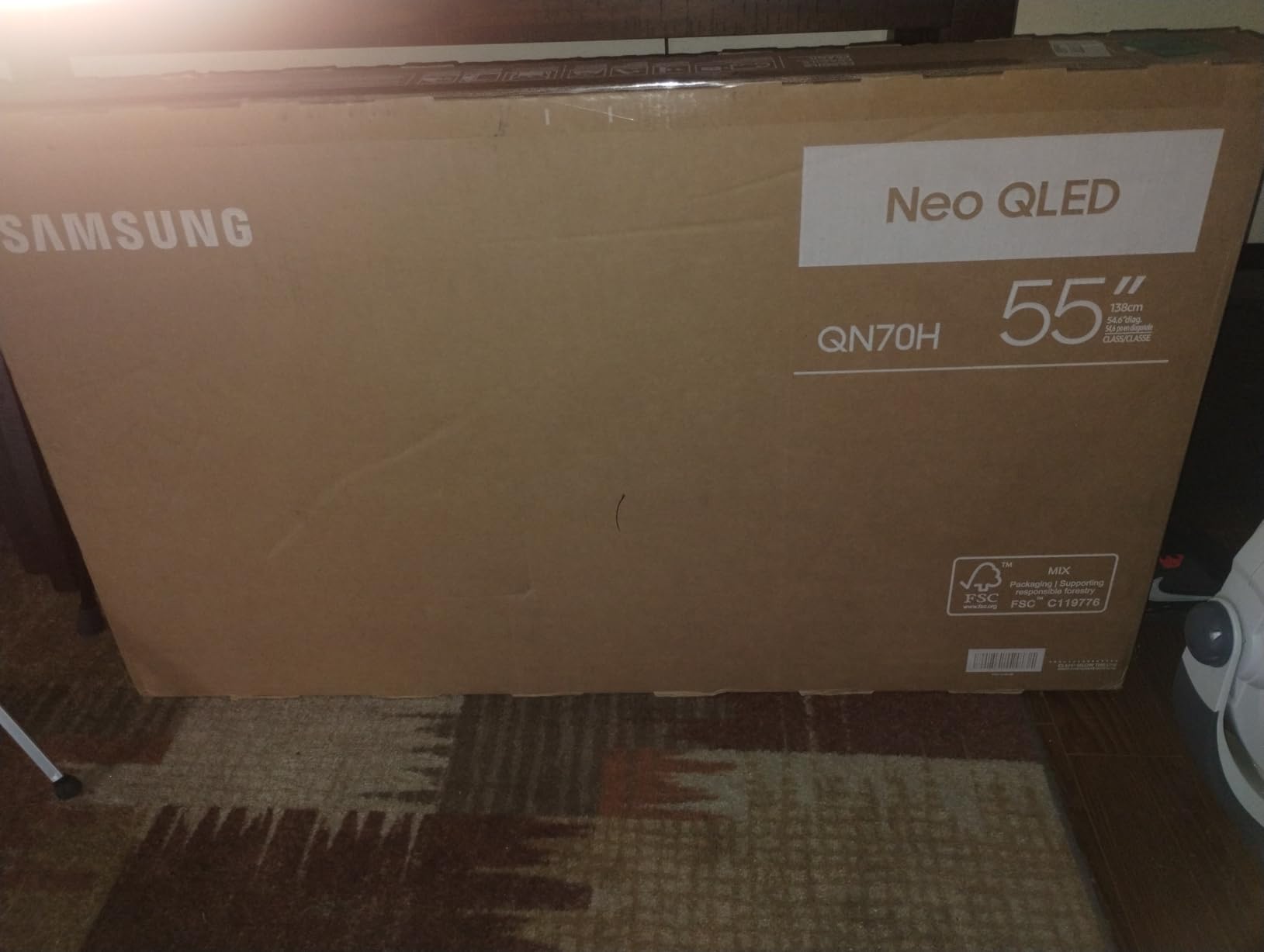
It is also the newest model in this roundup, and that comes with a trade-off: only 116 owner reviews, so there is less long-term evidence behind it than anything else on the list. Anyone buying it is trusting the specification sheet more than a large body of user reports.
The compromises are the usual mid-range ones. Three HDMI ports, HDR10+ only with no Dolby Vision, and thin 2.0-channel 20W speakers. Most importantly, its Mini-LED contrast falls short of the QN90F in the same lineup, so if you are spending at this level you are choosing the platform and the AI processing rather than the best contrast Samsung makes.
Who the Samsung QN70H suits
It suits a household that watches mostly SDR streaming and broadcast, since Color Booster Pro does its best work lifting dull sources rather than refining already-good HDR. It also suits anyone who prefers a conventional smart-TV experience with voice control and a wide app library over a curated interface.
It suits buyers who want Samsung build quality and Tizen polish at a step below the flagship, and the 120Hz panel is enough refresh rate for most console gaming even if it is not the highest here.
Where the QN70H falls short
Buy it if you want the Samsung platform and AI upscaling without paying flagship money. Do not buy it if contrast in a dark room is the priority, because there are better Mini-LEDs for less, or if you pay for Dolby Vision, which it does not support. The speakers mean a soundbar is close to compulsory for film nights.
How to Choose a Mini LED TV in 2026
Start with the room, not the screen. Room lighting decides almost everything. In a bright living room you need headroom, and an anti-reflective coating matters as much as raw nits, which is why the Hisense U8QG and Samsung QN90F are the two picks here that owners single out for daylight. In a dark or dimmed room, black level and blooming control take priority, and the LG QNED80 or Sony BRAVIA 5 make more sense. r/4kTV owners put it plainly: OLED is fine in a dark room but current Mini-LEDs are preferred where the room is bright.
Then pick the size from the viewing distance. A rule of thumb that holds up well is roughly 1.5 to 2 times the screen diagonal in inches for the viewing distance in inches. At 6 feet away, 65 to 85 inches works; at 10 feet, 85 inches and up; sitting closer than 5 feet, 55 to 65 inches is plenty. If you are upgrading from a 55-inch set, step up one size rather than two, because a Mini-LED’s contrast advantage is more visible on a larger canvas. A wider canvas also means more of the footage you actually shoot, whether that stills come from a full-frame body or from the kind of compact aerial rig covered in our picks for the best mini drones for vlogging.
Compare dimming zones per inch, not raw zone count. This is the shortcut no competitor gives you. A set with 5000 zones on a 98-inch screen has far larger individual zones than a set with 2000 zones on a 65-inch screen, and it will show more bloom around subtitles for that reason. Divide the zone count by the screen area to get a rough density figure, and treat anything that is a large gap between two sets as a real difference in picture behaviour rather than a marketing gap.
Check the same series at different sizes before you order. Zone count, peak brightness and panel refresh rate frequently change between size variants of the same model name. Always confirm the exact suffix of the set you are buying, because a 65-inch and an 85-inch from the same family can behave very differently.
Finally, verify the gaming specifications instead of the marketing label. Run through this five-step check before you buy:
Count the actual HDMI 2.1 ports, not the total HDMI ports, because only some models give every port full bandwidth.
Confirm variable refresh rate works at the resolution you want, not just at 1080p.
Check that 4K at 120Hz, HDR and VRR can run simultaneously, since some sets disable one of them when the others are active.
Verify the input lag figure in Game Mode, and check whether ALLM or Auto Low Latency Mode is supported.
Remember that current consoles rarely exceed 120Hz output, so a 144Hz or 165Hz panel mainly benefits PC gaming.
One more practical note: on very large panels, the return window matters far more than on a 55-inch set. Dead pixels, backlight uniformity issues and the dirty-screen effect are all easier to miss in person and harder to argue about afterwards, so read the return policy before the screen arrives rather than after.
Mini LED Real Limitations: Blooming, Halos and Black Crush
Mini-LED gets sold as a compromise that removes the OLED compromises. It does not, and buyers who understand the four real artefacts go into the purchase with the right expectations.
Blooming. When a small bright object sits on a dark background, light from the surrounding backlight zones spills into it and the object appears to glow. This is the single most repeated complaint across owner forums, particularly around white subtitles, station logos and stars. A matte-style anti-reflective coating does nothing for it, because the effect is coming from behind the panel rather than in front of it.
Halos. A halo is the same physics with a different edge, and it shows up around high-contrast text or a moving object on a dark background. Zone count affects it, but so does the dimming algorithm, and r/4kTV owners report the same pattern repeatedly: aggressive dimming suppresses the glow by crushing the small HDR highlight, which makes dark scenes look flat. That trade-off is deliberate, not a fault.
Black crush and gray glow. To fight bloom, some sets push a lifted black floor, which shows as a grey glow in a dark room, or clip shadow detail entirely so dark areas merge into black. Both are visible on dark film scenes and both are fixable in the picture menus, but only if you know to look.
Narrower viewing angles. LCD panels including Mini-LED lose contrast and colour as you move off-axis, and the drop is more noticeable on sets with glossy screens. This is the practical difference from OLED, which stays consistent from the side, and it matters in wide seating arrangements.
The most important point is that zone count is not a quality proxy. Owners on r/4kTV report that advertised specifications do not predict real picture quality, and they are right. A 3000-zone set with a good dimming algorithm beats a 5600-zone set that reacts conservatively, and you cannot tell which from a spec sheet. Judge local dimming in a dark room, with real content, before you commit.
Mini LED TV Setup Settings Worth Changing
Every one of these sets ships with settings tuned for a showroom. Six changes make a visible difference, and none of them takes more than five minutes. If you are judging picture accuracy on a set like the Sony BRAVIA 7, it helps to have a repeatable light level in the room first, which is the same discipline behind the best portable LED lights for filmmaking we recommend for on-set and review work.
Switch the picture mode to Filmmaker Mode, Cinema mode or the closest studio-calibrated option your set offers, and stop using Vivid mode.
Rename your inputs properly, including the actual device and the HDMI port number, so you can always tell which console is which.
Test the local dimming setting in a dark room. If the picture crushes shadow detail, back it off; the algorithm is not always right.
Reduce or disable the brightness limiter in a controlled room, and leave it on in a bright one, so you get the contrast the panel can produce.
Turn off motion interpolation for film and TV. It creates the soap opera effect and it adds input lag, which is bad for sport and worse for games.
Turn on enhanced HDMI mode or game mode for your console input, then confirm variable refresh rate is actually active in the game or console settings.
Frequently Asked Questions
What is the best mini LED TV right now?
The TCL 65QM6K is the best mini LED TV overall in 2026, because full array local dimming, a 144Hz native panel with 288Hz variable refresh rate, Dolby Vision and HDR10+ all land in one set, and it holds a 4.3 owner rating across 1944 reviews. For the brightest picture and the best high-refresh gaming, choose the Hisense 55U8QG, and for the simplest interface with the highest owner rating, the Roku 65 Plus.
What is the best mini LED TV in the market?
It depends on your room more than on the spec sheet. In a bright living room, the Hisense 55U8QG and Samsung 75QN90F win on brightness and anti-reflective coatings. In a dark media room, the LG QNED80 and Sony BRAVIA 5 hold black level tightly. For mixed content and consoles at a sensible budget, the TCL 65QM6K is the most complete package we tested.
Are mini LEDs the best TVs?
They are the best large-screen TVs for most people, not the best for everyone. Mini-LED matches OLED brightness and much of its contrast while removing the burn-in risk that makes OLED buyers nervous about logos, tickers and static content. OLED still wins on black level, viewing angles and near-perfect motion, so it remains the choice for a dedicated dark room with a centred seat.
What are the downsides of a mini LED TV?
The four real downsides are blooming and halos around bright objects on dark backgrounds, black crush or gray glow when the dimming algorithm is too aggressive, narrower viewing angles than OLED, and no true per-pixel black. Zone count alone does not predict picture quality, and many sets also ship with washed-out or over-sharpened picture modes that need adjusting on day one.
How many local dimming zones do I need?
There is no magic number, and raw zone counts are misleading across screen sizes. Divide the zone count by the screen area to get an approximate density, then compare sets at the same size. In practice a four-figure zone count with a well-tuned algorithm is clearly better than a low-zone set, and above roughly 1000 zones owners on gaming forums report the picture is close enough to OLED that brightness becomes the deciding factor.
The Bottom Line
The best mini LED TV in 2026 depends almost entirely on your room and your other devices. Buy the TCL 65QM6K for the most complete all-round package, the Hisense 55U8QG if daylight and high-refresh gaming are the priority, the Roku 65 Plus if you want a television that works without effort, and the Samsung 75QN90F if you want a big screen in a bright space. Whatever you choose, measure the dimming density rather than the zone count, check the port count for full-bandwidth 4K at 120Hz, and change the picture mode before you judge anything. If you also work with a smaller display, our picks for the best Mini-LED monitors for HDR video editing apply the same logic at desk scale.