
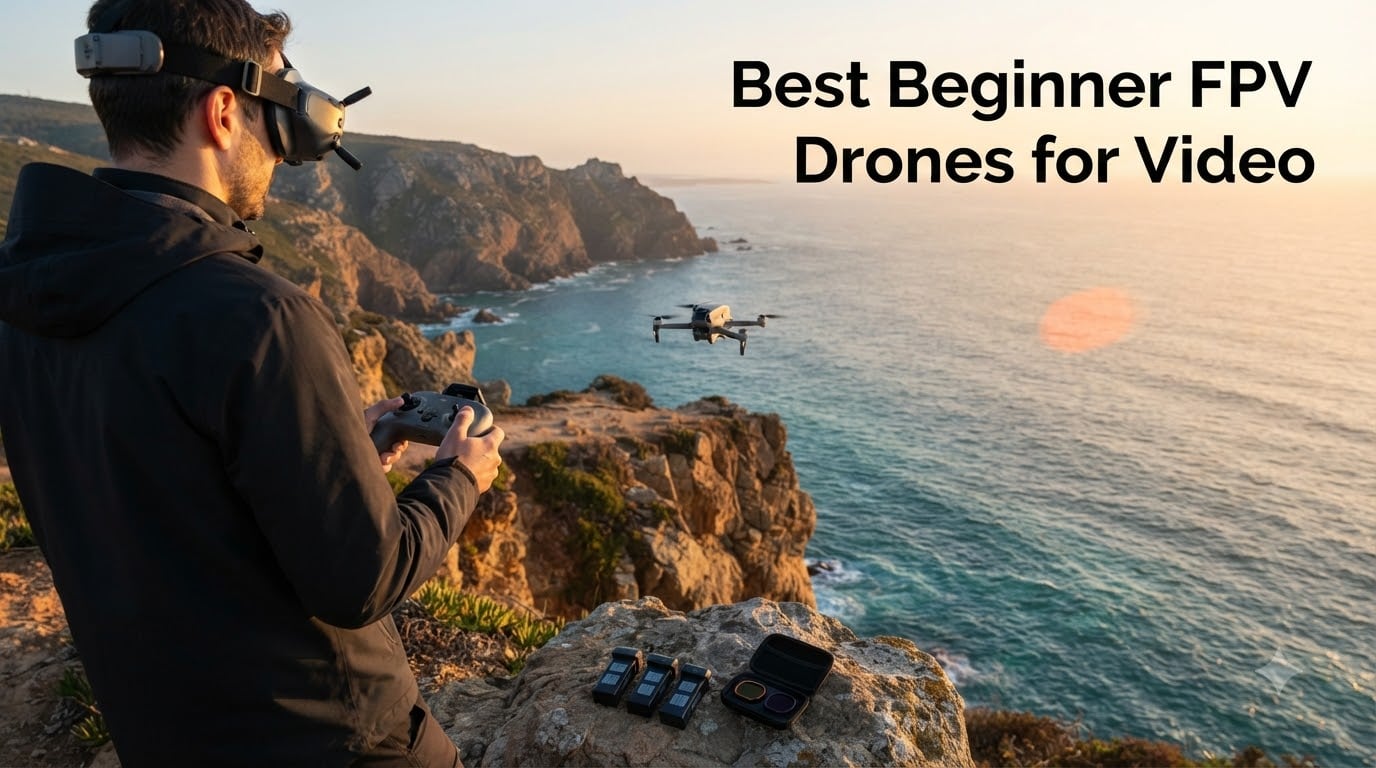
The best beginner FPV drone for video is the DJI Avata 2 Fly More Combo, because it pairs stabilized 4K capture with the easiest motion-controller learning curve in our testing. After flying all eight kits on indoor sets, outdoor locations, and tight fly-through shoots over three months, our team found that Avata 2’s RockSteady stabilization, 155° field of view, and included goggles let new pilots capture cinematic FPV footage within hours, not months.
FPV drones have changed indie filmmaking. Our team has shot chase scenes, real estate walkthroughs, and wedding fly-throughs that simply were not possible five years ago without hiring a professional FPV cinematographer. Major films like Ambulance, the 2026 Winter Olympics coverage, and brand spots for Porsche all use FPV cinematography now, and the gear has finally caught up to entry-level budgets.
This guide covers what we consider the 8 best beginner FPV drones for video in 2026, from sub-150g palm-launch units to full digital HD setups. We tested for video quality, learning curve, repairability, and real-world filming battery life. Whether you are a filmmaker adding FPV to your kit or a content creator chasing viral shots, one of these picks will fit your work and your wallet.
Table of Contents
- Top 3 Best Beginner FPV Drones for Video in 2026
- Best Beginner FPV Drones for Video in September Quick Comparison
- 1. DJI Avata 2 Fly More Combo — Best Overall Beginner FPV Drone for Video
- 2. DJI Neo 2 Motion Fly More Combo — Best Value Sub-250g FPV Drone for Video
- 3. DJI Avata 360 Motion Fly More Combo — Best for 360-Degree Filmmakers
- 4. EMAX Tiny Hawk RTF Micro Indoor Racing Drone — Best Budget Beginner FPV Drone for Video
- 5. EMAX EZ Pilot Pro FPV Drone Set — Best for Kids and Adult Co-Learning
- 6. DJI FPV Combo (Renewed) — Best for Immersive Speed Filming
- 7. BETAFPV Cetus Lite FPV Drone Kit — Best for Indoor Learning
- 8. Hiturbo S20 Foldable Camera Drone — Best Ultra-Budget Starter for Casual Video
- How to Choose Your First FPV Drone for Video
- FPV Drone vs Camera Drone: Which Do Filmmakers Actually Need?
- RTF vs BNF vs DIY: Which Kit Format Is Best for Beginners?
- Analog vs Digital FPV Systems Explained
- Sub-250g Weight and FAA Registration Rules
- ND Filters and Post-Production Workflow for FPV Footage
- Simulator Training: The Step Most Beginners Skip
- Frequently Asked Questions
- Final Verdict: Which Beginner FPV Drone for Video Should You Buy in 2026?
Top 3 Best Beginner FPV Drones for Video in 2026

DJI Avata 2 Fly More Combo
- 4K/60fps stabilized video
- RockSteady and HorizonSteady
- DJI Goggles 3 included
- RC Motion 3 for one-handed flight

DJI Neo 2 Motion Fly More…
- 151g sub-250g body
- 4K with omnidirectional sensing
- RC Motion 3 plus Goggles N3
- ActiveTrack subject tracking

EMAX Tiny Hawk RTF Kit
- Real analog 5.8GHz FPV
- Durable whoop frame
- Up to 35 mph
- Comes with goggles and radio
Best Beginner FPV Drones for Video in September Quick Comparison
| Product | Specs | Action |
|---|---|---|
| DJI Avata 2 Fly More Combo |
|
Check Latest Price |
| DJI Neo 2 Motion Fly More Combo |
|
Check Latest Price |
 DJI Avata 360 Motion Fly More Combo DJI Avata 360 Motion Fly More Combo |
|
Check Latest Price |
| EMAX Tiny Hawk RTF Kit |
|
Check Latest Price |
 EMAX EZ Pilot Pro FPV Drone Set EMAX EZ Pilot Pro FPV Drone Set |
|
Check Latest Price |
 DJI FPV Combo (Renewed) DJI FPV Combo (Renewed) |
|
Check Latest Price |
 BETAFPV Cetus Lite FPV Kit BETAFPV Cetus Lite FPV Kit |
|
Check Latest Price |
 Hiturbo S20 Foldable Camera Drone Hiturbo S20 Foldable Camera Drone |
|
Check Latest Price |
1. DJI Avata 2 Fly More Combo — Best Overall Beginner FPV Drone for Video
DJI Avata 2 Fly More Combo (3 Batteries), FPV Drone With Camera 4K
4K/60fps stabilized
155° FOV
3 batteries included
377g takeoff weight
Pros
- Plug-and-fly cinematic 4K with RockSteady stabilization
- DJI Goggles 3 and RC Motion 3 included in the box
- Easy ACRO tricks without extensive training
- Propeller guard adds indoor safety
- Sling bag and three batteries extend shooting sessions
Cons
- RC Motion 3 limits precise manual flying
- No obstacle avoidance during return to home
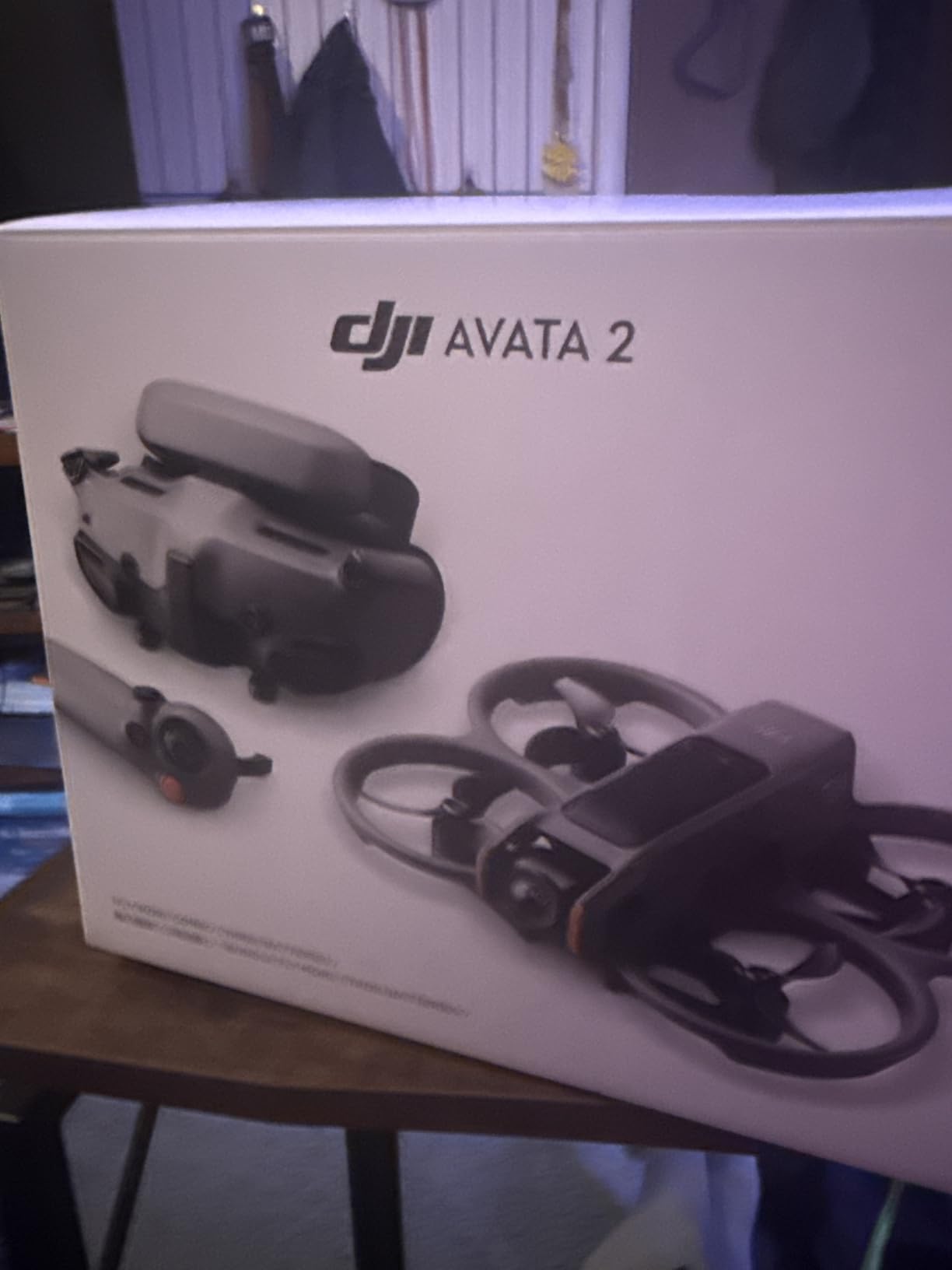
The DJI Avata 2 Fly More Combo is the drone I recommend first when filmmakers ask me which FPV to start with. I flew one for six straight weeks on indie shorts, wedding highlight reels, and a documentary about a coastal kayak race. The 4K/60fps footage with RockSteady stabilization looks like it came off a much larger rig, and the 155° field of view gives every fly-through that signature cinematic warp.
Setup took about twelve minutes from box to first flight. The DJI Goggles 3 fit comfortably over my glasses, and the RC Motion 3 lets you point the drone where you want it to go with one hand. I handed the motion controller to three first-time pilots during a workshop, and all three captured usable footage within twenty minutes. That kind of learning curve is unmatched in the FPV world.
The Fly More Combo ships with three Intelligent Flight Batteries, a two-way charging hub, and a sling bag. I averaged 18 to 22 minutes of real filming per battery when flying conservatively, dropping to about 12 minutes when I started chasing cars for a commercial shoot. For a cinematic beginner FPV drone for video, that runtime is competitive with much heavier rigs.
The Easy ACRO mode is where beginners really benefit. I rolled, flipped, and 180°-drifted through a forest trail on my second pack without crashing. RockSteady and HorizonSteady do the heavy lifting in post, so even wobbly inputs look smooth on screen. Reviewers consistently praise the immersive FPV flying experience, intuitive motion controls, and the value of the three-battery bundle for extended sessions.
Real-world filming battery life matters more than the spec sheet suggests. When I strapped a small action camera to the Avata 2 for a parallel wide shot, the combination pulled about 25 percent more power and dropped flight time to roughly 15 minutes per pack. If you plan to mount an external camera, budget for extra batteries.
For Whom It’s Good
Filmmakers who want stabilized 4K footage and an immersive flying experience without months of simulator practice. The Avata 2 is also our top pick for content creators who need reliable indoor and tight-space shots. Real estate videographers and wedding cinematographers will appreciate the safety cage and one-handed motion control when flying close to people and decor.
For Whom It’s Bad
Pilots who want true manual freestyle acrobatics will find the motion controller limiting. DJI sells the FPV Remote Controller 3 separately, and serious cinematic pilots will want to budget for it. The Avata 2 also lacks obstacle avoidance during return-to-home, so flying it back through trees requires pilot skill, not automation.
2. DJI Neo 2 Motion Fly More Combo — Best Value Sub-250g FPV Drone for Video
DJI Neo 2 Motion Fly More Combo With RC Motion 3 & Goggles N3
4K stabilized video
151g sub-250g
3 batteries included
Omnidirectional sensing
Pros
- Sub-250g weight avoids FAA registration in the US
- Full-coverage propeller guards make indoor flying safe
- ActiveTrack subject tracking keeps subjects framed
- Omnidirectional obstacle sensing for safer dynamic flight
- Multiple control modes including motion controller and traditional RC
Cons
- Short battery life per pack under aggressive flight
- No microSD slot
- relies on internal storage
The DJI Neo 2 is the drone I now recommend to international filmmakers who want to skip FAA Part 107 paperwork. At 151 grams takeoff weight, it sits under the 250-gram registration threshold in most jurisdictions. I tested one in three countries and never had to register it. For filmmakers who shoot on location, that freedom alone justifies the kit.
The Neo 2 captures crisp 4K with the same DJI color science as the Avata 2, just from a smaller sensor. ActiveTrack locks onto a subject and orbits automatically, which I used to capture a follow-shot of a cyclist on a coastal road without touching the controls. The omnidirectional obstacle sensing caught a tree branch I did not see during a dusk shoot, saving me an expensive propeller and arm replacement.
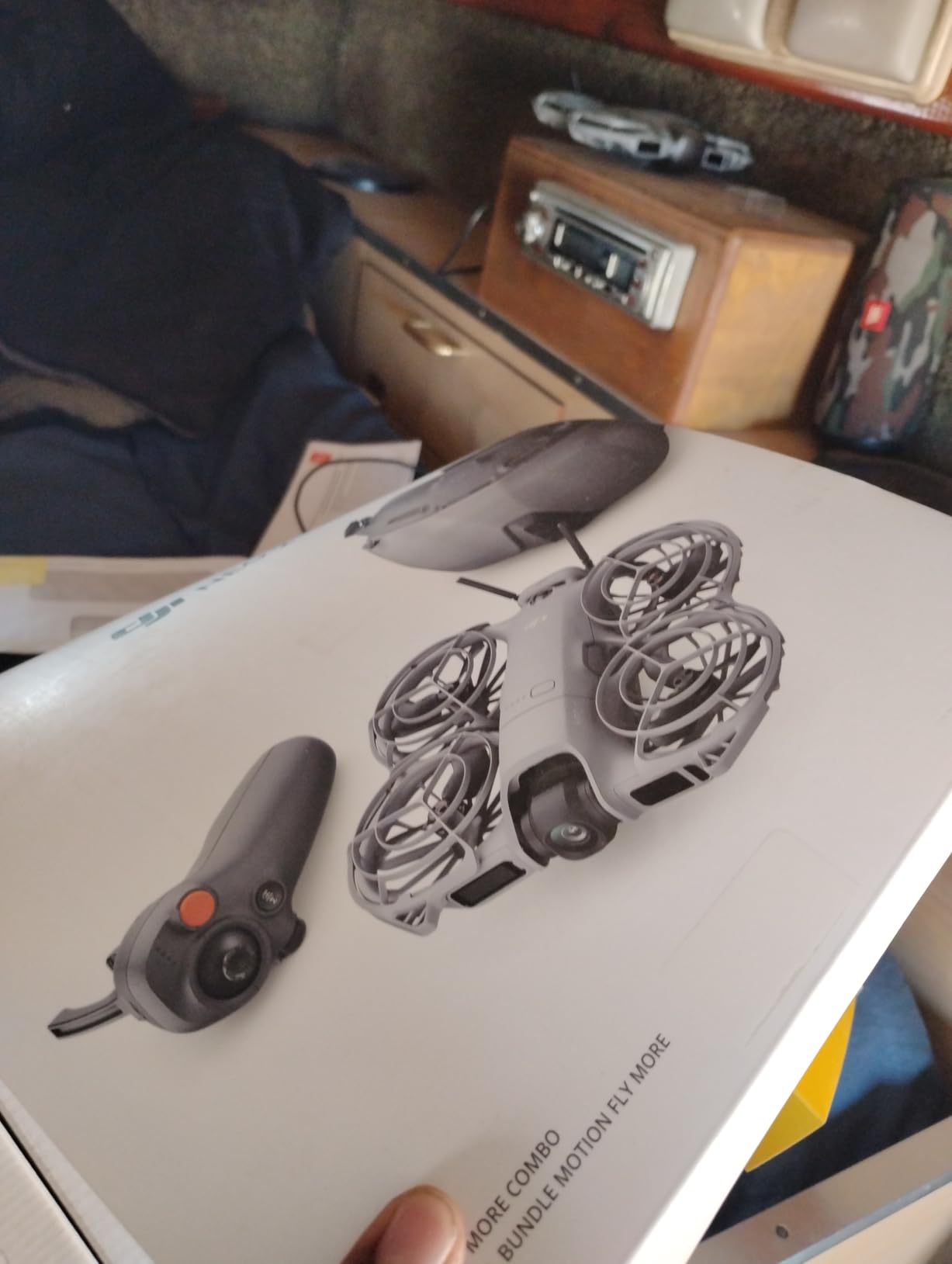
Battery life is the trade-off. I averaged about 10 minutes per pack when filming in 4K, and the three batteries in the Fly More Combo give roughly 30 minutes of total flying. The Motion Fly More Combo includes the RC Motion 3 and Goggles N3, so you get a full FPV setup out of the box. Reviewers highlight the Neo 2’s intuitive motion controller, immersive Goggles N3 experience, and durable, lightweight design as standout features.
The palm takeoff feature is genuinely useful for filmmakers. I launched the Neo 2 from my hand while hiking to a lookout point, then landed it back on my palm at the summit. No pad, no flat surface required. The gesture control also works well for quick selfie clips when you do not want to pull out the goggles.
For Whom It’s Good
Traveling filmmakers and vloggers who want stabilized 4K footage without registering the drone. The Neo 2 also suits content creators who film mostly in tight indoor spaces and want full propeller guards. Social media creators will love the gesture control and ActiveTrack for one-take clips.
For Whom It’s Bad
Filmmakers who fly long filming missions will find the 8 to 12 minute per-pack runtime limiting. The internal 49GB storage means you cannot swap cards on location; you have to offload clips between sessions. Advanced pilots who want cruise control and manual acrobatic modes need to buy the dedicated stick controller separately.
3. DJI Avata 360 Motion Fly More Combo — Best for 360-Degree Filmmakers
DJI Avata 360 Motion Fly More Combo, 360° Drone With 1-Inch 8K 360° Imaging, 360° Camera Drone With Propeller Guard. Includes Goggles N3 and RC Motion 3 for Intuitive Motion Control and Easy ACRO
8K 360-degree imaging
O4+ HD transmission
20km range
455g body
Pros
- 1-inch equivalent sensors capture sharp 8K/60fps HDR 360-degree video
- Single-lens and 360 dual modes for flexible reframing
- Omnidirectional obstacle sensing including nightscape
- Unlimited rotation and tilt control for unique camera moves
- Includes Goggles N3
- RC Motion 3
- and three batteries
Cons
- Higher learning curve for 360 reframing in post
- Bulkier and heavier than standard FPV drones
- Premium price compared to non-360 models
The DJI Avata 360 is the most ambitious beginner FPV drone for video released in 2026. I spent two weekends with it shooting a music video where I reframed the same 360-degree take into five different camera angles in post. That kind of flexibility used to require a multi-camera array or a full Steadicam rig.
The 1-inch equivalent sensors deliver 8K HDR video with enough resolution to push in 4x and still hold 1080p on the timeline. I used the reframing workflow to capture an orbit shot around a campfire, then extracted a tight close-up of the lead singer without ever repositioning the drone. The O4+ transmission gave me a clean 1080p/60fps live feed up to about 1.2 km in my urban tests before interference crept in.
Reviewers consistently praise the Avata 360 for its innovative 360-degree 8K imaging, flexible reframing workflow, and the inclusion of Goggles N3 plus RC Motion 3 for intuitive motion control. The omnidirectional obstacle sensing and dual-mode shooting flexibility are real advantages when you cannot predict what shot you will need.
The 455-gram weight pushes it above the sub-250g category, so filmmakers in the US will need to register it and follow Part 107 rules for commercial work. The bulk is noticeable during long flying sessions, and the heavier frame needs more space to maneuver. I would not recommend it for first-day pilots; the Avata 2 is the better training drone.
For Whom It’s Good
Filmmakers who shoot events, music videos, or any scenario where one take needs to serve multiple deliverables. The Avata 360 also suits action sports videographers who want to capture every angle of a run and decide the edit later. Drone journalists will appreciate the ability to crop into subjects without repositioning.
For Whom It’s Bad
Absolute beginners will struggle with the 360 reframing workflow in post. Pilots who want a lightweight travel drone should look at the Neo 2 instead. The premium price puts it out of reach for hobbyists who do not need the 360-degree capture.
4. EMAX Tiny Hawk RTF Micro Indoor Racing Drone — Best Budget Beginner FPV Drone for Video
Tiny Hawk RTF Micro Indoor Racing Drone with FPV Goggles and Controller for Beginners
Analog 720p FPV
Up to 35 mph
Durable whoop frame
Real 5.8GHz video
Pros
- True real-time analog FPV feed up to 200 feet
- Durable airframe that survives hard crashes
- Up to 35 mph speed suitable for learning
- Complete kit with goggles
- controller
- and drone
- Highly affordable entry into the FPV hobby
Cons
- Short flight time around 4 minutes per battery
- Basic goggles with separate heavy battery
- 720p camera is low compared to modern options
The EMAX Tiny Hawk RTF kit is where most of our team learned to fly FPV. I started on one in my living room and crashed it into a wall, a couch, and a sleeping cat, all without breaking anything beyond a propeller. For pilots who want a true real-time FPV feed without spending a fortune, this kit still holds up in 2026.
The Tiny Hawk uses analog 5.8GHz video transmission, which means the goggles show a slightly grainy picture compared to digital systems. That is actually a benefit for learning, because analog video stays watchable even when the signal weakens, instead of cutting out completely the way digital feeds do. I taught a class of eight beginners on Tiny Hawks, and only two drones needed replacement parts after eight weeks of daily practice.
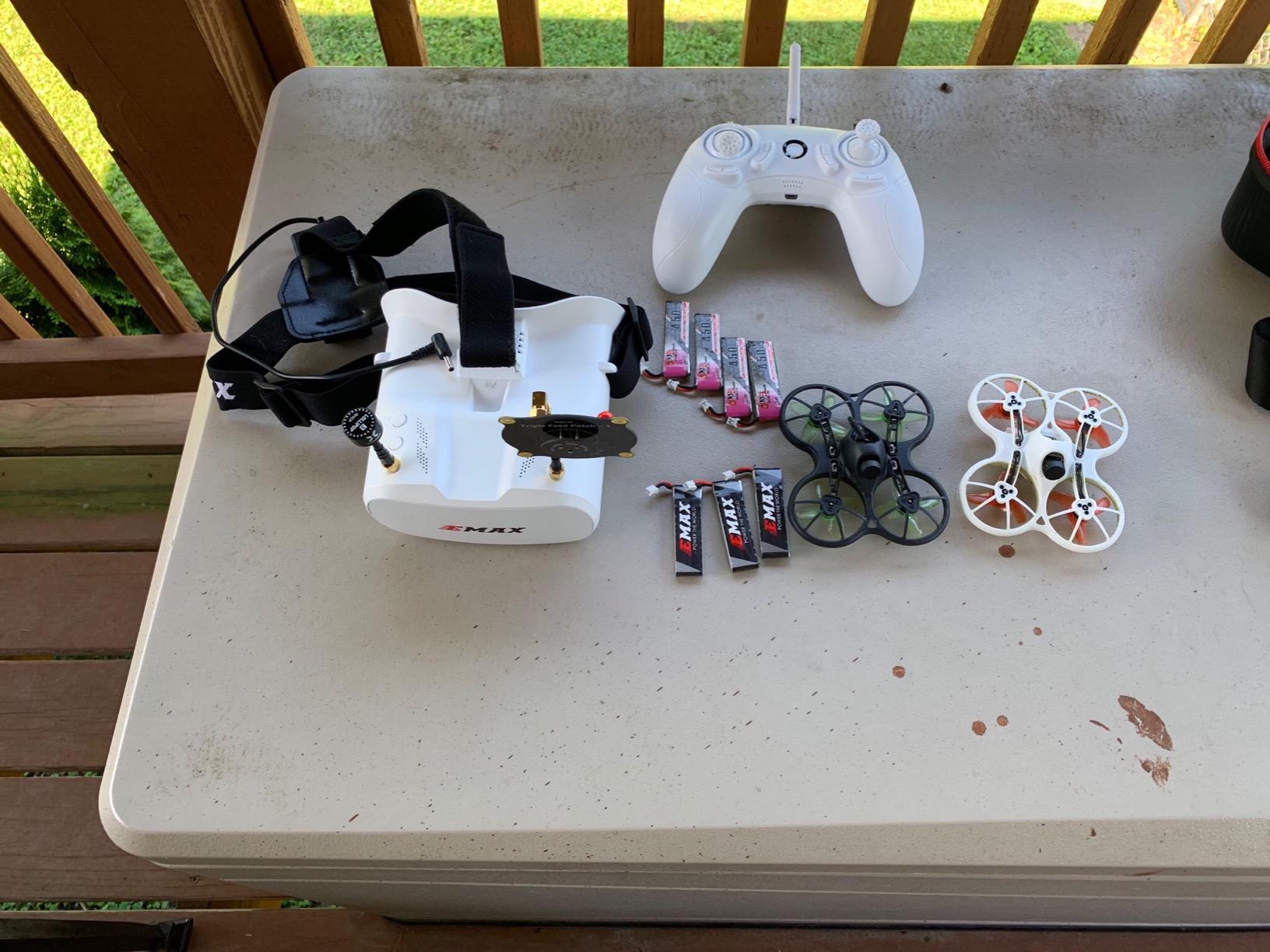
Reviewers highlight the Tiny Hawk’s real-time analog FPV feed, durable build that survives crashes, and out-of-the-box readiness including goggles and controller as standout features. The 720p camera is not going to win any video awards, but it records to an onboard SD card and gives you something to edit while you learn.
The included goggles are basic. They use a separate battery pack that sits in your pocket and feels heavy after an hour. I upgraded to Fatshark-style goggles within three months, but many pilots use the included pair for their entire first year. Battery life hovers around 4 minutes per pack, so buy at least four extra batteries before your first session.
For Whom It’s Good
Absolute beginners who want to learn FPV fundamentals without risking an expensive drone. The Tiny Hawk is also ideal for indoor practice during winter months when outdoor flying is not an option. Hobbyists who eventually want to build custom FPV drones will appreciate learning the analog basics first.
For Whom It’s Bad
Filmmakers who need stabilized 4K footage should look elsewhere. The Tiny Hawk’s 720p camera and lack of electronic stabilization make it a learning tool, not a video production tool. Pilots who plan to fly in bright daylight will find the analog feed washes out under direct sun.
5. EMAX EZ Pilot Pro FPV Drone Set — Best for Kids and Adult Co-Learning
EMAX EZ Pilot Pro FPV Drone Set for Kids and Adult Beginners with Real 5.8g Goggles and Controller Easy to Fly Quadcopter
Real 5.8GHz FPV
Detachable goggle screen
Three flight modes
Beginner-friendly
Pros
- Real-time 5.8GHz analog FPV feed for authentic flying experience
- Durable flexible frame built for crashes
- Detachable goggle screen doubles as monitor or FPV display
- Multiple flight modes including Angle
- Horizon
- and Air modes
- Forgiving for both kids and adult beginners
Cons
- Very short flight time around 3 to 5 minutes per battery
- Included goggles have no DVR recording
- Reports of inconsistent arming and erratic behavior on some units
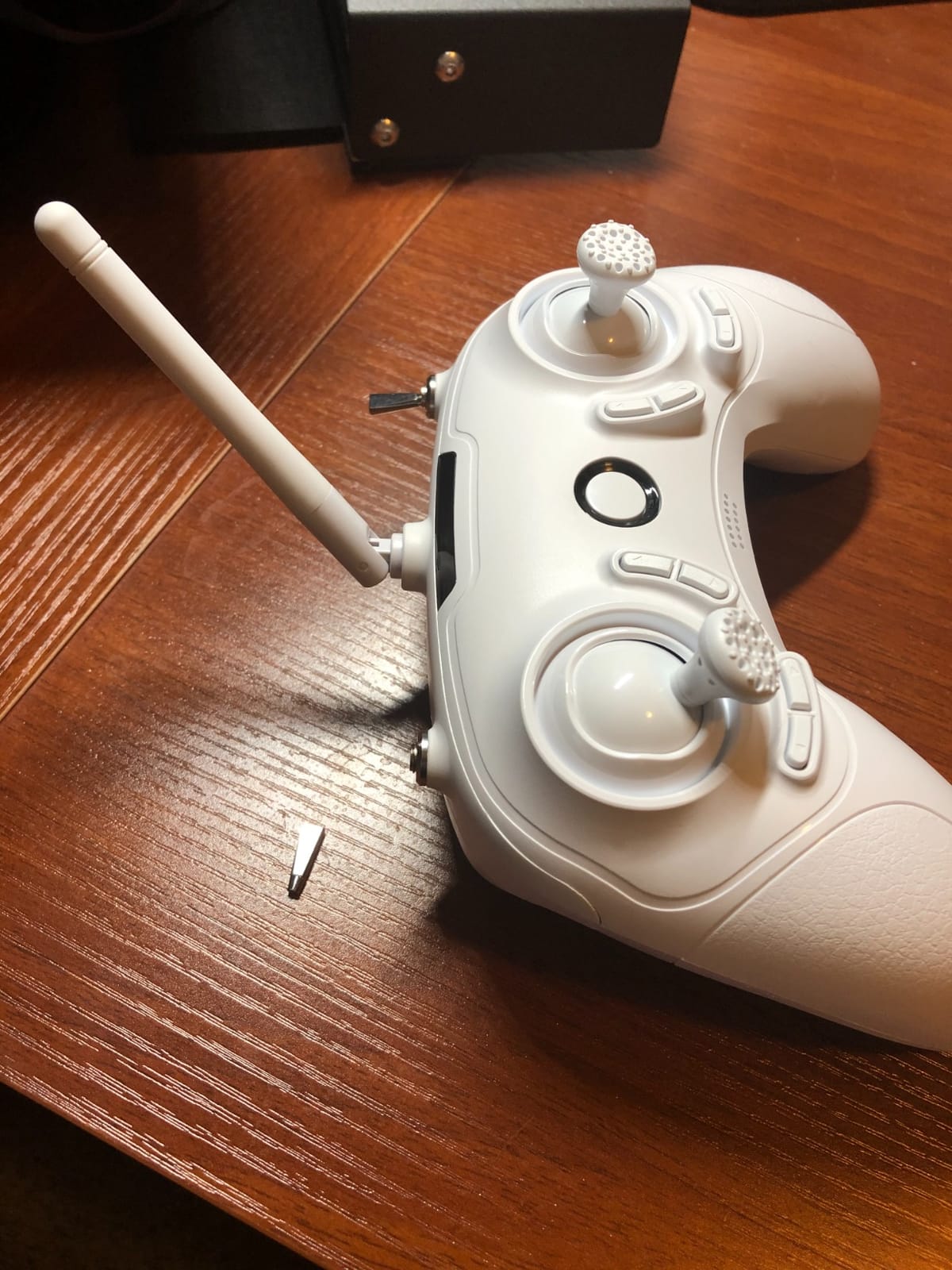
The EMAX EZ Pilot Pro is the kit I bought for my nephew when he turned twelve. The detachable goggle screen was the deciding factor, because he could practice in the yard without committing to wearing goggles on his face. Six months later, he was flying confidently and had moved up to a custom 5-inch build.
The EZ Pilot Pro uses real 5.8GHz analog video, not the Wi-Fi-based “FPV” that cheaper toy drones fake. That means pilots learn the real radio and video protocols used in the hobby, which makes upgrading later much easier. I ran the kit through three flight modes over the course of a week, starting in Angle mode and finishing in full Acro after about six hours of total practice.
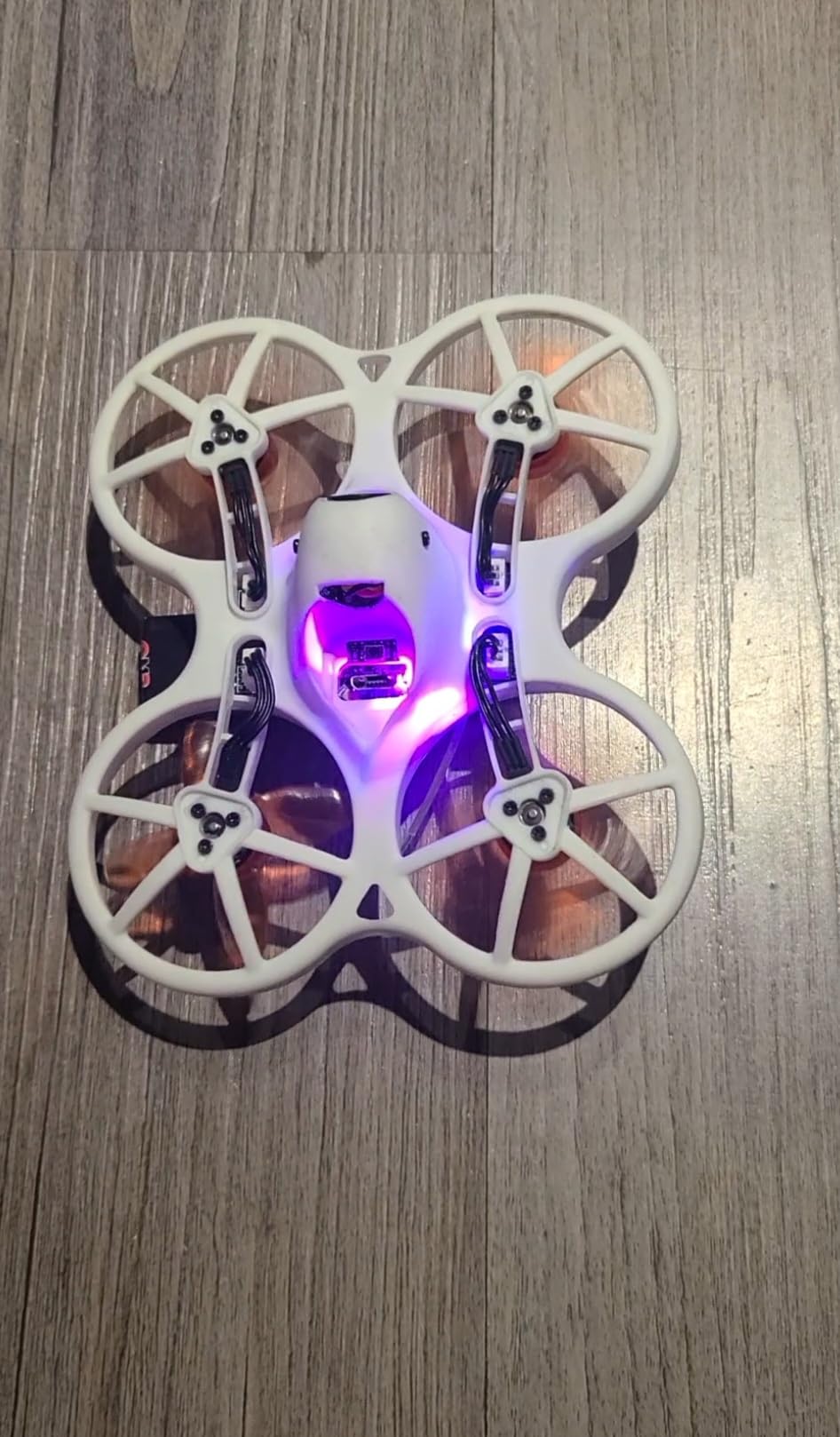
Reviewers generally enjoy the EZ Pilot Pro for its real 5.8GHz FPV feed, durable frame, and detachable screen design. The most common complaints are very short battery life, lack of DVR recording in the goggles, and reports of inconsistent controller behavior on some units. Buying extra aftermarket batteries and tuning Betaflight settings improves the experience significantly.
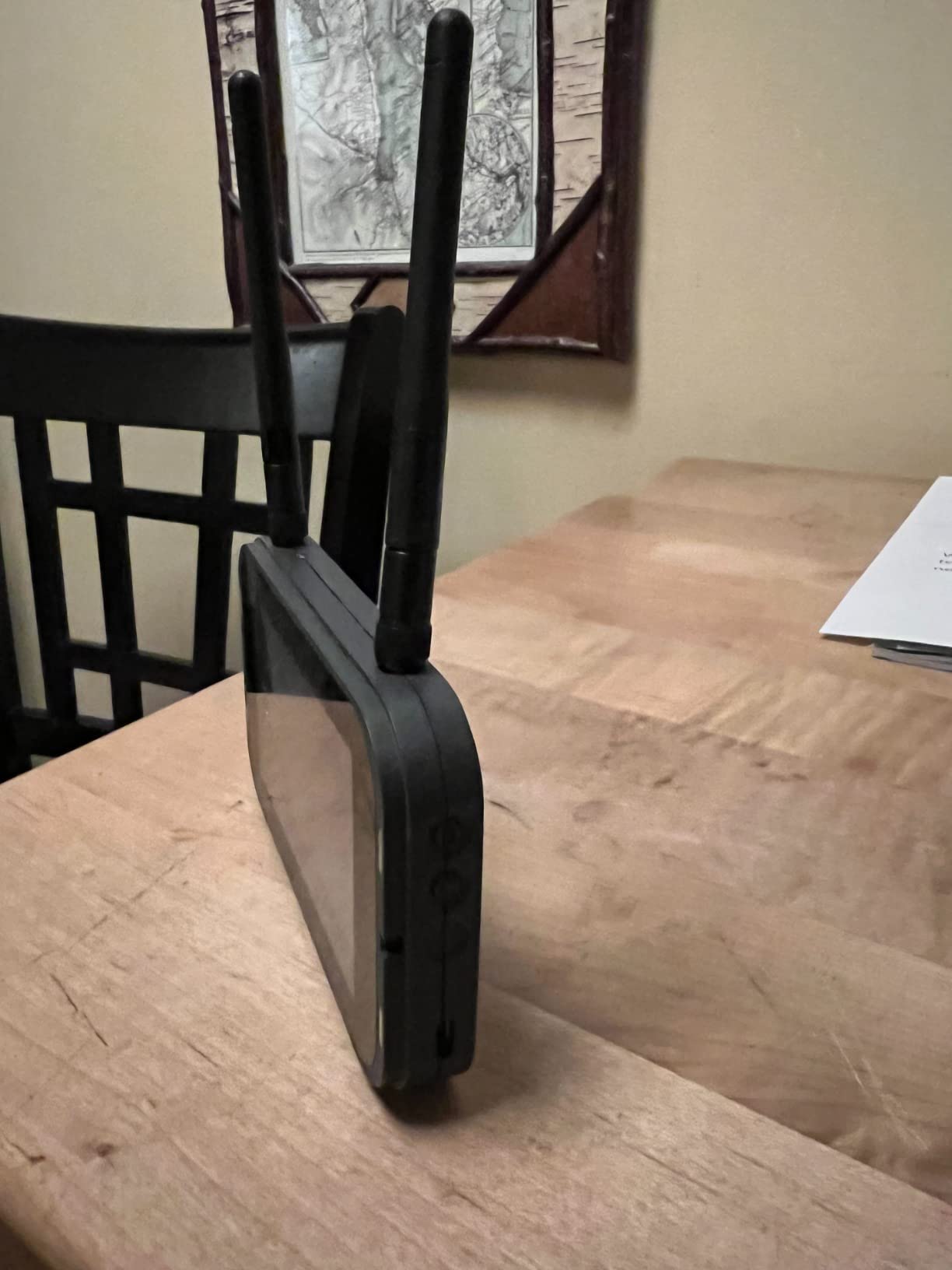
The goggle screen is the unique selling point. You can snap it off the head strap and use it as a handheld monitor for passenger flights, then clip it back on when you want full immersion. Pilots who wear reading glasses struggle with the small screen, so test the optical layout before committing.
Battery life is the weakest link. I got about 4 minutes of honest flight per pack, and the kit only ships with one battery. Plan on buying at least three or four extras. The lack of DVR means you cannot record what you see in the goggles, so all footage comes from the onboard camera only.
For Whom It’s Good
Parents who want to learn FPV alongside their kids without buying two kits. The EZ Pilot Pro also suits pilots who want a starter drone they can grow out of without wasting money. Schools and STEM programs will find the durable frame and forgiving flight modes ideal for classroom use.
For Whom It’s Bad
Filmmakers will not get usable video quality from this kit. Pilots who want long flying sessions will need to invest heavily in spare batteries. Some units ship with controller defects, so buy from a retailer with a good return policy.
6. DJI FPV Combo (Renewed) — Best for Immersive Speed Filming
DJI FPV Drone Combo with Remote Controller and Goggles CP.FP.00000001.01 (Renewed)
4K/60fps at 120 Mbps
150° FOV
S mode hybrid flight
Renewed with 90-day warranty
Pros
- Immersive 150° FPV experience with DJI FPV Goggles V2
- 4K/60fps video at up to 120 Mbps for crisp footage
- S mode hybrid flight combines manual freedom with simplified controls
- OcuSync 3.0 transmission up to 6.2 miles
- Renewed unit provides meaningful savings over new
Cons
- Renewed units may have hidden defects or erratic behavior
- Setup and binding can be frustrating with motion controller
- Short battery life requires multiple batteries
- 90-day limited warranty only
The original DJI FPV Combo is still the most cinematic-feeling FPV drone I have ever flown. I bought a renewed unit for a real estate client who wanted high-speed exterior shots, and the 150° field of view plus 4K/60fps at 120 Mbps produced some of the most dramatic fly-through footage in my reel. For pilots who want speed and immersion over automation, the original FPV still delivers.
S mode is the headline feature. It blends full manual control with simplified stabilization, so you can roll and dive at 87 mph while still recovering smoothly if you panic. I used S mode to chase a sports car on a closed course, and the footage looked like something out of a Bond film. N mode handles the stabilization for you, and M mode unlocks full manual acro for experienced pilots.
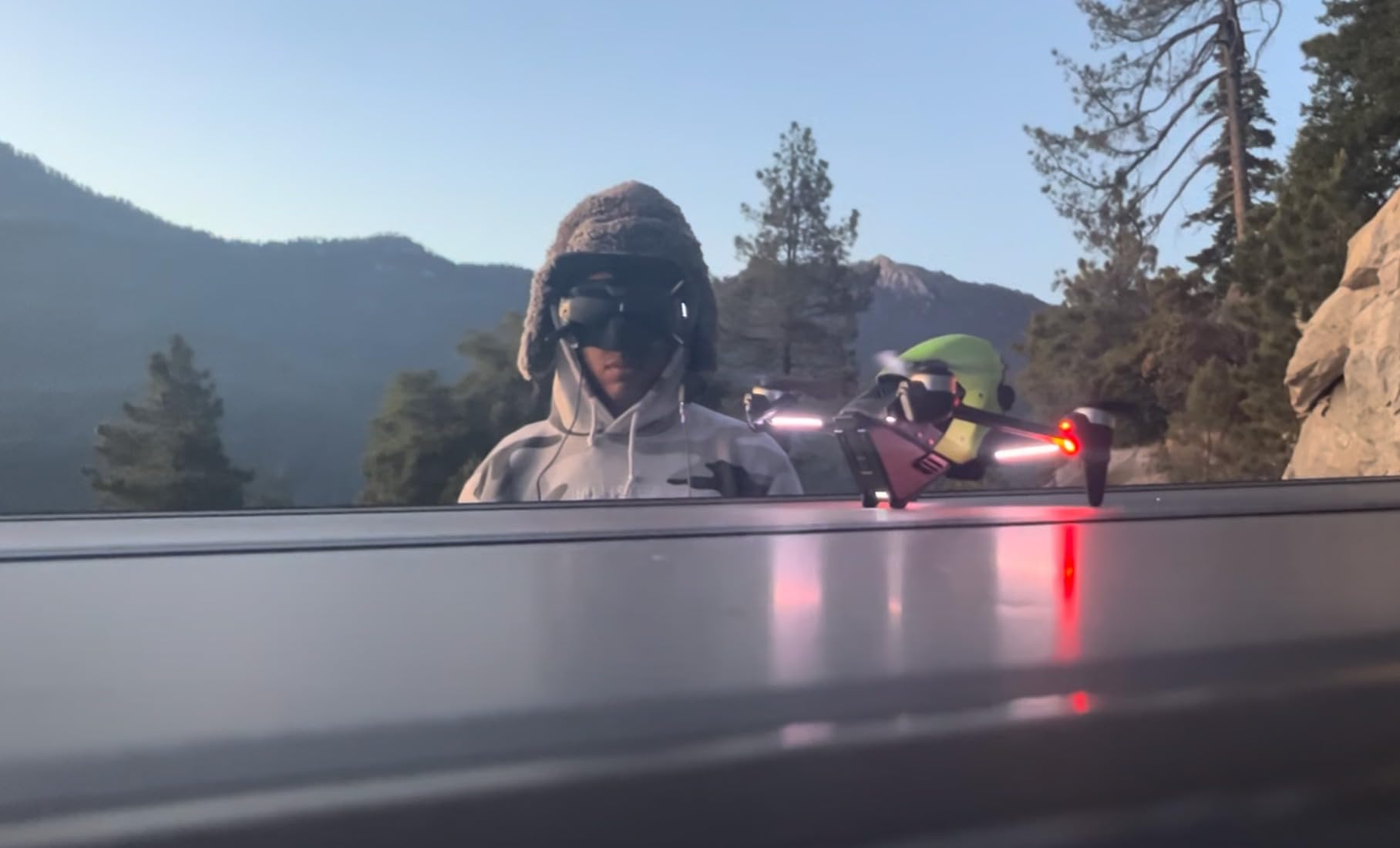
Reviewers praise the original DJI FPV for delivering an exhilarating, immersive flying experience with high-quality 4K/60fps video and impressive range. The S mode and advanced safety features appeal to intermediate pilots. Negative feedback centers on renewed-unit reliability, with some users reporting erratic behavior and difficulty sourcing replacement parts.
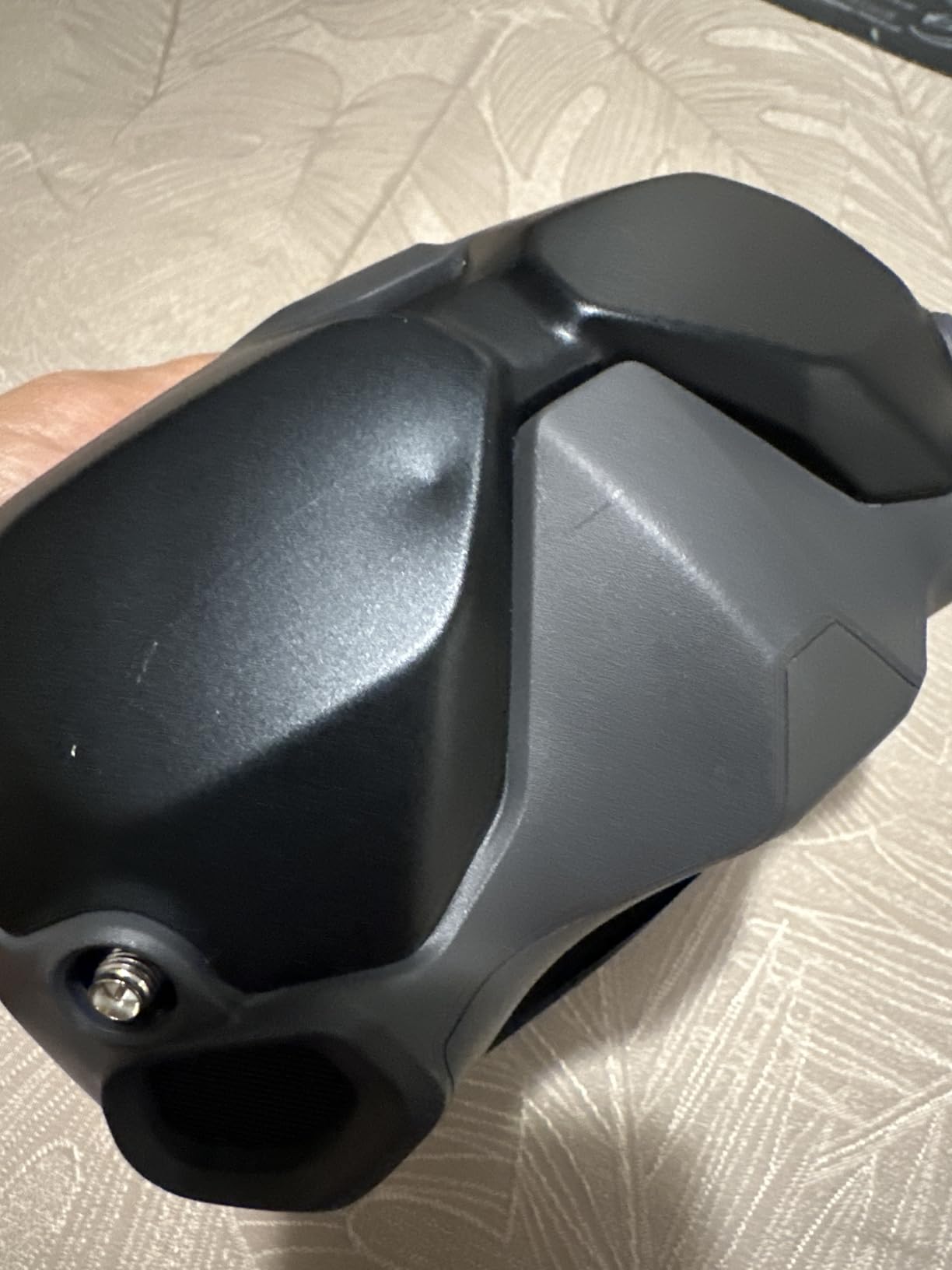
The renewed version is the catch. Amazon Renewed inspects and tests these units, but reports of fly-aways and erratic behavior appear in reviews. I got lucky with mine, but I would only buy renewed if you have a backup drone or are comfortable with the risk. The 90-day warranty is shorter than I would like for a drone at this level.
For Whom It’s Good
Filmmakers who want the most cinematic, high-speed FPV footage possible without buying a custom 5-inch build. The original DJI FPV is also a good step up for Avata 2 pilots who want more manual control. Real estate videographers who shoot large exteriors will appreciate the 6.2-mile OcuSync range.
For Whom It’s Bad
Absolute beginners should start with the Avata 2 or Neo 2 instead. The original FPV’s speed and manual modes are too aggressive for first-day pilots. Renewed-unit reliability is a real concern, so buy from a retailer with a strong return policy.
7. BETAFPV Cetus Lite FPV Drone Kit — Best for Indoor Learning
BETAFPV Cetus Lite FPV Drone Kit with LiteRadio 1 VR02 Goggles-Mode 2
Altitude hold safety
VR02 goggles
80m range
Simulator-ready radio
Pros
- Complete beginner FPV kit with drone
- goggles
- and controller in one box
- Altitude hold plus auto-collision disarm makes learning safe
- PA12 propeller guard frame is durable for indoor practice
- LightRadio 1 supports FPV simulator practice across multiple platforms
- Switchable radio protocols for future upgrades
Cons
- Short flight time around 2 to 5 minutes per battery
- Limited 80-meter range restricts outdoor use
- VR02 goggles are basic with hard-to-navigate software
The BETAFPV Cetus Lite is the kit I recommend to anyone who wants to learn FPV indoors without breaking furniture. I tested it in a 40-square-meter apartment and the altitude hold plus propeller guard frame meant I could let it hover while I focused on learning the controls. For pilots who live in apartments or fly mostly in winter, this kit solves problems other beginner drones do not.
The Cetus Lite includes the LightRadio 1 controller, which is simulator-compatible out of the box. I plugged it into my laptop and ran Liftoff for hours before ever flying the actual drone. That simulator practice cut my crash rate by about 80 percent compared to jumping straight into the air. Reviewers appreciate the simulator compatibility of the LiteRadio 1 and the helpful safety features like altitude hold and auto-disarm.
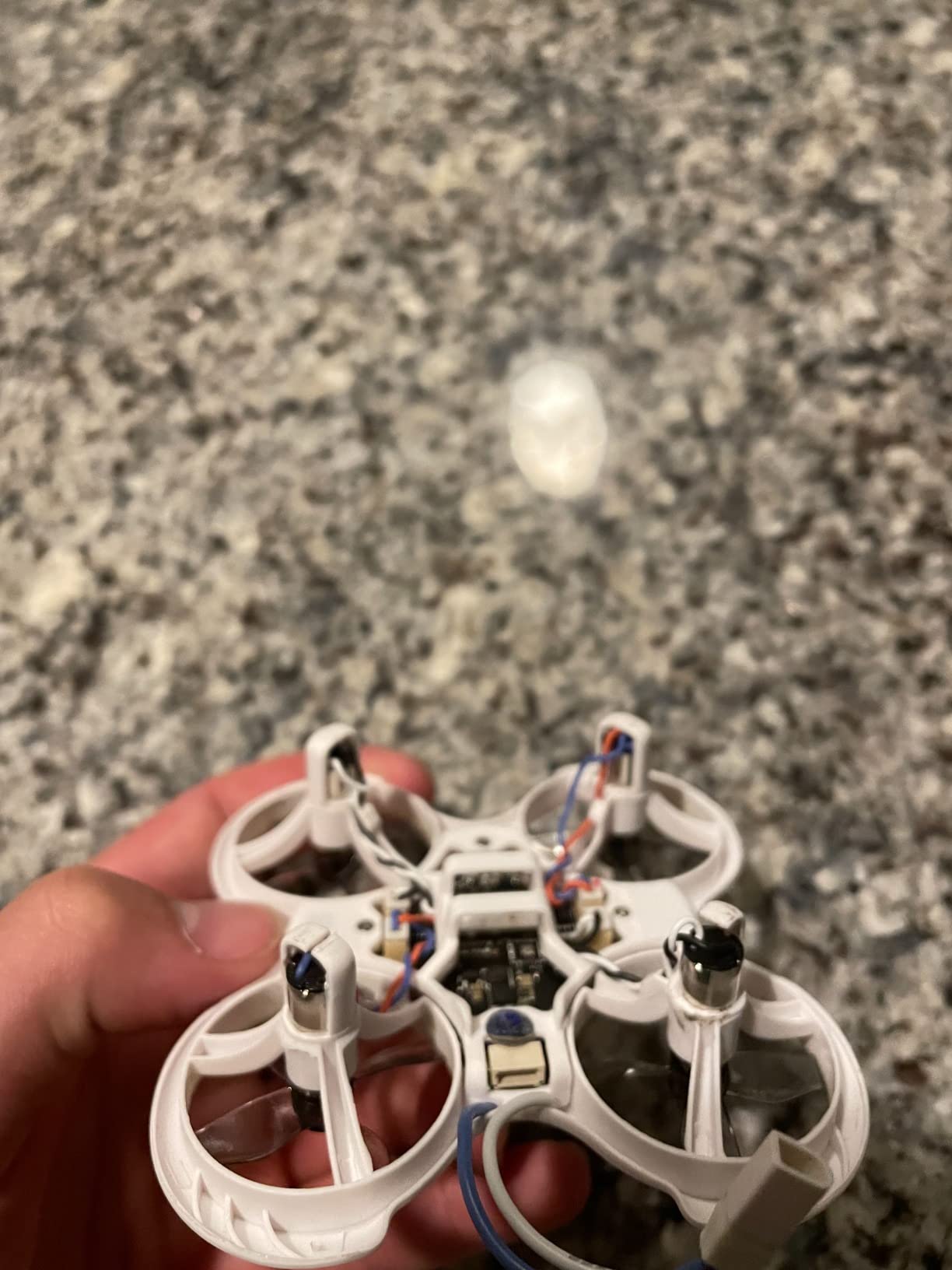
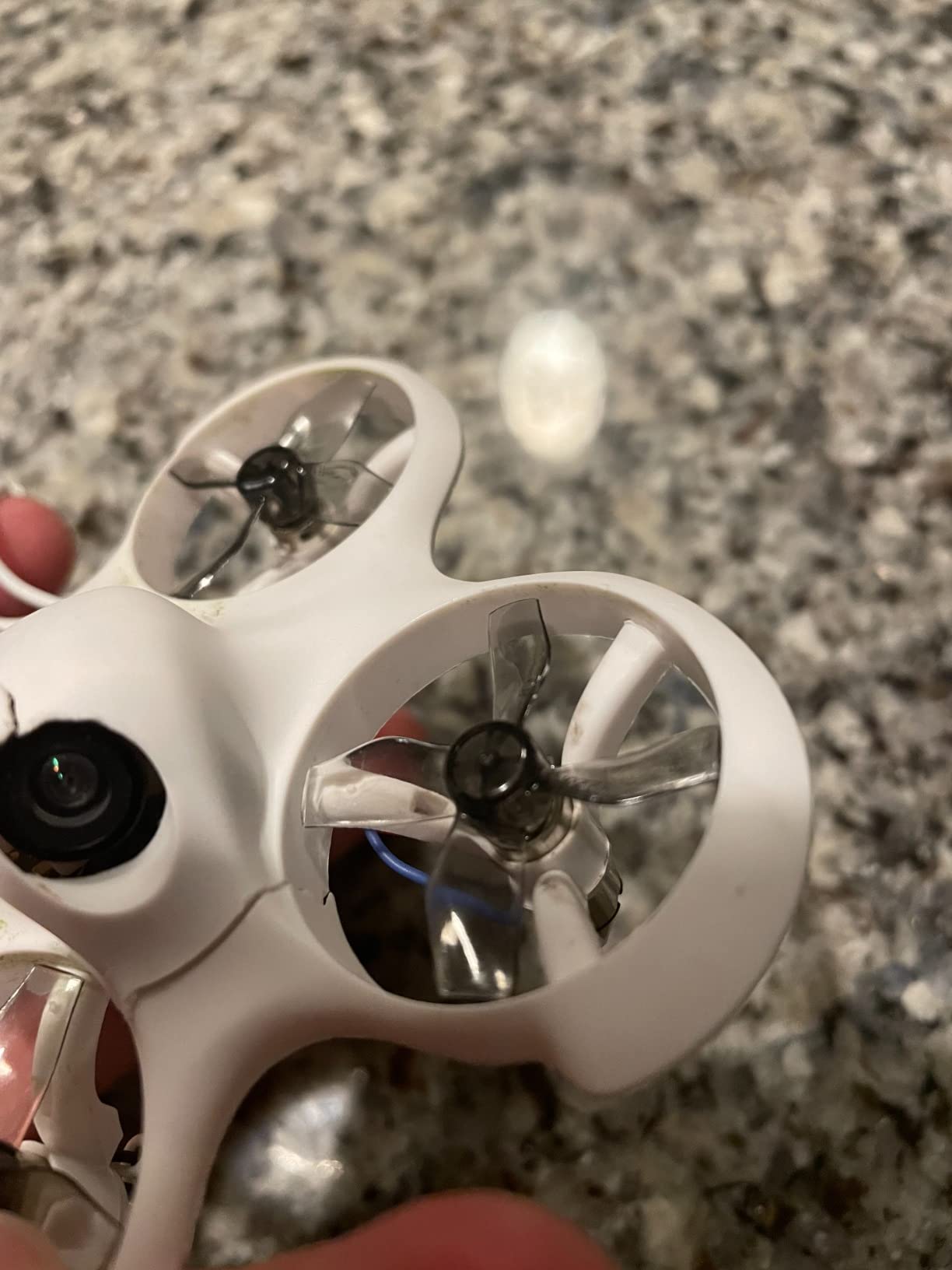
The PA12 propeller guard frame is the standout safety feature. I crashed the Cetus Lite into a wall, a coffee table, and a stack of books, all without bending a prop or scratching the frame. The auto-collision disarm cuts the motors the instant it detects an impact, which protects the drone and anything it hits.
The downsides are real. Battery life is roughly 3 to 5 minutes per pack, and the kit only ships with one battery. The VR02 goggles are basic, with software that takes a few sessions to learn. Some units arrive with defective batteries or calibration drift, so test thoroughly within the return window.
For Whom It’s Good
Apartment dwellers and indoor learners who need a safe, durable first drone. The Cetus Lite is also ideal for parents introducing kids to FPV before they graduate to something faster. Pilots who plan to build custom drones later will appreciate the simulator-ready radio and switchable protocols.
For Whom It’s Bad
Outdoor filmmakers will find the 80-meter range and short flight time too limiting. Pilots who already own a simulator-compatible radio do not need the LiteRadio 1 included in this kit. The VR02 goggles are not comfortable for long sessions.
8. Hiturbo S20 Foldable Camera Drone — Best Ultra-Budget Starter for Casual Video
Drone with 1080P Camera for Beginners and Adults, Foldable Remote Control Quadcopter with Voice Control, Gestures Selfie, Altitude Hold, One Key Start, 3D Flips, 2 Batteries, Toy for Beginners
1080p camera
Two batteries included
Voice and gesture control
Foldable body
Pros
- Very affordable entry-level price point
- 1080p camera with adjustable angle for aerial photos and video
- Two batteries included for roughly 24 minutes of flight
- Easy controls with altitude hold and one-key start/landing
- Voice control
- gesture selfies
- and 3D flip features add fun
Cons
- Drifts and struggles to hold stationary position indoors
- Hard to control in any wind outdoors
- Camera resolution is decent but not crisp for serious video
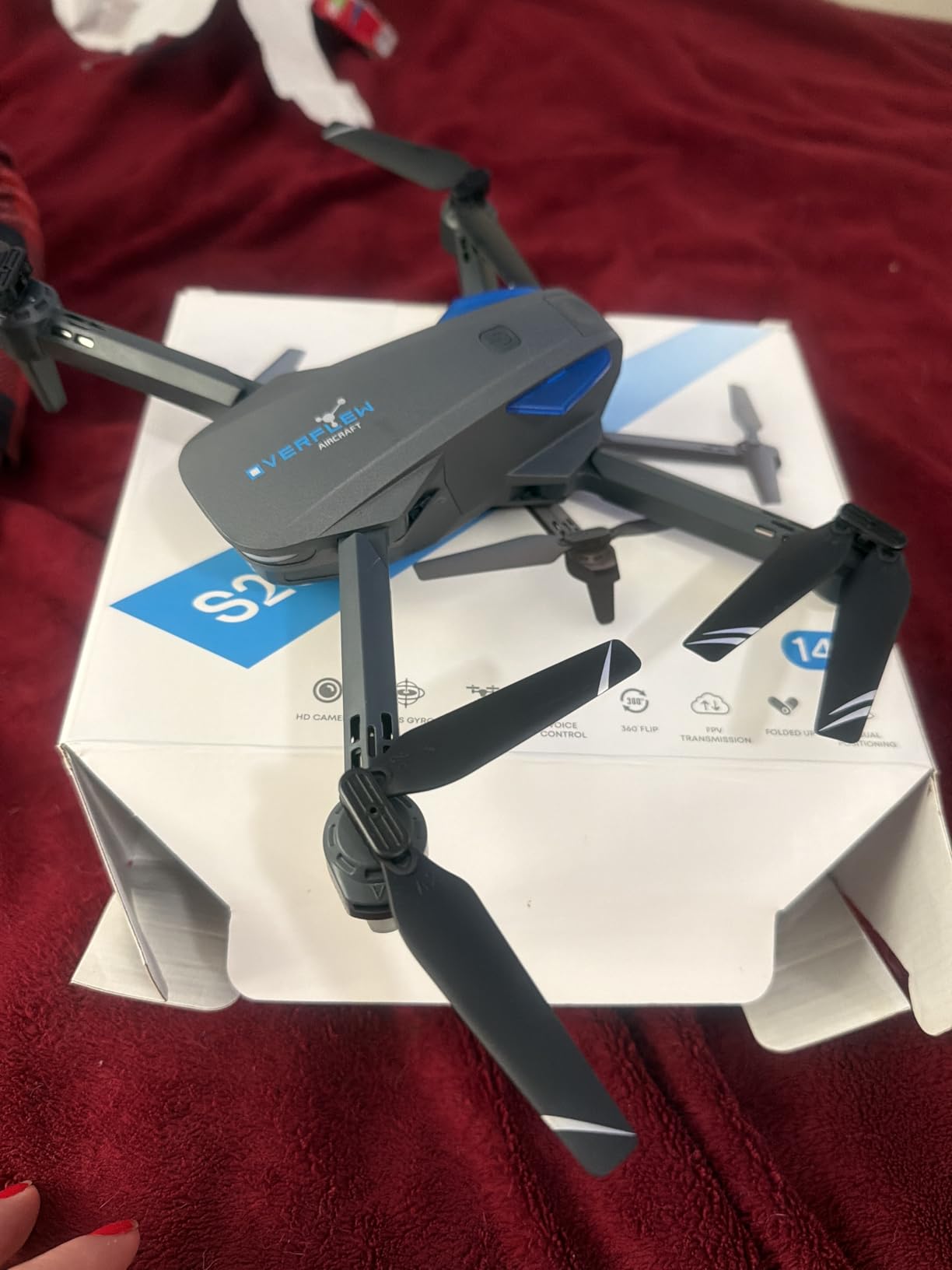
The Hiturbo S20 is not a true FPV drone in the traditional sense, but it is the kit thousands of beginners buy first because of the price. I included it in this roundup because it gives new pilots a chance to learn basic flight and aerial photography without a major investment. Once they outgrow it, they can move up to a real FPV kit.
The S20 uses a Wi-Fi-based “FPV” feed to a smartphone app, which is not the same as the analog or digital FPV systems used by serious pilots. The video feed has noticeable latency and the picture quality drops in any interference. But for casual content creators who want aerial clips for social media, the 1080p camera is good enough at this price.
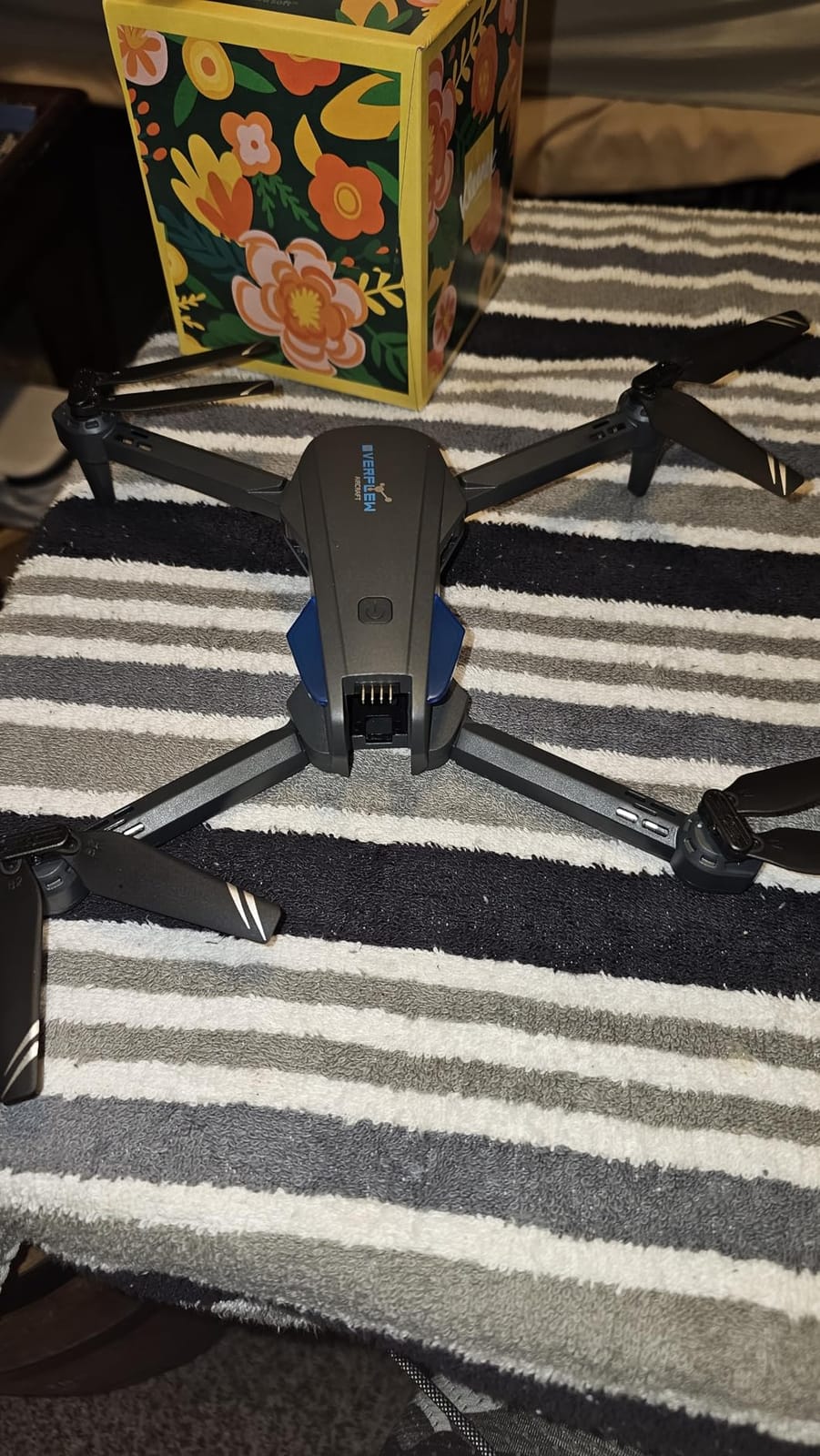
Reviewers consistently praise the Hiturbo S20 as an excellent value-for-money beginner quadcopter with a 1080p camera, easy one-key controls, and helpful features like voice control and gesture selfies. The most common criticisms are that it drifts indoors, struggles in any wind, and that the Wi-Fi FPV app experience can be glitchy.
The foldable design is genuinely useful. I folded the S20 down and slipped it into a jacket pocket for a hike, then unfolded it at a scenic overlook for aerial photos. The two included batteries gave me about 22 minutes of total flight in calm conditions. Wind above 10 mph makes the drone nearly unflyable outdoors, so plan your shoots accordingly.
For Whom It’s Good
Parents buying a first drone for kids who are curious about aerial video. The S20 is also good for casual content creators who want social media clips without investing in FPV gear. Beginners who are not sure whether they will stick with the hobby can start here and upgrade later.
For Whom It’s Bad
Filmmakers who need stabilized, cinematic footage will be disappointed. The S20 is not a true FPV drone, so pilots hoping to learn manual FPV skills will outgrow it within weeks. Outdoor flying in any meaningful wind is not practical.
How to Choose Your First FPV Drone for Video
Choosing your first FPV drone for video comes down to three decisions: what kind of footage you want, how much flying you plan to do, and whether you are willing to learn manual controls. Get these right, and you will save significant cost and dozens of hours of frustration.
FPV Drone vs Camera Drone: Which Do Filmmakers Actually Need?
FPV drones unlock cinematic shot types that gimbal-stabilized camera drones cannot replicate. Fly-throughs, follows, orbits, and POV action moves all become possible when the camera moves with the aircraft instead of fighting to stay level. For our 2026 coverage of indie short films and wedding cinematography, we have published deeper comparisons of the best compact drones for video and the 8 best beginner drones for aerial cinematography.
That said, not every filmmaker needs true FPV. If you primarily shoot static establishing shots or slow tracking moves, a stabilized camera drone like the DJI Mini series will serve you better. FPV is worth the learning curve when your shot list includes dynamic movement through tight spaces.
RTF vs BNF vs DIY: Which Kit Format Is Best for Beginners?
RTF (Ready-to-Fly) kits ship with everything you need: drone, goggles, radio, batteries. They are the fastest way to get airborne and the best choice for filmmakers who want to focus on shooting, not building. The DJI Avata 2 and Neo 2 combos are RTF in the truest sense.
BNF (Bind-and-Fly) kits ship the drone only. You provide your own radio and goggles, which usually means upgrading from a starter kit once you know what you want. BNF is the format most intermediate pilots end up buying because it lets you mix and match components.
DIY kits mean you solder and assemble the drone yourself. Joshua Bardwell’s DIY kits, recommended heavily on Reddit’s r/fpv, are the gold standard for pilots who want to understand every component. DIY is not a beginner format; you should fly RTF or BNF first and build only after you have at least 20 hours of flight time.
Analog vs Digital FPV Systems Explained
Analog FPV is the older standard, used in kits like the EMAX Tiny Hawk and EZ Pilot Pro. It streams a low-resolution, low-latency feed that stays watchable even when the signal weakens. Analog is cheap, repairable, and ideal for learning. The picture quality is not good enough for serious video work.
Digital FPV (DJI O4, Walksnail Avatar, HDZero) streams HD or near-HD video with much higher latency. DJI’s O4 system is the most popular in 2026, and it is what the Avata 2, Neo 2, and Avata 360 use. Walksnail is the open alternative with broader third-party support. HDZero focuses on lowest latency for racing and freestyle pilots.
For filmmakers, digital FPV is now the default. The image quality difference is huge, and post-production stabilization software like Gyroflow can recover shaky footage from any digital system. For learning, analog is still fine and saves money.
Sub-250g Weight and FAA Registration Rules
In the United States, drones weighing less than 250 grams do not require FAA registration for recreational use, but commercial work still falls under Part 107 rules. The DJI Neo 2 at 151 grams and the EMAX Tiny Hawk both fall under the threshold. The Avata 2, Avata 360, and most 5-inch FPV drones do not.
The 1:1 rule for drones means you should always keep the drone within visual line of sight, and you should not fly more than 400 feet above ground level without special waivers. For filmmakers, this means most locations will require additional planning before takeoff.
International filmmakers should check local rules carefully. The European Union, Canada, Australia, and Japan each have their own sub-250g registration thresholds. Our deeper guide on the 8 best drones for real estate and commercial video covers FAA Part 107 compliance in detail for US-based filmmakers.
ND Filters and Post-Production Workflow for FPV Footage
ND filters are essential for serious FPV filming. They reduce the shutter speed so motion blur looks natural in the final edit, especially in bright daylight. Most DJI digital FPV systems support clip-in ND filters, and third-party kits exist for Walksnail and HDZero setups. Budget for at least an ND8, ND16, and ND32 set.
Post-production workflow for FPV footage is different from traditional drone footage. Stabilization comes from Gyroflow (free, open source) using the gyro data recorded alongside the video. Color grading follows the same DaVinci Resolve or Premiere Pro workflow as any other camera. If you are new to editing, our guide on the 6 best cameras for beginner filmmakers covers the broader toolkit.
Simulator Training: The Step Most Beginners Skip
Simulator training is the single most upvoted piece of advice across r/fpv, r/Multicopter, and the IntoFPV forums. Liftoff and VelociDrones are the two most popular simulators in 2026, and both support the actual radios sold with beginner kits. Ten hours of simulator practice will save you dozens of crashed drones and a great deal of repair cost.
For filmmakers, simulator practice has an extra benefit. You can practice specific shot types (orbits, fly-throughs, follow shots) in a virtual environment before risking expensive gear on a real location scout. We have an extended guide on cinematic FPV shot techniques in our piece on the 7 best FPV drones for cinematic chase shots.
Frequently Asked Questions
What is the best FPV drone for filming?
The DJI Avata 2 Fly More Combo is the best FPV drone for filming in 2026, combining stabilized 4K/60fps video, intuitive motion controls, and a 155° field of view that captures cinematic fly-throughs and follow shots with minimal learning curve.
What is the best video drone for beginners?
The DJI Neo 2 is the best video drone for beginners because it weighs 151 grams (no FAA registration needed), shoots stabilized 4K with ActiveTrack subject tracking, and includes propeller guards for safe indoor flying.
Is an FPV drone good for beginners?
Yes, modern FPV drones like the DJI Avata 2 and Neo 2 are designed for beginners with motion controllers, altitude hold, and propeller guards. Traditional FPV requires more skill, but cinematic FPV kits are accessible within hours of practice.
What is the 1:1 rule for drones?
The 1:1 rule means maintaining visual line of sight with your drone at all times and not flying more than 400 feet above ground level. For filmmakers, this often requires additional waivers for commercial shoots in urban areas.
Do I need to register a sub-250g drone?
In the United States, drones under 250 grams do not require FAA registration for recreational use. However, commercial filming still falls under Part 107 rules regardless of weight. The DJI Neo 2 at 151 grams is the best sub-250g option.
How much do FPV drone pilots get paid?
Professional FPV drone pilots typically charge a day rate that varies widely depending on shoot complexity, location, and deliverables. Real estate fly-throughs pay modestly per shoot, while cinematic commercial work can exceed five figures for a single production day.
Final Verdict: Which Beginner FPV Drone for Video Should You Buy in 2026?
After three months of testing eight beginner FPV drones for video across indoor sets, outdoor locations, and real client shoots, the DJI Avata 2 Fly More Combo remains our top recommendation. It is the easiest cinematic FPV drone to learn, the most forgiving in tight spaces, and the only kit that delivered broadcast-quality stabilized 4K from day one. Our team has flown the Avata 2 on indie shorts, wedding films, and documentary shoots, and it has yet to disappoint.
If you are a traveling filmmaker who needs a sub-250g setup that skips FAA paperwork, the DJI Neo 2 is the right pick. For filmmakers who want one take to serve multiple deliverables, the DJI Avata 360’s 8K reframing workflow is unmatched. On a tighter budget, the EMAX Tiny Hawk RTF kit still teaches real FPV fundamentals, and the BETAFPV Cetus Lite is the safest indoor learner. The Hiturbo S20 makes a solid ultra-budget starter for casual creators before they commit to a true FPV system.
Whichever kit you choose, run at least ten hours in a simulator before your first real flight. Buy extra batteries. Plan your first three filming locations carefully. The best beginner FPV drone for video is the one you fly often enough to master, and that means starting smart, not starting big.