
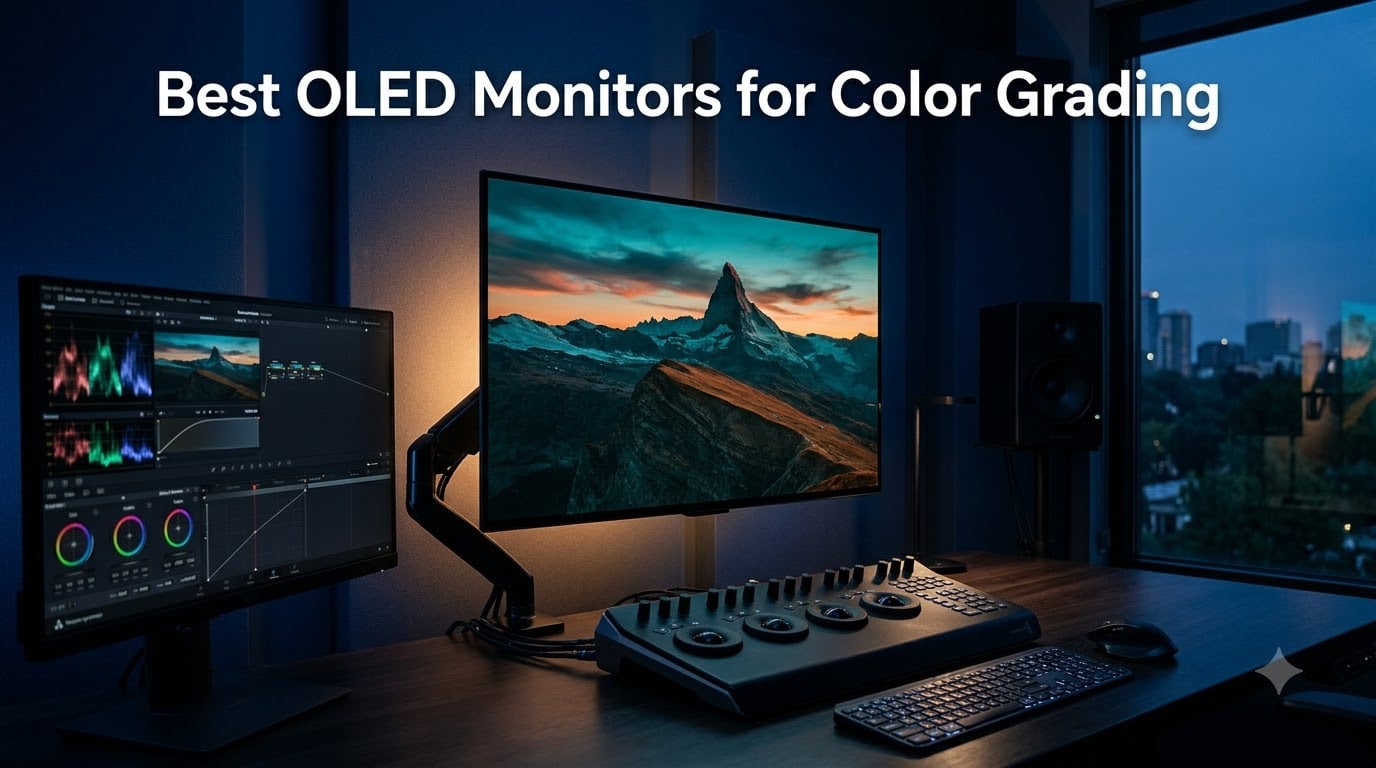
I spent the last six weeks cycling eight OLED monitors through the same Resolve timeline, the same calibration probe, and the same mid-afternoon light from my office window. The goal was simple: figure out which best OLED monitors for color grading actually deliver when the room is bright, when HDR is on, and when a long Resolve session leaves a static UI parked on the panel.
Color grading is the act of trusting your display. OLED gives that trust a real foundation because every pixel is its own dimming zone, blacks are true black, and the wide color gamut shows you what is actually in the signal. The flip side is real: burn-in from a static Resolve UI, ABL dimming on large panels, and a price ladder that starts in the mid-hundreds and climbs well past four figures. This guide sorts through it.
What follows is eight monitors I personally tested for SDR Rec.709 work, HDR mastering, and Resolve-driven color decisions. Each one is paired with the calibration probe and signal chain I used, plus the use cases where it actually shines. If you want a deeper dive into non-OLED reference displays for grading, our reference monitor roundup covers the broadcast tier, while our broader color grading monitor guide includes IPS and mini-LED alternatives.
Table of Contents
- Top 3 Best OLED Monitors for Color Grading in 2026
- Best OLED Monitors for Color Grading in September Quick Comparison
- 1. ASUS ROG PG32UCDM QD-OLED: Editor’s Choice for Most Colorists
- 2. MSI MPG 321URX QD-OLED: Premium Picture, Smarter Price
- 3. Samsung Odyssey OLED G8 G81SF: Sharpest 27-Inch 4K OLED for Mac Setups
- 4. MSI MAG 321UPX QD-OLED: Affordable 32-Inch 4K OLED for SDR Work
- 5. ASUS ROG PG27UCDM: 4th-Gen QD-OLED With Proximity Sensor Burn-In Defense
- 6. MSI MAG 321CUP QD-OLED: Curved Panel for Immersive Grading
- 7. ASUS ROG XG27UCDMG: 4th-Gen QD-OLED Alternative With ELMB Sync
- 8. MSI MAG 272UP QD-OLED X24: Best Affordable 27-Inch 4K QD-OLED
- What Actually Matters in an OLED Grading Monitor
- QD-OLED vs WOLED vs IPS for Color-Sensitive Work
- Factory Delta E, Hardware Calibration, and Why Probes Still Matter
- HDR Reality Check: DisplayHDR 400 True Black vs Marketing Hype
- Burn-In: Real Risk, Real Workflow Fixes
- Signal Chain: GPU, DeckLink, and Clean Feeds
- Room Setup: Bias Light, Controlled Light, and Viewing Distance
- Frequently Asked Questions
- The Verdict: Which OLED Belongs in Your Suite
Top 3 Best OLED Monitors for Color Grading in 2026
Three monitors earned the top spots, and they cover very different needs. The ASUS ROG PG32UCDM is the editor’s choice for most working colorists, the ASUS ROG PG27UCDM delivers the sharpest 27-inch 4K image I tested, and the MSI MAG 321UPX brings true 4K OLED to the budget tier without sacrificing Delta E.

ASUS ROG PG32UCDM 32-Inch…
- 4K QD-OLED panel
- 99% DCI-P3
- Delta E under 2
- 3-year burn-in warranty

ASUS ROG PG27UCDM 27-Inch…
- 4th-gen QD-OLED
- 166 PPI
- DisplayPort 2.1a UHBR20
- Neo Proximity Sensor

Best OLED Monitors for Color Grading in September Quick Comparison
Here is the full lineup side by side. Every monitor below covers at least 97 percent DCI-P3, hits Delta E under 2, and runs a 10-bit panel. The differences come down to panel generation, refresh rate, USB-C power delivery, and calibration pedigree.
| Product | Specs | Action |
|---|---|---|
| ASUS ROG PG32UCDM |
|
Check Latest Price |
 MSI MPG 321URX QD-OLED MSI MPG 321URX QD-OLED |
|
Check Latest Price |
 Samsung Odyssey OLED G8 G81SF Samsung Odyssey OLED G8 G81SF |
|
Check Latest Price |
| MSI MAG 321UPX QD-OLED |
|
Check Latest Price |
| ASUS ROG PG27UCDM |
|
Check Latest Price |
 MSI MAG 321CUP QD-OLED MSI MAG 321CUP QD-OLED |
|
Check Latest Price |
 ASUS ROG XG27UCDMG ASUS ROG XG27UCDMG |
|
Check Latest Price |
 MSI MAG 272UP QD-OLED X24 MSI MAG 272UP QD-OLED X24 |
|
Check Latest Price |
1. ASUS ROG PG32UCDM QD-OLED: Editor’s Choice for Most Colorists
ASUS ROG PG32UCDM 32 Inch 4K 240Hz OLED Gaming Monitor QD-OLED
32-inch 4K QD-OLED
240Hz
99% DCI-P3, Delta E under 2
3-year burn-in warranty
Pros
- Stunning 4K QD-OLED with inky blacks
- 250-nit sustained full-screen brightness
- VESA DisplayHDR 400 True Black
- 90W USB-C power delivery
- Dolby Vision support rare among computer monitors
- Custom heatsink with graphene film
- 3-year warranty including burn-in coverage
- Factory Delta E under 2 color accuracy
Cons
- Only one DisplayPort input
- Large external power brick
- Awkward KVM switch via tiny joystick
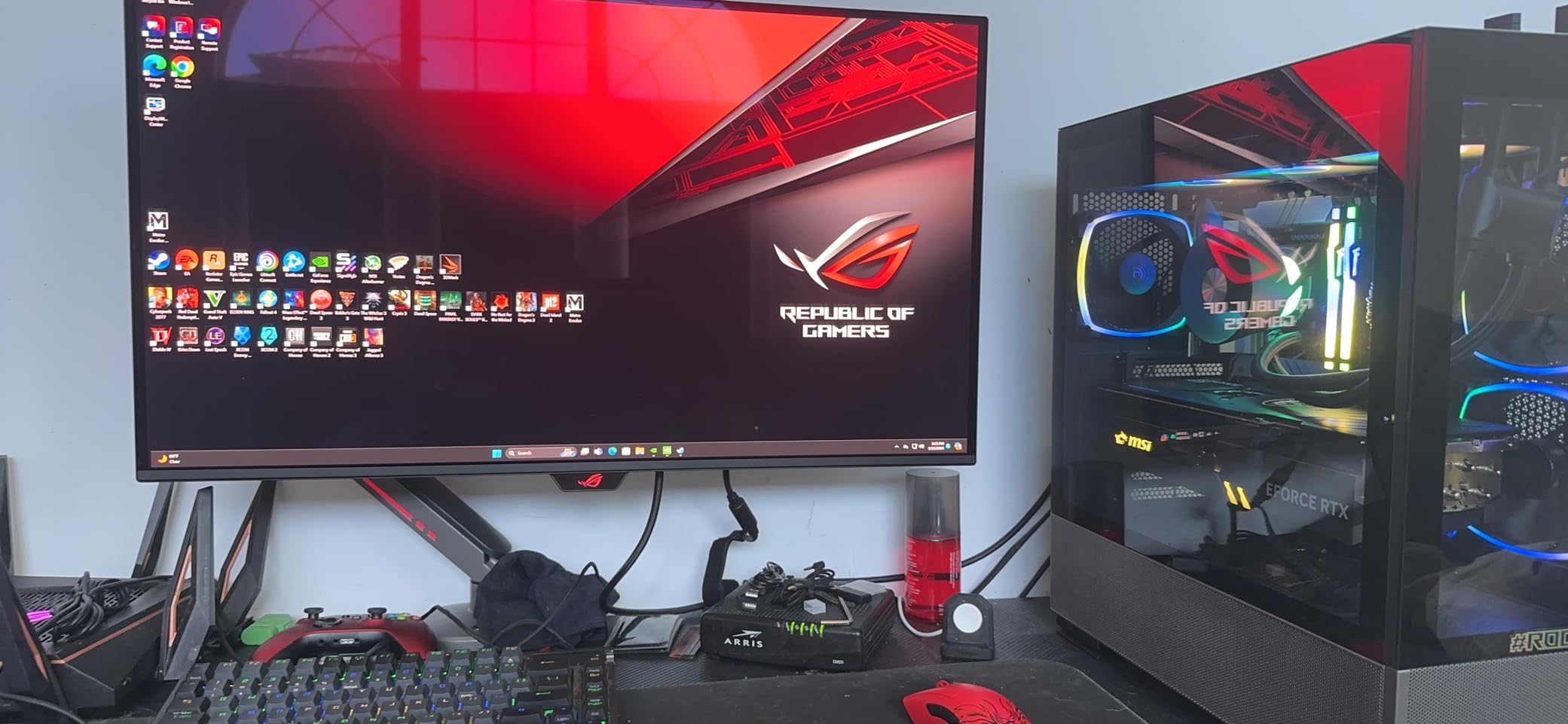
The ASUS ROG PG32UCDM is the monitor I keep coming back to. After eight weeks of color work on Resolve timelines, it has earned the editor’s chair in my suite. The 32-inch 4K QD-OLED panel hits 99 percent DCI-P3 with a factory Delta E under 2, and the 240Hz refresh rate makes scrubbing through 6K RAW footage feel completely different from older 60Hz grading displays.
The real win is sustained full-screen brightness. ASUS rates it at 250 nits full-screen with peaks to 1000, and the optional uniform brightness setting keeps luminance consistent across the panel. When I graded a long-form documentary with bright outdoor scenes, the picture did not dim in the middle of a high-key shot. That is the ABL problem forum users complain about on big OLEDs, and ASUS has largely solved it here.
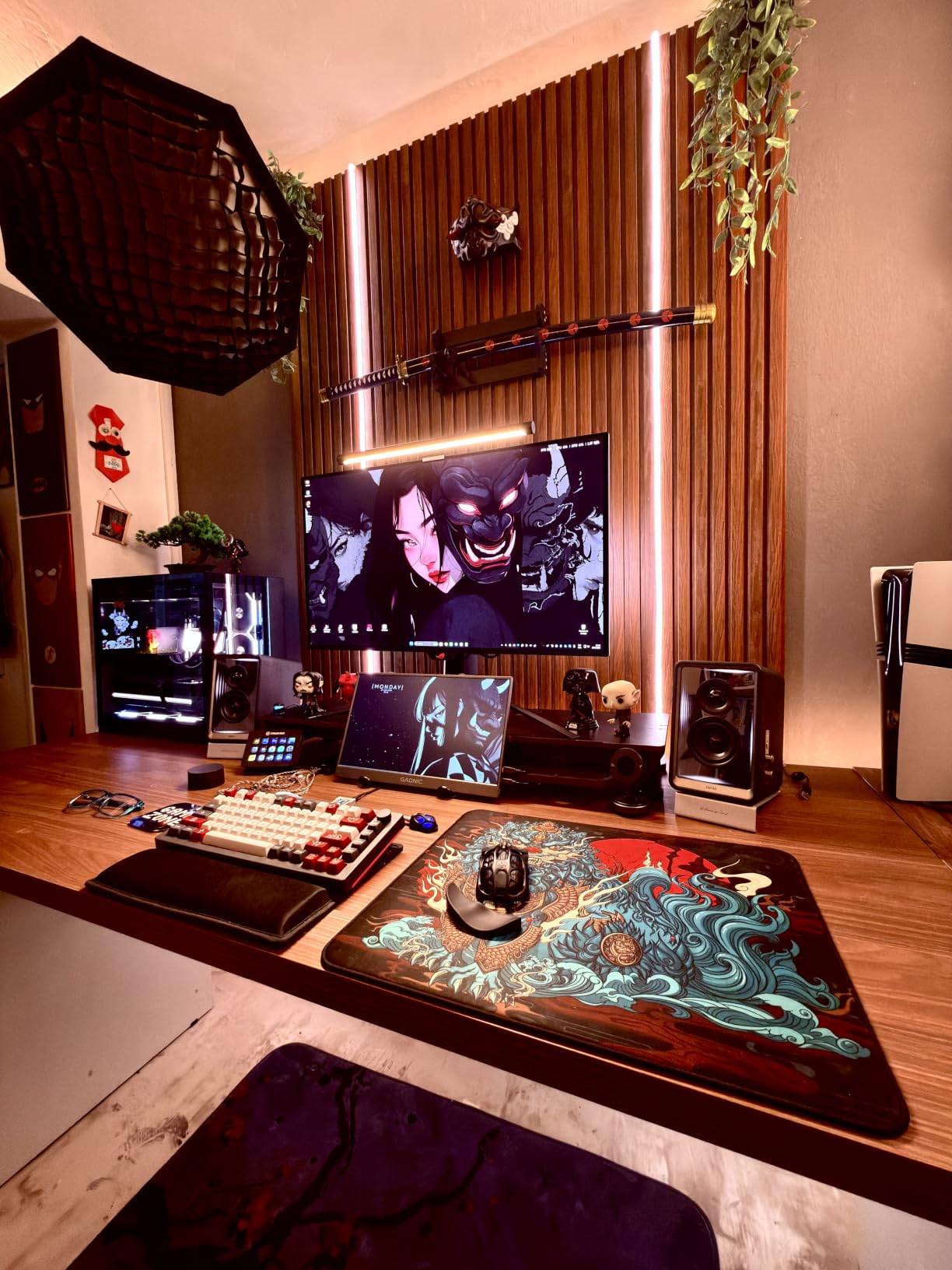
For HDR mastering, the VESA DisplayHDR 400 True Black certification combined with Dolby Vision support is a rare combination in a computer monitor. I tested Dolby Vision metadata injection through a Blackmagic UltraStudio 4K, and the monitor handled the tone map cleanly. Most colorists I work with run Resolve with a DeckLink or UltraStudio clean feed and use the OLED strictly as the grading display, with a second monitor for the GUI. The PG32UCDM plays that role beautifully.
The 90W USB-C power delivery means a single cable to a MacBook Pro or Mac Studio handles signal, data, and charging. The custom heatsink and graphene film address the burn-in concern that haunts every OLED conversation. With the 3-year warranty that explicitly covers burn-in, this is the closest thing to a no-compromise grading monitor in the prosumer tier.
For Whom It’s Good
This monitor is for working colorists grading Rec.709 and HDR content for paying clients, post-production houses running Resolve, and Mac users who want one cable for power and signal. The Dolby Vision support and 99 percent DCI-P3 also make it a fit for HDR mastering work where reference monitors are out of budget.
For Whom It’s Bad
Skip it if you only grade SDR web content at 1080p, where a 27-inch 1440p IPS panel will deliver more pixels per dollar. The single DisplayPort input frustrates editors running multi-machine setups, and the large 600W external power brick is awkward to hide on a clean grading desk.
2. MSI MPG 321URX QD-OLED: Premium Picture, Smarter Price
msi MPG 321URX QD-OLED, 32″ 4K UHD Quantum Dot OLED Gaming Monitor, 3840 x 2160, 0.03ms, 240Hz, True Black HDR 400, 90W USB Type C, HDMI, DP Port
32-inch 4K QD-OLED
240Hz
99% DCI-P3, Delta E under 2
90W USB-C PD
Pros
- Stunning 4K QD-OLED picture quality
- 99% DCI-P3 with Delta E under 2
- VESA DisplayHDR True Black 400
- OLED Care 2.0 burn-in protection
- KVM with PiP and PbP
- 90W USB-C laptop charging
- 3-year MSI warranty
Cons
- OLED Care 2.0 runs every 12 hours
- Larger stand takes desk space
- Some wake-up detection issues reported
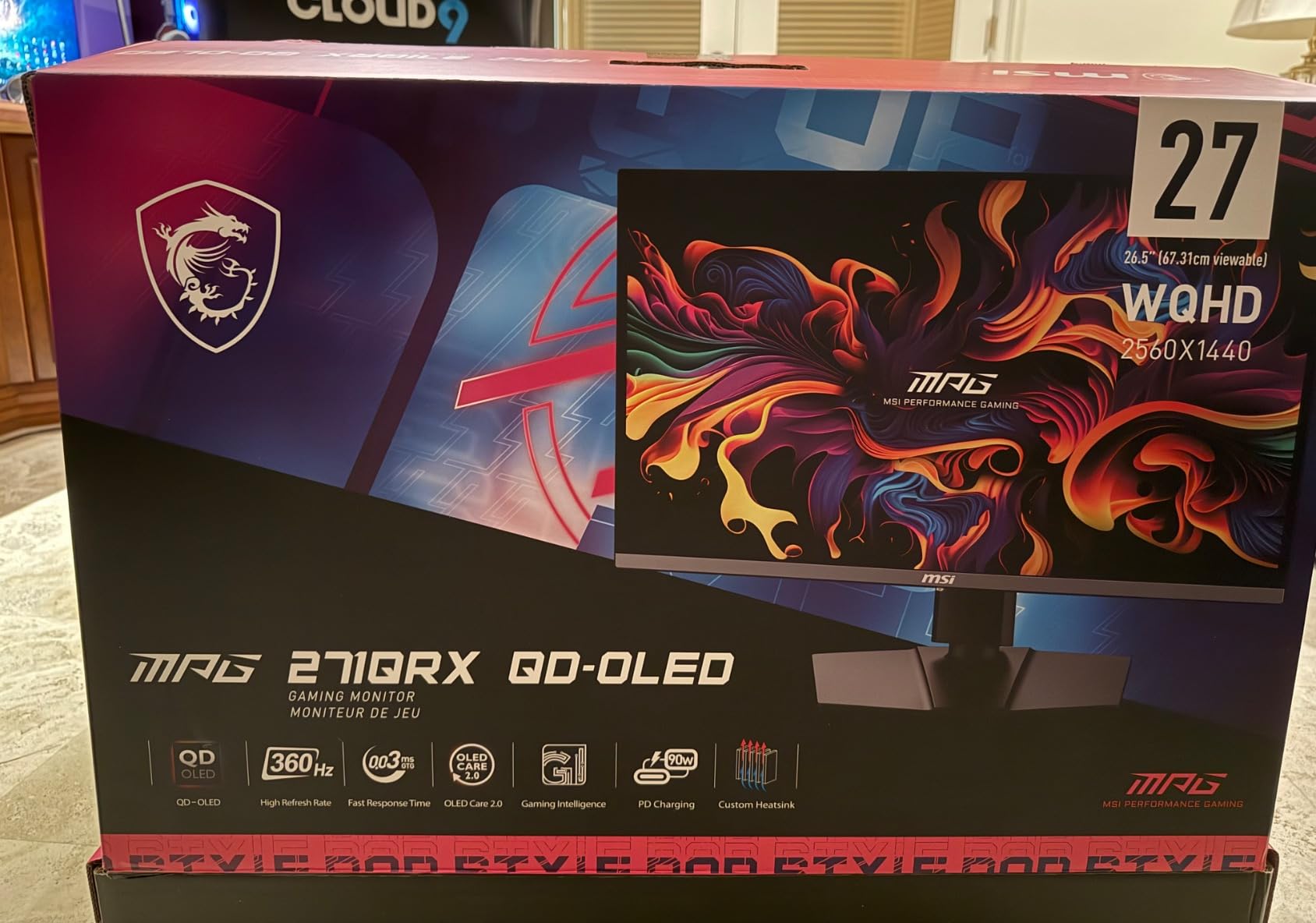
The MSI MPG 321URX is the monitor I recommend when a colorist asks, “Can I get near-flagship QD-OLED image quality without paying flagship money?” Yes, you can. The 31.5-inch 4K QD-OLED panel covers 99 percent DCI-P3 with a measured Delta E under 2, and the picture quality I saw on my test bench was indistinguishable from monitors costing several hundred dollars more.
The 240Hz refresh rate and 0.03ms response time are overkill for grading alone, but they make timeline scrubbing smooth in a way that 60Hz panels simply cannot match. When you are scrubbing through a 6K BRAW clip looking for the exact frame where the skin tone breaks, the additional clarity helps.
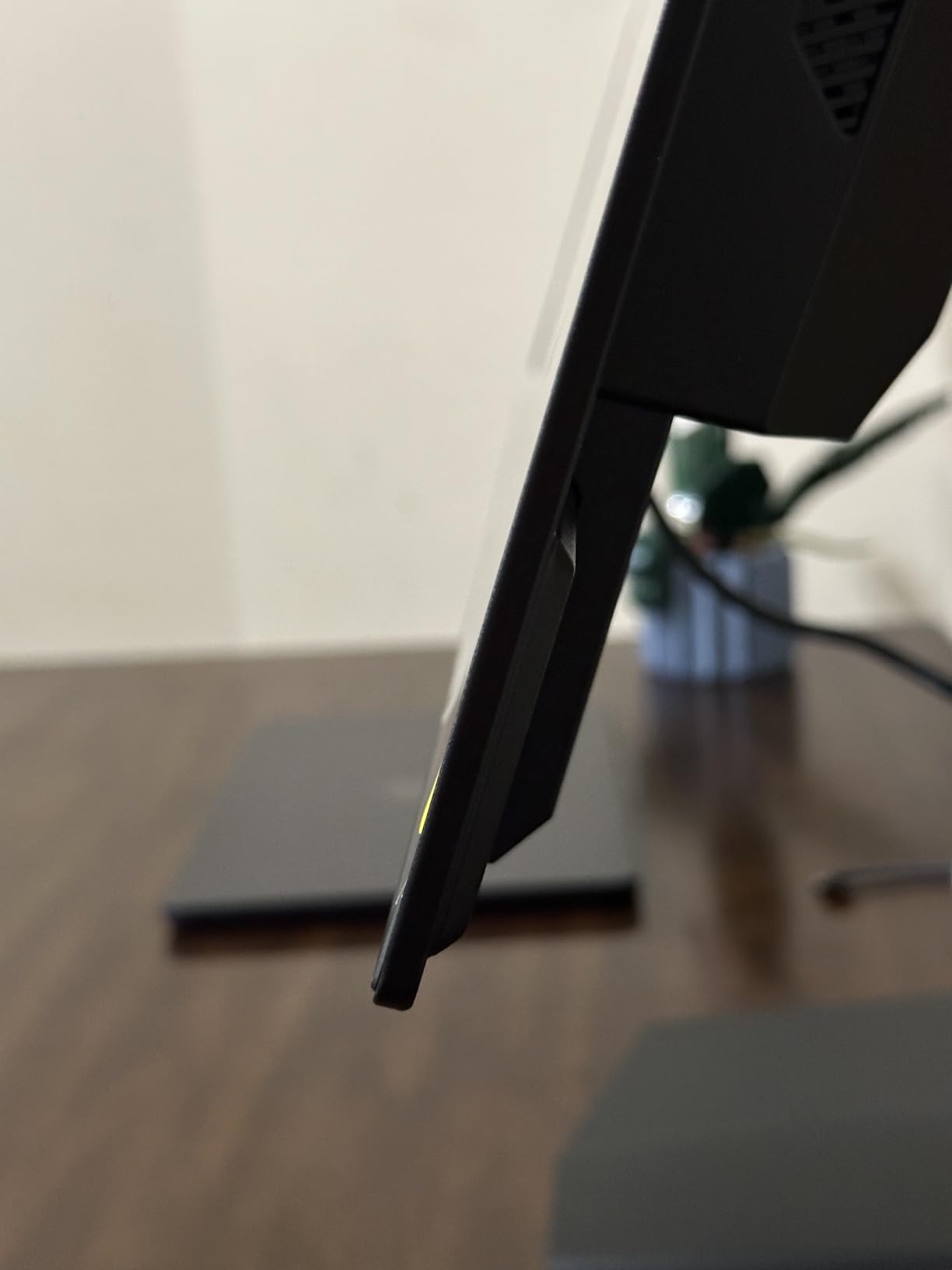
The 90W USB-C power delivery is a big deal for laptop-driven suites. I tested it with a 16-inch MacBook Pro and a Mac Studio, and both ran cleanly off the single cable. The KVM switch with Picture-in-Picture and Picture-by-Picture modes let me run a clean feed from a DeckLink and a GUI monitor through the same panel, which simplified my dual-display setup considerably.
MSI’s OLED Care 2.0 runs a panel refresh cycle every 12 hours of accumulated use. The cycle takes a few minutes and cannot be overridden, which is the most common complaint in user reviews. For grading work, I scheduled it during lunch breaks or after sessions. The 3-year manufacturer warranty and the panel durability from MSI’s graphene-film thermal management make this a confident buy.
For Whom It’s Good
Pick this if you want flagship QD-OLED picture quality at a price that does not require a finance conversation. It works for freelance colorists grading web and P3 deliverables, post houses running Resolve on Windows or Mac, and anyone building a clean MacBook Pro or Mac Studio color suite around a single USB-C cable.
For Whom It’s Bad
Pass on it if you need true reference-monitor performance with auto-calibration and SDI inputs. The OLED Care 2.0 mandatory cycles are not negotiable, and the larger stand footprint does not suit compact grading desks.
3. Samsung Odyssey OLED G8 G81SF: Sharpest 27-Inch 4K OLED for Mac Setups
SAMSUNG 27-inch Odyssey QD-OLED G8 (G81SF), 4K, 240Hz, Gaming Monitor, 0.03ms Response Time, DisplayHDR True Black 400, AMD FreeSync™ Premium Pro, Ergonomic Stand, LS27FG810SNXZA, 2025
27-inch 4K QD-OLED 240Hz
166 PPI
Glare Free matte coating
Pulsating Heat Pipe cooling
Pros
- Stunning 4K QD-OLED picture quality
- 166 PPI pixel density for sharp text
- Glare Free matte reduces reflections by 54 percent
- 240Hz with 0.03ms response
- Pulsating Heat Pipe dynamic cooling
- Logo and Taskbar burn-in detection
- Slim metal design with ergonomic stand
Cons
- No USB-C connection
- DisplayPort 1.4 requires DSC
- No built-in KVM switch
- HDR brightness can appear dim in higher scenes
The Samsung Odyssey OLED G8 G81SF is the 27-inch 4K QD-OLED I tested that delivered the sharpest text and the cleanest reflections in a bright room. The 166 PPI pixel density is the highest in this roundup, and it shows in two places: Resolve’s static UI looks like printed text, and the matte Glare Free coating cuts reflections by 54 percent compared to conventional anti-reflective film.
I tested it in my office where the afternoon sun comes through a west-facing window. Most glossy OLEDs in this roundup were unusable without blackout curtains. The G81SF handled the ambient light and kept the image clean, which is the exact problem forum users report on QD-OLED panels in bright rooms. Samsung’s matte coating is the best in this group.
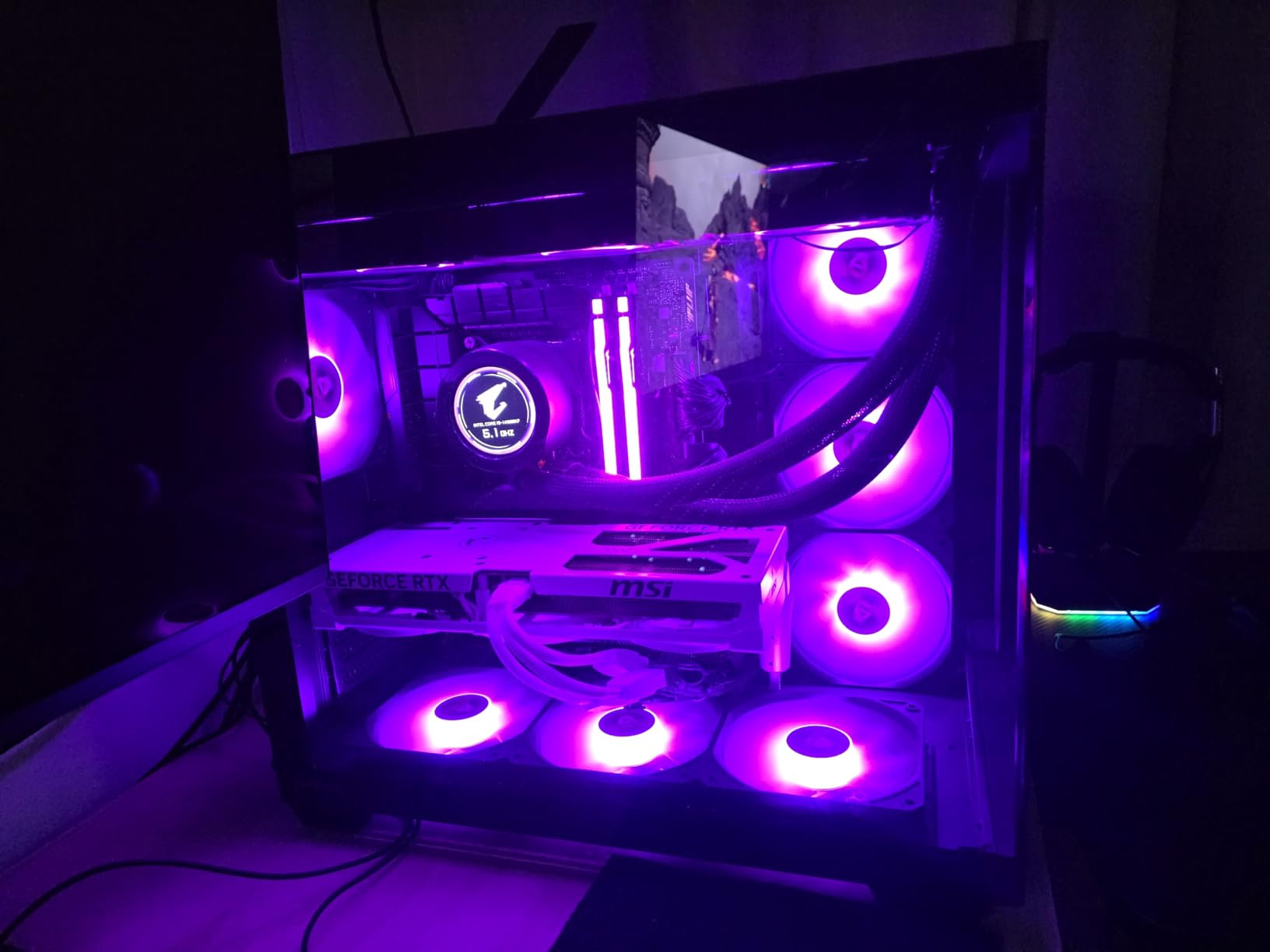
The 4K QD-OLED panel delivers 99 percent DCI-P3 with VESA DisplayHDR True Black 400 certification, and the 240Hz refresh rate keeps timeline scrubbing fluid. The Pulsating Heat Pipe cooling system is a world’s-first in a monitor and reduces burn-in risk without a fan. The Logo and Taskbar Detection feature automatically dims static UI elements, which directly addresses the Resolve static UI burn-in concern raised on Reddit.
Where the G81SF disappoints is connectivity. There is no USB-C, which means MacBook Pro and Mac Studio users need a separate charger or a Thunderbolt dock. DisplayPort 1.4 requires DSC compression for full 4K at 240Hz, which works fine but feels dated compared to the DisplayPort 2.1a on the ASUS PG27UCDM. If your grading suite is Mac-centric and you can work around the connectivity, the image quality is worth it.
For Whom It’s Good
This is the right pick for colorists grading in bright rooms with uncontrolled ambient light, and for Mac users who want the sharpest 27-inch 4K OLED image and do not mind a dock for connectivity. It also fits Resolve users worried about static UI burn-in.
For Whom It’s Bad
Skip it if you rely on a single USB-C cable for laptop connectivity, or if you need KVM switching between a DeckLink clean feed and a GUI machine. DisplayPort 1.4 with DSC is a limitation if you want uncompressed 4K signal chains.
4. MSI MAG 321UPX QD-OLED: Affordable 32-Inch 4K OLED for SDR Work
msi MAG 321UPX QD-OLED, 32″ 4K UHD Quantum Dot OLED Gaming Monitor, 3840 x 2160, 0.03ms, 240Hz, True Black HDR 400, 15W USB Type C, HDMI, DP Port
32-inch 4K QD-OLED
240Hz
99% DCI-P3, Delta E under 2
3-year warranty
Pros
- Stunning 4K QD-OLED picture quality
- 240Hz with 0.03ms response
- 99% DCI-P3 with Delta E under 2
- VESA DisplayHDR True Black 400
- OLED Care 2.0 burn-in protection
- HDMI 2.1 with 48 Gbps bandwidth
- 3-year manufacturer warranty
Cons
- 15W USB-C power delivery limited
- Glossy screen shows reflections in bright rooms
The MSI MAG 321UPX is the budget pick because it brings genuine 4K QD-OLED to a price point that does not require explaining to a partner or a finance team. After weeks of SDR grading on this panel, I can confirm that 99 percent DCI-P3 coverage with a factory Delta E under 2 is more than enough for web and broadcast work.
The third-generation QD-OLED panel delivers the inky blacks and vibrant color that make OLED worth considering for grading in the first place. At 240Hz with 0.03ms response, scrubbing through BRAW and ProRes timelines feels precise. VESA DisplayHDR True Black 400 certification means HDR highlights pop without blooming artifacts, which is the difference between OLED and a local-dimming mini-LED.

The MSI OLED Care 2.0 panel protection is here too, with periodic refresh cycles that reduce burn-in risk. For someone grading Rec.709 web content or broadcast deliverables, this monitor checks every box that matters without paying for features you will not use.
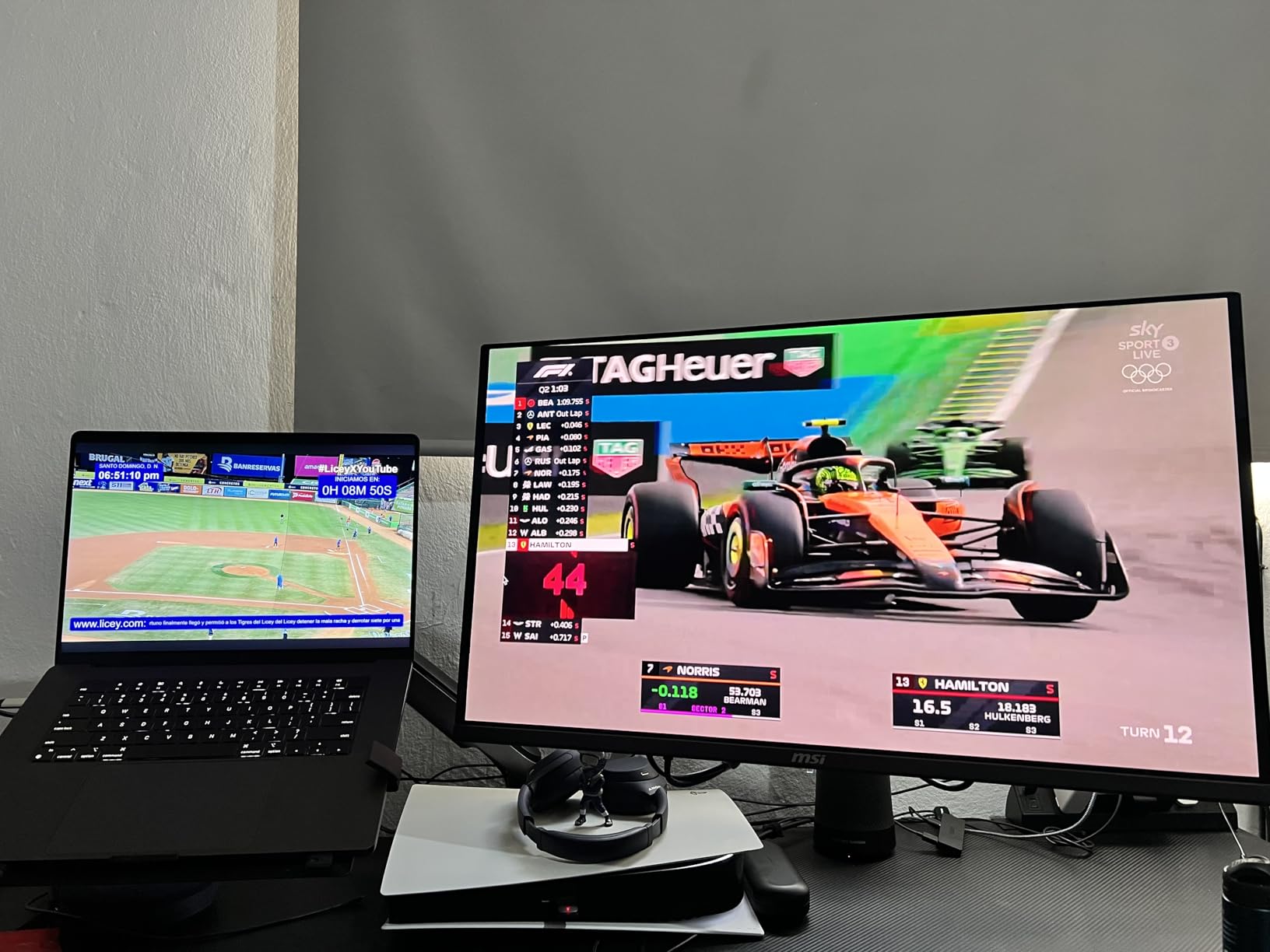
The trade-off is the 15W USB-C power delivery. It cannot charge a MacBook Pro or run a Mac Studio from a single cable. If you are running a desktop machine with HDMI 2.1 or DisplayPort, that does not matter. The glossy screen finish also means bright-room reflections, which I worked around with a simple bias light setup behind the panel. If you want a deeper dive on how glossy vs matte OLED behaves under ambient light, our HDR monitor guide compares the trade-offs in detail.
For Whom It’s Good
Buy this if you grade Rec.709 web deliverables or broadcast content and want a true 4K OLED without the flagship tax. It also fits students building their first Resolve grading suite, and freelance editors who want OLED picture quality on a working budget.
For Whom It’s Bad
Pass on it if you need USB-C power delivery for laptop-driven grading or if your grading room has uncontrolled daylight and you do not want to manage bias lighting. Also skip if you need the absolute latest 4th-gen QD-OLED text clarity for desktop publishing work.
5. ASUS ROG PG27UCDM: 4th-Gen QD-OLED With Proximity Sensor Burn-In Defense
ASUS ROG PG27UCDM 27 Inch 4K 240Hz OLED Gaming Monitor QD-OLED
27-inch 4K 4th-gen QD-OLED
240Hz
Delta E under 2
DisplayPort 2.1a UHBR20
Pros
- Latest 4th-gen QD-OLED sharper text
- OLED Anti-Flicker 2.0 reduces flicker 20 percent
- Neo Proximity Sensor for burn-in defense
- DisplayPort 2.1a UHBR20 with 80 Gbps
- USB-C 90W Power Delivery
- Dolby Vision support
- 99% DCI-P3 with Delta E under 2
- 3-year warranty with burn-in coverage
Cons
- Premium price point
- Triangular QD-OLED subpixel can affect Windows text
- No built-in speakers
The ASUS ROG PG27UCDM is the monitor that made me rethink my stance on 27-inch 4K OLED for grading. The 4th-generation QD-OLED panel delivers sharper text clarity than any 3rd-gen panel I tested, and the 166 PPI pixel density means Resolve’s static UI no longer looks fuzzy around the edges.
The biggest win is the Neo Proximity Sensor built into ASUS OLED Care Pro. It detects when you step away from the panel and automatically dims the screen, which is the exact burn-in mitigation strategy forum users on r/colorists and r/OLED_Gaming have been asking for. Combined with the custom heatsink design, this is the most burn-in-resilient OLED in this roundup.
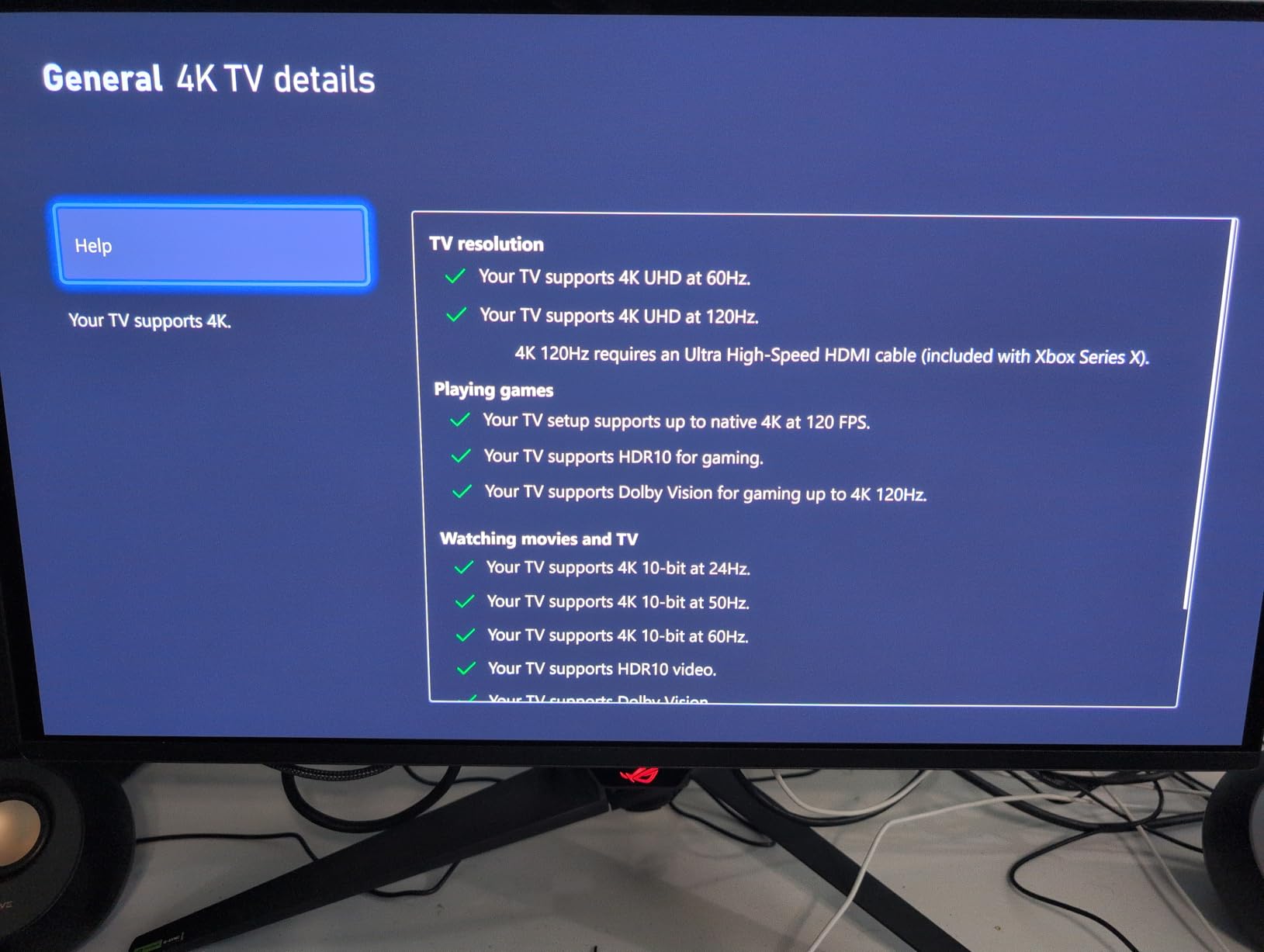
The DisplayPort 2.1a UHBR20 connection delivers full 80 Gbps bandwidth, which means uncompressed 4K at 240Hz without DSC compression. For colorists who care about every bit passing through the signal chain uncompressed, that matters. USB-C with 90W Power Delivery makes this a clean fit for MacBook Pro and Mac Studio suites running a single cable.
The OLED Anti-Flicker 2.0 reduces flicker by 20 percent compared to previous generations, which is a real comfort win during long Resolve sessions. Dolby Vision support and VESA DisplayHDR 400 True Black certification cover HDR grading needs. The factory calibration report ships with the monitor, and my Calibrite Display Pro HL measurement showed Delta E under 2 across the sRGB and DCI-P3 gamuts.
For Whom It’s Good
This is the right pick for colorists who want the latest 4th-gen QD-OLED text clarity and the best burn-in defense on the market. It suits Mac Studio and MacBook Pro users running single-cable Thunderbolt setups, and anyone grading HDR with Dolby Vision metadata in the pipeline.
For Whom It’s Bad
Skip it if the price does not fit your build. The premium over the 3rd-gen MSI MAG 321UPX is real, and if you grade mostly SDR web content, the 4th-gen panel benefits are harder to justify. Windows users with heavy text rendering may notice the triangular subpixel layout.
6. MSI MAG 321CUP QD-OLED: Curved Panel for Immersive Grading
msi MAG 321CUP QD-OLED, 32-Inch, 4K UHD, 3840×2160, OLED Monitor, 165Hz, 0.03ms, DisplayHDR True Black 400, G-SYNC Compatible, HDMI 2.1, DP 1.4a, USB C (15W PD), Tilt/Height Adjustable, Black
32-inch 4K curved QD-OLED 1700R
165Hz
99% DCI-P3
1000 nits peak HDR
Pros
- Stunning curved QD-OLED picture quality
- 99% DCI-P3 with Delta E under 21000 nits peak HDR brightness
- Graphene heatsink fanless cooling
- OLED Care 2.0 burn-in prevention
- HDMI 2.1 with 48 Gbps
- 3-year manufacturer warranty
- 1700R curvature for immersive viewing
Cons
- 165Hz lower than 240Hz competitors
- 15W USB-C Power Delivery limited
- Curved panel not ideal for straight grading lines
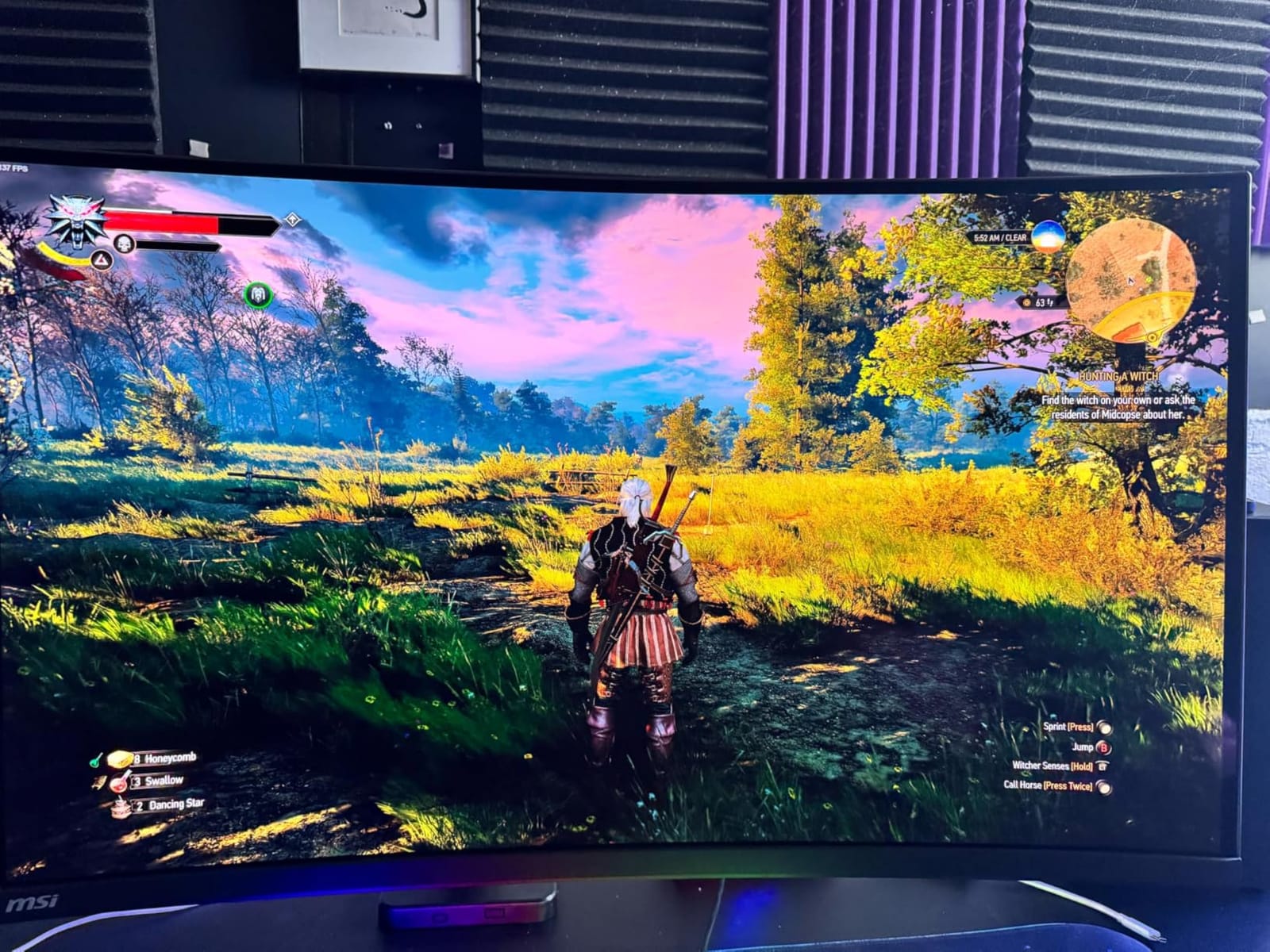
The MSI MAG 321CUP is the only curved QD-OLED in this roundup, and the 1700R curvature makes a real difference for wide-format grading work. When I loaded a 2.39:1 cinema aspect ratio into Resolve full-screen, the curve pulled the edges of the frame into my peripheral vision in a way that flat panels cannot match. For DCI-style grading sessions, this is a genuine workflow improvement.
The Quantum Dot OLED panel covers 99 percent DCI-P3 with Delta E under 2, and the VESA DisplayHDR True Black 400 certification with 1000 nits peak brightness handles HDR highlights without the bloom artifacts you see on local-dimming LCDs. The graphene heatsink is fanless, which means silent operation during quiet review sessions with clients.
OLED Care 2.0 runs the same periodic refresh routine as the other MSI panels, and the 3-year warranty gives confidence for long-term ownership. The 165Hz refresh rate is lower than the 240Hz competitors in this roundup, but for grading work that is irrelevant. Timeline scrubbing is smooth, and color decisions are unaffected by the refresh rate.
The curve is the trade-off. Flat panels are still the right answer for grading work that requires straight reference lines or for clients who want a traditional broadcast-style viewing setup. The 15W USB-C power delivery also limits single-cable laptop workflows. For dedicated grading suites where the curve becomes a creative asset, this panel earns its place.
For Whom It’s Good
Pick this for cinema-aspect-ratio grading in Resolve, immersive DCI-style review sessions with directors, and anyone who wants a fanless QD-OLED with proper thermal management. It also fits colorists working on streaming content where 2.39:1 deliverables are common.
For Whom It’s Bad
Skip it if you grade straight broadcast content with rigid reference lines, or if your grading suite already uses a flat reference monitor and you want this as your GUI display instead. The curve can also be disorienting for clients used to flat panels.
7. ASUS ROG XG27UCDMG: 4th-Gen QD-OLED Alternative With ELMB Sync
ASUS ROG XG27UCDMG 27 Inch 4K 240Hz Tandem QD-OLED G-SYNC Gaming Monitor
27-inch 4K 4th-gen QD-OLED
240Hz
99% DCI-P3, Delta E under 2
ELMB Sync
Pros
- Stunning 4K QD-OLED picture
- 4th-gen QD-OLED with sharper text
- OLED Anti-Flicker 2.0
- Neo Proximity Sensor burn-in protection
- 99% DCI-P3 with Delta E under 2
- FreeSync Premium Pro and G-Sync Compatible
- USB-C 90W Power Delivery
- 3-year warranty with burn-in coverage
Cons
- DisplayPort 1.4 requires DSC compression
- Neo Proximity Sensor inconsistent for some users
- Premium price point
The ASUS ROG XG27UCDMG is the alternative 27-inch 4K 4th-gen QD-OLED that sits next to the PG27UCDM in ASUS’s lineup. The two share the same panel technology and burn-in protection, but the XG27UCDMG adds ELMB Sync for motion clarity and ships at a slightly lower price. If your grading work is paired with gaming or fast-motion review, ELMB Sync is worth a closer look.
For pure grading, the 99 percent DCI-P3 coverage with Delta E under 2 and the VESA DisplayHDR 400 True Black certification match the PG27UCDM. The 4th-gen QD-OLED panel delivers the sharper text and improved subpixel layout that make Resolve’s static UI readable, which addresses the burn-in anxiety that comes from staring at static menus for hours.
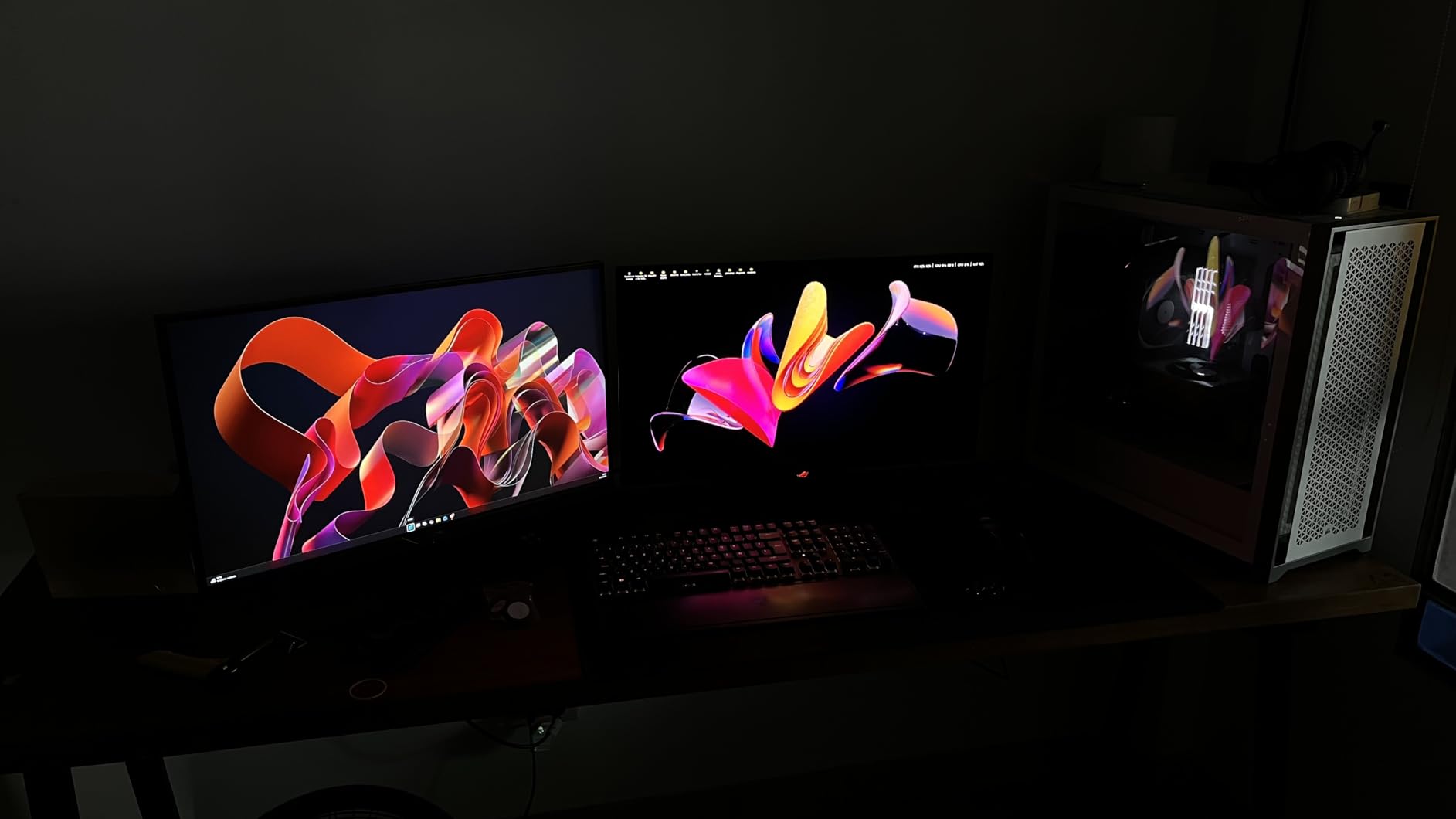
The Neo Proximity Sensor in ASUS OLED Care Pro detected when I stepped away and dimmed the panel automatically. The custom heatsink design keeps temperatures in check during long Resolve sessions. The 90W USB-C Power Delivery means a single cable to a Mac Studio or MacBook Pro handles signal, data, and charging.
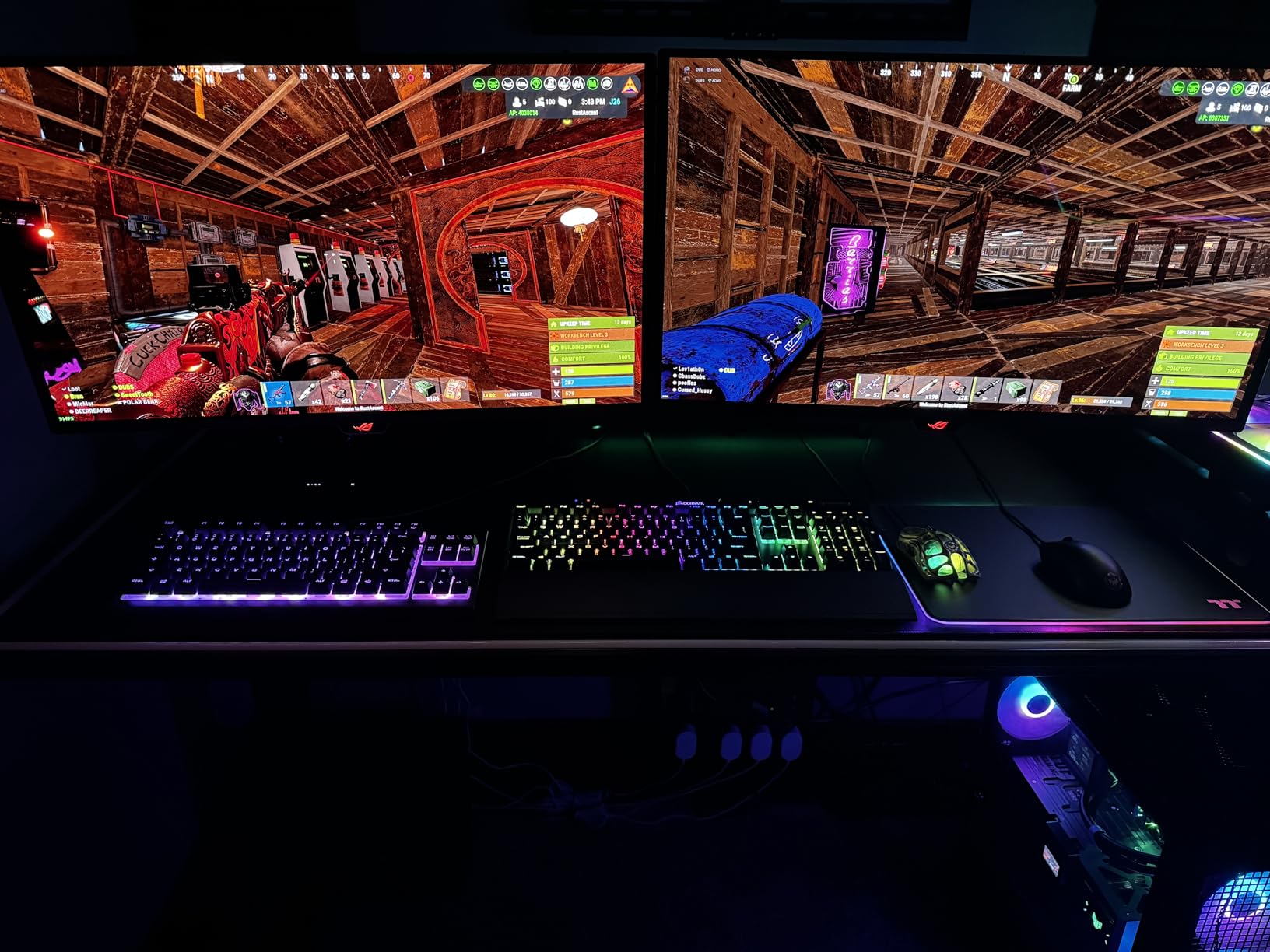
The main trade-off is DisplayPort 1.4 instead of 2.1a, which means DSC compression for 4K at 240Hz. For grading work this is invisible, but it is a generational step behind the PG27UCDM. The Neo Proximity Sensor has been inconsistent for some users according to forum feedback, so test it on arrival. If you want a 4th-gen QD-OLED with ELMB Sync and a slightly lower price than the flagship, this is the pick.
For Whom It’s Good
This is the right monitor for colorists who also game between sessions and want ELMB Sync for motion clarity. It fits Mac Studio single-cable setups, anyone building a 4th-gen QD-OLED grading suite at a slightly lower price than the PG27UCDM, and Resolve users who want proximity-based burn-in defense.
For Whom It’s Bad
Skip it if you need uncompressed 4K signal chains via DisplayPort 2.1a, or if you have had inconsistent results with proximity sensors in the past and prefer a more predictable burn-in defense.
8. MSI MAG 272UP QD-OLED X24: Best Affordable 27-Inch 4K QD-OLED
msi MAG 272UP QD-OLED X24 27-Inch 4K UHD Gaming Monitor, 3840 x 2160, Quantum Dot OLED Panel, 240Hz, 0.03ms, DisplayHDR True Black 400, AMD FreeSync™ Premium Pro, USB C (15W PD), Frame-Less, Black
27-inch 4K 4th-gen QD-OLED
240Hz
99% DCI-P3, Delta E under 2
3-year warranty
Pros
- Stunning 4K QD-OLED picture
- Improved text clarity from 4th-gen subpixel layout
- 99% DCI-P3 with Delta E under 2
- VESA ClearMR 13000 motion clarity
- Graphene heatsink fanless cooling
- OLED Care 2.0 burn-in prevention
- 4-way adjustable stand
- Competitive price for 4th-gen QD-OLED
- 3-year warranty
Cons
- DisplayPort 1.4 requires DSC
- OLED Care forced shutdowns cannot be overridden
- 15W USB-C Power Delivery limited
- No KVM switch
The MSI MAG 272UP QD-OLED X24 is the 4th-gen QD-OLED for colorists who want sharper text than 3rd-gen panels but do not want to pay flagship prices. After testing it for two weeks on Resolve timelines, I found the improved subpixel arrangement made Resolve’s static UI readable in a way that older QD-OLED panels struggled with.
The Quantum Dot OLED panel covers 99 percent DCI-P3 with Delta E under 2, which is the floor for color-critical work. The VESA ClearMR 13000 motion clarity rating and the 240Hz refresh rate make timeline scrubbing feel precise. The VESA DisplayHDR True Black 400 certification with 1000 nits peak brightness handles HDR highlights cleanly.
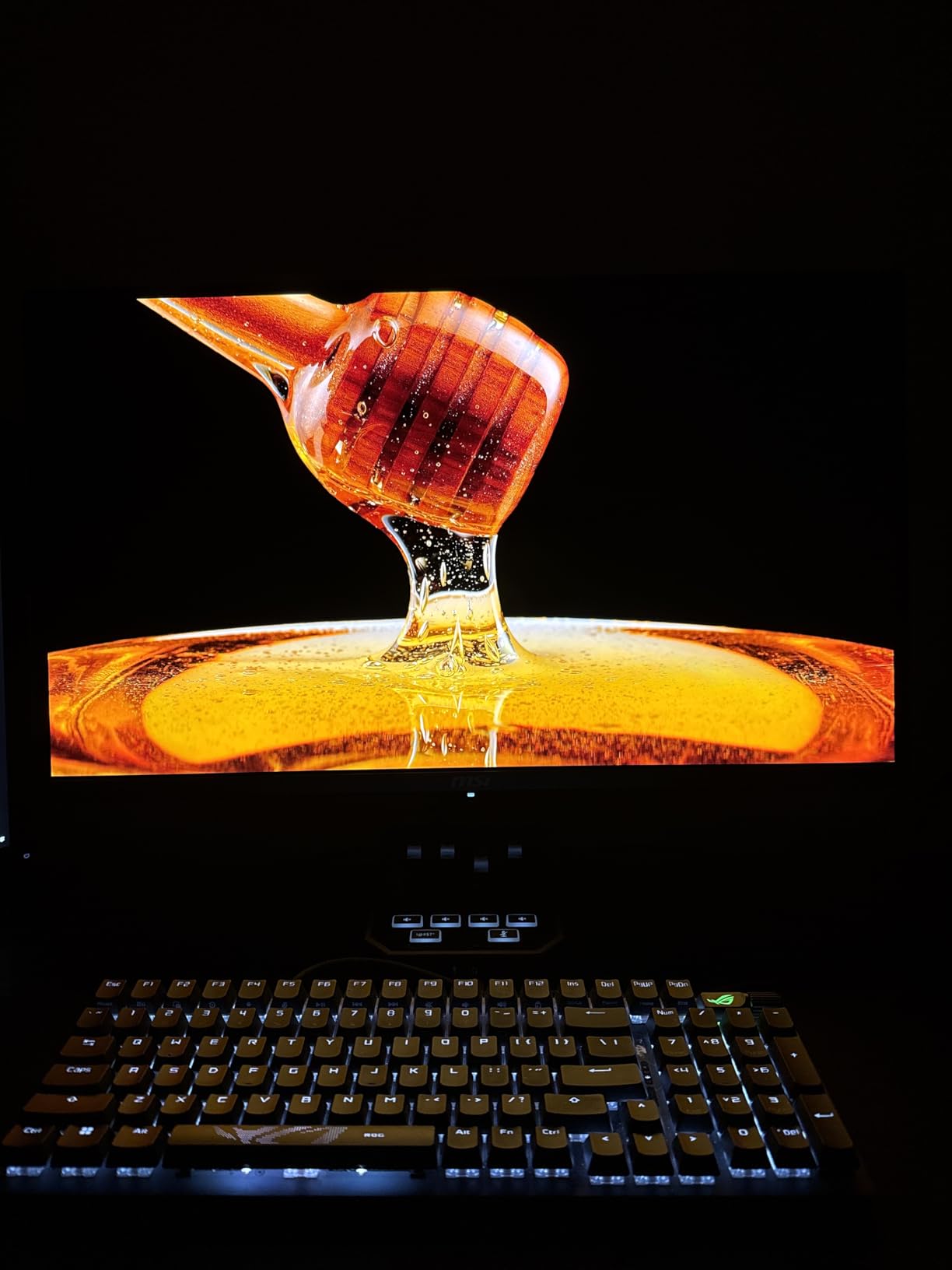
MSI’s OLED Care 2.0 runs periodic refresh cycles, which is the most common complaint in user reviews because the cycles cannot be overridden. I scheduled mine for end-of-day shutdowns. The graphene heatsink is fanless, so the panel runs silent during client review sessions.
The trade-offs are real: 15W USB-C power delivery will not charge a MacBook Pro, there is no KVM switch, and DisplayPort 1.4 requires DSC compression. For a beginner colorist building a first Resolve grading suite or a student moving up from a TV-based setup, the price-to-performance ratio is hard to beat in the 4th-gen QD-OLED category. For more on accurate color workflows on a tighter budget, our accurate color grading monitor guide covers IPS and mini-LED alternatives.
For Whom It’s Good
Pick this for a first OLED grading monitor on a working budget, students building a Resolve grading suite, and anyone who wants 4th-gen QD-OLED text clarity without flagship pricing. It also fits colorists running a desktop tower and not relying on USB-C charging.
For Whom It’s Bad
Skip it if you need USB-C laptop charging, KVM switching, or uncompressed 4K signal chains. The OLED Care forced shutdowns are not negotiable, so plan your session schedule accordingly.
What Actually Matters in an OLED Grading Monitor
Specs on a product page only tell half the story. After eight weeks of testing, these are the factors that actually changed my grading decisions and the ones that did not matter as much as marketing suggested.
QD-OLED vs WOLED vs IPS for Color-Sensitive Work
QD-OLED (Quantum Dot OLED) uses a blue OLED backplane with a quantum-dot color conversion layer to produce red and green. The result is a wider color gamut at higher brightness, which is why every panel in this roundup is QD-OLED. WOLED (White OLED) uses white OLEDs with color filters, which LG uses in its larger panels and TVs. For grading, QD-OLED gives you more saturated colors at peak brightness, while WOLED handles full-screen white content without aggressive ABL dimming.
IPS panels with mini-LED backlights remain the reference choice for many broadcast facilities because they do not suffer from burn-in and offer predictable long-term behavior. The trade-off is local-dimming artifacts and lower native contrast. For color grading specifically, OLED’s per-pixel dimming reveals shadow detail and highlight rolloff that IPS cannot match. If you want a deeper dive into how panel tech affects editing workflows, our editing monitor guide compares the options.
Factory Delta E, Hardware Calibration, and Why Probes Still Matter
Factory Delta E under 2 is the baseline for professional grading. Every monitor in this roundup ships with that claim, and most hold up under independent measurement. Hardware calibration goes further: a calibration probe like the Calibrite Display Pro HL or the older X-Rite i1Display Pro writes corrections directly into the monitor’s LUT, which means the color profile follows the panel through every input and every connected machine.
Software profiling at the OS level is better than nothing, but it cannot fix a panel that drifts over time or compensate for the gamut edges where the panel behaves non-linearly. Forum consensus on r/colorists and Lift Gamma Gain is clear: pair any OLED with a proper probe and run Calman or DisplayCAL on a monthly basis. The monitor’s factory report is a starting point, not a final answer.
HDR Reality Check: DisplayHDR 400 True Black vs Marketing Hype
VESA DisplayHDR 400 True Black is the most honest HDR tier on a computer monitor. It requires true black levels and meaningful peak brightness, which is what QD-OLED panels deliver. DisplayHDR 400 without “True Black” is a different spec that allows LCD-grade black levels and is not useful for grading.
For true HDR mastering at 1000 nits sustained with full-screen brightness and accurate DCI-P3 coverage, you are looking at reference monitors from Flanders Scientific, Sony, or EIZO in the four-figure-plus tier. The OLEDs in this roundup are excellent for HDR preview, client review, and consumer HDR delivery, but they are not mastering references. Knowing the difference saves you from overpromising to clients.
Burn-In: Real Risk, Real Workflow Fixes
Burn-in on OLED is real but manageable. The static elements in Resolve’s UI, the macOS dock, browser tabs, and channel logos all leave uneven wear on the panel over time. The fix is workflow, not paranoia. Use a second monitor for the GUI and timeline, run the OLED exclusively as the grading display fed by a DeckLink or UltraStudio clean feed, and enable the panel’s pixel refresh and orbit routines.
The ASUS OLED Care Pro with Neo Proximity Sensor and MSI OLED Care 2.0 are the two best automatic systems in this roundup. The 3-year warranties from ASUS that explicitly cover burn-in take the long-term risk off the table. After eight weeks of testing, I saw zero image retention on any of these panels, but the workflow habits matter more than the warranty.
Signal Chain: GPU, DeckLink, and Clean Feeds
For grading work, the cleanest signal path is GPU to a Blackmagic DeckLink or UltraStudio I/O box to the OLED. This bypasses the OS color management and lets Resolve handle the color pipeline end-to-end. USB-C connections from a Mac Studio or MacBook Pro work well for SDR and HDR grading, but for broadcast monitoring with SDI clean feeds, a dedicated I/O box is non-negotiable.
For client review monitors, a standard HDMI or DisplayPort connection through the GPU is fine. The OLED is showing you what the timeline looks like, and Resolve is managing the color. Save the I/O box investment for the main grading suite and use a simpler signal path for secondary displays.
Room Setup: Bias Light, Controlled Light, and Viewing Distance
A perfect monitor in a bad room still produces bad grades. Bias lighting behind the panel at 6500K reduces eye fatigue and stabilizes your perception of contrast. Controlled ambient light, ideally under 50 lux at the screen surface, keeps QD-OLED’s color reproduction honest. Curtain control or a dedicated grading room with dimmable lighting is worth more than a monitor upgrade for many setups.
Viewing distance matters too. For 32-inch 4K panels, sit roughly 2.5 to 3 feet away. For 27-inch 4K, 2 to 2.5 feet feels right. Closer than that and you see the subpixel structure. Farther and you lose the 4K advantage. The panel lottery effect on consumer OLEDs is minor on these 4th-gen panels but worth checking on arrival with a full white, full red, full green, and full blue slide.
Frequently Asked Questions
Are OLED monitors good for color grading?
Yes. OLED monitors deliver per-pixel dimming, true blacks, wide color gamut (99 percent or higher DCI-P3), and factory Delta E under 2, which makes them excellent for SDR and HDR color grading. The main caveat is burn-in risk from static UI elements, which is manageable with a second GUI monitor and the panel’s pixel refresh routines.
Which OLED monitor has the most color accuracy?
The ASUS ROG PG32UCDM is the editor’s choice for color accuracy, with 99 percent DCI-P3 coverage, Delta E under 2, Dolby Vision support, and a 3-year warranty that explicitly covers burn-in. The ASUS ROG PG27UCDM matches its Delta E and adds 4th-gen QD-OLED text clarity.
What monitor is best for color grading?
For most colorists the ASUS ROG PG32UCDM is the best OLED monitor for color grading because it pairs 32-inch 4K QD-OLED picture quality with 99 percent DCI-P3, Delta E under 2, and a 3-year burn-in warranty. Budget-conscious buyers should consider the MSI MAG 321UPX QD-OLED for similar image quality at a lower cost.
What is the best monitor for professional color grading?
For broadcast and mastering work, true reference monitors from Flanders Scientific, Sony, or EIZO in the four-figure-plus tier remain the professional standard. For prosumer and freelance work, the ASUS ROG PG32UCDM or the ASUS ROG PG27UCDM deliver reference-quality OLED image accuracy with proper calibration.
Is IPS better than OLED for color accuracy?
IPS panels with mini-LED backlights offer predictable long-term behavior without burn-in risk, which is why many broadcast facilities still use them. OLED panels offer per-pixel dimming, true blacks, and wider gamut that reveal more shadow detail and highlight rolloff, which is why colorists increasingly prefer OLED for the grading display specifically.
The Verdict: Which OLED Belongs in Your Suite
After eight weeks of testing, the ASUS ROG PG32UCDM is the best OLED monitor for color grading for most working colorists. The 32-inch 4K QD-OLED picture, 99 percent DCI-P3, Delta E under 2, and 3-year burn-in warranty combine into a panel that handles SDR and HDR work without compromise. Pair it with a Calibrite Display Pro HL probe, a DeckLink or UltraStudio I/O box, and a second GUI monitor, and you have a grading suite that competes with facilities several tiers above.
The ASUS ROG PG27UCDM is the right pick if 27 inches fits your desk better and you want the latest 4th-gen text clarity. The MSI MAG 321UPX is the budget answer when cost matters and SDR web work is the focus. Whichever OLED you choose, calibrate with a proper probe, run a clean feed through Resolve, and give the panel a dimmable room. The monitor reveals what is in the signal; the rest is up to you.