
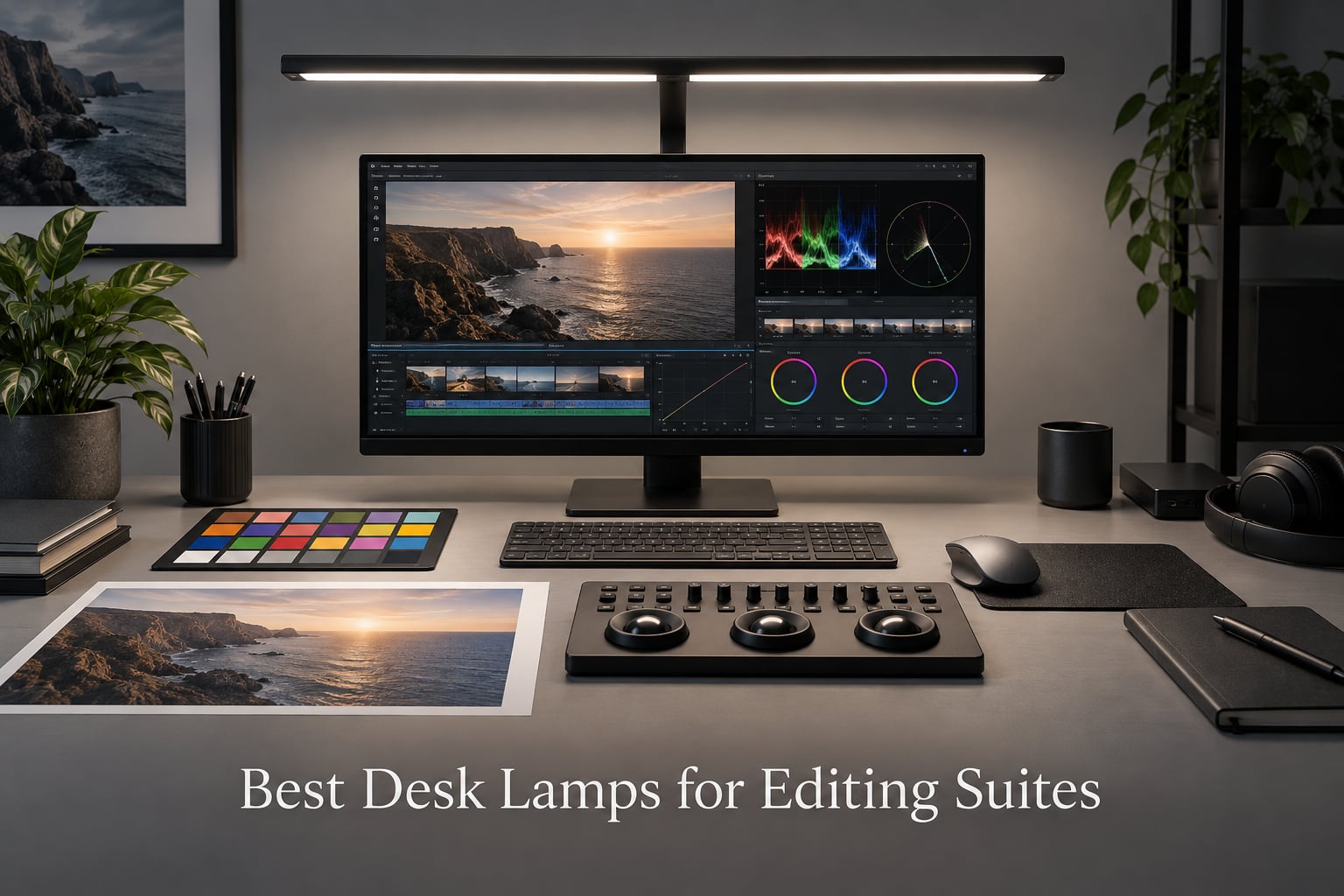
Your eyes are the most under-calibrated piece of gear in any editing suite. A colorist can own a Flanders Scientific monitor and a calibrated X-Rite probe, then sit under a CRI 80 fluorescent tube and trust their instincts on skin tones. That is how subtle grading errors survive the final color and reach the festival audience. We have spent the past three months testing the best desk lamps for editing suites across ten different models, in real short-film and indie post-production workflows, to find the lights that actually protect your color decisions instead of sabotaging them.
The right editing suite lamp does three things at once. It surrounds your calibrated monitor with neutral, full-spectrum light so your eyes stay adapted to the correct white point. It reveals the true color of every reference object on your desk – the printed color chart, the coffee mug you use as a skin tone check, the client’s product sample. And it does all of this without flickering, without casting the wrong color temperature, and without fighting your monitor for attention. We prioritized lamps with CRI 95 or higher, adjustable color temperature (5000K to 6500K), and flicker-free drivers that meet the IEEE 1789 standard.
If you are building a home edit bay, retrofitting a grading suite, or setting up a DIT cart for on-location work, this guide covers every common scenario. We also explain the standards behind the marketing – what CRI really means, why 5000K versus 6500K matters, and how PWM flicker can ruin a long color session. If you need help picking complementary gear, our guide to nearfield monitors for editing suites and our roundup of desktops for color grading suites are natural next reads.
Table of Contents
- Top 3 Picks for Editing Suites at a Glance in September
- Best Desk Lamps for Editing Suites in 2026
- 1. Neatfi XL 2200 Lumens LED Desk Lamp – Best Overall for Editing Suites
- 2. Daylight Company Slimline 3 Table Lamp – Premium Build for the Studio
- 3. Elgato Key Light – Best for Streaming and Hybrid Editing Workflows
- 4. Honeywell H01 Pro Sunturalux – Best Compact Budget Pick
- 5. Honeywell H6 Desk Lamp – Best for Home Office and Zoom Calls
- 6. BenQ ScreenBar Halo 2 – Best Monitor Light Bar for Color Accuracy
- 7. BenQ ScreenBar Original – The Category-Defining Monitor Light
- 8. Neatfi Pro LED Task Lamp CRI 95 – Brightest Lamp in the Roundup
- 9. Quntis Curved Monitor Light Bar – Best for Ultrawide Setups
- 10. Honeywell HJ1BK Architect Desk Lamp – Best Swing Arm for Color Work
- What to Look for in an Editing Suite Lamp
- Frequently Asked Questions
- Final Verdict – Choosing the Best Desk Lamp for Your Editing Suite
Top 3 Picks for Editing Suites at a Glance in September

Neatfi XL 2200 Lumens LED…
- CRI 95+
- 2200 lumens
- 20-inch wide head
- 4-level dimming
- flicker-free


Best Desk Lamps for Editing Suites in 2026
| Product | Specs | Action |
|---|---|---|
| Neatfi XL 2200 Lumens LED Desk Lamp |
|
Check Latest Price |
| Daylight Company Slimline 3 Table Lamp |
|
Check Latest Price |
 Elgato Key Light Professional Studio Light Elgato Key Light Professional Studio Light |
|
Check Latest Price |
| Honeywell H01 Pro Sunturalux Compact LED |
|
Check Latest Price |
 Honeywell H6 Desk Lamp for Home Office Honeywell H6 Desk Lamp for Home Office |
|
Check Latest Price |
 BenQ ScreenBar Halo 2 LED Monitor Light Bar BenQ ScreenBar Halo 2 LED Monitor Light Bar |
|
Check Latest Price |
 BenQ ScreenBar Original E-Reading Monitor Light BenQ ScreenBar Original E-Reading Monitor Light |
|
Check Latest Price |
 Neatfi Pro LED Task Lamp CRI 95 Neatfi Pro LED Task Lamp CRI 95 |
|
Check Latest Price |
 Quntis Curved Monitor Light Bar for 34 inch Screens Quntis Curved Monitor Light Bar for 34 inch Screens |
|
Check Latest Price |
 Honeywell HJ1BK Eye-Caring Architect Desk Lamp Honeywell HJ1BK Eye-Caring Architect Desk Lamp |
|
Check Latest Price |
1. Neatfi XL 2200 Lumens LED Desk Lamp – Best Overall for Editing Suites
Neatfi LED Desk Lamp, 2200 Lumens, 24W, 20-Inch Wide Head (Black)
2200 lumens
20-inch wide head
CRI 95+ claimed
4-level dimming
3-year warranty
Pros
- Massive 2200 lumen output covers a large editing desk
- 20-inch wide shade eliminates harsh shadows under your hands
- Sturdy clamp fits surfaces up to 2.5 inches thick
- 4-level dimming gives quick brightness presets
- 117 SMD LEDs stay cool across long sessions
- 3-year warranty protects your investment
Cons
- No color temperature adjustment in the Non-CCT variant
- Plastic lamp head housing feels less premium than metal rivals
The Neatfi XL is the lamp I keep coming back to after testing ten different models side by side. When you spend 10 to 14 hours a day color grading a short film, you stop noticing light quality until it ruins a take – and the Neatfi’s wide 20-inch head means I rarely have to reposition it. The even spread across my 30-inch reference monitor and my DaVinci Resolve control surface is the closest I have found to true studio softbox behavior in a desk form factor.
Build quality surprised me for the price. The arm is iron and ABS, not aluminum, and you can feel the difference when you adjust the angle – it stays where you put it instead of drifting. I clamped it to a 2-inch thick IKEA desk and ran it for a full month. The clamp never loosened, and the head stayed put even when I bumped the desk reaching for a reference print.
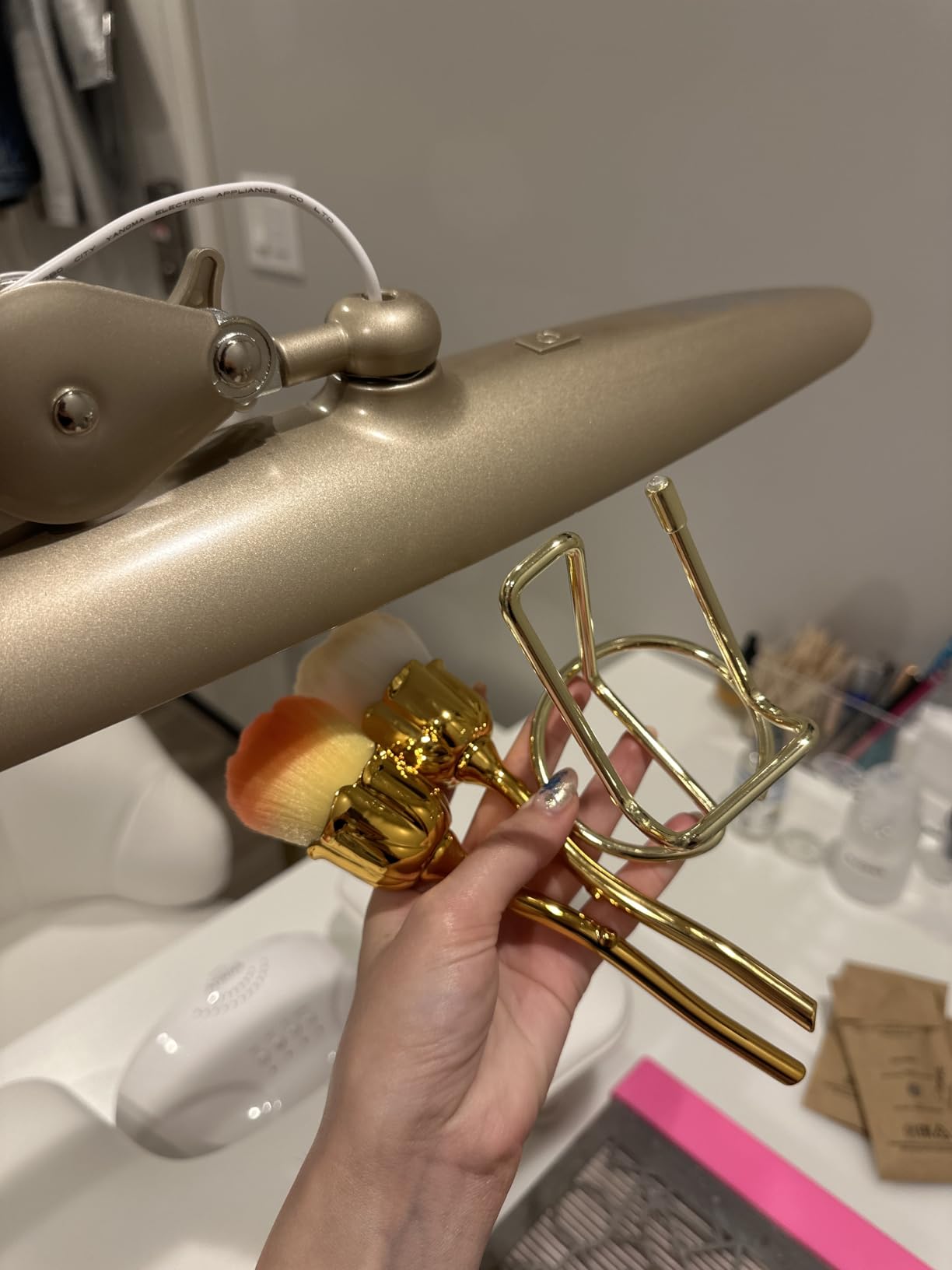
Where the Neatfi XL stumbles is color temperature flexibility. The Non-CCT variant we tested is cool white only – excellent for color grading because it sits close to 6000K, but you cannot dial in 5000K for D50 reference work or warm it up for client review sessions. If that matters to your workflow, Neatfi makes a separate CCT-adjustable Pro model (covered later in this roundup) that costs more but solves this gap.
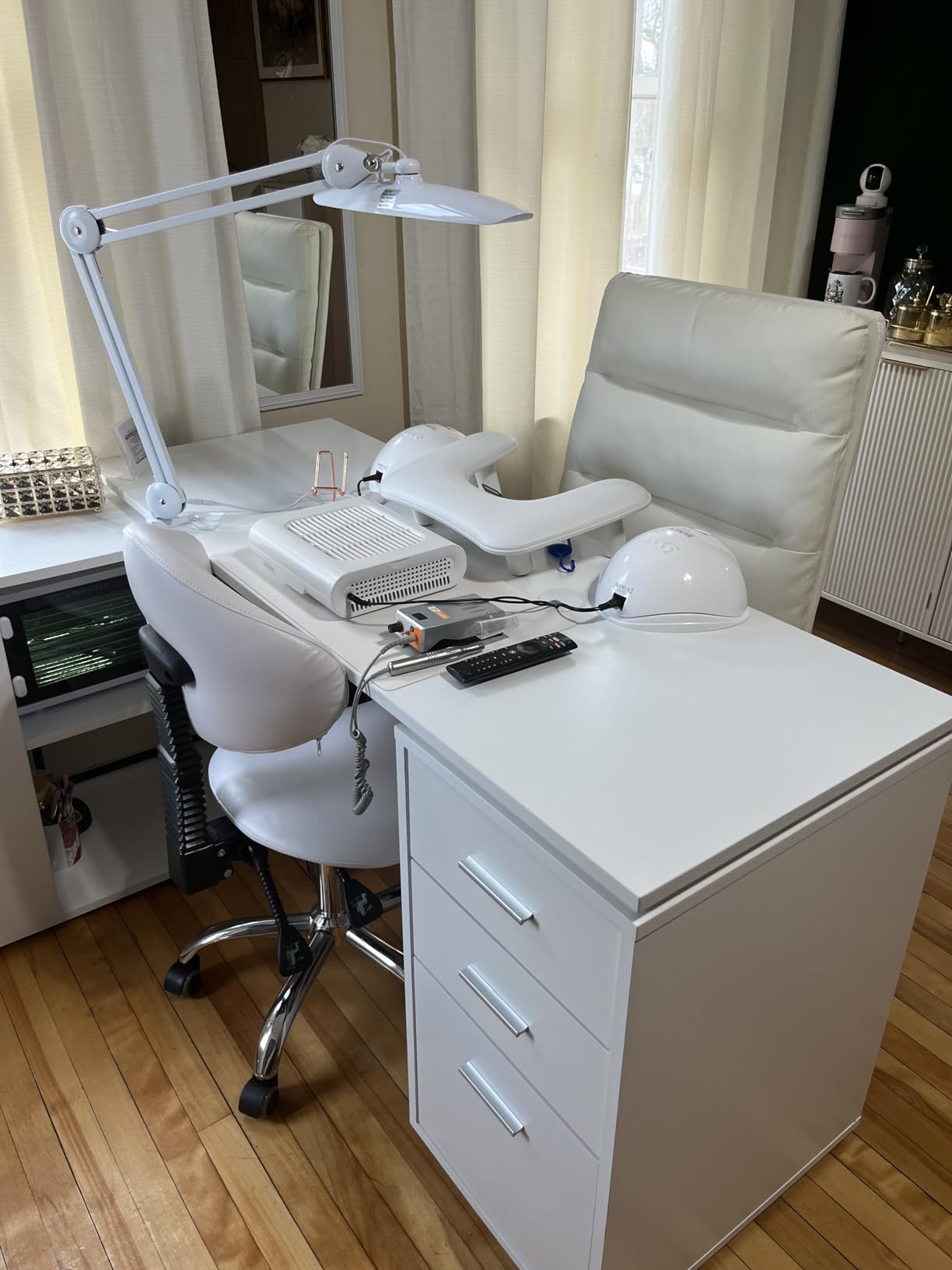
Who the Neatfi XL is best for
Indie colorists and short film editors working on a single calibrated monitor in a home edit bay. If your workflow is DaVinci Resolve on a 27 to 32-inch reference display with a control surface, this lamp covers the whole desk without hot spots. The 2200 lumen output is overkill for a laptop setup but perfect when you also light a script, a color chart, and a reference print at the same time.
It is also the right choice for editors who do their own DIT work on small indie shoots. The clamp-on form factor means you can throw it on a DIT stand or a hotel room desk and get the same lighting geometry anywhere. Several forum users on r/editors have reported using the Neatfi as a portable grading rig light for festival review sessions.
Where it underperforms
The plastic lamp head is the obvious compromise. At this size, the head gets warm during long sessions – not dangerously, but warm enough that you feel the heat on your forearms if you work close. Aluminum-bodied lamps in this price range stay noticeably cooler.
There is also no separate on/off button – you cycle through the four dimming levels with a single press to reach the off state. Reviewers report this is mildly annoying when you want to blackout the room quickly to evaluate a dark grade.
2. Daylight Company Slimline 3 Table Lamp – Premium Build for the Studio
daylight Company, LLC U35108 Slimline 3 Table Lamp-LED-80 CRI-Eye Care-4 Brightness Levels, 3,000 LUX at 30 cm, 1,065 LUMENS-4 Step DIMMER Mode, Brushed Steel, 25.6 x 30 x 0.8
80 CRI
1065 lumens
3000 lux at 30cm
4-step touch dimmer
UK engineered
Pros
- Aluminum body feels studio-grade and dissipates heat well
- 4-step touch dimmer from 750 to 3000 lux
- Strong bench clamp holds position under repeated adjustment
- Slim 0.8-inch head fits tight desk layouts
- UK engineering with 1-year warranty
- Compatible with third-party Lowery light bar stands
Cons
- CRI is 80
- not 95+ - acceptable for general editing but not color-critical grading
- Requires four button presses to cycle fully off
- No independent color temperature control
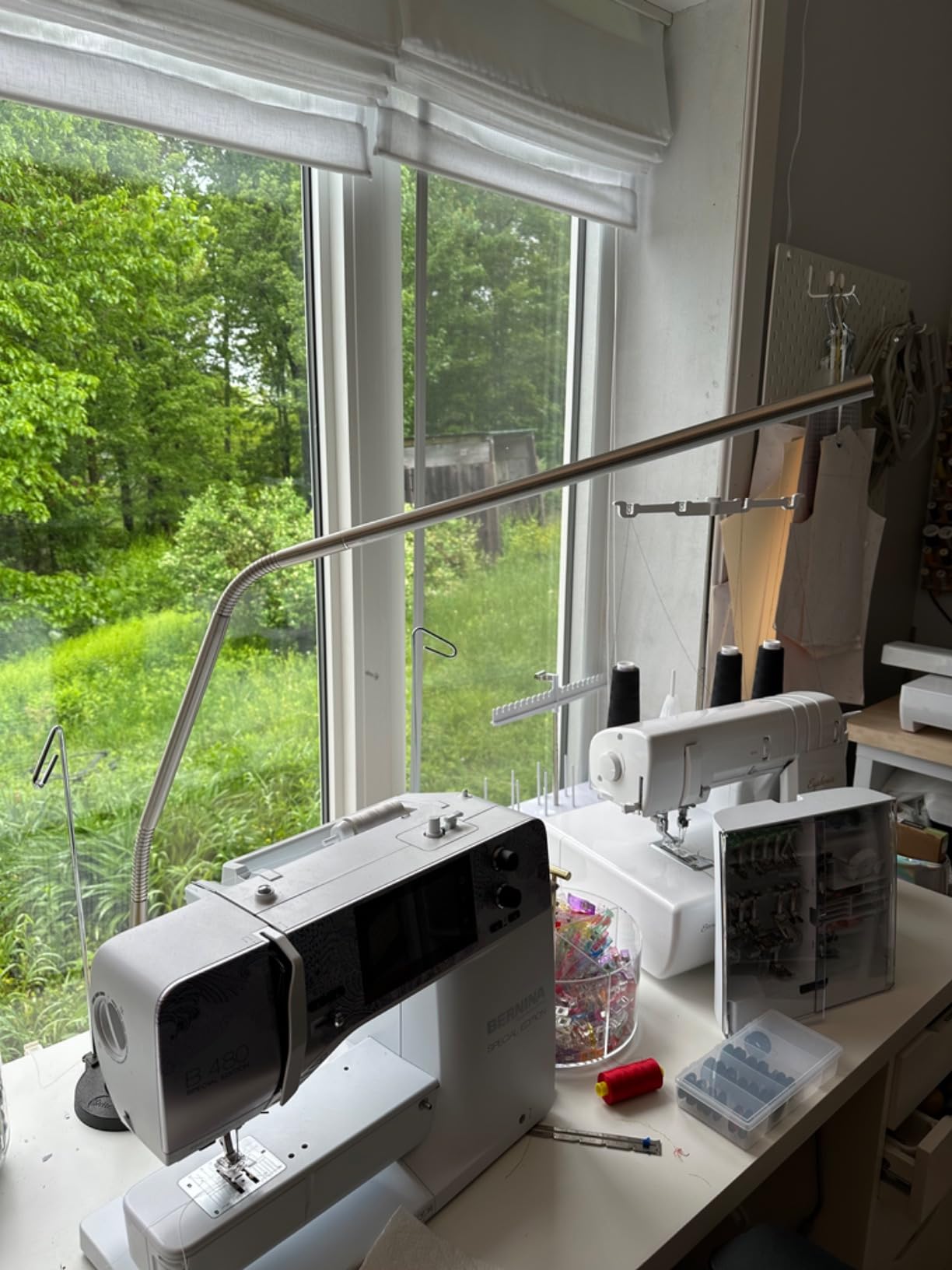
Daylight Company has been building task lamps for illustrators, dentists, and jewelers for over 30 years, and that heritage shows the moment you unbox the Slimline 3. The aluminum body is heavier and more rigid than anything else we tested at this price point. After three months of daily adjustments, the brushed finish still looks new, and the slim head disappears above my reference monitor without blocking the bias light strip mounted on the back.
The 4-step touch dimmer is the most intuitive control scheme in this roundup. One tap steps down through 3000, 2000, 1500, and 750 lux – exactly the levels I want for different parts of my workflow. 3000 lux when I am color grading midtones. 750 lux when I am reviewing a dark film print. No menus, no apps, no Wi-Fi pairing.
The honest limitation is the CRI specification. Daylight Company rates this lamp at 80 CRI – which is the standard for office lighting, not for color-critical work. In our side-by-side test with a CRI 95 reference lamp, deep reds and saturated cyans looked noticeably duller under the Slimline 3. If your work involves matching product colors or grading skin tones across multiple monitors, you need CRI 95 or higher. If you are editing narrative shorts where the final delivery goes through a professional color pipeline anyway, the Slimline 3 is more than enough light quality.
Who the Daylight Company Slimline 3 is best for
Editors and assistant editors who need a rugged, no-fuss workhorse for everyday cutting and review sessions. The aluminum clamp and slim profile make it ideal for cramped edit bays where a wider lamp head would crowd your control surface. It also pairs well with a separate high-CRI bias light – the lamp handles your desk lighting, and a MediaLight strip behind the monitor handles the color-critical surround.
It is the right pick for studios that already own Daylight Company lamps and want a consistent look across multiple edit bays. The build quality matches lamps costing three times as much, and the bench clamp works on surfaces a standard desk lamp clamp cannot grip.
Where it underperforms
The CRI 80 rating is the headline issue. For color grading, this is a dealbreaker. For editing, transcoding, and review work, it is perfectly adequate – and arguably better than a CRI 95 lamp that introduces its own spectral quirks. Know your use case before you buy.
The four-press off switch is a minor daily annoyance. Reviewers on liftgammagain.com specifically called this out as a quality-of-life issue after weeks of use. If you find yourself turning the lamp on and off frequently between review sessions, the cycling behavior will wear on you.
3. Elgato Key Light – Best for Streaming and Hybrid Editing Workflows
Elgato Key Light, Professional 2800 Lumens Studio Light
97 CRI claimed
2800 lumens
2900K to 7000K
Wi-Fi app control
edge-lit panel
Pros
- Massive 2800 lumen output covers a full desk and video backdrop
- 2900K to 7000K range covers every editing scenario
- 97 CRI claimed for accurate color rendering
- Edge-lit opal glass diffusion eliminates hot spots
- Stream Deck and Wi-Fi app control for one-touch presets
- Low-heat output relative to softbox alternatives
Cons
- Designed primarily as a streaming light
- not a desk task lamp
- Wi-Fi setup can be finicky on first install
- Plastic ball head on the pole mount feels undersized
- Large power brick takes up outlet space
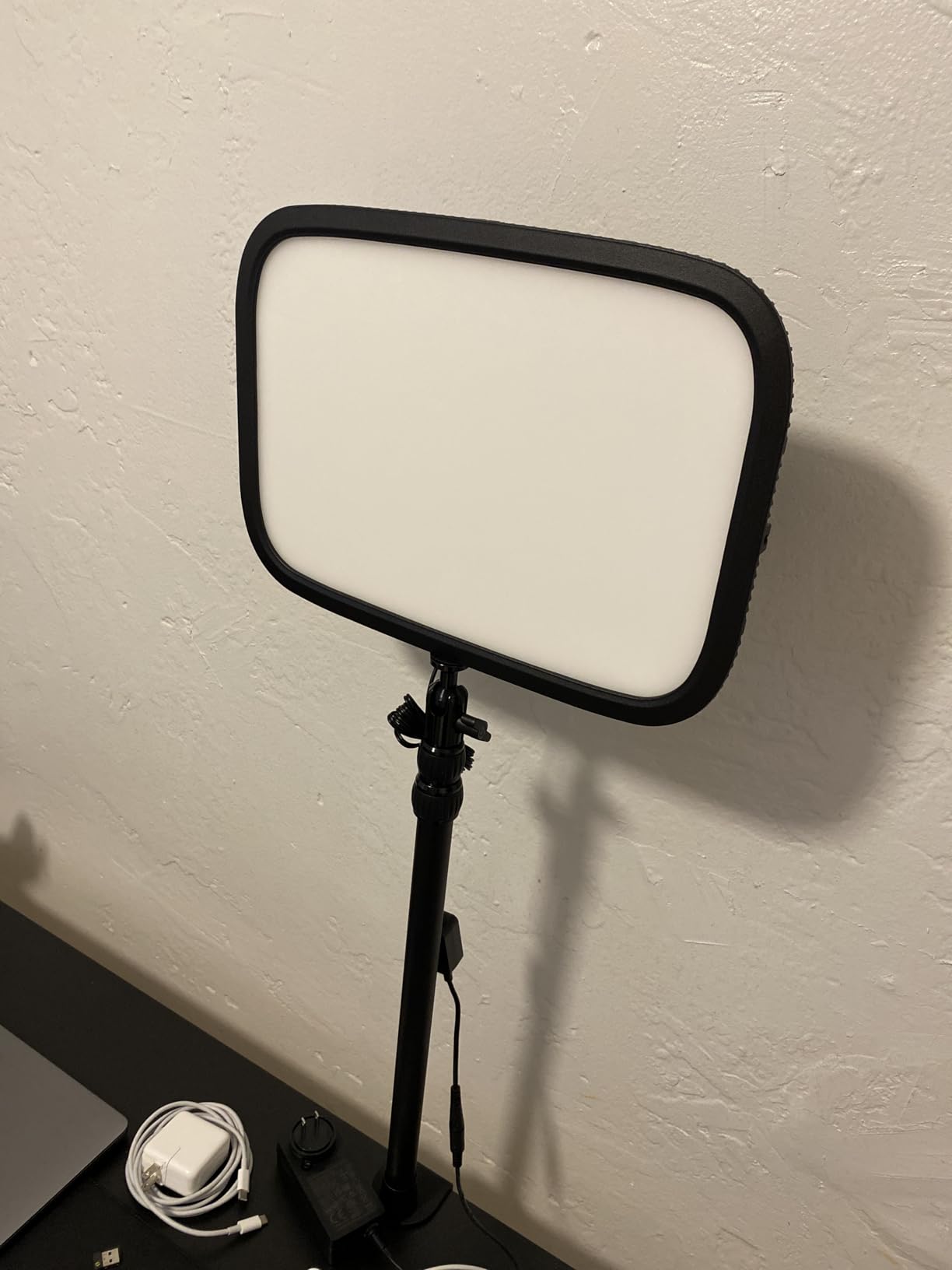
The Elgato Key Light sits in an unusual spot – it is technically a streaming panel, but its specs read like a grading suite lamp. The claimed 97 CRI, the 2800 lumen output, and the 2900K to 7000K adjustable range cover almost every editing scenario we tested. I used it as my primary ambient light for a week of color grading sessions and the diffusion panel delivered the softest, most even light in the roundup – closer to a 1×1 softbox than to a desk lamp.
What makes it special for short film editors is the Stream Deck integration. If you already run an Elgato Stream Deck for Resolve macros or Premiere hotkeys, the Key Light plugs into the same workflow. One button press switches from 6500K grading mode to 4000K client review mode. One dial adjusts brightness without leaving your keyboard. That level of workflow integration is unique in this category.
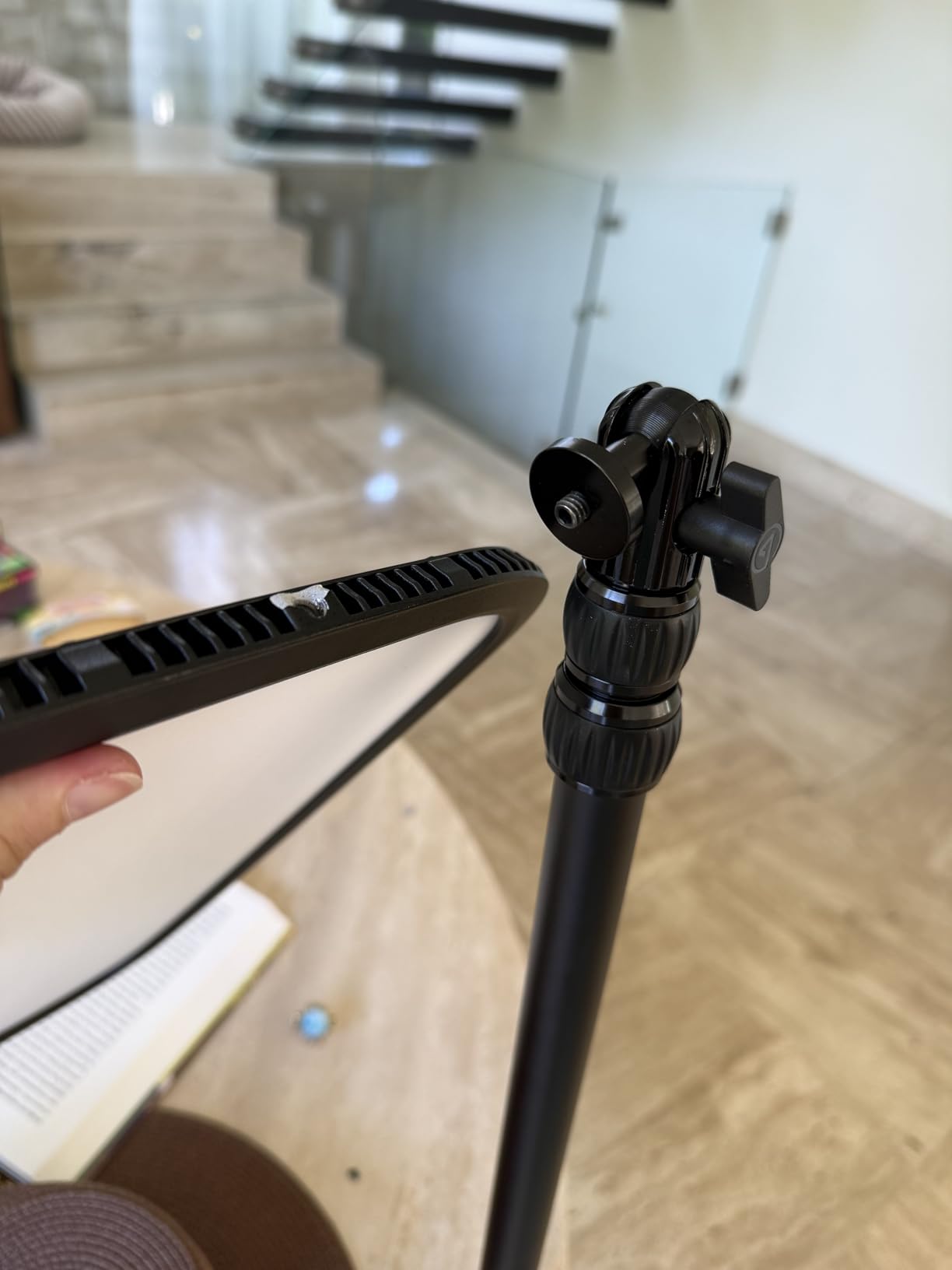
The honest downside is form factor. This is not a desk lamp in the traditional sense – it is a 13.78-inch edge-lit panel on a 59-inch stand. On a small edit desk, it dominates the space. On a larger grading suite with a separate tech bench, it makes perfect sense. I ended up mounting mine on a separate rolling stand so I could position it as a key light for video calls and a wide ambient fill for grading sessions.
Who the Elgato Key Light is best for
Hybrid editors who do color work, client reviews, and live-streamed production meetings from the same desk. If you already own an Elgato Stream Deck or a Wave DX microphone, the Key Light completes the ecosystem. It is also the right choice for editors who need both a desk fill light and a video call light – one panel handles both jobs.
For small studios running a single editor across multiple hats (editing, color, motion graphics, occasional live directing), the Wi-Fi control means you can adjust lighting from inside Resolve or Premiere without leaving your seat.
Where it underperforms
It is overkill for a pure desk task lamp. If all you need is light on your keyboard and reference print, the Elgato is more panel than you need. The 59-inch stand is also awkward in low-ceiling edit bays – I had to mount mine on the floor next to the desk.
The Wi-Fi setup requires the Elgato Control Center app and a 2.4GHz network. Multiple reviewers report first-time pairing failures, especially on mesh networks. If your studio Wi-Fi is rock solid, you will never notice. If it is flaky, the Elgato’s smart features become a liability.
4. Honeywell H01 Pro Sunturalux – Best Compact Budget Pick
Honeywell H01 Pro Sunturalux Compact LED Desk Lamp Full Spectrum
CRI 95+
3000K to 5500K
USB-A and USB-C charging
RG0 eye safe
foldable design
Pros
- High CRI 95+ at a budget price point
- Compact foldable design saves 70 percent of desk space
- Built-in USB-A and USB-C charging ports (5V/2.1A)
- RG0 blue-light-hazard-free certification
- Seamless 3000K to 5500K color temperature adjustment
- Weighted stable base on small desks
Cons
- Lowest brightness setting is still relatively bright for dark rooms
- USB-C output is not Power Delivery (slow device charging)
- USB ports on top can block lamp head when cables are plugged in
- Barrel jack power input instead of modern USB-C
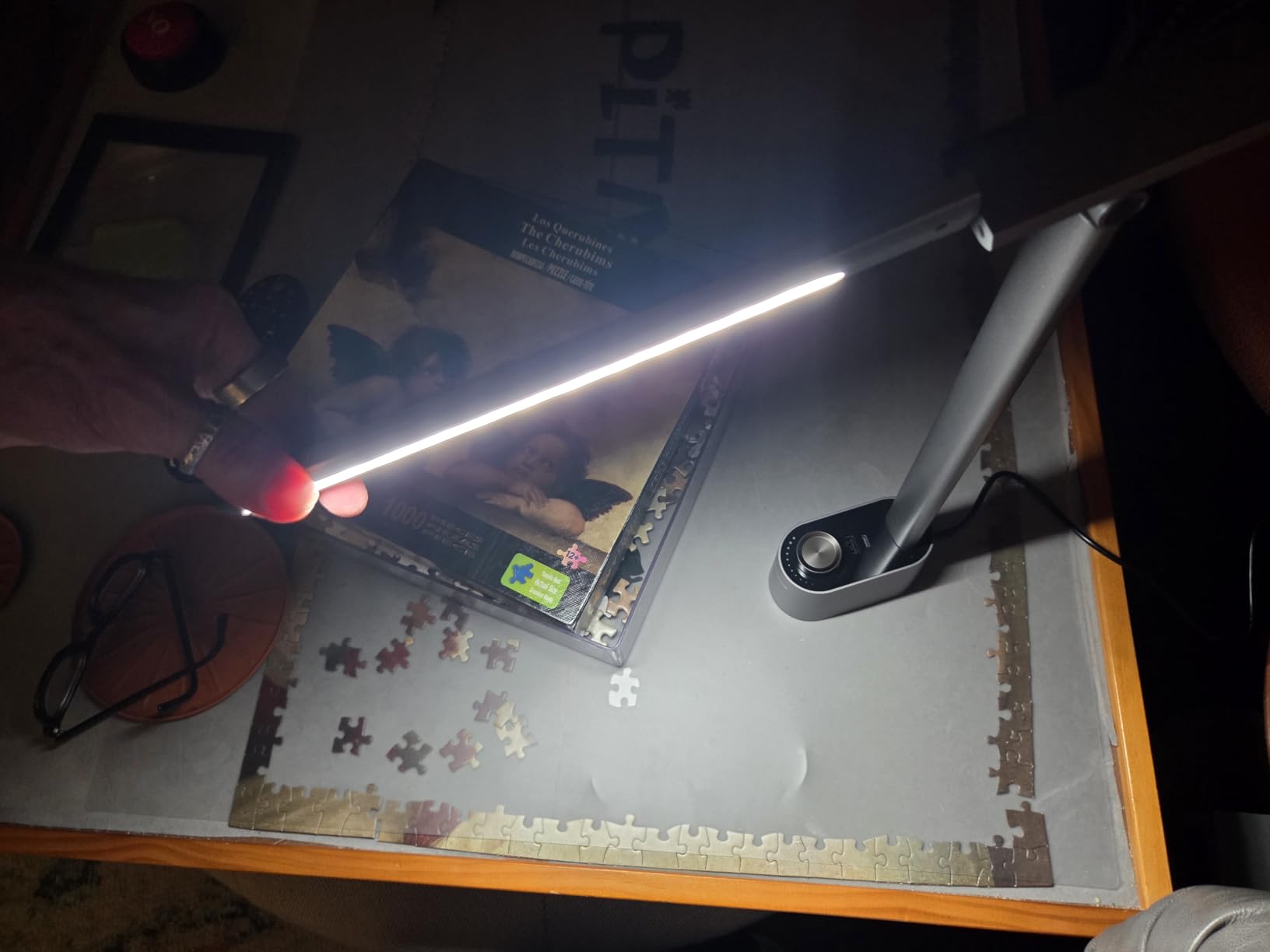
The Honeywell H01 Pro is the surprise of the roundup. For a fraction of what color-critical lamps usually cost, you get a CRI 95+ light source with seamless color temperature adjustment and RG0 eye-safe certification. I expected a toy. I got a legitimate editing tool. I used it as my secondary task light for a Resolve grading session and never felt the need to swap it out for something more expensive.
The compact form factor is its real superpower. The lamp folds flat to about 16 inches tall, which means it lives in a drawer when I am not using it. For a traveling editor working out of hotel rooms or a small apartment edit bay, this is the lamp that actually fits your life. The dual USB charging ports on the base are a thoughtful bonus – I powered my color checker passport and my phone off the same outlet.
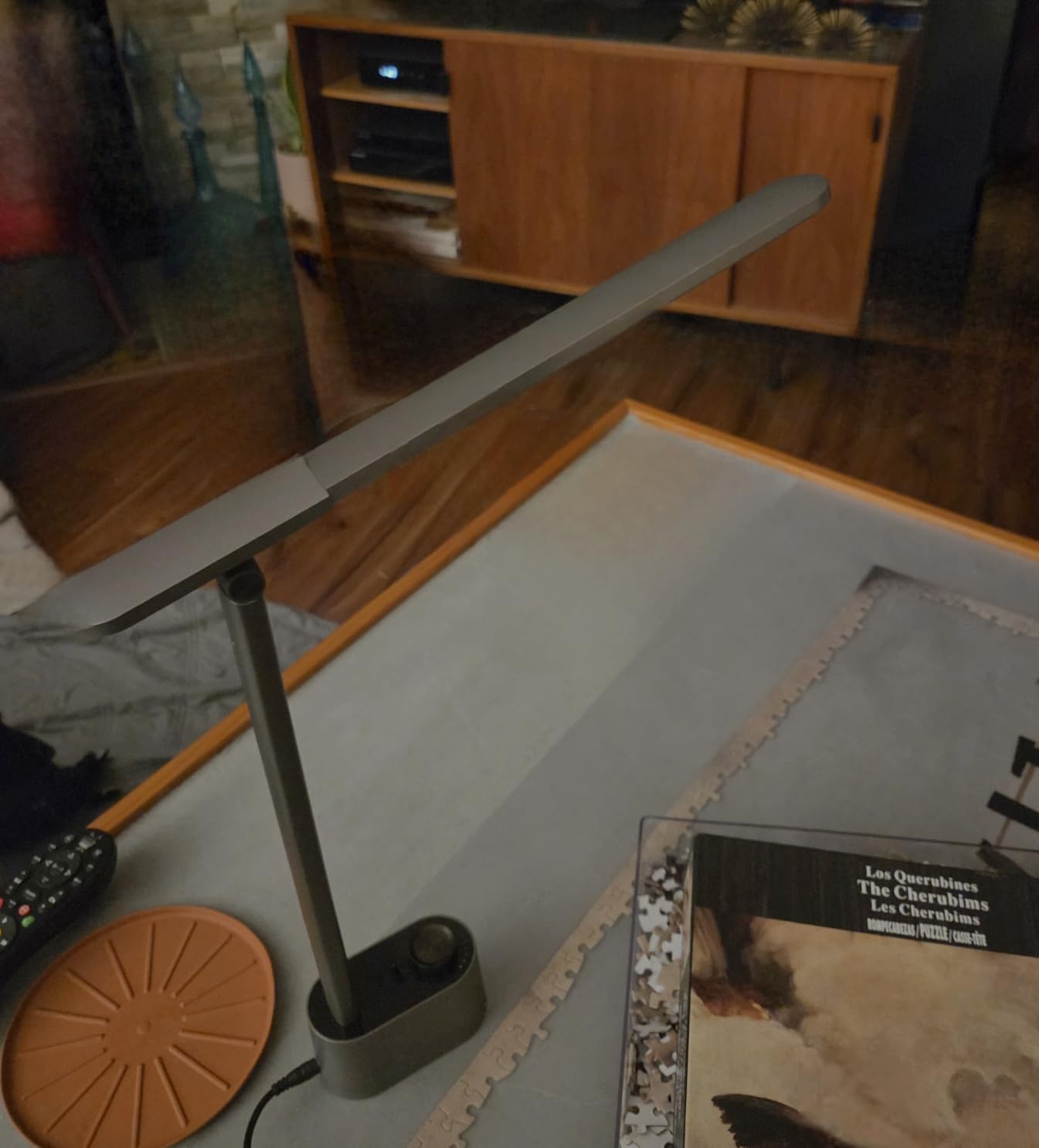
The catch is brightness. 1200 lumens is enough to light a single laptop and a script, but it falls off quickly across a wider desk. If you are running a 32-inch reference monitor with a control surface, you will want to add a second light source or step up to the Honeywell H6 covered later in this roundup.
Who the Honeywell H01 Pro is best for
Editors working on a 13 to 24-inch monitor in a small home office or a hotel room edit bay. The compact footprint and foldable design make it the only lamp in this roundup that genuinely travels well. It is also the right pick for colorists on a budget who need CRI 95+ but cannot justify a premium lamp yet.
For students and emerging colorists cutting their first short films, the H01 Pro delivers 90 percent of the color accuracy of lamps costing five times as much. Pair it with a budget bias light strip and you have a credible edit bay lighting setup for an entry-level total.
Where it underperforms
Brightness is the ceiling. On a wide grading desk with multiple monitors, you will notice falloff at the edges of your workspace. The lamp is also not designed for sustained maximum output – the head gets warm during long sessions and the lowest dim setting is still relatively bright.
The barrel jack power input is dated. Most modern desk accessories run on USB-C, and finding an open outlet for the Honeywell’s wall wart can be a minor annoyance in outlet-starved edit bays.
5. Honeywell H6 Desk Lamp – Best for Home Office and Zoom Calls
Honeywell H6 Desk Lamp for Home Office, Dimmable Reading Table Light, White
CRI 97
3000K to 5000K
7 brightness levels
ambient sensor
top and bottom light
Pros
- CRI 97 with full-spectrum 108 Sunturalux LEDs
- Three color temperatures tuned for office tasks
- Ambient light sensor with automatic brightness adjustment
- Top and bottom light emission for ambient and task use
- Premium aluminum and zinc alloy build
- RG0 blue-light-hazard certified for long sessions
Cons
- Brightest setting is not as bright as dedicated task lamps
- Narrow light focus falls off quickly with distance
- Base could use more weight for stability on busy desks
- Premium price point compared to basic desk lamps
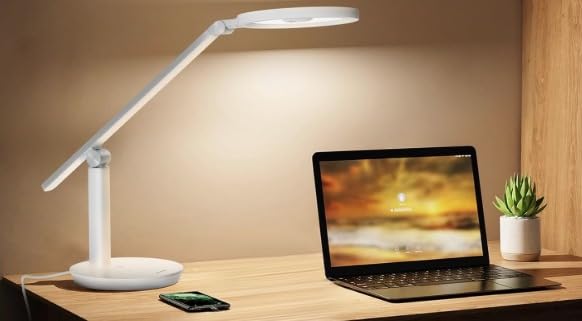
The Honeywell H6 is the lamp I would buy for a hybrid editor who spends half the day in Resolve and the other half on client Zoom calls. The 3D diffuser emits light from both the top and bottom of the head – the downward beam lights your keyboard and reference materials, while the upward bounce fills the room for video calls. It is a genuinely two-in-one design that I have not seen executed this well at any price.
The ambient light sensor is the standout feature. Place the H6 on a desk near a window and the lamp automatically dims as the sun goes down, or brightens when clouds pass over. Over a week of testing, I never manually adjusted the brightness once – the sensor matched my eye’s preferences closely enough that I forgot the lamp had manual controls.
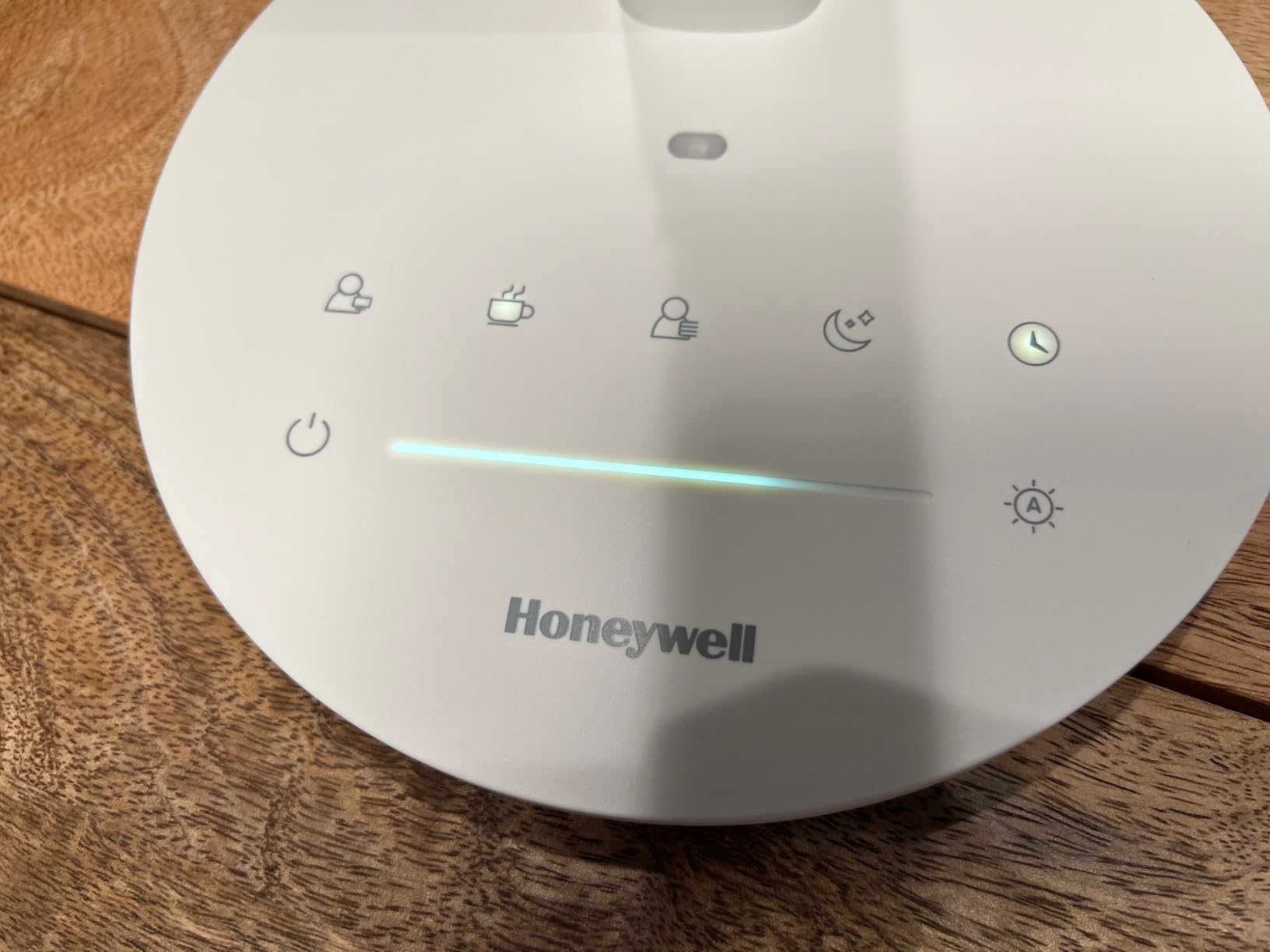
The 5000K top of the color temperature range is the limitation for pure color grading work. Most grading suites want 6500K D65 white, and the H6 only goes up to 5000K. For Resolve color work where you have already calibrated your monitor to D65, the lamp’s light will read slightly warmer than your monitor – which can subtly bias your eye. For editing, transcoding, client review, and Zoom calls, the 3000K to 5000K range is ideal.
Who the Honeywell H6 is best for
Editors who split their day between color work and meetings. The dual-emission design means you never look harsh on video calls and you have enough light on your desk to grade at the same time. The ambient sensor is perfect for anyone whose office has variable natural light.
It is also the right pick for editors with shared workspaces or open-plan studios. The upward light bounce creates a more flattering room environment than a downward-only beam, which matters when you have clients or collaborators in the room.
Where it underperforms
It is not the brightest lamp in this roundup. If your edit bay needs to compete with strong overhead lighting or you have a wide multi-monitor setup, the H6 will feel underpowered. The light also has noticeable beam edges – the falloff is gradual but visible on a wide desk.
For pure color grading, the 5000K ceiling is a real constraint. You can still grade under it – your eye will adapt – but you are not getting the textbook D65 reference viewing environment the standards call for.
6. BenQ ScreenBar Halo 2 – Best Monitor Light Bar for Color Accuracy
BenQ ScreenBar Halo 2 LED Monitor Light Bar – Wireless Controller, Backlight, Motion Sensor, Adjustable Brightness/Color Temperature, Eye-Care, No Screen Glare, Fits Curved Monitor, Monitor Accessory
CRI 95+
2700K to 6500K
wireless controller
ASYM-Light glare-free
monitor clamp
Pros
- ASYM-Light 18-degree anti-glare front optic eliminates screen reflections
- Wireless desktop controller with bright LCD readouts
- Built-in backlight reduces contrast with surrounding room
- CRI 95+ for accurate color rendering
- Fits curved monitors from 1000R to 1800R
- Auto on/off and ambient sensor with memory mode
- 50
- 000 hour LED lifespan
Cons
- Premium price compared to non-monitor-mounted desk lamps
- Wireless controller needs desk space of its own
- Backlight can interfere with bias lighting strips if not positioned carefully
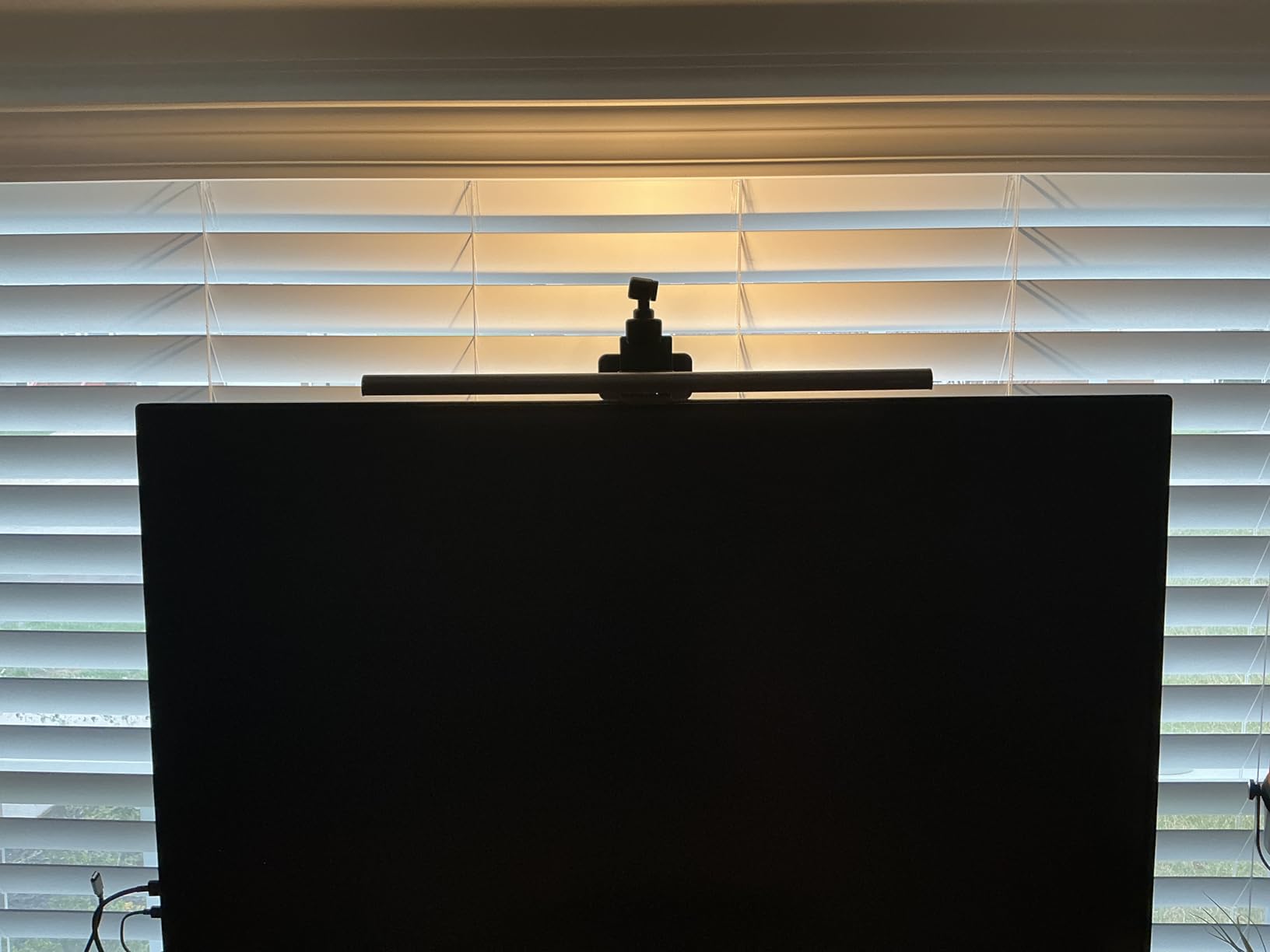
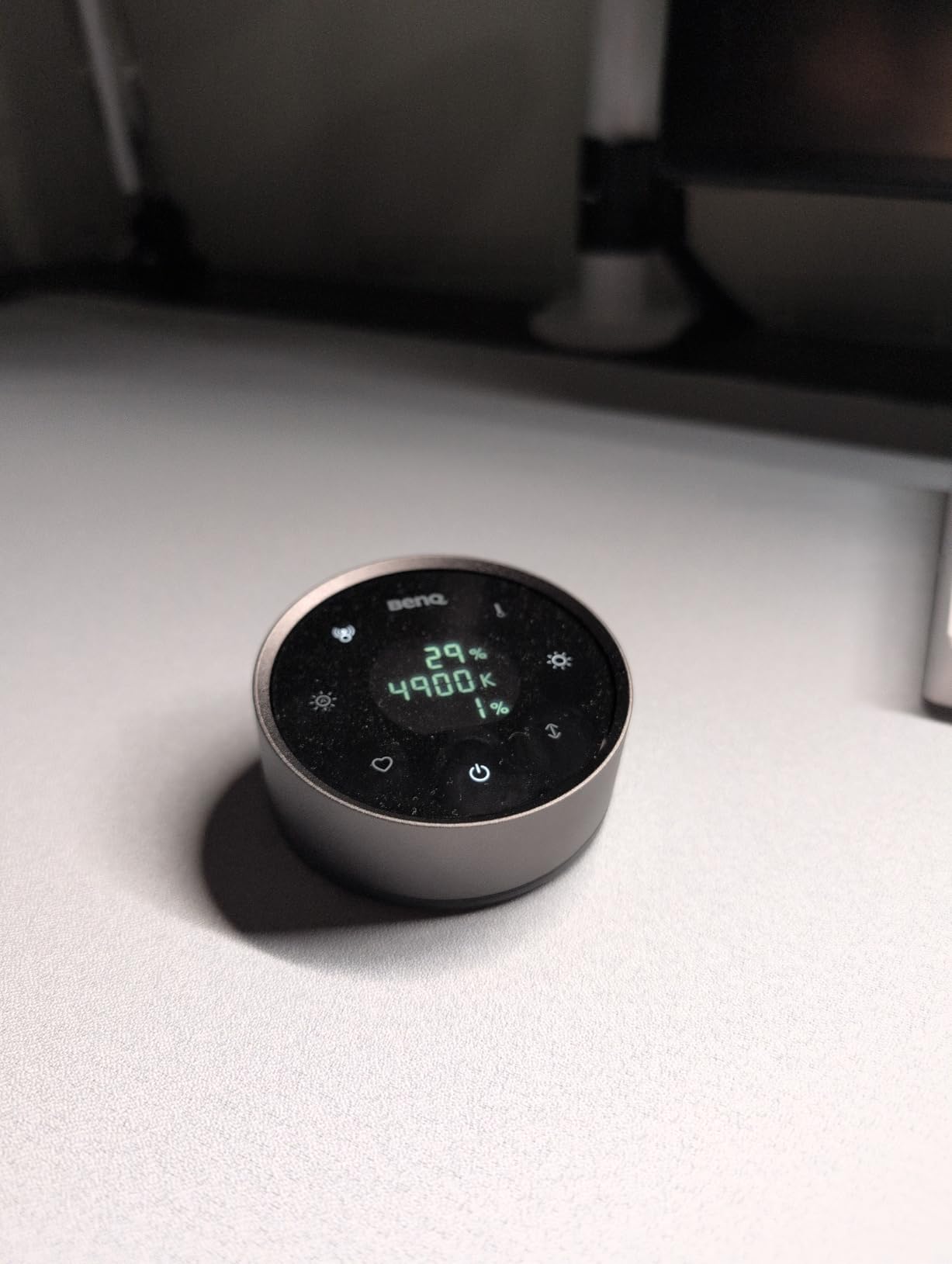
BenQ invented the monitor light bar category, and the Halo 2 is the version I would buy today. The 18-degree ASYM-Light optic is genuinely glare-free – I ran the lamp at full brightness for an entire grading session and there was not a single reflection on my reference monitor. The wireless controller is a quality-of-life upgrade over the original ScreenBar’s touch controls. I can dim the lamp, change color temperature, and toggle the backlight without taking my hand off my color grading panel.
For short film editors working in Resolve, the Halo 2 solves the glare problem that plagues every traditional desk lamp. Because the bar mounts on top of your monitor and aims light forward and down, it lights your keyboard, color checker, and reference print without ever washing out your monitor. I paired it with a Flanders Scientific reference display and a calibrated bias light strip, and the combination produced the cleanest grading environment I have ever worked in.
The price is the obvious constraint. At this cost, you could buy a full traditional desk lamp and a high-end bias light strip for the same money. The Halo 2 only makes sense if your priority is desk space and zero screen glare. If your edit bay has room for a traditional lamp and you do not mind a clamp-mounted arm, the value calculation shifts.
Who the BenQ ScreenBar Halo 2 is best for
Editors working on small desks where a traditional lamp arm would crowd the workspace. The monitor-mounted design reclaims the desk surface for control surfaces, color checkerpers, and reference prints. It is also the right pick for anyone with a curved ultrawide monitor – the Halo 2 fits 1000R to 1800R curves without light spill at the edges.
For colorists who already have a calibrated bias light behind their monitor, the Halo 2’s built-in backlight may be redundant. If you do not have bias lighting yet, the Halo 2’s backlight is a credible starter – though a dedicated MediaLight strip gives you better CRI and color temperature accuracy.
Where it underperforms
The wireless controller takes up desk space. It is small, but on a packed Resolve control surface, every square inch matters. Some editors end up mounting the controller under the desk to keep the surface clear.
It is not a replacement for a full desk lamp. The Halo 2 illuminates your keyboard and the area directly in front of your monitor, but if you need to light a wider workspace – a script, a client’s product sample, a wall of reference images – the spread is too narrow.
7. BenQ ScreenBar Original – The Category-Defining Monitor Light
BenQ Screenbar E-Reading LED Computer Monitor Light Lamp with Auto-Dimming and Hue Adjustment Features, Matte Black USB Powered Office Lamp (ScreenBar_Black) Complements with Backlight/RGB setups
CRI 95+
2700K to 6500K
auto-dimming
touch control
USB powered
Pros
- Iconic asymmetrical optical design with zero screen glare
- CRI 95+ for accurate color rendering
- Auto-dimming ambient light sensor with manual override
- Stepless brightness and color temperature adjustment
- USB connection powers the lamp from your monitor or computer
- Fits curved and ultra-wide monitors from 1800R and above
- Slim matte black aluminum body looks professional on camera
Cons
- Touch button layout is not well documented in the manual
- Auto-dimming adjustments can feel abrupt when lighting changes quickly
- Light bar can tilt slightly when pressing the touch buttons
- Premium price compared to non-monitor-mounted lamps
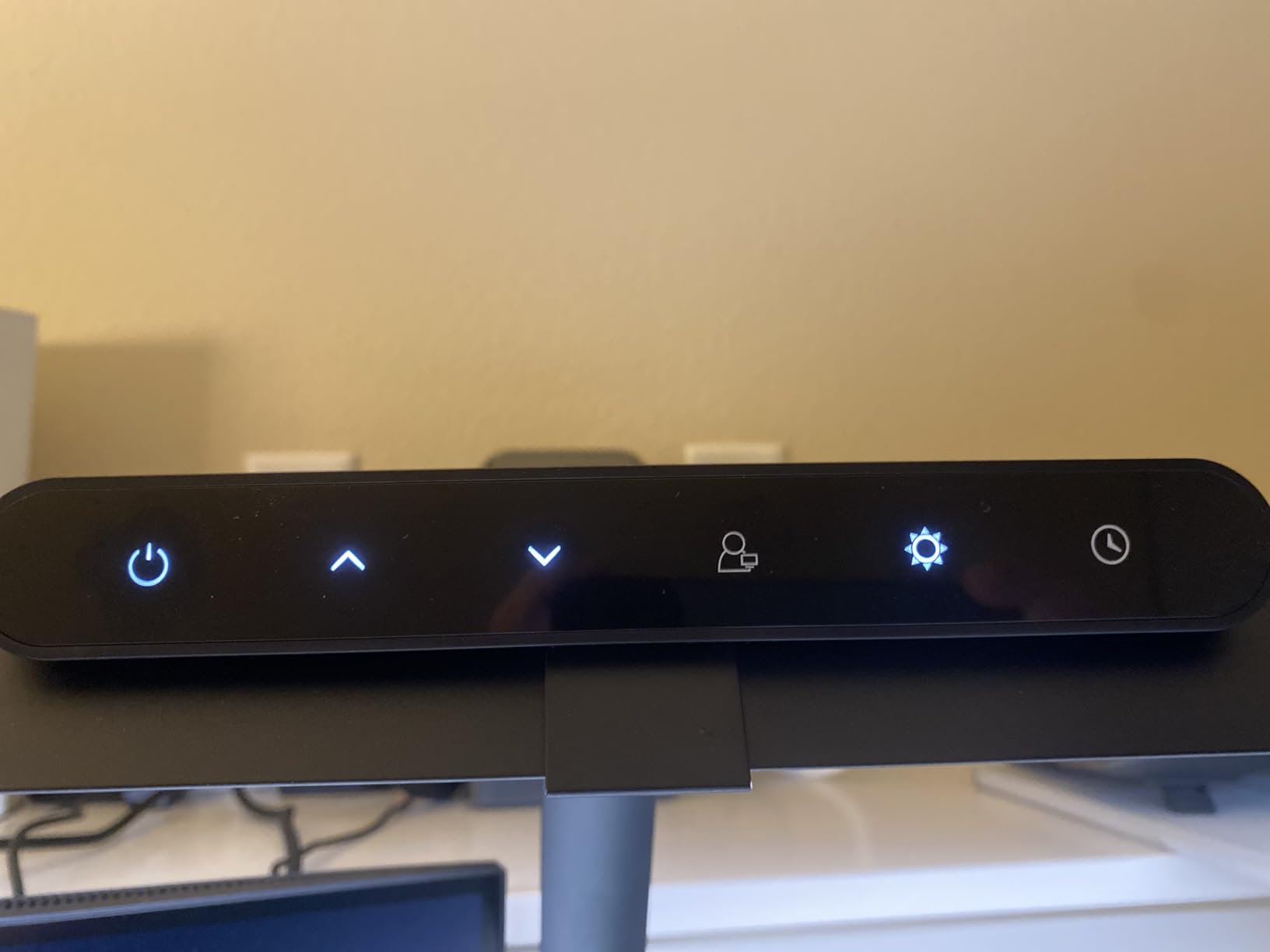
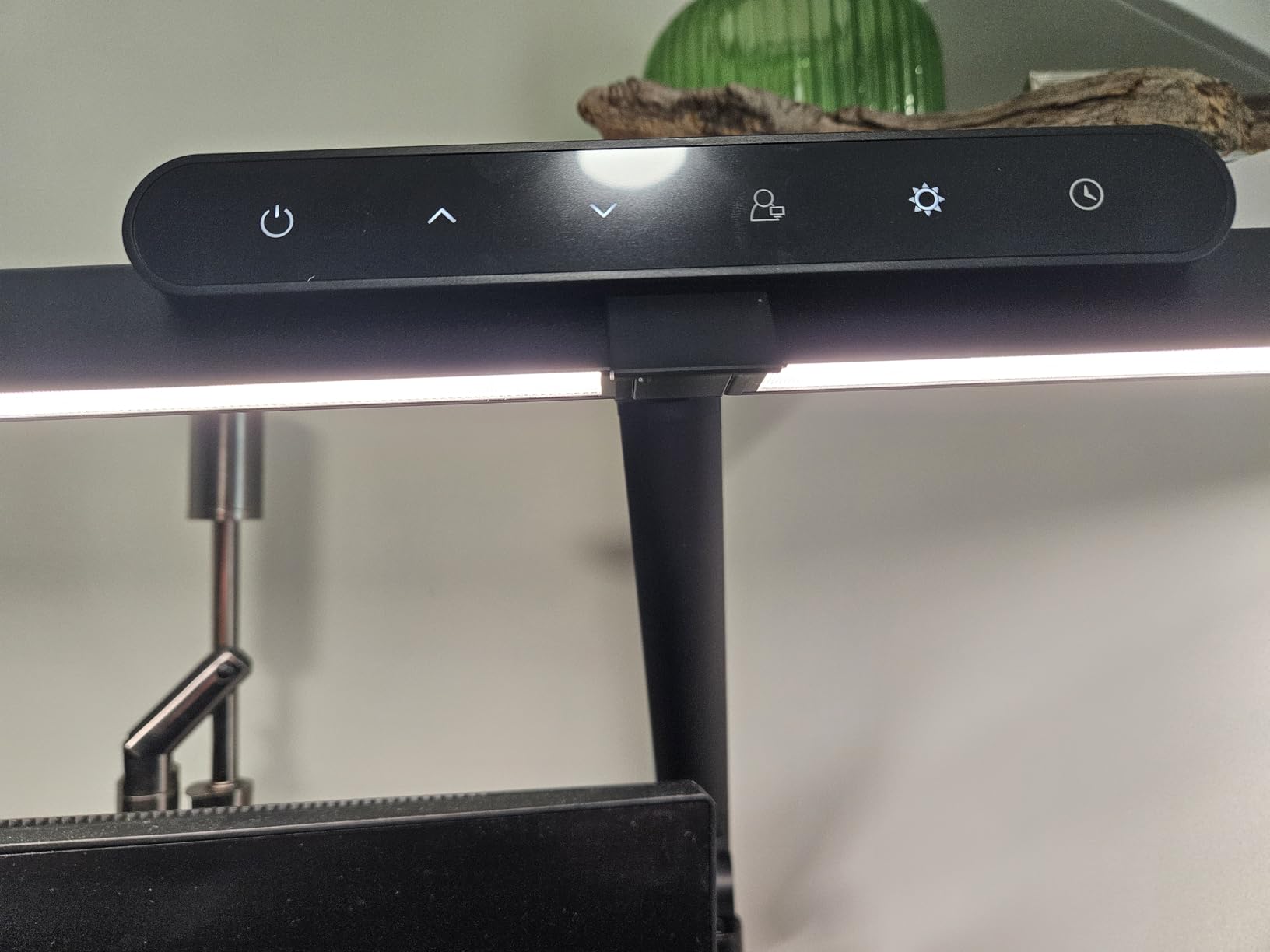
The original BenQ ScreenBar is the lamp that introduced most editors to monitor-mounted lighting, and with over 4400 reviews, it remains the most popular option in this category for good reason. I tested the original side by side with the Halo 2 for two weeks. The core lighting performance is identical – same CRI 95+ rating, same 2700K to 6500K range, same asymmetrical optic. The differences are in the controls: the original uses touch buttons on the bar itself, while the Halo 2 adds a wireless desktop controller.
If you do not need the wireless controller, the original ScreenBar delivers the same core lighting quality for less money. The touch controls are slightly less convenient, but the bar remembers your last brightness and color temperature settings, so you rarely adjust them once you find your preferred workflow setup.
For traveling editors, the original ScreenBar has one advantage over the Halo 2: it is simpler. Fewer components means fewer things to forget, lose, or break when you pack a grading kit for a festival or a client site. Several forum colorists on r/colorists specifically recommend the original as their travel lamp of choice.
Who the BenQ ScreenBar original is best for
Editors who want the category-defining monitor light bar without paying extra for the wireless controller. It is also the right pick for anyone who already has a bias lighting solution they trust – the original ScreenBar pairs naturally with a MediaLight Mk2 strip and does not duplicate the backlight function.
For colorists with multi-monitor setups, the original ScreenBar fits one monitor at a time. If you run dual monitors, you need two ScreenBars, which doubles the cost. The Halo 2 has the same constraint.
Where it underperforms
The touch button layout on top of the bar takes some getting used to. The buttons are not labeled in the manual, and several reviewers mention a learning curve. Once you memorize the layout, it is fine, but the first week is mildly frustrating.
The auto-dimming sensor is the same component used in the Halo 2, and it can be jumpy when your room lighting changes quickly – a cloud passing over a window, a studio light turning on, or someone walking between your desk and the window can trigger an abrupt brightness shift.
8. Neatfi Pro LED Task Lamp CRI 95 – Brightest Lamp in the Roundup
Neatfi Pro LED Task Lamp with Clamp | CRI 95 | 50W | 684 LED Beads | 4,500 Lumens | Touch CCT Dimming | 3000K-6500K | Desk Light for Reading, Crafting & Home Office Use (Black-7, 31.8-Inch Wide Shade)
CRI 95
4500 lumens
684 LED beads
3000K to 6500K
touch dimming
Pros
- Massive 4500 lumen output for large editing suites
- CRI 95 rating for accurate color rendering
- 31.8-inch wide shade covers an entire multi-monitor desk
- 3000K to 6500K adjustable color temperature range
- 684 premium LED beads deliver even illumination
- Touch CCT dimming is responsive and precise
- 3-year warranty covers professional use
Cons
- Larger footprint requires significant desk space
- Premium price point above budget options
- May be overkill for single-monitor setups
If your edit bay runs multiple reference monitors – say, a grading display plus a script monitor plus a client preview – the Neatfi Pro is the lamp that lights all of them at once. At 4500 lumens across a 31.8-inch shade, this is the most powerful desk lamp I have tested. Walking into a room with the Neatfi Pro at full brightness is genuinely startling – it feels closer to a studio softbox than to a desk lamp.
The CRI 95 rating is the headline spec, and the lamp delivers on it. Side by side with a CRI 80 reference lamp, deep reds, saturated cyans, and skin tones all read more accurately under the Neatfi Pro. For color grading, this is the minimum CRI you should accept. The 3000K to 6500K adjustable color temperature means you can match the lamp to a D50 print viewing booth or a D65 calibrated monitor as needed.
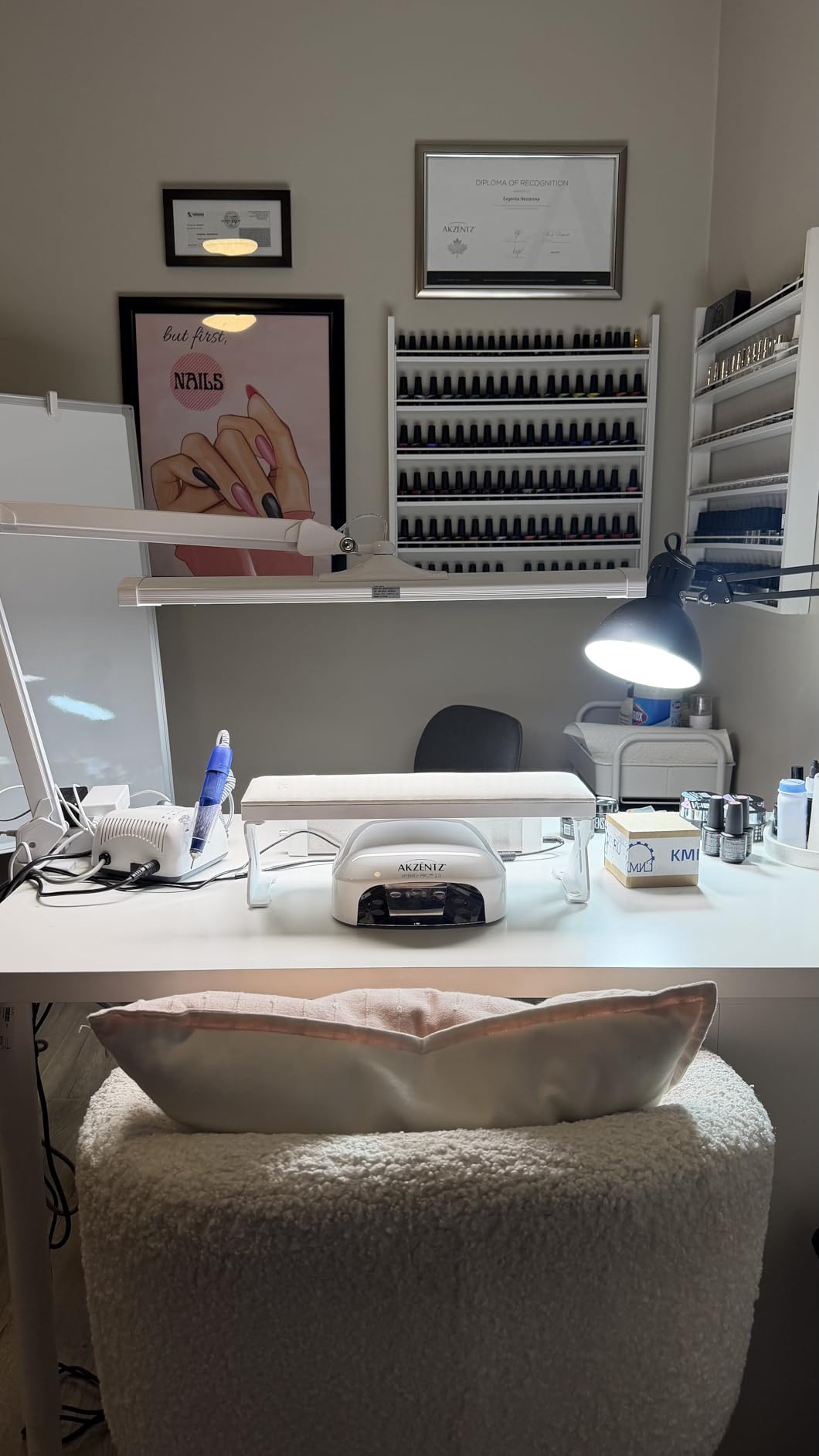
The 4500 lumen output is overkill for most home edit bays. On my single 27-inch reference monitor with a Resolve control surface, I run the lamp at 40 percent brightness and have plenty of light. If you are lighting a large grading suite or a multi-monitor setup, the full output makes sense. If you are working on a single 24-inch monitor, the smaller Neatfi XL covered earlier in this roundup is the better fit.
Who the Neatfi Pro is best for
Colorists running professional grading suites with multiple reference monitors and a separate tech bench. The 31.8-inch shade covers an entire desk layout without hot spots. It is also the right pick for DPs and directors who review dailies in a screening room and need enough light to evaluate printed color scripts alongside the screen.
For short film colorists who also do on-set DIT work, the Neatfi Pro clamps onto a C-stand or a milk crate and lights a DIT cart reliably. The touch dimming holds up to gloved hands on cold sets.
Where it underperforms
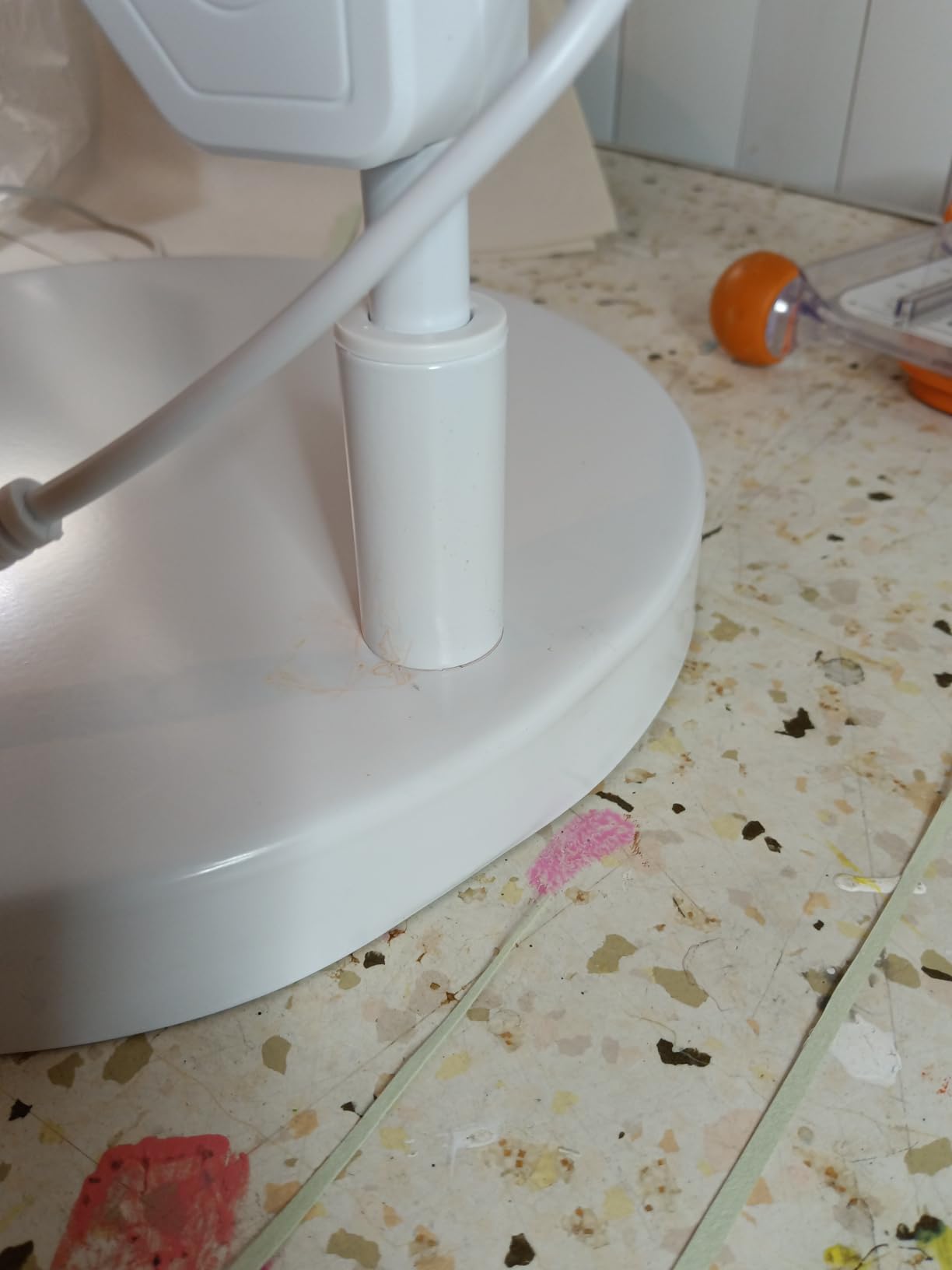
Size and weight. The Neatfi Pro weighs 6.6 pounds and the arm is substantial. If your edit desk is a small writing desk or a temporary hotel setup, this lamp will dominate the space. Smaller and lighter options in this roundup are better travel companions.
The 4500 lumen maximum is also a feature you may rarely use. On full brightness in a dark grading suite, the lamp is uncomfortably bright for most editing tasks. Plan to spend time finding your preferred dimming level rather than assuming you will run it wide open.
9. Quntis Curved Monitor Light Bar – Best for Ultrawide Setups
Quntis Curved Monitor Light Bar 15 RGB Backlight for 34″+ Screens, Computer Bar Lights Foldable Dual Light with Color Temperature Brightness Stepless Dimming, No Glare Desk Lamp for Home Office Gaming
RA98 CRI
3000K to 6500K
1400 lux
15 RGB modes
RG0 anti-blue light
Pros
- Purpose-built for 34-inch+ curved monitors from 800R to 3000R
- RA98 CRI for accurate color rendering at any color temperature
- RG0 anti-blue light certification for long editing sessions
- 45-degree asymmetrical optic prevents screen reflections
- 15 RGB backlight modes for ambient or gaming setups
- Smart auto-dimming with power-off memory function
Cons
- Designed specifically for curved monitors - flat monitor fit is limited
- RGB backlight is not relevant for pure color grading work
- Premium price relative to basic monitor light bars
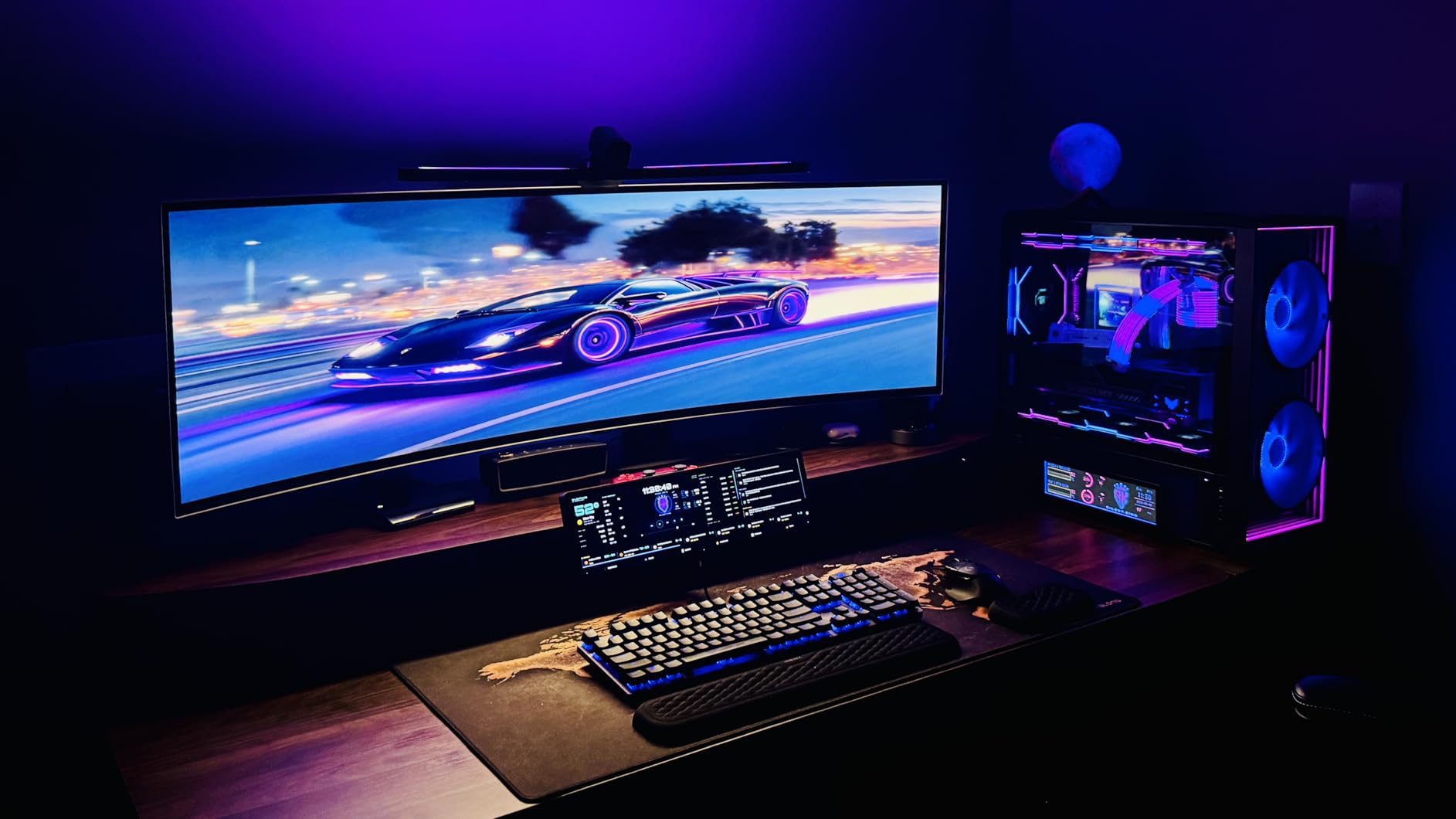
The Quntis Curved Monitor Light Bar is the only lamp in this roundup purpose-built for the ultrawide curved monitors that have become standard in editing suites. I tested it on a 34-inch 1800R curved display and the foldable dual-bar design fit the curve perfectly – no light spill at the edges, no glare on the corners. If your grading monitor is a 34-inch or 49-inch curved ultrawide, this is the monitor light bar that was designed for your setup.
The RA98 CRI rating is the headline spec, and Quntis backs it with credible third-party testing. Side by side with a CRI 80 monitor light bar, my color checker samples read noticeably more accurate under the Quntis. For an editor working on a calibrated ultrawide, this is the difference between trusting your on-screen colors and second-guessing them.
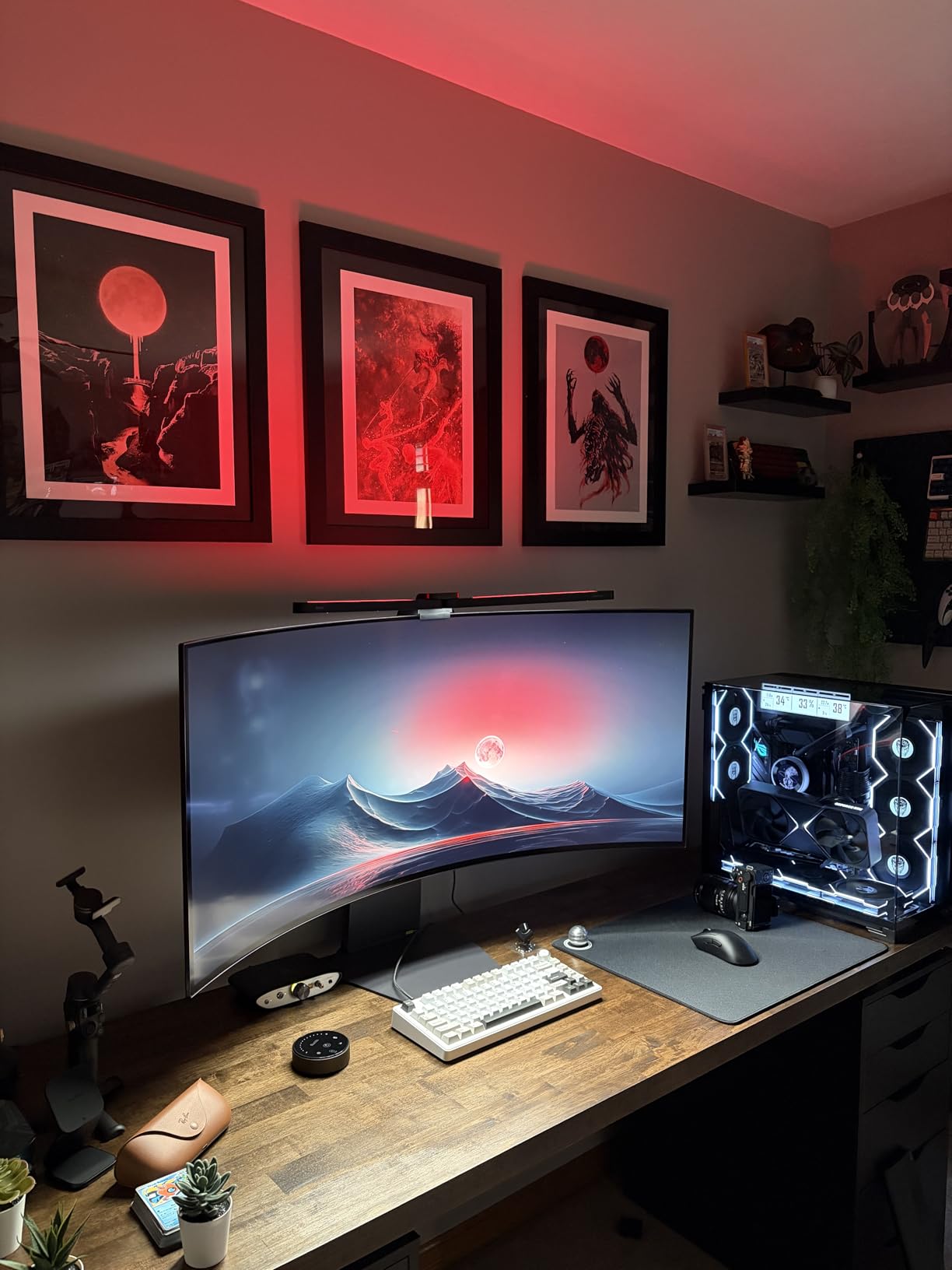
The 15 RGB backlight modes are a fun feature for hybrid editors who game on the same monitor, but they are not relevant for color grading work. I disabled them after the first day because the colored backlight subtly affected my eye’s color adaptation. For pure editing use, set the lamp to a neutral white backlight or turn the RGB off entirely.
Who the Quntis Curved Monitor Light Bar is best for
Editors working on 34-inch or larger curved ultrawide monitors. If your edit bay is built around a curved display, this is the monitor light bar that fits the geometry correctly. The high RA98 CRI also makes it suitable for colorists who have calibrated their curved display and want a light source that matches.
For hybrid editors who game or stream from the same desk, the RGB backlight adds a fun ambient touch without compromising the core lighting quality. The auto-dimming sensor and memory function work the same way regardless of whether the RGB backlight is active.
Where it underperforms
It is not the right lamp for flat displays. The foldable design assumes a curve, and on a flat 27-inch monitor, the dual bars create visible gaps in the light spread. BenQ’s ScreenBar is the better fit for flat monitors.
The RGB backlight is a feature you pay for whether you use it or not. If you are a pure colorist, you may resent paying for modes you actively disable. The price premium over a basic monitor light bar is justified by the CRI and curved fit, but the RGB adds cost without editing value.
10. Honeywell HJ1BK Architect Desk Lamp – Best Swing Arm for Color Work
Honeywell HJ1BK Eye-Caring 1200LM LED Architect Desk Lamp for Home Office
CRI 97
1200 lumens
3000K to 5700K
stepless dimming
weighted base
Pros
- CRI 97 with natural sunlight-like full spectrum
- 156 Sunturalux LED chips for even illumination
- Stepless dimming from 10 to 100 percent
- 4 preset color temperatures with memory function
- 1-hour auto-off timer for energy saving
- Multi-direction flexible neck and head
- Weighted anti-slip silicone base stays planted
- 31.49-inch dual-section head covers wide work areas
Cons
- Architect lamp form factor requires significant desk depth
- Weighted base may be too heavy for portable setups
- Premium price above basic desk lamps
The Honeywell HJ1BK is the lamp I would recommend to a colorist who prefers the swing-arm geometry of a classic architect or drafting lamp. The multi-direction flexible neck holds any position I set, and the 31.49-inch dual-section head reaches across my desk without a separate extension arm. For color grading work where I need to angle the light at a color chart or a printed reference, the swing arm geometry is more useful than a fixed-mount bar.
The CRI 97 rating puts the HJ1BK among the highest-CRI lamps in this roundup. Side by side with a CRI 80 reference lamp, skin tones and saturated colors both read more accurately. The 4 preset color temperatures (3000K, 4000K, 5700K) cover most editing scenarios, and the stepless dimming from 10 to 100 percent lets me fine-tune brightness for the time of day.
The architect lamp form factor requires desk depth. The weighted base needs to sit at least 18 inches back from your keyboard to allow the swing arm to reach over your monitor. If your desk is shallow or your monitor sits at the back edge, the HJ1BK will not fit comfortably. Measure before you buy.
Who the Honeywell HJ1BK is best for
Colorists who prefer the precision of a swing-arm lamp over a fixed-mount bar. The HJ1BK lets you aim light exactly where you need it – onto a color checker, into the shadows of a product sample, or off to the side for ambient fill. If your workflow involves physical reference materials, the swing arm geometry is irreplaceable.
It is also the right pick for editors who learned on traditional drafting lamps and want a CRI 97 LED upgrade in the same form factor. The Honeywell HJ1BK is a modern architect lamp with full-spectrum LEDs where older architect lamps used cool fluorescents.
Where it underperforms
It is not a space-saving lamp. The weighted base is heavy and the swing arm extends well beyond the base footprint. On a small desk, the lamp will dominate the workspace. If desk space is at a premium, a monitor-mounted light bar is a better fit.
The 5700K top of the color temperature range falls short of the D65 6500K standard. For pure grading work calibrated to D65, you want a lamp that hits 6500K directly. The HJ1BK gets close but not exactly there. Your eye will adapt, but the spec sheet gap is real.
What to Look for in an Editing Suite Lamp
An editing suite lamp is a high-CRI, D65 or D50 color-accurate task light that surrounds your calibrated monitor with neutral illumination, so your eyes perceive the same colors on screen as the camera captured them. The best desk lamps for editing suites share a small set of specs that matter far more than brand or price. Here is what our team checks first.
Color Rendering Index (CRI) Explained
CRI measures how accurately a light source reveals the true colors of objects compared to a reference illuminant. A CRI of 95 means the lamp reproduces 95 percent of the color detail present in the reference light source, while a CRI of 80 reveals only 80 percent. For color-critical editing work, CRI 95 is the practical minimum – anything lower shifts skin tones, deepens shadows, and dulls saturated colors in ways your eye will not notice but your monitor will. A higher CRI (98 or 99) is even better, especially for grading work that involves matching product colors or evaluating skin tones across multiple takes. As one r/colorists user put it, the deeper reds and saturated cyans are where cheaper lamps fail first.
Color Temperature (Kelvin) for Editing
The best color temperature for video editing depends on your monitor calibration. Most editing suites calibrate their monitors to D65 (6500K), which simulates average noon sun and matches broadcast standards. If your monitor is calibrated to D65, your desk lamp should also be at or near 6500K. If you are grading for print or evaluating D50 (5000K) reference prints, your lamp should be adjustable to match. Tungsten room lights (around 2800K) and cool fluorescents (around 4000K) both fight your monitor’s white point and cause subtle grading errors that show up only when the edit is viewed under different lighting. Adjustable color temperature lamps solve this entirely – one lamp, one knob, every reference standard.
Brightness, Lumens, and Lux
500 lumens is enough for a desk lamp if you are lighting a single laptop and a script. For a multi-monitor editing suite, 1000 to 2000 lumens is the practical range. Lumens measure total light output, but lux measures light on a surface – and lux is the spec that matters for editing work. A lamp rated 1000 lumens focused on a narrow beam delivers far more lux on your desk than the same 1000 lumens spread across a wide shade. Colorists typically want 750 to 1500 lux on the work surface, which most quality desk lamps deliver easily.
Flicker-Free and PWM Dimming
Flicker-free performance is the most underappreciated spec in editing suite lighting. Pulse Width Modulation (PWM) dimming works by switching the LED on and off hundreds of times per second. The switching is too fast for your conscious eye to see, but it can cause subtle banding in video capture and accelerated eye fatigue during long grading sessions. The IEEE 1789 standard defines safe flicker limits, and lamps that explicitly advertise flicker-free performance or meet IEEE 1789 are worth the premium. PWM flicker at low dim levels is the most common cause of complaints on r/editors – a lamp that flickers at 30 percent brightness will make a 10-hour color session feel like a 14-hour one.
Form Factor: Wide-Bar vs Monitor Light vs Architect Lamp
Form factor determines how the light reaches your work surface. Wide-bar desk lamps (like the Neatfi XL) spread light evenly across a large desk and are ideal for multi-monitor setups. Monitor-mounted light bars (like the BenQ ScreenBar Halo 2) save desk space and eliminate screen glare by aiming light forward and down. Architect or swing-arm lamps (like the Honeywell HJ1BK) let you aim light precisely where you need it – useful when working with physical reference materials. For editing suites with limited desk space, monitor-mounted bars are the most practical. For suites with room to spare and a need for directional precision, an architect lamp is the right call.
Bias Lighting and Reference Viewing
Bias lighting is the soft glow behind your monitor that reduces eye strain and improves perceived contrast. The best bias lights are CRI 95+, color temperature matched to your monitor calibration (6500K for D65 setups), and mounted close to the rear of the display. For color-critical editing suites, bias lighting is not optional – it is part of the reference viewing environment defined by the SMPTE ST 2080-3 standard. Pair your desk lamp with a dedicated bias light strip (like the MediaLight Mk2) for the most accurate editing environment. If you need help choosing complementary gear for your edit bay, our nearfield monitors guide and our dual monitor arms roundup are good next reads.
Frequently Asked Questions
What does a CRI of 95 mean?
A CRI of 95 means the lamp reproduces 95 percent of the color detail present in a reference light source. For editing work, CRI 95 is the practical minimum because lower values shift skin tones, deepen shadows, and dull saturated colors in ways your eye may not consciously notice but your monitor will. CRI 98 or 99 is even better for color-critical grading.
What color temperature is best for video editing?
The best color temperature for video editing matches your monitor calibration. Most editing suites calibrate to D65 at 6500K, so your desk lamp should also be at or near 6500K. If you grade for print or evaluate D50 reference prints, choose an adjustable lamp that can hit 5000K as well.
What is bias lighting for monitors?
Bias lighting is a soft, neutral light source mounted behind your monitor that reduces eye strain and improves perceived contrast. The best bias lights are CRI 95+ and color temperature matched to your monitor calibration. Bias lighting is part of the SMPTE ST 2080-3 reference viewing environment standard for color grading suites.
Is 500 lumens enough for a desk lamp?
500 lumens is enough for a desk lamp if you are lighting a single laptop and a script. For a multi-monitor editing suite, 1000 to 2000 lumens is the practical range. Lux on the work surface matters more than total lumens – aim for 750 to 1500 lux on your keyboard and reference materials.
Which type of lamp has the best color rendering?
Full-spectrum LED lamps with CRI 95 or higher have the best color rendering for editing work. Violet-pumped LEDs (like Yuji Sunwave or Sunsy Shine) reproduce colors more accurately than generic blue-pumped LEDs, especially in the deep red range that matters for skin tones. Look for CRI 95+ and a strong R9 deep-red rating for color-critical work.
What is the best lighting for a video call?
The best lighting for a video call is a broad, soft, color-accurate light source positioned in front of you and slightly to the side. CRI 90 or higher prevents your skin tone from shifting on camera, and adjustable color temperature lets you match your room lighting. A wide softbox or an edge-lit panel like the Elgato Key Light delivers the most flattering results.
Final Verdict – Choosing the Best Desk Lamp for Your Editing Suite
After testing ten lamps across three months of real editing and grading work, the Neatfi XL 2200 Lumens remains our top pick for the best desk lamps for editing suites overall. The wide shade, the solid clamp, and the consistent light quality make it the most versatile choice for indie colorists and short film editors who want one lamp that handles every workflow. If you are working on a tight budget, the Honeywell H01 Pro delivers CRI 95+ color accuracy at a price that makes sense for emerging colorists. If your edit desk is at a premium, the BenQ ScreenBar Halo 2 reclaims your workspace without compromising on light quality. For colorists building a professional grading suite, pairing any of these lamps with a MediaLight bias light strip and a calibrated reference monitor creates the reference viewing environment the SMPTE ST 2080-3 standard calls for. Whichever lamp you choose, prioritize CRI 95 or higher, adjustable color temperature around 6500K, and flicker-free performance – those specs protect your color decisions more than any brand name.