
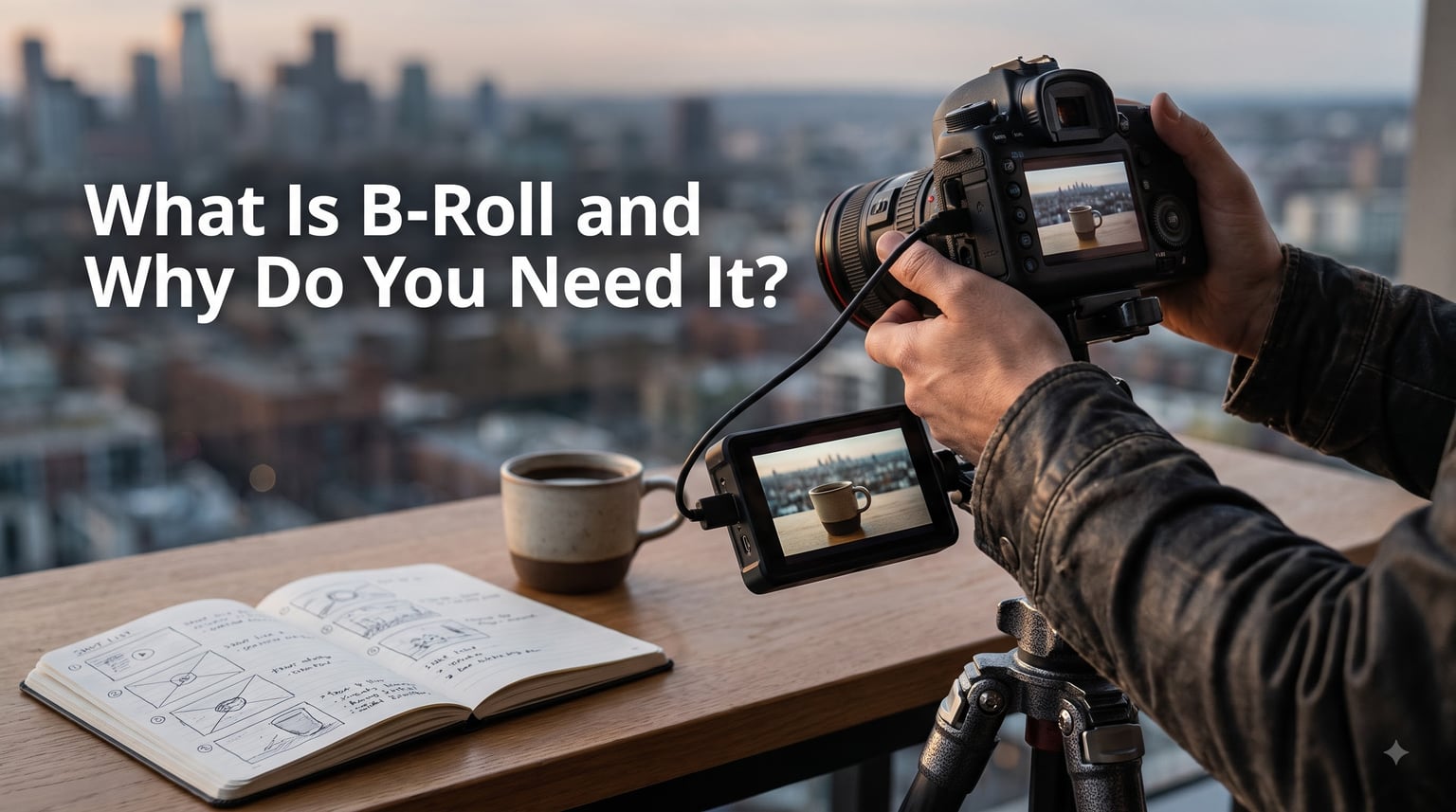
B-roll is supplemental or alternative footage that is intercut with the main shot in film and video production. It covers everything that is not the primary action of your scene, from establishing shots of a city skyline to close-ups of hands typing on a keyboard.
I have spent years editing short films and corporate videos, and the projects that always feel professional are the ones with strong B-roll. The ones that feel flat are missing it. In this guide, I will walk you through exactly what B-roll is, where the term came from, why it matters for any video creator, and how to shoot enough of it the next time you press record.
Table of Contents
- What Is B-Roll? A Clear Definition
- A-Roll vs B-Roll: What’s the Difference?
- The Main Types of B-Roll Footage
- Why Do You Need B-Roll?
- How to Shoot Great B-Roll Footage?
- B-Roll for Social Media: TikTok, Reels, and Shorts
- Common B-Roll Mistakes to Avoid
- Where to Find B-Roll (Including Free Sources)
- Frequently Asked Questions
- Conclusion
What Is B-Roll? A Clear Definition
B-roll is supplemental or alternative footage that is intercut with the main shot, also called A-roll, in film and video production. The term covers every shot that does not show the principal subjects directly interacting or talking to the camera. If A-roll is the interview, B-roll is the close-up of the coffee cup, the street outside the office, the hands flipping through a notebook.
The name comes from the early days of film editing, when editors physically worked with two reels of film. Reel A held the main footage, and reel B held everything else. When splicing was needed, the editor cut to reel B to disguise the splice or to add visual variety. That naming convention stuck, even though we no longer touch film stock.
In layman’s terms, B-roll is the “everything else” footage. It is the supporting cast of your video. Without it, your viewer is stuck listening to a single talking head for five minutes straight. With it, you can turn a dull interview into a cinematic story.
Where the Term B-Roll Came From
Film production crews in the 1930s and 1940s used the terms A-reel and B-reel to describe their two main rolls of film during editing. The A-reel was the primary footage and the B-reel was the secondary footage used to cover cuts and add visual context. Over time, the dash dropped out and the term became B-roll. You will sometimes see it written as B-roll, B roll, or Broll, but they all mean the same thing.
A-Roll vs B-Roll: What’s the Difference?
A-roll is the primary footage of your video, while B-roll is the supplemental footage you cut to during editing. A-roll is the continuous shot of your subject speaking, your character delivering a line, or the main action of a scene. B-roll is everything else: the supporting shots, detail shots, and atmospheric images that you layer in.
Here is a quick comparison I share with every new editor on my team:
A-roll: The main footage. Usually the talking head, the scripted dialogue, or the primary action. Drives the narrative forward.
B-roll: The supporting footage. Establishes location, covers cuts, sets mood, and adds visual interest.
A-roll timing: Continuous, scene-based, recorded in sequence.
B-roll timing: Often captured out of order, before or after the main scene, or even on a separate day.
A-roll sound: Usually the primary audio you keep.
B-roll sound: Often muted in the final edit, replaced with music or ambient sound.
When I edit a short film, I think of A-roll as the spine and B-roll as the muscle. The spine tells the story. The muscle makes it feel alive. You need both, and you almost always need more muscle than you think.
The Main Types of B-Roll Footage
There are several distinct types of B-roll, and the best videos mix as many as possible. Here are the categories I shoot for on every project.
Establishing Shots
Establishing shots tell the viewer where they are. A wide shot of a city skyline, a drone shot above a forest, or a slow pan across an office floor all establish setting. These usually go at the beginning of a scene or after a major location change.
Cutaway Shots
Cutaway shots show something other than the main subject, then cut back to the subject. They are the editor’s best friend because they cover jump cuts, mask mistakes, and add rhythm. A quick cutaway to a busy street between two interview clips makes the edit feel seamless.
Atmospheric Shots
Atmospheric shots set the mood. Think fog drifting through a cemetery, rain on a window, or sunlight filtering through trees. These usually run for 3 to 5 seconds and pair with music or voiceover.
Insert and Close-Up Shots
Insert shots are extreme close-ups of details: a finger pressing a button, a pen signing a document, a clock ticking. They highlight what the speaker is talking about and add texture to the edit.
Archival and Stock Footage
Archival footage is historical material, often from news archives or libraries. Stock footage is generic footage shot by professional creators and sold through services. Both fill gaps when you cannot shoot something yourself, like aerial footage of a country you have never visited.
Dramatic Reenactments
Documentary filmmakers often shoot reenactments to illustrate events that were not captured on camera. These staged scenes count as B-roll because they support the main narrative.
Why Do You Need B-Roll?
You need B-roll because it transforms a flat video into a compelling story. Without B-roll, your edit is a single uninterrupted angle that quickly loses the viewer. With B-roll, you control pacing, hold attention, and guide emotion.
Here are the specific reasons I always insist on shooting B-roll, even when I am on a tight schedule:
Covers mistakes. A speaker stumbles, a plane flies overhead, you flub a line. B-roll covers all of it without reshoots.
Controls pacing. Cutting to a 3-second shot of a coffee pour every 20 seconds keeps the visual rhythm interesting.
Sets tone and mood. Slow, shadowy shots feel dramatic. Bright, fast shots feel energetic. B-roll is where your visual style lives.
Establishes context. Where are we? What time of day? What is the weather? B-roll answers these questions without dialogue.
Boosts retention. Audiences stay engaged when the visuals change. A talking head with no cutaways loses viewers fast, especially on YouTube and TikTok.
Adds flexibility in editing. More B-roll means more options. You can extend scenes, hide bad takes, and restructure the story.
On a client project last year, I shot 47 minutes of interview footage and over 3 hours of B-roll. The final edit was 4 minutes long, and nearly 60% of the cut was B-roll. That ratio is normal for documentary work.
How to Shoot Great B-Roll Footage?
Great B-roll comes from planning, variety, and overshooting. Here is the workflow I teach in my workshops and use on every shoot.
Step 1: Build a Shot List Before You Arrive
A shot list is your safety net. List every shot you need, including the location, the subject, the lens, and the movement. Even a simple list of 15 to 20 shots will save you on the day. When I skip this step, I always come back with too little footage.
Step 2: Shoot From Multiple Angles
Get the same subject from at least three angles: wide, medium, and tight. Shoot it from the left, the right, and straight on. Move the camera higher, lower, and at eye level. The more angles you have, the more flexibility your editor has.
Step 3: Vary Your Camera Movement
Mix static shots with slow pans, tilts, push-ins, and pull-outs. A handheld feel adds energy. A tripod feels controlled. Use both styles intentionally.
Step 4: Capture Detail Shots Generously
Detail shots are the unsung heroes of B-roll. Hands typing, a coffee cup steam, a phone screen, a logo on a wall. Shoot at least 10 detail shots per scene. You will thank yourself in the edit bay.
Step 5: Match Style, Color, and Lighting With A-Roll
B-roll that looks nothing like A-roll feels jarring. Keep the color temperature, lens choice, and lighting direction consistent. If your interview is warm and soft, your B-roll should be too.
Step 6: Keep the Camera Rolling
Some of the best B-roll I have ever used came from footage I almost deleted. Dead air, a subject adjusting their hair, a quiet moment between takes. Keep recording for 10 extra seconds after you think you are done. Real moments often beat staged ones.
Step 7: Overshoot by 50%
If you think you need 10 minutes of B-roll, shoot 15. Editors always want more. A good rule from the forum discussions I follow: aim for 4 to 6 B-roll shots per minute of finished video for storytelling, and 2 to 3 per minute for news-style content.
B-Roll for Social Media: TikTok, Reels, and Shorts
Short-form video has changed how we think about B-roll. On TikTok, Instagram Reels, and YouTube Shorts, you have 2 to 3 seconds to keep a viewer. That means your B-roll needs to land fast and stack tightly.
For social media, I switch to a faster workflow:
Stack shots every 2 to 3 seconds. Shorter cuts match the platform tempo.
Use trending angles and transitions. Whip pans, snap zooms, and matching cuts reward the algorithm.
Batch-shoot by theme. Solo creators should dedicate one afternoon per week to gathering B-roll for the next 7 days of posts.
Match the hook. Your first 2 seconds of B-roll should visually reinforce the hook in your caption or voiceover.
Repurpose one shoot for many platforms. A single 2-hour session can fill a week of content if you shoot it with vertical and horizontal framing in mind.
For creators working alone without a second camera operator, B-roll is the difference between looking professional and looking amateur. It is the single highest-ROI thing you can add to your footage.
Common B-Roll Mistakes to Avoid
Even experienced videographers fall into B-roll traps. Here are the mistakes I see most often, and how to fix them.
Shooting too little. The number one mistake. Always shoot more than you think you need.
Lack of variety. Wide shots only, or close-ups only. Mix wide, medium, and tight for every scene.
Poor composition. Centering every shot. Use the rule of thirds and leading lines.
Style mismatch. B-roll shot in daylight cut with A-roll shot at night. Hold your color and exposure consistent.
Forgetting motion. Static shots are fine, but a balanced cut also includes pans, tilts, and slow push-ins.
Over-relying on stock footage. Stock is great for filler, but viewers can spot generic stock. Lead with original footage whenever possible.
Skipping detail shots. Hands, objects, textures. They are the cheapest shots to capture and the most valuable in the edit.
Cinematographer John Schwartz once told me, “If you are not sure whether to shoot something, shoot it.” That rule has saved me more times than any shot list.
Where to Find B-Roll (Including Free Sources)
Sometimes you cannot shoot the B-roll you need. Maybe you need a shot of Tokyo at sunrise, or you are on a deadline. In those cases, turn to stock footage.
Free sources I recommend:
Pexels for casual, lifestyle clips.
Pixabay for a wide variety of subjects.
Videvo for a mix of free and premium clips.
Coverr for business and tech footage.
Premium services like Artgrid, Storyblocks, and Shutterstock are worth the investment if you produce stock-heavy content like documentaries or news.
One tip: shoot your own B-roll first, then fill gaps with stock. Original footage always feels more authentic and lets you control the visual style.
Frequently Asked Questions
What’s the difference between B-roll and BTS?
B-roll is footage that ends up in the final video. BTS, or behind-the-scenes, is footage of the production process itself, and it usually does not appear in the final cut. B-roll supports your story; BTS documents how you made it.
What is B-roll in layman’s terms?
B-roll is the supporting footage you cut to during editing. If your main video is an interview, B-roll is the shot of the office, the close-up of the laptop, and the street outside. It adds visual interest and covers up cuts.
What are common B-roll mistakes?
The most common B-roll mistakes are shooting too little, using only one angle, mismatching color and style with the main footage, and forgetting detail shots. Aim for at least 4 to 6 B-roll shots per minute of finished video.
How much B-roll should you have?
A solid rule is 4 to 6 B-roll shots per minute of finished video for documentaries and storytelling, and 2 to 3 shots per minute for fast-paced news or social content. When in doubt, shoot more. You can always leave it on the cutting room floor.
Why is it called B-roll?
The term comes from the era of physical film editing. Editors used Reel A for the main footage and Reel B for everything else. The dash was dropped over time, and Reel B became B-roll.
Conclusion
B-roll is the difference between a video that looks amateur and one that feels cinematic. It covers your mistakes, sets the mood, drives the story, and keeps viewers watching. Whether you are shooting a short film, a corporate video, or a 30-second TikTok, B-roll is non-negotiable.
Here is your next step in 2026: pick one upcoming shoot, build a shot list of 20 B-roll shots, and aim to capture all of them. Shoot more than you think you need, mix wide, medium, and tight angles, and watch how much easier your edit becomes. Your future self will thank you.