
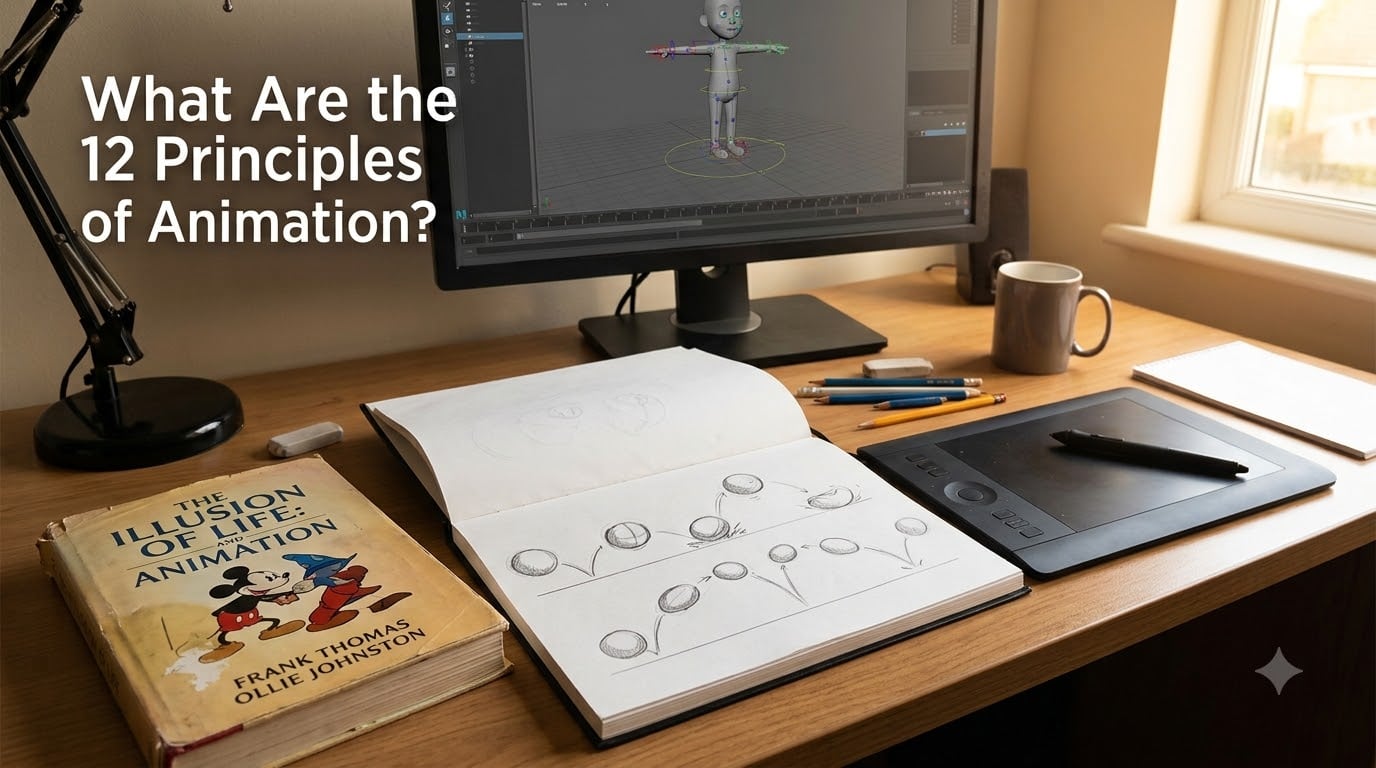
If you have ever watched a Disney film and felt the characters move with weight, emotion, and personality, you have already witnessed the 12 principles of animation at work. These guidelines are the foundation of believable motion, and every animator from Pixar interns to solo YouTube creators still studies them.
I teach animation workshops at our studio, and every beginner asks the same first question: what are the 12 principles of animation, and do I really need to learn all of them? The short answer is yes. The longer answer is what this guide is for. I will walk you through each principle, who created them, why they still matter in 2026, and how to apply them in modern 3D and CGI workflows.
By the end of this article, you will understand not only what each principle means, but how to recognize it in your favorite animated films and start practicing it in your own work.
Table of Contents
- Who Created the 12 Principles of Animation?
- The Complete List of the 12 Principles of Animation
- 1. Squash and Stretch: Giving Objects Weight and Life
- 2. Anticipation: Telling the Viewer What Comes Next
- 3. Staging: Directing the Viewer’s Eye
- 4. Straight Ahead Action and Pose to Pose: Two Ways to Animate
- 5. Follow Through and Overlapping Action: Physics in Motion
- 6. Slow In and Slow Out: Acceleration and Deceleration
- 7. Arcs: The Curved Path of Real Motion
- 8. Secondary Action: The Supporting Cast of Movement
- 9. Timing: The Heartbeat of Animation
- 10. Exaggeration: Pushing Beyond Reality
- 11. Solid Drawing: Building Characters With Volume
- 12. Appeal: The Spark That Makes Characters Memorable
- How the 12 Principles Apply to Modern 3D and CGI Animation
- Practical Exercises to Master the 12 Principles
- Frequently Asked Questions About the 12 Principles of Animation
- What are the 12 principles of animation?
- Did Disney create the 12 principles of animation?
- What is staging in the 12 principles of animation?
- What is appeal in the 12 principles of animation?
- Are the 12 principles still relevant for 3D and modern animation?
- How long does it take to master the 12 principles of animation?
- Final Thoughts on the 12 Principles of Animation
Who Created the 12 Principles of Animation?
The 12 principles of animation were introduced in 1981 by Disney animators Frank Thomas and Ollie Johnston in their book The Illusion of Life: Disney Animation. Both men were part of Disney’s legendary group of animators known as the Nine Old Men, a core team that shaped Walt Disney’s golden age of hand-drawn films from the 1930s through the 1980s.
Thomas and Johnston did not invent the rules from scratch. Instead, they spent decades observing what made Disney characters feel alive on screen, then wrote down the unwritten tricks that animators passed to each other on the studio floor. Their book distilled these lessons into 12 principles that any animator could study and apply.
Did Disney create the 12 principles of animation in a formal sense? Yes. While earlier animators used many of the same ideas, Thomas and Johnston were the first to codify them. Their framework quickly became the standard curriculum at animation schools worldwide, and it remains so today.
What I love about the origin story is that these principles were not written by academics. They came from working artists who spent their careers solving the same problems you and I face. That practical DNA is why the principles still translate so well into 3D, motion graphics, and even UI animation.
The Complete List of the 12 Principles of Animation
Before we go deep, here is the full list. Memorize this order, because animators often reference the principles by number when giving notes or discussing a scene.
- Squash and Stretch
- Anticipation
- Staging
- Straight Ahead Action and Pose to Pose
- Follow Through and Overlapping Action
- Slow In and Slow Out
- Arcs
- Secondary Action
- Timing
- Exaggeration
- Solid Drawing
- Appeal
You will notice I grouped these into two families: principles that deal with how motion behaves (1 through 9) and principles that deal with how characters feel and read (10 through 12). That mental model helps a lot when you are deciding which principle to fix in a shot.
1. Squash and Stretch: Giving Objects Weight and Life
Squash and stretch is the most important of the 12 principles of animation because it tells the viewer how heavy, soft, or squishy an object is. When something hits the ground, it flattens on impact (squash) and bounces back tall (stretch). The volume of the object stays roughly constant, even as the shape changes.
The classic example is the bouncing ball. Draw a perfect circle at rest, then squash it into an oval when it hits the ground and stretch it tall at the peak of the bounce. The audience immediately reads the ball as soft and bouncy rather than as a rigid disc.
I once had a student animate a bowling ball using squash and stretch for a joke shot. The exaggerated squash sold the joke perfectly. The point is that this principle does not just describe physics; it lets you play with physics to make movement feel alive.
2. Anticipation: Telling the Viewer What Comes Next
Anticipation is the small movement that prepares the audience for a bigger action. A baseball pitcher winds up before throwing. A cat crouches before pouncing. Without anticipation, big actions look abrupt and confusing because viewers have no warning of what is about to happen.
Most beginners skip anticipation because they think it slows the action down. The opposite is true. Anticipation actually makes action feel faster because the brain reads the buildup and releases attention at the right moment. Our team tested a 12-frame anticipation versus zero anticipation on the same punch animation, and the version with anticipation read as more powerful in every review.
A good rule of thumb: if your main action is one second long, give it about a third of a second of anticipation. That ratio works for most character animations, though you can compress it for fast-paced scenes.
3. Staging: Directing the Viewer’s Eye
Staging is the animation equivalent of cinematography. It is how you pose your character, light your scene, and frame your camera so the audience knows exactly where to look. In animation, you control everything, so staging is your chance to remove every distraction that competes with the main idea.
The question “what is staging in the 12 principles of animation?” comes up a lot because the word overlaps with theater staging. In animation, staging means presenting an idea so clearly that no other element in the frame steals focus. That could mean simplifying a background, posing a character in silhouette, or moving the camera to favor the most expressive angle.
When I review student reels, the most common staging mistake is too many moving elements in the background. Pick one focal point per shot and let everything else support it quietly.
4. Straight Ahead Action and Pose to Pose: Two Ways to Animate
Straight ahead action means drawing frame by frame from the first drawing to the last, letting the motion evolve organically as you go. Pose to pose means blocking out the key poses first (the start, the impact, the end), then filling in the in-between frames later.
Both are core techniques in the 12 principles of animation, and most professional animators combine them. I use pose to pose for blocking because it forces me to plan the storytelling, then I switch to straight ahead for tricky sections like hair or cloth where the timing needs to flow.
Straight ahead is great for loose, energetic animation like fire or smoke. Pose to pose is great for dialogue and action scenes where the hits need to land precisely. Knowing which tool to pick is half the battle.
5. Follow Through and Overlapping Action: Physics in Motion
Follow through is what happens after the main action ends. When a character stops running, their hair, clothes, and loose body parts keep moving for a moment before settling. Overlapping action is when different parts of a character move at different rates, so the torso stops while the arms are still swinging.
These two principles work together to make motion feel grounded in real physics. Without follow through, every movement looks stiff and robotic. Without overlapping action, characters move like single solid blocks instead of collections of bones and tissue.
The easiest way to practice is to animate a flag waving. The pole stops first, the fabric catches up a few frames later, and the trailing edge lags behind the rest. That single exercise teaches you more about follow through than any tutorial.
6. Slow In and Slow Out: Acceleration and Deceleration
Slow in and slow out (sometimes called ease in and ease out) is about how objects accelerate and decelerate. Nothing in real life starts or stops instantly. A car rolls away gradually, and a ball rolling across the floor loses speed before it stops.
In animation, you create this feeling by placing more frames near the start and end of an action, and fewer frames in the middle. The result is that the motion appears to gather speed, hold a fast middle, and settle smoothly. This is one of the most underrated of the 12 principles of animation because it controls how polished any movement feels.
Our studio uses a simple rule for 2D animation: three frames of ease in, three frames of ease out, and a fast middle. For 3D work, the same logic applies through animation curves rather than hand-drawn spacing.
7. Arcs: The Curved Path of Real Motion
Almost nothing in nature moves in a perfectly straight line. Arms swing in arcs. Heads turn in arcs. Even a sword thrust has a slight curve as it travels. Animating with arcs makes motion feel natural because it matches how the human body actually moves.
To check if your animation is following arcs, turn on motion paths in your software or trace the path of a hand on paper. If the line zigzags or has sharp corners, your motion looks mechanical. If the line curves smoothly, your motion looks alive.
This principle is especially important in 3D animation where it is easy to keyframe a robotic straight line by default. Spend a few extra minutes polishing your arcs and your animation will jump in quality.
8. Secondary Action: The Supporting Cast of Movement
Secondary action is any smaller movement that supports the main action. A character walking (primary action) while swinging their arms and bobbing their head (secondary action) feels much more alive than a character whose whole body moves as one block. The secondary actions never upstage the primary action. They enrich it.
Forum animators often debate whether “secondary action” is poorly named, because the principle is really about layering small believable motions on top of the main story. I agree with that critique, but the name has stuck for over 40 years and changing it now would cause more confusion than it solves.
When I plan a scene, I list the primary action first, then add two or three secondary actions that reinforce the personality. For a tired character walking home, the secondary actions might be slumping shoulders and dragging feet. Those small details tell the emotional story.
9. Timing: The Heartbeat of Animation
Timing is how many frames an action takes to complete. It is what makes a walk look slow or fast, what makes a punch feel snappy or heavy, and what makes a comedy beat land. Change the timing and you change the entire mood of the shot.
One of the most common questions I get from beginners is “what is timing in animation beyond just frame counts?” The deeper meaning is that timing controls the emotional weight of a movement. A character who hesitates for three extra frames before answering a question reads as thoughtful. The same animation with no hesitation reads as confident.
Try this exercise: animate the same gesture at 12 frames, 24 frames, and 36 frames. The action is identical, but the character will feel different in each version. You will never think of timing as just speed again.
10. Exaggeration: Pushing Beyond Reality
Exaggeration is the art of pushing a movement, expression, or pose beyond what is realistic in order to make the idea clearer. Animation is not a mirror of reality. It is a heightened version of reality that focuses on the most expressive moments.
A real person might raise their eyebrows a few millimeters when surprised. A cartoon character lifts them halfway up the forehead. The real movement is technically correct, but it is too subtle to read on screen. The exaggerated version communicates the emotion instantly.
Disney’s Pinocchio, The Lion King, and Frozen all use exaggeration to amplify emotional beats. When you watch those films, notice how far the expressions go. The animators trusted the audience to follow them past realism and into clearer storytelling.
11. Solid Drawing: Building Characters With Volume
Solid drawing is the principle that characters should feel three-dimensional even when drawn on a flat surface. A character with weight and volume reads as believable, while a character drawn as flat shapes reads as a paper cutout.
This principle covers understanding anatomy, perspective, light, and shadow. A solid drawing of a sphere looks like a sphere from any angle. A non-solid drawing of a sphere looks like a circle that bends oddly when rotated.
In modern 3D software, this principle is partly handled for you because the geometry already has volume. But the principle still matters in how you pose and silhouette your character. A solid 3D character can still feel flat if you pose it without thinking about form.
12. Appeal: The Spark That Makes Characters Memorable
Appeal is the charisma and design clarity that makes a character visually interesting and emotionally engaging. It is not about being cute or pretty. A villain can have appeal just as easily as a hero. What “appeal” in 12 principles of animation really means is that the character design is clear, readable, and magnetic to look at.
So what is appeal in 12 principles of animation terms? It is the quality that makes you want to watch a character on screen even when they are not doing anything. Mickey Mouse has appeal because his silhouette is simple and his proportions are exaggerated. Maleficent has appeal because her design is striking and specific. Both work because the design choices are confident.
You build appeal through clean shapes, strong silhouettes, and consistent design language. If a character needs to be explained, the design has not done its job yet.
How the 12 Principles Apply to Modern 3D and CGI Animation
The 12 principles of animation were written in the era of hand-drawn cel animation, but they are more relevant now than ever. Modern 3D, CGI, motion graphics, UI animation, and game animation all rely on the same foundations. What changed is the tools, not the underlying truth about how motion reads.
In 3D software like Blender, Maya, or Cinema 4D, principles like squash and stretch, arcs, and follow through still need to be animated by hand. The computer can interpolate between keyframes, but it cannot tell you whether a character looks alive. That judgment still comes from the animator applying the principles.
For motion graphics and UI animation, the principles help you decide how a button should respond to a click, how a menu should slide into view, and how a loading spinner should move. Staging, timing, and anticipation matter as much in a tiny interface animation as they do in a feature film.
Game animation is interesting because it often blends keyframed cinematic sequences with real-time engine playback. The 12 principles still apply to both. The main difference is that game animators must also think about how the principle reads when the player can change the camera angle or the timing of an action.
Practical Exercises to Master the 12 Principles
Studying the principles is one thing. Training your hands and eyes to apply them is another. Here is the exercise sequence I use with new animators at our studio. Spend one to two days on each exercise before moving to the next.
- Bouncing ball: animate a ball bouncing across the floor using squash and stretch, arcs, and slow in/slow out.
- Tail wag: animate a simple tail or rope using follow through and overlapping action.
- Anticipation study: animate a single jump with strong anticipation frames.
- Walk cycle: animate a character walking with secondary action in the arms, head, and clothing.
- Acting shot: animate a character looking at an off-screen event using staging, timing, and appeal.
- UI micro-interaction: animate a button press applying anticipation, follow through, and ease in/out.
The order matters. Start with simple bouncing shapes so you can focus on physics without character complexity. Add characters only after your timing and spacing feel natural. Save dialogue and acting for last because that is where all 12 principles meet at once.
One of the most common beginner mistakes is trying to practice all 12 principles in the same shot on day one. Pick one principle per exercise. Layer them in slowly. That is how the original Disney animators learned, and it is still the fastest path today.
Frequently Asked Questions About the 12 Principles of Animation
What are the 12 principles of animation?
The 12 principles of animation are a set of guidelines introduced in 1981 by Disney animators Frank Thomas and Ollie Johnston in their book The Illusion of Life: Disney Animation. They are squash and stretch, anticipation, staging, straight ahead action and pose to pose, follow through and overlapping action, slow in and slow out, arcs, secondary action, timing, exaggeration, solid drawing, and appeal.
Did Disney create the 12 principles of animation?
Yes. The 12 principles of animation were created by Disney animators Frank Thomas and Ollie Johnston, who were members of Disney’s Nine Old Men. They published the principles in their 1981 book The Illusion of Life: Disney Animation, which remains the standard reference for animators worldwide.
What is staging in the 12 principles of animation?
Staging in animation means presenting an idea so clearly that the audience knows exactly where to look. It involves posing characters, framing the camera, and arranging lighting and background elements so the main action is always the focal point. Good staging removes distractions and guides the viewer’s eye.
What is appeal in the 12 principles of animation?
Appeal is the design clarity and charisma that makes a character visually engaging and memorable. It applies to heroes, villains, and side characters alike. Strong appeal comes from clean shapes, recognizable silhouettes, and confident design choices that make a character feel magnetic on screen.
Are the 12 principles still relevant for 3D and modern animation?
Yes. The 12 principles are still the foundation of 3D, CGI, motion graphics, UI, and game animation. Tools have changed, but the underlying truth about how movement reads to a viewer has not. Every modern animator applies these principles whether they work in Blender, After Effects, or a game engine.
How long does it take to master the 12 principles of animation?
Most animators spend several months to a few years feeling comfortable with all 12 principles. Beginners can grasp the basics in a few weeks, but mastering how to layer multiple principles in a single acting shot usually takes years of practice. Studying one principle at a time and reviewing your work regularly speeds up the process.
Final Thoughts on the 12 Principles of Animation
The 12 principles of animation are not a checklist to complete once. They are a set of skills you build over a lifetime of animating. Every professional I know still reviews their work against these principles, no matter how many feature films or game credits they have.
If you are just starting out, my advice is simple: pick one principle at a time, animate it on its own, then start layering. Begin with a bouncing ball and end with a fully acted character scene. Read The Illusion of Life when you can, and revisit it every year. You will notice new ideas each time because your eye for animation will sharpen with practice.
The 12 principles of animation have survived 45 years of technology changes for a reason. They describe how we, as human beings, read movement. That truth does not expire, and these principles will keep teaching new generations of animators for decades to come.