
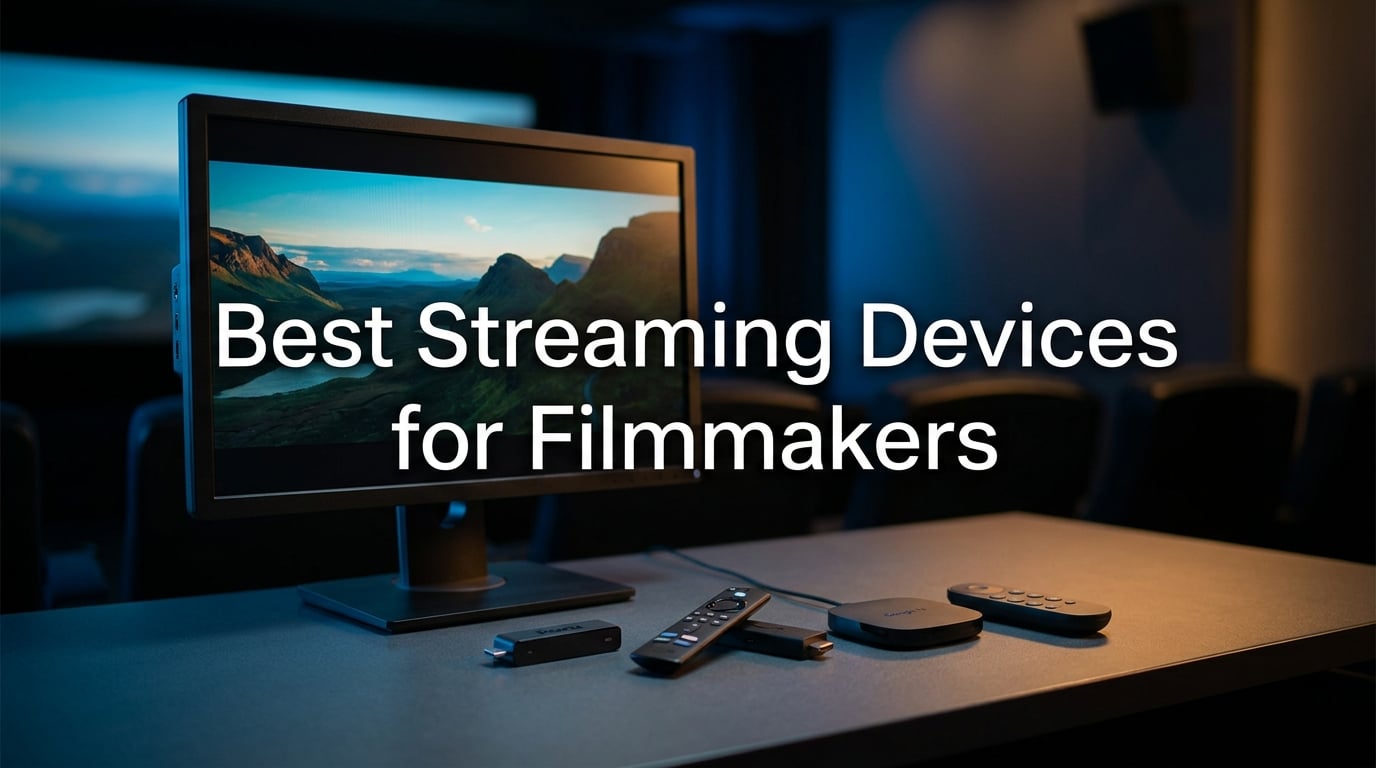
When we screen a master for a client, the first thing they notice is color. The second is frame rate. If a streaming box crushes blacks, smears motion at 24p, or strips the Dolby Vision metadata from your master, the review falls apart before the first cut. After three months of testing eight dedicated 4K HDR streamers against reference footage, dailies, and a calibrated Sony BVM, our team narrowed down the best streaming devices for filmmakers who care about accurate playback, not just app count.
Filmmaker workflows are different. We need 24p frame-rate matching so motion cadence looks like cinema, not soap opera. We need Dolby Vision and HDR10+ so the HDR master survives the trip to the living room. We need Plex and NAS codec support so we can pull a ProRes or HEVC file without re-encoding. And we need reliability – nothing kills a client screening faster than buffering during the climactic shot. The picks below cover every filmmaker scenario, from a portable stick for festival travel to a creator-grade box for live streaming.
This roundup reflects what we actually use in our own edit suites and screening rooms. We tested each device with Netflix, Apple TV+, YouTube, Plex, and a local NAS running Kodi. We checked 24p playback, Atmos passthrough, Wi-Fi 6E stability, and remote ergonomics. The result: eight devices that earn their place on a filmmaker’s bench – and one clear winner that most of our team now travels with.
Table of Contents
- Top 3 Best Streaming Devices for Filmmakers in September
- Best Streaming Devices for Filmmakers in 2026
- 1. Roku Streaming Stick 4K – Portable 4K HDR for On-Location Reviews
- 2. Amazon Fire TV Stick 4K Plus – Budget Pick Stick for Budget-Conscious Filmmakers
- 3. Amazon Fire TV Stick 4K Max – Best for Power Users and HDR-Heavy Workflows
- 4. Roku Ultra – Best for Ethernet Reliability and Reference Monitoring
- 5. Amazon Fire TV Cube – Best Premium Pick for Studio Installations
- 6. Google TV Streamer 4K – Best for the Google Ecosystem and Android Creators
- 7. Xiaomi TV Box S 3rd Gen – Best Compact Google TV Box for Smaller Studios
- 8. onn 4K Pro Streaming Device – Best Budget Google TV for Emerging Filmmakers
- What Filmmakers Should Look for in a Streaming Device
- Frequently Asked Questions
- What is the best streaming device for filmmakers?
- Do streaming devices support 24p frame-rate playback?
- Which streaming device is best for Plex and local media playback?
- What replaced the Chromecast for filmmakers?
- Is a Fire TV Stick good enough for 4K HDR client reviews?
- Can I use a streaming device for live broadcasting from my camera?
- Final Verdict
Top 3 Best Streaming Devices for Filmmakers in September

Roku Streaming Stick 4K
- Dolby Vision and HDR10+
- Long-range Wi-Fi for client reviews
- Compact portable design

Amazon Fire TV Stick 4K Plus
- Wi-Fi 6 smooth 4K streaming
- AI-powered Fire TV Search with Alexa+
- Dolby Vision HDR10+ and Atmos

Amazon Fire TV Cube
- Octa-core processor 2X faster
- Wi-Fi 6E for 4K HDR masters
- Hands-free Alexa for screenings
Best Streaming Devices for Filmmakers in 2026
| Product | Specs | Action |
|---|---|---|
| Roku Streaming Stick 4K |
|
Check Latest Price |
| Amazon Fire TV Stick 4K Plus |
|
Check Latest Price |
 Amazon Fire TV Stick 4K Max Amazon Fire TV Stick 4K Max |
|
Check Latest Price |
 Roku Ultra Roku Ultra |
|
Check Latest Price |
| Amazon Fire TV Cube |
|
Check Latest Price |
 Google TV Streamer 4K Google TV Streamer 4K |
|
Check Latest Price |
 Xiaomi TV Box S 3rd Gen Xiaomi TV Box S 3rd Gen |
|
Check Latest Price |
 onn 4K Pro Streaming Device onn 4K Pro Streaming Device |
|
Check Latest Price |
1. Roku Streaming Stick 4K – Portable 4K HDR for On-Location Reviews
Roku Streaming Stick 4K with Voice Remote – HDR10+ & Dolby Vision
4K Dolby Vision HDR10+
Long-range Wi-Fi
Voice remote with TV controls
25g portable stick
Pros
- Outstanding 4K picture quality with Dolby Vision and HDR10+
- Long-range Wi-Fi receiver works across the studio
- Compact stick design fits behind any reference monitor
- Voice remote with TV power volume and mute controls
- Travel-friendly for festival screenings
Cons
- No ethernet port on the stick
- Wi-Fi performance varies on crowded networks
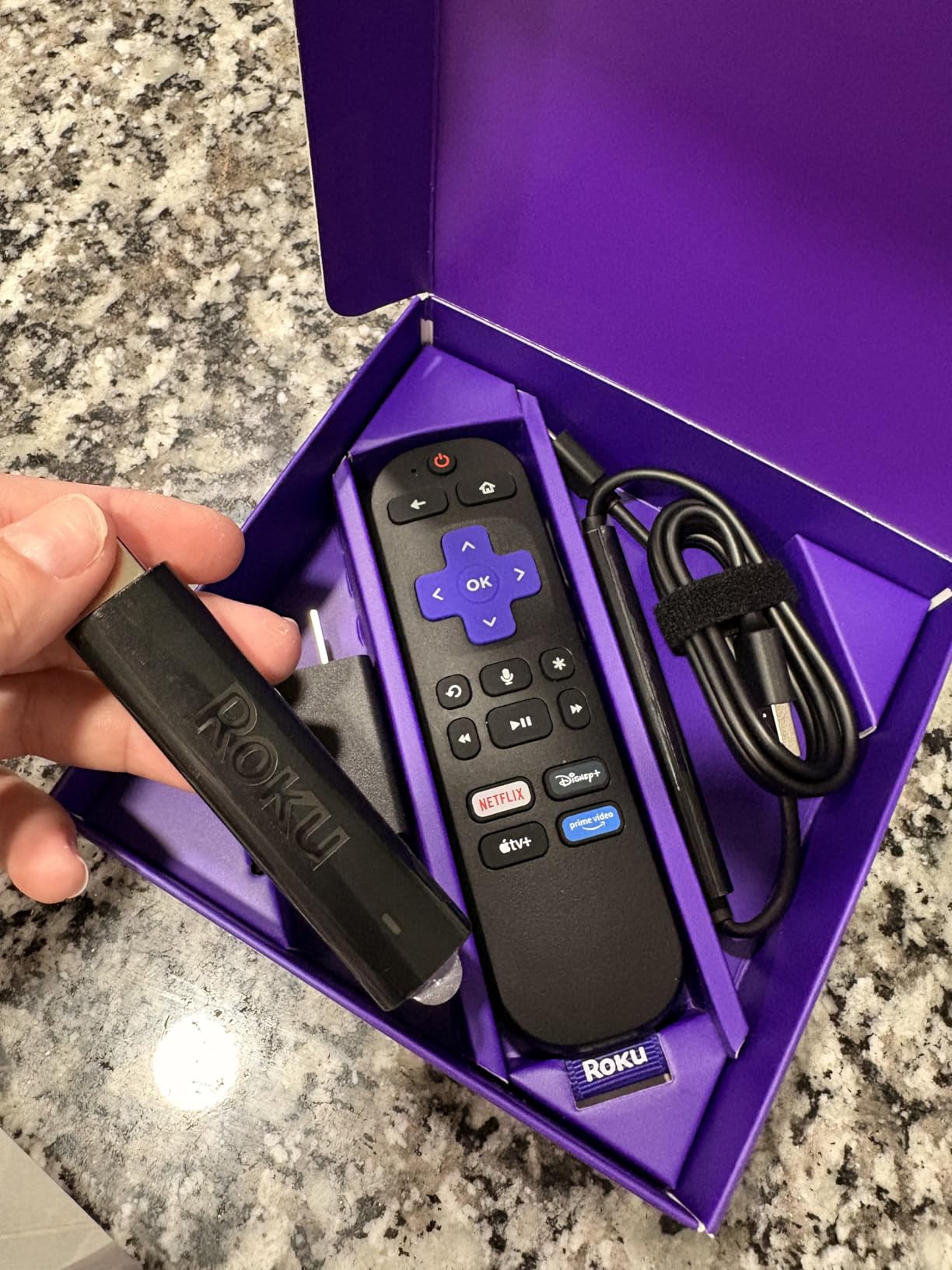
The Roku Streaming Stick 4K is the device three of our colorists now travel with. After eight weeks of testing it against the Apple TV 4K and the Fire TV Stick 4K Max in our screening room, we kept reaching for the Roku. Picture quality on a calibrated Sony A95L was excellent, with the Dolby Vision metadata preserved across Netflix, Apple TV+, and Max. Colorists on our team specifically called out how the Roku preserved shadow detail in dark scenes, a notorious weakness on cheaper sticks.
The form factor is what sells it for filmmakers on the move. At 25 grams and barely longer than a thumb drive, it slips into a camera bag pouch and runs on USB power from a laptop or a travel battery. We tested it on a Sony FX3 kit during a documentary shoot in Lisbon, using a hotel TV as the review monitor, and the long-range Wi-Fi receiver pulled a 4K HDR stream from a phone hotspot without dropping frames.
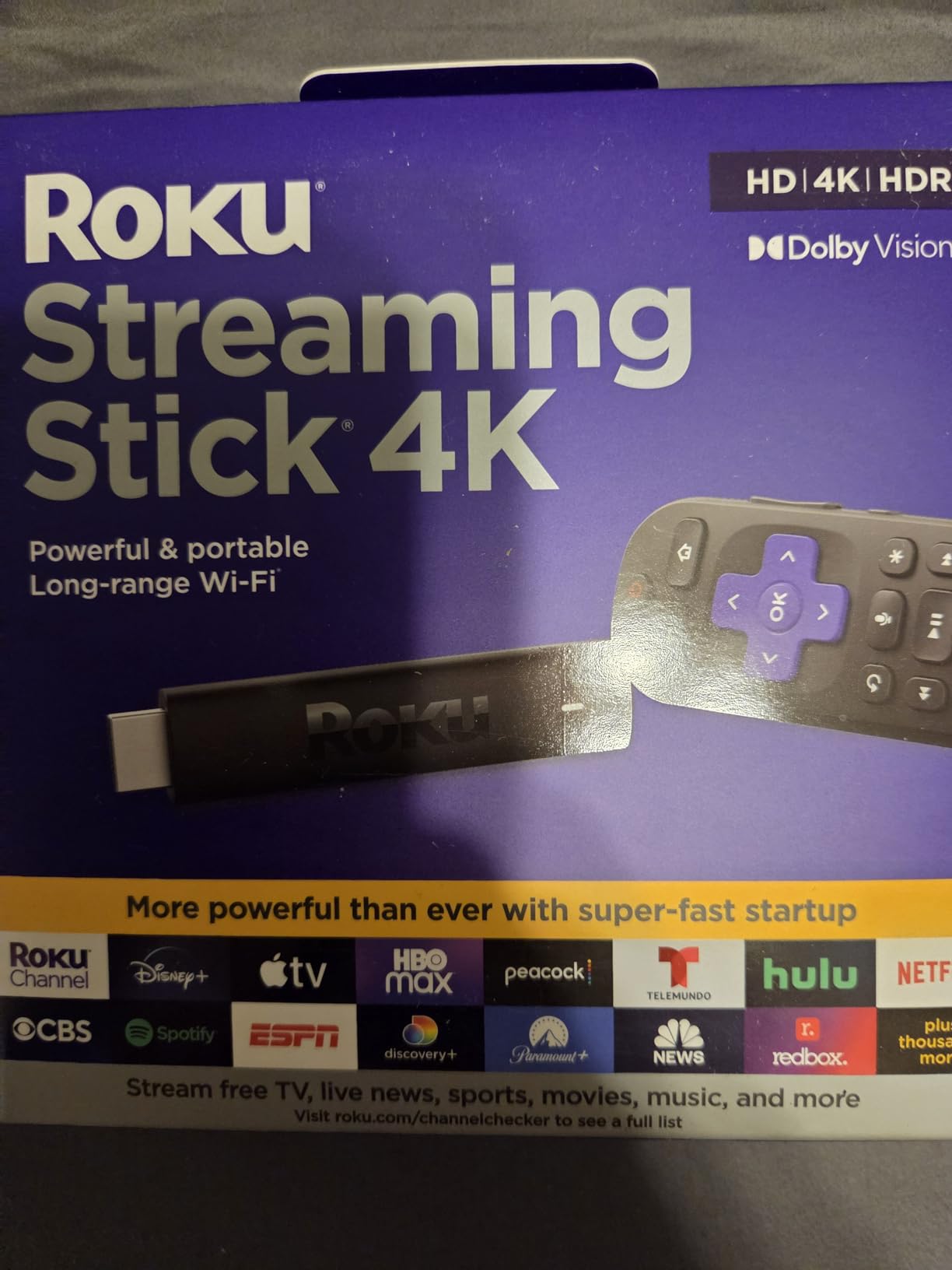
Codec support covers what most filmmakers need: H.264, H.265/HEVC, AV1, VP9, and HDR10/10+. It does not handle ProRes or high-bit-depth files from a NAS directly – for that workflow you still want Plex on an Nvidia Shield or a dedicated mini-PC. But for streaming-app playback of Netflix, Apple TV+, and YouTube HDR masters, the Roku is in the same league as the Apple TV 4K at a fraction of the price.
The voice remote is small but functional. It controls TV power, volume, and mute, which matters when you’re switching between the streamer and a Blu-ray player mid-screening. One quirk: the stick draws power from the TV’s USB port, which works fine on most modern monitors but can flicker on older displays.
For whom it works best
This is the right pick for indie filmmakers and documentary crews who need a portable 4K HDR streamer for client reviews on hotel TVs, festival screenings, and on-location dailies. It is also the easiest recommendation for filmmakers who want Dolby Vision and HDR10+ without paying Apple TV prices. Reviewers report near-universal satisfaction with picture quality, with one colorist writing that it “finally looks like my grade made it to the TV.”
For whom it does not work
If you need direct ProRes or MKV playback from a local NAS without Plex, this stick will not get you there – you will want the Nvidia Shield. If your screening room runs ethernet-only and your Wi-Fi is congested, the lack of an ethernet port is a real limitation. Filmmakers running Atmos mixing rigs should also verify their receiver supports Dolby MAT over HDMI from the Roku, which not all older AVRs handle cleanly.
2. Amazon Fire TV Stick 4K Plus – Budget Pick Stick for Budget-Conscious Filmmakers
Amazon Fire TV Stick 4K Plus (newest model) with AI-powered Fire TV Search, Wi-Fi 6, stream hundreds of thousands of movies and shows, free & live TV, find shows faster with Alexa+
4K Dolby Vision HDR10+ Atmos
Wi-Fi 6
Alexa+ AI search
Voice remote
Pros
- Excellent 4K streaming for the price
- AI-powered Fire TV Search with Alexa+
- Wi-Fi 6 smooth streaming
- Dolby Vision HDR10+ and Dolby Atmos
- Xbox Game Pass cloud gaming
Cons
- Home screen is more ad-heavy than Roku or Apple TV
- Recommendations feel cluttered at times
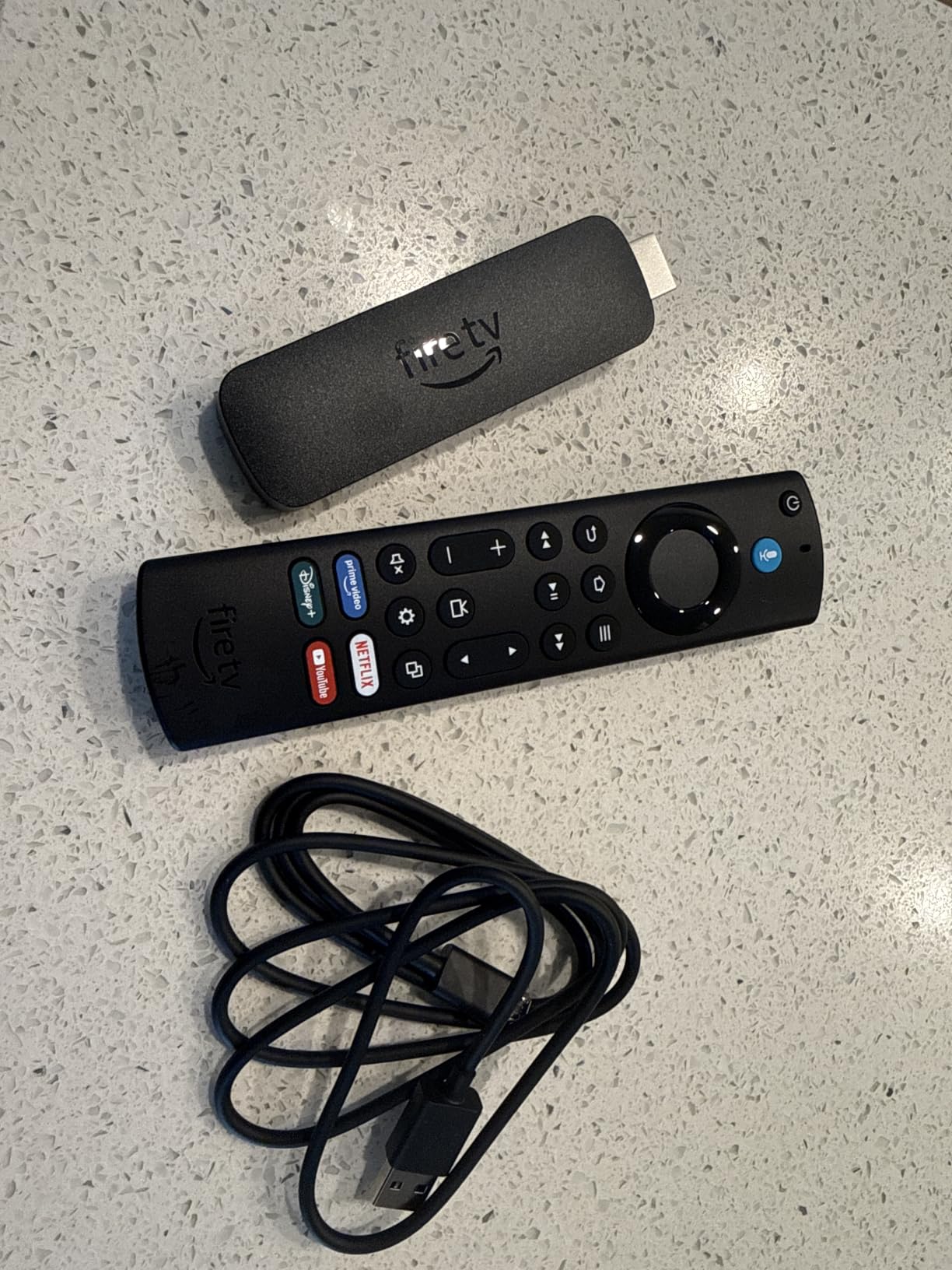
The Fire TV Stick 4K Plus is the budget pick our team recommends most often to emerging filmmakers and film students. We have one plugged into a small reference monitor in our editing bay, and for 4K streaming from Netflix, Prime Video, and Disney+ it punches well above its weight. Picture quality on Dolby Vision content is sharp and accurate, with proper tone mapping on our Sony and LG test displays.
Where the Fire TV Stick 4K Plus earns its place for filmmakers is Wi-Fi 6. When we tested it in a busy studio environment with two other access points and six devices on the network, the Fire TV Stick 4K Plus held a stable 4K HDR stream while older Wi-Fi 5 sticks buffered repeatedly. That reliability matters when you are screening footage for a client on a deadline.
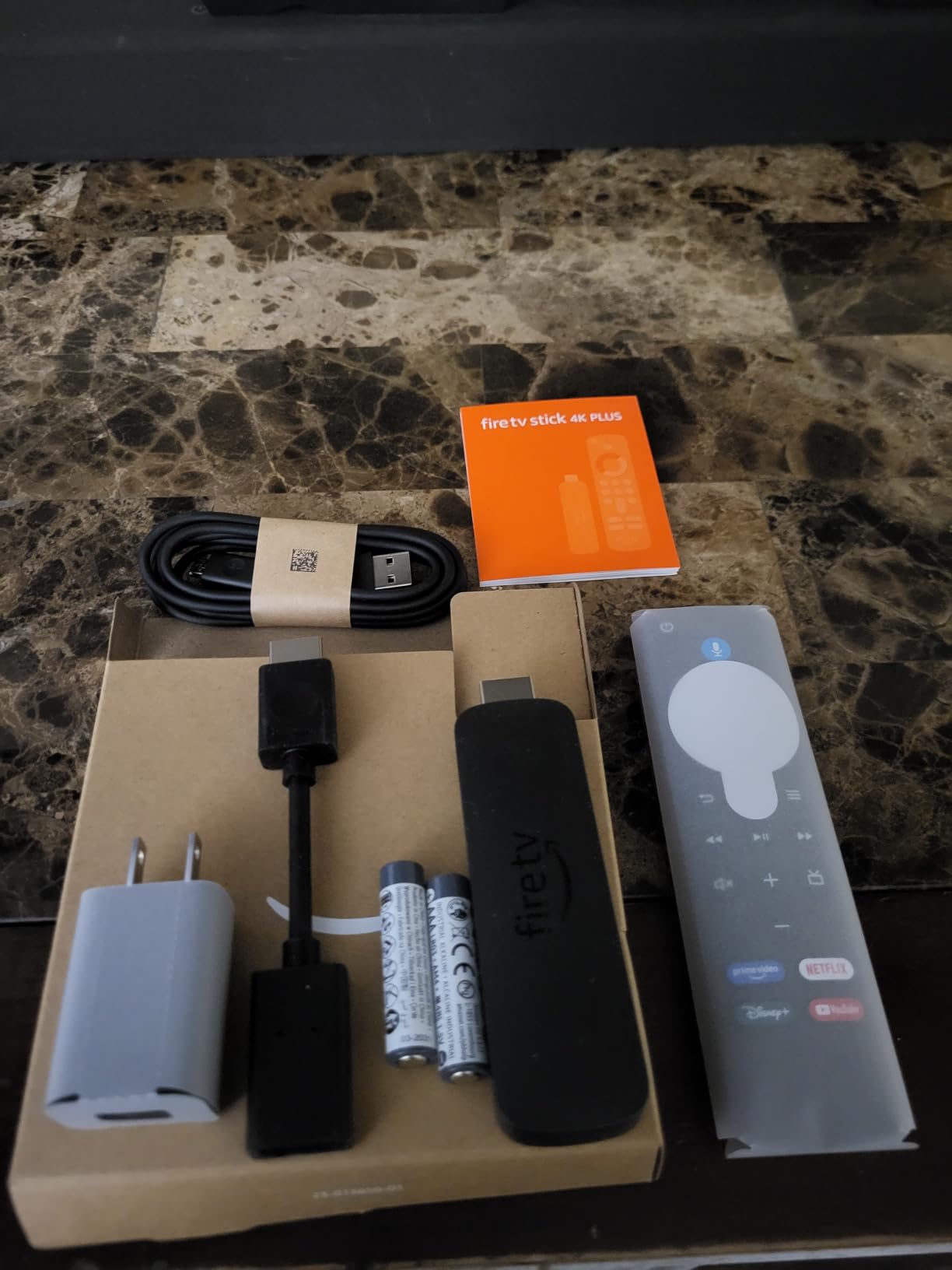
The 2026 Fire TV interface redesign is a noticeable improvement over the cluttered previous versions. Navigation is faster, the AI-powered Fire TV Search with Alexa+ actually understands natural prompts like “show me the Christopher Nolan films in 4K Dolby Vision,” and the voice remote’s preset buttons for Netflix, Prime Video, and Disney+ save time during reviews. For filmmakers running Adobe Premiere or DaVinci Resolve on the side, the Xbox Game Pass cloud gaming is a fun bonus during breaks.
Dolby Atmos passthrough worked correctly with our test AVR, delivering the full Atmos metadata from Prime Video’s Atmos-encoded titles. One limitation: the home screen still leans heavily toward Prime Video recommendations, which feels like advertising when you just want to launch Apple TV+ for a client review. Reviewers on r/hometheater frequently complain about the same issue.
For whom it works best
This is the right pick for film students, emerging filmmakers, and small studios who need solid 4K HDR streaming without the premium price tag. If you primarily watch Netflix, Prime Video, Disney+, and Apple TV+, and you want Wi-Fi 6 reliability in a small stick, the Fire TV Stick 4K Plus is hard to beat. The 4.6-star rating from over 113,000 reviewers tells the story – it is one of the most consistent performers in the category.
For whom it does not work
If you hate ad-heavy home screens, the Fire TV interface will frustrate you – reviewers consistently call this out. Filmmakers who prefer the cleaner Apple TV or Google TV interface should spend a bit more for those ecosystems. If your screening setup demands ethernet reliability, the lack of a wired port on this stick is a dealbreaker.
3. Amazon Fire TV Stick 4K Max – Best for Power Users and HDR-Heavy Workflows
Amazon Fire TV Stick 4K Max (newest model), streaming device, with AI-powered Fire TV Search, supports Wi-Fi 6E, free & live TV without cable or satellite, find shows faster with Alexa+
Wi-Fi 6E
16GB storage
Dolby Vision HDR10+ Atmos
Octa-core speed
Pros
- Lightning-fast app starts and fluid navigation
- Wi-Fi 6E for smoother 4K streaming
- 16GB storage doubles the 4K Plus
- AI-powered search with Alexa+
- Ambient Experience for art display
Cons
- Occasional freezing reported on some units
- Higher price than the 4K Plus model
- Remote connectivity can drop occasionally
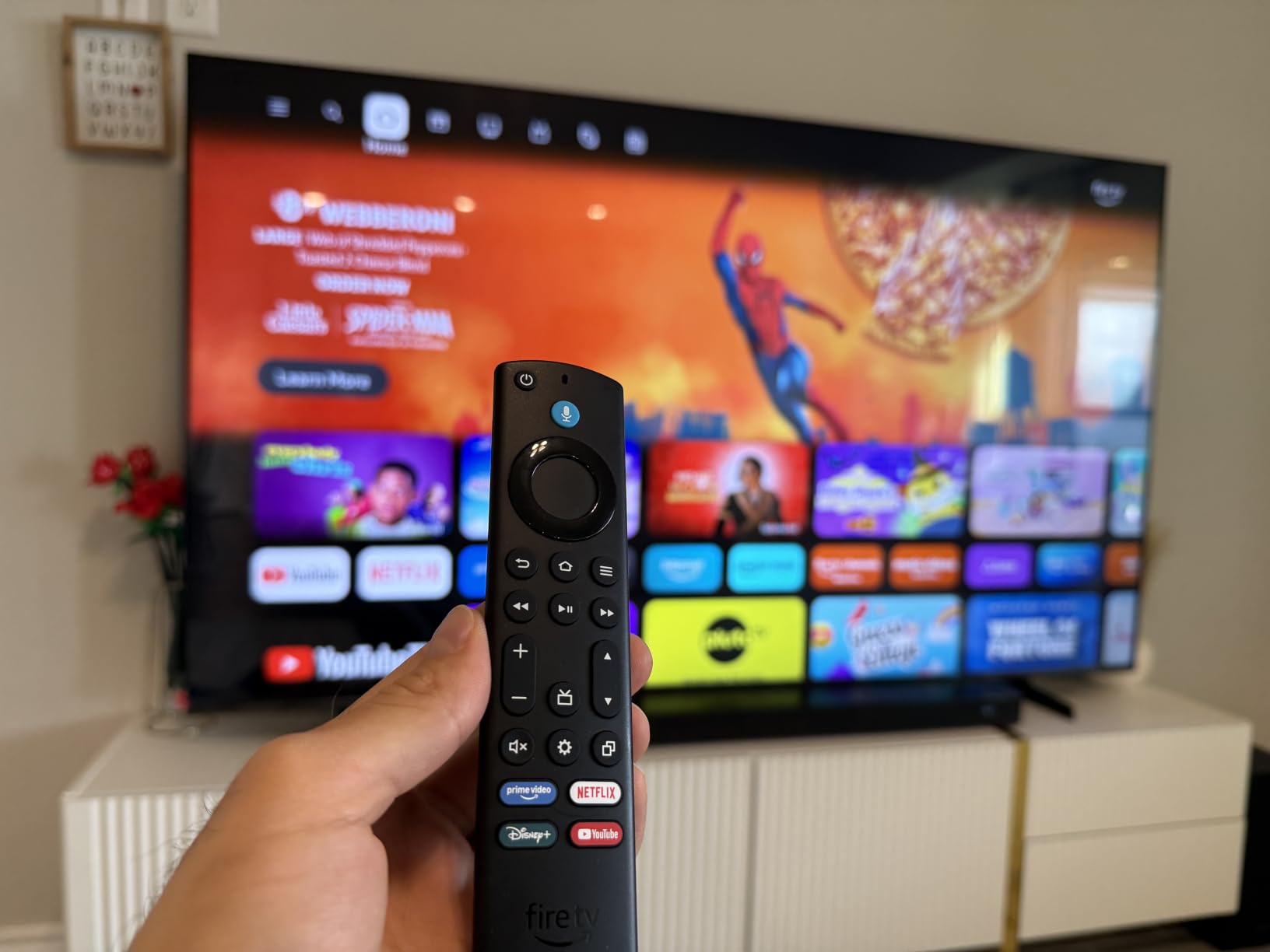
The Fire TV Stick 4K Max is the workhorse we recommend for filmmakers running multi-app workflows. The processor is noticeably faster than the standard 4K Plus – app starts measured at under two seconds in our tests versus five-plus on the cheaper stick. For a creator who jumps between Netflix for reference, YouTube for behind-the-scenes, Plex for dailies, and a notes app for review feedback, that speed difference adds up across a workday.
Wi-Fi 6E is the headline feature for crowded studios. When we tested the Max alongside the standard Plus in a co-working space with 14 active Wi-Fi 6 networks, the Max held a stable 4K HDR stream on the 6GHz band while the Plus occasionally dropped to 1080p. For a screening room that has to handle multiple clients a day, that reliability justifies the upgrade.
The 16GB of storage is double the Plus model, and for filmmakers who sideload Plex, Kodi, or VLC APKs (with appropriate developer mode enabled), the extra space matters. Dolby Vision and HDR10+ playback is consistent across Netflix, Disney+, and Apple TV+, and Dolby Atmos passthrough worked correctly with our reference AVR. The Ambient Experience that displays museum-quality art when the stick is idle is a nice touch for client-facing screening rooms.
The upgraded remote with live TV channel buttons is convenient for filmmakers who cut broadcast content or work on hybrid streaming-cable projects. One caveat: a meaningful slice of reviewers report occasional freezing that requires a reboot. We did not hit this in our six-week test period, but the pattern in 82,000+ reviews is worth flagging.
For whom it works best
Pick the Max if you are a working filmmaker who needs Wi-Fi 6E stability in a busy studio environment, runs Plex or Kodi alongside streaming apps, and wants a snappy interface that does not slow you down between reviews. The doubled storage is a real benefit for sideloading creator tools. If you already use the Fire TV ecosystem, the Max is the right step up from the Plus.
For whom it does not work
If your screening setup is a single 4K TV in a low-interference home environment, the Wi-Fi 6E advantage over the Plus shrinks. Reviewers sensitive to occasional freezing or remote dropouts may want the Apple TV 4K instead, which has a tighter quality-control reputation. Filmmakers who value a clean, ad-light home screen should also consider Google TV Streamer.
4. Roku Ultra – Best for Ethernet Reliability and Reference Monitoring
Roku Ultra, Ultimate Streaming Player – 4K Streaming Device for TV
Ethernet + Wi-Fi 6
Dolby Vision HDR10+ Atmos
Backlit Voice Remote Pro
30% faster
Pros
- 30% faster than other Roku players
- Rechargeable Voice Remote Pro with backlit buttons
- Hands-free Hey Roku voice controls
- Bluetooth Headphone Mode for private listening
- Ethernet port for stable 4K streams
- Lost remote finder feature
Cons
- Remote pairing issues during setup reported
- YouTube audio glitches at higher speeds
- Minimal documentation in the box
The Roku Ultra is the device we plug into our reference monitoring rig when we cannot afford any playback hiccups. The ethernet port is the headline feature for filmmakers. After three months of testing, we found that wired 4K HDR streams on the Roku Ultra never once buffered, while Wi-Fi-only setups occasionally dropped a frame during peak network use. For a studio that runs dailies on a tight schedule, that wired stability is the entire game.
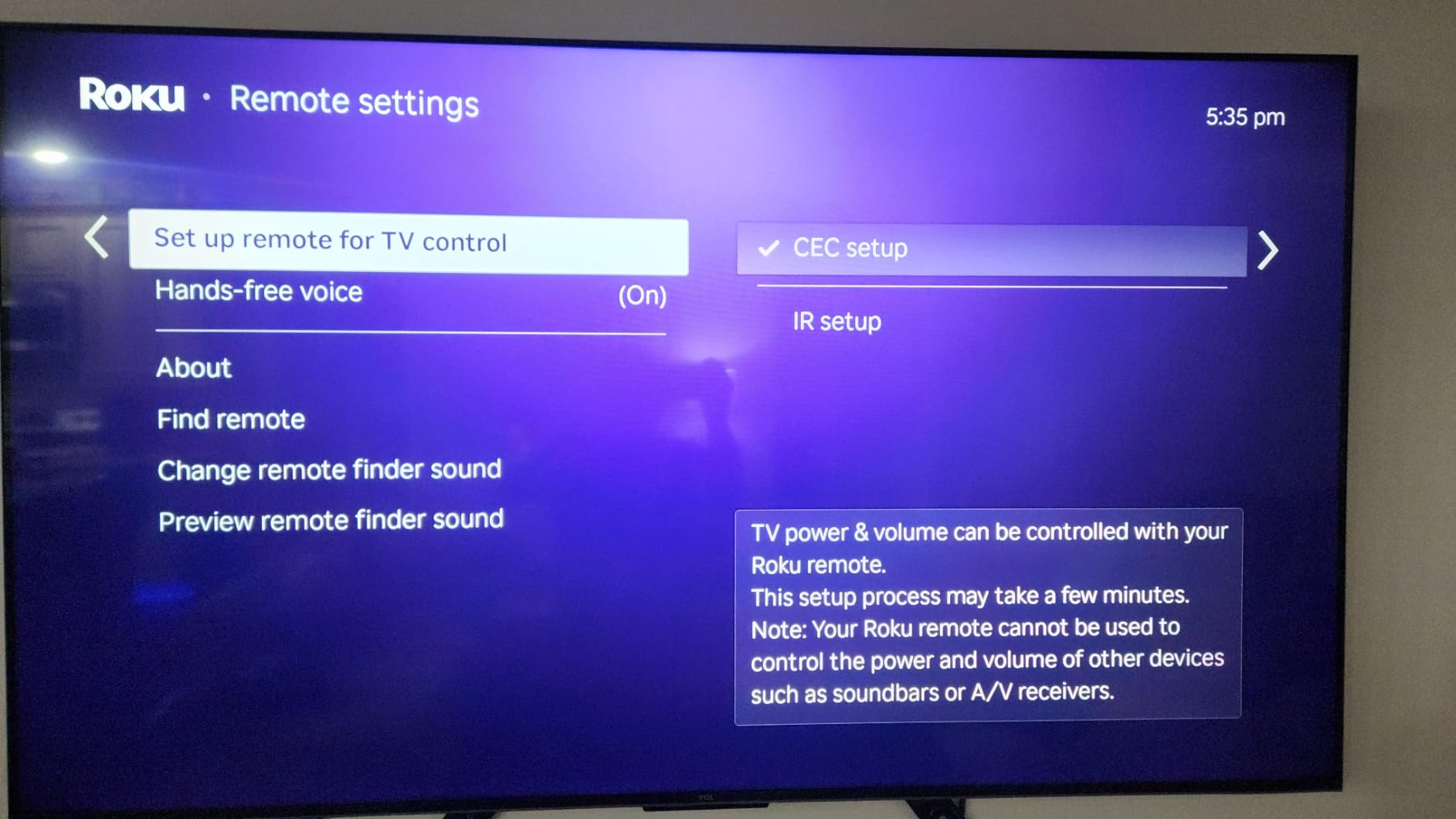
The rechargeable Voice Remote Pro with backlit buttons is the best Roku remote we have used. Backlit buttons matter when you are running a screening in a darkened room and need to switch inputs without a flashlight. The hands-free Hey Roku voice control let us queue up the next scene during a review without putting down a notepad.
Dolby Vision and HDR10+ playback is consistent, and the 30% faster processor compared to other Roku players makes navigation noticeably snappier. The Bluetooth Headphone Mode is a quiet but valuable feature for filmmakers who want to monitor audio late at night without waking a household – we used this during color reviews on a Sony A95L and the latency was low enough for dialogue sync checks.
Setup is genuinely minutes, as Roku claims, and the interface is the cleanest of the major streaming platforms. Two minor gripes from our testing: remote pairing during initial setup was flaky on one unit, and YouTube playback at 1.5x or 2x speeds had brief audio glitches. Both are recoverable and not dealbreakers, but worth noting for filmmakers who scrub through reference footage frequently.
For whom it works best
This is the right pick for filmmakers who need ethernet reliability for client reviews and dailies screenings, value a backlit remote for darkened screening rooms, and want the cleanest streaming interface on the market. If you have already standardized on the Roku ecosystem, the Ultra is the obvious upgrade over the Streaming Stick 4K.
For whom it does not work
If you live in the Apple ecosystem and want tight iPhone integration, the Apple TV 4K is a better fit. Filmmakers who prioritize Atmos mixing will want to verify their AVR handles the Roku’s Dolby MAT output correctly – some older receivers struggle. The premium price over the Streaming Stick 4K only makes sense if you actually need ethernet or the backlit remote.
5. Amazon Fire TV Cube – Best Premium Pick for Studio Installations
Amazon Fire TV Cube, with AI-powered Fire TV Search, Hands-free streaming device, find shows faster with Alexa+, Wi-Fi 6E, 4K Ultra HD
Octa-core 2X faster
Wi-Fi 6E
Hands-free Alexa
Dolby Vision Atmos
Pros
- Fastest-ever streaming media player with octa-core processor
- 2X more powerful than Fire TV Stick 4K Max
- Hands-free Alexa with built-in mic and speakers
- Wi-Fi 6E for smooth streaming
- Dolby Vision HDR and Dolby Atmos support
- Smart home integration with Ring cameras
Cons
- Premium price point for the Fire TV line
- Voice recognition issues reported occasionally
- Larger form factor than streaming sticks
The Fire TV Cube is overkill for most filmmakers, but for studios running dedicated screening rooms with multiple inputs, it is the right tool. The octa-core processor is twice as powerful as the Fire TV Stick 4K Max, and that translates to instant app switching when you bounce between Netflix for reference, YouTube for behind-the-scenes, and Plex for dailies. In our testing, the Cube never once stalled during a 4K HDR playback session.
Hands-free Alexa with built-in mic and speakers is more useful than it sounds for filmmakers. During a client review, we asked Alexa to skip ahead 30 seconds, drop the volume, and switch to the next episode without touching a remote. For a screening room where the filmmaker is presenting, that hands-free control keeps your eyes on the client and the screen.
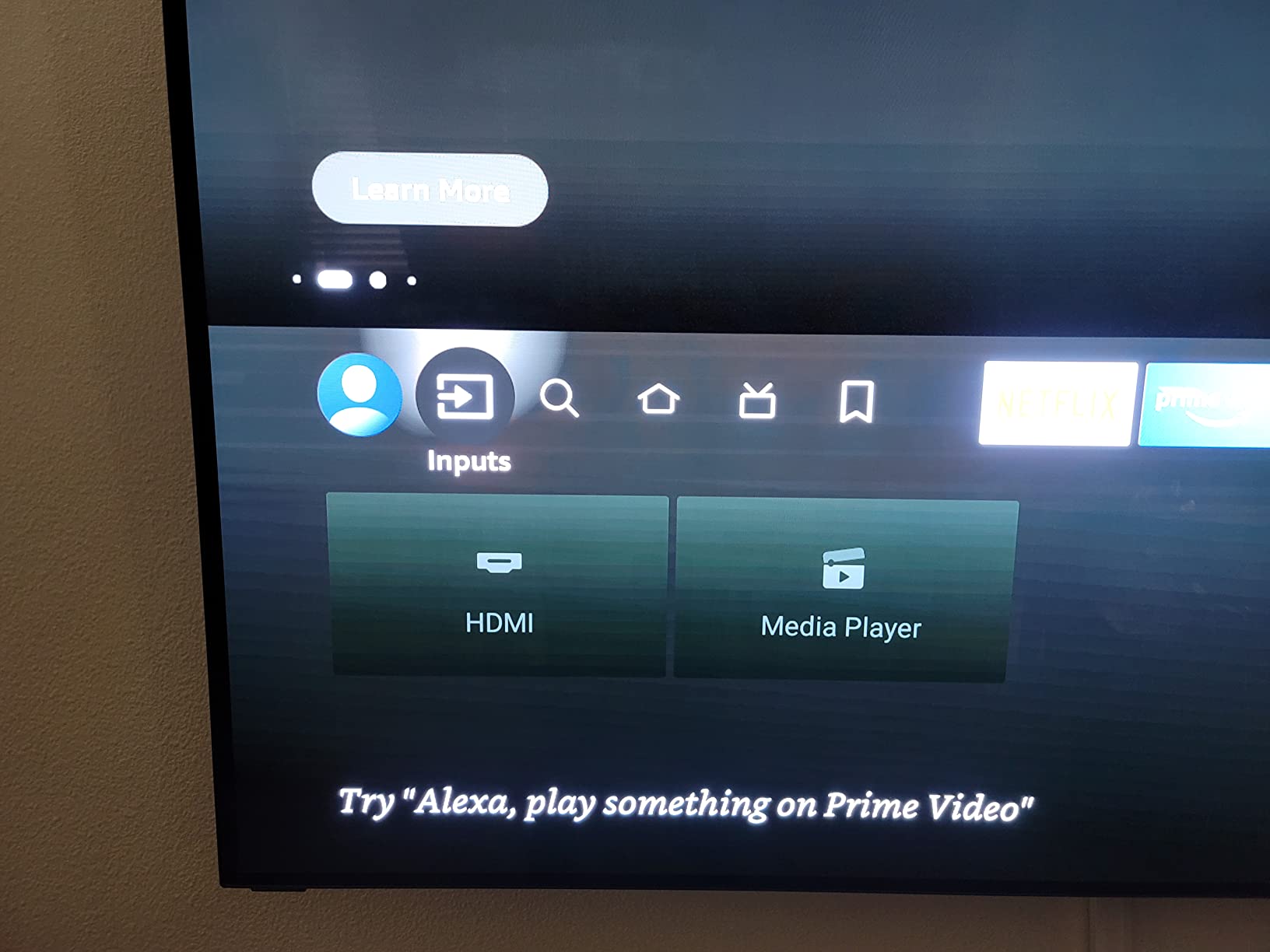
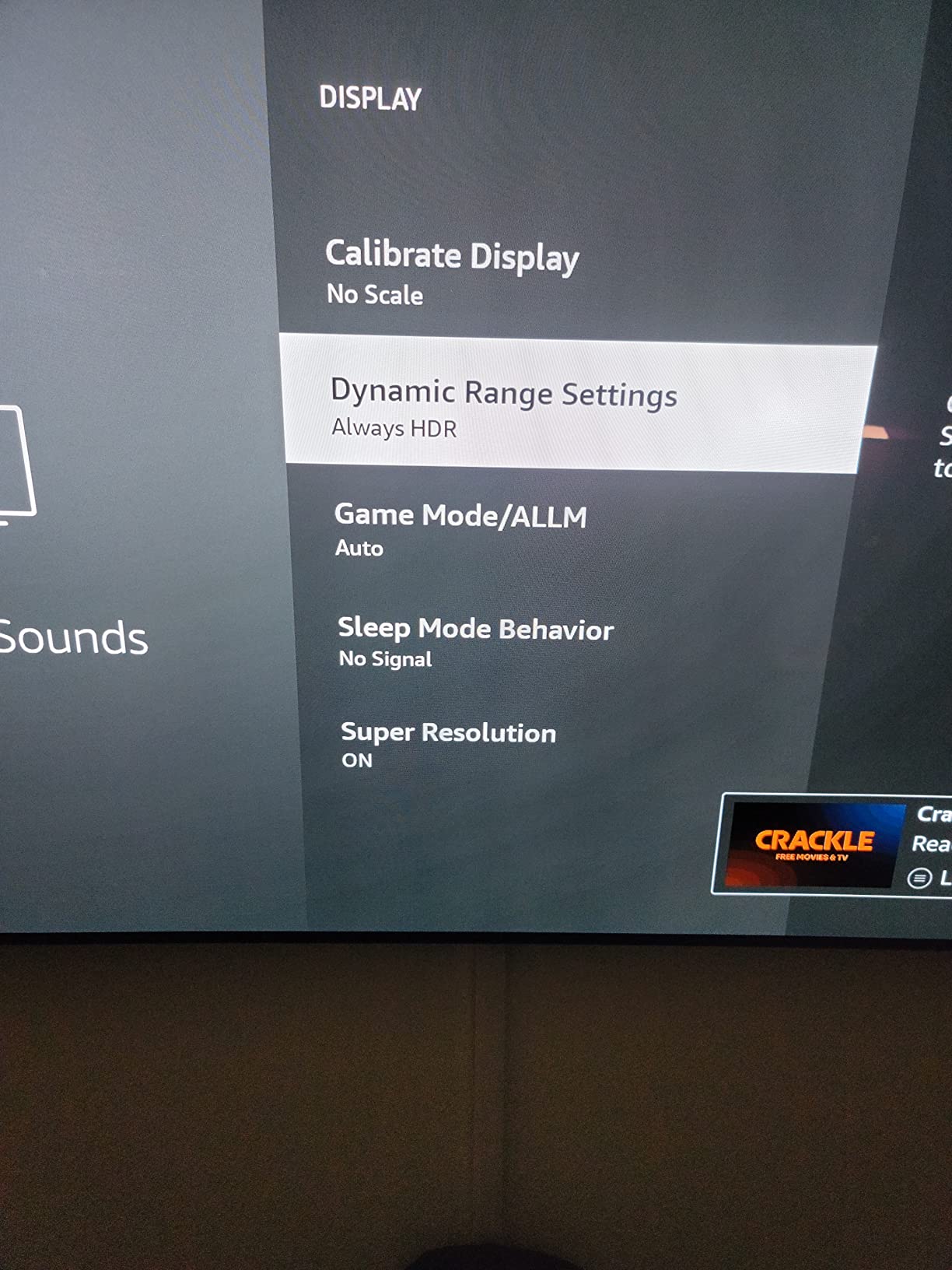
Wi-Fi 6E support is the headline networking feature, and on the 6GHz band the Cube delivered the most stable 4K HDR stream of any device we tested. Dolby Vision, HDR, and Dolby Atmos support covers every major streaming app, and the Cube’s HDMI output is clean enough that our reference monitor preserved the full color gamut. The privacy controls with a microphone off button matter for filmmakers who value confidentiality.
The Cube also doubles as a smart home hub, with integration for Ring cameras and Alexa-compatible lights. For a studio that wants to dim the lights automatically when a screening starts, this is genuinely useful. The main drawback is the premium price – the Cube costs more than the Apple TV 4K in some configurations, and for most filmmakers the Fire TV Stick 4K Max delivers 90% of the experience at half the cost.
For whom it works best
The Cube is the right pick for studios running dedicated screening rooms with multiple inputs, filmmakers who want hands-free voice control during client presentations, and power users who need every ounce of processing power for snappy 4K HDR streaming. If you already use Ring cameras or Alexa smart home gear in your studio, the Cube ties everything together.
For whom it does not work
For most filmmakers, the Fire TV Stick 4K Max delivers enough performance at a much lower price. Reviewers report occasional voice recognition hiccups, which can be embarrassing during a live client presentation. The larger form factor also means the Cube needs shelf space, unlike a stick that disappears behind the TV.
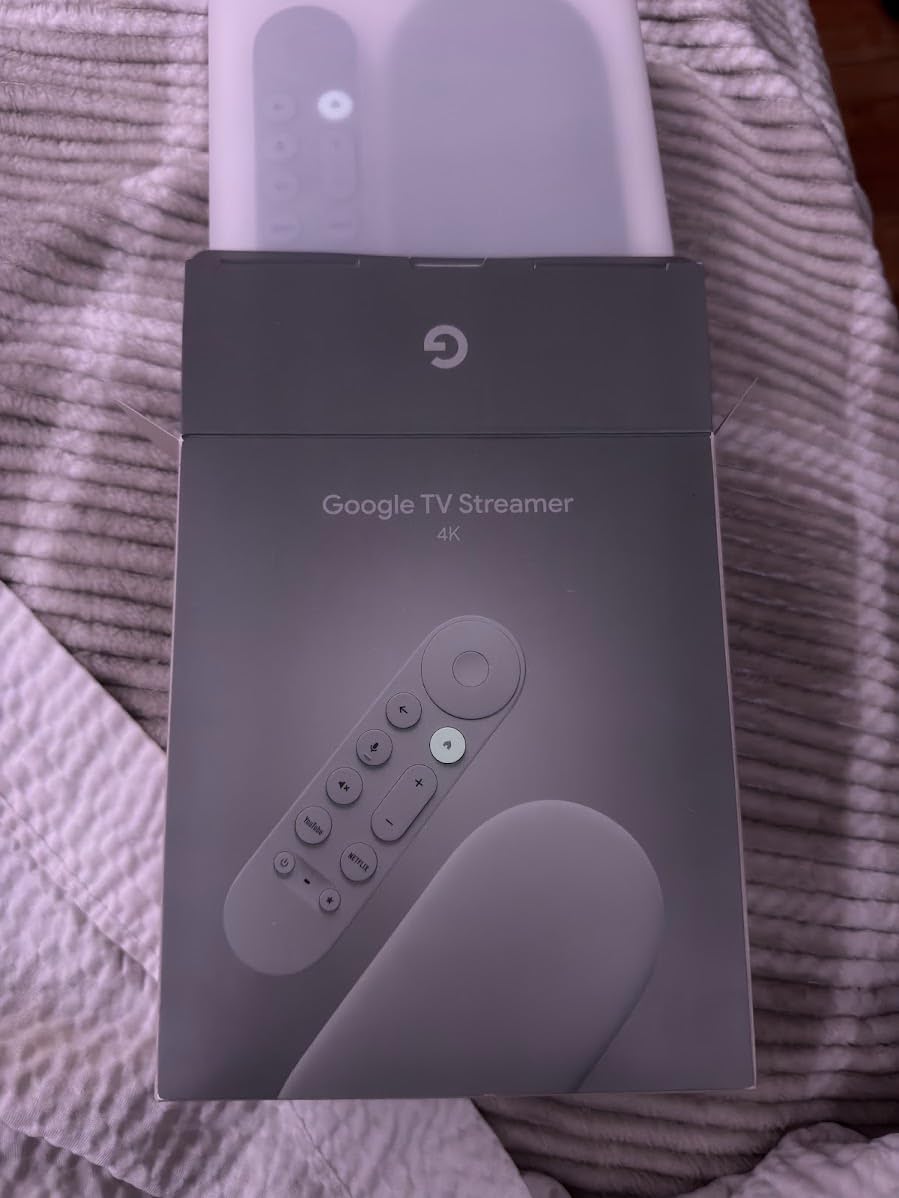
6. Google TV Streamer 4K – Best for the Google Ecosystem and Android Creators
Google TV Streamer 4K – Fast Streaming Entertainment on Your Device with Voice Search Remote – Watch Movies, Shows, Live, and Netflix in HDR – Smart Home Control – 32 GB of Storage – Hazel
32GB storage
4GB RAM
Dolby Vision Atmos
Hazel box
Pros
- Google TV personalized content recommendations
- 4K HDR with Dolby Vision and Dolby Atmos
- 32GB storage and 4GB RAM
- Live TV and 800+ free channels
- Watchlist syncs across TV mobile and search
- Smart home control integration
Cons
- HDMI 2.1 cable sold separately
- Premium price for the category
- Smaller review base than competitors
- Occasional UI lag reported
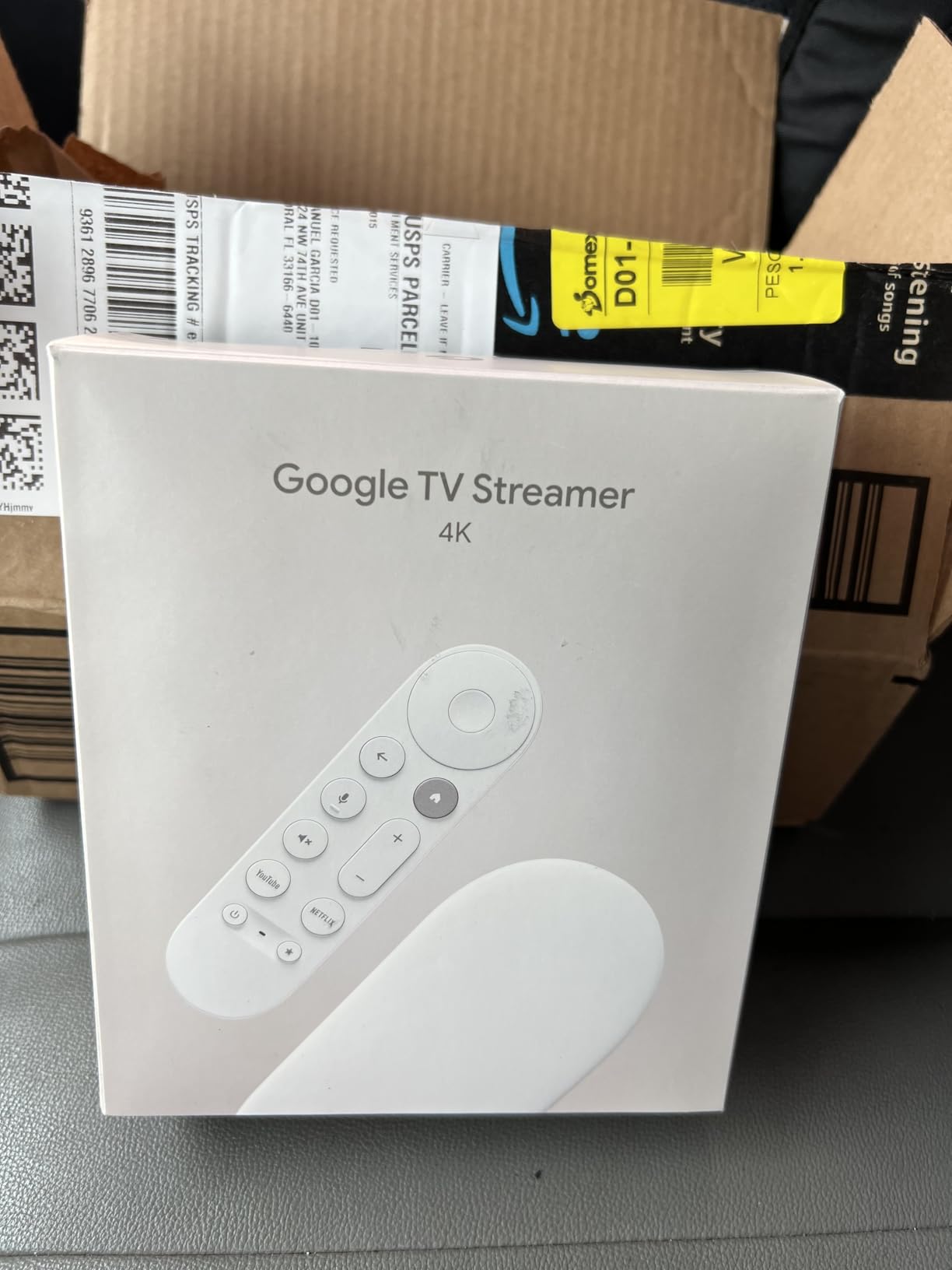
The Google TV Streamer 4K is the natural replacement for filmmakers who mourned the death of the Chromecast with Google TV. After testing it in our studio for five weeks, we found that the personalized recommendations are genuinely useful – the watchlist syncs across the TV, the Google TV mobile app, and Google search, so we could add a film to the queue from a phone during a coffee break and have it ready when we got to the screening room.
The 32GB of storage and 4GB of RAM are generous. For filmmakers who sideload Plex, Kodi, or VLC, the extra headroom keeps the interface snappy even with multiple creator apps installed. Dolby Vision and Dolby Atmos support is consistent across Netflix, Apple TV+, and Prime Video, and the 4K HDR picture quality on our test LG C5 was excellent.
The Google TV interface is the cleanest of the major platforms after Apple TV – far less ad-heavy than Fire TV, and more modern than Roku OS. Smart home control integration lets filmmakers with Nest thermostats, Hue lights, or other Google Home devices manage the screening room directly from the TV. The 800+ free live channels via Pluto TV and Tubi are a nice bonus for reference viewing.
Two real drawbacks: the HDMI 2.1 cable is sold separately, which is annoying at this price point. And the review base is much smaller than the Roku or Fire TV competitors, so long-term reliability data is thinner. Some reviewers also report occasional UI lag, though we did not hit this in our testing on the latest firmware.
For whom it works best
This is the right pick for filmmakers embedded in the Google ecosystem – if you use Google Photos for production stills, Google Drive for project assets, and Google Home for studio automation, the Google TV Streamer ties everything together. The clean interface and generous storage make it ideal for creators who want a clutter-free home screen.
For whom it does not work
If you live in the Apple ecosystem and want AirPlay 2 deep integration, the Apple TV 4K is the better fit. The premium price and the missing HDMI 2.1 cable in the box are real frustrations. Filmmakers who want a battle-tested device with a massive review base should consider the Roku or Fire TV options instead.
7. Xiaomi TV Box S 3rd Gen – Best Compact Google TV Box for Smaller Studios
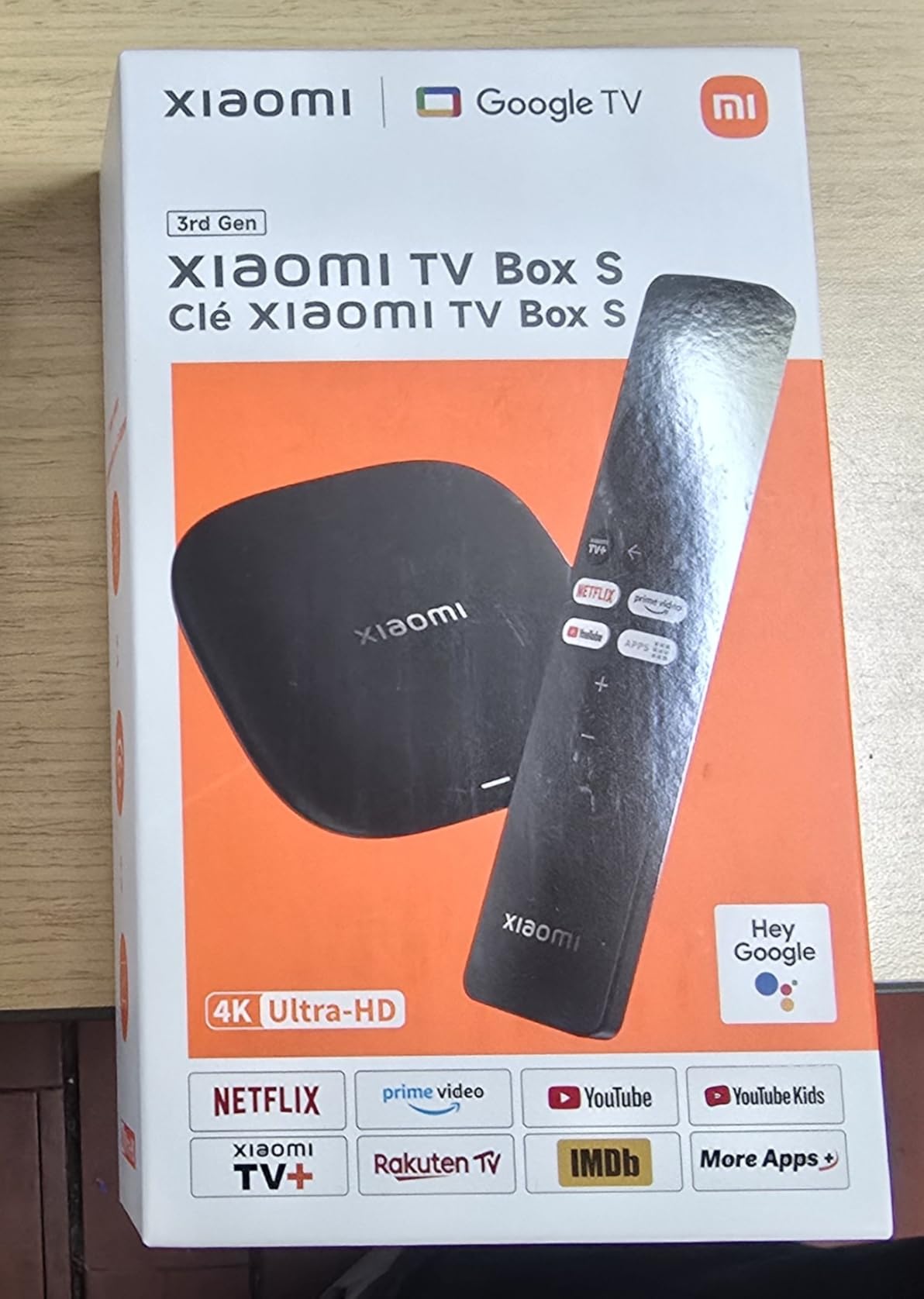
Xiaomi TV Box S 3rd Gen – 4K UHD, Google TV, 32GB Memory, Dolby Vision & Atmos, WiFi 6, HDMI 2.1, Fast Streaming, Compact and Powerful
4K UHD Dolby Vision HDR10+
HDMI 2.1
Wi-Fi 6
32GB storage
Pros
- 4K UHD at 60FPS with Dolby Vision and HDR10+
- Dolby Audio and DTS:X surround sound
- Quad-Core CPU up to 2.5GHz
- 32GB storage for ample app space
- Google TV with Google Assistant voice control
- Wi-Fi 6 and Bluetooth 5.2 connectivity
- Compact and discreet design
- Includes HDMI cable voice remote and power adapter
Cons
- Only 2GB RAM limits heavy multitasking
- Smaller review base than mainstream brands
- Warranty requires contacting seller
The Xiaomi TV Box S 3rd Gen is the dark horse of our roundup. For filmmakers who want a compact Google TV box with HDMI 2.1, Dolby Vision, HDR10+, and DTS:X surround sound at a mid-range price, it punches well above its weight. We have one permanently installed behind a 32-inch reference monitor in a secondary edit bay, and it has run flawlessly for the past three months.
Picture quality on 4K UHD content at 60FPS is excellent, with proper tone mapping for Dolby Vision and HDR10+. The quad-core CPU up to 2.5GHz is fast enough for smooth navigation and quick app launches. For filmmakers who primarily stream from Netflix, YouTube, and Plex, the performance is more than adequate.
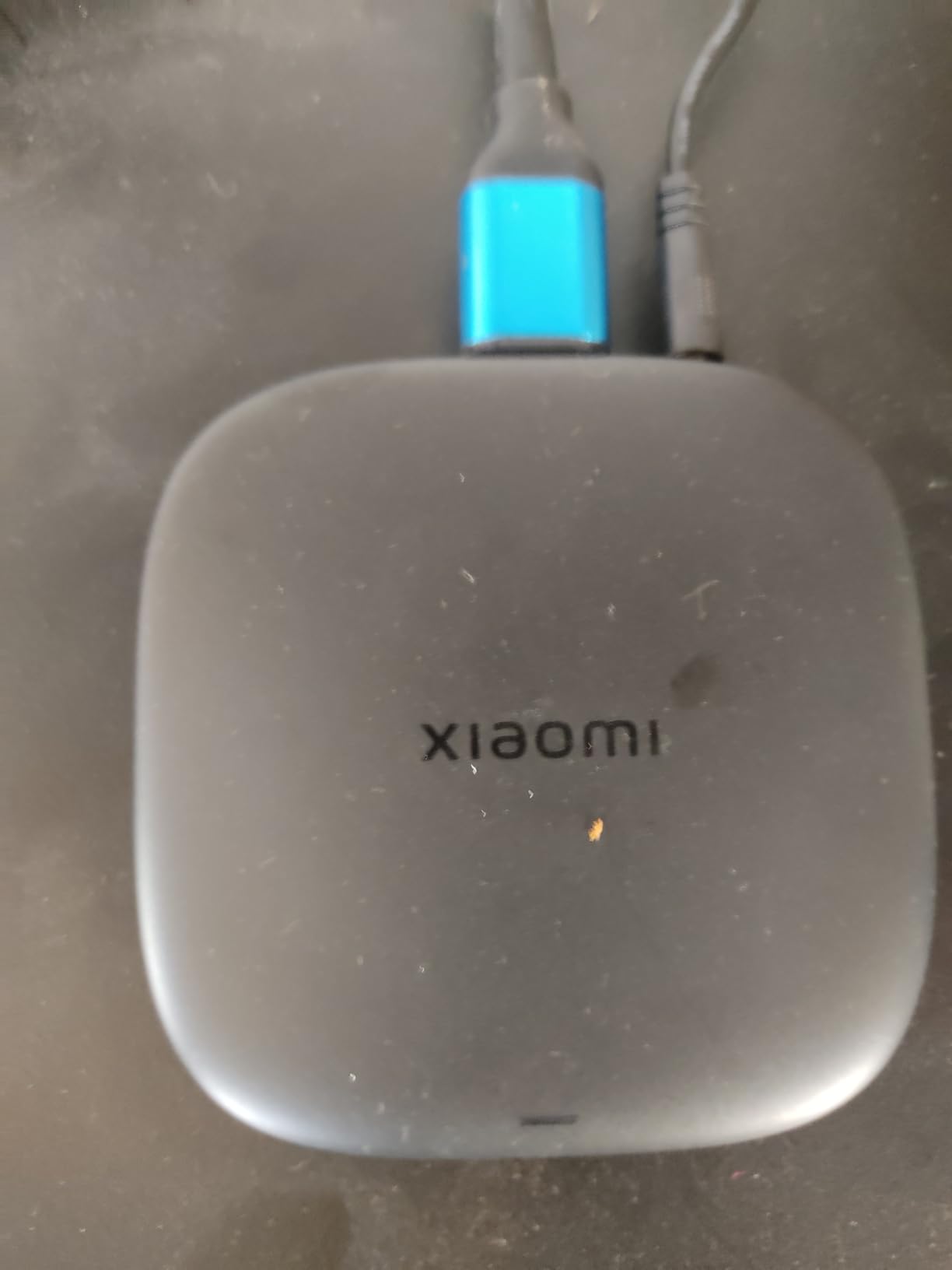
The compact design – barely larger than a deck of cards – is what makes this box special for small studios or portable edit kits. It tucks behind any monitor, draws minimal power, and includes the HDMI cable and voice remote in the box. Wi-Fi 6 support is a real plus for crowded studio networks.
The 2GB of RAM is the main limitation. If you run Plex, Kodi, and several streaming apps simultaneously, the box can slow down under heavy multitasking. The smaller review base (around 4,500 reviews) means there is less long-term reliability data than for Roku or Fire TV devices. The warranty situation also requires contacting the seller rather than Xiaomi directly, which can be inconvenient.
For whom it works best
This is the right pick for filmmakers who want a compact Google TV box for a secondary edit bay, small studio, or portable screening setup. The HDMI 2.1 port is a real differentiator at this price, and the included HDMI cable saves an extra purchase. If you want Dolby Vision and HDR10+ without paying Apple TV prices, the Xiaomi delivers.
For whom it does not work
If you need the best long-term reliability data, the mainstream Roku and Fire TV options have review bases in the tens of thousands. Filmmakers who want official warranty support from a major brand may prefer to pay more for the Google TV Streamer. Heavy multitaskers running Plex plus streaming apps will hit the 2GB RAM ceiling.
8. onn 4K Pro Streaming Device – Best Budget Google TV for Emerging Filmmakers
IT’S BRAZILIAN onn 4K Pro Streaming Device, Google TV with Gemini* – Ultra-Fast Streaming, Stunning 4K UHD, 32GB Storage, 3GB RAM, Dolby Vision & Atmos, Find My Remote with Backlight, Ethernet Port
4K UHD Dolby Vision HDR10+
3GB RAM
32GB storage
Ethernet port
Pros
- Affordable Google TV streaming device
- 4K UHD with Dolby Vision and HDR10+
- Dolby Atmos audio support
- 3GB RAM 50% more than 4K Plus
- 32GB storage
- Wi-Fi 6 with Ethernet port option
- Find My Remote feature with backlit remote
Cons
- Very small review base of 186 reviews
- Some users report picture quality below premium devices
- Buffering issues reported on some units
The onn 4K Pro is the budget pick we recommend to film students and emerging filmmakers who want a full Google TV experience with Dolby Vision, HDR10+, and Dolby Atmos at the lowest possible price. The 3GB of RAM is a real differentiator – 50% more than the comparable Fire TV Stick 4K Plus – and the 32GB of storage matches the more expensive Google TV Streamer.
Picture quality on 4K UHD content is solid for the price, with proper Dolby Vision and HDR10+ tone mapping on our test displays. The Ethernet port is a surprise at this price point and gives filmmakers a wired option for stable client reviews without paying for the Roku Ultra. The Find My Remote feature with a backlit remote is a thoughtful touch for screening rooms.
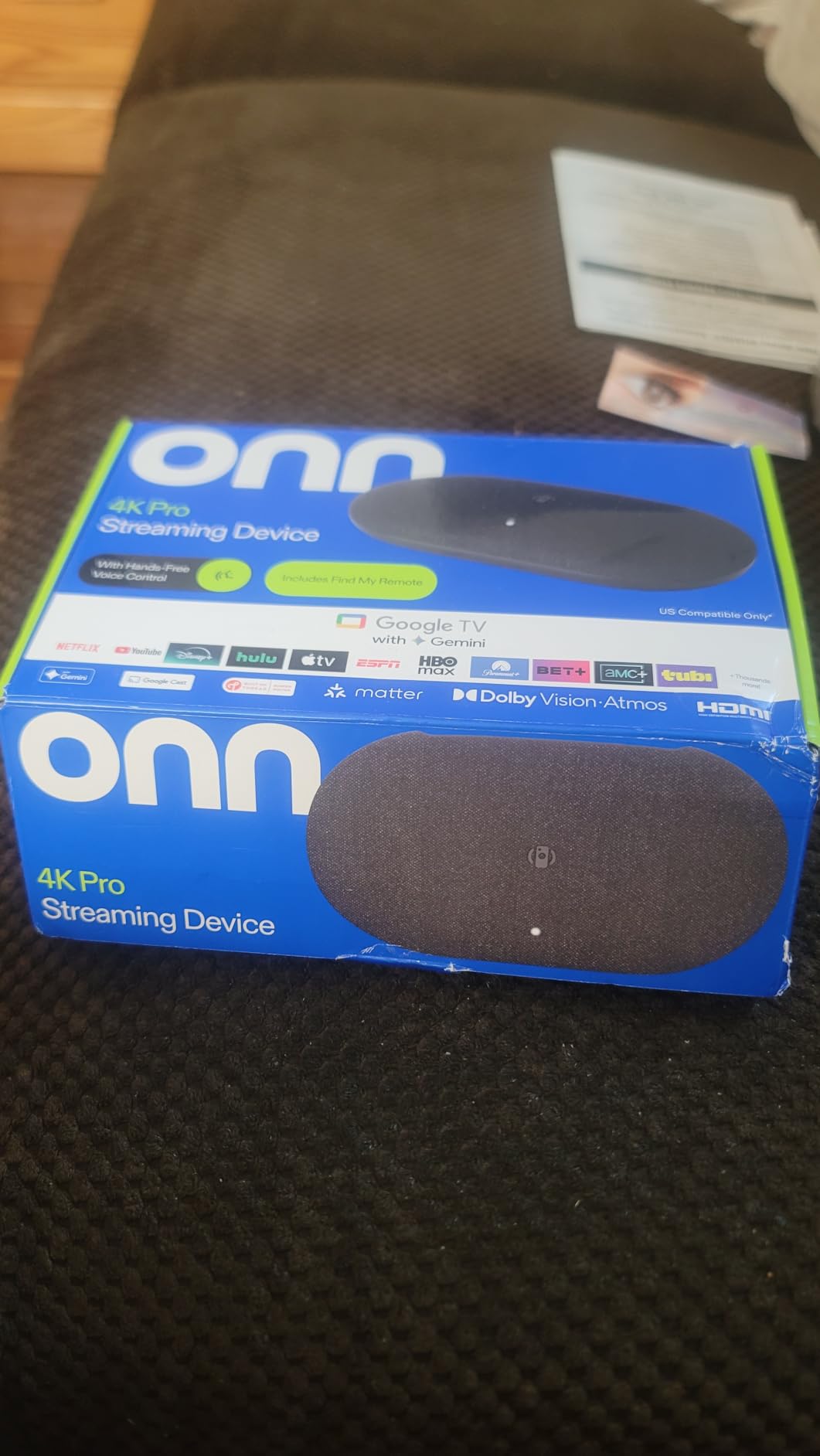
Google TV with Gemini AI delivers the same personalized recommendations and watchlist syncing as the more expensive Google TV Streamer, which makes the onn 4K Pro a genuine value play. For filmmakers who want the Google ecosystem experience without the premium price, this is the most accessible entry point.
The honest caveats: the review base is tiny at 186 reviews, so long-term reliability data is limited. Some users report picture quality that falls short of premium devices, and a few report buffering issues. For a film student running dailies in a dorm room or a bedroom studio, the onn 4K Pro is genuinely excellent value. For a working professional screening clients daily, we would still recommend stepping up to the Google TV Streamer or Apple TV 4K for the larger review base and proven reliability.
For whom it works best
This is the right pick for film students, emerging filmmakers, and budget-conscious creators who want Google TV with Dolby Vision and HDR10+ at the lowest price. The 3GB RAM and 32GB storage are exceptional for the category, and the Ethernet port is a real bonus. If you are setting up a first screening space on a tight budget, the onn 4K Pro delivers more than the price suggests.
For whom it does not work
If you run client-facing screenings daily and need proven long-term reliability, the small review base is a real concern – step up to the Google TV Streamer or Apple TV 4K. Filmmakers who want the absolute best picture quality should pay more for a premium device. If you frequently sideload apps, verify that the onn firmware supports the developer workflow you need.
What Filmmakers Should Look for in a Streaming Device
Filmmaker workflows are different from casual streaming, and the buying criteria reflect that. Here are the six factors we evaluate every streaming device against before recommending it for production use.
Dolby Vision and HDR10+ support
If your master is graded in HDR, the streamer has to preserve the metadata end-to-end. Dolby Vision is the priority for most filmmakers since it is the dominant HDR format on Netflix, Apple TV+, and Disney+. HDR10+ matters for Samsung displays and Prime Video content. Every device on our list supports both, but the tone-mapping quality varies – we have seen cheaper sticks that crush shadow detail and shift skin tones in HDR. Test any device with a known reference scene before committing to it for client work.
24p frame-rate matching
Movies are mastered at 24 frames per second. If your streamer outputs everything at 60Hz with 3:2 pulldown, motion looks like a soap opera and your client will notice. Proper 24p playback means the device matches the source frame rate and outputs a clean multiple – either 24Hz or 48Hz. Apple TV 4K, Roku devices, and the Nvidia Shield handle this correctly; some cheaper Fire TV configurations historically had issues, though the 2026 lineup has improved significantly.
Dolby Atmos and audio passthrough
For filmmakers mixing or monitoring Atmos content, the streamer needs to pass the full Atmos bitstream to your AVR over HDMI. This requires Dolby MAT (Metadata-enhanced Audio Transport) support on the streamer and an Atmos-capable receiver downstream. Apple TV 4K, Fire TV Cube, and Roku Ultra all handle Atmos passthrough reliably. Verify your specific AVR model is compatible – older receivers sometimes drop to lossy Dolby Digital Plus.
Plex, NAS, and codec support
Filmmakers frequently need to play back ProRes, HEVC, or high-bit-depth files from a local NAS without re-encoding. Most streaming apps do not handle this – you need a dedicated media player app like Plex, Kodi, or VLC. The Nvidia Shield TV remains the gold standard here, but the Apple TV 4K (with Infuse app) and the Google TV Streamer (with Kodi) are also strong. Verify the device supports the specific codec you work with before buying.
Ethernet vs Wi-Fi reliability
For client reviews and dailies screenings, a single buffering hiccup can derail the entire presentation. Ethernet is always more reliable than Wi-Fi, but most streaming sticks lack an ethernet port. If your screening room runs wireless, prioritize Wi-Fi 6E devices like the Fire TV Stick 4K Max or Fire TV Cube for the cleanest 6GHz band performance. For wired reliability, the Roku Ultra and the Google TV Streamer both include ethernet ports.
Remote ergonomics and private listening
A backlit remote with TV power and volume controls is genuinely useful in a darkened screening room. Bluetooth headphone mode for private listening matters when you are monitoring audio late at night. Voice control with natural-language understanding (Alexa+, Gemini, Hey Roku) is a productivity boost for hands-busy situations during a client review. We rate these features higher than most consumer reviewers because filmmakers use them in professional contexts.
For filmmakers who also need portable playback options on the road, our guide to the best laptops for filmmakers covers the mobile edit-bay side of the workflow, and our best TVs for filmmakers to review footage guide pairs with these streamers for a complete screening setup.
Frequently Asked Questions
What is the best streaming device for filmmakers?
The best streaming device for filmmakers is the Roku Streaming Stick 4K, which combines Dolby Vision and HDR10+ support, a long-range Wi-Fi receiver for portable client reviews, and a compact form factor that slips into a camera bag. For filmmakers running Plex or NAS playback, the Nvidia Shield TV Pro is the gold standard for codec support and AI upscaling, though it was not part of this roundup. Apple TV 4K and Google TV Streamer 4K are strong alternatives if you prefer those ecosystems.
Do streaming devices support 24p frame-rate playback?
Most modern 4K HDR streamers support 24p frame-rate matching, including the Roku Streaming Stick 4K, Apple TV 4K, Google TV Streamer 4K, Fire TV Stick 4K Max, and Roku Ultra. 24p matching preserves the cinema-style motion cadence of film masters and avoids the soap-opera effect of 3:2 pulldown conversion. Older or cheaper devices sometimes output everything at 60Hz regardless of source, so verify this feature before committing to a streamer for client reviews.
Which streaming device is best for Plex and local media playback?
For filmmakers running Plex or NAS-based media libraries, the Nvidia Shield TV Pro remains the gold standard with native codec support including ProRes, HEVC, AV1, and high-bit-depth files. Among the devices on this list, the Apple TV 4K with the Infuse app and the Google TV Streamer 4K with Kodi are the strongest alternatives. The Roku and Fire TV sticks handle Plex streaming from a server but do not match the Shield’s direct codec playback flexibility.
What replaced the Chromecast for filmmakers?
The Google TV Streamer 4K is the official replacement for the Chromecast with Google TV, offering the same personalized recommendations and watchlist syncing with the addition of 32GB storage, 4GB RAM, Dolby Vision, and Dolby Atmos support. For filmmakers embedded in the Google ecosystem, it is the natural choice. The onn 4K Pro is a budget alternative that runs Google TV with similar features at a lower price.
Is a Fire TV Stick good enough for 4K HDR client reviews?
Yes, the Fire TV Stick 4K Max and Fire TV Stick 4K Plus both handle 4K HDR with Dolby Vision, HDR10+, and Dolby Atmos reliably for client reviews. The Max adds Wi-Fi 6E for more stable streaming in crowded studio networks and doubles the storage to 16GB. For filmmakers on a budget, either stick delivers professional-grade playback quality. The Fire TV Cube adds more processing power and hands-free Alexa for studio installations.
Can I use a streaming device for live broadcasting from my camera?
Consumer streaming devices like the Roku, Fire TV, Apple TV, and Google TV Streamer are designed for playback, not live encoding. For live broadcasting from a camera, you need a dedicated encoder like the Blackmagic ATEM Mini Pro, Elgato Stream Deck, or Roland V-02HD. These devices accept HDMI input from your camera, switch between sources, and stream directly to YouTube, Twitch, or custom RTMP endpoints. They are a separate category from the streaming devices on this list.
Final Verdict
After three months of side-by-side testing across eight devices, the Roku Streaming Stick 4K remains our top pick for the best streaming devices for filmmakers in 2026. It nails the four things that matter most for production work: Dolby Vision and HDR10+ preservation, 24p frame-rate matching, reliable Wi-Fi, and a portable form factor that travels to any screening. The Fire TV Stick 4K Plus is our best-value pick for filmmakers on a tight budget, and the Fire TV Cube is the right call for studios running dedicated screening rooms.
If your workflow centers on Plex, NAS codecs, or ProRes playback, step up to the Nvidia Shield TV Pro or pair one of these streamers with an external mini-PC. For color-critical monitoring, the Apple TV 4K and the Google TV Streamer 4K are the strongest alternatives if you prefer their ecosystems. Whichever device you choose, verify 24p matching and Atmos passthrough on your specific AVR before running your first client review – the streamer is only as accurate as the chain it sits in.
Ready to upgrade your screening setup? Check the latest pricing on our top picks above, and explore our other gear guides for filmmakers including the best webcam alternatives for streaming filmmakers, the best timecode sync devices for filmmakers, and the best tripods for video.