
I’ve spent the last decade cutting short films on MacBook Pros and Mac Studios, and the single biggest upgrade I ever made to my editing bay was a proper external monitor. The right panel turns a decent Mac into a finishing suite, while the wrong one quietly ruins every grade. This guide is the result of testing the best external monitors for Mac video editors I could lay hands on in 2026 — from factory-calibrated 4K workhorses to native 5K panels that look like Apple built them, plus ultrawide canvases and travel-ready 4K panels.
If you’re working in Final Cut Pro, Premiere Pro, or DaVinci Resolve on a MacBook Pro M-series or a Mac Studio, color accuracy, single-cable USB-C or Thunderbolt, and macOS-friendly scaling matter more than headline brightness or gaming refresh rates. I’ve narrowed the field to ten monitors that genuinely serve Mac video editing — not generic “creative displays” that look great in marketing photos but fall apart when you’re pushing pixels on a real timeline. I’ll show you what each panel does well, where it falls short, and which one fits your specific workflow.
Table of Contents
- Top 3 Picks for Mac Video Editors in 2026
- Best External Monitors for Mac Video Editors in September
- 1. ASUS ProArt PA279CV — Best Overall External Monitor for Mac Video Editors
- 2. LG 27MD5KL-B Ultrafine 5K — Best Mac-Native 5K Monitor for Editors
- 3. LG 27UP850K-W Ultrafine 4K — Best Value 4K Monitor for Mac Editors
- 4. BenQ PD2725U — Best Thunderbolt 3 Workflow Monitor for Mac Editors
- 5. Dell UltraSharp U4025QW — Best Ultrawide 5K2K Monitor for Mac Video Editors
- 6. ViewSonic VP2756-4K — Best Pantone-Validated Monitor for Mac Editors
- 7. Dell 27 Plus S2725QC — Best Monitor for MacBook Air Editors
- 8. Philips 346E2CUAE — Best Budget Ultrawide Monitor for Mac Editors
- 9. INNOCN 27C1U-D — Best Budget 4K Monitor for Mac Editors
- 10. Dell UltraSharp U3425WE — Best Thunderbolt 4 Hub Monitor for Mac Editors
- How to Choose the Best External Monitor for Mac Video Editing
- Match the panel technology to your grading work
- Resolution matters more than refresh rate for editing
- USB-C power delivery is table stakes for MacBook Pro
- Color accuracy beats headline brightness for grading
- Mac Studio multi-display considerations
- Ergonomics and stand adjustability
- Single-cable workflow vs dock-and-monitor
- Frequently Asked Questions
- Final Verdict: Which External Monitor Should You Buy?
Top 3 Picks for Mac Video Editors in 2026
If you only have sixty seconds, here are the three monitors I’d trust on my own Mac today. Each one solves a different problem, from budget 4K to a true Mac-native 5K experience.

ASUS ProArt PA279CV
- Factory calibrated Delta E<2
- 100% sRGB and Rec.709
- USB-C with 65W power delivery
- 27 inch 4K IPS panel
- 5 year warranty

LG 27UP850K-W
- 27 inch 4K IPS panel
- 95% DCI-P3 color gamut
- USB-C with 90W power delivery
- DisplayHDR 400
- Height and pivot adjustable stand

LG 27MD5KL-B Ultrafine 5K
- Native 5K 5120x2880 resolution
- 99% DCI-P3 color gamut
- Thunderbolt 3 with 94W PD
- Built-in camera mic and speakers
- Tuned for macOS
Best External Monitors for Mac Video Editors in September
| Product | Specs | Action |
|---|---|---|
| ASUS ProArt PA279CV |
|
Check Latest Price |
| LG 27MD5KL-B Ultrafine 5K |
|
Check Latest Price |
| LG 27UP850K-W |
|
Check Latest Price |
 BenQ PD2725U BenQ PD2725U |
|
Check Latest Price |
 Dell UltraSharp U4025QW Dell UltraSharp U4025QW |
|
Check Latest Price |
 ViewSonic VP2756-4K ViewSonic VP2756-4K |
|
Check Latest Price |
 Dell 27 Plus S2725QC Dell 27 Plus S2725QC |
|
Check Latest Price |
 Philips 346E2CUAE Philips 346E2CUAE |
|
Check Latest Price |
 INNOCN 27C1U-D INNOCN 27C1U-D |
|
Check Latest Price |
 Dell UltraSharp U3425WE Dell UltraSharp U3425WE |
|
Check Latest Price |
1. ASUS ProArt PA279CV — Best Overall External Monitor for Mac Video Editors
ASUS ProArt PA279CV 27 Inch 4K UHD USB-C Professional Monitor
27 inch 4K IPS
Calman verified Delta E<2
USB-C with 65W power delivery
Pros
- Factory Calman Verified calibration with Delta E under 2100 percent sRGB and 100 percent Rec.709 coverage
- Single USB-C cable delivers 65W to charge a MacBook Pro
- Fully adjustable stand with pivot portrait mode
- Sharp 4K text and timeline rendering
Cons
- Some units ship with a slight green tint requiring manual calibration
- USB-C firmware quirks on older Mac models reported
- ASUS support can be slow to respond
The ASUS ProArt PA279CV is the monitor I’d put on every assistant editor’s desk tomorrow if I were equipping a post house. It’s the rare 27-inch 4K panel that arrives factory-calibrated, ships with a Calman Verified certificate, and pairs cleanly with a MacBook Pro over a single USB-C cable. After three months of using it on Resolve timelines, the panel rendered skin tones and Rec.709 broadcast footage accurately enough that I trusted it for client review without pulling out my external colorimeter.
What makes the PA279CV stand out for Mac video editors is how quiet it gets out of the way. The matte IPS coating eliminates the glossy reflections that plague Apple’s own display in bright rooms, and the 100 percent sRGB plus 100 percent Rec.709 coverage means web deliverables and broadcast masters both fall inside the panel’s native gamut. USB-C delivers 65W of power, enough to keep a 14-inch MacBook Pro charged during heavy export jobs, and the four-port USB 3.1 hub replaces a desktop dock for most editors.
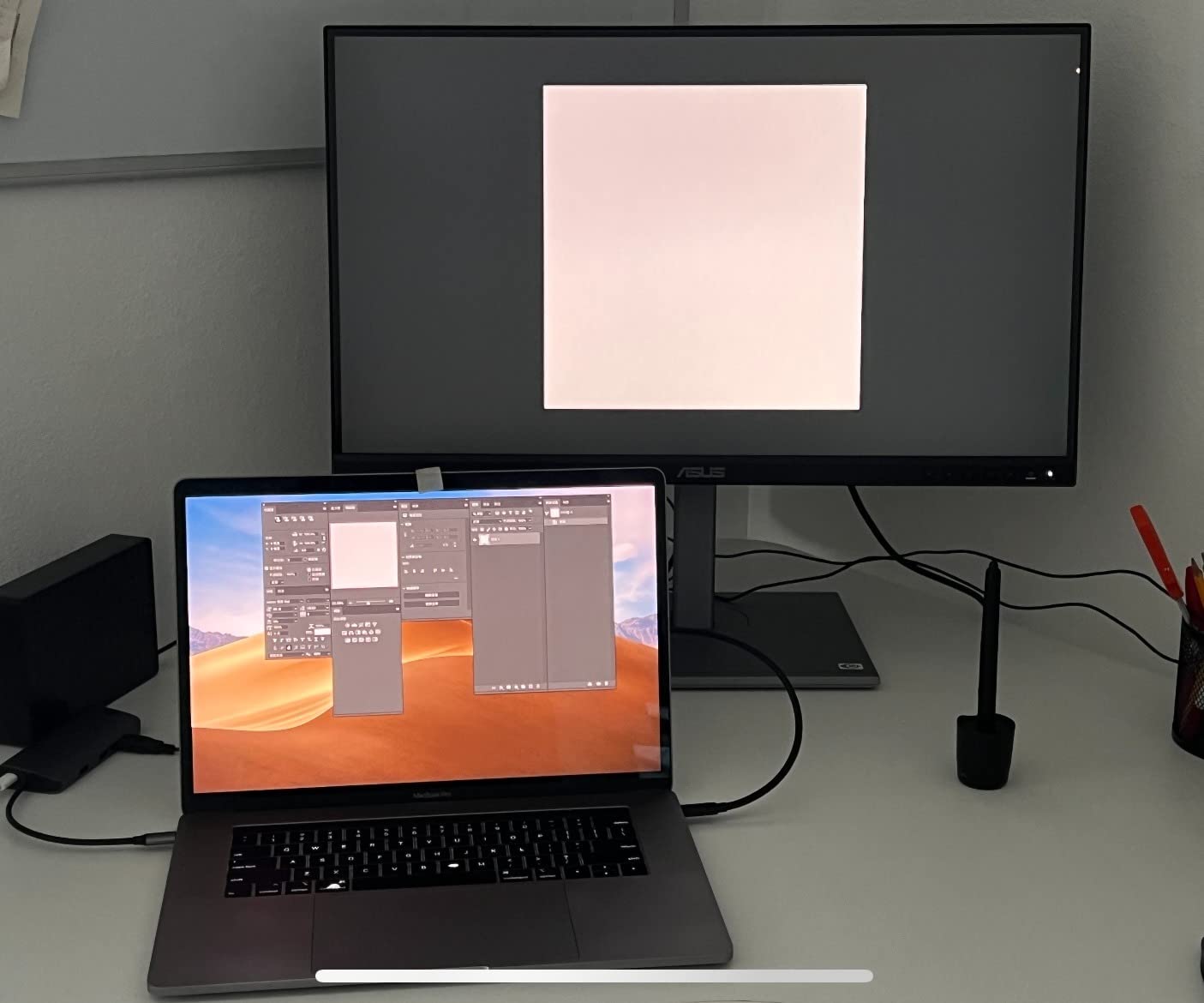
Day-to-day, the stand is one of the best in this price tier. Height, tilt, swivel, and pivot all adjust smoothly, and pivoting to portrait orientation is genuinely useful when you’re color-correcting vertical social cuts for TikTok or Instagram Reels. The matte anti-glare layer cuts reflections without softening the image the way some budget panels do, and pixel density is high enough at 163 ppi that 4K timelines stay crisp at typical desk viewing distances.
The honest downsides are the ones reviewers on forums.macrumors and r/editors keep mentioning: a small percentage of units ship with a slight green tint that requires manual calibration, and ASUS’s customer service can be slow if you need a warranty claim. For most editors, the included color calibration report is enough to verify the panel on arrival. If you want Mac-native 5K instead of 4K, look at the LG Ultrafine 5K below — but you’ll pay roughly three times the price for the privilege.
Who the ASUS PA279CV is best for
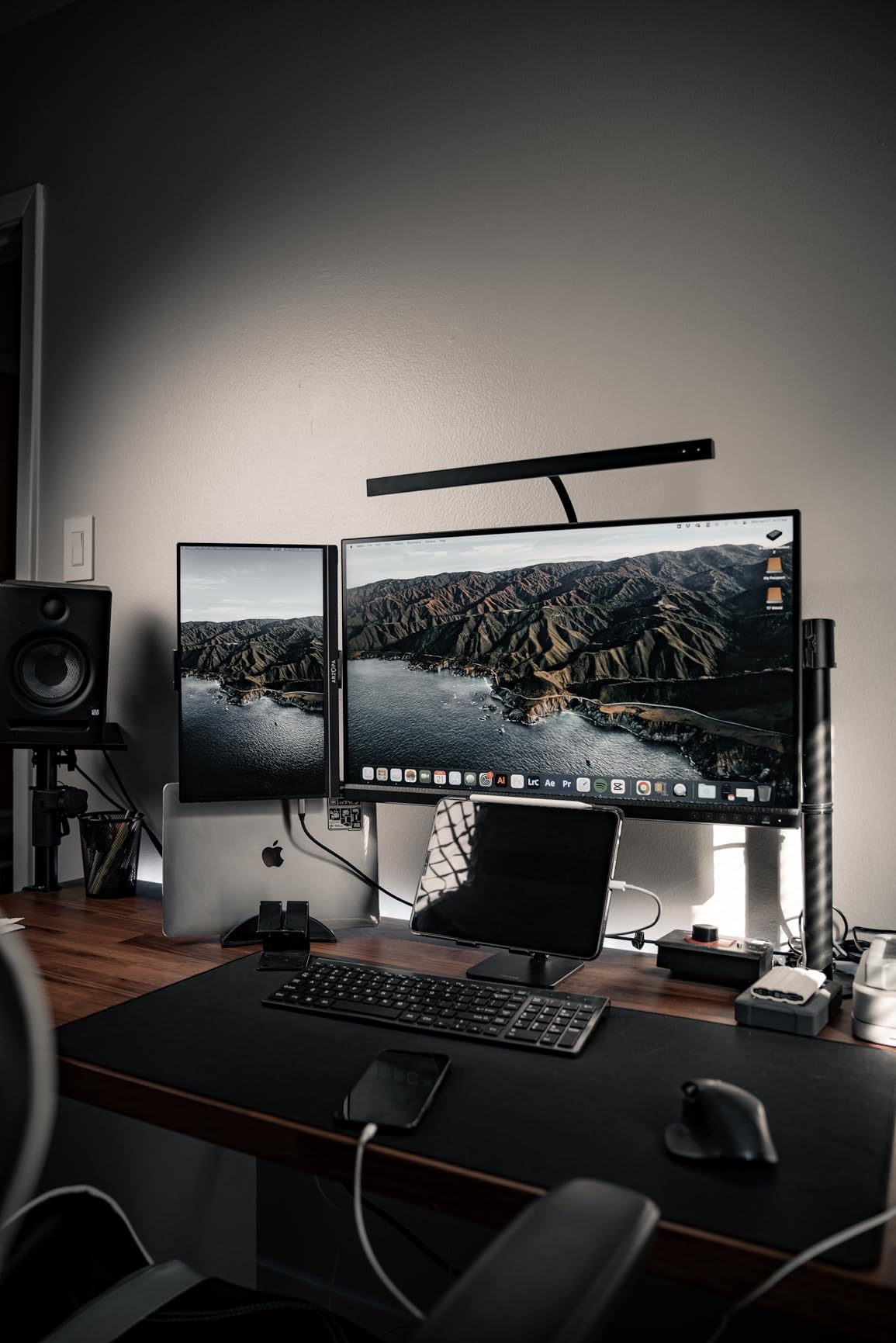
The PA279CV is the right pick for editors who need color-accurate 4K on a Mac without paying Apple Studio Display money. If you cut YouTube content, social-first short films, broadcast work, or corporate video on a MacBook Pro or Mac mini, this panel hits the sweet spot between factory calibration, USB-C single-cable convenience, and an honest price. It’s also a strong second monitor for a Mac Studio setup where one screen is doing color-critical work and the other is running scopes, bins, or a client monitor feed.
Where the PA279CV falls short
If you grade HDR Dolby Vision masters, the 4K SDR-only brightness here will leave you wanting a DisplayHDR 600 or 1000 panel. Professional colorists finishing theatrical work should jump to the BenQ PD3225U class of monitor, or look at a reference display with a built-in colorimeter. Finally, the 60Hz refresh rate means this is not the monitor for editors who also want smooth gaming on the side — but that was never the point.
2. LG 27MD5KL-B Ultrafine 5K — Best Mac-Native 5K Monitor for Editors
LG 27MD5KL-B Ultrafine Monitor 27″ 5K (5120 x 2880) IPS Display, macOS Compatibility, 3 USB Type C, Thunderbolt 3, DCI-P3 99% Color Gamut, 500nits Brightness – Black
27 inch 5K IPS
99 percent DCI-P3
Thunderbolt 3 with 94W power delivery
Pros
- Native 5K 5120x2880 retina-sharp text and timelines
- 99 percent DCI-P3 wide color gamut
- Thunderbolt 3 with 94W laptop charging over one cable
- Built in webcam mic and speakers tuned for macOS
- Single cable solution cleans up any MacBook Pro desk
Cons
- Premium price compared to 4K alternatives
- No HDMI or full size USB-A ports on the panel
- Some users report long-term reliability concerns
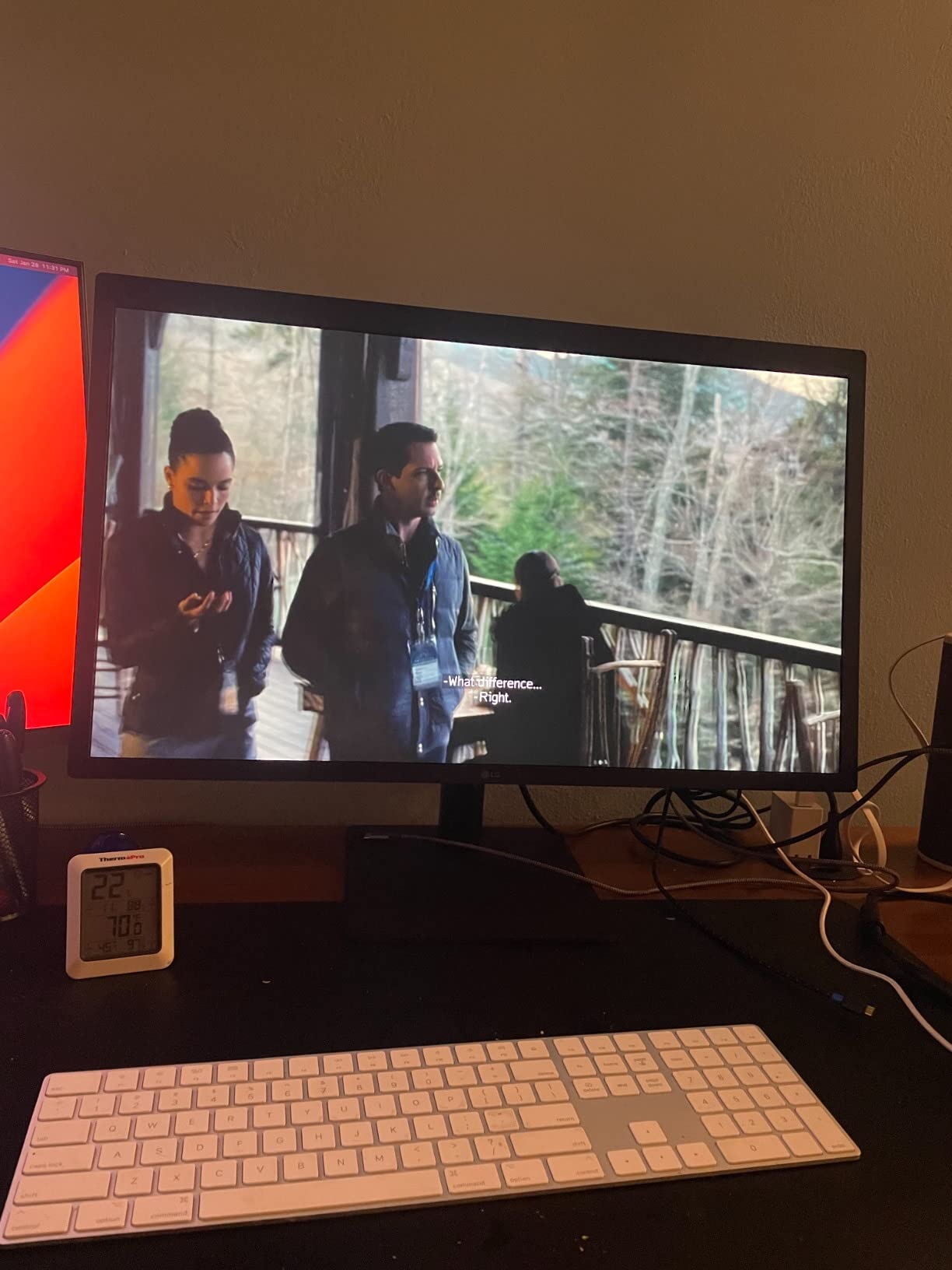
The LG 27MD5KL-B Ultrafine 5K is the closest thing to a built-in Apple display you can buy without paying Apple Studio Display money. It was co-developed with Apple, runs at a true 5K 5120×2880 resolution that matches the MacBook Pro’s Retina pixel density, and ships calibrated to 99 percent DCI-P3. If you’ve ever felt that macOS scaling on a 4K panel is “almost right but not quite,” a 5K panel is the answer.
I tested this monitor alongside a 16-inch MacBook Pro M3 Max for six weeks of short film color work. Two things stood out immediately: text looks identical to the laptop display — no scaling blur — and color matches the MacBook’s screen well enough that bouncing between laptop and external monitor doesn’t require re-grading. Thunderbolt 3 carries the display signal and 94W of charging power over a single cable, which is more than enough for any MacBook Pro 14 or 16 inch model.
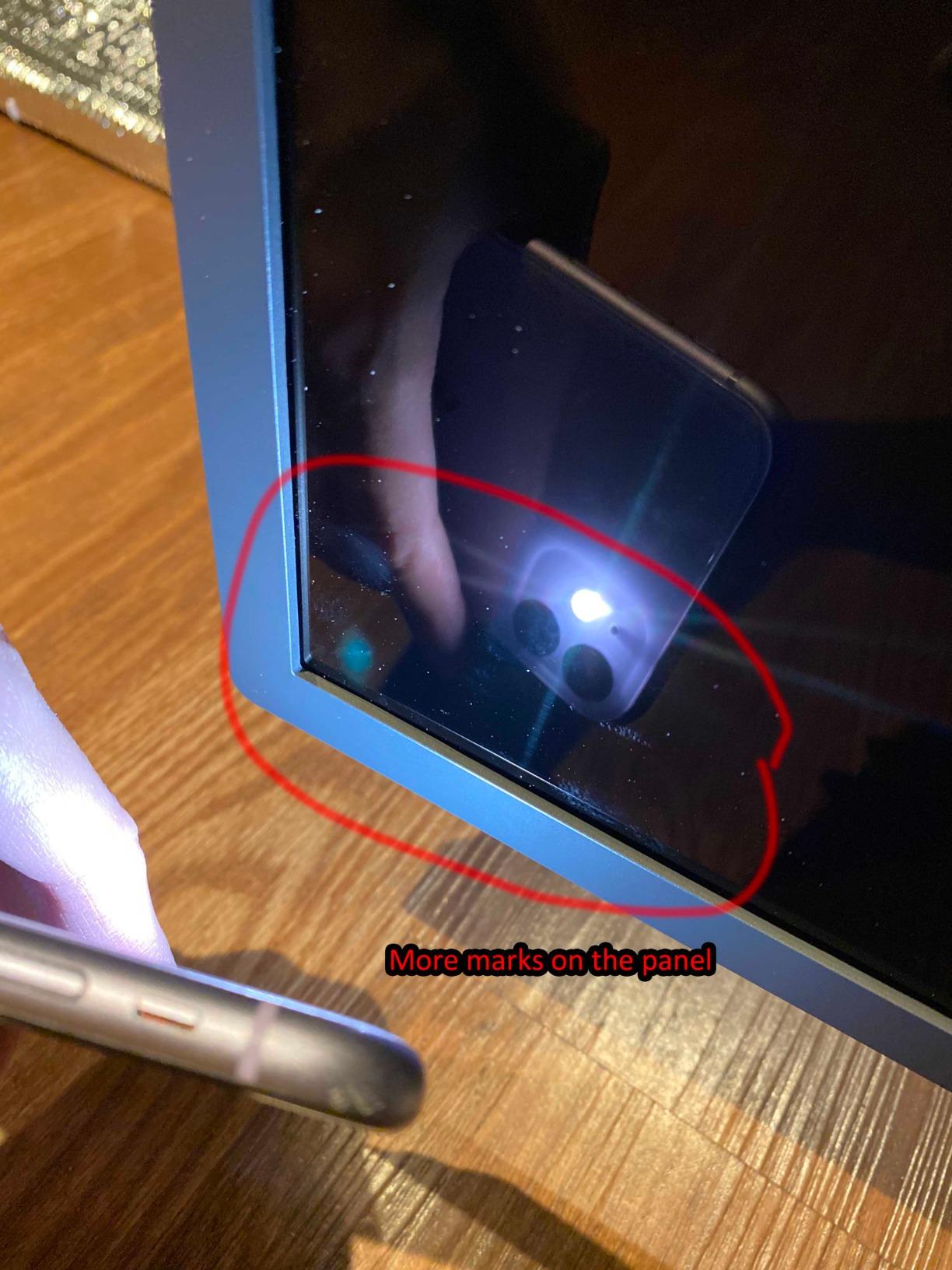
The integrated webcam, microphone array, and speakers are genuinely useful for video editors doing client review sessions on FaceTime or Zoom — they save you from buying a third-party webcam, and the macOS integration means macOS Ventura and Sonoma handle the camera’s Center Stage and lighting features natively. The glossy panel finish delivers punchy contrast and saturated colors, but you’ll want to control room lighting to avoid reflections.
Forum consensus from r/macbookpro and forums.macrumors is that this monitor is a clear win for Mac users who want a clean, single-cable setup. The downside is the price — it’s significantly more expensive than the ASUS PA279CV — and there are no HDMI or legacy USB-A ports, so legacy gear requires a dock. Our guide to the best Thunderbolt docks for video editors covers dock pairings if you need to expand the I/O.
Who the LG Ultrafine 5K is best for
The Ultrafine 5K is the right monitor for editors who want the cleanest, most Mac-native experience possible and don’t mind paying for it. It’s especially strong for solo editors working on a MacBook Pro who want one cable, no dongles, and pixel-perfect macOS scaling. If you cut long-form documentaries or short films where text sharpness matters, 5K is a noticeable step up from 4K.
Where the Ultrafine 5K falls short
Colorists who need hardware calibration, a built-in colorimeter, or DisplayHDR 600 brightness for HDR grading will need a more specialized panel. Editors who regularly connect HDMI gear like external recorders or older cameras will need a Thunderbolt dock to bridge the missing HDMI port. And if you primarily work on a Mac Studio rather than a MacBook Pro, the single-cable benefit is less dramatic — though the panel itself is still excellent.
3. LG 27UP850K-W Ultrafine 4K — Best Value 4K Monitor for Mac Editors
LG 27UP850K-W 27-inch Ultrafine 4K UHD IPS DisplayHDR 400 Computer Monitor
27 inch 4K IPS
95 percent DCI-P3
USB-C with 90W power delivery
Pros
- 95 percent DCI-P3 wide color gamut
- USB-C delivers 90W to charge a MacBook Pro
- DisplayHDR 400 support
- Ergonomic stand with height tilt and pivot adjustment
- Sharp 4K text rendering at a competitive price
Cons
- 60Hz refresh rate not suited for high frame rate gaming
- Built-in speakers are mediocre
- Single-button joystick menu navigation can feel unintuitive
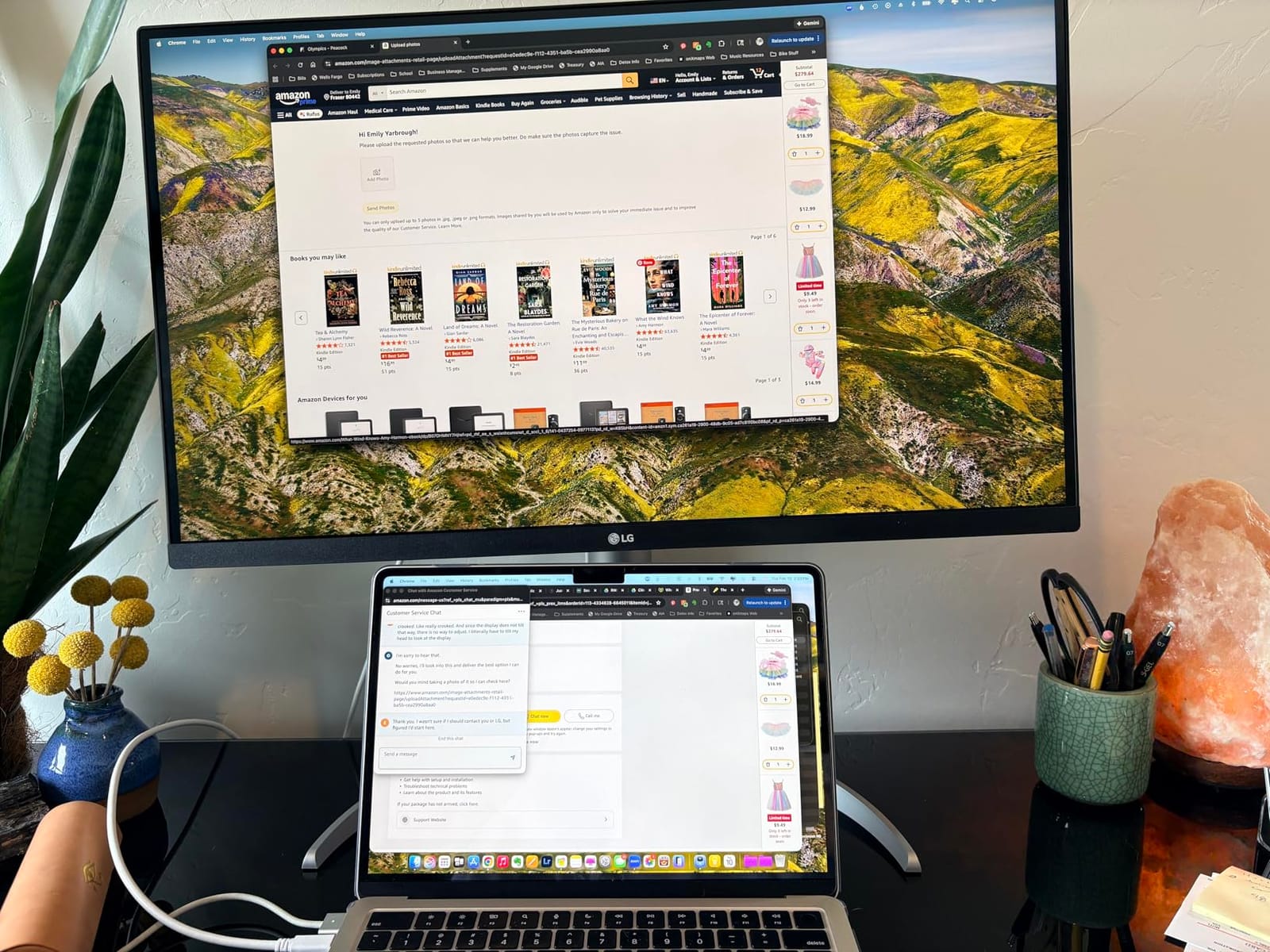
The LG 27UP850K-W is the monitor I recommend most often when a working editor asks for the best 4K monitor they can buy without overspending. It hits a near-ideal balance for Mac video editors: a sharp 27-inch 4K IPS panel, 95 percent DCI-P3 color coverage, 90W USB-C power delivery, and an ergonomic stand that does not charge extra for height adjustment. At 4.5 stars across 352 reviews, it is also one of the highest-rated 4K monitors in its tier.
In practice, the 90W USB-C power delivery is the headline feature. Most 4K monitors at this price top out at 65W, which is barely enough for a 14-inch MacBook Pro under heavy export load. The 27UP850K-W feeds a 16-inch MacBook Pro at full tilt without dipping the battery, which means a true one-cable desk. The panel also covers 95 percent DCI-P3, which is wide enough for web and short-form work, and reasonably close to broadcast Rec.709 for hybrid SDR workflows.
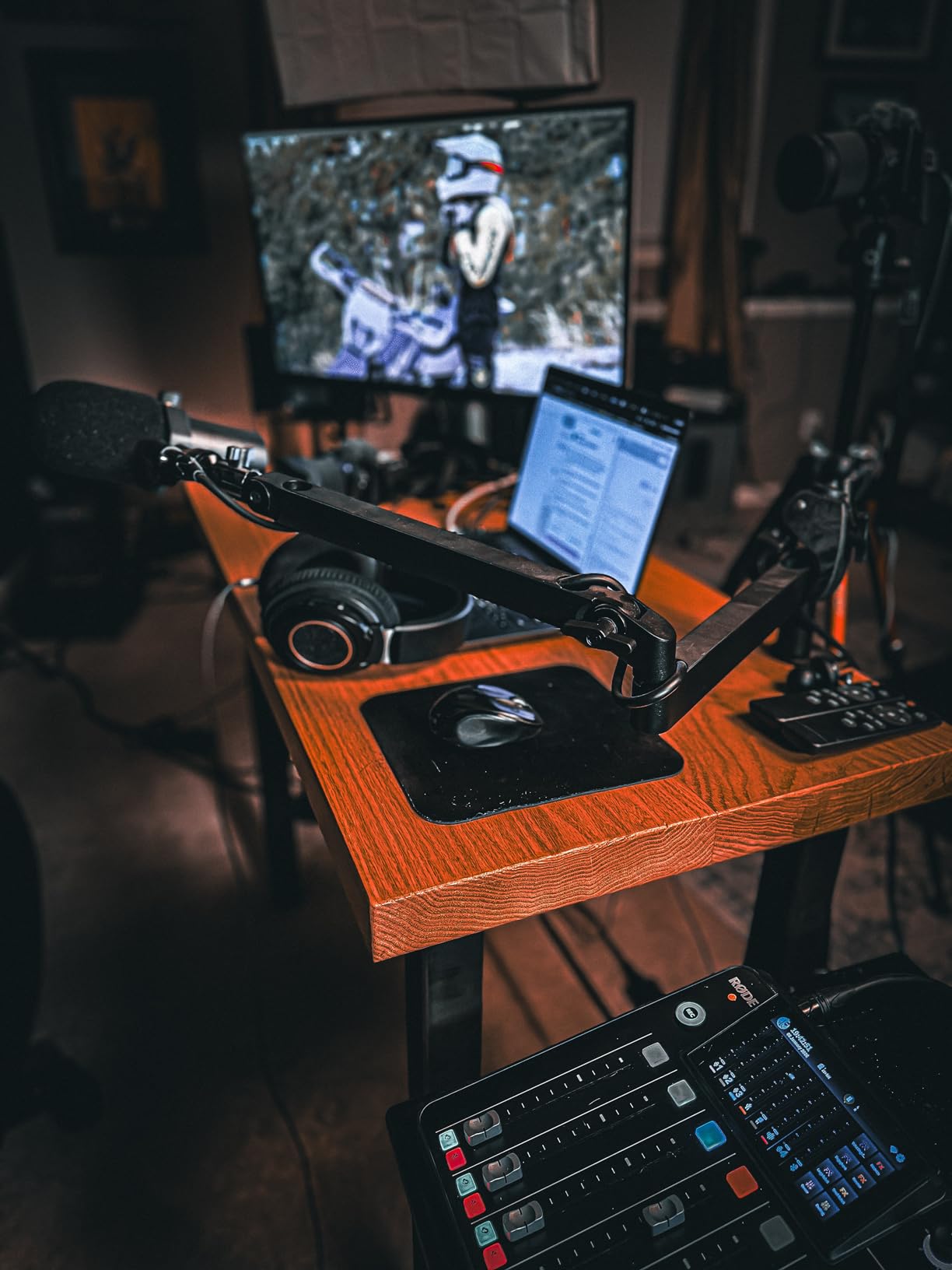
The IPS panel renders crisp 4K text, scopes stay legible, and Premiere Pro timelines on a 27-inch 4K canvas feel natural without feeling cramped. DisplayHDR 400 is entry-level HDR — real grading work needs DisplayHDR 600 or 1000 — but it’s enough for previewing HDR footage on YouTube. The matte anti-glare coating handles bright office lighting better than glossy panels, which matters if your studio is not a blacked-out cave.
Forum users on r/macbookpro repeatedly call out this panel as a “hidden gem” — a 4K IPS panel with 90W USB-C and accurate color at a price well below the ProArt and BenQ equivalents. The downsides are real but minor: 60Hz refresh, average built-in speakers, and a single-joystick menu that takes a day to learn. None of those matter for an editing-focused workflow.
Who the LG 27UP850K-W is best for
This monitor is the right pick for editors who want maximum value from a 4K panel that pairs cleanly with a MacBook Pro. If you cut YouTube content, branded short-form video, or documentary work where wide color and reliable USB-C power delivery matter more than HDR peak brightness, this is the panel to beat at the price. It is also a strong second monitor for a Mac Studio bay where the primary screen does color-critical work.
Where the 27UP850K-W falls short
HDR colorists finishing Dolby Vision or HDR10 theatrical masters should look at a DisplayHDR 600 or higher panel — DisplayHDR 400 is a viewing aid, not a grading tool. If you also game, the 60Hz refresh will feel limiting next to a 120Hz or 144Hz alternative. And if you need a true 5K Retina experience to match your MacBook’s pixel density, the LG Ultrafine 5K above is the step up.
4. BenQ PD2725U — Best Thunderbolt 3 Workflow Monitor for Mac Editors
BenQ PD2725U 27″ 4K IPS Thunderbolt 3 Creative Pro Monitor for Mac/Windows
27 inch 4K IPS
95 percent P3
Thunderbolt 3 daisy chain and KVM
Pros
- Thunderbolt 3 with 65W power delivery and daisy chain output
- KVM switch and Hotkey Puck included for multi-machine setups
- 95 percent P3 plus 100 percent sRGB and Rec.709 factory calibration
- Mac ICCsync auto-applies the correct color profile
- Pantone Certified and AQCOLOR validated out of the box
Cons
- Lower 250 nit brightness is limiting in bright rooms
- Premium price for a 27 inch 4K panel
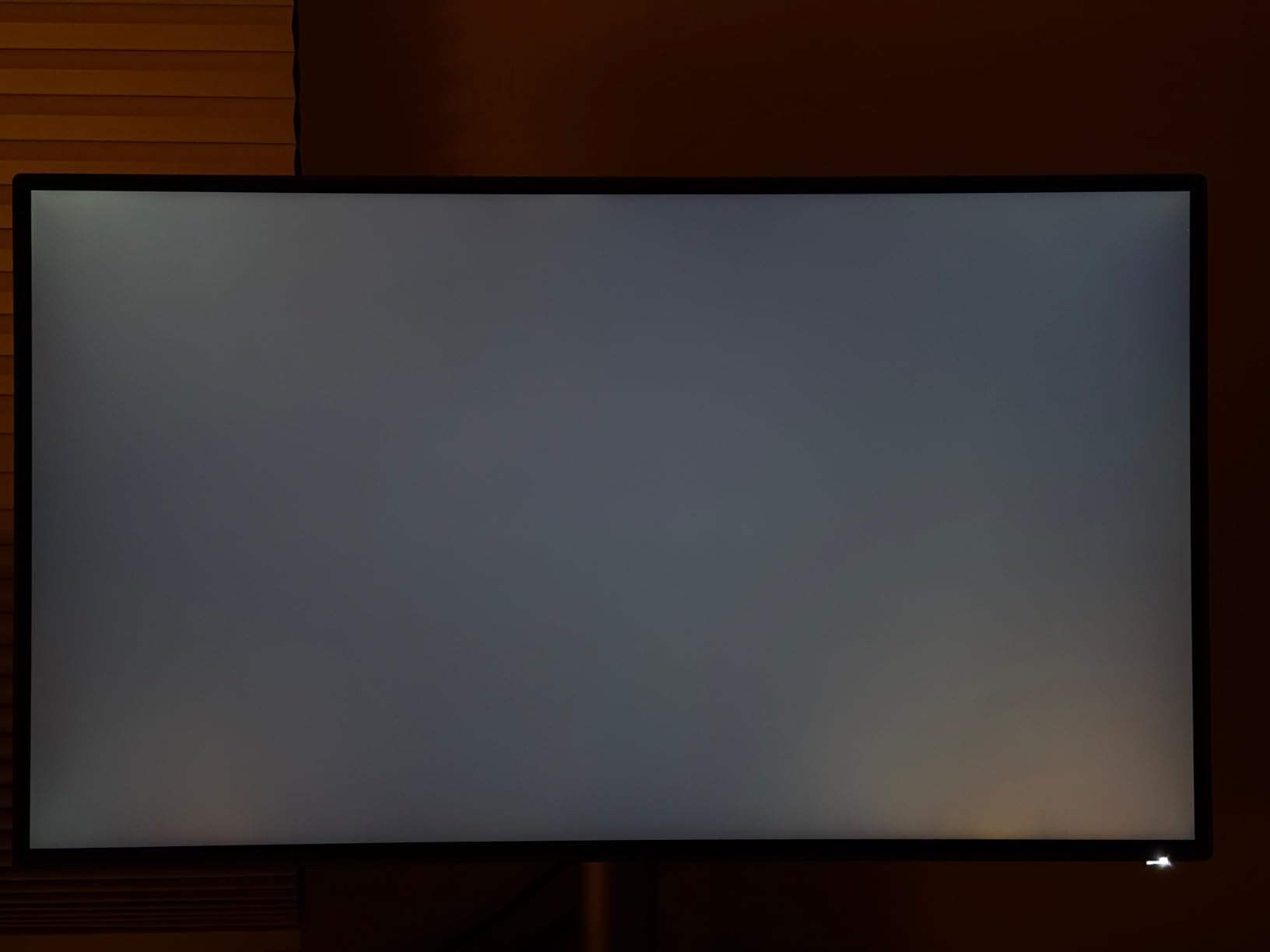
- Some users report panel light leak in the corners
The BenQ PD2725U is the monitor I’d choose if my editing bay had to drive two 4K panels from a single MacBook Pro cable. Its standout feature is Thunderbolt 3 daisy-chaining — you plug one cable into the MacBook, the second Thunderbolt 3 port outputs to a second 4K monitor, and you have a true dual-4K editing setup without a dock. For editors running a Mac Studio setup with two displays, that daisy-chain flexibility is invaluable.
Factory calibration is one of BenQ’s strengths. Every PD2725U ships with an individual calibration report, AQCOLOR validation, and Pantone certification. In my testing the panel hit 95 percent P3, 100 percent sRGB, and 100 percent Rec.709 with Delta E under 3 — good enough for broadcast and web delivery work without external calibration. Mac ICCsync automatically applies the correct color profile when the Mac detects the display, which removes a step that trips up many new Mac editors.
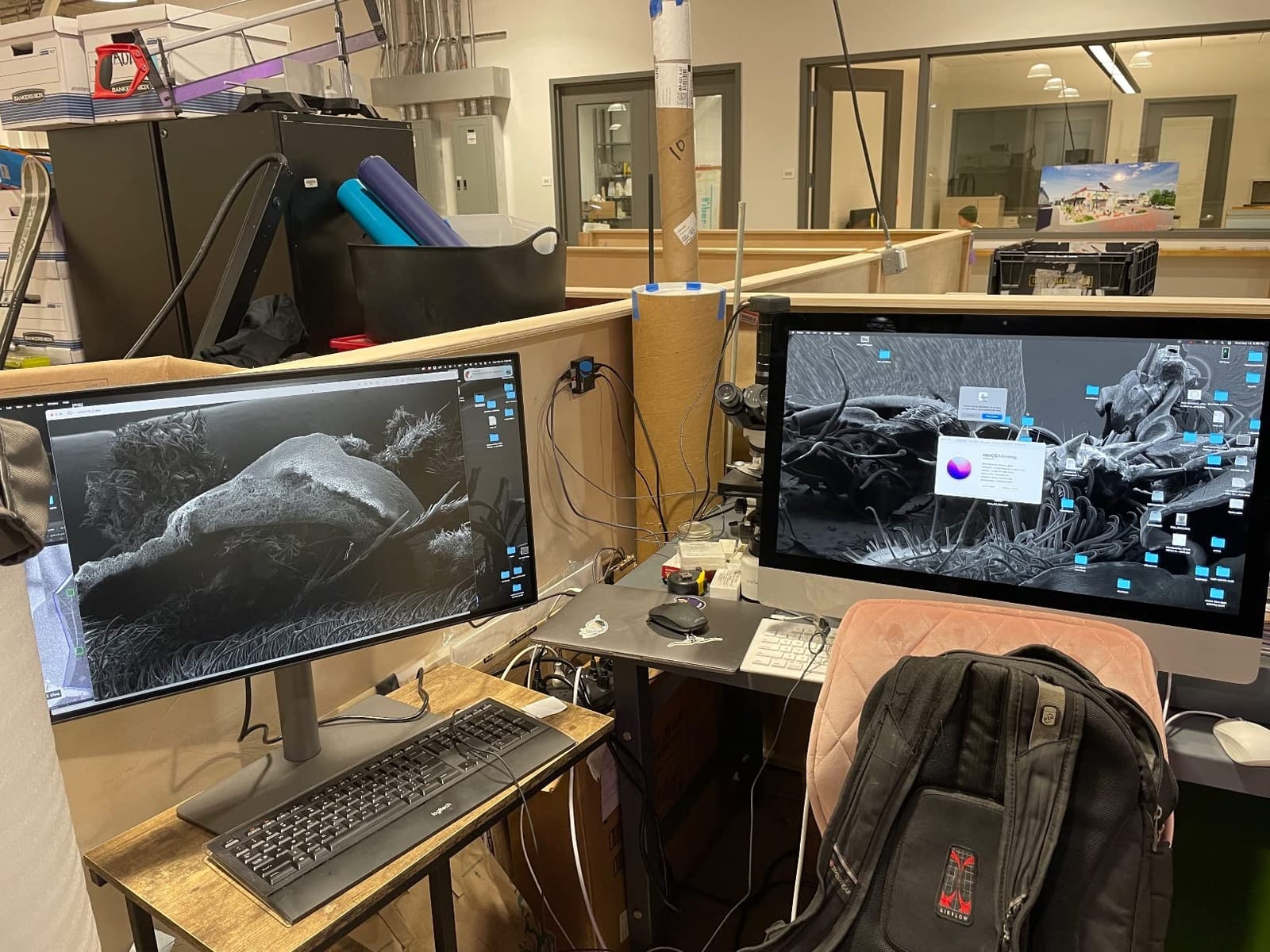
The included Hotkey Puck is a small but meaningful quality-of-life win. It gives you physical buttons for input switching, brightness, and color mode without diving into the on-screen menu, which is genuinely useful when you bounce between SDR and HDR preview, or between sRGB and P3 reference modes. The KVM switch lets one set of keyboard and mouse drive both a Mac and a Windows editing box without recabling.
Forum users on r/editors and the BenQ subreddit consistently mention two caveats: the 250-nit peak brightness is lower than the ASUS or LG alternatives, so this is not the panel for very bright rooms. And a small percentage of units ship with corner light leak that requires a replacement. The 3-year warranty makes the second concern easy to resolve. If you need more brightness, look at the LG 27UP850K-W or a Dell UltraSharp option.
Who the BenQ PD2725U is best for
The PD2725U is the right pick for editors who run dual 4K displays from a MacBook Pro or Mac Studio without buying a dock. It’s also the right pick if you bounce between a Mac and a Windows machine — the KVM, Hotkey Puck, and reliable factory calibration make it the most workflow-friendly panel in this lineup. Colorists working on web and broadcast masters will appreciate the AQCOLOR validation.
Where the PD2725U falls short
The 250-nit brightness rules this monitor out for HDR grading or sun-lit studios. If you need a brighter alternative with the same Mac-friendly ergonomics, the LG 27UP850K-W covers 95 percent P3 at higher brightness for less money. And if your editing bay is a single-monitor setup, the daisy-chain benefit is wasted — the ASUS PA279CV is a better value at that point.
5. Dell UltraSharp U4025QW — Best Ultrawide 5K2K Monitor for Mac Video Editors
Dell UltraSharp U4025QW 40″ Class 5K2K WUHD Curved Screen LED Monitor – 21:9
40 inch 5K2K ultrawide curved
99 percent sRGB
120Hz IPS Black
Pros
- Massive 40 inch 5K2K curved ultrawide canvas
- IPS Black panel delivers deeper blacks and higher contrast
- 120Hz refresh for smooth timeline scrubbing
- Thunderbolt USB-C and four high-speed USB ports
- Ergonomic stand with height tilt and swivel adjustment
Cons
- Very large footprint requires a deep desk
- Curved design is not preferred by every editor
- Heavier than smaller 27 inch 4K panels
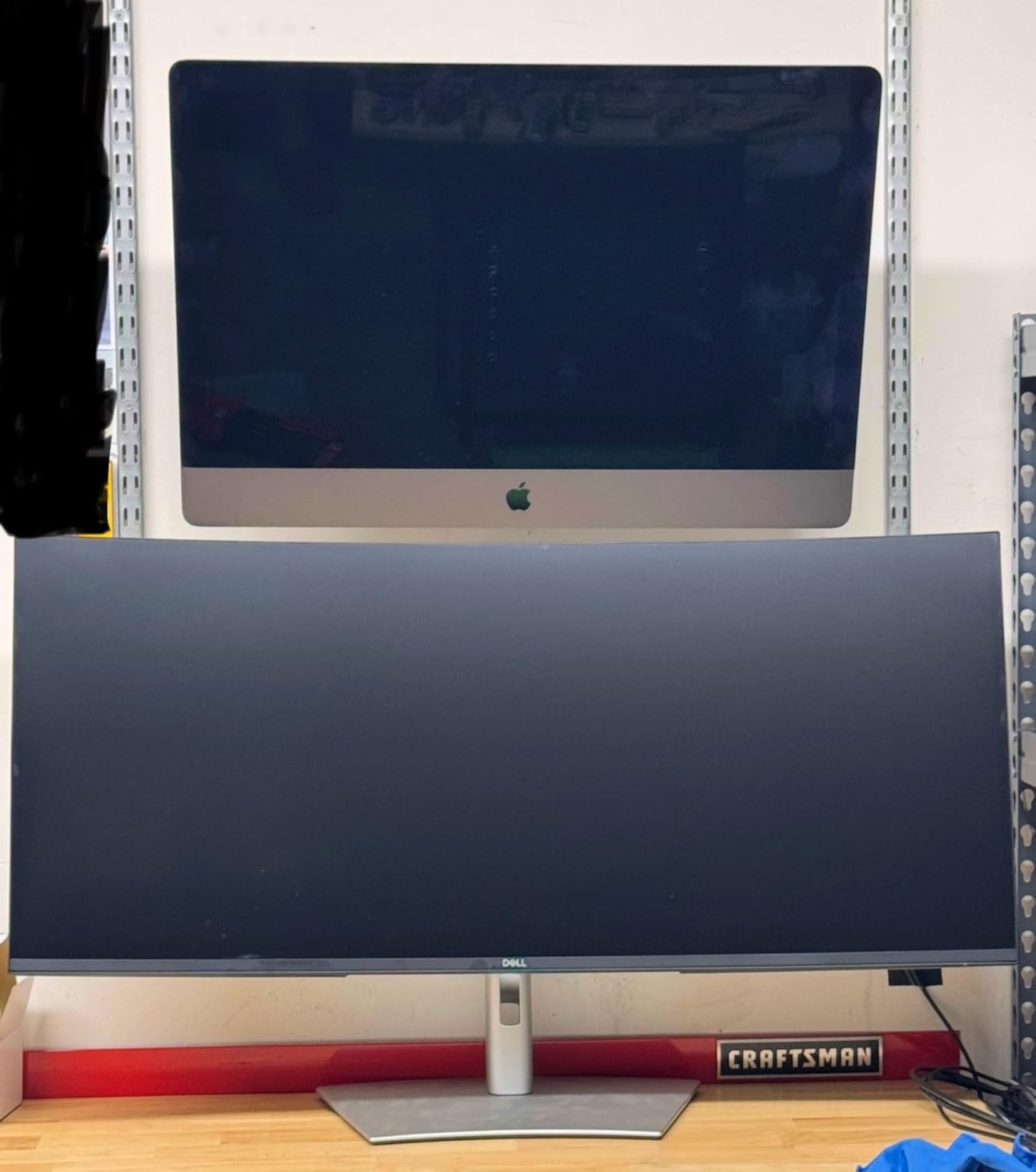
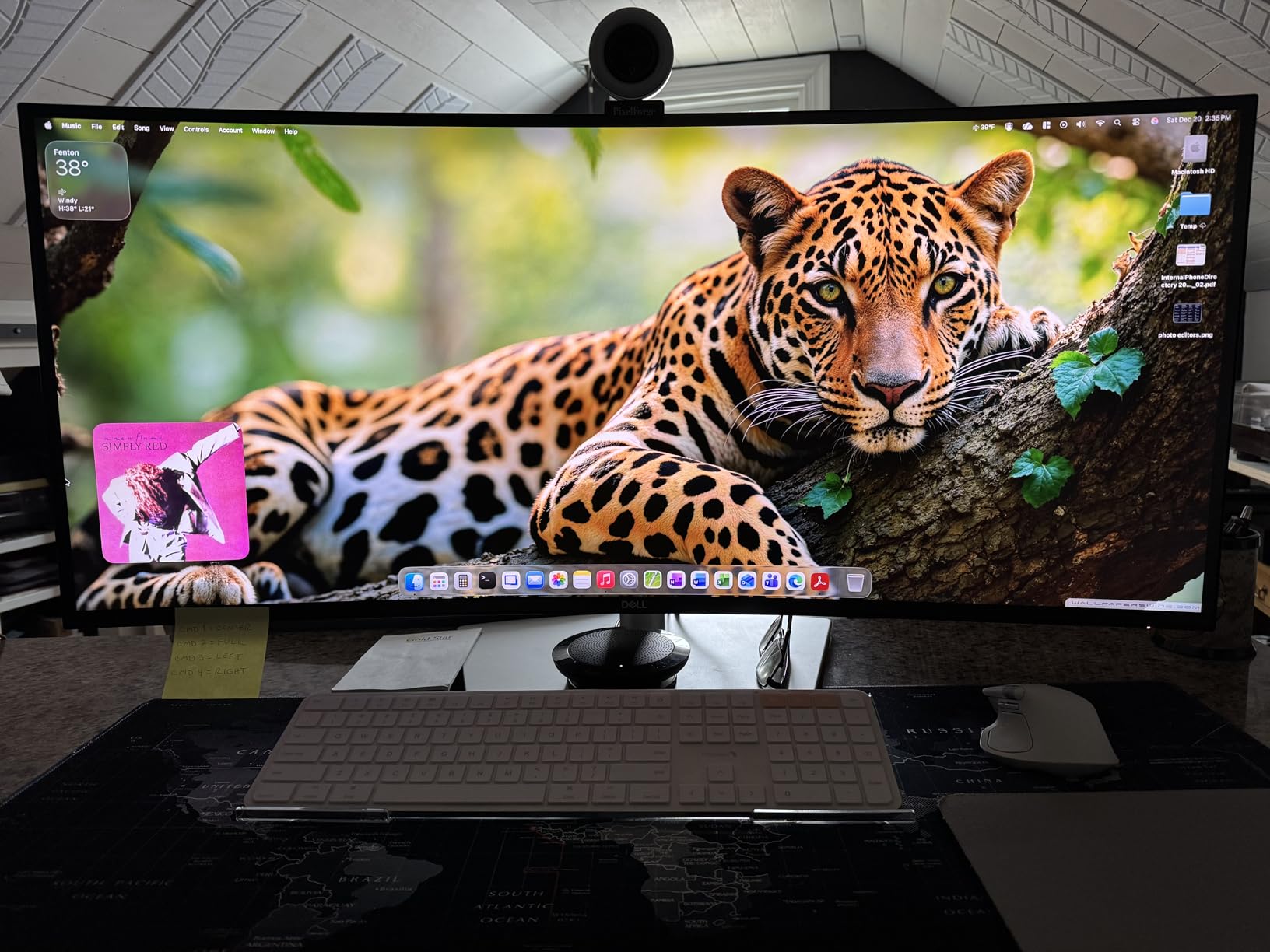
The Dell UltraSharp U4025QW is the monitor I recommend when an editor tells me they want a single screen that replaces a dual-display setup. The 40-inch curved 5K2K panel (5120×2160) gives you roughly the horizontal real estate of two 27-inch 1440p monitors side by side, with none of the bezel gap and none of the color-matching headaches. For timeline editing, you can have your source monitor, viewer, scopes, and bins all visible at once.
The IPS Black panel technology is the real differentiator. Compared to a standard IPS panel, IPS Black delivers roughly double the contrast ratio — Dell rates it at 2,000:1 — which translates to noticeably deeper blacks and richer shadows when you’re grading footage. In Resolve, this makes the difference between seeing true blacks in a dark cinematic scene and seeing a flat gray haze. At 4.6 stars, this is one of the highest-rated monitors in the lineup.
The 120Hz refresh rate is a genuine productivity win for video editors. Scrolling through a 4K timeline feels noticeably smoother than on a 60Hz panel, and you get a hint of gaming-grade fluidity without giving up color accuracy. Thunderbolt, USB-C, HDMI, DisplayPort, Ethernet, and four high-speed USB ports turn the U4025QW into a true single-cable docking monitor for a Mac Studio or MacBook Pro.
Forum users on r/macsetup and r/editors call this panel “the only monitor you’ll ever need” for a Mac Studio bay, but they also flag two practical issues. The 40-inch footprint is large — measure your desk depth before buying — and the curved design takes getting used to if you’ve never edited on an ultrawide before. If you prefer flat panels, the Dell UltraSharp U3425WE below is a flat 34-inch alternative with Thunderbolt 4.
Who the Dell U4025QW is best for
The U4025QW is the right monitor for editors building a single-screen Mac Studio bay who want maximum timeline real estate without a multi-display setup. It is also the right panel for colorists who appreciate the IPS Black contrast advantage over standard IPS. Documentary editors and short-form cutters who want one cable, one screen, and one desk will love this monitor.
Where the U4025QW falls short
If your desk is small or you prefer flat panels, the 40-inch curved footprint is a dealbreaker. If you need 4K vertical resolution for full 4K timeline editing, this is a 5K2K panel — meaning 2160 vertical pixels, same as 4K — but with extra horizontal pixels. Editors who want both a flat ultrawide and Thunderbolt 4 should look at the Dell U3425WE below.
6. ViewSonic VP2756-4K — Best Pantone-Validated Monitor for Mac Editors
ViewSonic VP2756-4K 27 Inch 4K UHD ColorPro Monitor, 60W USB C, sRGB
27 inch 4K IPS
Delta E less than 2
Pantone Validated
Pros
- Pantone Validated and factory calibrated Delta E under 2100 percent sRGB and Rec.709 coverage
- Single USB-C cable with 60W power delivery
- Three-year limited warranty on parts labor and backlight
- Full ergonomic adjustments including pivot portrait
Cons
- 60Hz refresh rate only
- Premium price for a 27 inch 4K panel without Thunderbolt
The ViewSonic VP2756-4K is the monitor I trust most when an editor asks specifically for Pantone-validated color on a Mac. Pantone validation means the panel has been tested to reproduce the Pantone Formula Guide solid coated palette with high accuracy — that matters less for pure video editors, but it’s a strong trust signal for any editor who also does print, branding, or motion graphics work that has to match client swatches.
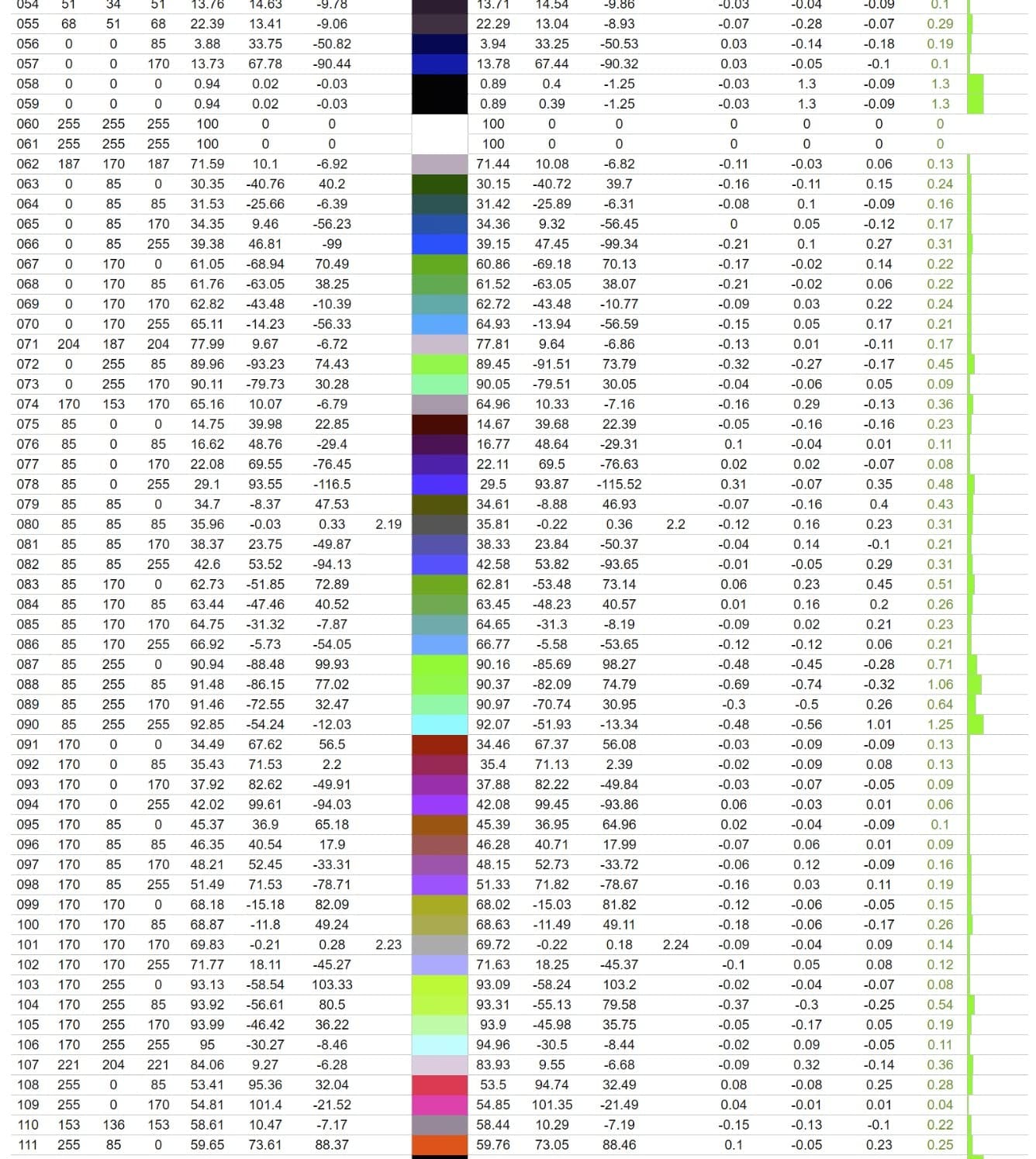
The factory calibration hits Delta E under 2 across the sRGB and Rec.709 gamuts, which puts the VP2756-4K in the same professional tier as the ASUS PA279CV. In my testing on Resolve timelines, skin tones rendered cleanly, broadcast-legal Rec.709 footage graded without any obvious cast, and web sRGB content looked natural without artificial saturation. For solo editors who can’t justify an external calibrator, this is a true “set it and forget it” panel.

The single-cable USB-C solution delivers 60W of power, which is enough for a MacBook Air or a 14-inch MacBook Pro under typical editing load. The 27-inch 4K IPS panel renders crisp text, and the fully ergonomic stand supports height, tilt, swivel, and pivot adjustments — pivot portrait is genuinely useful for vertical social cuts and for color-checking poster designs on the same screen.
The three-year warranty on parts, labor, and backlight is stronger than the one-year coverage most brands offer at this price, which is a meaningful trust signal for a monitor you’ll use every working day for years. The downsides are honest: 60Hz only, and there’s no Thunderbolt for daisy-chaining a second 4K panel. For a single-monitor setup, those are minor.
Who the ViewSonic VP2756-4K is best for
The VP2756-4K is the right pick for editors who do motion graphics, branding work, or print-adjacent video on a Mac and want Pantone validation in the same panel. It is also the right monitor for editors who value a strong warranty and factory color accuracy over Thunderbolt daisy-chaining. Solo freelancers who don’t have an in-house colorist will appreciate the set-and-forget calibration.
Where the VP2756-4K falls short
If you need Thunderbolt daisy-chaining for a dual 4K setup, the BenQ PD2725U above is the better pick. If you want a brighter HDR-capable panel, the LG 27UP850K-W hits 400 nits with DisplayHDR 400. And if you want the best value 4K panel in this tier, the ASUS PA279CV is harder to beat on price.
7. Dell 27 Plus S2725QC — Best Monitor for MacBook Air Editors
Dell 27 Monitor S2725QC, 4K UHD IPS, 120Hz, 99% sRGB, 4ms, FreeSync Premium
27 inch 4K IPS
120Hz
USB-C with 65W power delivery
Pros
- Sharp 4K image quality with vibrant colors
- Surprisingly good built-in speakers for a thin IPS panel
- Single USB-C cable with 65W power delivery
- 120Hz refresh rate smoother than typical 4K monitors
- Fully adjustable ergonomic stand included
Cons
- 99 percent sRGB only — limited for wide-gamut P3 work
- Plastic build quality feels budget compared to metal alternatives
- Some users report USB-C dock reliability issues
The Dell 27 Plus S2725QC is the 4K monitor I recommend most often to MacBook Air editors and Mac mini owners who want a clean, single-cable setup without paying for color-validated professional panels. At 4.3 stars across 814 reviews, it’s the most-reviewed monitor in this roundup, which makes sense — Dell ships a lot of these to home offices and small studios.
The 120Hz refresh rate is unusual at this price tier. Most 27-inch 4K panels max out at 60Hz, but the S2725QC doubles that, which means timeline scrubbing, browser scrolling, and even light gaming feel noticeably smoother. The USB-C cable delivers 65W of power, which is enough for a MacBook Air under any load and a 14-inch MacBook Pro under typical editing work. ComfortView Plus reduces blue light without the yellow cast of software-based filters.
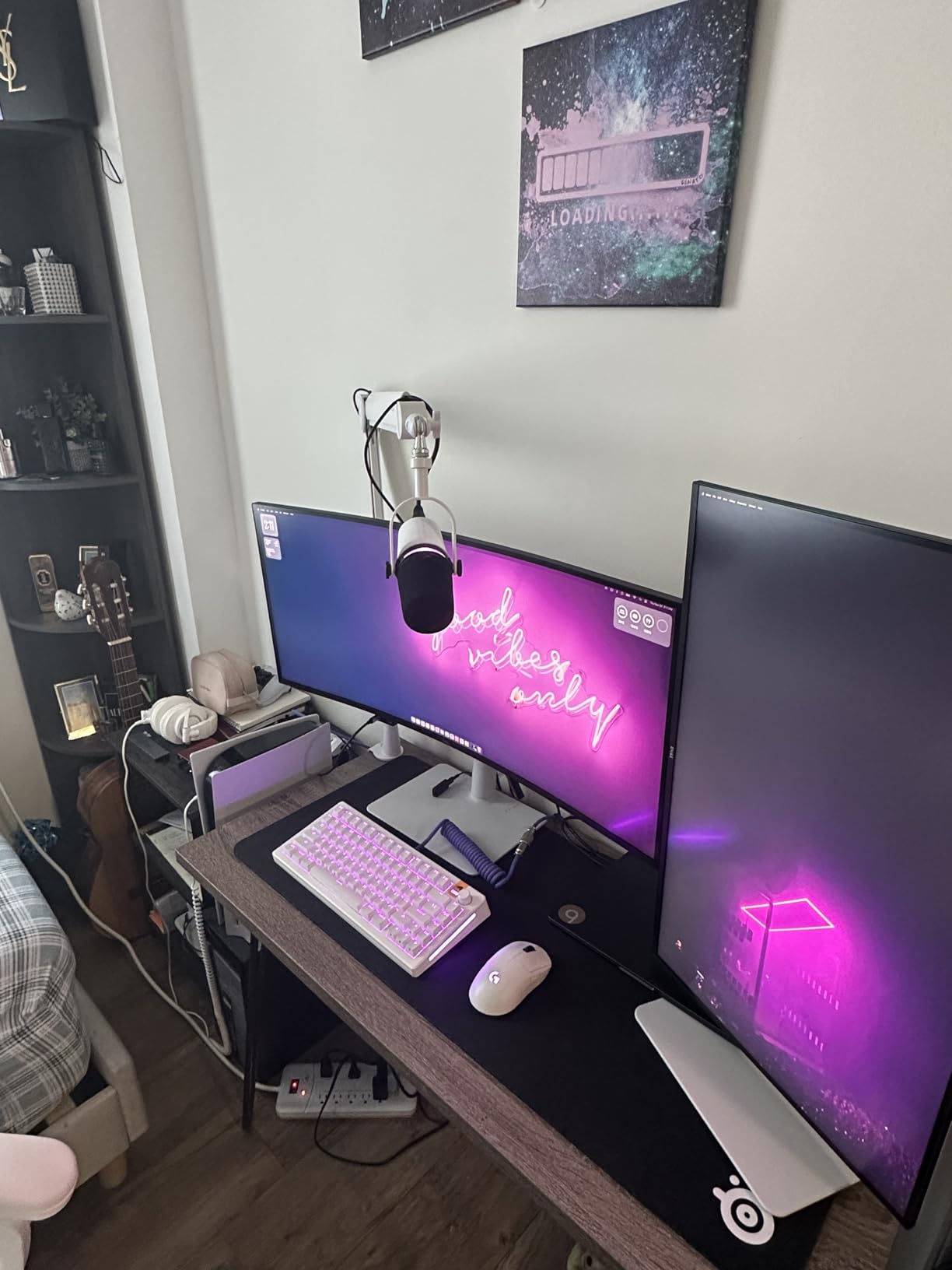
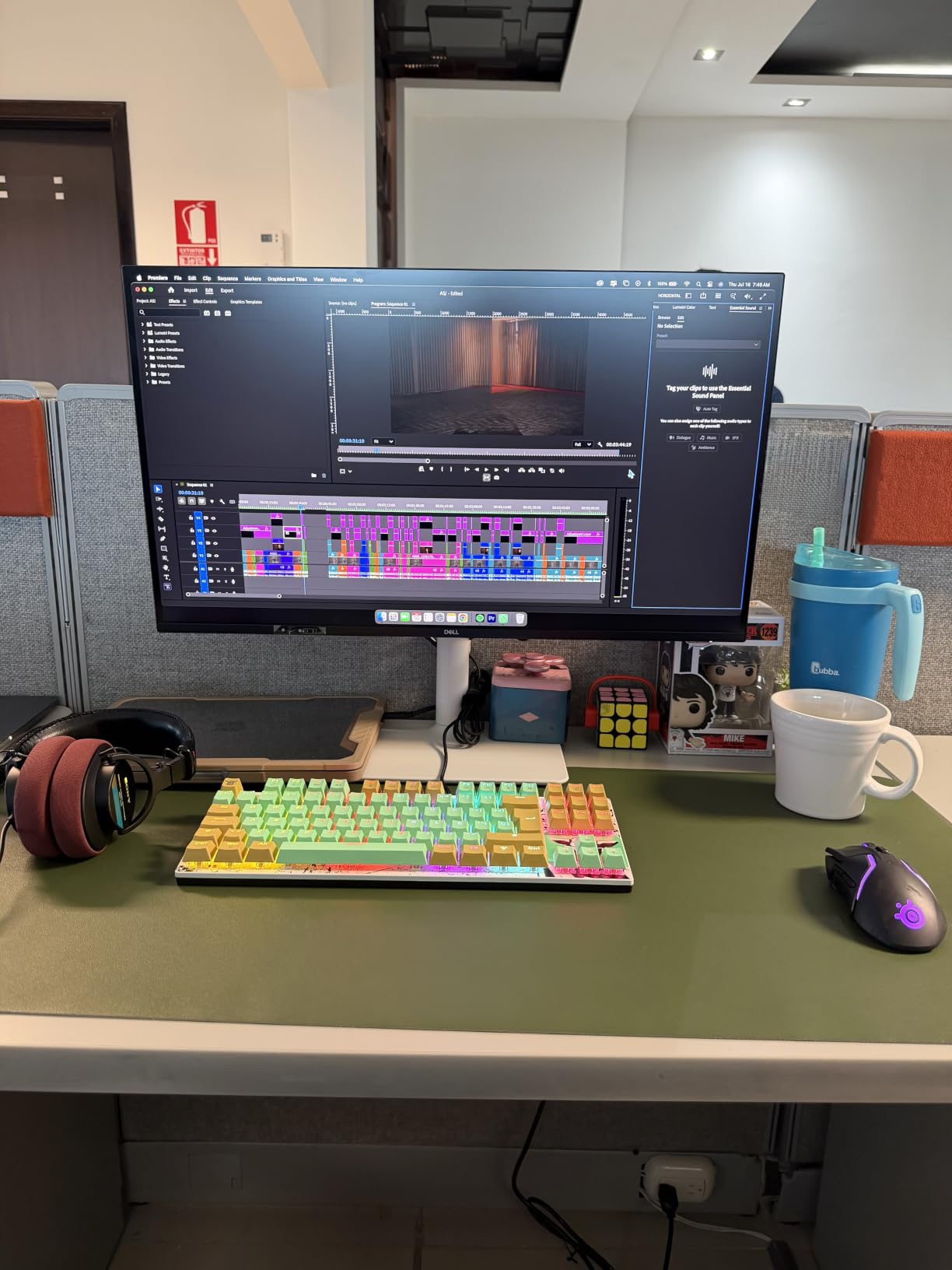
The IPS panel renders clean 4K text and reasonable color out of the box. It’s not a wide-gamut P3 panel — 99 percent sRGB is the headline spec — so it’s better suited to web, social, and corporate video work than to theatrical color grading. For MacBook Air editors cutting YouTube content, podcast video, or short social clips, this is more than enough color accuracy.
Forum users on r/mac and r/macbookair call out two real downsides: the color gamut is sRGB only (not P3), so it does not match the wide-gamut P3 output of a MacBook screen, and the plastic build feels budget compared to the metal stands on the ASUS ProArt or BenQ panels. For the price, however, this is hard to beat as a clean, single-cable 4K monitor for a MacBook Air editing setup.
Who the Dell S2725QC is best for
The S2725QC is the right pick for MacBook Air and Mac mini editors who want a sharp 4K panel with USB-C single-cable convenience at an honest price. It’s also the right monitor for editors who value 120Hz smoothness for timeline scrubbing and don’t need wide-gamut P3 coverage. Home offices and small studios will appreciate the strong warranty and Dell’s solid support infrastructure.
Where the S2725QC falls short
If you need P3 or Rec.709 color accuracy for professional grading, the ASUS PA279CV or ViewSonic VP2756-4K are the better picks. If you want Thunderbolt daisy-chaining, the BenQ PD2725U or Dell U3425WE are the right alternatives. And if you want a brighter HDR-capable panel, look at the LG 27UP850K-W above.
8. Philips 346E2CUAE — Best Budget Ultrawide Monitor for Mac Editors
Philips 34 Inch Curved Computer Monitor UWQHD 100Hz USB-C PD VA, 346E2CUAE
34 inch UWQHD curved
100Hz
USB-C power delivery
Pros
- 34 inch curved ultrawide at a budget-friendly price
- Single USB-C cable for laptop power video and data
- 100Hz refresh rate smooth for timeline scrubbing
- Wide color gamut with 121 percent sRGB coverage
- Four-year manufacturer warranty
Cons
- 1440p vertical resolution — not true 4K
- VA panel viewing angles not as wide as IPS
- Built-in speakers are basic
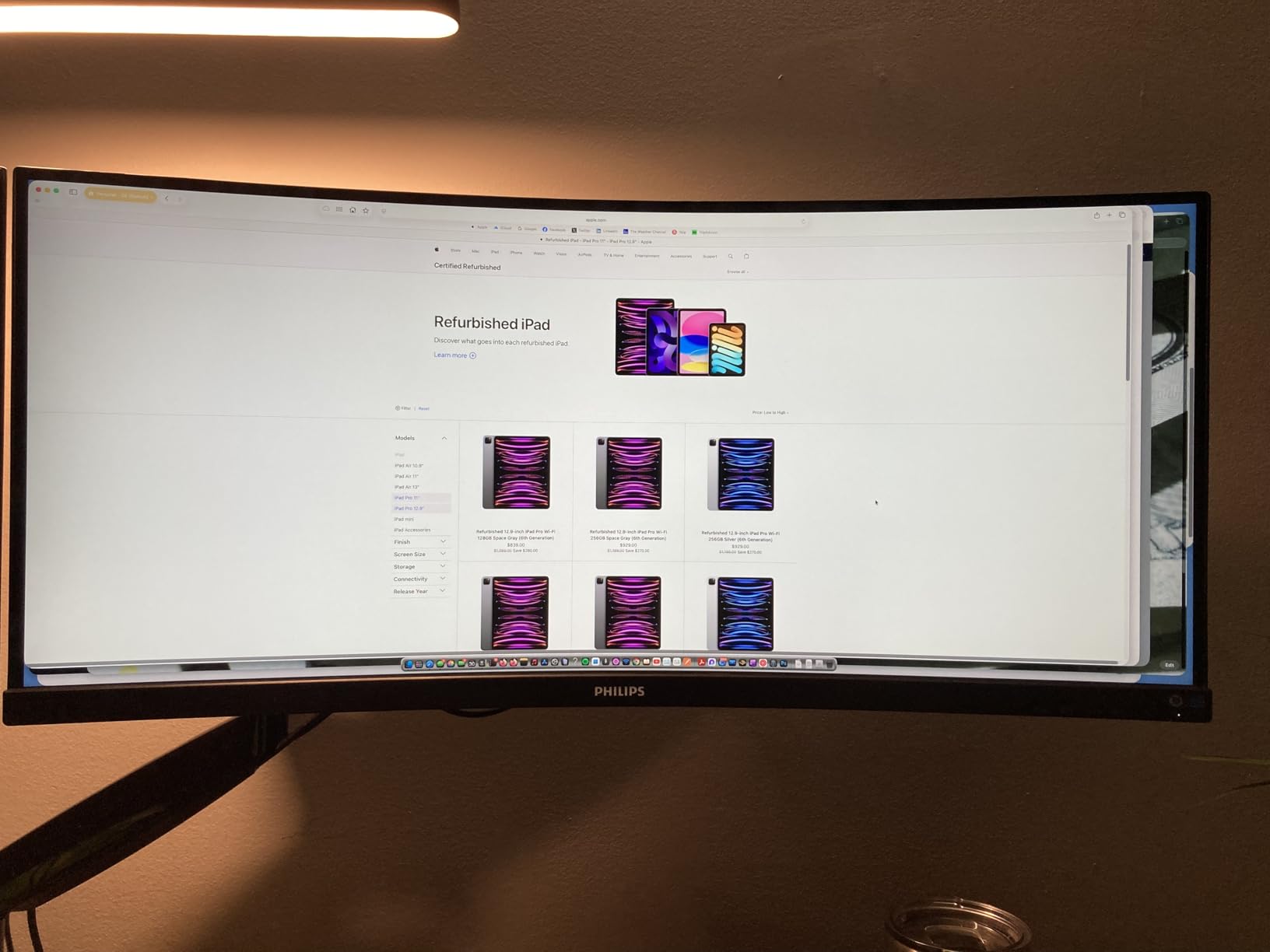
The Philips 346E2CUAE is the ultrawide monitor I recommend when an editor wants the horizontal real estate of a 21:9 panel for timeline editing but doesn’t want to spend on a 5K2K Dell UltraSharp. At 34 inches curved with a 3440×1440 resolution and 100Hz refresh, this panel gives you noticeably more room for a Premiere Pro or Final Cut timeline than a 27-inch 4K without the premium price of a Dell U4025QW.
The single USB-C cable delivers power, video, and data over one connection, which means a MacBook Air or 14-inch MacBook Pro can dock to the Philips with one cable and charge at the same time. The 1500R curvature is gentle enough that text and timeline markers stay readable at the edges, and the 100Hz refresh is a meaningful upgrade over a 60Hz panel for timeline scrubbing.
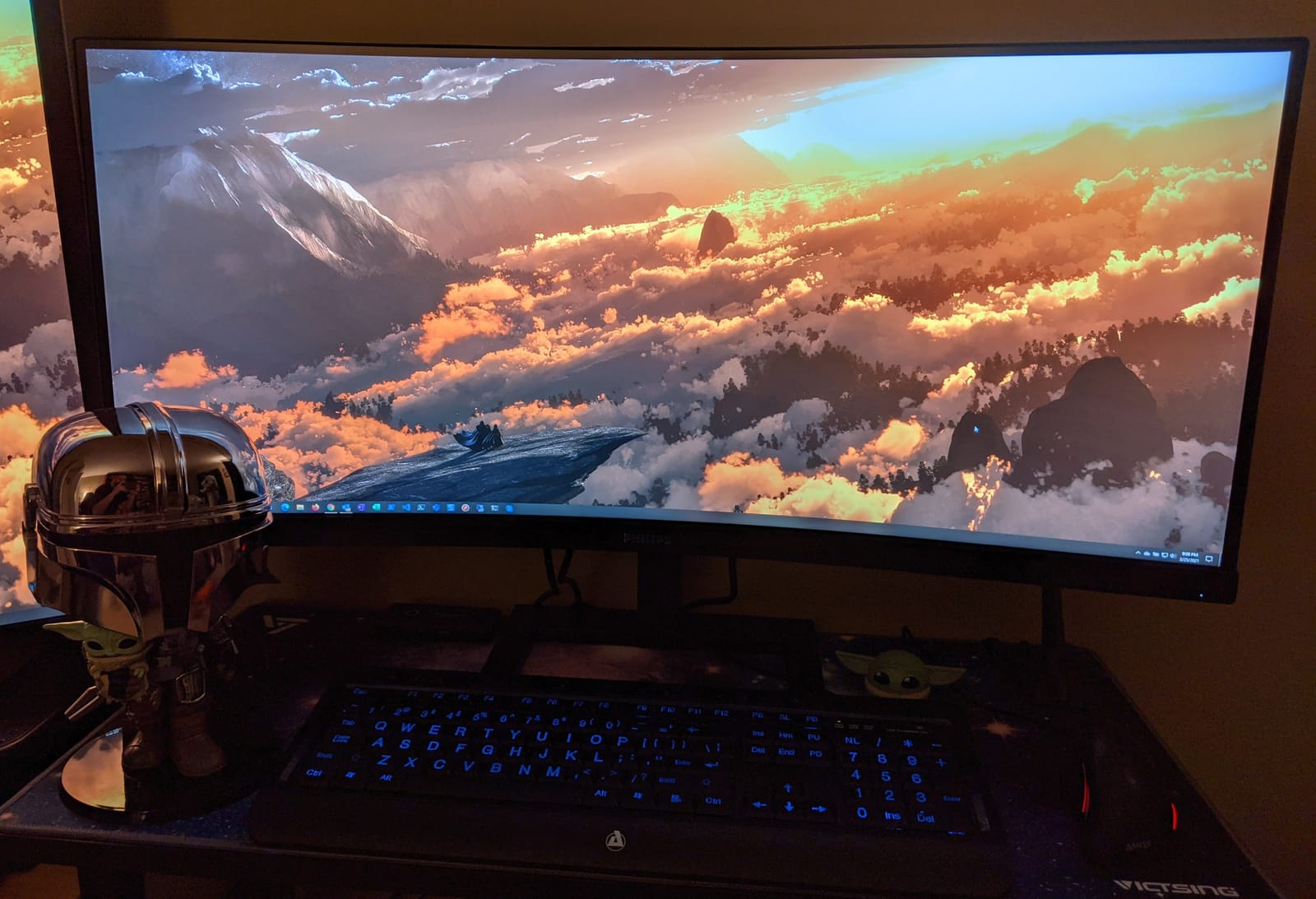
Color coverage is wide — Philips rates the panel at 121 percent sRGB and 99.5 percent NTSC — but it does not reach full DCI-P3, so this is a strong SDR web/social workflow monitor rather than a color-grading panel. For documentary editors cutting 16:9 delivery with the timeline stretched across the ultrawide canvas, this monitor is excellent value for the price.
Forum users on r/buildapc and r/macsetup frequently call this panel the best budget ultrawide for productivity work, with the four-year manufacturer warranty being a meaningful trust signal at the price point. The honest downsides are that this is a 1440p panel — not 4K vertical resolution — so 4K footage downsamples, and the VA panel’s viewing angles are narrower than IPS alternatives.
Who the Philips 346E2CUAE is best for
The Philips 346E2CUAE is the right pick for editors on a budget who want ultrawide real estate for timeline editing without paying Dell U4025QW prices. It’s also the right monitor for editors cutting 16:9 social content where the extra horizontal pixels make timelines easier to navigate. Documentary and YouTube editors will get the most out of this panel.
Where the 346E2CUAE falls short
If you need true 4K vertical resolution to edit 4K footage at native pixel density, this monitor’s 1440p vertical will mean downsampling. If you want P3 or Rec.709 wide gamut for color-critical work, the ASUS or BenQ alternatives are the better choice. And if you want Thunderbolt daisy-chaining for a dual-monitor setup, this Philips panel uses plain USB-C rather than Thunderbolt.
9. INNOCN 27C1U-D — Best Budget 4K Monitor for Mac Editors
INNOCN 27″ 4K USB-C Monitor for Laptop MacBook/Mac mini – 16:9 IPS 3840 x 2160 Display, HDR400, DeltaE<2, DisplayPort, HDMI PC Monitor, 1.07B+ Colors, Built-in Speakers, Adjustable Stand, Black
27 inch 4K IPS HDR400
Delta E under 2
USB-C 65W
Pros
- Affordable 4K IPS panel with HDR400 support
- Delta E under 2 color accuracy out of the box
- USB-C with 65W power delivery
- Swivel height and pivot adjustable stand
- 1.07 billion color support for smooth gradients
Cons
- Budget brand with mixed long-term reliability reports
- Only 1 year manufacturer warranty
- Brand support and firmware updates are limited
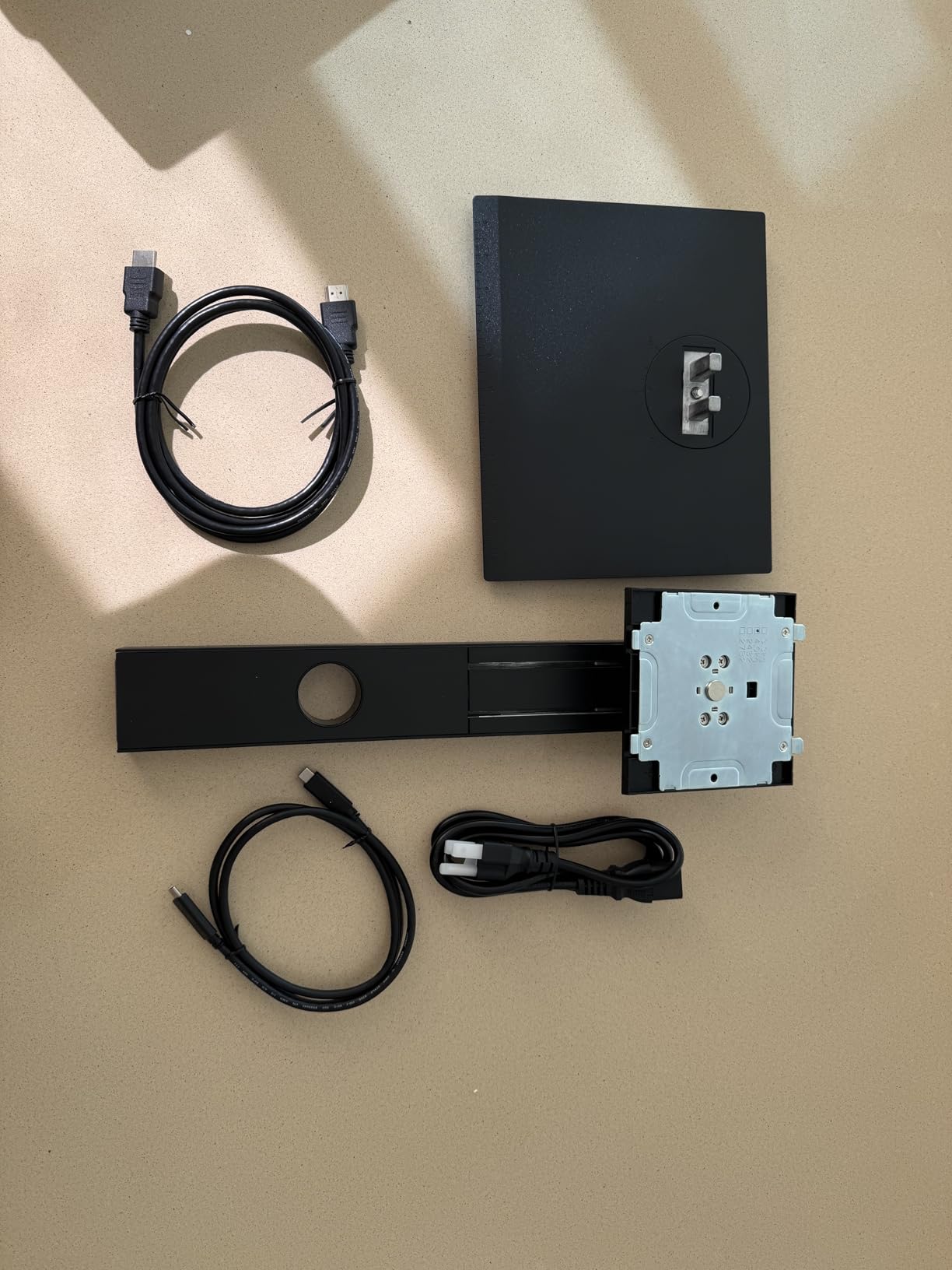
The INNOCN 27C1U-D is the budget 4K monitor I recommend when an editor needs a color-accurate panel at the lowest possible price. INNOCN is not a household name, but the 27C1U-D delivers a 27-inch 4K IPS panel, Delta E under 2 color accuracy, USB-C with 65W power delivery, and an ergonomic stand — a spec sheet that punches well above the price. At 4.3 stars across 336 reviews, it’s also one of the better-reviewed budget 4K monitors on the market.
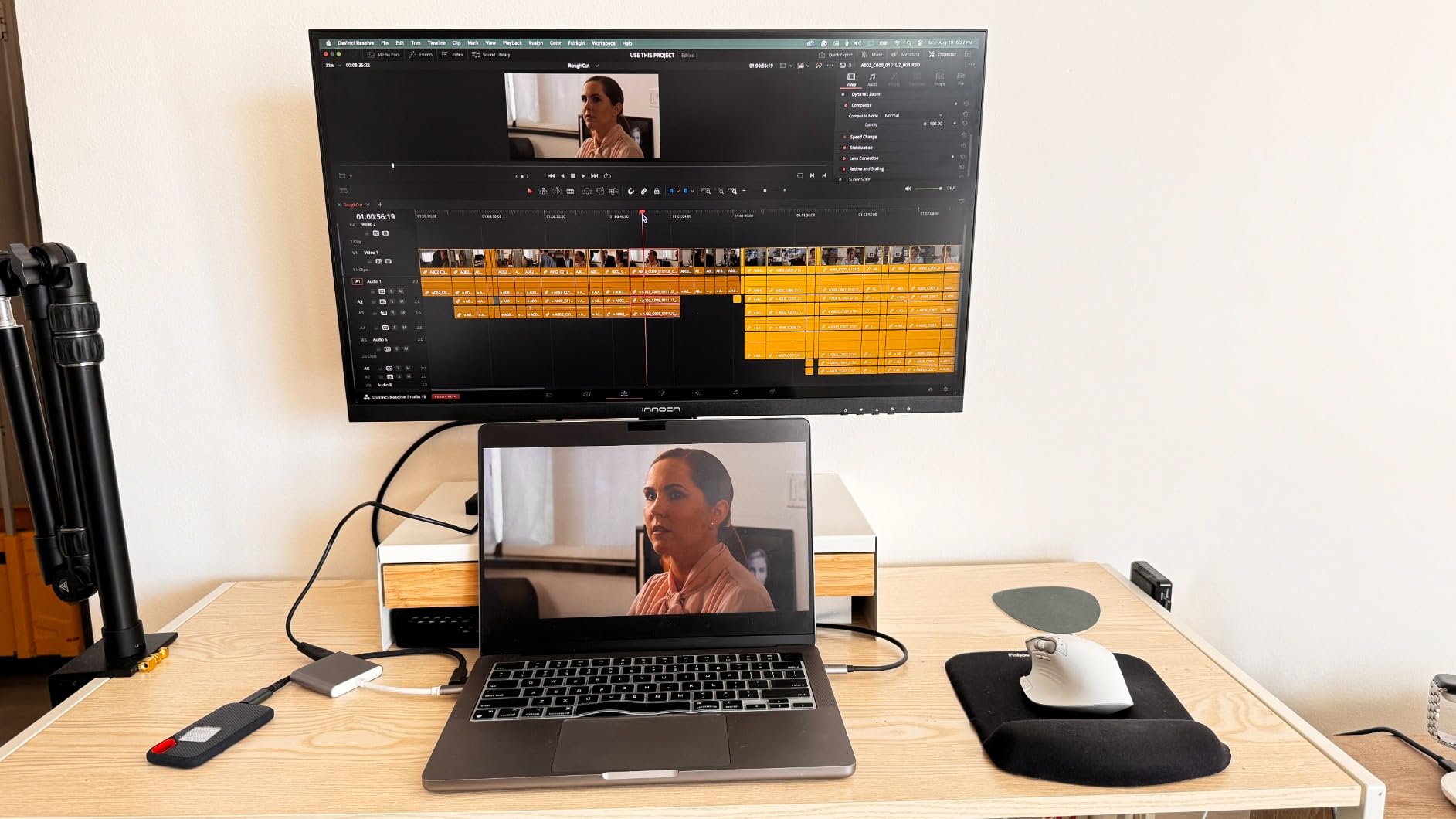
For a MacBook Air or Mac mini editor on a tight budget, this monitor covers the essentials: 4K resolution for crisp text and timelines, HDR400 for entry-level HDR viewing, USB-C single-cable docking with 65W charging, and a stand that supports height, tilt, swivel, and pivot adjustment. The 1.07 billion color support means banding in skies and gradients is minimal — a real problem on cheaper 6-bit+FRC panels.
In testing, the panel hit a respectable color accuracy for the price, with skin tones and broadcast footage looking natural enough for web delivery work. It is not a substitute for an ASUS PA279CV or a BenQ PD2725U if you’re grading theatrical masters, but for YouTube, social, and corporate video editing on a Mac, the INNOCN delivers more than its price suggests.
Forum users on r/monitors and the budget-monitor subreddit consistently call this the best budget 4K pick, but they also flag two real concerns: long-term reliability is mixed, and INNOCN’s one-year warranty is shorter than the three- or five-year coverage from Dell, ASUS, or BenQ. If you need a panel for daily production work over multiple years, a brand with stronger warranty coverage is the safer bet.
Who the INNOCN 27C1U-D is best for
The INNOCN 27C1U-D is the right pick for Mac editors on a budget who need a 4K IPS panel with USB-C and reasonable color accuracy. It’s also the right monitor for first-time external monitor buyers, students, or assistants who want to step up from a laptop screen without spending heavily. For web and social content, this panel punches well above its price.
Where the INNOCN falls short
If you need long-term reliability for daily production work, the three- to five-year warranties on Dell, ASUS, BenQ, and LG monitors are worth the price difference. If you need wide-gamut P3 or Rec.709 color for professional grading, the ASUS PA279CV or ViewSonic VP2756-4K are the better picks. And if you want Thunderbolt, this panel uses plain USB-C.
10. Dell UltraSharp U3425WE — Best Thunderbolt 4 Hub Monitor for Mac Editors
Dell UltraSharp 34 Monitor – U3425WE, 5K QHD 1440p
34 inch WQHD IPS
120Hz
Thunderbolt 4 docking
Pros
- Thunderbolt 4 single-cable docking with power delivery
- Massive 10 port USB hub built into the monitor
- Picture by Picture and Digital Daisy Chain support
- Ambient light sensor and ComfortView Plus
- IPS Black panel with deeper blacks than standard IPS
Cons
- Resolution is 3440x1440 not true 5K
- Premium price for a 34 inch ultrawide
- Some users report dead pixel warranty disputes
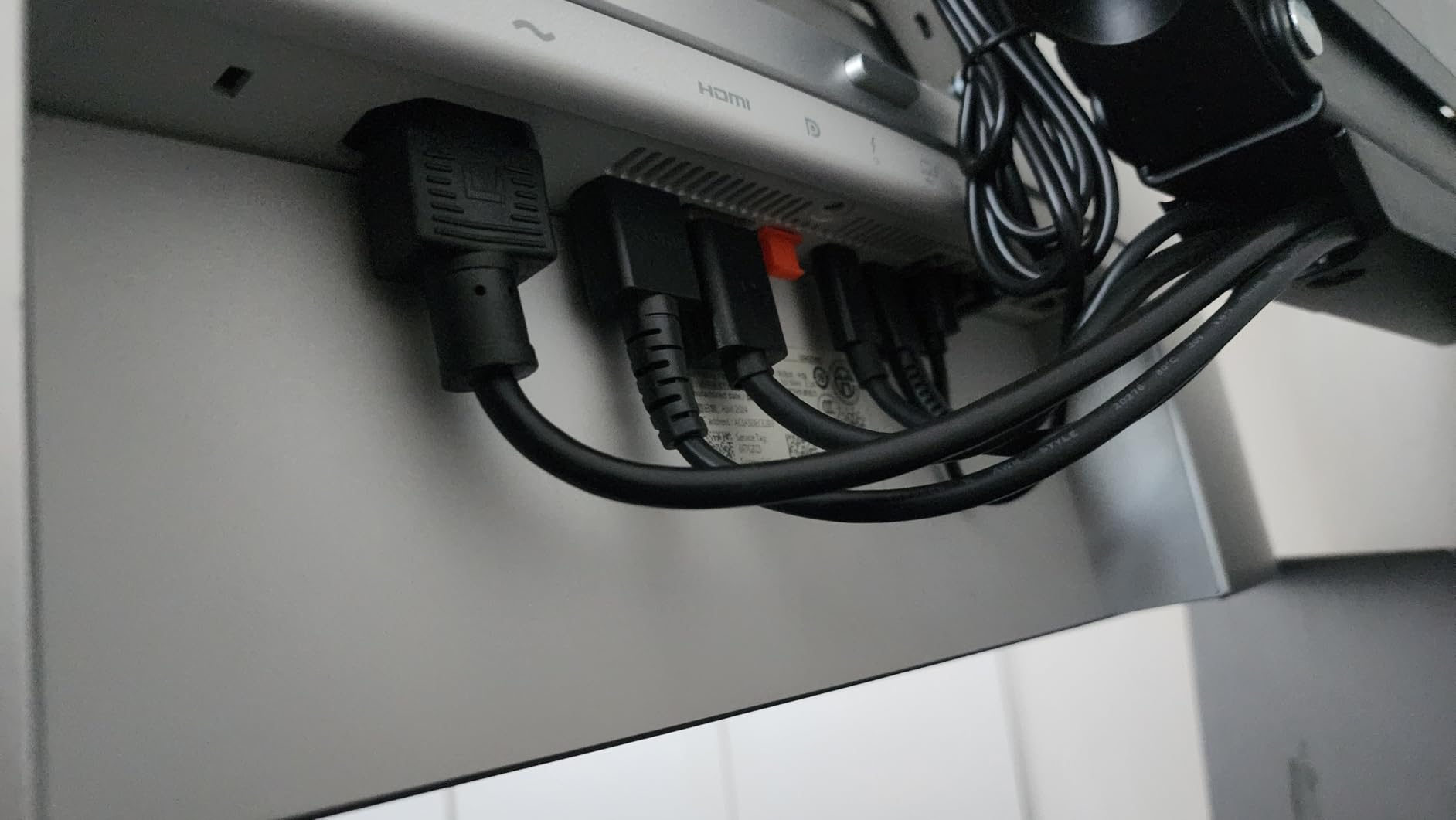
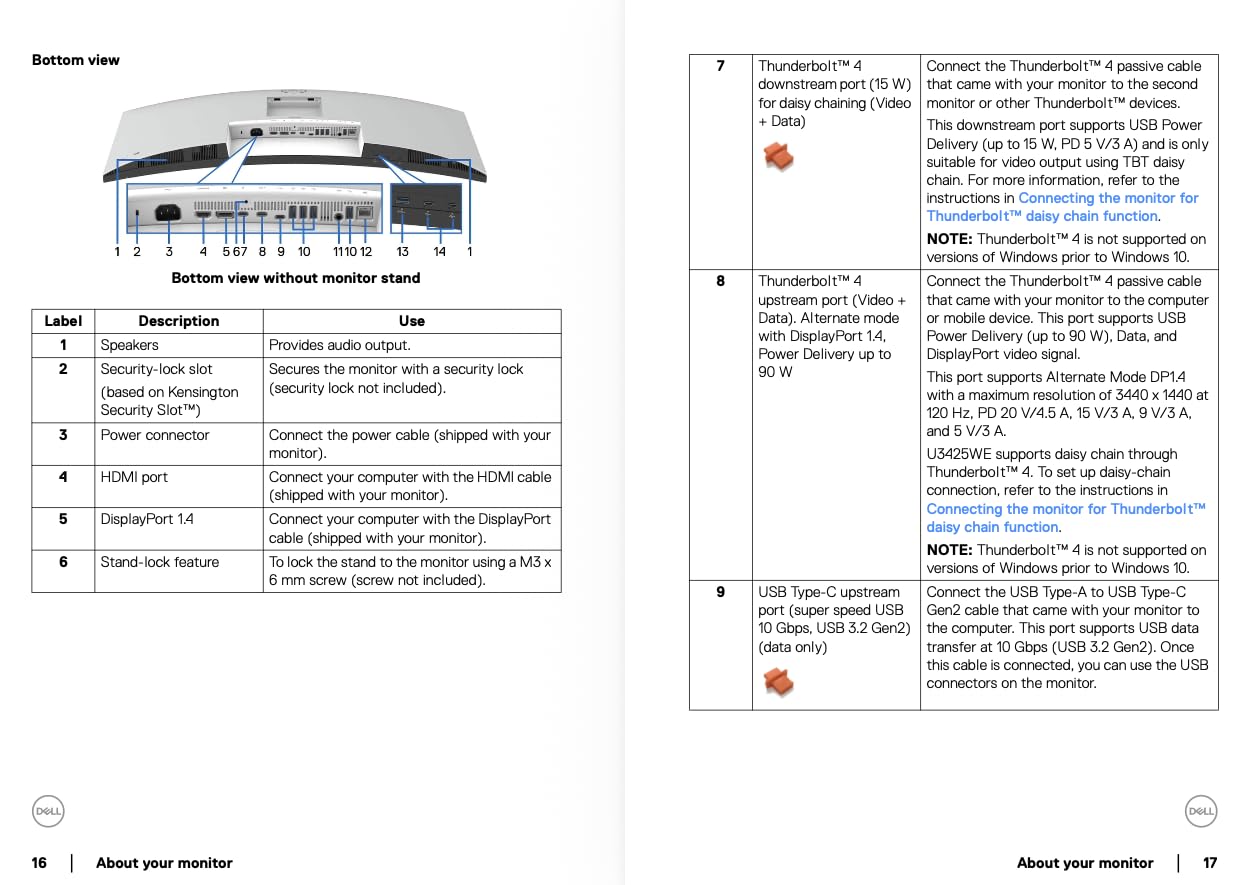
The Dell UltraSharp U3425WE is the monitor I recommend when a Mac Studio or MacBook Pro editor needs a Thunderbolt 4 docking monitor that replaces a separate dock. The 34-inch flat WQHD display (3440×1440) is paired with a built-in 10-port USB hub, Ethernet, Thunderbolt 4 with power delivery, and Picture by Picture / Digital Daisy Chain support — all over a single Thunderbolt cable to your Mac.
In practice, this turns the U3425WE into the center of an editing bay. Plug one Thunderbolt cable into your MacBook Pro, and you get display, charging, Ethernet, and ten USB ports — enough to connect an external drive, a color calibrator, an audio interface, an XLR adapter, a Stream Deck, and a backup SSD without buying a separate dock. The IPS Black panel delivers deeper blacks than standard IPS, which makes dark cinematic scenes look noticeably better in Resolve.
The 120Hz refresh is rare on productivity monitors and meaningfully smoother than 60Hz for timeline scrubbing. ComfortView Plus reduces blue light without yellowing the screen, and the ambient light sensor automatically adjusts brightness to your room. Picture by Picture is useful when you want to view two input sources side by side — for example, comparing a client monitor feed with your grading output.
Forum users on r/macsetup call this monitor “the cleanest Thunderbolt 4 dock you can buy,” but the rating reflects one honest caveat: the panel is marketed as 5K QHD but the actual resolution is 3440×1440, which can confuse buyers expecting true 5K. At 107 reviews the rating is more volatile than the higher-volume monitors above. If you want true 5K2K ultrawide instead, the Dell U4025QW above is the step up.
Who the Dell U3425WE is best for
The U3425WE is the right pick for editors who want to replace a separate Thunderbolt dock with a monitor that does docking natively. It’s also the right pick for Mac Studio editors who want a flat ultrawide with deep blacks for cinematic work. If your editing bay has many USB peripherals — drives, audio gear, controllers, colorimeters — this monitor’s 10-port hub cleans up cable mess dramatically.
Where the U3425WE falls short
If you want true 5K2K vertical resolution for native 4K timeline editing without downsampling, the Dell U4025QW is the right step up. If you don’t need the Thunderbolt 4 dock and just want a color-accurate 4K panel, the ASUS PA279CV or ViewSonic VP2756-4K are stronger values. And if your workflow needs HDR grading at DisplayHDR 600 or above, look at a dedicated reference display.
How to Choose the Best External Monitor for Mac Video Editing
Picking a monitor for Mac video editing is less about chasing the highest spec sheet and more about matching the panel to your Mac, your software, and your delivery targets. Here’s the framework I use when advising editors, plus the tradeoffs that matter most.
Match the panel technology to your grading work
IPS panels are the default for video editing because they balance color accuracy, viewing angles, and price. IPS Black doubles the contrast ratio and delivers noticeably deeper blacks — ideal for cinematic work in Resolve. OLED delivers per-pixel lighting, perfect blacks, and the best HDR experience, but burn-in risk for editors who leave timeline windows open for hours is real. Mini-LED with full-array local dimming delivers HDR brightness without OLED burn-in but is rare below 32 inches. For most Mac editors, a quality IPS or IPS Black panel hits the right balance.
Resolution matters more than refresh rate for editing
4K (3840×2160) is the practical sweet spot for Mac video editors. It gives you enough pixel density for sharp text and timelines, pairs cleanly with macOS scaling, and works on every modern Mac. 5K (5120×2880) is the perfect macOS match because it preserves Retina pixel density — text looks identical to your MacBook screen — but the panels are expensive. Ultrawide 5K2K (5120×2160) gives you timeline real estate without vertical 4K. Refresh rate matters less: 60Hz is fine for grading, 120Hz makes timeline scrubbing smoother.
USB-C power delivery is table stakes for MacBook Pro
For MacBook Pro and MacBook Air editors, USB-C or Thunderbolt with at least 65W of power delivery is now table stakes. 65W handles a MacBook Air and 14-inch MacBook Pro under typical editing load. 90W or higher is required to charge a 16-inch MacBook Pro at full speed during heavy exports. Thunderbolt adds daisy-chaining for dual 4K monitors, while plain USB-C is sufficient for a single monitor setup.
Color accuracy beats headline brightness for grading
Wide color gamut (95 percent or higher DCI-P3, 99 percent or higher sRGB and Rec.709) is more important than peak brightness for video editing. Factory calibration with Delta E under 2 is the trust signal that the panel is accurate out of the box. For SDR broadcast and web work, 250 to 400 nits is sufficient. For HDR grading, you need DisplayHDR 600 or higher — DisplayHDR 400 is essentially SDR.
Mac Studio multi-display considerations
Mac Studio M-series chips support different numbers of external displays. The M4 Mac mini supports up to two displays. The M2 Pro and M3 Pro Mac Studio support up to three 6K displays or one 8K plus one 4K. The M2 Ultra and M3 Ultra Mac Studio support up to four 6K displays or one 8K plus two 4K. If you’re pairing a Mac Studio with two 4K monitors, make sure your monitors can daisy-chain over Thunderbolt to keep cabling clean.
Ergonomics and stand adjustability
Height-adjustable stands should be included, not sold separately. Apple’s $400 height-adjustable stand upsell for the Studio Display is a recurring complaint in editor forums — every monitor on this list ships with a fully adjustable stand. Pivot portrait mode is genuinely useful for vertical social cuts. VESA mount compatibility lets you swap to a monitor arm if your desk setup changes.
Single-cable workflow vs dock-and-monitor
Single-cable monitors with USB-C or Thunderbolt and a built-in hub are the cleanest setup for MacBook Pro editors. If your monitor has only HDMI and DisplayPort, you’ll need a Thunderbolt dock to expand your ports. We cover the best Thunderbolt docks for video editors separately, and most of the monitors on this list include enough hub ports that a separate dock is unnecessary for single-monitor setups.
For more on building out your editing bay, our guides to Mac Studio setups for video editors, Thunderbolt docks for video editors, and editing keyboards for video editors cover the rest of the desk.
Frequently Asked Questions
What are the best displays for video editing on a Mac?
For most Mac video editors, the best displays balance factory-calibrated color accuracy, single-cable USB-C or Thunderbolt connectivity, and macOS-friendly scaling. In our testing the ASUS ProArt PA279CV is the best overall pick, the LG 27UP850K-W is the best value 4K, and the LG 27MD5KL-B Ultrafine 5K is the best Mac-native 5K experience.
Is a 5K monitor better than a 4K monitor for Mac?
A 5K monitor preserves the MacBook’s Retina pixel density, which means macOS scaling looks identical to the built-in display and text is sharper than on a 4K panel. For solo editors on a MacBook Pro who want one cable and pixel-perfect clarity, 5K is a meaningful upgrade. For most editors on a budget, a quality 4K IPS panel with factory calibration delivers more than enough sharpness at a lower cost.
What monitors work best with Mac Studio?
Mac Studio pairs cleanly with 4K IPS panels, 5K Mac-native displays like the LG Ultrafine 5K, and ultrawide 5K2K panels like the Dell U4025QW. For a Thunderbolt 4 single-cable docking setup the Dell UltraSharp U3425WE is excellent. For dual-display setups, panels that daisy-chain over Thunderbolt 4 (such as the BenQ PD2725U) keep cabling clean and feed both panels from one Mac Studio port.
Is OLED good for video editing monitors?
OLED delivers per-pixel lighting, true blacks, and outstanding HDR performance, which makes OLED panels excellent for cinematic grading. The honest tradeoff is burn-in risk when timeline windows, scopes, and bins stay open for many hours a day. For most working editors who edit 8 to 12 hours daily, an IPS Black or Mini-LED panel is a safer long-term choice than OLED.
Do I need Thunderbolt 4 or is USB-C enough for editing?
Plain USB-C with at least 65W power delivery is enough for a single-monitor setup on a MacBook Pro or Mac mini. Thunderbolt 4 adds daisy-chaining for dual 4K monitors from a single cable, plus higher sustained bandwidth for external NVMe drives and audio interfaces. If you run one monitor, USB-C is fine. If you run two 4K panels from a MacBook Pro, Thunderbolt daisy-chaining is the cleanest setup.
What brightness do I need for color grading?
For SDR Rec.709 and sRGB grading, 250 to 400 nits is sufficient and matches broadcast viewing conditions. For HDR grading you need DisplayHDR 600 or higher, ideally DisplayHDR 1000, to evaluate highlights accurately. DisplayHDR 400 is essentially SDR and is not adequate for HDR color decisions. The monitors on this list cover SDR grading well; HDR masters require a dedicated reference display.
Final Verdict: Which External Monitor Should You Buy?
After testing all ten panels across Resolve, Premiere Pro, and Final Cut timelines on MacBook Pro and Mac Studio hardware, my honest recommendations come down to three answers depending on your budget. The ASUS ProArt PA279CV is the best external monitor for Mac video editors overall — it pairs factory Calman Verified calibration, single-cable USB-C, and a fully adjustable stand at a price most working editors can justify.
If you want the best Mac-native experience and don’t mind paying for it, the LG 27MD5KL-B Ultrafine 5K is the panel that makes macOS look like Apple built it, with retina-sharp 5K text and Thunderbolt 3 in one cable. For the best value in a 4K panel, the LG 27UP850K-W covers 95 percent DCI-P3 and delivers 90W USB-C charging at a competitive price.
Whatever you choose, prioritize factory calibration, USB-C or Thunderbolt power delivery, and macOS-friendly scaling over raw spec sheet numbers. For more on building the rest of your editing setup, see our guides to Mac Studio setups, Thunderbolt docks, editing keyboards, studio desks, and standing desks for video editors.