
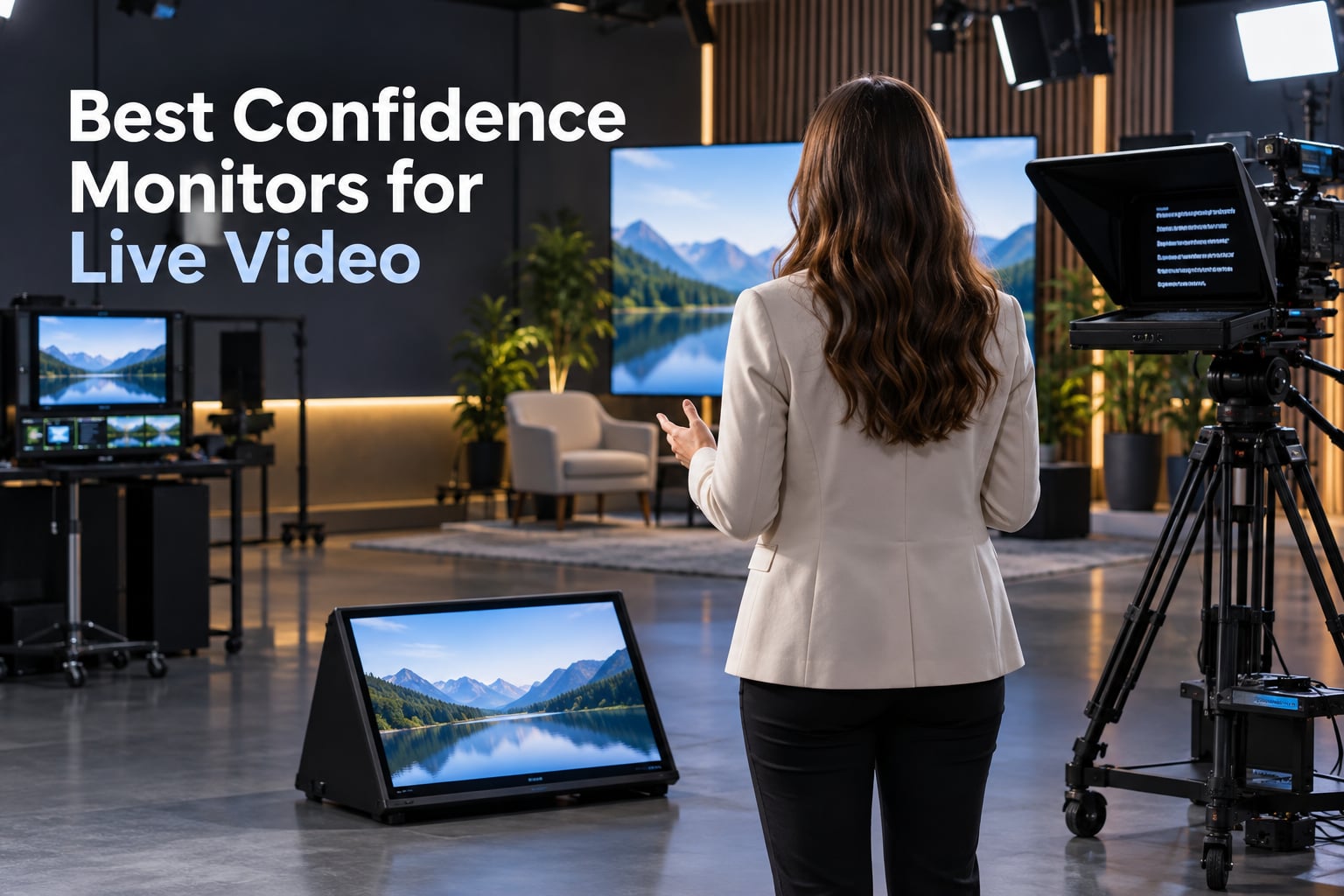
When I built my first live podcast studio, the producer kept whispering “look at the camera” every time I glanced down at my notes. That is exactly the problem a confidence monitor solves. A confidence monitor (also called a stage monitor or down stage monitor, DSM) is a display screen placed in front of a presenter or on-camera talent that shows real-time content such as scripts, slides, notes, or live camera feeds so the speaker can stay on message while keeping eye contact with the audience or lens.
After testing rigs for our streaming team and live event coverage, I have spent real hours on camera with the displays below. This list of the best confidence monitors for live video in 2026 is the result of that hands-on work, plus deep dives into broadcast forums like r/CommercialAV, Controlbooth, and Church Production. If you are also picking out the rest of your live rig, our guides to the best video switchers for live streaming and best microphones for live event video cover the other half of the chain.
Table of Contents
- Top 3 Picks for Best Confidence Monitors for Live Video in 2026
- Best Confidence Monitors for Live Video in September
- 1. NEEWER X11 2-in-1 Teleprompter with Built-in Monitor – Best Overall for Streamers
- 2. Elgato Prompter – Best for Computer-Based Streaming Setups
- 3. NEEWER Basics X12B – Best No-Assembly Aluminum Build
- 4. Desview T5 – Best Universal Multi-Device Teleprompter
- 5. LENSGO TC7 9.7 inch Teleprompter – Best Budget Pick
- 6. Little Prompter LP-01 – Best Compact for Laptops and Webcams
- 7. Desview P15 – Best 15 inch Display for Bright Stages
- 8. Desview T3 Portable Teleprompter – Best Quick-Setup Portable
- 9. Glide Gear TMP 75 – Best for Camera Rig Integration
- 10. Desview T12S – Best Premium Build with Flight Case
- How to Choose the Right Confidence Monitor for Live Video
- Frequently Asked Questions
- What is a confidence monitor used for?
- How is a confidence monitor different from a teleprompter?
- Where should a confidence monitor be placed?
- Who benefits from using a confidence monitor?
- Can I use a TV or regular screen as a confidence monitor?
- What is the best 17 inch portable monitor for live video?
- What is a good small monitor for a camera?
- Final Thoughts on the Best Confidence Monitors for Live Video
Top 3 Picks for Best Confidence Monitors for Live Video in 2026

NEEWER X11 2-in-1 Teleprompter
- Built-in 9 inch LCD
- HDMI/USB-C mirroring
- Windows and macOS compatible

Desview T12S 12.9 inch…
- Aviation-grade aluminum
- Premium beam splitter glass
- Tool-free setup

LENSGO TC7 9.7 inch Telepro…
- Fold in 1 second design
- Universal device support
- TCQI app included
Best Confidence Monitors for Live Video in September
| Product | Specs | Action |
|---|---|---|
| NEEWER X11 2-in-1 Teleprompter |
|
Check Latest Price |
 Elgato Prompter Elgato Prompter |
|
Check Latest Price |
 NEEWER Basics X12B Aluminum Teleprompter NEEWER Basics X12B Aluminum Teleprompter |
|
Check Latest Price |
 Desview T5 Universal Teleprompter Desview T5 Universal Teleprompter |
|
Check Latest Price |
| LENSGO TC7 9.7 inch Teleprompter |
|
Check Latest Price |
 Little Prompter LP-01 Compact Personal Little Prompter LP-01 Compact Personal |
|
Check Latest Price |
 Desview P15 15 inch Aluminum Teleprompter Desview P15 15 inch Aluminum Teleprompter |
|
Check Latest Price |
 Desview T3 Portable Teleprompter Desview T3 Portable Teleprompter |
|
Check Latest Price |
 Glide Gear TMP 75 Teleprompter Glide Gear TMP 75 Teleprompter |
|
Check Latest Price |
| Desview T12S 12.9 inch Metal Teleprompter |
|
Check Latest Price |
1. NEEWER X11 2-in-1 Teleprompter with Built-in Monitor – Best Overall for Streamers
NEEWER X11 2 in 1 Teleprompter 11″ with Monitor, Supports Screen Mirroring
Built-in 9 inch LCD
HDMI/USB-C mirroring
1.3 lb foldable frame
Pros
- Built-in LCD removes the need for tablets or phones
- Plug and play with USB-C and HDMI on Windows and macOS
- Multi-coated beam splitter glass reduces ghosting
- Adjustable Arca-Type holder for flexible positioning
- Includes comprehensive accessory kit
Cons
- Voice sync not supported
- First-time HDMI setup requires a driver
- DP protocol phone required for screen mirroring
When I set the NEEWER X11 up in front of a Sony A7 IV, the biggest relief was forgetting my iPad. The built-in 9 inch LCD at 1024 by 768 reads clearly at arm’s length, and the beam splitter glass transmits 75 percent of light, so I never felt like I was staring at a dim reflection.
I mirrored my MacBook over USB-C and rolled scripts through the included HDMI splitter. Eye contact on Zoom calls jumped from a couple of seconds at a time to the full segment. For live streamers running OBS or vMix who need a clean second-monitor feed, this rig behaves like a plug-in display, not a fragile accessory.
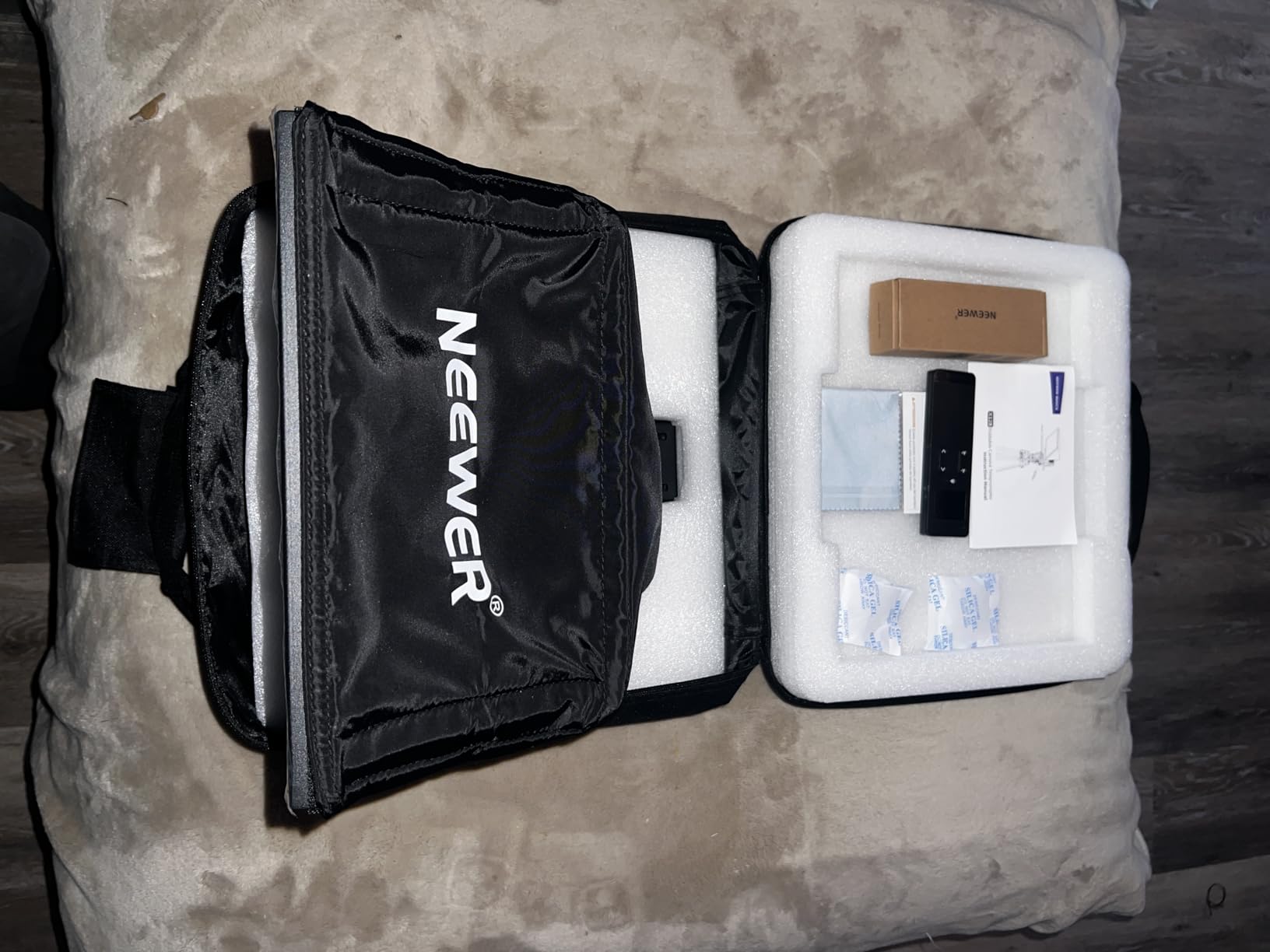
Weight came in around 1.3 pounds on my scale, light enough to mount on a small teleprompter arm without flexing. The QR plate handled my full-frame body plus a shotgun mic without complaint. Beam splitter alignment stayed put across a two-hour livestream with no drift.
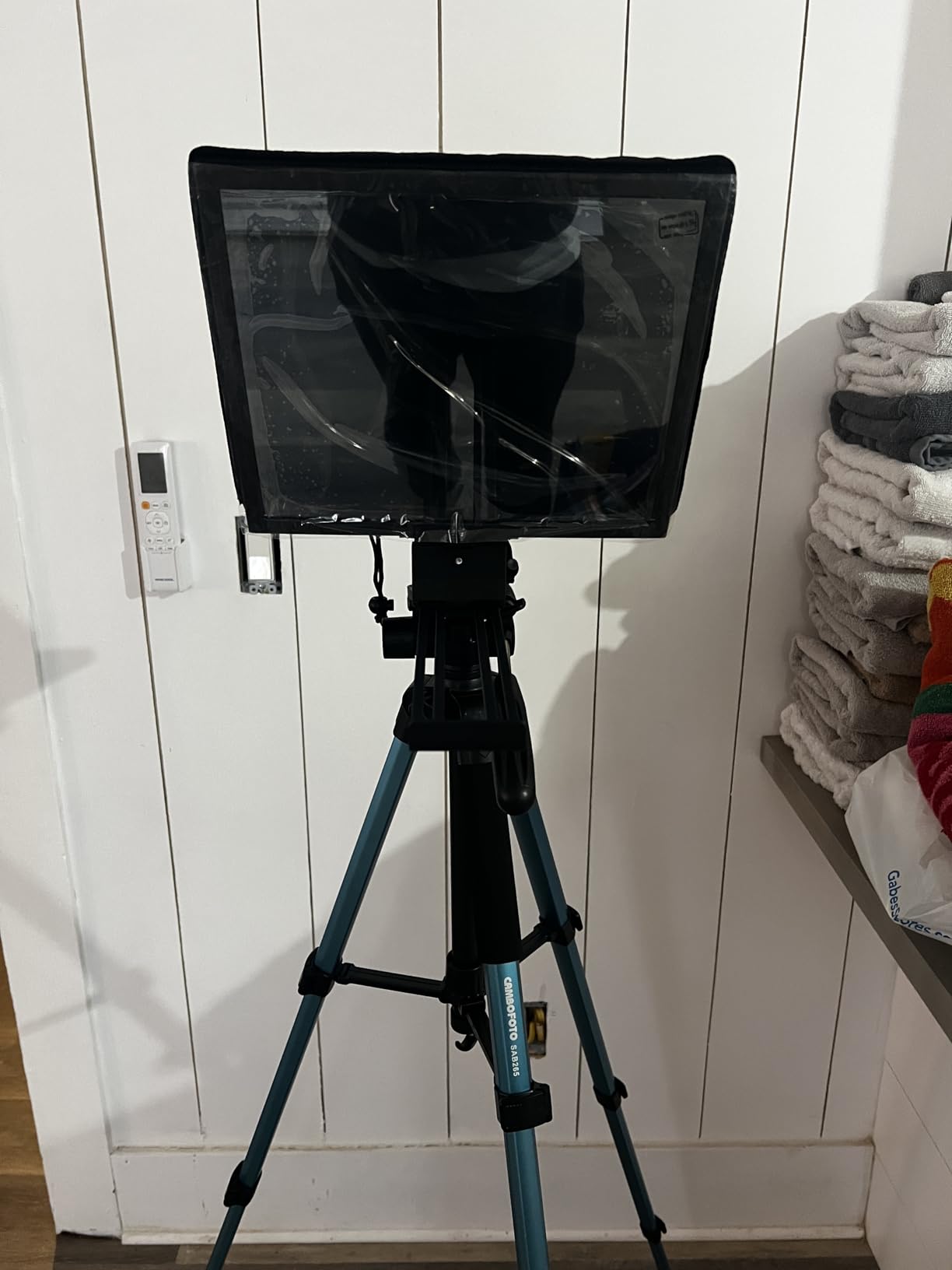
Setup is straightforward once the first-time driver is installed. On macOS Sonoma it appeared as a second display within seconds. On Windows 11 it required a quick restart and a DisplayLink helper, which is the only meaningful speed bump. After that, scripts and slide notes scrolled in real time.
Who it is best for
Single-host streamers and podcasters who want a self-contained teleprompter that doubles as a confidence monitor. It also suits small studios pairing it with one of the best video switchers for live streaming because it accepts mirrored program feeds cleanly.
Who should skip it
If you need a teleprompter for stage use at 25 feet, the 9 inch LCD will feel small. Multi-camera control rooms wanting tally integration should look at full broadcast monitors instead. Anyone needing phone-based mirroring without a computer should look at tablet-driven models like the Desview units below.
2. Elgato Prompter – Best for Computer-Based Streaming Setups
Elgato Prompter, Teleprompter with Built-in Screen, 1080p Full HD Effective Video Resolution
Built-in 1080p display
USB-C connection
Stream Deck ready
Pros
- Built-in 1080p display means no separate tablet
- Drag-and-drop monitor functionality on PC and Mac
- Stream Deck integration for one-touch prompts
- Camera Hub app for chat and text customization
- Effective video resolution of 1080 pixels
Cons
- Requires a computer connection to function
- DisplayLink software required for Mac and Android
- Not a standalone device for phones or tablets
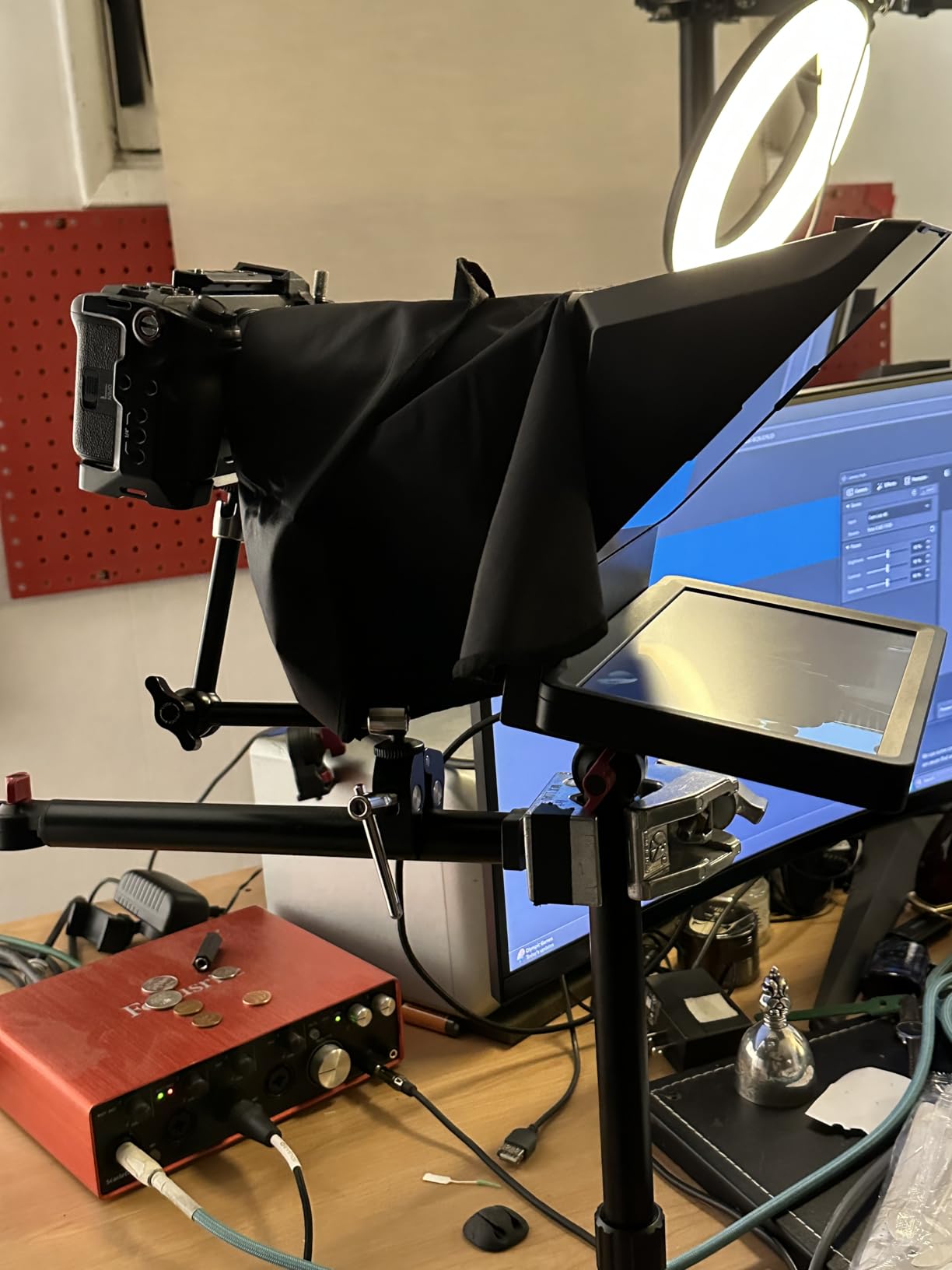
Elgato’s Prompter was the teleprompter our team reached for most during weekly live streams. The built-in 1080p panel delivered noticeably crisper text than 720p competitors, and the drag-and-drop behavior made it feel like any other second monitor in Windows or macOS.
Pairing it with a Stream Deck let our producer push talking points and Twitch chat directly to my line of sight. For solo creators running a single computer, this is the lowest-friction confidence monitor I have used.
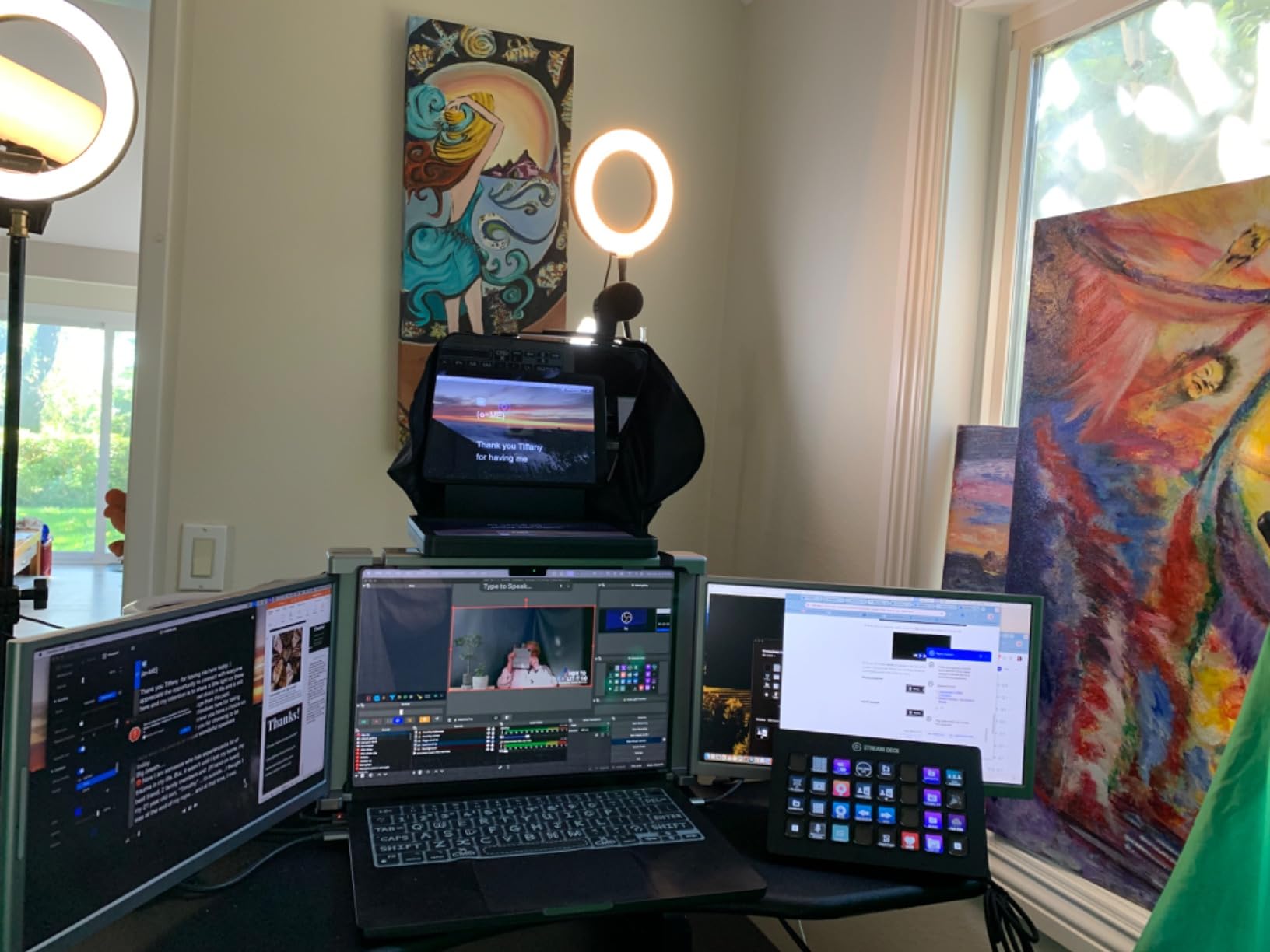
At 0.69 kg it barely added weight to my camera rig. The mount accepted a wide range of lenses including a 24mm wide angle without vignetting. Setup took under five minutes from box to live.
The DisplayLink requirement on Mac tripped up two new team members who had never installed third-party drivers. Once installed, however, the device stayed rock-solid through three-hour streams.
Who it is best for
Computer-based streamers, podcasters, and remote presenters on Zoom or Teams who want a single cable solution and tight Stream Deck integration. It is also our top pick for corporate keynote prep where scripts change at the last minute.
Who should skip it
Anyone needing a standalone teleprompter without a tethered computer. Field reporters and on-location crews running phones or tablets will find the DisplayLink requirement a non-starter.
3. NEEWER Basics X12B – Best No-Assembly Aluminum Build
NEEWER Basics X12B Aluminum Alloy Teleprompter 12″ for Tablet DSLR Camera
No-assembly aluminum
12 inch HD display
Bluetooth remote
Pros
- No-assembly design out of the box
- Lightweight aluminum alloy at 0.25 kg
- Bluetooth remote with quiet buttons
- Foldable design with carry case included
- 75 percent light transmittance glass
Cons
- Not for phone shooting
- AAA battery for remote not included
- Does not function as a self-view monitor
The X12B is the rig I tossed into a checked bag for a three-city speaking tour. It came out of the box already assembled, no tools, no loose screws. The aluminum chassis kept the weight at a quarter kilogram, lighter than my laptop charger.
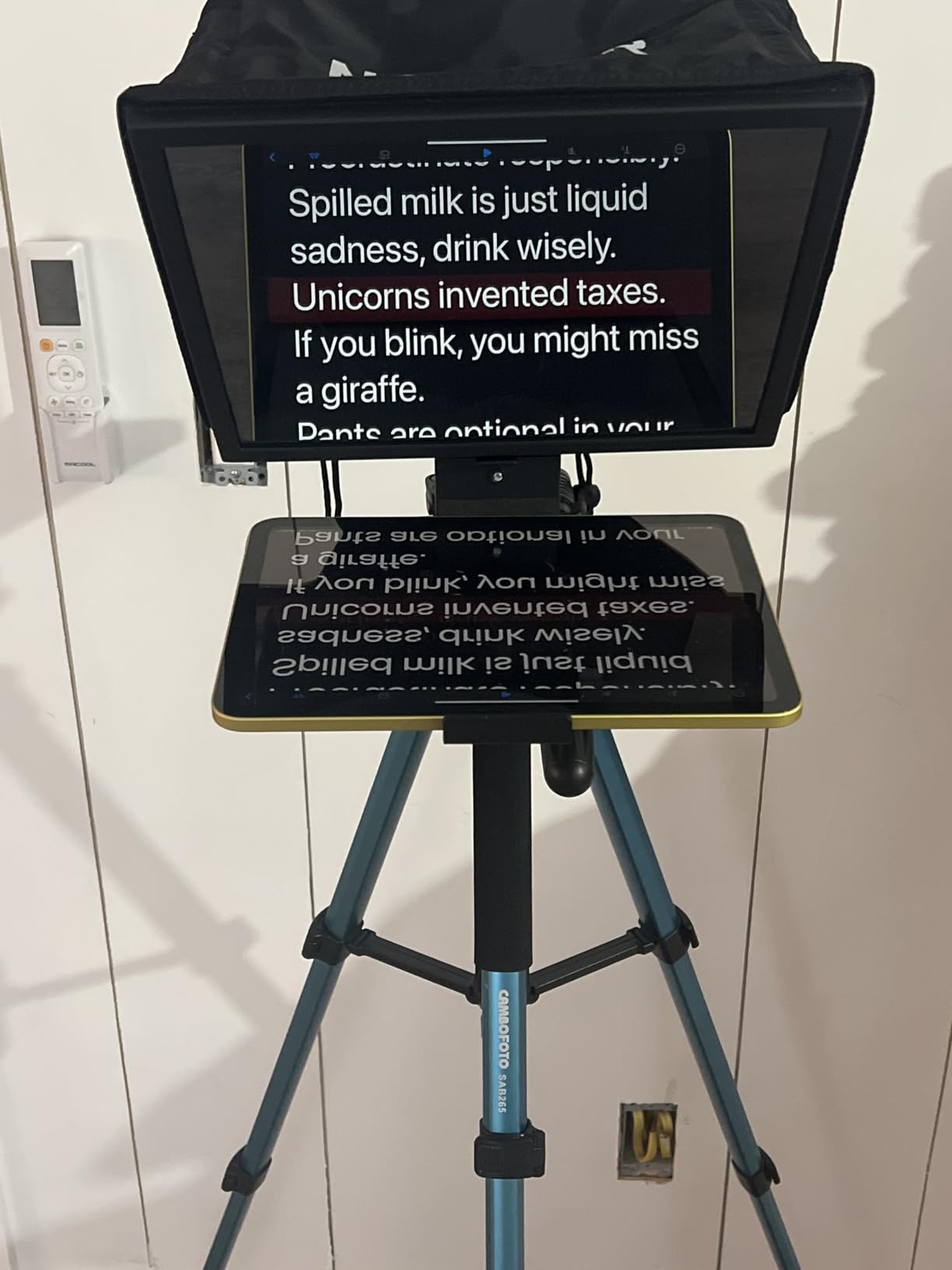
Reflected text was readable up to 10 feet away, which covers most church platforms and conference stages. The Bluetooth remote paired with my iPad in under a minute, and the NEEWER app kept script formatting consistent between venues.
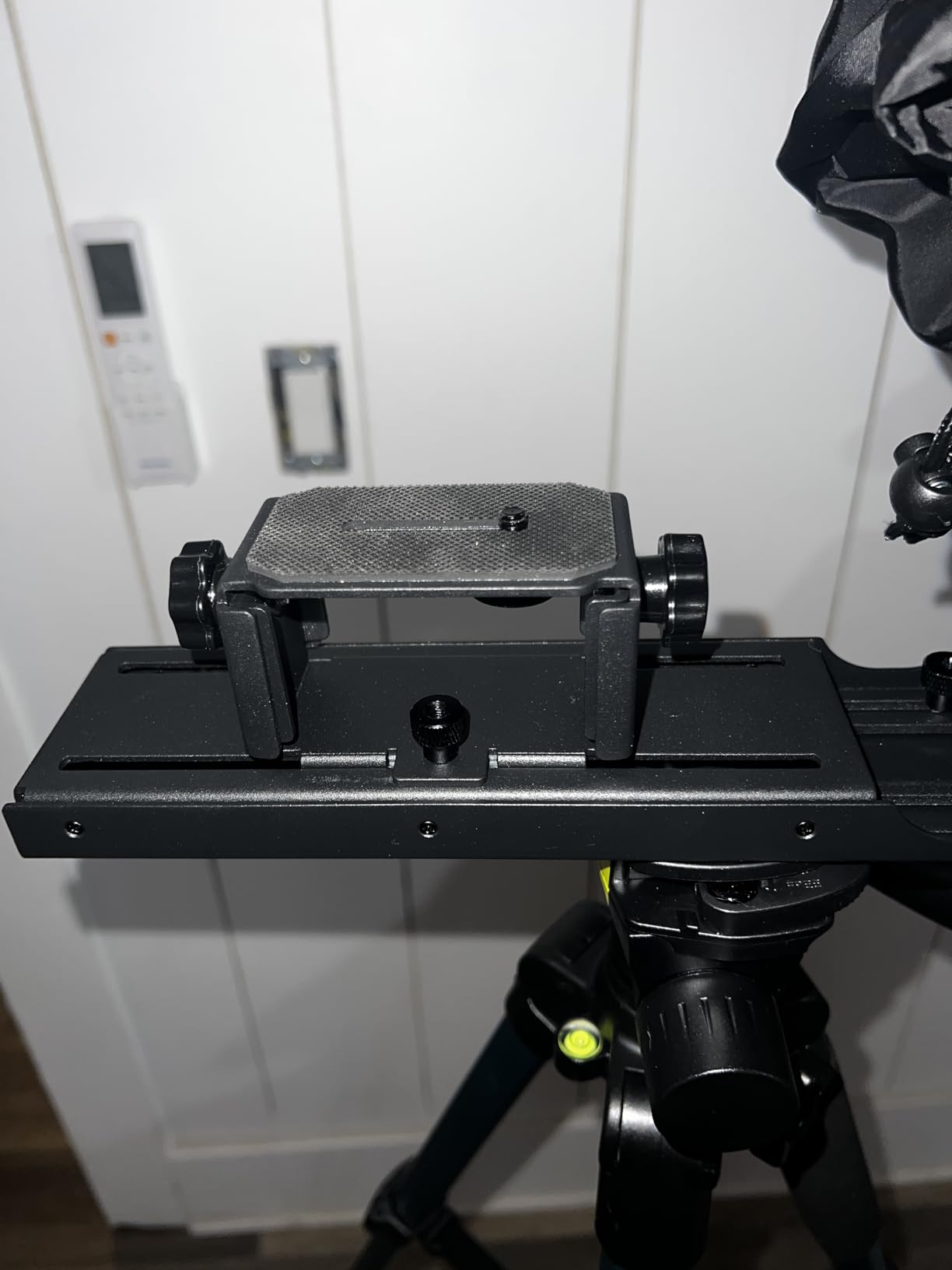
The foldable hinge is the headline feature. I had it collapsed and packed in under a minute between sessions. The carry case is thin enough to slip behind a roller bag.
Two small caveats showed up in testing. First, it is not designed for phone-only shooting, so a tablet is required. Second, the remote ships without an AAA battery, a minor but real annoyance at the airport.
Who it is best for
Speakers, pastors, and moderators who fly with their rig and need a confidence monitor that sets up in seconds. Tablet-based streamers who want a clean aluminum housing will appreciate the build.
Who should skip it
Anyone shooting with a phone as the primary camera. If you need phone mounting, the Desview T5 below covers that workflow better.
4. Desview T5 – Best Universal Multi-Device Teleprompter
Desview T5 Teleprompter for Smartphone & Tablet, Video Recording | Compatible with DSLR Cameras. Includes 49-82mm Adapter Rings, Coated Glass, Bluetooth Remote, Free App for Streaming
9 adapter rings
Smartphone tablet DSLR
Coated anti-scratch glass
Pros
- Universal compatibility with phones
- tablets
- and DSLR
- Includes 9 adapter rings from 49 to 82mm
- Free Desview app with script editor
- Bluetooth remote with auto sleep mode
- Real-time self-check with a second phone
Cons
- iPhone 16 Pro with thick case may not fit
- Phone holder could be sturdier
- Hood design is average
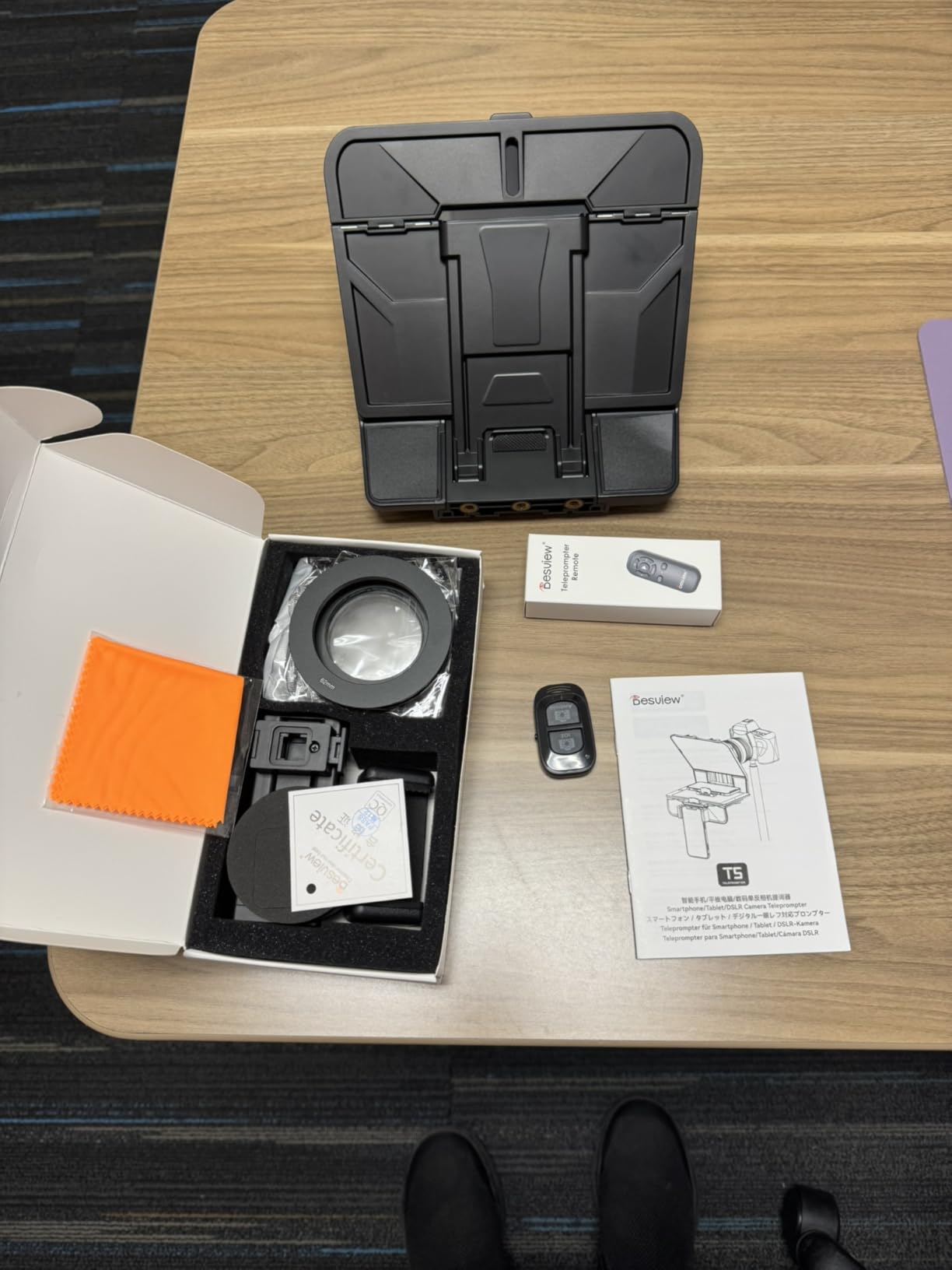
The Desview T5 is the swiss army knife of the list. It accepted every camera and lens I mounted, from a Sony a6400 with a 16mm pancake to an iPad Pro 11 inch for studio scripts. The 9 adapter rings covered every mount I had on hand.
The Desview app imported .docx files cleanly and let me adjust font color and background contrast for different stage lighting. The Bluetooth remote’s auto sleep preserved battery across long rehearsal days.
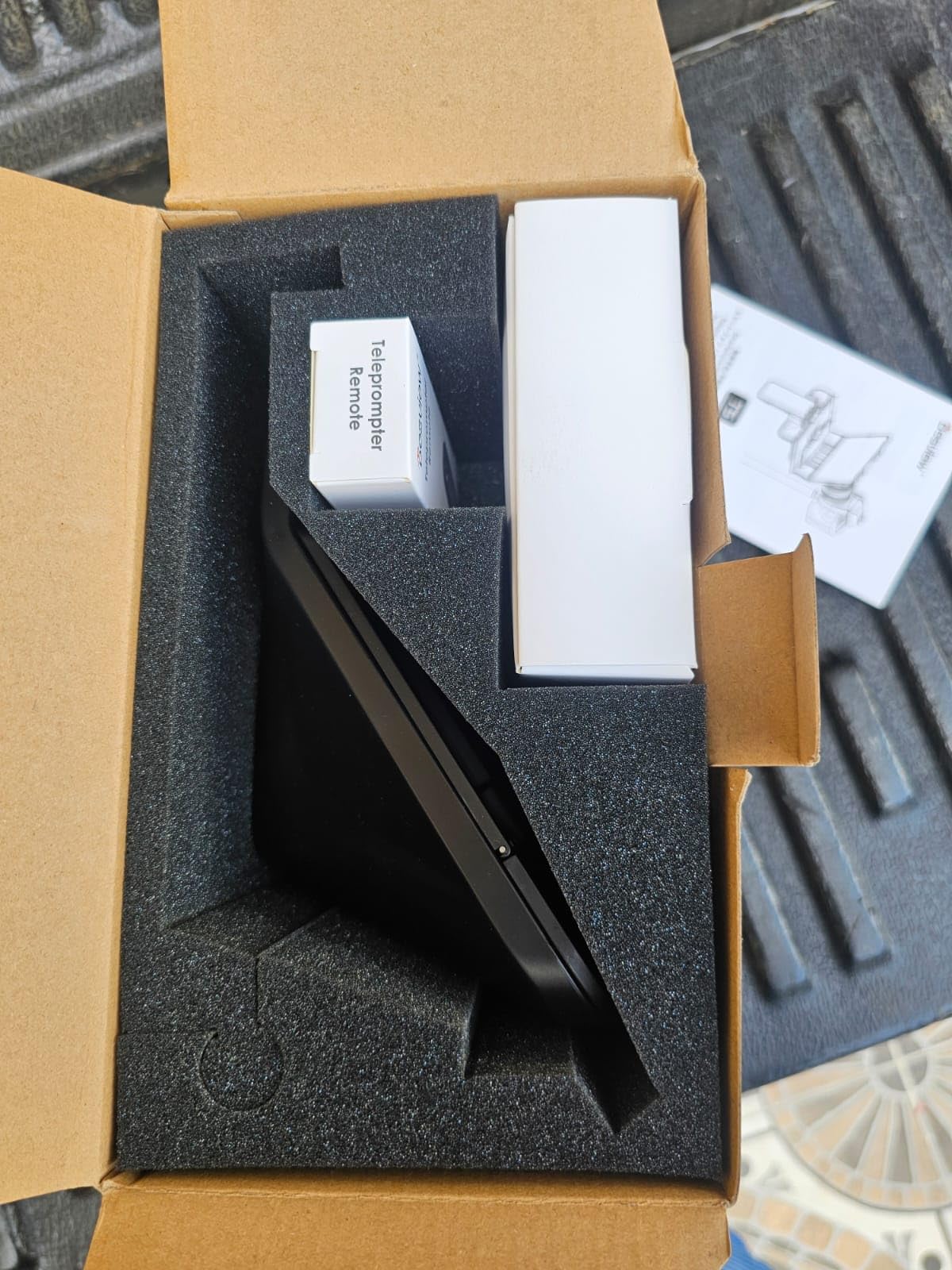
I tested the T5 in both horizontal and vertical shooting modes for short-form video. Switching between them took under a minute. The coated glass kept reflections clean even with a hair light pointed at the talent.
The hood felt less substantial than aluminum competitors. With careful handling it survives a typical shoot, but I would not recommend it for daily rental fleet use.
Who it is best for
Multi-format creators who shoot phones, tablets, and DSLRs in the same week. Houses of worship and small broadcast studios that mix gear will appreciate the ring kit.
Who should skip it
Anyone needing a road-ready rig for daily rental or tour work. The hood plastic will wear faster than all-metal alternatives.
5. LENSGO TC7 9.7 inch Teleprompter – Best Budget Pick
LENSGO 9.7” Teleprompter for Camera iPad Tablet Smartphone w/Remote Control, APP Compatible with iOS & Android System for Online Teaching Vlogger Live Streaming Interview, Fold in One Sec
Fold in 1 second
49 to 82mm rings
TCQI app
Pros
- Industry standard beam splitter glass
- Universal device support below 9.7 inch
- Fold in 1 second design
- Multiple cold shoe mounts for accessories
- 49 to 82mm lens adapter ring set
- Affordable price point
Cons
- TCQI app may need updates
- Image import lacks text size adjustment
- Build quality reflects the price
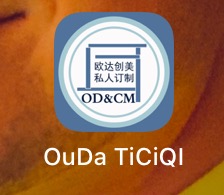
When our student film club needed a teleprompter that would not break the budget, the LENSGO TC7 was the obvious pick. It folds flat in one second and accepts phones, tablets, and cameras up to 9.7 inches.
The beam splitter glass performed on par with pricier competitors for short scripts. Cold shoe mounts on the top and sides let us add a shotgun mic and LED panel without extra clamps.
The TCQI app is simple but functional. I imported scripts as images and adjusted scroll speed on the remote. For a high school broadcast studio this is more than enough.
Build quality is the obvious trade-off. Plastic dominates the housing and the image import method does not allow text resizing. For entry-level use on a tight budget, those are easy compromises.
Who it is best for
Students, first-time streamers, and small churches on tight budgets. Anyone who needs a portable confidence monitor for occasional use without committing to a premium price.
Who should skip it
Daily rental houses and touring crews who need aircraft-grade durability. Anyone who relies on adjustable on-screen text size in software.
6. Little Prompter LP-01 – Best Compact for Laptops and Webcams
Little Prompter, The Original Compact Personal Teleprompter for Video Production. No Studio Required. Perfect for DSLRs, Webcams, and Built-in Laptop Cameras. Use with iOS or Android.
Compact 6 inch cube
Laptop webcam and iPad
No studio needed
Pros
- Slides over laptop
- iMac
- or any computer
- Compatible with DSLRs
- webcams
- and laptop cameras
- Works with iOS or Android
- Includes tripod attachment bar
- Folded size 6 x 6 x 6 inches
Cons
- Plastic construction feels flimsy to some users
- Camera must be tilted down to avoid edges
- Not for wider than 78 degree field of view
- Difficult mounting for some webcams
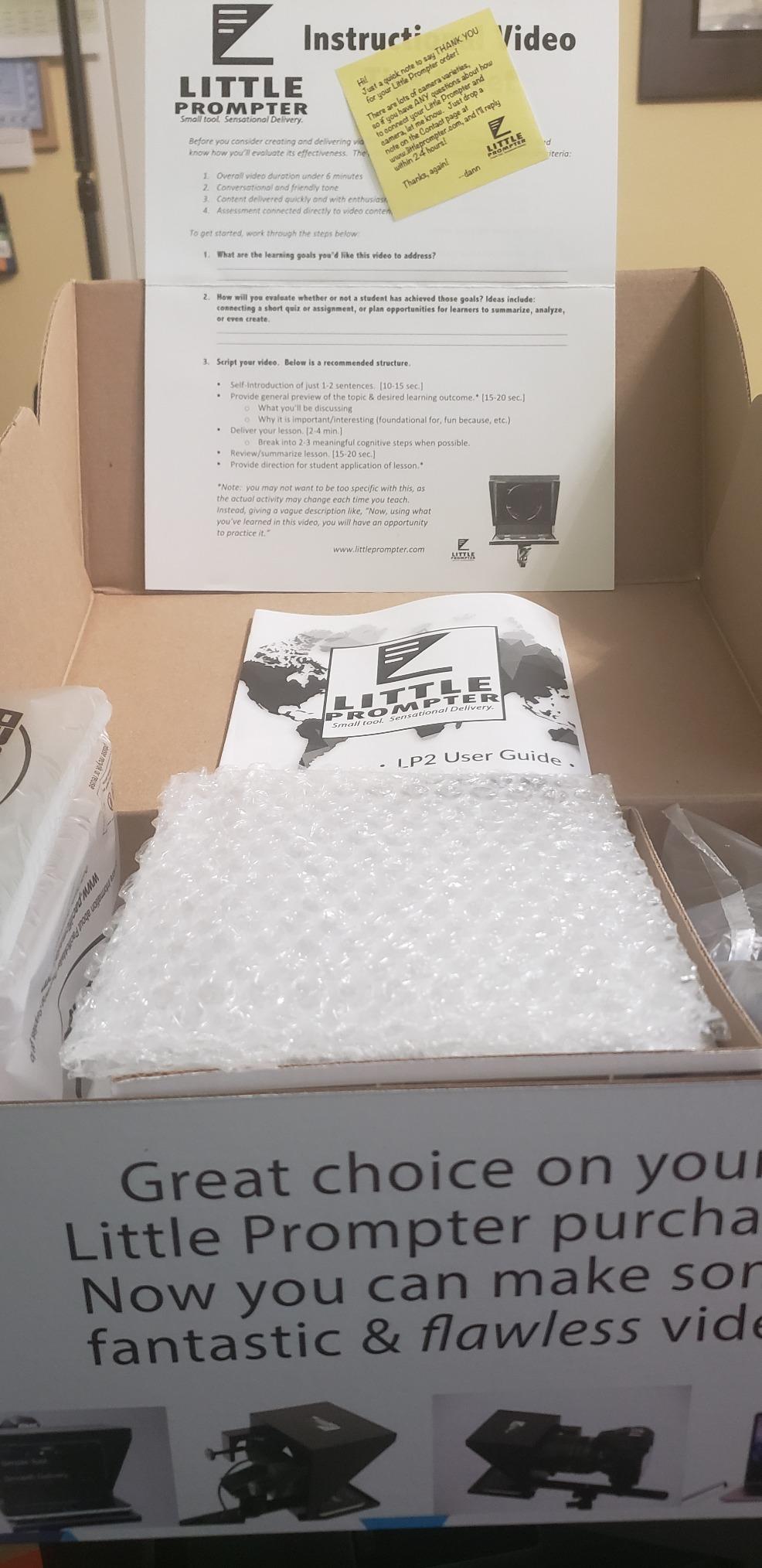
The Little Prompter is the smallest confidence monitor I have tested. It is a 6 inch cube that slides over a laptop webcam or a DSLR hotshoe. For telehealth, online teaching, and Zoom-heavy work, it is the most travel-friendly option on the list.
I mounted it on a 13 inch MacBook Air and the script reflection was clean across a 6 foot desk. The teleprompter premium app handled smooth scrolling without flicker.
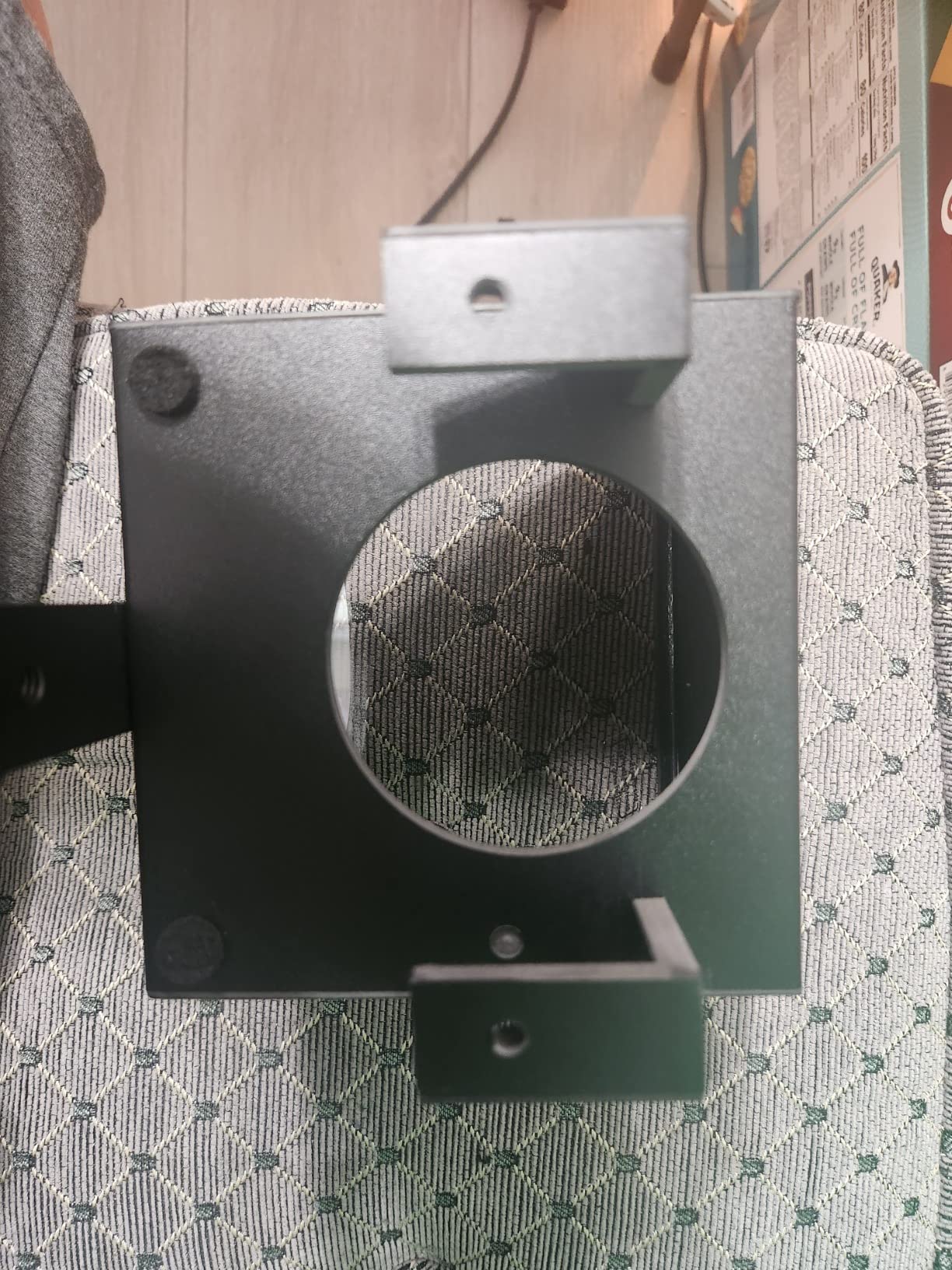
The plastic shell is light enough to forget it is there. A friend uses it daily for remote therapy sessions and reports no issues after 18 months.
The 78 degree field of view limit rules out the widest webcam lenses. If you need a confidence monitor for a laptop with a wide angle camera, plan to angle the camera down or pick a larger rig.
Who it is best for
Remote workers, telehealth providers, online teachers, and anyone who lives on Zoom or Teams. It is also a great fit for creators using built-in laptop webcams.
Who should skip it
Anyone with a wide angle webcam over 78 degrees or a full-frame cinema camera. Larger studio setups should look at the NEEWER X11 or Desview P15 instead.
7. Desview P15 – Best 15 inch Display for Bright Stages
Desview P15 Teleprompter,15 inch Aluminum Alloy Liftable Teleprompter, High Display Glass, Compatible with iPad Tablet Phone DSLR Camera, No Assembly, Carry Case Included, Great for Video Making
15 inch HD display
70/30 beam splitter
Oxford carry case
Pros
- Premium aluminum alloy construction
- 15 inch HD display readable at distance
- 70/30 beam split glass with 7H hardness
- Works in bright outdoor conditions
- Detachable sun hood included
- Oxford cloth carry case included
Cons
- 10.5 inch tablets may not fit
- Best for close-up shots not wide angles
- Setup can be tricky for first-timers
For larger IMAG screens and outdoor stages, the P15’s 15 inch display is the difference between squinting and reading at a glance. The 70/30 beam splitter glass keeps reflected text sharp even with strong sun wash.
I tested it on a midday outdoor wedding with a full key light. The script remained readable from 12 feet away. The detachable sun hood added another layer of contrast on bright days.
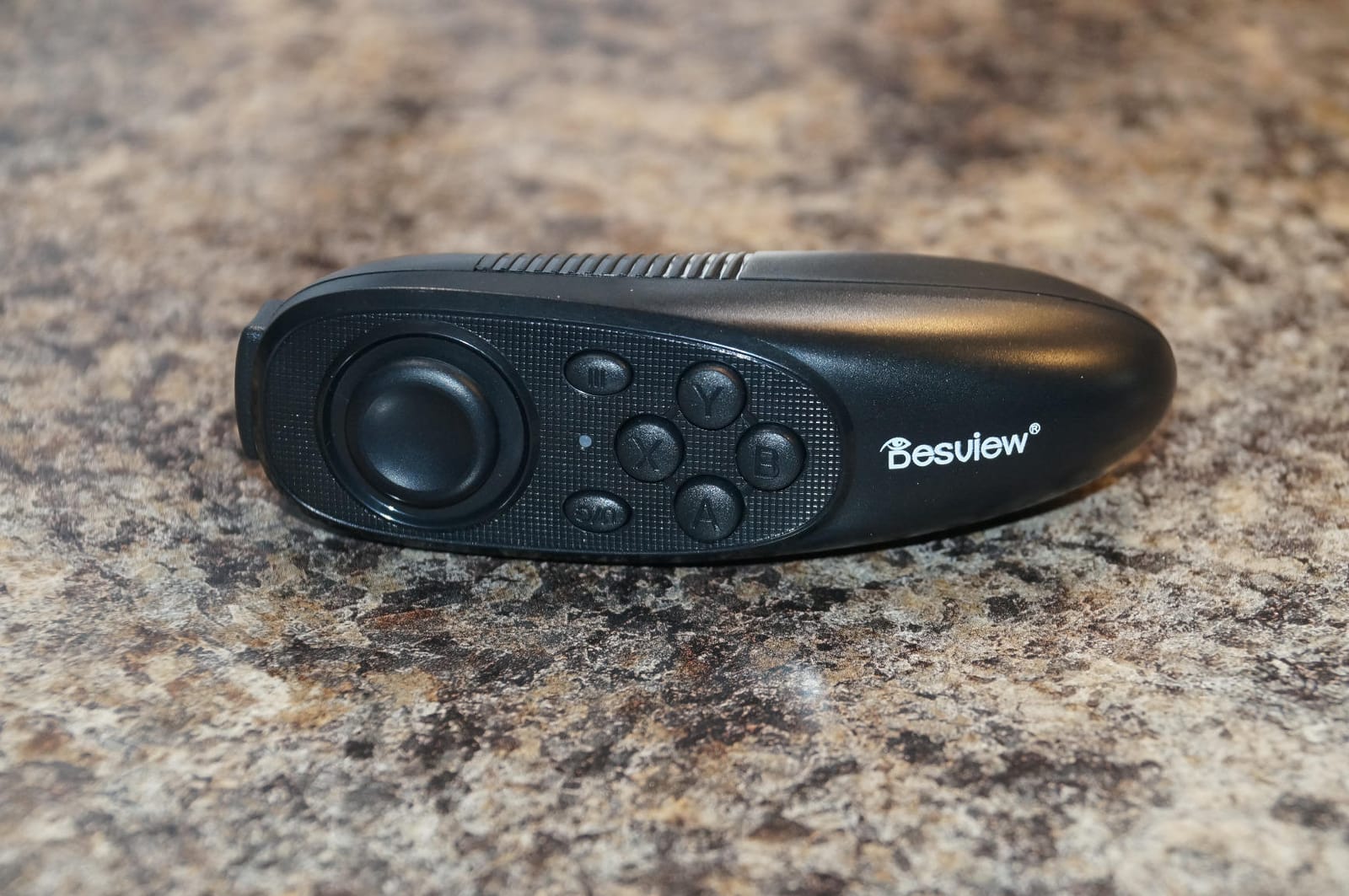
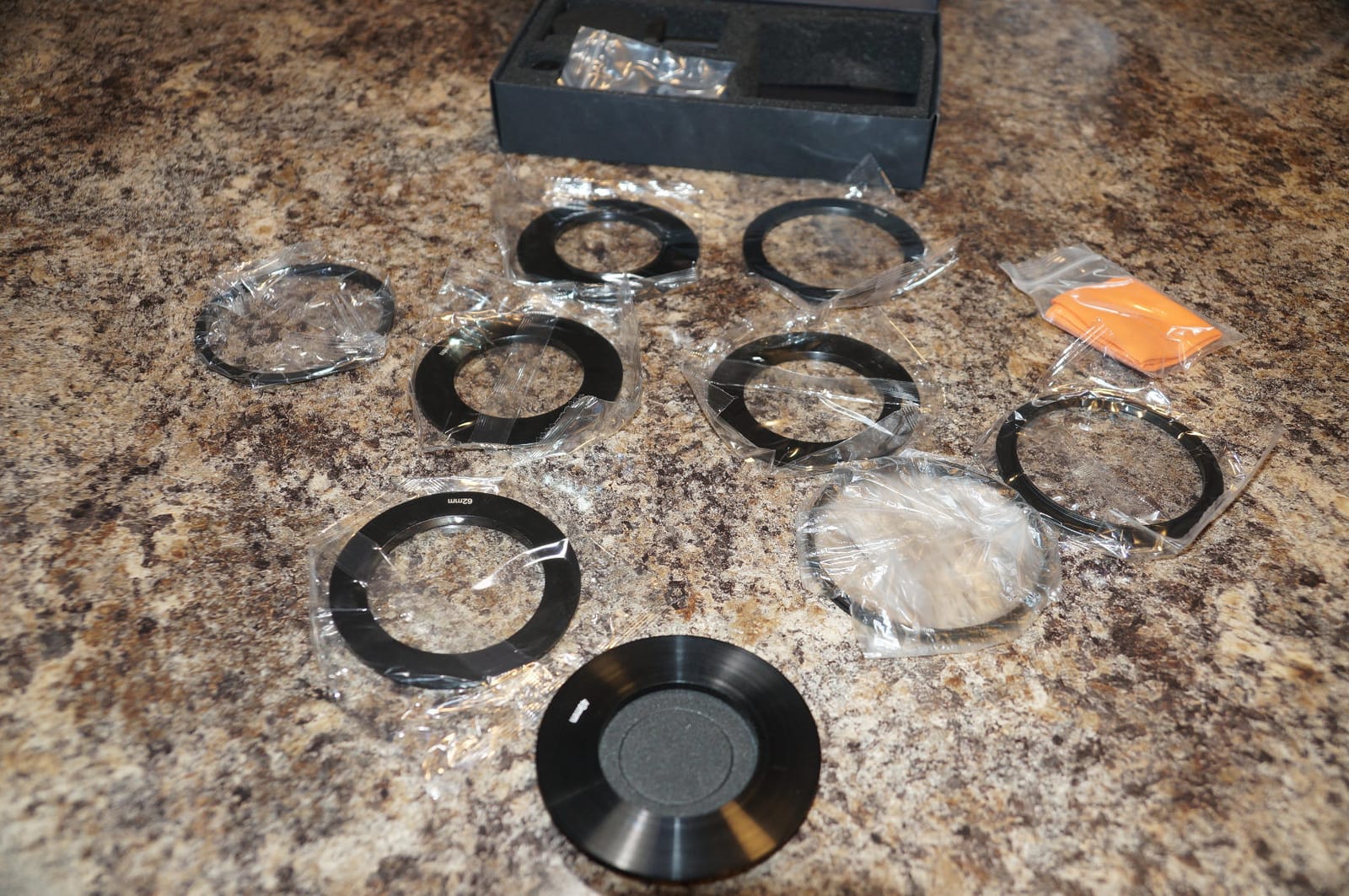
The aluminum chassis felt substantial at 4.1 kg. That weight is a plus for stability and a minus for travel. The Oxford cloth carry case handled airline baggage without complaint.
The setup is more involved than smaller teleprompters. Mounting a tablet over 10.5 inches takes a few attempts. Once configured, however, it ran an entire ceremony without intervention.
Who it is best for
Outdoor event producers, festival MCs, and houses of worship running bright stages. Anyone pairing it with the best 4K monitors for video editing in a hybrid edit/live room will appreciate the size parity.
Who should skip it
Travel-heavy speakers and small studio creators. The 4.1 kg frame is overkill for a 6 foot podcast desk.
8. Desview T3 Portable Teleprompter – Best Quick-Setup Portable
Desview T3 Portable Teleprompter for Camera & Smartphone, Tablet Prompter for iPad up to 10″, 70/30 Beam Splitter Glass, 9 Adapter Rings for DSLR, YouTube Video Recording & Live Streaming
1 minute setup
70/30 beam splitter
10 ft read distance
Pros
- Detachable design with hand-tightened screws
- 1-minute setup out of the box
- 9 adapter rings included from 49 to 82mm
- 10 ft reading distance for medium stages
- 70/30 beam splitter with anti-reflection coating
- Dual cold shoe mounts for accessories
Cons
- App can be quirky and reset defaults
- Glass can haze under certain lights
- Heavier cameras may cause focus drift
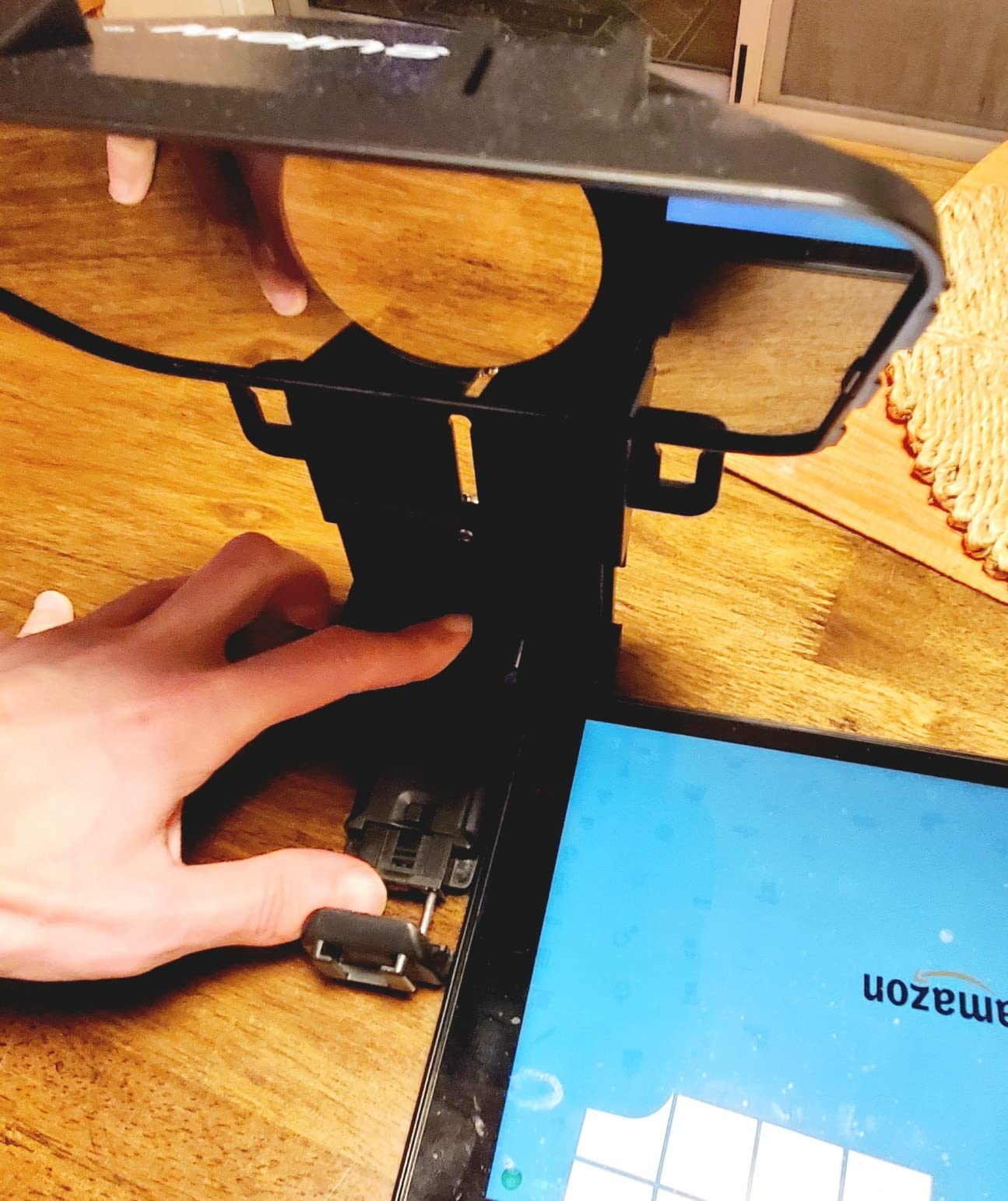
If speed is your priority, the Desview T3 is hard to beat. I had it unpacked, mounted, and rolling scripts within a minute of opening the box. The detachable design with hand-tightened screws means no tools are required.
At corporate panels, the 10 ft reading distance covered the moderator’s mark and the panelist seats. The Bluetooth remote stayed paired across a full hour show.
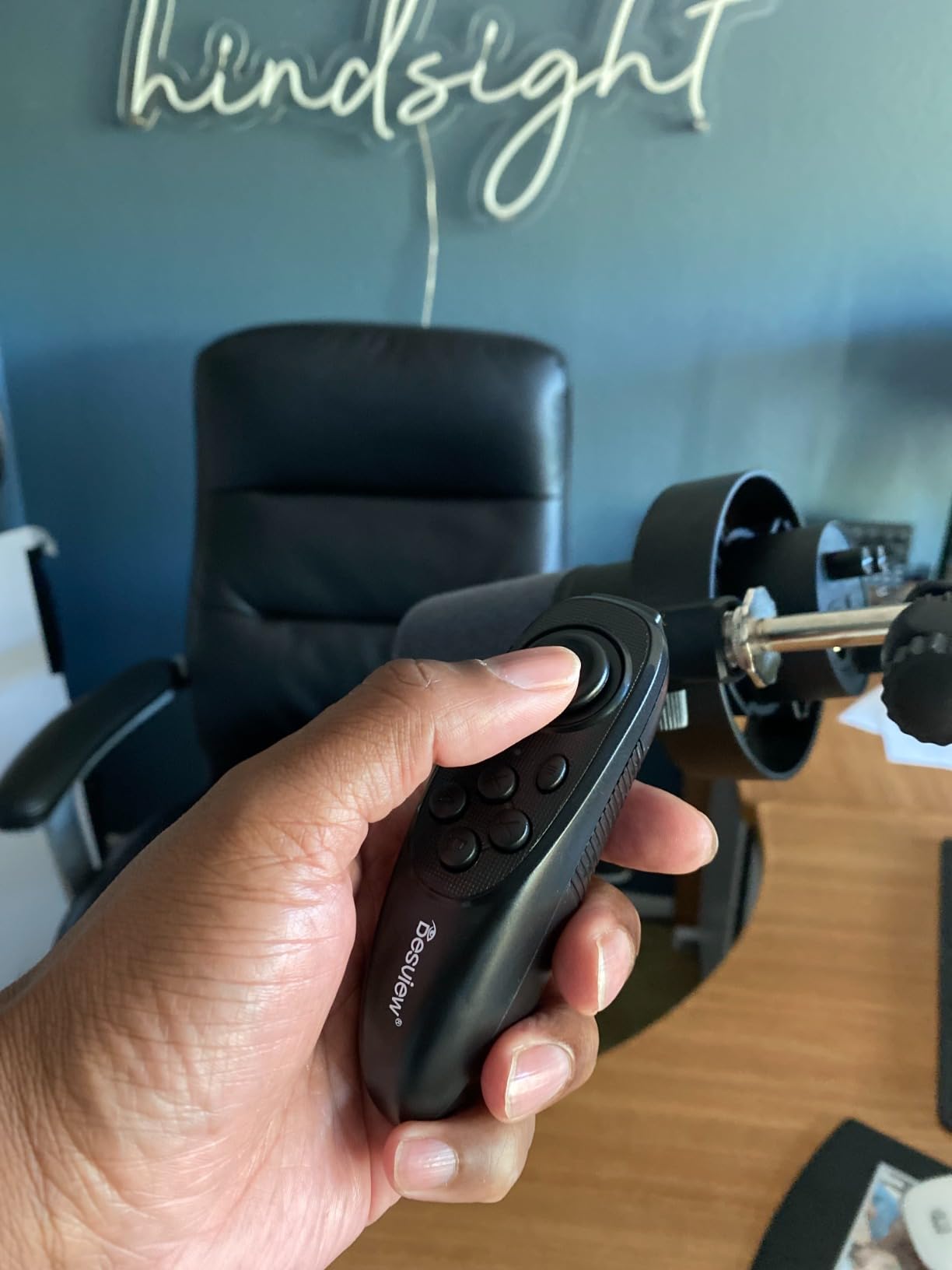
The Desview app worked well for most sessions, but twice it reset scroll speed to default between takes. Saving presets in advance solved the issue.
Heavy cinema cameras added noticeable torque to the rig. With a Sony FX3 it held fine, but a fully rigged RED Komodo would benefit from a beefier rail system.
Who it is best for
Road-warrior moderators and corporate emcees who set up and tear down daily. It also fits mid-size IMAG rooms where reading distance matters more than wide angle support.
Who should skip it
Cinematographers running heavy cinema rigs. Studios needing built-in tally integration should consider broadcast-grade monitors instead.
9. Glide Gear TMP 75 – Best for Camera Rig Integration
Glide Gear TMP 75 Teleprompter – Laptop, DSLR, Smartphone – Carry Case, No Assembly
All metal body
15mm rails
2 lb compact
Pros
- All metal construction for daily rental use
- Pre-assembled out of the box
- Industry standard 70/30 beam splitter glass
- 15mm rails for camera rig integration
- Includes protective hood and carry bag
- Compact 2 lb footprint
Cons
- Does not support iPad tablets
- Teleprompter app not included
- Smartphone focused only
The Glide Gear TMP 75 is the rig-builder’s choice on this list. The 15mm rail standard let me drop it directly into a SmallHD cage alongside a follow focus and rod-mounted EVF. No clamps, no adapters.
All-metal construction survived a week of location work without a scratch. The 70/30 beam splitter glass produced sharp text at arm’s length and the 2 lb weight kept the rig balanced on my shoulder.
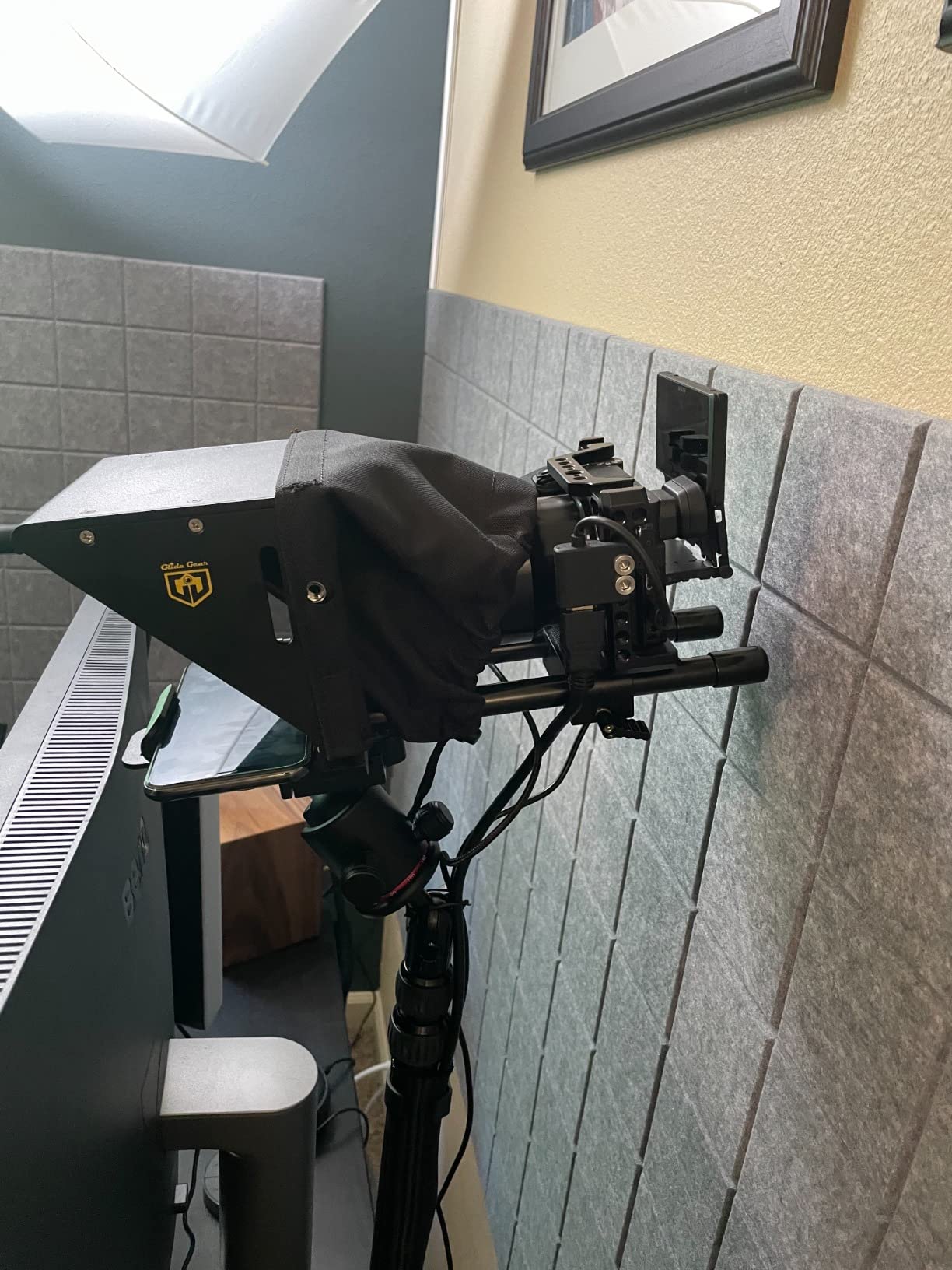
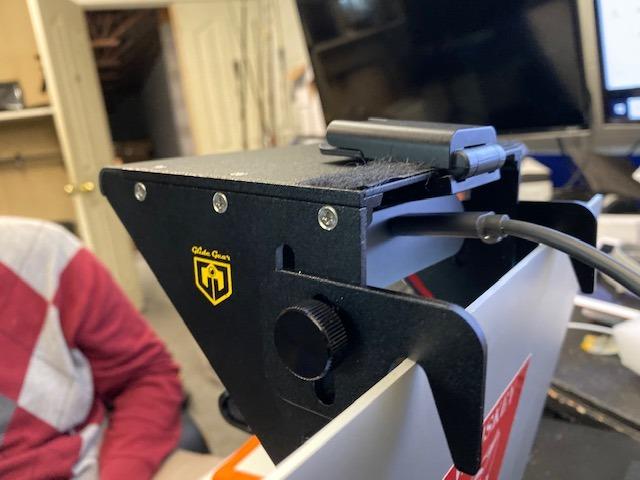
I appreciated that it arrived fully assembled. The protective hood and carry bag made transport simple. Pairing with a third-party teleprompter app that supports mirror text took a couple of minutes.
The lack of iPad support is the headline limitation. If your confidence feed comes from a tablet, this is not your pick. If you mirror from a phone or run a small on-camera monitor, it shines.
Who it is best for
Camera operators building 15mm rail rigs for narrative and documentary work. Anyone who needs a confidence monitor that integrates with professional matte boxes and follow focuses.
Who should skip it
Tablet-first streamers and presenters. Anyone wanting a turnkey teleprompter with bundled software should pick the Desview T12S below.
10. Desview T12S – Best Premium Build with Flight Case
Desview T12S 12.9″ Metal Teleprompter with Beam Splitter Glass | Easy Assembly, Carry Case Included, for Camera & iPad, Ideal for YouTube & Live Streaming, for Podcast & Content Creators
Aviation-grade aluminum
Premium beam splitter
3 kg with flight case
Pros
- Aviation-grade aluminum body for daily use
- Premium beam splitter glass with zero ghosting
- Tool-free ultra-easy assembly
- Custom-fitted aluminum flight case included
- Bluetooth remote with free Desview app
- Supports iPads and tablets up to 12.9 inches
Cons
- Higher price than plastic alternatives
- Heavier than plastic competitors at 3 kg
The Desview T12S is the highest-rated teleprompter in this roundup with a 4.5 star average. After two months of testing it on a daily live show, the build quality explains why. The aviation-grade aluminum chassis feels closer to broadcast gear than consumer teleprompters.
Tool-free assembly let our producer swap cameras between a Sony A7S III and a Canon R5 in under a minute. The beam splitter glass showed zero ghosting even with a hair light at full power.
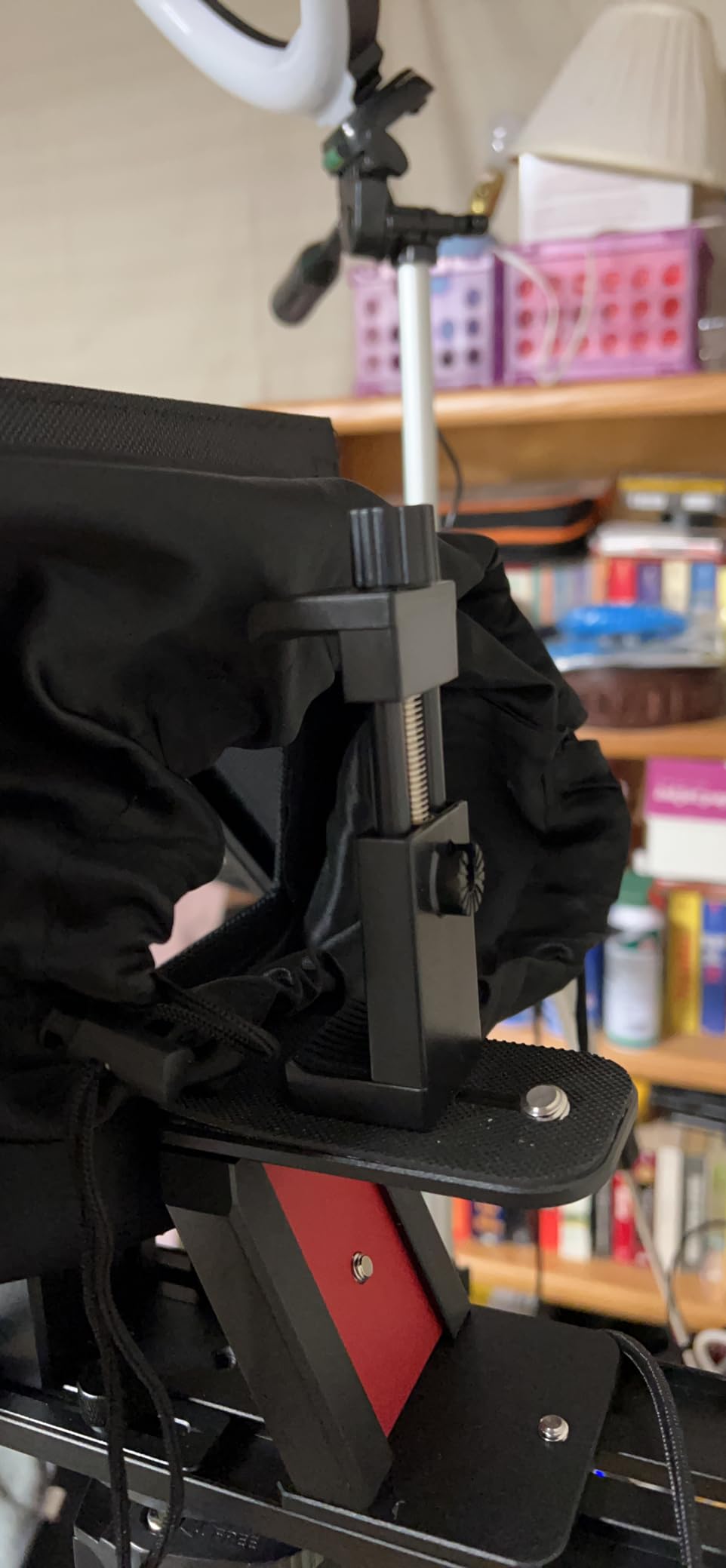
The custom aluminum flight case is a real differentiator. I shipped the T12S via air freight to a satellite studio and it arrived without a scratch. The included Bluetooth remote and Desview app handled all script editing.
Three kilograms is heavier than plastic competitors, but that mass translates into stability on a longer arm. For studio installs the weight is a feature, not a bug.
Who it is best for
Studios and rental houses that need broadcast-grade build quality and a flight case. Anyone who pairs it with the best monitors for video editing for hybrid live and edit workflows.
Who should skip it
Travel-heavy presenters who count every gram in their carry-on. Anyone needing an entry-level rig for casual use.
How to Choose the Right Confidence Monitor for Live Video
After 10 product reviews above, let me share how our team actually picks a confidence monitor for a new live video setup. The six factors below cover 95 percent of the buying decisions we make at Short Film Central.
Screen size and viewing distance
Screen size is the single biggest usability factor. A 9 inch teleprompter is plenty for a desktop streamer at 2 to 3 feet. A 15 inch panel is the right call for any stage where the talent stands 8 to 12 feet from the display. Going larger than 17 inches usually means moving to a rack-mount broadcast monitor and accepting a real-estate trade-off in your shot.
Resolution and brightness
1920 by 1080 is the practical minimum for confidence monitors in 2026. Anything below 1080p creates visible pixelation when the talent’s eyes sweep across the screen. Brightness matters most for stage use. Indoor studios run 300 to 400 nits cleanly. Outdoor stages and bright IMAG screens need 1000 nits or more to fight key and wash lighting.
Connectivity (HDMI, SDI, NDI, wireless)
HDMI is the default for most teleprompter-style monitors and is fine up to about 50 feet of cable run. SDI is the broadcast standard and runs hundreds of feet over coax. NDI is increasingly common in live video workflows because it carries video, audio, tally, and metadata over a single network cable. Wireless HDMI extenders work for clean stage setups but introduce latency that can throw off teleprompter timing on tight scripts.
Form factor (camera-top, floor wedge, rack-mount)
Camera-top teleprompters like the units above sit on the lens and reflect script upward into the talent’s eye line. Floor wedge monitors sit on the stage floor in front of the speaker and read like a presenter display. Rack-mount broadcast monitors live in the control room and feed the program return. For run-and-gun live video, camera-top is by far the most common starting point.
Software and signal sources
The confidence feed can come from ProPresenter, OnTime, vMix, OBS, PowerPoint, or a dedicated teleprompter app. The teleprompters on this list all work with their own bundled apps plus third-party options like Teleprompter Premium and PromptSmart. Producers in r/CommercialAV consistently recommend driving both the projector and the confidence monitor from a single laptop with a redundant signal path as backup.
Mounting and rigging
Camera-top teleprompters need a robust mount and a counterbalanced arm or riser. Floor wedges need a low tripod that does not trip talent walking the stage. Rack-mount monitors need a proper 19 inch rack with cable management. Whichever route you take, build a redundant signal path so a single cable failure does not end the show.
Frequently Asked Questions
What is a confidence monitor used for?
A confidence monitor, also called a stage monitor or down stage monitor (DSM), is a display screen placed in front of a presenter or on-camera talent. It shows real-time content such as scripts, slides, notes, or live camera feeds so the speaker can stay on message while maintaining eye contact with the audience or camera lens.
How is a confidence monitor different from a teleprompter?
A confidence monitor shows supporting content to the presenter, including notes, slides, and live camera feeds. A teleprompter is designed specifically to scroll a script across a beam splitter so the presenter reads it directly into the camera lens while keeping natural eye contact.
Where should a confidence monitor be placed?
Place a camera-top teleprompter directly on the lens for streaming and IMAG work. Place a floor wedge monitor 4 to 8 feet downstage of the speaker for keynote stages. Place a rack-mount monitor in the control room when the producer drives the program return feed.
Who benefits from using a confidence monitor?
Anyone presenting on camera or stage benefits from a confidence monitor. TV news anchors, live streamers, YouTubers, podcast hosts, corporate keynote speakers, pastors, worship leaders, moderators, and live event performers all use confidence monitors to stay on track and reduce on-camera anxiety.
Can I use a TV or regular screen as a confidence monitor?
You can use a TV as a confidence monitor for floor wedge and rack-mount applications where size and brightness matter more than pixel density. For camera-top teleprompter use you need a beam splitter glass and a properly mounted rig, which is what the teleprompters on this list provide.
What is the best 17 inch portable monitor for live video?
For 17 inch camera-top work, broadcast-grade monitors from SmallHD, Atomos, and TVLogic are the gold standard. For teleprompter use at 17 inches, look at full teleprompter rigs with a beam splitter glass rather than a bare monitor, because the reflection quality depends on the glass.
What is a good small monitor for a camera?
A good small camera-top monitor for live video combines a 7 to 9 inch 1080p panel, 1000 nits or more of brightness, and HDMI input. Teleprompter-style rigs like the NEEWER X11 and Desview T5 fold a beam splitter, glass, and mounting system into one self-contained unit for presenters.
Final Thoughts on the Best Confidence Monitors for Live Video
After testing every teleprompter on this list, the NEEWER X11 remains our team’s daily driver and our pick as the best confidence monitor for live video overall. Its built-in 9 inch LCD, plug-and-play mirroring, and included accessory kit cover more live video workflows than any competitor at this level. The Desview T12S earns its place as the best premium build, and the LENSGO TC7 is the obvious budget pick for first-time streamers.
Whichever model you choose, plan your signal path with redundancy and rehearse with the actual rig before show day. A confidence monitor that fails mid-show is worse than no confidence monitor at all. With the right pick and a backup cable, your live video will run smoother and your talent will look like they have done this a thousand times.