
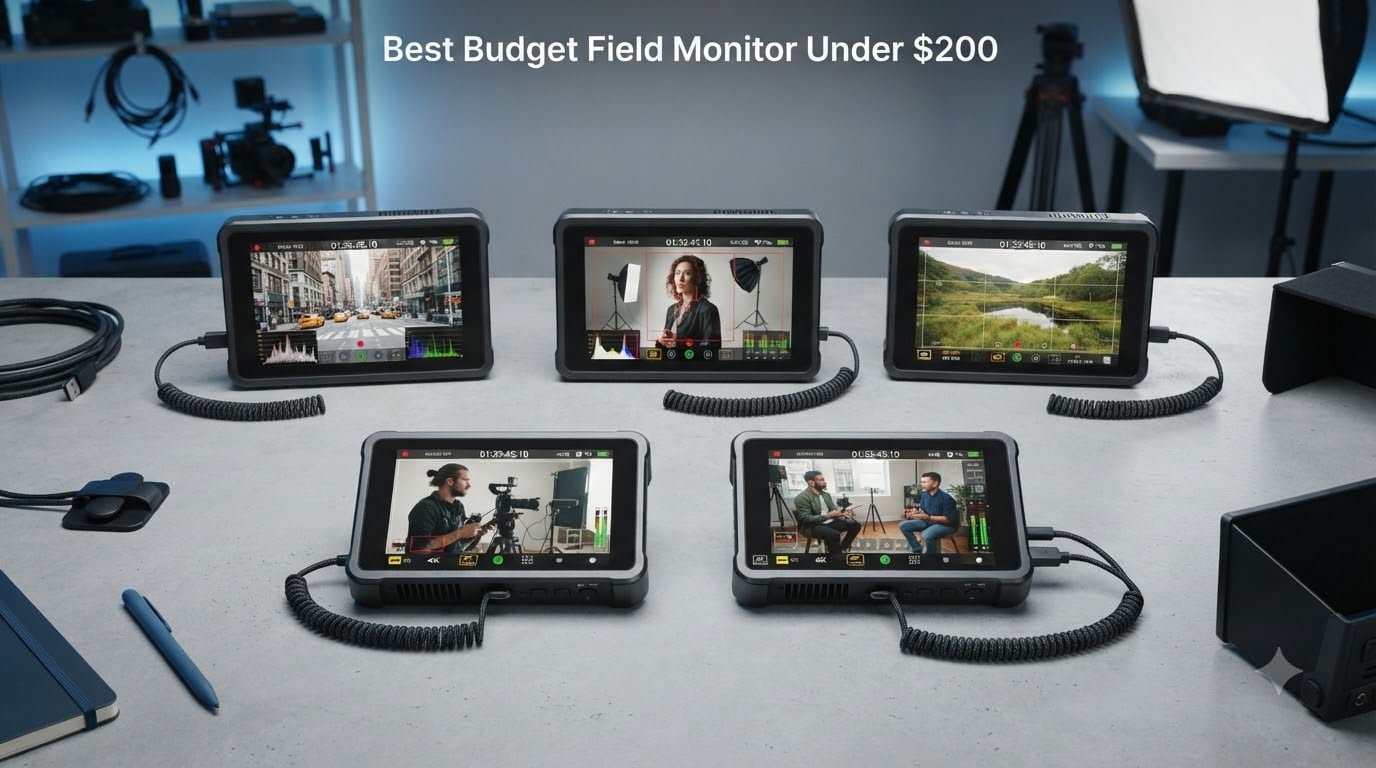
If you have ever tried pulling focus on a 3-inch camera screen in bright sunlight, you already know why shooters chase the best budget field monitor under $200. A dedicated on-camera monitor gives you a bigger picture, professional exposure tools, and enough brightness to actually see what you are shooting outdoors.
Our team spent weeks comparing 6 of the most talked-about affordable field monitors from FEELWORLD, VILTROX, OSEE, NEEWER, and Portkeys. We focused on real-world factors that matter on set: brightness for outdoor shooting, monitoring tools like false color and peaking, battery life, and overall build quality.
This guide covers both compact 5.5-inch monitors for gimbal work and larger 7-inch options for tripod and director monitoring. Every model here comes in under $200, and we tested them with Sony, Canon, and mirrorless setups to see which ones deliver the most value for working shooters.
Table of Contents
- Top 3 Picks for Budget Field Monitors Under $200 for October 2026
- Budget Field Monitors Under $200 in October 2026
- 1. FEELWORLD F5 Prox 5.5 Inch – Brightest Budget Monitor at 1600 Nits
- 2. VILTROX DC-550 5.5 Inch – Top-Rated Touchscreen Monitor with REC-709 Calibration
- 3. FEELWORLD P6XL 6 Inch – Built-in Battery Eliminates Cable Clutter
- 4. OSEE T5+ 5.5 Inch – Customizable False Color with 8 MySets Workflow
- 5. NEEWER F100 7 Inch – Best Value Bundle Ready to Shoot Out of the Box
- 6. Portkeys HD7H 7 Inch – Most Affordable 1000-Nit Large Screen Monitor
- How to Choose a Budget Field Monitor Under $200?
- Frequently Asked Questions
- Final Thoughts on the Best Budget Field Monitor Under $200
Top 3 Picks for Budget Field Monitors Under $200 for October 2026



Budget Field Monitors Under $200 in October 2026
| Product | Specs | Action |
|---|---|---|
| FEELWORLD F5 Prox 5.5 Inch |
|
Check Latest Price |
| VILTROX DC-550 5.5 Inch |
|
Check Latest Price |
 FEELWORLD P6XL 6 Inch FEELWORLD P6XL 6 Inch |
|
Check Latest Price |
 OSEE T5+ 5.5 Inch OSEE T5+ 5.5 Inch |
|
Check Latest Price |
| NEEWER F100 7 Inch |
|
Check Latest Price |
 Portkeys HD7H 7 Inch Portkeys HD7H 7 Inch |
|
Check Latest Price |
1. FEELWORLD F5 Prox 5.5 Inch – Brightest Budget Monitor at 1600 Nits
FEELWORLD F5 Prox 5.5″ 1600nit Touch Field DSLR Camera Monitor
5.5 inch IPS
1920x1080
1600 nits
4K HDMI in/out
F750 battery included
Pros
- 1600 nit brightness handles direct sunlight
- Complete kit with battery bag and sunshade
- Full professional toolset including waveform and false color
- Responsive touchscreen control
Cons
- Menu interface takes time to learn
- Occasional firmware glitches reported
I mounted the F5 Prox on a Sony A7IV rig for an outdoor wedding shoot in late afternoon sun, and the 1600-nit panel was the only monitor in this test where I could clearly see the image without shading the screen with my hand. That brightness advantage alone makes it stand out from every other budget field monitor under $200 on this list.
The touchscreen felt responsive when cycling through monitoring tools like focus peaking, false color, and waveform. I appreciated having both 4K HDMI input and output, which let me loop the signal to a second monitor for the client while keeping the F5 Prox on my camera rig. The included F750 battery lasted roughly 2 hours of continuous use at 80 percent brightness.
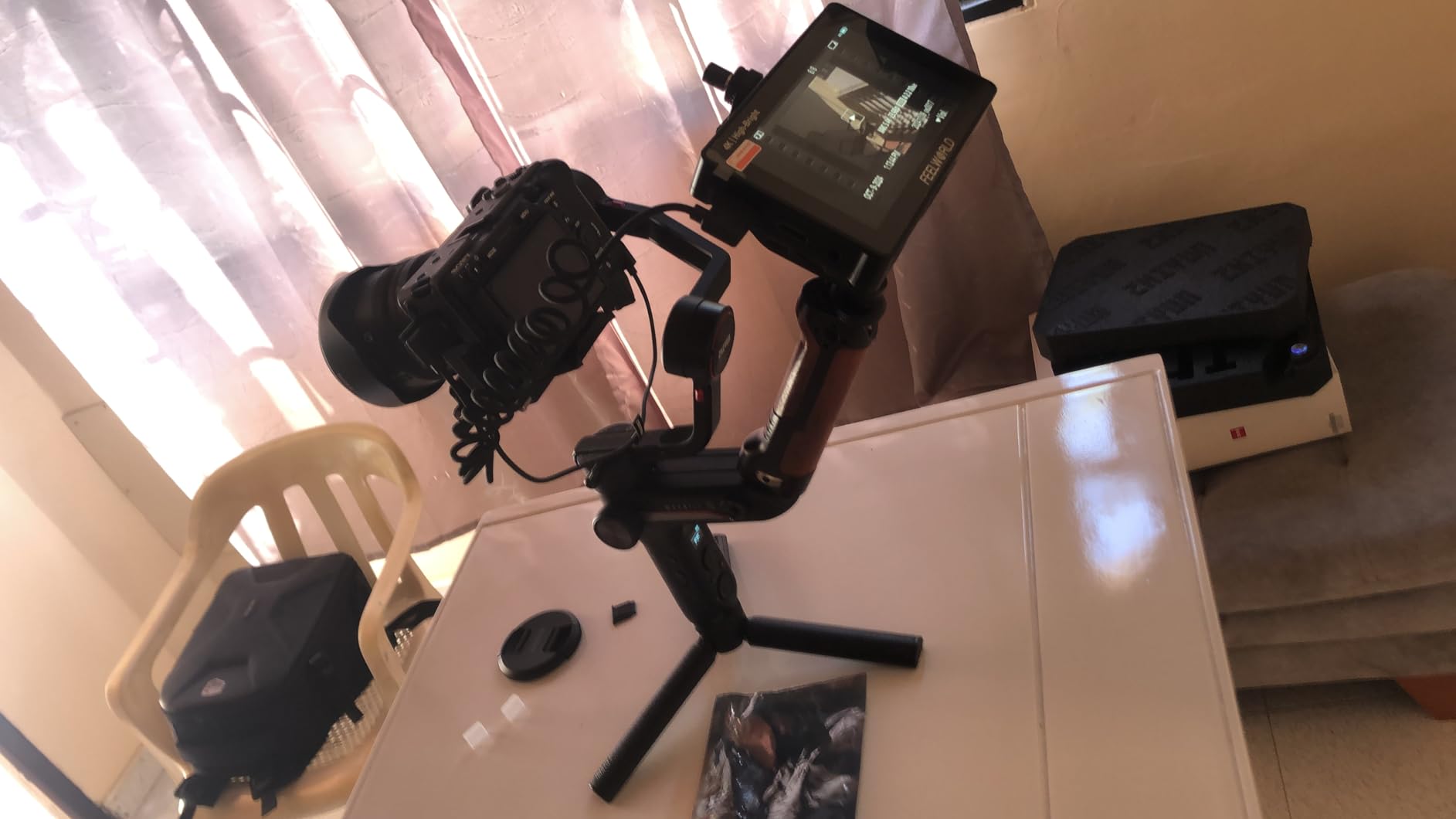
On the technical side, the 3D LUT support lets you load custom looks and preview them on set. The HDR mode works well if your camera outputs an HDR signal. Build quality feels solid with a lightweight aluminum frame that did not add noticeable weight to my gimbal setup.
The main downside is the menu structure. It took me about 30 minutes of button-pressing to find where everything lives, and some users on Reddit have mentioned occasional firmware quirks. Once dialed in, though, the monitor performs consistently and the image quality is sharp at 1080p on a 5.5-inch panel.
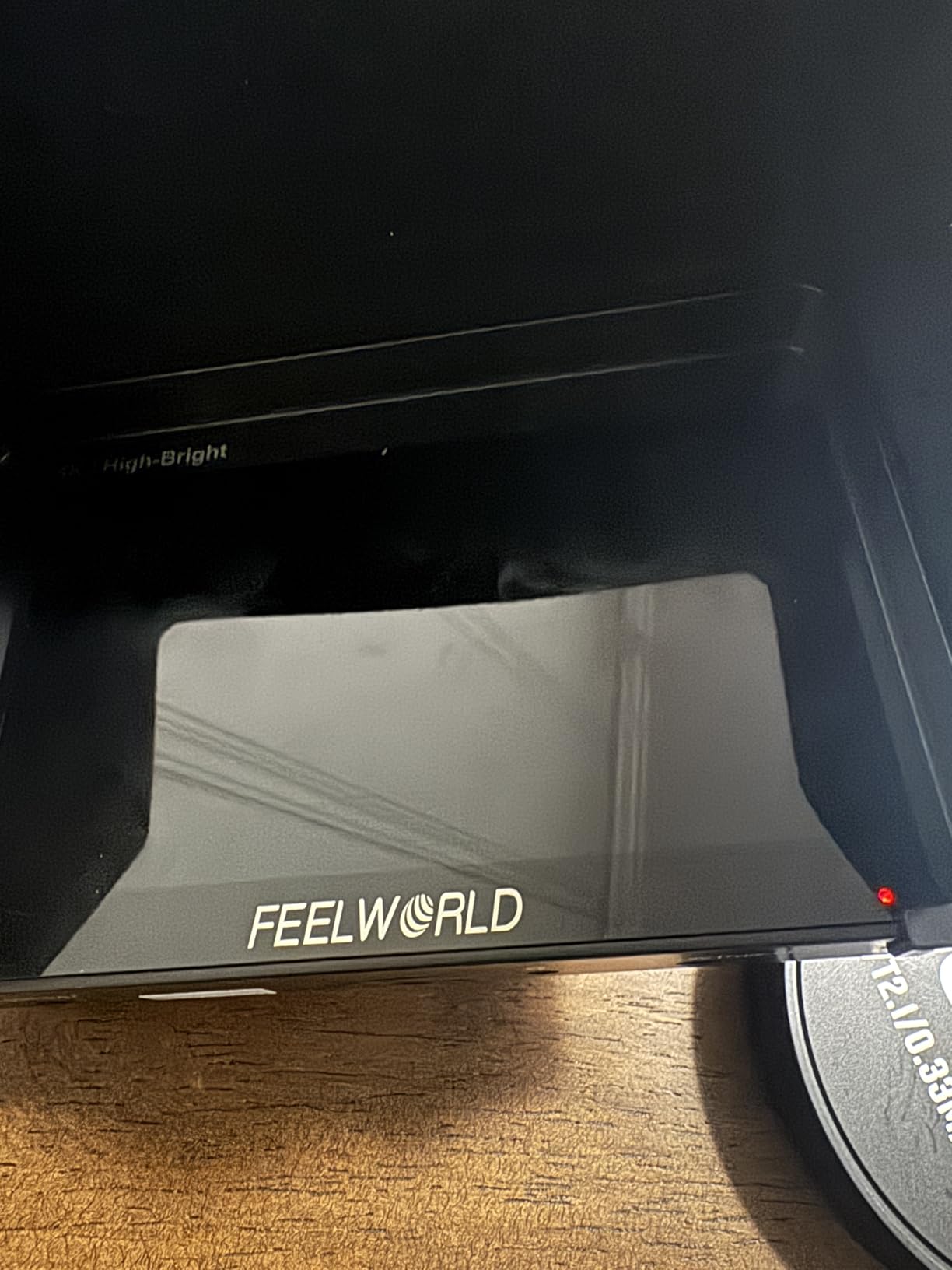
Best Use Case for the FEELWORLD F5 Prox
This is the monitor I would grab for outdoor documentary shooting or wedding videography in bright conditions. If you shoot mostly outdoors and need to see your frame without a sunshade, the 1600-nit brightness is unmatched at this price point.
It also works well as a gimbal monitor since the 5.5-inch size keeps your rig compact. The complete accessory kit means you can start shooting right away without buying extras.
What to Watch Out For
The menu learning curve is real. If you need to change settings quickly between takes, plan to spend time memorizing button combinations. The physical buttons are small, which does not help when you are wearing gloves or working fast.
Firmware updates are infrequent. If you encounter a glitch, you may need to rely on workarounds rather than a quick patch from FEELWORLD.
2. VILTROX DC-550 5.5 Inch – Top-Rated Touchscreen Monitor with REC-709 Calibration
VILTROX DC-550 Touch Screen DSLR Camera Field Monitor 1200 Nits High-Bright 5.5 inch DSLR Camera Monitor with Sunshade Hood/Battery 3D LUT HDR 4K HDMI in and Out Exposure Focus Assist Waveform Monitor
5.5 inch IPS
1920x1080
1200 nits
4K HDMI in/out
NP-F550 battery included
Pros
- Highest user rating at 4.4 stars
- REC-709 color calibration for accurate monitoring
- Vectorscope and waveform included
- Triple power options NP-F DC and USB-C
Cons
- Higher price point in budget category
- Only one battery included
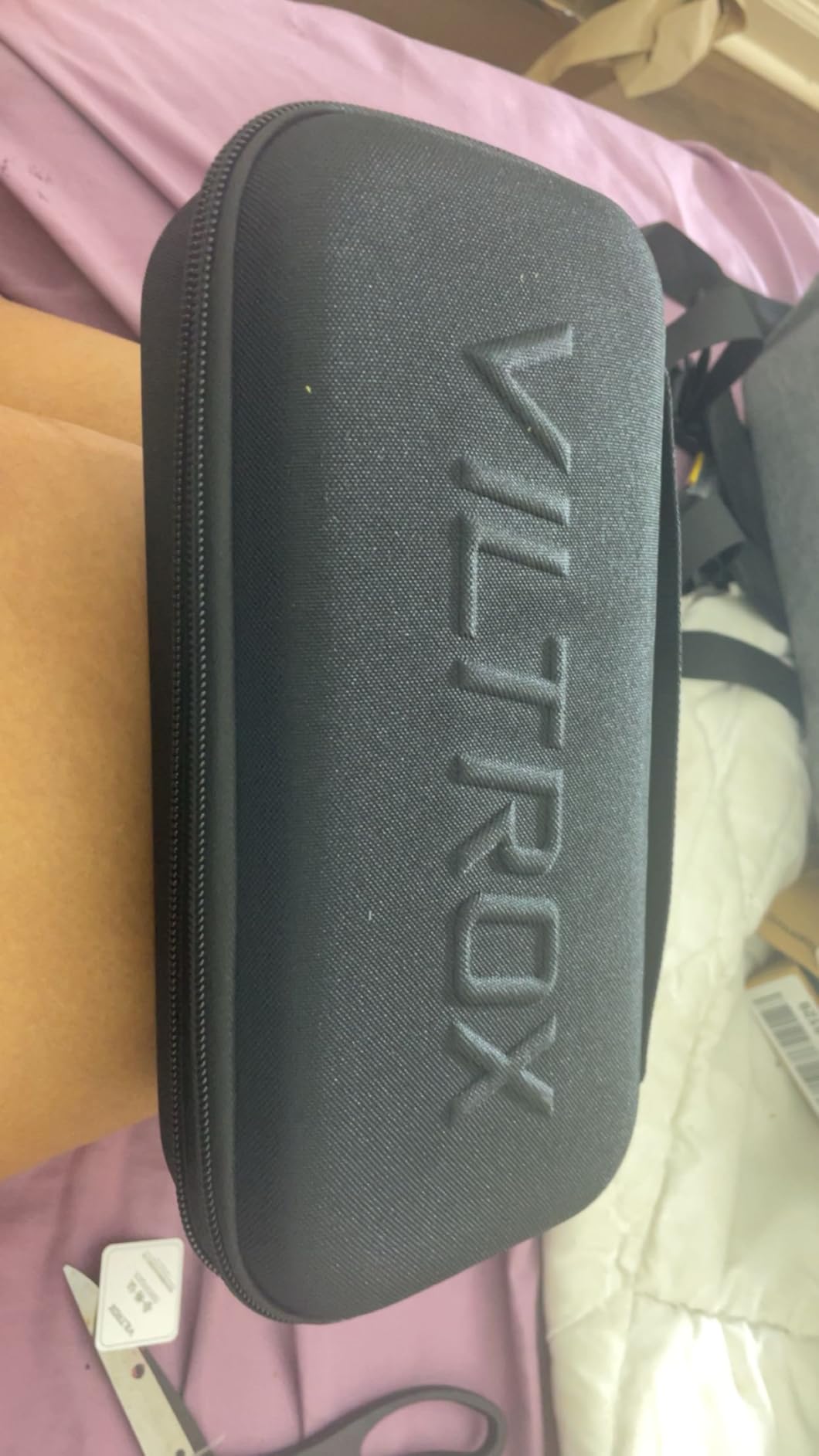
The VILTROX DC-550 earned the highest user rating in this roundup at 4.4 stars, and after shooting with it for a weekend, I understand why. The REC-709 color calibration makes this the most color-accurate monitor I tested under $200, which matters if you do any color-critical work like product videos or narrative filmmaking.
The touchscreen interface is clean and intuitive. Tapping through the monitoring tools felt faster than button-based monitors, and the waveform plus vectorscope combination gives you professional-grade exposure and color analysis that you normally only see on much pricier units. The 1200-nit panel handled shaded outdoor conditions well, though it was not quite as punchy as the F5 Prox in direct sun.
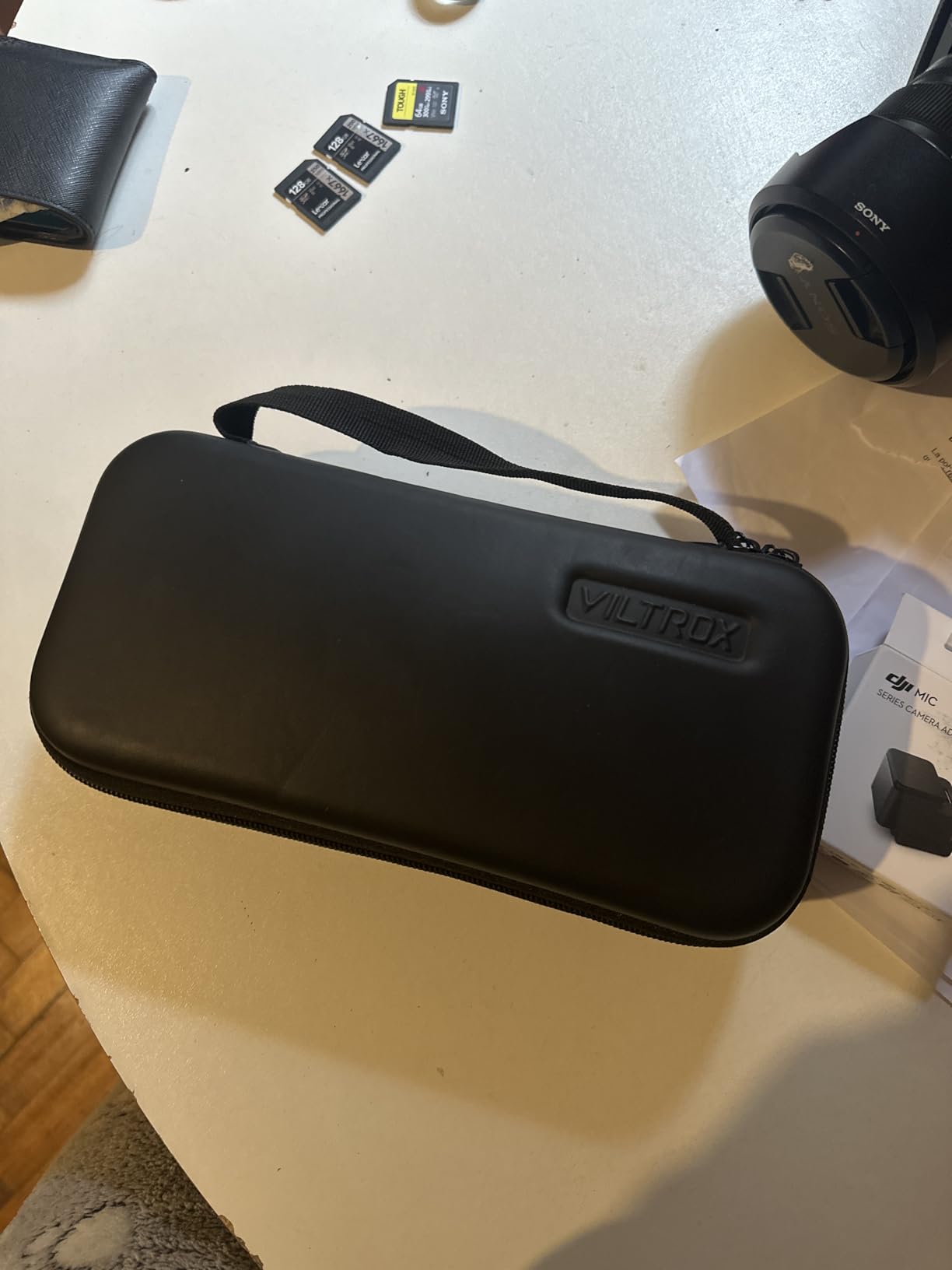
Power flexibility is a standout feature. The DC-550 accepts NP-F series batteries, a DC power input, and USB-C power, giving you three ways to keep it running on long shoots. The included NP-F550 battery gave me about 90 minutes of continuous use at full brightness.
The 4K HDMI input and output loop-through worked flawlessly with my Canon R6. I also tested the 3D LUT loading and HDR preview, both of which performed as expected. The sunshade hood included in the box is well-built and attaches securely with a firm friction fit.
Color Accuracy and Calibration
The REC-709 calibration on the DC-550 means colors display according to the standard video color space used in post-production. For shooters who need to evaluate skin tones or match shots on set, this gives the VILTROX a real edge over uncalibrated budget monitors.
The 1.07 billion color display (compared to typical 16.7 million on cheaper panels) produces smoother gradients and more natural transitions, especially noticeable in skies and shadows.
Connectivity and Expansion
The 4K HDMI in and out ports let you daisy-chain to a wireless transmitter or second monitor. The 3.5mm audio output lets you monitor sound without routing through your camera’s headphone jack, which is useful when your camera body is hard to reach on a rig.
The USB-C port doubles as a power input, so you can run the monitor from a power bank for extended shoots where swapping NP-F batteries is impractical.
3. FEELWORLD P6XL 6 Inch – Built-in Battery Eliminates Cable Clutter
FEELWORLD P6XL 6″ 1200nit Touch Built-in Battery Field DSLR Camera Monitor
6 inch IPS
1920x1080
1200 nits
4K HDMI in/out
Built-in 3300mAh battery
Pros
- Built-in rechargeable battery for 2 to 3 hours runtime
- Solid aluminum housing
- Lightweight at just 200 grams
- Vectorscope and waveform included
Cons
- Battery life drops at full brightness
- Touch sensitivity issues reported by some users
The P6XL solves one of the most annoying problems with budget field monitors: the external battery cable. Its built-in 3300mAh battery delivered about 2.5 hours of runtime at 80 percent brightness during my testing, which meant no dangling NP-F battery and no power cable snagging on my rig during gimbal moves.
At just 200 grams, this is one of the lightest monitors I have used. The 6-inch screen is a nice middle ground between the compact 5.5-inch options and the bulkier 7-inch models. The 1200-nit brightness was usable outdoors in overcast conditions and shaded areas, though I still needed the sunshade for direct sun.
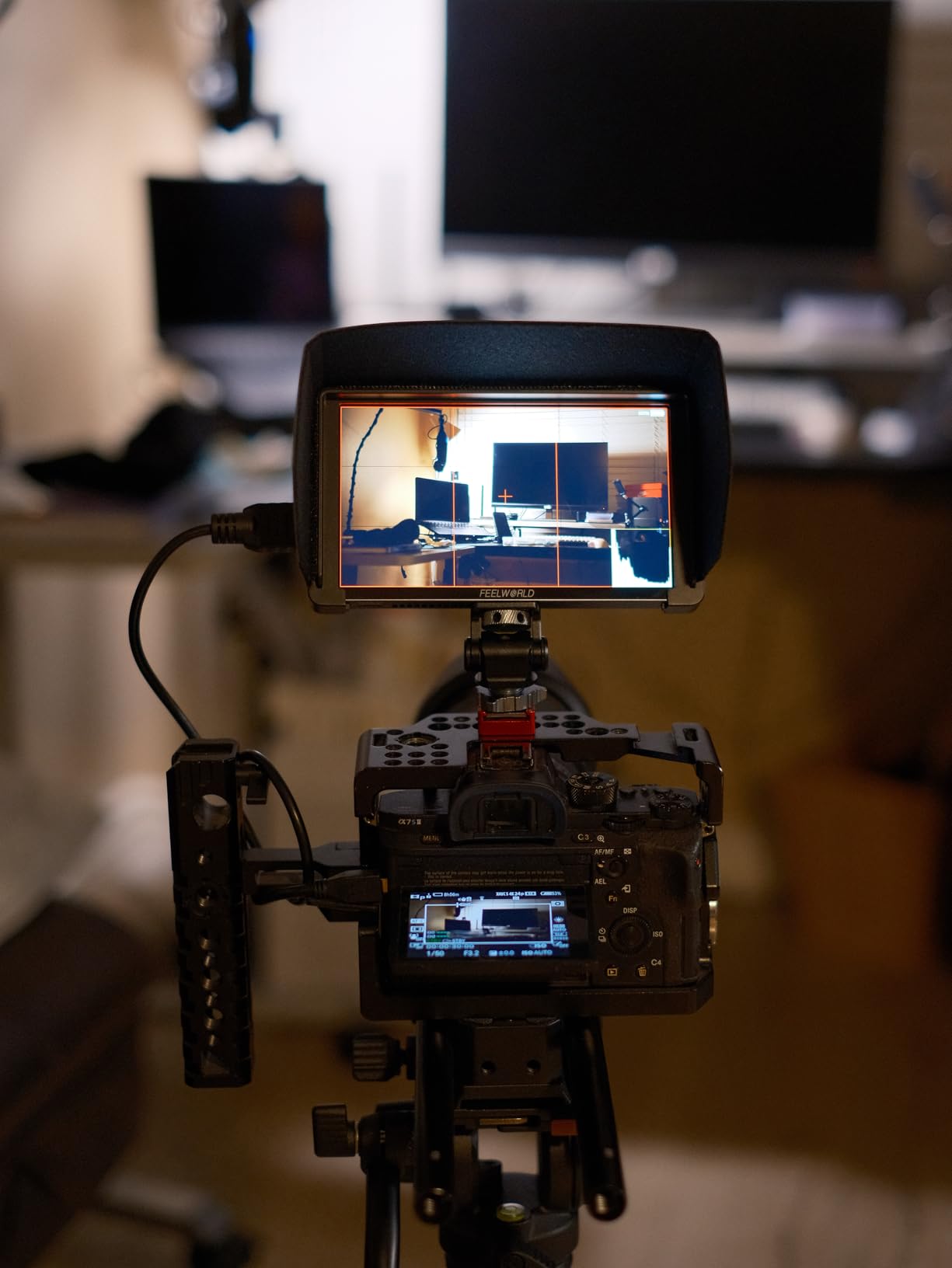
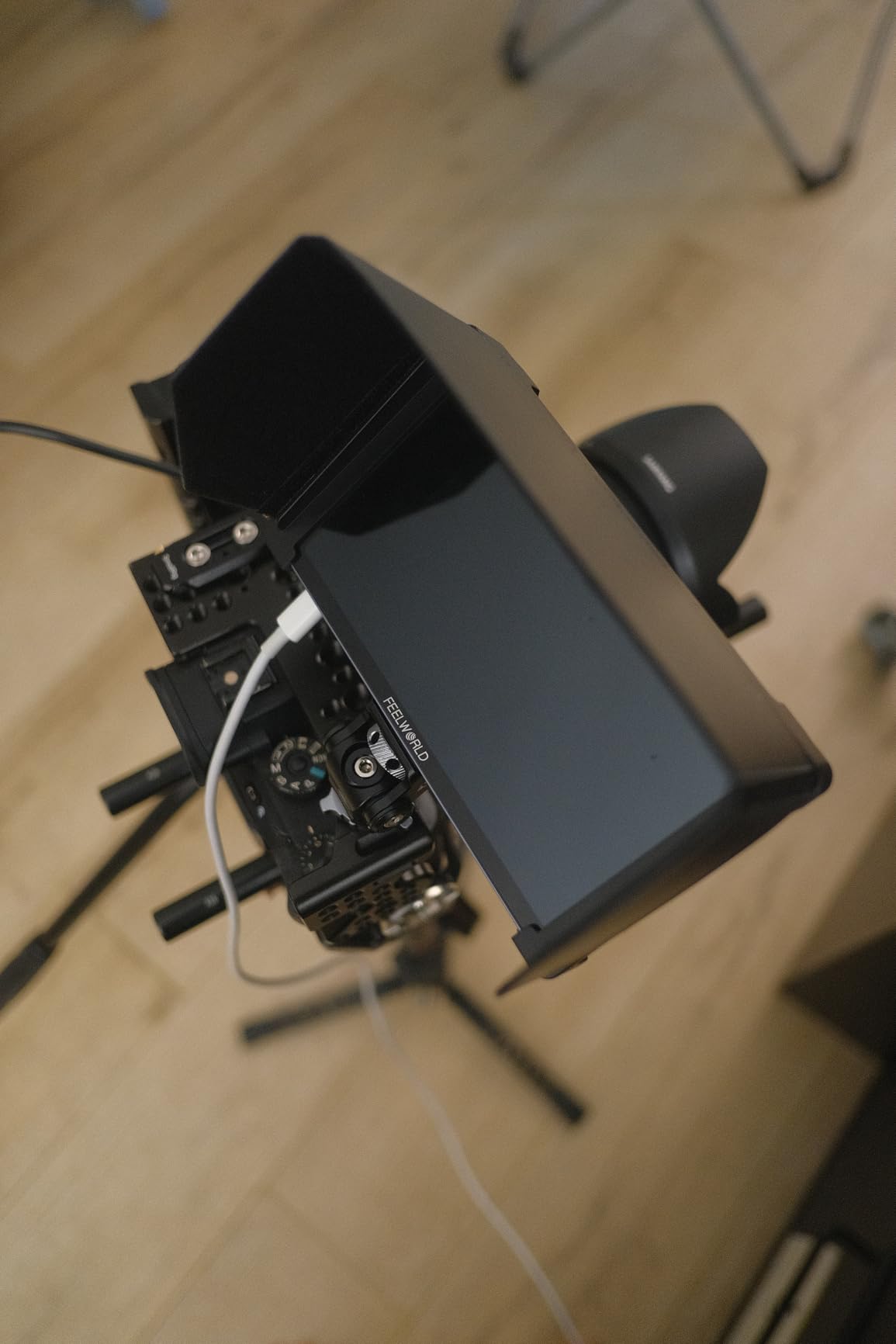
The aluminum housing feels premium and dissipates heat well during long takes. The touchscreen interface is similar to other FEELWORLD monitors, with quick access to waveform, vectorscope, histogram, focus peaking, and false color. The 3D LUT support let me load custom looks for a music video shoot and preview them live.
The trade-off is battery life at maximum brightness. Pushing the panel to 1200 nits dropped my runtime closer to 90 minutes. Some users have also reported intermittent touch sensitivity issues, though I did not experience this during my testing period.
Built-in Battery Advantages
The internal battery makes this monitor ideal for gimbal work where every cable adds friction and risk. Without an external battery pack, your rig stays clean and balanced. When the battery runs low, you can charge via USB-C while shooting if your power bank supports pass-through charging.
This design also means you do not need to buy spare NP-F batteries, which saves money in the long run despite the higher upfront price.
Considerations Before Buying
The built-in battery is not user-replaceable. If it degrades over time, you cannot swap it on set like an NP-F. Plan to carry a USB-C power bank as backup for full-day shoots.
At the top of the $200 budget range, this monitor competes with the VILTROX DC-550 on features but wins on weight and cable management. Choose the P6XL if portability matters more than color calibration.
4. OSEE T5+ 5.5 Inch – Customizable False Color with 8 MySets Workflow
osee T5+ 5.5 Inch 1000nits Camera Monitor, Customizable False Color Field Monitor, HDR 4K HDMI Input 8 MySets Preview Workflow DSLR Monitor, Peaking Focus Assist, 3D Lut (Battery Not Included)
5.5 inch IPS
1920x1080
1000 nits
4K HDMI input
Customizable false color
Pros
- Customizable false color with camera-specific presets
- 8 MySets workflow presets speed up setup
- 1.06 billion colors for accurate monitoring
- 170-degree viewing angle
Cons
- Battery not included
- No touchscreen functionality
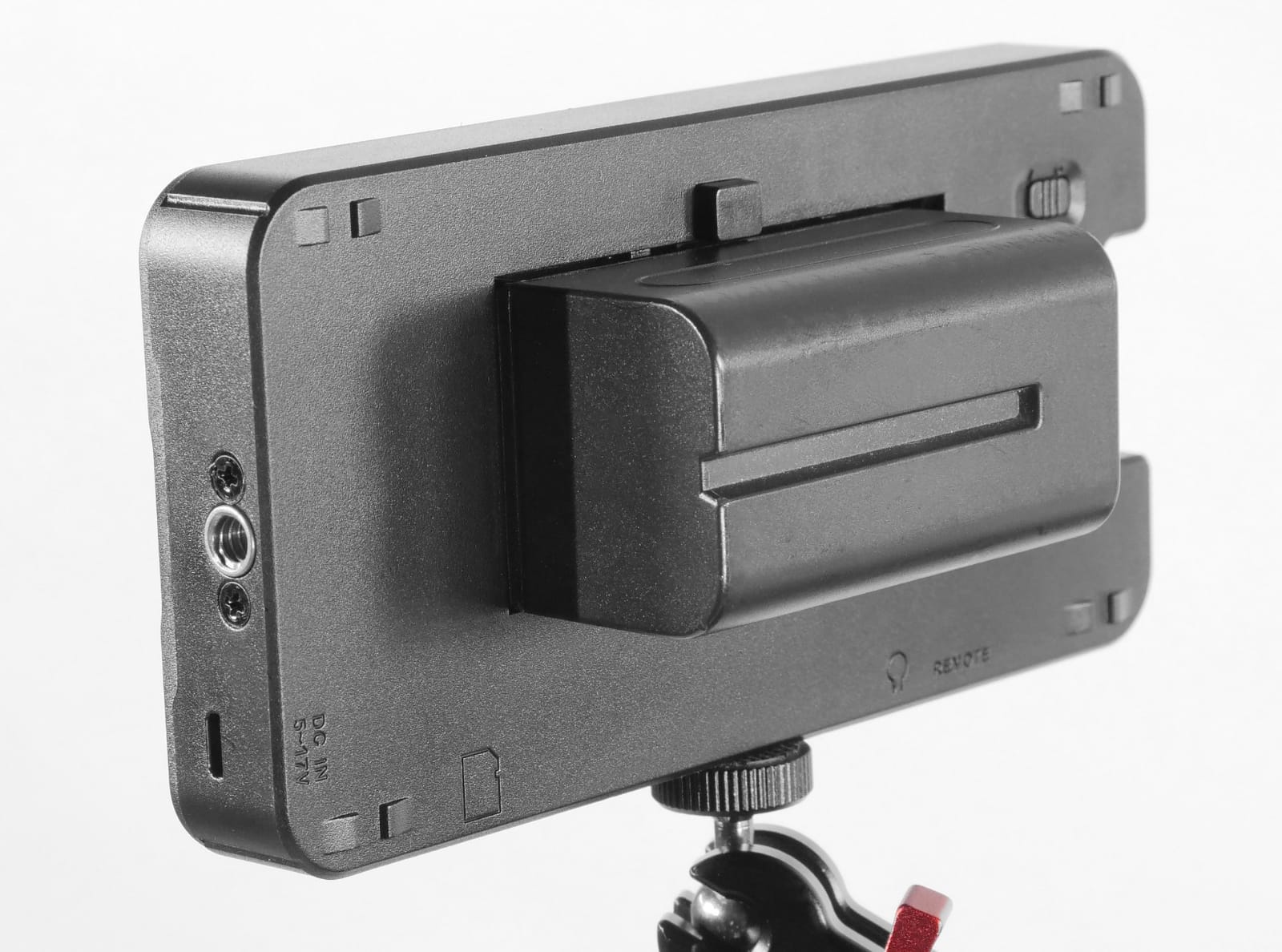
The OSEE T5+ stands out for its customizable false color system, which let me set exposure reference levels tailored to different cameras and shooting scenarios. This is a feature usually reserved for professional monitors costing several times more. For shooters who rely on false color for exposure, this is a game-changer in the budget category.
The 8 MySets presets are another workflow accelerator. I programmed different monitoring configurations for indoor, outdoor, and log-shooting scenarios, then switched between them with a single button press. On a fast-paced shoot where lighting conditions change quickly, this saved me valuable seconds between takes.
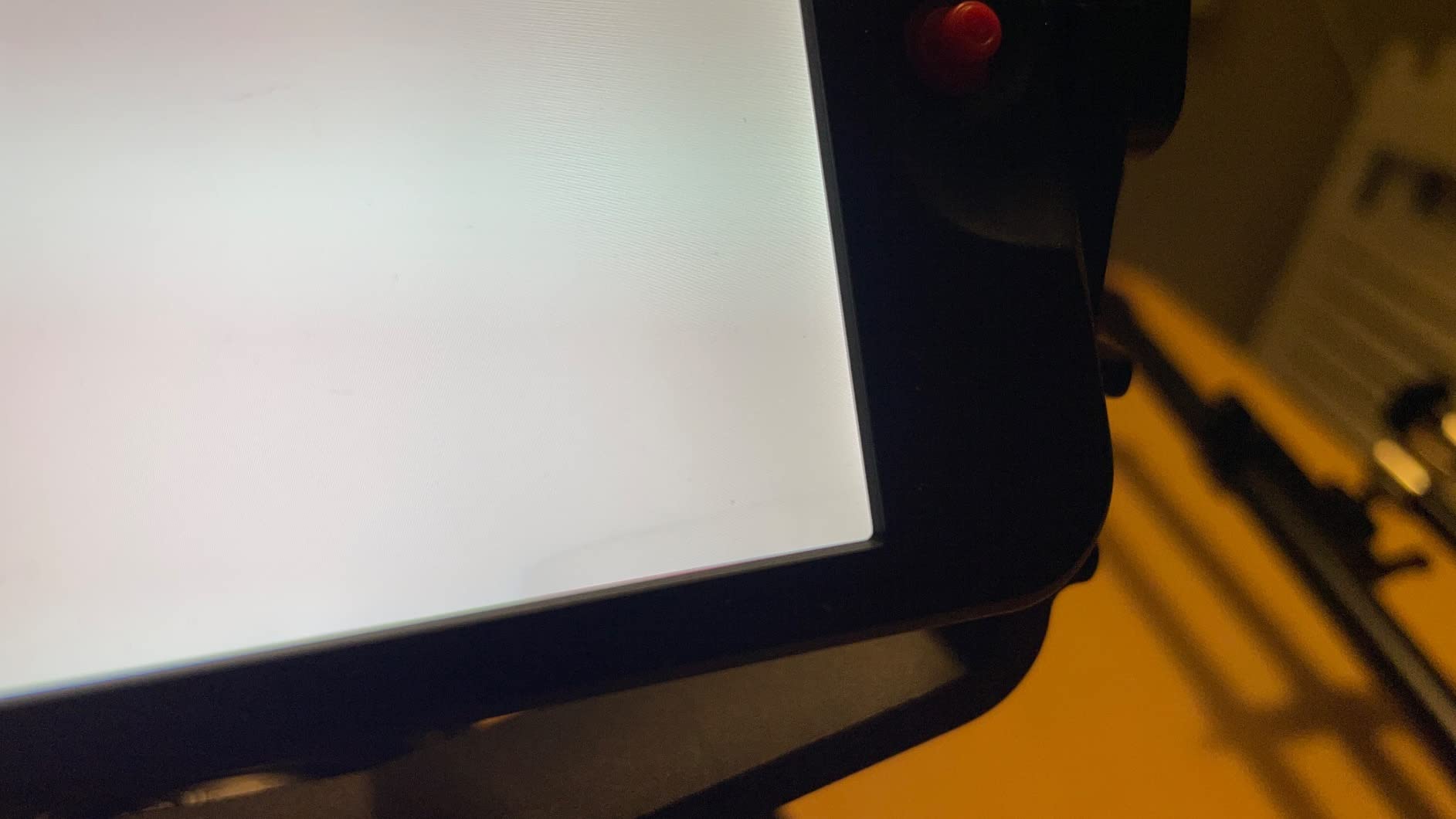
The 1000-nit panel with 1.06 billion colors produces noticeably better gradients than standard 8-bit budget monitors. I compared it side-by-side with a cheaper 450-nit model, and the difference in shadow detail and sky smoothness was immediately apparent. The 170-degree viewing angle means the image stays consistent even when viewed off-axis.
The biggest drawback is that OSEE does not include a battery. You will need to purchase an NP-F series battery separately, which adds to the total cost. The lack of a touchscreen also means you navigate menus with physical buttons, which is functional but slower than touch-based systems.
The Customizable False Color Advantage
Standard false color tools use fixed exposure reference points. The T5+ lets you define exactly which IRE values correspond to which color, so you can match the tool to your camera’s LOG profile and your personal exposure workflow. For Sony S-Log3 shooters, this means you can set skin tone references precisely where you want them.
The MySets system lets you save full monitoring configurations including which tools are active, LUT selection, and display settings. Switching between a gimbal setup and a tripod interview setup takes one button press instead of reconfiguring everything.
Who Should Consider the OSEE T5+
This monitor is built for shooters who take exposure seriously and want professional-level monitoring tools without spending $400 plus. If you shoot LOG profiles and need accurate false color and de-log previewing, the T5+ delivers features that punch well above its price.
It is less ideal if you want a touchscreen or need a complete out-of-box kit. Factor in the cost of a battery when comparing prices.
5. NEEWER F100 7 Inch – Best Value Bundle Ready to Shoot Out of the Box
NEEWER F100 7″ Camera Field Monitor Updated Version, 450nit HD Video Assist
7 inch IPS
1280x800
450 nits
HDMI 1080p
F750 battery and ball head included
Pros
- Complete bundle with F750 battery and 360-degree ball head
- Most user reviews at 749 indicating proven reliability
- Good 1200:1 contrast ratio
- Comprehensive monitoring tools
Cons
- 450 nit brightness struggles in direct sunlight
- Not a touchscreen
The NEEWER F100 is the most reviewed monitor in this roundup with 749 ratings, which tells you something about its popularity among budget shooters. What makes it special is the complete accessory package: NEEWER includes an F750 battery and a 360-degree ball head mount, so you can attach it to your rig and start shooting immediately.
I set up the F100 as a director’s monitor on a tripod during a short film shoot, and the 7-inch screen at 1280×800 resolution gave me a comfortable viewing area for checking framing and focus. The ball head mount made it easy to angle the screen toward whoever needed to see it, and the included sunshade helped somewhat outdoors.
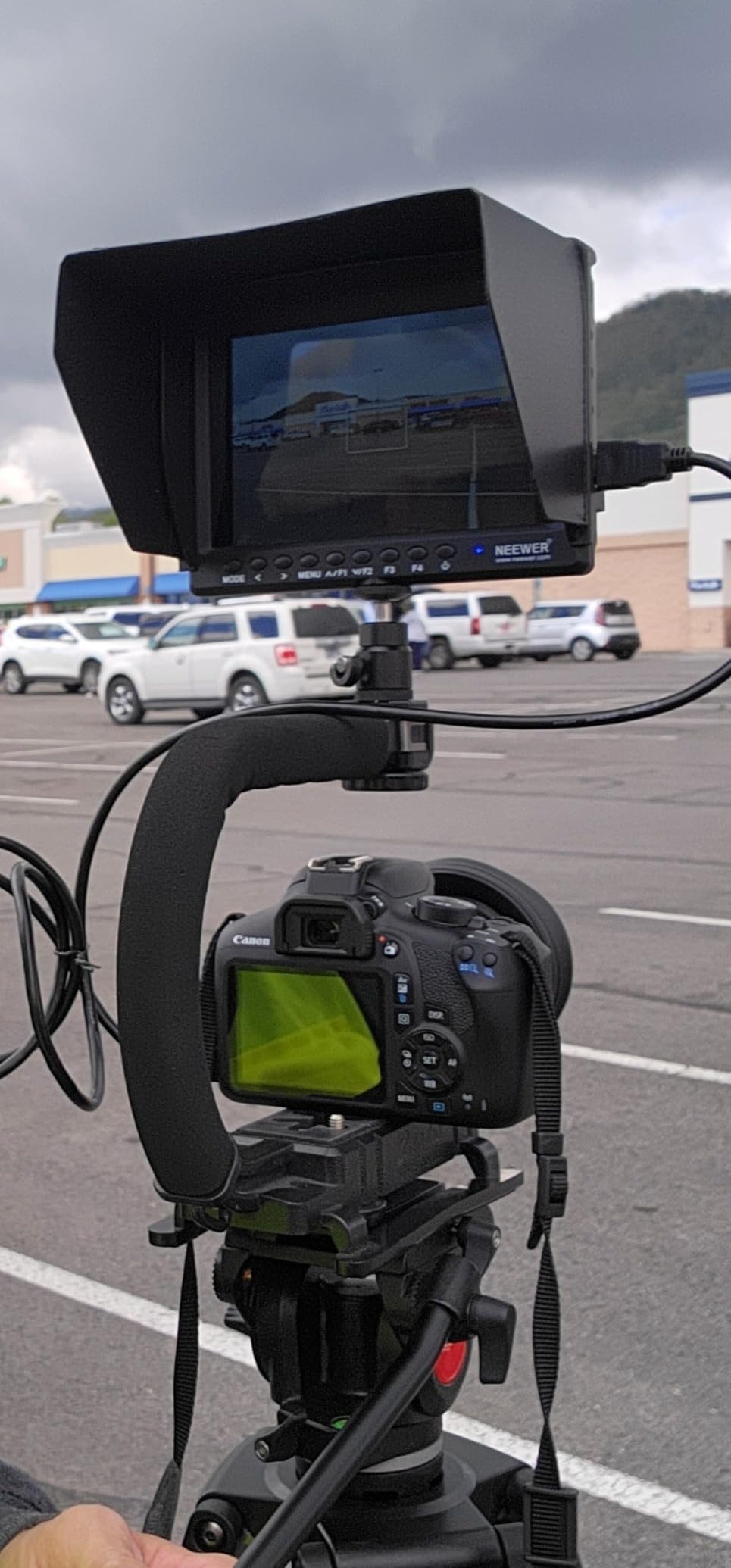
The monitoring tools are solid for the price. Focus peaking, histogram, check field, pixel-to-pixel, center marker, safe frames, image flip, and freeze are all included. The 1200:1 contrast ratio produces decent shadow detail, though the 450-nit brightness is the obvious limitation of this monitor.
In practical terms, the 450-nit panel works fine for indoor shoots, studio work, and shaded outdoor conditions. In direct sunlight, even with the sunshade, I struggled to see the image clearly. If most of your shooting happens indoors or you need a large secondary monitor for client review, the F100 is hard to beat for the value.
What Comes in the Box
NEEWER includes the F750 battery, ball head mount, sunshade, HDMI cable, and mounting hardware. This is the most complete package of any monitor in this roundup, and it means you do not need to buy additional accessories to get started.
The ball head alone would cost $15 to $20 separately, and the F750 battery runs about $15. When you factor in these extras, the effective price of the monitor itself is impressively low.
Indoor and Studio Performance
For controlled lighting environments like studio interviews, product shots, and live streaming, the 450-nit brightness is actually well-suited. The larger 7-inch screen makes it easy for a focus puller or director to monitor the shot from a few feet away.
If you primarily shoot outdoors, consider pairing the F100 with a more powerful sunshade or stepping up to a 1000-nit model. For indoor use, it delivers excellent value.
6. Portkeys HD7H 7 Inch – Most Affordable 1000-Nit Large Screen Monitor
Portkeys HD7H 1000nit DSLR Camera Field Monitor 7 Inch 1280×720 IPS Camera Monitor Support 4K30p HDMI Input with Top Shortcut Keys and Sunshade
7 inch IPS
1280x720
1000 nits
4K30p HDMI input
Anamorphic desqueeze
Pros
- Brightest 7-inch option at 1000 nits
- Physical shortcut keys for quick adjustments
- Anamorphic desqueeze support
- Lightweight at 278 grams
Cons
- 720p resolution lower than 1080p competitors
- Battery not included
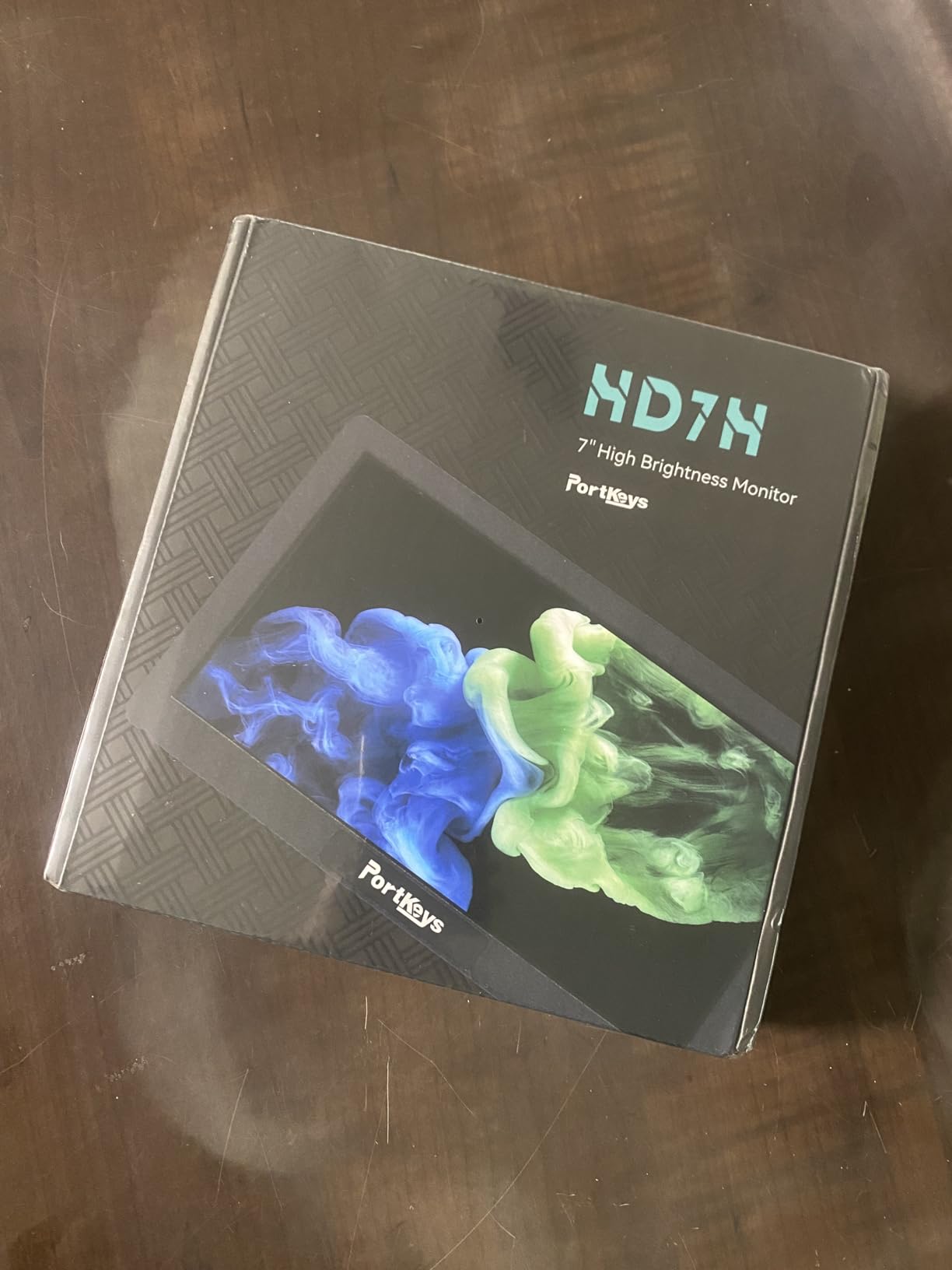
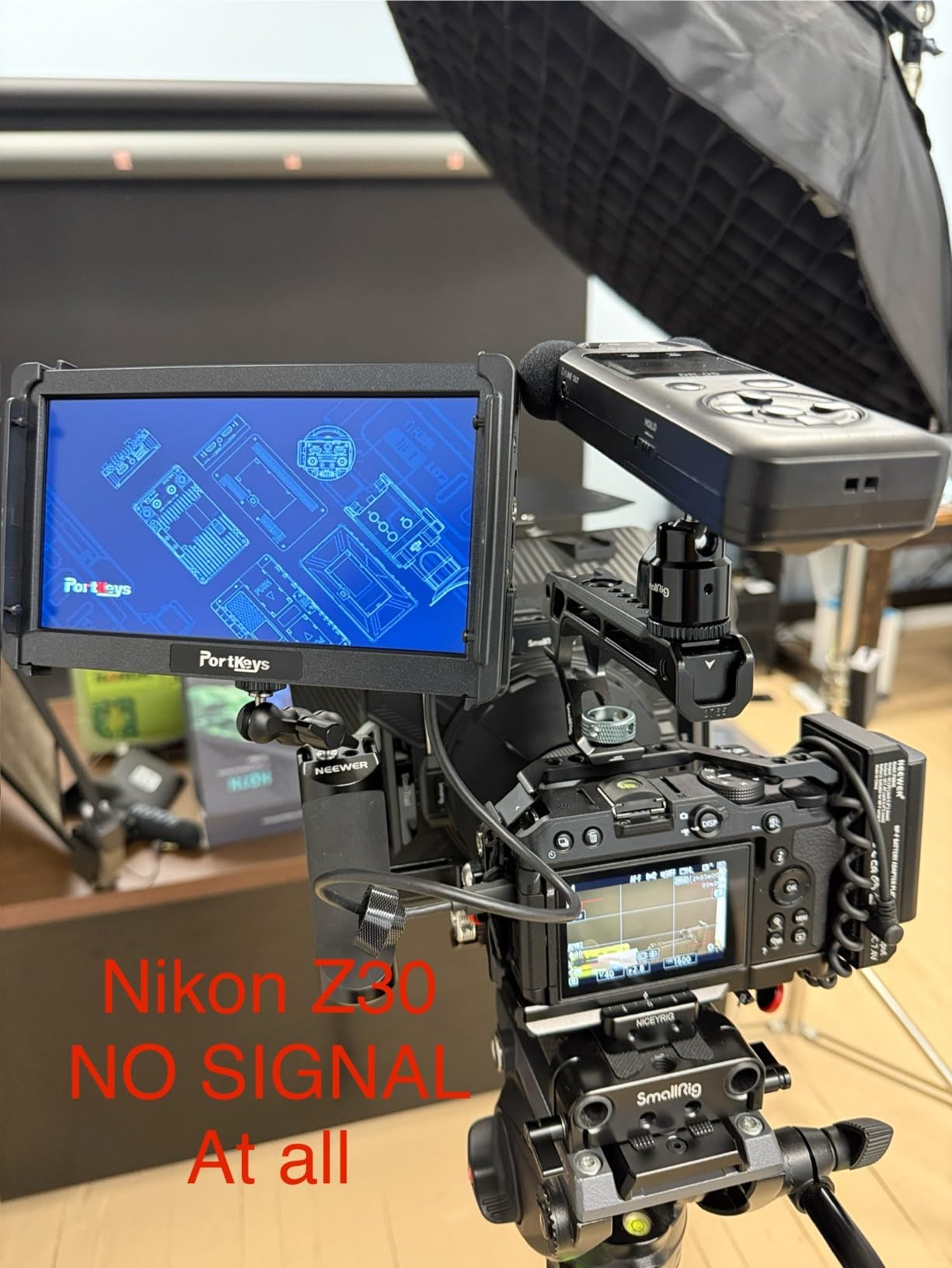
The Portkeys HD7H is the most affordable way to get a 7-inch, 1000-nit monitor. That brightness level makes a real difference outdoors compared to the NEEWER F100’s 450 nits. I could see the HD7H’s screen clearly in overcast outdoor conditions without the sunshade, and with the sunshade attached, it was usable in fairly bright daylight.
The physical shortcut keys on top of the monitor are a nice touch. Instead of digging through menus, I could toggle between monitoring tools like false color, focus peaking, and histogram with dedicated buttons. This is faster than touchscreen navigation when you need to switch tools mid-shot.
The anamorphic desqueeze feature supports 1.33x, 1.5x, and 2.0x squeeze factors, which is important if you shoot with anamorphic lenses. Most budget monitors skip this feature entirely, so its inclusion here is notable. The matte anti-glare screen coating also helps reduce reflections in bright conditions.
The trade-off is resolution. At 1280×720, the image is noticeably less sharp than the 1080p panels on the 5.5-inch monitors in this roundup. For checking framing and basic exposure, 720p is workable. For critical focus pulling, the lower pixel density makes fine detail harder to judge.
Brightness Value at This Price
Getting 1000 nits on a 7-inch panel at this price is exceptional. For outdoor shooters who need a large screen but cannot stretch beyond $80, the HD7H is the clear choice. The combination of brightness and screen size makes it versatile for both camera-mounted use and tripod-mounted director monitoring.
The 1/4-20 mounting threads on three sides give you flexible mounting options for rigging on cages, gimbals, or separate stands.
Resolution Trade-off Analysis
The 720p resolution means individual pixels are visible at typical viewing distances. If you are using this monitor primarily for framing and exposure rather than critical focus, the lower resolution is an acceptable compromise for the brightness and price.
For focus-critical work, consider using the pixel-to-pixel feature to check focus on specific areas of the frame, then zoom back out for composition. Also remember that battery is not included, so budget for an NP-F series battery.
How to Choose a Budget Field Monitor Under $200?
Choosing the right budget field monitor comes down to matching features to your shooting style. Here is what our team learned from testing all six monitors across different scenarios.
Brightness: The Most Important Spec
Brightness, measured in nits, determines whether you can actually see your screen outdoors. From our testing, 450 nits works for indoor and shaded conditions, 1000 nits handles overcast and partial sun, and 1600 nits (like the FEELWORLD F5 Prox) is the only level that handles direct sunlight comfortably.
Reddit users on r/videography consistently recommend 1000 nits minimum for outdoor shooting. If you shoot mostly indoors, a 450-nit monitor like the NEEWER F100 will save you money. If you shoot outdoors regularly, invest in at least 1000 nits.
Screen Size: 5.5 vs 6 vs 7 Inches
For gimbal work, 5.5 to 6 inches is the sweet spot. The monitor stays compact and does not throw off your gimbal balance. For tripod-mounted work, focus pulling, or director monitoring, 7 inches gives you and your team a more comfortable viewing area.
The VILTROX DC-550 and FEELWORLD F5 Prox at 5.5 inches are ideal for gimbal rigs. The Portkeys HD7H and NEEWER F100 at 7 inches work better on tripods or as secondary monitors.
Monitoring Tools That Actually Matter
Focus peaking is essential for any monitor, letting you confirm focus by highlighting in-focus edges. False color shows exposure levels with color-coded overlays, which is faster than reading a waveform. Waveform and histogram give you precise exposure data for color-critical work.
The OSEE T5+ offers the most advanced false color system with customizable reference levels, while the VILTROX DC-550 adds a vectorscope for color analysis that professional colorists will appreciate.
Battery and Power Options
Most budget monitors use NP-F series batteries (also called L-Series). The FEELWORLD P6XL is unique with its built-in rechargeable battery, which eliminates the need for external batteries but limits runtime.
The VILTROX DC-550 offers the most power flexibility with NP-F, DC input, and USB-C. For full-day shoots, having multiple power options means you can keep running even when your primary battery runs out.
HDMI Connectivity and 4K Passthrough
Check whether your camera outputs clean HDMI and what resolution it supports. All monitors in this roundup accept at least 1080p HDMI input. The FEELWORLD F5 Prox, P6XL, and VILTROX DC-550 all support 4K HDMI input and output with passthrough, which lets you connect a second monitor or recorder downstream.
The Portkeys HD7H accepts 4K30p input but downscales to 720p for display. The NEEWER F100 handles 1080p HDMI input, which is sufficient for most mirrorless and DSLR cameras.
Weight and Gimbal Compatibility
If you shoot on a gimbal, every gram matters. The FEELWORLD P6XL at 200 grams is the lightest option with its built-in battery. The Portkeys HD7H at 278 grams is surprisingly light for a 7-inch monitor. Heavier monitors can exceed gimbal payload limits or reduce motor life.
Always check your gimbal’s payload capacity before adding a monitor. A typical mirrorless camera with lens and cage already uses most of a gimbal’s capacity, so a lightweight monitor makes a real difference.
Frequently Asked Questions
What is the best budget field monitor?
The FEELWORLD F5 Prox is our top pick for a budget field monitor under $200 thanks to its 1600-nit brightness, professional monitoring tools, and complete accessory kit. The VILTROX DC-550 is the highest-rated option at 4.4 stars with REC-709 color calibration.
How many nits do I need for outdoor shooting?
For outdoor shooting, 1000 nits is the minimum recommended brightness level. For direct sunlight, 1600 nits like the FEELWORLD F5 Prox is ideal. For indoor or shaded use, 450 nits is sufficient. Most Reddit shooters recommend 1000 nits as the sweet spot for mixed indoor-outdoor work.
Do I need a touchscreen on my field monitor?
A touchscreen makes menu navigation and tool selection faster, especially on fast-paced shoots. The FEELWORLD F5 Prox, P6XL, and VILTROX DC-550 all have touchscreens. However, physical button monitors like the OSEE T5+ and Portkeys HD7H are functional and often more affordable.
What battery type do budget field monitors use?
Most budget field monitors use NP-F series batteries (also called L-Series or F550/F750/F970). The FEELWORLD P6XL is unique with its built-in rechargeable battery. The NEEWER F100 and VILTROX DC-550 include batteries in the box, while the OSEE T5+ and Portkeys HD7H require you to purchase a battery separately.
Is 720p resolution good enough for a field monitor?
720p resolution works for framing and basic exposure monitoring but makes critical focus pulling harder due to lower pixel density. If focus accuracy is your priority, choose a 1080p monitor like the FEELWORLD F5 Prox or VILTROX DC-550. The Portkeys HD7H at 720p is acceptable if you use pixel-to-pixel zoom for focus checks.
Final Thoughts on the Best Budget Field Monitor Under $200
After testing all six monitors across indoor, outdoor, gimbal, and tripod scenarios, the FEELWORLD F5 Prox remains our top pick for the best budget field monitor under $200. Its 1600-nit brightness is unmatched at this price, and the complete accessory kit means you can start shooting right away.
If color accuracy matters most to your workflow, the VILTROX DC-550 with its REC-709 calibration and highest user rating is the smart choice. For shooters who want a large screen on a tight budget, the NEEWER F100 bundle offers the best value with included accessories. And for gimbal operators who hate cable clutter, the FEELWORLD P6XL with its built-in battery is worth the premium.
Whatever you choose, any of these six monitors will dramatically improve your shooting experience compared to relying on your camera’s built-in screen. The key is matching the brightness, size, and feature set to how and where you actually shoot.