
The short answer: the Cooler Master MasterLiquid ML240L RGB V2 is the best AIO liquid cooler for most gaming PC builds in 2026, because it pairs a quiet dual-chamber pump with 240mm capacity at a size that fits almost any mid-tower. If your case has real radiator clearance and your CPU is a hot chip, the ARCTIC Liquid Freezer III Pro 360 pulls the most heat per pound spent. If you want the cleanest install with zero iCUE drama, the Corsair Nautilus 360 RS ARGB runs straight off motherboard headers.
That is the honest part of this whole category. Most gaming PCs do not need the biggest liquid cooler on the shelf. A Ryzen 7 9800X3D is a completely different thermal proposition from a Ryzen 9 9950X, and treating both the same is how people end up with a 360mm radiator they will never use. This guide covers 12 AIO liquid coolers from 240mm to 360mm so you can match the loop to the chip instead of the other way around.
We went through the full review data on every cooler below, cross-checked owner reports on noise and pump behaviour, and paid close attention to two things competitors tend to skip: how much case clearance a radiator actually needs, and what happens to the pump after five years. If you are still choosing parts, our CPU picks guide and NVMe SSD roundup cover the rest of the build.
Last updated for 2026. Every temperature figure quoted below comes from an owner report on the product listing, not from our own lab, and we flag it when that is the case.
Table of Contents
- Top 3 AIO Liquid Coolers for Gaming PCs
- All 12 Best AIO Liquid Coolers Side by Side (2026)
- 1. Cooler Master MasterLiquid ML240L RGB V2 — The Best All-Rounder for Most Gaming PC Builds
- 2. Corsair Nautilus 360 RS ARGB — The Best 360mm for Clean, Software-Free Installs
- 3. ARCTIC Liquid Freezer III Pro 360 A-RGB — The Best Value 360mm Cooler
- 4. ID-COOLING FROSTFLOW X 240 — The Best Budget 240mm Pick
- 5. Thermaltake Floe 280mm RGB — Best for 280mm Radiator Clearance
- 6. Thermalright Frozen Notte 360 ARGB V2 — Best for Maximum Cooling on a Budget
- 7. NZXT Kraken Elite 360 RGB — Best for LCD Display Buyers
- 8. Thermalright Aqua Elite 360 V3 — Best for Quiet Builds
- 9. MSI MAG Coreliquid A13 360 — Best for LGA 1851 Builds
- 10. NZXT Kraken Plus 240 RGB — Best for Compact Gaming Cases
- 11. NZXT Kraken Core 360 RGB — Best for the Easiest 360mm Install
- 12. ID-COOLING FX 280 PRO SE — Best for High-TDP CPUs in 280mm Cases
- AIO Liquid Cooler Buying Guide for Gaming PCs
- What does 360mm liquid cooling actually mean?
- Choosing the right radiator size for your chip
- Is a 360mm AIO overkill for a 9800X3D?
- Matching a cooler to your socket
- Case clearance and radiator thickness matter more than radiator length
- AIO versus air cooler: the honest comparison
- Does a better cooler actually raise your frame rate?
- LCD or no LCD, and which software ecosystem you are signing up for
- First-time AIO installation checklist
- Frequently Asked Questions
- What is the best gaming liquid cooler?
- Is a 360mm AIO overkill for a 9800X3D?
- What is the best liquid cooler for an AM5 processor?
- What is the best 240mm AIO cooler?
- What does 360mm liquid cooling mean?
- What are the disadvantages of air CPU coolers?
- How long do AIO liquid coolers last before the pump fails?
- Will a 360mm radiator fit my case?
- Final Verdict for Gaming PC Builds in 2026
Top 3 AIO Liquid Coolers for Gaming PCs
Three picks cover most readers. The MasterLiquid ML240L RGB V2 wins on fit and silence, the Corsair Nautilus 360 RS ARGB wins on simplicity, and the ARCTIC Liquid Freezer III Pro 360 wins on raw value for 360mm builds.



All 12 Best AIO Liquid Coolers Side by Side (2026)
Every cooler in the list below, with the specs that actually decide a purchase. Radiator size, pump speed, acoustic rating, socket coverage and warranty length all come straight from the manufacturer data for each unit.
| Product | Specs | Action |
|---|---|---|
| Cooler Master MasterLiquid ML240L RGB V2 |
|
Check Latest Price |
| Corsair Nautilus 360 RS ARGB |
|
Check Latest Price |
| ARCTIC Liquid Freezer III Pro 360 A-RGB |
|
Check Latest Price |
 ID-COOLING FROSTFLOW X 240 ID-COOLING FROSTFLOW X 240 |
|
Check Latest Price |
 Thermaltake Floe 280mm RGB Thermaltake Floe 280mm RGB |
|
Check Latest Price |
 Thermalright Frozen Notte 360 ARGB V2 Thermalright Frozen Notte 360 ARGB V2 |
|
Check Latest Price |
 NZXT Kraken Elite 360 RGB NZXT Kraken Elite 360 RGB |
|
Check Latest Price |
 Thermalright Aqua Elite 360 V3 Thermalright Aqua Elite 360 V3 |
|
Check Latest Price |
 MSI MAG Coreliquid A13 360 MSI MAG Coreliquid A13 360 |
|
Check Latest Price |
 NZXT Kraken Plus 240 RGB NZXT Kraken Plus 240 RGB |
|
Check Latest Price |
 NZXT Kraken Core 360 RGB NZXT Kraken Core 360 RGB |
|
Check Latest Price |
 ID-COOLING FX 280 PRO SE ID-COOLING FX 280 PRO SE |
|
Check Latest Price |
1. Cooler Master MasterLiquid ML240L RGB V2 — The Best All-Rounder for Most Gaming PC Builds
CoolerMaster MasterLiquid ML240L RGB V2, Close-Loop AIO CPU Liquid Cooler, Gen3 Dual Chamber Pump, 240mm Radiator, SickleFlow 120 PWM ARGB, AMD Ryzen AM5/AM4, Intel LGA1700/1200 (MLW-D24M-A18PC-R2)
240mm radiator
30 dB fan rating
1800 RPM max fan speed
2 year warranty
Pros
- Over 9600 owner reviews at 4.6 stars
- Idles reported dropping from the 50-55C range to 38-42C
- Inaudible pump and fans at normal speed
- Broad AM5 and LGA1700 support
Cons
- Printed manual is picture-only with little text
- AM4 bracket reported as unevenly pressured
- Non-addressable RGB
- 240mm is modest for heavily overclocked i9 chips
This is the cooler I keep coming back to for the majority of gaming builds, and the reason is fit rather than raw numbers. A 240mm radiator with two 25mm fans mounts in practically every mid-tower, front or top, and leaves the rest of the chassis free. With over 9600 reviews averaging 4.6 stars, this is also the most proven unit in the group by a wide margin.
Owners report the drop from a stock cooler clearly. Idles falling from the 50-55C range into the high 30s and low 40s, with gaming peaks landing around 72C, is the typical result. That is exactly the margin you want on a chip that boosts hard for a few seconds at a time.
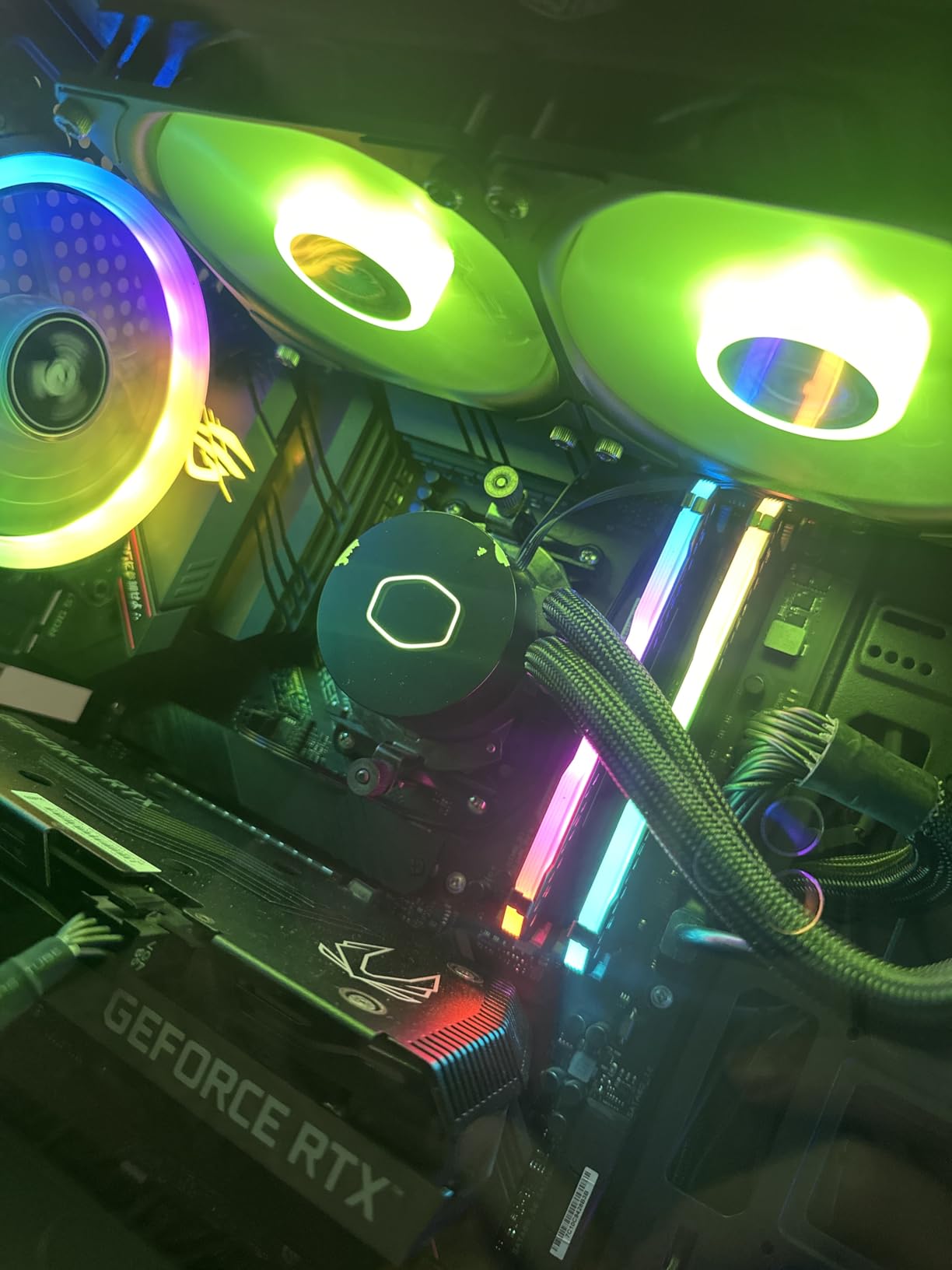
The acoustics are the standout. Multiple owners describe the pump and fans as inaudible even at full fan speed, which is unusual for a liquid loop. The RGB can be dialled down or switched off entirely, so it will not fight a themed build, and the tubing is stiff enough to route cleanly behind a motherboard tray.
What you give up is headroom. A 240mm loop on a heavily overclocked modern Core i9 is a stretch, and the reviews that complain about heat are almost always from users running unlocked multi-core loads rather than gaming.
Is the ML240L quiet enough for a silent gaming build?
Yes, and this is the single strongest reason to pick it. The listed fan noise figure is 30 dB and multiple owners describe the whole unit as inaudible at normal fan speeds. That is a better outcome than most premium LCD coolers manage, and it comes without any software dependency.
The one acoustic complaint that does appear is a brief gurgle at start-up and an occasional odd noise at certain pump RPM settings. That tends to settle once the coolant is fully circulated and the pump curve is set sensibly.
Where the ML240L falls short
The documentation is the weak point. The printed manual is picture-only with very little explanatory text, which slows down a first liquid-cooling install more than any hardware problem will. On AM4, some owners report uneven mounting pressure and even a bent bracket screw, which points to bracket quality rather than the pump itself.
The lighting is also non-addressable, so it will not sync per-fan with a full ARGB kit. If your build already runs addressable lighting everywhere, that mismatch is visible.
2. Corsair Nautilus 360 RS ARGB — The Best 360mm for Clean, Software-Free Installs
CORSAIR Nautilus 360 RS ARGB Liquid CPU Cooler – 360mm AIO – Low-Noise – Direct Motherboard Connection – Daisy-Chain – Intel LGA 1851/1700, AMD AM5/AM4 – 3X RS120 ARGB Fans Included – Black
360mm radiator
20 dBA pump
2100 RPM max fan speed
5 year warranty
Pros
- One of the two highest-rated coolers here at 4.7 stars
- Runs off motherboard headers with no iCUE dependency
- Convex cold plate with pre-applied paste
- Daisy-chain wiring keeps cables short
Cons
- Daisy-chained ARGB fans cannot be addressed individually
- No printed manual only a QR code
- iCUE itself is described as awkward to use
- 360mm is a tight fit in some cases
Corsair built this one for people who dislike Corsair software. Pump speed and lighting both run from motherboard headers, which sidesteps the iCUE dependency that owners of older H150i units complained about. At 4.7 stars across 2325 reviews it sits at the top of the rating range here.
The thermal results back up the rating. Owners running a 270K-plus chip report sustained temperatures in the 60s under heavy load, and an R5 5600X user reported a drop from 85C to the 58-62C range. That is real headroom, not marketing headroom.
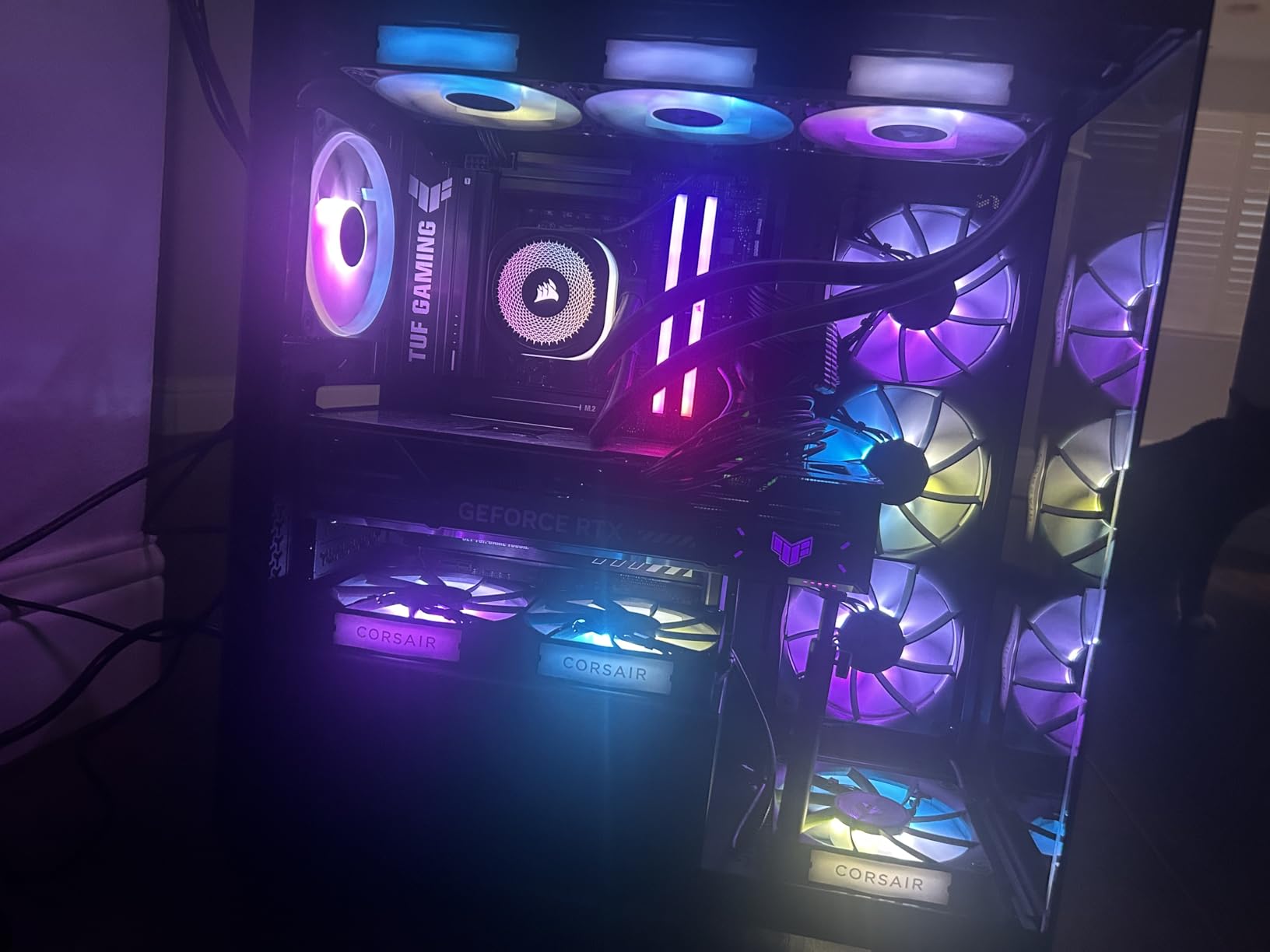
Installation is genuinely quick. Several owners report roughly five minutes from unpacking to mounted, helped by pre-applied thermal paste on the convex cold plate, so there is no separate paste purchase. The pump itself is rated at 20 dBA and is near silent at moderate RPM settings.
Cable management is the other quiet win. The daisy-chained fans terminate into a single 4-pin PWM and one 5V ARGB header, and the included extensions keep the run tidy behind the tray.
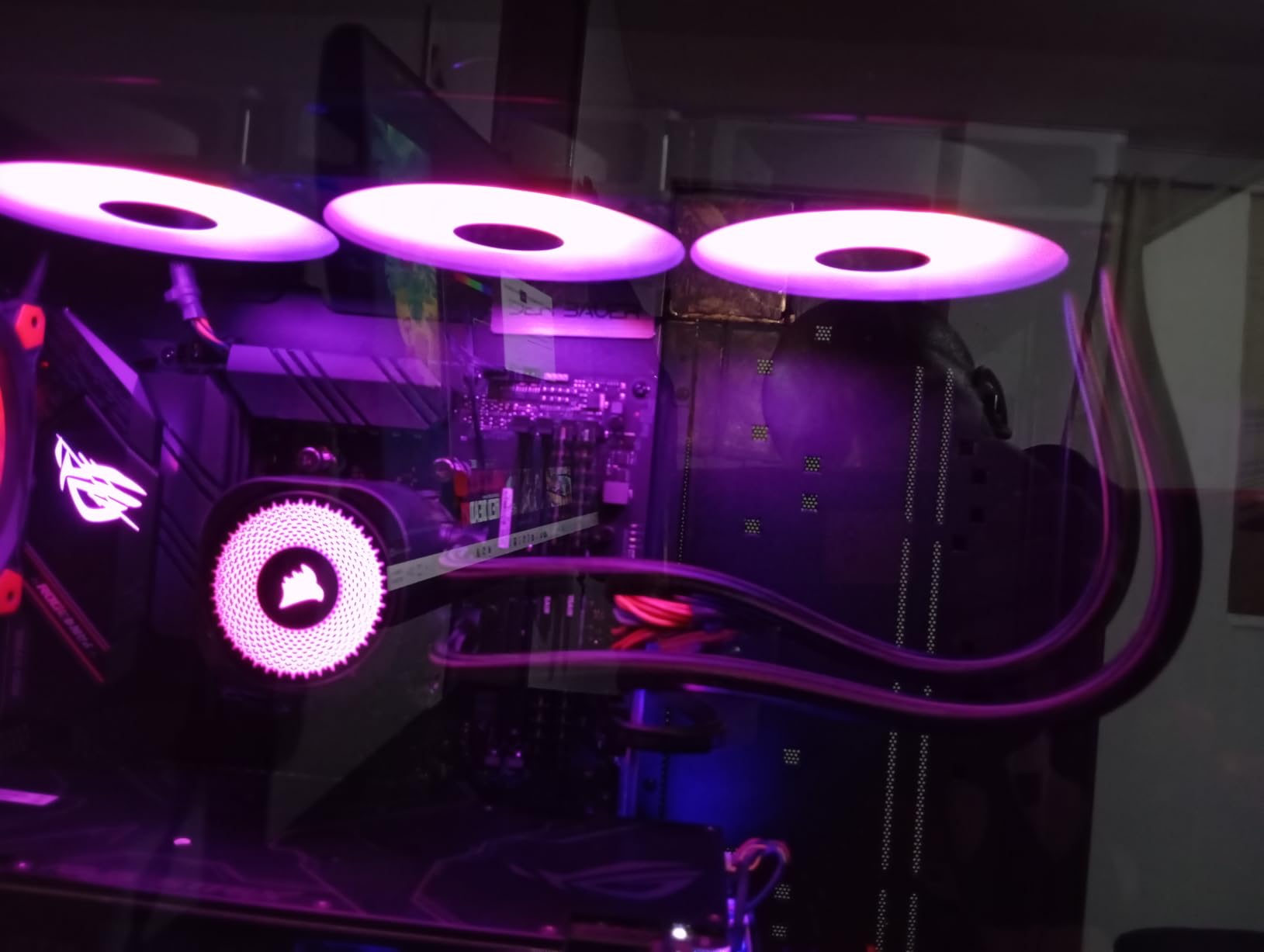
Does the Nautilus 360 RS work without iCUE?
Yes. That is the entire design brief. Both the pump and the lighting draw from motherboard headers, so you get pump control and basic RGB without installing any Corsair software. If you do install iCUE anyway, several owners still describe it as difficult to use, so there is little reason to.
The trade-off is control granularity. Direct header control means your motherboard decides pump behaviour, which is usually the safer default but does not give you the fine pump curves a dedicated controller can.
Who should skip this cooler
Anyone running a fully addressable ARGB build. Because the fans are daisy-chained, they cannot be lit individually, and owners report colour bleed even in OpenRGB, Signal RGB and Aura Sync. If per-fan lighting is part of the plan, look elsewhere.
Also check your case first. A 360mm radiator is a commitment, and it will not fit every chassis even when the case nominally supports the size.
3. ARCTIC Liquid Freezer III Pro 360 A-RGB — The Best Value 360mm Cooler
ARCTIC Liquid Freezer III Pro 360 A-RGB – AIO CPU Cooler, Water Cooling
360mm radiator
P12 PRO fans at 77 cfm
3000 RPM max fan speed
6 year warranty
Pros
- Holds the number one best sellers rank in water cooling
- Integrated VRM fan cools the power stages
- Integrated cable management hides PWM wiring
- 6 year warranty with 1995 reviews
Cons
- Among the deeper radiator and fan stacks here
- Spring-loaded leaf screws are fiddly and can pop out
- P12 PRO fans are loud at maximum speed
- ARCTIC RGB software may not detect the cooler
ARCTIC has been a well-regarded performance-per-pound brand for a while, and r/buildapc threads regularly recommend the Liquid Freezer line over pricier NZXT and Corsair models. This 360mm version holds the number one best sellers rank in water cooling systems, with 1995 reviews at 4.5 stars.
The numbers back the reputation. One owner moved from 55-60C idle and 80C gaming temperatures to 33-36C idle and sub-50C gaming. Another reports a 9800X3D stress test around 82C where a 240mm unit managed 95C, which is a very large gap for a processor that most people assume needs everything a 360mm can offer.
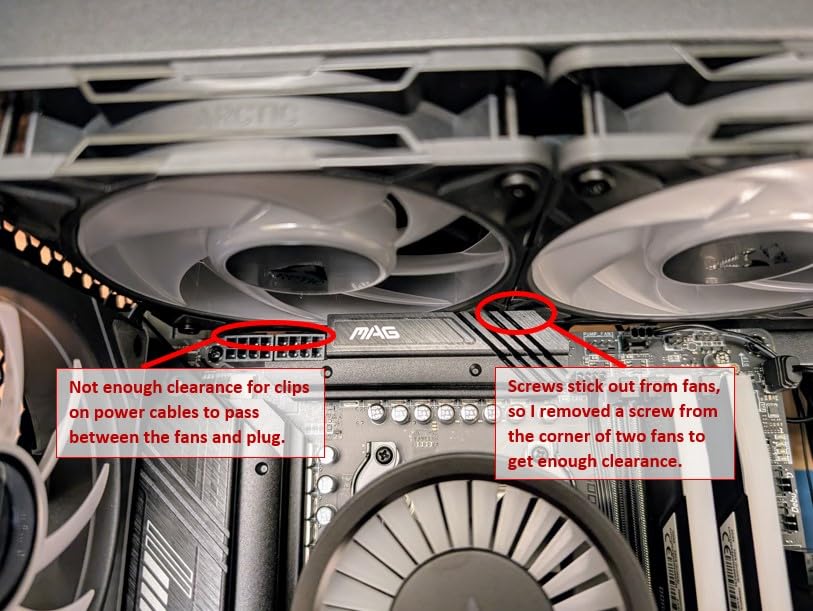
Two design details set it apart from generic 360mm loops. The integrated VRM fan keeps the motherboard power stages cool, which matters on sustained all-core loads, and the integrated cable management routes the fan PWM wiring inside the hose sheathing so only one cable is exposed at the pump end.
Offset mounting is native here, shifting the cold plate toward the CPU hotspot, and the Intel contact frame is included for LGA1851 and LGA1701 platforms. That combination is where the efficiency comes from.
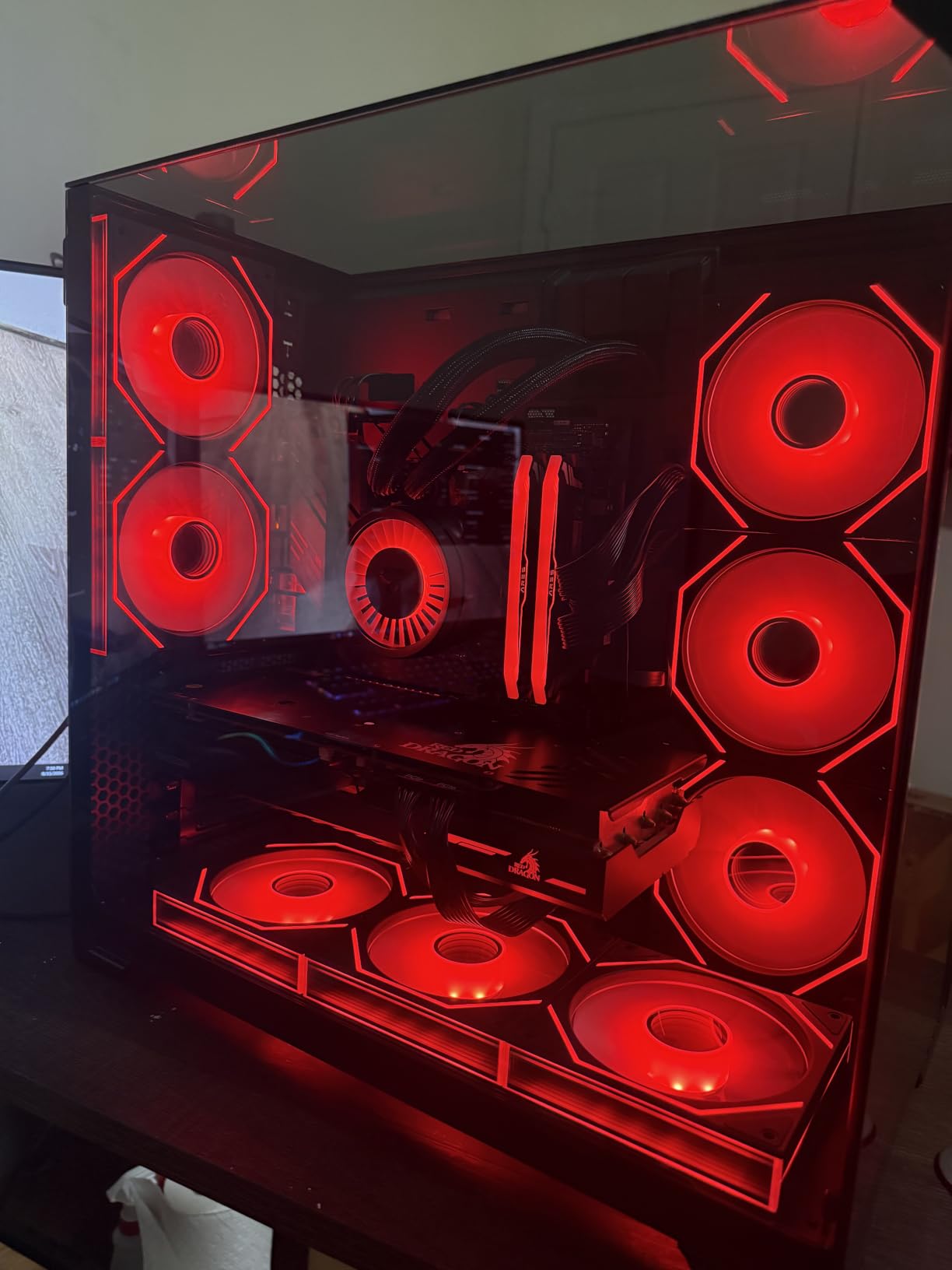
Will a Liquid Freezer III Pro 360 fit my case?
Measure before ordering. The radiator plus fan stack is bulkier than most 360mm units, and owners report conflicts with tall motherboard VRM heatsinks in some cases. If your case advertises 360mm support, that usually means a thinner combination than this one.
The offset mounting helps with part of the problem, since it can relieve a VRM heatsink clash that a centred cold plate would create. But it is not a substitute for measuring the actual stack height.
What annoys owners about this cooler
The spring-loaded leaf screws on the mounting block are the most common complaint. They are fiddly, and some users had a mounting screw pop out repeatedly during the build. Budget fifteen extra minutes for this step the first time.
At maximum fan speed the P12 PRO fans are audibly louder than many air coolers, and ARCTIC’s own RGB software may not detect the cooler, pushing you toward third-party sync tools. Neither matters much in a tuned gaming build, but both irritate perfectionists.
4. ID-COOLING FROSTFLOW X 240 — The Best Budget 240mm Pick
ID-COOLING FROSTFLOW X 240 240mm AIO CPU Cooler, White LED, Intel & AMD
240mm radiator
2x 120mm PWM fans
Up to 2500 RPM
30 dB listed rating
Pros
- Simple 240mm cooling for mainstream CPUs
- White LED pump suits clean builds
- PWM fan control adjusts speed to CPU temperature
- Broad Intel and AMD socket support
Cons
- White LED is not ARGB and cannot be synced
- 2-pin power connector suggests limited fan control
- No written owner feedback on acoustics or install
- 2500 RPM maximum is loud under load
The Frostflow X 240 is the entry point here. It pairs a 240mm radiator with two 120mm PWM fans, which is the right shape for a Ryzen 5 or Ryzen 7 X3D chip and for most mid-range gaming builds. With 1301 reviews at 4.5 stars it is not an unknown quantity.
PWM control lets the fans adjust to CPU temperature automatically, so you are not stuck with a fixed-speed noise floor. The white LED pump lighting is deliberately understated and suits a clean build better than a light show would.
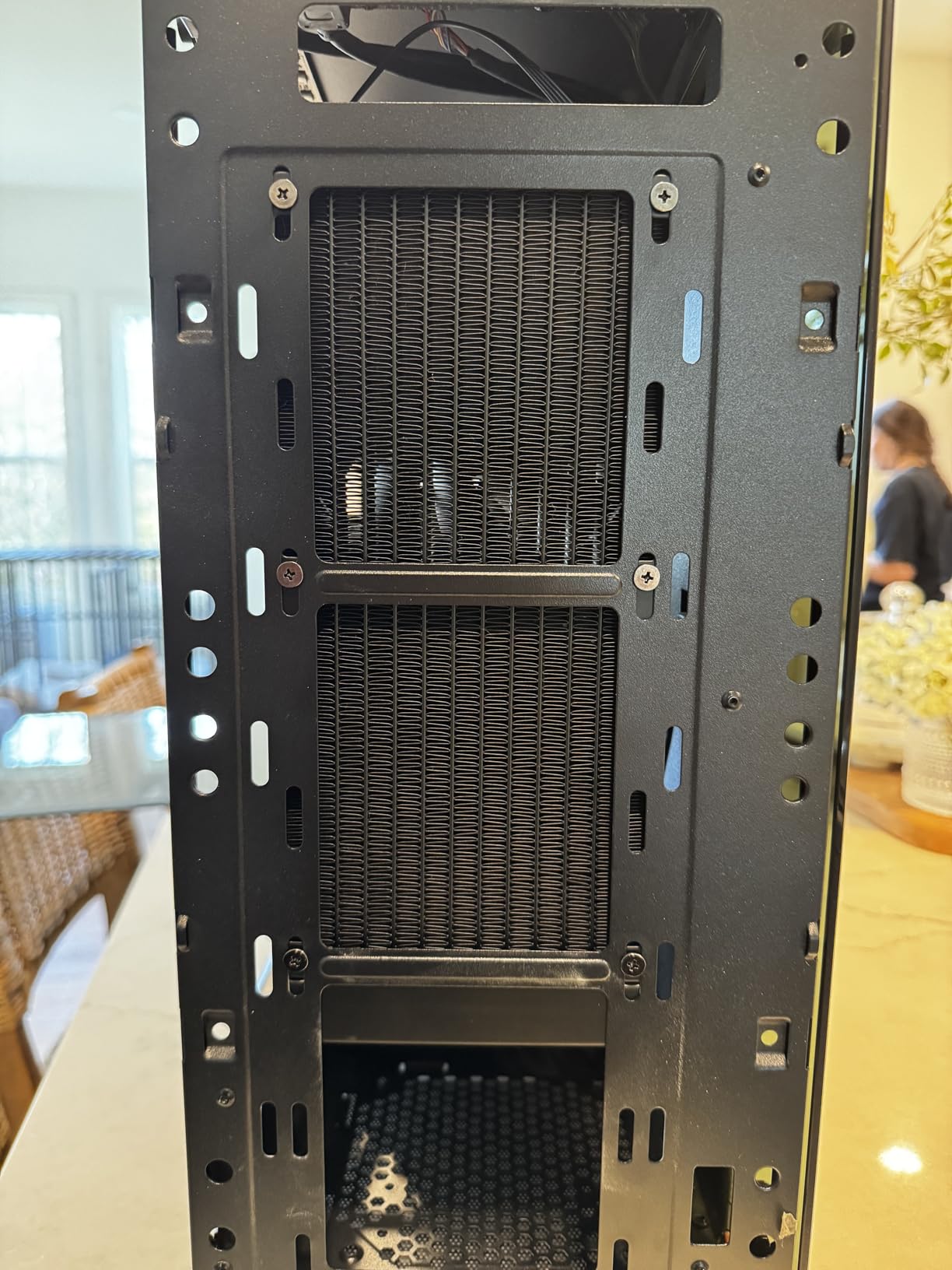
One thing to be upfront about: the fetched review set for this listing returned product details and images but no written customer review text. That means our view here rests on the specification sheet and the rating distribution rather than on owner commentary, which is a weaker basis than the entries above.
What the specs do confirm is a competent mainstream design. Maximum fan speed of 2500 rpm, a listed 30 dB rating and socket coverage across Intel LGA1700 and older platforms plus AMD AM5 and AM4.
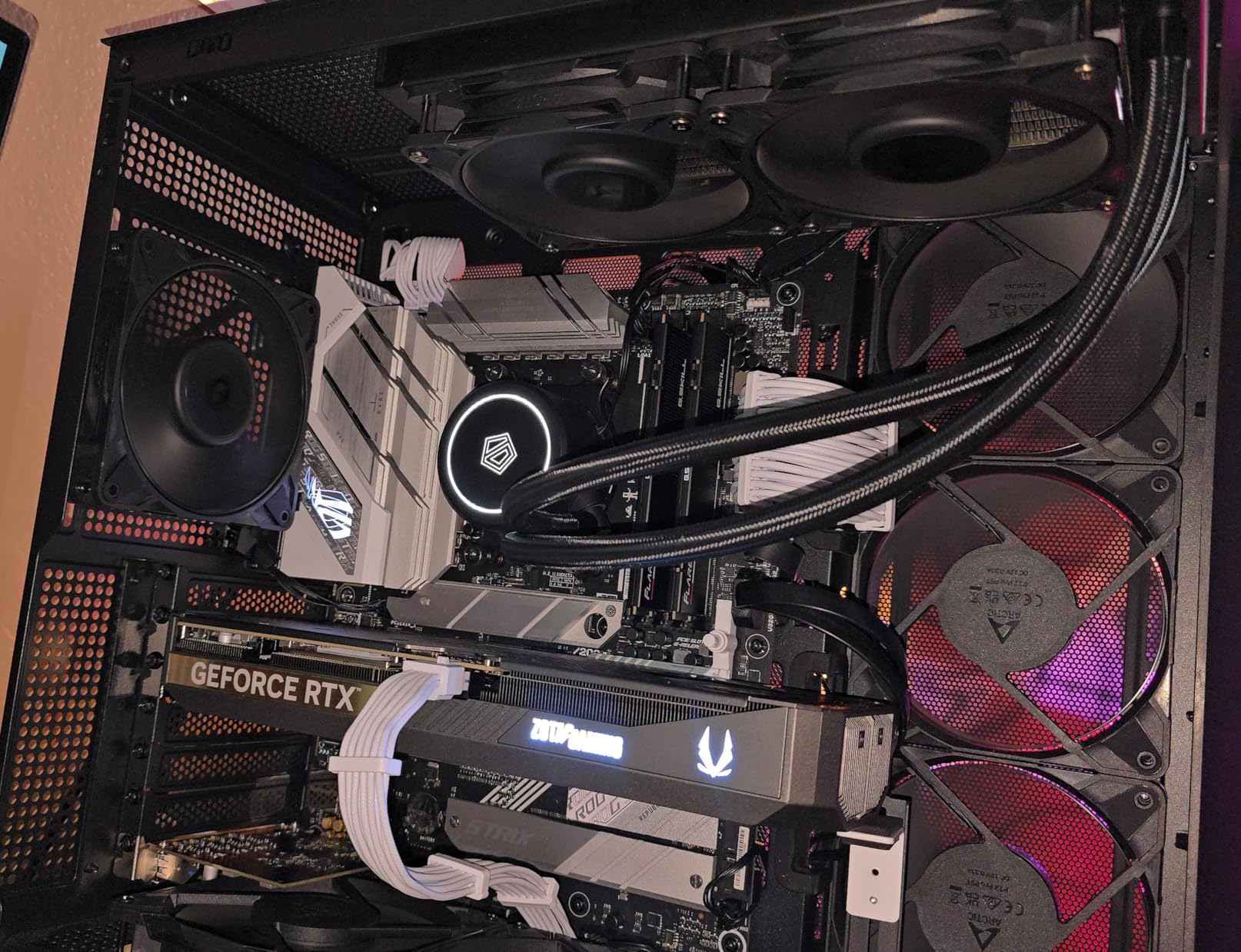
Is this enough cooling for a 9800X3D?
Yes, comfortably. A 9800X3D is a demanding chip but not a 250W one, and a 240mm loop with two 120mm fans has plenty of margin at gaming power limits. It is the chip-plus-240mm combination that is genuinely tight, not 9800X3D in a gaming build.
If you plan to run sustained all-core loads at high voltage, or you intend to overclock, a 360mm option gives you more room. For gaming, this is fine.
What to watch out for
The white LED lighting is fixed rather than addressable, so it will not sync with the rest of an ARGB build. That is a reasonable trade for anyone who wants a plain white pump, and an irritating one for anyone running effects.
The listed 2-pin power connector also hints at limited fan control compared with the 4-pin PWM units elsewhere in this list. If you plan to run a fine-grained fan curve, verify the header type before installing.
5. Thermaltake Floe 280mm RGB — Best for 280mm Radiator Clearance
Thermaltake Floe 280mm, 16.8 Million Color Software Enabled (TT RGB Plus/Alexa/Razer Chroma), AMD (AM5/AM4)/Intel (LGA 2066/1200), AIO CPU Liquid Cooler CL-W167-PL14SW-A For Desktop
280mm radiator
12 separately controlled RGB LEDs
27.2 dB listed noise
3 year warranty
Pros
- Holds a 3970X near 80C under full 64-thread load
- 3 to 5 years of trouble-free service reported
- Push and pull radiator mounting supported
- Copper contact block feels robust
Cons
- TT RGB Plus software saves no settings and drops after sleep
- Pump buzz audible from several feet in PWM mode
- Stiff short tubing makes pump orientation awkward
- 280mm offers limited clearance over large IHS chips
The 280mm format is the one most roundups skip, which is exactly why it is worth including. If your case supports 280mm but not 360mm, this is the class you actually need. It carries 989 reviews at 4.3 stars.
Thermally it is more capable than the size suggests. One owner held a 3970X around 80C under a full 64-thread load, and another reported a 2950X running smoothly. Longevity is the other strength, with owners reporting three to five years of trouble-free service.
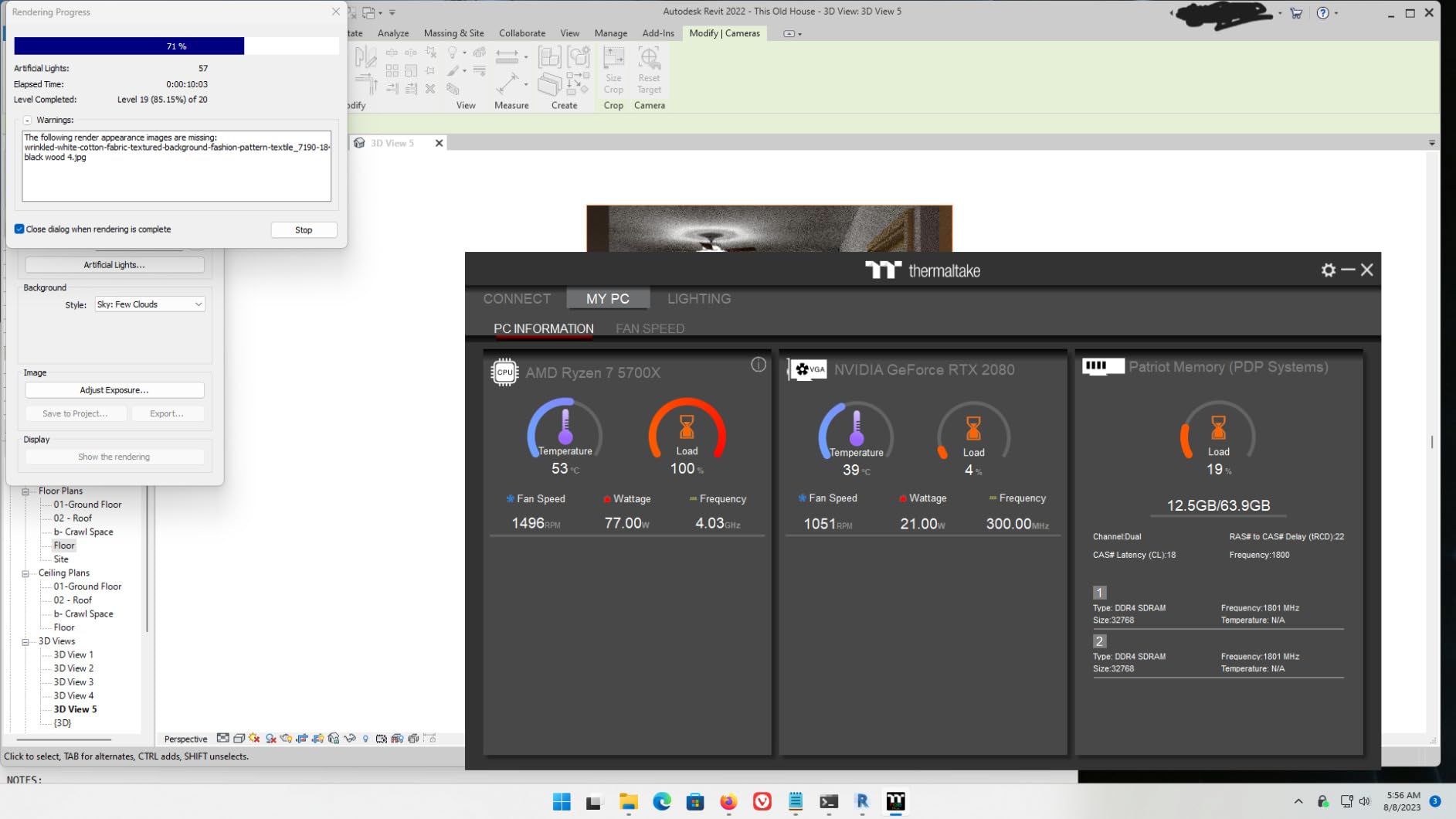
Lighting is fully addressable here, with 12 separately controlled RGB LEDs on the fans and six more on the water block, which is more control than most units in this list offer. Push and pull mounting is supported, so you can add a second fan set later for an upgraded radiator.
The listed figures are respectable for the class, at 63.19 cfm and a 27.2 dB noise rating with fans topping out at 1400 rpm.
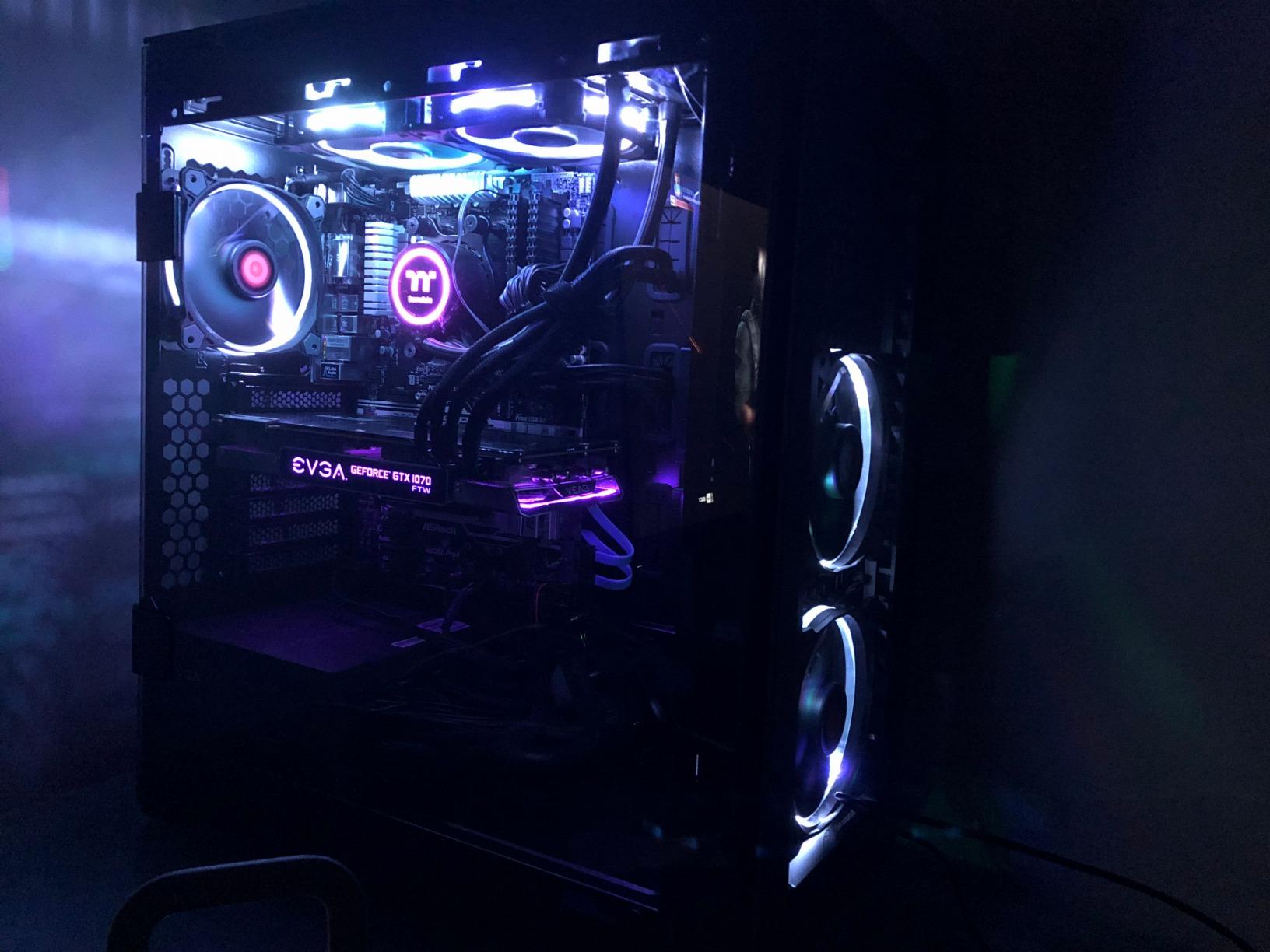
Why do owners complain about TT RGB Plus?
Because it is the single most criticised element across this listing. Owners report that settings do not save, the software fails to reconnect after sleep, text is tiny and illegible on high-resolution displays, and there is no pump speed control at all. Some of the lowest ratings on the listing come specifically from software complaints rather than cooling failures.
The workaround owners use is switching the CPU fan mode from PWM to DC at reduced voltage, which also quiets a pump buzz that is otherwise audible from several feet away. Treat the lighting as decoration rather than as a controllable feature.
When the 280mm size becomes a limitation
On very large chips with oversized heat spreaders, such as Threadripper, a 280mm radiator has limited clearance over the die. For mainstream AM5 and LGA1700 gaming chips it is fine.
The tubing is also stiff and on the short side, which makes pump-block orientation awkward in smaller cases. Route it before you commit to a position.
6. Thermalright Frozen Notte 360 ARGB V2 — Best for Maximum Cooling on a Budget
Thermalright Frozen Notte 360 Black ARGB V2 Water Cooling CPU Cooler, 360 Black CPU Cooler Specifications, 3×120mm PWM Fans, S-FDB Bearings, Suitable for AMD/AM4, Intel LGA 1700/1150/1151/1200/2011
397 x 120 x 27mm radiator
5300 RPM pump
2000 RPM fans at 27.7 dBA
72.37 cfm airflow
Pros
- Rivals the build quality of coolers in a higher tier
- Held an i9-9900K at 70C under full load
- S-FDB fans stay low noise in normal use
- TF7 thermal paste included in the box
- ARGB syncs via 5V 3-pin header and OpenRGB
Cons
- Fans and pump wired separately so cabling is messy
- Knurled mounting nuts are easy to drop and can bend
- Radiator is thicker than typical 360mm units
- One isolated report of pump failure with a difficult warranty process
Thermalright is the brand that comes up most often when builders argue about value on forum threads, usually with the caveat that quality control is inconsistent. The Frozen Notte 360 is the flagship end of that range, and it is a genuinely large 360mm radiator at 397 by 120 by 27mm with 450mm tubing.
The pump runs at 5300 RPM plus or minus 10 percent, and the three TL-E12B-S V2 fans deliver 72.37 cfm at up to 2000 RPM with 2.87mmH2O of static pressure. Owners report an i9-9900K held at 70C under full load and an R7 5800X around 70C, which puts it well beyond what a gaming chip needs.
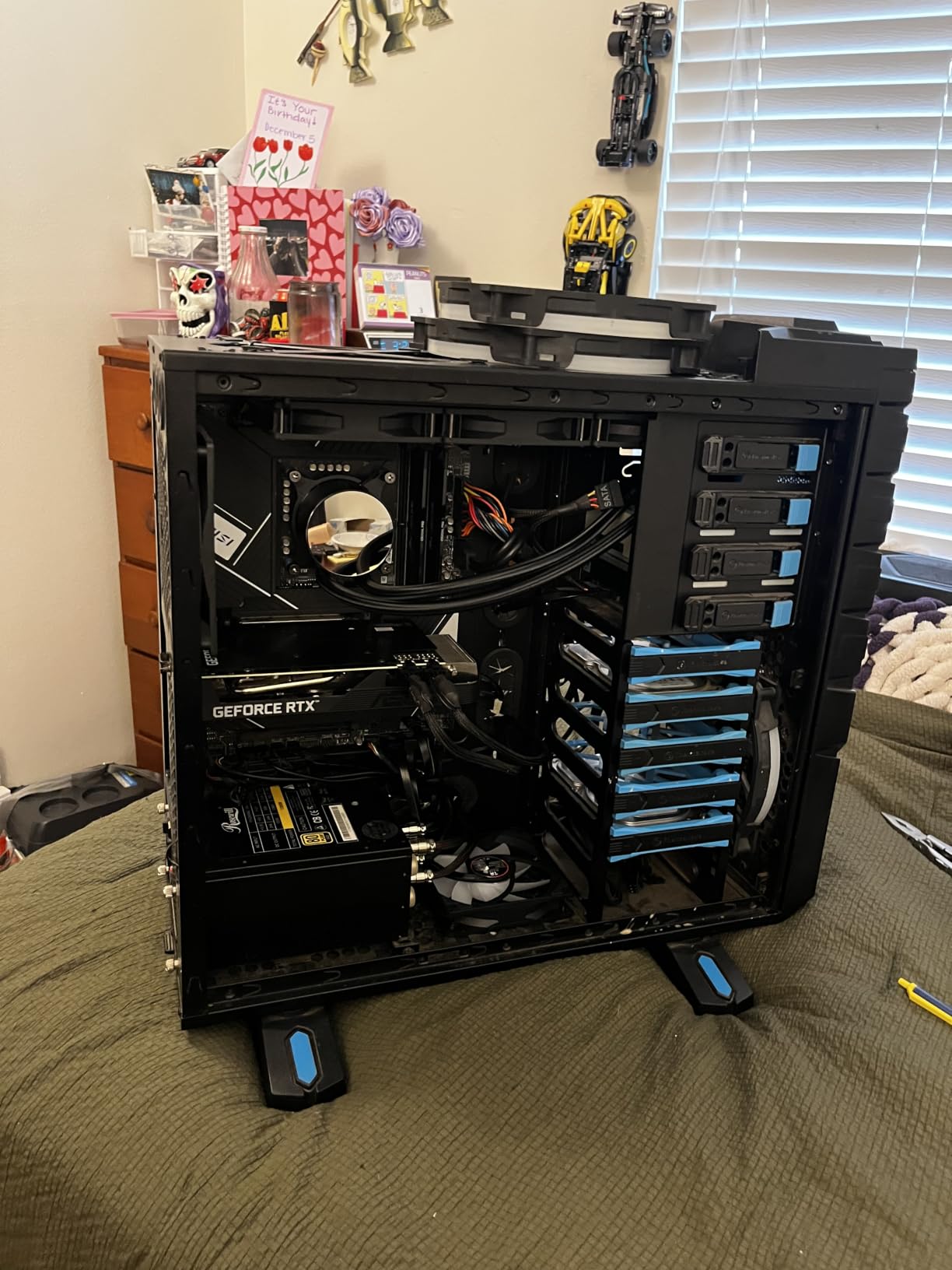
The base is a full copper mirror plane bonded to a black aluminium fin plate, with high polymer woven protective tubing over the hoses. At a listed 27.7 dBA or below, the fans stay quiet in normal use even though they have plenty of headroom above that.
Worth noting for first-time builders: TF7 thermal paste is included in the box on many units, and ARGB runs through a standard 5V 3-pin motherboard header, so no extra controller or software is needed.
Why is this the value pick rather than the Arctic?
Because the specification sheet is stronger on paper. The 5300 RPM pump, 72.37 cfm airflow figure and 397mm radiator length put it ahead of most of the field, and the reviews repeatedly describe build quality that feels more expensive than the tier would suggest. If you want every watt of thermal capability for the least money, this is the one.
The ARCTIC remains the safer recommendation for most people because it carries a six-year warranty and integrated VRM cooling. Thermalright’s long-term support is the question mark.
What to check before ordering
Radiator thickness is the practical issue. At 27mm this is one of the deeper 360mm radiators, so confirm your case has room for the stack rather than just the 360mm mounting position. Fans and pump are also wired separately rather than daisy-chained, which means more cable routing work behind the tray.
The mounting hardware is another weak point. Knurled nuts are easy to drop and can bend if you miss a screw, and on AMD sockets the pump block may need repositioning. One isolated report describes a pump failure after two weeks and a difficult warranty process, which is a single data point rather than a pattern, but it is worth noting.
7. NZXT Kraken Elite 360 RGB — Best for LCD Display Buyers
NZXT Kraken Elite 360 RGB – 360mm AIO CPU Cooler, LCD – Black
2.72 inch IPS LCD at 640x640
360mm radiator
2800 RPM max fan speed
33.88 dB listed
Pros
- Large bright 2.72 inch IPS display at 690 cd per m2
- Shows GIFs images and live performance data
- Integrates with Google Photos Spotify and YouTube
- Tool-free brackets with pre-applied paste
- Single breakout cable
Cons
- No written customer review text surfaced for this listing
- Needs generous case clearance for radiator and display
- Full features require NZXT CAM and an 8-pin connection
- Highest cost per unit of cooling in this group
If you want a screen on your CPU block, the Kraken Elite 360 is the display to beat. The 2.72-inch IPS panel runs at 640 by 640 with a 60Hz refresh rate and a 690 cd per square metre backlight, which is bright enough to read across a room and sharper than most competing panels.
The software side is genuinely good. You can display GIFs, images and real-time performance monitoring, and it integrates with Google Photos, Spotify and YouTube. The pump’s RGB ring can be synced with the on-screen content and other RGB devices in the build.
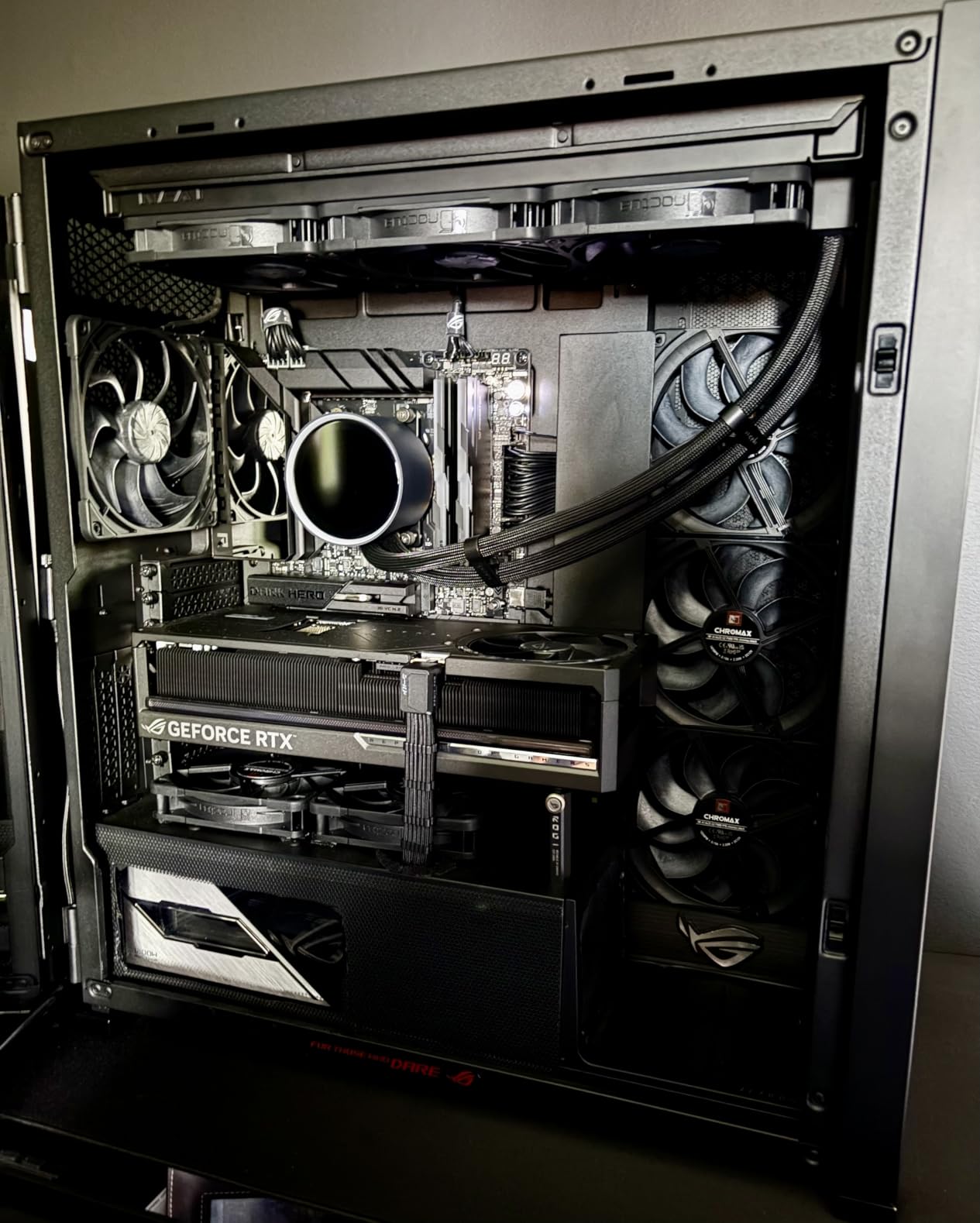
The custom NZXT Turbine pump is built for high flow rate and head pressure, and NZXT claims a 10 percent performance gain at lower noise compared with its previous pump generation. Fans top out at 2800 rpm and the listed noise figure is 33.88 dB.
Installation is the best in this group for a first-timer. Tool-free mounting brackets, pre-applied thermal paste and a single breakout cable mean fewer steps than a traditional AIO, and the RGB Core single-frame fan keeps the screw count low.
Is an LCD AIO worth the premium?
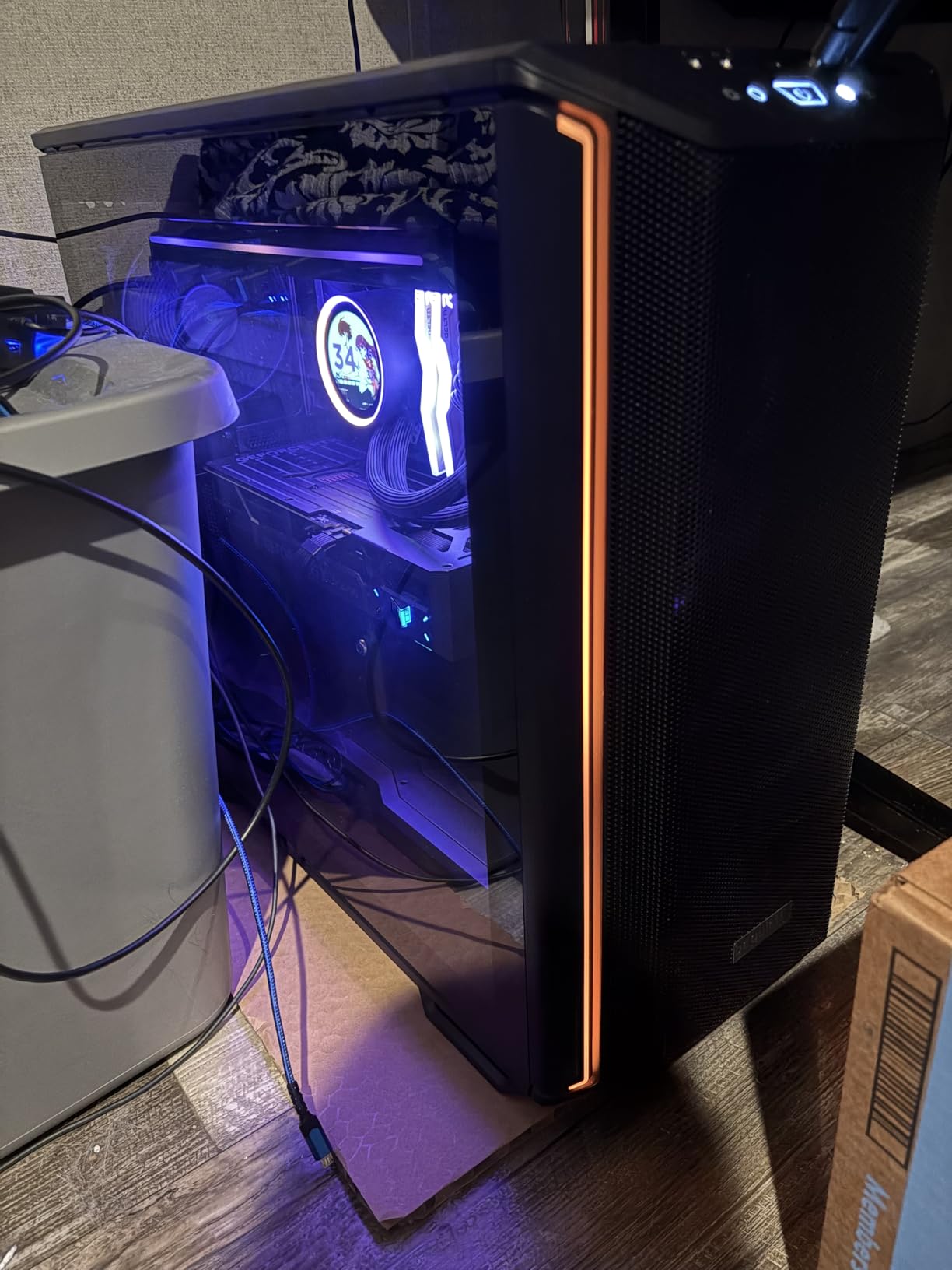
That depends entirely on whether you will look at it. The screen is a real, well-executed feature rather than a gimmick, and for a showcase build behind glass it adds something no air cooler can replicate. For a system in a desk cupboard or a side panel you keep closed, it is money spent on nothing.
The honest framing is cost per unit of cooling. This sits at the expensive end of the range in this guide, and the display accounts for a large share of the difference between it and a comparable 360mm without a screen. Judge it as an aesthetic purchase with cooling attached.
What you should know before buying
Full feature access requires NZXT CAM software and an 8-pin power connection, so this is not the choice if you want a zero-software build. Pump and display behaviour also needs a USB header on the motherboard.
One important note on evidence: the fetched review set for this listing returned no written customer review text. The pros and cons here come from the documented feature set and the 4.3-star average across 570 reviews, so treat the assessment as spec-based rather than owner-reported.
8. Thermalright Aqua Elite 360 V3 — Best for Quiet Builds
Thermalright Aqua Elite 360 V3 Water Cooling CPU Cooler, 3 PWM ARGB Fans with S-FDB Bearings,Efficient PWM Controlled Pump,for AMD/AM4/AM5, Intel LGA1150/1151/1200/1700/1851, (AE360 V3)
360mm radiator
Fans rated at 25.6 dBA
Pump up to 2800 RPM
Rated life up to 40000 hours
Pros
- Fan set rated at 25.6 dBA or below for quiet builds
- Fourth-generation pump rated for up to 40000 hours of life
- 66.17 cfm airflow from three 120mm fans
- S-FDB bearings reduce fan chatter
- ARGB syncs through standard 5V 3-pin header
Cons
- No written customer review text surfaced for this listing
- No dedicated lighting controller so motherboard ARGB is required
- Black fin plate and mesh tubing look utilitarian
- 27mm class radiator stack still needs clearance checking
If your priority is a build you can sit next to without thinking about it, the fan specification here is the one to look at. The three TL-C12W-S V2 fans are rated at 25.6 dBA or below, the lowest documented fan noise rating among the 360mm options here, and they run at a modest 1500 RPM plus or minus 10 percent.
The pump is a fourth-generation octagonal head rated up to 2800 RPM with a service life of up to 40000 hours. That life figure is the most concrete reliability signal in the group, since it comes from the manufacturer rather than from inference.
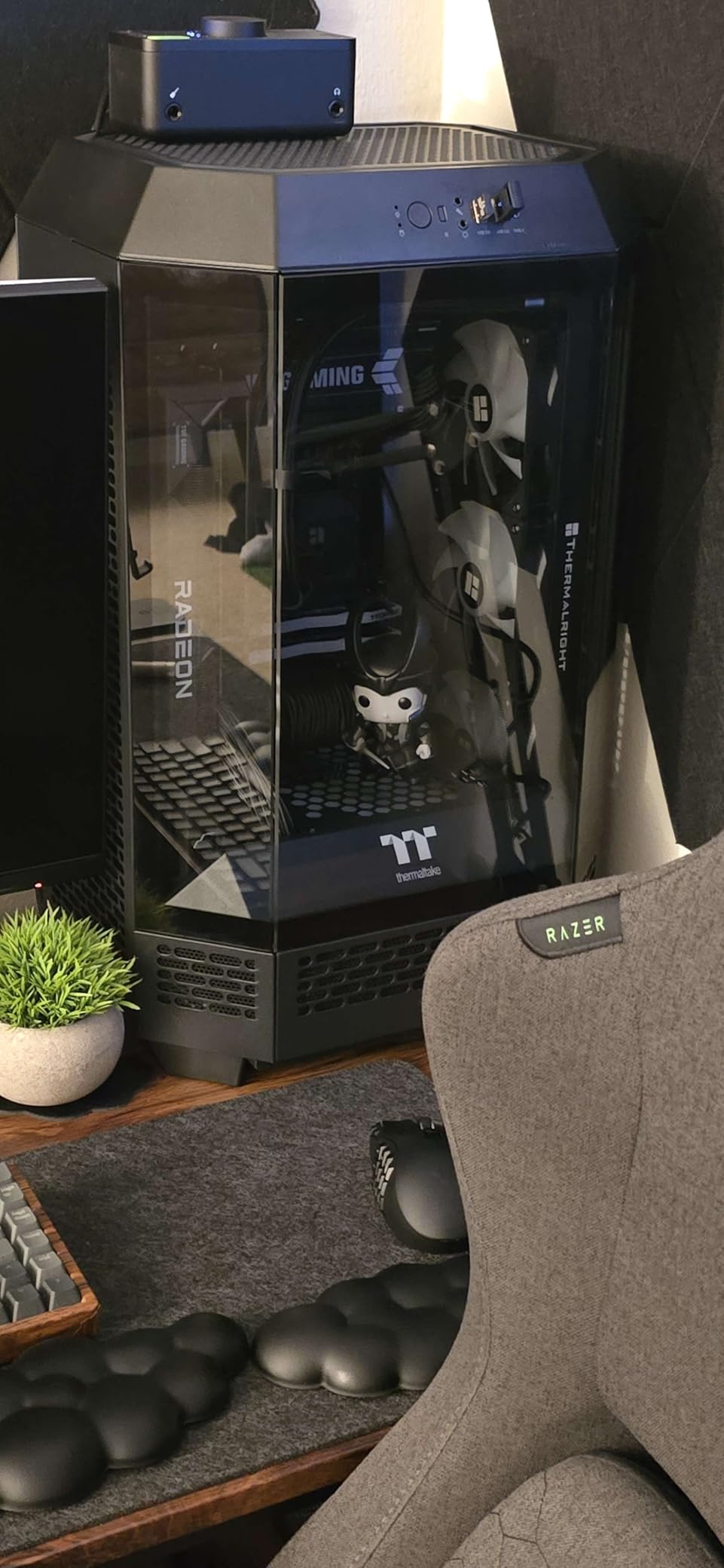
ARGB on both the fans and the pump head syncs through a standard 5V 3-pin motherboard header with a 1600W colour effect, so no proprietary controller is needed. S-FDB bearings are the reason this fan set stays quiet at low speed, cutting the chatter that spoils otherwise cheap 360mm loops.
Airflow is 66.17 cfm from the three 120mm units, which is a sensible match for a gaming chip running at default or lightly boosted power limits.
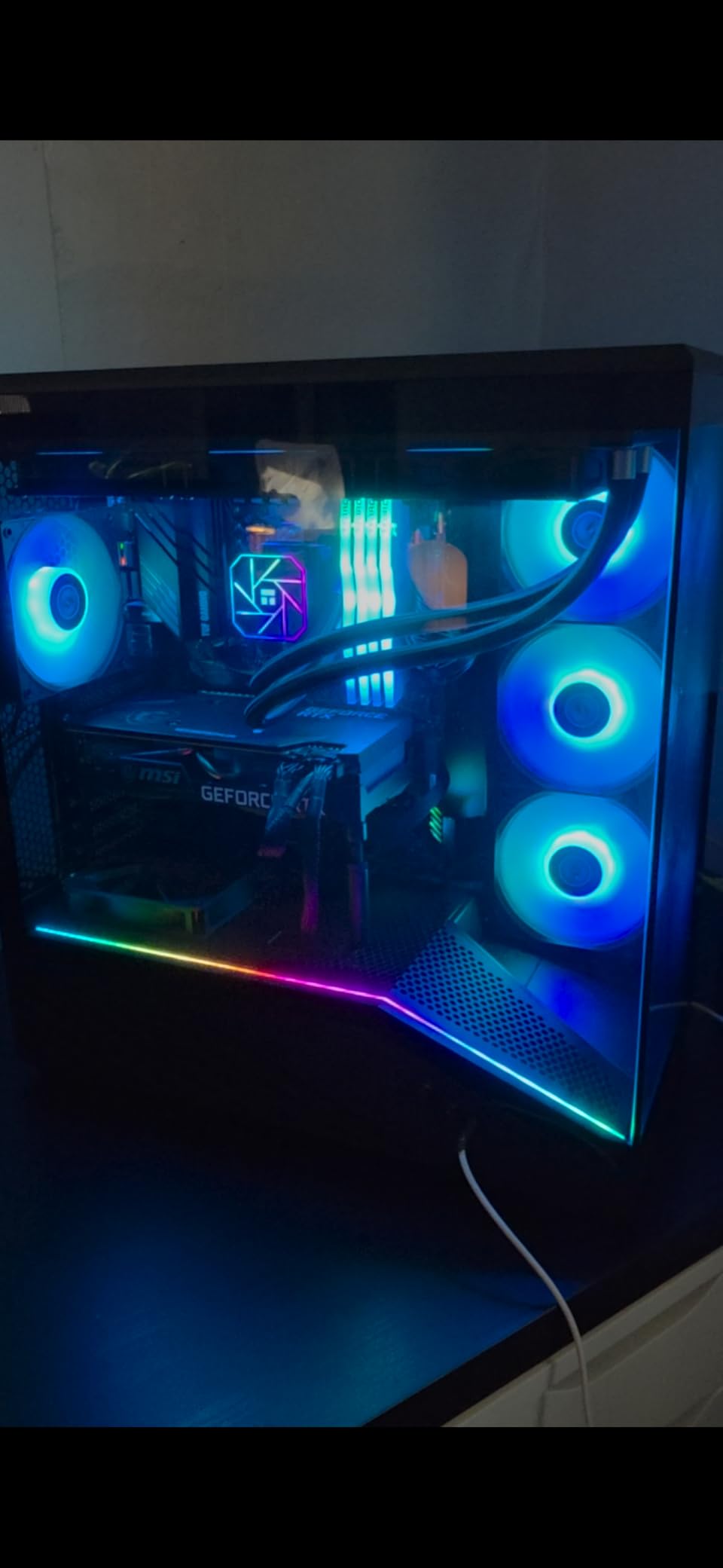
How much quieter is this than the other 360mm options?
On paper it is the quietest 360mm here, with a fan rating of 25.6 dBA or below compared with 27.7 dBA on the Frozen Notte fans and 31.9 dB listed for the NZXT Kraken Core. In practice the lower 1500 RPM fan speed does more for real-world noise than the headline figure suggests.
Keep the caveat in mind: no written owner reviews were surfaced for this listing, so the assessment rests on specifications and the 4.6-star average across 394 reviews. That is a small review base, which makes the specification sheet your main evidence.
Where it will disappoint you
The aesthetics are functional rather than premium. A black fin heat plate with protective woven mesh tubing will not win a showcase build against a machined block and a soft-touch coating. If the build is going behind glass, that matters.
Lighting also depends entirely on your motherboard. There is no dedicated controller, so pump and fan lighting only work if the board has a 5V 3-pin ARGB header. And as with any 360mm unit, the radiator plus 25mm fans forms a stack you need to verify against your case clearance.
9. MSI MAG Coreliquid A13 360 — Best for LGA 1851 Builds
MSI MAG Coreliquid A13 360 – AIO ARGB CPU Liquid Cooler – 360mm Radiator – LGA 1700/1851 / AM5/AM4 Compatible – Triple 120mm ARGB PWM Fans, Black
360mm radiator
Pump up to 3800 RPM
Split-flow aluminium design
3 year warranty
Pros
- 4.7 star average from 348 owner reviews
- Three-phase pump with ceramic bearings up to 3800 RPM
- Evaporation-proof 390mm triple-layered tubing
- LGA 1851 support out of the box with paste included
Cons
- No written customer review text surfaced for this listing
- RGB control typically needs an MSI or compatible ecosystem
- Three year warranty is shorter than most rivals here
- 360mm radiator needs three 120mm fan positions
Socket coverage is the reason to look at this one. It includes out-of-the-box LGA 1851 support alongside AM5, AM4 and LGA 1700, and thermal paste is included in the box. That removes the most common first-build annoyance, which is realising you need a bracket you do not have.
The design is unusual in a good way. The aluminium radiator uses a split-flow layout with an integrated three-phase pump, intended to reduce motor resonance, and the pump reaches 3800 RPM on ceramic bearings. At 4.7 stars from 348 reviews it matches the top rating in this lineup.
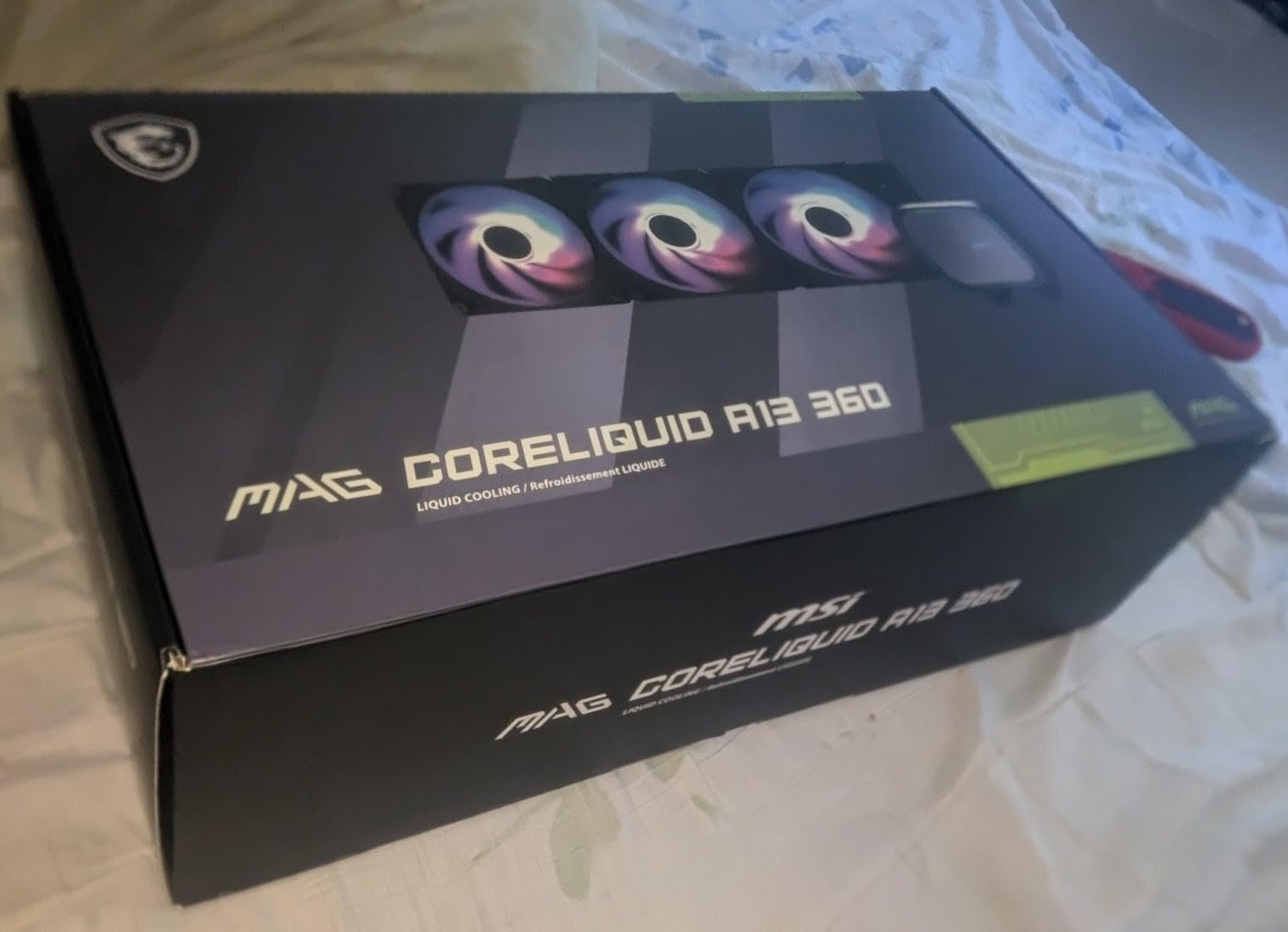
MSI has also been generous with the tubing. At 390mm with triple-layered netted plastic under reinforced mesh sheathing, it is described as evaporation-proof, which is one of the longer-lasting tubing constructions available at this tier.
Note the listed noise figure of 14.4 dB and the 4-pin connection, which puts this in the same header-controlled camp as the Corsair rather than the software-dependent NZXT camp.
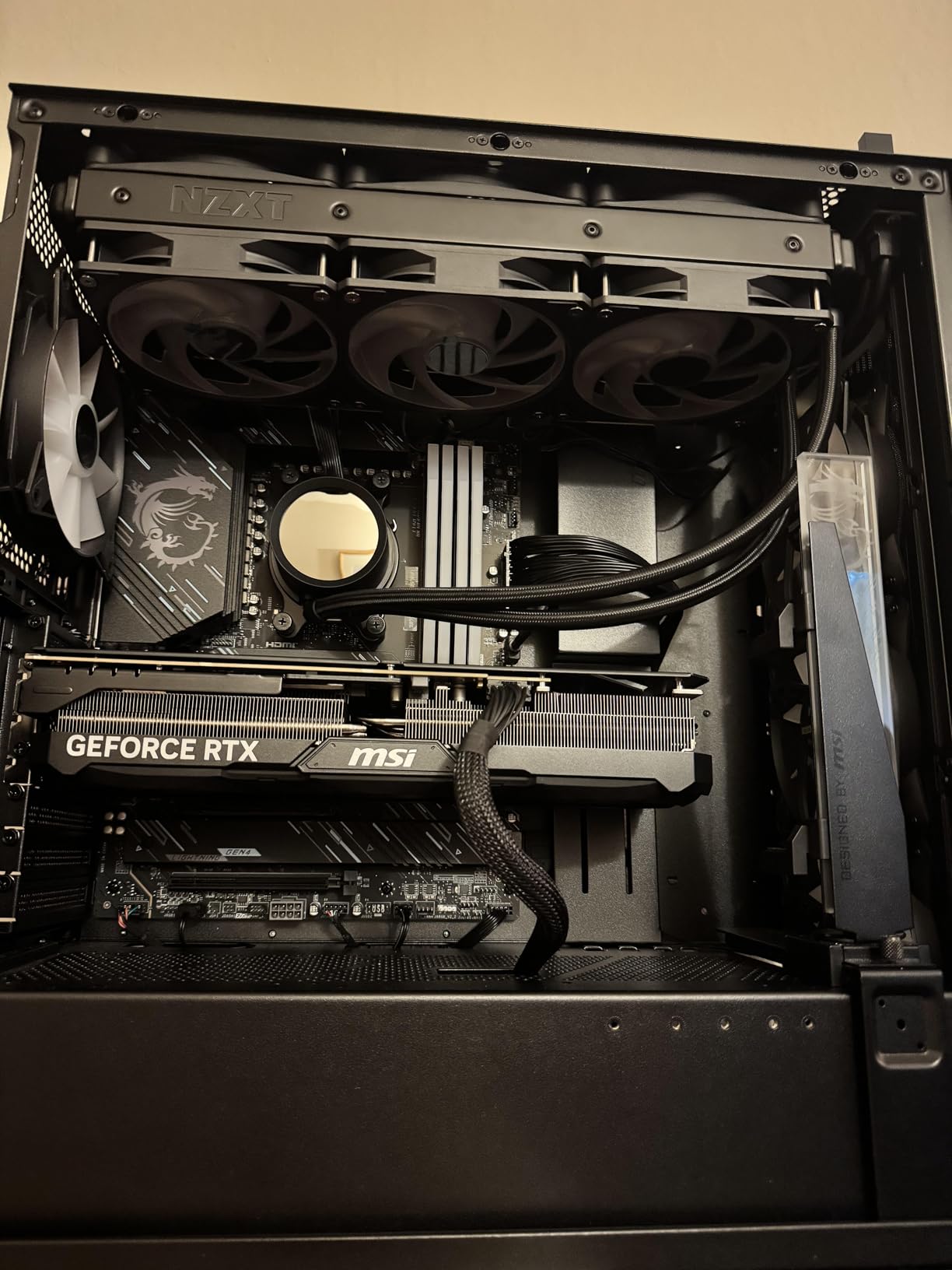
Is this the best choice for a new LGA 1851 gaming PC?
On socket logistics, yes. Bracket compatibility is the single most common reason a build gets delayed on the day, and this unit removes that risk while still covering AM5 for future upgrades. The ceramic-bearing pump and triple-layered tubing are also reassuring for a loop you expect to keep for years.
On raw specification it is mid-pack rather than leading. Three-phase pumping and a split-flow radiator are sensible engineering choices, but nothing here promises a thermal breakthrough against the ARCTIC or Thermalright units.
What to consider before you commit
The warranty is three years, which is shorter than the six years on the ARCTIC and the five years on the Corsair and NZXT Kraken Core. For a component with a moving part inside it, that difference matters more than it first appears.
RGB control typically requires an MSI or compatible motherboard ecosystem, so check how you plan to drive lighting before ordering. And as always with a 360mm unit, confirm the case has room for three 120mm fan positions plus radiator thickness.
10. NZXT Kraken Plus 240 RGB — Best for Compact Gaming Cases
NZXT Kraken Plus 240 RGB – 240mm AIO CPU Cooler, LCD – Black
240mm radiator
1.54 inch square LCD
Turbine pump
6 year manufacturer warranty
Pros
- Compact 240mm format fits cases that reject 360mm radiators
- 1.54 inch square LCD driven by NZXT CAM
- Single-frame fan simplifies cable routing
- Pre-applied paste and single breakout cable
Cons
- Full features need NZXT CAM software setup
- Some ratings note occasional pump noise under sustained heavy load
- Smaller display than the Kraken Elite
- Software dependency is unavoidable here
Small form factor and compact mid-tower builders are the group most underserved by roundups that only cover 360mm. The Kraken Plus 240 is the answer for them, and unlike most 240mm units it still gives you a display to look at.
The screen is a 1.54-inch square panel rather than the 2.72-inch panel on the Kraken Elite, but it runs the same software and displays real-time system temperatures, animated GIFs, custom images and integrations like Spotify and YouTube. For a compact build the physical size is often the deciding factor anyway.
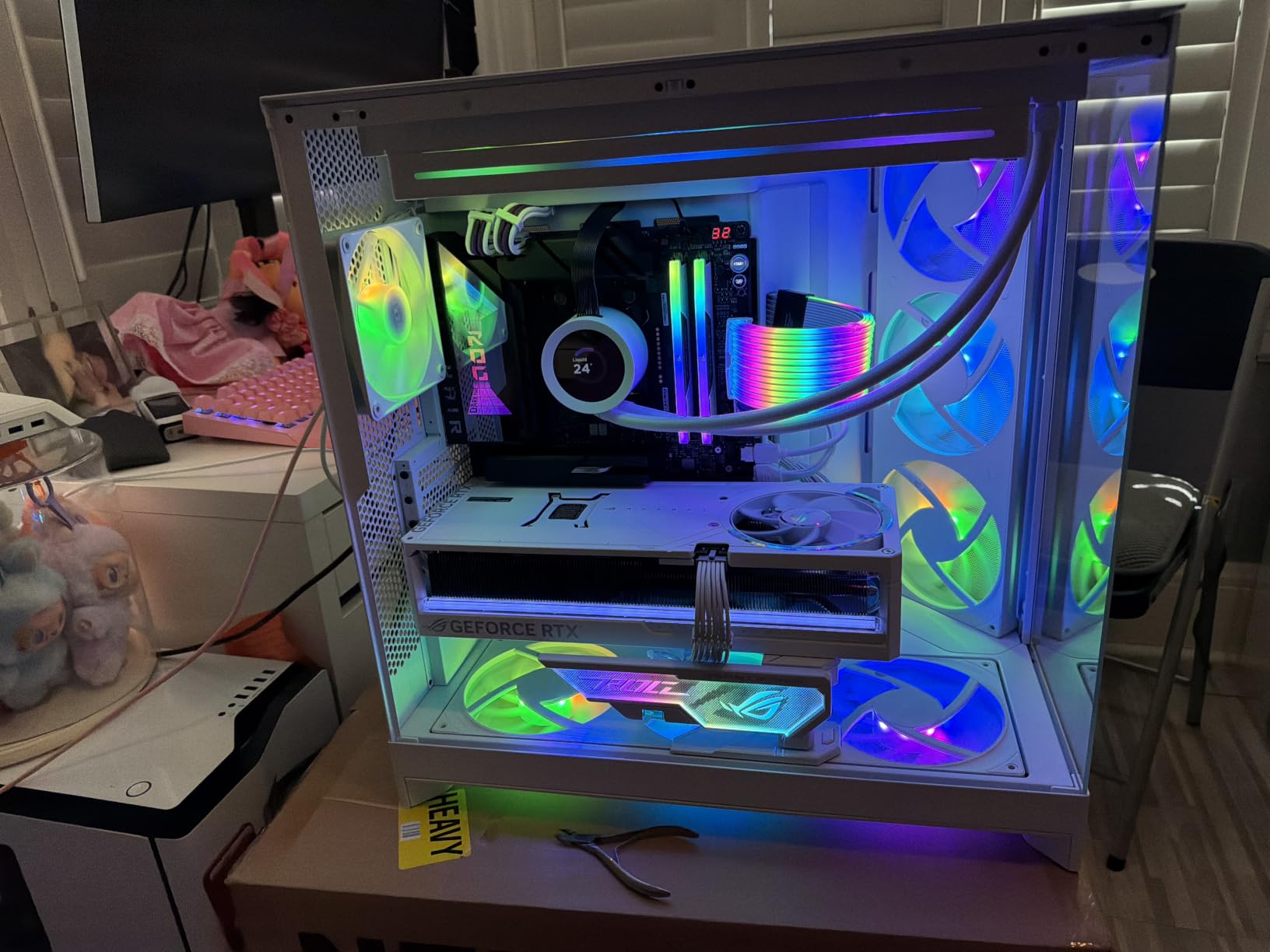
The RGB Core single-frame fan is a genuinely good engineering choice for tight cases. One cable and four screws per fan keeps the interior clear when space is already scarce. The listed 30 dB noise figure sits in the same territory as the Cooler Master fans.
The warranty is six years, matching the longest we found among the coolers here, and the tool-free mounting brackets cover current AMD and Intel sockets including AM5 and LGA 1851 out of the box.
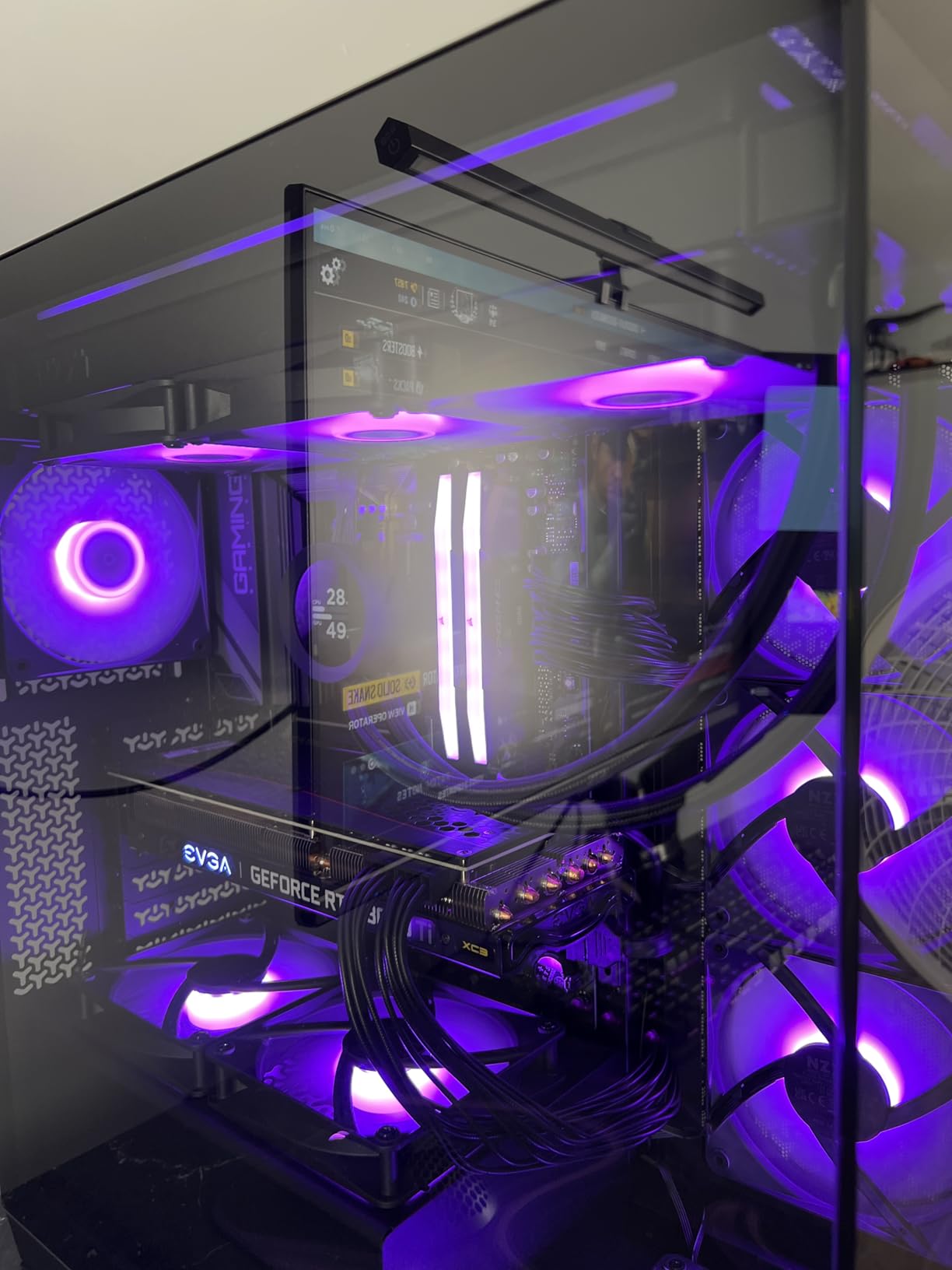
Can a 240mm AIO handle a modern gaming CPU?
For most gaming CPUs, yes. The 240mm format suits chips that boost hard but do not sustain 200W-plus all-core loads, which describes the majority of gaming-focused processors. The NZXT Turbine pump delivers strong flow and head pressure for sustained workloads, so the constraint is radiator area rather than pump capability.
If your CPU is a high-wattage part and you intend to run sustained all-core rendering while gaming, step up to a 360mm instead. The compact case is usually the reason you cannot.
What you give up for the smaller footprint
Unlike the Corsair in this list, the Kraken Plus cannot run without software. NZXT CAM is required for display customisation and integrated pump and fan control, which means accepting a background application you cannot easily avoid.
Some ratings also note occasional pump noise under sustained heavy load. At 4.5 stars from 334 reviews with 82 percent five-star feedback, that is a minority experience rather than a defining issue.
11. NZXT Kraken Core 360 RGB — Best for the Easiest 360mm Install
NZXT Kraken Core 360 RGB – 360mm AIO CPU Cooler – Black
360mm radiator
3100 RPM pump
75.05 cfm airflow
5 year warranty
Pros
- 4.7 stars from 211 reviews with 83 percent five star feedback
- Connects straight to the motherboard with no extra controller
- Single-frame design cuts screws and cables
- 3100 RPM pump handles heavy loads quietly
- PWM fans allow precise speed control and CAM integration
Cons
- 360mm radiator needs real top or front clearance
- RGB Core fans are not individually addressable
- Single-frame design limits flexibility to mix fan types
- Small review base of 211 owners
If you want a 360mm and you are nervous about the install, this is the one to buy. It connects directly to the motherboard with no additional controller, and the single-frame fan design reduces both the screw count and the number of cables in the chassis.
Owners consistently mention the same two things: quiet operation with strong thermals, and an unusually clean installation for a 360mm loop. The 4.7-star average comes with 83 percent five-star and only 2 percent one-star feedback across 211 reviews, which is a healthy distribution.
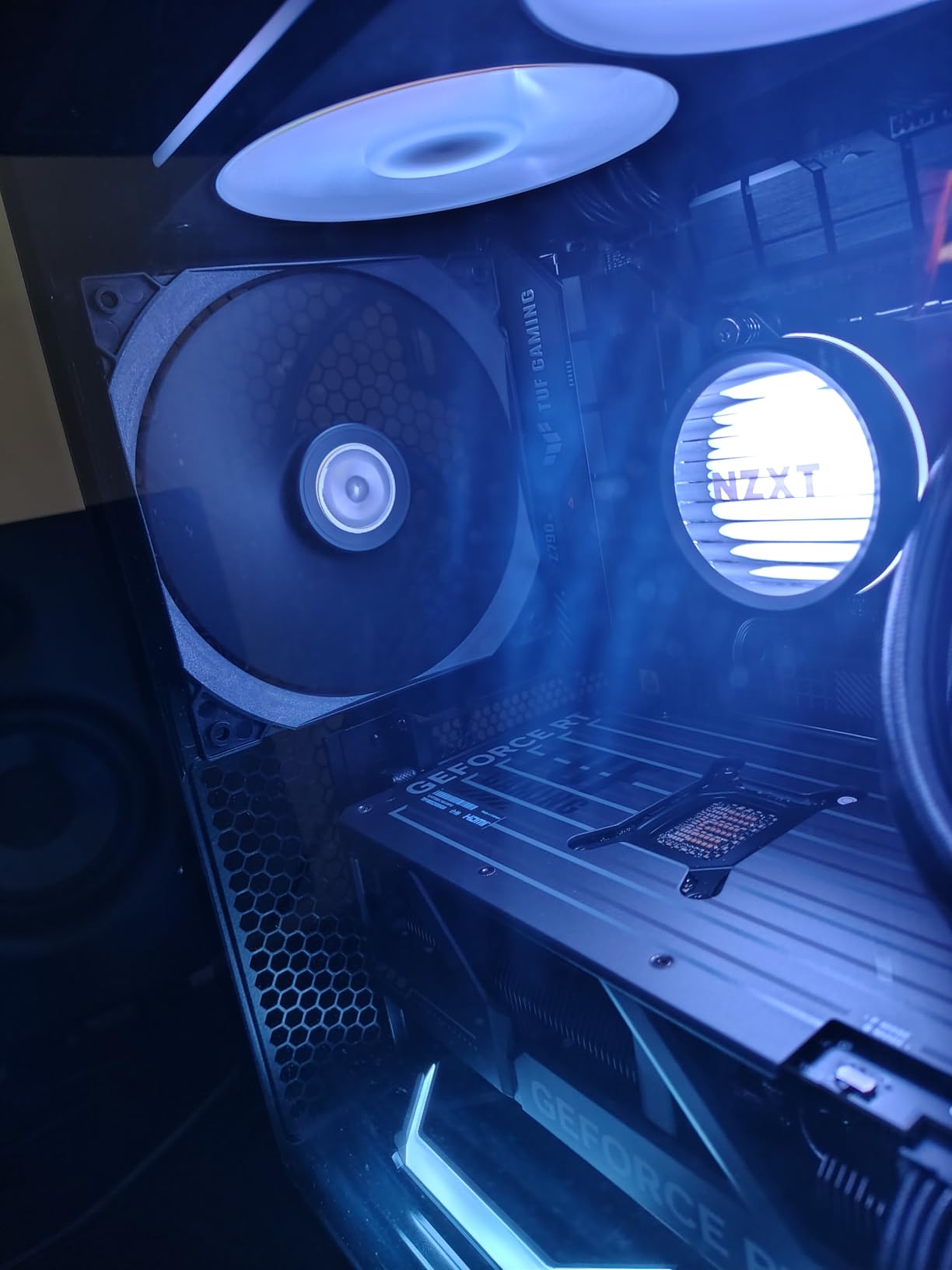
The pump runs at up to 3100 RPM and the listed airflow is 75.05 cfm with a 31.9 dB noise rating. PWM-enabled fans give you precise speed control, and the CAM integration handles the rest if you want it.
The five-year manufacturer warranty is one of the longer ones here, which matters given how much discussion there is about pump longevity.
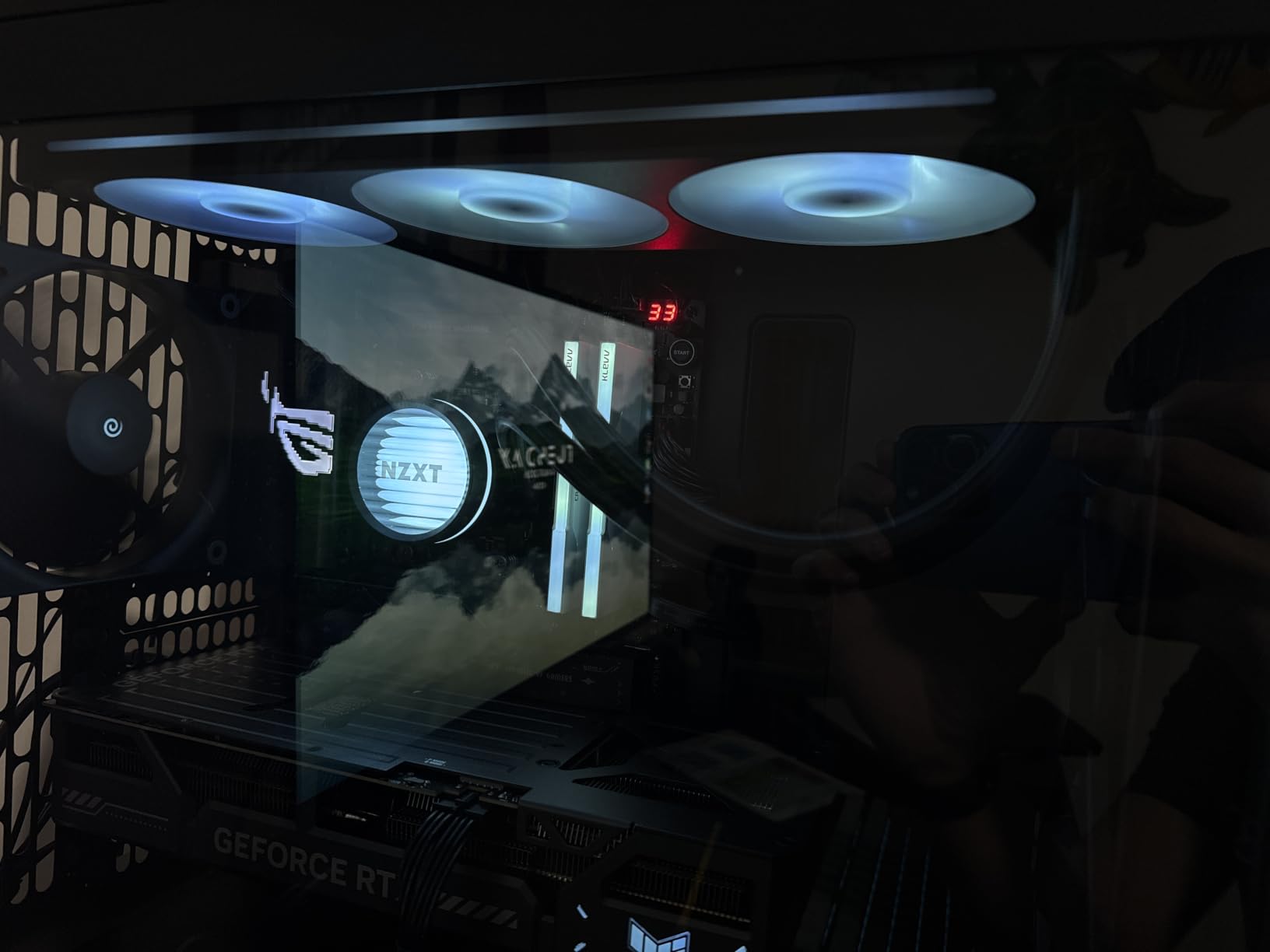
How does this compare to the Kraken Elite 360?
Same chassis class, very different proposition. The Elite adds the 2.72-inch IPS display and the app integrations, while the Core drops the screen and keeps the pump and fan fundamentals. If you do not need the display, this is the version that makes sense.
You lose the display integration entirely, so there is no software route to custom imagery. Everything else about the platform behaves the same way.
What you should check
Case clearance first, because this is the whole reason it is easy to buy the wrong cooler. A 360mm radiator needs either a top or front mount with enough depth for radiator thickness plus 25mm fans, and many mid-towers advertise 360mm support for slimmer combinations only.
The RGB Core fans are not individually addressable, which is the same limitation as the Corsair daisy-chained units here. That is fine for a single-colour or single-effect build and a problem for a fully synchronised lighting setup.
12. ID-COOLING FX 280 PRO SE — Best for High-TDP CPUs in 280mm Cases
ID-COOLING FX 280 PRO SE CPU 280mm CPU Liquid Cooler for Intel & AMD
280mm radiator
Cooling capacity up to 350W
2900 RPM pump at about 25 dBA
2x 140mm fans
Pros
- Handles up to 350W TDP per the manufacturer claim
- 2900 RPM hydraulic bearing pump with copper cold plate
- Two 140mm fans deliver 72.2 cfm across 300-1800 RPM
- Covers LGA1851 1700 1200 115X 20XX and AM5/AM4400mm sleeved tubing fits most 280mm capable cases
Cons
- No integrated LCD or digital display
- Some ratings report the fans are not as quiet as premium rivals
- 4.2 star average is the lowest in this group
- Tubing is a fixed 400mm which constrains routing
The FX 280 PRO SE is the odd one out here in a useful way. It is the only 280mm unit with a stated cooling capacity figure, and that figure is 350W, which puts it in a different class from most 280mm loops despite the modest radiator size.
The pump is a 2900 RPM hydraulic bearing design with a precision-engineered copper cold plate, rated at about 25 dBA. Two AS-140-K PWM fans provide up to 72.2 cfm across a 300-1800 RPM range, and the lower end of that range is where the quiet operation comes from.
Socket coverage is thorough, covering Intel LGA1851, LGA1700, LGA1200, LGA115X and LGA20XX alongside AMD AM5 and AM4. The radiator is 27mm aluminium with 400mm of premium sleeved tubing, which fits most cases that support 280mm radiators.
The 4.2-star average across 444 reviews is the lowest in this lineup, and the 1-star share of 9 percent is the highest. Reading the comments, the complaints cluster around fan acoustics and the absence of a display rather than around cooling performance.
Does the 350W claim hold up for gaming?
It is more headroom than any gaming CPU needs, which is exactly why this is interesting. The claim is a manufacturer maximum rather than a benchmark result, so treat it as an upper bound rather than a promise. But a 280mm loop with two 140mm fans and a 2900 RPM pump has the pump capability to move that heat if the radiator can dissipate it.
For a Ryzen 9 or a Core i9 running sustained all-core loads in a case that will not accept 360mm, this is the practical answer in this list.
Where it falls behind the field
There is no display, which is the point of many premium purchases. The listed noise figure of 24.9 dB refers to the pump, and some ratings separately note the included fans are not as quiet as premium alternatives, so overall acoustics are less certain here than for the coolers with documented fan noise ratings.
The 4.2 average also reflects more dissatisfaction than any other product on this page. If you want the same capacity with better owner satisfaction, the 360mm options give you more radiator area for a similar commitment.
AIO Liquid Cooler Buying Guide for Gaming PCs
What does 360mm liquid cooling actually mean?
The number refers to the radiator length, not the pump or the tubing. A 360mm radiator is roughly 397mm long, 120mm wide and between 25mm and 30mm thick depending on the model, and it carries three 120mm fans across its face. A 240mm is the same design with two fans, and a 280mm is usually fitted with two 140mm fans instead.
More radiator area means the fans move more air through the fins, which is what actually removes heat from the coolant. That is the whole mechanism: the cold plate picks heat off the CPU, the coolant carries it to the radiator, and fan-driven airflow strips that heat away.
Choosing the right radiator size for your chip
Match the radiator to sustained power draw, not to the marketing tier of the CPU. A Ryzen 7 X3D or a Core i5 gaming chip behaves very differently from a Ryzen 9 or an unlocked Core i9 under all-core load, even though the gaming benchmarks can look similar.
240mm suits gaming-first builds, X3D chips at default power limits and compact mid-towers. Two 25mm fans need far less clearance than three.
280mm suits cases that support the size but not 360mm, and it is often fitted with 140mm fans that move more air than two 120mm units.
360mm suits sustained high-wattage loads, overclocking headroom and showcase builds where clearance is not a constraint.
420mm is worth considering only for very large cases and very high power chips. None appear in this guide because the mounting requirements are restrictive.
Is a 360mm AIO overkill for a 9800X3D?
Usually, yes for gaming purposes. A 9800X3D is a powerful chip but a relatively efficient one at gaming workloads, and a good 240mm unit leaves plenty of thermal headroom. Spending the difference on a faster graphics card or more memory usually improves the gaming experience more.
There are two cases where the 360mm still makes sense. The first is if you also run sustained non-gaming work on the same machine, such as video encoding or compiling, where all-core draw pushes the chip much harder. The second is if you want low temperatures and low noise, since a bigger radiator lets the fans run at a lower RPM for the same result.
Our own data point here is one owner who reported a 9800X3D stress test around 82C on a Liquid Freezer III Pro 360 versus 95C on a 240mm unit. Both are safe. Only one is quiet.
Matching a cooler to your socket
Check socket support against the chip you own today and the one you might upgrade to. AM5 and LGA1700 are covered by almost every unit here, while LGA1851 is newer and narrows the field to the Corsair Nautilus 360 RS, the ARCTIC Liquid Freezer III Pro 360, the Thermalright Frozen Notte 360, the MSI MAG Coreliquid A13 360 and the ID-COOLING FX 280 PRO SE.
Older platforms are broadly supported. The Thermaltake Floe lists the widest legacy coverage of the group, and a separate LGA1700 kit is available for it as an upgrade.
Case clearance and radiator thickness matter more than radiator length
This is the mistake that ends builds. A 38mm radiator plus 27mm fans makes a 65mm stack, and many cases that advertise 360mm support only clear a thinner combination. Measure the mounting space for radiator thickness plus fan thickness, not just the 360mm mounting position.
Top and front mounts also fight different battles. A top mount competes for space with tall memory modules and can push air over the motherboard VRM area, while a front mount takes cold intake air directly. Both work; the front is usually quieter, the top usually looks cleaner.
AIO versus air cooler: the honest comparison
Air coolers last longer and fail less often. That is the single strongest argument against a liquid cooler, and it comes up constantly in forum discussions about big dual-tower air coolers. There is no moving water seal, nothing to leak and nothing to replace.
On raw thermal performance at a fixed noise level the gap is much smaller than most roundups admit. A quality dual-tower air cooler can match a good 360mm AIO on thermals while being quieter, which is why the enthusiast consensus often lands on air for pure gaming builds.
Peak cooling at fixed noise: a quality dual-tower air cooler comes close to a good 360mm AIO, and the AIO has more room to pull ahead.
Expected service life: ten years or more for a large air cooler, against roughly five to seven years for an AIO pump.
Failure risk: a fan bearing versus a pump seal, and the latter cannot be replaced without draining the loop.
Case clearance: a CPU cooler height limit versus a radiator plus fan stack, which is usually the harder constraint to satisfy.
Maintenance: dust only, versus dust plus periodic pump health and noise checks.
Looks in a glass build: a dual tower is large and blocky, while a liquid loop keeps the window on the motherboard clear.
Our rule of thumb: below roughly 125W of sustained draw, an air cooler is the better buy. Above 200W, or when the build is a showcase piece, the liquid cooler earns its place.
Does a better cooler actually raise your frame rate?
Not directly, in almost every case. Modern CPUs throttle based on temperature, power and boost algorithms rather than on a fixed temperature threshold, so an AIO rarely unlocks frames you were missing. In a gaming-only workload the difference is typically zero.
Where cooling does pay off is in noise and in sustained non-gaming work. Lower temperatures let fans run slower, which is a difference you hear rather than see. If you stream while playing, or render on the same machine, the case is stronger.
LCD or no LCD, and which software ecosystem you are signing up for
A display is an aesthetic purchase. The two LCD options here are the NZXT Kraken Elite 360 with its 2.72-inch IPS panel and the NZXT Kraken Plus 240 with a 1.54-inch square screen. Both add cost per unit of cooling, and both need NZXT CAM for customisation.
On software generally, the lightest-touch options are the Corsair Nautilus 360 RS, the MSI MAG Coreliquid A13 360 and the NZXT Kraken Core 360 RGB, all of which run from motherboard headers. The most demanding is TT RGB Plus on the Thermaltake Floe, which owners report does not save settings and does not offer pump speed control.
First-time AIO installation checklist
Install the radiator and fans first, before the motherboard goes in, because that is nearly always the only window you will have. Mount the pump block with the logo facing up and run the tubes to the highest point of the loop first, then fill and bleed, since air collects at the top.
Follow the arrow on the fan frame. Fans pushing through the radiator need to be oriented so the airflow arrow points toward the rear exhaust, and mixing orientations is the most common cause of a disappointing result. Leave the pump fill port accessible before you close the case.
Do the leak test before you build around it. Loop the radiator, fill it, leave it powered for a while with paper under the pump block, and check the joints. Every leak we see in community threads traces back to a rushed first fill rather than a manufacturing defect. If your manual is unclear, manufacturer video guides are usually better than the printed booklet, which is often picture-only.
Frequently Asked Questions
What is the best gaming liquid cooler?
The Cooler Master MasterLiquid ML240L RGB V2 is the best AIO liquid cooler for most gaming PCs in 2026, because a 240mm radiator fits nearly every mid-tower and its pump and fans are reported inaudible at normal speed. For 360mm builds the ARCTIC Liquid Freezer III Pro 360 gives the most cooling per pound spent, and the Corsair Nautilus 360 RS ARGB is the cleanest install with no software needed.
Is a 360mm AIO overkill for a 9800X3D?
Usually yes for gaming alone. A 9800X3D does not sustain the all-core power draw that justifies three 120mm fans, so a good 240mm unit leaves plenty of headroom. A 360mm still makes sense if you also run sustained all-core work such as streaming encoding, or if you want lower temperatures and lower fan noise at the same output.
What is the best liquid cooler for an AM5 processor?
On AM5 the ARCTIC Liquid Freezer III Pro 360 stands out, because it uses native offset mounting that shifts the cold plate toward the CPU hotspot and includes a contact frame for Intel platforms too. It holds the number one best sellers rank in water cooling with close to 2000 reviews. The Thermalright Frozen Notte 360 is the stronger budget alternative.
What is the best 240mm AIO cooler?
The Cooler Master MasterLiquid ML240L RGB V2 is the best 240mm AIO here, with over 9600 reviews at 4.6 stars, a Gen3 dual-chamber pump and 62 cfm of airflow. Owners report idles dropping from the 50-55C range into the high 30s. The NZXT Kraken Plus 240 RGB adds a 1.54 inch LCD and a six year warranty if you want a screen in a compact case.
What does 360mm liquid cooling mean?
It refers to the radiator length. A 360mm radiator measures roughly 397mm by 120mm by 25-30mm and carries three 120mm fans. A 240mm is the same design with two fans, and a 280mm usually takes two 140mm fans. More radiator area means more airflow through the fins, which is what removes heat from the circulating coolant.
What are the disadvantages of air CPU coolers?
The main drawbacks are physical. A dual-tower air cooler is tall and blocks tall memory modules, it adds noticeable weight to the top of the motherboard, and in a glass-panel build it dominates the interior visually. They also need a case with sufficient CPU cooler clearance. In exchange they last far longer than a liquid loop and have no pump to fail.
How long do AIO liquid coolers last before the pump fails?
Expect roughly five to seven years from a well-made pump, which is why warranty length is the most useful proxy for confidence. The ARCTIC Liquid Freezer III Pro 360 carries six years, while the MSI MAG Coreliquid A13 360 carries three. For comparison, a large air cooler can last a decade or more with nothing but a fan bearing to worry about.
Will a 360mm radiator fit my case?
Check radiator thickness plus fan thickness, not just the mounting position. A 30mm radiator with 25mm fans needs about 55mm of depth, and a 27mm radiator with thicker fans needs more. Many cases that advertise 360mm support only clear slimmer combinations. The ARCTIC Liquid Freezer III Pro 360 and Thermalright Frozen Notte 360 are both among the deeper units here.
Final Verdict for Gaming PC Builds in 2026
The best AIO liquid coolers for gaming PCs split cleanly by case, not by hype. Buy the Cooler Master MasterLiquid ML240L RGB V2 if you want the safest fit and the quietest everyday experience, the ARCTIC Liquid Freezer III Pro 360 if your case has real 360mm clearance and you want the most cooling per pound, and the Corsair Nautilus 360 RS ARGB if you refuse to install vendor software.
Match the radiator to the chip and the case before the brand, measure the stack rather than trusting a support list, and remember that a pump is a wear item. If you are still assembling the rest, start with our prebuilt gaming PC roundup or streaming PC picks to see whether a full build makes more sense than another cooler.