
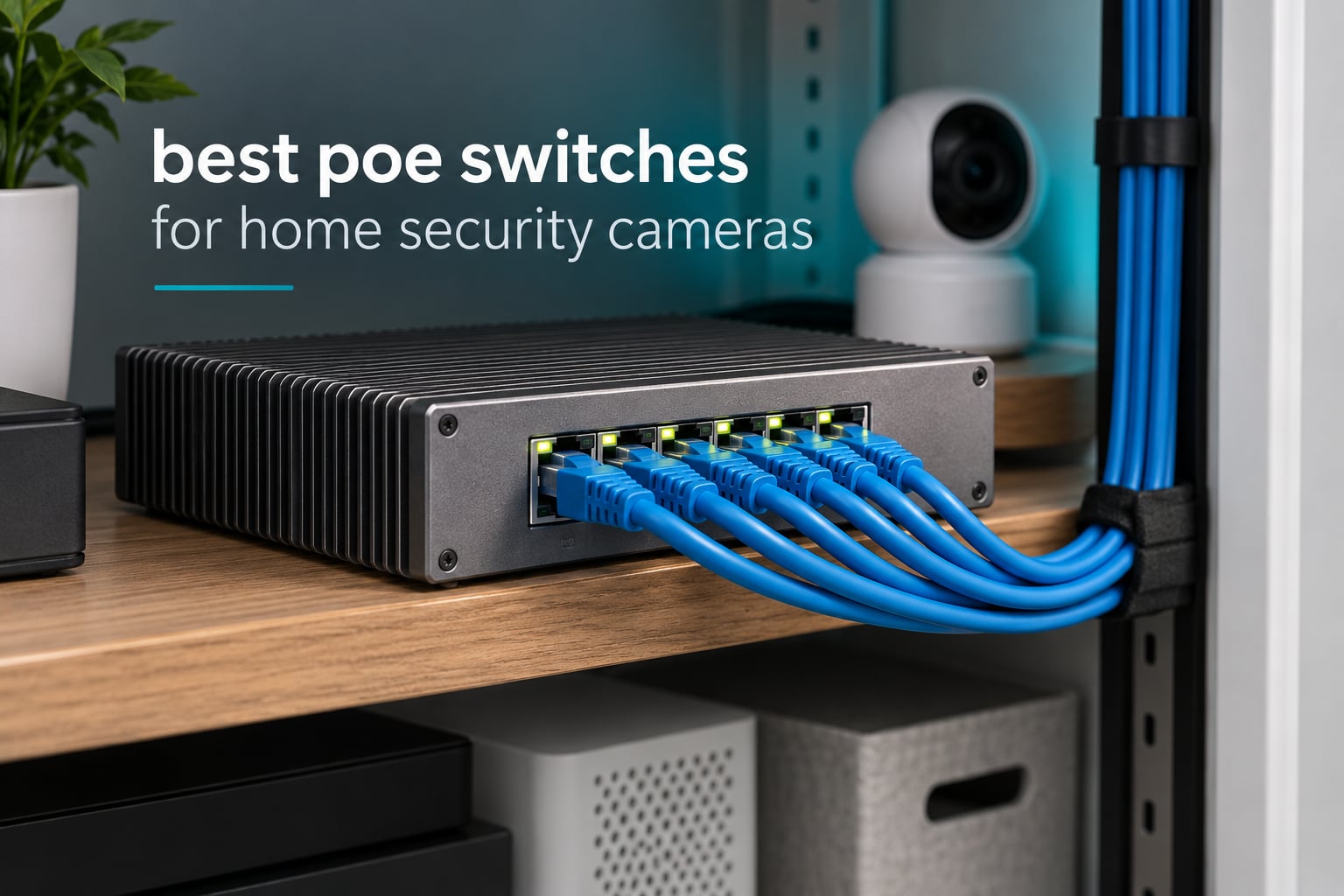
A security camera install falls apart quietly. The footage is there, the NVR records fine, and then a cold snap arrives and four of your eight cameras drop off the network at once. That is almost never a camera fault. It is a power problem, and the box that controls power for the whole system is the piece most people buy too small.
That is what this roundup is about: the best PoE switches for home security cameras. A PoE switch sends both data and electrical power down a single Ethernet cable, which means you can mount a camera on a garage wall without running a power line to it. When you compare switches, the two numbers that decide your outcome are the per-port wattage and the total power budget.
We spent weeks with ten of the most common models in this category, covering everything from a 4-port unit for a front door and driveway to a 16-port model for whole-home coverage. We looked at port speed, fan noise, extend mode, surge protection and how each switch behaves when a camera freezes. If you are still choosing cameras, start with our home security camera picks and then size the switch around whatever you land on.
Table of Contents
- Top 3 Picks: Best PoE Switches for Home Security Cameras (October 2026)
- All 10 Switches Compared Side by Side
- 1. TP-Link TL-SG1005P – Best All-Rounder for a Small Home System
- 2. TP-Link TL-SG1008MP – Best 8-Port Switch with Real Power Headroom
- 3. TP-Link TL-SL1218MP – Best for Long Camera Runs Beyond 100m
- 4. YuanLey 8 Port Gigabit PoE – Best for Automatic Camera Recovery
- 5. STEAMEMO 8 Port Managed PoE+ – Best Budget Pick with VLAN Support
- 6. YuanLey 16 Port Gigabit PoE – Best Value for Many Gigabit Camera Ports
- 7. NETGEAR GS108PP – Best for Surge Protection and Warranty Cover
- 8. NETGEAR GS308PP – Best for Compact 8-Port Setups
- 9. NETGEAR GS316PP – Best for Whole-Home Camera Coverage
- 10. UGREEN 10 Port PoE Switch – Best for Small Setups on a Tight Budget
- How to Choose a PoE Switch for Cameras
- Frequently Asked Questions
- Conclusion
Top 3 Picks: Best PoE Switches for Home Security Cameras (October 2026)

The TL-SG1005P wins for most people because four cameras is the most common home install, and it leaves real headroom in a 65W budget. The TL-SG1008MP is the one to buy if you already know you will add cameras, because the 153W budget swallows higher-draw hardware without argument. The TL-SL1218MP is the only model here built for cable runs that leave the building, with extend mode pushing power and data to 250m.
All 10 Switches Compared Side by Side
| Product | Specs | Action |
|---|---|---|
| TP-Link TL-SG1005P |
|
Check Latest Price |
 TP-Link TL-SG1008MP TP-Link TL-SG1008MP |
|
Check Latest Price |
 TP-Link TL-SL1218MP TP-Link TL-SL1218MP |
|
Check Latest Price |
 YuanLey 8 Port Gigabit PoE YuanLey 8 Port Gigabit PoE |
|
Check Latest Price |
 STEAMEMO 8 Port Managed PoE+ STEAMEMO 8 Port Managed PoE+ |
|
Check Latest Price |
 YuanLey 16 Port Gigabit PoE YuanLey 16 Port Gigabit PoE |
|
Check Latest Price |
 NETGEAR GS108PP NETGEAR GS108PP |
|
Check Latest Price |
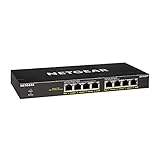 NETGEAR GS308PP NETGEAR GS308PP |
|
Check Latest Price |
 NETGEAR GS316PP NETGEAR GS316PP |
|
Check Latest Price |
 UGREEN 10 Port PoE Switch UGREEN 10 Port PoE Switch |
|
Check Latest Price |
1. TP-Link TL-SG1005P – Best All-Rounder for a Small Home System
TP-Link TL-SG1005P, 5 Port Gigabit PoE Switch, 4 PoE+ Ports @65W, Desktop, Plug & Play, Sturdy Metal w/ Shielded Ports, Fanless, QoS & IGMP Snooping
4 PoE+ ports at 30W
65W total budget
1 gigabit uplink
IGMP snooping and QoS
Pros
- 65W budget gives real headroom for four cameras
- Plug and play with no configuration
- IGMP snooping keeps multicast video traffic tidy
- Compact fanless metal box runs silent and cool
Cons
- Unmanaged so there is no VLAN control or per-port monitoring
- Status LEDs are hard to read from some angles
- LEDs cannot be switched off for dark installs
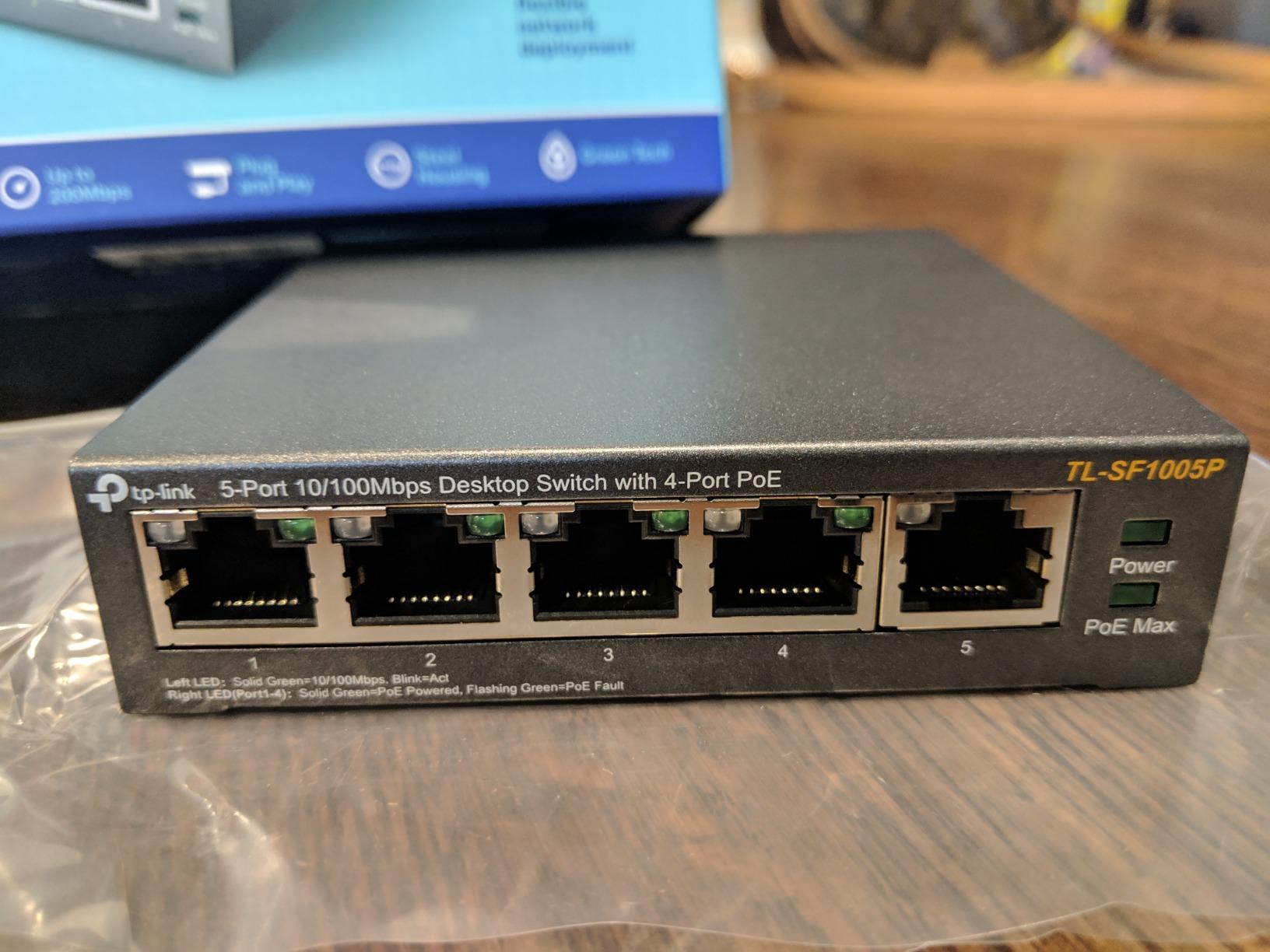
Four cameras is the number most households land on, and this is the switch we keep coming back to. The 65W total budget works out to roughly 16W per port when all four are running, which is well above what a fixed dome or a standard bullet camera actually pulls. That margin is the point. It is what stops a night of IR illuminators switching on from tripping the budget.
Setup took us under five minutes. It auto-detects PoE devices, supplies power only where it is needed, and the fifth gigabit port takes the uplink to your router or NVR without eating one of your four camera ports.
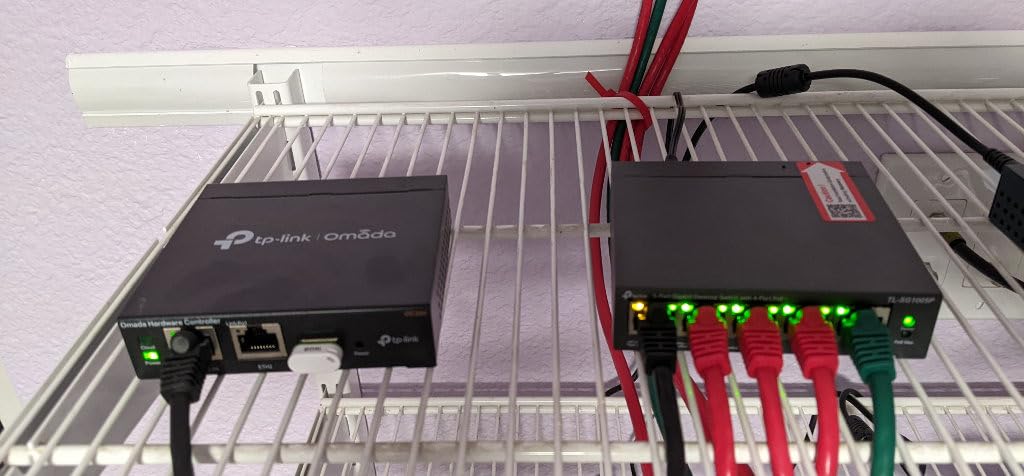
What we like most for camera work is the IGMP snooping combined with port-based 802.1p and DSCP QoS. With several cameras streaming to one recorder, that is the difference between a timeline that scrubs smoothly and one that stutters when a phone pulls up a live view. Reviewers consistently report clean plug-and-play setup and stable gigabit throughput with no dropped feeds.
The metal case measures 3.94 by 3.86 by 0.98 inches and weighs 0.8 kg, so it disappears into a closet or mounts flat on a wall. It is fanless, which matters more than most people expect when the switch lives in a hallway closet next to a bedroom wall.
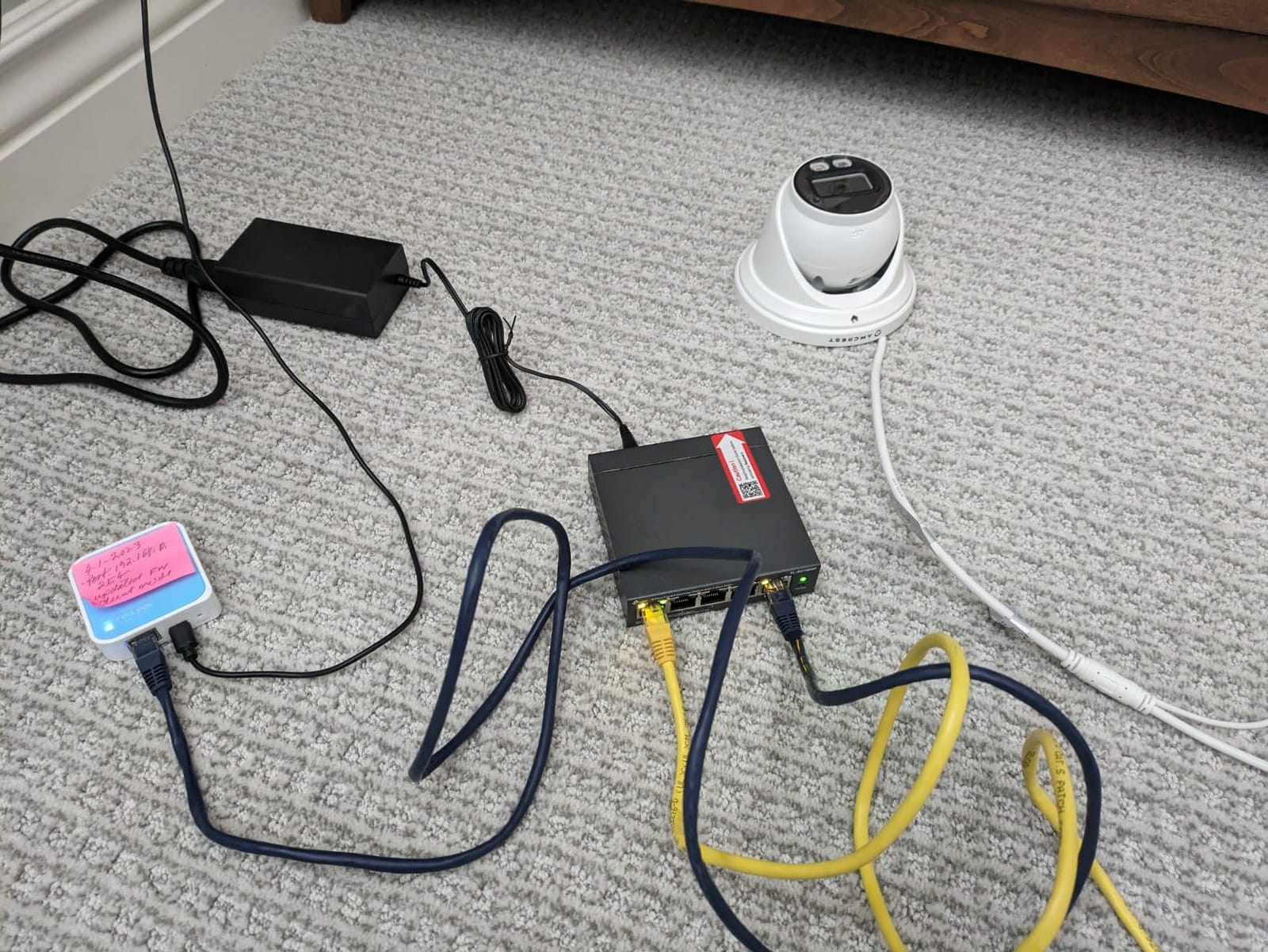
Why we picked it for a four-camera install
The headroom is the reason. A 65W budget powering four cameras leaves enough spare wattage that a cold-start surge on one camera does not ripple into the others. Cameras that power their IR array on at night draw more than they do during the day, and a switch with zero margin is where that shows up.
IGMP snooping matters more here than the spec sheet suggests. Without it, your NVR receives camera traffic that is not addressed to it, and on a busy network the extra load shows up as lag on live view.
Where it will disappoint you
There is no web interface and no way to see per-port power draw. If you ever want to know which camera is drawing what, you are guessing. For a fixed install where you know the hardware, that is a reasonable trade.
The status LEDs are bright and there is no disable option, so a switch in a dark hallway or a bedroom closet will glow. The five-port layout also has no room to grow: the fifth port is your uplink, not a spare camera port.
2. TP-Link TL-SG1008MP – Best 8-Port Switch with Real Power Headroom
TP-Link 8 Port Gigabit PoE Switch | 8 PoE+ Ports @126W | Plug & Play | Limited Lifetime Protection | Desktop/ Rackmount | Prioritized Power Supply | Sturdy Metal | Shielded Ports (TL-SG1008MP)
8 PoE+ ports at 30W
153W total budget
Port priority protection
Rackmount metal chassis
Pros
- 153W budget covers high-draw PTZ and heated cameras
- Port priority shuts down low-priority ports on overload
- Fanless with an internal power supply
- Includes rackmount brackets
Cons
- Unmanaged despite smart managed phrasing in some listings
- LED brightness cannot be disabled
- Mounting slots on some variants need non-standard screws
Eight PoE+ ports at up to 30W each, sharing a 153W budget. That is the number that separates this from most 8-port options, and it is the reason we rank it second rather than further down. Reviewers running Reolink and access points report ample power and quiet metal construction with instant setup.
The port priority feature is the underrated part. When total draw exceeds the budget, the switch disables lower-priority ports rather than cycling everything at once. On a surveillance install that means your core cameras stay live and the least important one drops, which is exactly the behaviour you want.
It auto-detects PoE versus non-PoE devices and only supplies power where it is needed, so you can hang a router, a printer or a NAS off the same box without hunting for a power socket. IEEE 802.3X flow control keeps congestion from turning into dropped video frames.
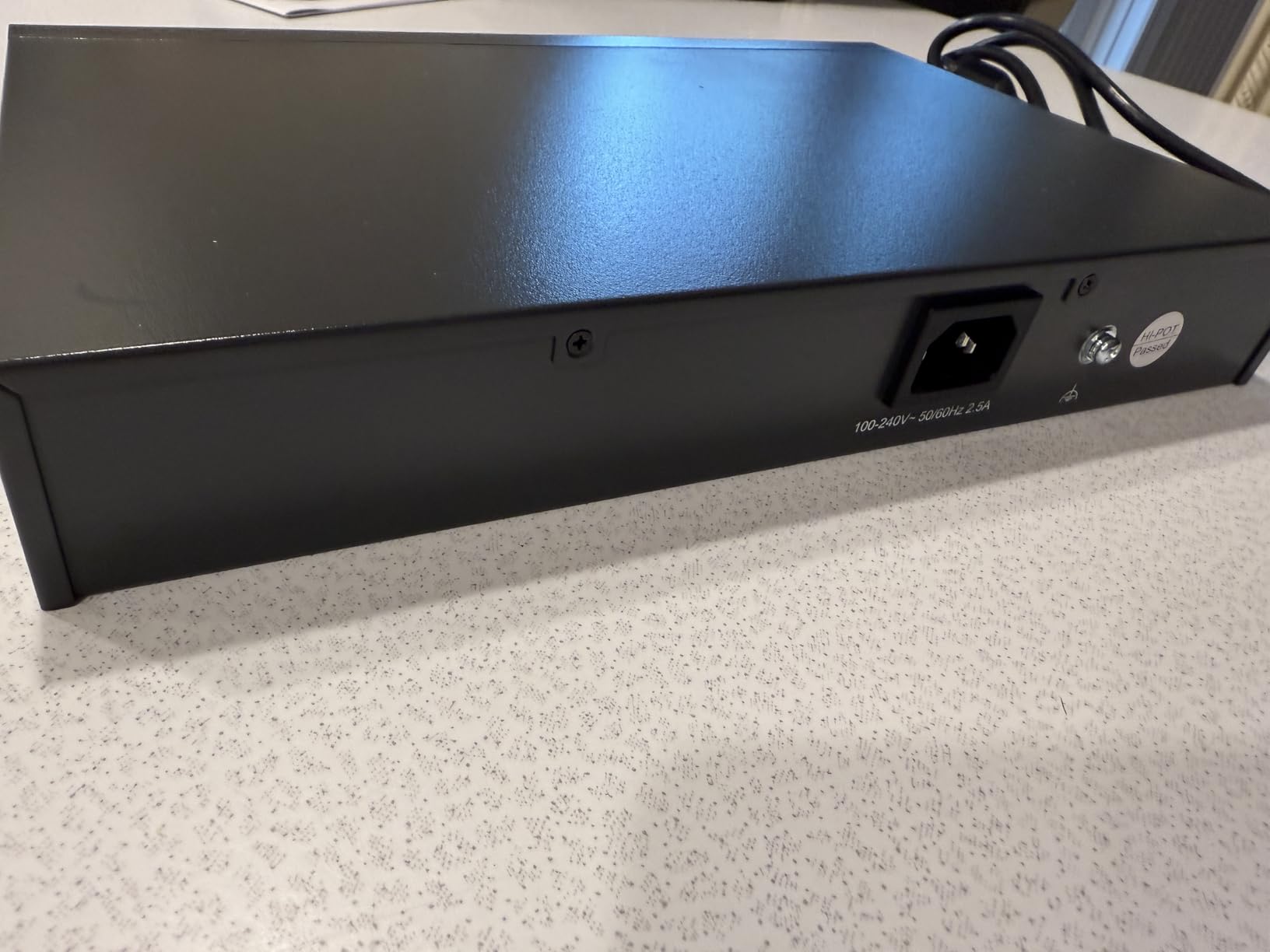
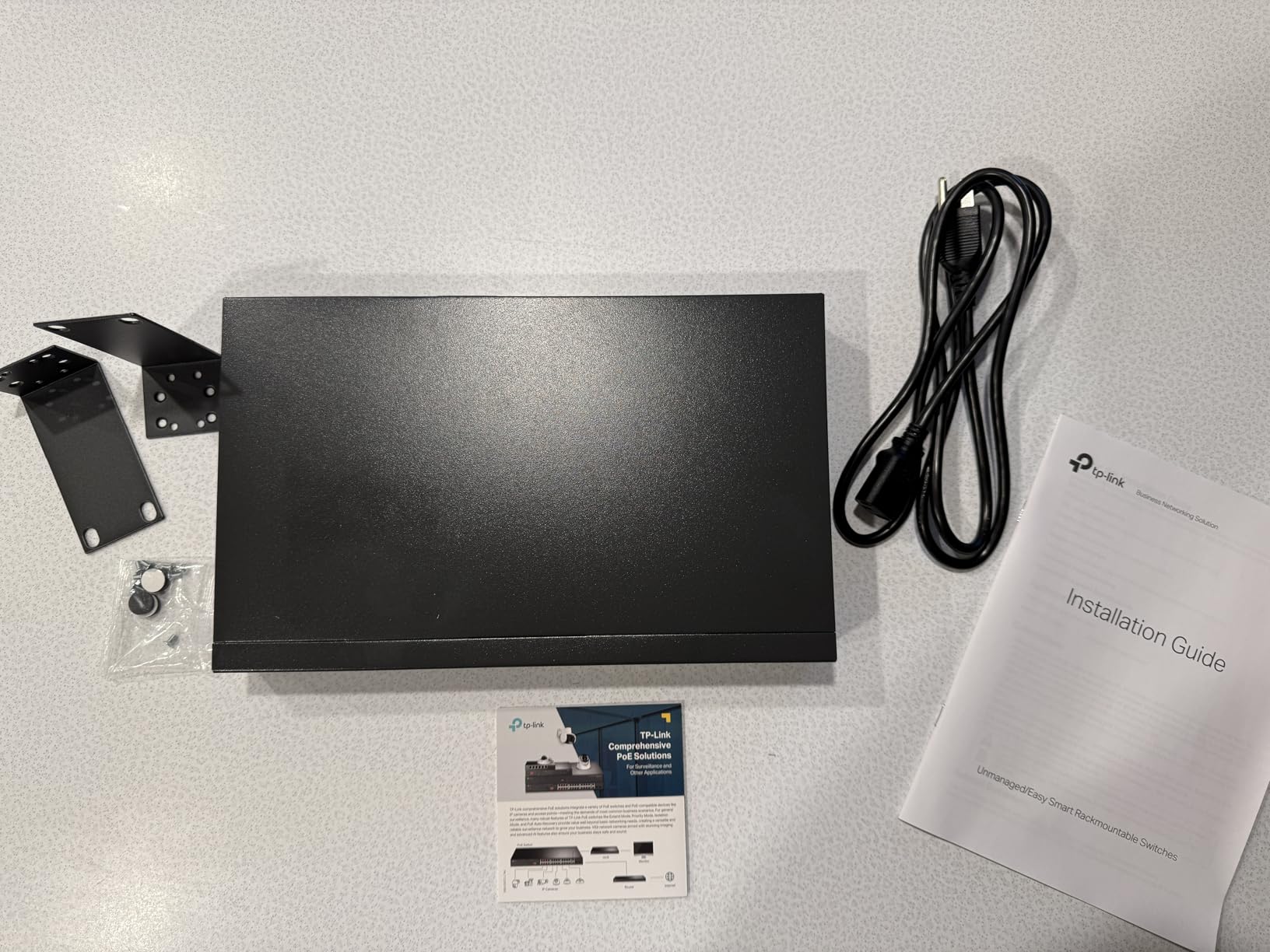
The chassis is 11.57 by 7.09 by 1.73 inches, metal, fanless, and it ships with L-mount brackets and rubber feet. It works on a desk, on a wall, or in a standard rack.
When this is the right amount of switch
Choose this one when your camera count is growing. If you start with four and add a doorbell camera, a driveway camera and two PTZ units over the next two years, a 65W four-port switch will not hold and this will. The 153W budget handles six PTZ cameras with heaters attached, which is a real scenario in cold climates.
It is also the safest choice for mixed camera types. Fixed bullet, dome, PTZ with a heater, and a wired access point can all hang off the same switch without a second power supply.
What you give up for the power budget
All eight ports are PoE, so there is no dedicated uplink. Your router or NVR connection uses one of the eight. Plan for nine cables if you need eight cameras plus a network link.
It is unmanaged, and some listings use smart managed phrasing for related variants which causes avoidable confusion. The LEDs also have no disable option, which is a recurring complaint in reviews.
3. TP-Link TL-SL1218MP – Best for Long Camera Runs Beyond 100m
TP-Link 16 Port Unmanaged PoE+ Switch, 250W, 16×FE+2×GE+2×SFP(TL-SL1218MP)
16 PoE+ ports
250W total budget
Extend mode to 250m
2 SFP slots
Pros
- 250W budget across 16 powered ports
- Extend mode reaches 250m for distant cameras
- Two SFP slots leave room for a fiber uplink
- One-click isolation and priority mode aid camera networks
Cons
- Camera ports are 10/100 Fast Ethernet not gigabit
- Extend mode drops link speed to 10 Mbps
- Internal fans become audible in a closed closet
Standard Ethernet has a 100m limit, and most people hit it with a camera at the end of a driveway or a detached building. This switch is one of the few in the roundup that handles that directly. Extend Mode carries data and power to 250m, with speed dropping to 10 Mbps when it is active.
Sixteen PoE+ ports share a 250W budget, plus two gigabit RJ45 uplinks and two gigabit SFP slots. That is the largest port count and the largest budget in this group, and it is the model that makes sense for a rental property or a whole-home system.
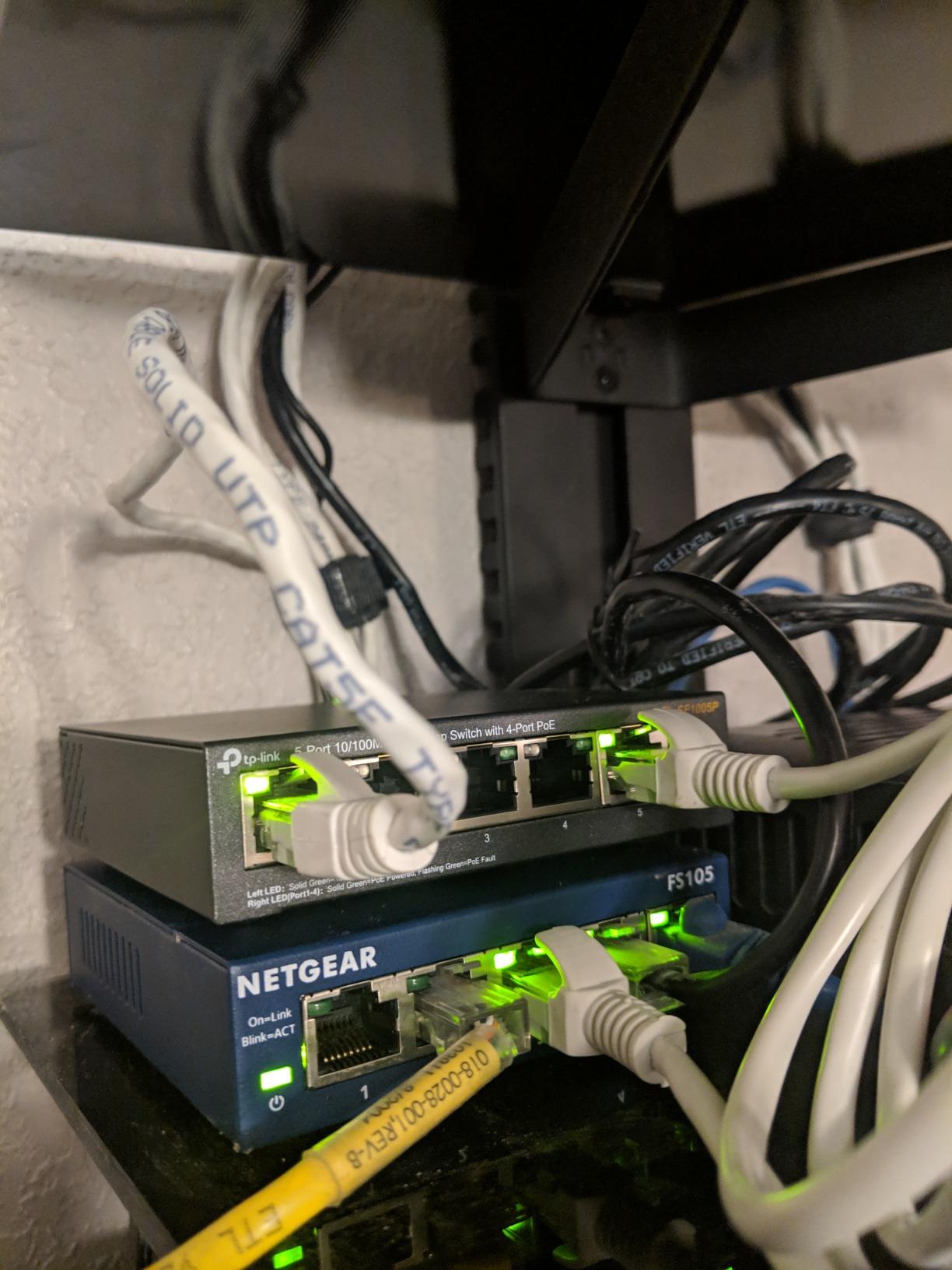
One-click isolation covers ports 1 through 16 so camera traffic only talks to the uplinks, which cuts broadcast storms and gives the NVR a cleaner feed. Priority Mode reserves ports 1 through 8 for your highest-value video and voice streams. Buyers with larger camera counts specifically call out the port count and total wattage.
Reviewers also mention the automatic port reboot that recovers frozen cameras, which removes the need to physically power-cycle a unit after a stall.
Why extend mode matters for home installs
Most cameras sit well inside 100m, but a gate, a driveway camera at the far corner of a long lot, or a camera in a detached garage frequently lands beyond it. Extend mode removes the need for a pair of fibre converters and a separate power injector, which is where the real cost of a long run usually hides.
The SFP slots are the other reason to like this model. A gigabit SFP module gives you a fibre uplink to an NVR in another building without running copper the whole way.
The compromise on this model
The camera-facing ports are 10/100 Fast Ethernet, not gigabit. For a 4K stream on a single camera that is usually workable, but stacking several high-bitrate feeds through one uplink has limits. One buyer running two NVRs with eleven cameras reported slow pages and timeouts.
Extend mode also throttles the link to 10 Mbps, and the internal fans become noticeable in an enclosed closet once the load rises. If the switch lives in a utility room next to a bedroom, read the noise reviews first.
4. YuanLey 8 Port Gigabit PoE – Best for Automatic Camera Recovery
YuanLey 8 Port Gigabit PoE Switch with 2 Gigabit Uplink, 8 PoE+ Port 1000Mbps, 1 SFP Port, 120W 802.3af/at, Metal, Qos, Unmanaged Plug and Play AI Smart Detection Ethernet Switch
8 gigabit PoE+ ports
120W total budget
2 uplinks and 1 SFP
AI WatchDog recovery
Pros
- AI WatchDog reboots crashed or frozen PoE devices
- VLAN isolation on ports 1-8
- Built-in power supply removes the wall adapter
- Metal chassis runs silent and cool
Cons
- LEDs do not show 100M versus 1000M link speed
- Mounting ears are thin gauge with oversized holes
- No support for 24V passive PoE devices
The most common complaint in camera forums is a frozen unit that needs someone to walk to the closet and power-cycle it. This switch attacks that directly. The AI WatchDog function restarts PoE devices that crash or stop responding, without anyone touching the install.
It gives you 8 gigabit PoE+ ports, 2 dedicated gigabit uplinks and 1 SFP port, with a 120W total budget and up to 30W per port from a built-in power supply. That built-in supply is the practical win: no wall-wart brick taking up a socket next to your router.
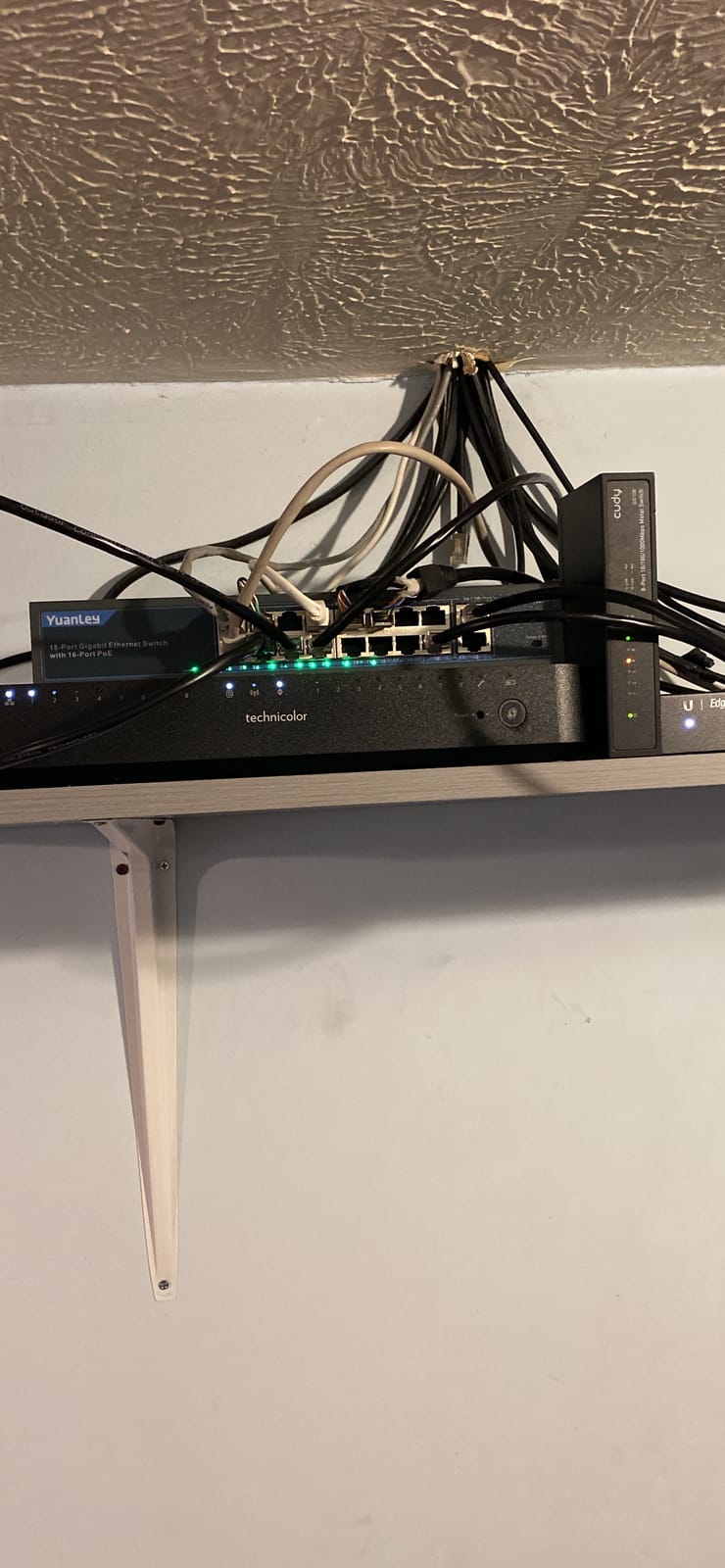
Ports 1 through 8 support VLAN isolation and communicate only with the uplinks, so camera traffic stays separated from the rest of your home network. Ports 1 and 2 add QoS priority forwarding for the streams that matter most.
Users building NVR-based systems report instant plug-and-play connection, quiet metal construction and responsive customer service that replaced a failed unit. The chassis is 7.9 by 4.7 by 1.7 inches and weighs 0.97 kg.
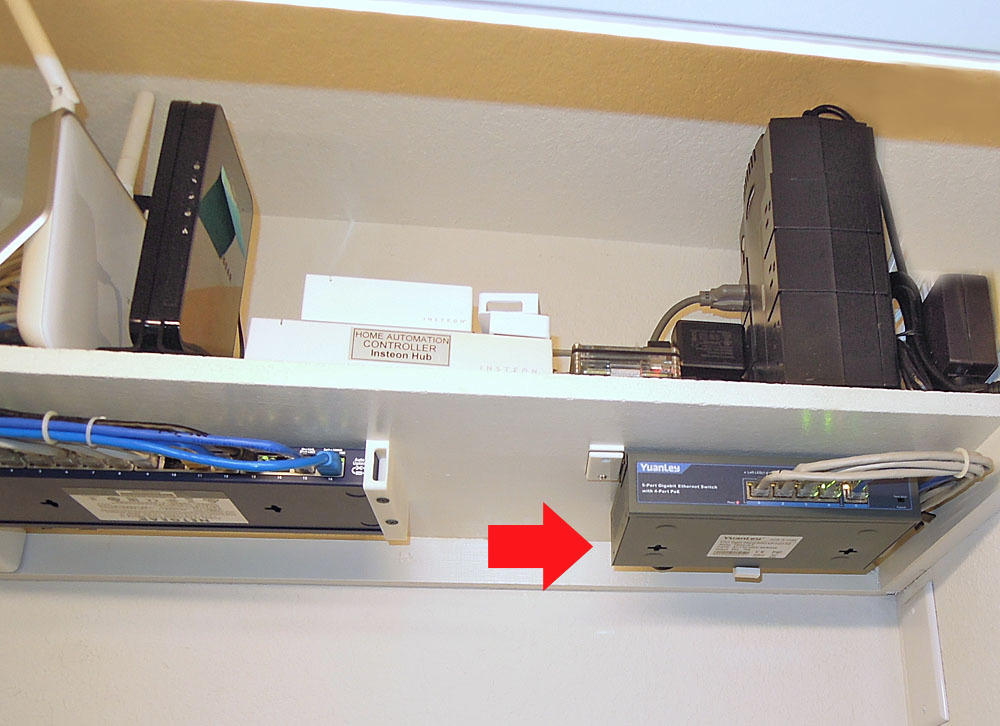
When auto recovery justifies an off-brand name
If your cameras are in awkward places, a gate pillar, a high eave, or an outbuilding, auto recovery is worth real money. Every avoided truck roll is worth more than the price gap between this and a mainstream brand, and reviewers single out the restart behaviour as the reason they kept the unit.
The SFP port also makes it a good partner for a fibre uplink to an NVR in a detached building, which is a scenario buyers on r/HomeNetworking have set up more than once.
What you should know before buying
It will not power 24V passive PoE devices. That is a real limit if you plan to mix in older gear, so check the power standard on anything unusual before you commit.
The status LEDs do not distinguish 100Mbps from 1000Mbps link speed, which makes troubleshooting slower than it should be. The included L-bracket ears are thin gauge with oversized holes, and reviewers mention poor alignment.
5. STEAMEMO 8 Port Managed PoE+ – Best Budget Pick with VLAN Support
8 Port Gigabit PoE Switch with 2 Gigabit Uplink, 120W Built-in Power, 802.3af/at Compliant, Managed PoE+ Switch Support VLAN, QoS, Fanless Metal, Plug and Play(Desktop/Wall Mount)
8 PoE+ ports at 30W
120W total budget
Managed or unmanaged dual mode
4KV surge protection
Pros
- Only switch here with both 802.1Q VLAN and QoS control
- 4KV lightning protection for outdoor runs
- Dual mode lets you start unmanaged and add management later
- 30W per port supports PTZ cameras
Cons
- Runs warm under heavy load and needs ventilation
- Local web GUI requires binding to a vendor app
- Firmware forces non-standard port isolation
This is the only switch in the roundup that gives you real network segmentation without enterprise pricing. You get IEEE 802.1Q VLANs, QoS, DHCP snooping, port mirroring and storm control through a web interface, desktop software or a mobile app. Everything else here is unmanaged.
There is also a dual-mode switch. If the management layer feels like overkill on day one, you can run it as a plain unmanaged switch and revisit later. The hardware is 8 PoE+ ports at up to 30W each plus 2 gigabit uplinks, with a 120W budget.
Where it earns its place on an outdoor install is the 4KV lightning and surge protection, combined with overcurrent, overload and short-circuit protection. Forum reports credit that combination with saving cameras and switches during storms, which is exactly the failure mode a driveway camera invites.
Long-term owners running Reolink cameras report rock-solid performance and quiet, cool operation in tight enclosures, and they value the 30W per port headroom for higher-wattage models.
Who should manage their camera network
Segmentation matters if you run other traffic on the same box, work from home, or have IoT devices on the same VLAN. Isolating cameras onto their own VLAN keeps a compromised camera from reaching your laptop, and it stops a broadcast storm from taking down your whole connection.
It also matters if you use a WiFi access point or a VoIP phone on the same switch, because QoS lets you decide which traffic wins when the uplink gets busy.
The catch with this management layer
The local web GUI is locked out of the box and requires binding the device ID to a vendor app. Reviewers also report firmware that uses forced, non-standard port isolation which can drop peer-to-peer traffic, and a minority hit spontaneous reboot loops.
It runs warm under a heavy PoE load, so give it ventilation rather than sealing it in a small box. If you want a management layer, confirm you are comfortable with the vendor app workflow before you buy.
6. YuanLey 16 Port Gigabit PoE – Best Value for Many Gigabit Camera Ports
YuanLey 16 Port Gigabit PoE Switch with 2 Gigabit Uplink, 16 PoE+ Port 1000Mbps, 250W 802.3af/at, Metal Desktop/Rackmount, Unmanaged Plug and Play Network Switch
16 gigabit PoE+ ports
250W total budget
2 gigabit uplinks
VLAN isolation on ports 1-16
Pros
- True gigabit on all 16 PoE ports
- 250W budget with up to 30W per port
- Isolated camera ports reduce congestion on the uplink
- Mounting hardware fits a standard 10-inch rack
Cons
- Unmanaged with no per-port power telemetry
- Some users report strain aggregating many high-bitrate streams
- An industrial fan means it is not fully silent
Sixteen genuine gigabit PoE+ ports and a 250W budget, in a 10.6 by 7.1 by 1.7 inch metal box. That combination is unusual in this category, where 16-port models frequently drop to 10/100 to save cost. Reviewers with 802.3af Uniview cameras confirm compatibility.
Ports 1 through 16 are isolated and communicate only with uplinks 18 and 19, so camera traffic stays off the rest of your LAN. The built-in power supply means no external adapter, and the unit runs with low heat output.
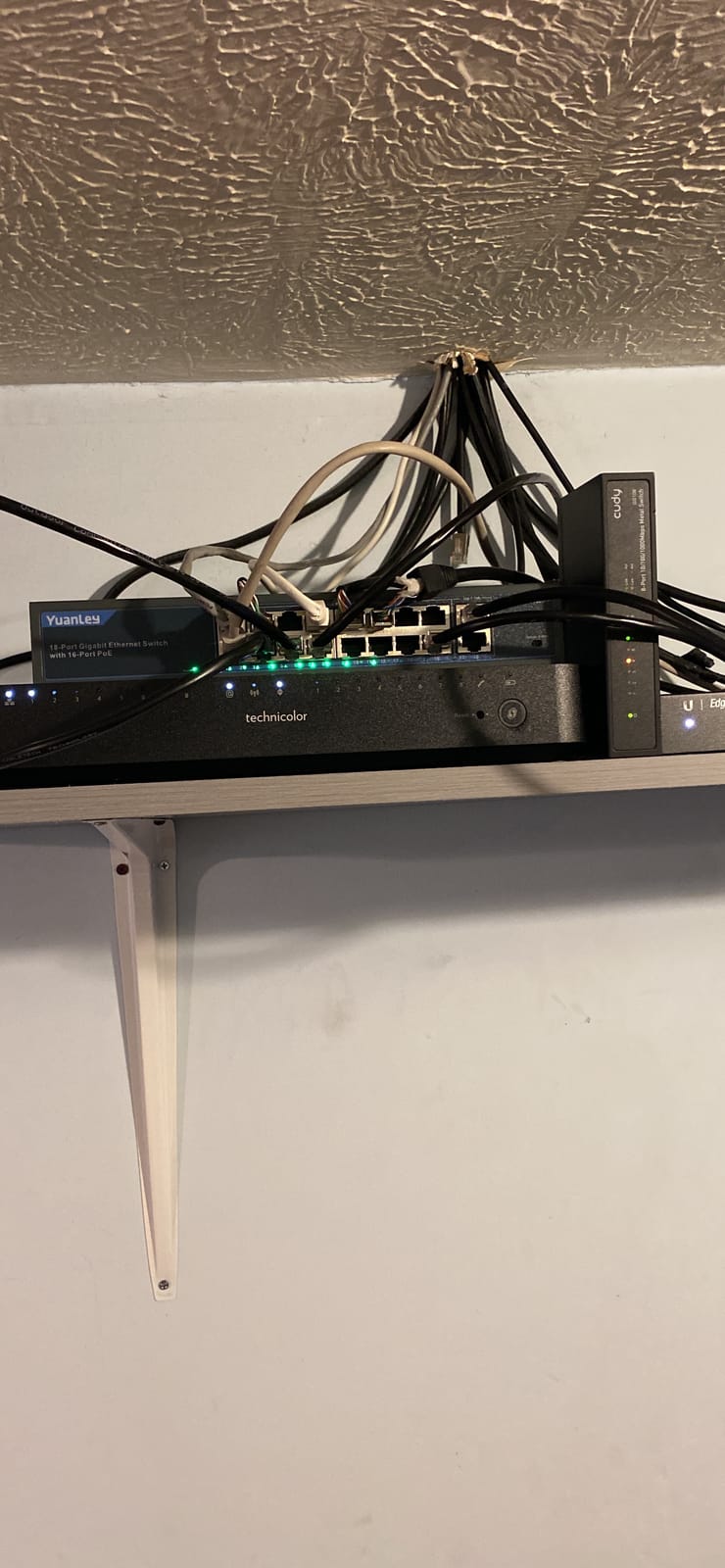
It auto-detects PoE devices, so cameras, access points, computers, NVRs and routers can share the box. Two dedicated uplink ports free you from giving up a camera port to connect to your router.
Reviewers highlight strong value, mains power, low heat and easy installation. One buyer confirmed 802.3af camera compatibility directly, which is the kind of check worth repeating for any brand you have not used before.
When 16 gigabit ports is the right call
Whole-home coverage is the scenario. Sixteen cameras at 30W each is 480W of theoretical demand, so you will not run every port at full draw, but a 250W budget covers a realistic mix of fixed cameras plus a handful of higher-draw units with room to spare.
The gigabit speed on every port is the differentiator for multi-camera recording. If your NVR writes several 4K streams simultaneously, Fast Ethernet access ports become the bottleneck before the recorder does.
Where the limits show up
There is one uplink path, and that is the ceiling people hit. One buyer running two NVRs with eleven cameras saw slow pages and timeouts, so if you plan to aggregate heavy streams, budget for a second switch or a faster uplink path.
It is unmanaged, so there is no per-port power telemetry without adding third-party gear, and an industrial fan means it is not fully silent in a quiet closet.
7. NETGEAR GS108PP – Best for Surge Protection and Warranty Cover
NETGEAR 8-Port PoE Gigabit Ethernet Unmanaged Network Switch (GS108PP)
8 gigabit PoE+ ports
123W upgradable budget
Upgradable power adapter
Limited lifetime warranty
Pros
- 123W budget can be expanded later with a different adapter
- PoE output includes surge short and overload protection
- Highest average rating in the roundup at 4.8
- Fanless and Energy Efficient Ethernet keep it silent
Cons
- No dedicated uplink so the router uses one of the eight ports
- Unmanaged with no VLAN or per-port monitoring
- Some units need drilling to fit third-party rack adapters
This carries the highest average rating in the roundup, and the reason traces back to a specific feature. NETGEAR includes surge, short-circuit and overload protection on the PoE output, which is the circuitry that matters when a camera is outside and a storm rolls through.
All eight ports are 1.0Gbps auto-negotiating and all eight are PoE+ with a 123W total budget. The external 130W power adapter is upgradable, so the budget can grow later if you outgrow the unit, which is a rare path in this category.
It works with existing Cat5e or Cat6 cabling, so an install in an older home does not mean re-pulling cable. The chassis is 9.3 by 4 by 1.1 inches, fanless, and it supports desktop, wall-mount or rack placement.
Owners consistently report flawless operation driving multiple IP cameras and access points, and they specifically credit the PoE surge and short-circuit protection for keeping equipment alive through storms. It carries a NETGEAR limited lifetime hardware warranty.
Why surge protection is worth paying for
Every outdoor camera is a path to the building. A direct strike or a nearby induced surge travels down the same cable that carries your video, and the port circuitry is where it lands first. Switches without that protection pass the surge further into the camera, and sometimes into the NVR.
Forum users who lost gear to storms specifically recommend 4KV-class protection on any switch feeding outdoor runs. This is the one here that carries it, and the limited lifetime warranty is the strongest cover in the roundup.
The trade-offs on this model
There is no dedicated uplink port, so your router connection consumes one of the eight. Plan for eight cameras plus a router link only if you accept a seven-camera install.
It is unmanaged, with no VLAN or per-port monitoring, and it costs more than comparable switches from other brands. Some units also need drilling and tapping to fit third-party rack-mount adapters.
8. NETGEAR GS308PP – Best for Compact 8-Port Setups
NETGEAR 8-Port PoE Gigabit Ethernet Unmanaged Network Switch (GS308PP)
8 gigabit PoE+ ports
83W shared budget
Dynamic PoE allocation
Fanless metal chassis
Pros
- Dynamic PoE shifts unused power to higher-draw cameras
- Compact metal chassis mounts on a wall or a desk
- Fanless and Energy Efficient Ethernet run silent and cool
- Works with existing Cat5e or Cat6 runs
Cons
- 83W budget is the tightest of the 8-port models
- Unmanaged with no VLAN QoS or per-port monitoring
- No dedicated uplink port
- 3-year warranty is shorter than the lifetime warranty on some models
Same eight gigabit PoE+ ports as the GS108PP in a smaller 83W budget, with dynamic PoE allocation redistributing unused power toward the devices that need it most. That allocation logic is the difference between a budget you can use and one you simply have.
The chassis is 9.3 by 4 by 1.1 inches and weighs 1.3 pounds, in fanless metal. It runs cool, mounts on a wall or a desk, and uses existing Cat5e or Cat6 cabling. Reviewers note a 4.7 average with a low complaint volume, and a compact box that slots into a small wall-mounted home rack.
Satisfaction centres on compact metal construction, silent fanless running and simple setup for small camera and access-point deployments. IEEE 802.3az Energy Efficient Ethernet trims idle power draw, which matters for a box that sits powered on around the clock.
With eight PoE+ ports and 83W, you are looking at roughly 10W per port when the switch is fully populated. That is fine for standard fixed cameras and access points, and tight the moment you add PTZ units with heaters.
When 83W is genuinely enough
Eight fixed dome or bullet cameras that each draw 7W to 9W land comfortably inside 83W, and dynamic allocation handles the difference between a camera idling during the day and pulling its IR array at night. If your eight cameras are all of that class, this switch does the job with room to spare.
It is also the cleaner physical option when wall space is tight, because the 1.1 inch height and 4 inch width slide into a small wall-mounted home rack or a utility closet shelf.
What the tighter budget costs you
83W is well below the 123W of the GS108PP, so high-draw hardware limits how many devices you can run at once. Buyers regularly point to the shared budget as the main constraint on this model.
It is unmanaged, there is no dedicated uplink so the router takes one of the eight ports, and the hardware warranty is three years rather than the lifetime cover on some other NETGEAR models.
9. NETGEAR GS316PP – Best for Whole-Home Camera Coverage
NETGEAR 16 Port PoE Gigabit Ethernet Unmanaged Network Switch (GS316PP)
16 gigabit PoE+ ports
183W shared budget
30W per port
Dynamic PoE allocation
Pros
- Sixteen PoE+ ports handle large whole-home camera counts
- Dynamic allocation sends unused power to high-draw cameras
- Genuine gigabit on every port
- Fanless metal chassis stays silent and cool
Cons
- Unmanaged with no VLAN segmentation or per-port monitoring
- No dedicated uplink port
- Heavier 5.4 pound chassis than the 8-port models
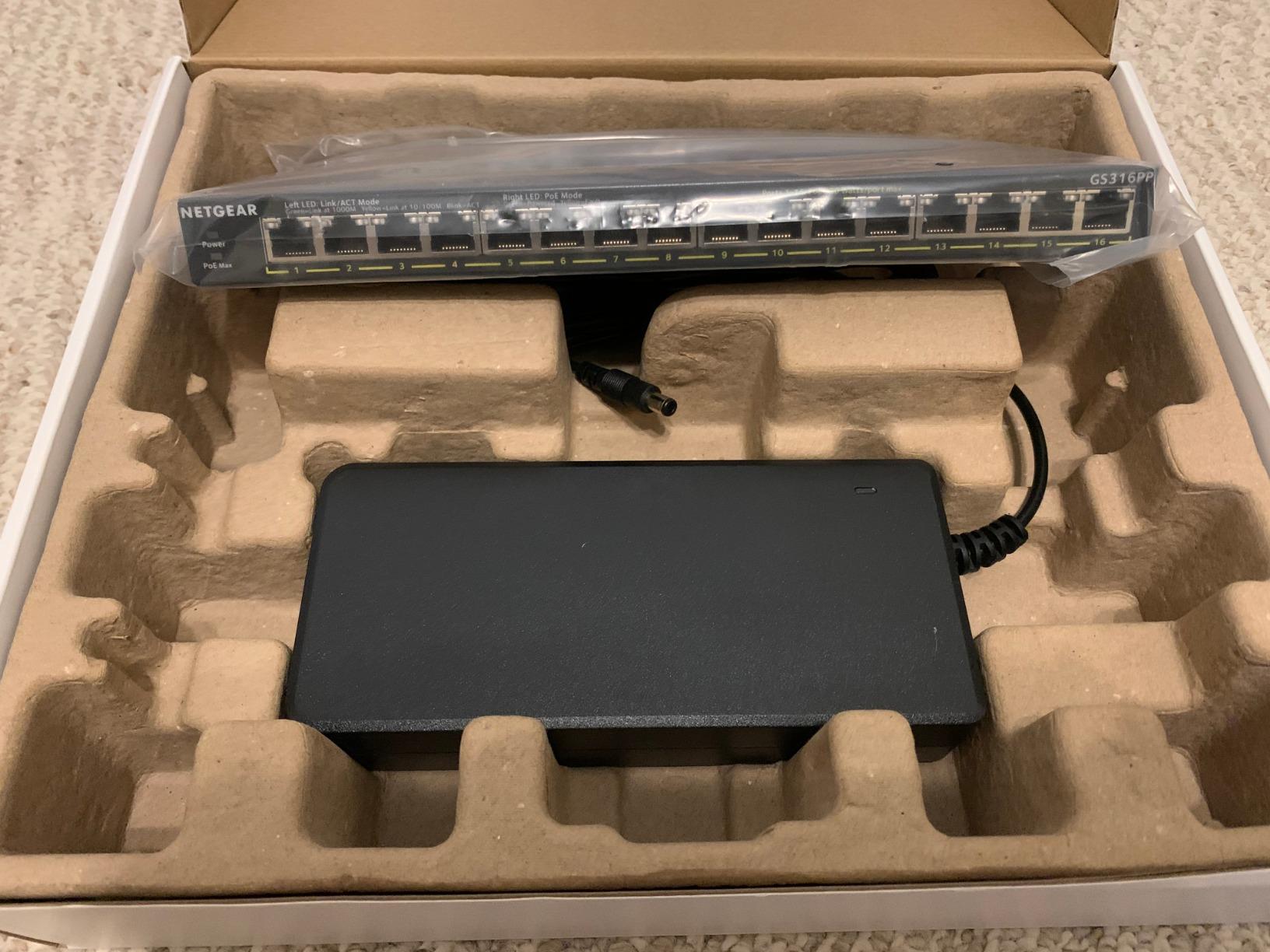
Sixteen PoE+ ports at up to 30W each from a shared 183W budget, with dynamic PoE allocation. That is the combination you want when a single property needs cameras inside and out, and you would rather not split the network across two boxes.
Buyers scaling up multi-camera deployments value exactly this pairing of 16 gigabit PoE+ ports and a 183W budget in a silent fanless metal box. Unlike several 16-port models in this category, every port is genuine 1.0Gbps rather than 10/100.
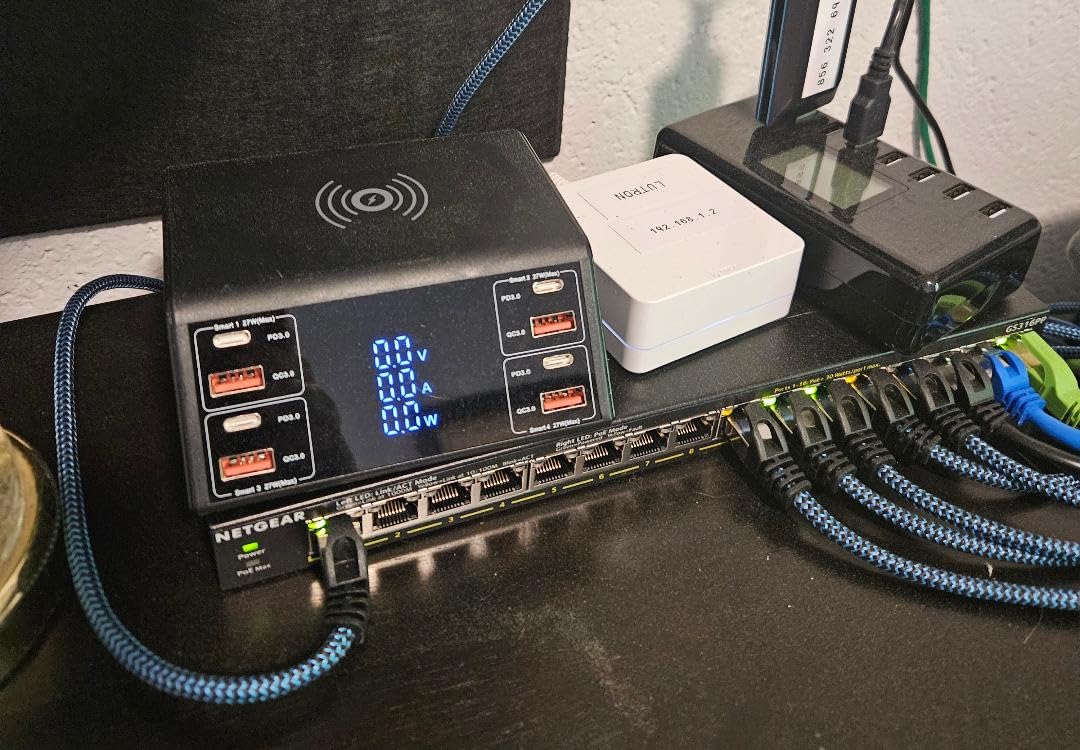
It accepts existing Cat5e or Cat6 cabling, supports desktop or wall placement with an included wall mount kit, and uses IEEE 802.3az Energy Efficient Ethernet to keep idle consumption low. The chassis is 11.3 by 4 by 1.1 inches and weighs 5.4 pounds, so plan the mounting for the weight.
The dynamic allocation is genuinely useful at this scale. Sixteen cameras are rarely all drawing the same amount, and a fixed budget would leave usable wattage stranded on idle ports while a PTZ unit near its limit struggles.
How many cameras this realistically covers
With a 183W shared budget, a realistic mix of sixteen cameras works: standard fixed units drawing 7W to 9W, plus a few higher-draw models, stay inside the limit. If all sixteen were 30W devices you would be well over, so the mix matters more than the port count.
For a whole-home install this is the number to design around, because a switch that runs near its ceiling on a winter night with heaters and IR arrays is the switch that drops cameras.
What the extra size and cost mean for you
It is unmanaged, so there is no VLAN segmentation and no per-port power monitoring. If you need camera isolation from your main network, this is not the box and you would pair it with a separate managed switch for the uplink.
There is no dedicated uplink port either, so the router or NVR connection takes one of the sixteen. And at 5.4 pounds, wall mounting needs solid fixings rather than a light-duty anchor.
10. UGREEN 10 Port PoE Switch – Best for Small Setups on a Tight Budget
UGREEN Ethernet Switch, 10-Port PoE Switch, 8 PoE+@60W + 2 Gigabit Uplink
8 PoE+ ports at 30W
60W total budget
Auto recovery in extend mode
820 ft reach
Pros
- PoE auto recovery restarts frozen cameras without a site visit
- Three switchable modes including isolation and 820 ft extend
- Two dedicated uplinks avoid sacrificing a PoE port
- Per-port short-circuit shutdown protects the rest of the network
Cons
- 60W budget is the tightest in the roundup
- Extend mode trades link speed for distance
- Unmanaged with configuration limited to three physical modes
- Newer listing with a smaller review base
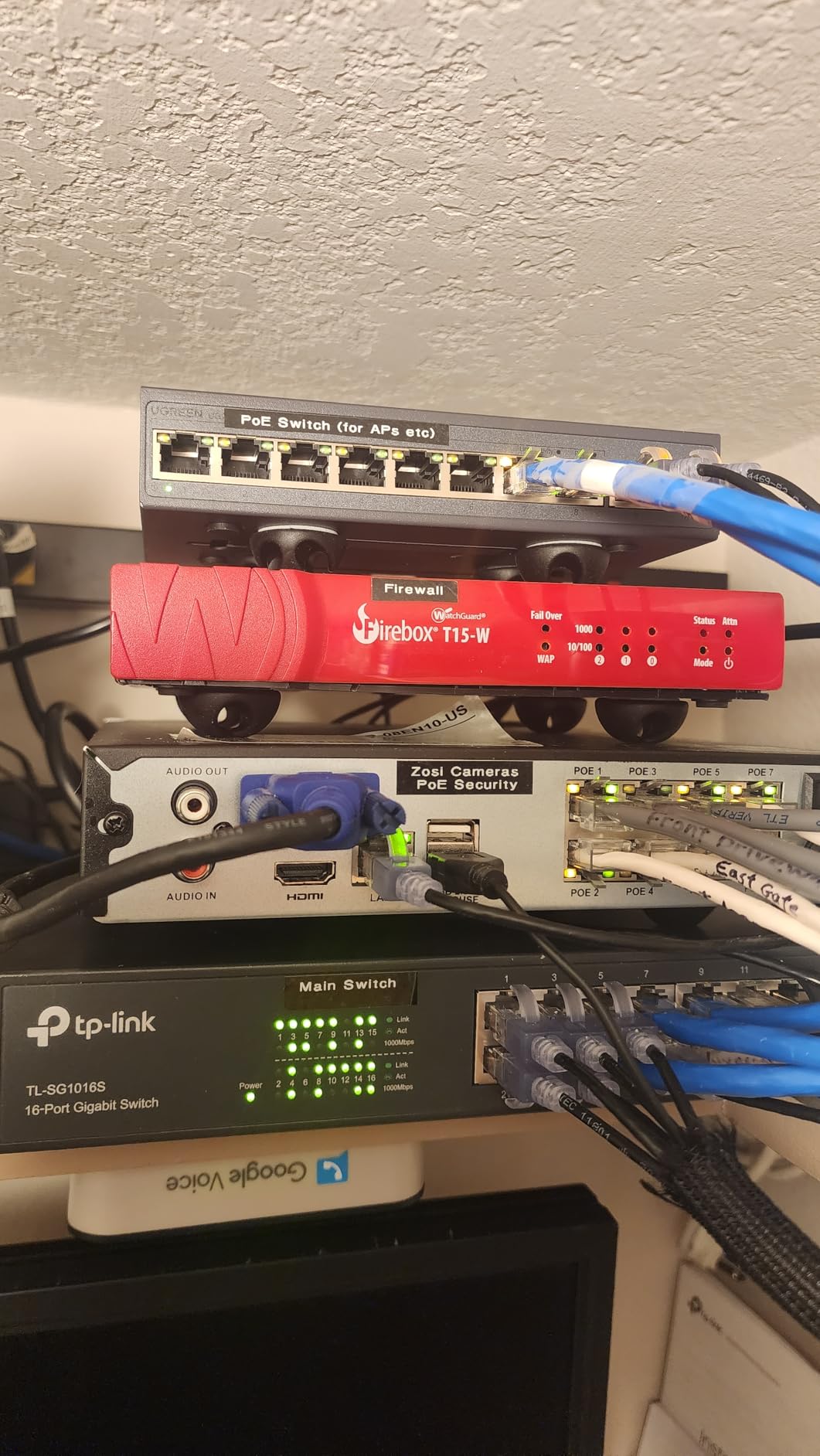
A one-button mode switch sets standard, port isolation or extend. In extend mode, PoE auto recovery on ports 1 through 6 detects and restarts offline or frozen cameras and access points, and the switch reaches 820 feet on power and data.
It is 8 PoE+ gigabit ports at up to 30W each plus 2 dedicated gigabit uplinks, with a 60W total budget. Intelligent power management cuts ports in priority order from 8 down to 1 if the budget is exceeded, and short-circuited ports shut off independently.
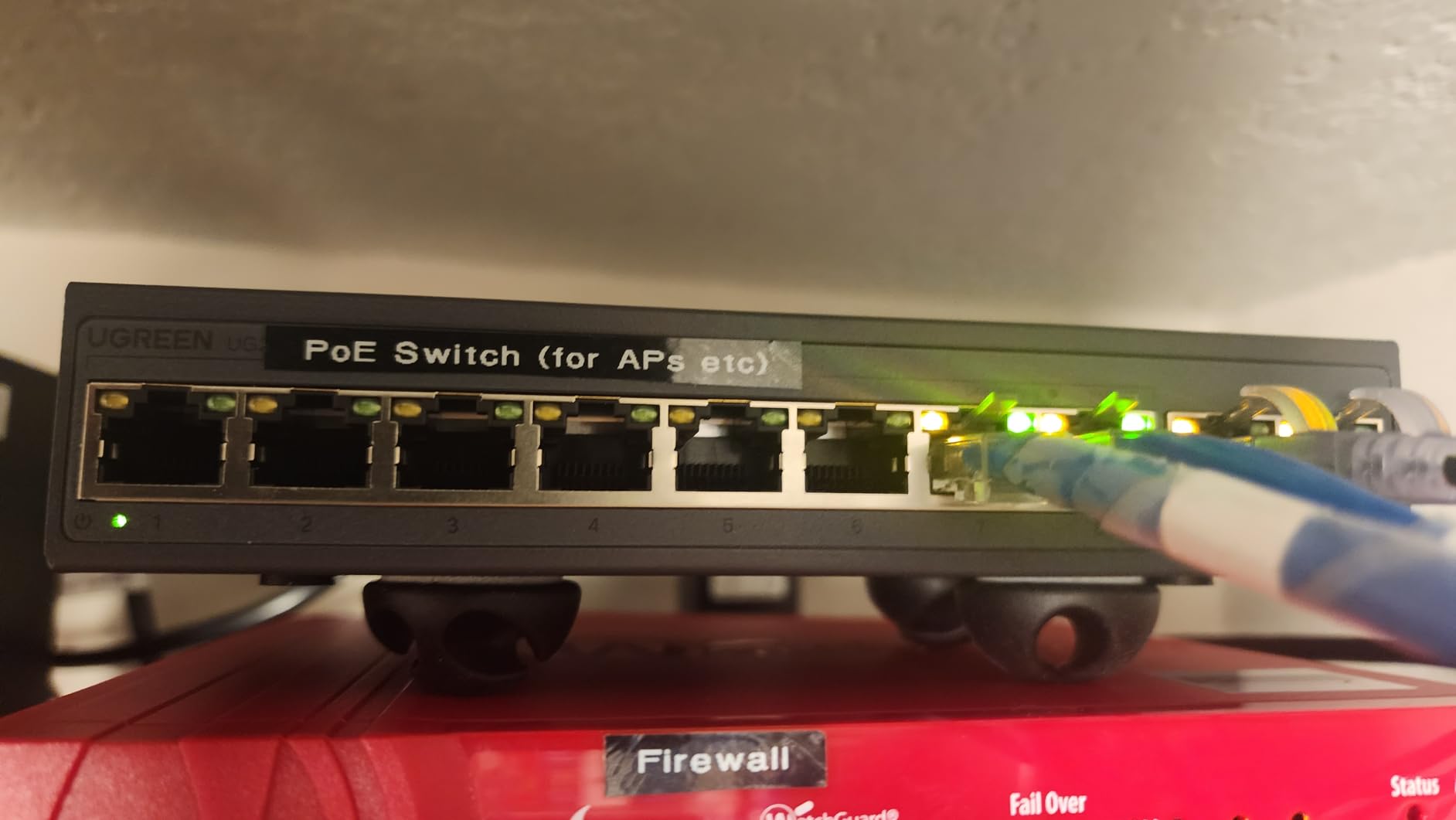
The two dedicated uplinks are a genuine convenience here, because you do not have to give up a PoE port for the router. Camera-focused buyers like the auto-recovery behaviour and the one-button configuration, and 1000Mbps low-latency connectivity handles real-time monitoring.
Those same buyers name the same limit: a 60W shared budget works out to roughly 15W per port when all eight are populated, which is the tightest constraint in this roundup.
Where 60W still makes sense
Four cameras. A front door, a driveway, a side gate and a back patio is the most common starting point, and 60W gives about 15W per populated port, which suits standard fixed cameras comfortably. If a camera is genuinely low-draw, you can populate more than four.
For a small installation where the switch will live in a small cabinet, the extend mode reaching 820 feet is a bigger practical win than a large wattage figure you never use.
Why the tight budget matters
If you add a PTZ camera with a heater or a higher-resolution model, you will run out of watts quickly, and the intelligent power management will cut the lowest-priority port first. That is orderly, but it is still a dropped camera.
Configuration is limited to the three physical modes because the switch is unmanaged, and the listing is newer with a smaller body of long-term reviews behind it. The extend mode also trades link speed for distance.
How to Choose a PoE Switch for Cameras
Step 1: Count cameras, then add two ports
Buy more ports than you need on day one. Ports are the cheapest thing on this list and re-cabling later is not. If you have four cameras planned, buy the 8-port model, because the extra wattage is what protects you during an IR-heavy night.
Step 2: Pick the right PoE standard
IEEE 802.3af (PoE) delivers up to 15.4W per port and covers most fixed cameras. IEEE 802.3at (PoE+) delivers up to 30W per port and is what nearly every switch in this roundup provides, covering PTZ units, heated housings and higher-resolution models. IEEE 802.3bt (PoE++) goes to 60W or more per port for heaters, IR illuminators and specialty outdoor hardware, and none of the switches here carry it.
Almost all IP cameras are 802.3af or 802.3at, so a PoE+ switch is the safe default. One model in this roundup explicitly does not support 24V passive PoE, so check the standard on anything older you plan to mix in.
Step 3: Calculate the power budget in five steps
Here is the process, and the numbers you need are on each camera’s datasheet as maximum power consumption.
1. Find the maximum power draw for each camera type. A standard fixed dome or bullet is commonly 7W to 9W. A PTZ with a heater can reach 25W or more. A 4K model with a large IR array sits in between.
2. Multiply each camera’s draw by how many of that type you have. Four 8W cameras at 32W, plus one 25W PTZ, is 57W before you account for anything else.
3. Multiply by a 1.5 margin for IR activation, cold-start surge and firmware behaviour. That example becomes 85.5W, which is why a 65W budget would not hold and a 120W budget would.
4. Add any non-camera PoE devices on the same switch. A WiFi access point or a VoIP phone adds 15W to 30W each.
5. Compare the total to the switch budget, and check the per-port figure too. A switch with 120W across eight ports still fails if one port caps at 15W, so per-port wattage matters as much as the total.
Forum discussion on r/reolinkcam and r/SecurityCamera converges on the same point: cameras going offline at night is almost always the IR illuminators pulling extra current after dark. Budget for the night case, not the daytime one.
Step 4: Decide between managed and unmanaged
Unmanaged switches are plug and play, cheaper, and completely adequate when cameras only ever talk to one NVR. Nine of the ten switches here are unmanaged. The single managed option gives you 802.1Q VLANs, QoS, DHCP snooping and port mirroring, which matter if you run other traffic on the same box, work from home, or want cameras isolated from your main network.
Do not buy managed for features you will never touch. Do buy it if you want the camera VLAN, because retrofitting one later means replacing the switch anyway.
Step 5: Check uplinks, extend mode and surge protection
A dedicated uplink port means the router connection does not consume a camera port. Only some models here have one, so count carefully: an 8-port switch without a dedicated uplink gives you seven cameras plus a network link.
If any camera sits beyond 100 metres, you need extend mode or a pair of fibre converters. Two models here push well past that, one to 250 metres and one to 820 feet, both with a documented speed trade-off. For outdoor runs, look for surge or lightning protection, which only one model in this roundup carries explicitly.
Step 6: Plan for noise, heat and outages
Fanless models run silent and suit closets, bedrooms and home offices. Two models here use an industrial fan and become audible in an enclosed space once the load rises. For anything sealed in a junction box, check that the unit runs cool as well as quiet.
Plan for outages too. A small UPS on the switch and NVR keeps your whole system recording through a power cut, and because the cameras draw power through the switch, one UPS covers every camera. Size it for the switch and recorder rather than the cameras, since those follow the switch.
For outdoor hardware, our outdoor security camera guide covers the camera side, and the switch budget maths above covers the power side.
Frequently Asked Questions
Which PoE switch is best for home use?
For a typical four-camera home install, the TP-Link TL-SG1005P is the best fit, with four 802.3at ports and a 65W budget that leaves headroom for IR illuminators switching on at night. For eight cameras, the TP-Link TL-SG1008MP offers a 153W budget and port priority protection. For cameras beyond 100m, the TP-Link TL-SL1218MP reaches 250m in extend mode.
Which brand is the best for a PoE switch?
TP-Link has the widest range in this category, from a 4-port 65W unit to 16-port 250W models, and covers most home and small business needs. NETGEAR leads on surge and short-circuit protection and warranty cover, which matters for outdoor runs. YuanLey and UGREEN offer the strongest value at 16 gigabit ports and auto recovery respectively.
Is PoE better for security cameras?
Yes, for wired IP cameras. One Ethernet cable carries both power and data, so you avoid running a power line to every camera position. You can place cameras anywhere Ethernet reaches, cut cabling in half, back up the whole system with a single UPS, and power-cycle a frozen camera remotely. PoE does not apply to battery or wireless cameras.
Do cameras need PoE or PoE+?
Most fixed cameras need only 802.3af PoE at up to 15.4W per port. PTZ cameras, heated housings and higher-resolution models benefit from 802.3at PoE+ at up to 30W per port. Every switch in this roundup provides PoE+ ports, so buying PoE+ covers both classes without extra planning.
How many PoE cameras can one switch handle?
It depends on the total budget rather than the port count. With 802.3at ports at 30W each, a 65W switch handles about four standard cameras, a 120W switch handles roughly six to eight, and a 250W switch covers sixteen mixed fixed cameras. Multiply each camera maximum draw by 1.5 to cover IR activation and cold-start surge.
What happens if the PoE power budget is exceeded?
The switch protects itself by disabling ports. Models with port priority shut down lower-priority ports first and keep your most important cameras running, which is the behaviour you want on a surveillance install. Switches with intelligent power management, such as the UGREEN, cut ports in a defined order from 8 down to 1, and an overload that persists can push a switch into a protection reboot.
Conclusion
For most homes, the TP-Link TL-SG1005P is the right first move, because four cameras with a 65W budget covers the common install and leaves the margin that night-time IR draw demands. If you already know you will end up with eight cameras, step up to the TL-SG1008MP and its 153W budget, since the extra power is what stops a winter night from taking cameras offline.
Reach for the TL-SL1218MP when a camera sits past 100 metres, for the 250W budget once you are past twelve cameras, and for the NETGEAR GS108PP when outdoor runs make surge protection the priority. Those four cover almost every home and small property layout, and they are the picks we would install ourselves in 2026.