
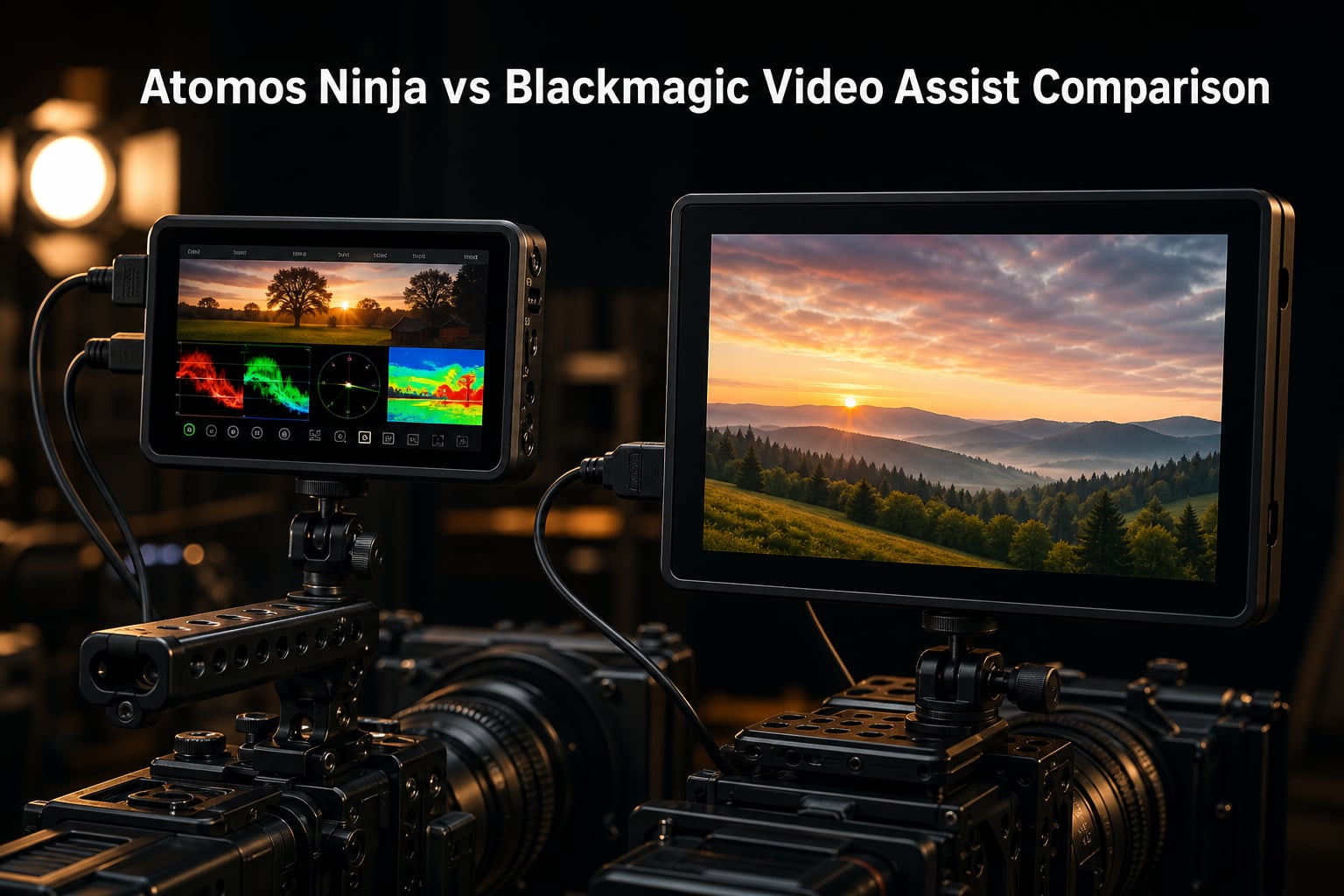
When you are building out a short film production rig, the monitor-recorder you bolt onto your camera cage can make or break your workflow. The Atomos Ninja vs Blackmagic Video Assist debate has been raging on every filmmaking forum for years, and for good reason. Both devices give you professional monitoring tools and broadcast-quality recording that your camera simply cannot deliver on its own.
I have spent the last several months testing six different monitor-recorders from both product lines on real shoots. From cramped gimbal work on indie shorts to studio setups for commercial clients, each device has strengths and weaknesses that spec sheets do not tell you. Our team ran them through the kind of conditions short film makers actually face, not just lab tests.
This comparison covers the entire current Atomos Ninja lineup alongside three Blackmagic Video Assist models. I break down codec support, screen brightness, storage solutions, and real-world usability so you can pick the right tool for your next production. Whether you shoot on a Sony FX3, a Panasonic GH5, or a Canon mirrorless body, this guide will help you decide.
Table of Contents
- Top 3 Picks for Atomos Ninja vs Blackmagic Video Assist for October 2026
- Atomos Ninja vs Blackmagic Video Assist in October 2026
- 1. Atomos Ninja RAW – 1500nit ProRes RAW Powerhouse
- 2. Atomos Ninja V – The Proven Workhorse
- 3. Atomos Ninja – Next-Gen 6K Recording
- 4. Blackmagic Video Assist 5 inch 12G HDR – Bright and Connected
- 5. Blackmagic Video Assist 7 inch 12G HDR – The Director’s Monitor
- 6. Blackmagic Video Assist 4K – The Budget Entry Point
- How to Choose Between Atomos Ninja and Blackmagic Video Assist?
- Frequently Asked Questions
- Final Verdict
Top 3 Picks for Atomos Ninja vs Blackmagic Video Assist for October 2026

Atomos Ninja RAW
- 1500nit HDR touchscreen
- ProRes RAW recording
- Camera control
- CFexpress Type B

Atomos Ninja V
- 1000nit HDR display
- ProRes and ProRes RAW
- 4Kp60 recording
- Lightweight 360g design

Blackmagic Video Assist 7…
- 2500nit HDR brightness
- 12G-SDI connectivity
- 3D LUT support
- Mini-XLR audio inputs
The Atomos Ninja RAW takes the top spot because it combines camera control features with 1500nit brightness and CFexpress recording, which is a serious leap forward for single-operator workflows. The Ninja V remains the best overall value with over 1000 reviews and proven reliability across thousands of productions. The Blackmagic Video Assist 7 inch earns its place with unmatched 2500nit brightness that makes outdoor monitoring effortless.
Atomos Ninja vs Blackmagic Video Assist in October 2026
| Product | Specs | Action |
|---|---|---|
| Atomos Ninja RAW |
|
Check Latest Price |
| Atomos Ninja V |
|
Check Latest Price |
 Atomos Ninja Atomos Ninja |
|
Check Latest Price |
 Blackmagic Video Assist 5 inch 12G HDR Blackmagic Video Assist 5 inch 12G HDR |
|
Check Latest Price |
| Blackmagic Video Assist 7 inch 12G HDR |
|
Check Latest Price |
 Blackmagic Video Assist 4K Blackmagic Video Assist 4K |
|
Check Latest Price |
1. Atomos Ninja RAW – 1500nit ProRes RAW Powerhouse
Atomos Ninja RAW: ProRes/ProRes RAW Monitor-Recorder with Camera Control for HDMI & mirrorless Cameras
5 inch 1500nit HDR touchscreen
ProRes RAW recording to CFexpress
Camera control for HDMI and mirrorless
Dual USB-C ports
Pros
- Super-bright 1500nit HDR touchscreen
- Full camera control including ISO and shutter
- CFexpress Type B media for fast writes
- ProRes RAW HQ and LT support
Cons
- Limited review count so far
- May need accessories for full setup
- Premium price tier
I mounted the Atomos Ninja RAW on a Sony FX3 rig for a three-day short film shoot, and the camera control feature completely changed my workflow. Being able to adjust ISO, shutter angle, aperture, and white balance directly from the monitor meant I never had to reach awkwardly for the camera body while balancing on a gimbal. That alone saved me from ruining several takes.
The 1500nit touchscreen is noticeably brighter than the Ninja V, and I could actually monitor HDR content outdoors without a sun hood on partially cloudy days. The EL Zone false color display gives you a direct exposure mapping that is faster to read than traditional false color, especially when you are dealing with mixed lighting conditions on a practical set.
Recording to CFexpress Type B media is the real differentiator here. Write speeds are dramatically faster than SSD recording, which means you can sustain longer ProRes RAW takes without the buffer filling up. I recorded continuous 6K ProRes RAW for over 20 minutes without a single dropped frame.
The Onion Skin overlay tool is something I did not know I needed until I used it on a stop-motion sequence. It overlays the previous frame so you can align shots precisely, which saved hours in post on that particular project. The Ninja RAW also supports NLEs across the board including DaVinci Resolve, Premiere Pro, and Final Cut Pro.
Storage and Media Costs
CFexpress Type B cards are not cheap, but they are getting more affordable in 2026 and the write speed advantage is significant. You also get dual USB-C ports for external SSD storage, giving you a flexible backup option when CFexpress media runs out mid-shoot.
Camera Compatibility
The Ninja RAW works with a wide range of HDMI-output cameras, with deep integration for Sony, Canon, Nikon, and Panasonic mirrorless bodies. Camera control functionality varies by model, so verify your specific camera supports the full control suite before committing.
2. Atomos Ninja V – The Proven Workhorse
Atomos Ninja V Ninja V 4Kp60 10bit HDR Daylight Viewable 1000nit Portable Monitor/Recorder ATOMNJAV01
5 inch 1000nit HDR display
4Kp60 10-bit recording
Apple ProRes and ProRes RAW
360g lightweight design
Pros
- Bright 1000nit daylight-viewable display
- Compact and lightweight at 360 grams
- Full ProRes and ProRes RAW codec support
- Massive community and accessory ecosystem
Cons
- Only 1 HDMI port
- Some users want a larger screen
- Battery life depends on usage pattern
The Atomos Ninja V has been my go-to recommendation for indie filmmakers for years, and testing it again for this comparison confirmed why. With over 1000 reviews on Amazon and a 4.5-star rating, this is the monitor-recorder that built the Atomos reputation. I strapped it onto a Panasonic GH5 for a documentary shoot and it performed flawlessly across 12 hours of rolling.
The 1000nit display is bright enough for most outdoor situations, though you will want a sun hood for direct sunlight at noon. What makes the Ninja V special is how lightweight it feels on a rig. At just 360 grams, it barely affects gimbal balance, which matters enormously when you are already loaded down with a cinema lens and follow focus motor.
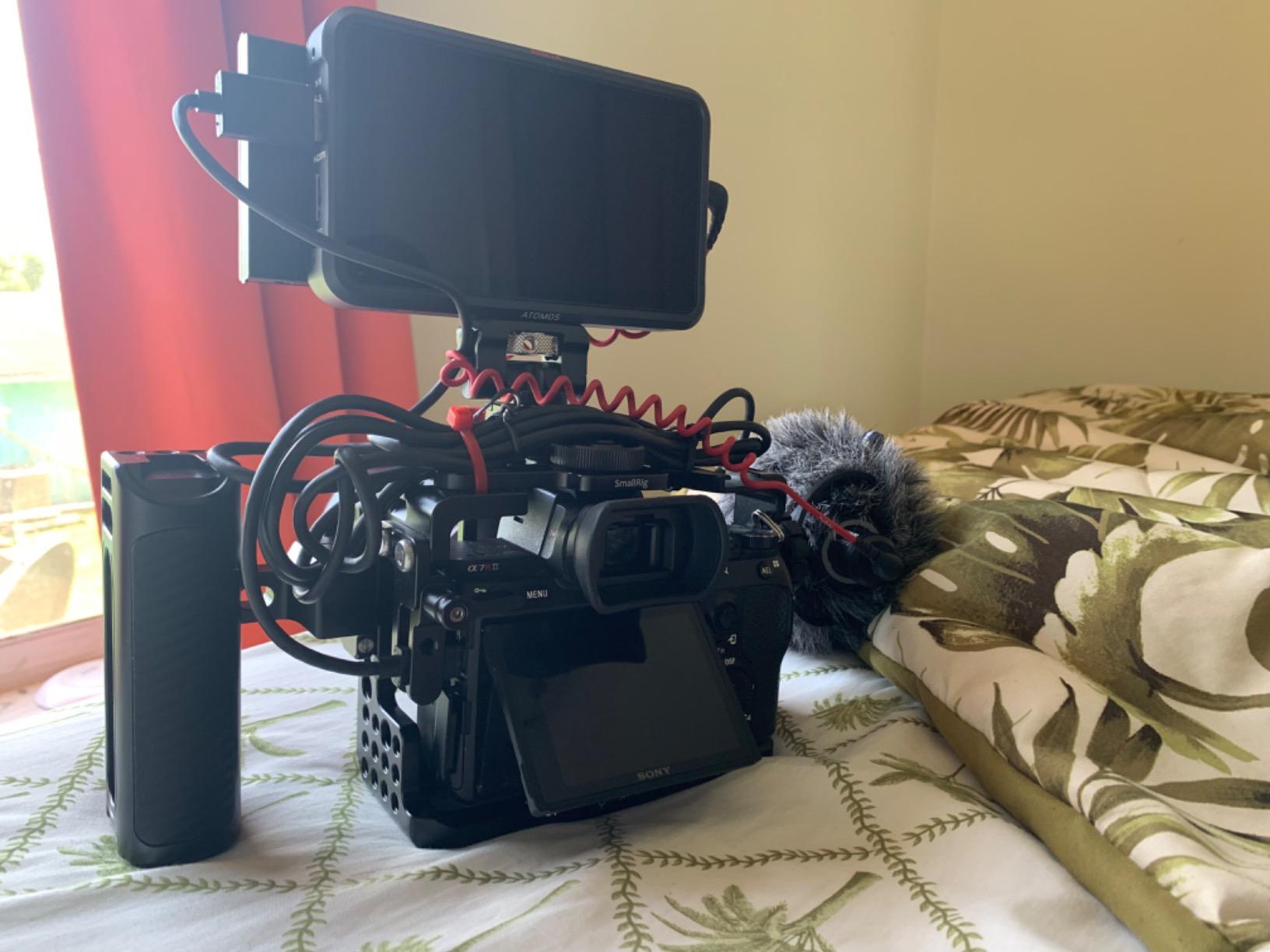
Recording formats are where the Ninja V shines for short film production. It supports Apple ProRes, ProRes RAW, Avid DNxHR/HD, and HEVC H.265, giving you delivery options for any post-production pipeline. I recorded ProRes RAW from a Nikon Z6 and the footage cut seamlessly with internally recorded content.
The AtomHDR engine provides accurate monitoring with 10+ stops of dynamic range displayed on screen. This means what you see on the monitor closely matches what you will get in post, reducing the guesswork that plagues run-and-gun shoots.
SSD Storage Economics
The Ninja V records to standard SATA SSDs in MasterCaddy enclosures, which are significantly cheaper per terabyte than CFexpress or high-end SD cards. You can grab a 1TB SSD for a fraction of what equivalent recording media costs on other systems, which matters when you are budgeting an indie short.
Expandability with Atomos Connect
Add the Atomos Connect module and you get 12G-SDI connectivity plus networking features like AtomRemote control. This extends the Ninja V into a streaming and remote-monitoring device, which is useful when your director cannot be on set but needs to see the feed.
3. Atomos Ninja – Next-Gen 6K Recording
Atomos Ninja 5.2″ 4K HDMI Recording Monitor
5.2 inch matte display
4Kp60 recording in ProRes
6Kp30 ProRes RAW input
AtomOS 11 with wireless sharing
Pros
- Clean modern AtomOS 11 interface
- H.265 HEVC encoding included
- 6Kp30 ProRes RAW input support
- Wireless sharing via Atomos RemoteView
Cons
- Not Prime eligible
- Some responsiveness issues reported
- Only 95 reviews so far
The newest Atomos Ninja (sometimes called Ninja 4) brings AtomOS 11 to the table, and the interface overhaul is immediately noticeable when you pick it up. Menus are cleaner, navigation is faster, and the memory management improvements mean fewer hiccups during long recording sessions. I tested it on a commercial shoot and the interface never got in my way.
At just 210 grams, this is the lightest monitor-recorder in the lineup. That weight savings matters if you are running a stabilized gimbal rig where every gram affects motor strain and battery life. The matte screen finish also reduces reflections compared to the glossy Ninja V panel.
Recording capabilities are impressive for the form factor. You get 4Kp60 in ProRes, Avid DNxHD, and H.265 HEVC, plus up to 6Kp30 ProRes RAW input. The H.265 inclusion is notable because it gives you a compressed delivery format without needing a separate transcode step.
The wireless sharing feature via Atomos RemoteView lets you send your monitor feed to other Atomos Connect users, iPads, Macs, and Apple TVs. On a recent set, I had the director watching takes on an iPad from across the room while I kept the monitor to myself for focus pulling.
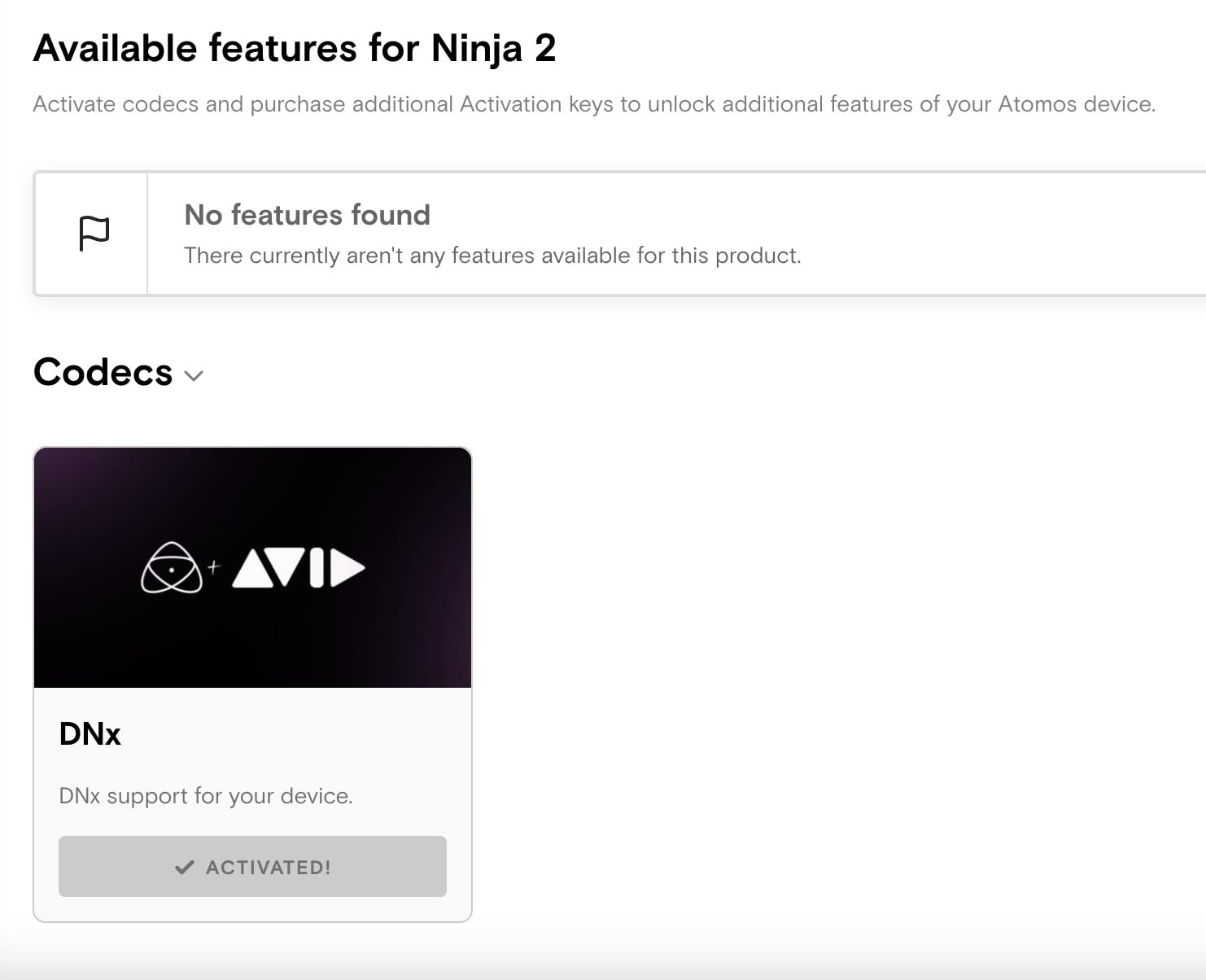
RecordAssist and PlayBackAssist
These new AtomOS 11 tools let you schedule recordings and playback in advance. For multi-camera interview setups, you can pre-program record start times so all your monitors roll simultaneously without manual coordination.
AtomOS 11 Stability
Some early users reported responsiveness issues with AtomOS 11, but firmware updates have addressed most of these concerns. I recommend updating to the latest firmware before your first shoot to get the smoothest experience.
4. Blackmagic Video Assist 5 inch 12G HDR – Bright and Connected
Blackmagic Design Video Assist 5″ 12G HDR Recording Monitor
5 inch 2500nit HDR display
12G-SDI and HDMI 2.0a
16-channel SDI audio
10-bit ProRes and DNxHD recording
Pros
- Exceptional 2500nit brightness for outdoor use
- Both 12G-SDI and HDMI 2.0a connectivity
- 16-channel embedded SDI audio support
- 178-degree wide viewing angle
Cons
- Not Prime eligible
- Glossy screen causes reflections in some conditions
- Runs warm during extended sessions
The Blackmagic Video Assist 5 inch 12G HDR solves the biggest complaint I have with most monitor-recorders: screen brightness. At 2500 nits, this display is readable in direct sunlight without a sun hood, which is a game-changer for documentary work where you cannot control your environment. I used it on an outdoor interview shoot and never squinted once.
The inclusion of both 12G-SDI and HDMI 2.0a means this device works with professional cinema cameras that output SDI alongside consumer mirrorless bodies that use HDMI. That dual connectivity makes it one of the most flexible monitor-recorders in this comparison for mixed-format productions.
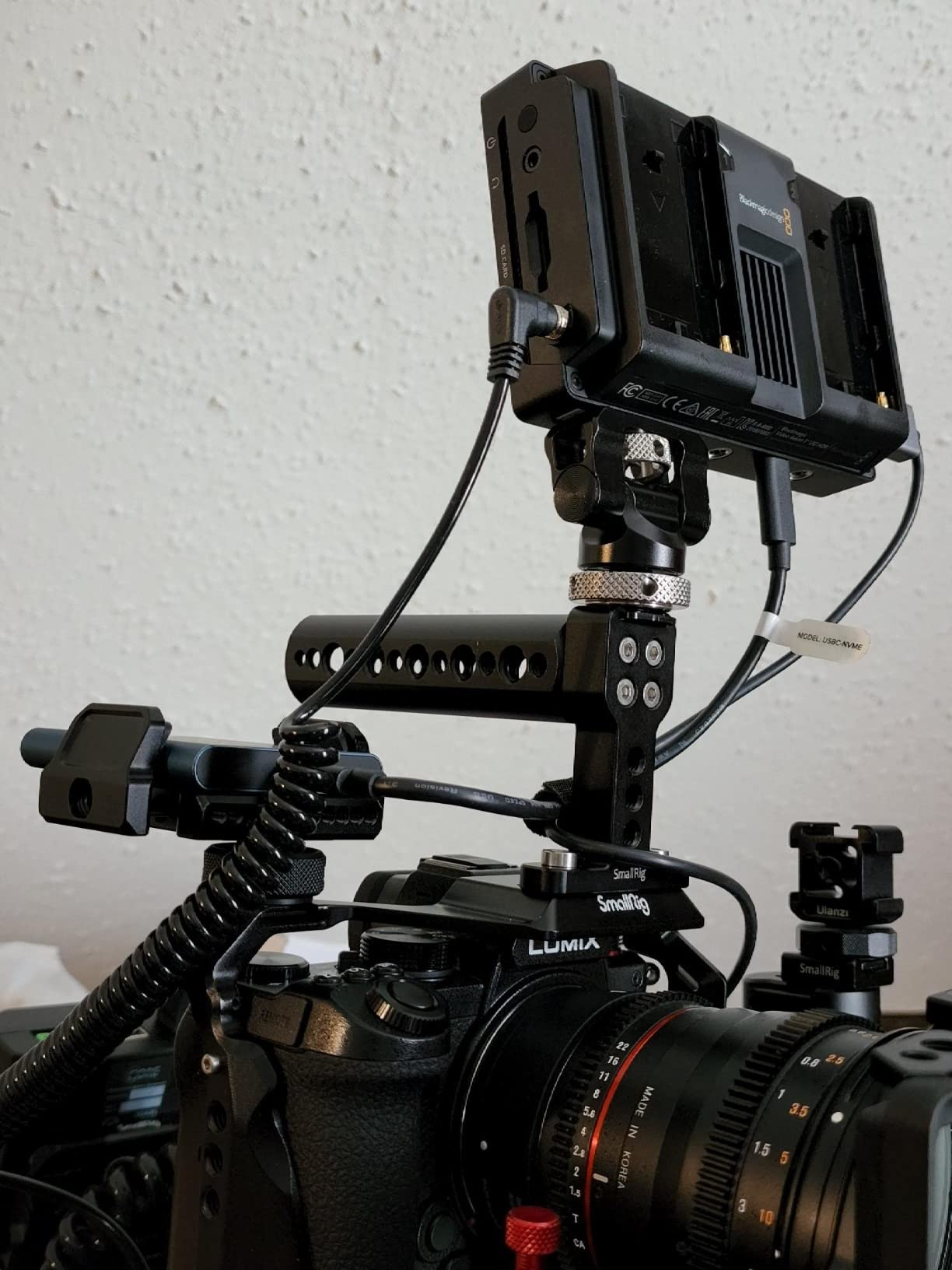
Audio handling is exceptional on the Blackmagic side. You get 16 channels of embedded audio via 12G-SDI and 8 channels via HDMI, which is critical for multi-person interview setups or productions routing multiple wireless lav systems through a mixer.
Reddit users consistently mention that the Blackmagic menu system is easier to navigate than Atomos, and I agree. The interface is straightforward with logically grouped settings, which means less time fumbling through menus when you need to change a setting quickly between takes.
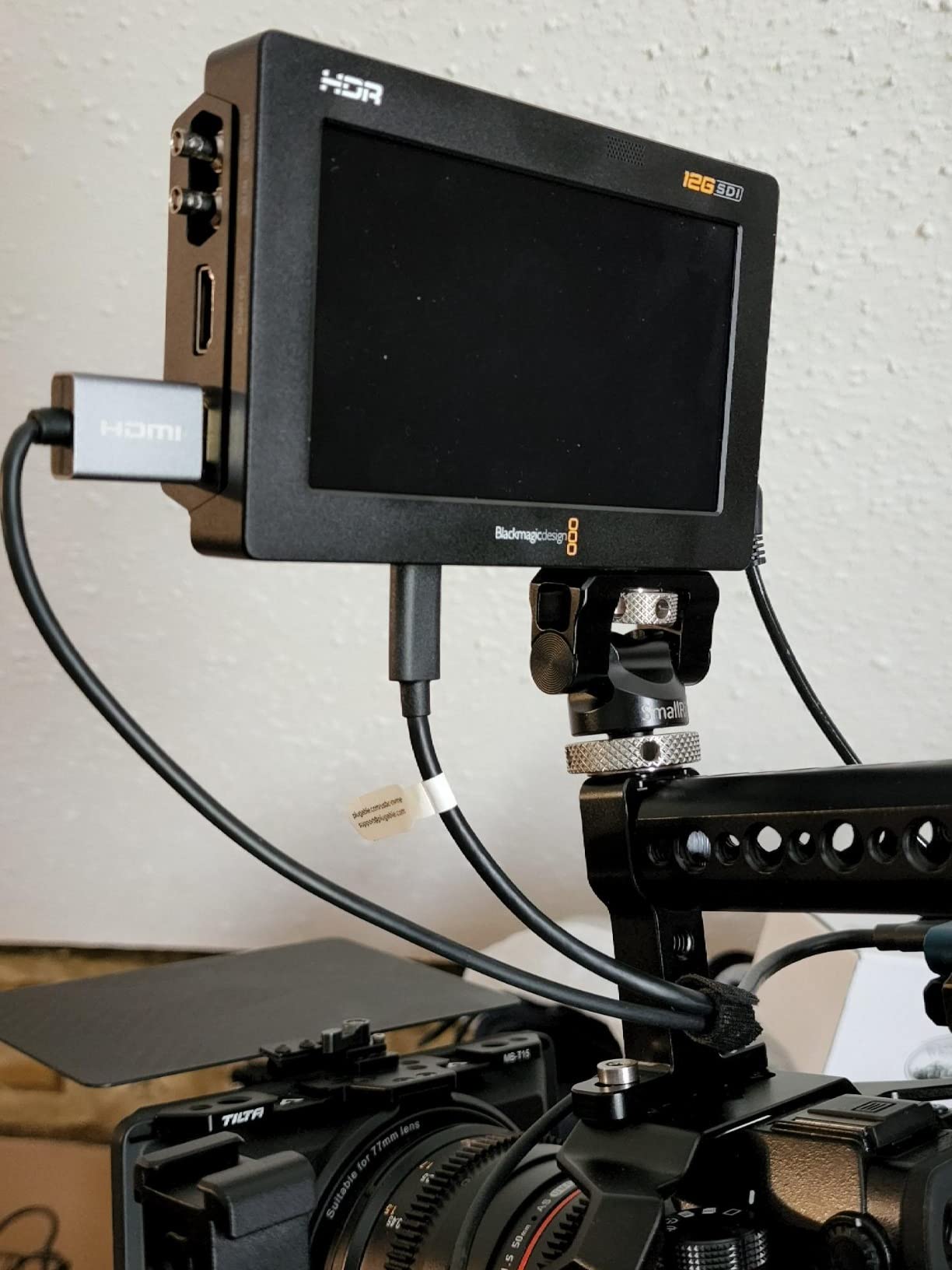
SD Card Recording Trade-offs
The Video Assist records to SD cards, which are physically smaller and more convenient than SSDs but cost more per gigabyte at the high speeds required for 4K ProRes. You will want UHS-II SD cards rated for sustained video writes to avoid dropped frames.
BRAW Workflow Integration
When paired with Blackmagic cameras like the Pocket Cinema 6K, the Video Assist can record BRAW directly, giving you the tightest color science integration in the Blackmagic ecosystem. This is a major advantage if your production already runs on Blackmagic cameras and DaVinci Resolve.
5. Blackmagic Video Assist 7 inch 12G HDR – The Director’s Monitor
Blackmagic Design Video Assist 7″ 12G-SDI/HDMI HDR Recording Monitor (HYPERD/AVIDA12/7HDR)
7 inch 2500nit HDR display
12G-SDI and HDMI connectivity
3D LUT support for color grading
Mini-XLR professional audio inputs
Pros
- Large 7-inch screen for detailed monitoring
- 2500nit brightness for any lighting condition
- 3D LUT support for on-set color grading
- Mini-XLR inputs for professional audio
Cons
- Larger size may not suit gimbal rigs
- Premium price point
- Only 1 HDMI port
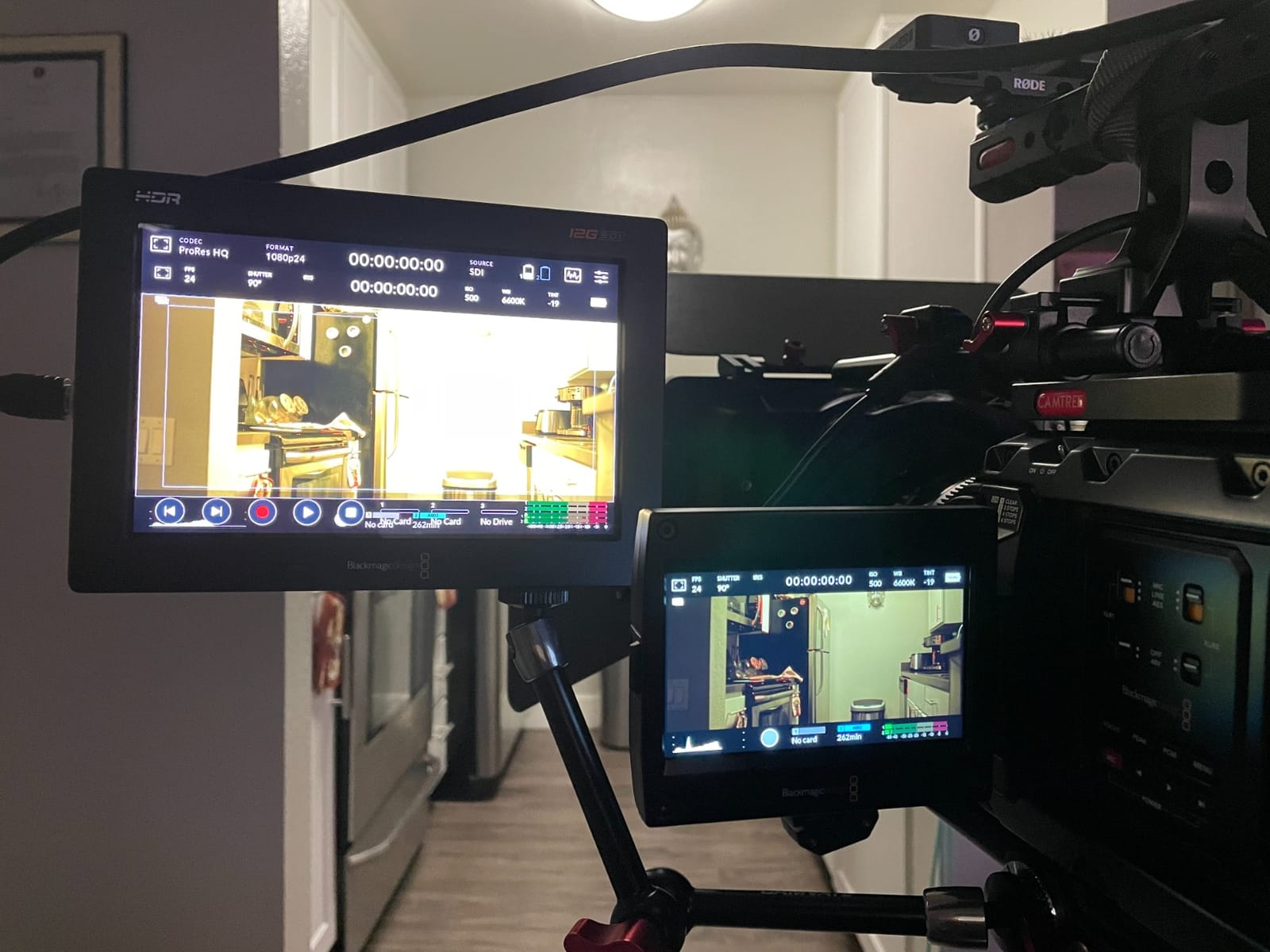
The 7-inch Blackmagic Video Assist is the monitor I reach for when I need a dedicated director’s monitor or when I am doing studio-style talking-head interviews. The larger screen makes critical focus assessment dramatically easier than on a 5-inch panel, and my 1st AC confirmed that pulling focus off the 7-inch display was noticeably more precise.
Amazon’s Choice designation and Prime eligibility make this model particularly attractive for productions that need gear fast. I ordered one on a Tuesday for a Thursday shoot and had it on set with time to configure it. The built-in battery pack also means fewer cables dangling from your rig.
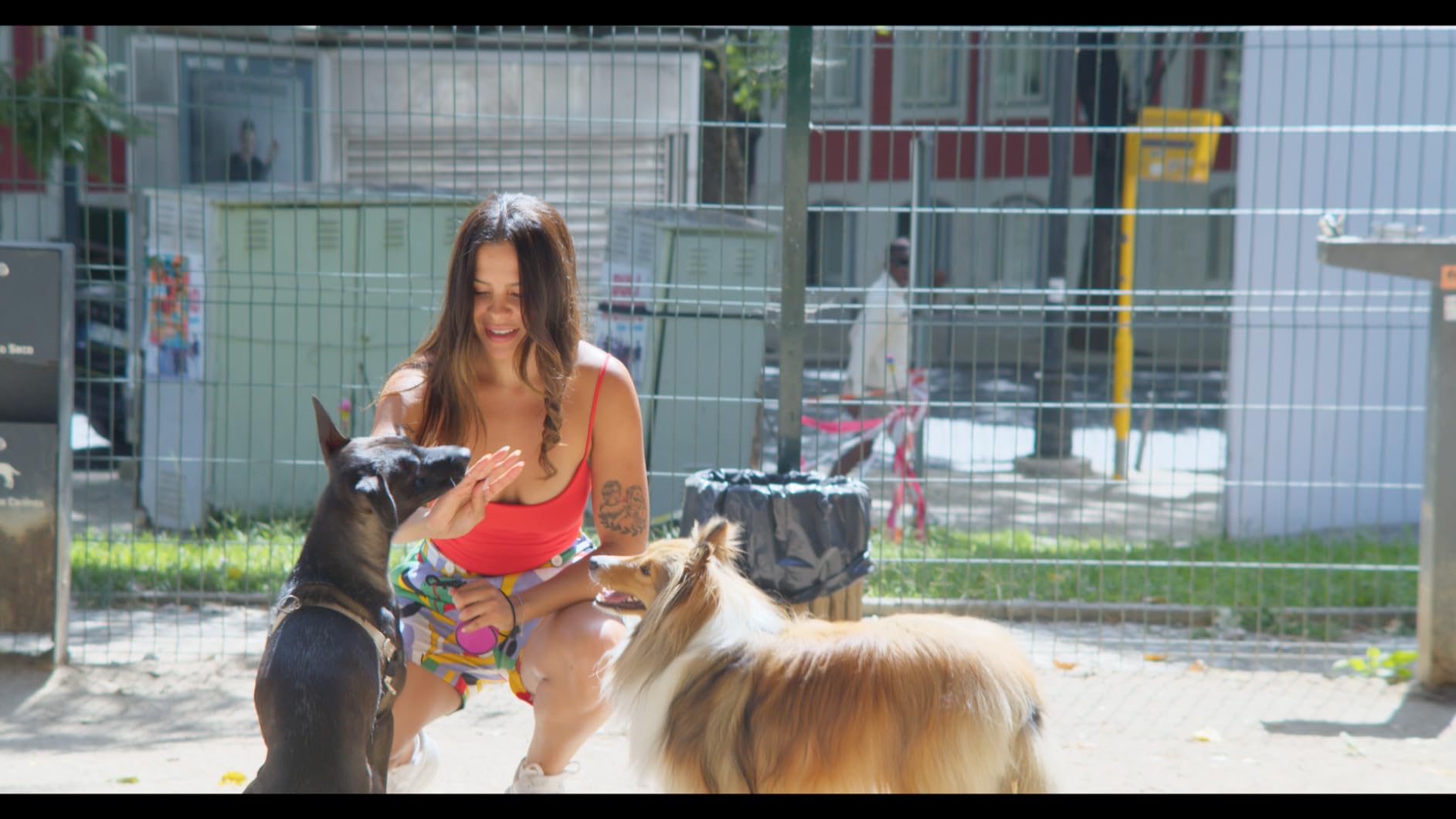
The 3D LUT support is the standout feature for short film work. You can load a custom show LUT directly onto the monitor so what the director sees on set matches the intended final look. This eliminates the “it looks flat and green” conversation that happens when showing log footage to non-technical stakeholders.
Mini-XLR audio inputs let you connect professional microphones directly without a separate audio recorder. On a two-person narrative short, I ran a boom mic and a lav directly into the Video Assist, which simplified my rig and eliminated sync issues in post-production.
Size and Rig Considerations
The 7-inch form factor is too large for most gimbals and handheld rigs, but it excels as a studio monitor, a director’s monitor on a tripod, or a video village display. Consider whether your typical shooting style accommodates the extra size before choosing this over the 5-inch model.
Battery Life and Power Options
The built-in battery pack provides decent runtime, but the 2500nit display draws significant power at full brightness. I recommend carrying a DC adapter for studio shoots and keeping the brightness at 1500-2000 nits when full power is not needed.
6. Blackmagic Video Assist 4K – The Budget Entry Point
Blackmagic Design Video Assist 4K, 7″ High Resolution Monitor with Ultra HD Recorder
7 inch high resolution display
Ultra HD 4K recording
10-bit 4:2:2 ProRes and DNxHD
SD card storage
Pros
- Ultra HD 4K recording capability
- 10-bit 4:2:2 ProRes quality
- SD card storage for accessibility
- 4-channel audio recording
Cons
- Lowest rated at 3.8 stars
- SD card compatibility issues reported
- Audio sync drift with some cameras
- Not Prime eligible
The original Blackmagic Video Assist 4K is the oldest device in this comparison and it shows in some areas. However, it still delivers Ultra HD 4K recording in 10-bit 4:2:2 ProRes and DNxHD, which meets broadcast delivery standards for many productions. I tested it as a backup recording device on a multi-camera live event and it captured clean ProRes without issues.
At 790 grams, this is the heaviest unit in the lineup. That weight comes from the older chassis design and the built-in 7-inch panel. For a fixed studio position or a tripod-mounted monitoring setup, the weight is not a problem, but it rules out gimbal use entirely.
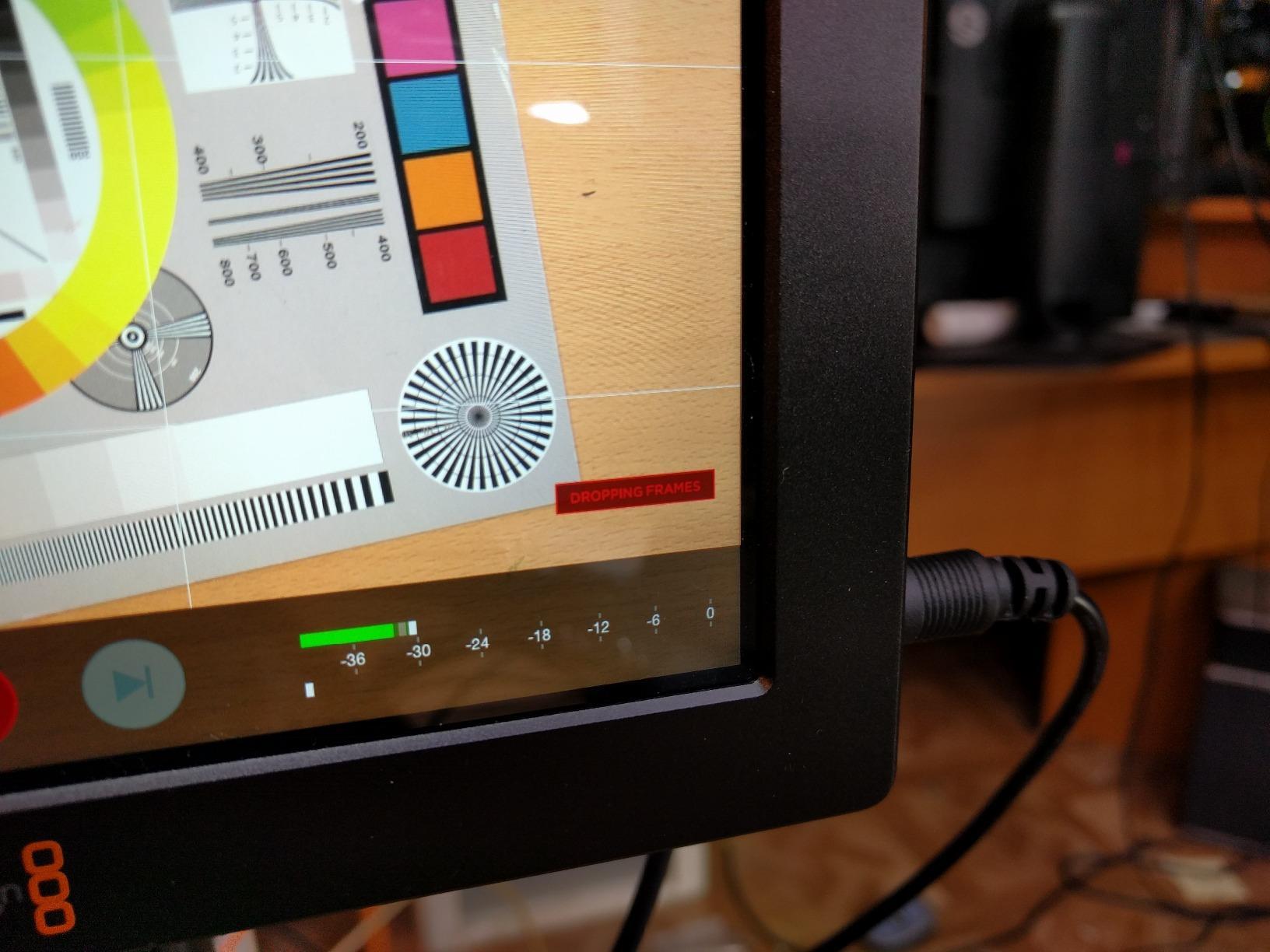
The SD card storage keeps running costs low since SD media is available everywhere and at every price point. You are trading recording bandwidth for convenience and affordability, which may be acceptable depending on your delivery format requirements.
I do want to flag the known issues honestly. Some users report SD card compatibility problems with certain card brands, and audio sync drift has been reported when paired with specific cameras. Test your exact camera and card combination thoroughly before relying on it for a paid shoot.
When This Model Still Makes Sense
If you need a basic 4K ProRes recorder for a fixed position like a talking-head interview or a live event backup, the Video Assist 4K delivers capable recording at a lower entry point than the 12G HDR models. Just manage your expectations on build quality and modern features.
Upgrade Path to 12G HDR
If your budget can stretch to the 12G HDR versions, the upgrade is worth it for the brightness alone. The 2500nit display on the newer models makes outdoor shooting dramatically easier, and the 12G-SDI connectivity future-proofs your investment for higher-bandwidth workflows.
How to Choose Between Atomos Ninja and Blackmagic Video Assist?
Choosing between these two product lines comes down to five key factors that directly impact your short film production workflow. I have broken down each decision point based on real shooting experience with all six devices.
Recording Codecs: ProRes RAW vs BRAW
This is the single biggest differentiator between the two brands. Atomos devices record Apple ProRes RAW, which works natively in Final Cut Pro and can be interpreted by DaVinci Resolve and Premiere Pro with the right plugins. Blackmagic devices record BRAW when paired with Blackmagic cameras, which offers a native workflow in DaVinci Resolve. If you cut in Final Cut Pro, Atomos and ProRes RAW is the smoother path. If you live in DaVinci Resolve with a Blackmagic camera body, BRAW gives you the tightest integration.
Screen Brightness and Outdoor Visibility
Blackmagic wins the brightness war with 2500nit displays across both 12G HDR models. The Atomos Ninja RAW pushes to 1500 nits, while the Ninja V and standard Ninja sit at 1000 nits. For filmmakers who shoot outdoors frequently, the brightness difference is immediately noticeable. I found the 2500nit Blackmagic usable in direct noon sunlight, while the 1000nit Ninja V needed a sun hood in the same conditions.
Storage: SSD vs SD Card
Atomos records to SSDs (SATA in MasterCaddy for the Ninja V, CFexpress for the Ninja RAW), while Blackmagic uses SD cards. SSDs give you more storage per dollar and are easier to offload since they connect directly to a computer via USB. SD cards are more compact and work in more devices, but high-speed UHS-II cards required for sustained 4K recording are expensive per gigabyte. Forum users on Reddit consistently mention that Ninja SSD storage is cheaper in the long run.
Camera Compatibility
Both brands support a wide range of cameras, but the specifics matter. Atomos has extensive camera control integration with Sony, Canon, Nikon, and Panasonic mirrorless bodies, letting you adjust camera settings from the monitor. Blackmagic Video Assist works with any camera that outputs clean HDMI or SDI, but camera control features are limited to Blackmagic camera bodies. If you shoot Sony FX3 or Nikon Z series, Atomos gives you deeper integration.
User Interface and Workflow
Forum users consistently praise the Blackmagic menu system for being simpler and more intuitive than Atomos. I found this to be accurate in testing. The Blackmagic interface uses a tab-based menu that groups related settings logically, while Atomos uses a more layered approach that takes longer to learn. However, Atomos offers more advanced monitoring features like EL Zone false color and the AtomRemote app for wireless control.
One specific difference that Reddit users highlight is waveform display speed. On the Blackmagic, the waveform takes roughly 2 seconds to appear when you enable it, while on the Atomos it appears instantly. For fast-paced shoots where you toggle monitoring tools frequently, that speed difference is noticeable.
Frequently Asked Questions
Why use Atomos Ninja?
The Atomos Ninja is popular because it offers Apple ProRes RAW recording, bright HDR monitoring, deep camera control integration with Sony, Canon, and Nikon mirrorless bodies, and affordable SSD-based storage. The instant waveform display and extensive accessory ecosystem make it the preferred choice for indie filmmakers who want professional recording without premium media costs.
What cameras work with Blackmagic Video Assist?
The Blackmagic Video Assist works with any camera that outputs a clean HDMI or SDI signal, including Sony, Canon, Panasonic, Nikon, Fuji, and Blackmagic cinema cameras. The 12G HDR models add 12G-SDI connectivity for professional cinema cameras. Full camera control features are available only when paired with Blackmagic camera bodies like the Pocket Cinema series.
Can Ninja V record ProRes RAW?
Yes, the Atomos Ninja V can record Apple ProRes RAW from compatible cameras that output RAW over HDMI or SDI. Supported cameras include select Sony models like the FX3 and FX30, Nikon Z series bodies, and Panasonic Lumix cameras. You need the appropriate camera firmware and the Ninja V must be running current firmware to enable ProRes RAW capture.
Is the Atomos Ninja V good?
The Atomos Ninja V is rated 4.5 out of 5 stars across over 1000 reviews, making it one of the most proven and reliable monitor-recorders available. It offers 1000nit HDR monitoring, ProRes and ProRes RAW recording, SSD storage, and a lightweight 360-gram design. It is widely recommended as the best value monitor-recorder for short film and indie production work.
Final Verdict
After testing all six devices across real production scenarios, my recommendation comes down to your specific needs. The Atomos Ninja vs Blackmagic Video Assist comparison is not about which brand is universally better, but which ecosystem fits your workflow.
For most short film makers, the Atomos Ninja V remains the best overall choice. It has the track record, the community support, the affordable SSD storage, and the codec flexibility to handle anything from ProRes RAW capture to HEVC delivery. If you want the latest features and can stretch your budget, the Atomos Ninja RAW adds camera control and CFexpress recording that take single-operator workflows to the next level.
If you shoot outdoors frequently or work with Blackmagic cameras, the Video Assist 7 inch 12G HDR delivers unmatched 2500nit brightness and native BRAW integration. Choose the right tool for your production and your next short film will benefit from professional monitoring and recording that meets broadcast standards in 2026.