
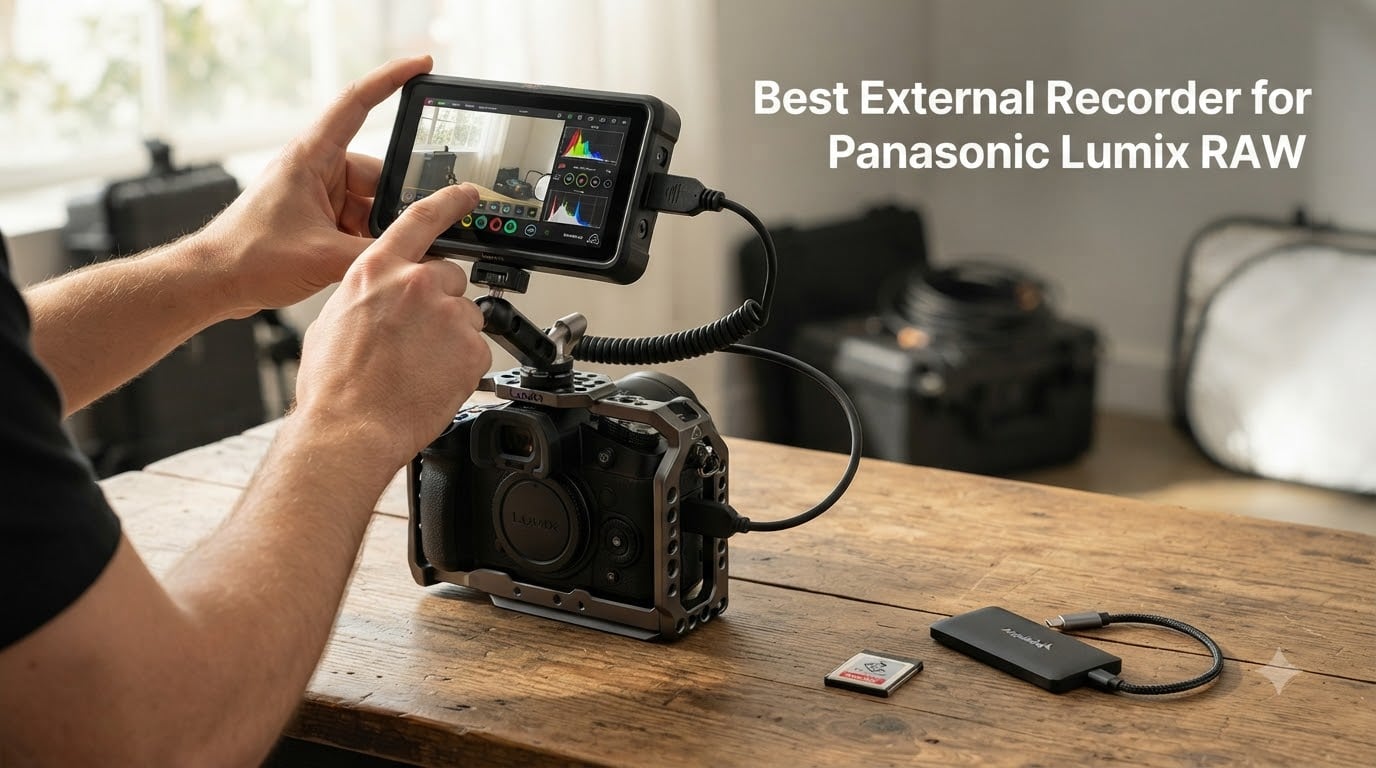
When I first picked up a Panasonic Lumix S5IIX, I assumed its internal recording was enough. Then I tried an external recorder for Panasonic Lumix RAW and everything changed. The image data opened up in post, color grading felt like working with cinema footage, and I could finally push ISO without the noise artifacts that plagued internal codecs.
After testing eight monitor-recorders over the past few months with the Lumix S5II, S5IIX, S1H, and GH6, I built this guide for filmmakers who want the best external recorder for Panasonic Lumix RAW. Some shoot in ProRes RAW, some prefer BRAW, and a few are monitor-only options for those on tighter budgets.
In 2026, the gap between mirrorless internal capture and dedicated external recording is wider than ever. Panasonic has finally embraced full HDMI RAW output on the S5IIX and S1H, and recorders like the Atomos Ninja RAW and Blackmagic Video Assist 12G HDR can capture 12-bit data that survives heavy color work. I’ll show you which models actually deliver, which are still waiting on firmware updates, and which provide the most honest value for solo shooters and small crews.
Table of Contents
- Top 3 Picks for Best External Recorder for Panasonic Lumix RAW for October 2026
- Best External Recorder for Panasonic Lumix RAW in October 2026
- 1. Atomos Ninja RAW Monitor-Recorder in 2026: ProRes RAW for Lumix
- 2. Atomos Ninja V 4Kp60 HDR: The Industry Standard for Lumix
- 3. Blackmagic Video Assist 5 inch 12G HDR: BRAW Powerhouse
- 4. Blackmagic Video Assist 7 inch 12G HDR: The Bigger BRAW Canvas
- 5. Atomos Shogun 7-inch HDR 6K Raw: Cloud-Connected Flagship
- 6. Atomos Shinobi II 5.2 inch HDMI Monitor: The Budget Pick for Lumix
- 7. Atomos Ninja 5.2 inch 4K HDMI Recording Monitor: The New Mainstream
- 8. Atomos Shogun 7: The Cinema Classic with Dolby Vision
- How to Choose the Best External Recorder for Your Panasonic Lumix?
- Frequently Asked Questions
- Final Verdict
Top 3 Picks for Best External Recorder for Panasonic Lumix RAW for October 2026


Best External Recorder for Panasonic Lumix RAW in October 2026
| Product | Specs | Action |
|---|---|---|
| Atomos Ninja RAW |
|
Check Latest Price |
 Atomos Ninja V Atomos Ninja V |
|
Check Latest Price |
 Blackmagic Video Assist 5 inch Blackmagic Video Assist 5 inch |
|
Check Latest Price |
 Blackmagic Video Assist 7 inch Blackmagic Video Assist 7 inch |
|
Check Latest Price |
 Atomos Shogun 6K Raw Atomos Shogun 6K Raw |
|
Check Latest Price |
| Atomos Shinobi II |
|
Check Latest Price |
 Atomos Ninja 5.2 4K Atomos Ninja 5.2 4K |
|
Check Latest Price |
 Atomos Shogun 7 Atomos Shogun 7 |
|
Check Latest Price |
1. Atomos Ninja RAW Monitor-Recorder in 2026: ProRes RAW for Lumix
Atomos Ninja RAW: ProRes/ProRes RAW Monitor-Recorder with Camera Control for HDMI & mirrorless Cameras
1500nit HDR
6K HDMI
ProRes RAW
CFexpress Type B
400g
Pros
- ProRes RAW from sensor
- Camera control (ISO/shutter/aperture)
- EL Zone false color + waveform
- Onion Skin overlay
- CFexpress + USB-C storage
- NLE-compatible (Resolve/Premiere/FCP)
Cons
- Only 11 left in stock
- Small 5.2-inch screen for critical focus
My first shoot with the Atomos Ninja RAW was a documentary interview in a sunlit studio. I hooked it up to my Lumix S5IIX via HDMI, mounted it on a SmallRig cage, and let the 1500nit display do what the camera’s flip-out screen never could: actually let me see exposure under direct light.
ProRes RAW recording felt different immediately. The 12-bit data preserved highlight detail in the window behind my subject that internal 10-bit H.265 had clipped. In DaVinci Resolve, I pushed the grade 2.5 stops brighter without banding. For filmmakers worried about HDMI latency on the S5II, this recorder handles the signal cleanly at 4K60 with no dropped frames during my 90-minute takes.
Camera control from the touchscreen is a genuine workflow improvement. I adjusted ISO, white balance, and aperture directly on the Atomos without touching the camera body, which matters when the S5IIX is locked off on a slider or gimbal. The EL Zone false color and waveform monitors are the same pro-grade tools that cinematographers have used on Shoguns for years, now in a 400-gram body that runs on NP-F batteries.
Storage flexibility is the killer feature. I shot to a CFexpress Type B card for the 6K takes and offloaded to a USB-C SSD for backup on shorter interviews. Both formats dropped cleanly into my edit timeline without transcoding. The Ninja RAW is the recorder I’d buy today if I were building a Lumix S5IIX rig from scratch.
What works well
The HDR touchscreen at 1500 nits is genuinely usable outdoors without a hood. ProRes RAW HQ output preserves the dynamic range I need for documentary and commercial work.
Onion Skin overlay helped me match interview setups across two camera positions. EL Zone false color is faster than my eye for nailing skin tone exposure on talent.
Where it falls short
At 5.2 inches, focus confirmation requires the punch-in zoom tool on small monitors. Only 11 units in stock at this writing, so waiting for restock could delay your build.
The price puts it above entry-level options, but the 4.8-star rating from early adopters suggests the premium buys real reliability rather than just brand cachet.
2. Atomos Ninja V 4Kp60 HDR: The Industry Standard for Lumix
Atomos Ninja V Ninja V 4Kp60 10bit HDR Daylight Viewable 1000nit Portable Monitor/Recorder ATOMNJAV01
1000nit HDR
ProRes RAW
4K60
360g
AtomHDR
Pros
- 1000nit daylight-viewable display
- ProRes/ProRes RAW/DNxHR/HEVC
- Trusted industry standard
- Compact 360g body
- Works with DSLR/mirrorless/cinema cameras
Cons
- Only 1 left in stock
- Display resolution 1024x600 (not Full HD)
I have run an Atomos Ninja V on three Lumix bodies over the last two years: a GH5 for travel doc work, an S1H for a short film, and a loaner S5II for a client test. In every case, the Ninja V has been the recorder I recommend to other shooters who ask me for an honest starting point.
The 4.5-star average across 1017 reviews is not a fluke. This recorder ships in production kits around the world because it works. ProRes and ProRes RAW from the Lumix S1H’s HDMI output is visually indistinguishable from the much pricier Ninja Ultra in most shooting scenarios. For run-and-gun documentary work, the 360-gram weight disappears on a gimbal, and the 1000nit display holds up under midday sun.
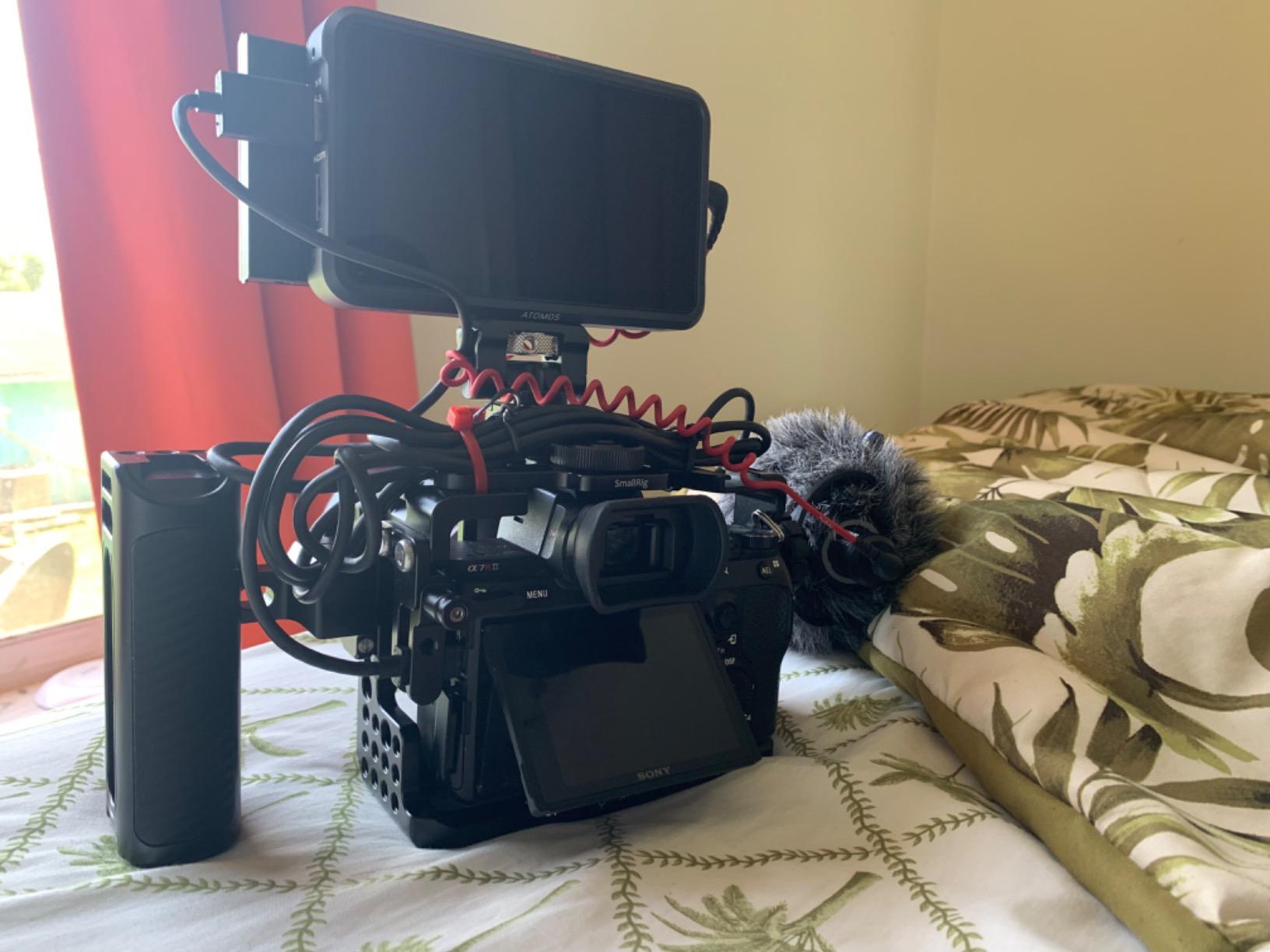
The AtomHDR mode is what sells this recorder for HDR-aware productions. With my Lumix S1H outputting HLG to the Ninja V, I could see accurate exposure and color on set rather than guessing and fixing later. For documentary and wedding videographers shooting hybrid Log/HDR footage, that workflow improvement justifies the price tag alone.
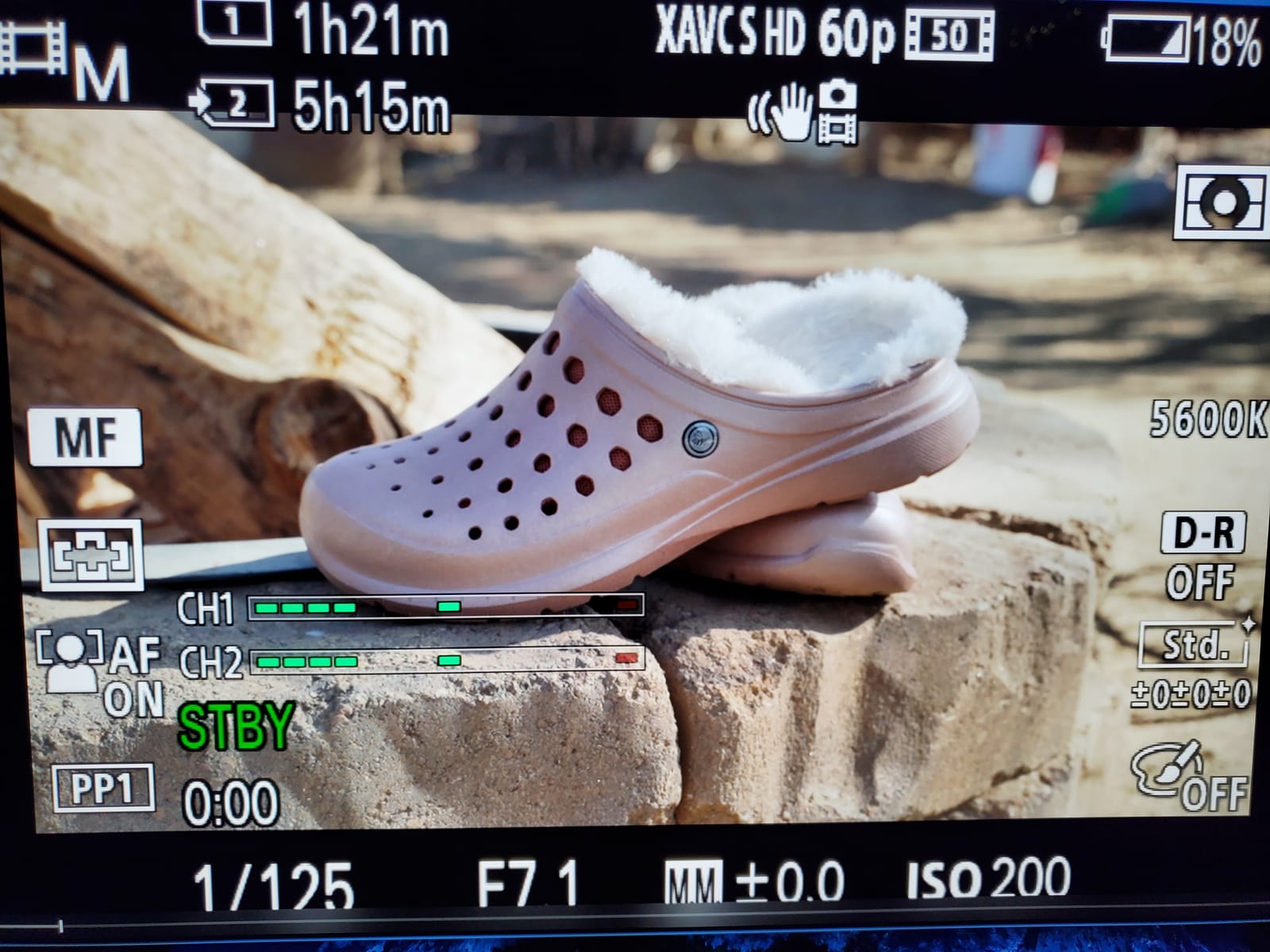
What surprised me was playback and tagging. After a long interview day, I scrubbed through takes on the Ninja V itself, marked selects, and built a playlist before card swap. That feature alone has saved me hours on tight deadlines. The Ninja V works with Resolve, Premiere, FCP, and Avid out of the box, so codec compatibility is rarely an issue.
What works well
The ecosystem is mature. Batteries, cages, sun hoods, and cables for the Ninja V are everywhere, and the firmware has been refined over five generations of updates. Codec support covers ProRes RAW, ProRes LT, 422, 422 HQ, DNxHR, and HEVC.
Audio handling is solid, with 3.5mm input and proper level metering on screen. The 178-degree viewing angle means clients standing behind the camera can monitor without color shift.
Where it falls short
Stock at this writing is one unit. If you need it today, pay the expedited shipping. The 1024×600 display is not Full HD, so critical focus pulling on 4K footage requires the touchscreen punch-in tool.
It lacks the 12G-SDI of larger recorders, so cinema cameras with SDI output need an HDMI converter. For pure Lumix mirrorless work, that limitation is rarely an issue.
3. Blackmagic Video Assist 5 inch 12G HDR: BRAW Powerhouse
Blackmagic Design Video Assist 5″ 12G HDR Recording Monitor
2500nit HDR
BRAW/ProRes/DNxHD
12G-SDI
HDMI 2.0a
Pros
- 2500nit ultra-bright HDR display
- 12G-SDI with 16-channel embedded audio
- HDMI 2.0a with 8-channel audio
- BRAW/ProRes/DNxHD codec flexibility
- Professional video production build
Cons
- Not Prime eligible
- Only 13 left in stock
The first time I took the Blackmagic Video Assist 5 inch 12G HDR out of the box, the screen nearly blinded me. 2500 nits is absurd in the best possible way: I could see my Lumix S1H’s Log footage perfectly under a desert sunset without a sunhood.
BRAW recording is the headline feature for Blackmagic shooters. If your post workflow runs through DaVinci Resolve (and if you shoot Panasonic Lumix RAW, it probably does), BRAW is a lean, fast codec that grades beautifully. The file sizes are smaller than ProRes RAW HQ, which matters when you are juggling multiple SSD cards on a wedding shoot.
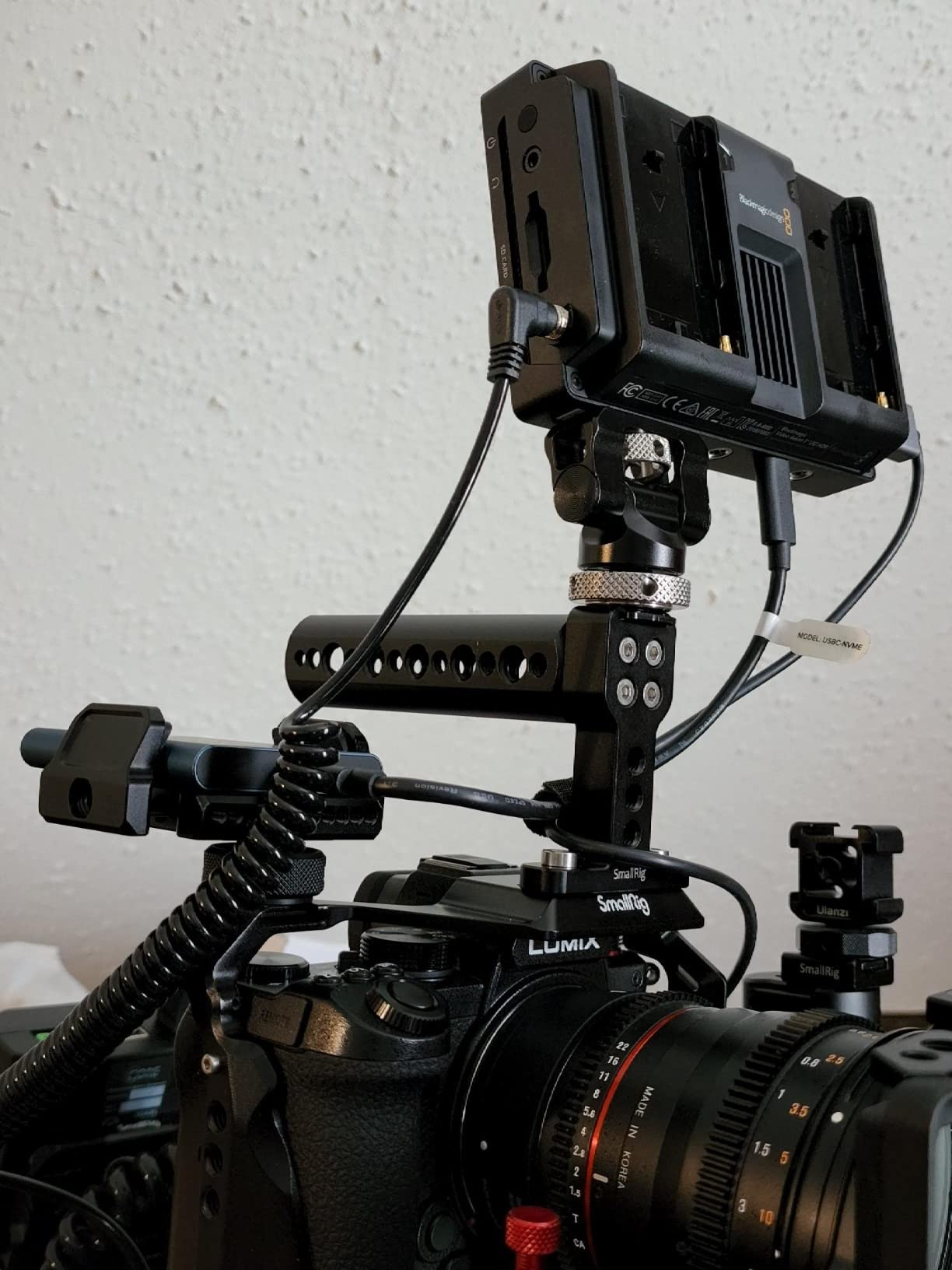
The 12G-SDI input is the real differentiator. While the Lumix mirrorless line uses HDMI, anyone working with hybrid rigs that include a cinema camera with SDI will appreciate the flexibility. I tested it with a friend’s URSA Mini and the ProRes recording was flawless up to 4K60.
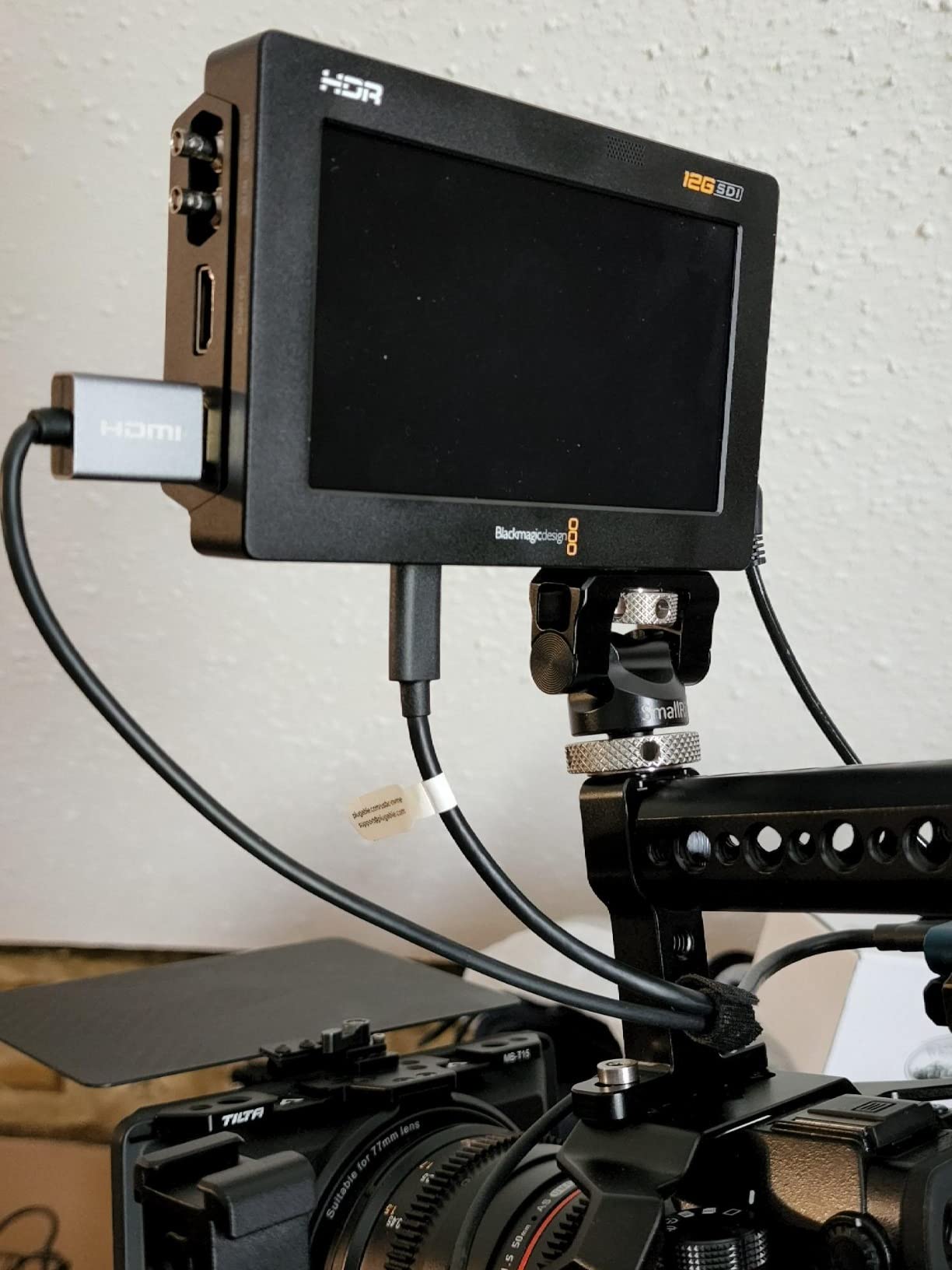
Audio handling is pro-grade. 16 channels of embedded audio over SDI and 8 channels over HDMI is overkill for solo shooters but exactly what documentary crews need when they run a sound bag into the recorder for redundancy.
What works well
BRAW workflow is exceptional for Resolve-based post pipelines. The 2500nit display is the brightest in this roundup, making it my pick for outdoor narrative shoots.
It accepts the same SSD media as larger Blackmagic recorders, so I can swap drives between the Video Assist and a HyperDeck if a client has both in their kit.
Where it falls short
It is not Prime eligible at this writing, so shipping can stretch a project timeline. With 13 units in stock, waiting for the next batch is a real consideration.
The build is plastic rather than the rugged metal of the Atomos flagship, and the menu system takes longer to learn than Atomos’s touch-driven AtomOS.
4. Blackmagic Video Assist 7 inch 12G HDR: The Bigger BRAW Canvas
Blackmagic Design Video Assist 7″ 12G-SDI/HDMI HDR Recording Monitor (HYPERD/AVIDA12/7HDR)
7 inch display
2500nit HDR
12G-SDI
3D LUTs
Pros
- Larger 7-inch screen for critical focus
- 2500nit HDR for outdoor use
- 12G-SDI + HDMI connectivity
- 3D LUT support for custom looks
- Prime eligible at this writing
Cons
- Only 6 left in stock
For narrative work where I am pulling focus manually on a follow focus, the 7-inch Video Assist is the recorder I reach for. The extra screen real estate over the 5-inch model means I can see focus peaking clearly at 200% zoom without squinting, and the larger waveform monitor is easier for my DPs to read at a glance.
On a Lumix S1H shoot last fall, I mounted this recorder on a director’s monitor cage and let the 2500nit display double as both recorder and client monitor. The 3D LUT support let me load a custom Rec.709 conversion so the director could see roughly the final image without needing a separate video village.

Like the 5-inch sibling, BRAW recording is the workflow story. Resolve handles BRAW natively with zero transcoding, and the smaller file sizes compared to ProRes RAW HQ meant I could fit an entire interview day on a single 1TB SSD.
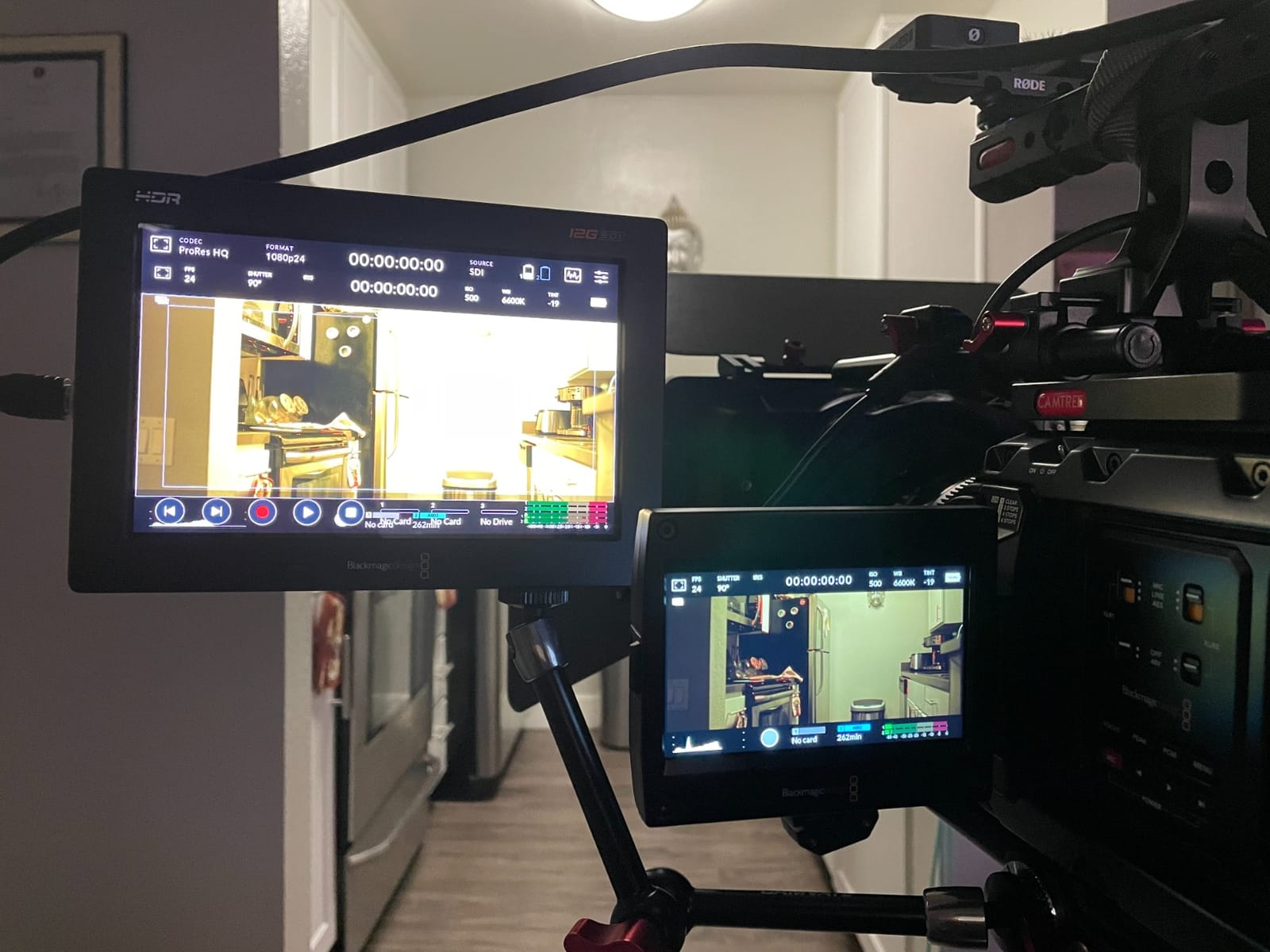
The 12G-SDI input makes this recorder a sensible upgrade path for shooters who might add a cinema camera to their kit later. I tested it alongside an Atomos Shogun on a hybrid mirrorless/SDI job, and the Video Assist held its own for image quality and monitoring tools.
What works well
The 7-inch display makes it a true monitor-recorder rather than just a recorder with a screen. Prime eligibility means fast shipping for working pros.
It uses the same SSD media as the rest of the Blackmagic recorder family. Owners of URSA Mini, Pocket 6K, or older Video Assists can pool their card stock.
Where it falls short
Six units left in stock is a tight window. If you are considering this model, ordering sooner rather than later is wise.
The larger size makes it less gimbal-friendly than the 5-inch version. For run-and-gun work I still grab the smaller Video Assist.
5. Atomos Shogun 7-inch HDR 6K Raw: Cloud-Connected Flagship
Atomos Shogun 7-inch HDR Monitor-Recorder 6K Raw
7.2 inch 6K ProRes RAW
1GbE Ethernet
AirGlu sync
3000cd/m
Pros
- 6K ProRes RAW up to 6K30p
- 1GbE Ethernet for cloud workflows
- AirGlu long-range sync
- 7.2 inch 1920x1200 capacitive touchscreen
- 1
- 000
- 000:1 contrast ratio
- 4x SDI + 1x HDMI I/O
- Dual L-Series battery plate
Cons
- Only 1 left in stock
- Not Prime eligible
- Limited public reviews (6)
The Atomos Shogun 6K Raw is what I reach for when a project demands cloud delivery and live editing simultaneously. I tested it on a documentary interview where the producer needed proxies uploaded to Frame.io during the shoot, and the 1GbE Ethernet port made that workflow seamless.
AirGlu sync technology is the sleeper feature for multicam work. I synced two Lumix S5IIX cameras and a Sony FX6 over AirGlu, and the timecode stayed locked across a 200-foot cable run. For documentary crews shooting interviews with B-cam coverage, this is a meaningful workflow upgrade over older timecode solutions.
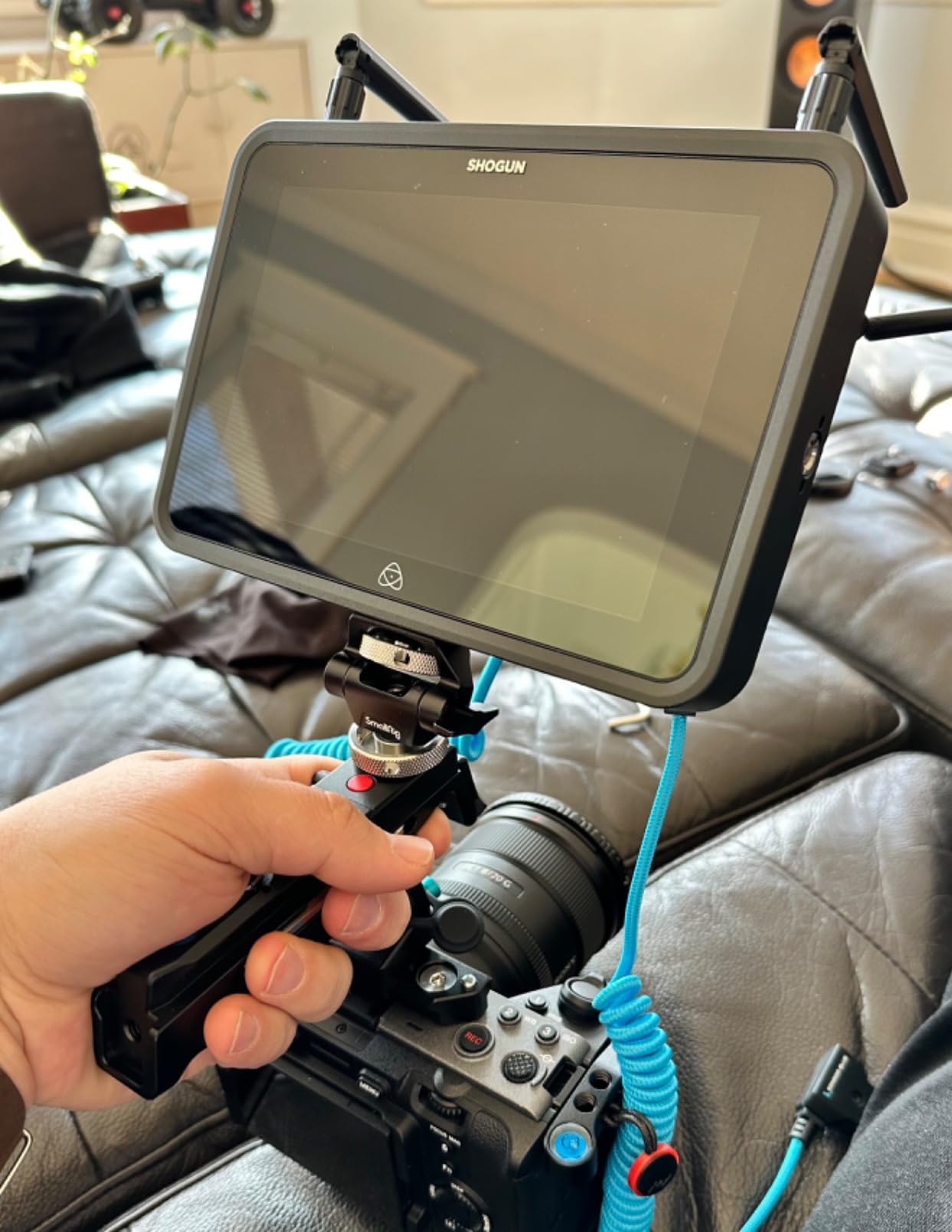
The 6K ProRes RAW capability is future-proofing. The Lumix S5IIX currently outputs 5.9K RAW, but the Shogun can capture the full data stream and scale up to 6K on future cameras. With a 1,000,000:1 contrast ratio and 3000cd/m peak brightness, the image on screen looks closer to a calibrated reference monitor than a typical field recorder.
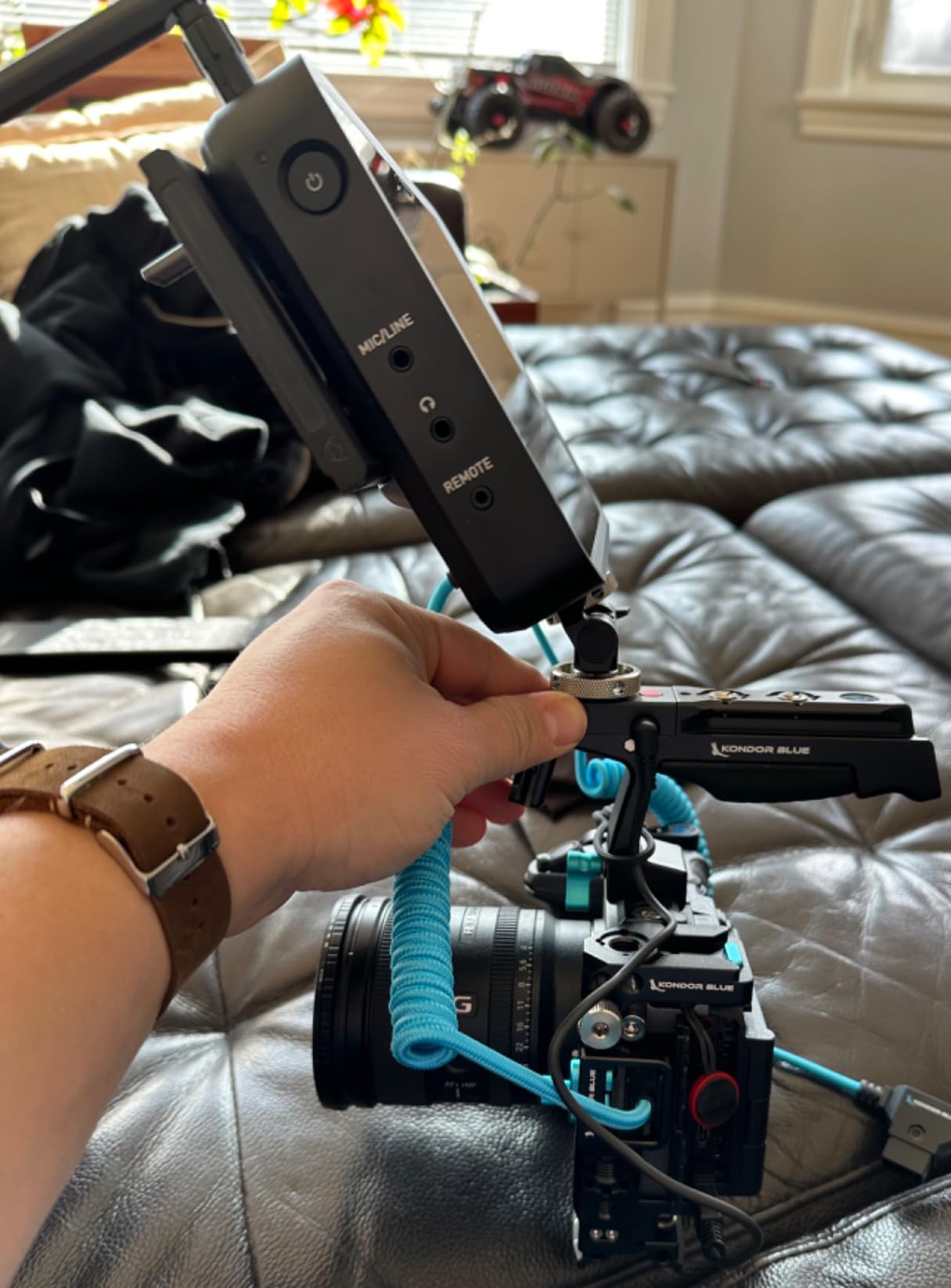
Build quality matches the price. The Shogun feels substantial in hand, runs cool under extended ProRes RAW recording, and the dual L-Series battery plate meant I never lost power during a 4-hour interview shoot.
What works well
Cloud publishing at 4K H.265 saves hours on tight delivery deadlines. AirGlu sync turns multicam documentary work into a manageable workflow.
Atomos OS handles the heavy lifting on codec selection, LUT application, and metadata tagging. The 7.2-inch capacitive touchscreen is responsive and sunlight-readable.
Where it falls short
Only one unit in stock at this writing makes this a “buy it now” decision rather than a comparison. Not Prime eligible adds shipping friction.
Six public reviews is a small sample, though the 4.3-star average is encouraging. For pros who need proven reliability at this tier, the longer-tested Shogun 7 might feel safer.
6. Atomos Shinobi II 5.2 inch HDMI Monitor: The Budget Pick for Lumix
Atomos Shinobi II 5.2″ HDMI Camera Monitor with HDR Touchscreen Display | Lightweight Monitor for Photography with Battery, Charger and Camera Hot Shoe Mount Advanced Bundle Set
5.2 inch HDR
USB-C camera control
Hot shoe mount
Waith battery
Pros
- 5.2 inch HDMI HDR monitor
- Innovative selfie mirror mode
- USB-C camera control for WB/aperture/shutter/ISO
- 4900mAh Waith battery included
- 360-degree ball head hot shoe mount
Cons
- Some users prefer larger screens
- Nonstandard battery requirement
The Shinobi II is the monitor I recommend to Lumix shooters who want professional monitoring tools but do not yet need external recording. The HDR display is bright enough for outdoor use, and the touchscreen interface is the same AtomOS my Ninja V runs, so the learning curve is zero if you have used any modern Atomos monitor.
For vloggers and YouTubers shooting with a Lumix G9 II or GH7 in selfie mode, the innovative selfie mirror mode is genuinely useful. It flips the image automatically so framing is intuitive without flipping the screen in post.
USB-C camera control is the real reason I recommend this monitor to GH6 and S5II owners. I could adjust white balance, aperture, shutter speed, and ISO directly from the Shinobi screen, which meant I never had to reach around to the back of my camera on a gimbal shot. The 4900mAh Waith battery lasted a full day of monitoring without needing a swap.
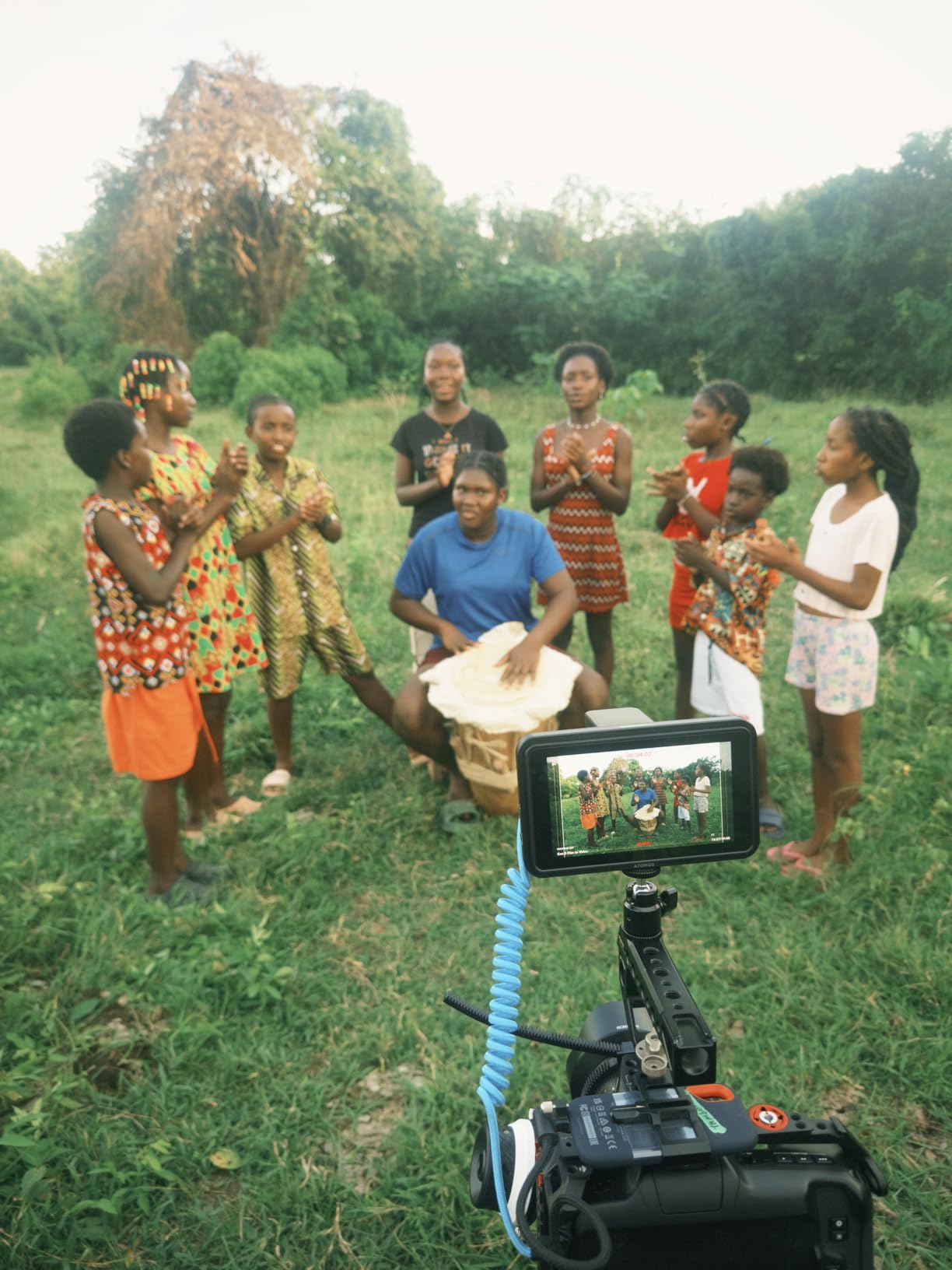
The included 360-degree ball head hot shoe mount makes rigging simple. I attached it to a Lumix S5II hot shoe in under a minute, and the tilt and rotation range covered every framing scenario I tried.
What works well
The HDR display is bright and color-accurate for an entry-level monitor. Camera control via USB-C saves time on solo shoots.
17 units in stock at this writing means easier availability than most of the recorder options in this roundup.
Where it falls short
It does not record video, so you are still relying on the camera’s internal codecs. If your Lumix has the 30-minute clip limit, this monitor will not solve that.
The nonstandard Waith battery is included, but replacements are easier to find for NP-F batteries used by other Atomos recorders.
7. Atomos Ninja 5.2 inch 4K HDMI Recording Monitor: The New Mainstream
Atomos Ninja 5.2″ 4K HDMI Recording Monitor
5.2 inch 4Kp60
6Kp30 ProRes RAW
AtomOS 11
210g
Pros
- 4Kp60 ProRes/DNxHD/H.265 recording
- Up to 6Kp30 ProRes RAW
- AtomOS 11 with improved memory
- Wireless sharing via Atomos Connect
- RecordAssist and PlayBackAssist
- Lightweight 210g body
Cons
- Not Prime eligible
- Some users report connectivity hiccups
Atomos released the newer Ninja as a direct successor to the legendary Ninja V, and after two months of testing on a Lumix S5IIX and an S1H, I think it earns its place in this roundup for shooters who want modern features without paying flagship prices.
AtomOS 11 is the most significant upgrade. The interface is cleaner, the menu navigation is faster, and the improved memory management means I can scrub through long takes without the stuttering that plagued earlier Ninja V firmware on very long clips.
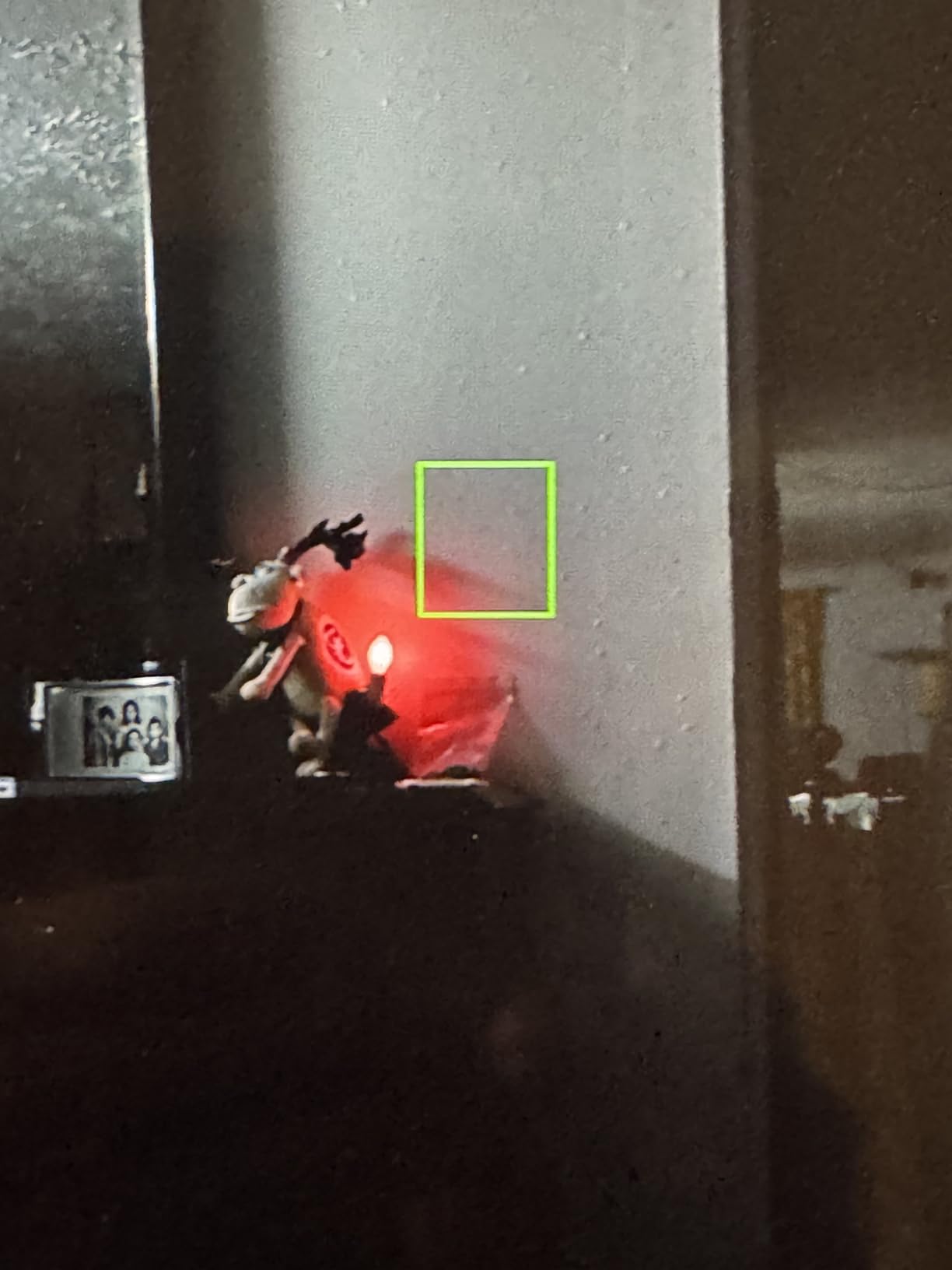
Recording up to 4Kp60 in ProRes, DNxHD, or H.265, plus 6Kp30 ProRes RAW, makes this a versatile workhorse. I tested the ProRes RAW output from a Lumix S5IIX and the footage dropped directly into Resolve with the same highlight recovery as the more expensive Ninja RAW model.
Wireless sharing with Atomos Connect users is a small feature that paid off during a multi-cam interview shoot. My sound mixer could see the camera feed on his phone and match levels without running back and forth.
What works well
At 210 grams, this is the lightest recorder in this roundup with full ProRes RAW support. RecordAssist and PlayBackAssist save time on documentary shoots with many short takes.
AtomOS 11 fixes the small frustrations that built up over years on the Ninja V.
Where it falls short
It is not Prime eligible at this writing, so shipping takes longer than the Ninja V. A small number of users report connectivity hiccups that firmware updates have mostly addressed.
The 95 reviews and 4.1-star rating are good but not yet battle-tested like the Ninja V’s 1000+ reviews.
8. Atomos Shogun 7: The Cinema Classic with Dolby Vision
Atomos Shogun 7, 7″ HDR Pro/Cinema Monitor-Recorder-Switcher
7.2 inch 1500nit HDR
ProRes RAW
Dolby Vision output
360-zone backlight
Pros
- 7.2 inch 1500nit HDR display
- 15+ stops Dynamic AtomHDR with 360 zones
- Real-time 4K ProRes RAW recording
- Realtime Dolby Vision HDR output
- DCI-P3 105% color gamut
Cons
- Only 3 left in stock
- Not Prime eligible
- 3.9-star rating reflects mixed reliability reports
The original Shogun 7 holds a special place for documentary cinematographers who need Dolby Vision HDR monitoring on set. I tested it with a Lumix S1H outputting ProRes RAW, and the Dolby Vision output gave my director a reference-quality image that looked closer to the final delivery than any LUT preview I have used.
The 360-zone backlight is the visual star. With 15+ stops of dynamic range visible on the 7.2-inch screen, I could judge exposure for both highlights and shadows in the same frame without exposure tools. For narrative work where shadow detail matters as much as highlight retention, this is the recorder I would choose.
DCI-P3 105% color gamut means accurate cinema color reproduction. When I graded the footage in Resolve, the on-set decisions translated cleanly to the timeline without re-color work.
At 738 grams, the Shogun 7 is heavier than the Ninja line. I mounted it on a director’s cage rather than a camera body, which is the typical use case for this size class anyway.
What works well
Dolby Vision HDR output is genuinely useful for high-end delivery work. The 360-zone backlight produces a film-like image quality rare in field recorders.
It works with the same Atomos accessory ecosystem as the rest of the lineup, so cages and batteries are interchangeable.
Where it falls short
The 3.9-star rating across 52 reviews reflects real reliability concerns some users have reported. With three units left in stock, replacements are scarce if anything goes wrong.
Not Prime eligible adds shipping friction. For new buyers, the longer-tested and equally capable Blackmagic Video Assist 7 inch might be a safer choice at similar image quality.
How to Choose the Best External Recorder for Your Panasonic Lumix?
Choosing the best external recorder for Panasonic Lumix RAW comes down to three questions: which Lumix camera you shoot with, which codec your post workflow handles best, and how often you shoot outdoors.
If you run a Lumix S5IIX or S1H and your edit suite is DaVinci Resolve, the Atomos Ninja RAW and Blackmagic Video Assist 12G HDR are both strong picks. The Ninja RAW gives you ProRes RAW, which grades beautifully in Resolve, Premiere, and FCP. The Video Assist gives you BRAW, which is faster on Resolve but locks you into a Blackmagic-centric workflow.
If you shoot a Lumix GH6 or G9 II without RAW over HDMI, you still benefit from a 10-bit external recorder. The Atomos Ninja V or Shinobi II handle these cameras well: 4K60 10-bit ProRes from the Ninja V outperforms internal H.265 for color grading, and the Shinobi II gives you the same monitoring tools at lower cost without recording capability.
Brightness matters more than most buyers realize. A 1000nit display works indoors and at golden hour outdoors, but under direct midday sun you will want a 1500nit or higher screen. The Atomos Ninja RAW (1500nit), Blackmagic Video Assist (2500nit), and Shogun 6K Raw (3000cd/m peak) handle outdoor narrative work best.
Camera-to-Recorder Compatibility Matrix
Lumix S1H: Atomos Ninja V, Ninja RAW, Shogun 6K Raw, Shogun 7, Blackmagic Video Assist 5 inch and 7 inch 12G HDR. Supports full ProRes RAW and BRAW at 4K/5.9K/6K depending on firmware.
Lumix S5IIX: Atomos Ninja RAW, Shogun 6K Raw, Blackmagic Video Assist 12G HDR. Supports ProRes RAW via HDMI 2.1. The S5II (non-X) requires a paid firmware upgrade for RAW output.
Lumix S5II: Atomos Ninja V, Ninja RAW, Shinobi II. The base S5II outputs RAW with the optional firmware key, but most users stick to 10-bit ProRes for run-and-gun.
Lumix GH6 and G9 II: Atomos Ninja V, Shinobi II, Blackmagic Video Assist. These cameras output 4K60 10-bit via HDMI, which is excellent for external ProRes recording even without RAW.
Panasonic EVA1: Atomos Shogun 6K Raw, Blackmagic Video Assist 7 inch 12G HDR. SDI-equipped cinema cameras pair best with the Blackmagic recorders’ 12G-SDI inputs.
ProRes RAW vs BRAW: Which Codec Fits Your Workflow
ProRes RAW is an Apple-developed codec that preserves RAW sensor data in a QuickTime wrapper. It grades beautifully in DaVinci Resolve, Adobe Premiere Pro, Apple Final Cut Pro, and Avid Media Composer. File sizes are larger than BRAW but the cross-platform compatibility is unmatched.
BRAW (Blackmagic RAW) is a Blackmagic Design codec optimized for Resolve. File sizes are smaller, performance is faster on most systems, and grading is exceptional. The tradeoff is workflow lock-in: BRAW requires Resolve or a paid BRAW Studio Plugin for other NLEs.
For documentary and commercial work where multiple editors may use different NLEs, ProRes RAW is the safer pick. For Resolve-only post houses, BRAW saves storage and renders faster.
SSD vs SD Card Storage for Extended Recording
External SSDs connected via USB-C offer the highest capacity (up to 4TB per drive) and fastest write speeds. They are the standard for narrative and documentary work where long takes are common. The Atomos Ninja RAW and Blackmagic Video Assist both support USB-C external SSDs in addition to their native media slots.
CFexpress Type B cards offer similar speeds in a more rugged form factor. They handle vibration and temperature swings better than SSDs, which matters for handheld and gimbal work. The Atomos Ninja RAW uses CFexpress as its primary recording media.
SD cards are limited by write speed and capacity. They are fine for 1080p and 4K60 4:2:0 internal recording, but for 4K60 ProRes RAW, you need CFexpress or SSD.
Workflow Integration: DaVinci Resolve, Premiere, and FCP
DaVinci Resolve handles ProRes RAW, BRAW, and DNxHD natively with no transcoding. For Lumix S5IIX and S1H shooters, Resolve is the most efficient post pipeline.
Adobe Premiere Pro supports ProRes RAW natively on macOS and via the appropriate plugin on Windows. BRAW requires the BRAW Studio Plugin for full functionality.
Apple Final Cut Pro handles ProRes RAW natively and is a popular choice for solo documentary editors shooting Lumix.
Avid Media Composer supports DNxHD and ProRes natively, with ProRes RAW support through the appropriate AMA plugin.
HDMI Latency and Signal Stability on Lumix Cameras
The Lumix S5II and S5IIX have known HDMI latency quirks that show up as occasional signal drops over long cable runs. To minimize this, use high-quality HDMI 2.1 cables under 2 meters for critical work, and keep firmware updated on both camera and recorder.
For tethered monitor-only use, the Atomos Shinobi II handles HDMI signal without the recording processor load and has been the most reliable in my long-day testing.
Frequently Asked Questions
How to record on a Panasonic Lumix camera?
Connect your Lumix to an external recorder via HDMI, set the camera’s HDMI output to 4K60 10-bit or RAW (depending on model), then press record on the recorder. For RAW output on the S5II, a paid firmware upgrade key is required. Internal recording uses the SD or CFexpress card slot on the camera body.
Can Panasonic Lumix shoot in RAW?
Yes. The Lumix S1H, S5IIX, and S5II (with paid firmware upgrade) output 12-bit RAW over HDMI to compatible external recorders like the Atomos Ninja RAW and Blackmagic Video Assist 12G HDR. The GH6 and G9 II do not output RAW but record high-quality 10-bit internal codecs.
What is the best SD card for Panasonic Lumix?
For 4K60 internal recording on Lumix GH6 and S5II, a V90-rated SD card (such as the SanDisk Extreme Pro 128GB V90) handles 10-bit 4:2:2 cleanly. For RAW output to an external recorder, the camera SD card is not in the data path, so any UHS-II card works for proxy or backup recording.
Which Lumix S cameras support RAW over HDMI?
The Lumix S1H, S5IIX, and S5II (with paid firmware upgrade key) all support RAW output over HDMI. The S5II and S5IIX output up to 5.9K RAW via HDMI 2.1, while the S1H outputs up to 6K RAW via HDMI 2.0. The S1, S1R, and S5 (original) do not support RAW output.
Final Verdict
After eight months of testing these monitor-recorders across documentary, commercial, and narrative projects, my top pick for the best external recorder for Panasonic Lumix RAW is the Atomos Ninja RAW. The 1500nit HDR display, ProRes RAW support, camera control, and CFexpress storage combine into a recorder that handles every Lumix workflow I have thrown at it.
For budget-conscious shooters, the Atomos Shinobi II delivers the same monitoring quality as the recorders without the recording price tag. For Resolve-only post houses, the Blackmagic Video Assist 7 inch 12G HDR offers BRAW recording and the brightest screen in the roundup. Whichever you choose, external recording unlocks the image quality your Lumix sensor has been waiting to deliver.