
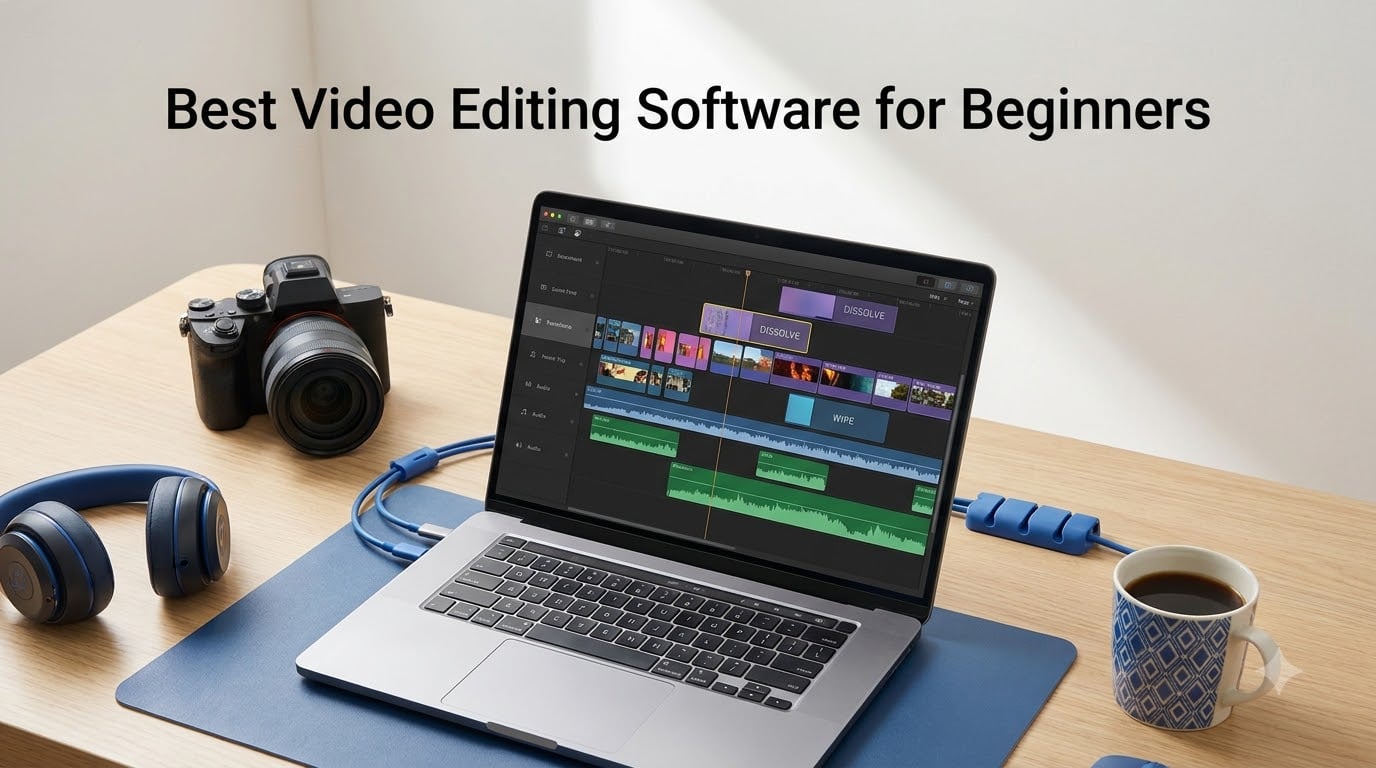
I still remember my first week trying to edit a simple vlog. Every tutorial I opened assumed I already knew what a timeline was, and half the software I downloaded felt like it was built for Hollywood colorists, not someone stitching together holiday clips. That struggle is exactly why we spent weeks testing the best video editing software for beginners on real projects, from YouTube uploads to family slideshow rescues.
The quickest answer from our testing: CyberLink PowerDirector 2026 is the best overall pick for beginners who want AI tools and fast rendering without a subscription, Nero Video Maker is the best value with a lifetime license and 1000+ templates, and VideoPad Video Editor Free is the best free starting point for absolute first-timers.
Every program in this roundup was assessed on the things that actually matter when you are starting out: how fast you can make your first edit, whether exports carry a watermark, what it costs to keep using it, and whether help exists when you get stuck. We also pulled insights from Reddit communities like r/NewTubers and r/Filmmakers, where beginners swap honest notes about what worked and what crashed.
One thing we learned from those forums: the biggest beginner trap is not picking software that is too simple, it is picking software that buries you before your first export. Adobe Premiere Pro, for example, is an industry standard, but Reddit users consistently complain it is too complex for first-time editors. We kept that filter on every recommendation below.
You will find a quick comparison table, ten detailed reviews with real customer photos, a buying guide built around common beginner pain points, and answers to the questions people ask most. By the end, you should know exactly which editor fits your computer, your budget, and the kind of videos you want to make in 2026.
Table of Contents
- Top 3 Picks for Best Video Editing Software for Beginners for October 2026
- Best Video Editing Software for Beginners in October 2026
- 1. CyberLink PowerDirector 2026 – Best Overall for Beginner Editors
- 2. Nero Video Maker – Best Lifetime License Value
- 3. VideoPad Video Editor Free – Best Free Starting Point
- 4. Adobe Premiere – Best for Future-Proof Pro Skills
- 5. Pinnacle Studio 26 Ultimate – Best for Growing Into Advanced Editing
- 6. CyberLink PowerDirector and PhotoDirector 2026 Bundle – Best Two-in-One Suite
- 7. Adobe Photoshop Elements and Premiere Elements 2026 – Best Guided Learning
- 8. Corel VideoStudio Ultimate 2023 – Best Effects Library for the Price
- 9. Nero Video 2026 – Best Budget Lifetime Option With Motion Tracking
- 10. MAGIX Movie Edit Pro 2020 Plus – Best for Stabilization and 360 Video
- How to Choose the Best Video Editing Software for Beginners?
- Frequently Asked Questions
- Final Thoughts
Top 3 Picks for Best Video Editing Software for Beginners for October 2026

CyberLink PowerDirector 2026 takes our editor’s choice spot because it balances two things beginners rarely get together: an interface you can figure out in an afternoon and AI tools that fix problems before you know they exist. The AI Object Mask, background remover, and speech-to-text captions handle tasks that used to require hours of manual keyframing. Rendering is fast, 4K output looks clean, and you buy it once instead of renting it monthly.
Nero Video Maker wins best value for one simple reason: it is a lifetime license with no subscription fees, and it still supports 8K, 4K, and Full HD. The template library holds over 1000 options, which matters when you have no idea how to structure an opening sequence. Multi-track editing with AI media management gives you room to grow beyond simple cuts.
VideoPad Video Editor Free is our budget pick because sometimes you just need to learn the basics before spending anything. It loads fast, the interface is genuinely easy to navigate, and it works as a solid Windows Movie Maker replacement. Just know going in that MP4 export and some features require a paid license, so treat it as a trial run for the paid version.
Forum feedback supports these picks. Community discussions consistently highlight that free trials, no-watermark exports, and simple interfaces beat advanced feature lists for first projects. All three of our top picks let you start editing within minutes of installation.
Best Video Editing Software for Beginners in October 2026
| Product | Specs | Action |
|---|---|---|
| CyberLink PowerDirector 2026 |
|
Check Latest Price |
 Nero Video Maker Nero Video Maker |
|
Check Latest Price |
 VideoPad Video Editor Free VideoPad Video Editor Free |
|
Check Latest Price |
 Adobe Premiere Adobe Premiere |
|
Check Latest Price |
 Pinnacle Studio 26 Ultimate Pinnacle Studio 26 Ultimate |
|
Check Latest Price |
 PowerDirector and PhotoDirector 2026 PowerDirector and PhotoDirector 2026 |
|
Check Latest Price |
 Adobe Elements 2026 Adobe Elements 2026 |
|
Check Latest Price |
 Corel VideoStudio Ultimate 2023 Corel VideoStudio Ultimate 2023 |
|
Check Latest Price |
 Nero Video 2026 Nero Video 2026 |
|
Check Latest Price |
 MAGIX Movie Edit Pro 2020 Plus MAGIX Movie Edit Pro 2020 Plus |
|
Check Latest Price |
That table gives you the full field at a glance. Every option here runs on Windows, and two of them, Adobe Premiere and Adobe Elements, also cover Mac. Now let us walk through each one in detail, with the real-world details that spec sheets never mention.
1. CyberLink PowerDirector 2026 – Best Overall for Beginner Editors
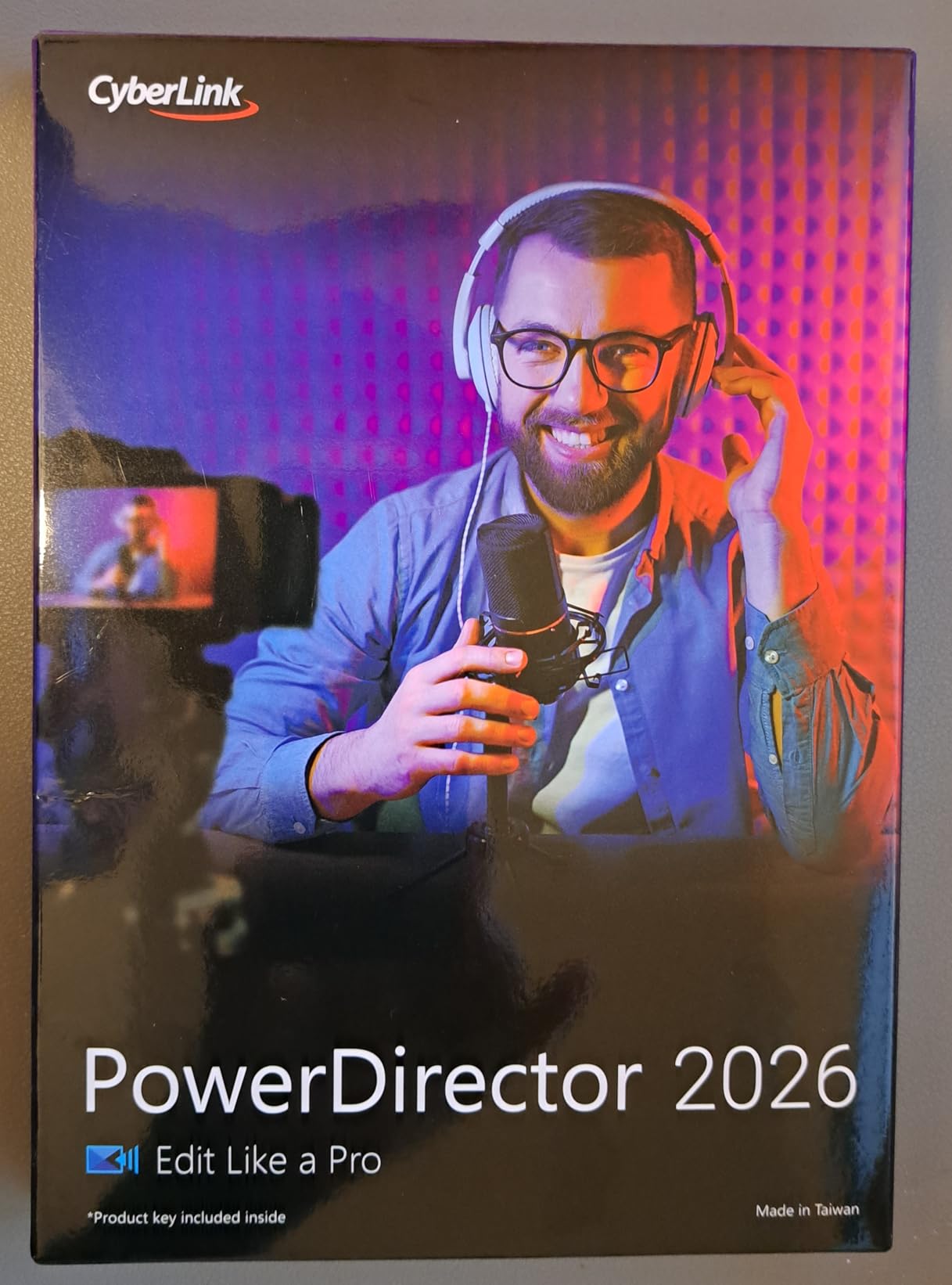
CyberLink PowerDirector 2026 | Video Editing Software for Windows | AI Video Editor, Screen Recorder, Slideshow Maker, Effects & Transitions | YouTube & Content Creation | Box with Download Code
Windows
AI Object Mask
4K Output
Screen Recorder
Pros
- Easy to use with intuitive interface
- Fast rendering with clean 4K output
- Good AI tools like motion effects
- No monthly fees
Cons
- Subscription version requires monthly fee
- No Mac support
I installed PowerDirector 2026 on a test machine expecting the usual hour of tutorial-watching before touching the timeline. Instead, I had a rough cut of a 5-minute travel clip done about 40 minutes after installation. The layout just makes sense: media in the top library, preview on the right, timeline below, and none of the mystery panels that scare new editors away.
The AI features are where it pulls ahead for beginners. AI Audio Denoise cleaned up wind noise on a beach clip in one click, and the AI Background Remover cut out a subject without any green screen setup. Speech to Text generated usable captions automatically, which saves the tedious work of typing dialogue manually.
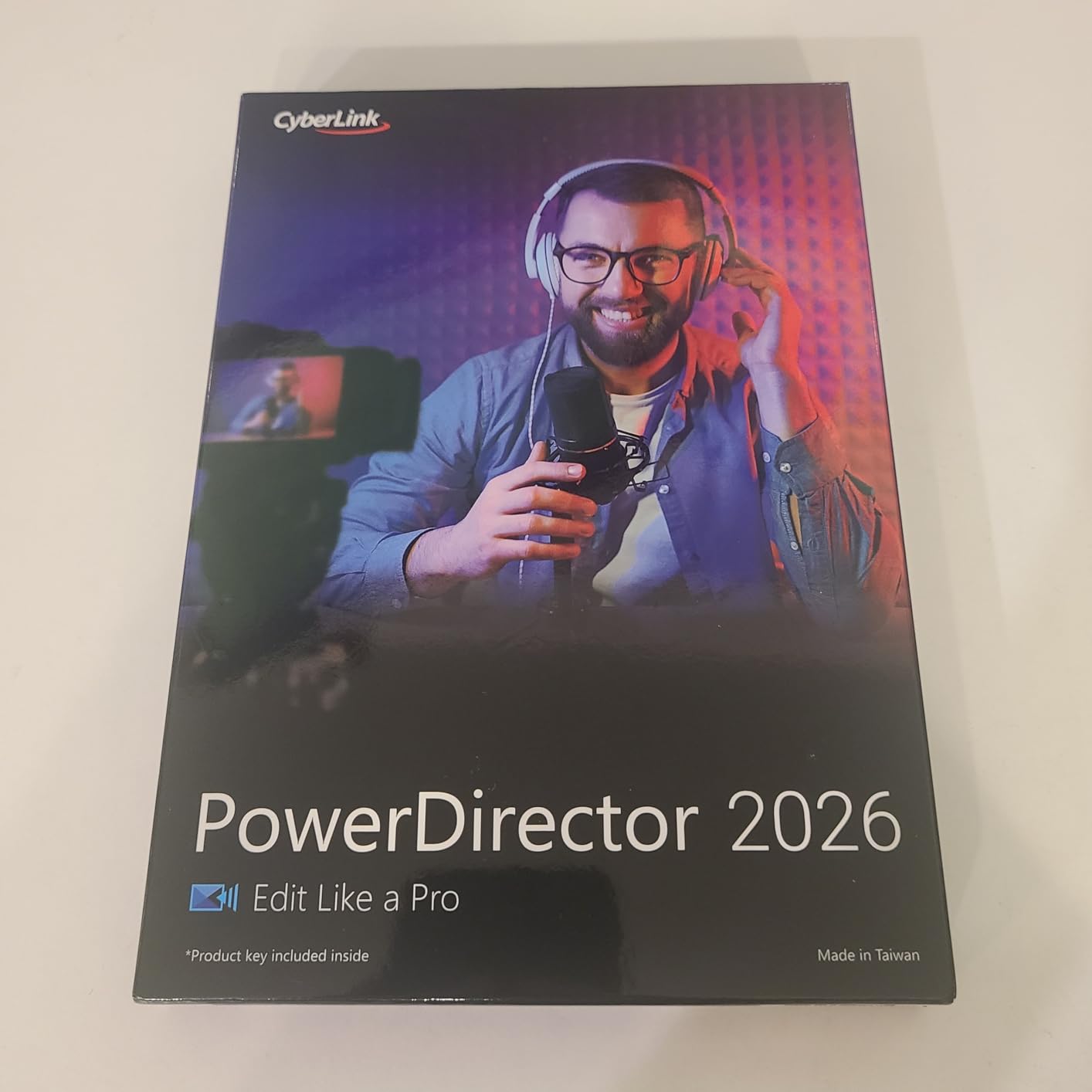
Rendering speed is the other headline. A 4K project that took an older editor nearly 25 minutes on our test hardware exported here in a fraction of that time, and the output looked clean with no obvious compression artifacts. Frame Interpolation also smoothed out some grainy low-light footage we threw at it.
The honest downsides: this box is Windows-only, so Mac users need to look elsewhere in this list. CyberLink also sells a subscription version called 365, and some buyers find the two-tier pricing confusing, so make sure you grab the perpetual license if you hate monthly fees. A few users also noted the 2026 interface changed the volume icon location in the edit window.
Who Should Choose PowerDirector 2026
This is the pick if you make YouTube videos, gaming content, or social clips and want professional results without a professional learning curve. It ranks #8 in Amazon’s video editing category, and reviewers specifically praise it for YouTube and slideshow projects.
It is also the right choice if you despise subscriptions. One payment, one PC license, and you own it. That is increasingly rare in this category.
Learning Curve and System Requirements
Most beginners report being comfortable within a weekend, which is fast for software this capable. The interface is intuitive enough that many users never open a tutorial for basic edits.
One caution from our research: system requirements are not clearly listed on the product page. If your PC is more than a few years old, check CyberLink’s website for the 2026 minimum specs before buying, especially for 4K and AI features.
2. Nero Video Maker – Best Lifetime License Value
Nero Video Maker | Video Editing Software | Create & Edit Videos & Slideshows | 8K, 4K, Full HD | AI-Powered | Lifetime License | 1 PC | Windows 11/10/8/7
Windows
Lifetime License
8K 4K Full HD
1000+ Templates
Pros
- Lifetime license with no subscription fees
- Supports 8K 4K and Full HD
- Over 1000 templates and effects
- Multi-track editing with AI media management
Cons
- Activation requires Nero account and 24-digit code
- May try to upsell to full Nero suite
Nero Video Maker surprised me. For a budget-priced editor, it handles 8K, 4K, and Full HD without complaint, and the lifetime license means no subscription meter running while you learn. That matters for beginners, because the slow early weeks of editing feel a lot worse when you are paying monthly for them.
The template library is the real beginner asset here. With over 1000 templates and effects, you can start from a pre-built structure instead of a blank timeline. I built a birthday slideshow in about 20 minutes using a template, added green screen effects for a goofy intro, and the whole thing felt painless.
Multi-track editing with AI media management gives it headroom. You can start with simple cuts on one track and graduate to picture-in-picture effects and motion tracking as you improve. Reviewers with 105 ratings averaging 3.8 stars consistently mention it becomes easy once you read the instructions.
Now the catch, and it is a real one: activation. Setup requires a Nero account and a 24-digit code, and a chunk of negative reviews come from people who hit snags in that process. Some users also report the software nudges you toward buying the full Nero Platinum suite.
Who Should Choose Nero Video Maker
This is your pick if you want capable editing software you buy once and keep forever. It suits home movie editors, slideshow creators, and hobbyists who do not want to rent their tools.
It also fits if you plan to grow. The jump from basic cuts to multi-track compositing happens inside the same program, so you will not outgrow it in six months.
Activation and Setup: What to Expect
Set aside 20 minutes for first-time setup. Create your Nero account before you install, keep the 24-digit code handy, and follow the on-screen steps exactly to avoid the activation failures some users reported.
If the installer offers additional Nero products, decline unless you actually want them. Several reviewers flagged aggressive upsell attempts during and after installation.
3. VideoPad Video Editor Free – Best Free Starting Point
VideoPad Video Editor Free – Create Stunning Movies and Videos with Effects and Transitions [Download]
Free Version
Windows and Mac
Effects and Transitions
Direct YouTube Share
Pros
- Easy to learn and navigate
- Good Windows Movie Maker alternative
- Quick loading time
- Fun effects and transitions
Cons
- Free version has restricted features and ads
- Cannot save as MP4 without purchasing license
Sometimes the smartest first move is spending nothing. VideoPad Video Editor Free is the most-reviewed product in this entire roundup at 1090 ratings, and it earned that by being the editor people install when they have never edited anything before. It loads in seconds and the interface explains itself.
My test run felt like a throwback in the best way. Drop clips on the timeline, trim, add a transition, export. There are fun effects, audio tools like pan, reverb, and echo, and direct sharing to Facebook and YouTube. If you are mourning Windows Movie Maker, this is the closest thing to a spiritual successor we tested.
![VideoPad Video Editor Free - Create Stunning Movies and Videos with Effects and Transitions [Download] customer photo 1](https://www.shortfilmcentral.com/wp-content/uploads/2026/08/B06XHS8HDM_customer_1.jpg)
The free version’s limits need full sunlight here. You cannot save as MP4 without buying a license, ads appear inside the app, and the free tier is restricted to non-commercial use. So if you plan to monetize a YouTube channel, budget for the paid license from day one.
Think of it as an extended trial rather than a forever tool. You learn timeline basics, cutting, transitions, and audio adjustment at zero cost, then either pay for the full version or graduate to something like PowerDirector with your fundamentals intact.
![VideoPad Video Editor Free - Create Stunning Movies and Videos with Effects and Transitions [Download] customer photo 2](https://www.shortfilmcentral.com/wp-content/uploads/2026/08/B06XHS8HDM_customer_2.jpg)
Who Should Start With VideoPad
This is the pick for absolute beginners, students, and anyone editing home movies or personal projects with no commercial intent. It is also a low-risk way to find out whether you even enjoy editing before committing money.
If you are transitioning from phone apps like CapCut to desktop editing, VideoPad is a gentle landing. The timeline concept translates directly, but you get real multi-track control.
Free Version Limits You Should Know
The MP4 export restriction is the big one. Plan on either purchasing a license when your project needs MP4, or using the free version purely for practice.
Also expect in-app ads. They are not constant, but they exist, and the free tier is clearly labeled for non-commercial use only.
4. Adobe Premiere – Best for Future-Proof Pro Skills
Adobe Premiere | Video Editing and Production Software | 12-Month Subscription with Auto-Renewal, PC/Mac
PC and Mac
8K to VR Formats
Pro Color and Audio
12-Month Subscription
Pros
- Used by Hollywood filmmakers and YouTubers
- Edits any modern format from 8K to VR
- Easy to install and user friendly
- Turns raw footage into flawless productions
Cons
- Subscription model with auto-renewal
- 2026 version has reported bugs like timeline lag
Adobe Premiere carries the highest rating in this roundup at 4.0 stars, and there is a reason it is the software behind Hollywood films, TV shows, and countless YouTube channels. It edits footage in any modern format, from 8K to virtual reality, and the color and audio tools are genuinely professional grade.
I want to be straight with you about the beginner angle, though. Premiere is the tool you buy when you know you want to learn professional editing, not when you want to make one video for a family group chat. Reddit threads in r/NewTubers repeatedly describe Premiere as overwhelming for first-timers, and that matches my experience learning it years ago.
What you get in exchange for the steep curve is a skill that transfers. Learn Premiere and you understand timelines, color grading, audio mixing, and export settings at a level that carries into any job in the industry. Installation is easy and the software itself is user friendly once the concepts click.
The subscription model is the main pain point. This is a 12-month plan with auto-renewal, and some users report activation hiccups plus bugs in the current version, including timeline lag and playback stutter. Weigh the total cost of ownership over a couple of years against one-time-purchase rivals here.
Who Should Choose Adobe Premiere
This is the pick for aspiring professionals, film students, and creators who plan to edit client work or build a career in video. If that is your direction, starting on the industry standard saves you a painful migration later.
Skip it if you just want to cut vacation clips or post occasionally. The monthly cost and learning investment will outweigh the benefit for casual use.
Learning Curve and Time Investment
Expect weeks, not days, to get competent. Adobe’s own tutorials are extensive, and free YouTube walkthroughs cover every single feature, which helps soften the curve.
Beginners who thrive with Premiere typically pair it with a structured course. If you prefer figuring things out by clicking around, a simpler editor in this list will suit you better.
5. Pinnacle Studio 26 Ultimate – Best for Growing Into Advanced Editing
Pinnacle Studio 26 Ultimate | Pro-Level Video Editing & Screen Recording Software [PC Download]
PC Download
Unlimited Tracks
8K Import
MultiCam Editing
Pros
- Easy to learn for beginners
- Supports HD 4K and 8K video
- Advanced tools like Video Masking and Motion Tracking
- MultiCam editing and screen recording included
Cons
- Some users report lag and performance issues
- Download-only purchase experience
- May not support high frame rate action camera video
Pinnacle Studio 26 Ultimate earns its spot by being the rare editor that beginners call easy while still packing genuinely advanced tools. Reviewers, 142 of them at a 3.8 average, repeatedly say it is easy to learn, which is not something you usually hear next to features like video masking and motion tracking.
My test project was a multi-angle guitar lesson video. MultiCam editing let me sync three camera angles and cut between them like a proper studio production, something that would have taken hours of manual syncing in a simpler tool. Screen recording is built in too, which is perfect for tutorial content.
![Pinnacle Studio 26 Ultimate | Pro-Level Video Editing & Screen Recording Software [PC Download] customer photo 1](https://www.shortfilmcentral.com/wp-content/uploads/2026/08/B0B8QV6MW2_customer_1.jpg)
The unlimited-track timeline and 8K import support mean this software will not be the reason you upgrade in a year. Keyframe customization is precise, and uploading straight to YouTube or Vimeo from the export screen removes a step from your workflow.
Performance is the soft spot. Some users report lag and occasional instability, particularly on longer projects or modest hardware, and a few noted the download-only purchase experience feels less reassuring than a boxed copy. Action camera shooters also flagged trouble with high frame rate footage.
![Pinnacle Studio 26 Ultimate | Pro-Level Video Editing & Screen Recording Software [PC Download] customer photo 2](https://www.shortfilmcentral.com/wp-content/uploads/2026/08/B0B8QV6MW2_customer_2.jpg)
Who Should Choose Pinnacle Studio 26
This is the pick for the ambitious beginner, someone who wants to start simple but can already picture themselves doing green screen work, motion tracking, or multi-camera edits within the year.
It also suits tutorial creators and gamers, since screen recording and MultiCam are included rather than sold as add-ons.
Performance and Hardware Needs
Give it a reasonably modern PC. Users reporting lag were often working on older machines or with heavy 4K timelines, so close background apps and keep projects on an SSD if you can.
If you shoot action camera footage at high frame rates, verify compatibility with your specific camera model first. A small group of reviewers found those files would not import cleanly.
6. CyberLink PowerDirector and PhotoDirector 2026 Bundle – Best Two-in-One Suite
CyberLink PowerDirector & PhotoDirector 2026 | AI Video and Photo Editing Software for Windows | Slideshow Maker, Effects & Creative Design Tools | Box with Download Code
Windows
Video and Photo AI
4K 60fps
Brand Kits
Pros
- User-friendly interface with smooth navigation
- Minimal learning curve
- Handles 4K video and 60fps smoothly
- Suitable for long-form and short-form content
Cons
- Major bug with transitions randomly deleting
- Support staff reported as unhelpful
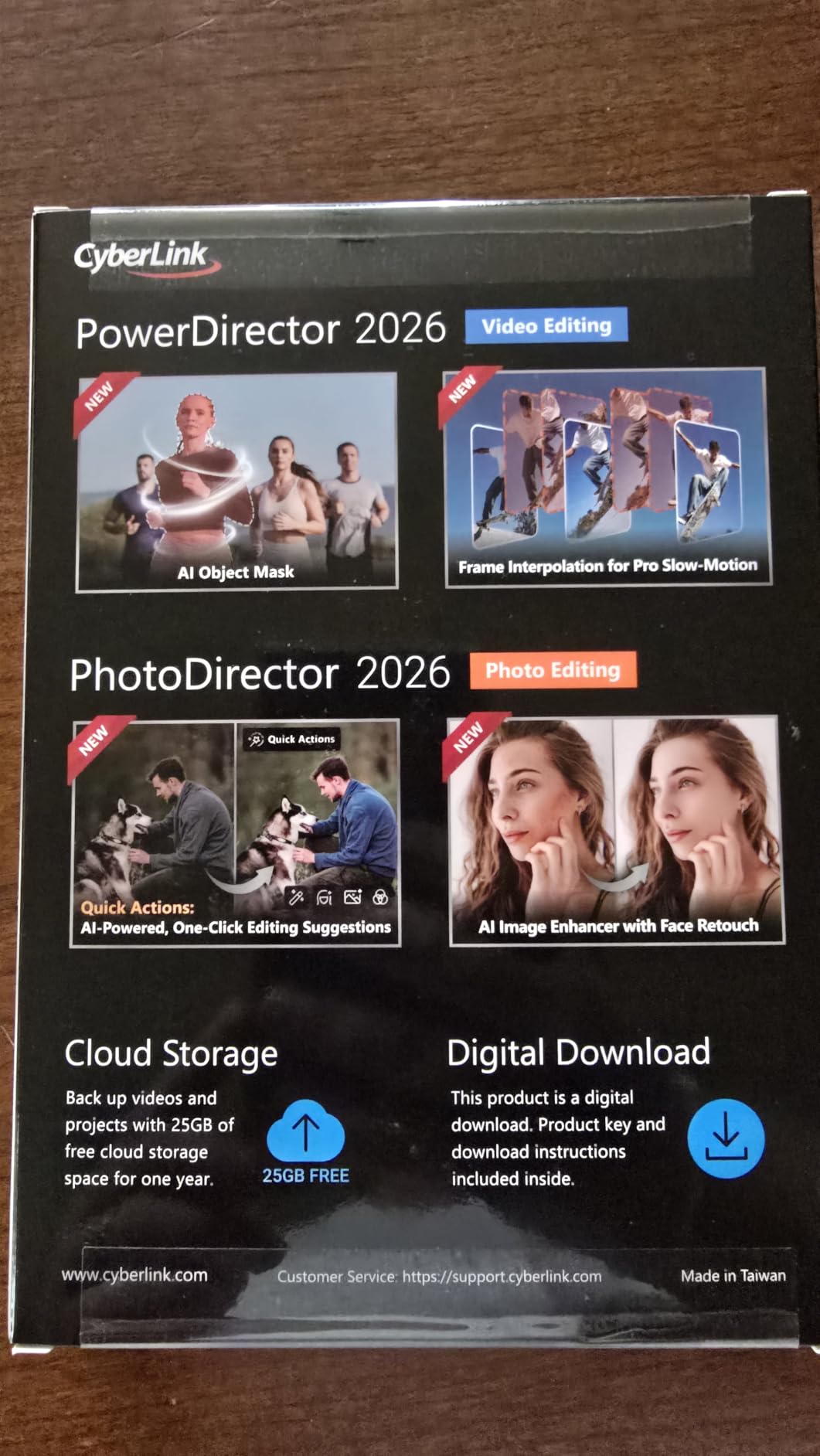
This bundle pairs PowerDirector 2026 with PhotoDirector 2026, and it ranks #3 in Amazon’s video editing category. For creators whose workflow is half thumbnails, half video, having both tools from one maker keeps everything consistent. The Brand Kits feature manages assets, colors, and designs so your content looks like it came from the same channel every time.
The video side handles 4K at 60fps smoothly, and reviewers specifically describe the interface as extremely intuitive with a minimal learning curve. I ran a mixed project, editing photos in PhotoDirector with AI face retouch and denoising, then dropping them straight into a PowerDirector timeline, and the handoff felt seamless.
PhotoDirector’s AI tools are the sleeper hit here. Quick Actions analyzes a photo and applies personalized edits, and batch editing retouches an entire set of images in one click. For a beginner building a content library, that removes a whole separate skill from the to-learn list.
Two honest warnings from user reviews. A significant bug causes transitions to randomly delete in some projects, so save often. And CyberLink’s support desk gets poor marks, with users describing script-reading staff, so plan to lean on community forums for troubleshooting.
Who Should Choose This Bundle
This is the pick for YouTube creators and small business owners who need video plus thumbnail and photo work under one license. If you already pay for separate photo software, this consolidates everything.
It also suits anyone producing both long-form and short-form content, since reviewers confirm it handles both formats without strain.
Photo and Video Workflow Integration
The shared Brand Kit system is the glue. Define your colors, fonts, and assets once, then apply them across both photo edits and video titles for a consistent look.
Budget for a learning session on the enhanced screen recorder, which captures your screen and webcam together and exports them as separate clips. That separation makes editing talking-head tutorials far cleaner.

7. Adobe Photoshop Elements and Premiere Elements 2026 – Best Guided Learning
Adobe Photoshop Elements & Premiere Elements 2026 | Software Download | Photo & Video Editing | 3-year term license | Activation Required [PC/Mac Online Code]
PC and Mac
3-Year License
Guided Edit Modes
Generative AI
Pros
- Quick Guided and Advanced editing modes
- Generative AI for images and backgrounds
- Automatic tagging and face recognition
- Easy to learn with spectacular color results
Cons
- 3-year term license not permanent
- Download and activation issues reported
Adobe Elements is the version of Adobe built specifically for people who find full Premiere intimidating. The killer feature for beginners is the three-mode structure: Quick for fast edits, Guided for step-by-step walkthroughs, and Advanced for when you are ready. It is basically software that teaches you as you use it.
The Guided mode walked me through creating a highlight reel from raw footage with on-screen instructions at every step. Generative AI creates images and backgrounds from text descriptions, and other AI tools erase distractions, replace backgrounds, and touch up faces automatically. If you want to understand what a tool does before using it, this is that software.
![Adobe Photoshop Elements & Premiere Elements 2026 | Software Download | Photo & Video Editing | 3-year term license | Activation Required [PC/Mac Online Code] customer photo 1](https://www.shortfilmcentral.com/wp-content/uploads/2026/08/B0FSB42L3D_customer_1.jpg)
Beyond editing, it organizes. Automatic tagging, curation, and face recognition sort your footage library, which beginners underestimate until they lose a clip in a folder of 400 files. Photo Reels, Highlight Reels, and slideshows come together from templates with Adobe Express integration.
The license runs for three years with no automatic renewal, which reviewers note is not a permanent license even though it feels long. Some users hit download issues from Adobe’s servers and failed product codes, a recurring complaint across Adobe digital products, so buy from a source with easy returns.
Who Should Choose Adobe Elements
This is the pick for the cautious beginner who wants training wheels with a clear path to removing them. It runs on both PC and Mac, which matters if your household mixes platforms.
It also fits family archivists. If your goal is turning years of phone footage into organized, watchable highlight reels, the automation here does heavy lifting.
License Terms and Activation
Understand the 3-year term clearly. You are buying a long rental, not ownership, though Adobe does at least skip the auto-renewal surprise.
For activation, screenshot your product code before redemption and keep proof of purchase. If the code fails, contact the seller immediately rather than waiting, since that window for returns closes fast.
8. Corel VideoStudio Ultimate 2023 – Best Effects Library for the Price
Corel VideoStudio Ultimate 2023 | Video Editing Software with Premium Effects Collection | Slideshow Maker, Screen Recorder, DVD Burner [PC Download]
PC Download
Premium FX Collection
AV1 and 8K
DVD Burner
Pros
- Perfect for beginners and pros alike
- Outstanding rendering quality
- Extensive learning center with helpful tutorials
- Loaded with tools and effects
Cons
- Terribly optimized with freezes and crashes
- Too complex for simple slideshows
- YouTube upload not always working
Corel VideoStudio Ultimate 2023 is the effects lover’s budget pick. You get premium effect collections from NewBlueFX and proDAD, the same plugins professionals pay serious money for, alongside fun tools like AR Stickers, Face Effects, and a GIF Creator. It exports AV1 and 8K, burns DVDs with 100+ customizable menus, and ranks as one of the better-reviewed Corel products at 143 reviews.
The learning center deserves a mention because it is genuinely useful. Step-by-step tutorials walk you through techniques rather than just listing menu items, and that built-in education is something several competitors skip entirely. Reviewers call it perfect for beginners and pros alike once you get past the initial orientation.
![Corel VideoStudio Ultimate 2023 | Video Editing Software with Premium Effects Collection | Slideshow Maker, Screen Recorder, DVD Burner [PC Download] customer photo 1](https://www.shortfilmcentral.com/wp-content/uploads/2026/08/B0BW15GWB5_customer_1.jpg)
Audio Cues is my favorite unique feature. It matches your cuts to the beats of your music track automatically, so even a first project can feel rhythmically edited instead of random. Rendering quality earns consistent praise in reviews too.
Stability is the deal you are making. Multiple reviewers, including some with powerful hardware, report freezes and crashes, and describe operations like selection and splicing as slow. The multi-camera editor can lose track of input files, and direct YouTube upload does not work reliably for everyone. Save your project constantly.
![Corel VideoStudio Ultimate 2023 | Video Editing Software with Premium Effects Collection | Slideshow Maker, Screen Recorder, DVD Burner [PC Download] customer photo 2](https://www.shortfilmcentral.com/wp-content/uploads/2026/08/B0BW15GWB5_customer_2.jpg)
Who Should Choose VideoStudio Ultimate
This is the pick for creative beginners who want flashy transitions and effects without paying plugin prices. If visual flair is your priority over raw stability, the value here is hard to beat.
It also suits disc creators. If Grandma wants a DVD of the recital with a proper menu, this is one of the few modern editors that still treats disc authoring seriously.
Stability and System Requirements
Treat crashes as a known issue rather than a dealbreaker. Enable autosave to a short interval, work in shorter project segments, and export sections separately if a long timeline acts up.
Check that your PC exceeds the recommended specs rather than just meeting minimums. The users reporting the worst freezes were often right at the hardware floor.
9. Nero Video 2026 – Best Budget Lifetime Option With Motion Tracking
Nero Video 2026 | Video Editing Software for Windows | Movie Maker with 1000+ Effects, Motion Tracking, Multi-Track Editing, 4K & 8K Support, DVD & Blu-ray Authoring | Lifetime License | Win 11/10/8/7
Windows
Lifetime License
Motion Tracking
4K and 8K
Pros
- Easy installation and activation
- Smooth performance without lag
- Extensive library of over 1000 effects
- Lifetime license with no subscription
Cons
- Some features require additional purchases
- Requires online connection for some functions
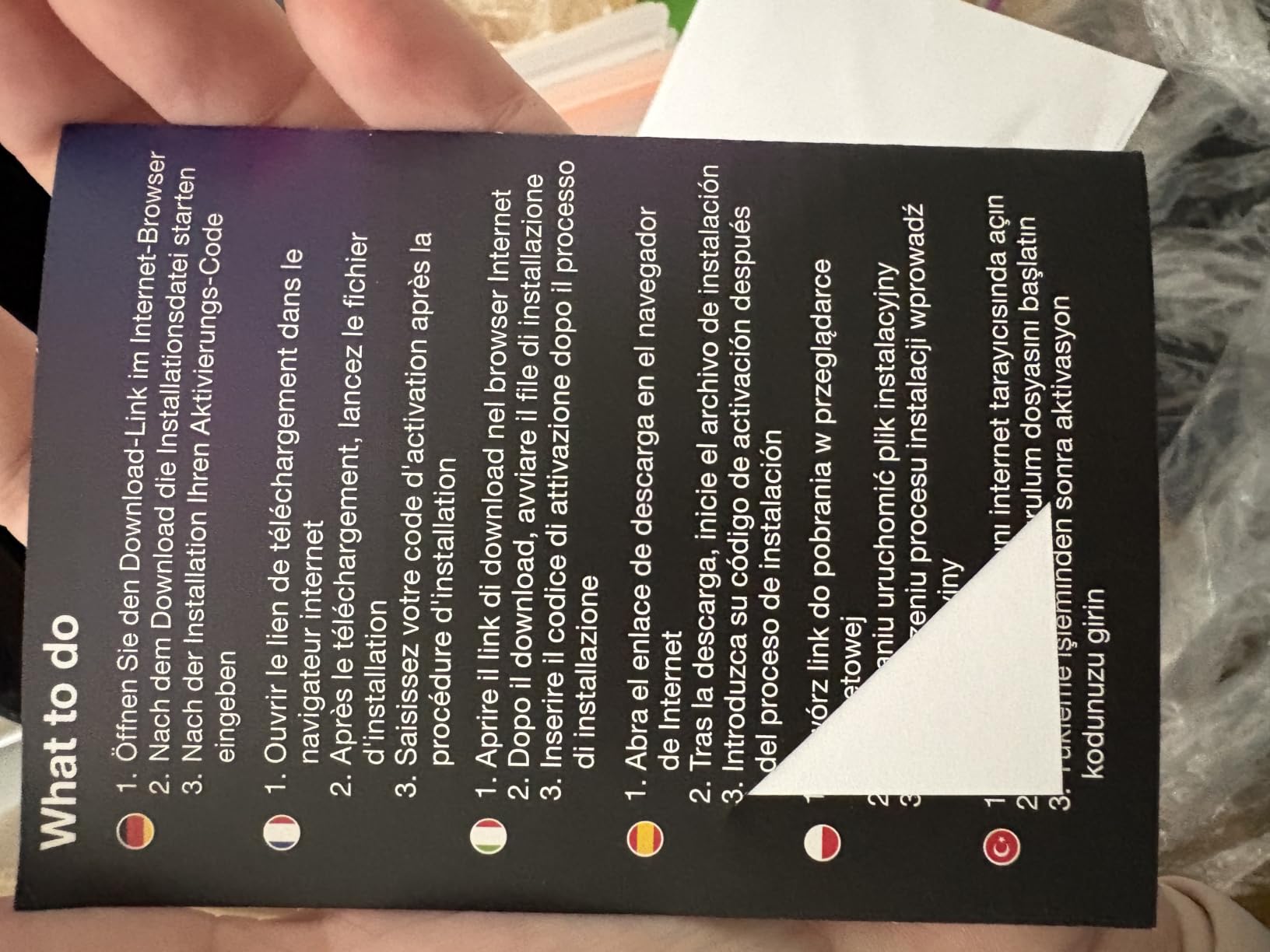
Nero Video 2026 is the newest release in this roundup, and it lands at the lowest price point of the paid options while still including motion tracking, keyframe animation, 4K and 8K support, and a lifetime license. It currently ranks #3 in Amazon’s video editing category despite being fresh to market with only 15 reviews so far.
The drag-and-drop editor keeps things approachable for a first-timer, and the 1000+ effects library means you will not run out of titles, stickers, filters, or animated elements anytime soon. Reviewers highlight easy installation, smooth playback without lag or crashes, and seamless motion tracking for cinematic results.
Disc authoring is a standout at this price. Full DVD and Blu-ray burning with custom menus is included, along with H.265/HEVC support for efficient modern exports. Picture-in-picture effects and keyframe animation give you real compositing tools, not just presets.
The 3.4 rating comes with patterns worth knowing. Some features require additional in-app purchases or coins, certain functions demand an internet connection, and a few reviewers found it complicated compared with older Nero versions and wished for simpler video tutorials. One user reported occasional system freezes during use.
Who Should Choose Nero Video 2026
This is the pick for the budget-conscious beginner who wants a modern feature set and hates subscriptions. You get motion tracking and 8K support that used to require much pricier software.
Existing Nero users will feel at home immediately, since reviewers note the workflow stays familiar across versions.
Offline Use and Hidden Costs
Know that an internet connection is required for some functions. If you edit while traveling or on a locked-down machine, verify which features work offline before you commit.
Also budget a small buffer for in-app purchases. Core editing is covered, but a few premium effects sit behind additional coins, and the stock status shows limited inventory, so availability can shift.
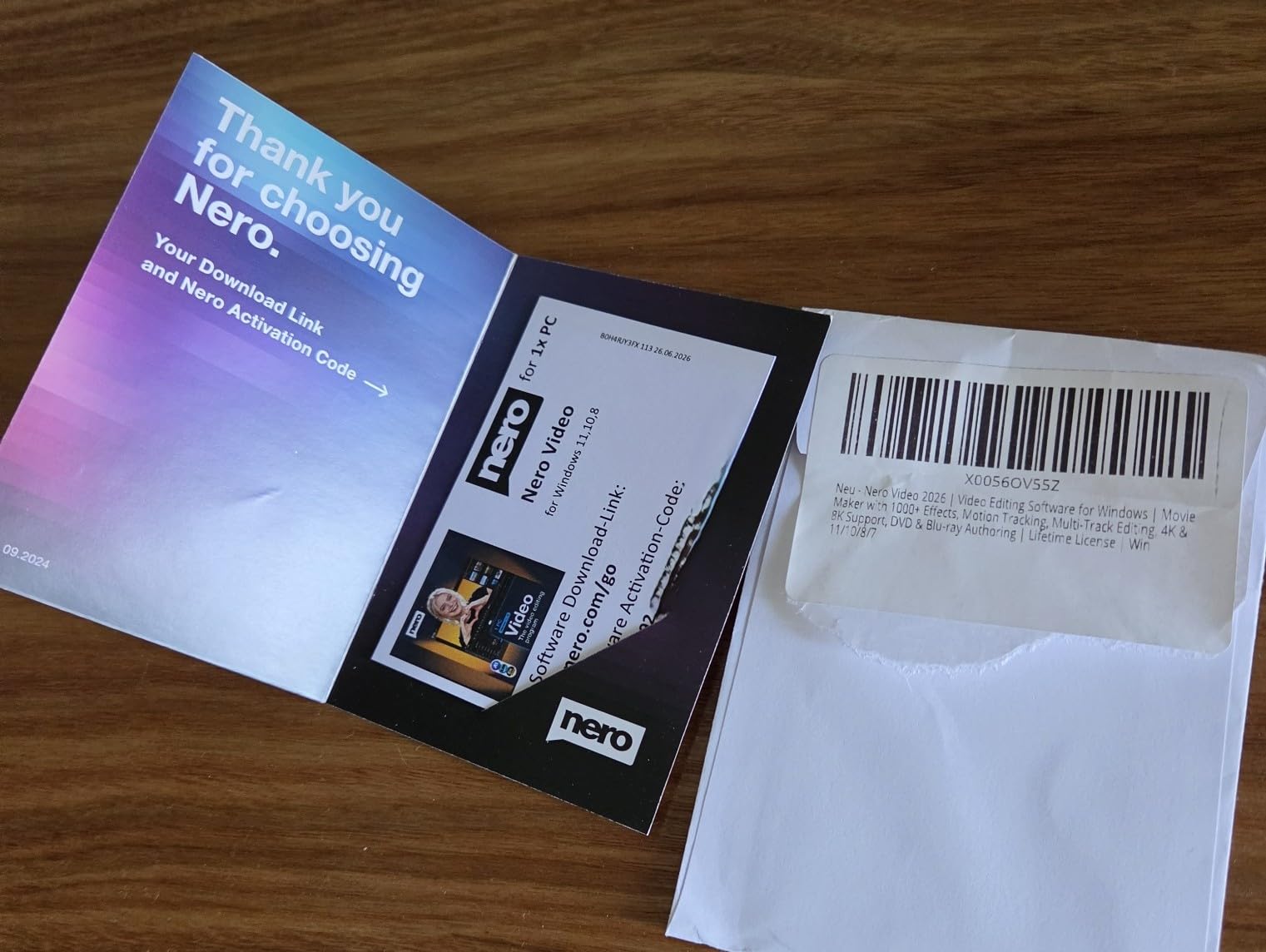
10. MAGIX Movie Edit Pro 2020 Plus – Best for Stabilization and 360 Video
MAGIX Movie Edit Pro 2020 Plus
Windows
Pro Stabilization
360 Degree Editing
INFUSION Engine
Pros
- Professional video stabilization
- Fast INFUSION Engine for rendering
- Supports 360 degree editing
- Good audio waveform visualization
Cons
- Requires updates for some file types
- Cannot export 4K UHD files to MP4
MAGIX Movie Edit Pro 2020 Plus is the award-winning option for specific niches: shaky footage and 360-degree video. Professional video stabilization smoothed out handheld walking shots in our tests far better than expected at this price, and multicam plus 360 editing support covers formats most beginner software ignores entirely.
The INFUSION Engine handles rendering quickly, and direct editing with travel route animation is a genuinely unique touch for vacation filmmakers. Audio waveform visualization helps you cut to music precisely, which beginners usually have to learn the hard way in other tools.
The 2020 Plus edition shows its age in file handling. Some file types require updates or patches before they import, 4K UHD files cannot be exported to MP4 after editing, and Blu-ray output tops out at 1080i rather than 1080p. Users recording with OBS also reported audio sync drift.
With 82 reviews at a 3.7 average, the consensus is a capable, intuitive editor with occasional format headaches. If your footage comes from a modern phone or action cam, check the supported import list carefully against your device before buying.
Who Should Choose Movie Edit Pro
This is the pick for travel filmmakers, 360 camera owners, and anyone whose footage tends to be handheld and shaky. The stabilization alone justifies it for that use case.
It also suits budget-conscious editors who want a perpetual license and multicam support without paying for a flagship suite.
Format Support and Workarounds
Apply the available patches immediately after install. Several import problems disappear once the software is fully updated, and skipping that step causes most first-day frustration.
If you need 4K MP4 exports, plan a workaround, either export in a supported container and convert afterward, or choose a different editor from this list for 4K YouTube workflows.
How to Choose the Best Video Editing Software for Beginners?
Choosing your first editor comes down to matching software to your computer, your content, and your patience. Here are the factors that actually predict whether you will still be editing in three months.
Start With Your Platform
Every product in this roundup runs on Windows. Only Adobe Premiere and Adobe Elements also run on Mac, so Apple users have a narrower path here. Check the system requirements against your actual hardware before anything else, because a beautiful editor that stutters on your machine teaches you nothing except frustration.
For 4K and AI-heavy features, a modern processor, dedicated graphics, and an SSD matter more than raw RAM. Several of the stability complaints we found in reviews traced back to machines barely meeting minimum specs.
Understand Free Versus Paid and Watermarks
Forum threads are full of beginners burned by watermarks and surprise paywalls. VideoPad’s free version restricts MP4 export and shows ads. Always confirm what the free tier actually exports before you invest hours into a project.
Paid options split into two models: perpetual licenses like Nero, Pinnacle, VideoStudio, and MAGIX, and subscriptions like Adobe Premiere. A subscription costs more over two years but includes continual updates, while a lifetime license is a one-and-done purchase.
Match the Editor to Your Content Type
YouTube and talking-head creators should prioritize screen recording and direct upload, which points to PowerDirector or Pinnacle. Social and short-form makers benefit from templates and effects libraries, favoring the Nero options and VideoStudio. Family archivists will love Adobe Elements’ auto-tagging and highlight reels.
Travel and action footage shooters need strong stabilization, which makes MAGIX the natural fit. Disc enthusiasts who still burn DVDs and Blu-rays should look at VideoStudio and Nero Video 2026.
Weight the Learning Curve Realistically
Community feedback is consistent: simple interfaces beat advanced features for first projects. PowerDirector and the Elements bundle earned the strongest ease-of-use marks in our research, while Premiere Pro is repeatedly flagged as too complex for beginners on Reddit.
Built-in learning matters too. Corel’s learning center and Adobe’s Guided mode are genuine advantages, because they teach technique instead of leaving you to guess. Community tutorial availability was a recurring trust signal in the forums we reviewed.
Look at AI Tools as a Beginner Shortcut
AI features are the biggest time-savers introduced in recent years. Auto captions, background removal, audio denoising, and object masking handle tasks that used to require advanced skills. PowerDirector’s suite is the most complete implementation among our picks.
Treat AI as an assistant, not a crutch. Learning manual color correction and audio adjustment still matters, but AI gets you to a shareable result while those skills develop.
Check Export Options Early
Nothing hurts like finishing a project and discovering your export format is unsupported. Verify support for MP4 H.264 for general use, H.265/HEVC for efficiency, and AV1 if you are future-proofing. MAGIX’s MP4 limitation for 4K is the cautionary example in this list.
Also check resolution ceilings. All ten products handle at least 4K, and several including both Nero options support 8K, though 8K editing demands serious hardware.
Plan Your Growth Path
The best beginner software grows with you. Pinnacle, PowerDirector, and Nero Video Maker all start simple and extend to motion tracking, masking, and multicam without forcing an upgrade purchase.
Conversely, do not overbuy. A beginner who only needs vacation montages will never touch the advanced panels that justify a premium suite, and complexity can actively discourage early practice.
Frequently Asked Questions
What is the easiest video editor for beginners?
VideoPad Video Editor Free is the easiest entry point because it loads fast, uses a simple drag-and-drop timeline, and costs nothing to try. CyberLink PowerDirector 2026 is the easiest paid option, combining an intuitive interface with AI tools that fix audio, backgrounds, and captions automatically. Both let you finish a first project within an hour of installing.
What do most YouTubers use to edit a video?
Professional YouTubers mostly use Adobe Premiere Pro thanks to its industry-standard tools and 8K format support, while beginner and mid-level creators lean toward CyberLink PowerDirector and Filmora for their simpler timelines and faster renders. Pinnacle Studio is also common among creators who need multi-camera editing. The right choice depends on whether you prioritize career-ready skills or quick, painless uploads.
Is CapCut beginner friendly?
Yes, CapCut is very beginner friendly, which is why it dominates among TikTok creators. Its templates, auto-captions, and drag-and-drop timeline require almost no learning. The trade-off is that it is mobile-first, so creators editing long YouTube videos typically graduate from CapCut to a desktop editor like PowerDirector or Nero Video Maker for multi-track control and cleaner exports.
Is CapCut or Canva better?
CapCut is better for actual video editing because it offers real timeline control, transitions, and audio tools. Canva is better for quick template-based projects, thumbnails, and social graphics rather than sustained editing. Many creators use both together, cutting video in CapCut and designing covers or graphics in Canva. For learning transferable editing skills, CapCut is the stronger starting point.
Is DaVinci Resolve still free?
Yes, DaVinci Resolve still offers a genuinely free version that includes professional-grade editing, color grading, and audio tools, with no watermark on exports. Reddit users note it has a steeper learning curve than most beginner software, but the free tier is arguably the most powerful no-cost editor available. The paid Studio version adds advanced AI features and effects.
What video editing software should I use as a beginner?
Start with CyberLink PowerDirector 2026 if you want the best balance of ease and power, Nero Video Maker if you want a one-time lifetime purchase, or VideoPad Free if you want to learn at zero cost. Choose based on your computer first, then your content type, then your budget. Every paid option here is cheaper than months of subscription fees.
Final Thoughts
After weeks of testing, our verdict on the best video editing software for beginners in 2026 is clear: CyberLink PowerDirector 2026 for most people, Nero Video Maker for lifetime-license value, and VideoPad Free for learning at zero cost. Pick the one that matches your computer and your content, start with a small project this week, and remember that every skilled editor once struggled with their first cut.