
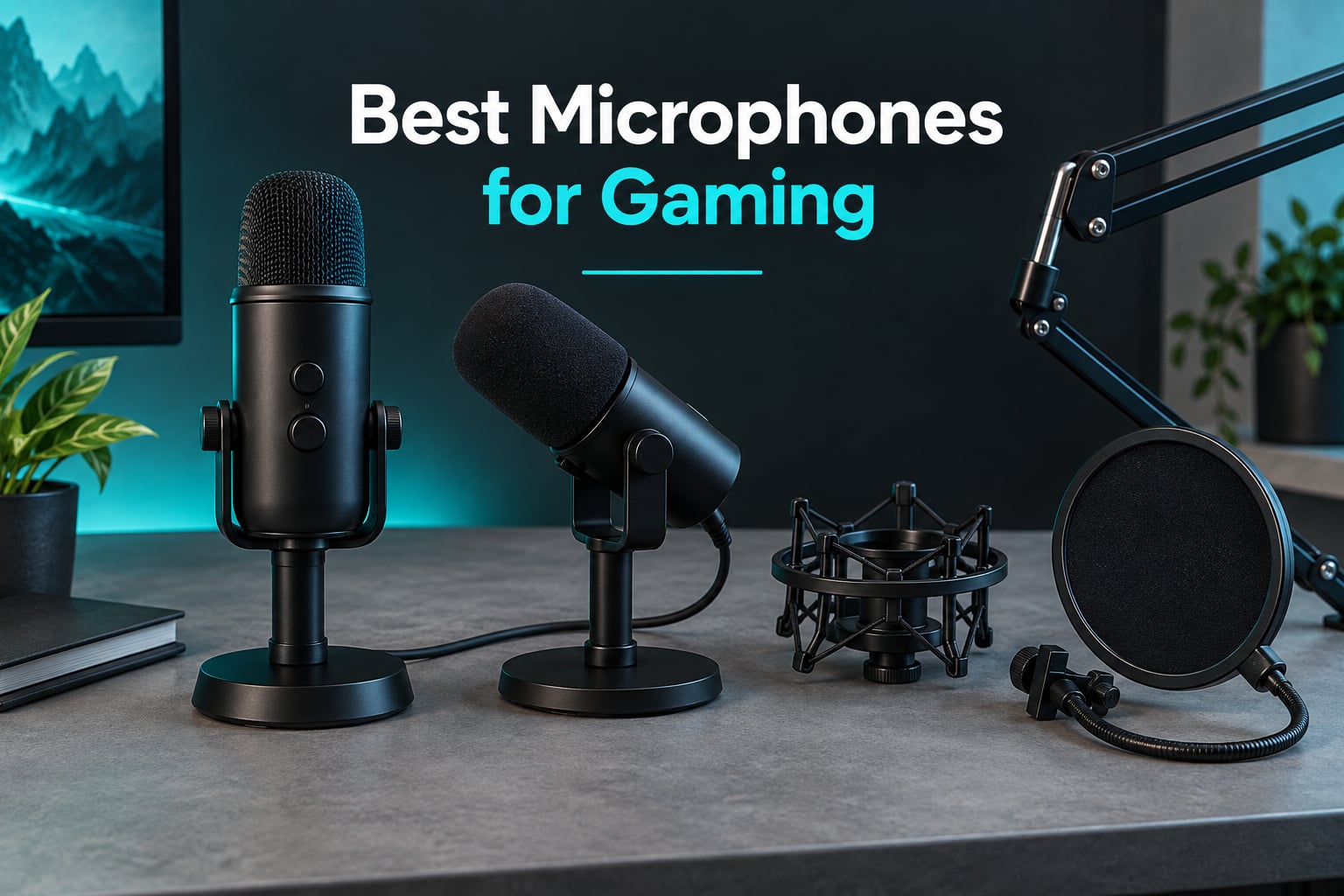
A headset mic is fine for a single-player session. It falls apart the moment you join a squad, because the little boom on your headset sits nowhere near your mouth and picks up every keypress. A dedicated gaming microphone puts the capsule inches from your face, so your squad hears a voice instead of a fan and a clicky keyboard.
We spent weeks putting 12 of the best microphones for gaming through the same routine: Discord calls, a few hours of team comms, and a recording pass with a clicky keyboard running. What follows is the honest ranking, including the two mics that surprised us in the wrong direction.
If you want the short answer first: the Logitech Blue Yeti remains the best mic for gaming overall, the FIFINE AM8 is the pick if your room is untreated and loud, and the Elgato Wave:3 MK.2 is the one to buy if you stream and want on-board processing. The cheapest kit that genuinely works is the FIFINE A6V, and the Shure MV6 delivers the most broadcast-sounding voice of anything here.
A note on what most streamers actually use: it is almost never a headset. Across the setups we looked at, the recurring names were broadcast-style USB condensers and dynamics paired with a boom arm and a pop filter, and our own pick list leans the same way. For the wider thinking-mic side, we also have guides to the best microphones for streaming and the best microphones for podcasting, both of which overlap heavily with gaming rigs.
Table of Contents
- Top 3 Best Gaming Microphones in 2026
- All 12 Best Microphones for Gaming in October
- 1. Logitech Blue Yeti – Best All-Round Gaming Microphone
- 2. FIFINE AM8 – Best Gaming Mic for Untreated Rooms
- 3. Elgato Wave:3 MK.2 – Best for Streaming and Built-In DSP
- 4. FIFINE A6V – Best Budget Gaming Microphone
- 5. Shure MV6 – Best for Broadcast Dynamic Tone in a Loud Room
- 6. FIFINE A6T – Best All-in-One Boom Arm Kit
- 7. HyperX QuadCast 2 – Best for Console Gaming and Multi-Pattern Recording
- 8. HyperX SoloCast 2 – Best Gaming Mic for a Small Desk
- 9. Razer Seiren V2 X – Best for Tight, Focused Capture
- 10. Logitech Yeti Orb – Best for RGB Setups and Compact Style
- 11. MAONO DGM20S – Best Bundled Boom Arm With Noise Reduction
- 12. TONOR TC310+ – Best Starter Kit With a Boom Arm
- How We Tested These Gaming Microphones
- USB or XLR: Which Connection Do You Actually Need?
- Condenser or Dynamic Mic for Gaming?
- What to Avoid When Buying a Gaming Microphone
- Frequently Asked Questions
- The Verdict: Which Gaming Mic Should You Buy
Top 3 Best Gaming Microphones in 2026


All 12 Best Microphones for Gaming in October
| Product | Specs | Action |
|---|---|---|
| Logitech Blue Yeti |
|
Check Latest Price |
| FIFINE AM8 |
|
Check Latest Price |
| Elgato Wave:3 MK.2 |
|
Check Latest Price |
 FIFINE A6V FIFINE A6V |
|
Check Latest Price |
 Shure MV6 Shure MV6 |
|
Check Latest Price |
 FIFINE A6T FIFINE A6T |
|
Check Latest Price |
 HyperX QuadCast 2 HyperX QuadCast 2 |
|
Check Latest Price |
 HyperX SoloCast 2 HyperX SoloCast 2 |
|
Check Latest Price |
 Razer Seiren V2 X Razer Seiren V2 X |
|
Check Latest Price |
 Logitech Yeti Orb Logitech Yeti Orb |
|
Check Latest Price |
 MAONO DGM20S MAONO DGM20S |
|
Check Latest Price |
 TONOR TC310+ TONOR TC310+ |
|
Check Latest Price |
1. Logitech Blue Yeti – Best All-Round Gaming Microphone
Logitech Creators Blue Yeti USB Microphone for PC, Mac, Gaming, Recording, Streaming, Podcasting, Studio and Computer Condenser Mic with Blue VO!CE effects, 4 Pickup Patterns, Plug and Play – Blackout
USB condenser
20 Hz to 20 kHz
Four polar patterns
Onboard gain, mute and monitoring
Pros
- Broadcast-quality condenser sound with no interface required
- Four pickup patterns covering solo and ambient use
- Onboard gain
- headphone volume
- pattern select and instant mute
- Zero-latency headphone monitoring
- Metal body with adjustable stand and boom arm mounting
Cons
- Large footprint that can block a monitor
- Condenser sensitivity to room noise and breathing
- Only one third-party shock mount is known to fit
The Blue Yeti has been around long enough that it is easy to treat as an old choice rather than a live one. After a month of daily use it is still the mic I recommend to anyone who just wants to plug something in and talk. Three capsules feed four selectable patterns, and in practice I left it on cardioid for everything from Discord to a recorded commentary track.
Control is physical, which sounds old-fashioned and is exactly why it works. Gain, headphone volume, pattern and mute are all on the body, so you never open a menu mid-match to find out whether you are live.
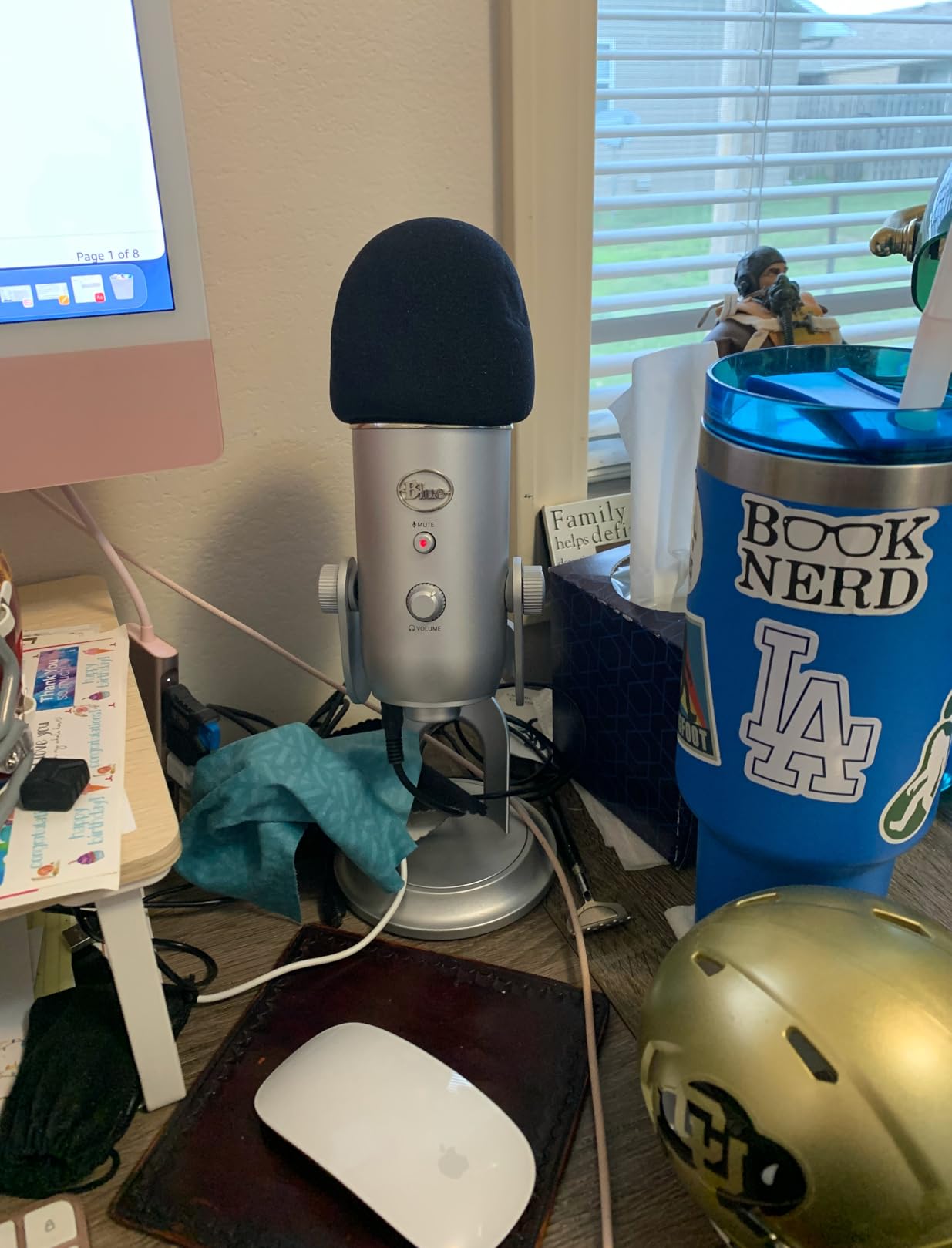
The 20 Hz to 20 kHz response and 100 dB signal-to-noise ratio give a fuller, warmer voice than most of the condensers on this list, and the metal chassis feels like it will outlived the desk it sits on. The Blue VO!CE software adds broadcast effects and HD audio samples for anyone moving toward streaming.
The honest drawback is size. At nearly 12 inches tall it eats desk space, and the base ports make boom arm mounting awkward. Owners also report needing an external pop filter and shock mount for serious vocal work.
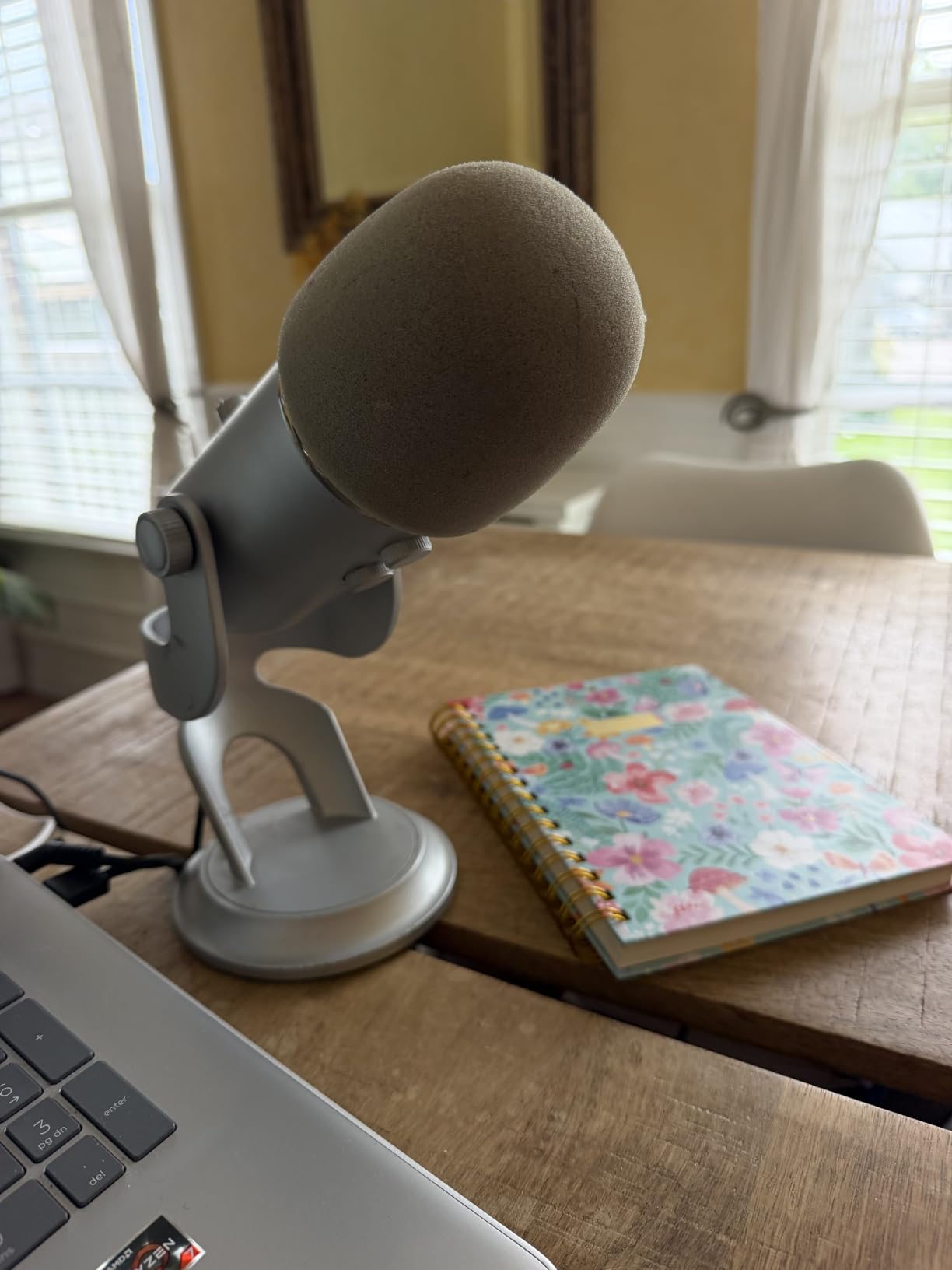
Check the desk space before you commit
Measure your monitor clearance first, because the Yeti is the tallest mic we tested. If it sits in front of a 24-inch panel you will be looking at the bottom edge of your screen all evening.
Reviewers with a multi-monitor setup often report moving the mic to the side of the desk to get the clearance back, which also moves it off-axis. Cardioid at an angle loses some of its rejection, so keep the front of the mic pointed at your mouth.
Know what condenser sensitivity means for your room
A condenser hears the whole room, which is a bonus in a treated space and a liability in a hard-walled one. If you game in a room with bare walls, a hard floor and no soft furniture, expect to hear your keyboard in every call unless you lower the gain and sit closer.
That is the single biggest reason the Yeti is not automatically right for everyone. A dynamic capsule such as the AM8 or the MV6 ignores most of that noise at the source. If your room sounds like a stairwell, read the next two entries before you buy.
2. FIFINE AM8 – Best Gaming Mic for Untreated Rooms
FIFINE AmpliGame AM8 USB/XLR Dynamic Microphone for Gaming Streaming
USB and XLR dynamic
50 Hz to 16 kHz
Headphone monitoring
Built-in mount threads
Pros
- Dynamic cardioid capsule rejects room noise and keyboard clatter
- Dual USB and XLR gives a clean upgrade path later
- Headphone jack with monitoring volume control
- 3/8 and 5/8 threads fit nearly every stand and arm
- Tap-to-mute with an LED reminder
Cons
- RGB ring and function key go inactive on XLR
- Dim RGB that can cut out if the cable is nudged
- Touch-style mute button instead of a press switch
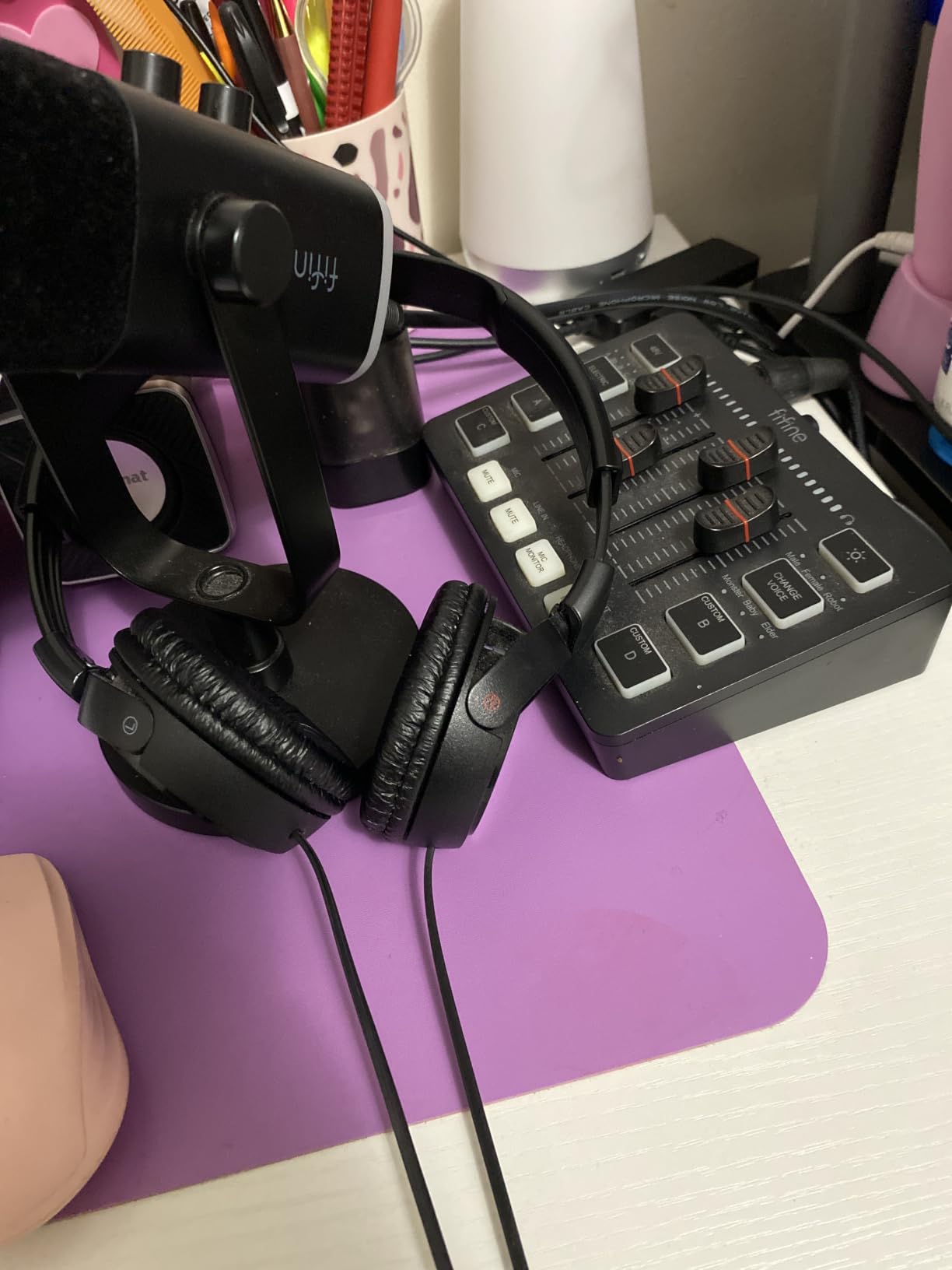
If your biggest problem is other people’s keyboards, stop reading condenser sections and read this one. The AM8 uses a dynamic cardioid capsule that listens almost entirely to what is directly in front of it, and a fan three feet behind you simply does not register. On our test desk it was the difference between a usable call and a call where we apologised for the noise every time.
The bigger story is the hybrid connection. It works over USB straight out of the box, and the same body has an XLR output, so when you outgrow it you can move to an audio interface or a mixer without buying a new microphone. Note that the XLR cable is not included.
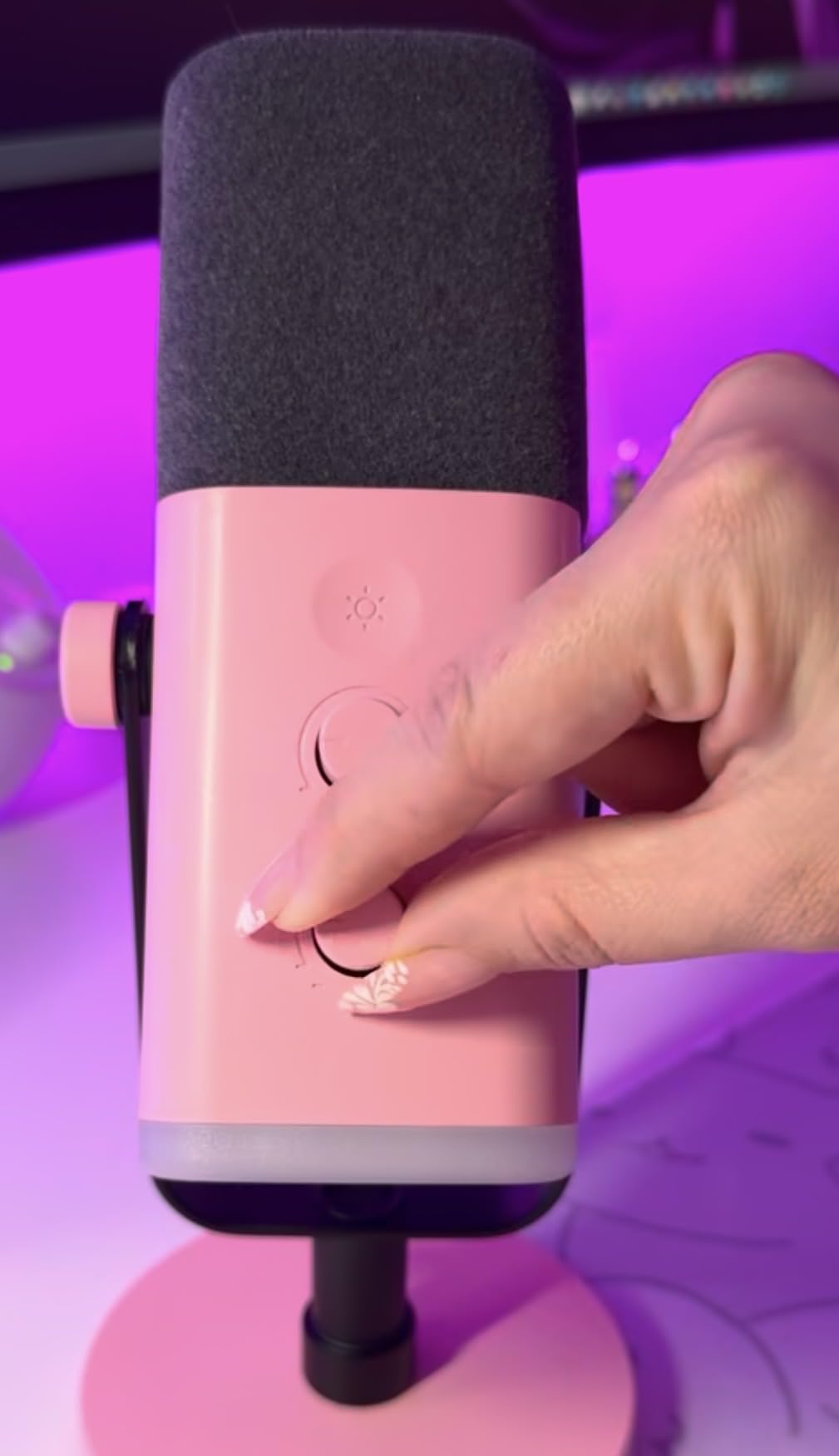
There is a real gain knob with resistance you can feel by touch, plus a headphone jack and a separate monitoring volume control, so you can hear exactly what your audience hears without guessing. The 50 Hz to 16 kHz range is narrower than a condenser, and that narrowness is the feature: less low-end rumble, cleaner comms.
Built-in 3/8 inch and 5/8 inch threads mean it mounts on almost any arm or stand with no adapter, and a noise-cancelling windscreen is included. In USB mode you get a three-mode RGB ring with memory, though reviewers repeatedly note the ring is dim and disappears in XLR mode.
Test it at your actual speaking distance
Dynamics need proximity. Owners consistently report that quality improves noticeably when the mic sits four to six inches from the mouth rather than a foot away, so plan for a boom arm rather than the desk stand.
The included stand is light and reviewers say the base turns easily and the rubber foot collects debris. It is fine for a first setup and frustrating for a permanent one. Weight the base or clamp it to a proper arm within a week.
Understand what USB mode gives up
The mute button and the lighting are tied to the USB path, so on XLR your gain and mute move to the interface or mixer. That is a real downgrade in convenience, and worth factoring in if you are the type who wants one physical control for everything.
Because the XLR cable is not included, budget for one before you commit. It is a small addition, but it is the reason some people end up with a microphone and no way to use the feature they bought it for.
3. Elgato Wave:3 MK.2 – Best for Streaming and Built-In DSP
Elgato Wave:3 MK.2 USB Condenser Microphone, DSP Effects
USB-C super cardioid
110 dB signal to noise
Auto Gain and Clipguard 2.0
Headphone jack and tap mute
Pros
- Clipguard 2.0 and Auto Gain make level calibration almost automatic
- Onboard voice enhancer
- compressor and EQ
- Multifunction dial with silent tap-to-mute and LED feedback
- Wave Link handles routing and mixing for multi-source streams
- Slim footprint with a solid metal base
Cons
- Wave Link has a real learning curve
- Condenser sensitivity to room noise
- Shock mount and pop filter sold separately
The Wave:3 MK.2 is the one I recommend to people whose microphone has to do double duty as a mixing desk. Onboard voice enhancement, compression and EQ mean you can get present, controlled vocal sound before opening OBS, and the Wave Link app routes the rest.
Clipguard 2.0 with Auto Gain is the quiet hero. Instead of hunting for a level that never clips, you set a target and the mic calibrates to it, which saved me a lot of time in Discord where a sudden loud moment would otherwise distort.
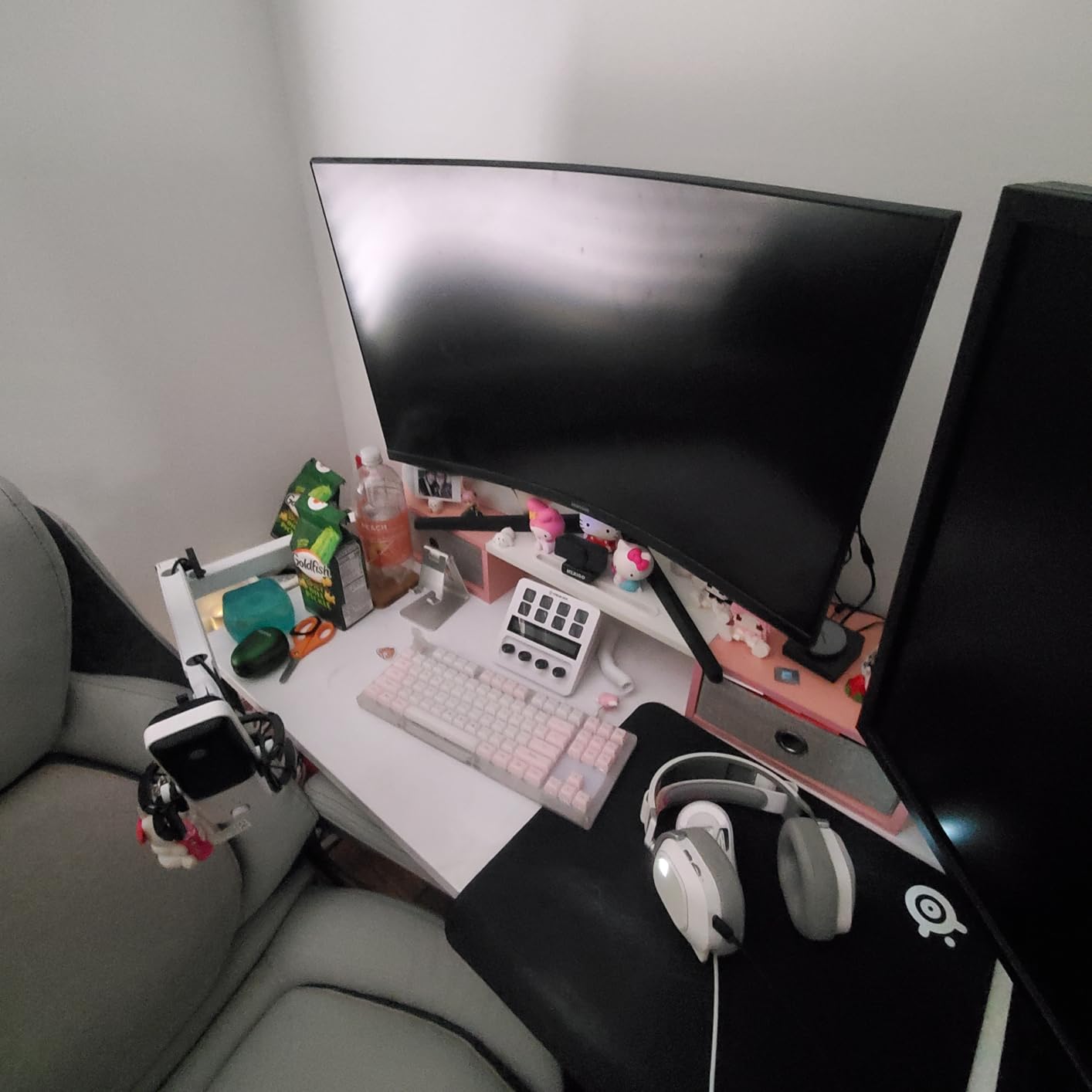
At 7.52 ounces and 3.9 inches square it is genuinely small, and the narrow body leaves a monitor view untouched. The super cardioid pattern, 110 dB signal-to-noise ratio and 3.5 mm headphone jack with tap-to-mute complete a very complete package for a single-channel streamer.
Be honest with yourself about Wave Link. Owners describe a few hours of setup as the price of admission, and getting outputs routed correctly the first time is not realistic. If you dislike software configuration, this is the wrong pick in this list.
Budget for the accessories separately
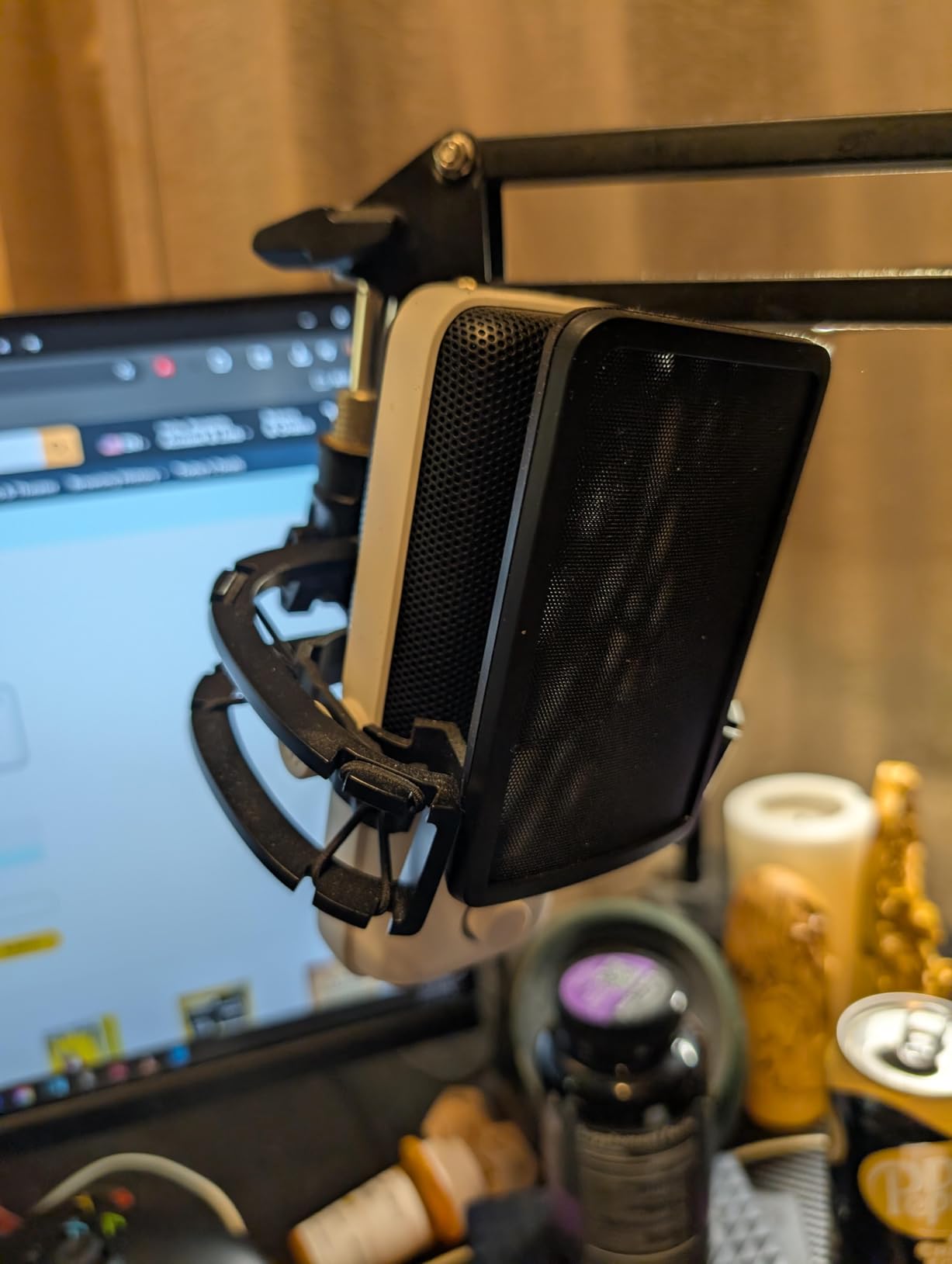
The shock mount and pop filter are not in the box, so budget for both before you decide the mic is too expensive. A condenser at this level without a pop filter will pick out every plosive on your channel.
The 110 dB signal-to-noise figure is excellent and it is real, but it only helps against the mic’s own electronics. Room noise still arrives through the capsule, and a super cardioid pattern narrows that pickup without eliminating it.
Plan the software time before the purchase
If your stream has two audio sources or you want a game and a mic on separate faders, Wave Link earns its place. It handles routing and monitoring control that would otherwise need a mixer.
If you only talk and play, you are paying for a control surface you may never open beyond the first session. In that case the Yeti gives you more hardware control for less setup effort.
4. FIFINE A6V – Best Budget Gaming Microphone
FIFINE AmpliGame A6V USB Gaming Microphone, Condenser RGB Mic for Streaming
USB condenser
60 Hz to 18 kHz
70 dB signal to noise
Tap-to-mute with RGB
Pros
- Complete kit with shock mount
- pop filter and tripod stand
- Tap-to-mute with an RGB indicator that goes dark when muted
- 70 dB signal-to-noise capture keeps voice clear
- Detachable 6.6 ft USB cable
- Works on PC
- PS4 and PS5
Cons
- Needs close talking distance for a strong level
- Condenser picks up keyboard and room noise in untreated spaces
- RGB cycling can distract on stream
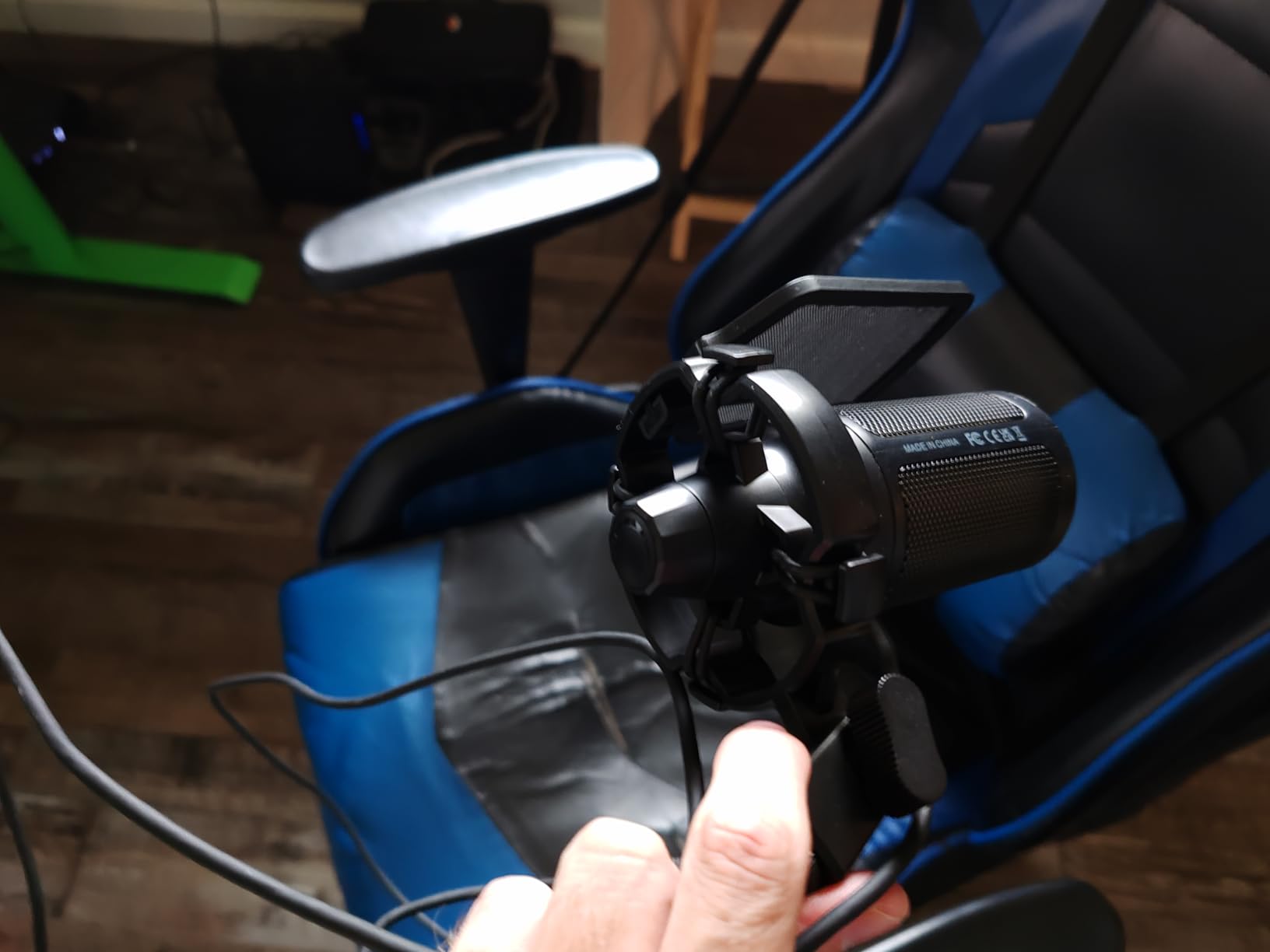
The A6V is the single most useful recommendation in this guide for anyone starting out. You get a microphone, a shock mount, a detachable pop filter and a stable tripod in one box, which is more than some mics twice its size include. For a first Discord mic it is genuinely hard to argue with.
It is also the mic we tell people to skip if their room is loud. The 60 Hz to 18 kHz range and condenser capsule mean it hears your whole room, so on a call with a mechanical keyboard running, the clicks come through louder than they should.
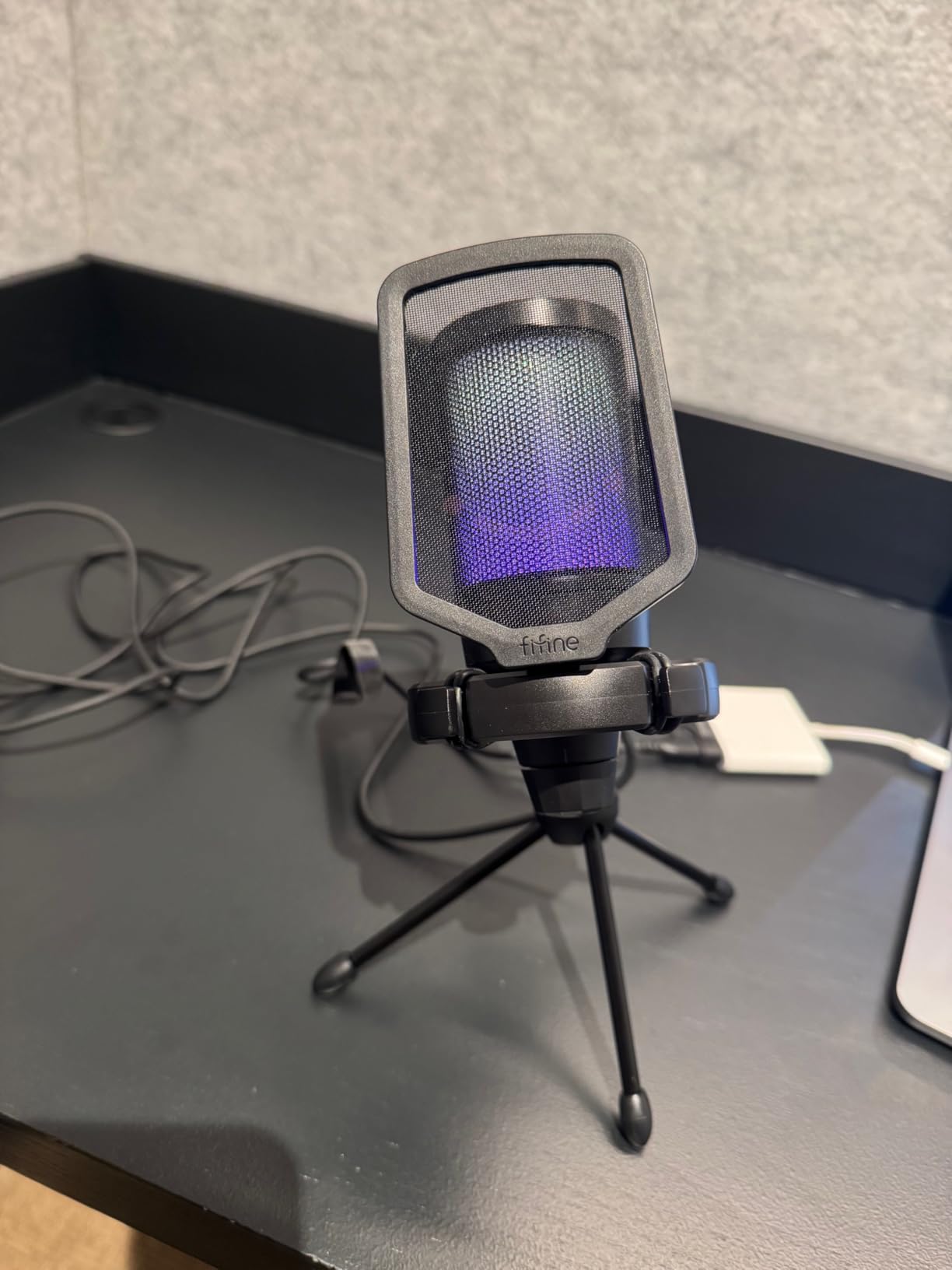
The tap-to-mute is genuinely useful because the RGB goes dark when you are muted, giving on-stream viewers a live status without any extra software. The 70 dB signal-to-noise ratio and 192 kHz sampling rate are the numbers buyers quote most.
Treat the resolution figure carefully. High sample rates do not create detail the capsule cannot capture, and reviewers mostly describe the A6V as best when positioned close. Get it four inches from your mouth and it is a very competent budget mic.
Measure your desk before choosing the tripod
The tripod is stable but fixed, so you cannot bring the mic closer once you realise it needs proximity. On a deep desk the mic ends up too far away, and no amount of gain fixes a distance problem.
It also weighs 500 g, which is fine for a desk and pointless for a lap setup. If you move between a fixed desk and other locations, check the footprint and the 6.93 by 7.05 inch base before you commit.
Know what the RGB will and will not do
It cycles through seven bicolored gradients and looks good on camera, but reviewers report that some modes cannot be fully disabled. If your stream aesthetic is deliberately clean, that cycling can be a distraction on camera.
Console support is a genuine strength here. The listing names PS4 and PS5 among compatible devices, so this is a workable pick if you split your time between PC and console comms.
5. Shure MV6 – Best for Broadcast Dynamic Tone in a Loud Room
Shure MV6 USB Gaming Microphone for Streaming & Recording
USB-C dynamic
15 kHz response
Voice Isolation Technology
3.5 mm headphone output
Pros
- Dynamic cardioid element with Voice Isolation cuts clicks and fan noise
- Auto Level
- Real-Time Denoiser and Digital Popper
- Zero-latency 3.5 mm headphone output with tap-to-mute
- One-cable plug-and-play with no interface or drivers
- Stainless steel body with a sturdy included stand
Cons
- MOTIV Mix app feels dated and needs tutorials
- Tap-to-mute is very sensitive to accidental touches
- Mute indicator can face away from view
- Included USB cable is very short
The MV6 is the one that made me reconsider what a desk microphone should cost. A dynamic capsule in a stainless steel body, one USB-C cable, and a tone that reviewers regularly compare to broadcast mics costing several times more. Nothing in this list sounds richer on a chest-voice read.
It is also the most honest option for a noisy room. The dynamic element plus Voice Isolation Technology is aimed squarely at keyboard clicks, fan hum and room echo, which is exactly the problem the AM8 solves, in a body that looks considerably more finished.
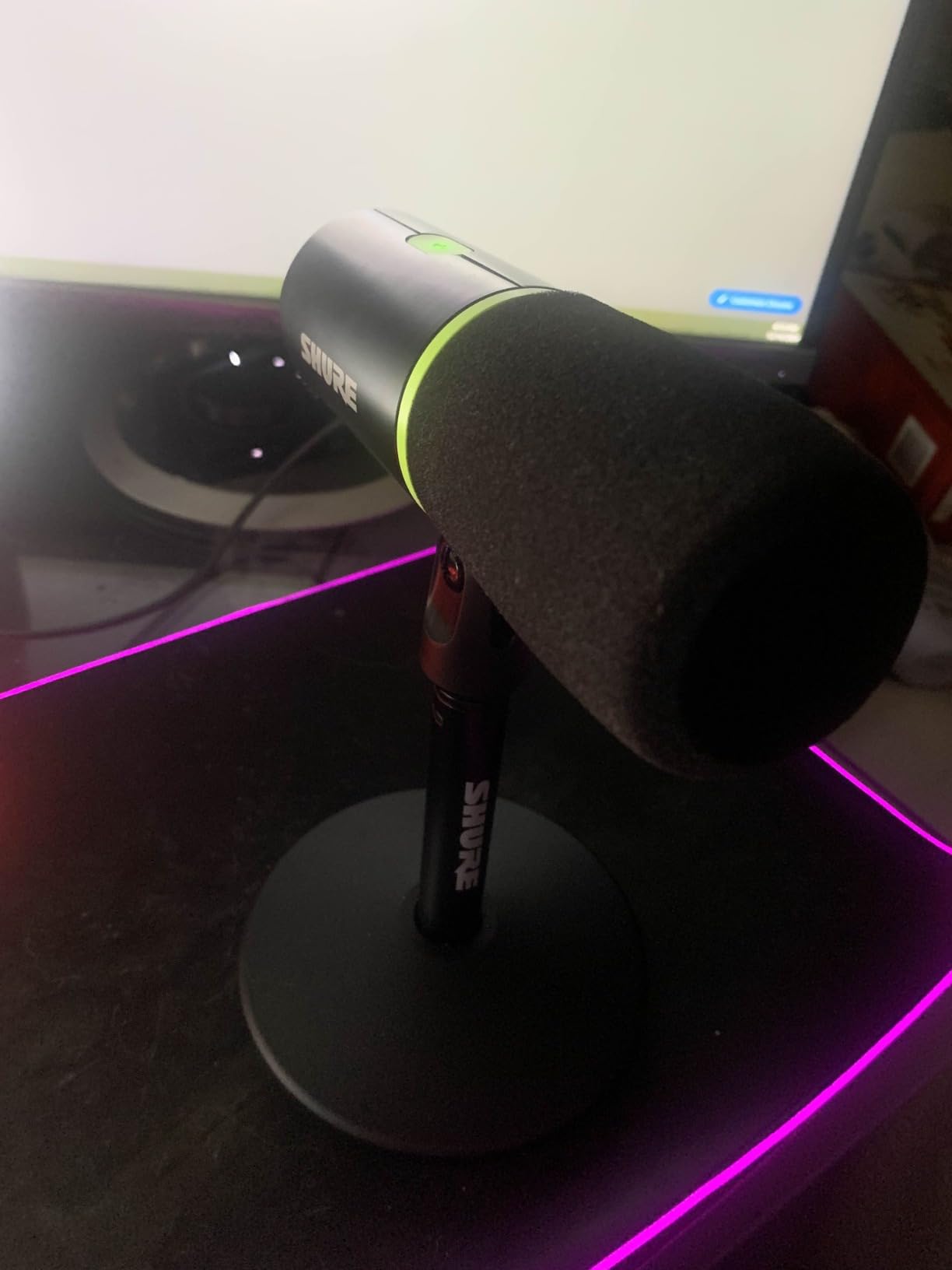
Auto Level Mode, a Real-Time Denoiser and a Digital Popper Stopper run on board, so you can get a controlled level without opening a single menu. The 3.5 mm headphone output gives you zero-latency monitoring for tuning your own volume mid-match.
The gripes are consistent and worth weighing. MOTIV Mix is widely described as dated, the tap-to-mute is sensitive enough to trigger by brushing past the mic, and the mute indicator can point away from you depending on how the stand is oriented. The included cable is also very short.
Plan for a longer cable and a closer position
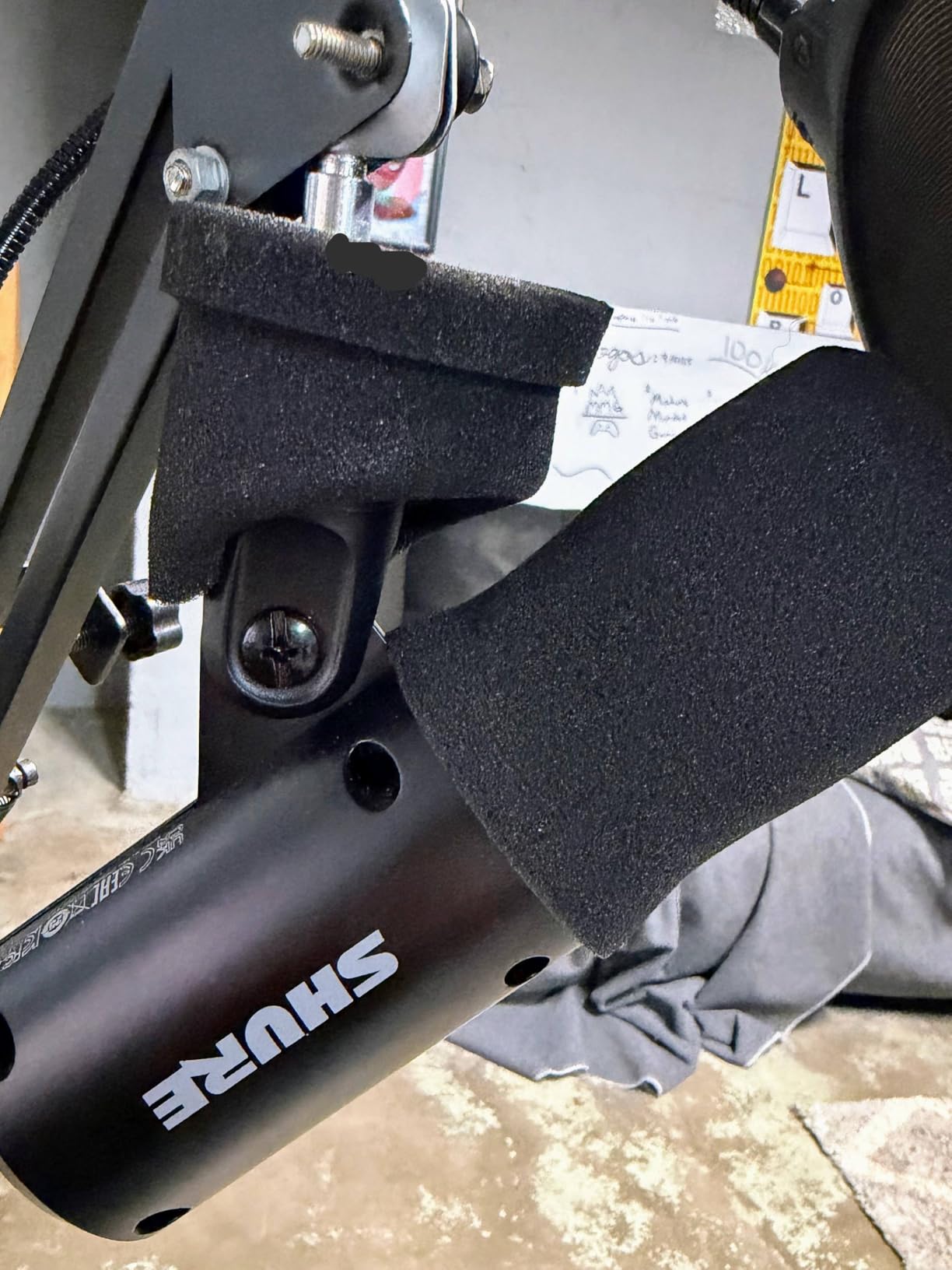
The included USB cable is short enough that most owners replace it, and a dynamic mic needs to be close to the mouth to hit a usable level. A boom arm plus a longer cable is not an accessory expense, it is part of making this mic work.
No boom arm is included. That is worth knowing before you decide the box is a complete setup, because the included desktop stand is fine but rarely where the mic ends up living.
Decide how you feel about MOTIV Mix
The app is where Auto Level, the Denoiser and the monitor mix are configured. Reviewers generally say it works once you understand it, but also that it needs walkthroughs, which tells you something about the onboarding.
You can ignore it entirely and still get excellent raw dynamic audio over USB. Treat the software as a bonus for level control, not a dependency for sound quality.
6. FIFINE A6T – Best All-in-One Boom Arm Kit
FIFINE AmpliGame A6T USB Gaming Microphone Kit, Condenser Mic for Streaming
USB condenser kit
60 Hz to 18 kHz
70 dB signal to noise
Boom arm with C-clamp
Pros
- Complete kit with C-clamp
- shock mount
- pop filter and long USB cable
- Top-mounted touch mute you can tap mid-match
- Large bottom gain knob for fine level adjustment
- Warm cardioid condenser capsule
- Boom arm rotates nearly 180 degrees and folds away
Cons
- C-clamp may not fit thicker desk profiles
- Needs close proximity and picks up noise at distance
- Cable needs a firm push or the PC may miss it
- Tends to emphasise higher vocal pitches
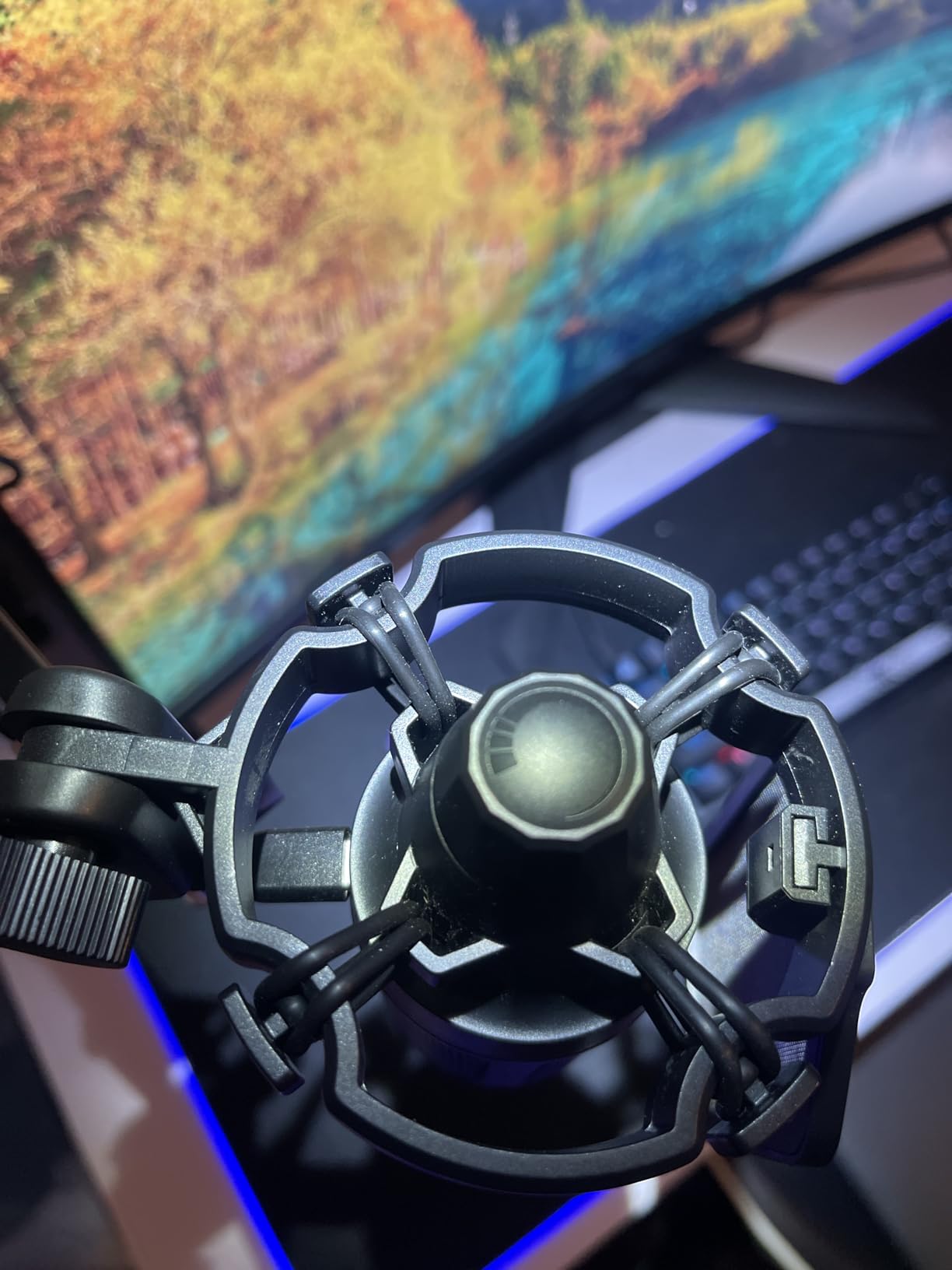
Everything that makes a gaming mic sound good is in the box here: a 180-degree rotating boom arm, a C-clamp, a shock mount, a pop filter and an 8.2 ft reversible USB-C cable. If you have never mounted a microphone before, this removes the single biggest reason people never do it.
That matters more than it sounds. A boom arm holds the mic a few inches from your mouth instead of a foot away, and moving a microphone an inch changes your recorded sound more than most upgrades people spend real money on.
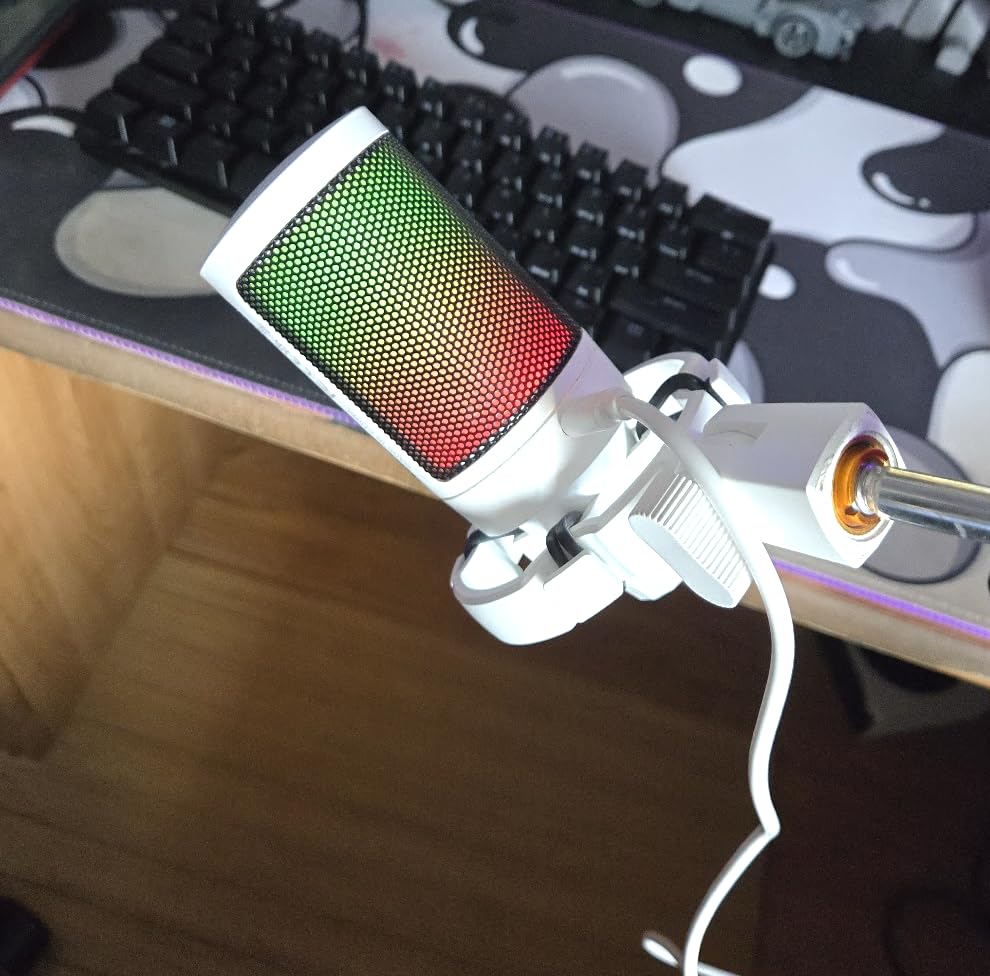
The top-mounted touch mute and the large gain knob at the bottom are both reachable without looking away from the screen, which is the whole point during a match. The condenser capsule runs 60 Hz to 18 kHz with a 70 dB signal-to-noise ratio.
Compatibility is unusually broad for the price. Windows, Mac, PS4 and PS5 are all listed, and the detachable shock mount plus pop filter mean the arm can be repositioned without disturbing the capsule.
Check your desk thickness before the clamp bites
This is the most repeated complaint in reviews and it is a real limitation. The included C-clamp does not fit every desk profile, and on a thick desk or a curved front you will be improvising or buying a different clamp.
Measure the thinnest point of your desk edge before you buy. If the clamp will not seat properly, the arm will creep under load and you will be adjusting the mic mid-session.
Expect a bright vocal character
Owners frequently mention the A6T leaning toward higher pitches, which reads as clarity on stream and as thinness in a warmer room. A little post-processing evens it out if your setup supports any.
It also needs to sit close. At arm length with the mic pointed sideways the capsule captures much less of your voice and much more of the room, so aim the front of the mic at your mouth and adjust from there.
7. HyperX QuadCast 2 – Best for Console Gaming and Multi-Pattern Recording
HyperX QuadCast 2 – USB Microphone for Gaming, Streaming and Podcasting, with On-Board Controls, LED Lighting, Removable Shock Mount, PC, Mac, PS5, PS4, USB-C – Black
USB-C condenser
20 Hz to 20 kHz
Four polar patterns
9.84 ft cable
Pros
- Clear detailed capture that upgrades audio over a headset mic
- Four polar patterns for solo
- duo and ambient recording
- Top tap-to-mute sensor with instant LED status
- Customisable RGB lighting
- Aluminium build with removable shock mount
Cons
- Mouse clicks and typing still reach the capsule without a filter
- Volume above roughly half is reported as harsh
- Limited RGB colour options beyond the default
- Pattern selector moved into software
Almost every roundup ignores consoles, which is a strange omission when a large share of gaming happens on a PS5 or a Switch dock. The QuadCast 2 runs over a 9.84 ft USB-C cable and is listed for PC, Mac, PS5 and PS4, so one microphone covers a multi-platform setup.
The four selectable polar patterns are the other reason this one earns a place. Cardioid, omnidirectional, bidirectional and stereo cover a solo squad call, a two-person podcast and a room ambience recording without changing hardware.
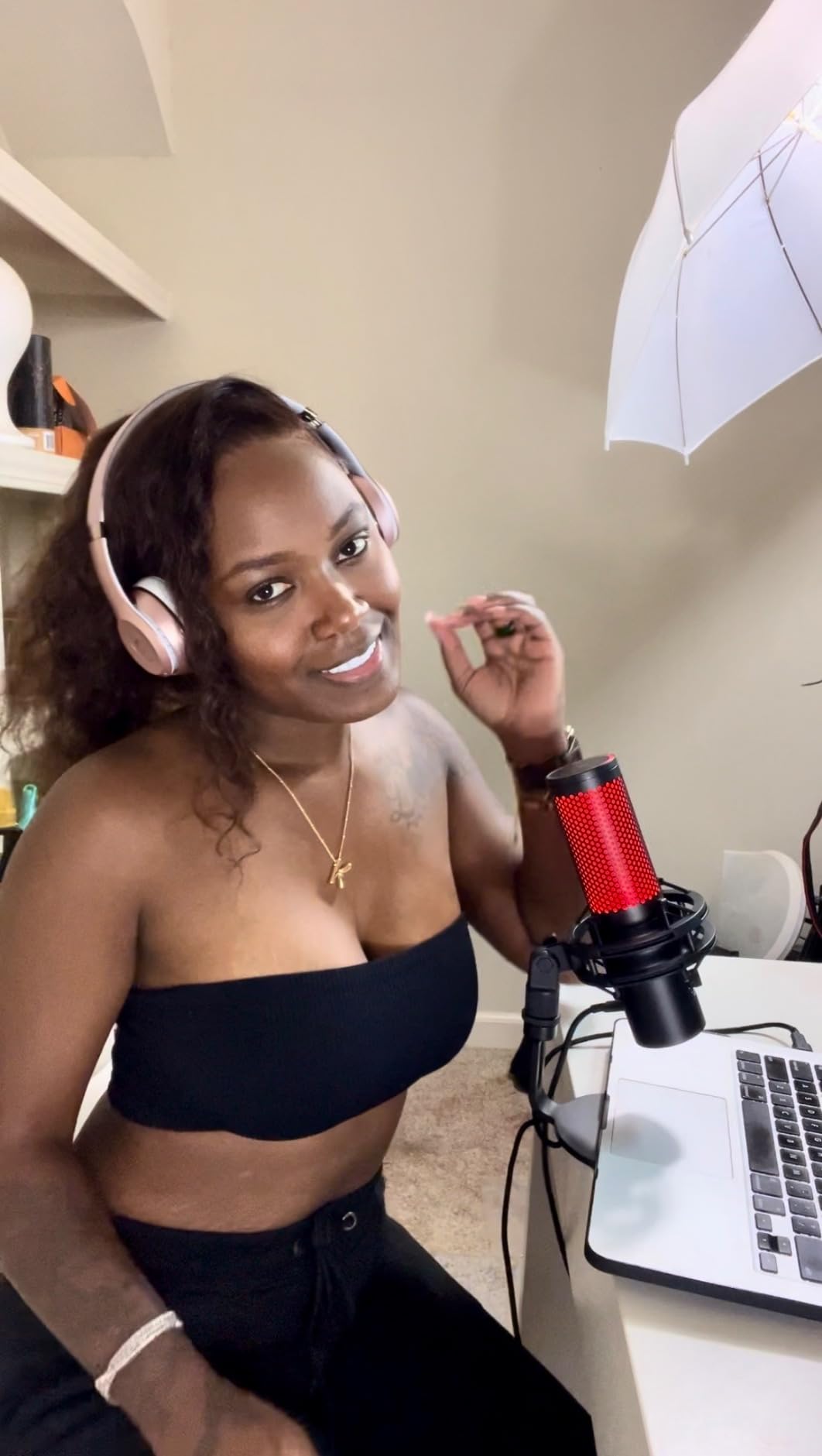
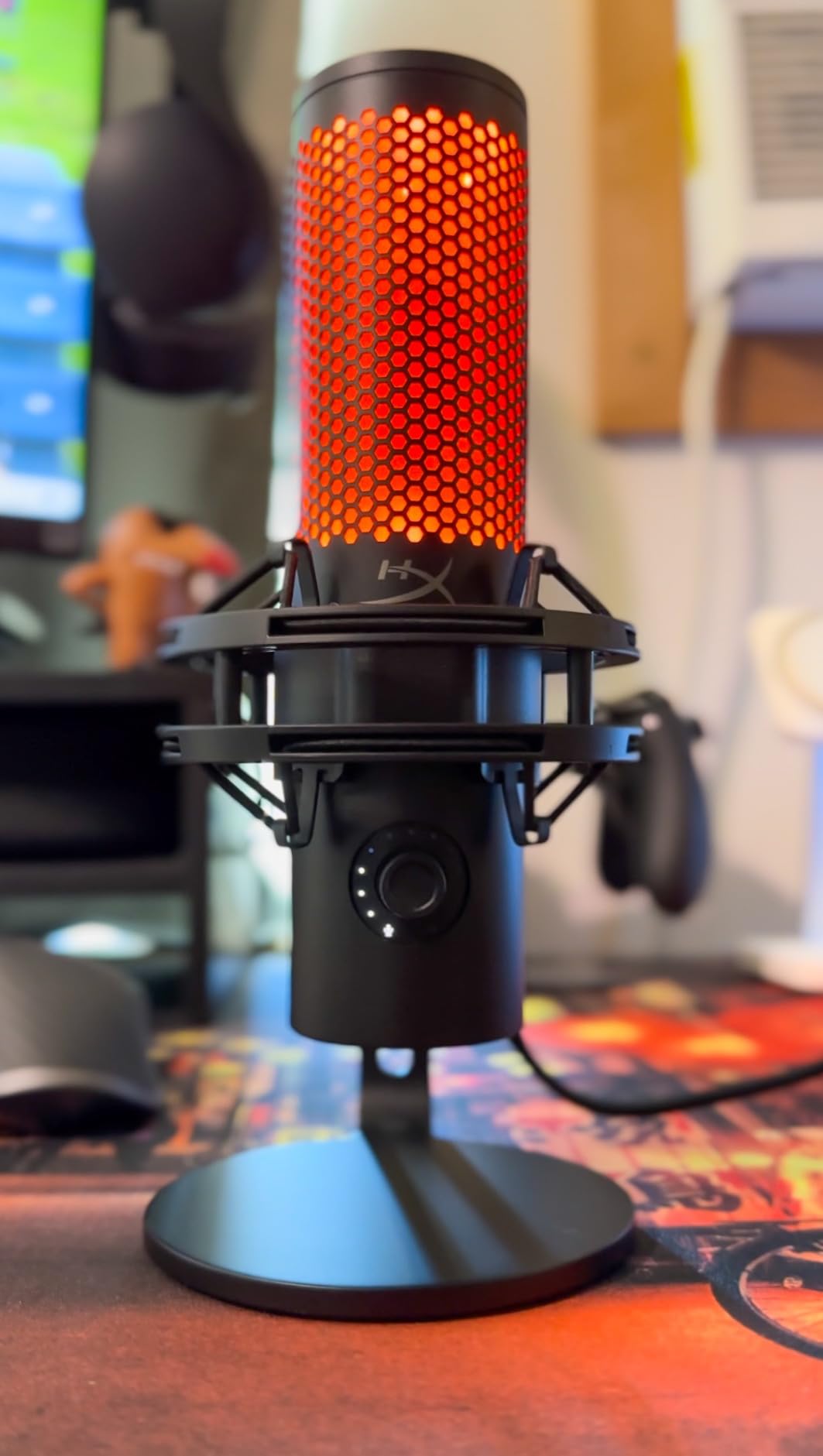
Output is louder than the original QuadCast, and the volume control has been moved to a position that does not get knocked during a match. The tap-to-mute sensor on top changes the LED instantly, which removes the single most common streaming mistake.
Owners who upgraded from the original report a clear improvement, especially in output level. The aluminium enclosure and removable shock mount also make it the most durable-feeling option in this guide at a weight of 335 g.
Check the pattern control move
The physical pattern knob from the original model is gone and the change now requires a long press in software. That is a genuine downgrade for anyone who switches patterns mid-session without looking at the screen.
It barely matters for pure gaming, where you will use cardioid and never touch it again. It matters a great deal if you record interviews and need to flip patterns between takes.
Plan an external filter
Reviewers are consistent that typing and mouse clicks still reach the capsule and that an external pop filter plus a high-pass in software is the fix. The optional high-pass filter in the software is worth enabling from day one.
Volume above roughly half is also described as harsh, which is unusual to hear. Set your level below the top of the range and you will avoid the edge entirely.
8. HyperX SoloCast 2 – Best Gaming Mic for a Small Desk
HyperX SoloCast 2 – Gaming USB Condenser Mic for PC, USB-C to USB-A, Built-in Pop Filter, Internal Shock Mount, Plug and Play, 24-bit / 96kHz, Compact Tiltable Stand – Black
24-bit and 96 kHz
USB-C cardioid
Internal shock mount
Built-in pop filter
Pros
- Smallest footprint here
- sitting under a monitor without blocking it
- 24-bit and 96 kHz capture with a present vocal signal
- Internal shock mount and foam pop filter included
- Silent capacitive tap-to-mute sensor
- Weighted tiltable base with mic arm threads
Cons
- Highly sensitive condenser that picks up fans and household sound
- Very directional
- so moving off-axis drops the level quickly
- Internal shock mount and pop filter are mild
- No onboard gain knob
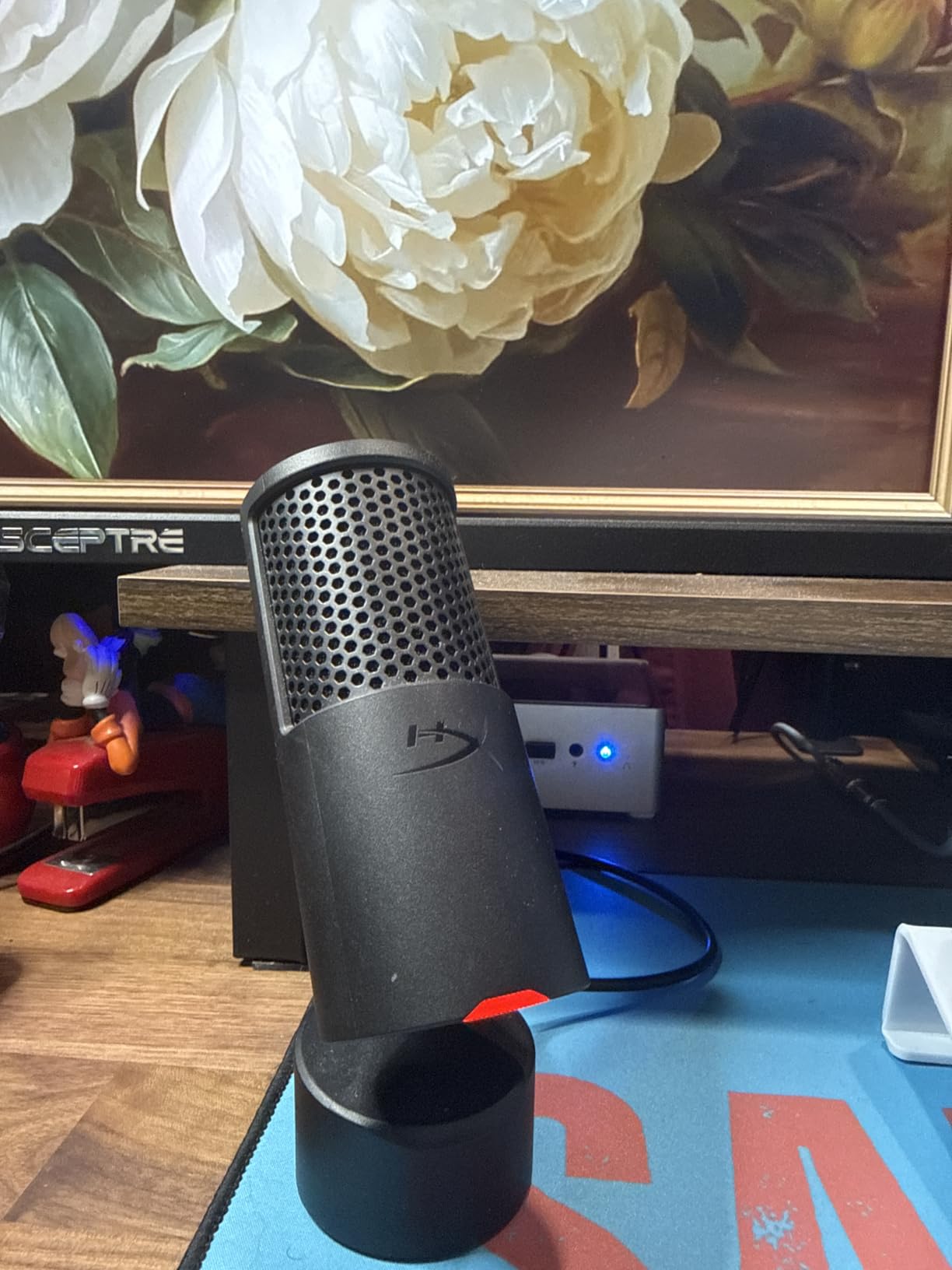
At 330 g and with a body that tucks under a monitor, the SoloCast 2 solves a problem nobody else on this list does. If your desk is a small apartment desk with a 24-inch panel and no room for a boom arm, this is the mic that actually fits and the built-in pop filter and shock mount are a genuine bonus.
It records at 24-bit and 96 kHz with a cardioid pattern, and the capacitive tap-to-mute is genuinely silent, which matters because a mechanical mute click lands in your stream.
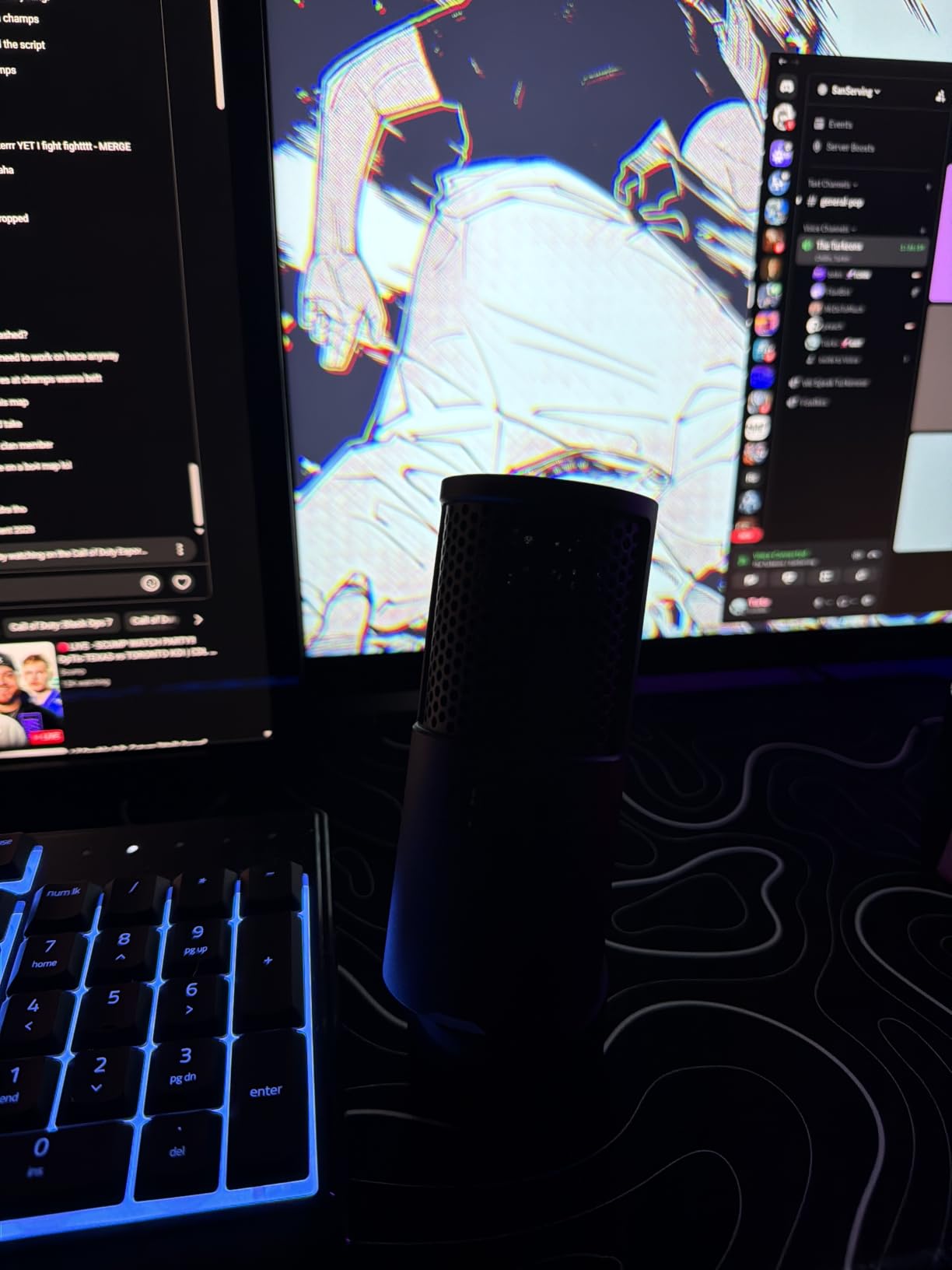
The tilt-adjustable weighted base and built-in 3/8 and 5/8 inch threads mean you can drop it on the desk today and move it to a boom arm later without buying anything else. HyperX NGENUITY adds high-pass, low-pass and voice enhancement filters that save to the mic.
That software is still in beta according to owners, and there is no onboard gain knob, so your level lives in Windows or in NGENUITY. The internal shock mount and foam filter are also milder than external ones, so desk taps and plosives still get through.
Watch the mute indicator logic
Owners point out the counterintuitive behaviour: the red LED reads as live rather than muted, which catches new users out mid-match. Learn the pattern in your first session and it stops being an issue.
The USB-C port also sits low on the rear corner and reviewers report it can be knocked loose if the cable is moved. Route the cable before you settle in rather than after.
Keep your mouth in a small zone
This is a very directional mic and the level drops off quickly if you lean away from it or sit up straight. If you move around a lot while gaming, a less directional dynamic such as the AM8 forgives more movement.
The sensitivity is the trade for the tiny body. In a quiet, soft-furnished room it is excellent. In a shared space with a fan and a mechanical keyboard, expect both to be audible.
9. Razer Seiren V2 X – Best for Tight, Focused Capture
Razer Seiren V2 X USB Condenser Microphone for Streaming and Gaming on PC: Supercardioid Pickup Pattern – Integrated Digital Limiter – Mic Monitoring and Gain Control – Built-in Shock Absorber
Super cardioid condenser
20 kHz response
Integrated digital limiter
3.5 mm monitoring jack
Pros
- 25 mm condenser capsule tuned to higher frequencies
- Supercardioid pattern suppresses rear and side noise
- Integrated digital limiter prevents clipping automatically
- Built-in shock absorber dampens desk knocks
- On-body volume
- gain and mute buttons
- Lightweight body suited to budget arms
Cons
- Very directional
- so you must speak into the top
- Synapse software installs unprompted and can conflict with virtual devices
- Free-spinning gain knob with no level readout
- USB connection reported as prone to intermittent disconnection
The Seiren V2 X is the narrowest-viewed mic here. A super cardioid pattern focuses the pickup tightly toward the front, which is why owners report it suppressing typing and mouse clicks better than a standard cardioid condenser of similar size.
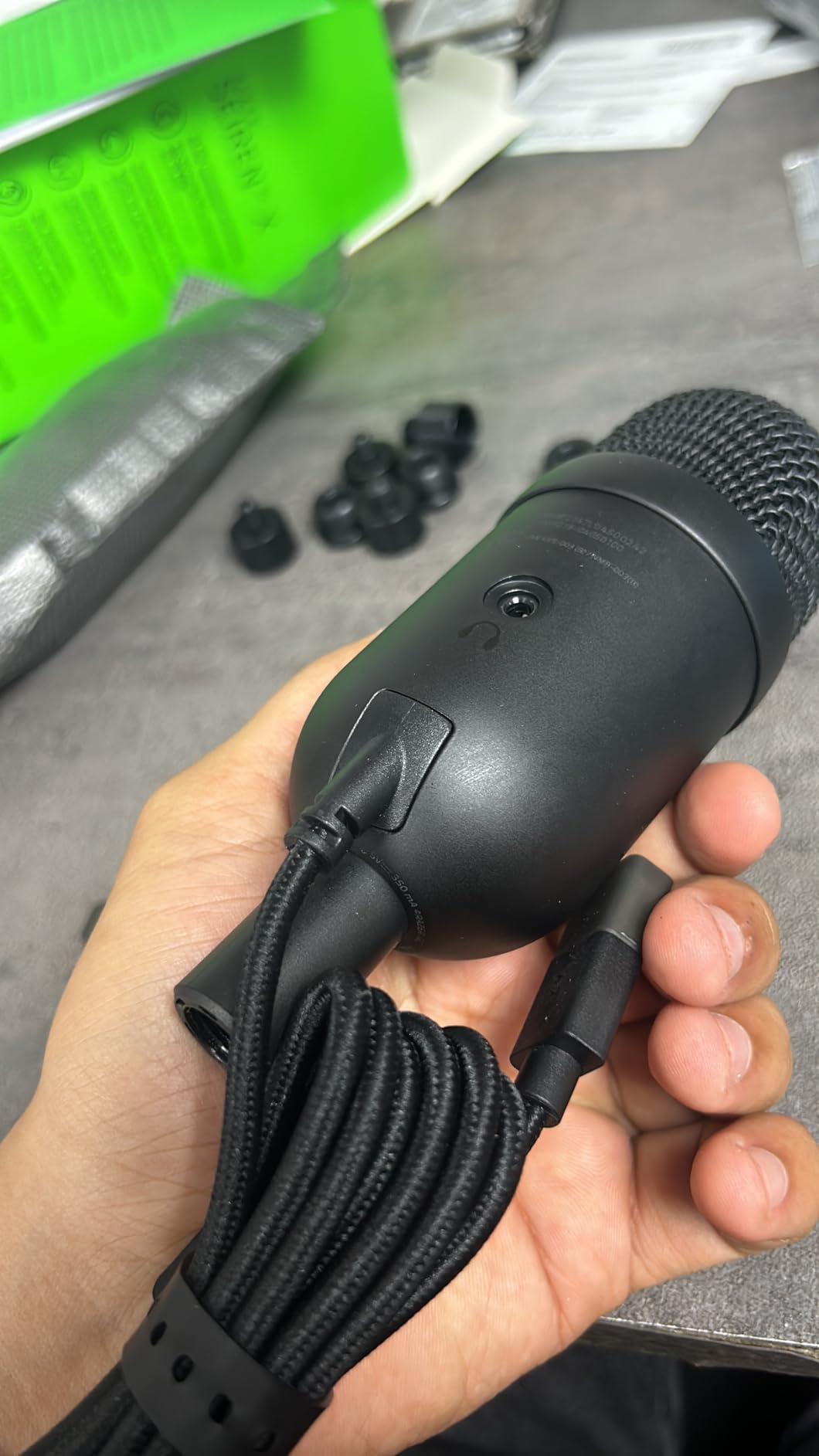
It is also the only entry with a 3.5 mm jack for headset mic monitoring, so you can hear your own level in your headphones on a chaotic voice channel. At 10.08 ounces it will not fatigue a budget boom arm either.
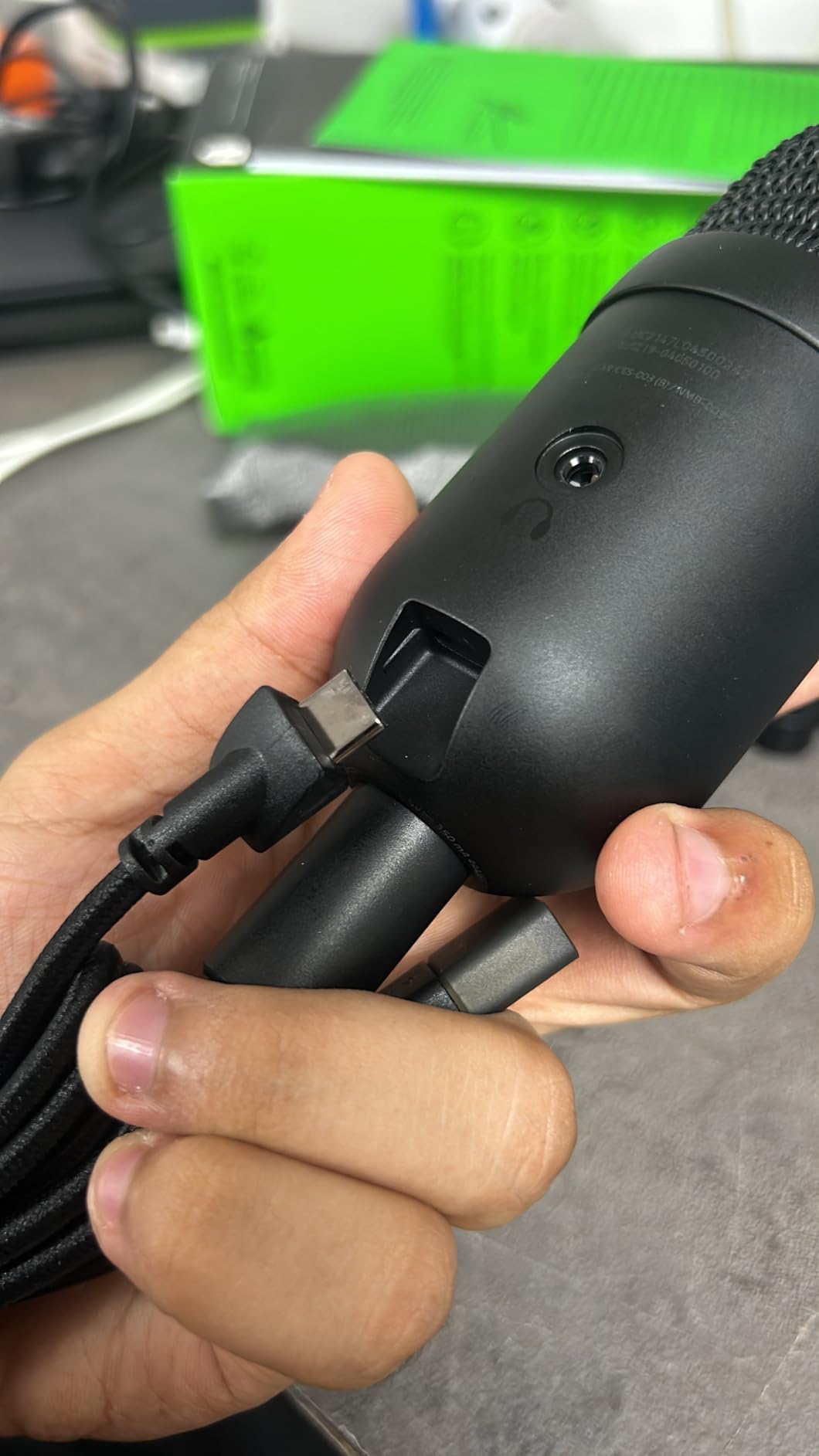
The integrated digital limiter stops peaks before they clip, which is a small feature that saves a stream. The built-in shock absorber also handles desk knocks, and physical volume, gain and mute buttons sit on the body with a bright indicator.
The software is the weak point. Reviewers consistently report Razer Synapse installing unprompted and its streamer mix features creating virtual device conflicts on Windows, and there is currently no support for Apple Silicon Macs.
Decide how you feel about Synapse
This is the deciding question for this microphone. If you already run the Razer ecosystem, the software is familiar and useful. If you run a clean Windows install, the unprompted install and virtual device conflicts are a genuine annoyance.
The free-spinning gain knob also has no visible level indication outside Synapse or the Windows mixer, so you are adjusting by ear. That works, but it takes practice to find the level you want.
Keep the mic pointed up and close
Very directional means you need to speak into the top of the capsule and stay close. Owners who mounted it off to the side report a noticeable level drop, so aim it rather than angling it.
A pop filter is effectively required. The 25 mm capsule is tuned to higher frequencies for detail, which also makes plosives more pronounced than on a warmer microphone.
10. Logitech Yeti Orb – Best for RGB Setups and Compact Style
Logitech G Yeti Orb Condenser RGB USB Gaming Microphone – Black
Cardioid condenser
20 Hz to 20 kHz
LIGHTSYNC RGB
230 g orb body
Pros
- Distinctive sphere design that takes less desk space than a cylindrical mic
- Cardioid condenser capsule that rejects key clicks
- LIGHTSYNC RGB logo and status light sync with Logitech G gear
- USB plug and play with no software required to start
- Lightweight build that sits firmly on a desk and works from a distance
Cons
- No physical mute button on the mic
- Unusual shape and wide tripod foot can block a monitor
- Vertical stalk is not removable so the mic cannot sit lower
- Cardioid pattern can pick up other voices in the room
- Not a threaded mount on the stock tripod
Of all 12 microphones, the Yeti Orb is the one people react to most on camera, and that is a real benefit if you stream. The spherical body, the LIGHTSYNC logo and the status light read clearly on camera in a way a black cylinder does not.
Several long-time Blue Yeti owners report that the Orb sounds measurably better than the mic they have used for years, at a fraction of the desk space. The cardioid condenser is tuned for game streaming and the frequency range runs 20 Hz to 20 kHz.
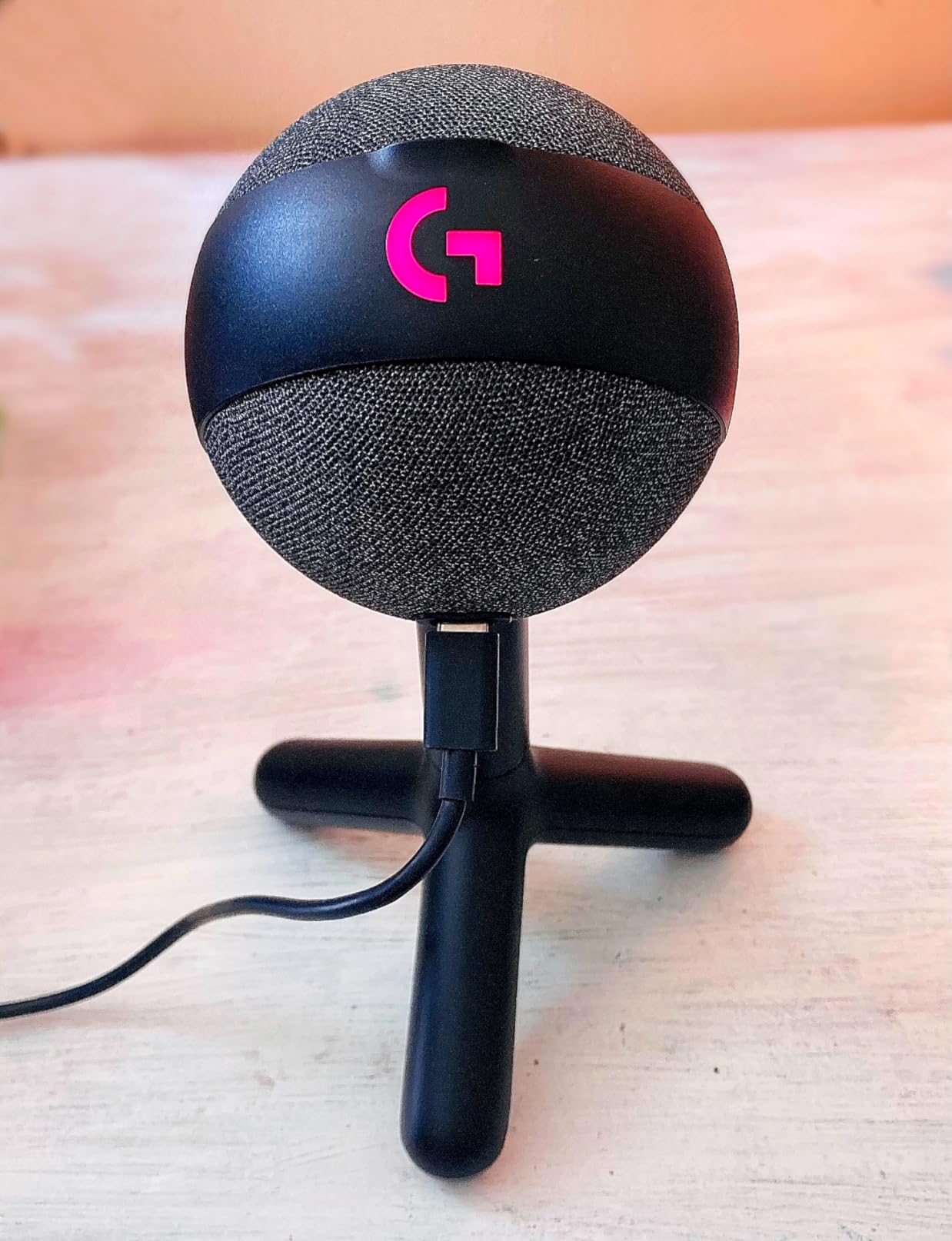
It is 230 g and USB plug-and-play, so there is no software to install before your first call. Logitech G HUB configures the lighting, but nothing about the microphone itself requires it, which is a genuine difference from several rivals on this list.
There is no physical mute button. That is the single most-cited complaint, and for streaming it matters, because relying on a keyboard shortcut or a software workaround is how streams go quiet for a minute.
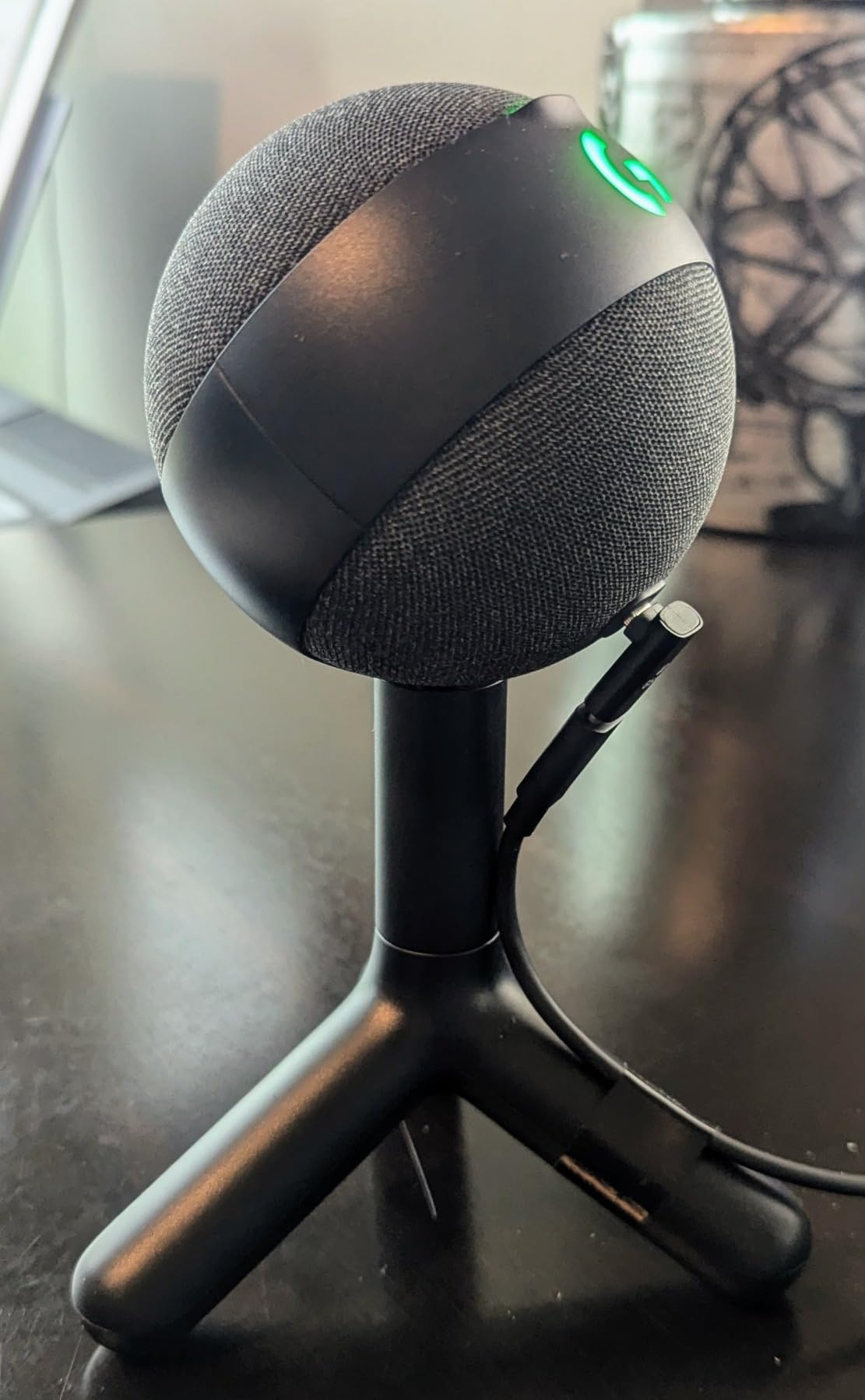
Check that the shape fits your desk
The wide tripod foot and the sphere are not universal wins. Owners on smaller desks report the mic dominating the space and blocking part of a monitor, which is the opposite of what a compact design is supposed to solve.
Also note the stock tripod is not a threaded mount, so using a standard mic arm requires an adapter. The vertical stalk is not removable either, so you cannot lower the mic to reach an off-axis position.
Know what the cardioid pattern will pick up
A cardioid condenser in a shared room will capture other voices, not just yours. If you stream from a room where people talk in the background, this is not the mic to choose.
It does hold up at a distance better than several smaller mics on this list, and owners specifically mention it working from a couple of feet back. That makes it a reasonable first upgrade for someone who cannot sit close to the desk.
11. MAONO DGM20S – Best Bundled Boom Arm With Noise Reduction
MAONO DGM20S Gaming Microphone for PC with Clear Voice & Noise Reduction
USB and USB-C condenser
50 Hz to 20 kHz
78 dB signal to noise
One-key noise reduction
Pros
- One-click noise reduction with cardioid pickup
- Complete boom arm package with shock mount
- pop filter and clamp
- Tap-to-mute
- gain knob and 3.5 mm zero-latency monitoring
- Controllable RGB that can be switched off
- No drivers needed on PC
- Mac
- PS4 or PS5
Cons
- Plasticky body that reads as cheap at this tier
- Boom arm joint can slide out of position when nudged
- No cable management on the arm
- One-key noise reduction can make the voice sound hollow
The DGM20S bundles a metal boom arm, shock mount, pop filter and desktop clamp with a cardioid condenser, so the whole mounting problem is solved in the box. It runs over USB and USB-C with no drivers, and it is listed for PC, Mac, PS4 and PS5.
The one-key noise reduction is the headline feature and the main decision point. For someone whose room hums and whose keyboard clicks, it produces a noticeably cleaner voice than a headset mic, which is why owners describe such a large upgrade.
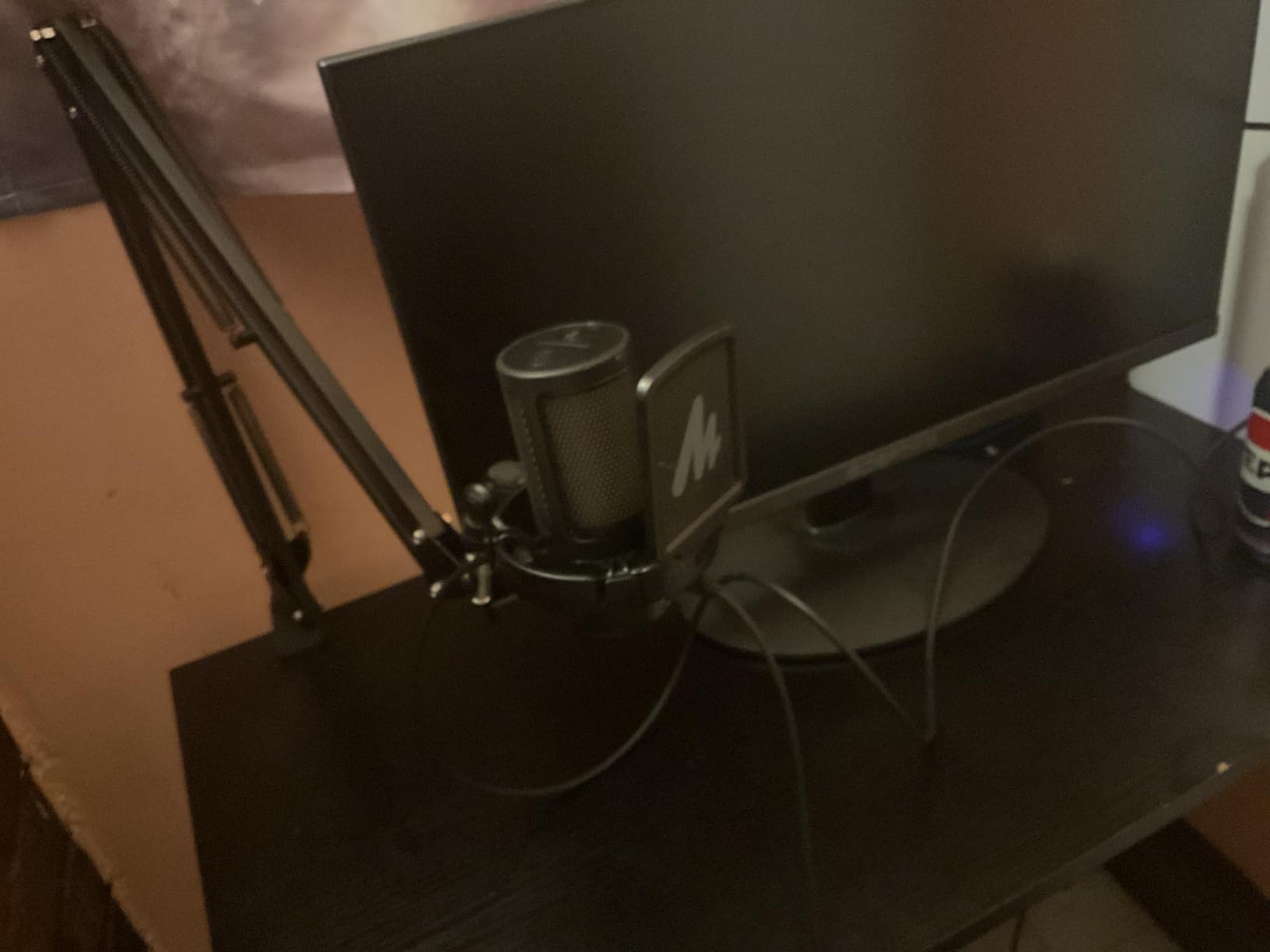
There is a tap-to-mute, a gain knob and a 3.5 mm jack with zero-latency monitoring on the mic body, so you do not need a mixer to hear yourself. The 50 Hz to 20 kHz range and 78 dB signal-to-noise ratio are solid figures for the class.
The build is where it shows its tier. Owners call the body plasticky, say the boom arm joint slides when nudged, and note there is no cable management, so the USB cable hangs visibly in frame.
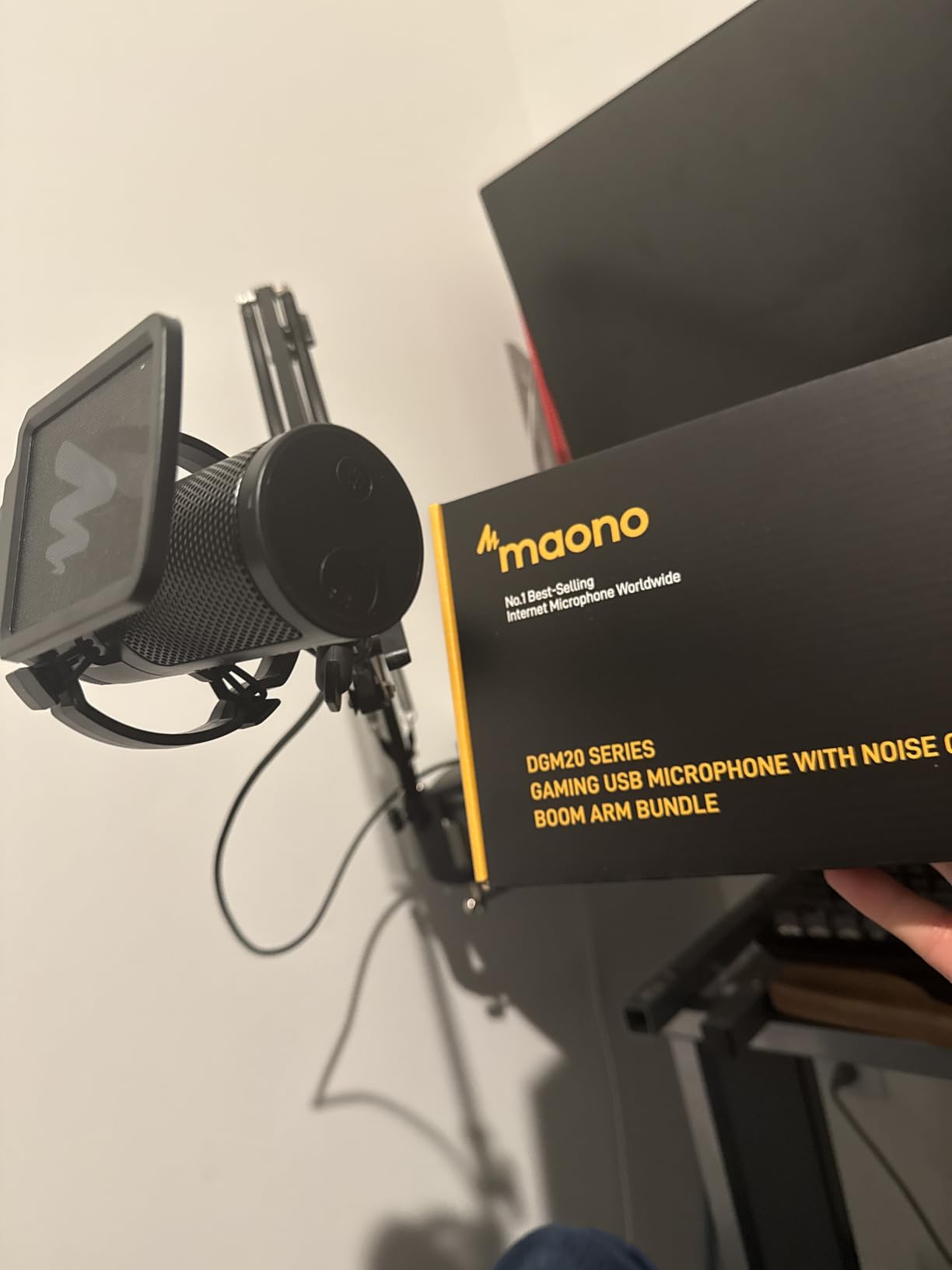
Test the noise reduction with and without
Reviewers warn that the one-key noise reduction can make a voice sound hollow or broken, particularly on sustained syllables. Listen to yourself in a recording before you leave it switched on for stream.
Note also that the noise cancellation is Windows only, and the listing states it is not compatible with Xbox. If you play across platforms, that limitation decides the purchase for you.
Be careful with the gain dial
The gain knob is easy to bump and can be knocked to zero without you noticing mid-match. That produces the classic confused silence where teammates ask why you went quiet.
Tighten it down after setup and check the level in your streaming software rather than trusting the physical position. The arm also has no locking mechanism, so re-check its tension periodically.
12. TONOR TC310+ – Best Starter Kit With a Boom Arm
TONOR Gaming Microphone Set with Boom Arm, Vocal Condenser Microphone for Content Creators, USB Mic for PC with Stand, RGB, Tap Mute, Gain Control, Gaming Equipemnt, Twitch, Streaming, TC310+
USB-A condenser
50 Hz to 18 kHz
78 dB signal to noise
Boom arm kit included
Pros
- Cheapest complete kit
- bundling mic
- boom arm
- clamp
- pop filter and shock mount
- Assembly takes under five minutes with no drivers
- Top tap-to-mute and a top-ring gain dial
- Four RGB modes plus long-press brightness control including an off setting
- Metal boom arm that holds position once adjusted
Cons
- No 3.5 mm headphone jack on the mic
- Shock mount padding can arrive damaged and still allows rotation
- Limited noise cancellation picks up nearby background sound
- Not a broadcast-tier microphone
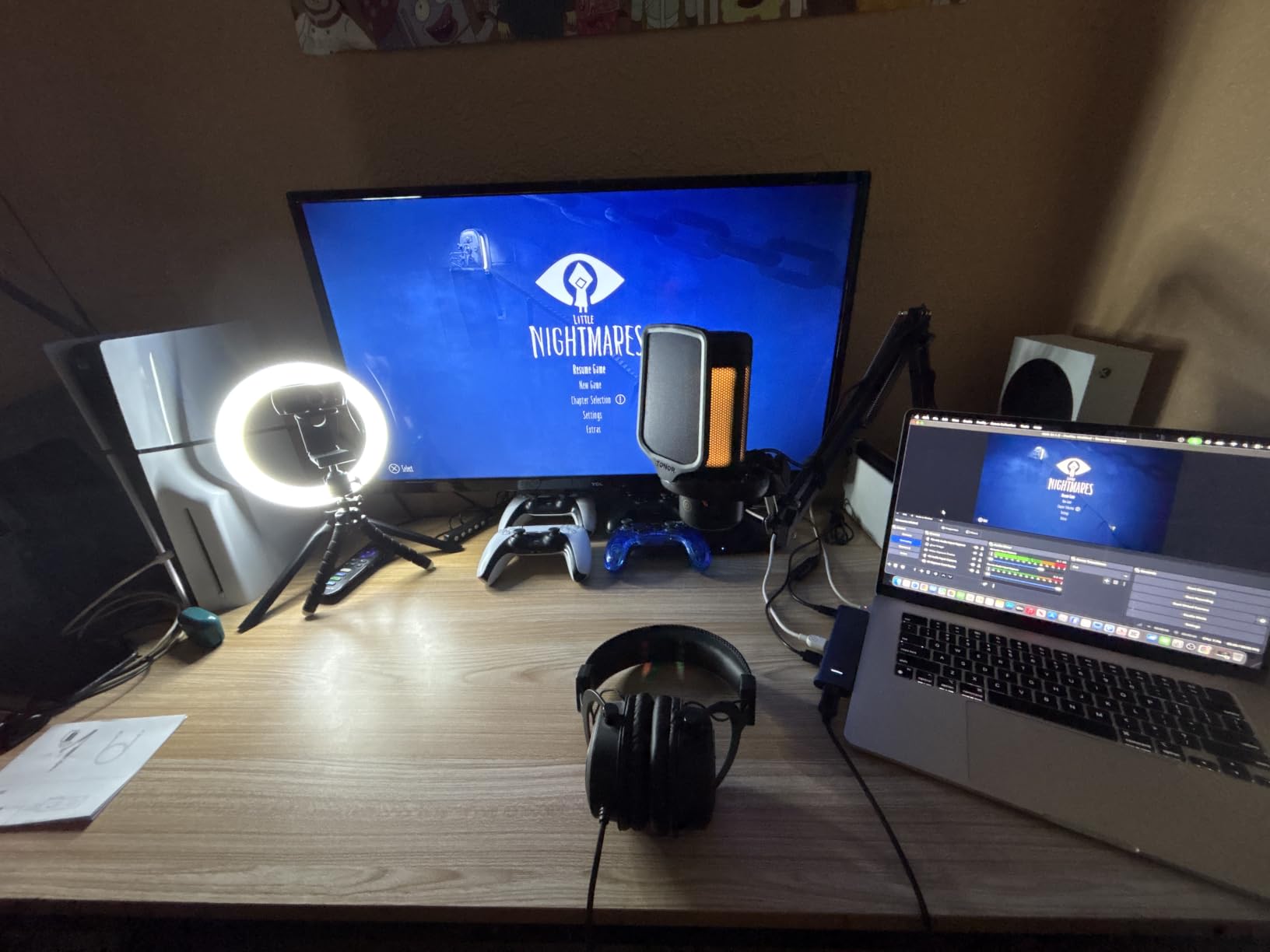
The TC310+ is the most complete package per unit of money in this guide, and we include it because the alternative for most first-time buyers is buying a microphone and then discovering they also need an arm, a clamp and a pop filter. All of that is here.
Assembly takes under five minutes with no drivers and no companion software, and the metal boom arm stays where you put it. It is a genuinely usable answer to how much should I spend on a gaming microphone, with less than you would expect.
On-body controls are limited to a top tap-to-mute and a top-ring gain dial, which is exactly enough to manage a call. Four RGB modes cover six static colours, a gradient, a breathing effect and a mix gradient, with a long-press brightness control that includes a straight off setting.
The absence of a 3.5 mm headphone jack on the mic is the limitation owners mention most, since wired headphones then have to connect somewhere else. The shock mount padding is the other weak point, with reports of it arriving damaged and still allowing the mic to rotate.
Know the ceiling before you buy
Owners set expectations clearly: this is not a broadcast-tier microphone, and serious creators will want to step up. It is a very good first setup, not a final one, and the kit format is the reason it is worth considering.
It sits in the #1 position for vocal condenser microphones in its category, which is a fair signal that it performs above the price bracket it occupies.
Set your noise expectations
Noise cancellation is limited and nearby background sound such as air conditioning will be picked up. If your room has a constant mechanical hum, the AM8 or the MV6 is the better buy for the same money.
The clamp fits desks up to 2.36 inches thick, so measure before you commit, and confirm your desk is within that range. Weighted in aluminium, the arm is the strongest component in the box.
How We Tested These Gaming Microphones
Every microphone here was run through the same battery rather than judged on a spec sheet. We used each one for Discord calls, hours of in-game team comms, and a recorded commentary pass with a clicky mechanical keyboard running on the same desk. Distance, gain and position were reset to the same starting point for each mic so the comparison meant something.
Our noise battery was deliberately unkind: a clicky keyboard typing, a linear keyboard, a desk fan, background music, a dog moving around, and two people talking behind the mic. We tested each unit first with no software running, then again with its companion app active, because that changes the result more than most spec comparisons suggest.
Where a mic included gain control, we used it. Where it did not, we set the level in the operating system and noted it, because a missing gain knob is a daily friction point that never shows up in a review table.
The test criteria that decided the ranking
Keyboard and click rejection came first, because it is the complaint that shows up in every gaming forum thread we read. A mic that makes your teammates ask you to stop typing is a failed mic, no matter how good the voice sounds in isolation.
Second was consistency of level. We looked for mics that stay clean when you laugh, shout or lean back, since distortion on a peak is far more noticeable than a slightly quiet mic.
Third was physical control, because a mute you can find by touch in the dark is worth more during a real match than a feature you have to open a menu for. Setup time and desk footprint came fourth, and bundled software quality last.
What we did not test
We did not measure self noise on a calibrated rig, so treat quoted signal-to-noise figures as manufacturer data rather than our own. We also tested on PC rather than on console hardware, so the PS5 and PS4 compatibility notes come from the listed device support rather than from our own sessions.
Where a reviewer’s report conflicted with our experience, we said so. A microphone that sounds excellent in a treated studio can be the wrong call for a bedroom setup, and that mismatch is the most useful thing this guide can tell you.
USB or XLR: Which Connection Do You Actually Need?
USB first, unless you have a specific reason. A USB microphone converts your voice to a digital signal inside the body, so you plug one cable into your PC and pick a device in Discord. No interface, no gain hardware, no phantom power, and if you move the mic to a new computer you are done in under a minute.
XLR is the professional route. You need an audio interface or a mixer with real gain control between the mic and the PC, which costs more money and more desk space, and it needs cabling to match.
What XLR buys you
Real hardware preamp gain, which means a dynamic microphone like the MV6 or a broadcast condenser can be driven properly instead of relying on a digital gain slider. You also get balanced signal runs, so a long cable picks up less interference.
The trade is complexity. More parts, more ways to get a quiet hum, and a phantom power requirement if you ever move to a condenser that needs it. For a gaming desk, that trade rarely pays off.
What the hybrid option gives you
Only one microphone in this guide is genuinely hybrid, and it is the FIFINE AM8. It connects over USB with no setup and carries an XLR output for later, so you buy once and upgrade your interface whenever you decide to.
Our advice is to spend the money on a boom arm and a pop filter before you spend it on an interface. Placement changes your sound more than the connection type does, and if you do want to hear the difference between condenser and dynamic, our best microphones for filmmaking guide covers that side in depth.
Condenser or Dynamic Mic for Gaming?
Condenser for a quiet, soft room. Dynamic for a loud, hard room. That is the whole rule, and choosing wrong in either direction produces a microphone you end up muting.
A condenser capsule is sensitive and detailed, which is why the Yeti, the A6V, the A6T and the Wave:3 sound as open and present as they do. The same sensitivity picks up your keyboard, your mouse and your air conditioning with equal enthusiasm, because the capsule cannot tell the difference between your voice and the noise around it.
A dynamic capsule trades that detail for focus. It responds mostly to what is directly in front of it and largely ignores the rest of the room, which is why the AM8 and the MV6 are our two recommendations for untreated spaces.
How to tell which room you have
Record ten seconds of yourself talking normally in your gaming space and listen back on headphones. If you can hear your keyboard, your fan or a reflection in the room, you have a condenser problem and a dynamic solution.
If your room is soft, furnished and quiet, a condenser is the better tool and the extra detail and warmth will show in stream quality. Judges notice the difference even when they cannot name it.
What to avoid in either capsule
Avoid microphones with non-disableable noise reduction or echo processing. Multiple commenters make the same point, and we agree: processing that cannot be turned off can make a good voice sound hollow, and you have no recourse when it does.
Also treat high resolution marketing sceptically. A 192 kHz or 96 kHz sampling rate means nothing if the frequency response still stops at 20 kHz, which it does on most of these microphones. Sample rate and bit depth describe the file, not the capsule.
Placement beats both
Four inches from the mouth with a pop filter does more for your sound than any capsule change, and it costs almost nothing. A microphone you can never get close to is a microphone you will always be fighting with the gain.
If you want a second opinion before you commit, we have a roundup of the best microphones for vlogging that overlaps heavily with this one, and a separate guide to wireless lavalier microphones for content creators if you also film away from the desk.
What to Avoid When Buying a Gaming Microphone
Built-in noise reduction you cannot switch off. This is the most repeated warning in reader comments and forum threads, and it is the mistake we would most want to stop people making. If the processing cannot be fully disabled, you are renting a microphone that can degrade your voice.
Fixed, low desktop stands. A stand that cannot be repositioned forces you to sit back, and sitting back is the reason a good microphone sounds bad. Budget for a boom arm if the mic does not include one, because the arm is worth more than the microphone upgrade.
Resolution marketing. Figures like 192 kHz and 32-bit describe the recording format, not what the capsule hears. Two microphones with identical frequency response sound different because of the capsule, not the sample rate.
Short included cables. Several microphones here ship with a cable that does not reach the back of a desk properly, and one has a cable reviewers consistently call very short. Check the length before you decide the mic is the problem.
Software that only controls lighting. A companion app that does nothing beyond RGB is bloat, and in one case on this list the software is widely described as dated and conflict-prone. Judge the software on whether it changes your audio.
A pattern selector you will never use. Omnidirectional and bidirectional modes are useful for recording a second person or a room. For a solo gaming setup, cardioid is the only pattern you need, and a microphone that makes you hunt through software to change it is worse than one with a single fixed pattern.
Frequently Asked Questions
What is the best microphone for a gaming setup?
The Logitech Blue Yeti is the best mic for gaming overall because it combines four pickup patterns, onboard gain, mute and headphone volume controls, and zero-latency monitoring in one USB body with no interface required. In a noisy or untreated room, choose a dynamic capsule instead, and our pick is the FIFINE AM8.
What mic do most streamers use?
Most streamers use a USB condenser or dynamic mounted on a boom arm with a pop filter, rather than a headset microphone. A cardioid pattern aimed a few inches from the mouth is the standard setup, and adding a pop filter and shock mount does more for stream quality than upgrading to a more expensive microphone.
Is a headset microphone good enough for gaming?
A headset microphone is good enough if you only play single-player and talk rarely, because you avoid cable and setup work entirely. It stops being good enough the moment you join squad chat, since the boom sits far from your mouth and your teammates hear keyboard noise, room echo and a thin voice instead of a clear one.
Is USB or XLR better for gaming microphones?
USB is better for almost every gaming setup because the microphone handles the analogue-to-digital conversion internally, so you plug in one cable and select a device in Discord. XLR needs an audio interface or mixer for gain control, which adds cost and desk clutter, so buy XLR only when you plan to record music or use studio microphones.
How close should my microphone be when gaming?
Aim for four to six inches from your mouth, positioned slightly to the side and below. Dynamic microphones such as the FIFINE AM8 and the Shure MV6 need proximity to reach a usable level, and condensers pick up more room noise the further away they sit, so distance solves both problems at once.
The Verdict: Which Gaming Mic Should You Buy
Start with the room, not the spec sheet. In a quiet, soft space the Logitech Blue Yeti is still our pick for the best microphones for gaming overall, with onboard controls that work mid-match and a condenser tone that carries on stream. In a hard, noisy room, go dynamic and pick the FIFINE AM8, or the Shure MV6 if you want the most broadcast-sounding voice available.
For streaming specifically, the Elgato Wave:3 MK.2 gives you on-board processing and a narrow desk footprint, and it is the pick we would make if audio routing matters to your setup. If you want everything in one box with no extra purchases, the FIFINE A6T or the TONOR TC310+ will get you a boom arm, shock mount and pop filter on day one.
Whichever you choose in 2026, mount it a few inches from your mouth, add a pop filter, and check the level before your first important call. That advice is worth more than the gap between any two microphones on this list.