
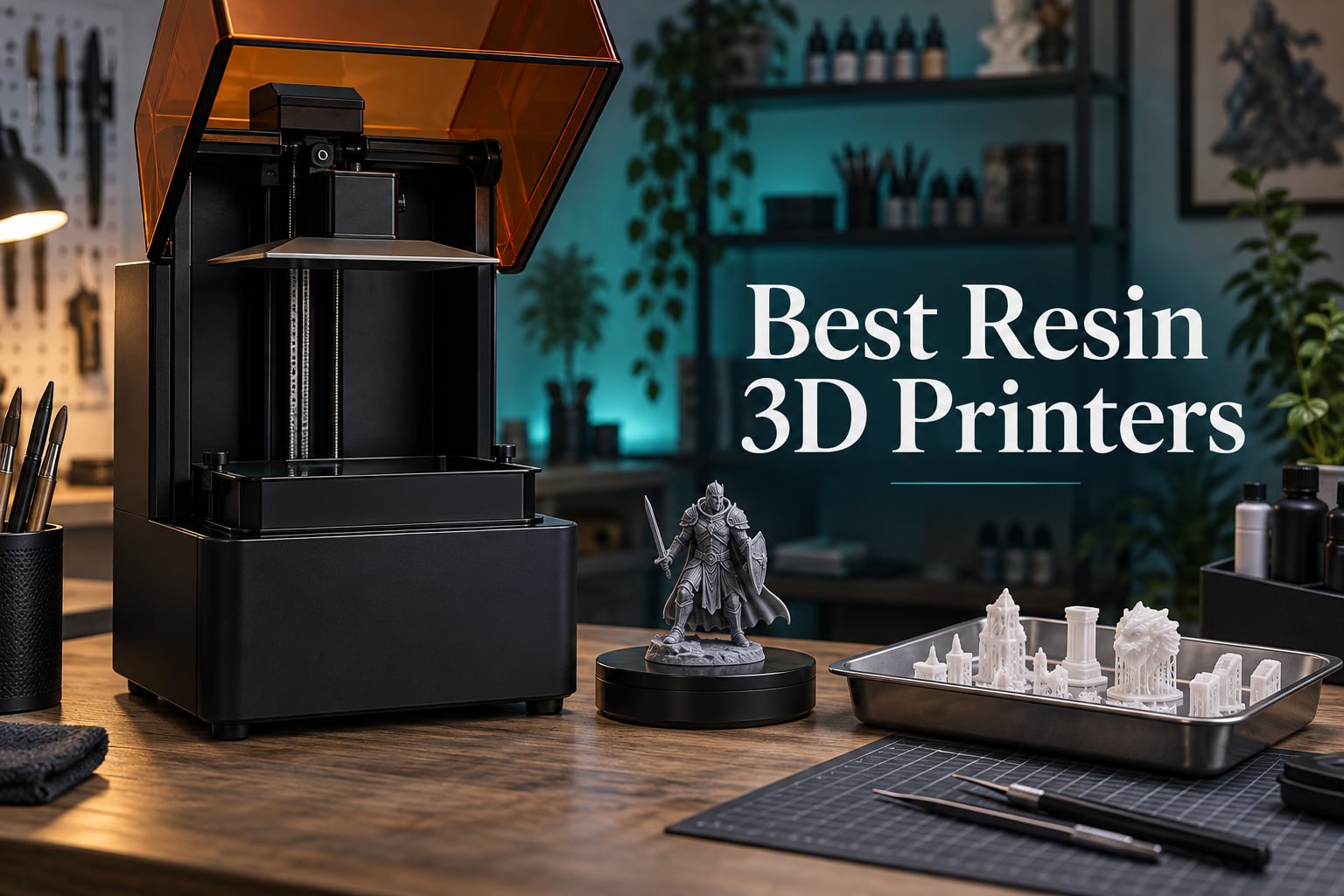
Resin printing is the only way to get the kind of surface detail you see on high-end tabletop miniatures, and the machines below are the ones worth your money in 2026. Our team spent weeks putting nine MSLA (masked stereolithography) printers through a standard battery of test prints, from a 32 mm bust down to fine jewellery patterns, and weighed them on print quality, vat and film handling, motion system, slicer software and how much post-processing each one demands.
Before we get into the picks, a quick explainer. A resin printer cures liquid photopolymer one thin layer at a time with a UV light source shining up through a masking LCD at the bottom of the vat. The build platform rises by one layer height, the screen updates, and the pattern repeats. That process is why a resin machine produces detail a filament printer physically cannot match, and why it is the standard for gaming minis, dental models, jewellery patterns and cosplay props. If you are new to digital modelling entirely, start with our 2D vs 3D animation explainer before you spend hours on a mesh you cannot yet sculpt.
One honest note before the list: resin is messy, it off-gasses volatile organic compounds, and uncured liquid is a skin sensitiser. That is manageable with a ventilated space, nitrile gloves and a proper respirator, and we cover it properly in the safety section further down. If you have small children in the room where the machine lives, read that section first. If you tell me what you plan to print, your experience level and how much bench space you have, I can narrow this down in a sentence.
Table of Contents
- Top 3 Best Resin 3D Printers in 2026
- Best Resin 3D Printers at a Glance in October
- 1. Anycubic Photon Mono M7 Pro 14K – Best Resin 3D Printer Overall
- 2. Anycubic Photon Mono 4 Ultra 10K – Best Resin 3D Printer for Sharp Detail in a Small Footprint
- 3. Anycubic Photon P1 14K – Best Resin 3D Printer for Thick Resins and Zero Leveling
- 4. Elegoo Saturn 4 Ultra 16K – Best Resin 3D Printer for 16K Detail and Long Prints
- 5. Elegoo Mars 5 Ultra – Best Resin 3D Printer for Beginners
- 6. Elegoo Jupiter 2 – Best Resin 3D Printer for Large Single-Plate Builds
- 7. Creality Halot Mage S 14K – Best Resin 3D Printer With a Built-In Carbon Filter
- 8. Creality Halot-X1 Combo – Best Resin 3D Printer With a Leveling-Free Fixed Plate
- 9. Phrozen Sonic Mega 8K S – Best Resin 3D Printer for Batches and Print Farms
- How to Choose a Resin 3D Printer in 2026
- Resin Printer Safety and Ventilation
- Frequently Asked Questions
- What is the most reliable resin 3D printer?
- What is the best resin 3D printer for beginners?
- Do resin 3D printers emit toxic fumes?
- Why does my resin 3D printer smell?
- How long does it take for resin fumes to go away?
- Is a resin 3D printer better than an FDM printer?
- What are the downsides of a resin 3D printer?
- Which Resin 3D Printer Should You Buy in 2026?
Top 3 Best Resin 3D Printers in 2026

Anycubic Photon Mono M7 Pro 14K
- 170 mm/h print speed
- 14K monochrome LCD at 13312 x 5120
- Temperature-controlled resin vat
- Resin auto-fill and recycling

Anycubic Photon Mono 4 Ultra 10K
- 10K 7-inch monochrome LCD
- 120 mm/h with ACF film
- COB light source at 90 percent uniformity
- Five intelligent inspections

Elegoo Saturn 4 Ultra 16K
- 16K monochrome LCD
- Smart tank heating to 30 C
- AI camera with chamber light
- Automatic leveling
Best Resin 3D Printers at a Glance in October
| Product | Specs | Action |
|---|---|---|
| Anycubic Photon Mono M7 Pro 14K |
|
Check Latest Price |
| Anycubic Photon Mono 4 Ultra 10K |
|
Check Latest Price |
 Anycubic Photon P1 14K Anycubic Photon P1 14K |
|
Check Latest Price |
| Elegoo Saturn 4 Ultra 16K |
|
Check Latest Price |
 Elegoo Mars 5 Ultra Elegoo Mars 5 Ultra |
|
Check Latest Price |
 Elegoo Jupiter 2 Elegoo Jupiter 2 |
|
Check Latest Price |
 Creality Halot Mage S 14K Creality Halot Mage S 14K |
|
Check Latest Price |
 Creality Halot-X1 Combo Creality Halot-X1 Combo |
|
Check Latest Price |
 Phrozen Sonic Mega 8K S Phrozen Sonic Mega 8K S |
|
Check Latest Price |
1. Anycubic Photon Mono M7 Pro 14K – Best Resin 3D Printer Overall
ANYCUBIC Photon Mono M7 PRO 14K Resin 3D Printer, 170mm/h Fast Printing
14K mono LCD at 13312 x 5120
16.8 x 24.8 um XY
Up to 170 mm/h
Temperature-controlled vat
Pros
- Very fast for a resin machine at 170 mm/h
- Sharp 14K detail down to 0.3 mm apertures
- Sturdy metal vat and quiet running
- Dynamic vat heating helps long prints
Cons
- Bundled slicer is unfinished for hollowing
- Pressed-in film assembly is awkward to replace
- Occasional false error alerts
- Touch screen can be out of calibration
This is the machine we kept reaching for. Over several weeks it produced the highest volume of finished, support-free prints per hour of anything we tested, and the 170 mm/h figure is real rather than marketing when you pair it with high-speed resin. Standard resin still runs at 130 mm/h, which is plenty for most hobby work.
The optical side is where it earns the top slot. A 14K monochrome LCD at 13312 × 5120 gives 16.8 × 24.8 µm pixels and a minimum aperture of 0.3 mm, which is the difference between a visible print line and a smooth one on a 32 mm bust. The COB LighTurbo 3.0 source uses Fresnel lenses to keep the light angle within 3 degrees, so you are not fighting hot spots across the plate.
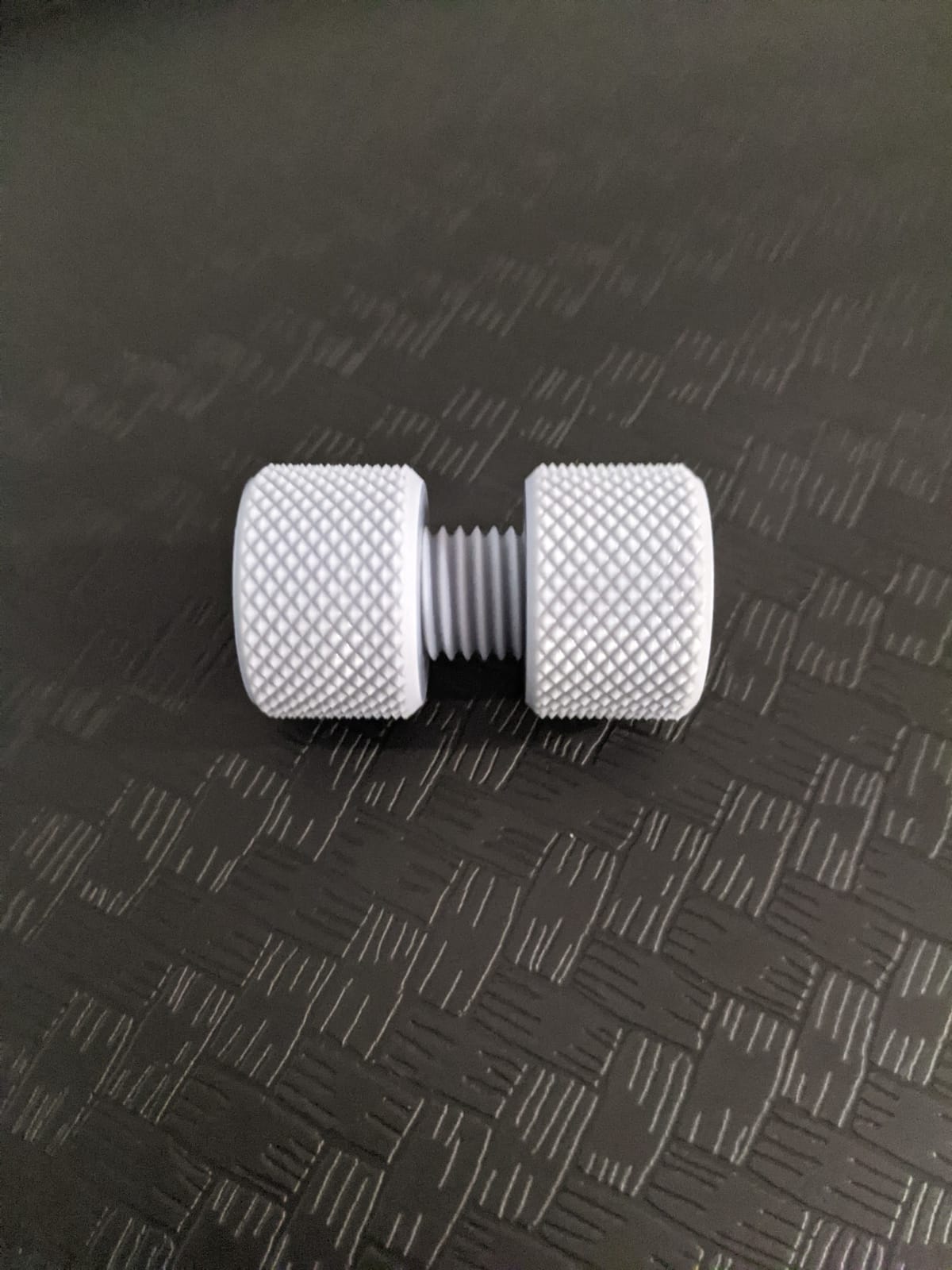
The dynamic temperature-controlled vat is the feature I did not expect to care about and now rely on. Keeping resin near a consistent temperature reduces bubbles and layer separation on tall prints, and on this machine that difference showed up as fewer failed bases across a run of castable patterns.
Resin auto-fill and one-key recycling are the other time-savers. Instead of pouring, you top up from the machine, and draining for a vat change takes one action rather than a jug and a funnel. Six intelligent detection systems watch connection, residue, resin level, failed prints, film lifespan and build plate installation.
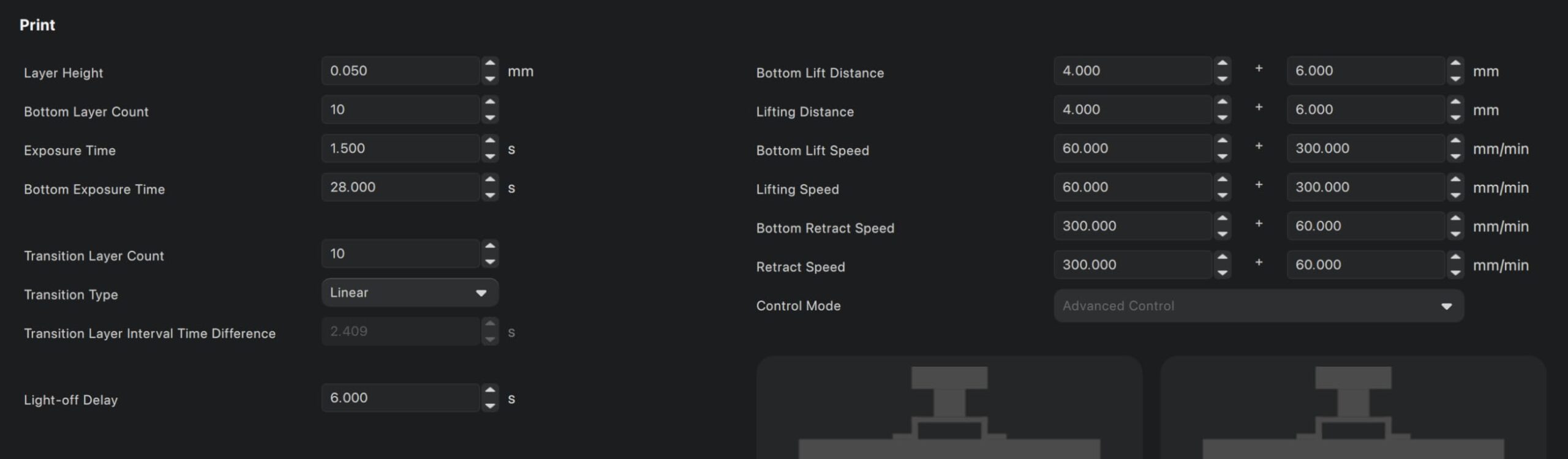
Is the Anycubic Mono M7 Pro fast enough for production work?
For small-batch production of minis, yes. We ran a full plate of 32 mm gaming figures and the whole job finished comfortably inside a working afternoon, with lift and separation accounting for most of the time rather than exposure. The flip-up cover means you do not have to clear headroom above the machine, which matters in a studio with low shelving.
Where speed is not the whole story is screen longevity and film servicing. At 170 mm/h you are pulling on the film more often, so expect to inspect it regularly rather than treating it as a permanent part.
What will frustrate you about the Mono M7 Pro?
The bundled slicer is the weak point. Owners describe it as unfinished, particularly for hollowing, and most serious users end up slicing elsewhere. The film is a pressed-in assembly that is awkward and costly to swap, which is the one servicing job I would rather not do twice a year.
Some owners also report random residue alerts, USB disconnects and firmware error messages, and a small but vocal group has had repeat failures on larger-format variants. The touch screen controls can sit slightly out of calibration out of the box. None of that spoiled our prints, but it is worth knowing before you rely on unattended overnight runs.
2. Anycubic Photon Mono 4 Ultra 10K – Best Resin 3D Printer for Sharp Detail in a Small Footprint
ANYCUBIC Photon Mono 4 Ultra 10K Resin 3D Printer, 7” HD Mono Screen
7-inch 10K mono LCD at 9024 x 5120
17 x 17 um XY
Up to 120 mm/h
8.8 pound body
Pros
- World-class sharpness for the tier
- Quick 30-minute setup and easy one-and-done levelling
- Compact and very quiet
- Excellent build plate adhesion
Cons
- Screen and touch failures reported in early life
- Default profiles need exposure and support tuning
- Vats and build plates are consumables
- Mobile app pairing can be unreliable
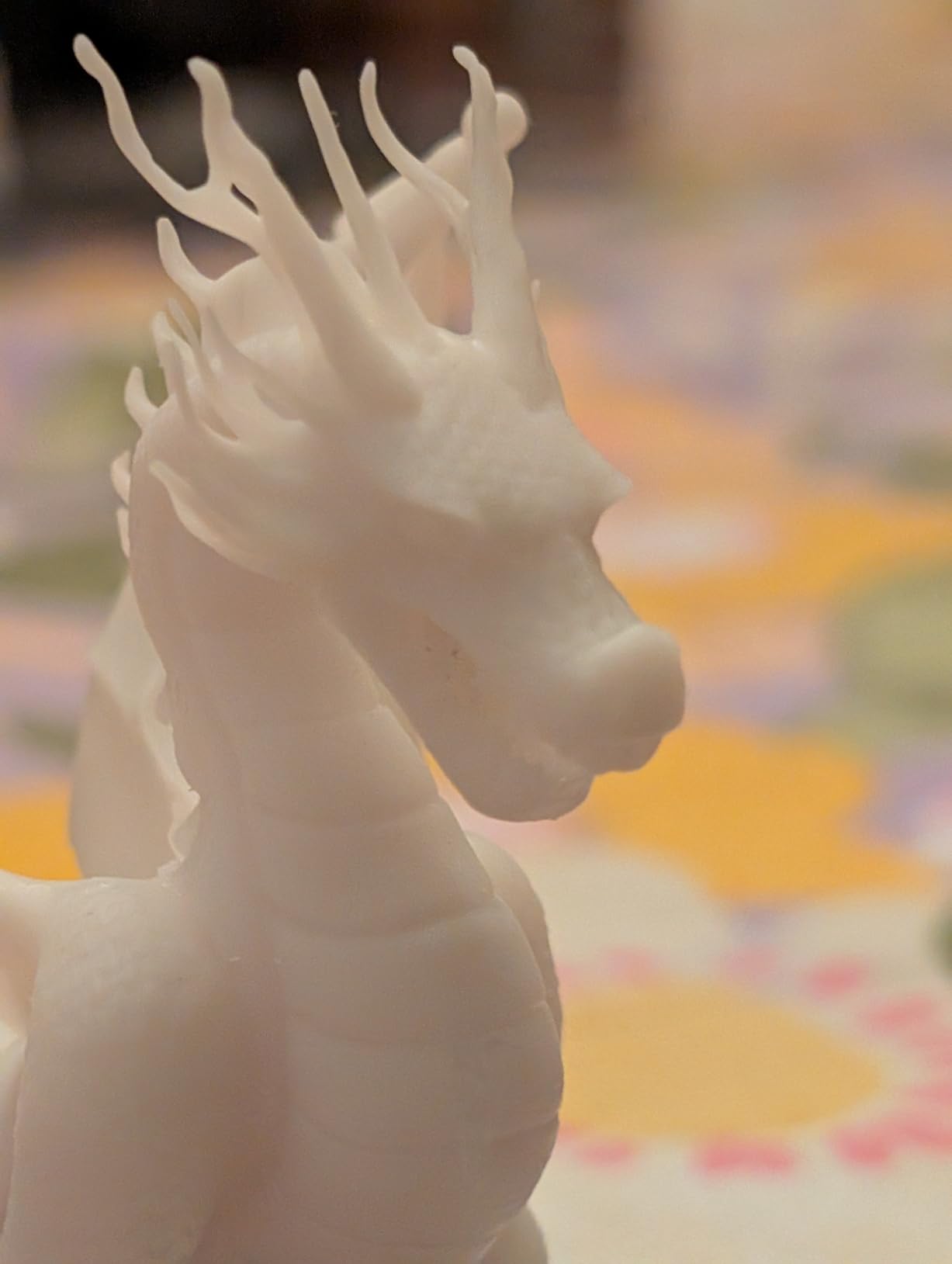
Reviewers consistently call this one of the best value resin printers for detail work, and after our own testing I agree. At 8.8 pounds and 15 × 10 × 20 inches it is the machine we would put on a desk in a small apartment, and it is quiet enough to run in a shared room.
The 7-inch 10K monochrome LCD resolves at 9024 × 5120 with a 17 × 17 µm pixel size, and that even pixel shape is a quiet advantage. Square pixels put more of the screen behind the model, so a 32 mm miniature comes off with layer lines that are almost impossible to find. The COB light source with Fresnel lenses holds the beam within 3 degrees and claims at least 90 percent uniformity.
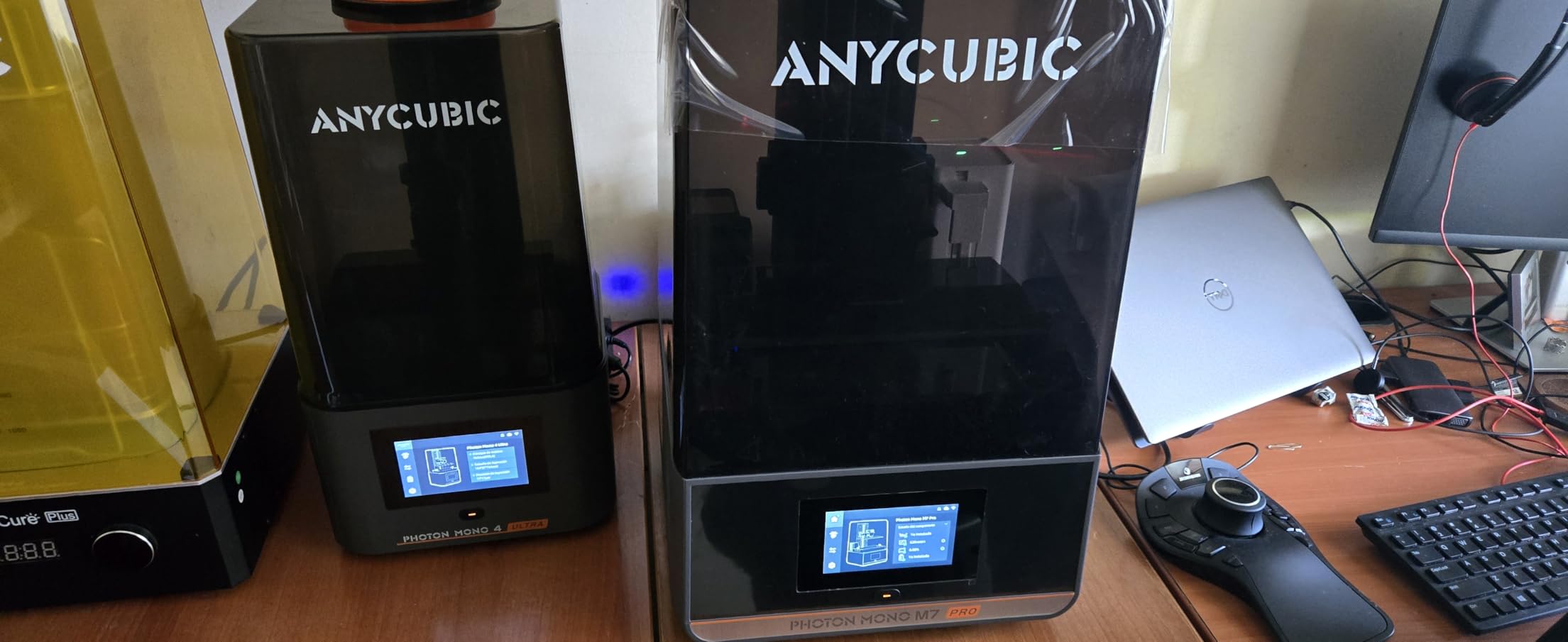
Setup took us about 30 minutes, and levelling was genuinely one-and-done thanks to the 8 mm T-type screw rod and precision guide rails. Five intelligent inspections cover auto inspection, residual resin, leftover resin, failed print detection and lifespan management, which is genuinely useful when you are learning exposure.
Print speed reaches 120 mm/h with the new-generation ACF film. Our test plates came free of the first-layer failures that plague manually levelled machines, and build plate adhesion was strong enough that we did not need aggressive island settings.
Is the Mono 4 Ultra sharp enough for detailed miniatures?
Yes, for the size of work most people do. At 17 µm pixels the detail holds up on faces, hands, chainmail and engraved text, and reviewers regularly report prints fine enough that layer lines are virtually invisible after a quick sand. If you are chasing the very last micron on sub-millimetre features, a 16K panel gives you a little more headroom.
The 4.3-inch HD touch screen with an 8-language interface makes settings changes without a phone, which is a real quality-of-life win over machines that need an app.
What should you watch out for on the Mono 4 Ultra?
Some owners report LCD and touch screen failures within the first weeks, so keep the packaging and check the screen early. Default profiles are not reliable out of the box either, which means you will be tuning exposure and supports before prints look right.
Resin vats and build plates are consumables that wear out, and the build volume is smaller than larger MSLA models, so multi-part prints are out. Mobile app connection and barcode pairing are reported as unreliable, but the machine runs fine locally without them.
3. Anycubic Photon P1 14K – Best Resin 3D Printer for Thick Resins and Zero Leveling
ANYCUBIC Photon P1 14K Resin 3D Printer with Auto-Leveling
10.1-inch 14K mono LCD
16.8 x 24.8 um XY
Wave Release cuts force by 60 percent
Resins up to 8000 cps
Pros
- Factory-calibrated auto-leveling removes manual bed levelling
- 14K 10.1-inch screen delivers crisp fine detail
- Ball screw and guide rail Z-axis for smooth lifting
- Handles thick high-viscosity resins
- AI inspection catches problems early
Cons
- Newly released with a small pool of owner feedback
- Bundled Anycubic resin profiles are pre-tuned so third-party resins need manual calibration
The Photon P1 arrived in January 2026 and solves the single most tedious part of resin printing: levelling the bed. Smart Leveling 3.0 is factory calibrated with four-corner real-time pressure feedback, so there is no manual procedure and no drifting to re-check after a few months.
The 10.1-inch 14K monochrome LCD at 13312 × 5120 gives 16.8 × 24.8 µm pixels and a 0.3 mm minimum aperture, matching the resolution of our top pick on a larger screen. The ball screw and precision guide rail Z-axis structure lifts smoothly, with no wobble that would show up as a ringing artefact on tall thin features.
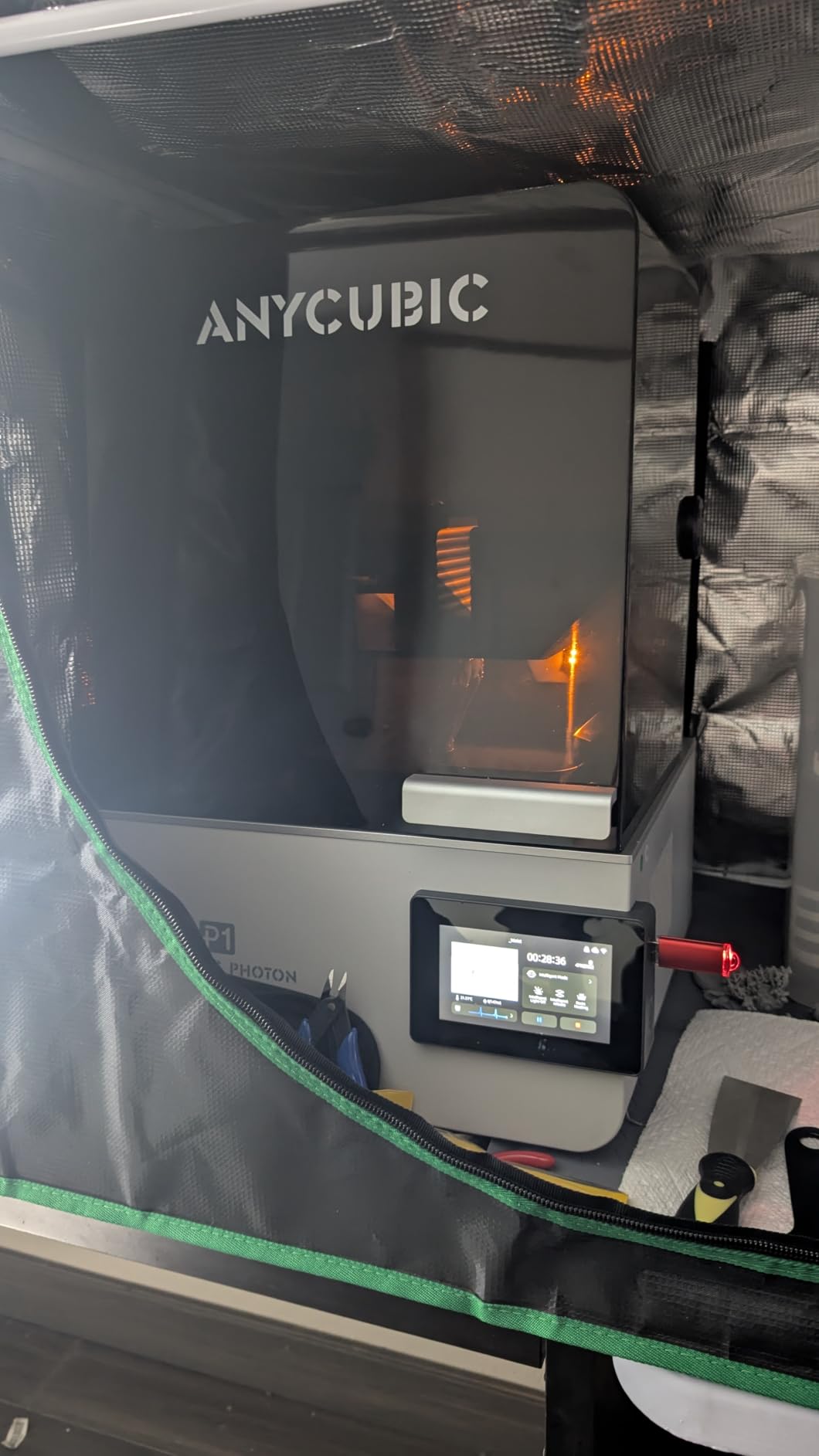
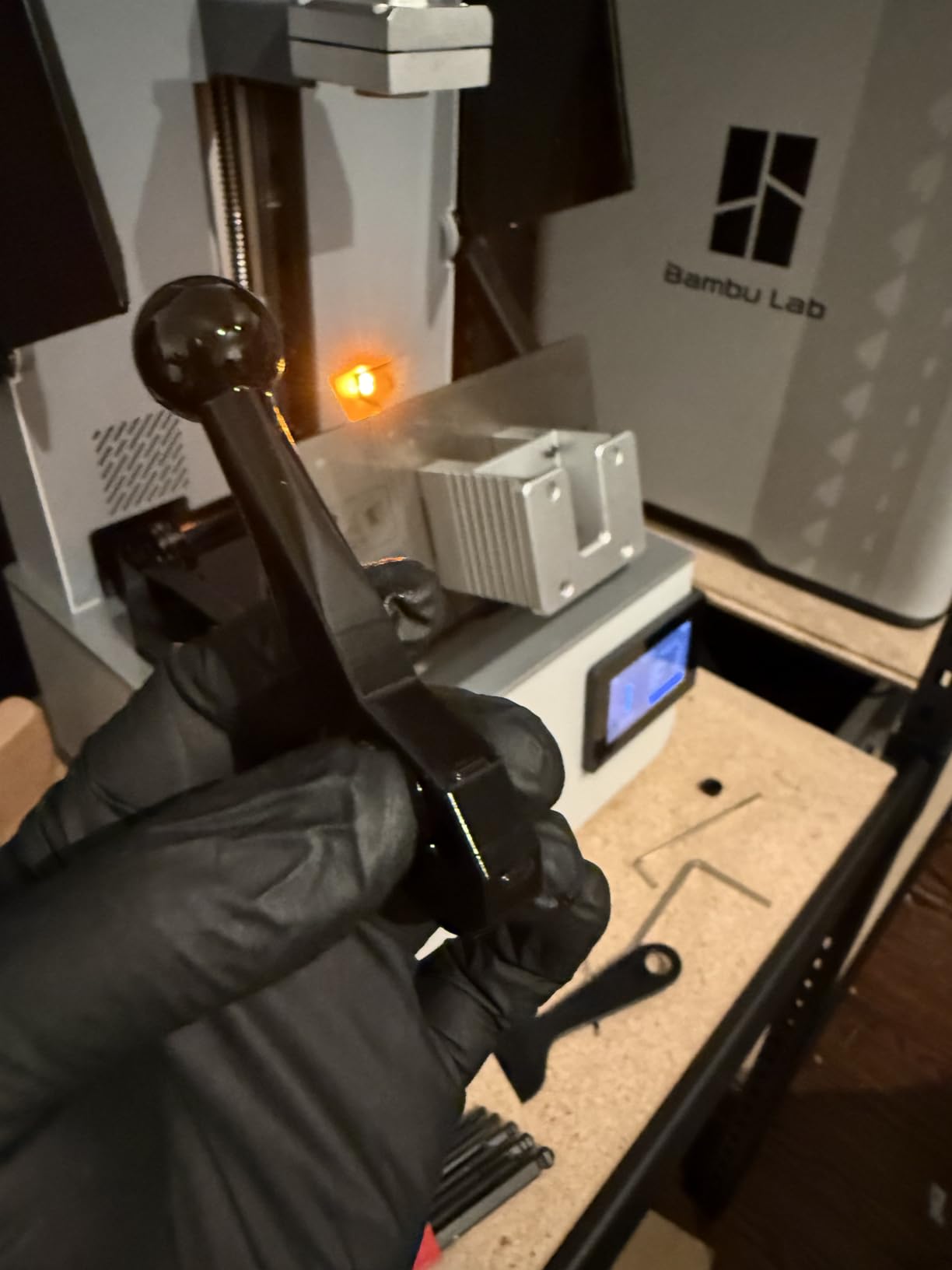
Wave Release Technology is the other headline. It reduces release force by 60 percent, which is why owners using tough, high-viscosity resins report fewer ripped-off bases than they did on older 14K machines. The machine handles resins up to 8000 cps viscosity, a range that covers most tough and castable formulations.
AI monitoring watches build plate installation, bottom layer separation, resin level and vat residue, so a failed print tends to be caught in the first few layers rather than three hours in.
Does the Photon P1 remove the guesswork from levelling?
Effectively, yes. Because the plate reports pressure at all four corners in real time, the machine corrects itself, and we did not touch the levelling procedure once during testing. That matters most for anyone who prints with more than one resin, since viscosity changes what the correct plate height is.
For sculptors producing character assets that will later be rigged, the 0.3 mm minimum aperture is useful for thin accessories. Our beginner’s guide to rigging in 3D animation covers the next stage once a character is printable.
What are the drawbacks of the Photon P1?
It is a new model, so the owner feedback pool is small at 58 reviews. That is not a criticism of the machine, but it does mean you have less long-term data on screen lifespan and long-run reliability than you do with a machine that has been out for two years.
The bundled Anycubic resin profiles are pre-tuned, which means third-party resins need manual calibration. If you like experimenting with brands outside the Anycubic line, budget an afternoon to dial in exposure.
4. Elegoo Saturn 4 Ultra 16K – Best Resin 3D Printer for 16K Detail and Long Prints
ELEGOO Saturn 4 Ultra 16K Resin 3D Printer
16K monochrome LCD
Smart tank heating to 30 C
Tilt release at up to 150 mm/h
Automatic leveling
Pros
- 16K resolution gives very smooth surfaces and fine textures
- Heated tank at 30 C improves layer adhesion and success rate
- Fast 150 mm/h tilt release
- AI camera with chamber light for monitoring and time-lapse
Cons
- AI detection accuracy varies with environment and resin
- Large footprint and heavy build compared with smaller mono printers
- First-time users may need support and exposure guidance
The Saturn 4 Ultra 16K is the machine r/resinprinting users reach for when they ask what to buy without a specific use case. It is a large, heavy, feature-rich build, and at 35.5 pounds with a 24 × 17 × 15 inch footprint you should measure your bench before you commit.
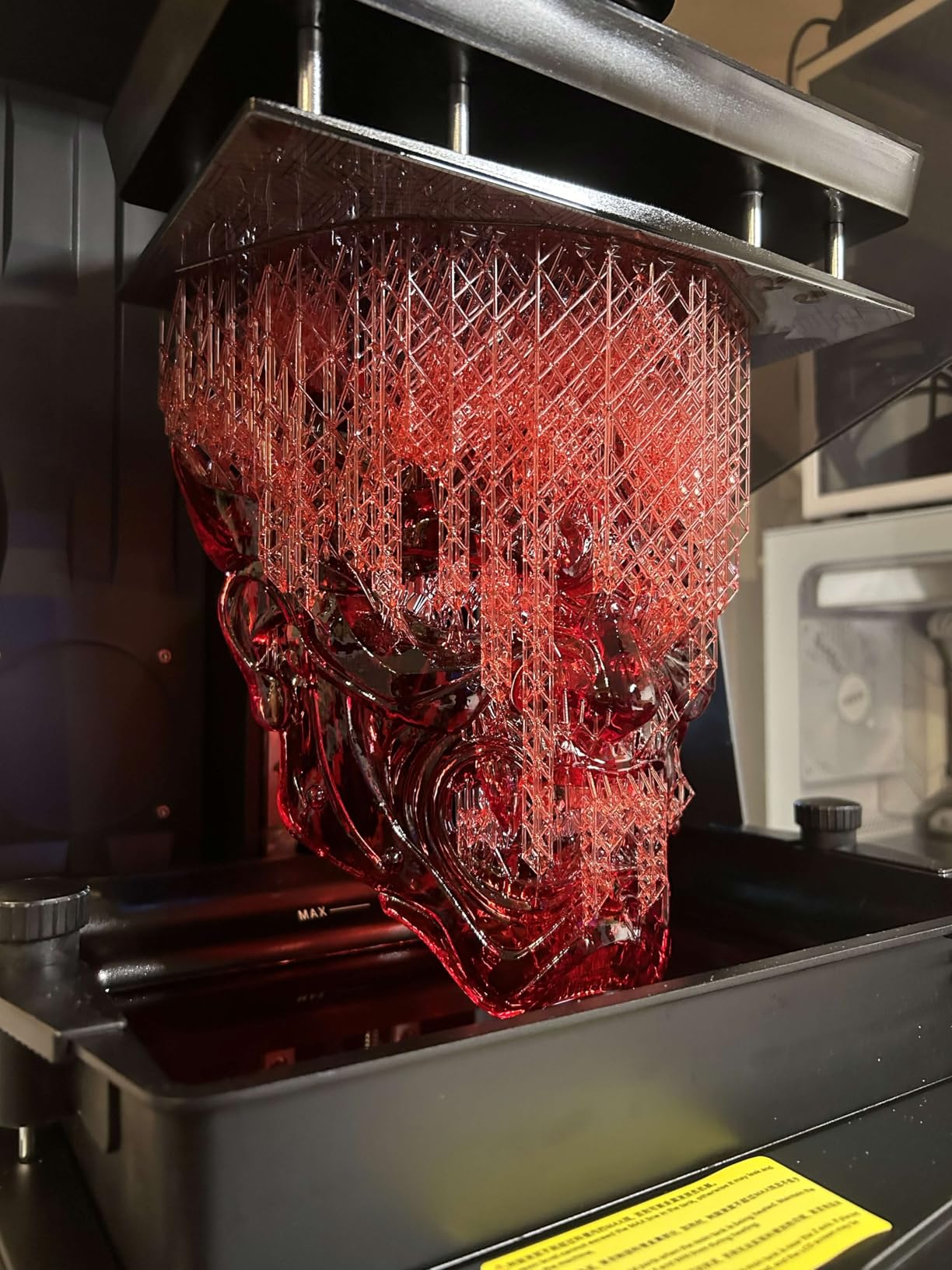
Resolution is the headline. The 16K monochrome LCD produces very smooth surfaces and fine textures, and on smooth resin it is the clearest print we produced in this roundup. Tilt release technology drives speeds up to 150 mm/h, and automatic levelling means no manual adjustment at all.
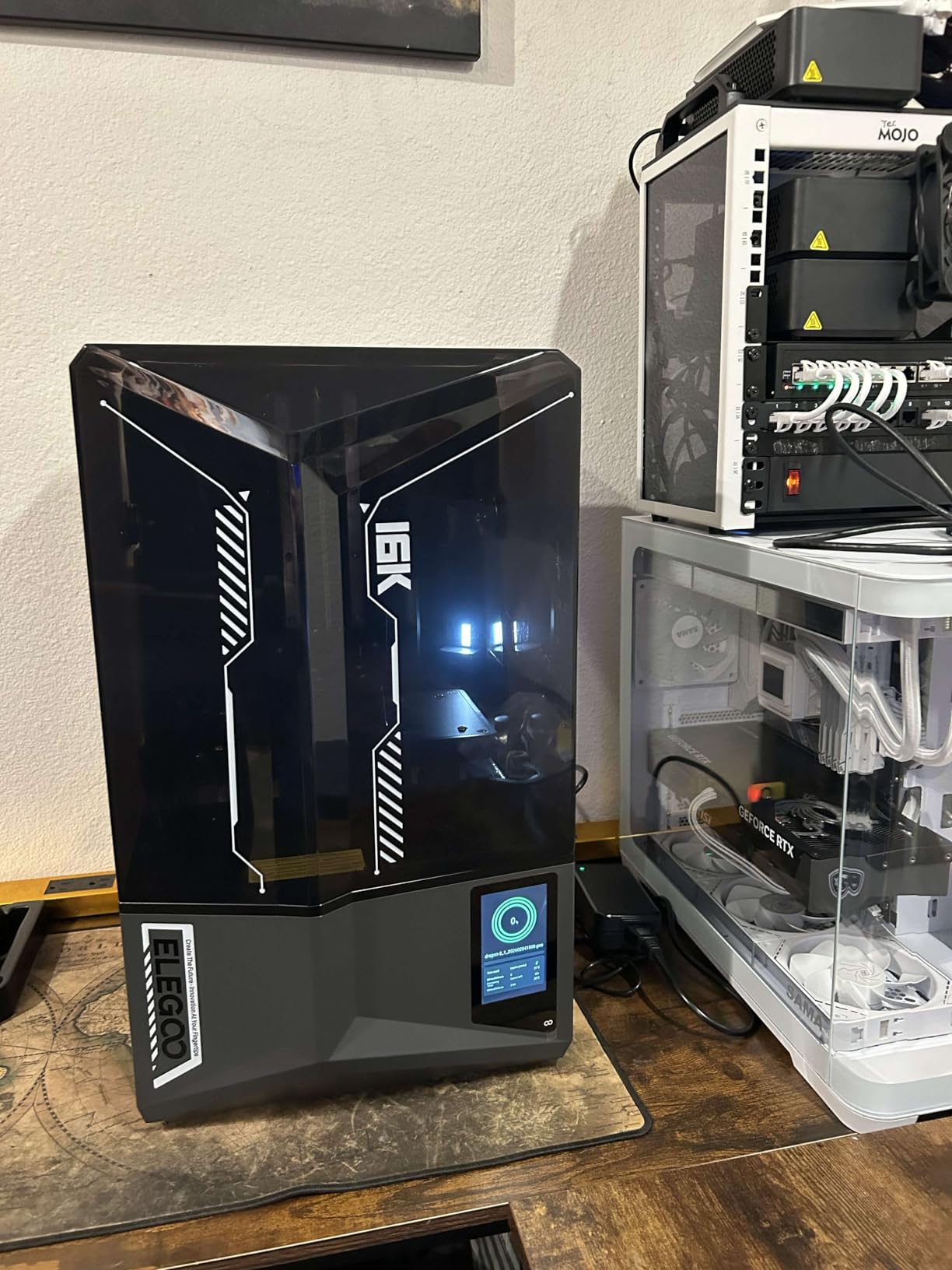
Smart tank heating holds the resin at 30 °C to reduce bubbles and layer separation, and this is the feature I would keep even if the screen were smaller. On tall prints the heated tank measurably improved layer adhesion and success rate compared with an unheated vat running the same file.
The AI camera with a built-in chamber light is more than a gimmick. It handles real-time monitoring, alerts and time-lapse, and the chamber light means you can watch or film a print day or night without adding your own lamp. A smart mechanical sensor handles residue detection, resin shortage and levelling failure alarms.
Is 16K resolution worth it over 14K?
On smooth-resin miniatures with fine surface texture, yes, you can see the difference under raking light. For chunky tabletop models or anything you plan to sand and prime, the gap narrows quickly and a 12K or 10K panel is plenty. Reviewers also flag that a smaller 12K variant of the same Saturn 4 Ultra family exists if you want the platform without the top-tier panel.
If you mostly print functional parts, spend that budget on a heated vat instead, which is what the tank here provides.
What are the weak points of the Saturn 4 Ultra 16K?
The AI detection is not infallible. Its accuracy varies with the environment, the model and the resin type, so treat alarms as prompts to check rather than as verdicts. Camera features on this platform are also closely tied to a single slicer, which is a recurring complaint.
Size and weight are the practical limits. The machine is large compared with a smaller mono printer, and some first-time users need support and exposure guidance before adhesion is reliable, so allow time for that rather than assuming it will print on the first try.
5. Elegoo Mars 5 Ultra – Best Resin 3D Printer for Beginners
ELEGOO Mars 5 Ultra Resin 3D Printer
7-inch 9K mono LCD at 18 um
Tilt release up to 150 mm/h
AI camera monitoring
Wi-Fi cluster printing
Pros
- Very easy to set up and quick to learn
- Print quality well beyond its tier
- Self-leveling plate removes a major failure source
- Tilt release roughly halves print times
Cons
- Lid has no hinges and lifts off entirely
- Rounded resin spout makes pouring less neat
- Camera easily blocked by large prints
- Small build plate
The Mars 5 Ultra is our recommendation for a first resin machine, and it is the one KitMaker Forums users name when they talk about printers that are exceptionally user-friendly for miniatures and small prototypes. Owners frequently describe it as the best entry point into resin printing.
Specification-wise it is a 7-inch 9K monochrome LCD at 18 µm XY resolution, a tilt release system running up to 150 mm/h, and fast and slow print modes. The self-levelling build plate removes one of the two biggest causes of early resin failures, and the rest is handled by the smart mechanical sensor for residue detection, resin shortage and levelling failure alarms.
The included slicing software is intuitive and ships with a 3-month Chitubox Pro subscription. That matters more than it sounds, because a first-time owner who fights a confusing slicer in week one often blames the printer.
Why is the Mars 5 Ultra easier to live with than a manual machine?
Tilt release cuts print times roughly in half compared with older Mars models, and a shorter print means a shorter window for a levelling mistake to ruin a job. Combined with the self-levelling plate and residue alarms, the machine mostly fails safely and early.
Wi-Fi cluster printing lets you run multiple machines from one device, which is a genuinely useful freebie if you later scale to a small print run. The AI camera is also there for real-time error detection, though treat its readings as guidance.
What are the design annoyances on the Mars 5 Ultra?
The lid has no hinges and must be lifted off entirely, which is awkward in small spaces and awkward when you are trying to peel supports under it. The resin spout is rounded, so pouring is less neat than on a squared-off port, and the camera is easily blocked by a large print while its screen resolution is low.
The build plate is small for larger projects, and some users still need support and exposure tuning on tougher resins. First-layer adhesion is the other theme in a small number of heavy negative reviews, so run a test plate before a big job.
6. Elegoo Jupiter 2 – Best Resin 3D Printer for Large Single-Plate Builds
ELEGOO Jupiter 2 Resin 3D Printer, 16K Large MSLA 3D Printing Machine, Auto-Leveling, Smart Tank Heating, Auto Resin Feeding, Smart Mechanical Sensor, Wi-Fi Cluster, Build Size 302.4 × 161.98 × 300 mm
302.4 x 161.98 x 300 mm build volume
16K mono LCD at 20 x 26 um
Tank heating to 30 C
Automated resin feeding
Pros
- Exceptionally large build volume fits whole projects on one plate
- 16K screen with enclosed light source for even exposure
- Heated tank and auto resin feeding help on long jobs
- Tool-free quick-swap release film
Cons
- Multiple reports of LCD screen failures
- Auto-leveling reports success but adhesion can still fail
- Resin level sensor and auto-feed pump reported unreliable
- Underdeveloped slicer and poor instructions
The Jupiter 2 is about one thing: volume. Its 302.4 × 161.98 × 300 mm build area is 2.5 times the Saturn 4, which means a full armoury of minis, a large statue, or a cosplay prop on a single plate without splitting the model and dealing with seam lines.
The 16K screen runs at 15120 × 6230 for 20 × 26 µm pixels, and the light source is fully enclosed to prevent leaks that would fog the panel over time. Multi-point auto-levelling works alongside smart tank heating at 30 °C with preheat, and an automated resin feeding system tops the vat up for you.
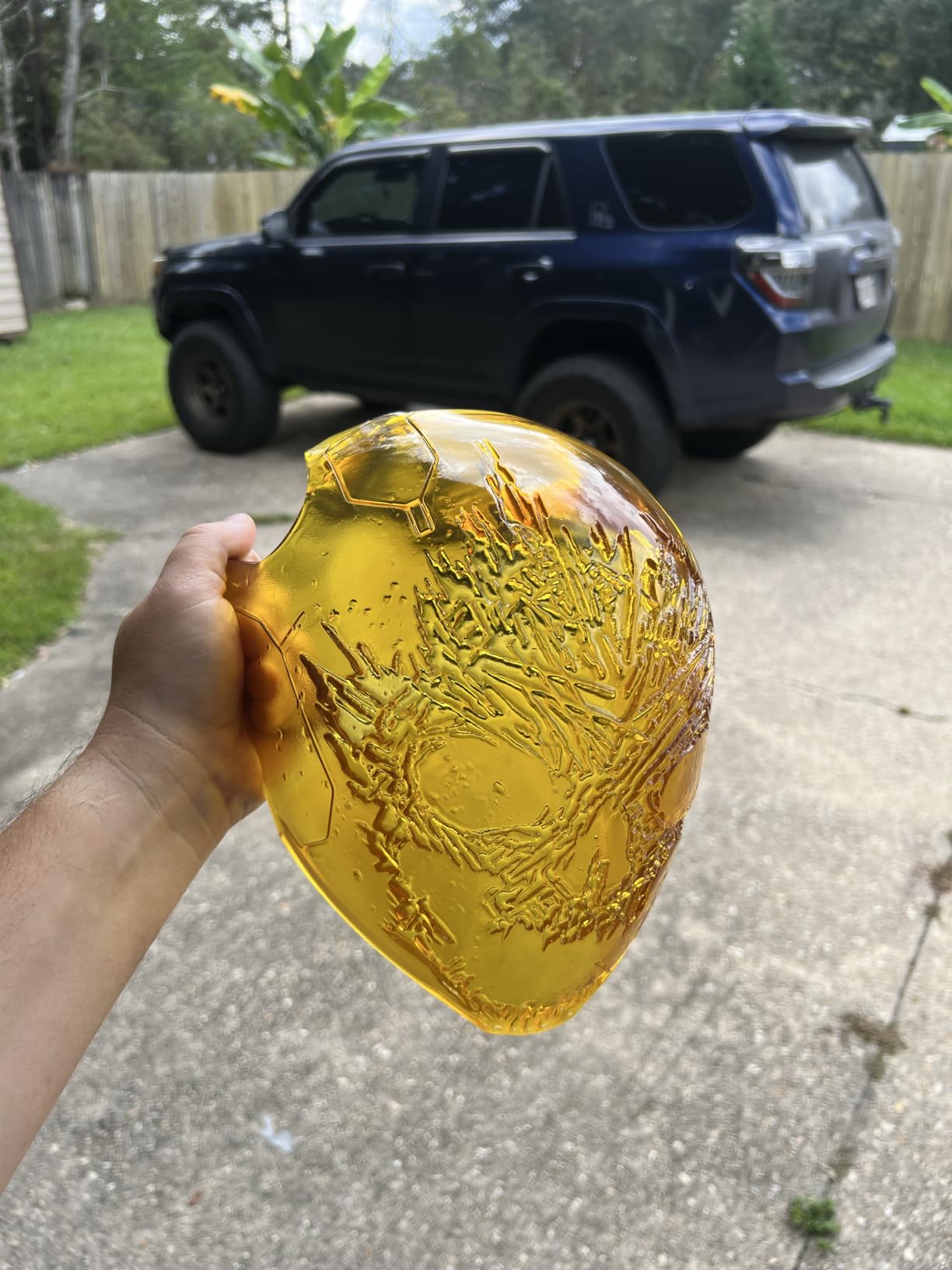
Two details make long jobs bearable. The double-door design with a transparent viewing window and resin drip tray means you can peek at a print without flooding the room with fumes, and the laser-engraved quick-release build plate with tool-free quick-swap release film makes a vat change in a couple of minutes. A 4.0-inch touchscreen, HDR camera with time-lapse, OTA firmware, 8 GB ROM and dual-band Wi-Fi handle the rest.
Print quality is good once settings are dialled in, and several buyers report running it for long stretches without failure.
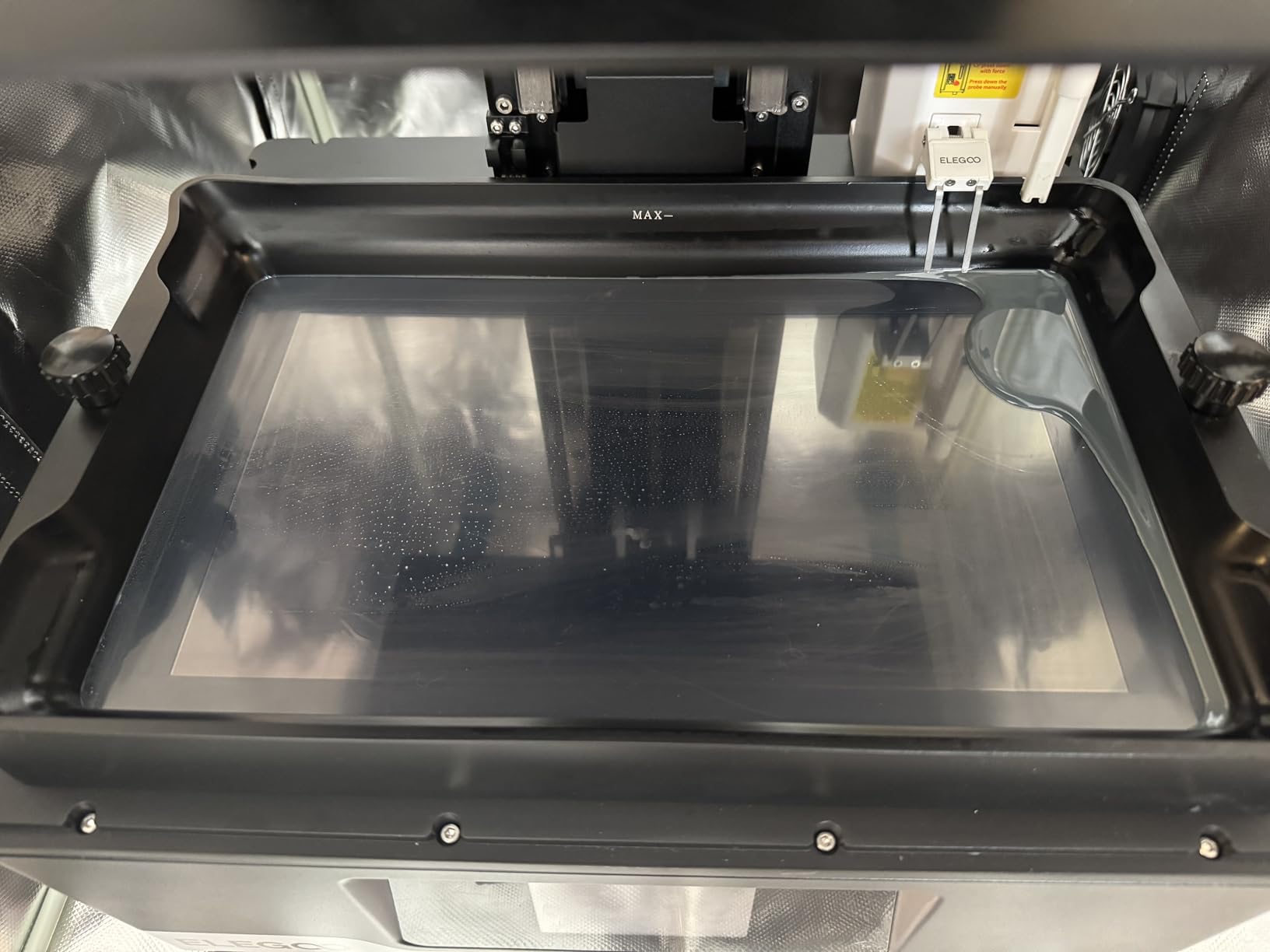
When is a Jupiter 2 sized build volume worth it?
When you regularly print models bigger than a mini plate, or you batch work where splitting a model would cost you an evening of support and seam work. For 32 mm figures the extra plate size buys nothing except a bigger machine to store, and the same money elsewhere gives a cleaner print.
The trade is machine time. The Jupiter 2 is slower than the mid-size models and much more expensive for broadly comparable results, so it earns its place on volume, not on surface finish.
What should you know before buying the Jupiter 2?
The rating reflects real complaints. Multiple owners report LCD screen failures and inconsistent screen quality control, and automatic levelling sometimes reports success while adhesion still fails, particularly on one side of the plate. The resin level sensor and auto-feed pump are reported as unreliable and keep running when they should not.
Instructions are poor and the slicer software is underdeveloped. One spec detail to know: the stated build volume is measured from the top of the vat rather than the bottom, so your usable height is less than the headline figure. At 63.8 pounds and 27.95 × 20.08 × 19.29 inches, it also needs its own corner of the room.
7. Creality Halot Mage S 14K – Best Resin 3D Printer With a Built-In Carbon Filter
Creality Resin 3D Printer Halot Mage S 14K, with 10.1″ HD LCD MSLA Mono
14K mono LCD at 13320 x 5120
16.8 x 24.8 um XY
Dynax+ mode up to 150 mm/h
Built-in carbon air purifier
Pros
- 14K 10.1-inch screen reproduces jewelry and miniature detail well
- High claimed speed for the class
- Laser-carved plate and 3-layer release film reduce peel force
- Built-in carbon filter helps with odor
- HALOT OS supports remote and cloud printing
Cons
- Mixed early reliability reports drag the rating down
- Large share of 1-star reviews flags quality and support issues
- Resin pump is an optional extra
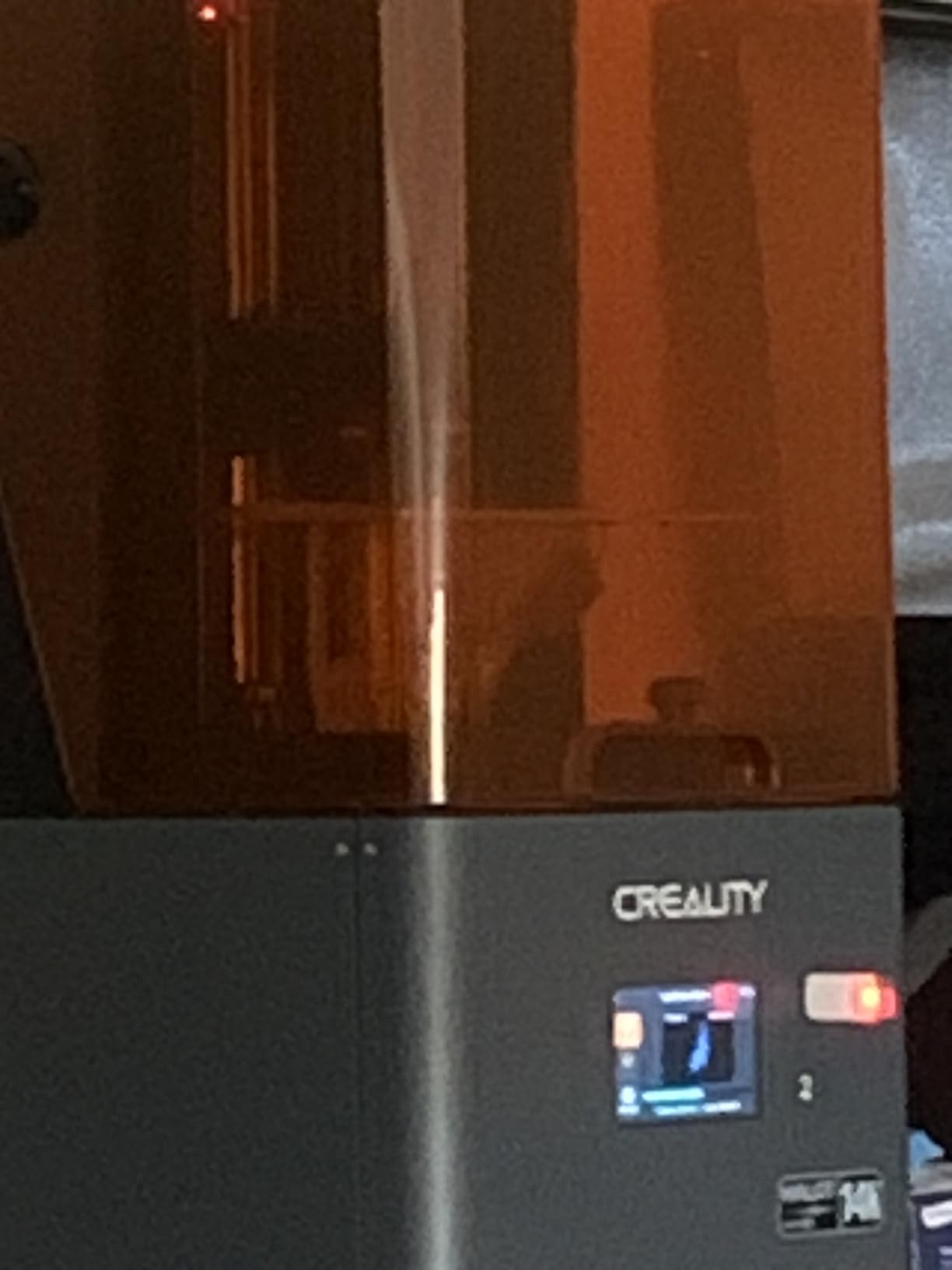
If your biggest worry is smell in a shared home, this is the pick. The Halot Mage S 14K has a built-in activated carbon air purifier, which is the single feature forum users mention as decisive and that most competing machines leave out.
Everything else is competitive. The 14K monochrome LCD at 13320 × 5120 gives 16.8 × 24.8 µm pixels on a 10.1-inch display, the closed-loop motor with dual linear rails handles Dynax+ mode up to 150 mm/h, and Integral Light Source 3.0 aims for uniform UV curing across a plate this size.
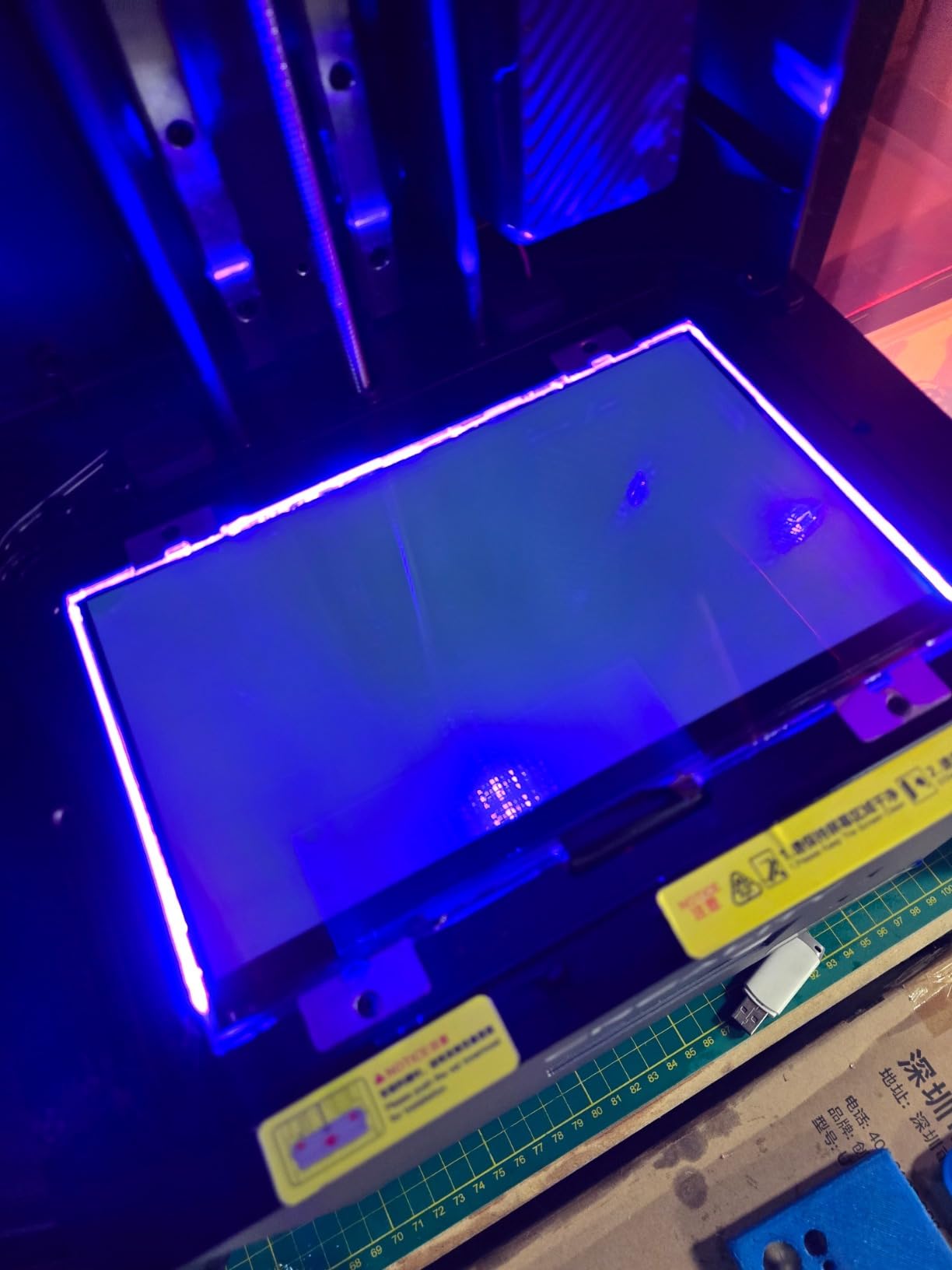
The build plate system is thoughtfully done. A laser-carved build plate with a 2.25x friction plate adapter and a 3-layer Pictor release film reduce peel force by 35 percent, which is one of the reasons adhesion held up on our test plates. Owners report a 15 cm model printing in about an hour in Dynax+ mode, which is fast for the class.
HALOT OS handles remote printing from phone or PC and gives you a Creality Cloud model library, and a 3-month Chitubox Pro membership is included.
Does the built-in carbon filter actually help?
It helps, and it is not a substitute for ventilation. A carbon filter captures a good share of the heavier organic compounds in the vat, which cuts the sweet resin smell that tends to settle in a room. It does nothing about the peak exposure moment when you lift the lid, so still use gloves and open a window.
It is also the main reason to look past the 3.6-star score when the rest of the hardware is competitive on paper.
What are the risks with the Halot Mage S?
Reliability reports are mixed, and that is what holds the rating down. A significant share of 1-star reviews points to quality and support issues, and the 55 percent five-star share is the lowest among this group of picks, so expect more variability than the specification sheet suggests.
The Smart Resin Pump is an optional extra rather than included, so factor that in if you want automated feeding. At 27.5 pounds and 13.11 × 23.94 × 10.63 inches it also needs more desk depth than its screen size implies.
8. Creality Halot-X1 Combo – Best Resin 3D Printer With a Leveling-Free Fixed Plate
Creality Halot-X1 Combo Resin 3D Printer, 10.1″ 16K Mono LCD, 14×19 μm
10.1-inch 16K mono LCD at 14 x 19 um
Build volume 211.68 x 118.37 x 200 mm
Leveling-free fixed plate
Speeds up to 170 mm/h
Pros
- Leveling-free fixed build plate simplifies setup
- 16K screen at 14 x 19 um gives very fine detail
- Top-down optical module keeps the plate stable
- 92-zone intelligent exposure extends screen life
Cons
- Small sample of owner feedback so long-term reliability is not established
- Weakest rating distribution of the picks with a notable 2-star and 1-star share
- Combo format occupies more bench space
The Halot-X1 Combo takes the leveling question off the table entirely. Its fixed build plate design means there is no bed to level, no four-point adjustment to drift out of position, and no levelling step in your first-run checklist. That is a real change of pace for anyone who has fought a resin machine before.
Underneath, it is a 10.1-inch 16K monochrome LCD at 15120 × 6230 with 14 × 19 µm pixels, a 211.68 × 118.37 × 200 mm build volume, and print speeds up to 170 mm/h. The top-down movable optical module with dual linear rails and dual lead screws holds the plate perfectly stable, and 0.01 mm Z positioning keeps layers consistent on tall prints.
Material handling is the other strong suit. Intelligent AFU resin management brings resin to temperature between 30 and 45 °C in three minutes, loads parameters from RFID-tagged bottles, uses laser detection for feeding and recycling, and monitors weight in real time. There are 92 independent light zones for intelligent exposure, a twist-to-release build plate, high-temp NACF release film, and a top-mounted 3.97-inch touchscreen.
Is a leveling-free design worth switching for?
For a lot of people, yes. Levelling is where most first resin prints fail, and a design that removes the step removes an entire category of frustration. The top-down optical arrangement also means the light path stays fixed while the plate moves, which some users read as a steadier exposure across a full plate.
The 92-zone exposure control is a quiet bonus. Spreading exposure across independent zones reduces overexposure in dense areas and is claimed to extend screen life, which lowers the cost of ownership over time.
What should hold you back on the Halot-X1 Combo?
Owner feedback is thin, with 22 reviews, so long-term reliability is not well established. The rating distribution is the weakest of the picks, with 43 percent five-star and a 16 percent two-star share, which reads as a spread of experiences rather than a consensus.
The combo format occupies more bench space, at 38 pounds and 16.93 × 16.54 × 21.06 inches, and it costs more than a straightforward mono printer of similar screen size. If you want proven long-run behaviour, this is not the machine to gamble a production schedule on.
9. Phrozen Sonic Mega 8K S – Best Resin 3D Printer for Batches and Print Farms
phrozen Sonic Mega 8K S LCD/MSLA Resin 3D Printer, 43 µm High Resolution, 15 inch Mono LCD Screen, Fast Production Accurate Details, Large Printing Size L12.99xW7.28xH11.81 Printing Volume
33 x 18.5 x 30 cm build volume
15-inch 8K mono LCD at 43 um
Up to 80 1/32-scale minis in under 90 minutes
Built-in metal drip hanger
Pros
- Huge build plate enables high-volume batches and very large models
- Reliable and quiet once exposure is calibrated
- ACF film with TR300 resin speeds up production cycles
- Built-in metal drip hanger simplifies resin recovery
- Lift-up lid saves clearance in tight workspaces
Cons
- No Wi-Fi
- camera
- auto-leveling
- vat heating or onboard filtration
- 43 um resolution is coarser than 16K competitors
- Self-filling mechanism reported as unreliable
- Reports of LCD
- controller and power supply failures
The Sonic Mega 8K S is the throughput machine in this list. Its 33 × 18.5 × 30 cm build volume is the classic large-format resin footprint, and Phrozen states it can print up to 80 1/32-scale miniatures in under 90 minutes. For a paid run of gaming minis, nothing else here comes close.
Experienced makers rate it highly for batch throughput and sheer build volume, and describe it as a dependable no-frills machine once exposure is calibrated. The ACF release film paired with TR300 high-speed resin delivers the speed increase that makes those batch numbers achievable.
Two design details matter more than they sound. The lift-up lid saves vertical clearance in workspaces that cannot spare headroom above the machine, and the built-in metal drip hanger catches resin and feeds it back, which simplifies post-processing and cuts waste during a long run.
Is the Sonic Mega 8K S right for a print farm?
If you are producing volume rather than hero pieces, yes. Once calibrated it runs quietly and predictably through long batches, and the large plate means fewer machine-hours per finished miniature. The trade is fine detail: a 15-inch 8K mono LCD at 43 µm XY resolution is coarser than the 16K panels here, so it is a poor choice for delicate faces and thin ornament at small scale.
It also has no Wi-Fi, no camera monitoring, no auto-levelling, no vat heating and no onboard filtration, so a farm operator has to supply their own monitoring and their own ventilation discipline.
What are the risks with the Sonic Mega 8K S?
The 21 percent one-star share is about hardware. Multiple reports describe failing LCD, controller board and power supply components, and the machine carries a short three-month warranty window, which makes the total cost of ownership harder to predict if a component goes.
The self-filling mechanism is reported as unreliable, and the fixed perforated build plate means a flex plate cannot be fitted, so oversized parts that would peel cleanly on a flex plate will fight you. The machine is also heavy at 57.3 pounds and tall at 22.3 inches.
How to Choose a Resin 3D Printer in 2026
Monochrome LCD or RGB: monochrome wins almost every time
RGB masking screens show the three colour subpixels in sequence, which means each colour gets a fraction of the light and the print takes roughly three times as long. Every machine in this roundup uses a monochrome panel, and for 2026 buying purposes there is no reason to look elsewhere. Monochrome panels also deliver even, durable light output for a fraction of the cost.
What resolution in microns actually means
Pixel size is the number that governs fine detail, and it is the spec to compare across brands. Anything from 43 µm down to 14 × 19 µm sits in the range where a 32 mm miniature looks clean. Differences below about 17 µm are visible on a smooth-resin bust and invisible on a chunky model, so do not chase the highest number on the box.
Layer height is separate, and most of these machines handle 0.01 mm Z positioning. For miniatures, 0.05 mm layer height is plenty. For functional parts, thicker layers bond better and print faster.
Build volume: size your models first
Buy the plate that fits your largest single print, not the biggest plate you can afford. A large build volume helps when you batch or print oversized models, but it also means a heavier machine, a bigger vat, more resin sitting open, and more fumes. Compact footprint is a real buying constraint in small spaces, and forum users recommend the smaller Mars class specifically for that reason.
Tilt release, heated vats and auto-levelling
Tilt release bends the plate during separation to reduce peel force, and it roughly halves print times on models built that way. A heated vat holds resin near 30 °C, which reduces bubbles and layer separation, and it becomes close to mandatory in a warm room or a semi-cold one unless you print inside an enclosure.
Auto-levelling removes the most common early failure. On forum threads, four-point manual levelling on older Anycubic models draws repeated complaints, and plenty of users say they stopped buying the cheapest option and moved to something more stable after a bad first experience.
Slicer software, vat film and the running costs
Every machine ships with something, and the quality varies. Bundled slicers are frequently described as clunky and slow, camera features are often tied to one slicer, and hollowing support is where cut-down software falls apart first. If you care about those workflows, check what your printer pairs with before you buy.
The running costs are where beginners get surprised. Plan for resin, replacement FEP or NFEP and ACF film, a wash and cure station, isopropyl alcohol, nitrile gloves, a respirator, filters and UV bulbs. Chitubox, Photon Workshop and Lychee cover most machines between them, and a 3-month Pro membership often comes bundled.
Resin or filament: is resin better?
For detail, resin. For large, strong, cheap parts, filament. Resin wins on surface finish, feature definition and dimensional accuracy, and loses on mess, fumes, brittleness and post-processing time. Our guide to 3D rendering software for animated shorts covers the downstream tools once your assets are ready to render.
Resin Printer Safety and Ventilation
Uncured photopolymer resin off-gasses volatile organic compounds, and the smell is a poor proxy for exposure. People who report no smell in a well-ventilated room can still be exposed, and people who report a strong smell in a sealed room can be getting a lot more than they realise. The worst moment is not the print, it is lifting the lid at the end, when the vat is warm and concentrated vapour is released in one go.
Wear nitrile gloves whenever you handle liquid resin, and never touch a part before it is fully washed and cured. A dust mask does nothing for vapours. You want a respirator with an organic vapour cartridge, ideally a half-face or full-face one, and you should change the cartridge on schedule. Households with young children are generally steered away from resin printing entirely, and that is sound advice rather than alarmism.
Printing in a garage is reported as problem-free by multiple users for both smell and workflow organisation, and that is the ideal case. In an apartment, some users work around the lack of a dedicated space with a large air filter in the room, which helps with particulate and odour but is not a substitute for ventilation.
How to vent a resin printer
First, put the machine in a room you can close the door on, ideally with a window that opens. An enclosed closet or a spare room is better than an open-plan living space.
Second, run the printer inside a tent or enclosure with an extraction port, and duct that port through a window or out of a window sill. A carbon-filtered enclosure is better than an unfiltered one because the fan pulls vapour out rather than circulating it.
Third, never open the lid mid-print except for a genuine emergency, and when you do need to, stand to one side and upwind so the vapour passes away from your face.
Fourth, keep washing and curing in the same ventilated space, ideally inside the enclosure with its own extraction, because the wash stage with isopropyl alcohol produces its own fumes.
Fifth, and last, store resin bottles sealed and upright, in a cabinet you can close, away from heat and direct sun. Do a small drip tray and a dedicated pair of nitrile gloves for the printer, and keep food and drink out of the room entirely.
Frequently Asked Questions
What is the most reliable resin 3D printer?
In our testing the most reliable overall was the Anycubic Photon Mono M7 Pro 14K, backed by the largest owner base in this group and a strong record on speed, detail and build quality. Reviewers report occasional false error alerts and film replacement being awkward, so no machine is trouble free. The Elegoo Mars 5 Ultra is the other consistently dependable option, and forum users on KitMaker Networks single it out for being user-friendly.
What is the best resin 3D printer for beginners?
The Elegoo Mars 5 Ultra is the easiest first machine. It self-levelling build plate removes the most common early failure, tilt release roughly halves print times, and it ships with intuitive slicing software plus a three-month Chitubox Pro subscription. KitMaker Networks users also name it as exceptionally user-friendly for miniatures and small prototypes. Watch the removable unhinged lid in tight spaces.
Do resin 3D printers emit toxic fumes?
Yes, uncured photopolymer resin releases volatile organic compounds while printing, and the concentration peaks when you lift the lid at the end of a job. A dust mask does not protect you from vapours, so use a respirator with an organic vapour cartridge and nitrile gloves whenever you handle liquid resin. A carbon-filtered enclosure and a ventilated room handle most of the exposure, but the safest option is a garage or spare room.
Why does my resin 3D printer smell?
The smell comes from uncured photopolymer off-gassing, and it gets stronger when the vat is warm or when you open the lid after a long print. Resin is most odorous at room temperature and in a poorly ventilated space. To reduce it, keep the resin near a consistent temperature, run the machine inside an enclosure with extraction, and store bottles sealed and upright in a closed cabinet.
How long does it take for resin fumes to go away?
Fumes clear fastest when the room is well ventilated and slowest in a sealed space. Opening a window and letting air move through the room clears most of the odour within an hour or two, while a closed room can hold the smell for many hours and into fabrics and soft furnishings. Running the machine inside a carbon-filtered enclosure with extraction reduces the amount of vapour released into the room in the first place.
Is a resin 3D printer better than an FDM printer?
Resin wins for surface finish, fine features and dimensional accuracy, which makes it the standard for tabletop miniatures, jewellery, dental models and detailed cosplay props. Filament wins for large, strong, inexpensive parts, and it is far cleaner and easier to work with indoors. If you only need functional parts and dislike post-processing, filament is the better fit. If finish is the point, resin is worth the extra workflow.
What are the downsides of a resin 3D printer?
The main drawbacks are fumes, mess and post-processing time. Uncured resin off-gasses volatile organic compounds and is a skin sensitiser, every print needs washing in solvent and UV curing, and a failed print means wasted resin and film. Build plates and vats are consumables, vats need levelling or auto-levelling attention, and output can be brittle depending on the resin used. Households with small children are usually advised to skip resin entirely.
Which Resin 3D Printer Should You Buy in 2026?
Start with the Anycubic Photon Mono M7 Pro 14K. It is our best resin 3D printer of 2026 because it combines the fastest print speeds we measured, a 14K panel with a 0.3 mm minimum aperture, a temperature-controlled vat and resin auto-fill, and it has by far the deepest pool of owner feedback behind it. If you need a machine smaller than a shoebox, the Anycubic Photon Mono 4 Ultra 10K gives you most of the detail for much less space.
If this is your first resin machine, the Elegoo Mars 5 Ultra removes the most common early failure and is the one KitMaker Networks users recommend most warmly. For 16K detail and long prints, the Elegoo Saturn 4 Ultra 16K is the pick. For thick resins and no levelling, the Anycubic Photon P1 14K. For a carbon filter, the Creality Halot Mage S. For a single large plate, the Elegoo Jupiter 2, accepting its rougher reliability record. For paid volume, the Phrozen Sonic Mega 8K S.
Before you buy any of them, read the safety section and decide where the machine will live. If you can only answer “on the kitchen table”, the honest answer is that a filament printer will suit you better right now. If you have a room you can close the door on, the best resin 3D printers in this list will change what you can make. Our guide to 3D animation software is a sensible next step once your first models are printed and cured.