
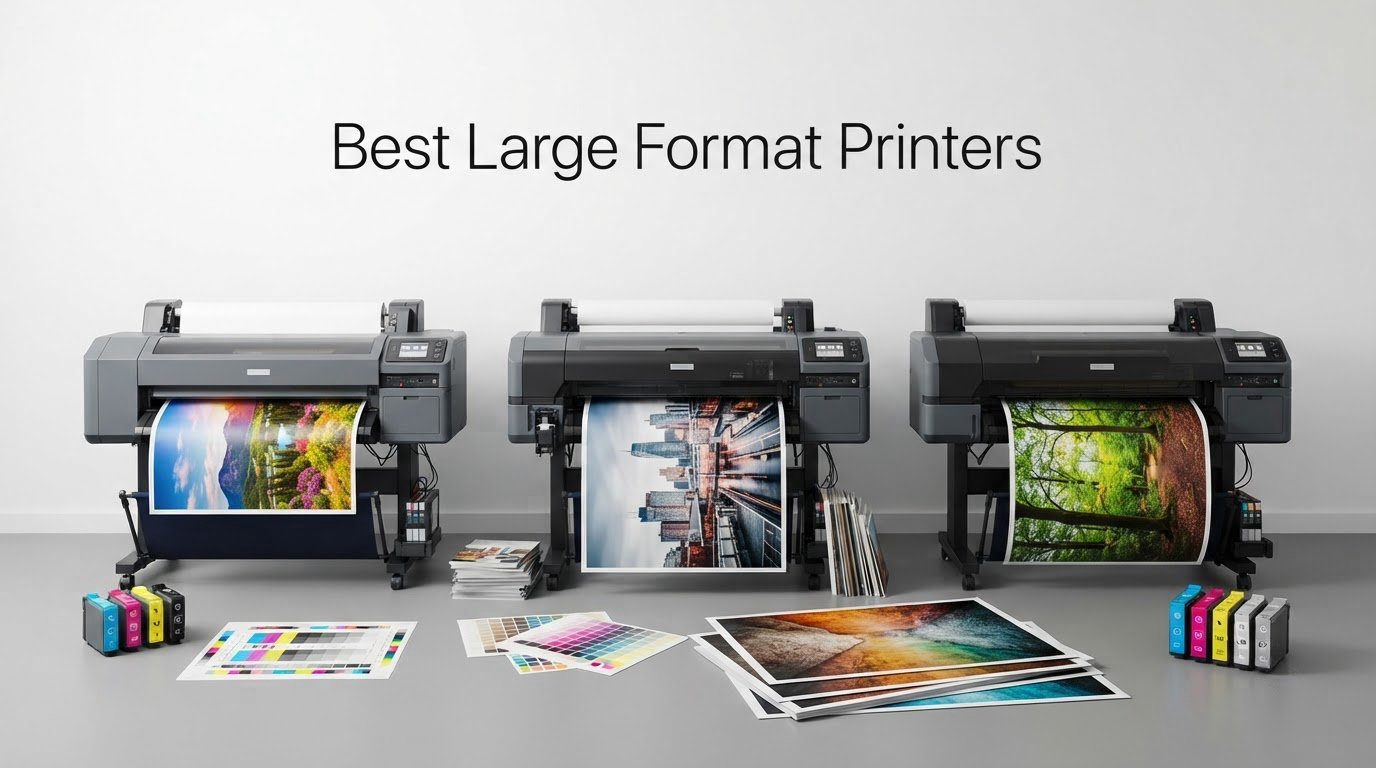
A large format printer is any printer that outputs on media wider than about 13 inches, or 33 cm. That covers 11×17 and 13×19 desktop all-in-ones, 24-inch fine art machines, and roll-fed plotters that run from 36 to 44 inches wide for plans, posters and signage.
This roundup covers ten of the best large format printers we could justify, from a tank-fed 11×17 office all-in-one to a 44-inch twelve-ink pigment machine for gallery work. We grouped them by what a buyer actually needs: big photo prints, plan sets, or in-house signage production. The large format photo printer picks and the 13×19 photo printer guide cover the photographic end in more depth.
One clarification before we start, because the search results for this term are full of the wrong thing. A large format printer here means an inkjet or solvent machine that prints images onto paper, canvas, film or vinyl. It is not a large format 3D printer, which builds physical objects layer by layer. The two categories share a width range and nothing else.
Our picks are driven by owner reviews rather than spec sheets alone. Where a review base is thin, we say so plainly, because a machine with 21 ratings tells you far less about long-term reliability than one with 2,600.
Table of Contents
- The 3 Best Large Format Printers of October
- All 10 Large Format Printers at a Glance in 2026
- 1. Epson EcoTank Photo ET-8550 – Best All-Round 13×19 Photo Printer
- 2. Epson EcoTank ET-15000 – Best 11×17 Workhorse for Small Offices
- 3. Epson Artisan 1430 – Best Wide Photo Prints on a Cartridge Budget
- 4. HP DesignJet T210 – Best for CAD Plots and Sewing Patterns
- 5. HP DesignJet T630 – Best Ready-to-Work 36-Inch Bundle
- 6. Canon imagePROGRAF PRO-4100 – Widest Print Width Here
- 7. HP DesignJet T650 – 36-Inch Plotter With Two-Year Onsite Support
- 8. Canon PRO 2100 – Best Fine Art Printer at 24 Inches
- 9. Canon imagePROGRAF TC-21M – Best 24-Inch Plotter With a Scanner
- 10. Brother INKvestment 6560 – Lowest Entry Cost 11×17 All-in-One
- How to Choose a Large Format Printer
- Frequently Asked Questions
- Which Large Format Printer Should You Buy?
The 3 Best Large Format Printers of October

Epson EcoTank Photo ET-8550
- 13x19 borderless photo output
- Claria ET Premium 6-color ink
- Refillable ink tanks
- Flatbed scan and copy

Epson EcoTank ET-15000
- 11x17 wide format
- 250-sheet tray and ADF
- Tank-fed ink supply
- 17 ppm black output

Epson Artisan 1430
- Borderless 13x19 photos
- Six-color Claria ink
- Wireless and mobile printing
- Built-in flatbed scanner
All 10 Large Format Printers at a Glance in 2026
Use this table to narrow the field before you read the write-ups. Maximum print size and ink supply format are the two specifications that decide running cost, and both are listed here for every model we cover.
| Product | Specs | Action |
|---|---|---|
| Epson EcoTank Photo ET-8550 |
|
Check Latest Price |
| Epson EcoTank ET-15000 |
|
Check Latest Price |
| Epson Artisan 1430 |
|
Check Latest Price |
 HP DesignJet T210 24-inch Plotter HP DesignJet T210 24-inch Plotter |
|
Check Latest Price |
 HP DesignJet T630 36-inch Plotter HP DesignJet T630 36-inch Plotter |
|
Check Latest Price |
 Canon imagePROGRAF PRO-4100 Canon imagePROGRAF PRO-4100 |
|
Check Latest Price |
 HP DesignJet T650 36-inch Plotter HP DesignJet T650 36-inch Plotter |
|
Check Latest Price |
 Canon PRO 2100 24-inch Fine Art Canon PRO 2100 24-inch Fine Art |
|
Check Latest Price |
 Canon imagePROGRAF TC-21M Canon imagePROGRAF TC-21M |
|
Check Latest Price |
 Brother INKvestment 6560 Brother INKvestment 6560 |
|
Check Latest Price |
1. Epson EcoTank Photo ET-8550 – Best All-Round 13×19 Photo Printer
Epson EcoTank Photo ET-8550 Wireless Wide-Format All-in-One Tank Printer
13x19 borderless
6-color Claria ET Premium
Refillable ink tanks
Scan and copy
Pros
- Lab-quality photo output on premium gloss papers
- Ink tank system cuts per-print cost sharply
- Borderless 13x19 sheets on standard paper sizes
- Transparent tanks show ink level at a glance
- Flatbed scanner and color touchscreen for standalone copies
Cons
- Tray 1 spring fault causes false paper error messages
- Flatbed scanner is letter-size only with no document feeder
- Software interface looks dated
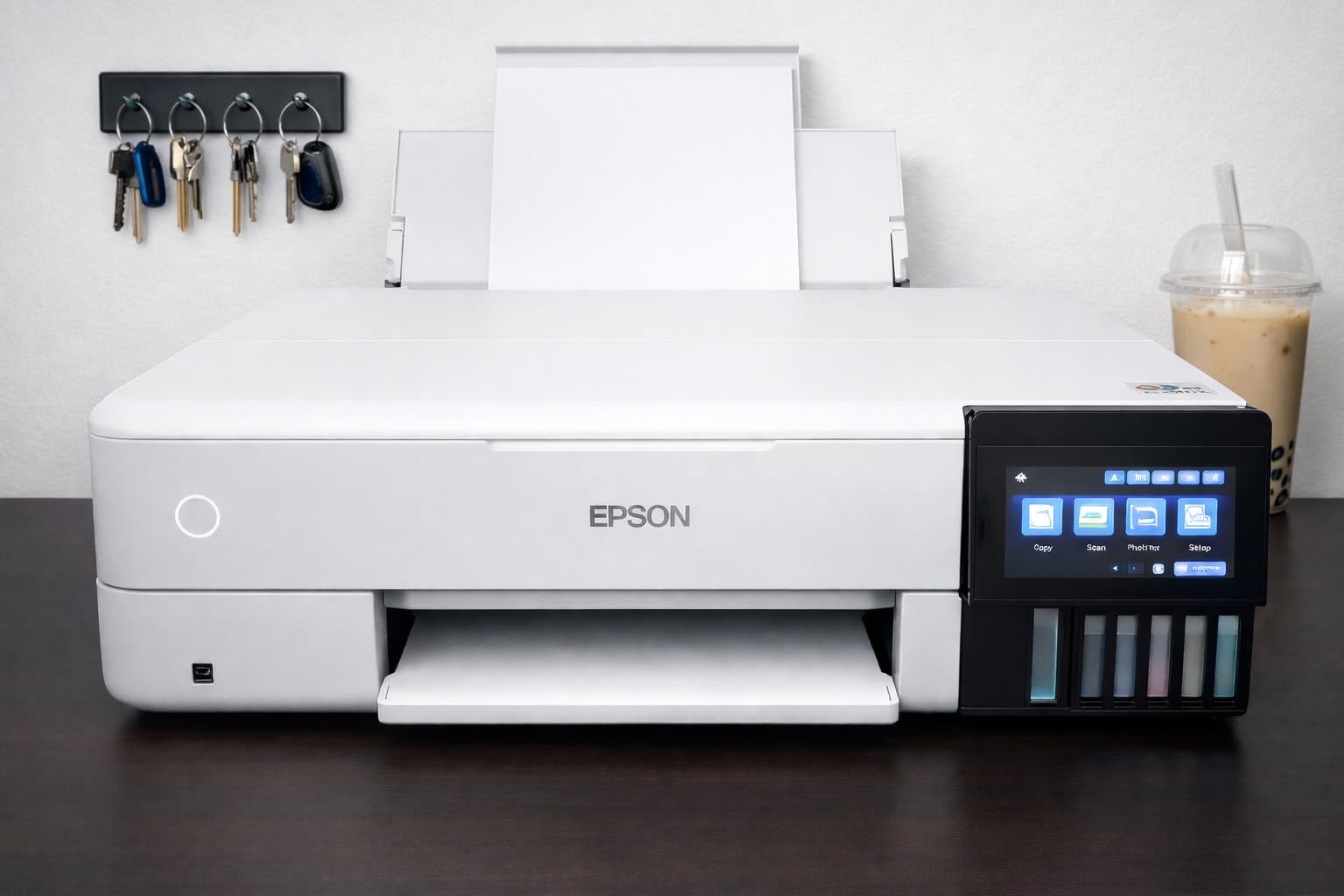
With 2,625 reviews behind it, the ET-8550 has the largest owner base in this group, and that shows in the texture of the feedback. Owners consistently talk about sharp detail and accurate color on Epson gloss and luster papers, and the six-color Claria ET Premium set gives noticeably smoother gradations than a four-color tank printer.
The reason we rate it first is not photo quality alone. It is the combination of 13×19 borderless capability, an all-in-one scan and copy function, and a tank ink supply that removes the cartridge economics buyers complain about most. Printers on the 13×19 shortlist are usually either cheap photo-only units or cartridge-fed office machines. This one does both jobs in a single 24.5 pound body.
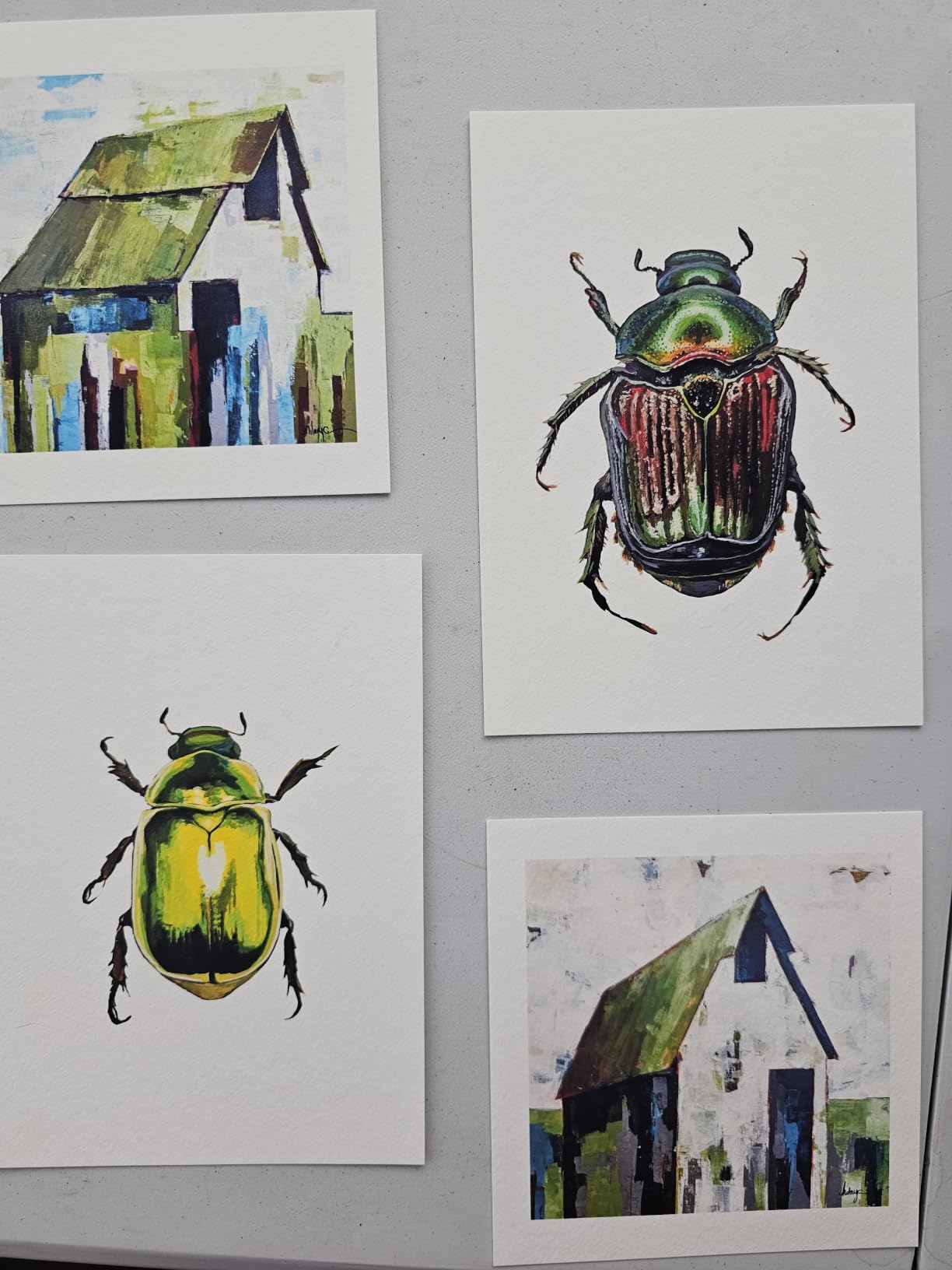
The specifications are unremarkable on paper and that is the point. Sixteen pages per minute black, twelve in color, a hundred-sheet capacity, and 1440 dpi color resolution. None of that is going to win a spec comparison, but the parts owners care about are the six inks, the 13×19 maximum, and automatic duplex.
The dye-based ink set is where judgement is needed. It produces the vivid color most home users associate with a good photo, but forum consensus repeatedly favors pigment ink for canvas and fine art because of water resistance and longevity. On r/artbusiness, buyers weighing high print runs repeatedly settle on the ET-8550 when purchase and running cost matter more than archival claims.
What it does well and what to verify before buying
Photo output on proper photo paper is the strength that 2,600 owners keep confirming, and the tanks make high-volume personal projects affordable rather than theoretical. If your work is gallery-bound or meant to hang in a bathroom, switch the expectation to pigment-grade media.
The single most-reported fault is a physical one in tray 1, where weak springs can trigger false out-of-paper or jam errors. Owners fix it themselves by stiffening the springs, which tells you it is real, common, and manageable. Check it in the first week rather than assuming it will appear mid-project.
Who should skip it
Skip it if you need to scan originals larger than letter size, because the flatbed is 8.5 by 11 only and there is no document feeder. It is also the wrong machine for a studio that prints canvas daily, since the standard tray and manual media handling will not keep up.
First-time buyers on signs101 forums almost universally recommend buying a tank-fed machine early to avoid cartridge costs compounding. This fits that advice, provided 13×19 is genuinely your maximum size and you are not planning to grow into 24-inch work soon.
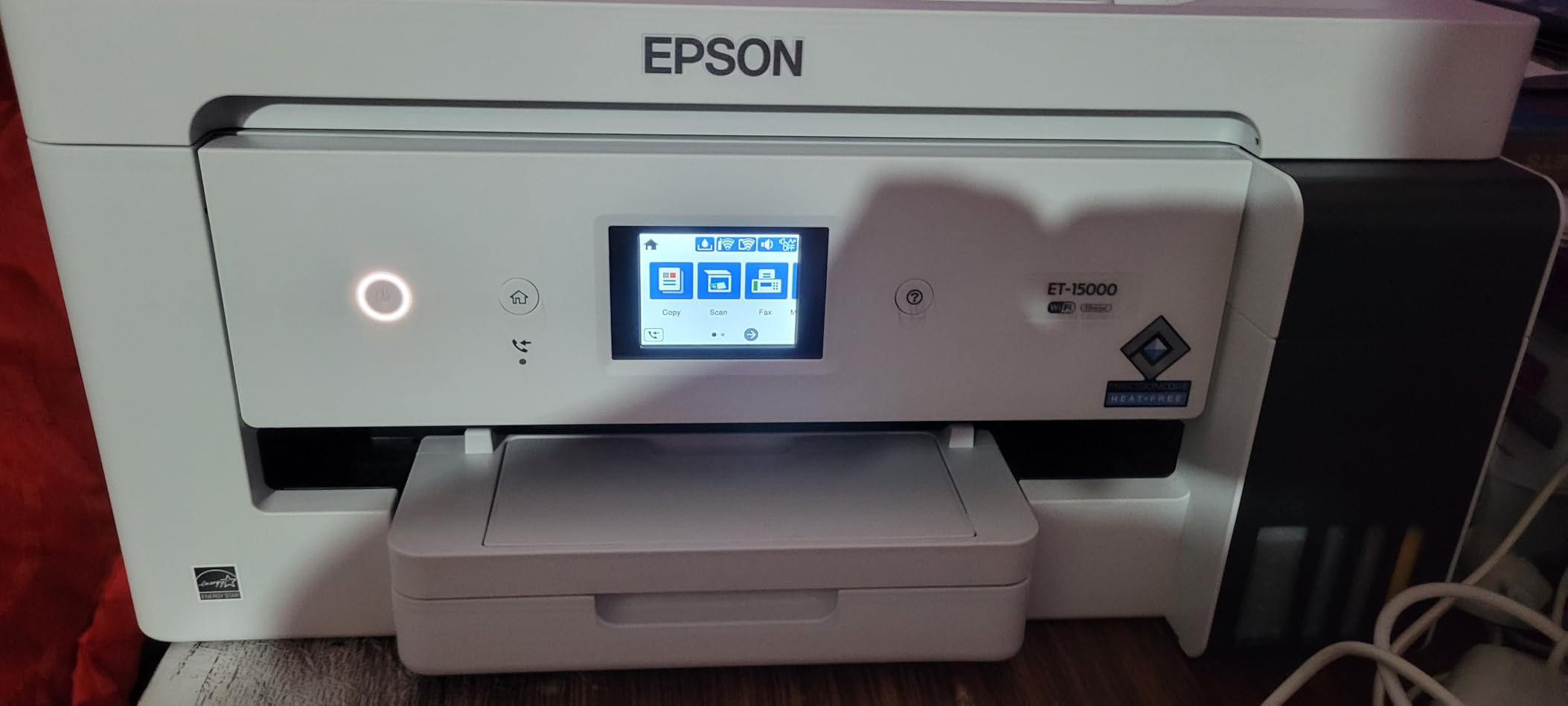
2. Epson EcoTank ET-15000 – Best 11×17 Workhorse for Small Offices
Epson EcoTank ET-15000 Wireless All-in-One Wide-Format Supertank Printer
11x17 wide format
250-sheet tray plus ADF
Tank-fed ink supply
17 ppm black
Pros
- Print scan copy and fax in one wide-format body
- Cost per page comparable to laser for high-volume black
- 250-sheet tray with sheetfed document feeder
- Users report reliable handling of 12x18 and 13x19 stock
- Fast enough for daily business documents at 17 ppm black
Cons
- 11x17 sheets load into the rear holder with no dedicated wide tray
- Automatic duplex covers letter media only
- Photo quality sits behind the six-color ET-8550
This is the document-and-poster machine rather than the photograph machine, and at 2,519 reviews it is the second most proven option here. Owners treat it as a small office default: invoices, plans on 11×17, banners on short rolls, and the occasional craft or transfer job.
The EcoTank system is the reason it is the value pick. For black-heavy output the cost per page lands near laser territory, which is the number most small businesses actually care about. Twenty-one hundred and nineteen owners largely agree, with 73 percent giving five stars.
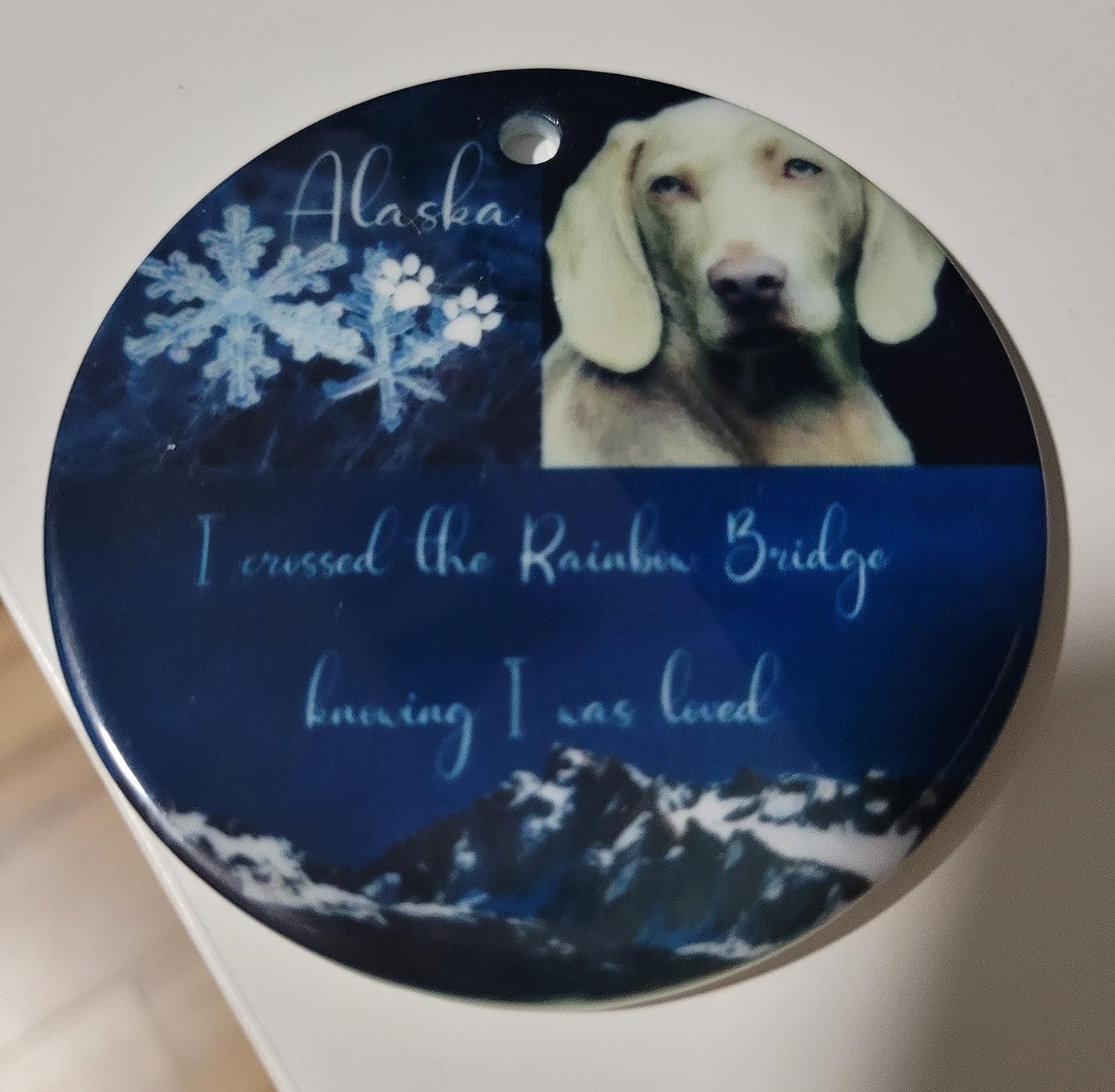
Spec-wise it is a solid office unit: 17 ppm black, 9 ppm color, a 33,000 page monthly duty cycle, 4800 x 2400 dpi, and both Wi-Fi and Ethernet. The 250-sheet main tray is a genuine advantage over the 50-sheet trays common at this width, and the sheetfed ADF plus fax function are the reason the body weighs 21.4 pounds rather than reading like a lightweight photo unit.
That said, its media handling has one persistent wrinkle that reviewers call out more than anything else. Eleven by seventeen sheets go into the rear paper holder rather than a dedicated wide tray, and automatic duplex only works on 8.5 by 11. If your workload is heavy wide-format duplex, plan for manual flipping.
Where it fits and what to check
It is the right call for a small firm that prints more than it photographs: construction paperwork, classroom sets, real estate listings, school posters.
Verify your widest media before buying. Users report it handling 12×18 and 13×19 media through the rear feeder, which is beyond the headline spec, but that behavior is not guaranteed. Test the exact sheet size you intend to run most often in the first week.
Who should skip it
Skip it for fine art or gallery work. Four-color dye output in a tank system is fine for color documents and casual prints, but it lacks the tonal range a twelve-channel pigment head gives you. If shadow detail in a portrait matters, step up to a dedicated photo or fine art machine.
A small minority of owners report units that never primed correctly out of the box, and some regional purchases come with limited OEM support coverage. Neither is common enough to disqualify it, but both are worth confirming with the seller before you commit.
3. Epson Artisan 1430 – Best Wide Photo Prints on a Cartridge Budget
Epson Artisan 1430 Wireless Color Wide-Format Inkjet Printer (C11CB53201)
13x19 borderless
Six-color Claria ink
Wireless and mobile
Flatbed scanner
Pros
- Borderless high-definition photos up to 13x19 inches
- Six-color Claria ink gives smooth gradations
- Wireless and direct mobile printing without a computer
- Built-in flatbed scanner and CD/DVD print tray
- Simple app-based control with no complex panel
Cons
- Cartridge ink raises cost per page sharply versus tank systems
- No duplex printing and a single 50-sheet tray
- Very slow at roughly 2.8 pages per minute
The Artisan 1430 is the simplest answer to a narrow question: how do I make borderless 13×19 photos at home without a complex machine. It has no tank, no Ethernet, and a deliberately small feature set, and 881 owners use it mostly for exactly that.
Six-color Claria ink produces smoother transitions than a four-color set, and the flatbed scanner adds a useful copy and scan path at this price level. Wireless and direct mobile printing mean you can produce a print without ever opening a computer.

Where it falls short is running cost and throughput. It uses replaceable proprietary cartridges, which is exactly the expense the tank machines in this roundup were built to avoid, and it manages about 2.8 pages per minute in both color and black. That speed is fine for a weekend project and painful for a batch of fifty prints.
There is no duplex, and the single 50-sheet tray has no rear sheet feeder for larger media. At 35.3 pounds and nearly 28 inches wide, it is also a tall, heavy object to live with in a home office.
Best used for and worth checking
The case for it is simplicity. If you print a few borderless 13×19 sheets a month and you want the machine to simply work over Wi-Fi from your phone, the Artisan 1430 does that with less fuss than anything else in the 13×19 category. Sixty-eight percent of reviews are five stars, mostly for output quality.
Check cartridge pricing and supply in your region before buying, not after. Printers that are inexpensive to acquire can be expensive to run. The 13×19 buying guide covers this cost comparison in more detail.
Who should skip it
Skip it if you plan to print in volume or on canvas. The cartridge economics and the 2.8 pages per minute ceiling work against you quickly, and there is no duplex to soften the workflow. Anyone considering regular poster production should compare the tank machines first.
One further caution: confirm the condition and warranty terms on the specific listing before you commit. Seller conditions and included accessories can differ on an older model like this one, and it is worth confirming what actually ships in the box.
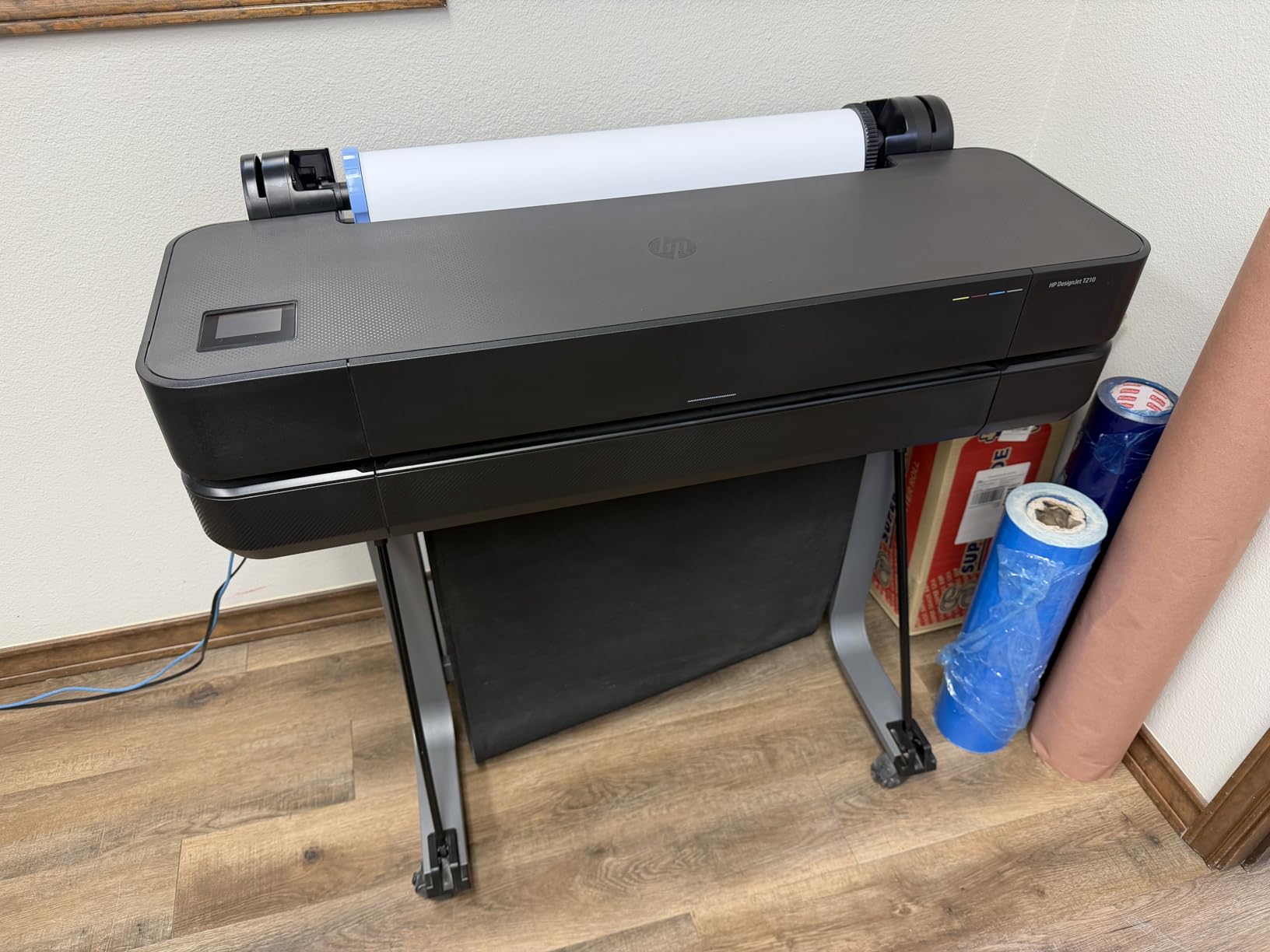
4. HP DesignJet T210 – Best for CAD Plots and Sewing Patterns
HP DesignJet T210 Large Format 24-inch Plotter Printer, for Easy CAD & Poster Prints (8AG32D)
24-inch roll and sheet
2400 x 1200 dpi line work
45 seconds per A1 page
House plans and sewing patterns
Pros
- Sharp accurate line work and crisp small text for CAD drawings
- Quick output at roughly 45 seconds per A1 or D page
- Gigabit Ethernet USB and Wi-Fi for shared office use
- HP Click handles PDF checks and auto-nesting
- Touchscreen shows ink levels without a computer
Cons
- Locked to genuine HP 712 and 713 cartridges with no override
- Some 24-inch media refuses to load straight without help
- A jam can trigger repeated feeding and waste more media
The T210 is a plotter, not an all-in-one, and it exists to draw lines. At 112 reviews with 78 percent five stars, that mission is well served: owners talk about house plans, sewing patterns, maps and small signage runs rather than photographs.
Twenty-four inch width is the interesting part of this pick. It is the narrowest roll-fed machine here, which makes it the most practical step up from a desktop 13×19 unit for anyone plotting real plans. It handles roll media and sheets, with an automatic horizontal cutter for finishing roll jobs.
Line quality comes from 2400 x 1200 dpi resolution, which clears the 2400 dpi floor most architects and engineers treat as non-negotiable for small text and dimension lines. Throughput is about 45 seconds for an A1 or D size page, or 59 such pages per hour, and the 500MB of memory handles typical plan sets.
HP Click is the software story worth knowing about. PDF error checking, alerts and auto-nesting reduce wasted ink and media, and the maintenance cycle uses a fraction of the ink that competing plotters consume. Ethernet, USB and Wi-Fi mean it drops into a shared office network without fuss.
Where it earns its place and what to check
It is a strong fit for a design studio, tailor, or small architecture practice that plots regularly and has been outsourcing or downsizing drawings to fit a desktop printer. Plan your stand setup in advance, because at roughly 40 inches wide and 47.4 pounds the footprint needs measuring before the unit arrives.
The practical check before you buy is cartridge supply. The printer only accepts genuine HP 712 and 713 cartridges with no override, and owners report that sourcing them locally can take more than a week. If your project timeline is fixed, confirm ink availability first.
Who should skip it
Skip it for photography and for 36-inch-plus plan sets. There is no 11×17 automatic sheet feeder unless you add the optional accessory, and this is a line-work and signage system rather than a tonal photographic one. Buyers who already plot at 36 inches should look at the two 36-inch HP models instead.
It is also worth weighing against used and refurbished options. A well-maintained 24-inch plotter depreciates predictably, and forum buyers consistently treat the ink lock-in, not the hardware, as the reason to think twice.
5. HP DesignJet T630 – Best Ready-to-Work 36-Inch Bundle
HP DesignJet T630 Large Format 36-inch Plotter Printer, with Auto Sheet Feeder, Media Bin & Stand (5HB11D)
36-inch roll width
Included sheet feeder and stand
Automatic sheet roll switching
Touchscreen
Pros
- Crisp accurate color on blueprints posters and plan sets
- 36-inch roll width plus an included auto sheet feeder
- Stand and media bin included so it works out of the box
- Automatic sheet and roll switching simplifies media handling
- Reliable Wi-Fi printing through the HP Smart app
Cons
- Several owners report printhead failures and unfinished large prints
- Locked to genuine HP 712 ink cartridges
- Weighs 123 pounds and needs the stand to work at height
The T630 is a 36-inch plotter shipped as a complete working package: sheet feeder, spindle, stand with media bin, starter cartridges, and a one-year limited warranty. That bundling is the reason it appears here rather than as a bare machine, because a 36-inch plotter without a stand is a furniture problem before it is a printing problem.
Thirty-one reviews is a small base, and we want to be clear about what that means. It is enough to describe the experience, not enough to predict ten years of reliability for you.
Specification-wise it is straightforward: up to 36-inch roll media plus 13×19 sheets through the included feeder, 2400 x 1200 dpi, 48-bit color depth, and a first page out in 30 seconds. Owners like the automatic sheet-to-roll switching and the horizontal cutter for finishing roll-fed banner work.
What to verify and who it suits
Verify reliability expectations before committing. Several owners fitted a replacement printhead or could not complete large prints, which is the single most important caveat in this write-up. The 31-review sample skews positive at 68 percent five stars, but 18 percent are one star, and the negative cluster is concentrated on hardware rather than on output quality.
It suits a small architecture or construction firm that has outgrown 24-inch roll media and previously outsourced its plan sets. The included stand, media bin and feeder mean you are not hunting accessories on day one, and the same HP 712 cartridge lock-in applies as on the smaller plotters.
Why you might choose the T650 instead
At 123 pounds this is a two-person handling question, not a spec question. If you have a dedicated equipment room, fine. If you need it in a shared studio corner, compare the physical footprint and the included support terms against the 36-inch alternative below before ordering.
We would not pair this with high-volume daily plan set production on the strength of 31 reviews. For light-to-moderate plotting in a firm that values a complete package, the bundle value is real.
6. Canon imagePROGRAF PRO-4100 – Widest Print Width Here
Canon imagePROGRAF PRO-4100 11-Color 44″ Large Format Inkjet Printer
44-inch maximum width
Eleven-color LUCIA PRO pigment
2400 x 1200 dpi
Color Density Sensor
Pros
- Eleven LUCIA PRO pigment channels including Photo Black Gray Blue and Red
- Twelve-channel integrated head delivers clean detail at 2400 x 1200 dpi
- Color Density Sensor handles automatic color calibration
- L-COA PRO engine speeds up large job handling
- Ink tanks available in 160ml 330ml and 700ml sizes
Cons
- Weighs 345 pounds with the largest footprint in this group
- Print only with no scanner or copier
- Small review base of 30 ratings limits long-term evidence
At 44 inches, the PRO-4100 is the widest printer in this roundup, and it is built for fine art and photography rather than plans. The 1.28-inch wide PF-10 head carries 18,432 nozzles across 12 channels, and 79 percent of the 30 ratings are five stars.
The ink configuration is the reason to care. Eleven LUCIA PRO pigment channels including Photo Black, Gray, Blue and Red give it a tonal range that four-color machines cannot reach, which matters for monochrome prints, skin tones and deep shadow detail in large work.
Automatic color calibration through the integrated Color Density Sensor is a practical feature for anyone producing a series rather than a single print. The L-COA PRO image processing engine handles large job data quickly, and individual tanks in 160ml, 330ml and 700ml sizes let you match ink spend to workload.
What to plan for before it arrives
Plan the room, not just the desk. At 345 pounds and 68.5 inches wide, this is the largest object we list, and it comes with a one-year on-site warranty, which is a meaningful inclusion at this size. Confirm your ceiling clearance and floor loading before it arrives.
On maintenance, be clear with yourself: pigment systems require regular printhead care, and owners acknowledge this as a genuine ongoing commitment rather than an occasional chore. Budget operator time, not just ink, into the cost model.
Who should skip it
Skip it if you print plans. An eleven-channel pigment head on a 44-inch body is a poor match for CAD line work, where the 24-inch and 36-inch plotters in this roundup are more sensible buys. It is also print-only, so plan a separate scanner if you need to digitize originals.
With 30 ratings, treat owner feedback as directional. The hardware specification is strong on paper, but long-term reliability evidence simply does not exist yet at this review volume.
7. HP DesignJet T650 – 36-Inch Plotter With Two-Year Onsite Support
HP DesignJet T650 Large Format 36-inch Plotter Printer, Includes 2-Year Onsite Warranty Support (5HB10T) – New Model
36-inch roll width
25 seconds per A1 page
1GB memory
Two-year onsite care pack
Pros
- Fast 36-inch output at about 25 seconds per A1 or D page
- Bundles sheet feeder media bin stand roll cover and starter cartridges
- Two-year Care Pack with onsite support is included
- Automatic sheet and roll switching with a horizontal cutter
- HP Click with PDF error checking and auto-nesting
Cons
- A number of owners report machines that would not print at all
- Cheap plastic chassis brackets reported failing during assembly
- Ink consumption reported as high on sustained small plan-set jobs
The T650 is the 36-inch machine to look at if throughput is the deciding factor. It quotes about 25 seconds per A1 or D page, or 82 pages per hour, and it carries 1GB of memory for complex jobs.
One caution on comparisons: that 25 seconds is a per-page rate, while the 30 seconds quoted for the T630 is a first-page figure, so the two numbers are not a head-to-head.
Twenty-five ratings make this the thinnest evidence base in the roundup, and the reviews are more mixed than the spec sheet suggests. Sixty-two percent are five stars, a lower positive share than most machines here, so we are labeling it for its speed rather than endorsing it as a set-and-forget purchase.
What it does include is unusually complete: a two-year Care Pack with onsite support, automatic sheet feeder, media bin, stand, paper roll cover, touchscreen and starter cartridges. On-site support for two years is a genuine advantage over a standard one-year limited warranty at this tier.
What to check and who benefits
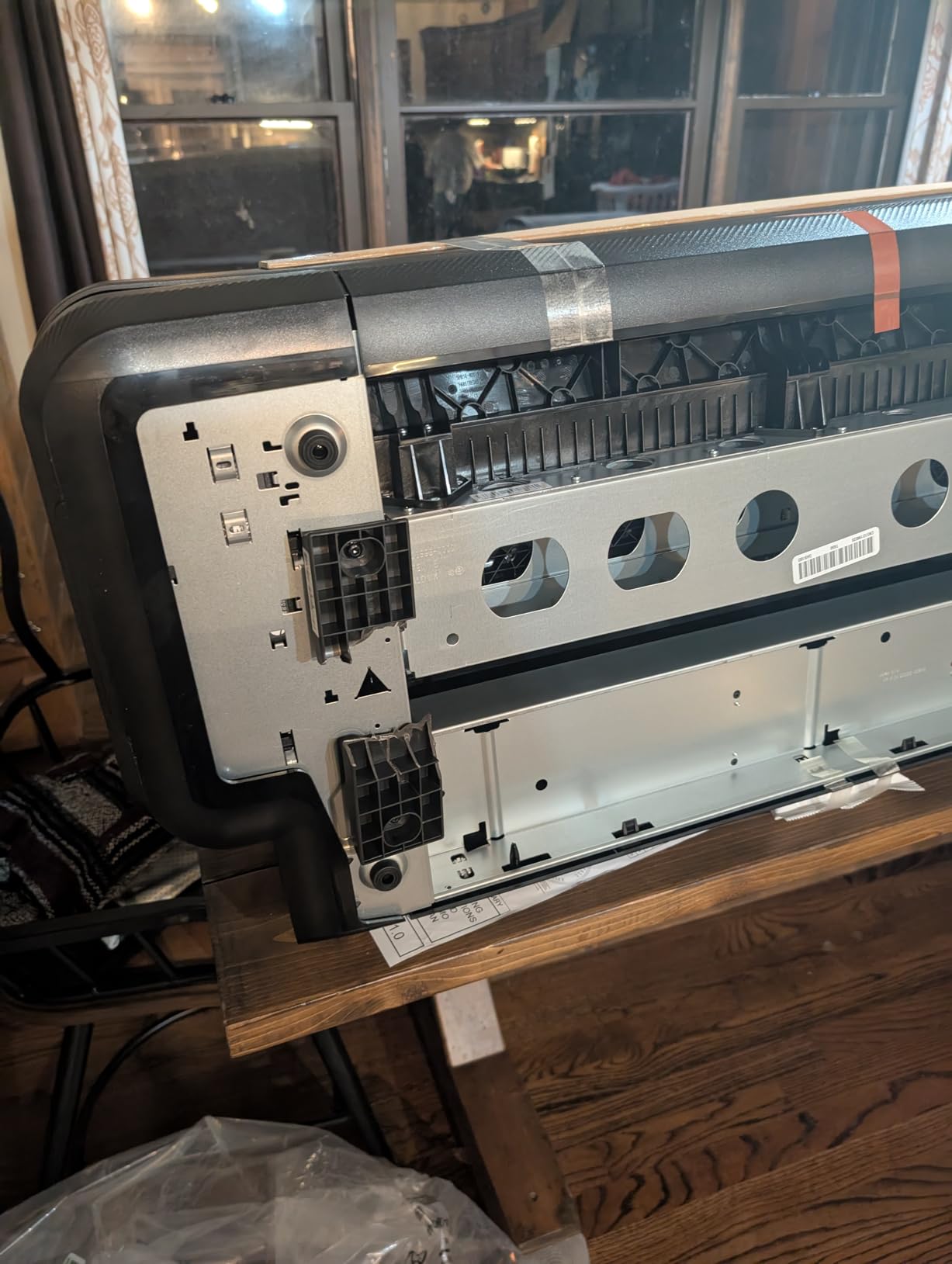
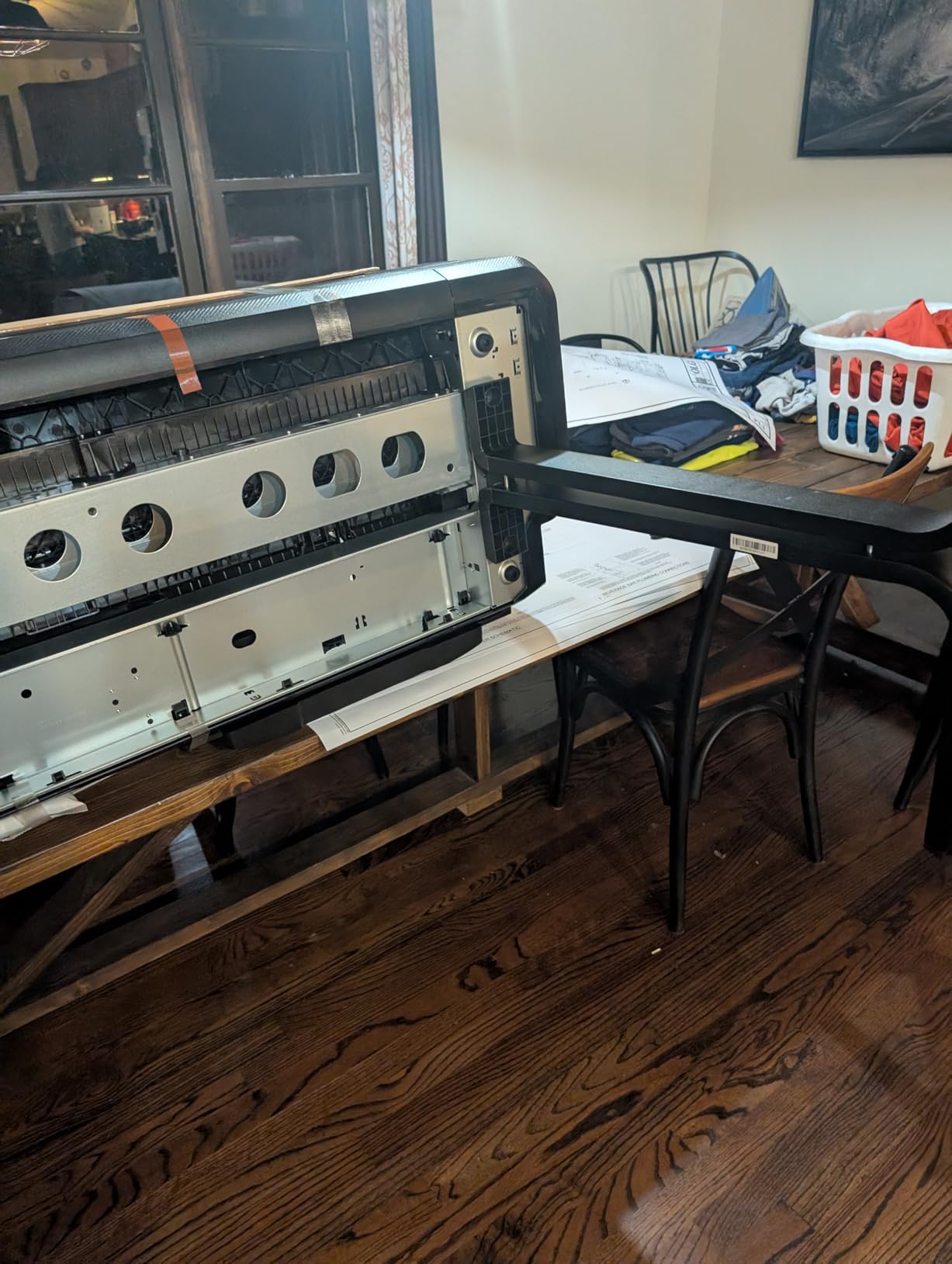
Ask about assembly hardware. At least one reviewer reports cheap plastic brackets in the chassis failing during assembly, which is exactly the kind of detail that is cheaper to fix on arrival than a month later. Inspect the machine before you sign for it.
This suits a firm that previously outsourced plan sets and now wants in-house production at volume, where the included two-year onsite support reduces the risk of committing to a thin review base. It suits a first-time 36-inch buyer less well.
Who should skip it
Skip it if your work is photographic or fine art. The water-based system is built for lines, renders, maps and signage, not tonal image quality. High-use owners also report heavy ink consumption and declining output on sustained small plan-set jobs.
Media compatibility is another constraint worth checking before you commit. It accepts genuine HP 712 cartridges, and some owners report that third-party media on 2-inch cores does not fit, which limits where you can buy your rolls.
8. Canon PRO 2100 – Best Fine Art Printer at 24 Inches
CANON PRO 2100 24 WIDE, FORMAT FINE ART PRINTER
24-inch roll output
Twelve LUCIA PRO channels
2400 x 1200 dpi
Prints from Photoshop directly
Pros
- Highest average rating in this group at 4.8 stars
- Flawless out-of-the-box color with deep blacks from 12 LUCIA PRO inks
- Handles fine art paper smoothly for gallery-quality prints
- Prints from Photoshop without separate RIP software
- Easy roll loading with a guided operator walkthrough
Cons
- LUCIA PRO ink refills are expensive
- Only small starter cartridges included so full sizes cost extra
- Layout software and color matching have a real learning curve
At 4.8 stars across 34 ratings with 89 percent five stars, this is the highest-rated machine in the roundup, and owners describe it in unusually consistent terms: accurate color, deep blacks, easy roll loading and gallery-quality 24-inch output. On r/CommercialPrinting, a user running this model in a 44-inch configuration is recommended unprompted, with other owners citing it as a model they trust.
The ink set is the differentiator. Twelve LUCIA PRO channels including Photo Black, Matte Black, two grays, Red, Blue and a Chroma Optimizer cover a tonal range that four- and six-color machines cannot, and the pigment formulation is what forum consensus points to for canvas and archival work.
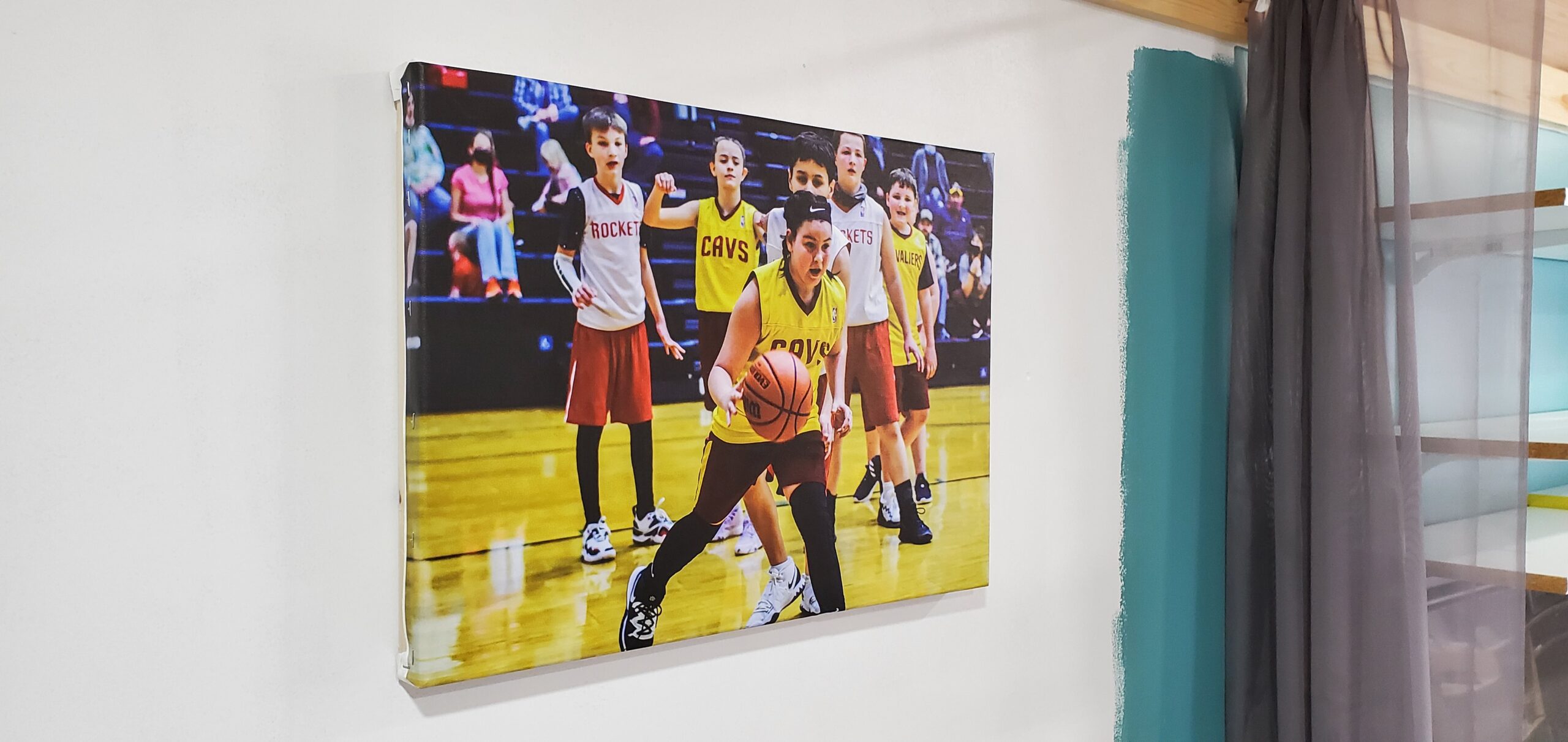
Another quiet advantage is workflow. It prints directly from Photoshop and other applications without a separate RIP, which removes a layer of setup and color management complexity for a photographer working alone.
What to plan for and who it suits
Budget for ink honestly. LUCIA PRO refills are the most expensive running cost of any machine here, and the unit ships with small starter cartridges only, so full-size cartridges are an immediate extra purchase. Each fill still lasts through many prints, which is how most owners justify it.
It suits fine art photographers, illustrators and small studios producing 24-inch exhibition prints on paper or canvas, particularly for anyone who wants to work straight from Photoshop. If you are a print service provider handling client files daily, that no-RIP workflow is worth real time.
Who should skip it
Skip it for CAD and technical line work. The T210 and the two 36-inch HP plotters exist for that, and a 12-channel photo head is not what a plan set needs. It is also print only, with no built-in scanner.
Expect a learning curve on color matching. Owners describe spending real time and numerous manual settings before output is consistently where they want it, and the layout software takes practice. If you need consistent color on the first attempt with no tuning, a spectrophotometer workflow is a better fit.
9. Canon imagePROGRAF TC-21M – Best 24-Inch Plotter With a Scanner
Canon imagePROGRAF TC-21M – 24″ Large Format Multifunction Printer
24-inch roll media
Flatbed scanner copier and cutter
Ink bottle tanks
2.7-inch touchscreen
Pros
- Combines a 24-inch plotter with scanner copier and cutter in one unit
- Much lower cost than 24-inch fine art models for plan and poster work
- Tank-based ink bottles keep running costs down
- Auto sheet feeder holds 100 letter or 50 sheets of 11x17
- USB flash drive port plus cloud print and scan
Cons
- Flatbed scanner is letter-size only and will not scan 24-inch media
- No save-roll function so custom sizes are set manually
- Intermittent paper feed error reported by some owners
The TC-21M is the pragmatic pick for a small business that wants 24-inch roll output plus copying and scanning without buying two machines. Owners describe it as an affordable all-in-one that consolidates plotter, sheet printer, cutter and scanner, with 75 percent five-star ratings across 21 ratings.
Ink bottles are the quiet strength. Tank-based supply keeps running costs down and the ink holds up under daily use, which is a different economics model from the cartridge-fed plotters elsewhere in this roundup.
Specification highlights include 24-inch roll media or A1 sheets, 16 ppm black and 8 ppm color, 2400 x 1200 dpi, a 100-sheet auto sheet feeder, and a tiltable 2.7-inch touchscreen. USB flash drive printing and cloud print and scan cut down on PC dependence for a shop floor environment.
The scanner caveat you must read
The built-in flatbed scans letter size only, 8.5 by 11, and will not scan 24-inch-wide originals. Several owners flag this as a mismatch they did not anticipate when they bought the unit, so treat it as the deciding specification rather than a footnote. You can print large and scan small, but not the reverse.
Other notes: there is no save-roll function, so custom sheet sizes must be defined manually, and a persistent paper-cannot-feed error on some machines requires roller cleaning. The body is also bulky, with owners noting it needs substantial floor or desk space.
Who should skip it
Skip it for fine art. Output uses a four-color ink set rather than the 12-ink channel arrangement of the PRO models, so tonal range is meaningfully lower. If the work is photographic or gallery-bound, the 24-inch Canon PRO 2100 is the correct machine.
It is a strong pick for a small office that plots house plans, makes retail posters, and needs occasional copying in the same footprint. If your originals are large-format drawings that need digitizing, this is the wrong tool and you need a separate wide-format scanner.
10. Brother INKvestment 6560 – Lowest Entry Cost 11×17 All-in-One
Brother INKvestment 6560 Wireless Color Inkjet All-in-One Printer with 11”x17” Capabilities and 2.7” Color Touchscreen | Includes Refresh Subscription Trial(1) (MFC-J6560DW)
11x17 ledger output
Print copy scan and fax
250-sheet tray
31 ppm black
Pros
- Lowest acquisition cost of any 11x17 option in this roundup
- Prints copies scans and faxes with automatic duplex and a 50-page ADF
- Fast at up to 31 ppm black and 30 ppm color
- 250-sheet tray and PerfectPrint auto detection system
- Wi-Fi Direct plus Google Drive Dropbox Box and OneDrive support
Cons
- ADF cannot duplex-scan two-sided pages at this feature level
- Several owners report network detection or printing failures
- LC506 cartridges cost more per page than tank systems
Entry price is the reason this machine is here, and reviewers say so plainly: it undercuts the Epson and Canon alternatives in the 11×17 category by a wide margin while still printing, copying, scanning and faxing in one unit.
It is also quick. Thirty-one pages per minute in black and thirty in color, with a 250-sheet tray, a 50-page single-sided ADF, automatic duplex on letter media, and a 2.7-inch color touchscreen with the Brother Mobile Connect app for remote control.
Connectivity is broad for the tier: Ethernet, USB, Wi-Fi and Wi-Fi Direct without a router, plus direct printing to and scanning from Google Drive, Dropbox, Box and OneDrive. Resolution runs up to 1200 x 4800 dpi.
What to verify and who it suits
Connectivity is the one area where a cluster of owners report trouble: units failing to detect networks, connect over WPS or Ethernet, or print at all. If your office network is complex, set aside time for network configuration and confirm your IT has the credentials to join it.
It suits a small business or a home office that needs ledger-size documents, posters, work orders and occasional photo prints without a large outlay. The Brother PerfectPrint auto detection system helps hold quality consistent across mixed media.
Who should skip it
Skip it if you scan a lot of two-sided paper. The ADF does not duplex-scan at this feature level, and for a document-heavy office that limitation shows up quickly. It is also a two-person lift at 44.1 pounds and considerably bulkier than a typical home printer.
Running cost is the other caution. LC506 cartridges are costlier per page than tank-based systems, and some owners report ink depleting quickly on heat transfers and stickers. For high-volume color work, one of the tank-fed machines will be cheaper over time despite a higher entry price.
How to Choose a Large Format Printer
Most wrong purchases in this category come from choosing on width alone. Width sets the ceiling on what you can make, but ink supply, ink type and service support determine what the machine costs you every year after that. Here is the sequence we would use.
1. Start with the widest output you actually need. A 13×19 sheet is 13 by 19 inches. An 11×17 sheet is smaller, and a 24-inch or 36-inch roll is a different class of machine entirely. Choose the smallest width that covers your largest regular job, because every step up in width adds cost, footprint and ink consumption. If you are unsure, measure your last three projects rather than the one you hope to do next.
2. Decide between dye and pigment ink. Dye inks give vivid color and a low cost per print, which suits photos and everyday color documents. Pigment inks resist water and fading, which is why forum consensus consistently recommends pigment for canvas and archival fine art. Choose on the destination of the print, not on the spec sheet.
3. Choose the ink supply format before anything else. Cartridges, refillable tanks and bulk systems behave very differently over three years. A cartridge machine is cheaper to buy and more expensive to run; a tank machine reverses that. Forum buyers are blunt about this, and cartridge chip failures that waste part of an expensive cartridge are a recurring complaint.
4. Match the machine to your real print volume. A monthly duty cycle and pages per minute tell you more than peak speed claims. Desktop all-in-ones in this roundup handle documents comfortably. Plotters handle plan sets. Neither substitutes for the other, and a photo printer pushed into daily signage will frustrate you long before it fails.
5. Check the media handling you will live with. Dedicated wide trays, automatic sheet and roll switching, take-up reels, and horizontal cutters determine how much operator time each job costs. The rear-feeder-only designs here are cheaper and perfectly fine at low volume. They are not fine at high volume.
6. Factor in room and environment before you commit. These machines are large, and some are very heavy. Keep the room between roughly 68 and 77 degrees Fahrenheit and 35 to 65 percent relative humidity, which is the range manufacturers specify for reliable ink behavior. Ventilation needs vary by ink technology: solvent and eco-solvent machines need air handling, while desktop inkjets are fine in a normal office. If you are working from a camera background or a media-focused practice, the medium format camera guides cover the rest of the gear chain around the print.
7. Look at support and parts availability, not just the warranty. A one-year warranty is standard. What matters is whether parts and trained technicians will exist in five years. Canon in particular is praised on r/CommercialPrinting for end-of-life parts availability, which is a real advantage for a high-ticket machine. Buyers who regret expensive equipment tend to regret the support arrangement, not the purchase.
One question that comes up constantly in forums is whether moving from a 13×19 desktop unit to a 36-inch plotter is worth it. The honest answer is that it only makes sense once you are routinely hitting the size limit and outsourcing the overflow. Until then, the cost per print on a tank-fed desktop machine is hard to beat.
Used and refurbished machines are a genuine option at the 24-inch and 36-inch tiers, where depreciation is steep. Insist on a print sample from the actual unit, a printhead condition check, and a test of every function you depend on. A machine that has been maintained carefully is a reasonable buy; one sold to avoid a printhead repair is not.
Frequently Asked Questions
What is the best large format printer for home use?
The Epson EcoTank Photo ET-8550 is the strongest all-round home choice, printing borderless 13×19 sheets with six-color dye ink and a refillable tank supply. The Epson ET-15000 is the better pick for 11×17 documents and posters, and the Brother INKvestment 6560 has the lowest entry cost of the group.
What is considered a large format printer?
A large format printer is any printer that outputs on media wider than about 13 inches, or 33 cm. That includes 11×17 and 13×19 desktop all-in-ones, 17-inch and 24-inch fine art machines, and roll-fed plotters from 36 inches up to 44 inches and beyond for signage and plan sets.
Which printer has the least amount of problems?
Tank-fed desktop machines like the Epson ET-8550 and ET-15000 have the largest review bases here and the fewest recurring hardware complaints. The machines with the most reported issues are the higher-ticket 36-inch HP plotters, where owners mention printhead failures, machines that would not print at all, and brittle assembly hardware.
Why is printer ink so ridiculously expensive?
The price of printer ink is largely a function of supply format rather than volume. Cartridge-based machines price ink per small cartridge, and forum users report wasting part of a cartridge when the chip fails. Refillable tank systems shift the cost into larger bottles that cost far less per millilitre, which is why running-cost buyers gravitate to them.
How long does a large format printhead last?
Printhead lifespan varies with ink type, duty cycle and how often you run cleaning cycles. Piezo heads used in pigment and solvent machines tend to outlast thermal heads, but they also carry higher replacement costs when they do fail. The most common cause of early failure is allowing a machine to sit partly full and unused, so regular use and scheduled maintenance cycles matter more than the headline lifespan figure.
Which Large Format Printer Should You Buy?
For home and hobbyist use, the Epson EcoTank Photo ET-8550 is the pick, because borderless 13×19 photos and a scanner in one body is the combination most people actually want. If your work is documents rather than photographs, the ET-15000 gives you 11×17, a 250-sheet tray and a document feeder for less money again.
For plans and technical drawings, the HP DesignJet T210 at 24 inches is the efficient step up, while the 36-inch T650 and T630 cover firms that plot at full plan-set size. For fine art and photography, the Canon PRO 2100 at 24 inches and the Canon PRO-4100 at 44 inches are the two serious pigment options, and the TC-21M is the value option when you need scanning alongside plotting.
Whichever tier you land in, the running cost will matter more than the purchase price over a few years. Check the ink supply format first, then confirm the widest media you actually need, then read the reviews for the specific failure modes of that model. That is the order we would follow, and it is why these ten remain the ones we would put on a shortlist in 2026.