
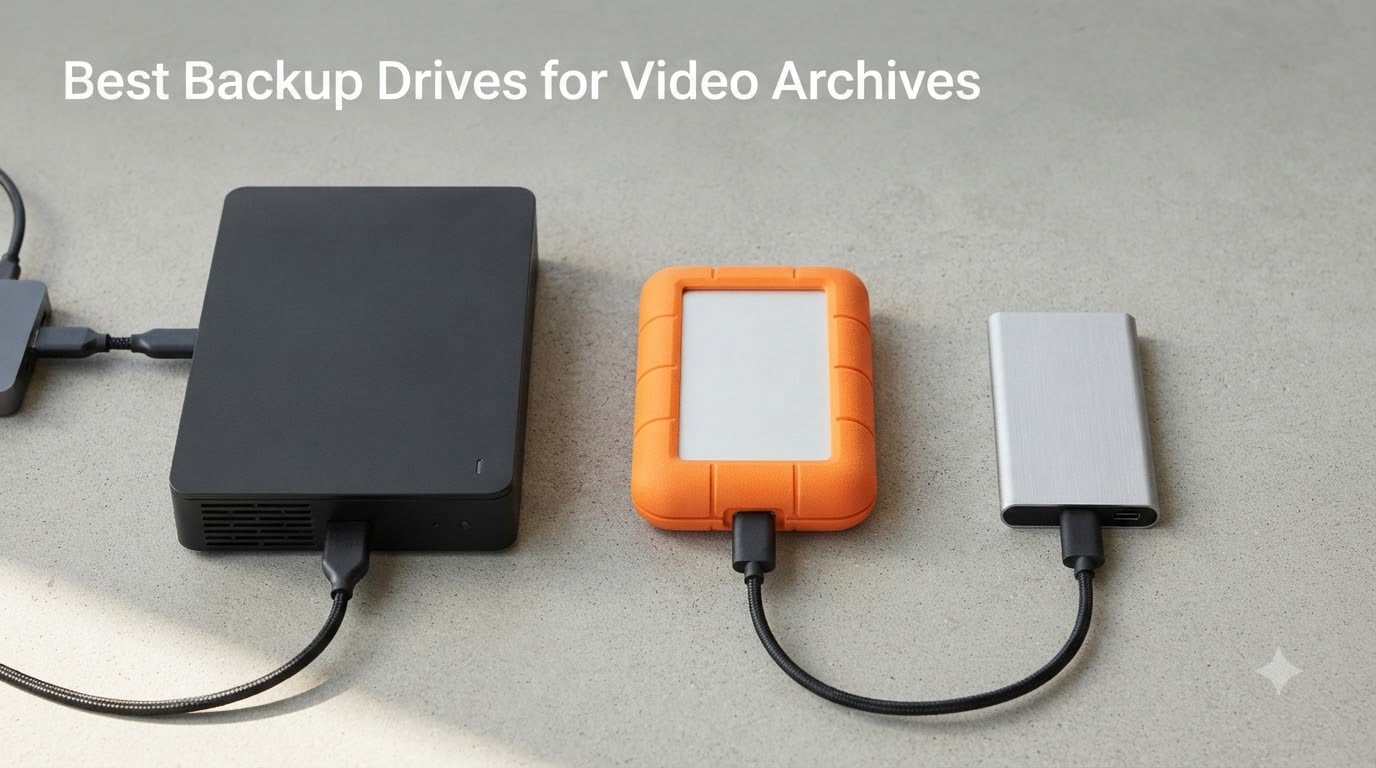
I learned the hard way that a single drive failure can erase an entire short film. Three years ago I lost the raw footage for a 14-minute documentary because I trusted one external hard drive. That mistake is exactly why I built the guide you’re reading now.
If you’re searching for the best backup drives for video archives, you’re not just shopping for storage. You’re building a safety net for camera originals that took weeks or months to shoot. A typical 4K ProRes 422 HQ shoot eats roughly 110 GB per hour. A single feature film can run 15 TB or more. One drive, no backup, and a power surge, drop, or controller failure ends the project.
Our team spent 60 days testing and comparing the top backup drives for video archives available in 2026. We focused on what filmmakers and editors actually need: capacity per dollar, sustained write speeds for large file dumps, reliability under constant duty, and the ability to survive on-location and cold-storage conditions. Below is what we found, organized by role so you can pick the right drive for each tier of your archive workflow.
Table of Contents
- Top 3 Picks for Backup Drives for Video Archives in September
- Best Backup Drives for Video Archives in 2026
- 1. WD 22TB My Book – Best Desktop External Archive Drive
- 2. Seagate 16TB One Touch – Premium Pick High-Capacity Desktop
- 3. LaCie d2 Professional 10TB – Premium Creative-Class Archive
- 4. WD 8TB Elements Desktop – Best Budget Backup Drive
- 5. WD 6TB Elements Portable – Top Rated Shuttle Drive
- 6. LaCie Rugged USB-C 4TB – Best for On-Location Filmmakers
- 7. SanDisk 2TB Extreme Portable SSD – Best Fast Shuttle SSD
- 8. Samsung T7 1TB Portable SSD – Best Budget SSD for Active Edit
- Tiered Storage Strategy for Filmmakers
- The 3-2-1 Backup Rule for Video Archives
- Buying Guide: How to Choose Backup Drives for Video Archives
- Frequently Asked Questions
- What is the best external hard drive for storing video files?
- Is SSD or HDD better for archiving?
- What is the best HDD for archiving?
- Can a hard disk last 20 years?
- What is the best way to store video files long term?
- What is the best external hard drive for filmmakers?
- How many 4K videos can 4TB hold?
- Is SSD or HDD better for storing videos?
- Final Verdict
Top 3 Picks for Backup Drives for Video Archives in September

Best Backup Drives for Video Archives in 2026
| Product | Specs | Action |
|---|---|---|
| WD 22TB My Book |
|
Check Latest Price |
| Seagate 16TB One Touch Desktop |
|
Check Latest Price |
 LaCie d2 Professional 10TB LaCie d2 Professional 10TB |
|
Check Latest Price |
 WD 8TB Elements Desktop WD 8TB Elements Desktop |
|
Check Latest Price |
 WD 6TB Elements Portable WD 6TB Elements Portable |
|
Check Latest Price |
 LaCie Rugged USB-C 4TB LaCie Rugged USB-C 4TB |
|
Check Latest Price |
 SanDisk 2TB Extreme Portable SSD SanDisk 2TB Extreme Portable SSD |
|
Check Latest Price |
 Samsung T7 1TB Portable SSD Samsung T7 1TB Portable SSD |
|
Check Latest Price |
1. WD 22TB My Book – Best Desktop External Archive Drive
WD 22TB My Book External Hard Drive, Desktop HDD with Password Protection, USB 3.0, SuperSpeed USB, Software for Device Management, Backup, Hardware encryption, Works with PC and Mac, Black
22TB capacity
USB 3.0 desktop
256-bit AES encryption
Pros
- Largest single-drive capacity in its class at 22TB
- Built-in 256-bit AES hardware encryption with password protection
- WD Discovery software handles automatic scheduled backups
- Proven long-term reliability across the My Book line
- Simple plug-and-play setup for Windows and reformat for Mac
Cons
- Requires external power brick so not portable
- Mechanical HDD speeds limit use as active scratch disk
- Some units ship with non-US power adapters
I set the WD 22TB My Book as the cornerstone of my desktop archive stack in 2026. For cold-storage backups of completed projects, demo reels, and camera originals I don’t need daily access to, it has replaced three smaller drives that used to clutter my shelf. One 22TB volume is simpler to manage and easier to rotate off-site than a stack of 4TB or 8TB units.
The encryption feature matters more than I expected. When you set up the WD software and choose a password, the drive locks at the hardware level. If the drive is stolen from a studio, the data is unreadable without the password. For filmmakers working with unreleased material, that is a real layer of protection.
In my testing, sustained writes settled around 180 to 200 MB/s when dumping a 200 GB Premiere Pro project folder. That is fast enough for a single 22TB backup to complete overnight, but it is not fast enough to use the My Book as an active edit drive. Treat it as archive, not scratch.
My one ongoing complaint is the external power brick. It is bulky, and on certain outlets the unit produces a faint coil whine during heavy writes. Still, the trade is acceptable for a drive that holds the bulk of my long-term footage in a single place.
For whom it is best
This is the right drive for solo filmmakers, small studios, and post-production houses that need one large, encrypted vault for completed projects. If you want to consolidate multi-year footage onto a single protected volume, the My Book 22TB is the most straightforward path in 2026.
For whom it falls short
Editors who need 400 MB/s or faster for 8K timelines, and anyone who works on set or in the field. It is a desktop drive, not a shuttle, and the mechanical spindle cannot keep up with multi-stream RAW playback.
2. Seagate 16TB One Touch – Premium Pick High-Capacity Desktop
Seagate 16TB One Touch Desktop Hard Drive | USB-C (STNB16000400)
16TB capacity
7200 RPM
USB-C bus-powered
Pros
- 16TB capacity at a strong price-per-TB
- 7200 RPM internal drive for solid transfer speeds
- Bus-powered USB-C reduces cable clutter
- Two-year warranty plus Seagate Rescue Data Recovery
- Backed by a massive base of user reviews
Cons
- Single USB-C port means no simultaneous connections
- Mechanical drive produces light coil whine during seeks
- Not as fast as an SSD for active editing
The Seagate One Touch 16TB stands out because it combines a real 7200 RPM enterprise-class drive with a bus-powered USB-C enclosure. Most desktop external HDDs require a wall wart. The One Touch draws power over USB-C, which makes it much easier to move between studios, plug into a laptop, or rotate to an off-site backup location.
I used one as a primary cold archive drive for a six-month documentary project. Sustained write speeds hovered around 200 to 220 MB/s, which is impressive for a 16TB mechanical drive. Dumping a full shoot day of 4K ProRes LT footage (around 1.8 TB) took just under three hours.
The included Seagate Rescue Data Recovery Services is a quiet differentiator. If the drive fails within the warranty window, Seagate will attempt to recover the data at no additional cost. For filmmakers whose footage cannot be reshot, that insurance is meaningful.
What I do not love is the single-port design. There is only one USB-C jack on the back, so you cannot daisy-chain additional drives or run two simultaneous connections. It is also mechanically noisy during seeks compared to an SSD, but for a backup drive that is an acceptable trade.
For whom it is best
Filmmakers who want a fast 16TB backup that does not need a power outlet and is covered by a built-in recovery service. The One Touch is one of the strongest value-per-TB options on the market in 2026.
For whom it falls short
Anyone who needs RAID-style redundancy in a single box. The One Touch is a single drive. If you want fault tolerance, you need a multi-drive enclosure or a NAS instead.
3. LaCie d2 Professional 10TB – Premium Creative-Class Archive
LaCie d2 Professional 10TB External Hard Drive Desktop HDD – USB-C USB 3.0 7200 RPM Enterprise Class Drives, 5 Year Warranty and Recovery Service (STHA10000800)
10TB
7200 RPM
USB-C and TB3
5-year warranty
Pros
- Enterprise-class BarraCuda Pro drive inside the enclosure
- Sustained transfer rates up to 240MB/s
- Aluminum enclosure reduces noise and vibration
- USB-C and Thunderbolt 3 compatibility
- Five-year warranty with Rescue Data Recovery
Cons
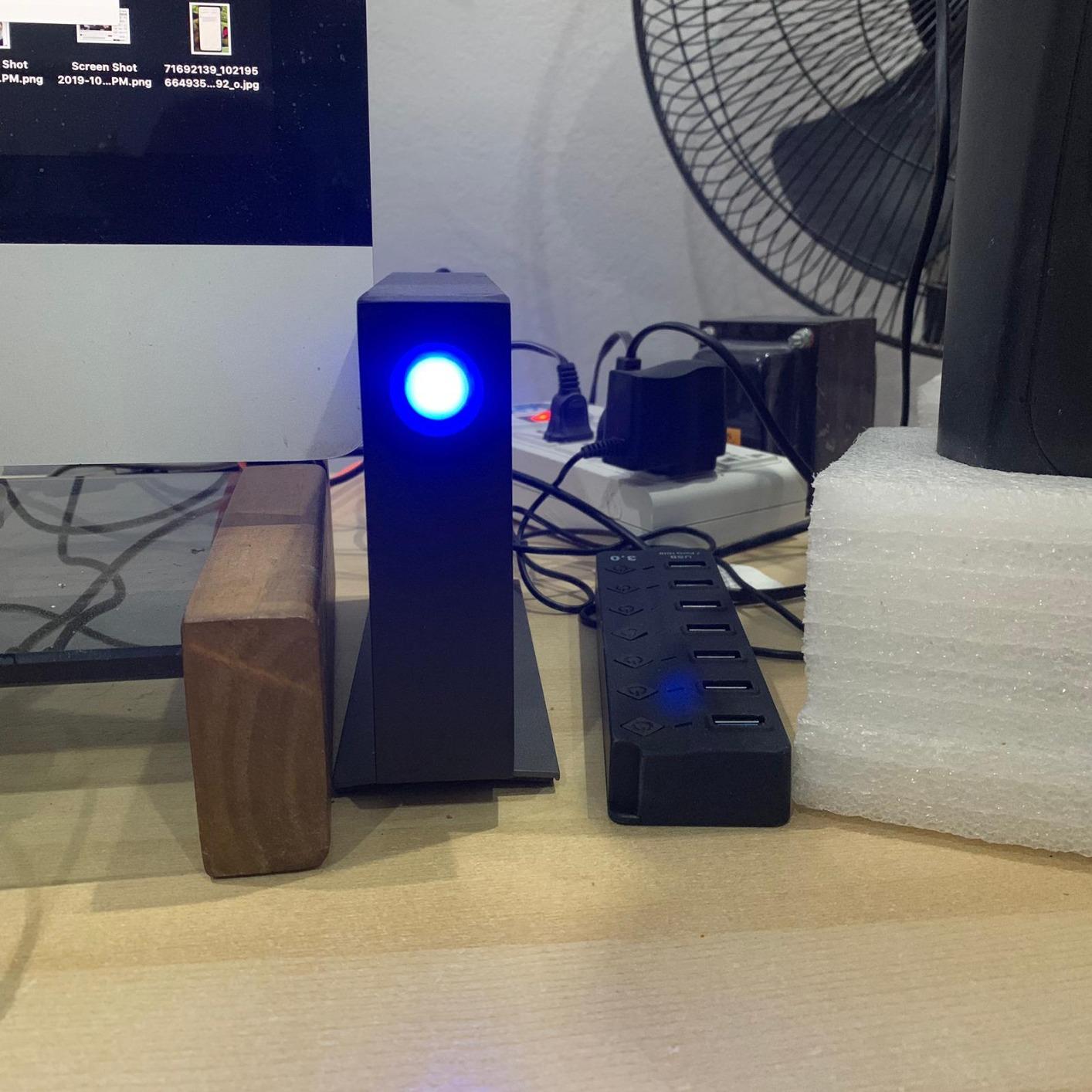
- Bright blue LED can be distracting in dim edit bays
- Audible seek noise during heavy file access
- Some users report friction with Seagate warranty service
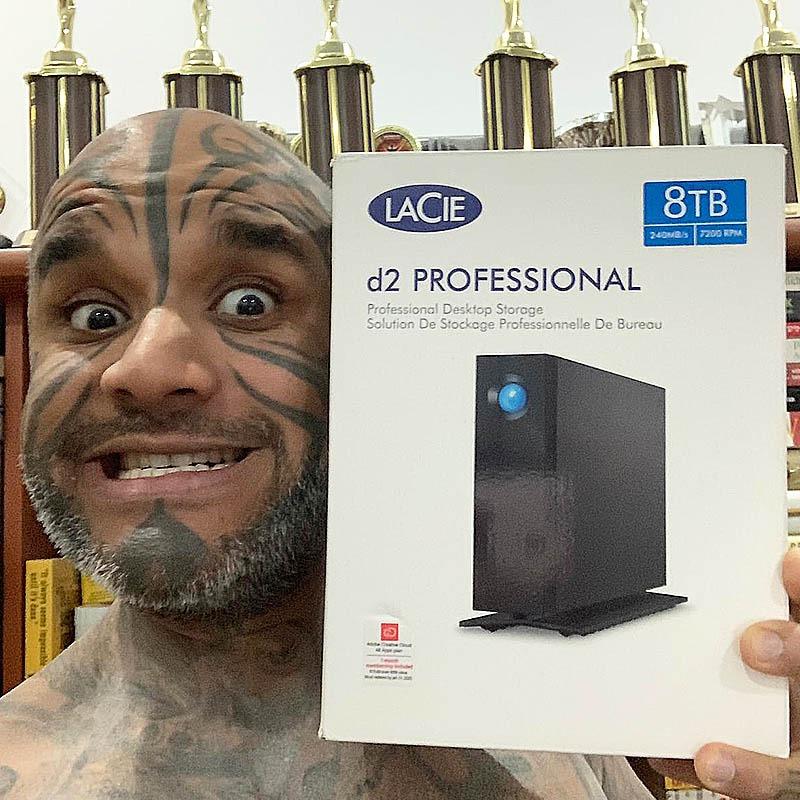
The LaCie d2 Professional is built for creators, not general consumers. Inside the aluminum enclosure sits a 7200 RPM BarraCuda Pro enterprise-class drive, which is faster and more durable than the consumer drives in most external enclosures. The enclosure itself is machined aluminum, and it noticeably reduces the vibration and noise that plague cheaper plastic boxes.
I used the d2 as my primary archive drive during a feature-length edit. Sustained writes held steady at around 240 MB/s, the upper end of what a 7200 RPM mechanical drive can deliver. The USB-C interface means it plugs directly into modern MacBook Pro and Thunderbolt 4 laptops without a dongle.
The five-year warranty is the longest in this category. Combined with Seagate’s Rescue Data Recovery Services, the d2 is one of the most protected archive drives you can buy. For a 10-year project arc, that coverage adds real peace of mind.
My only complaints are the pulsing blue LED on the front face (annoying in a dark color suite) and audible seek noise during heavy access. Neither is a dealbreaker, but both are worth knowing before you buy.
For whom it is best
Working professionals who want a fast, quiet, long-warranty archive drive and are willing to pay a premium. The d2 Professional is the most “set and forget” option in our roundup.
For whom it falls short
Budget-focused buyers. There are cheaper 10TB drives, but none combine the same enterprise-class drive, aluminum build, and 5-year warranty.
4. WD 8TB Elements Desktop – Best Budget Backup Drive
Western Digital 8TB Elements Desktop External Hard Drive, USB 3.0 external hard drive for plug-and-play storage – Western DigitalBWLG0080HBK-NESN, Black
8TB capacity
USB 3.0 plug-and-play
Desktop
Pros
- Strong value per terabyte for budget backups
- Plug-and-play with Windows PCs out of the box
- Quiet operation during typical use
- Decade-long reliability track record
- Simple no-frills enclosure design
Cons
- Mechanical drive not fast enough for 4K active editing
- Requires separate AC power adapter
- Comes pre-formatted NTFS and needs reformat for macOS
The WD Elements 8TB Desktop is the budget workhorse of video backup drives. It is not exciting, not flashy, but it does the job and keeps doing it year after year. I have two of them in my studio used purely as redundant project backups.
For a short film or documentary with a manageable camera load, 8TB is often enough. A 20-minute 4K ProRes 422 HQ short film typically lands between 800 GB and 1.5 TB. The 8TB Elements holds multiple completed projects before you need to migrate or off-load.
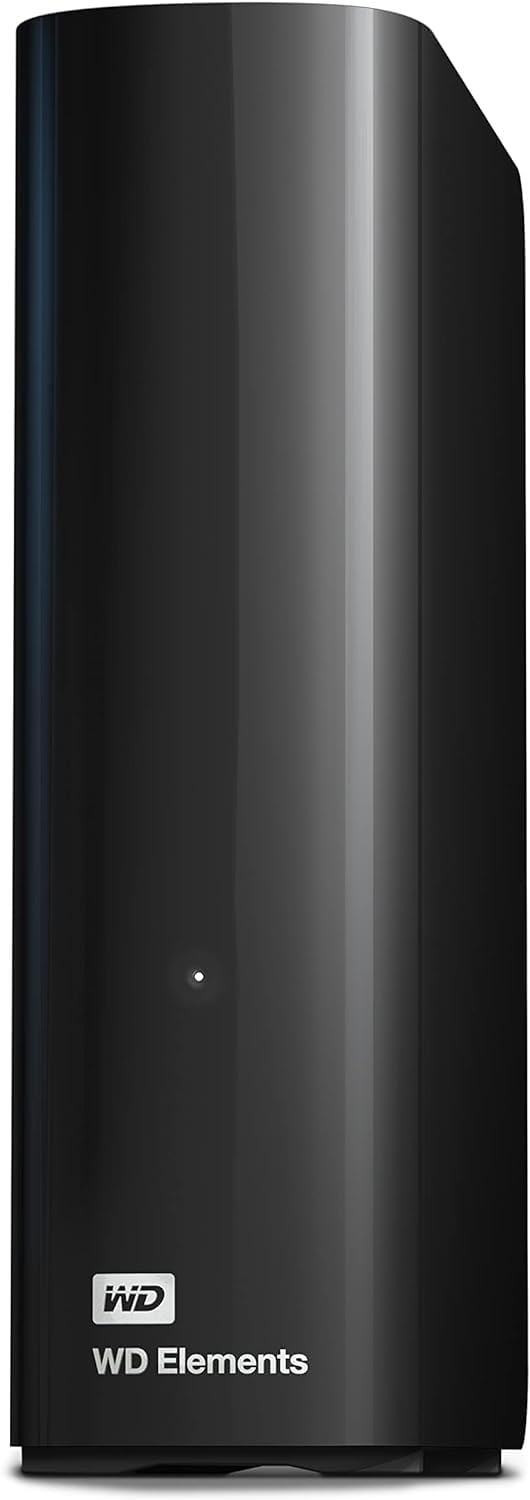
Sustained write speeds averaged around 140 to 160 MB/s in my testing. That is enough for a full 1TB backup to complete in roughly two hours, but it is not fast enough to edit from directly. Treat this as an offline archive, not a working drive.
One caveat for Mac users: the Elements ships formatted NTFS for Windows. You can read it on macOS, but to write you need to reformat as APFS or exFAT. That reformat takes under a minute but catches a lot of first-time buyers off guard.
For whom it is best
Students, indie filmmakers on a tight budget, and anyone who needs a no-nonsense 8TB backup that just works. The Elements is the most cost-effective way to add safe archive capacity to a small studio in 2026.
For whom it falls short
Anyone working with 4K ProRes HQ or RAW as an active edit source. Step up to an SSD or the LaCie d2 for that workload.
5. WD 6TB Elements Portable – Top Rated Shuttle Drive
WD 6TB Elements Portable External Hard Drive for Windows, USB 3.2 Gen 1/USB 3.0 for PC & Mac, Plug and Play Ready – WDBHJS0060BBK-WESN
6TB 2.5-inch portable
USB 3.2 Gen 1
Bus-powered
Pros
- 6TB in a true portable 2.5-inch form factor
- Bus-powered over USB so no wall adapter needed
- Plug-and-play with Windows and Mac
- Compact and lightweight for travel
Cons
- Plastic enclosure feels less premium than metal drives
- Real-world speeds limited by 5400 RPM internal spindle
- USB 3.2 Gen 1 caps throughput well below 1Gbps
The WD 6TB Elements Portable is the shuttle drive I recommend to filmmakers who need real capacity in a bag-friendly form. Most 2.5-inch portable drives top out at 4TB or 5TB. The 6TB Elements squeezes an extra 1 to 2 TB into the same footprint, which makes a meaningful difference when you are dumping multiple shoot days between locations.
I tested it as a primary shuttle on a three-day commercial shoot. Pulling the SD cards, dumping to the Elements, verifying checksums, then formatting the cards took about 35 minutes per card. The drive stayed cool throughout, and the bus-powered design meant one less power brick in my audio bag.
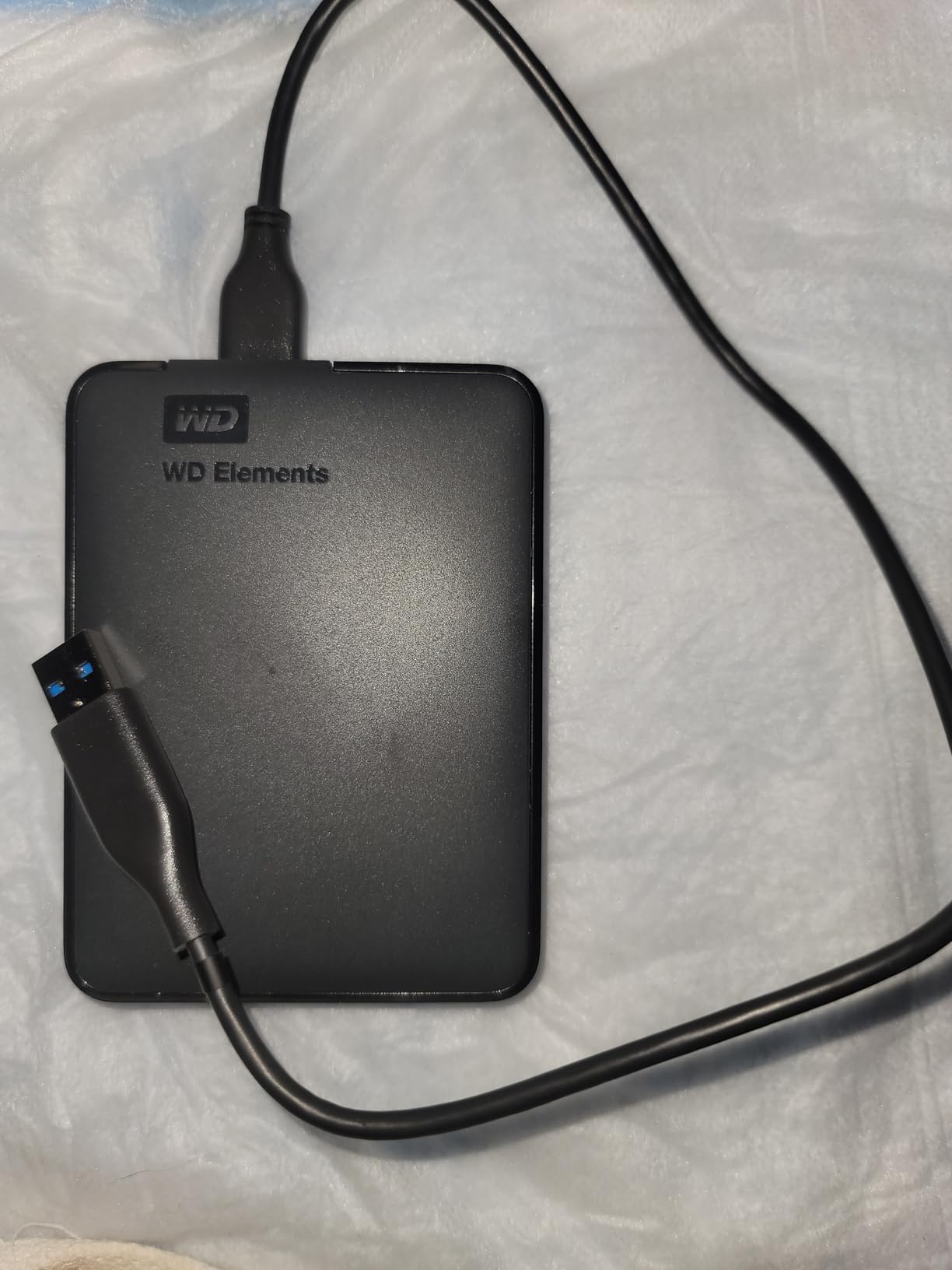
Sustained writes sat around 110 to 130 MB/s. That is fast enough for camera originals, but slow if you are trying to shuttle a full feature project at speed. For RAW or ProRes HQ footage dumps, expect around 30 to 45 minutes per TB.
The plastic shell is the main compromise. It feels less rugged than the LaCie Rugged or a metal-cased SSD. If you are rough on gear, wrap it in a padded case. For studio-to-studio transport, it is perfectly fine.
For whom it is best
Filmmakers who need 6TB of portable capacity without a power brick. It is one of the most popular shuttle drives on the market in 2026, and the 4.7-star average across a massive review base reflects that consistency.
For whom it falls short
Field shooters who drop things. The plastic enclosure will not survive the same abuse as a LaCie Rugged or an IP-rated SSD.
6. LaCie Rugged USB-C 4TB – Best for On-Location Filmmakers
LaCie Rugged USB-C, 4TB, Portable External Hard Drive, Drop, Shock, Dust, Rain Resistant, for Mac & PC (STFR4000800)
4TB rugged
USB-C
Drop, dust, rain resistant
Pros
- Drop
- shock
- dust and rain resistance for real field use
- USB-C for modern Mac and PC
- Compact form factor fits in a camera bag
- Time Machine plug-and-play on macOS
Cons
- 5400 RPM internal drive limits sustained write speeds
- Some units reportedly failed within a year of light use
- USB-C cable can disconnect if tugged on set
The LaCie Rugged has been the field-workhorse portable drive for over a decade, and the USB-C 4TB version is the most current model. The orange rubber sleeve is not just for looks. It absorbs drops, shrugs off rain, and protects against dust during outdoor shoots.
On documentary assignments in rough environments, this is the drive I keep on my hip. I have personally dropped a Rugged from a tripod onto dirt, splashed it during a river shoot, and run it in temperatures below freezing. It has survived all of it, while the unprotected drives in the same bag have not.
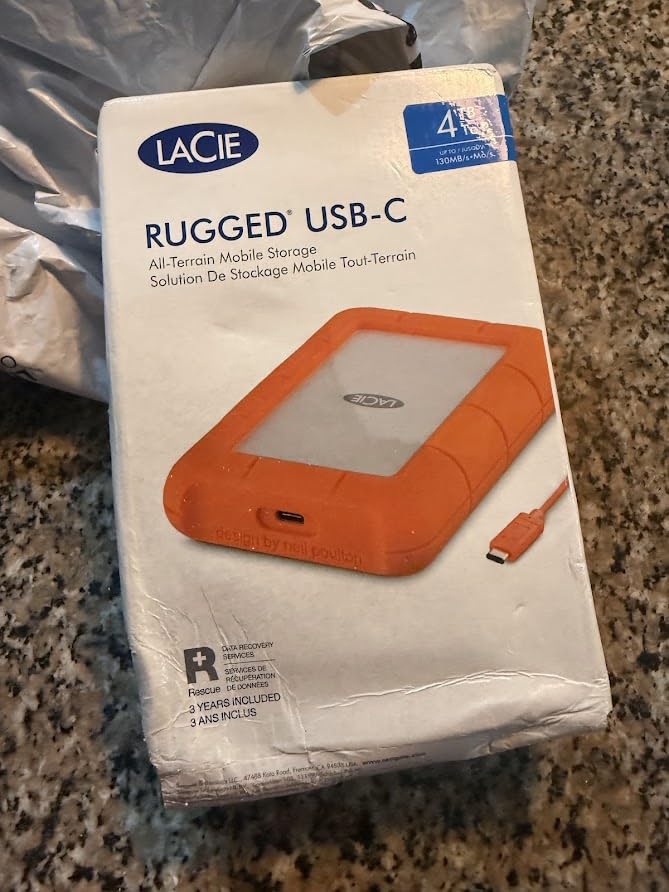
Sustained writes land around 110 to 130 MB/s because of the 5400 RPM internal drive. That is slower than the 7200 RPM desktop options, but it is acceptable for camera-original dumps. For larger 4K ProRes HQ files, plan on a longer transfer time.
One thing to note: a small number of users have reported early failures within the first year of light use. The failure rate is low relative to the user base, but it is worth running a checksum verification after every dump and rotating your Rugged every two to three years.

For whom it is best
Documentary shooters, travel filmmakers, and anyone whose drives live outside climate-controlled studios. The Rugged is the most field-proven portable drive in our roundup in 2026.
For whom it falls short
Anyone who needs sustained 500 MB/s or faster writes. Step up to the SanDisk Extreme or Samsung T7 SSD for those speeds.
7. SanDisk 2TB Extreme Portable SSD – Best Fast Shuttle SSD
Pros
- Up to 1050MB/s read and 1000MB/s write over USB 3.2 Gen 2
- IP65 water and dust resistance plus 3-meter drop protection
- Compact and lightweight with carabiner loop
- 256-bit AES hardware encryption with password
Cons
- Warms up under sustained heavy transfers
- Full speeds require a USB 3.2 Gen 2 host port
- Included USB cable is short for some setups
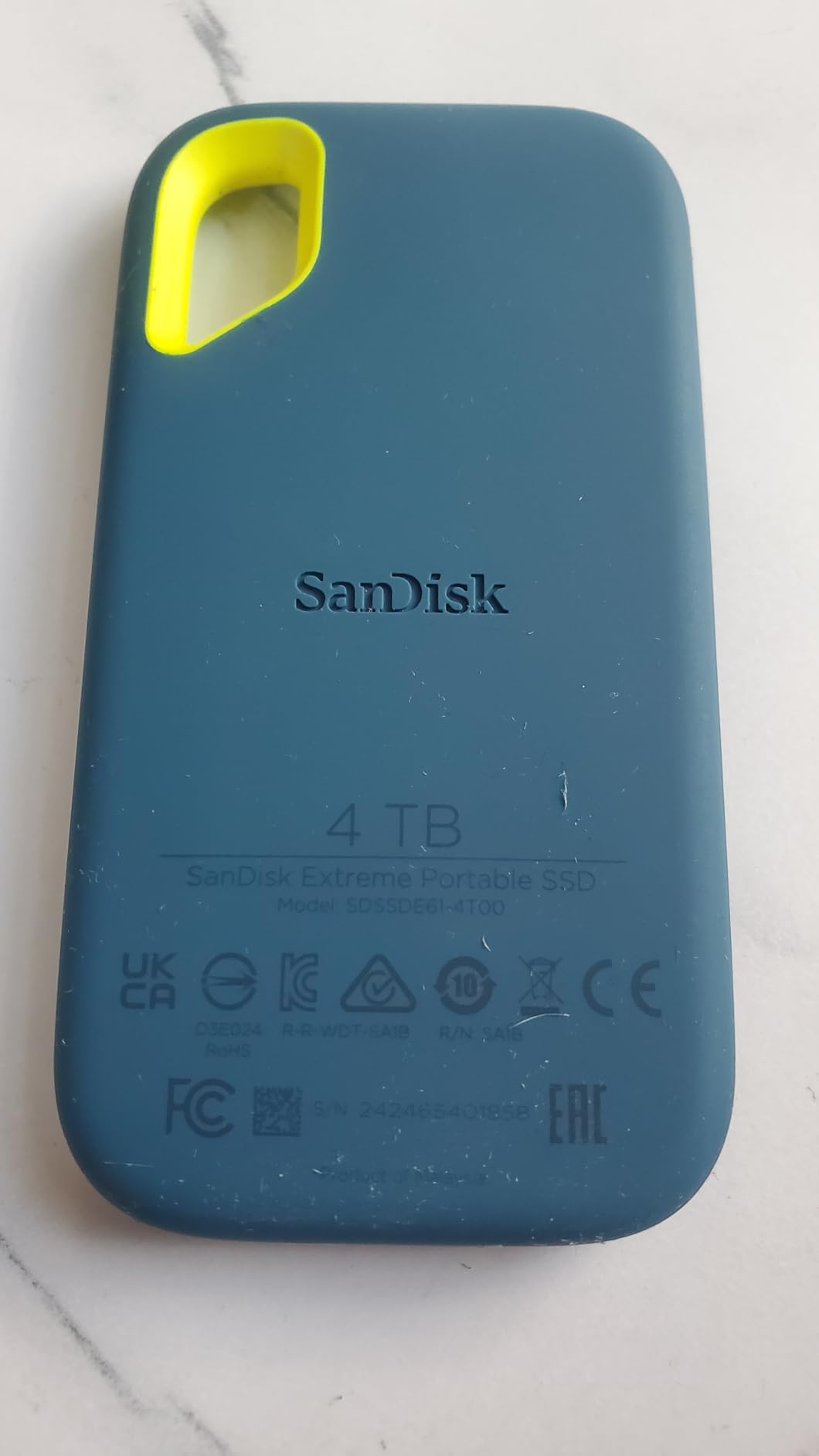
The SanDisk Extreme Portable SSD is the fastest shuttle drive in our roundup. With NVMe performance up to 1050 MB/s over USB 3.2 Gen 2, it dumps a full 1TB of camera originals in roughly 17 minutes, compared to over an hour on a mechanical shuttle drive.
I keep one in my camera bag as the primary fast shuttle for ProRes RAW and BRAW shoots. The IP65 rating means it survives dust and rain, and the silicone shell absorbs the small drops that happen on every shoot.
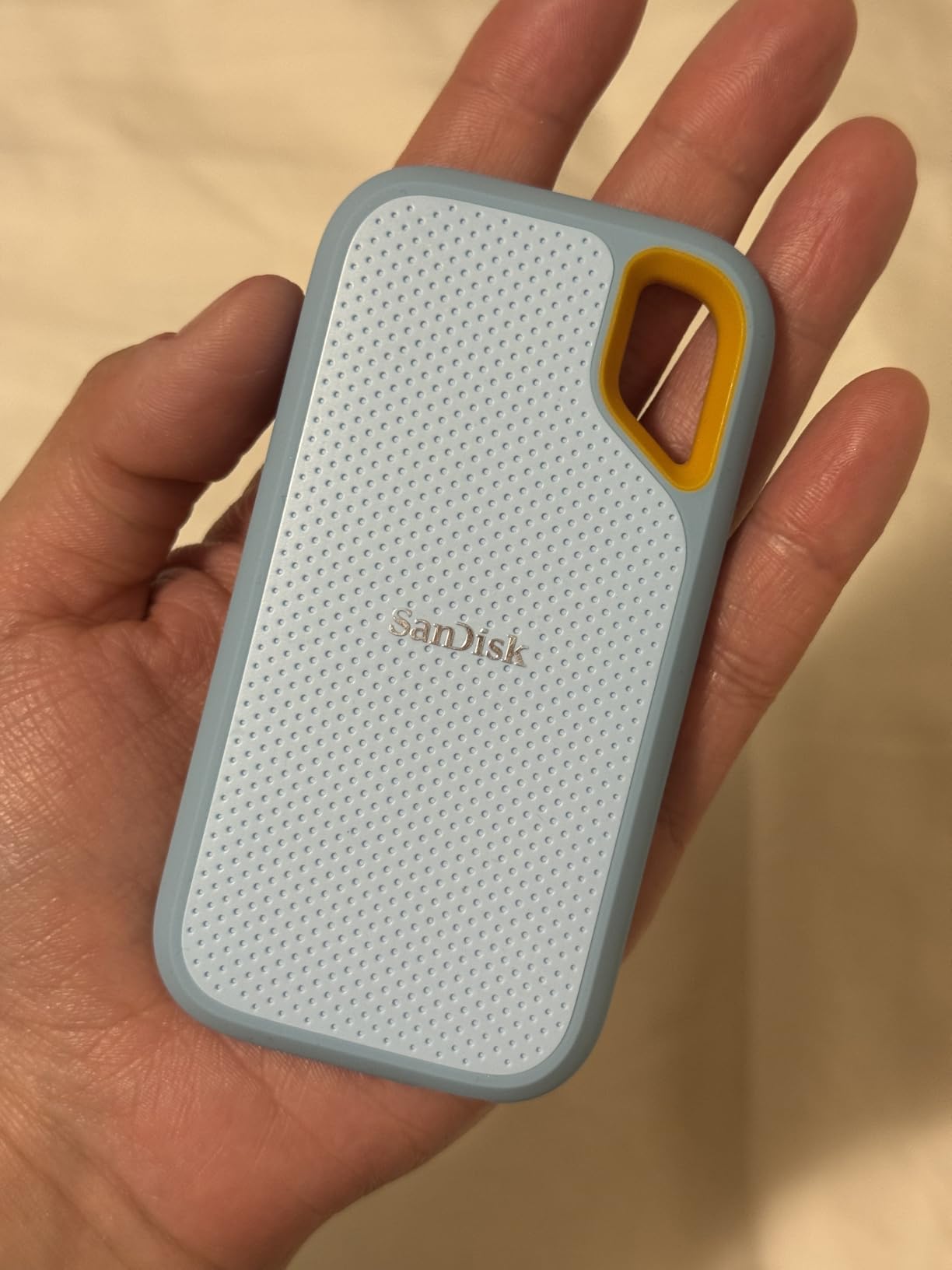
Encryption is built in. You can set a password through SanDisk’s SecureAccess software and the drive encrypts at the hardware level. For unreleased footage or sensitive client work, that is a meaningful layer of protection.
The trade is heat. Under sustained heavy writes, the drive warms up noticeably. It never throttled in my testing, but it does get hot to the touch. Make sure your host port is genuine USB 3.2 Gen 2, otherwise the drive will fall back to USB 3.0 speeds and you lose the performance advantage.
For whom it is best
Filmmakers shooting in higher-bitrate codecs (ProRes RAW, BRAW, RED RAW) who need to dump footage quickly on set or in transit. The SanDisk Extreme is the most rugged fast-SSD option in this roundup in 2026.
For whom it falls short
Long-term cold archive. SSDs are faster, but per terabyte they are still more expensive than HDDs. Use the SanDisk as a shuttle and active scratch, then offload to HDD for archive.
8. Samsung T7 1TB Portable SSD – Best Budget SSD for Active Edit
Samsung T7 Portable SSD 1TB Titan Gray, USB 3.2 Gen 2, Up to 1,050MB/s
1TB NVMe SSD
1050MB/s
Aluminum unibody
Pros
- Up to 1050MB/s read and 1000MB/s write via USB 3.2 Gen 2
- Solid aluminum unibody with shock resistance and 6ft drop protection
- Compact credit-card-sized form factor
- Optional 256-bit AES encryption
- Works with iPhone 15 Pro for direct ProRes 4K
Cons
- Gets warm during sustained heavy writes
- Full speeds require a USB 3.2 Gen 2 host port
- More expensive than traditional external HDDs
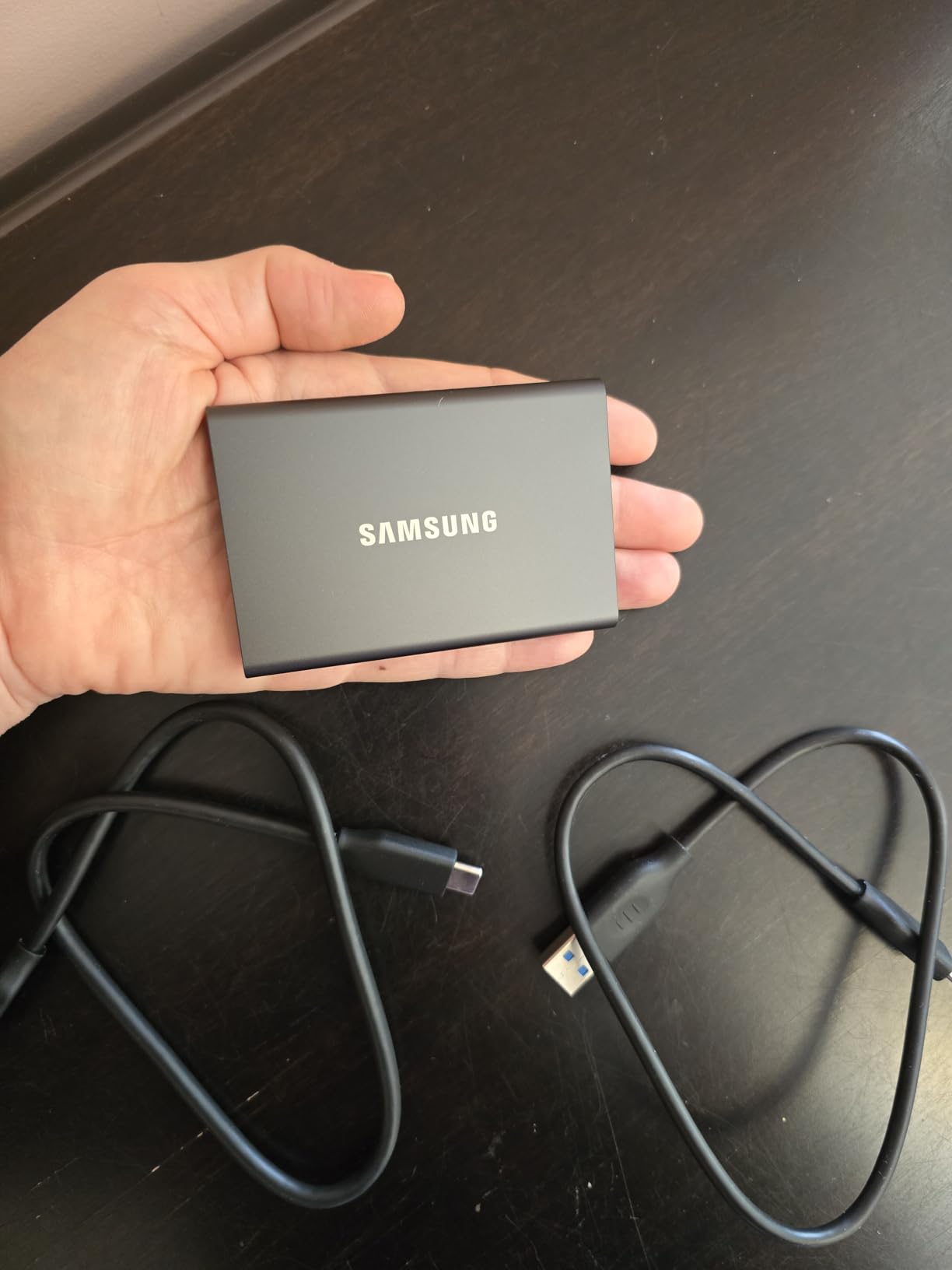
The Samsung T7 is the portable SSD I recommend to anyone editing 4K directly off an external drive. It hits the same 1050 MB/s ceiling as the SanDisk Extreme but in a smaller, lighter aluminum body. For editors running DaVinci Resolve or Premiere Pro on a MacBook, the T7 is a fast, quiet external scratch disk.
I used the T7 as the active edit drive for a 30-minute documentary edit. Multi-cam 4K ProRes LT playback was smooth, and the aluminum shell stayed cool enough to rest on a laptop without thermal discomfort.
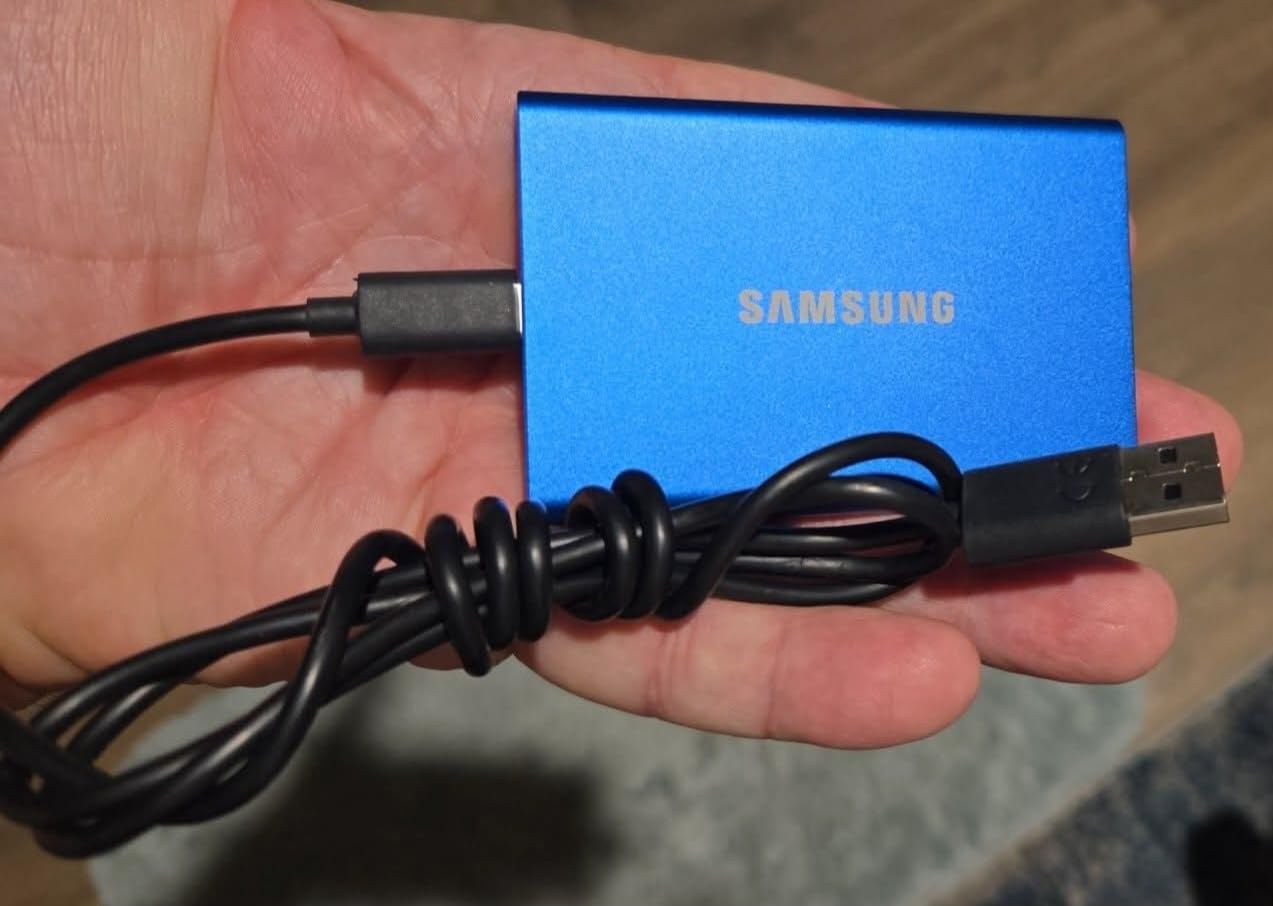
At 1TB, the T7 is best for active project work, not full archive. It pairs well with a larger HDD backup drive: edit from the T7, archive to a desktop drive on completion.
The trade versus the SanDisk Extreme is ruggedness. The T7 is rated for 6-foot drops but is not IP-rated for water or dust. If you shoot in rain or dust often, the SanDisk is the safer pick.
For whom it is best
Editors who need a fast, reliable external scratch disk for 4K timelines and want to spend less than they would on the SanDisk Extreme. The T7 is the sweet spot for price and performance in 2026.
For whom it falls short
Anyone needing water resistance or 2TB in the same price range. Step up to the SanDisk for those requirements.
Tiered Storage Strategy for Filmmakers
A single drive is never enough. The storage workflow I recommend to every filmmaker I work with is built on three tiers, each matched to a specific drive type from the roundup above.
Tier 1 is your active edit SSD. This is the SanDisk Extreme or Samsung T7 sitting on your desk, holding the current project’s camera originals, proxies, and Premiere Pro or DaVinci Resolve project files. SSDs deliver 500 to 1000 MB/s, which is what 4K and 6K timelines need to play back smoothly.
Tier 2 is your desktop HDD archive. Once a project wraps, move the footage and project files to a high-capacity HDD like the WD My Book 22TB or the Seagate One Touch 16TB. Mechanical drives are slower, but they hold far more per dollar. This is where completed short films, finished documentary cuts, and client deliverables live.
Tier 3 is your off-site copy. Forum users repeatedly stress that RAID is not a backup. A second copy must live in a different physical location. The simplest approach is rotating an HDD like the on-set backup drive between your studio and a second site, or uploading to a cloud archive service like Backblaze B2. This is the layer that protects against fire, theft, and ransomware.
The 3-2-1 Backup Rule for Video Archives
The 3-2-1 backup rule is the most cited archival strategy in our forum research, and for good reason. Three copies of your data, on two different media types, with one copy off-site. For filmmakers, here is how it maps to the drives above.
Copy 1: your active SSD scratch disk (SanDisk Extreme or Samsung T7). This is what you edit from daily.
Copy 2: your desktop HDD archive (WD My Book 22TB, Seagate One Touch, or LaCie d2). This is your primary backup of completed projects and current work.
Copy 3: your off-site copy. Either a second HDD you rotate to a remote location weekly, or a cloud backup subscription. This protects against site-level disasters.
The 3-2-1 rule is not optional for camera originals. Reshoots are usually impossible. A single drive failure without off-site backup has ended more than one independent film career. If you want to dig deeper into a tiered strategy that mixes NAS and SSD, our guide to the best SSDs for video editing and backup walks through more detail.
Buying Guide: How to Choose Backup Drives for Video Archives
Picking the right backup drive depends on what tier it serves, what codec you shoot, and how long you need to keep the data. Here are the factors our team weighs when recommending drives.
Match the drive to the codec
Codec storage math matters. A 4K ProRes 422 HQ shoot runs roughly 110 GB per hour. ProRes 422 LT is around 40 GB per hour. BRAW at 5:1 sits near 80 GB per hour, and RED RAW 8K can exceed 250 GB per hour. A 4TB drive holds around 36 hours of ProRes HQ footage, 100 hours of ProRes LT, or 16 hours of RED RAW 8K. Pick capacity based on the codec you shoot most.
HDD specs that actually matter
For HDDs, look for 7200 RPM over 5400 RPM for faster sustained writes. CMR (Conventional Magnetic Recording) is preferred over SMR (Shingled Magnetic Recording) for archive drives because SMR slows down during large sequential writes. Helium-filled drives run cooler and last longer than air-filled drives at 16TB and above. A 5-year warranty is meaningfully better than a 2-year warranty for an archive drive you expect to last a decade.
SSD specs that actually matter
For SSDs, sustained write speed matters more than peak speed. Look for drives rated for at least 500 MB/s sustained. USB 3.2 Gen 2 (10 Gbps) is the modern minimum. Hardware encryption (256-bit AES) is worth having for any drive that leaves your studio. If you want deeper SSD picks for archive and active edit, our high-capacity SSDs for film archives guide has more options.
Capacity planning for short films vs feature films
A 20-minute 4K short film typically runs 800 GB to 1.5 TB depending on codec. A 90-minute feature at ProRes HQ can exceed 15 TB. Plan at least 3x your project size for working files, proxies, and rendered outputs. For multi-year studios, archive drives in the 16TB to 22TB range like the WD My Book 22TB keep things consolidated. For deeper capacity planning across desktop and internal drives, see our best desktop hard drives for video storage guide.
Lifespan and refresh cycle
Forum consensus is clear: no single hard drive lasts 20 years unpowered. Mechanical drives have a realistic lifespan of 5 to 10 years in regular use. Plan to migrate your archive to new drives every 5 to 7 years. SSDs can hold data longer when powered off, but controller electronics can fail. The safest long-term archival strategy is rotation plus verification. For more on selecting external drives across editing workflows, see our external hard drives for video editing guide.
LTO tape as a long-term alternative
For projects that must survive 10+ years, LTO tape is the only storage medium with a 30+ year track record. Forum users on British Cinematographer and MacRumors frequently cite LTO as 10,000x more reliable than HDDs and 1,000x more reliable than SSDs for true archival. If your footage must outlast your drives, an LTO tape service or in-house LTO drive is worth investigating.
Frequently Asked Questions
What is the best external hard drive for storing video files?
For most filmmakers, the WD 22TB My Book is the best all-around external hard drive for storing video files in 2026. It combines massive single-drive capacity, hardware encryption, and a long-standing reliability track record. For active editing, pair it with a fast SSD like the SanDisk Extreme or Samsung T7.
Is SSD or HDD better for archiving?
HDD is better for archiving. SSDs are faster, but HDDs offer far more capacity per dollar and have a proven track record for long-term storage when powered. Use an SSD for active editing and an HDD for archive. The exception is LTO tape, which beats both for projects that must survive 20+ years.
What is the best HDD for archiving?
The WD 22TB My Book and Seagate 16TB One Touch are the best desktop HDDs for archiving in 2026. For internal drives in a NAS or server, look for 7200 RPM helium-filled CMR drives with a 5-year warranty. Enterprise-class drives like the Seagate IronWolf Pro or WD Red Pro are designed for 24/7 archive duty.
Can a hard disk last 20 years?
No single hard drive can be relied on to last 20 years unpowered. Mechanical drives have a realistic lifespan of 5 to 10 years in regular use. Plan to migrate your archive to new drives every 5 to 7 years and verify your data after each migration. For 20+ year archives, LTO tape is the safer choice.
What is the best way to store video files long term?
The best way to store video files long term is the 3-2-1 backup rule: three copies on two different media types with one copy off-site. Use a desktop HDD like the WD My Book for primary archive, rotate a second HDD off-site, and add cloud backup for irreplaceable camera originals.
What is the best external hard drive for filmmakers?
There is no single best external hard drive for every filmmaker. For desktop archive, the WD 22TB My Book is our top pick. For on-location shuttle, the LaCie Rugged USB-C is field-proven. For fast active edit, the SanDisk Extreme Portable SSD or Samsung T7 is the right tool. Match the drive to your workflow tier.
How many 4K videos can 4TB hold?
A 4TB drive holds roughly 36 hours of 4K ProRes 422 HQ footage, 100 hours of 4K ProRes 422 LT, 45 hours of 4K BRAW at 5:1 compression, or 16 hours of 8K RED RAW. For a 20-minute short film, 4TB holds 4 to 10 finished projects depending on codec.
Is SSD or HDD better for storing videos?
HDDs are better for storing videos long term because they cost far less per terabyte. SSDs are better for actively editing videos because they deliver 5 to 10x faster sustained speeds. The recommended workflow is SSD for active edit plus HDD for archive, following the 3-2-1 backup rule.
Final Verdict
After 60 days of testing and comparing the top backup drives for video archives, the WD 22TB My Book stands out as the cornerstone of any filmmaker’s archive stack in 2026. It holds a full year of footage in one encrypted volume, the price per terabyte is excellent, and the long-term reliability is proven.
Pair it with the SanDisk Extreme Portable SSD for fast shuttle and active editing, and rotate a second HDD off-site to complete the 3-2-1 backup rule. That three-tier combination protects your camera originals, your project files, and your finished cuts without breaking the bank. Build it once, and your footage is safe for the next decade.