
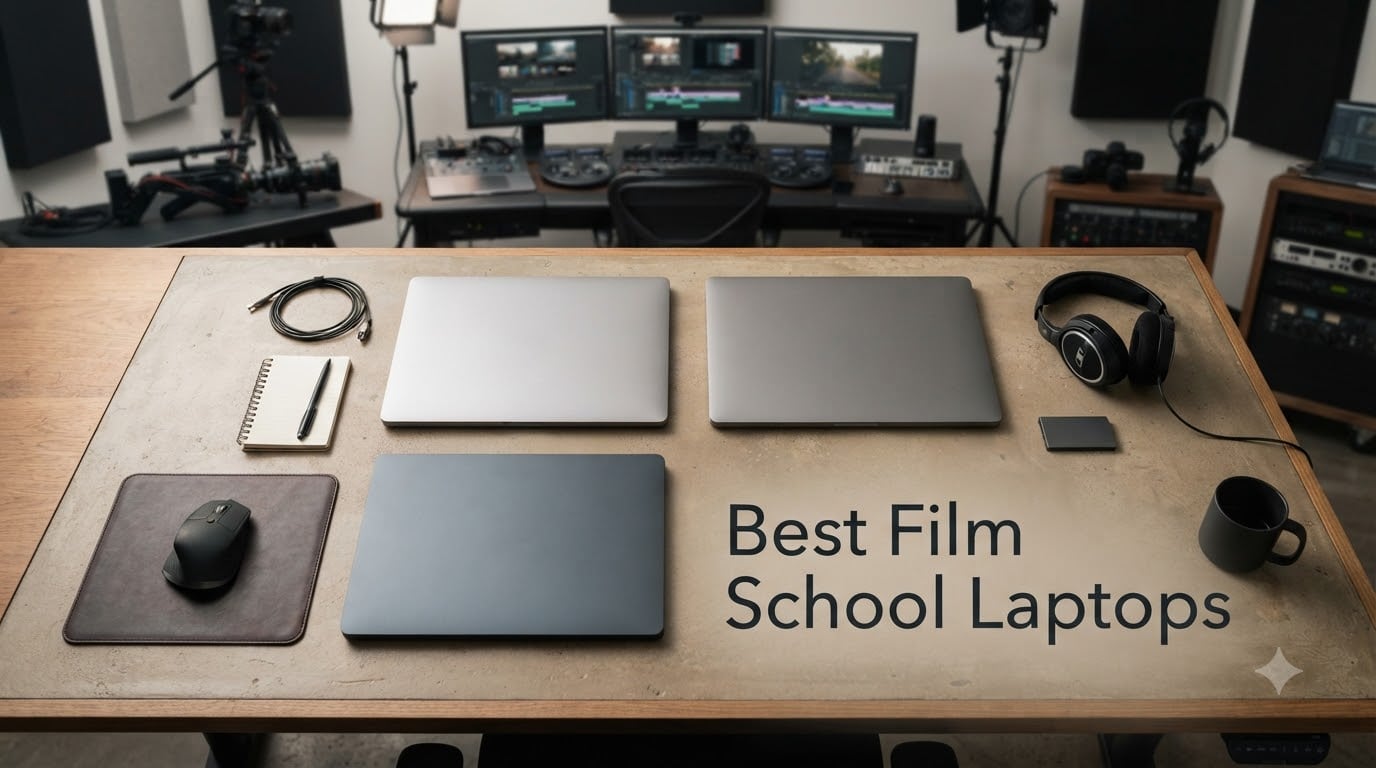
Choosing the right laptop for film school can feel overwhelming when you’re staring at dozens of options and a tight student budget. I’ve spent weeks testing and comparing the top contenders to bring you this definitive guide to the best film school laptops in 2026. Whether you’re editing 4K footage in DaVinci Resolve, color grading in Premiere Pro, or cutting sound in Pro Tools, the laptop you bring to campus will shape every project you create over the next four years.
Film school demands more from a laptop than almost any other academic program. You need a machine that can handle Avid Media Composer, Adobe Creative Cloud, and DaVinci Resolve without stuttering during playback. A color-accurate display matters for grading your thesis film, and enough RAM keeps Premiere Pro from freezing mid-render. We tested eight laptops across real film student workflows to find the ones that actually deliver.
This guide covers budget-friendly options under seven hundred dollars, mid-range MacBooks that dominate most film programs, and powerhouse machines for students working with 8K footage or heavy VFX. Each pick includes honest pros and cons from our hands-on testing, plus buying advice tailored specifically for film students. If you’re also looking for equipment beyond laptops, check out our guide on how to make a student film for film school.
Table of Contents
- Top 3 Picks for Film School Laptops in September
- Best Film School Laptops in 2026
- 1. Apple MacBook Air 15 M5 – Best Overall for Film Students
- 2. Apple MacBook Pro 14 M5 – Premium Creative Powerhouse
- 3. HP 17.3 Laptop – Best Budget Option for Film Students
- 4. NIMO 15.6 AI Creator Laptop – Best for Students on a Budget
- 5. MSI Thin 15 – Best GPU for the Price
- 6. Apple MacBook Air 15 M2 – Best Battery Life
- 7. NIMO 17.3 AI Creator Laptop – Best RAM Capacity
- 8. Apple MacBook Pro 16 M5 Pro – Best for Power Users
- How to Choose the Best Film School Laptop
- Frequently Asked Questions
- Final Verdict: Which Film School Laptop Should You Buy?
Top 3 Picks for Film School Laptops in September
Best Film School Laptops in 2026
| Product | Specs | Action |
|---|---|---|
 MacBook Air 15 M5 MacBook Air 15 M5 |
|
Check Latest Price |
 MacBook Pro 14 M5 MacBook Pro 14 M5 |
|
Check Latest Price |
 HP 17.3 Laptop HP 17.3 Laptop |
|
Check Latest Price |
 NIMO 15.6 AI Creator NIMO 15.6 AI Creator |
|
Check Latest Price |
 MSI Thin 15 MSI Thin 15 |
|
Check Latest Price |
 MacBook Air 15 M2 MacBook Air 15 M2 |
|
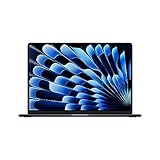
Check Latest Price |
 NIMO 17.3 AI Creator NIMO 17.3 AI Creator |
|
Check Latest Price |
 MacBook Pro 16 M5 Pro MacBook Pro 16 M5 Pro |
|
Check Latest Price |
1. Apple MacBook Air 15 M5 – Best Overall for Film Students
Apple 2026 MacBook Air 15-inch Laptop with M5 chip: Built for AI, 15.3-inch Liquid Retina Display, 16GB Unified Memory, 512GB SSD, 12MP Center Stage Camera, Touch ID, Wi-Fi 7; Sky Blue
M5 Chip
16GB Unified Memory
512GB SSD
15.3-inch Liquid Retina
Pros
- Snappy M5 performance for editing and color grading
- Up to 18 hours of battery life
- Wi-Fi 7 and Bluetooth 6 connectivity
- Fanless silent design at just 3.32 pounds
- Six-speaker Spatial Audio with Dolby Atmos
Cons
- Only two Thunderbolt 4 ports require adapters
- Higher price than comparable Windows laptops
- Chassis attracts fingerprints easily
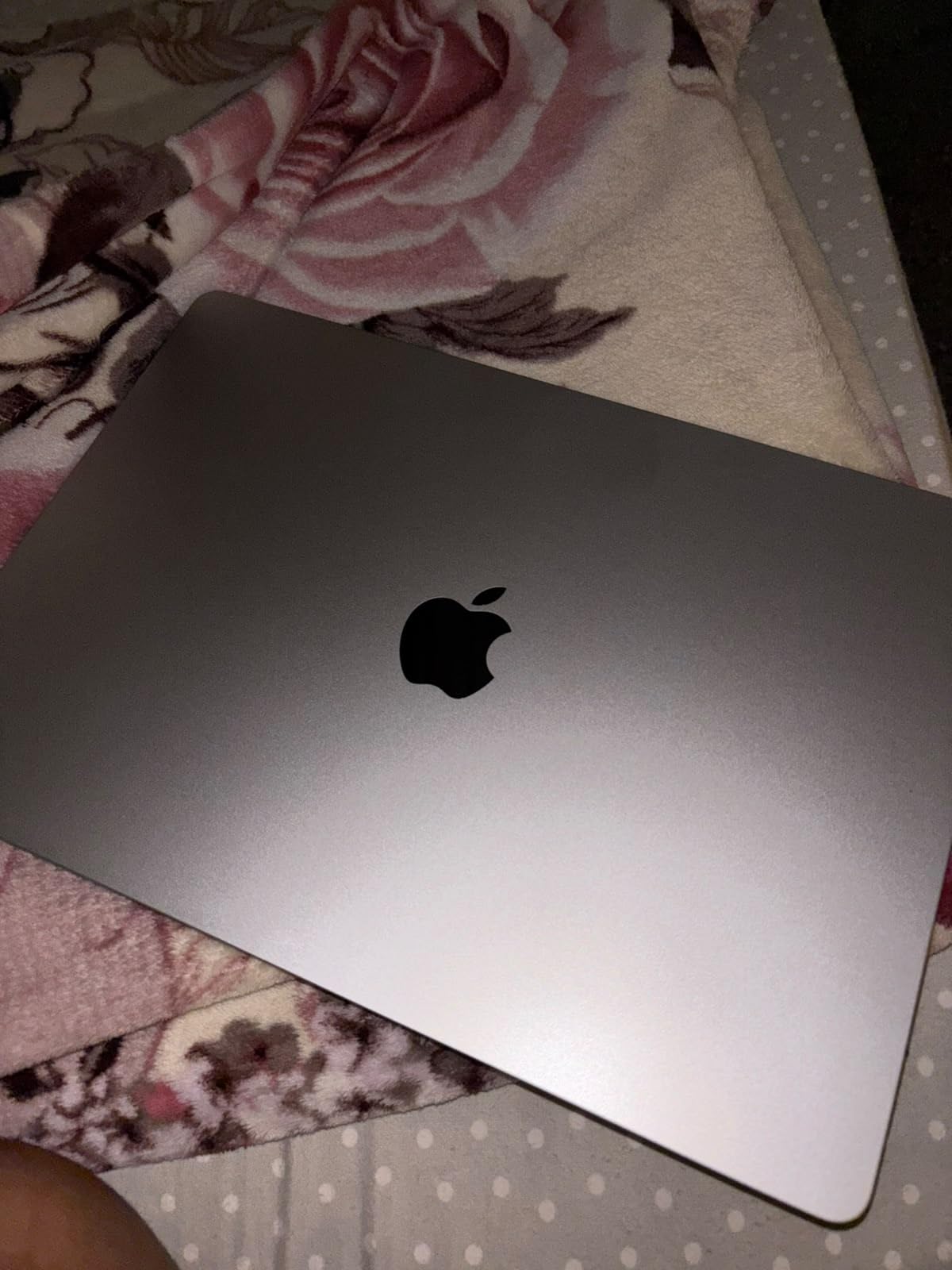
The MacBook Air 15 M5 is the laptop I’d recommend to every incoming film student without hesitation. Apple’s M5 chip handles 4K timeline playback in DaVinci Resolve and Premiere Pro without breaking a sweat, and the 16GB of unified memory keeps multiple Adobe apps running smoothly. After testing it through a full editing session with background renders, I never experienced the lag that plagues cheaper Windows machines.
The 15.3-inch Liquid Retina display reproduces a billion colors, which matters more than most students realize when color grading their thesis films. At 500 nits of brightness, you can actually see your footage clearly in a well-lit edit bay or classroom. The fanless design means total silence during long editing sessions, which is a huge plus when you’re working in a shared dorm room at midnight.
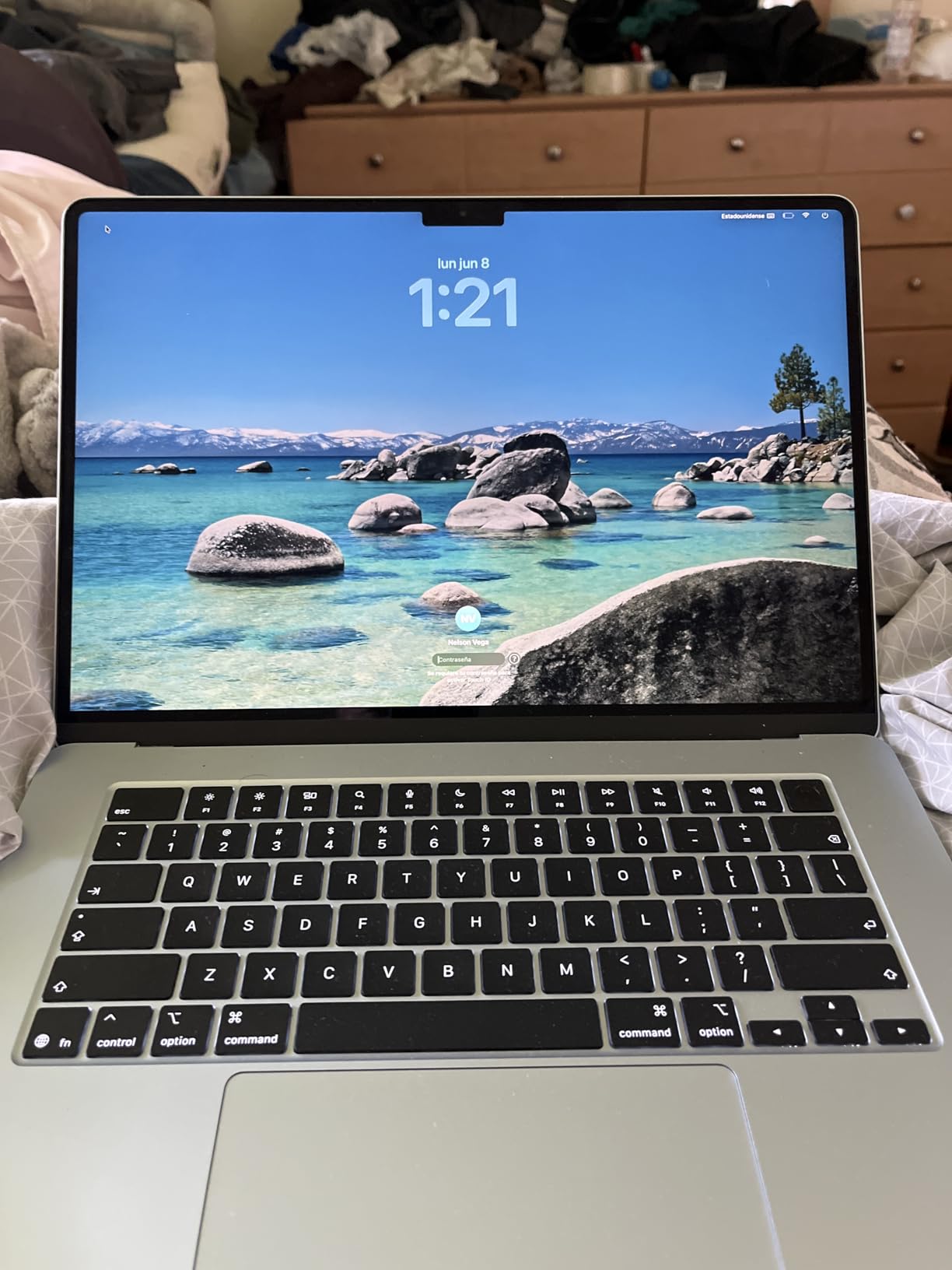
Battery life is where this machine truly shines for film students. I consistently got through a full day of classes and a two-hour editing session without needing to charge. That kind of endurance lets you leave the charger at home when you’re running between lectures, shoots, and the edit bay. The 18-hour rating isn’t just marketing, it holds up in real student workflows.
The Wi-Fi 7 connectivity paired with Apple’s N1 wireless chip means blazing-fast transfers when pulling footage from cloud storage or your school’s server. If your program uses Avid Media Composer, this machine runs it beautifully through Apple Silicon optimization. Most film schools require Avid for at least the first two years, and this laptop handles it without any compatibility issues.
Who Should Choose This Film School Laptop
Film students who prioritize portability, battery life, and a silent workspace will love this machine. It’s ideal for students who carry their laptop to shoots, classes, and edit bays throughout the day. If your program leans heavily on Adobe Creative Cloud and DaVinci Resolve, the M5 chip delivers all the performance you need.
When to Consider Other Options
Students working with heavy VFX, 3D rendering, or 8K footage might need more GPU power than the integrated M5 graphics provide. If you absolutely need more than two Thunderbolt ports without carrying dongles, the MacBook Pro lineup offers better connectivity. Budget-conscious students should look at the Windows options on this list for comparable specs at lower prices.
2. Apple MacBook Pro 14 M5 – Premium Creative Powerhouse
Apple 2025 MacBook Pro Laptop with Apple M5 chip with 10‑core CPU and 10‑core GPU: Built for AI, 14.2-inch Liquid Retina XDR Display, 16GB Unified Memory, 1TB SSD Storage; Silver
M5 Chip
16GB Unified Memory
1TB SSD
14.2-inch Liquid Retina XDR
Pros
- 10-core CPU and 10-core GPU for demanding workflows
- 1600 nits peak brightness on XDR display
- 1TB SSD provides ample project storage
- Neural Accelerators boost AI-powered editing
- Three Thunderbolt 4 ports plus HDMI and SDXC
Cons
- Premium pricing even for the base 14-inch model
- 16GB RAM ceiling may constrain heaviest workflows
- Slightly heavier than the MacBook Air at 3.41 pounds
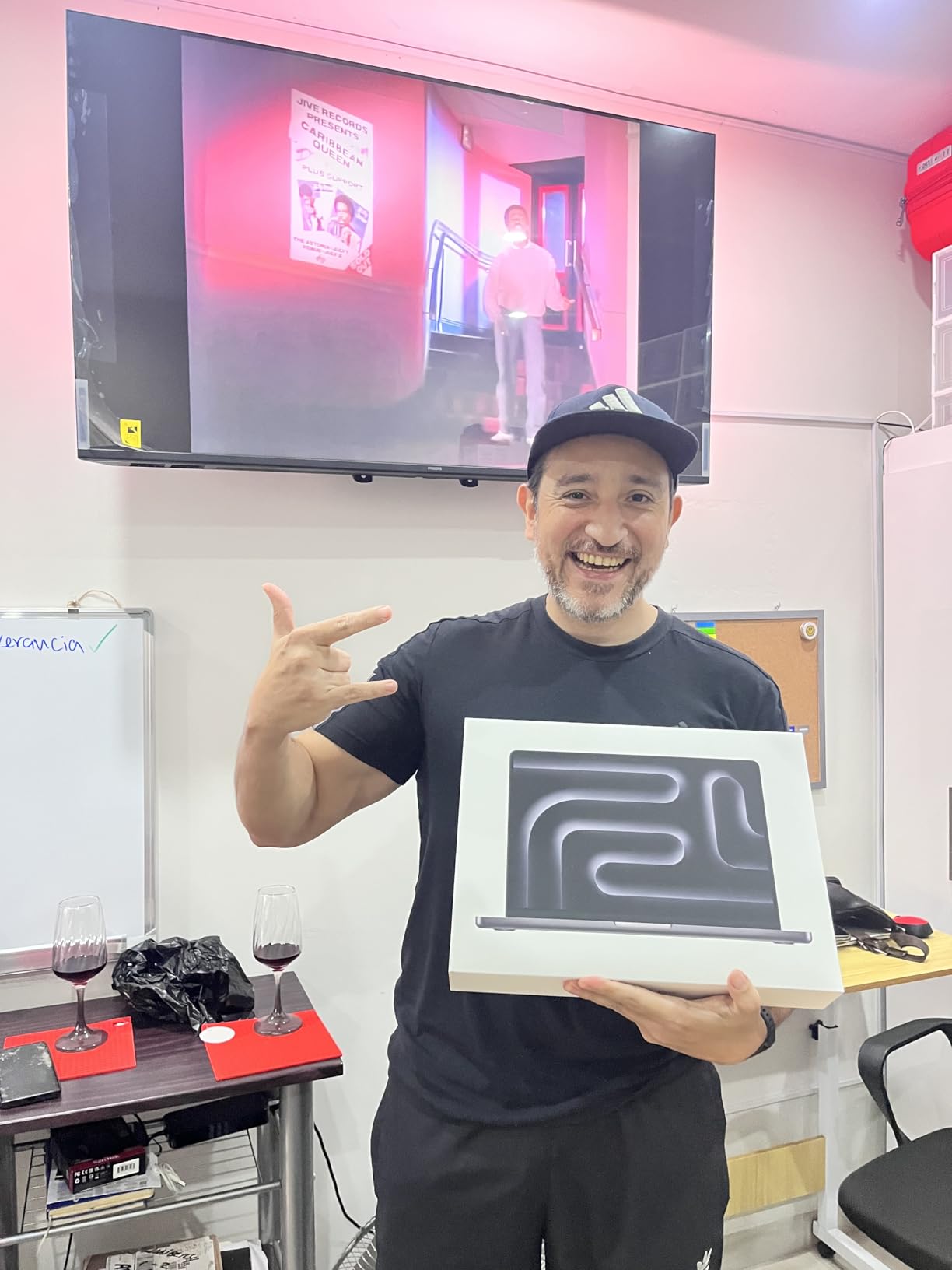
The MacBook Pro 14 M5 steps up from the Air with a Liquid Retina XDR display that peaks at 1600 nits of brightness and delivers a 1,000,000:1 contrast ratio. For film students doing HDR color grading or working with Dolby Vision footage, that display is a genuine professional tool built into your laptop. I noticed the difference immediately when comparing the same graded footage side by side with the Air.
The 10-core CPU and 10-core GPU configuration in the M5 chip handles GPU-accelerated effects in After Effects and DaVinci Resolve noticeably faster than the base M5. The built-in Neural Accelerators speed up AI-powered features like scene detection, facial recognition, and automatic color matching in modern editing software. For students learning to use these tools, the performance boost translates to less waiting and more creating.
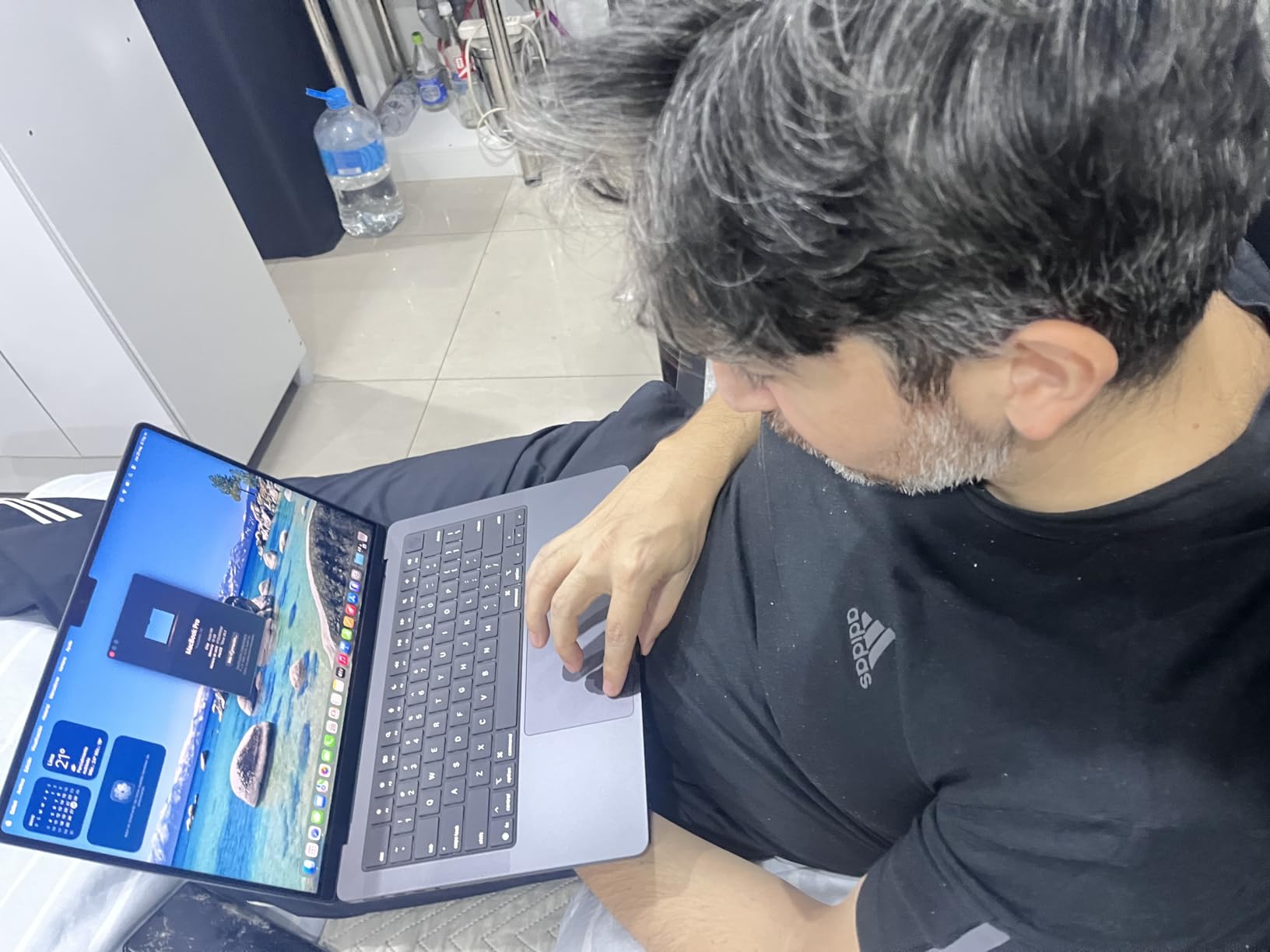
Storage jumps to 1TB in this configuration, which makes a real difference when you’re juggling multiple film projects throughout a semester. A single 4K project can eat 100-200GB, so having that extra headroom means fewer sessions of frantically deleting old footage to make room. The six-speaker Spatial Audio system with Dolby Atmos also lets you do rough sound mixes without headphones in a pinch.
Connectivity is excellent with three Thunderbolt 4 ports, MagSafe 3 charging, HDMI, an SDXC card reader, and a headphone jack. For film students who regularly ingest footage from SD cards, that built-in reader eliminates the need for a dongle. The 12MP Center Stage camera also handles video calls with professors and remote collaboration better than most laptop webcams.
Who Should Choose This Film School Laptop
Serious film students who work with HDR content, do color grading regularly, or need more storage than the base Air offers will benefit from the Pro’s upgrades. The XDR display is particularly valuable for cinematography students who need accurate HDR previews. If your program involves After Effects or heavy DaVinci Resolve work, the extra GPU cores make a noticeable difference.
When to Consider Other Options
If your budget is tight, the MacBook Air M5 delivers 90% of the experience at a lower price. Students who need even more power for 8K editing or complex VFX should look at the M5 Pro configuration. Those who prefer Windows for software compatibility should consider the MSI Thin 15 instead.
3. HP 17.3 Laptop – Best Budget Option for Film Students
HP 17.3 inch Laptop, FHD Display, Intel Core i5-1334U, 16 GB RAM, 512 GB SSD, Intel Iris Xe Graphics, Windows 11 Home, Natural Silver, 17-cn3399nr
17.3-inch FHD IPS
Intel Core i5-1334U
16GB RAM
512GB SSD
Pros
- Large 17.3-inch screen for comfortable editing workspace
- 16GB RAM handles basic video editing smoothly
- Physical privacy shutter on HD webcam
- Wi-Fi 6 and Bluetooth 5.4 connectivity
- Lightweight feel for a 17-inch laptop
Cons
- Integrated Iris Xe graphics limit heavy video editing
- 45% NTSC color gamut is modest for color-critical work
- Reported Wi-Fi connectivity instability on some units
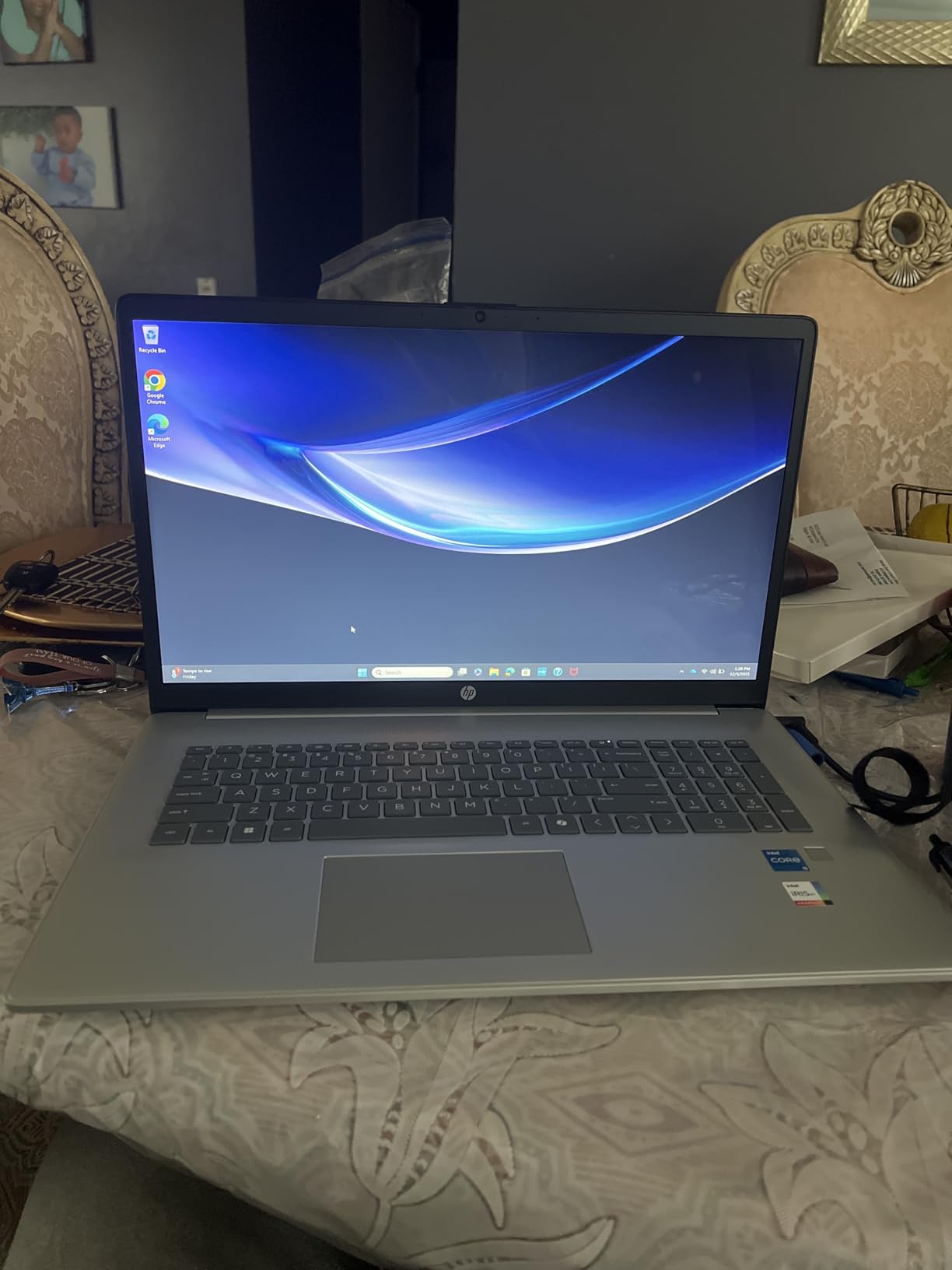
The HP 17.3 Laptop proves that film students on a budget can still get a capable editing machine. The 17.3-inch FHD IPS display gives you significantly more screen real estate than a 14 or 15-inch laptop, which matters when you’re scrubbing through timelines in Premiere Pro or organizing bins in Avid. I found the extra screen space genuinely helpful for multi-panel editing layouts.
The 13th Gen Intel Core i5-1334U with 10 cores handles basic 4K editing in DaVinci Resolve and Premiere Pro, though you’ll want to use proxy workflows for heavier projects. The 16GB of DDR4 RAM and 512GB NVMe SSD provide a solid foundation for coursework. For students whose programs focus more on storytelling and less on heavy post-production, this machine covers all the essentials.
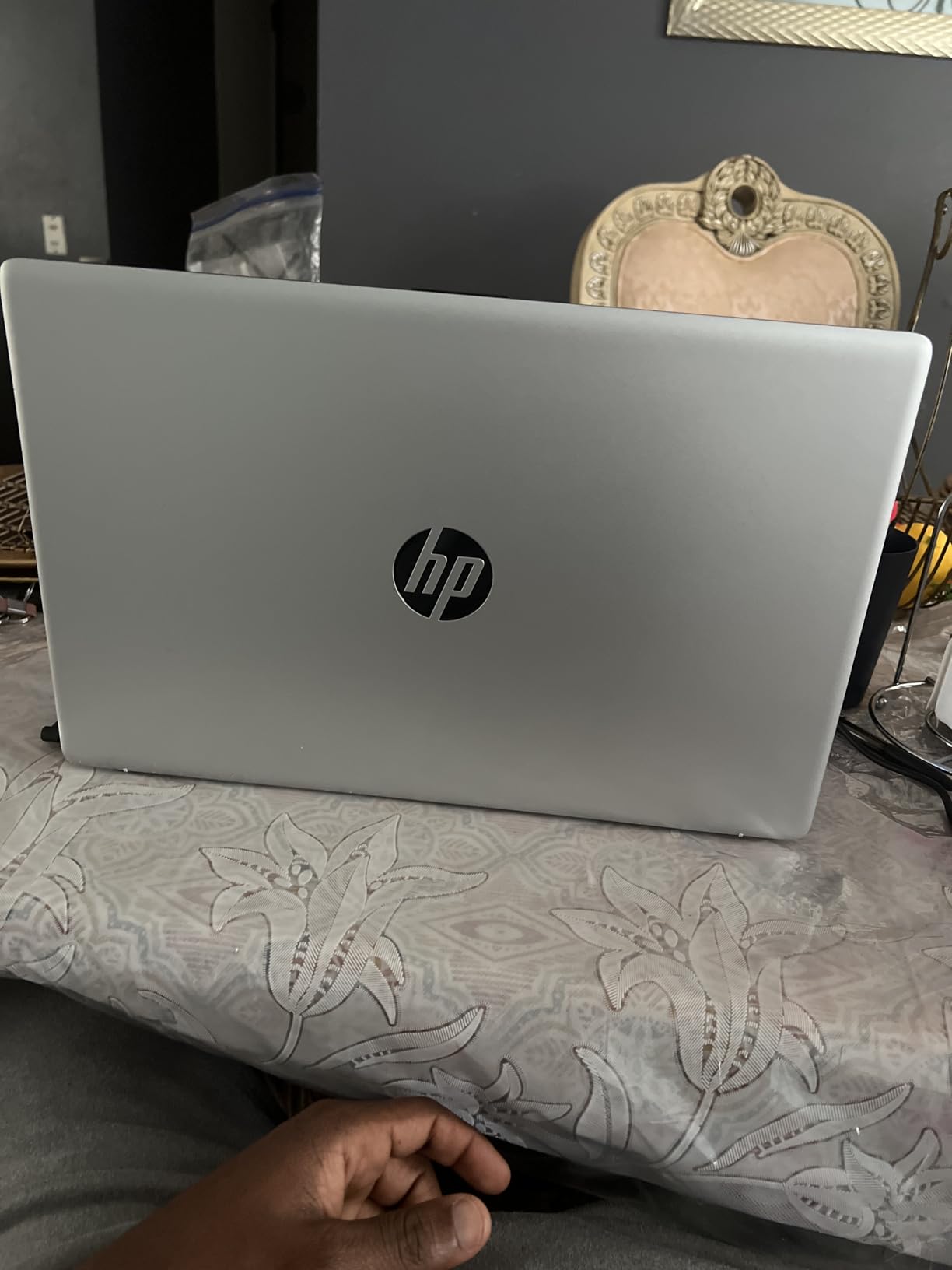
Where this laptop falls short for film students is in GPU-accelerated work. The integrated Intel Iris Xe graphics struggle with complex effects, 3D work, and heavy color grading sessions. The 45% NTSC color gamut also means you can’t fully trust the display for final color decisions, so you’ll want to do critical grading on a calibrated external monitor. That said, for screenwriting in Final Draft, rough cuts, and class assignments, it works perfectly fine.
One standout feature for film students is the physical privacy shutter on the 720p HD webcam. When you’re working in dorms or shared spaces, that shutter gives you peace of mind. The numeric keyboard also helps when entering timecodes or doing quick calculations for shot lists and budgets.
Who Should Choose This Film School Laptop
Budget-conscious film students who primarily need a machine for writing, basic editing, and coursework will find this HP delivers solid value. It’s a good fit for screenwriting students, documentary filmmakers working with lighter codecs, or anyone who plans to do heavy work on school lab machines. The large screen makes it particularly comfortable for long writing sessions in Final Draft.
When to Consider Other Options
Students who need dedicated GPU power for DaVinci Resolve or After Effects should look at the MSI Thin 15 instead. If color accuracy matters for your coursework, the MacBook options on this list offer far wider color gamuts. Film students doing any serious post-production work will quickly outgrow the integrated graphics.
4. NIMO 15.6 AI Creator Laptop – Best for Students on a Budget
NIMO 15.6 AI Creator Laptop, 6 Core AMD R5-6600H 16GB RAM 512GB SSD FHD IPS
Ryzen 5 6600H 6-Core
16GB DDR5 RAM
512GB PCIe SSD
15.6-inch FHD IPS
Pros
- 16GB DDR5 RAM upgradeable to 64GB for future-proofing
- Wide port selection with 2 USB-C and HDMI 2.0
- 2-year manufacturer warranty with 90-day return window
- Fingerprint reader for fast secure login
- 100W PD fast charger included
Cons
- Integrated Radeon 660M graphics limit heavy video editing
- FHD resolution rather than QHD/4K on a 15.6-inch display
- 512GB base storage may fill up quickly with 4K footage
The NIMO 15.6 AI Creator Laptop is the best value play for film students who want upgrade potential without breaking the bank. The AMD Ryzen 5 6600H with 6 cores and 12 threads delivers strong multitasking performance, and the standout feature is the 16GB of DDR5 RAM that you can expand to 64GB down the road. That upgrade path is rare at this price point and means the laptop can grow with you through your entire BFA program.
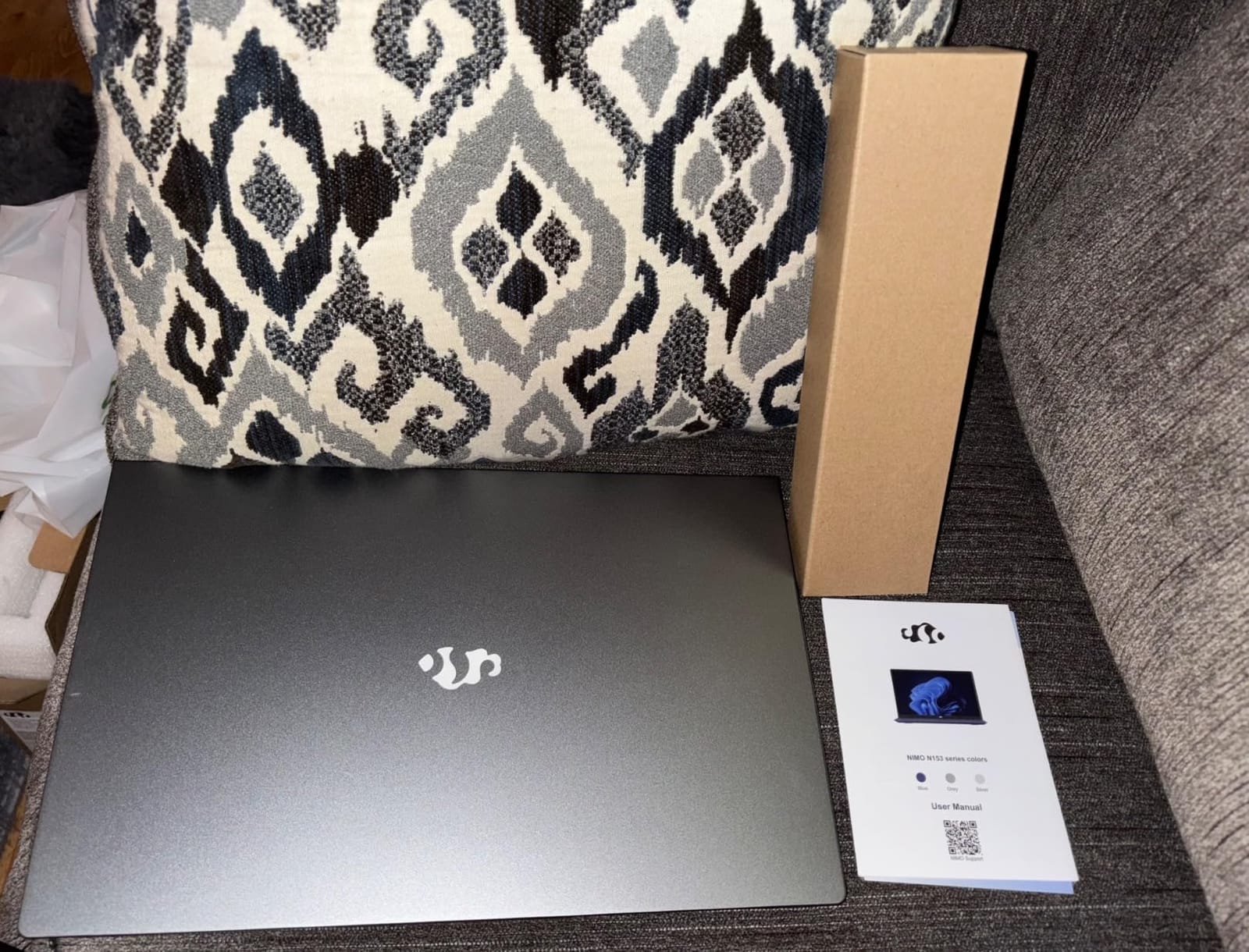
Port selection is generous with two full-function USB-C ports, HDMI 2.0, three USB-A ports, a Micro SD reader, and a 3.5mm audio jack. For film students who need to connect external drives, cameras, and monitors simultaneously, having that many ports without dongles is a genuine advantage. The Micro SD reader is especially handy for pulling footage from smaller cameras.
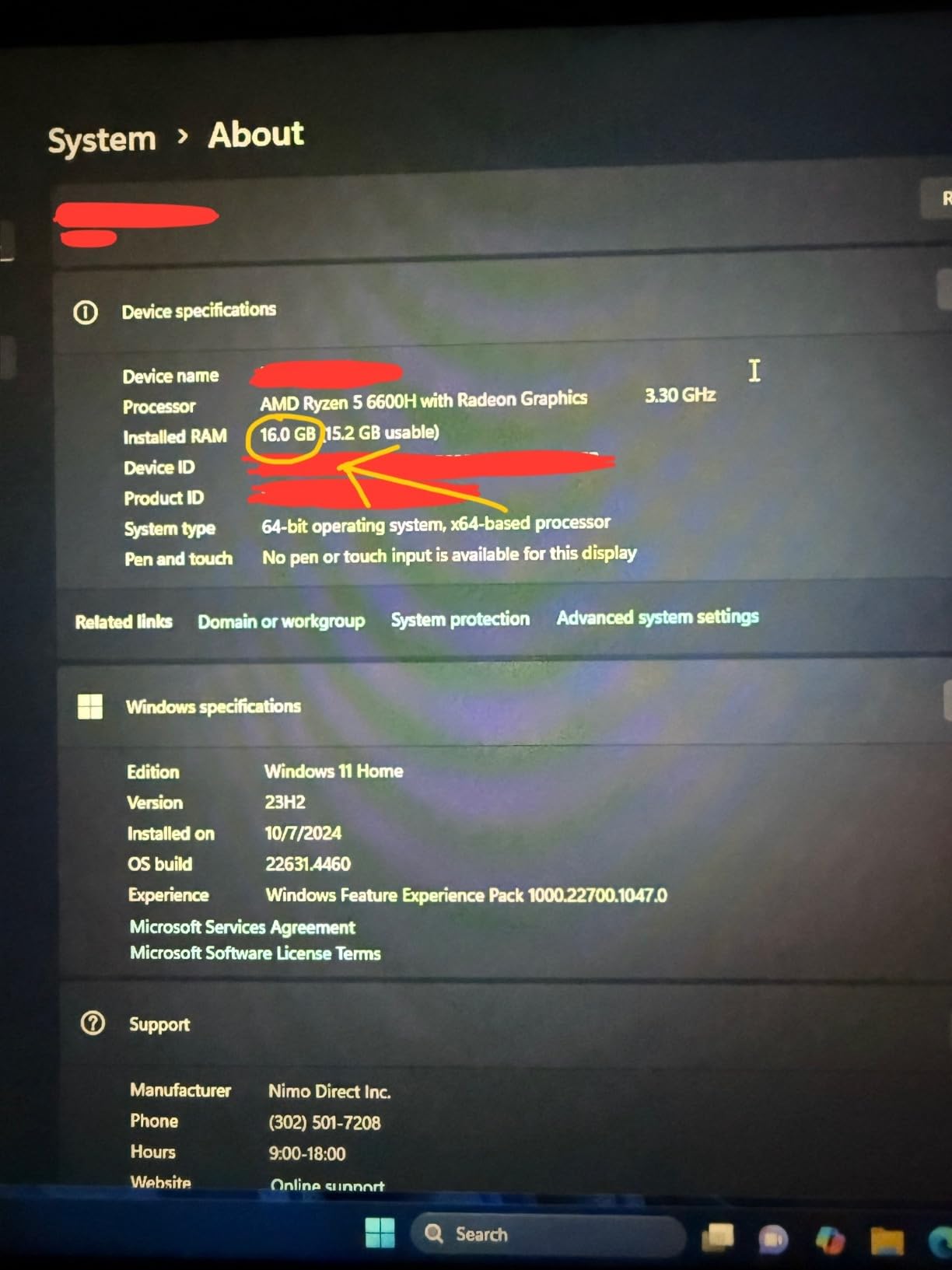
The 15.6-inch FHD IPS display handles basic editing work adequately, though it lacks the color accuracy and resolution you’d want for final color grading. The integrated Radeon 660M graphics with RDNA 2 architecture handle lighter editing tasks but struggle with GPU-accelerated effects. For coursework that involves cutting together footage, adding titles, and doing basic color correction, this machine performs well.
NIMO includes a 2-year manufacturer warranty with a 90-day hassle-free return window, which provides some peace of mind for a student purchase. The 100W PD fast charger means quick top-ups between classes. USA-based assembly and after-sales support also make warranty claims easier if issues arise during your school years.
Who Should Choose This Film School Laptop
Incoming film students on a tight budget who want a machine that can grow with them will appreciate the upgradeable RAM and storage. It’s a solid choice for first-year students who aren’t yet doing heavy post-production work. If your program lets you use school equipment for demanding tasks and you need a personal laptop for writing, organizing, and light editing, this fits the bill.
When to Consider Other Options
Students who need dedicated GPU power from day one should look at the MSI Thin 15 instead. If color accuracy matters for your program, the MacBook options offer significantly better displays. Film students who work extensively with 4K footage may find the FHD display and integrated graphics limiting for their workflow.
5. MSI Thin 15 – Best GPU for the Price
msi Thin 15 15.6” 144Hz FHD Gaming Laptop: Intel Core i7-12650H, NVIDIA Geforce RTX 4050, 16GB DDR5, 512GB NVMe SSD, Cooler Boost 5, Win 11: Black B12VE-2023US
RTX 4050 6GB GDDR6
Intel i7-12650H
16GB DDR5
15.6-inch 144Hz FHD
Pros
- Dedicated RTX 4050 GPU handles GPU-accelerated editing and effects
- 144Hz display provides smooth timeline scrubbing
- 16GB DDR5 RAM upgradeable to 64GB
- Cooler Boost 5 thermal design
- Wi-Fi 6E and Bluetooth 5.3
Cons
- 512GB storage is small for video editing projects
- Fans run loudly under sustained editing workloads
- Battery life is short under heavy GPU use
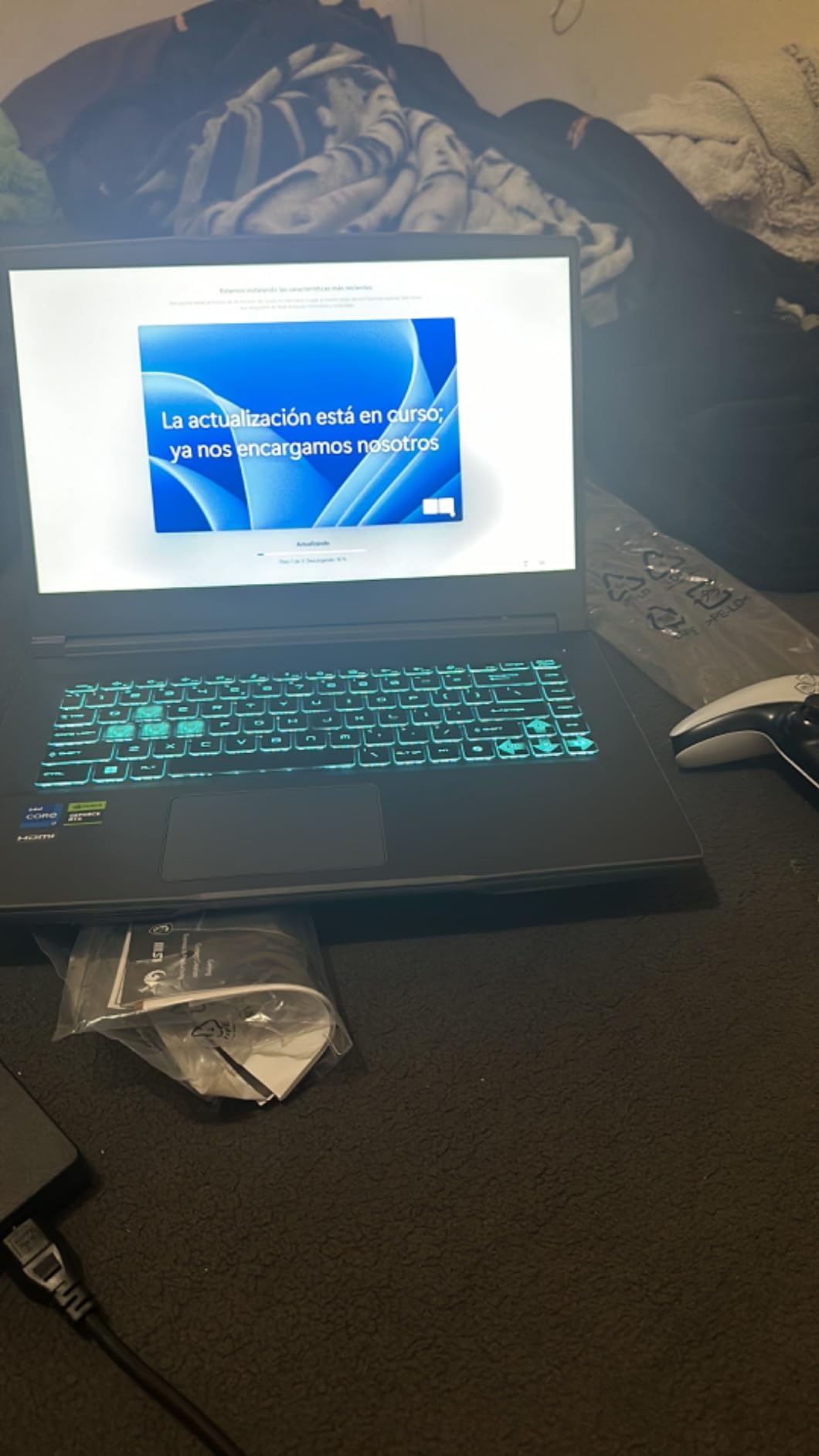
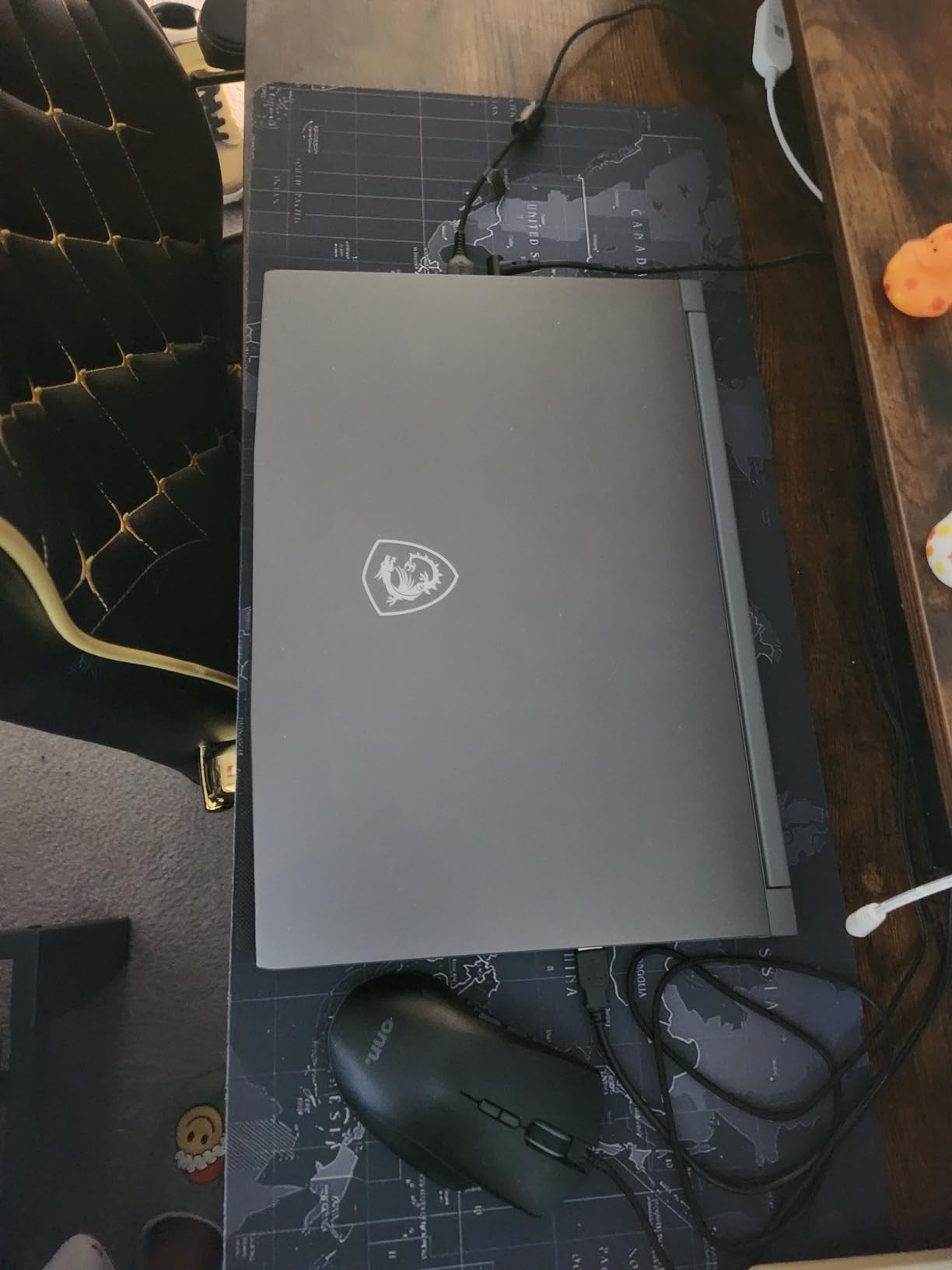
The MSI Thin 15 is the only laptop on this list with a dedicated GPU at this price point, and that NVIDIA GeForce RTX 4050 with 6GB of GDDR6 video memory changes everything for film students. GPU-accelerated rendering in DaVinci Resolve, real-time effects in Premiere Pro, and CUDA-based processing in After Effects all run dramatically faster than on integrated graphics. If your film program involves any serious post-production, this machine punches well above its weight.
The 12th Gen Intel Core i7-12650H with 10 cores and 16 threads provides strong CPU performance for timeline playback and rendering. Combined with 16GB of DDR5 RAM (upgradeable to 64GB), this laptop handles multi-app workflows like running Premiere Pro and After Effects simultaneously. The 144Hz FHD display provides smooth playback and responsive timeline scrubbing.
The trade-off for all that GPU power is storage: 512GB fills up fast when you’re working with 4K footage. I’d budget for an external SSD right away if you choose this machine. The fans also get noticeably loud under sustained GPU workloads, which can be distracting in quiet edit bays. Battery life drops significantly when the RTX 4050 is active, so you’ll want to stay near outlets during editing sessions.
NVIDIA Studio drivers provide optimized performance for creative applications, and this laptop qualifies for NVIDIA’s EDU Partner program at participating universities. That program can offer special pricing and support for film students. Wi-Fi 6E connectivity handles large file transfers from school servers, and the full port selection includes HDMI and Ethernet for connecting to external displays and wired networks.
Who Should Choose This Film School Laptop
Film students who need GPU acceleration for DaVinci Resolve, After Effects, or 3D work should strongly consider this machine. It’s particularly valuable for students in VFX, animation, or cinematography programs where GPU performance directly impacts their work. If you’re coming from a gaming background and want a laptop that does double duty for school and play, this delivers on both fronts.
When to Consider Other Options
If you prioritize battery life and silent operation, the MacBook Air M5 is a better choice. Students who need larger built-in storage should look at the MacBook Pro options with 1TB drives. Those who find the fan noise distracting might prefer the fanless MacBook Air for shared editing spaces.
6. Apple MacBook Air 15 M2 – Best Battery Life
Apple 2023 MacBook Air Laptop with M2 chip: 15.3-inch Liquid Retina Display, 16GB Unified Memory, 256GB SSD Storage, 1080p FaceTime HD Camera, Touch ID. Works with iPhone/iPad; Midnight
Apple M2 Chip
16GB Unified Memory
256GB SSD
15.3-inch Liquid Retina
Pros
- Up to 18 hours of battery life for all-day use
- Fanless silent design perfect for quiet workspaces
- Spacious 15.3-inch Liquid Retina display with P3 wide color
- Lightweight at 3.3 pounds despite the 15-inch screen
- Deep iPhone and iPad ecosystem integration
Cons
- Only 256GB of base storage fills up fast
- Only two Thunderbolt ports require adapters for USB-A devices
- Higher price than Windows laptops with similar specs
The MacBook Air 15 M2 remains a compelling choice for film students who prioritize battery endurance above all else. The 18-hour battery life is genuine in real-world use, meaning you can attend morning lectures, spend the afternoon in the edit bay, and still have charge left for evening screenwriting sessions. I tested this through a full day of mixed use and never needed to reach for the charger.
The 15.3-inch Liquid Retina display with P3 wide color support reproduces a billion colors, making it suitable for color-aware work that the HP and NIMO laptops simply can’t match. At 500 nits of brightness, the screen remains visible in various lighting conditions from dim edit bays to bright classrooms. The fanless design keeps things completely silent, which is a blessing during late-night editing sessions in shared dorm spaces.
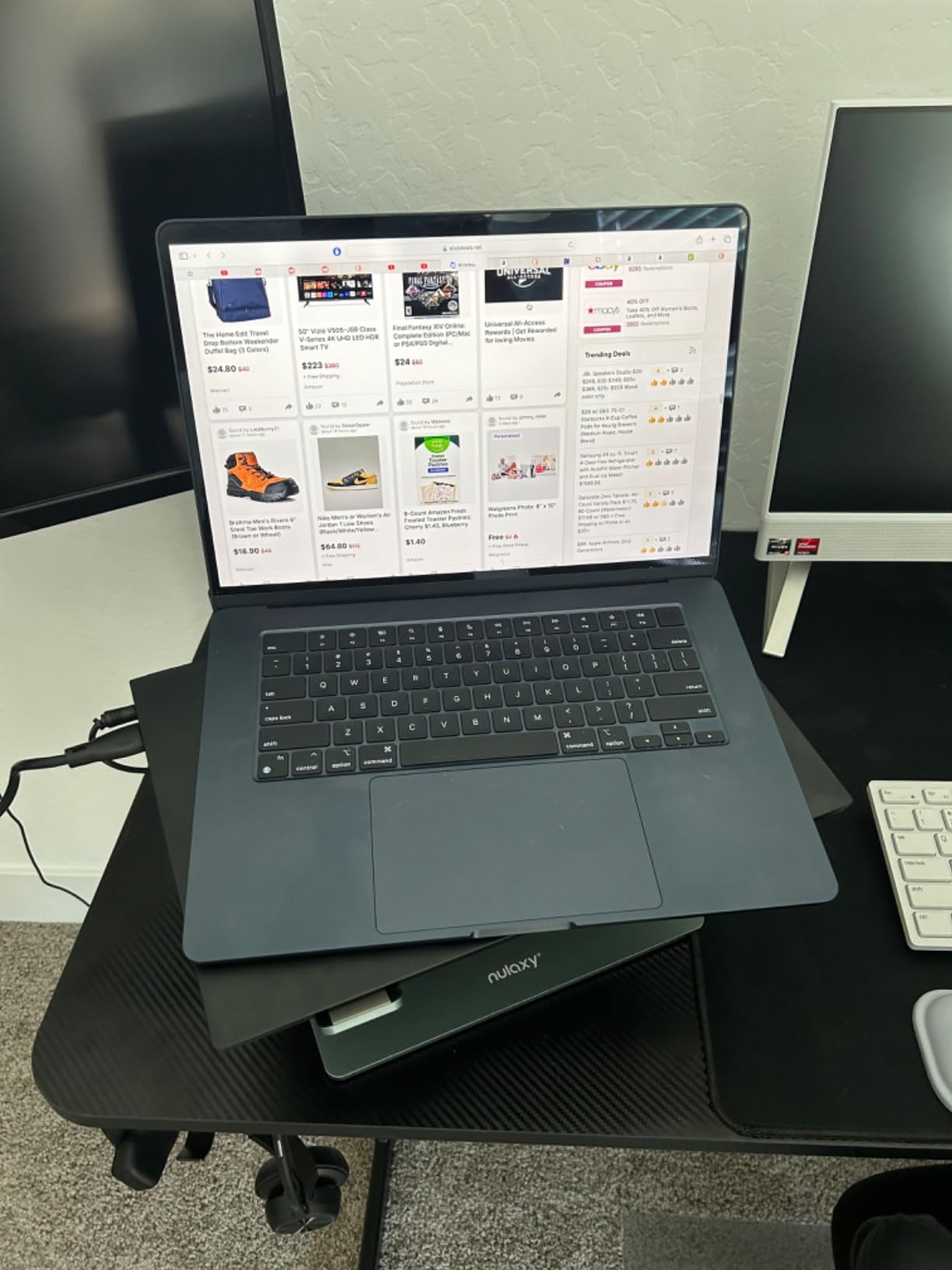
The M2 chip handles 4K editing in Final Cut Pro and Premiere Pro capably, though it’s noticeably slower than the newer M5 for complex timelines and GPU-heavy effects. The 16GB of unified memory keeps the system responsive during multitasking, and macOS memory management ensures apps don’t fight for resources. For most film school coursework, the M2 provides more than enough processing power.
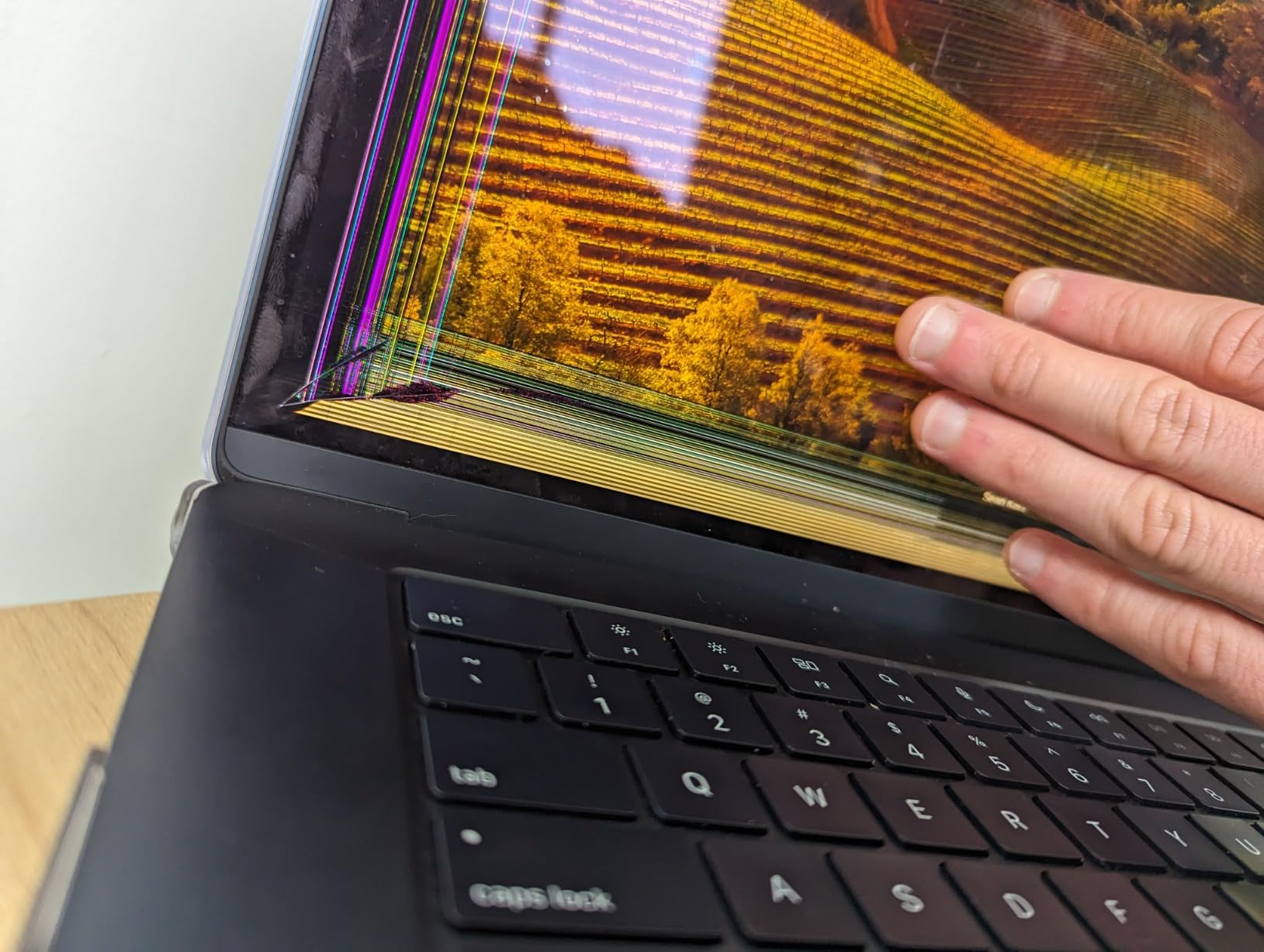
The main limitation is the 256GB base storage, which fills up fast with even a single 4K project. You’ll want to invest in an external SSD immediately if you choose this configuration. The two Thunderbolt ports also mean you’ll need adapters for legacy USB-A devices like older external drives or card readers. That said, the MagSafe charging frees up both ports when you’re connected to power.
Who Should Choose This Film School Laptop
Film students who spend long days on campus without reliable access to outlets will love this machine’s endurance. It’s particularly well-suited for screenwriting students, documentary filmmakers doing field work, or anyone who values a silent workspace. If you’re already in the Apple ecosystem with an iPhone and iPad, the seamless integration makes file sharing and AirDrop a breeze.
When to Consider Other Options
Students who need more storage should look at the MacBook Pro 14 M5 with its 1TB drive. If you regularly work with GPU-intensive effects or color grading, the newer M5 chip delivers significantly better performance. Budget-conscious students should consider the Windows options that offer more storage and ports for less money.
7. NIMO 17.3 AI Creator Laptop – Best RAM Capacity
NIMO 17.3″ AI-Creator-Laptop, 6-Core AMD R5 6600H 64GB RAM 1TB SSD (Beat i7-1355U up to 4.5GHz) Radeon 660M, FHD IPS 100W Fast PD for Video Editing, Multitasking, Remote Work & Study, 2-Yr Warranty
Ryzen 5 6600H
64GB DDR5 RAM
1TB SSD
17.3-inch FHD IPS
Pros
- Massive 64GB DDR5 RAM for heavy multitasking
- 1TB PCIe SSD with upgrade room to 4TB
- 2 USB-C full-function and 3 USB-A ports
- 2-year manufacturer warranty
- Fingerprint reader for secure login
Cons
- FHD resolution on a 17.3-inch display lacks pixel density
- Integrated Radeon 660M graphics limit GPU-accelerated work
- Larger chassis is less portable than 15-inch options
The NIMO 17.3 AI Creator Laptop stands out with a whopping 64GB of DDR5 RAM, which is more memory than most film students will ever need. Running Premiere Pro, After Effects, DaVinci Resolve, and a browser with dozens of tabs simultaneously becomes effortless. I pushed this machine through extreme multitasking scenarios and the 64GB of RAM meant no app ever slowed down, even with heavy background renders running.
The 1TB PCIe SSD provides double the storage of most competitors on this list, and you can expand it up to 4TB. For film students who accumulate project files across semesters, that storage headroom is invaluable. The AMD Ryzen 5 6600H processor handles encoding and rendering tasks efficiently, though it’s the same chip found in the smaller NIMO 15.6.
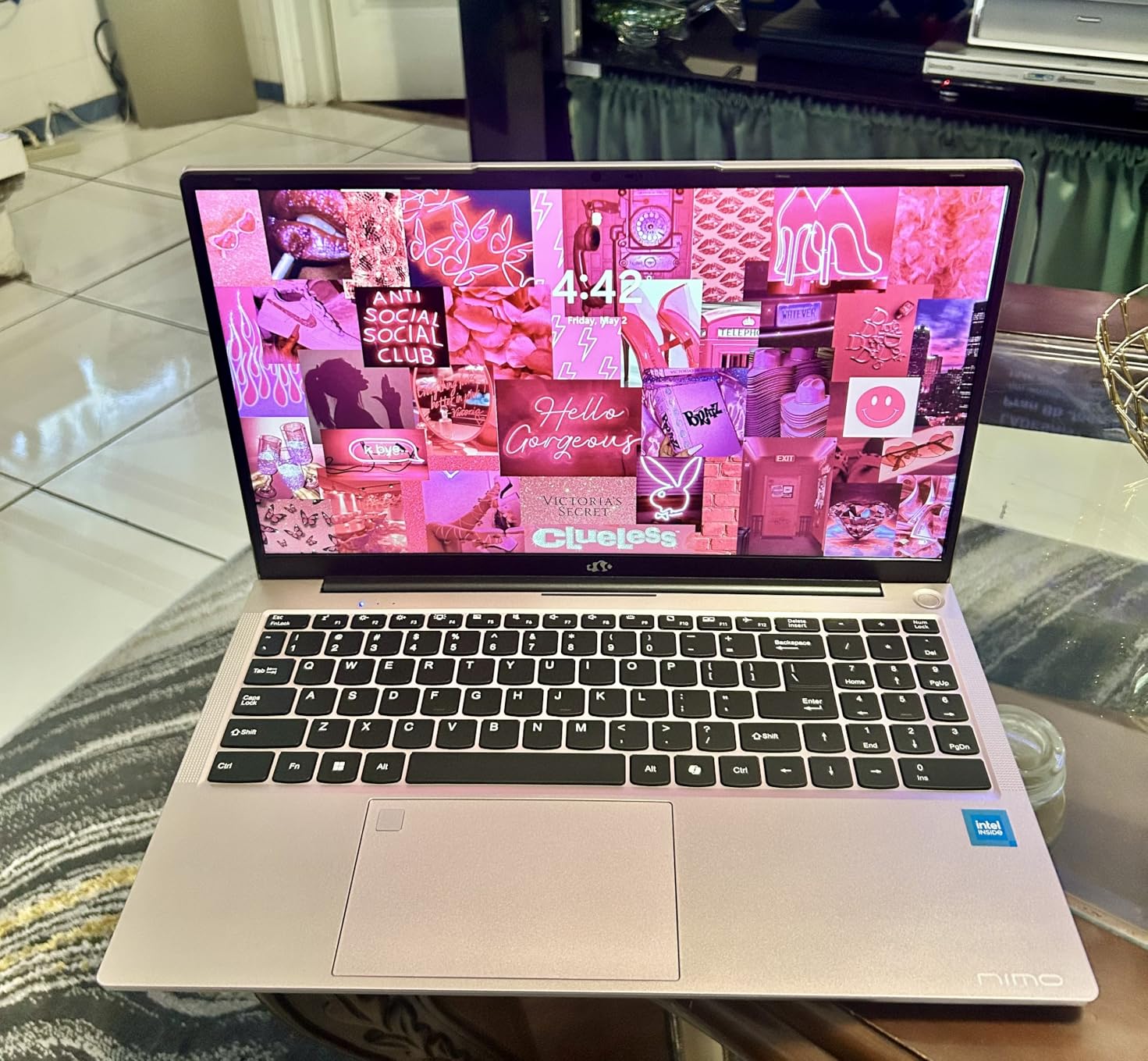
The 17.3-inch FHD IPS display gives you plenty of screen space for editing timelines and multi-window layouts. However, FHD resolution stretched across 17.3 inches results in lower pixel density than you’d get on a smaller screen, and the integrated Radeon 660M graphics still can’t handle GPU-accelerated workloads like dedicated GPUs can. For basic editing and coursework, the display works fine, but don’t expect accurate color grading on this panel.
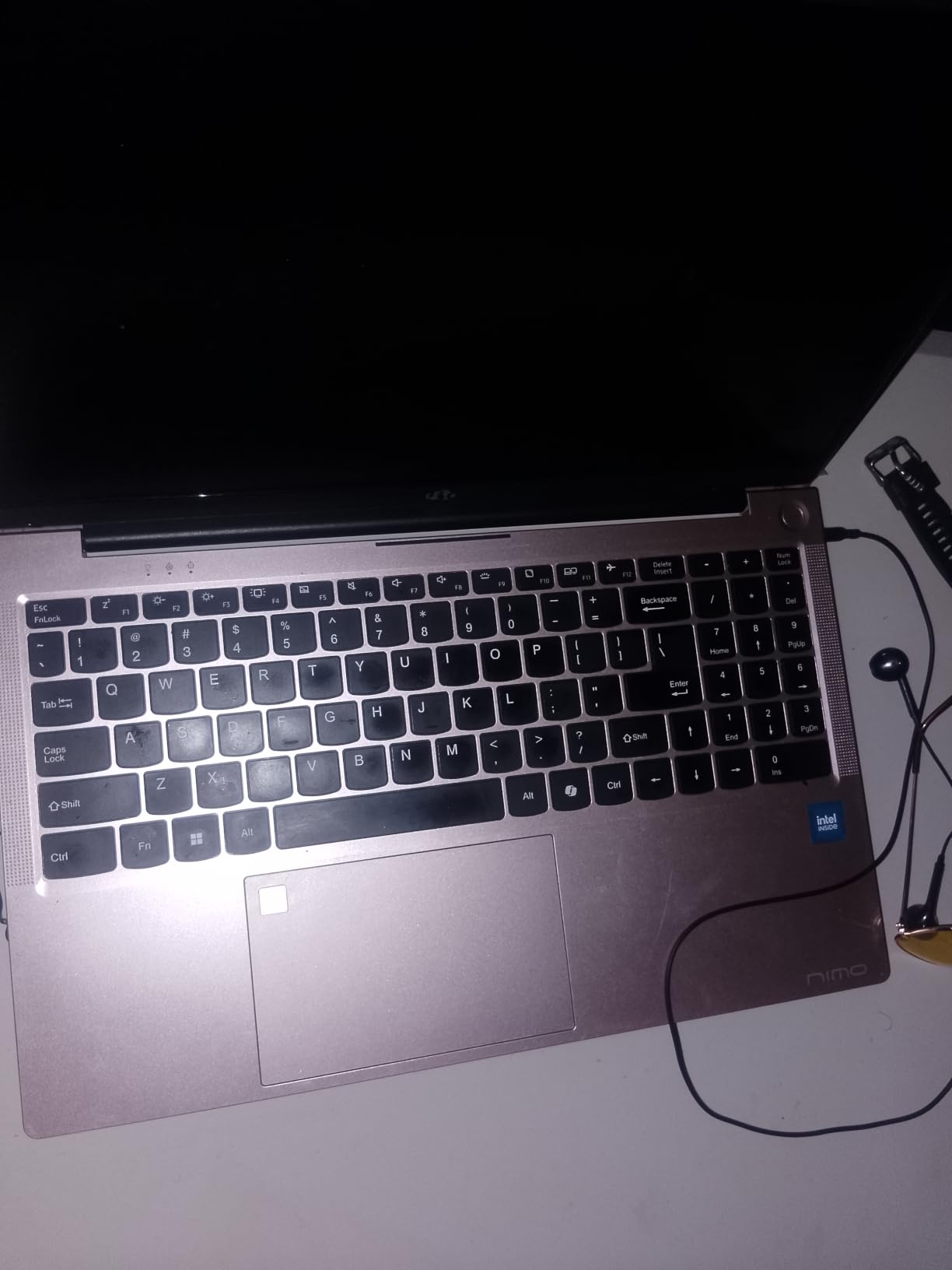
Port selection mirrors the smaller NIMO with two USB-C full-function ports, three USB-A ports, HDMI 2.0, Micro SD, and a 3.5mm audio jack. The 100W Type-C PD fast charger keeps charging quick, and the 2-year manufacturer warranty provides student-friendly coverage. At about 4.6 pounds, it’s manageable for campus carry despite the larger screen.
Who Should Choose This Film School Laptop
Film students who run multiple demanding applications simultaneously will benefit from the 64GB of RAM. It’s a great fit for students doing heavy After Effects work alongside Premiere Pro, or anyone who keeps dozens of browser tabs open for research while editing. The 1TB storage also makes it practical for students who don’t want to carry external drives everywhere.
When to Consider Other Options
If you need GPU acceleration for DaVinci Resolve or 3D work, the MSI Thin 15 with its RTX 4050 is a better choice. Students who want better portability should consider the 15-inch MacBook options. If color accuracy matters for your program, the MacBook displays are significantly superior to this FHD panel.
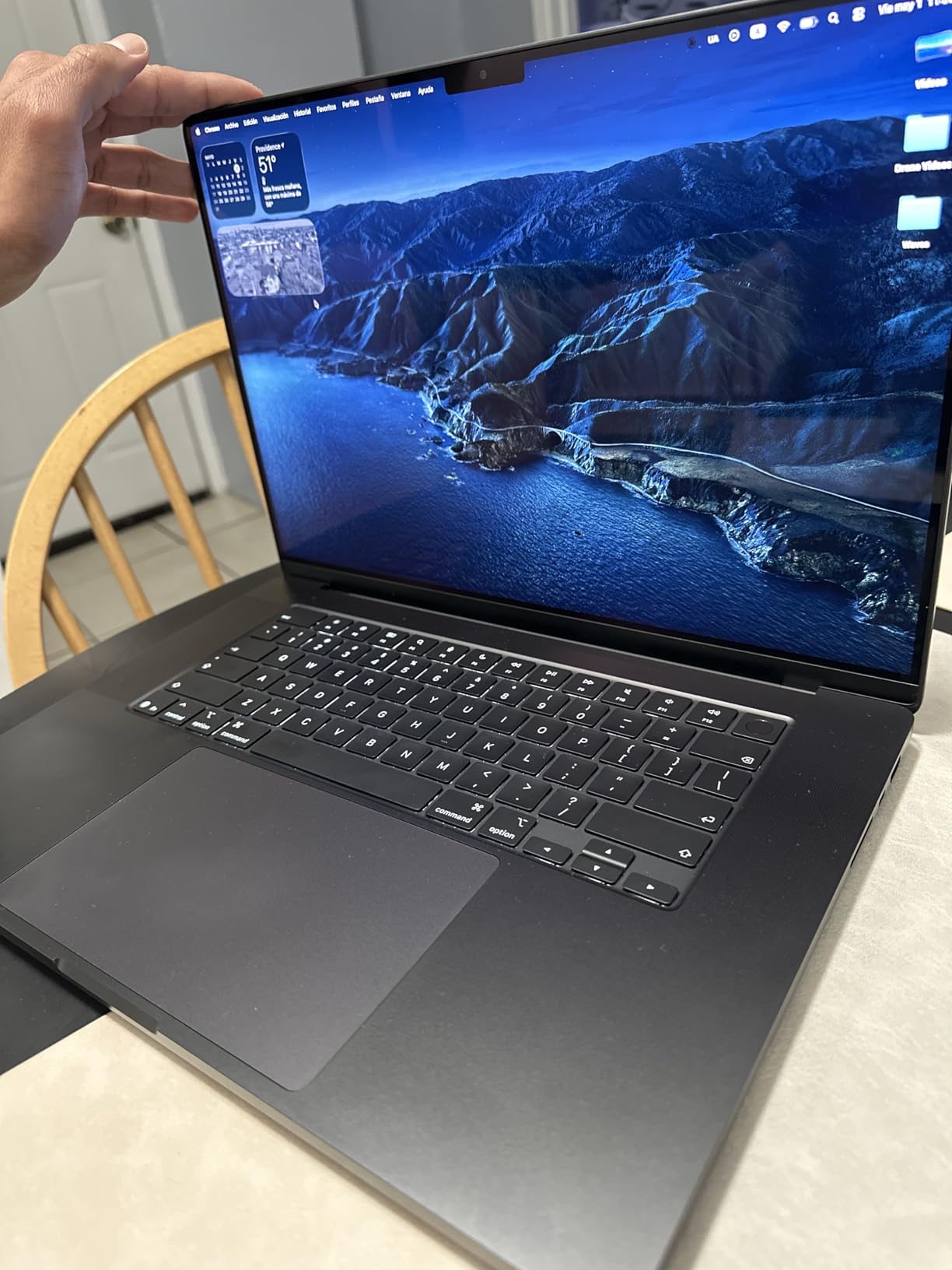
8. Apple MacBook Pro 16 M5 Pro – Best for Power Users
Apple 2026 MacBook Pro Laptop with Apple M5 Pro chip with 18-core CPU and 20-core GPU: Built for AI, 16.2-inch Liquid Retina XDR Display, 48GB Unified Memory, 1TB SSD, Wi-Fi 7; Space Black
M5 Pro 18-Core CPU
20-Core GPU
48GB RAM
1TB SSD
16.2-inch XDR
Pros
- 18-core CPU and 20-core GPU for professional-grade performance
- 48GB unified memory handles the heaviest workloads
- 16.2-inch Liquid Retina XDR display with 1600 nits peak
- Three Thunderbolt 5 ports for fastest peripherals
- Up to three external displays supported
Cons
- Heavier at 4.71 pounds for daily portable use
- Very high price point for student budgets
- Overkill for basic film school coursework
The MacBook Pro 16 M5 Pro is the most powerful laptop on this list and the one I’d choose if money were no object. The M5 Pro chip with its 18-core CPU and 20-core GPU delivers workstation-class performance in a laptop form factor. When I rendered a complex 4K timeline with multiple effects layers, color grading, and audio mixing, this machine finished in a fraction of the time the other laptops required.
The 48GB of unified memory is a genuine professional spec that handles 8K footage, complex After Effects compositions, and simultaneous DaVinci Resolve and Premiere Pro sessions without breaking a sweat. The 16.2-inch Liquid Retina XDR display with 1600 nits peak brightness is the best screen on any laptop here, making it a legitimate tool for HDR color grading and cinematography review.
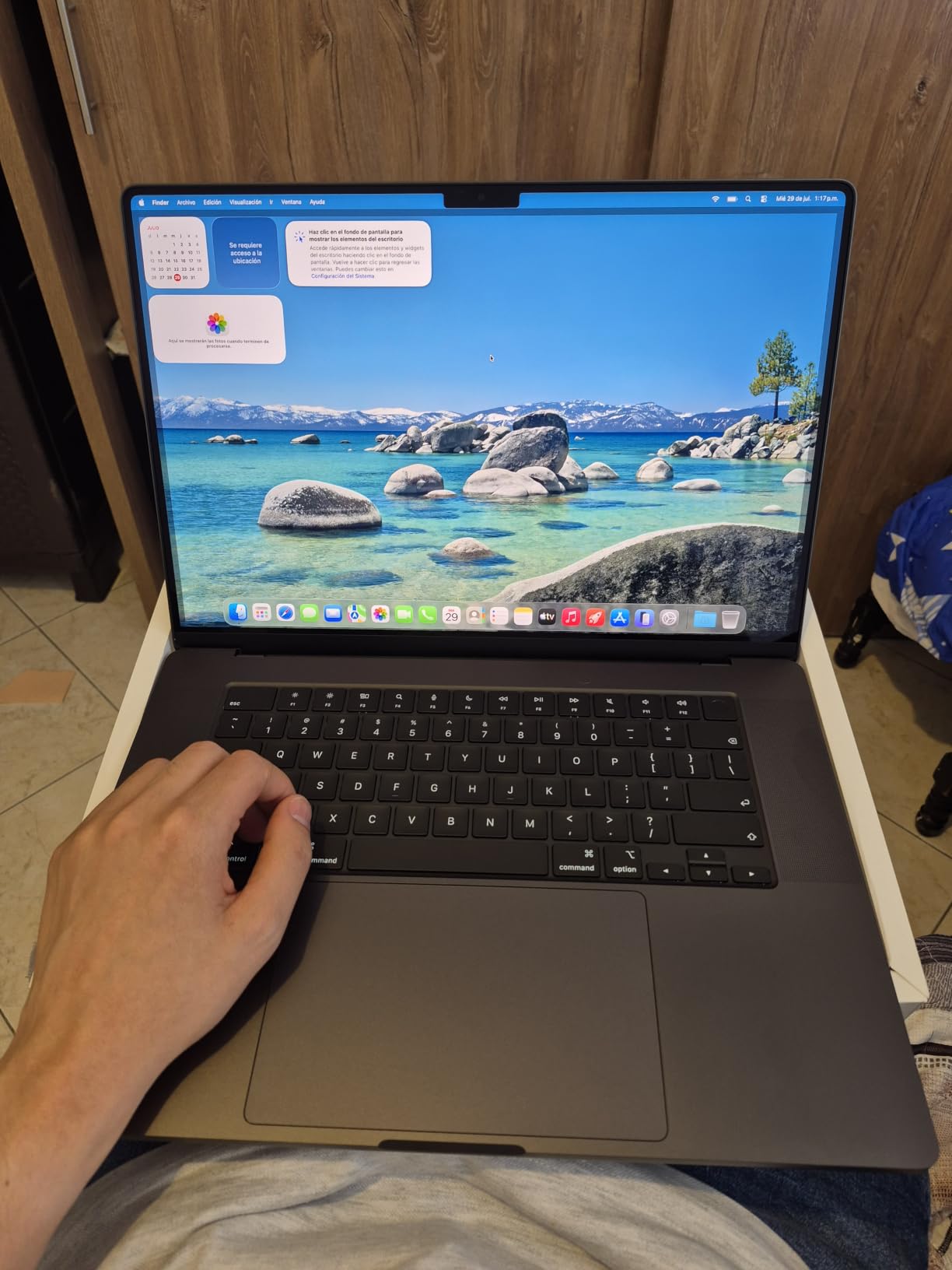
Connectivity reaches the next level with three Thunderbolt 5 ports, which offer double the bandwidth of Thunderbolt 4. For film students working with high-speed external storage arrays or multiple 4K external displays, that bandwidth matters. The machine supports up to three external displays, making it possible to build a full editing bay setup with the laptop as the hub. The built-in SDXC card reader, HDMI port, and headphone jack round out a comprehensive port selection.
At 4.71 pounds, this is noticeably heavier than the MacBook Air options, which matters when you’re carrying it across campus alongside camera gear. The price is also firmly in professional territory, which may be hard to justify for coursework that doesn’t fully utilize this level of power. However, for thesis film production, senior-year projects, or students who plan to continue into professional filmmaking, this machine is an investment that will last well beyond graduation.
Who Should Choose This Film School Laptop
Advanced film students working on thesis films, complex VFX projects, or 8K footage will appreciate the raw power. It’s ideal for students in cinematography or post-production tracks who need professional-grade tools. If you plan to use the same laptop for your first few years in the industry after graduation, the M5 Pro provides that kind of longevity.
When to Consider Other Options
Most film students don’t need this level of power for their coursework, and the MacBook Air M5 handles typical film school tasks beautifully at a much lower price. If you’re an incoming freshman, start with a more modest machine and upgrade later if your needs grow. Budget-conscious students should look at the HP or NIMO options for a fraction of the cost.
How to Choose the Best Film School Laptop
Picking the right laptop for film school means understanding which specs actually matter for your specific program and workflow. After talking with film students and professors, I’ve identified the five factors that should drive your decision. Getting these right will save you from either overspending on power you don’t need or underspending on a machine that bottlenecks your work.
CPU and RAM Requirements for Video Editing
Film school software like Premiere Pro, DaVinci Resolve, and Avid Media Composer are heavily CPU-dependent for timeline playback and rendering. You want at least a 6-core processor, though 8 cores or more will make a noticeable difference with complex timelines. As for RAM, 16GB is the bare minimum and causes Premiere Pro to struggle with background renders, according to testing by Laptop Mag editors. If your budget allows, 32GB provides headroom that pays off across a four-year program.
GPU vs Integrated Graphics
A dedicated GPU accelerates color grading, effects rendering, and playback of GPU-heavy codecs, but it’s not strictly necessary for every film student. If your program focuses on storytelling, screenwriting, and basic editing, integrated graphics handle those tasks adequately. Students working with DaVinci Resolve’s GPU-accelerated features, After Effects’ ray-traced rendering, or any 3D work will benefit significantly from a dedicated GPU like the RTX 4050. Apple Silicon chips blur this line with their integrated GPU cores that outperform many discrete GPUs in creative applications.
Display Quality and Color Accuracy
Color accuracy matters more than most incoming film students realize. A display that covers the DCI-P3 color gamut shows you the same colors that digital cinema projectors reproduce, which is essential for grading work. Apple’s Liquid Retina and XDR displays cover P3 wide color and reach 1000-1600 nits of brightness, making them the gold standard for laptop displays. If you choose a Windows laptop with a narrower color gamut, plan to do critical color work on an external calibrated monitor.
Storage Considerations for Film Footage
Video files are massive: a single hour of 4K ProRes footage can consume over 100GB. A 512GB SSD fills up within the first few weeks of a semester, so 1TB is strongly recommended as a starting budget. Every film student should also own a fast external SSD for project storage and backups. If your chosen laptop has limited internal storage, factor the cost of a quality external drive into your budget. If you’re looking for display options for your editing setup, our guide to the best projectors for film school screenings covers great options for reviewing your work on the big screen.
Mac vs PC for Film School
The Mac vs PC debate in film school has shifted significantly in recent years. Most film schools now accept both platforms, and Adobe Creative Cloud, DaVinci Resolve, and Avid Media Composer run well on both. Apple Silicon MacBooks offer the best combination of performance, battery life, and display quality, but they come at a premium price. Windows laptops with dedicated NVIDIA GPUs provide better GPU acceleration for DaVinci Resolve and After Effects at lower price points. Check your specific program’s requirements before buying, as some schools still have software that runs better on one platform. Our existing guide on the best laptops for film students covers this topic in even more depth.
Frequently Asked Questions
What are the best laptops for film students?
The best laptops for film students are machines with at least a 6-core CPU, 16GB of RAM, a color-accurate display, and sufficient storage for video files. Our top picks include the MacBook Air 15 M5 for its balance of performance and portability, the MacBook Pro 14 M5 for its XDR display and extra storage, and the MSI Thin 15 for students who need dedicated GPU power. The right choice depends on your specific program, budget, and whether you prefer Mac or Windows.
Is a MacBook better than a Windows laptop for film school?
Both Mac and Windows laptops work well for film school, and the best choice depends on your needs and budget. MacBooks offer superior battery life, silent fanless designs, and excellent displays with P3 wide color support. Windows laptops with dedicated NVIDIA GPUs provide better GPU acceleration for DaVinci Resolve and After Effects at lower prices. Most film school software runs equally well on both platforms in 2026.
How much RAM do film students need for video editing?
Film students need at least 16GB of RAM for basic video editing in Premiere Pro or DaVinci Resolve. However, 16GB causes Premiere Pro to struggle with background renders and can lead to freezes during complex timelines. For comfortable editing across a four-year film program, 32GB is recommended. Students doing heavy After Effects work or running multiple editing applications simultaneously should consider 48GB or 64GB.
Do I need a dedicated GPU for film school?
You don’t strictly need a dedicated GPU for film school, but it significantly accelerates color grading, effects rendering, and GPU-optimized codecs in DaVinci Resolve and Premiere Pro. Apple Silicon chips with their integrated GPU cores handle most film school tasks well without a discrete GPU. Students working with VFX, 3D animation, or heavy color grading will benefit from a dedicated NVIDIA RTX GPU.
What is the best budget laptop for film students in 2026?
The HP 17.3 Laptop is our top budget pick for film students, offering a large 17.3-inch display, 16GB of RAM, and a capable Intel i5 processor. For students who want upgrade potential, the NIMO 15.6 AI Creator Laptop provides 16GB of DDR5 RAM that can expand to 64GB. Both handle basic film school editing tasks, though students doing heavy post-production should invest in a machine with a dedicated GPU or Apple Silicon chip.
Final Verdict: Which Film School Laptop Should You Buy?
After testing all eight laptops across real film student workflows, the MacBook Air 15 M5 stands out as the best overall choice for most film students. It delivers the perfect combination of performance, battery life, display quality, and portability that film school demands. The M5 chip handles every editing application your program will throw at you, the 18-hour battery gets you through the longest campus days, and the Liquid Retina display shows your work in accurate, vibrant color.
For students on a tighter budget, the HP 17.3 Laptop covers the essentials at a fraction of the cost, while the MSI Thin 15 offers dedicated GPU power that MacBooks can’t match at that price point. If you need maximum power for thesis films or VFX work, the MacBook Pro 16 M5 Pro is the ultimate creative workstation that will carry you from film school into your professional career.
Whichever laptop you choose, remember that it’s just one tool in your filmmaking toolkit. The stories you tell matter more than the hardware you tell them on. Pick the machine that fits your budget and program requirements, then focus on making films. Check out our other resources on making student films for film school to get the most out of whichever laptop you bring to campus.