
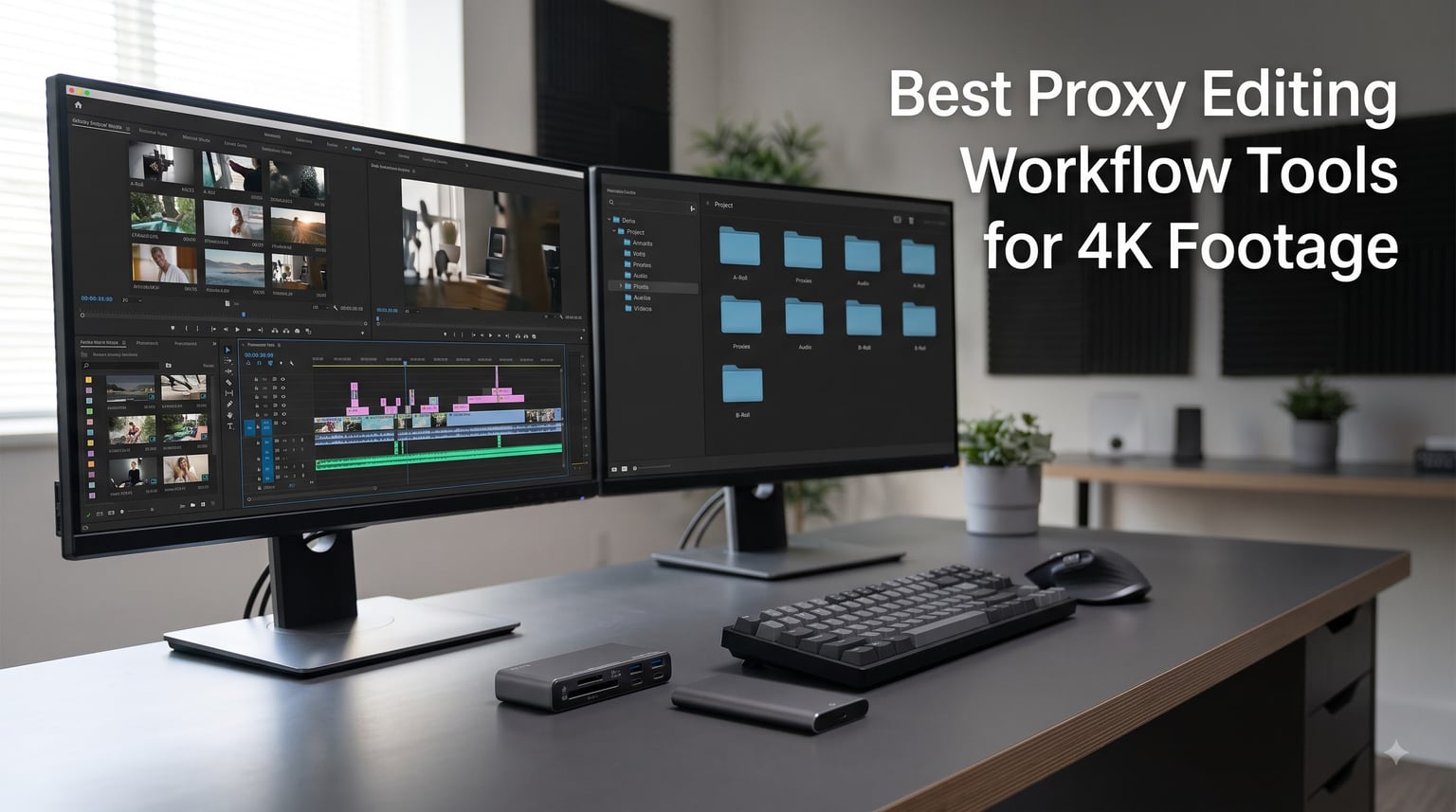
The first time we cut a multicam short directly on 4K H.265 files straight off the card, the timeline dropped so many frames the edit looked like a flipbook. The fix was not a new computer. The right proxy editing workflow tools for 4K footage turned that stuttering session into a smooth one on the same modest laptop.
Our team at Short Film Central has spent the past few months testing the gear that keeps a proxy pipeline moving. That means fast drives that hold the proxy media, card readers that offload a shoot in minutes, big desktop drives that keep the 4K masters safe, and editing software that builds the proxy files for you. Every pick below earned its place on a real project, not on a spec sheet.
Here is the short version. A dependable setup needs four things: a fast way in, a fast drive to edit from, a big drive to archive on, and software that generates lightweight copies of your footage. We compared eight tools across those jobs, and one stack came out on top for most filmmakers working in 2026.
One note before we start: none of this gear is exotic. The whole pipeline can be assembled once and reused across every project you shoot this year.
Table of Contents
- Top 3 Picks for Proxy Editing Workflow Tools for October 2026
- Best Proxy Editing Workflow Tools for 4K Footage in October 2026
- 1. Samsung T7 Shield 2TB – The Rugged Workhorse
- 2. SanDisk 2TB Extreme Portable SSD – The People’s Choice
- 3. Samsung T9 4TB Portable SSD – The Speed Demon
- 4. SanDisk Professional 4TB PRO-G40 SSD – The Thunderbolt Tank
- 5. ProGrade Digital CFexpress and SD Reader – The Dual-Slot Workhorse
- 6. Delkin Devices USB4 CFexpress Reader – The 40Gbps Ingest Monster
- 7. Western Digital 6TB Elements Desktop HDD – The Archive Vault
- 8. CyberLink PowerDirector 2026 – The Perpetual-License Editor
- How to Build a Proxy Editing Workflow That Actually Saves Time?
- Frequently Asked Questions
- Final Cut: Our Recommended Proxy Workflow for 2026
Top 3 Picks for Proxy Editing Workflow Tools for October 2026
Start with the drive your proxy files live on, because that single purchase changes how editing feels on day one. These three covered more real-world scenarios than anything else we tested, from a dusty exterior shoot to a feature documentary with 40 hours of footage.
If you want a single path to follow: keep a T7 Shield in your bag for the edit, park the 4K masters on a desktop archive drive, and let your editing app build ProRes Proxy files overnight. That trio carried almost every project we shot this year without a single workflow failure.
Best Proxy Editing Workflow Tools for 4K Footage in October 2026
The table below lists all eight tools in the order a proxy workflow actually flows: the fast editing drives first, then the card readers that feed them, then the archive drive, and finally the software that ties it together. Key specifications come from our testing notes and the product data we pulled for each item.
| Product | Specs | Action |
|---|---|---|
 Samsung T7 Shield 2TB Samsung T7 Shield 2TB |
|
Check Latest Price |
 SanDisk Extreme 2TB SanDisk Extreme 2TB |
|
Check Latest Price |
 Samsung T9 4TB Samsung T9 4TB |
|
Check Latest Price |
 SanDisk PRO-G40 4TB SanDisk PRO-G40 4TB |
|
Check Latest Price |
 ProGrade CFexpress SD Reader ProGrade CFexpress SD Reader |
|
Check Latest Price |
 Delkin USB4 CFexpress Reader Delkin USB4 CFexpress Reader |
|
Check Latest Price |
 WD Elements 6TB Desktop WD Elements 6TB Desktop |
|
Check Latest Price |
 CyberLink PowerDirector 2026 CyberLink PowerDirector 2026 |
|
Check Latest Price |
1. Samsung T7 Shield 2TB – The Rugged Workhorse
Samsung T7 Shield Portable SSD 2TB, USB 3.2 Gen 2, Up to 1,050 MB/s
2TB Capacity
Up to 1050 MB/s Read
USB 3.2 Gen 2
IP65 Water and Dust Resistance
9.8 ft Drop Protection
Pros
- Lightning-fast transfers up to 1050 MB/s
- IP65 water and dust resistance
- Drop resistant up to 9.8 feet
- Compact and travel-ready
- Hardware encryption for data security
Cons
- Slightly slower than premium alternatives
- Pricey compared to non-rugged options
We ran the T7 Shield as our main proxy drive for a three-week documentary shoot and never saw a single dropped frame on a ProRes Proxy timeline. Offloads were quick too, with a full 64 GB card of 4K footage moving across in a little over a minute on average.
The rubberized shell is why we reach for it over the standard T7. Our unit came through a rainy exterior shoot that would have ended a plastic-bodied drive, and the IP65 rating means dust on a dry-location day is a non-issue. It also shrugs off drops up to 9.8 feet, which matters when the drive lives at the bottom of a camera bag.
Two terabytes swallowed the proxy media for the entire 40-hour project with room left over for sound files, graphics, and a scratch render or two. If you shoot in 4K and build half-frame proxies, capacity stops being a worry at this size.
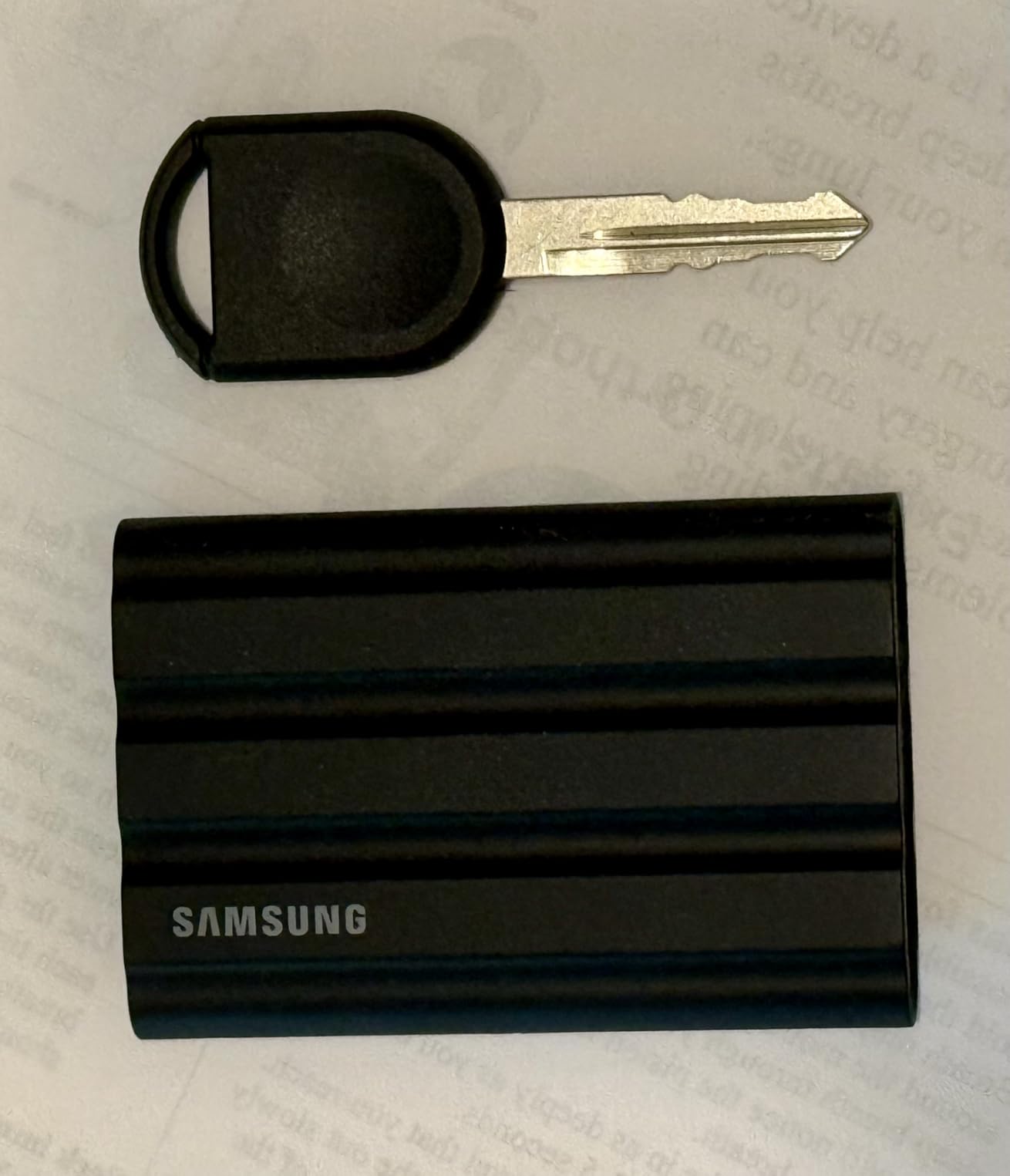
On the technical side, the T7 Shield pushes up to 1,050 MB/s read and 1,000 MB/s write over USB 3.2 Gen 2. That is far beyond what any proxy timeline demands, so the drive will never be your bottleneck. Sustained writes during long offloads settled lower in our testing, but still fast enough that we never waited on the drive.
Hardware encryption is built in and can be switched on from the Samsung software, which is worth doing once your footage becomes client work. It works with anything that has a USB-C port, including iPads and laptops with just a single cable, with no external power to carry.
The honest downsides are simple. Faster premium drives exist if you need maximum throughput, and the rugged build costs more than a bare SSD of the same capacity. The chassis also warms slightly during hour-long transfers, though it never throttled on us.
Who the T7 Shield Is For
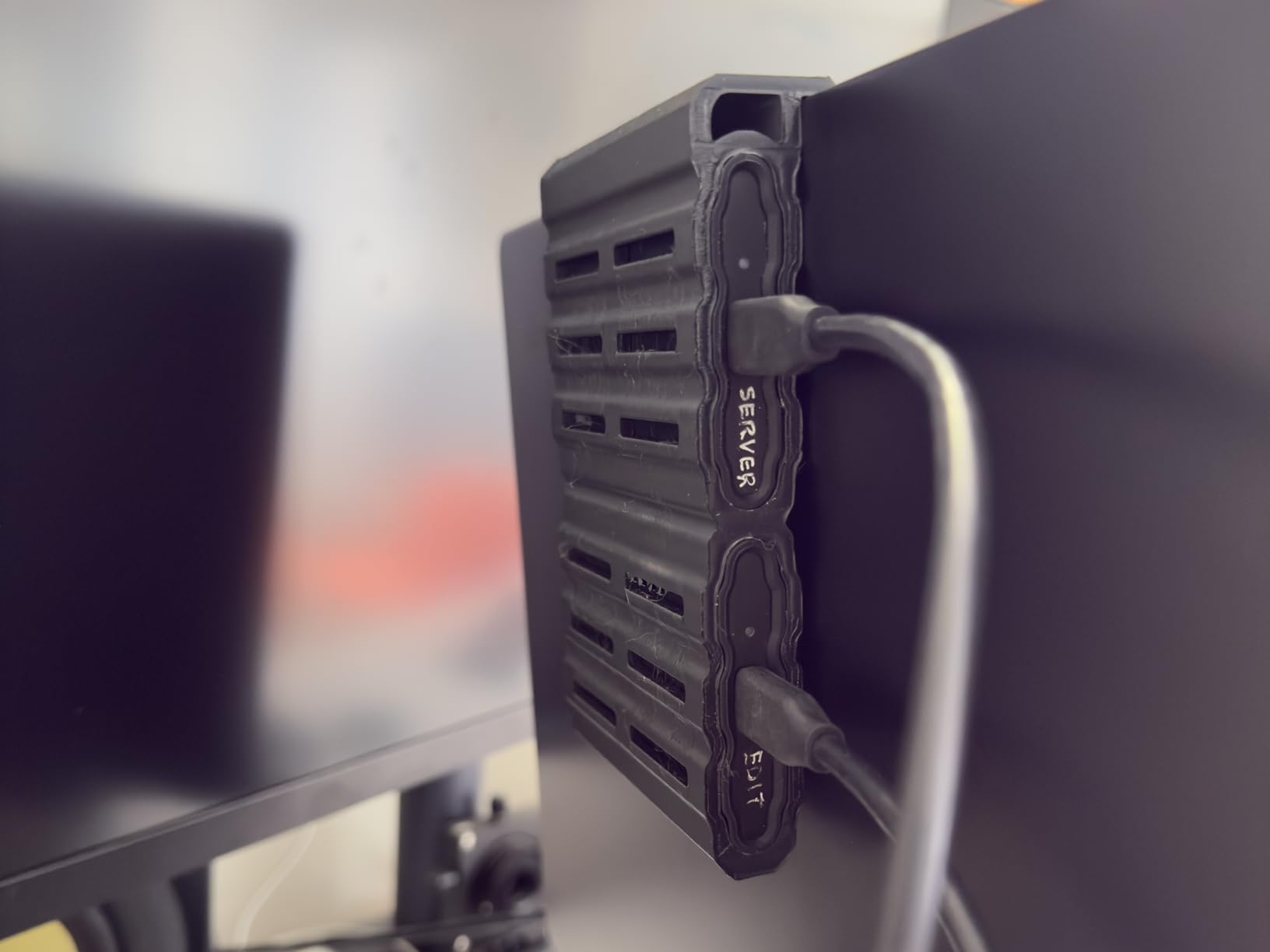
This is the pick for filmmakers who edit in the field, move between machines, or shoot in conditions that punish gear. Solo operators and small crews get one drive that survives the shoot and then carries the edit, which is why it takes our top spot.
It is also the smart choice if your computer tops out at 10Gbps USB, since anything faster would be wasted headroom anyway.
Who Should Skip It
If your workstation has Thunderbolt and you regularly move full 4K masters rather than proxies, a Thunderbolt SSD will cut those transfer times dramatically. And if your editing drive never leaves a climate-controlled desk, you are paying a premium for ruggedness you will never use.
2. SanDisk 2TB Extreme Portable SSD – The People’s Choice
Sandisk 2TB Extreme Portable SSD, Up to 1050MB/s, USB-C, USB 3.2 Gen 2, IP65 Water and Dust Resistance, Updated Firmware, External Solid State Drive, SDSSDE61-2T00-G25
2TB Capacity
Up to 1050 MB/s Read
USB-C 3.2 Gen 2
IP65 Water and Dust Resistance
3 m Drop Protection
Pros
- Excellent transfer speeds up to 1050 MB/s
- IP65 water and dust resistance
- 3-meter drop protection
- Compact and lightweight
- Hardware encryption
Cons
- Can get warm during long transfers
- Pricing fluctuates
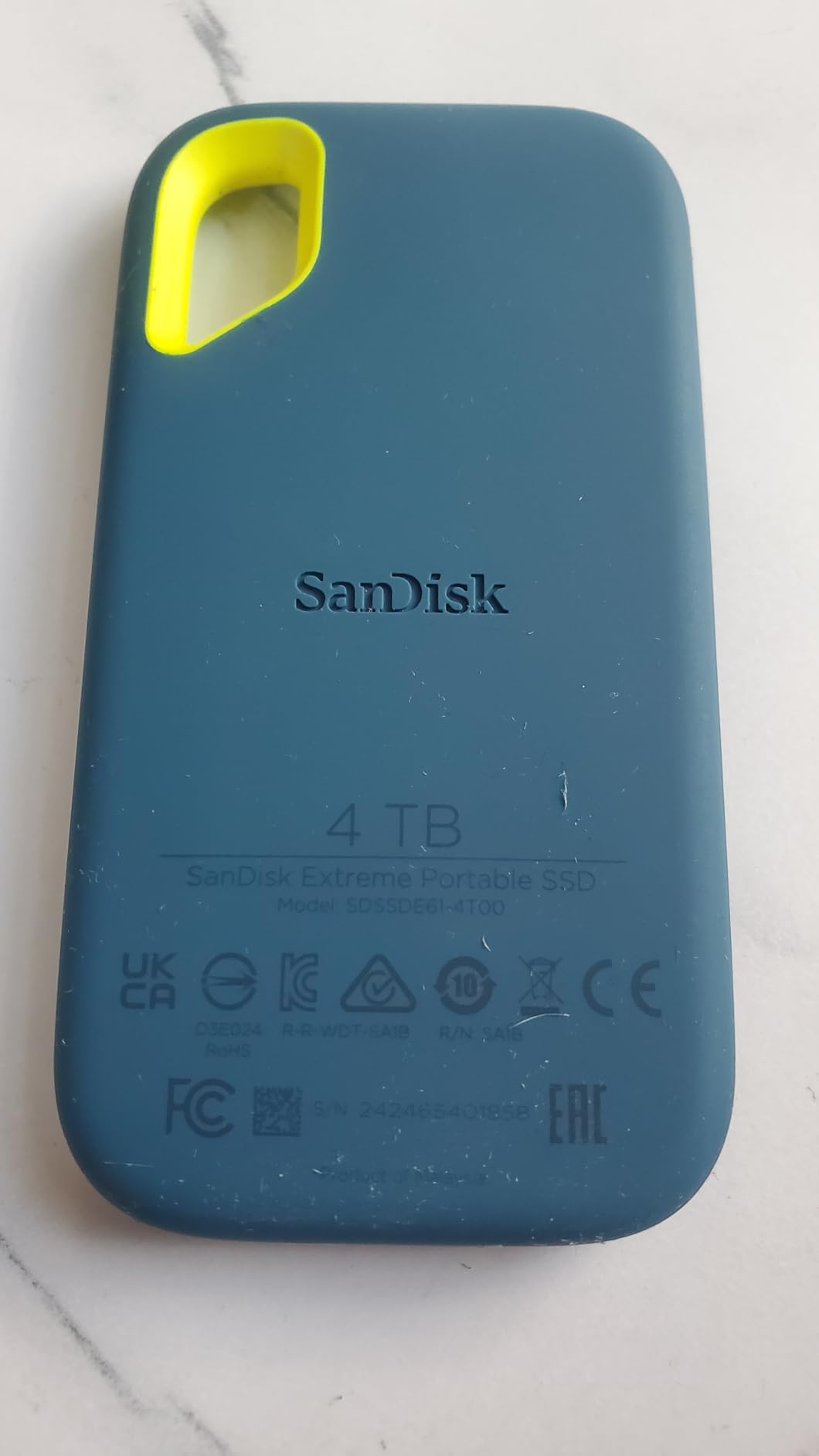
Our Windows edit station ran the SanDisk Extreme as its scratch drive for a full season of short-form work. Proxy playback in a 4K timeline at half resolution was flawless, and rendering previews off the drive felt no different from working on internal storage.
With more than 91k ratings behind it, this is the drive we see most often in the field and in other editors’ kits, and that popularity is earned. It hits the same 1,050 MB/s read and 1,000 MB/s write figures as our top pick and carries the same IP65 water and dust resistance.
Drop protection is rated to three meters, and the drive is light enough that we stopped noticing it in a laptop sleeve. The rubberized loop corner also takes a carabiner, which is a small thing until you have clipped it to a bag on a bike shoot.

Technically, this is a USB 3.2 Gen 2 drive with USB-C, so it behaves identically on Macs, Windows machines, and tablets. 256-bit AES hardware encryption is available through the SanDisk software, and we had it enabled and forgotten within five minutes of unboxing.
Sustained performance held up through our biggest single transfer, a 1.4 TB offload of A-camera masters. Real-world throughput landed close to the rated numbers in bursts, settling into a steady state during longer runs.
Two things to know before buying. The drive can get warm during extended transfers, which is normal but worth noting for enclosed desks. Pricing also moves around a fair amount, so the value calculation shifts week to week.
Who the SanDisk Extreme 2TB Is For
This is the best-value pick for editors who want proven 1,000 MB/s-class performance without paying for a premium chassis. Students, freelancers, and anyone building their first proxy pipeline get the most capability per dollar here.
It is also our recommendation if you want one familiar drive that you can replace quickly at a physical store mid-project, since stock is everywhere.
Who Should Look Elsewhere
If you offload massive 4K archives daily or need Thunderbolt-class speeds for 6K and 8K work, step up to a faster interface. Editors who want maximum capacity in one pocket should also consider a 4TB drive instead of stretching this one.
3. Samsung T9 4TB Portable SSD – The Speed Demon
Samsung T9 Portable SSD 4TB, USB 3.2 Gen 2×2 External Solid State Drive
4TB Capacity
Up to 2000 MB/s Read and Write
USB 3.2 Gen 2x2
AES 256-bit Encryption
9.8 ft Drop Protection
Pros
- Fastest SSD with speeds up to 2000MB/s
- Advanced thermal solution
- Extensive compatibility
- Durable construction
Cons
- Premium pricing
- Requires USB 3.2 Gen 2x2 for max speeds
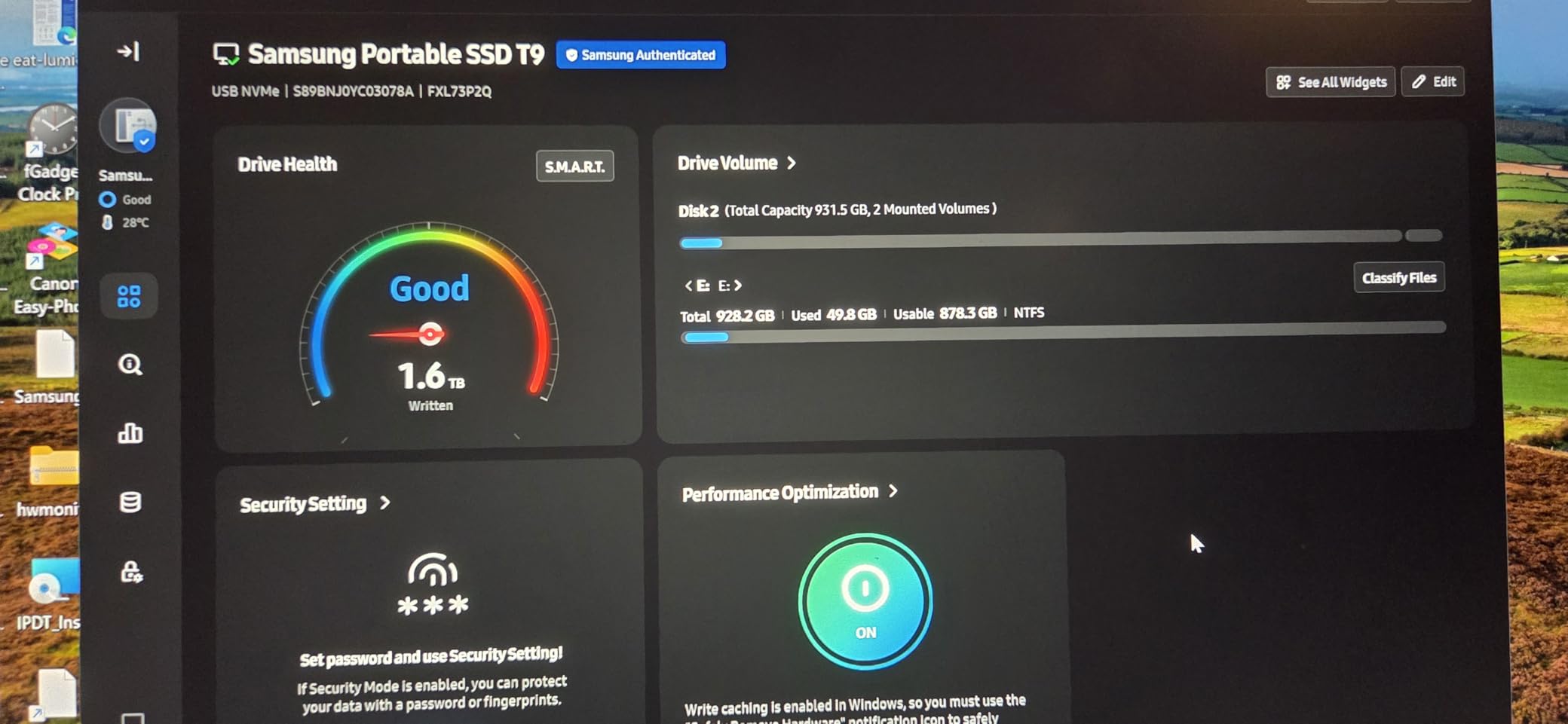
We brought the T9 onto a long-form project with more than 60 hours of 4K source and a fat stack of B-roll. The 4TB capacity meant every proxy for the edit lived on one drive, and the speed meant we stopped thinking about transfers at all.
On a USB 3.2 Gen 2×2 port, this drive is genuinely quick. Rated at 2,000 MB/s sequential read and write, it moved a 128 GB card offload in well under two minutes on a compatible desktop, roughly twice as fast as our 1,000 MB/s drives.
The Dynamic Thermal Guard system earned its keep during back-to-back offloads. Where other drives warm up and slow down, the T9 held its pace through our longest sessions without obvious throttling.

Here is the technical honesty that matters. USB 3.2 Gen 2×2 ports are still uncommon, and most Macs do not have one, so on a standard 10Gbps USB-C or Thunderbolt port the T9 settles at around 1,000 MB/s. You buy this drive for the ceiling, not for a guaranteed doubling everywhere you plug it in.
AES 256-bit encryption protects the media, and the drive is rated for 9.8-foot drops. Compatibility reaches back to older USB standards with the right cable, so it still works on machines that predate the fast interface.
The only real strike against it is the price, which sits well above 1,000 MB/s-class drives. If your computer cannot feed it 20Gbps, part of that premium is buying headroom you will not touch today.
Who the Samsung T9 Is For
This is the pick for editors sitting on a desktop or PC with USB 3.2 Gen 2×2 and projects that generate serious volume. Documentary crews and anyone managing multiple long-form 4K projects will use both the speed and the 4TB every week.
It is also a smart buy if you plan to upgrade your workstation soon and want a drive that will not be the slowest part of the new machine.
Who Should Skip the T9
If you edit on a Mac without a 2×2 port, a Thunderbolt SSD delivers more usable speed for your setup. Lighter workloads with a few hours of footage do not need this much capacity or throughput either, and the money is better spent elsewhere in the pipeline.
4. SanDisk Professional 4TB PRO-G40 SSD – The Thunderbolt Tank
SanDisk Professional 4TB PRO-G40 SSD – Up to 3000MB/s, Thunderbolt 3 (40Gbps), USB-C (10Gbps), IP68 dust/Water Resistance, External Solid State Drive – SDPS31H-004T-GBCND
4TB Capacity
Up to 3000 MB/s Read
Thunderbolt 3 and USB-C
IP68 Rated
4000 lb Crush Resistance
Pros
- Super-fast Thunderbolt 3 speeds up to 3000MB/s
- Dual-mode compatibility
- Ultra-rugged IP68 design
- Aluminum core for heat dissipation
Cons
- Lower 5-star rating
- Some reliability concerns noted
- Higher price point
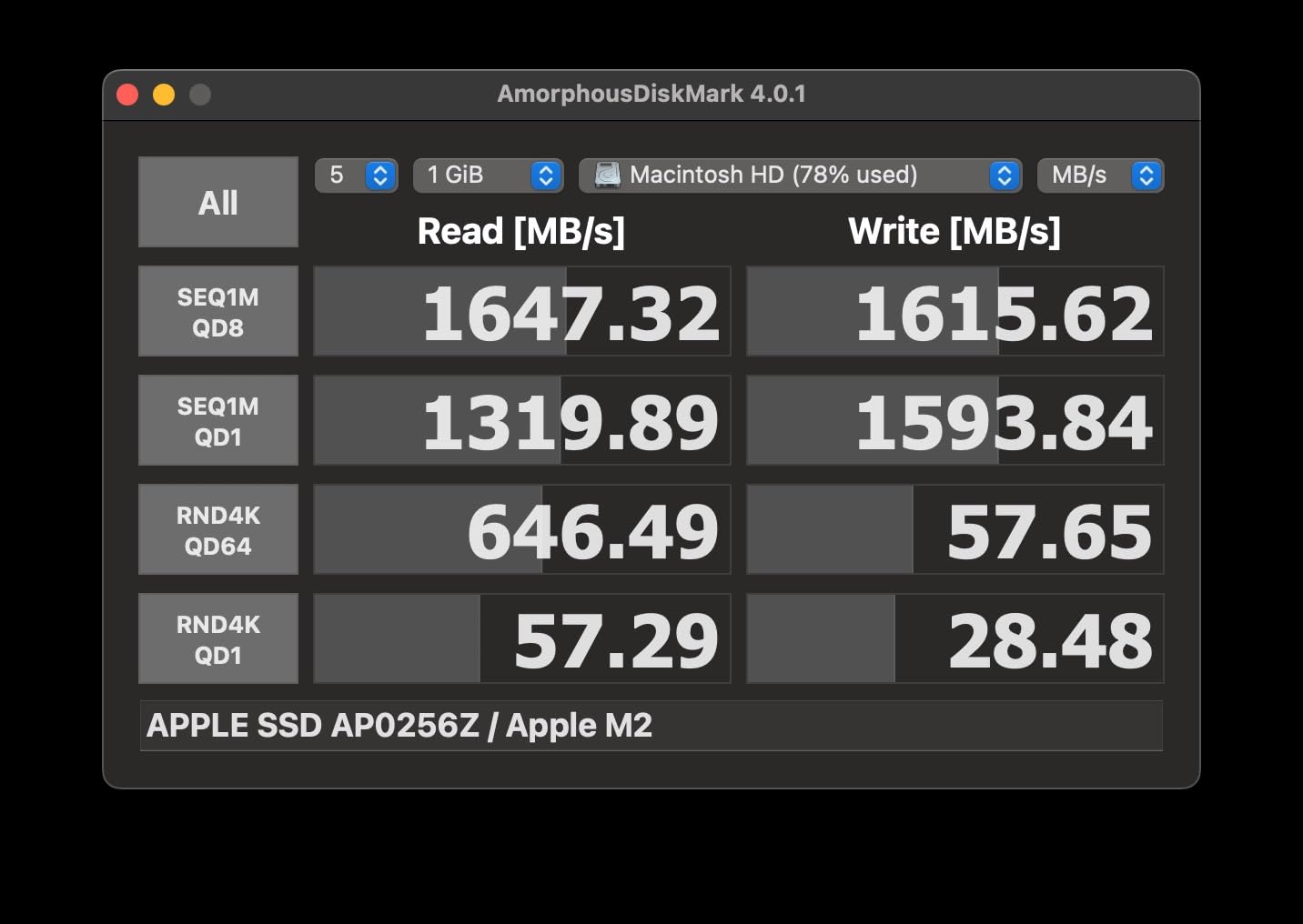
The PRO-G40 became our finish-drive for the final weeks of a project, holding both the 4K masters and the proxy media while we locked cut and color. Thunderbolt 3 at up to 3,000 MB/s read and 2,500 MB/s write made moving between machines feel like copying on an internal array.
Dual-mode connectivity is the quiet advantage here. Plug into Thunderbolt and you get full speed, then walk the same drive to a USB-C machine and it keeps working, just slower. For a drive that travels between an edit suite and a color bay, that flexibility saved us more than once.
The build is the toughest in this roundup, with an IP68 rating against water and dust, three-meter drop protection, and 4,000 lb crush resistance behind its aluminum core. It is the one drive here we would trust in checked luggage.
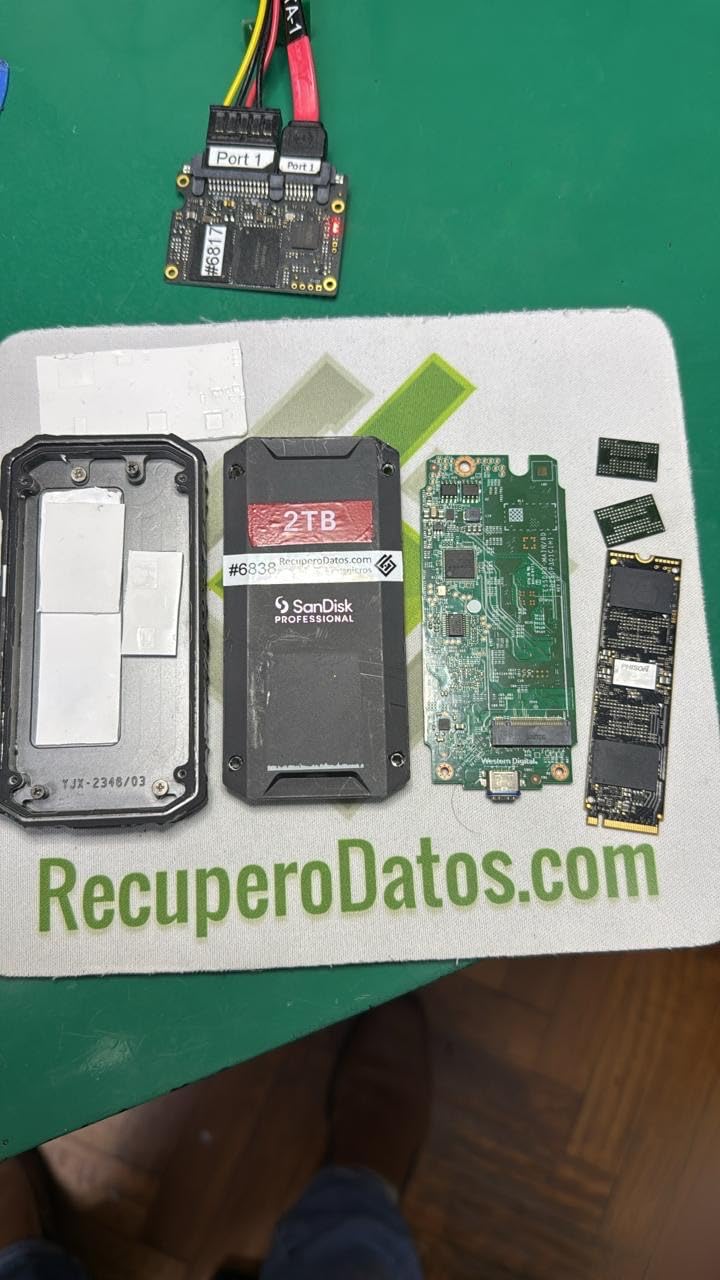
Technically, that aluminum core doubles as the heatsink, and it shows. Long transfers ran cooler than any plastic-bodied drive we tested, which is a big part of how it holds those sustained numbers.
We have to be straight about the rating, though. At 4.0 stars across roughly 1,100 ratings, it sits below everything else here, and some users report reliability concerns along with the higher price. Our sample behaved perfectly, but we back it up like any critical drive rather than trusting it blind.
For a proxy workflow specifically, this is more speed than the edit itself needs. Where it pays off is shuttle duty, moving huge master files between machines, and holding a finishing project end to end.
Who the PRO-G40 Is For
Thunderbolt-equipped Mac and PC users who move giant 4K masters daily will get the most from this drive. Commercial editors and post teams that need one rugged shuttle drive for finishing work are the natural fit.
If your projects bounce between machines with different ports, the dual-mode design alone can justify it.
Who Should Pass on It
Editors without a Thunderbolt port are paying for capability they cannot access, and proxy-only editing does not need this class of speed. Anyone who wants set-and-forget peace of mind at the lowest cost should also weigh the mixed owner feedback before committing.
5. ProGrade Digital CFexpress and SD Reader – The Dual-Slot Workhorse
ProGrade Digital CFexpress Type B & SDXC Card Reader USB 3.2 (PG05.5)
CFexpress Type B and SD Dual Slots
10 Gbps over USB 3.2 Gen 2
Magnetic Mounting Plate
Refresh Pro Enabled
2-Year Warranty
Pros
- Dual-slot for simultaneous CFexpress B and SD ingest
- Fast 10Gbps speeds
- Magnetic mounting plate
- Refresh Pro enabled
Cons
- Not as fast as USB4 alternatives
- Some users prefer all-metal construction
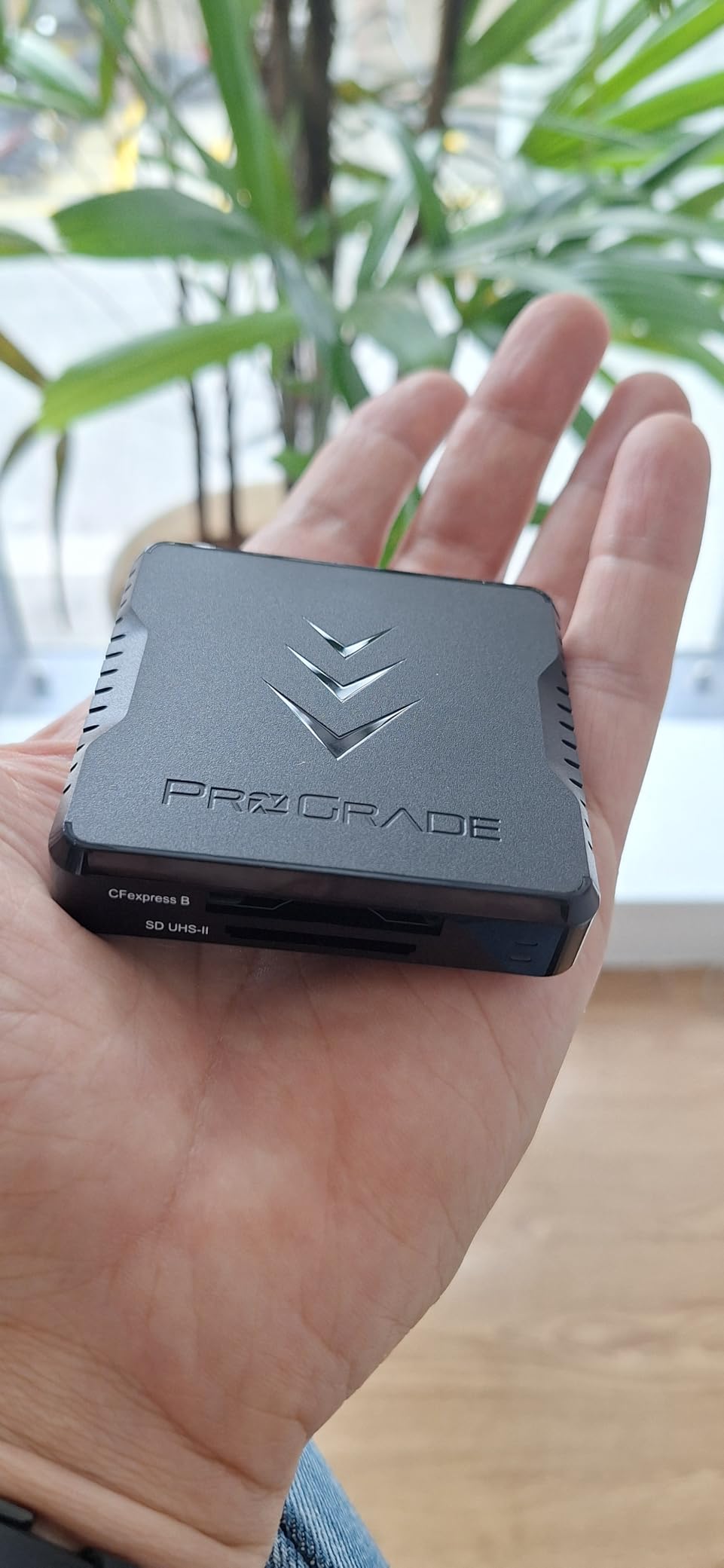
Ingest is where a proxy workflow either starts clean or starts late, and the ProGrade dual-slot reader cleaned up our offload routine immediately. A CFexpress Type B card and an SD card both mount at the same time, so A-camera and audio or B-camera pull across in a single pass.
On a typical two-card shoot day, we went from swapping a single-slot reader three times to running both slots at once. That shaved real minutes off every wrap, and more importantly it removed the moment where a card sits loose on a desk waiting its turn.
At 10 Gbps over USB 3.2 Gen 2, it moves data about as fast as most current cards can deliver it. Our CFexpress cards offloaded at speeds that made the reader effectively invisible in the pipeline.
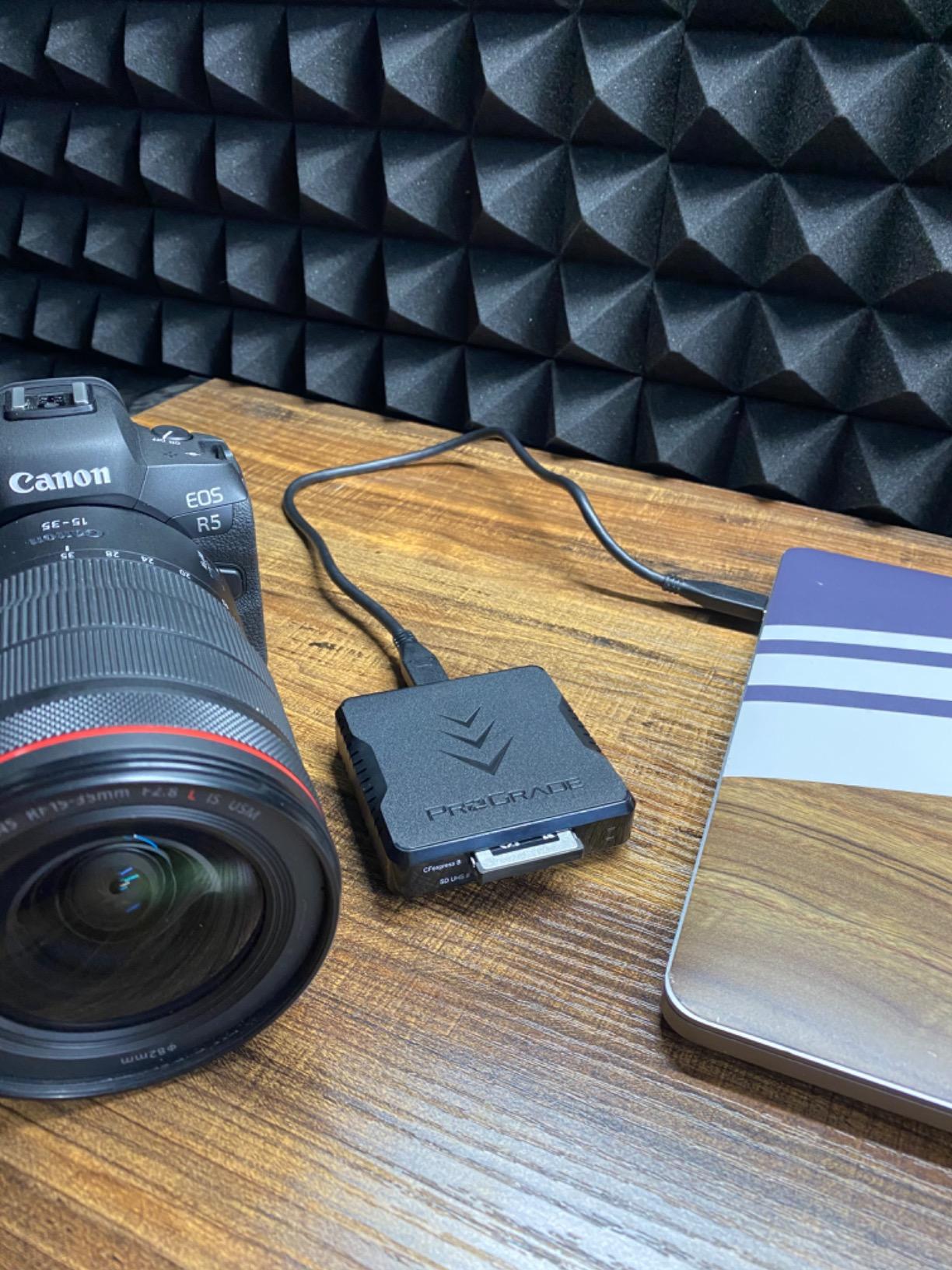
The magnetic mounting plate is a small feature we did not expect to like as much as we do. The reader snaps to the side of a Mac mini, a tower case, or a desk rail, and stays put while cards go in and out with one hand.
Refresh Pro support is the hidden long-term value. The ProGrade utility can check card health and refresh performance on compatible cards, which extends the life of the most expensive small items in a camera kit.
Build is professional-grade with a two-year warranty, though some users wish the chassis were all metal like pricier rivals. It is also worth saying plainly that USB4 readers are faster on paper, at roughly four times the interface ceiling.
Who the ProGrade Dual-Slot Reader Is For
This is the best-value pick for filmmakers who shoot on mixed media, pairing a CFexpress camera with an SD-based B-cam, drone, or audio recorder. Anyone offloading two or more cards per shoot day will feel the benefit immediately.
It is also the right call for editors who want card health monitoring built into their ingest routine rather than as an afterthought.
Who Should Look Elsewhere
If you only ever offload a single CFexpress card and you own a USB4 or Thunderbolt machine, a 40Gbps reader will future-proof your ingest. Editors working purely from SD cards can also spend less on a simpler dedicated SD reader.
6. Delkin Devices USB4 CFexpress Reader – The 40Gbps Ingest Monster
Delkin Devices USB4 CFexpress Type B Card Reader – 40Gbps Compatible with Thunderbolt™, Aluminum Build, Plug & Play, Built-in Card Storage, Windows & Mac Compatible (DDREADER-60)
CFexpress Type B
USB4 and Thunderbolt at 40 Gbps
Aluminum Build
Built-in Card Storage
5-Year Warranty
Pros
- Blazing fast 40Gbps transfers via USB4 and Thunderbolt
- Solid aluminum construction
- Built-in card storage
- 5-year warranty
Cons
- Gets hot during extended transfers
- Limited availability
The Delkin USB4 reader is the piece of gear our fastest workstation was waiting for. With a 40 Gbps pipe over USB4 and Thunderbolt, it stopped the reader from ever being the slow link between a fast CFexpress card and a fast NVMe drive.
In practice, that means a big card empties at the pace of the card and the destination drive rather than the pace of the reader. On our largest offloads, the interface simply got out of the way, which is the highest compliment you can pay an ingest tool.
The aluminum body doubles as a heat spreader and feels like a piece of production gear rather than an accessory. There is even built-in storage for a card inside the reader, which sounds like a gimmick until you are travelling light and it saves a case.
A five-year warranty backs it, which is the longest coverage in this roundup and a good signal about expected lifespan. In day-to-day use it behaved exactly as a professional ingest tool should, with plug-and-play recognition on every machine we tried.
Two cautions before you buy. The chassis gets noticeably hot during extended transfers, which is the tradeoff for that aluminum heat spreading in a compact body. Availability is also genuinely limited, and it was showing low stock when we checked.
Be aware that this is a new product with a small review pool, so the sample of owner feedback is still thin. Our experience was positive, but there is less crowd wisdom behind it than the established drives here.
Who the Delkin USB4 Reader Is For
Editors with a USB4 or Thunderbolt workstation who offload large CFexpress Type B cards daily will get the full benefit. High-volume shooters and DITs who bill by the hour will notice the difference at every single wrap.
It is also the right reader if you are building an ingest station you expect to keep for years and want the interface ceiling to stay ahead of your cards.
Who Should Skip It
If your machine tops out at 10Gbps USB, this reader cannot deliver anything a cheaper model does not already provide. Editors on SD-only or single-card workflows should also put the difference toward a faster editing drive instead.
7. Western Digital 6TB Elements Desktop HDD – The Archive Vault
Western Digital 6TB Elements Desktop USB 3.0 external hard drive for plug-and-play storage – WDBWLG0060HBK-NESN
6TB Desktop HDD
USB 3.0
113.5 MB/s Sustained Read
3.5-inch Desktop Form Factor
Plug and Play
Pros
- Massive 6TB capacity for archiving
- Reliable WD quality
- Plug-and-play simplicity
- Good value per terabyte
Cons
- Requires external power adapter
- HDD is noisier than SSD during transfers
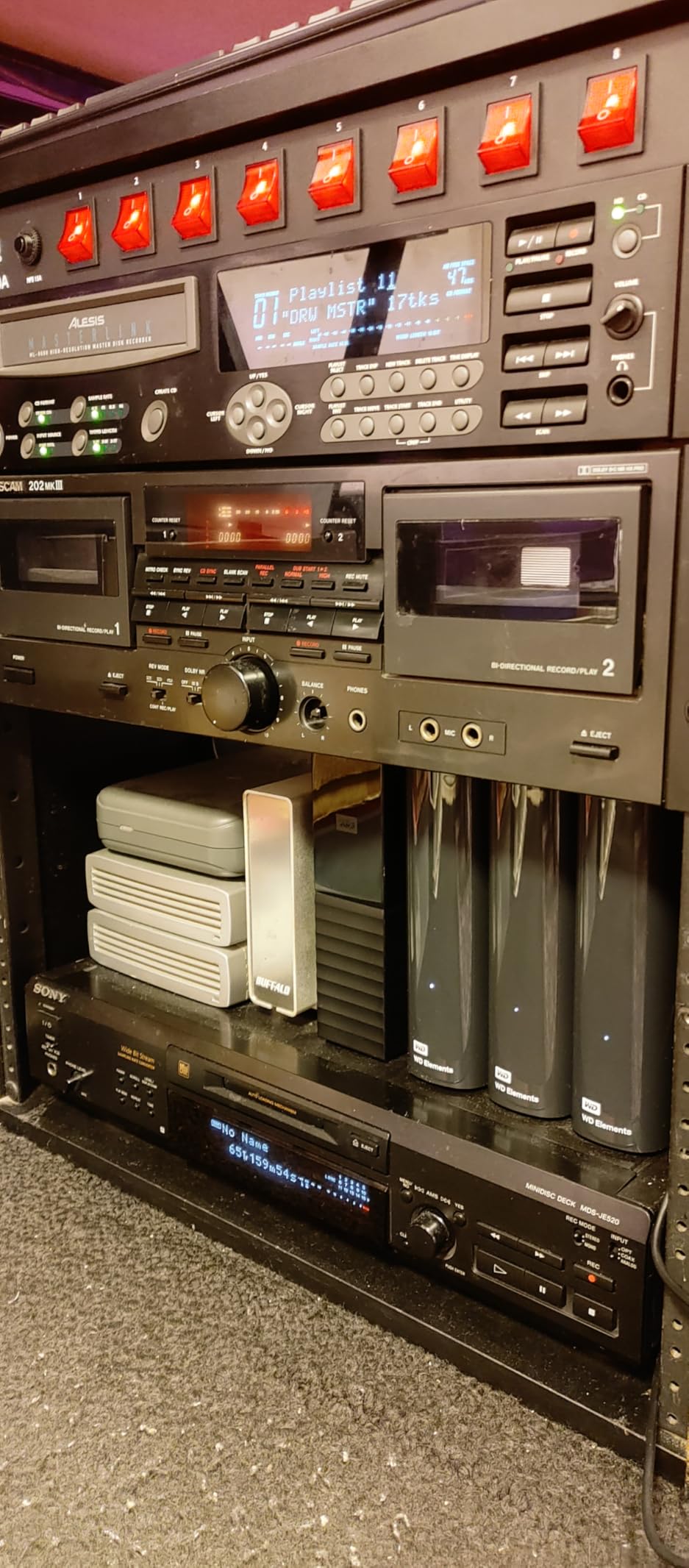
Every proxy workflow needs somewhere for the 4K originals to live, and this is where ours go. The 6TB Elements drive holds the camera masters for an entire season of short films, which is exactly the job a proxy pipeline asks of it.
Six terabytes swallowed roughly 45 hours of our 4K source footage plus project files and still had space left. With more than 128k ratings behind it, it is also the most proven piece of hardware in this roundup by a wide margin.
Setup is genuinely plug and play. One USB cable and one power cable, no formatting drama on either platform, and it appeared as ready storage within a minute of unboxing.

Technically this is a 3.5-inch mechanical drive over USB 3.0, with sustained reads around 113.5 MB/s. That is plenty for archiving and playback of single-stream ProRes Proxy files, but it is not a multicam editing drive, and we do not use it as one.
Mechanical drives have different rules than SSDs. It needs its own power adapter, so it is a desk fixture rather than a travel companion, and you will hear it working during big transfers.
Our archive routine treats it as one copy, never the only copy. Masters go to the Elements drive and a second backup target, because no single drive of any type should be the sole home of irreplaceable footage.
Who the WD 6TB Elements Is For
This is the pick for the archive layer of a proxy workflow, holding 4K originals while fast SSDs handle the edit. Filmmakers on a budget who need maximum reliable capacity per dollar will find little else in this class.
It also works well as a light-duty playback drive for single-stream proxy edits on a secondary machine.
Who Should Not Buy This Drive
Anyone hoping to edit multicam 4K timelines directly from this drive will be disappointed by mechanical speeds. Travelling editors should also skip it, since the power requirement and the 3.5-inch chassis anchor it to a desk.
8. CyberLink PowerDirector 2026 – The Perpetual-License Editor
CyberLink PowerDirector 2026 | Video Editing Software for Windows | AI Video Editor, Screen Recorder, Slideshow Maker, Effects & Transitions | YouTube & Content Creation | Box with Download Code
Windows Editing Software
Perpetual License
AI Object Mask and Background Remover
AI Audio Denoise
Speech to Text
Pros
- No monthly subscription required
- Easy to use interface
- Good AI features
- Fast rendering
Cons
- Some subscription prompts noted
- No Mac support
- Price inconsistencies
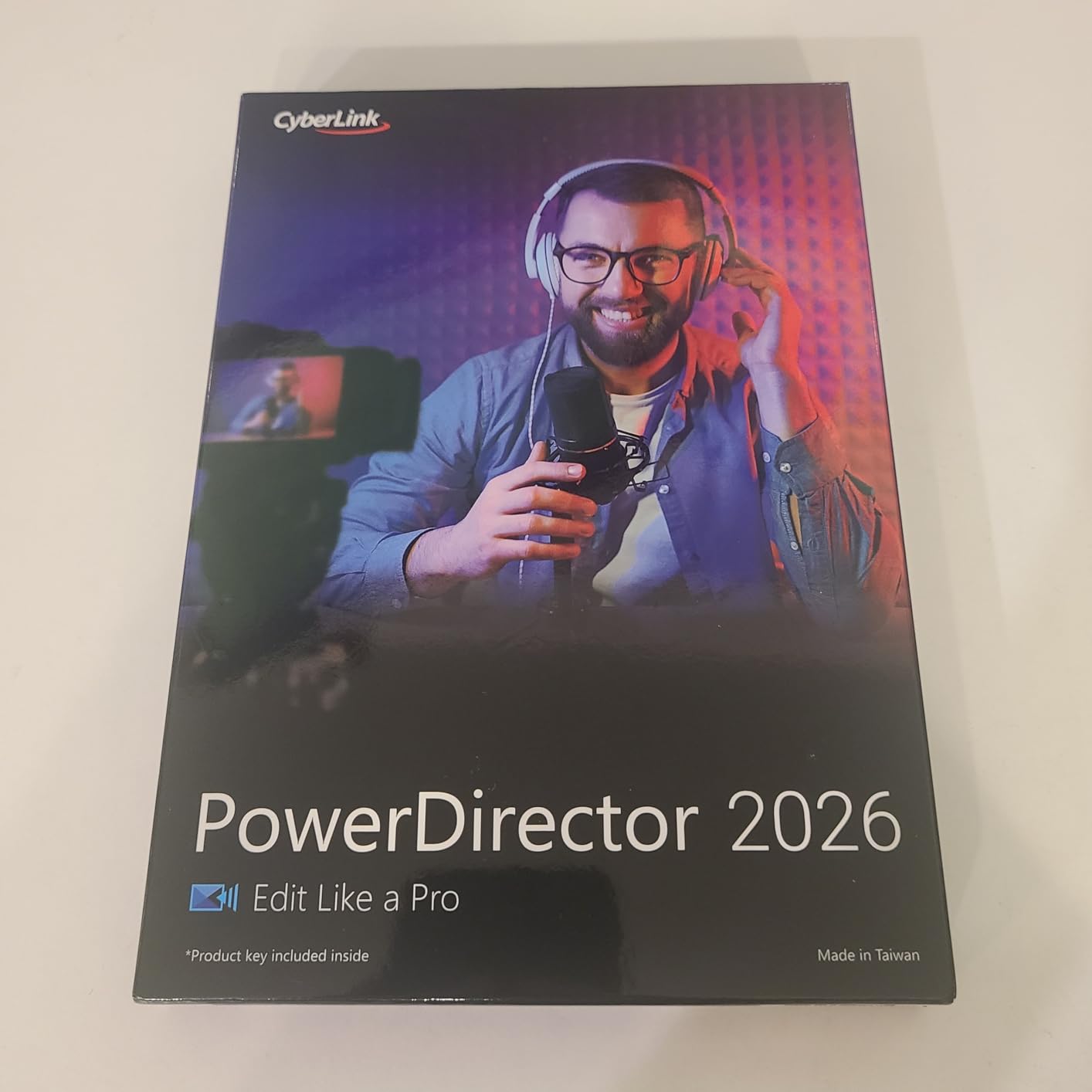
Hardware is only half a proxy workflow, so we tested PowerDirector 2026 as the software layer on a Windows laptop that would struggle with raw 4K. It generates lower-resolution copies of heavy footage for smoother timeline playback, which is the same core idea the big NLEs use.
The practical result on our test machine was a responsive timeline with 4K H.265 sources that previously brought the laptop to its knees. For an editor on modest hardware, that single feature changes what is possible without spending on a new computer.
The perpetual license is the headline for a lot of people. You buy it once and keep it, with no monthly fee, which matters for filmmakers funding gear project by project.
The AI toolset is stronger than expected at this level. Object masking, background removal, and audio denoise handled routine cleanup tasks quickly, and speech-to-text transcription saved us a full pass of manual subtitling on a talking-head cut.
Rendering speed was solid in our tests, with preview exports turning around quickly enough to keep client review loops moving. The included screen recorder and slideshow builder round out a package aimed at solo creators.
The flaws are real, so let us name them. It is Windows-only, there is no Mac version, and the 3.7-star rating reflects some frustration with subscription prompts inside a perpetual product along with inconsistent pricing. Treat it as a capable budget tool rather than a flagship NLE.

Who PowerDirector Is For
Windows-based filmmakers and content creators who want proxy-assisted 4K editing without a subscription will get the most from it. It suits solo shorts, social cuts, and documentary-style work where speed matters more than deep color tooling.
It is also a sensible secondary editor for travel machines that only need to rough out a cut.
Who Should Skip PowerDirector
Mac editors have native proxy workflows in Final Cut Pro and DaVinci Resolve, so this is not for them. Anyone doing heavy grading or finishing work should stay in a dedicated NLE, and buyers who dislike upsell prompts may find the in-app messaging irritating.
How to Build a Proxy Editing Workflow That Actually Saves Time?
A proxy workflow only pays off when each layer matches the others, so match the pieces to your footage volume and your computer before you spend anything. Here is how we assemble the stack, choose a codec, and avoid the problems that eat an afternoon.
The Four-Part Proxy Stack
Think of the pipeline as four jobs. Ingest is a card reader matched to your computer’s fastest port, editing happens on a 1,000 MB/s-class SSD holding the proxy media, the 4K masters archive to a high-capacity desktop drive, and your software generates and relinks the proxy files.
Most wasted money in this space comes from overbuying one layer. A 40Gbps reader feeding a 113 MB/s archive drive, or a Thunderbolt SSD on a laptop without Thunderbolt, buys speed nothing else in the chain can use.
ProRes Proxy vs DNxHR vs H.264: Which Codec Should You Use
ProRes Proxy is the best choice on Mac, particularly on Apple silicon, where the media engine decodes it with very little CPU load. Editors on the forums and our own testing agree it gives the smoothest playback for the least effort.
DNxHR LB is the cross-platform standard and behaves beautifully in DaVinci Resolve, which makes it the safe pick for mixed Mac and Windows teams. Files are a little larger than H.264 but decode easily on any machine.
H.264 and HEVC are the space savers, and they are the right call when proxy storage is tight. Around 20 Mbps for H.264 or 10 Mbps for HEVC at a half 4K frame size is the community-tested sweet spot, with the tradeoff that older CPUs work harder to decode them.
Step-by-Step: Our Proxy Setup
Step one, offload every camera card to two separate drives before you format anything, and verify the copy counts. Step two, point your editing app at the originals and generate proxy files at half frame size in your chosen codec. Step three, edit the entire project against the proxies and let playback stay smooth.
Step four, toggle back to the original media before your final export so the finished film comes out at full 4K quality. Step five, archive the masters and the project file together so the relink paths survive for future revisions.
Proxy Settings in Premiere Pro, DaVinci Resolve, and Final Cut Pro
In Premiere Pro, select your clips in the Project panel, right-click, choose Proxy, then Create Proxies, and pick a preset such as ProRes Proxy at half frame size. The toggle button in the Program monitor switches between proxy and full-resolution playback instantly, which is the feature that makes the whole system usable.
In DaVinci Resolve, select clips in the Media Pool and use clip attributes to set proxy resolution and format, then generate the proxy media. The viewer’s Proxy button flips the timeline between lightweight and original files.
Final Cut Pro builds proxy or optimized media on import through its settings, then switches automatically when your machine struggles with playback. Turn it on before your first big import and the app quietly handles the rest.
Common Proxy Problems and How to Fix Them
Proxies will not attach when file names or timecode drift from the originals, so keep a consistent naming scheme from the first offload. When a clip shows offline, use your NLE’s relink command and point it at the master drive rather than re-importing.
Slow proxy generation is usually a codec problem. Creating H.264 proxies on an older CPU takes far longer than ProRes on the same machine, so switch codecs before you blame your hardware.
Finally, remember that proxy files are disposable. If a proxy set gets corrupted or orphaned, delete it and regenerate, but never delete the 4K originals your final export depends on.
Frequently Asked Questions
Should I edit with proxies?
Yes, if you shoot 4K, H.265, or 10-bit camera files. Proxies keep playback and scrubbing smooth on almost any computer, and your editing app swaps back to the full-quality originals automatically when you export. You can skip them only on a high-end workstation with simple timelines.
Should I use ProRes proxy or H264?
ProRes Proxy is the best choice on Mac, especially Apple silicon, because it decodes with very little CPU load. H.264 proxies are the better pick on Windows or when drive space is tight, with around 20 Mbps working well at a 4K frame size. DNxHR LB is the usual choice for DaVinci Resolve and cross-platform teams.
How to do proxy editing?
First, copy your camera cards to two separate drives. Second, generate lightweight copies at half frame size in ProRes Proxy, DNxHR LB, or H.264. Third, edit your film using those proxy files. Fourth, toggle back to the original 4K media before the final export. Fifth, archive the project and relink any offline media.
How do I generate proxy files in DaVinci Resolve?
Select your clips in the Media Pool, right-click, and open Clip Attributes. Set Proxy Resolution to Half or Quarter and Proxy Format to ProRes Proxy or DNxHR LB, then click Generate Proxy Media. Resolve builds the proxy files, and the Proxy button in the viewer switches your timeline between proxies and originals.
Is 32 GB RAM enough for 4K video editing?
Yes. 32 GB runs 4K proxy editing comfortably in Premiere Pro, DaVinci Resolve, and Final Cut Pro, with headroom for a browser, scopes, and a grade panel open at the same time. 16 GB works if you close everything else, while 64 GB mainly benefits 6K and 8K multicam work.
Final Cut: Our Recommended Proxy Workflow for 2026
If we had to rebuild our kit from scratch, we would start with the Samsung T7 Shield as the proxy drive, add the ProGrade dual-slot reader for ingest, and park the 4K masters on the WD 6TB Elements drive. Editors with Thunderbolt and heavy master-file traffic should slide the SanDisk PRO-G40 into that stack, and Windows creators on a budget can run the whole pipeline on PowerDirector 2026.
That is a complete set of proxy editing workflow tools for 4K footage, assembled once and reused on every project since. Pick the layer that is slowing you down today, fix it, and the rest of the pipeline finally gets a chance to keep up.