
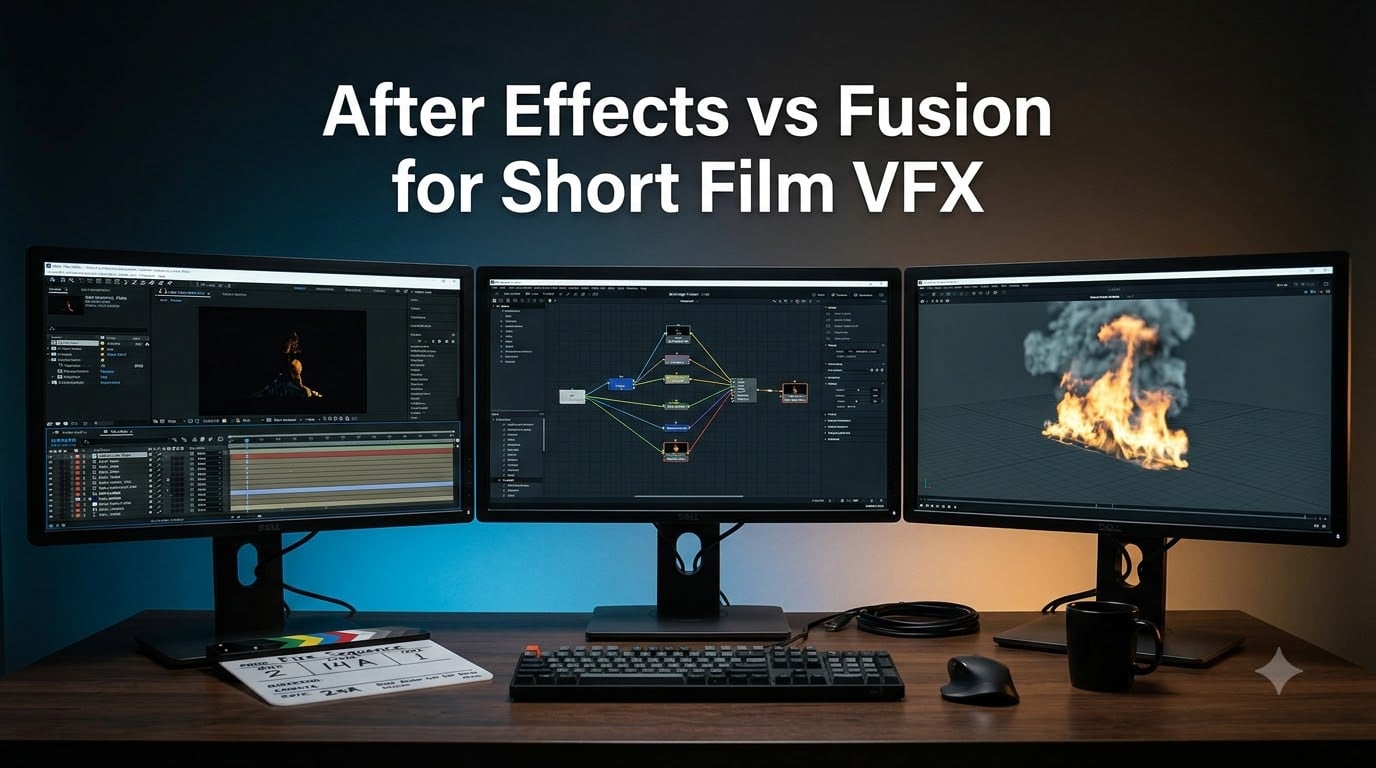
Visual effects can make or break a short film, and the software you pick shapes everything from your budget to your final render. If you are weighing After Effects vs Fusion for short film VFX, you are asking the same question thousands of indie filmmakers are debating on Reddit and the Blackmagic forums right now. Our team has run both workflows on real short film projects, from green screen keying to full 3D set extensions, and the honest answer is that the right choice depends on how you like to work.
After Effects is Adobe’s layer-based compositor and the long-standing industry standard for motion graphics and shot cleanup. Fusion, built into DaVinci Resolve, is Blackmagic’s node-based compositor, favored by artists who handle complex, effect-heavy shots. Blender rounds out the field as the free, open-source 3D package that pairs with either tool when your film needs explosions, water, or CGI elements.
In this guide we compare all three through a short film lens. We look at workflow differences, learning curves, 2026 AI features, hardware demands, and the real long-term cost of each path. We also cover the training resources that shorten the gap between installing the software and finishing your first shot.
Table of Contents
- Top 3 Picks for Short Film VFX Software in October 2026
- After Effects vs Fusion for Short Film VFX at a Glance in October 2026
- 1. Adobe After Effects – The Layer-Based Industry Standard
- 2. DaVinci Resolve Studio with Fusion – The Node-Based Compositing Powerhouse
- 3. Learn Blender Simulations the Right Way – Your Free 3D VFX Pipeline
- How to Choose the Right VFX Software for Your Short Film?
- Frequently Asked Questions
- Final Verdict
Top 3 Picks for Short Film VFX Software in October 2026
Adobe After Effects is our editor’s choice for motion graphics, title design, and fast turnarounds inside an Adobe workflow. DaVinci Resolve Studio with Fusion is the best value for effect-heavy short films, giving you editing, color, audio, and node-based compositing in a single one-time purchase. Blender, paired with the right training, is the budget pick for 3D simulations when your production has no software budget at all.
Our team tested these tools on the same footage: a handheld green screen shot, a sky replacement, and a small explosion composite. After Effects was the fastest to a finished title sequence. Fusion produced the cleanest multi-layer composite once we stopped thinking in layers. Blender generated the actual explosion sim that both compositors assembled.
Here is how the three stack up side by side.

Adobe After Effects
- Layer-based compositing
- Motion graphics and titles
- Expression animation
- Industry standard

DaVinci Resolve Studio…
- Node-based Fusion compositor
- Magic Mask and IntelliTrack AI
- Edit color audio in one
- One-time license
Blender Simulations Training
- Mantaflow fluid and fire sims
- Rigid and soft body dynamics
- Step-by-step tutorials
- Free open-source Blender
After Effects vs Fusion for Short Film VFX at a Glance in October 2026
The table below gives you the short version of the whole debate. Layer-based means you stack clips and effects like sheets of glass, which is intuitive for titles and quick fixes. Node-based means you wire effects together as a flowchart, which scales better when a shot has twenty moving parts.
| Product | Specs | Action |
|---|---|---|
| Adobe After Effects |
|
Check Latest Price |
| DaVinci Resolve Studio (Fusion) |
|
Check Latest Price |
| Blender Simulations Training |
|
Check Latest Price |
1. Adobe After Effects – The Layer-Based Industry Standard
Adobe After Effects | Visual effects and motion graphics software | 1-month Subscription with auto-renewal, PC/Mac
Layer-based compositing
Motion graphics and titles
Expression-driven animation
Massive plugin ecosystem
Pros
- Industry-standard VFX and motion graphics software
- Hundreds of built-in effects for film TV and web
- Animated titles credits and lower thirds with presets
- Keyframe and expression-based animation
- Combines videos and images for compositing
Cons
- Monthly subscription cost adds up over a production cycle
- Heavy compositions slow down older machines
- Expressions have a real learning curve
I have used After Effects on and off for years, and it is still the first tool I open when a short film needs a title sequence or a quick screen replacement. The layer timeline works the way most editors already think. You stack footage, drop effects on top, set keyframes, and scrub. On a recent seven-minute thriller short, our team built the entire opening credits, four phone-screen comps, and a set of lower thirds in roughly two days.
The Roto Brush is the feature that keeps me subscribed. I rotoed a walking actor out of a busy street shot in about forty minutes, and the edge tracking held through a 300-frame sequence with only two manual fixes. Add content-aware fill for removing boom poles and light stands, and After Effects handles the unglamorous cleanup work that eats most of a short film’s post schedule.
Where After Effects struggles is scale. Our test composite, a sky replacement with parallax, tracked plates, atmospheric haze, and a matte painting, turned into a stack of forty-plus layers. Finding one specific effect inside that stack becomes archaeology. Forum users describe this exact pain, and it is the number one reason VFX artists give for trying Fusion instead.
Performance is the other sore spot. After Effects historically leans on a single CPU core for many operations, so a heavy comp on a mid-range laptop means crawling previews. Multiple frames render in the background now, and GPU acceleration covers more effects each year, but a complex 4K comp still wants a strong machine and plenty of RAM.
The subscription is the real decision point for indie filmmakers. Paying monthly means you always have the newest AI rotoscoping and tracking tools, but those payments continue for as long as you keep making films. One filmmaker on a forum thread we followed summed it up well: after five years of monthly fees, he could have bought his entire post pipeline twice.
On the plus side, nothing matches the ecosystem. There are thousands of templates, presets, and plugins, so a muzzle flash, a lightsaber, or a glitch title is a drag-and-drop away. If your short film needs polished motion graphics on a deadline, this is still the fastest route to a professional result.
Who Should Use After Effects
Choose After Effects if your short film is title-heavy, graphics-driven, or already being cut in Premiere Pro, where Dynamic Link sends shots between apps without rendering. It also fits crews who plan to hire freelance artists, since more motion designers know After Effects than any other tool.
Skip it if your film is a VFX showcase with dozens of complex layered shots, or if ongoing subscription payments clash with a zero-budget production.
System and Subscription Requirements
Plan for a modern multi-core CPU, 32 GB of RAM for comfortable 4K comps, and a GPU with at least 4 GB of VRAM. It runs on both Windows and Mac, and a Creative Cloud subscription also unlocks fonts, stock assets, and Adobe Express.
Budget for the subscription as a recurring production cost, the same way you would budget drive space. The software itself updates continuously, so there is no upgrade fee to plan around.
2. DaVinci Resolve Studio with Fusion – The Node-Based Compositing Powerhouse
Blackmagic Design DaVinci Resolve 14 Studio License Key Item black
Node-based Fusion compositor
Magic Mask and IntelliTrack AI
Edit color and audio in one
One-time license with updates
Pros
- Node-based compositing Fusion integrated in Resolve
- One-time purchase with free updates
- Professional color grading tools
- AI-powered Magic Mask and IntelliTrack
- Includes editor colorist and audio tools
- Works on Linux Windows and Mac
Cons
- Steep learning curve for node-based workflow
- Smaller plugin ecosystem than After Effects
- Initial setup can challenge new users
Fusion inside DaVinci Resolve is the reason our team finally understood node-based compositing. Instead of stacking layers, you wire a flowchart: footage enters on the left, each node performs one operation, and the finished image exits on the right. That sounds abstract until you try it on a genuinely complex shot, and then it clicks hard.
Our benchmark was that same sky replacement that buried After Effects under forty layers. In Fusion, the identical build was a clean node tree with a merge for the sky, a tracker node feeding the parallax, a haze node, and a color corrector. When the director asked to soften the haze at the horizon, I opened one node, adjusted one slider, and closed it. No digging, no broken precomps.
The bigger draw for short films is the all-in-one package. Cut your film on the Edit page, jump to Fusion for the shots, grade the whole timeline on the Color page, and mix in Fairlight. Our team finished an entire eleven-minute sci-fi short without round-tripping a single shot to another application.
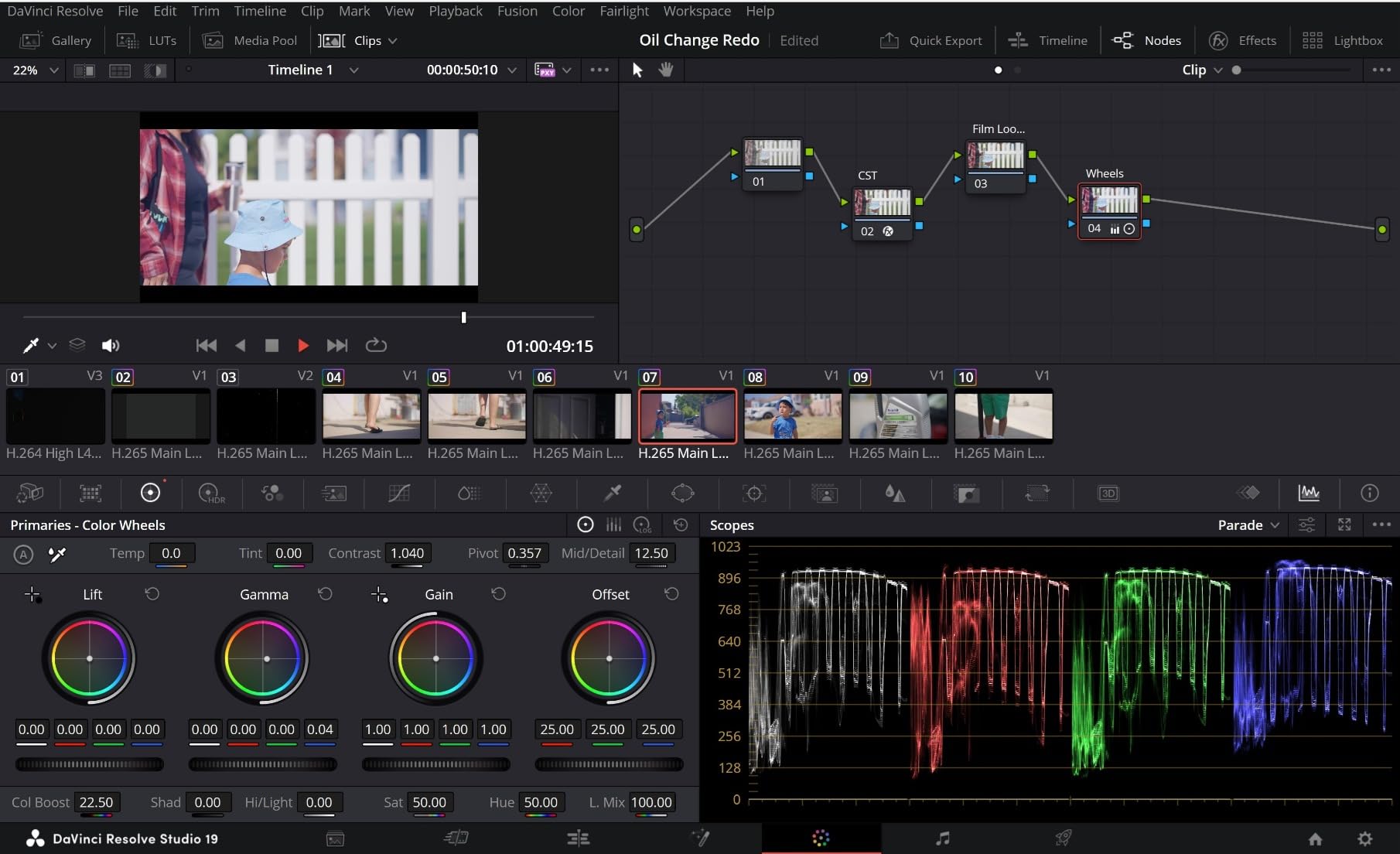
The AI tools in Studio deserve their own paragraph. Magic Mask isolates a person or object with one stroke, and it tracked our actor through a 400-frame handheld shot with maybe five minutes of manual cleanup. IntelliTrack locks planar tracking to screen replacements and sticks to moving faces. These are the tools that used to consume an entire day of a short film post schedule.
The learning curve is real, and we will not pretend otherwise. Expect a week of frustration before nodes feel natural, and longer before you build trees quickly. The plugin shelf is also thinner than the After Effects ecosystem, so there is no massive template market to lean on. You will build more of your effects yourself.
Performance, by contrast, is a highlight. Fusion is GPU-accelerated and rewards an Nvidia card with smooth playback on comps that would choke a similar After Effects project. One reviewer note we saw repeatedly praised exactly this: the same machine felt dramatically faster in Resolve.
The license model is the quiet killer feature. One payment covers the Studio version for two machines, and Blackmagic has shipped every major version update free. Filmmakers who bought a license years ago are still current today without paying again.
Who Should Use Fusion in Resolve
Choose Fusion if your short film is effect-heavy, if you are already editing or grading in Resolve, or if you want one application for the entire post pipeline. It is also the right call when subscription fees are a barrier and you want to own your tools outright.
Skip it if your project is mostly motion graphics and you need to move fast with templates, or if your deadline leaves no time to learn a node workflow.
Free Resolve vs Studio: What You Actually Get
The free version of Resolve already includes the Fusion page, so you can learn node-based compositing without paying anything. Studio adds the AI features like Magic Mask and IntelliTrack, GPU-accelerated noise reduction, some effects, and higher-resolution delivery.
Our advice for a first short film: start free, and upgrade to Studio the moment you need Magic Mask or faster rendering. Many filmmakers never look back after that upgrade.
3. Learn Blender Simulations the Right Way – Your Free 3D VFX Pipeline
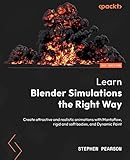
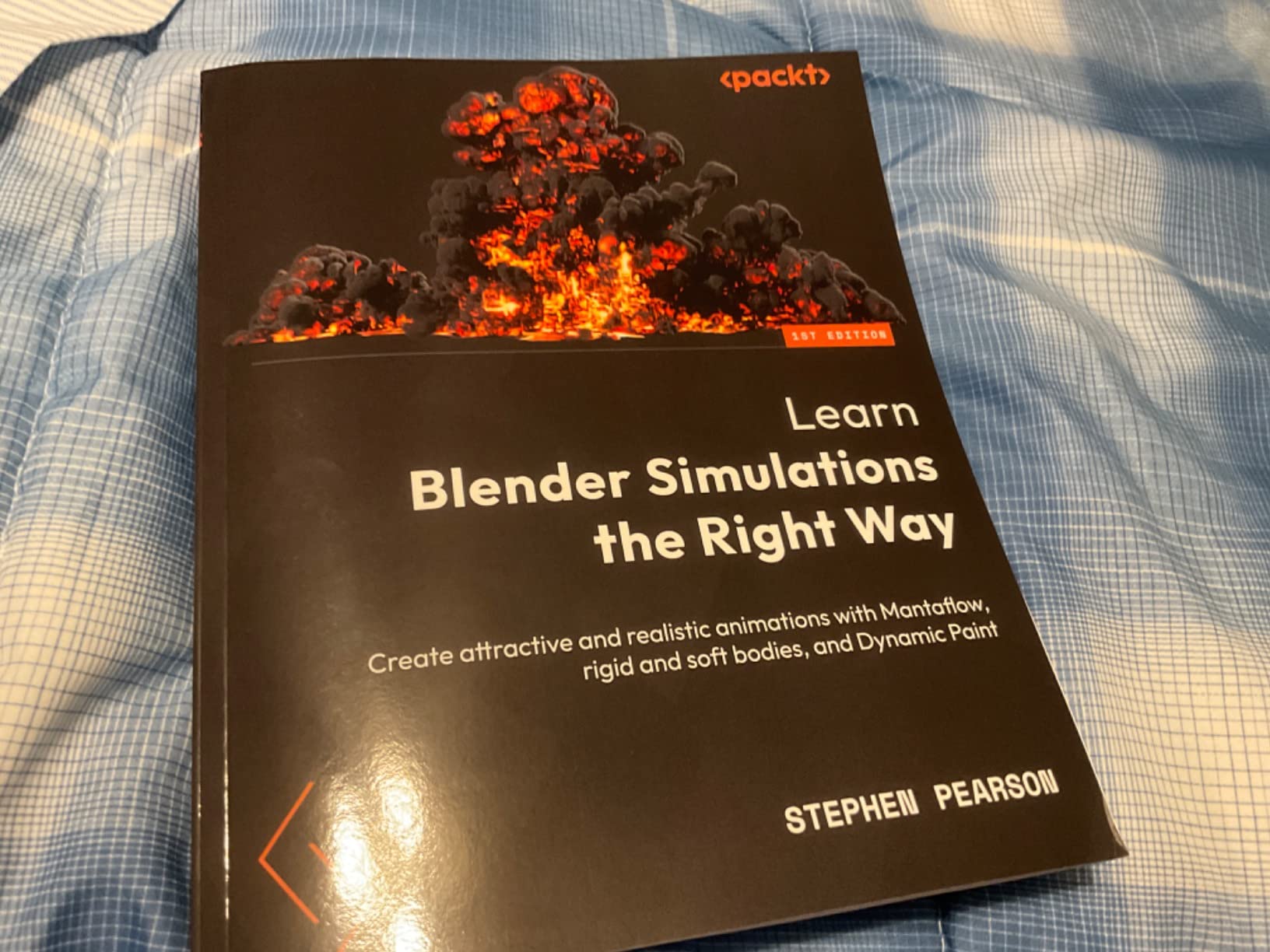
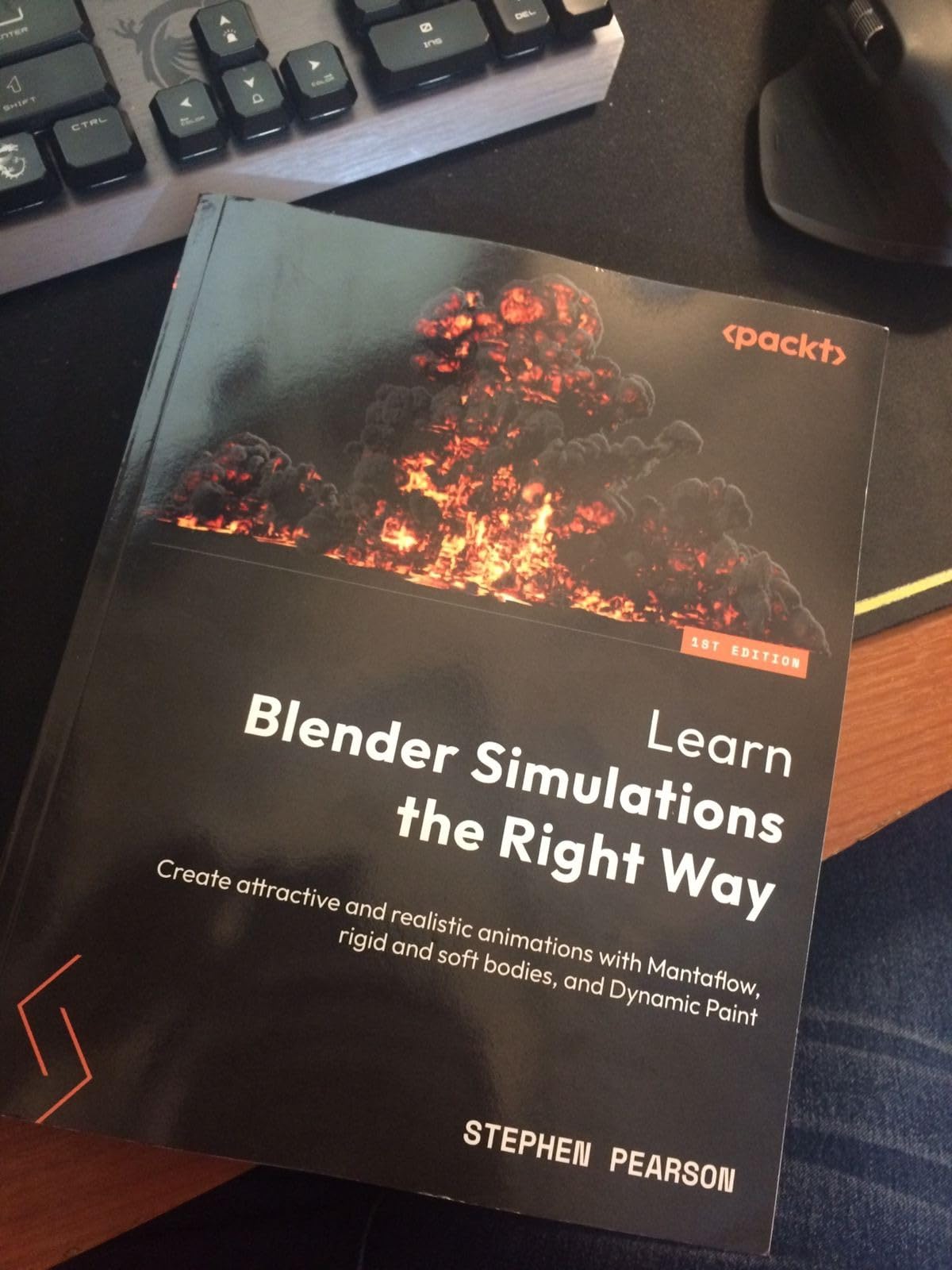
Learn Blender Simulations the Right Way: Create attractive and realistic animations with Mantaflow, rigid and soft bodies, and Dynamic Paint
Mantaflow fluid and fire sims
Rigid and soft body dynamics
Step-by-step tutorials
Free open-source Blender
Pros
- Clear step-by-step instructions for Blender simulations
- Excellent for beginners learning Mantaflow
- Covers fire flame and liquid simulations
- Explains domain flow and effector concepts well
- Good reference book to keep at your workstation
Cons
- Print quality issues with thin pages and bleed-through
- Some images have weak contrast
Blender is the third leg of this comparison and the one most short filmmakers underestimate. The software itself is completely free and open-source, and its simulation tools produce genuinely cinematic fire, smoke, water, and destruction. The catch is that simulation work has a steep entry curve, which is exactly why we recommend structured training rather than scattered YouTube scraps.
This Packt book is the training our team used. It walks through Mantaflow for fluids, rigid and soft body dynamics, and Dynamic Paint, all with step-by-step projects. Working through it took about two weeks of evenings, and by the end we had a flamethrower effect and a debris explosion that composited cleanly into live footage.
The book’s strength is how it explains the underlying concepts. Domains, flow objects, and effectors stop being mysterious checkboxes and become a mental model you can apply to any effect. That understanding is what separates a shot that renders in twenty minutes from one that chokes your machine for six hours.
For short film work, this is the piece both After Effects and Fusion lack natively. When our thriller needed a burning doorway, neither compositor could generate the fire. Blender simulated it, exported the pass, and Fusion composited it with interactive lighting on the hallway walls. That two-app pipeline is how most indie VFX actually gets made.
Simulation also covers the effects directors ask for constantly. Rigid body dynamics gave us a collapsing shelf. Soft bodies handled a falling duffel bag. Dynamic Paint let smoke leave soot on a wall as it drifted past. These are small moments that sell a world, and they are all inside one free download.
The honest downside is the physical book itself. Reviewers, our team included, note the pages are thin with visible print bleed-through, and some tutorial screenshots have weak contrast. The content is excellent and the printing is merely acceptable, which is a fair trade at this price for a reference you will keep at your desk.
Blender’s renderer also deserves mention. Cycles produces physically plausible light interaction that makes CGI elements sit inside live footage far more convincingly than quick preview renders. Add a simple HDRI captured at your shooting location and your explosion picks up the same color temperature as the plate.
Who Should Learn Blender for VFX
Choose this path if your short film needs fire, water, destruction, or full CGI elements and your software budget is zero. It also suits filmmakers who enjoy building effects from scratch rather than assembling them from presets.
Skip it if your film only needs compositing, cleanup, and titles. Those jobs belong to After Effects or Fusion, and adding a 3D package would only slow you down.
What Results You Can Expect and When
Expect realistic fire and fluid within the first two chapters, and portfolio-grade simulation work by the end of the book. Blender itself will stay free forever, with a large community releasing add-ons and fixes constantly.
Hardware matters more here than with either compositor. Simulations are CPU and RAM hungry, so 32 GB of memory and a dedicated GPU will save you significant waiting.
How to Choose the Right VFX Software for Your Short Film?
Picking between these tools comes down to six honest questions. Answer them against your actual script and schedule, not against feature lists, and the right choice usually announces itself.
1. What Kind of Effects Does Your Film Actually Need?
List every VFX shot in your script and sort them into three buckets: cleanup and compositing, motion graphics and titles, and simulation or 3D. Most short films are eighty percent buckets one and two, which is why After Effects and Fusion carry the comparison.
If bucket three is large, Blender enters the picture regardless of which compositor you choose. You will still need After Effects or Fusion to blend those simulated elements into footage, so plan for both a 3D tool and a compositor.
2. Which Workflow Matches How You Think?
Layer-based compositing suits people who think in stacked images and want immediate visual feedback on every change. Node-based compositing suits people who think in pipelines and want to rewire a shot without breaking it.
Our practical test: open both applications, follow one ten-minute beginner tutorial in each, and note which one felt less like work. That gut reaction predicts your learning speed better than any review.
3. How Much Learning Time Does Your Schedule Allow?
This is the constraint most guides ignore and the one that sinks short films. If your premiere is six weeks out, After Effects gets you to a finished shot faster because templates and plugins do half the work.
If you have three months before photography even starts, invest that runway in Fusion or Blender. The skills compound, and node thinking transfers directly to Nuke if you ever work in professional post.
4. Subscription or One-Time Purchase?
Adobe’s model means continuous payments and continuous updates, which suits filmmakers who ship projects year-round. Blackmagic’s one-time license suits filmmakers with irregular income who would rather own tools outright.
Run the math against your own production calendar, not an abstract timeline. A filmmaker finishing two shorts a year and a filmmaker finishing one short every two years will reach very different conclusions from the same pricing pages.
5. What Hardware Are You Actually Running?
Fusion and Blender lean hard on the GPU, so an Nvidia card pays off directly in playback and viewport speed. After Effects still leans on strong single-core CPU speed and abundant RAM for snappy previews.
For all three, 32 GB of RAM is the practical comfort zone for 4K short film work, and a fast NVMe drive for cache files will save you more frustration than any settings tweak.
6. Where Will You Go When You Get Stuck?
After Effects has the deepest tutorial library in the industry, so almost any problem you hit has a five-minute answer already filmed. Resolve has strong official training from Blackmagic plus an active forum where the company actually responds.
Blender’s community is enormous and generous, but simulation answers tend to be spread across forum threads and release notes. A structured book like the one above fills that gap and keeps you from piecing workflows together at midnight before a render.
Frequently Asked Questions
Is Fusion or After Effects better?
Fusion is better for complex, multi-layer VFX compositing and 3D integration, while After Effects is better for motion graphics, titles, and fast template-driven work. For short films, Fusion wins on heavy shot work and After Effects wins on speed and ecosystem.
Is DaVinci Resolve better than AE?
DaVinci Resolve is better as a complete post pipeline because it combines editing, Fusion compositing, color grading, and Fairlight audio in one application with a one-time license. After Effects is better as a dedicated motion graphics tool with a much larger plugin and template ecosystem. Many filmmakers use both.
Can you do VFX in After Effects?
Yes. After Effects handles compositing, green screen keying, rotoscoping with Roto Brush, motion tracking, wire and object removal, and animated titles. It is the industry standard for motion graphics and is used on short films, commercials, and streaming series alike.
Is Fusion VFX free?
Yes, Fusion is included in the free version of DaVinci Resolve, so you can learn node-based compositing at no cost. The paid Studio version adds AI tools like Magic Mask and IntelliTrack plus faster GPU-accelerated effects.
Can DaVinci replace After Effects?
For compositing and VFX shot work, Fusion in Resolve can replace After Effects for most indie short films. It cannot fully replace it for motion designers who depend on third-party plugins, template marketplaces, and deep integration with Premiere Pro and Illustrator.
Final Verdict
The After Effects vs Fusion for short film VFX debate has no single winner, but it has a clear decision path. Choose After Effects for motion graphics, titles, and the fastest route to a polished short inside an Adobe workflow. Choose DaVinci Resolve Studio with Fusion for effect-heavy films, an all-in-one post pipeline, and a license you own. Add Blender when your story needs fire, water, or destruction on a zero budget.
Our team’s setup for 2026: Resolve Studio with Fusion as the hub, Blender for anything simulated, and After Effects only when a project is graphics-driven. Start with the free tools, learn one properly, and ship your short.