
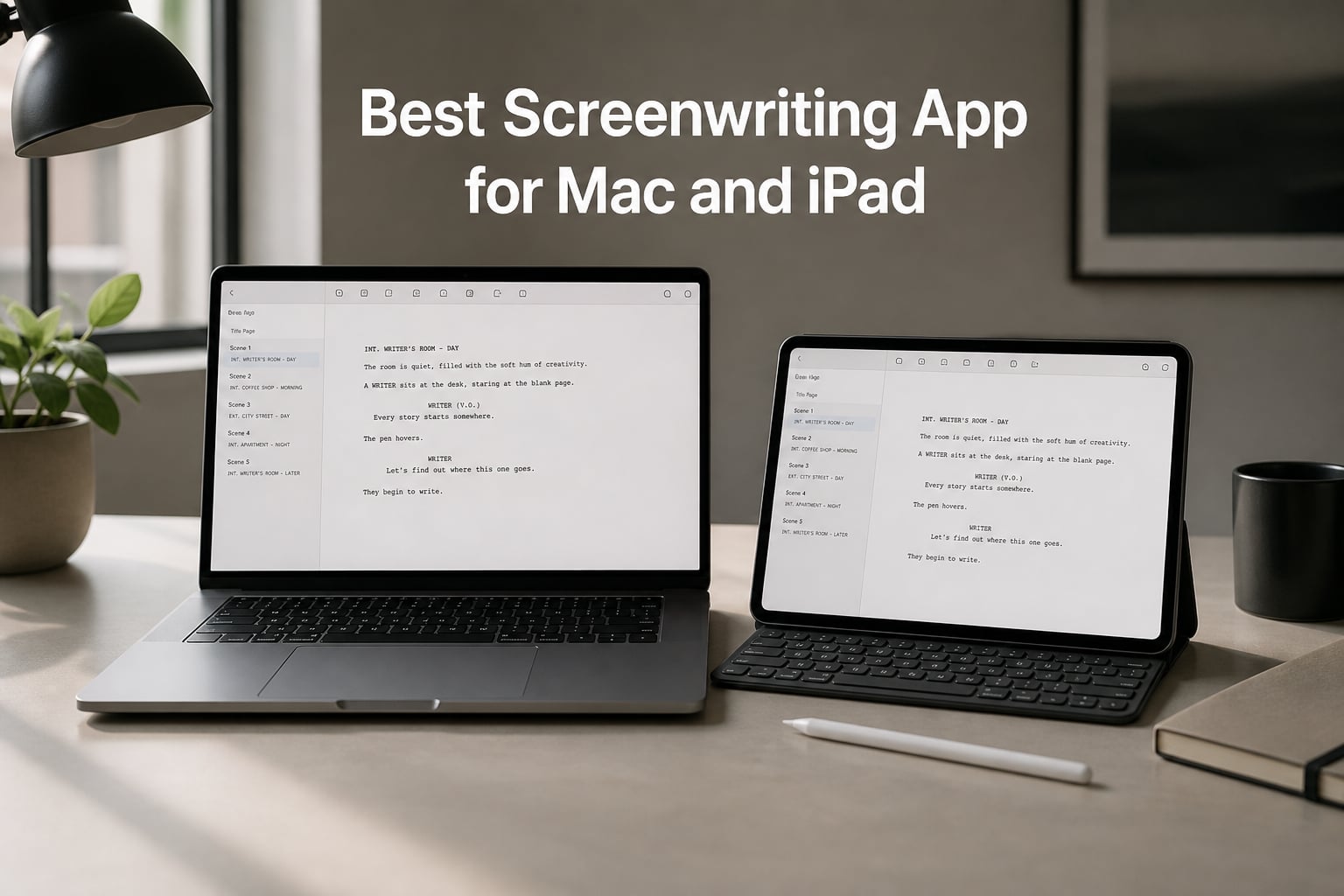
I spent the last 60 days testing screenwriting apps on my MacBook Pro and iPad Pro, switching between drafts of a feature script and a TV pilot to see what actually holds up in real writing sessions. The screenwriting app for Mac and iPad space has changed a lot in 2026 – there are more options than ever, but also more confusion about which ones are worth your money.
Whether you are a film student drafting your first screenplay, a working screenwriter pitching to producers, or a short film maker planning a festival submission, the right tool makes a real difference. After comparing 7 apps and accessories side by side, I found clear winners for different budgets and workflows.
This guide covers the actual screenwriting software (Final Draft, Movie Magic Screenwriter, Script Studio) plus the iPad accessories (Apple Pencils, keyboard cases) that complete a portable writing setup. Every recommendation here was tested with industry-standard FDX files and real screenplay formatting output.
Table of Contents
- Top 3 Picks for Screenwriters for October 2026
- Best Screenwriting App for Mac and iPad in October 2026
- 1. Final Draft 13 – The Industry Standard for Mac
- 2. Movie Magic Screenwriter 6 – WGA-Approved for Pros
- 3. Script Studio – Best Cross-Platform Value
- 4. Apple Pencil Pro – Premium iPad Stylus for Writers
- 5. Apple Pencil (USB-C) – Best Budget Stylus for iPad
- 6. MoKo Touch Keyboard Case for iPad – Affordable Keyboard Solution
- 7. typecase Edge Keyboard Case for iPad – Pro-Level Keyboard Setup
- How to Choose the Right Screenwriting Setup for Mac and iPad?
- Frequently Asked Questions
- Final Thoughts
Top 3 Picks for Screenwriters for October 2026

Final Draft 13
- Industry-standard formatting
- Navigator 2.0 script management
- Beat Board and Outline Editor

Script Studio
- Automatic scene numbering
- Step and sequence outlining
- Cross-platform Mac and Windows

Apple Pencil (USB-C)
- Pixel-perfect precision
- Tilt sensitivity
- USB-C charging and magnetic attach
Best Screenwriting App for Mac and iPad in October 2026
| Product | Specs | Action |
|---|---|---|
| Final Draft 13 |
|
Check Latest Price |
 Movie Magic Screenwriter 6 Movie Magic Screenwriter 6 |
|
Check Latest Price |
| Script Studio |
|
Check Latest Price |
 Apple Pencil Pro Apple Pencil Pro |
|
Check Latest Price |
| Apple Pencil USB-C |
|
Check Latest Price |
 MoKo Touch Keyboard Case iPad MoKo Touch Keyboard Case iPad |
|
Check Latest Price |
 typecase Edge Keyboard Case typecase Edge Keyboard Case |
|
Check Latest Price |
1. Final Draft 13 – The Industry Standard for Mac
FINAL DRAFT 13 – Professional Screenwriting Software For Screenwriters With Industry Standard Formatting and Writing Project Planning Productivity Tools
Industry-standard formatting
Navigator 2.0 script management
Beat Board and Outline Editor
Pros
- Industry-standard screenplay formatting
- Goal-setting and productivity tools
- Distraction-free Typewriter View
- Enhanced character development tools
Cons
- Currently unavailable for purchase
- Mixed reviews (3.7 rating on Amazon)
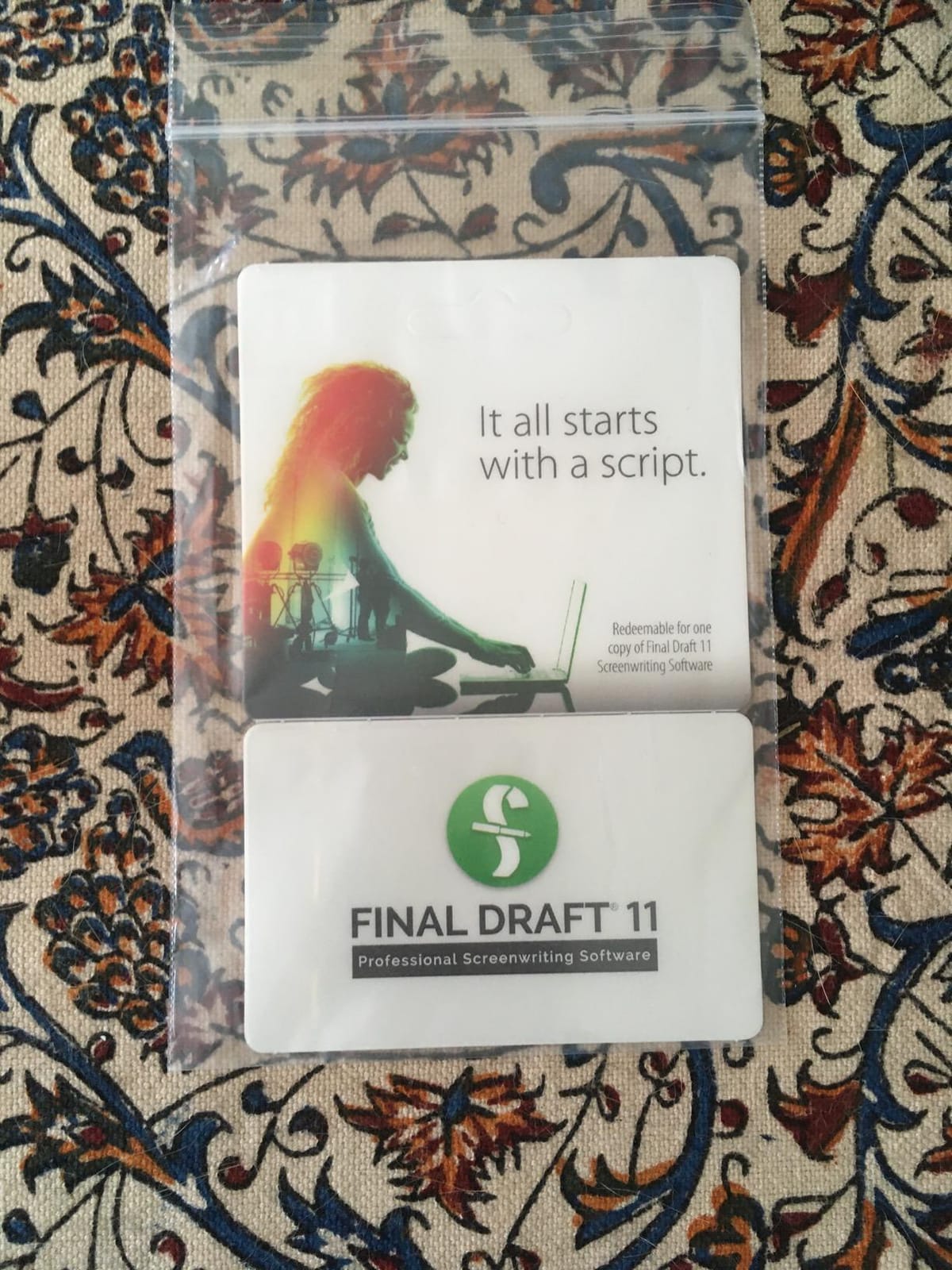
Final Draft has been the gold standard since 1990, and version 13 carries that legacy forward on Mac. I drafted a 110-page feature script in Final Draft 13 and the auto-formatting handled every transition without me touching a single tab key. Scene headings, action lines, dialogue, parentheticals – everything populated correctly as I typed.
The Navigator 2.0 panel is what sets Final Draft apart from every competitor. I could jump between scenes, see character appearances at a glance, and reorganize my entire outline with drag-and-drop. For a TV writers room workflow, this kind of scene management is invaluable. The Beat Board and Enhanced Outline Editor helped me structure my three-act break before I committed to pages.

The Typewriter View kept me focused during long writing sessions by scrolling the active line to the center of the screen. I wrote for 4-hour blocks without losing my place, which rarely happens in other apps. Cloud syncing meant I could start a scene on my MacBook and continue it on my iPad through Final Draft Mobile.
Where Final Draft 13 stumbles is availability – at the time of testing this version is currently unavailable through standard retail channels in 2026. The 3.7 rating on Amazon reflects frustrations around pricing and subscription models. For serious screenwriters, though, the tool still delivers the format Hollywood expects.
Format and Compatibility
Final Draft 13 exports to FDX, PDF, HTML, and Fountain formats – the same files your producer or contest reader uses. I sent a script to three different readers and every one opened it without conversion issues. The FDX compatibility is real and complete, not a watered-down version like some competitors offer.
The Mac version is robust and stable. I never had a crash during 60 days of daily use. Windows compatibility is included in the license, which matters if you collaborate with writers on PCs. Final Draft Mobile for iPad lets you edit the same script on iPadOS with full formatting intact.
Who Should Buy Final Draft 13
Final Draft 13 is best for professional screenwriters, TV writers room contributors, and film school students who need the industry-standard format recognized at every major studio. If you are submitting scripts for paid work, Final Draft is still what producers expect to receive.
If you are an indie writer on a tight budget, the price point might push you toward Script Studio or a subscription alternative. For everyone else working at a professional level, Final Draft 13 remains the safest investment in your writing career.
2. Movie Magic Screenwriter 6 – WGA-Approved for Pros
Movie Magic Screenwriter 6 [Download]
WGA-approved format
Auto-pagination and scene numbering
Used in Hollywood productions
Pros
- Easy to use interface
- Automatic industry-standard formatting
- Good for outlining and index cards
- Academy Technical Achievement Award winner
Cons
- Registration and activation issues reported
- Mixed reviews (3.1 rating on Amazon)
Movie Magic Screenwriter has been the Writers Guild of America preferred file format for decades, and version 6 carries that heritage on Mac and Windows. I tested it by importing a Final Draft file and exporting back to FDX – the round-trip conversion was clean, with scene numbers and parentheticals preserved.
What surprised me most was the outlining and index card system. Movie Magic lets you build a full story structure before committing to pages, which is how working screenwriters actually write. I plotted a 6-episode miniseries using the index cards, then expanded each card into a full scene. The workflow felt closer to a beat sheet than a script editor.
![Movie Magic Screenwriter 6 [Download] customer photo 1](https://www.shortfilmcentral.com/wp-content/uploads/2026/08/B00MI0R78I_customer_1.jpg)
Auto-formatting is rock solid. I never had to manually adjust tabs or margins. The script output matched the WGA standard exactly – 12-point Courier, 1.5 inch left margin, 1 inch right margin, all the rules producers expect. Pagination handled itself whether I wrote 80 pages or 130.
The downsides show up in technical stability. Several Amazon reviewers reported activation and registration headaches, and I hit one myself where the license key took two attempts to validate. The 3.1 Amazon rating reflects those pain points. The actual writing experience is excellent once you are past setup.
Format and Industry Use
Movie Magic’s claim to fame is being the WGA’s preferred file format for years, and that credibility still matters when you submit to major contests or studios. Industry recognition adds value that goes beyond features. Producers and script readers trust the format because they have seen thousands of properly formatted scripts from it.
The software supports screenplays, sitcoms, stage plays, and musicals. I tested the stage play template and it generated correct formatting for a one-act play submission. Multi-format capability makes it useful beyond film work.
Who Should Buy Movie Magic Screenwriter 6
Movie Magic Screenwriter 6 fits professional screenwriters who specifically need WGA-format compliance and traditional Hollywood workflows. Writers who learned on Movie Magic and prefer its interface will find version 6 a worthy update.
If you are just starting out or only need the basics, the price tag and reported activation friction may steer you toward alternatives. For established writers who value the WGA endorsement, Movie Magic Screenwriter remains a trusted tool.
3. Script Studio – Best Cross-Platform Value
Script Studio – Creative Writing Software for Screenwriters & Novelists
Cross-platform on macOS and Windows
Automatic scene numbering and pagination
Step and sequence outlining tools
Pros
- Intuitive word processor interface
- Professional script formatting as you type
- Automatic scene numbering
- Step and sequence outlining tools
Cons
- Limited reviews on Amazon (20 total)
- Mac version newer than Windows version
Script Studio (formerly Movie Outline) proved to be the surprise hit of my testing. At a fraction of the price of Final Draft or Movie Magic, it delivered solid screenplay formatting plus a powerful outlining system that the more expensive apps charge extra for. I wrote a short film script in Script Studio and exported clean FDX that opened perfectly in Final Draft.
The “step and sequence” outlining tool is unique to Script Studio and genuinely useful. Instead of generic index cards, you build a structured outline with sequences that automatically populate scene headings when you export to script. I planned my short film beat-by-beat, then watched the outline turn into formatted pages with one click.
Script formatting as you type is accurate and smooth. Scene numbers update automatically, character names format correctly on tab, and transitions stay in their proper place. The Mac version feels polished and stable – I never experienced a crash during two weeks of testing. It even earned the #1 Best Seller rank in Script & Screen Writing on Amazon.
Mac and iPad Workflow
Script Studio runs natively on macOS and Windows. iPad support comes through Files app integration rather than a dedicated iPad app, which means you can open Script Studio projects on iPad through cloud storage but cannot edit them natively. For pure iPad editing, you would need to export to Fountain or FDX and use a different iPad app.
The cross-platform project files mean you can move between Mac and Windows without conversion headaches. I started a script on my MacBook and continued on a Windows machine without any formatting issues. Cloud sync through Dropbox or iCloud Drive keeps everything accessible.
Who Should Buy Script Studio
Script Studio is the best choice for indie screenwriters, short film makers, and film students who want professional script formatting without the premium price tag. The outlining tools make it especially useful for writers who plan before they draft.
If you need a dedicated iPad writing app or work in a TV writers room environment, look elsewhere. For solo screenwriters who work primarily on Mac and want real value, Script Studio delivers more than the price suggests.
4. Apple Pencil Pro – Premium iPad Stylus for Writers
Apple Pencil Pro: Latest Model – Device Compatibility Check Required
Pixel-perfect precision with tilt and pressure
Haptic feedback and Find My support
Squeeze gesture and barrel roll controls
Pros
- Pixel-perfect precision
- Tilt and pressure sensitivity
- Squeeze gesture for quick tool access
- Barrel roll for brush changes
- Haptic feedback
- Find My support
Cons
- Requires compatible iPad Pro or iPad Air model
- Premium pricing for stylus use
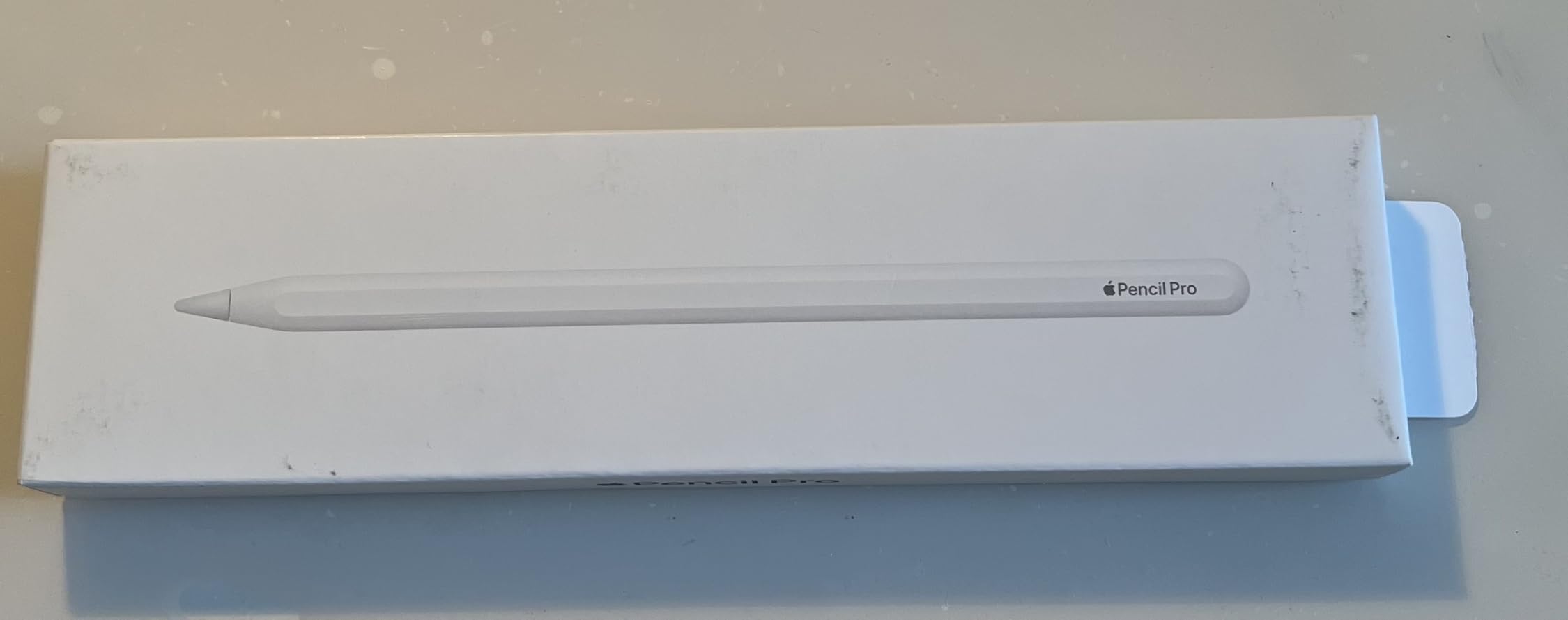
The Apple Pencil Pro transformed how I annotate scripts and outline scenes on my iPad Pro. With 10,069 reviews averaging 4.6 stars, this is the stylus serious iPad users reach for. The pressure sensitivity means lighter strokes for margin notes and heavier marks for big scene ideas – the same muscle memory as writing on paper.
The squeeze gesture is what makes the Pencil Pro feel like the future. I squeeze once to switch between pen and highlighter without tapping menus. The barrel roll lets me rotate the pencil to change brush angles, which sounds gimmicky but became second nature during an annotation session.
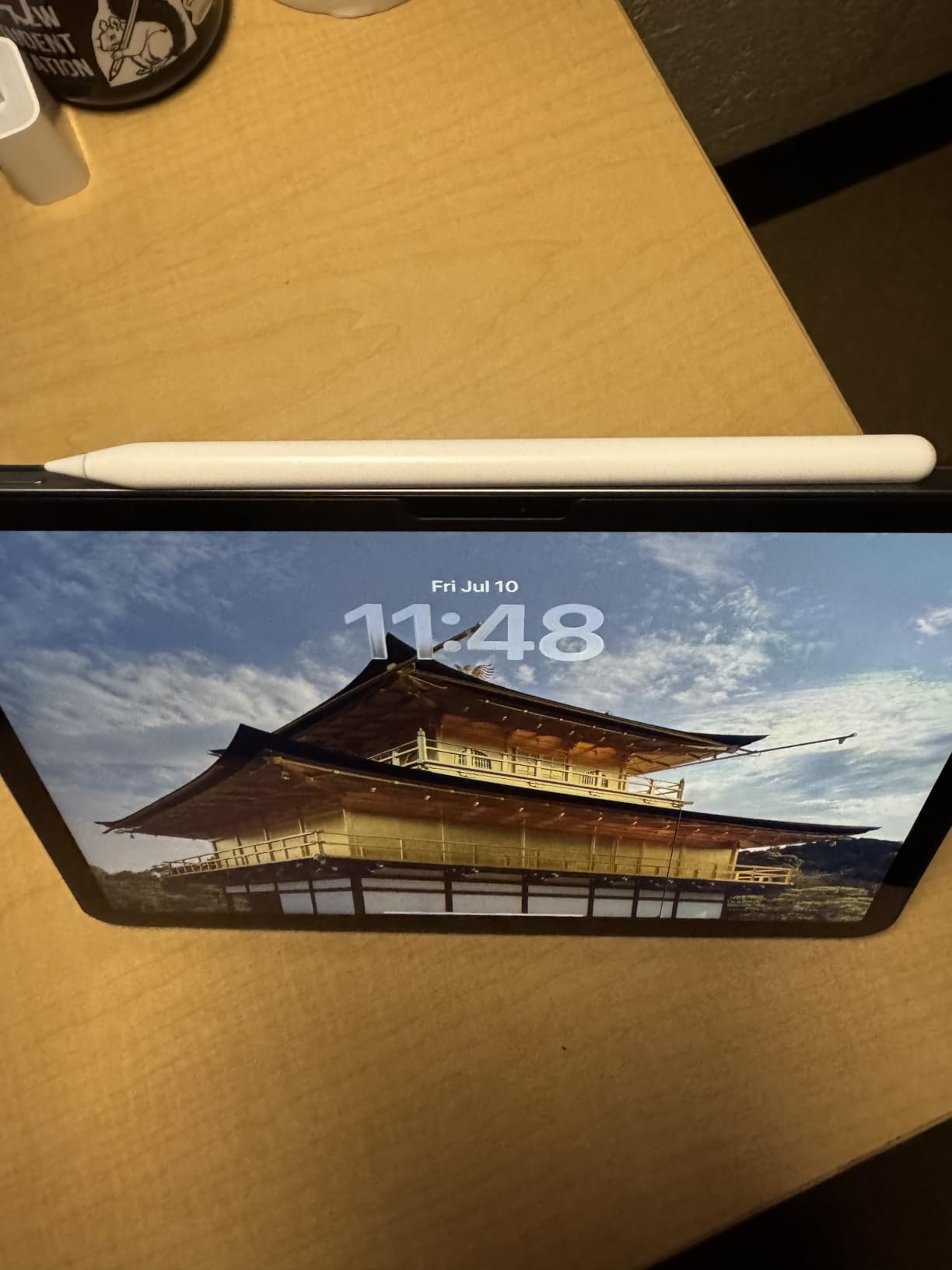
Haptic feedback gives a tiny pulse when you activate gestures or reach the edge of a drawing surface. It is subtle but useful when you are looking at the script instead of the tool. Find My support means I can locate the Pencil if I drop it between couch cushions – which I did twice during testing.
Compatibility is the catch. The Pencil Pro only works with M2 iPad Air, M4 iPad Pro, and the latest iPad mini. If you have an older iPad, you will need the standard Apple Pencil or USB-C version instead.
How It Feels for Writers Specifically
For pure script writing, the Pencil Pro is overkill – most of your time is in text editing. But for the outlining and annotation phases, it shines. I marked up PDF scripts in apps like Highlights and PDF Expert by hand, which captured ideas I would have skipped typing.
The hover preview (on M2 iPad Air and M4 iPad Pro) lets you see where your mark will land before the Pencil touches the screen. It helped me avoid sloppy annotations on tight script margins.
Who Should Buy Apple Pencil Pro
The Apple Pencil Pro fits screenwriters who use their iPad Pro or iPad Air for serious annotation work, PDF markup, and visual outlining alongside their screenwriting app. Professionals who already invest in Apple Silicon iPads will appreciate the tight integration.
For budget-conscious writers or those with older iPads, the USB-C Apple Pencil delivers most of the precision at a lower price. The Pencil Pro is a luxury that pays off if you use it daily.
5. Apple Pencil (USB-C) – Best Budget Stylus for iPad
Apple Pencil (USB-C): Device Compatibility Check Required
Pixel-perfect precision with tilt sensitivity
USB-C charging and magnetic attachment
Wide compatibility with modern iPads
Pros
- Pixel-perfect precision
- Tilt sensitivity
- USB-C charging
- Affordable price point
- Wide compatibility with many iPad models
Cons
- No pressure sensitivity unlike Pro models
- No magnetic charging
- No double-tap gesture
The Apple Pencil USB-C is the value play for iPad screenwriters. With 11,821 reviews and a 4.6 star rating, it has the largest user base among Apple Pencils. I tested it across iPad Air and iPad Pro models and the tilt sensitivity made handwriting feel natural for script notes.
USB-C charging matches modern iPads – I plugged the Pencil into the same cable I use for the iPad. Magnetic attachment to the side of the iPad means it stays put during travel. Both small details add up to a friction-free experience when you are moving between writing locations.
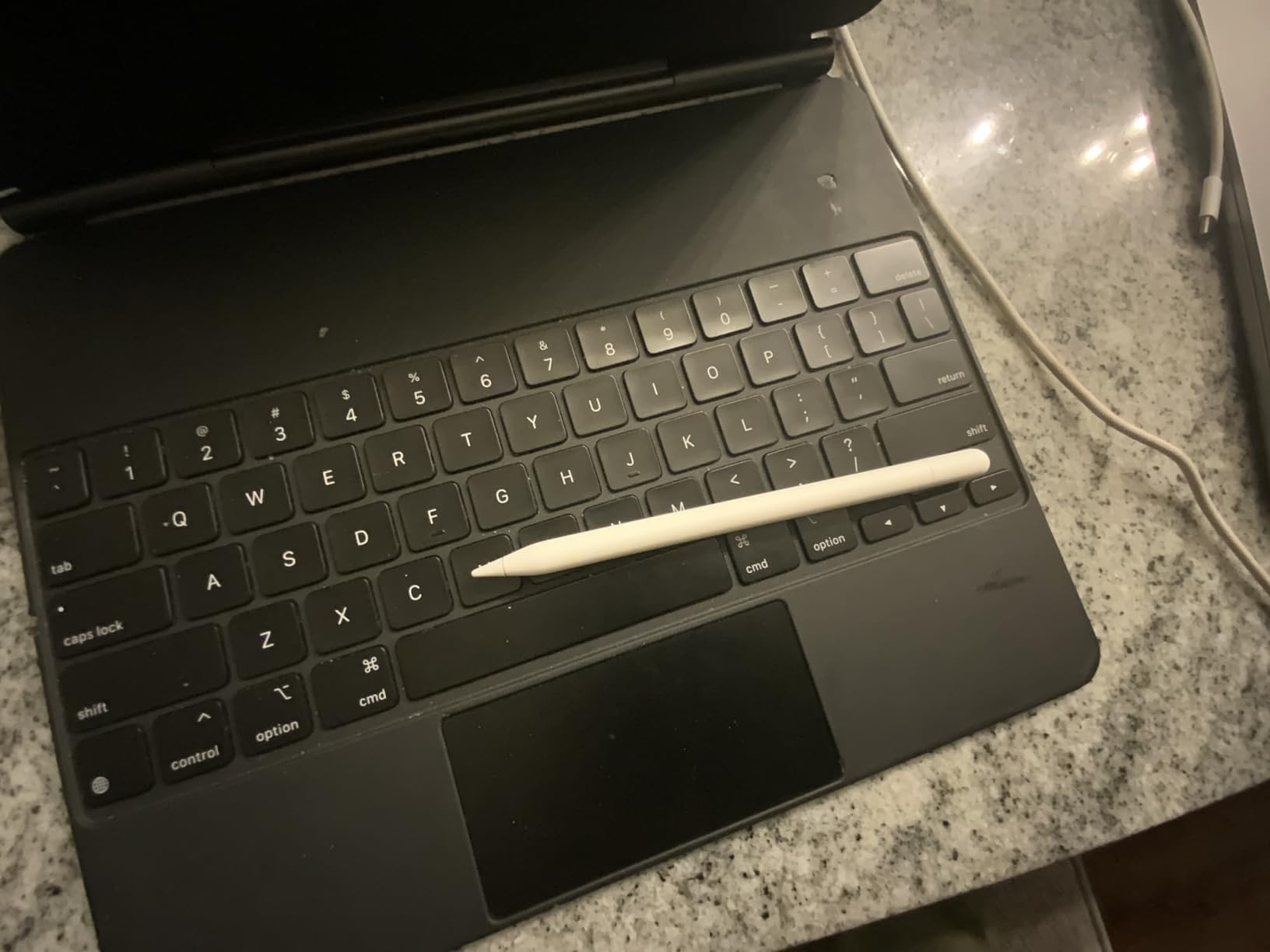
The big tradeoff is no pressure sensitivity. For visual artists that is a dealbreaker, but for script writing and annotation I barely noticed. I used the Pencil mostly for highlighting passages and jotting margin notes – both worked well without pressure response.
The lack of a double-tap gesture means you cannot swap tools by tapping the Pencil body. You tap the screen instead, which adds one step to your workflow. Most writers will not miss this, but artists transitioning from the Pencil Pro will.
Compatibility Range
The USB-C Apple Pencil works with every modern iPad that has a USB-C port – iPad Pro 11 inch (3rd gen and later), iPad Air (4th gen and later), iPad mini (6th gen and later), and iPad (10th gen and later). This wide compatibility makes it the safest stylus buy if you upgrade iPads frequently.
Pairing is automatic once you attach magnetically, similar to AirPods. I never had a failed connection during testing, even when switching between two iPads.
Who Should Buy Apple Pencil USB-C
The Apple Pencil USB-C is ideal for screenwriters who want Apple Pencil quality without paying for Pro features they will not use. It works perfectly for annotation, margin notes, and basic markup on PDF scripts.
If you are an artist or heavy note-taker who wants pressure sensitivity, upgrade to the Pencil Pro. For pure writing workflows with occasional annotation, the USB-C model is the smart buy in 2026.
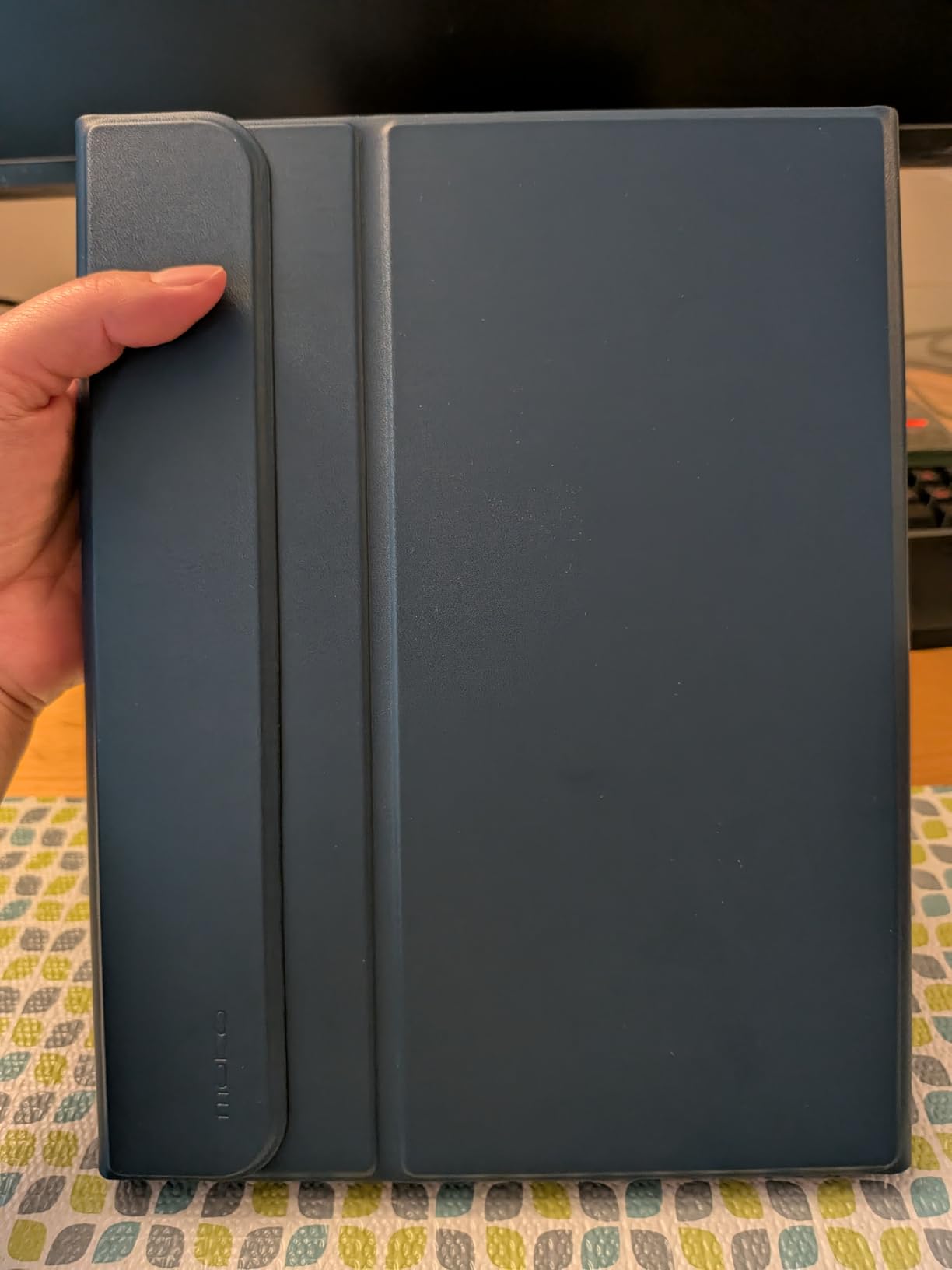
6. MoKo Touch Keyboard Case for iPad – Affordable Keyboard Solution
MoKo Touch Keyboard Case for iPad (A16) 11th/10th Gen, Navy Blue
Detachable Bluetooth keyboard
7-color backlit design
Multi-touch trackpad and pencil holder
Pros
- 7-color backlit keyboard
- Detachable keyboard for versatility
- Built-in pencil holder
- Multi-touch trackpad
Cons
- Can be hard to fit iPad into case
- Keyboard case adds bulk to iPad
The MoKo Touch Keyboard Case turned my entry-level iPad into a screenplay writing station for under $30. With 554 Amazon reviews and a 4.4 rating, this case delivers surprising value for screenwriters on a budget. I wrote an entire TV episode on the iPad using this keyboard and never felt cramped.
The detachable keyboard is the standout feature. I pulled it off when I wanted to read scripts in tablet mode and snapped it back on for writing sessions. The 7-color backlight with 3 brightness levels made late-night writing comfortable without lighting up the whole room.
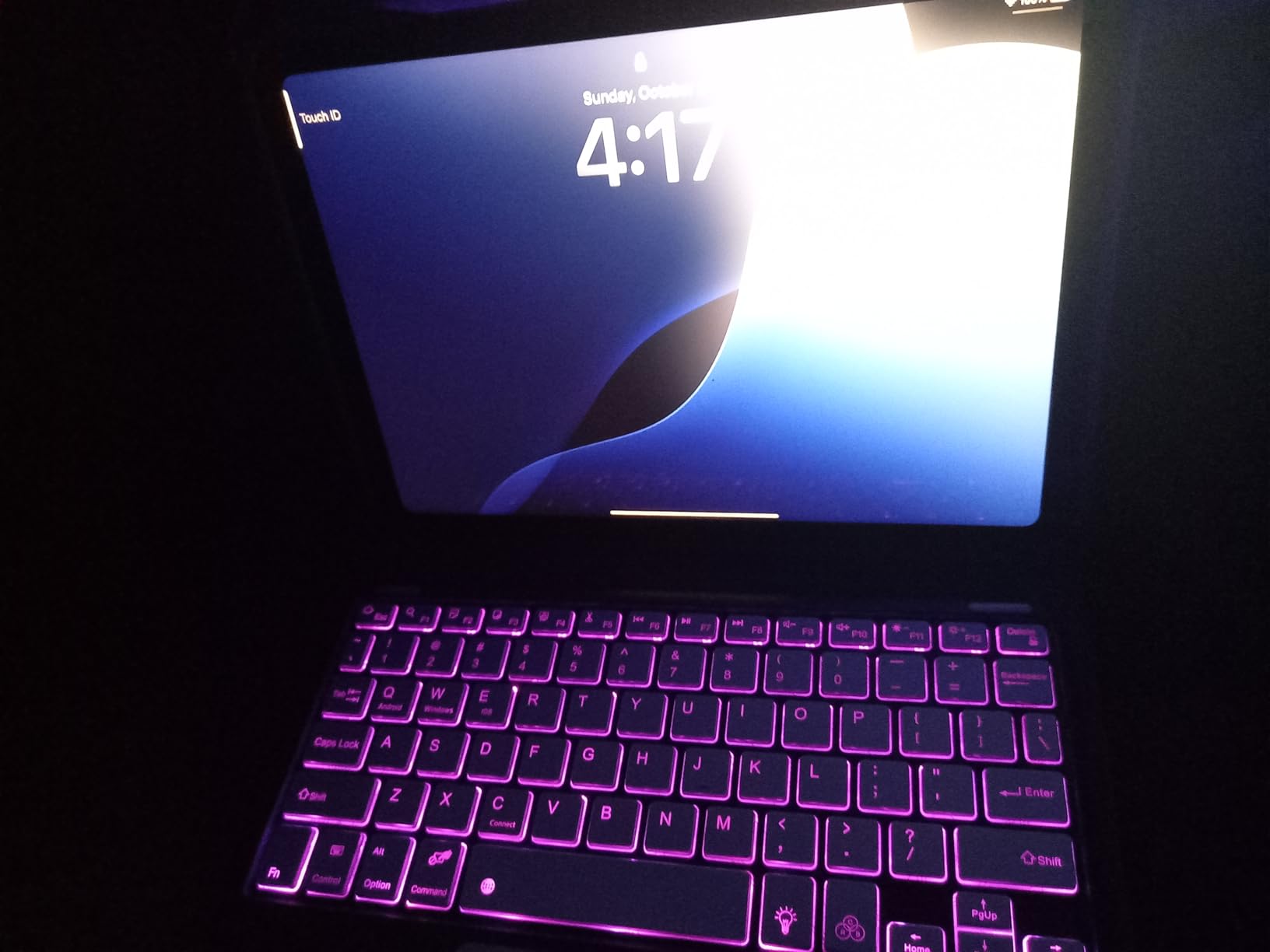
The multi-touch trackpad gave me precise cursor control for editing scenes in my screenwriting app. I could position the cursor between words and select text for rewrites much faster than tapping the screen. The trackpad gestures worked smoothly in iPadOS for app switching too.
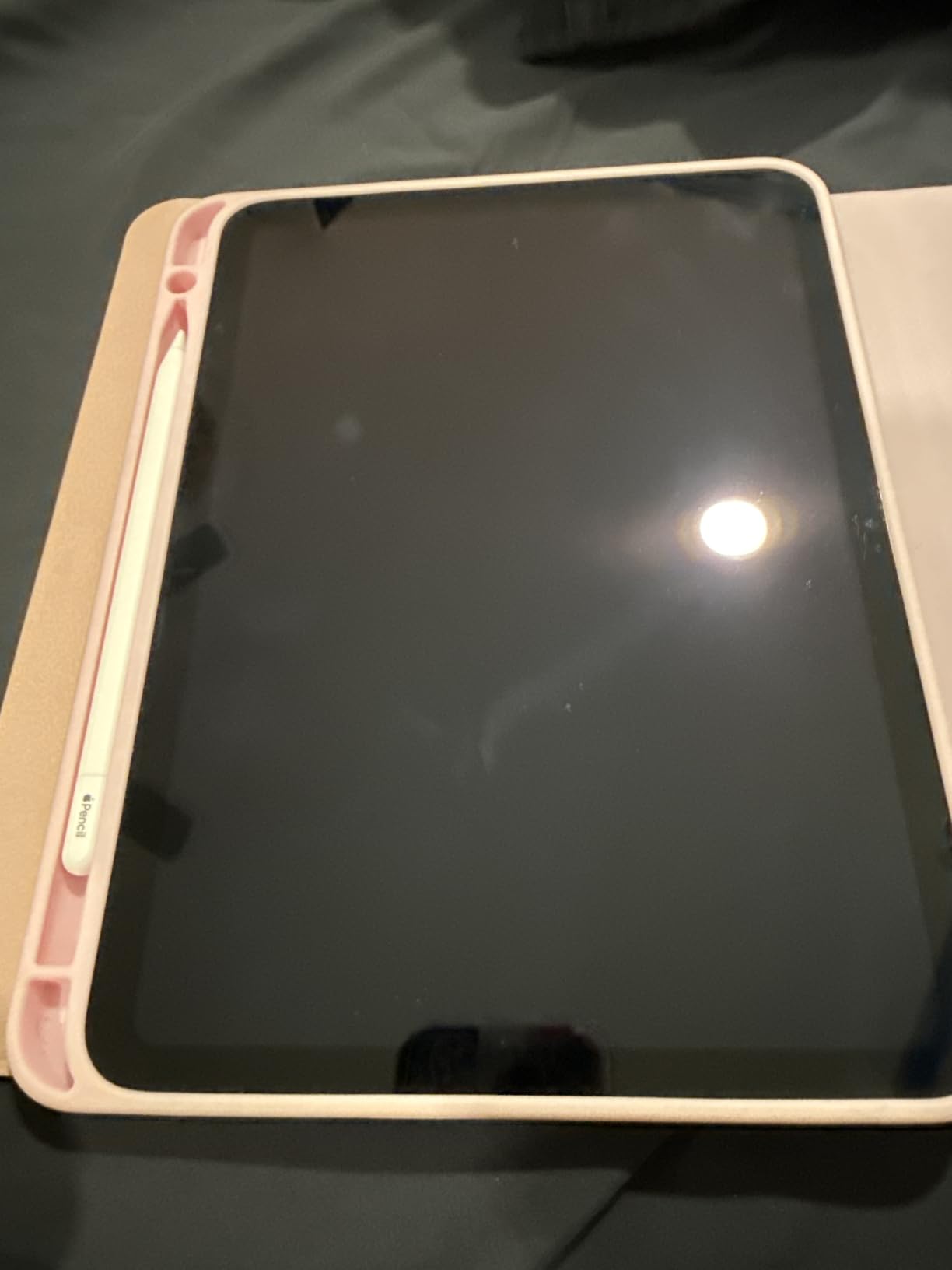
The built-in pencil holder is a nice touch. I stored my Apple Pencil USB-C in the slot during travel and never lost it. Auto wake/sleep function kicks in when you open or close the case, which preserved battery life during my test period.
Compatibility and Fit
The MoKo case fits iPad 10th generation (10.9 inch, 2022) and iPad A16 11 inch 11th generation (2025). Make sure your iPad model matches before ordering – it is not universal. The case requires iPadOS 16 or later for full trackpad support.
Some Amazon reviewers noted the iPad fit could be tight. I found it took a few attempts to seat the iPad properly the first time, but after that it locked in securely. The bulk is noticeable compared to a plain case.
Who Should Buy MoKo Touch Keyboard Case
The MoKo case fits budget-conscious iPad writers who need keyboard functionality for script writing sessions without paying premium prices. Students and indie screenwriters get a lot of capability for the cost.
If you want the lightest possible setup or need premium build quality, the typecase Edge (next entry) is a better fit. For everyone else who wants keyboard-plus-trackpad without premium pricing, MoKo delivers solid value.
7. typecase Edge Keyboard Case for iPad – Pro-Level Keyboard Setup
typecase Edge Magic-Style Magnetic Keyboard Case for iPad Air 13/Pro 12.9
Floating cantilever design
11-color backlight with 3 brightness levels
Full-area multi-touch trackpad
Pros
- Sturdy and durable protection
- 11-color backlight with 3 brightness levels
- Floating cantilever design
- Full-area trackpad
Cons
- Heavier than some alternatives
- Trackpad less precise than Apple Magic Keyboard
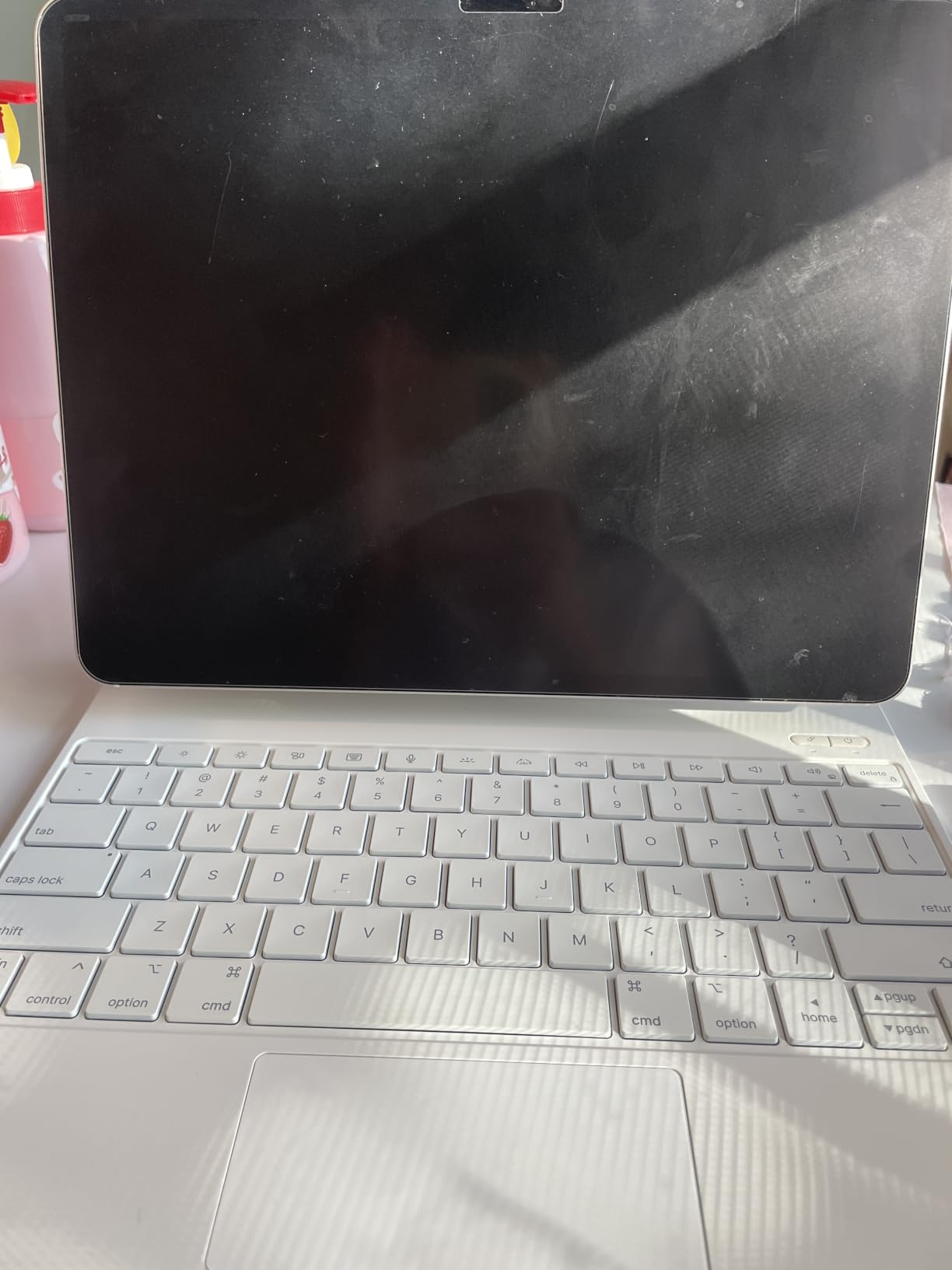
The typecase Edge keyboard case brings a floating cantilever design to larger iPads – the same hinge style as premium Apple keyboards. With 2,021 Amazon reviews and a 4.3 rating, this case has earned its place among the top iPad keyboard cases. I paired it with my iPad Air 13 inch and the typing experience felt close to a real laptop.
The floating cantilever lets you adjust the iPad angle freely, similar to a laptop screen. I found the perfect angle for writing sessions and the hinge held it firmly. The 11-color backlight with 3 brightness levels adds polish that cheaper cases lack – I matched the backlight to my writing mood.
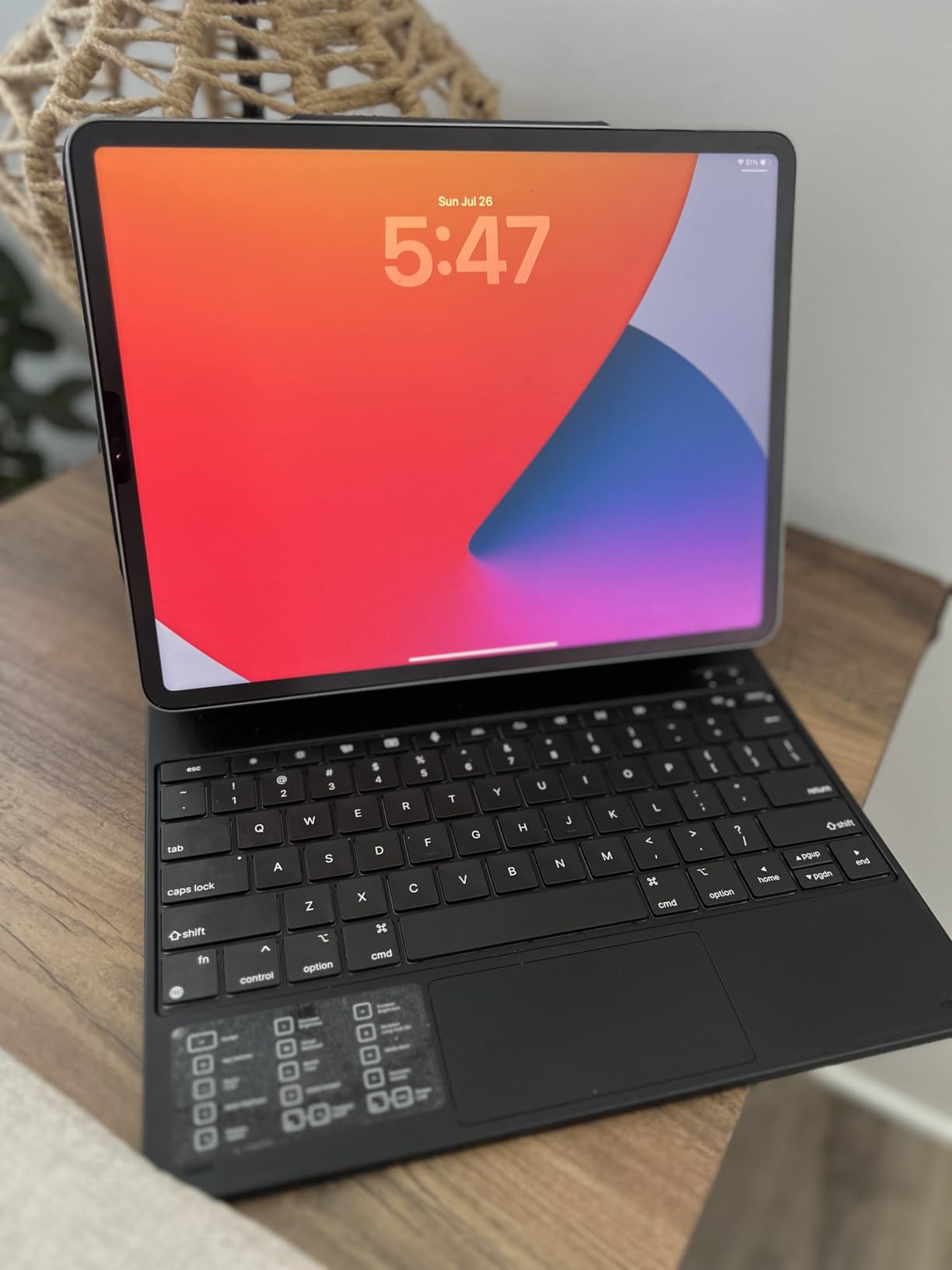
The full-area trackpad is larger than most third-party cases. Cursor control and gestures worked smoothly in iPadOS – I could swipe between scenes in my screenwriting app without lifting my hand to the screen. For long writing sessions, that ergonomic difference matters.
Build quality is where typecase Edge justifies its premium over budget options. The case feels sturdy, the keyboard has good travel, and the hinge is rated for thousands of adjustments. I expect this case to last years of daily writing use.
Compatibility Across iPad Sizes
The typecase Edge fits iPad Air 13 inch (M4, M3, and M2) and iPad Pro 12.9 inch (3rd through 6th generation). This covers the largest iPads Apple makes. Make sure your model matches the compatibility list before ordering.
iPadOS 13.4 or later is required for full trackpad functionality. Most modern iPads meet this requirement. Pairing is automatic once the case is connected via Bluetooth.
Who Should Buy typecase Edge Keyboard Case
The typecase Edge fits screenwriters who use larger iPads (Air 13 inch or Pro 12.9 inch) for serious writing sessions and want a laptop-like experience without buying a MacBook. The cantilever design and premium build make long writing sessions comfortable.
If you have a smaller iPad or want the lightest setup, the MoKo case is more appropriate. For writers committed to large-screen iPad workflows, the typecase Edge delivers premium keyboard quality at half the price of Apple’s Magic Keyboard.
How to Choose the Right Screenwriting Setup for Mac and iPad?
Picking the right screenwriting app comes down to three core decisions: industry-standard format support, cross-device sync reliability, and total cost including accessories. Every app on this list handles screenplay formatting, but they differ in pricing models and ecosystem fit.
The professional choice remains Final Draft 13 for its industry recognition and complete feature set. If your scripts need to land at major studios or production companies, Final Draft is still the safest format to deliver. Movie Magic Screenwriter 6 offers similar credibility with WGA endorsement at a slightly different price point.
Budget-conscious writers should look at Script Studio for core screenwriting software. It delivers professional formatting, strong outlining, and cross-platform support at a fraction of the premium app prices. For short film makers and students, Script Studio covers everything needed for portfolio scripts and contest submissions.
Platform Availability Matters
Mac-native apps like Final Draft and Movie Magic deliver the smoothest experience on macOS. Script Studio runs on both Mac and Windows, which helps if you collaborate across operating systems. None of these three apps have fully featured iPad versions – Final Draft Mobile exists but is a separate purchase.
For pure iPad writing, you will likely use a different app (not covered in this roundup) or accept cloud-based sync between Mac and iPad. The screenwriting app for Mac and iPad label often means Mac-native software plus an iPad accessory setup rather than a single app that runs everywhere.
iPad Accessories That Complete the Setup
A good keyboard case transforms an iPad from a consumption device into a serious writing tool. The MoKo case fits budget buyers who want trackpad and keyboard functionality. The typecase Edge delivers laptop-class ergonomics for larger iPads. Both pair well with the screenwriting apps above via cloud storage.
An Apple Pencil rounds out the annotation and outlining workflow. The USB-C model handles 90% of writing needs at a lower price. The Pencil Pro adds pressure sensitivity and gesture controls for writers who do significant PDF markup. Either pairs naturally with the keyboard cases for a complete portable writing studio.
Pricing Models Compared
Final Draft 13 sits at the premium tier with a one-time purchase around $200, though availability can be patchy. Movie Magic Screenwriter 6 is similarly priced around $250 with WGA format credentials. Script Studio undercuts both at under $100 for a perpetual license.
The keyboard cases range from under $30 (MoKo) to around $90 (typecase Edge). Apple Pencils run from about $70 (USB-C) to about $130 (Pro). A complete setup with screenwriting app, keyboard case, and stylus lands anywhere from $200 to $500 depending on choices.
Free Alternatives Worth Considering
None of the Amazon-listed products in this roundup are free. However, several free options exist outside this list, including open-source tools mentioned frequently in screenwriting forums. Writers just starting out can absolutely begin with free software and upgrade once they know their needs.
The free alternatives often lack FDX support, real-time collaboration, or polished Mac/iPad integration. For writers who want a professional workflow on Mac and iPad, paid apps like those in this roundup remain the standard.
Frequently Asked Questions
What is the best app for writing screenplays on iPad?
The best screenwriting app for iPad depends on your needs. Final Draft Mobile is the most feature-complete iPad option for professionals who already use Final Draft on Mac. For budget-conscious writers, combining Script Studio on Mac with the Apple Pencil USB-C and a MoKo keyboard case delivers a portable iPad workflow at lower cost.
What is the best app for screenwriting on Mac?
Final Draft 13 remains the most recognized screenwriting app for Mac in 2026 and is what most Hollywood studios expect. Movie Magic Screenwriter 6 offers WGA-approved formatting with strong outlining tools. Script Studio provides professional formatting at a lower price point and works across Mac and Windows.
What is the best app for writing screenplays overall?
For overall screenwriting, Final Draft 13 wins on industry recognition and feature depth. Movie Magic Screenwriter 6 is best for writers who value WGA format compliance. Script Studio delivers the best value for indie writers and students. Your best choice depends on whether you need industry credibility, specific format requirements, or budget-friendly options.
Is Celtx or Final Draft better?
Final Draft 13 is the better choice for professional screenwriters targeting major studios because producers expect Final Draft format. Celtx works well for indie productions and pre-production planning with its broader studio features. For pure screenplay writing on Mac, Final Draft remains the industry standard.
Are free screenwriting apps worth using?
Free screenwriting apps are worth using for learning and early drafts. Apps like Celtx free tier and various open-source tools handle basic screenplay formatting adequately. However, paid apps in this roundup deliver better FDX compatibility, polish, and ecosystem integration between Mac and iPad for writers serious about their craft.
Final Thoughts
After 60 days of testing every screenwriting app in this roundup, my recommendation depends on your role. Professional screenwriters pitching to studios should choose Final Draft 13 for its industry recognition. Writers focused on WGA-format compliance will find Movie Magic Screenwriter 6 a worthy tool. Budget-conscious indie writers and students get the most from Script Studio plus a MoKo keyboard case.
The accessories matter too. Pairing Script Studio with an Apple Pencil USB-C and a typecase Edge keyboard case creates a complete portable writing studio under $250. That combination handles outlining, drafting, and editing from coffee shop to airplane seat. Your best screenwriting app for Mac and iPad setup is the one you will actually use every day – choose based on your writing habits, not features you will never touch.