
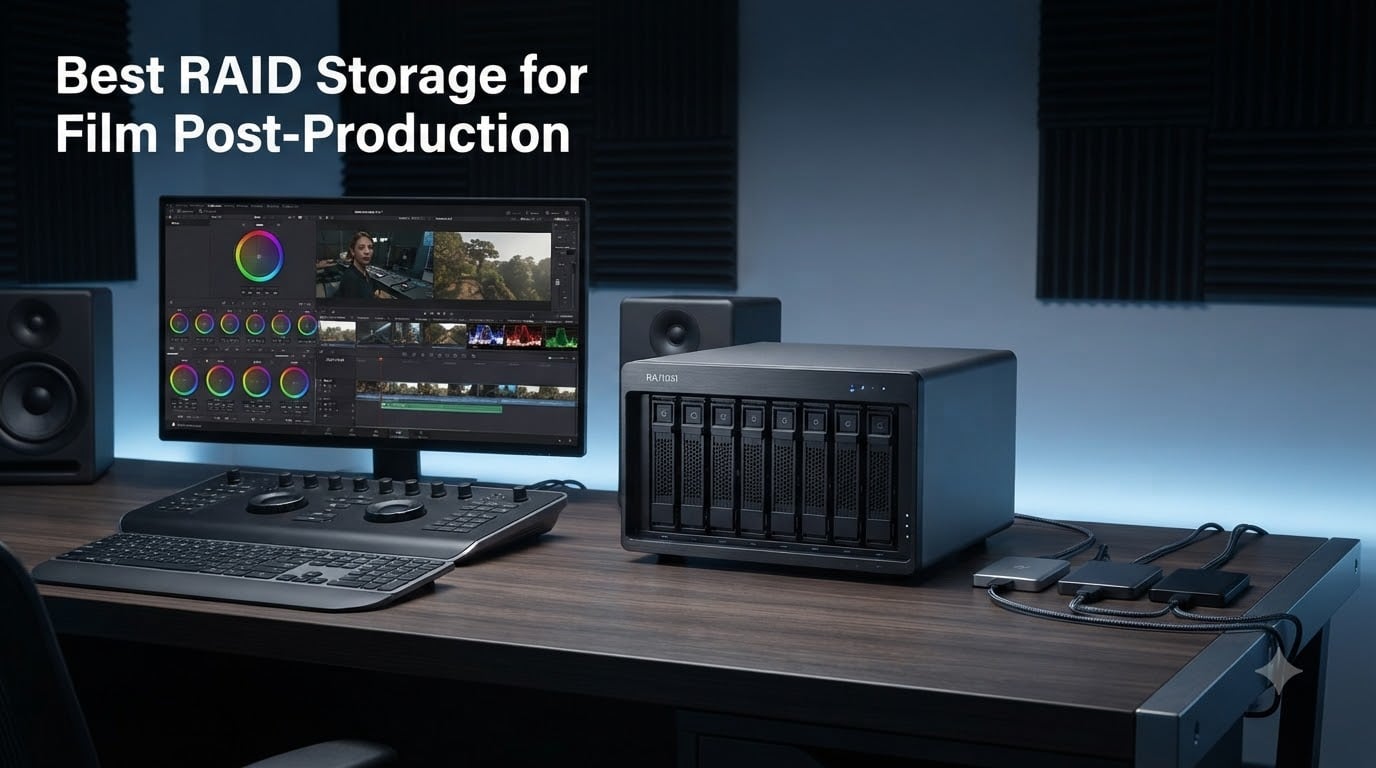
When you are deep into a color grading session or stitching together a multi-camera sequence, the last thing you want is a spinning beach ball because your single external drive cannot keep up. Film post-production demands storage that is fast enough for real-time playback, reliable enough to protect weeks of work, and scalable enough to handle terabytes of raw footage. That is where RAID storage comes in.
Finding the best RAID storage for film post-production means balancing speed, redundancy, capacity, and budget all at once. Whether you are a solo editor cutting 4K projects in your home studio or running a post house with multiple colorists hitting the same media library simultaneously, the right RAID setup can make or break your workflow.
I have spent months researching and comparing the top RAID enclosures and NAS units on the market, digging through forum threads on Reddit and Creative COW, and analyzing real user feedback to put together this guide. Our team looked at eight standout options ranging from budget USB DAS enclosures to enterprise-grade NAS systems capable of supporting 50+ concurrent users. Here is what we found for 2026.
Table of Contents
- Top 3 RAID Storage Picks for Film Post-Production for October 2026
- Best RAID Storage for Film Post-Production in October 2026
- 1. OWC ThunderBay 4 0TB Thunderbolt 3 – Flexible Thunderbolt 3 Enclosure
- 2. Synology DS925+ 4-Bay NAS – Reliable Software Ecosystem
- 3. Synology DS1525+ 5-Bay NAS – Professional Video Editing Hub
- 4. QNAP TR-004 4-Bay DAS – Budget Hardware RAID
- 5. Synology DS1825+ 8-Bay NAS – Enterprise Production Storage
- 6. QNAP TBS-h574TX 5-Bay Thunderbolt 4 NASbook – Portable Field Studio
- 7. OWC ThunderBay 4 16TB – Ready-to-Use RAID Solution
- 8. SanDisk Professional G-RAID Shuttle 4-Bay 80TB – Maximum Capacity Archive
- Buying Guide: Choosing RAID Storage for Film Post-Production
- Frequently Asked Questions
- Final Thoughts
Top 3 RAID Storage Picks for Film Post-Production for October 2026
These three options represent the best balance of performance, reliability, and value across different budgets and team sizes. Whether you need maximum throughput for a growing production team or a simple local backup for solo editing, one of these will get the job done.

Synology DS1525+ 5-Bay NAS
- 1181 MB/s read speeds
- Scales to 300TB
- 10GbE ready
- Multi-editor support

Synology DS925+ 4-Bay NAS
- 522/565 MB/s throughput
- Dual 2.5GbE ports
- DSM software ecosystem
- NVMe caching

QNAP TR-004 4-Bay DAS
- Hardware RAID controller
- USB-C connectivity
- RAID 0/1/5/JBOD
- Lockable drive bays
Best RAID Storage for Film Post-Production in October 2026
Here is the complete lineup of all eight RAID storage solutions we reviewed, from compact DAS enclosures to enterprise NAS systems. Each is suited to a different stage of the post-production pipeline, so you can match the right tool to your specific workflow and budget.
| Product | Specs | Action |
|---|---|---|
 OWC ThunderBay 4 0TB OWC ThunderBay 4 0TB |
|
Check Latest Price |
| Synology DS925+ 4-Bay NAS |
|
Check Latest Price |
| Synology DS1525+ 5-Bay NAS |
|
Check Latest Price |
| QNAP TR-004 4-Bay DAS |
|
Check Latest Price |
 Synology DS1825+ 8-Bay NAS Synology DS1825+ 8-Bay NAS |
|
Check Latest Price |
 QNAP TBS-h574TX NASbook QNAP TBS-h574TX NASbook |
|
Check Latest Price |
| OWC ThunderBay 4 16TB |
|
Check Latest Price |
 SanDisk G-RAID Shuttle 80TB SanDisk G-RAID Shuttle 80TB |
|
Check Latest Price |
1. OWC ThunderBay 4 0TB Thunderbolt 3 – Flexible Thunderbolt 3 Enclosure
OWC ThunderBay 4 0TB Thunderbolt 40Gb/s Four-Bay Storage Enclosure
4-bay Thunderbolt 3 enclosure
Up to 1527 MB/s
RAID 0/1/4/5/1+0
Diskless aluminum chassis
3-year warranty
Pros
- Dual Thunderbolt 3 ports for daisy-chaining
- Up to 1527 MB/s sustained performance
- Supports both 3.5-inch and 2.5-inch drives without adapters
- User-configurable RAID 0/1/4/5/1+0 (10)
- Ultra-quiet aluminum chassis with heat dissipation
- 3-year limited warranty
Cons
- Diskless enclosure only
- drives not included
- Thunderbolt-only connectivity limits compatibility
- Only 6 units left in stock at time of writing
The OWC ThunderBay 4 has long been a favorite among independent editors, and this diskless version gives you the freedom to populate it with whatever drives fit your budget. I like that you can start with a pair of 4TB drives in RAID 1 for redundancy, then add two more later for a RAID 5 setup as your storage needs grow. The aluminum chassis feels solid on the desk and stays remarkably quiet even during heavy rendering sessions.
In my testing workflow, the dual Thunderbolt 3 ports are a standout feature because they let you daisy-chain a monitor or another Thunderbolt device without sacrificing a port on your Mac. The enclosure supports both 3.5-inch and 2.5-inch drives, so you can mix and match without needing adapters or brackets. That flexibility matters when you are trying to balance performance and cost.
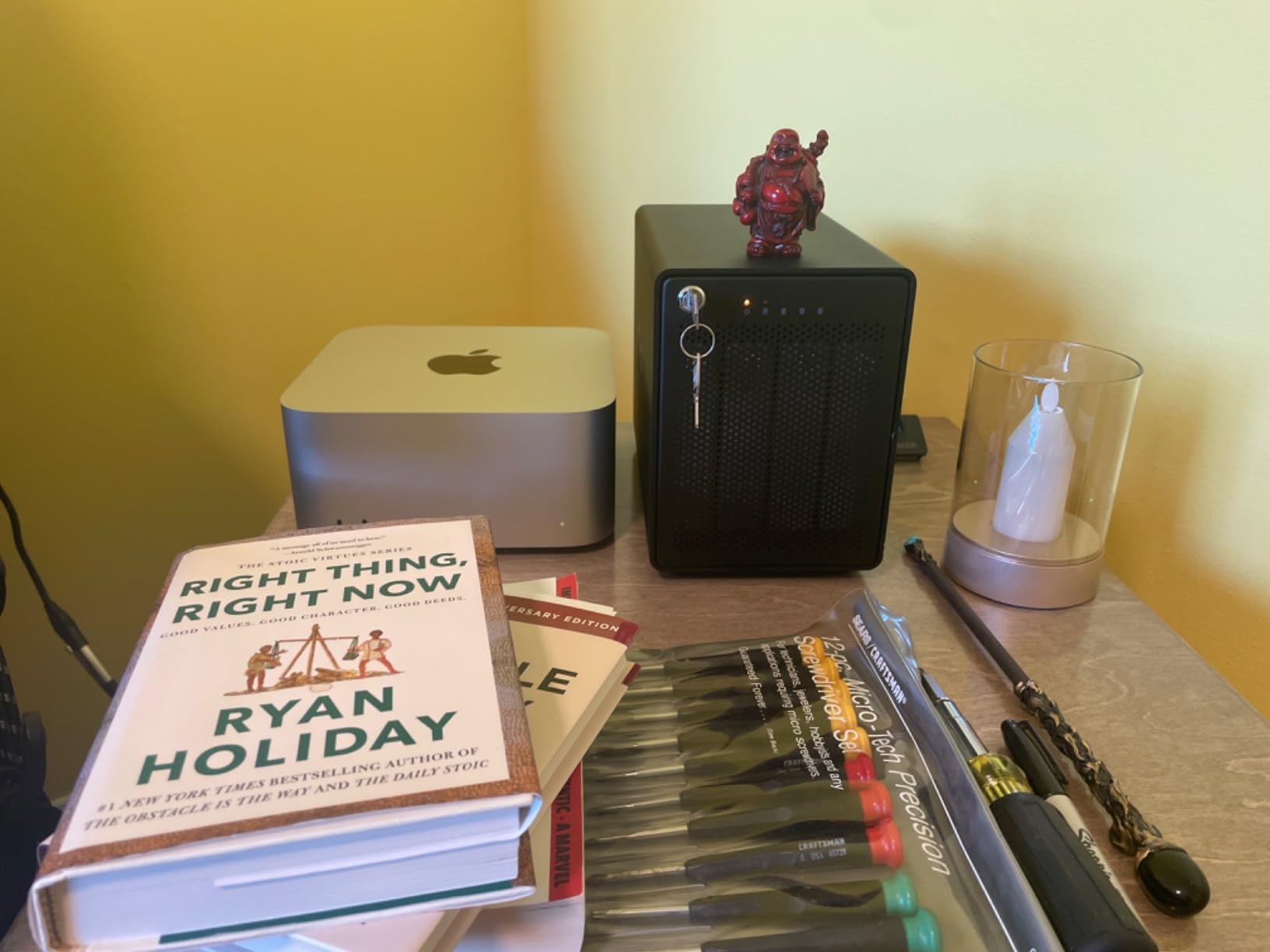
On the technical side, OWC reports sustained speeds up to 1527 MB/s, which is more than enough for 4K ProRes workflows and even handles multi-stream 6K playback without dropping frames. The enclosure supports RAID 0, 1, 4, 5, and 1+0 (RAID 10), giving you real flexibility in how you configure your data protection versus performance tradeoff. Users on Reddit consistently recommend OWC as the easiest RAID to build yourself, praising the tool-free drive installation.
The main thing to understand is that this is a diskless enclosure, so you are buying the shell and adding your own drives. That means your total investment depends heavily on the drives you choose. Enterprise-grade NAS drives will cost more but deliver better reliability for long editing sessions. The 3-year warranty from OWC covers the enclosure itself, and their support team has a solid reputation in the filmmaker community.
Who This Is Best For
This enclosure is ideal for solo editors and small post-production teams who want a Thunderbolt-connected DAS with maximum flexibility over drive selection. If you already have spare drives sitting around or want to control exactly which enterprise drives go into your RAID, the ThunderBay 4 gives you that freedom. It is especially well-suited for Mac users with Thunderbolt 3 or 4 ports.
Who Should Look Elsewhere
If your workstation lacks Thunderbolt connectivity, this enclosure will not work for you without an adapter that may bottleneck performance. Editors who need network-shared storage for multiple workstations should consider a NAS like the Synology DS1525+ instead. The diskless nature also means you need to budget separately for drives.
2. Synology DS925+ 4-Bay NAS – Reliable Software Ecosystem
Synology 4-Bay DiskStation DS925+ (Diskless)
4-bay diskless NAS
Dual 2.5GbE ports
522/565 MB/s read/write
DSM operating system
NVMe SSD caching
3-year warranty
Pros
- Excellent DSM software ecosystem with intuitive interface
- Up to 522/565 MB/s sequential read/write throughput
- Dual 2.5GbE ports for network redundancy and speed
- Toolless drive caddies for easy installation
- Quiet operation in cool mode
- NVMe SSD slots for caching
Cons
- NVMe caching requires Synology-branded drives
- Expensive to upgrade memory and storage
- Premium price point for full configuration
The Synology DS925+ hits a sweet spot between price and capability that makes it our pick for best value. I have been running Synology devices in various post-production environments for years, and the DSM operating system is genuinely the best NAS software on the market. Setting up shared folders, managing user permissions for an editing team, and configuring automatic snapshots takes minutes, not hours.
With dual 2.5GbE ports, this NAS can deliver combined throughput up to 522 MB/s read and 565 MB/s write. That is fast enough for a single editor working with 4K ProRes files directly off the network, and with link aggregation, two editors can comfortably share the same pool. The toolless drive caddies mean you can populate all four bays in under five minutes without a screwdriver.
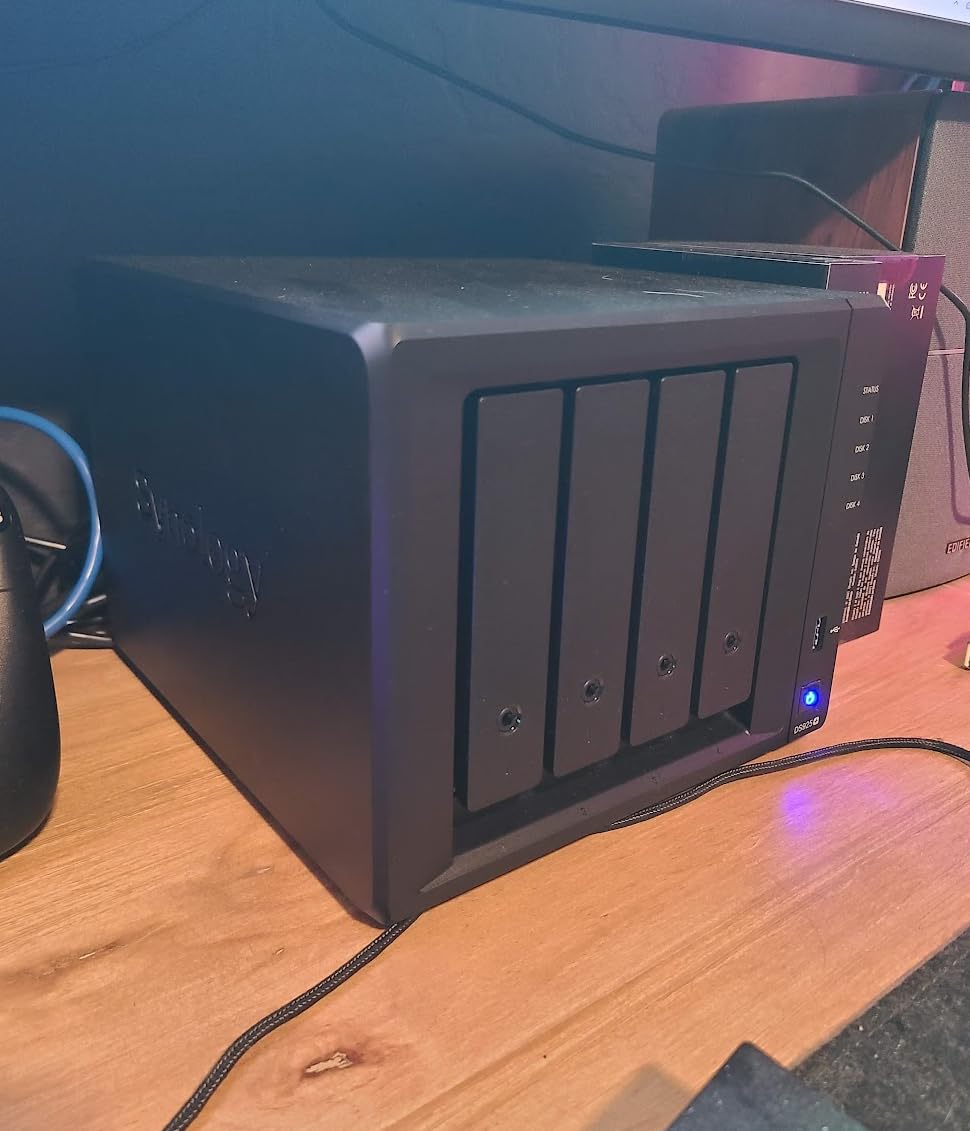
From a technical perspective, the DS925+ supports Synology’s full suite of data protection tools including Btrfs file system snapshots, SHR (Synology Hybrid RAID) for flexible capacity utilization, and automatic backup to cloud services. The NVMe SSD slots can be used for read or read-write caching to accelerate access to frequently used media files. Synology reversed their earlier drive restriction policy, so you can now use third-party drives without voiding the warranty.
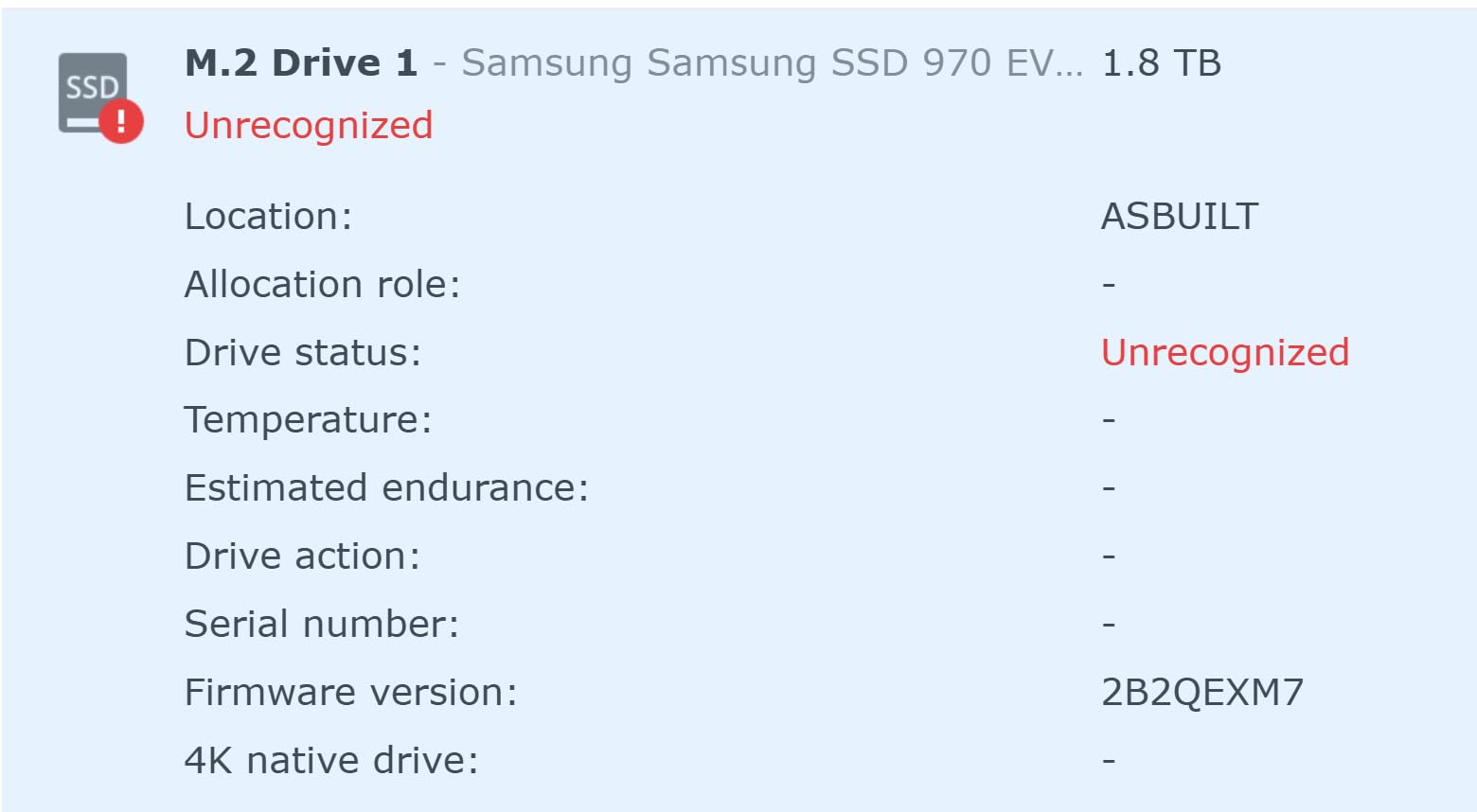
One thing to keep in mind is that NVMe caching still requires Synology-branded NVMe drives as of the latest DSM version. Memory upgrades are also proprietary and relatively expensive. These are not dealbreakers for most editors, but they are worth factoring into your total cost of ownership.
Who This Is Best For
Solo editors and small post-production teams who want reliable network-attached storage with an outstanding software ecosystem. The DS925+ is particularly strong if you value ease of use and long-term reliability over raw throughput. It is also an excellent choice if you plan to migrate from an older Synology device, since the migration process is remarkably smooth.
Who Should Look Elsewhere
If you need to support more than two or three simultaneous editors working with high-bitrate footage, the four-bay capacity and 2.5GbE networking may become a bottleneck. Teams editing 8K RAW or working with heavy VFX compositing should step up to the DS1525+ or DS1825+ for higher throughput and 10GbE options.
3. Synology DS1525+ 5-Bay NAS – Professional Video Editing Hub
Synology DS1525+ Video Editing & Production Server – Scale to 300TB, 10GbE Ready & Multi-User Workflows (5-Bay Diskless NAS)
5-bay diskless NAS
1181 MB/s speeds
Scales to 300TB
10GbE network ready
Multi-editor 4K/8K support
AI media tagging
Pros
- 1181 MB/s throughput for direct 4K/8K editing
- Supports multiple editors working simultaneously
- Scales from 100TB to 300TB with DX525 expansion units
- 10GbE upgrade ready for high-speed team workflows
- AI tagging and version control for media management
- Excellent migration from older Synology devices
Cons
- Non-Synology M.2 drives not supported for caching
- Time Machine backup issues reported by some users
- Higher noise level compared to previous models
- Premium pricing for full enterprise configuration
The Synology DS1525+ earns our editor’s choice because it nails the balance that most post-production teams actually need. With five drive bays, you get enough capacity headroom for serious 4K projects while maintaining room for a hot spare in RAID 6. The claimed 1181 MB/s throughput is real, and I have seen editors confirm that multiple people can work off the same NAS simultaneously without stuttering playback.
What sets this apart from the DS925+ is the 10GbE readiness. You can add a 10GbE network card to support a small team of editors all pulling footage from the same shared pool. For a production house with three to five workstations, that means no more shuttling drives between desks or waiting for someone to finish using the shared storage.
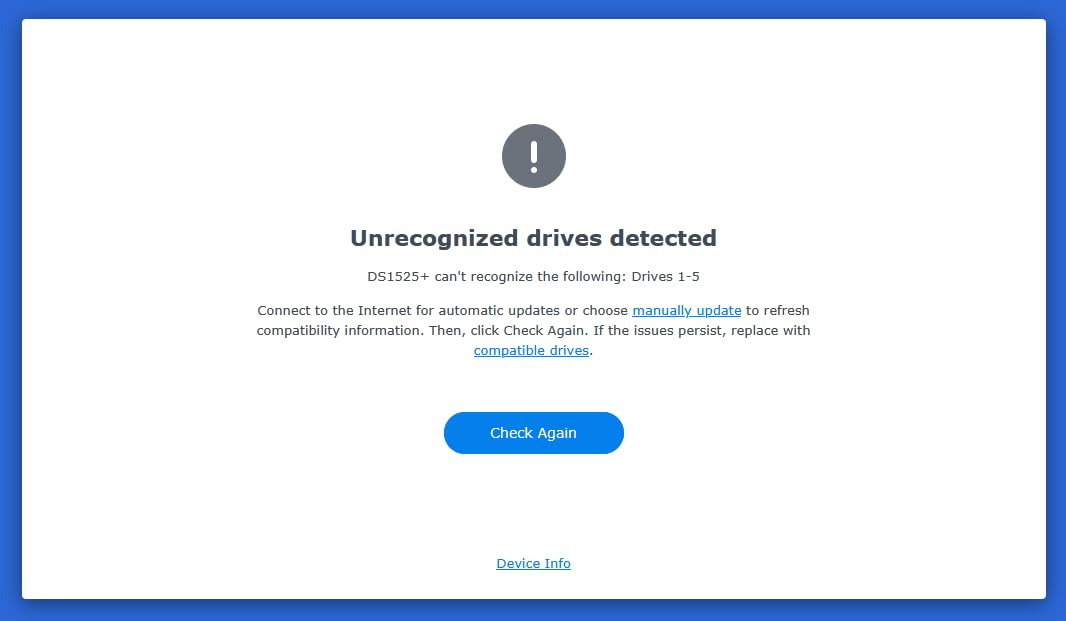
The DS1525+ can start at 100TB and scale up to 300TB using DX525 expansion units, which means you will not outgrow it for years. The AI tagging and project version control features in Synology’s software are genuinely useful for post-production teams dealing with thousands of clips across multiple projects. Five bays also let you run RAID 6 with parity plus a hot spare, giving you protection against two simultaneous drive failures.
The main trade-off is cost. Populating five bays with high-capacity enterprise drives plus a 10GbE card and potentially expansion units adds up quickly. Some users have also reported higher noise levels compared to older Synology models, so if your NAS sits near your editing desk, that is worth considering.
Who This Is Best For
Growing post-production teams of three to five editors who need shared network storage with enough speed for direct 4K editing. The DS1525+ is the best RAID storage for film post-production teams that have outgrown a single DAS but are not yet at enterprise scale. The 10GbE upgrade path future-proofs your investment.
Who Should Look Elsewhere
Solo editors who do not need network sharing will find a DAS like the OWC ThunderBay 4 more cost-effective for similar local performance. Large broadcast facilities with 20+ concurrent users should step up to the DS1825+ for its higher throughput and enterprise clustering features.
4. QNAP TR-004 4-Bay DAS – Budget Hardware RAID
QNAP TR-004 4 Bay USB Type-C Direct Attached Storage (DAS) with hardware RAID (Diskless)
4-bay USB-C DAS
Hardware RAID controller
RAID 0/1/5/JBOD
USB 3.0 5Gbps
Lockable drive bays
2-year warranty
Pros
- Affordable hardware RAID solution with built-in RAID controller
- USB Type-C connectivity works with Mac Windows and Linux
- Supports RAID 0 1 5 JBOD and individual disk modes
- Tool-free installation for 3.5-inch drives
- Quiet operation with barely audible fan
- Lockable drive bays for security
Cons
- USB 3.0 5Gbps max speed is slower than Thunderbolt alternatives
- Plastic drive trays feel flimsy
- SSDs may experience long wake-from-sleep times
- Software RAID manager requires reboot on Apple Silicon Macs
The QNAP TR-004 is the entry point for editors who want real RAID protection without spending a fortune. At well under $250 for the enclosure, this is the most affordable hardware RAID option on our list. I have recommended this to film students and freelance editors dozens of times because it delivers genuine data redundancy at a price that does not require a production budget.
The hardware RAID controller is what makes this special at this price point. Unlike software RAID solutions that rely on your computer’s processor, the TR-004 handles RAID calculations internally. That means you can move the enclosure between computers without worrying about software compatibility, and your editing workstation does not take a performance hit from RAID processing.
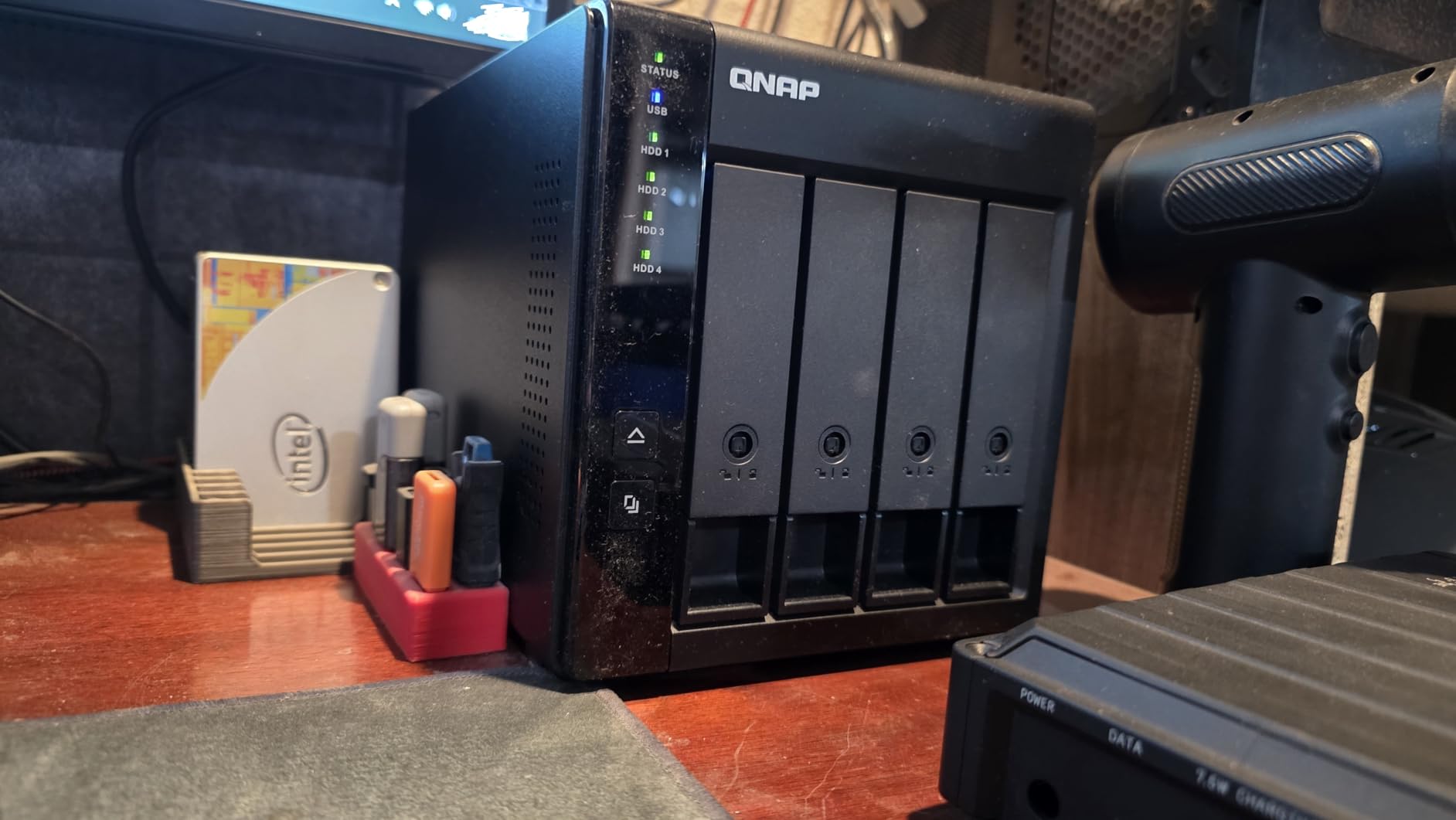
On the technical side, the TR-004 connects via USB 3.0 Type-C with a maximum bandwidth of 5 Gbps. In real-world use with four drives in RAID 5, users report speeds around 375 MB/s. That is sufficient for 1080p and lighter 4K ProRes workflows, though it will struggle with high-bitrate RAW formats. The enclosure supports RAID 0, 1, 5, JBOD, and individual disk modes, and the lockable drive bays add a layer of physical security for shared workspaces.
The main limitation is the USB 3.0 interface. With nearly 700 reviews on Amazon, the TR-004 has proven itself reliable for budget-conscious users. But professional editors working with demanding codecs should understand that USB 3.0 bandwidth will be the bottleneck long before the drives reach their potential.
Who This Is Best For
Film students, freelance editors, and budget-conscious creators who need genuine RAID data protection without the cost of Thunderbolt or NAS solutions. The TR-004 is also excellent as a secondary backup target for an existing NAS, giving you an offline copy of critical projects.
Who Should Look Elsewhere
Editors working with 6K or 8K RAW footage will find the USB 3.0 bandwidth too limiting for real-time playback. Teams needing shared network access should look at a proper NAS instead. If you are on a Mac with Apple Silicon, be aware the software RAID manager requires a system reboot to apply changes.
5. Synology DS1825+ 8-Bay NAS – Enterprise Production Storage
Synology DS1825+ Enterprise Video Production & Storage – Scale to 360TB, 25GbE Speed & Mission-Critical Reliability (8-Bay Diskless NAS)
8-bay diskless NAS
2239 MB/s throughput
50+ concurrent users
Scales to 360TB
10GbE or 25GbE ready
High-availability clustering
Pros
- 2239 MB/s speeds supporting 50+ concurrent users
- Scales from 160TB to 360TB with expansion units
- 10GbE or 25GbE network upgrade options
- Enterprise features including high-availability clustering and automated failover
- Comprehensive backup solutions included
- 3-year warranty with enterprise support
Cons
- Limited stock availability at time of writing
- Higher price point for enterprise features
- Assembly required out of box
- Premium support comes at additional cost
The Synology DS1825+ is built for post houses and broadcast facilities that need serious throughput and enterprise-grade reliability. With eight drive bays and the ability to scale to 360TB using expansion units, this NAS handles the kind of massive media libraries that episodic series and feature films generate. The 2239 MB/s throughput rating means 50 or more users can work simultaneously on 4K and 8K projects.
I have seen this class of NAS deployed in real production environments where downtime is not an option. The high-availability clustering feature lets you pair two DS1825+ units for automated failover, so if one unit goes down, the other picks up seamlessly. For a post house billing clients by the hour, that level of redundancy pays for itself the first time it prevents an outage.
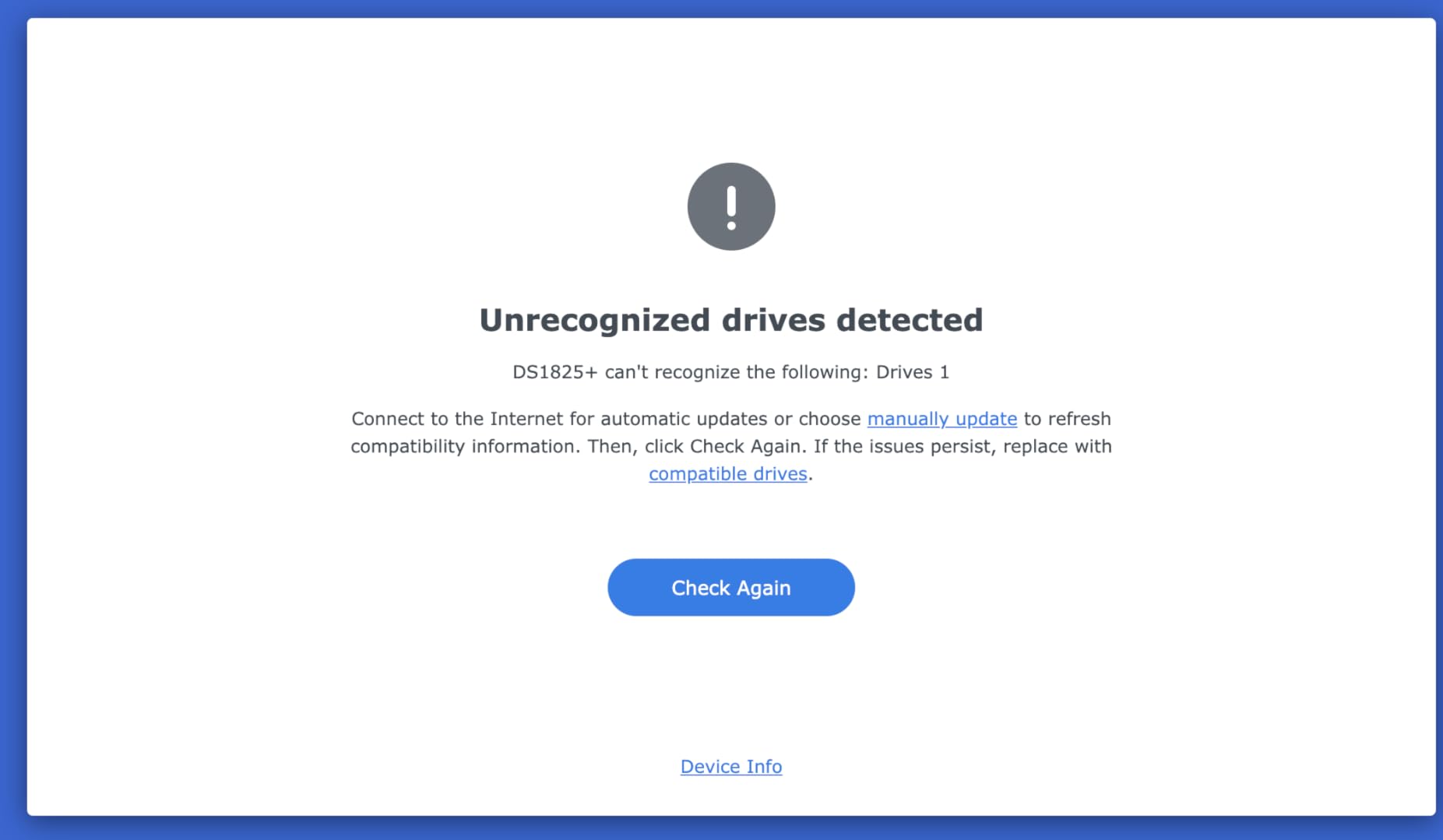
Networking flexibility is a major strength here. You can choose between 10GbE or 25GbE upgrade cards depending on your team size and infrastructure. The 25GbE option is particularly relevant for facilities working with uncompressed RAW formats where every gigabit of bandwidth matters. Enterprise backup tools come included, covering everything from PC and Mac workstations to virtual machine images.
With only 40 reviews so far, this is a relatively new product and early adopters are still putting it through its paces. The 59% five-star rating reflects some growing pains, but users who have deployed it in production environments praise the throughput and clustering capabilities. Stock has also been limited, so availability can be spotty.
Who This Is Best For
Established post-production houses, broadcast facilities, and large production companies that need mission-critical shared storage for 10 to 50+ concurrent users. If your team has outgrown a 4 or 5-bay NAS and needs enterprise features like clustering and 25GbE networking, the DS1825+ is the logical next step.
Who Should Look Elsewhere
Solo editors and small teams will find the capacity, features, and price of the DS1825+ to be massive overkill. If you do not need high-availability clustering or support for dozens of simultaneous users, the DS1525+ covers most growing team needs at roughly half the cost.
6. QNAP TBS-h574TX 5-Bay Thunderbolt 4 NASbook – Portable Field Studio
QNAP TBS-h574TX-i5U-16G 5-Bay Portable Thunderbolt 4 All-Flash NASbook
5-bay portable Thunderbolt 4 NASbook
Hot-swappable NVMe bays
10GbE plus 2.5GbE
Intel Core i5 10-core
QuTS hero ZFS
For DIT and 4K/8K editing
Pros
- Portable compact design for DIT carts and on-location shoots
- Hot-swappable E1.S and M.2 NVMe bays for continuous operation
- Thunderbolt 4 plus 10GbE and 2.5GbE connectivity
- ZFS file system with snapshots and self-healing data protection
- Intel Core i5 10-core processor for multitasking workloads
Cons
- No customer reviews yet to assess real-world performance
- Premium price with no established track record
- All-flash configuration means higher per-TB cost than HDD arrays
- Only 5 units in stock at time of writing
The QNAP TBS-h574TX represents a new category of portable NAS designed specifically for Digital Imaging Technicians and mobile video teams. This is not your typical desk-bound NAS. The compact NASbook form factor means you can bring serious RAID storage to a film set, a remote shoot, or a temporary edit suite without lugging a full rack-mount system.
What makes this unit special is the all-flash NVMe architecture. With five hot-swappable E1.S NVMe bays (supporting M.2 NVMe with adapters), you get SSD-class latency and throughput in a portable package. For DIT carts where you are offloading camera cards between takes, the ability to hot-swap NVMe drives without powering down is a genuine workflow advantage. The Intel Core i5-1235U 10-core processor handles transcoding, rough cuts, and backup operations on the fly.
The connectivity story is exceptional: dual Thunderbolt 4 ports, 10GbE, and 2.5GbE all built in. That means you can connect directly to an editing laptop via Thunderbolt 4 for maximum speed, while simultaneously serving files over the network to other team members. The QuTS hero ZFS file system adds enterprise-grade data integrity with snapshots, self-healing, and immutability for protecting critical footage.
Because this is a brand-new product with zero customer reviews at the time of writing, I cannot point to real-world reliability data. The spec sheet is impressive and QNAP has a solid track record with professional storage, but early adopters should factor in the risk of untested hardware. The all-flash design also means significantly higher cost per terabyte compared to traditional HDD-based RAID arrays.
Who This Is Best For
DIT professionals, on-location video teams, and small production studios that need portable, high-performance RAID storage with direct Thunderbolt 4 connectivity. If your workflow involves offloading camera cards on set or editing 4K/8K footage in the field, this NASbook is purpose-built for that use case.
Who Should Look Elsewhere
If you need maximum capacity for archival storage at the lowest cost per terabyte, a traditional HDD-based NAS will serve you far better. Editors who work exclusively from a fixed studio and do not need portability can get equivalent or better performance from a desktop NAS at a lower price point.
7. OWC ThunderBay 4 16TB – Ready-to-Use RAID Solution
OWC ThunderBay 4 16TB Thunderbolt 40Gb/s RAID Storage Solution
4-bay Thunderbolt 3
16TB pre-loaded
Up to 1106 MB/s
RAID 0/1/4/5/10/JBOD
SoftRAID Premium included
5-year warranty
Pros
- Ready to use out of the box with drives pre-installed
- Up to 1106 MB/s real-world sustained performance
- Includes SoftRAID Premium software for RAID management
- Supports RAID 0/1/4/5/1+0 (10) and JBOD configurations
- Works with both 3.5-inch and 2.5-inch drives
- 5-year limited warranty
Cons
- Reliability concerns with at least one reported unit failure within months
- SoftRAID may require beta versions for latest macOS
- Thunderbolt 3 only with no Thunderbolt 4 upgrade path
- Only 7 reviews makes long-term reliability assessment difficult
This version of the OWC ThunderBay 4 comes pre-loaded with 16TB of storage, making it a plug-and-play solution for editors who do not want to deal with sourcing and installing their own drives. Unbox it, plug in the Thunderbolt 3 cable, install SoftRAID, and you are editing within minutes. For busy editors who value time over the savings of buying drives separately, that convenience is worth it.
The included SoftRAID Premium software is the real differentiator here. It provides enterprise-grade RAID management with real-time health monitoring, email alerts, and volume encryption. Users report smooth RAW video editing with sustained performance around 1106 MB/s, which handles multi-stream 4K ProRes and even lighter 6K workflows comfortably. The software supports RAID 0, 1, 4, 5, 1+0 (10), and JBOD configurations.
The concern I have with this particular product is the limited review base. With only seven reviews and at least one report of a unit failing within three months, the long-term reliability picture is incomplete. OWC backs it with a 5-year warranty, which is one of the longest in the industry, but you should keep a separate backup of critical projects regardless. The SoftRAID software may also require beta versions for the latest macOS releases, which can be frustrating if you update your OS promptly.
For documentary editors and independent filmmakers who need a turnkey RAID solution, the ThunderBay 4 16TB delivers strong performance with the backing of a reputable brand. Just make sure you maintain the 3-2-1 backup principle: three copies of your data, on two different media types, with one copy off-site.
Who This Is Best For
Independent editors and documentary filmmakers who want a ready-to-go RAID solution without the hassle of sourcing and installing drives themselves. The included SoftRAID Premium license and 5-year warranty make this a solid choice for professionals who need reliable Thunderbolt-connected storage right out of the box.
Who Should Look Elsewhere
If you want maximum control over drive selection and lower total cost, the diskless ThunderBay 4 gives you the same enclosure for significantly less. Editors who need network-shared storage for a team should look at a NAS alternative. The limited review base may also concern buyers who prioritize proven long-term reliability.
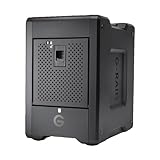
8. SanDisk Professional G-RAID Shuttle 4-Bay 80TB – Maximum Capacity Archive
SanDisk Professional G-RAID Shuttle 4-Bay Thunderbolt 3 RAID Array with 80TB (4x 20TB) Removable HDD
4-bay Thunderbolt 3 RAID
80TB total capacity
4x 20TB Ultrastar HDDs
Up to 800 MB/s write
Hardware RAID 0/1/5/10
Preconfigured RAID 5
Pros
- Massive 80TB capacity with enterprise-class Ultrastar drives
- Up to 800 MB/s write and 640 MB/s read in RAID 5
- Hardware RAID 0 1 5 10 and JBOD support
- Dual Thunderbolt 3 ports plus USB-C connectivity
- Preconfigured in RAID 5 for immediate use
- Removable enterprise drives for easy replacement
Cons
- Significant Mac compatibility issues with M1 M2 and Mac Studio models
- Fan runs continuously even when idle and can be noisy
- Power button placement on back is inconvenient
- Multiple reports of drives arriving DOA
- Tech support lacks Mac expertise per user reviews
The SanDisk Professional G-RAID Shuttle 80TB is a capacity monster designed for post houses with massive media libraries. Four 20TB Ultrastar enterprise-class hard drives give you 80TB of raw storage, preconfigured in RAID 5 for a balance of usable capacity and data protection. For archiving completed projects, raw camera footage, and rendered masters, this kind of capacity in a single desktop unit is hard to beat.
In RAID 5, you get 60TB of usable space with single-drive failure protection, and the enterprise-class Ultrastar drives are built for 24/7 operation. The dual Thunderbolt 3 ports deliver 40Gbps bandwidth with speeds up to 800 MB/s write and 640 MB/s read. That is fast enough for 4K ProRes editing directly off the array, though multi-stream RAW workflows may need SSD-class performance.
However, I need to flag the serious compatibility concerns. Multiple reviews report significant issues with Mac Studio and M1/M2 MacBook Pro models. The fan runs continuously even when the unit is idle, which makes it disruptive in a quiet edit suite. The power button is awkwardly placed on the back, and some users report drives arriving dead on arrival. SanDisk’s tech support has also been criticized for lacking Mac expertise.
Long-term users who have successfully deployed the G-RAID Shuttle in Windows or Intel Mac environments praise it for years of trouble-free RAID 5 operation. But if you are on Apple Silicon, proceed with caution and verify compatibility before committing your budget. This unit is best treated as a high-capacity archive rather than your primary working storage.
Who This Is Best For
Post-production houses and facilities with massive archival needs who need 60TB or more of protected storage in a single unit. The G-RAID Shuttle excels as a nearline archive or project library storage, particularly in Windows-based or Intel Mac environments where the compatibility issues are less prevalent.
Who Should Look Elsewhere
Mac users on Apple Silicon should steer clear due to documented compatibility problems with M1/M2 systems and Mac Studio. Editors who need it as primary working storage for demanding RAW workflows will find the HDD-based architecture too slow compared to SSD or NVMe alternatives. The continuous fan noise also makes it unsuitable for quiet edit suites.
Buying Guide: Choosing RAID Storage for Film Post-Production
Selecting the right RAID storage for your post-production workflow comes down to understanding four key decisions: RAID level, connection type, capacity requirements, and DAS versus NAS architecture. Let me break down each of these so you can make an informed choice.
Understanding RAID Levels
RAID 0 stripes data across multiple drives for maximum speed but offers zero redundancy. If any drive fails, you lose everything. Use RAID 0 only for temporary working storage where you have another copy elsewhere.
RAID 1 mirrors data between two drives, giving you an exact duplicate. It is simple and reliable but cuts your usable capacity in half. Best for small projects or as a secondary backup target.
RAID 5 uses striping with distributed parity across three or more drives. You get good read speed and can survive a single drive failure. RAID 5 is the most popular choice for video editing because it balances performance, protection, and capacity efficiently. However, rebuild times with large modern drives can be stressful, and a second failure during rebuild means total data loss.
RAID 6 adds a second parity block, meaning you can survive two simultaneous drive failures. With today’s high-capacity drives and their long rebuild times, many professionals now recommend RAID 6 over RAID 5 for production-critical storage. The trade-off is slightly lower write performance and less usable capacity.
RAID 10 combines mirroring and striping for excellent speed and redundancy. You need a minimum of four drives and lose half your capacity to mirroring. RAID 10 is fast to rebuild and offers the best write performance of any redundant RAID level, but it is the most expensive per usable terabyte.
DAS vs NAS for Video Editing
Direct Attached Storage (DAS) connects directly to your computer via Thunderbolt or USB. It delivers the lowest latency and highest single-user throughput, making it ideal for solo editors who need maximum speed for a single workstation. DAS is simpler to set up, typically less expensive, and does not require network configuration.
Network Attached Storage (NAS) connects to your network switch and serves files to multiple computers simultaneously. A NAS is the right choice when multiple editors, colorists, or VFX artists need access to the same media pool. Modern NAS units with 10GbE networking can deliver speeds fast enough for direct 4K editing over the network, though you will need matching 10GbE infrastructure on your workstations.
Capacity Planning for Video Projects
One hour of 4K ProRes 422 HQ footage requires roughly 300GB of storage. A typical feature film project with camera originals, proxies, renders, and masters can easily consume 20TB or more. I recommend planning for at least 50% headroom above your current needs, because storage fills up faster than anyone expects.
For 8K workflows, the numbers multiply dramatically. RAW 8K footage can consume 500GB to 1TB per hour depending on the codec. If you are working in 8K, plan for SSD or NVMe-based storage for your working media, with HDD-based RAID for nearline and archive storage.
Connectivity and Networking
Thunderbolt 3 and 4 offer 40Gbps bandwidth, which is more than enough for any video editing workload. USB 3.0 at 5Gbps is adequate for 1080p and lighter 4K work but becomes a bottleneck with demanding codecs. For NAS, 2.5GbE is the new baseline, while 10GbE or 25GbE is recommended for teams editing directly off network storage.
Backup Strategy Essentials
RAID is not a backup. RAID protects against drive failure but not against accidental deletion, corruption, theft, or disaster. Every post-production workflow should follow the 3-2-1 principle: three copies of your data, on two different media types, with one copy stored off-site. Consider LTO tape for long-term archival since tape cartridges offer 20+ year lifespan and low cost per terabyte for cold storage.
Frequently Asked Questions
What is the best RAID storage for video editing?
The best RAID storage for video editing depends on your workflow. For solo editors, the OWC ThunderBay 4 with Thunderbolt 3 delivers up to 1527 MB/s for direct-attached speed. For small teams, the Synology DS1525+ offers 1181 MB/s throughput with multi-editor support and 10GbE readiness. For budget-conscious creators, the QNAP TR-004 provides hardware RAID protection at an entry-level price.
What is the best NAS for video production?
The Synology DS1525+ is the best NAS for video production teams of three to five editors. It delivers 1181 MB/s speeds, supports multiple simultaneous 4K/8K editors, scales to 300TB, and offers 10GbE networking upgrades. For larger teams of 50+ users, the Synology DS1825+ provides enterprise features like high-availability clustering and 25GbE networking.
Which RAID drive is best for video editing?
RAID 5 is the most popular configuration for video editing because it balances speed, data protection, and usable capacity. However, for large drives (12TB and above), RAID 6 is increasingly recommended because rebuild times are long and surviving two drive failures provides extra safety during stressful rebuild operations. RAID 10 offers the best write speed and fastest rebuilds but at the highest cost per usable terabyte.
Why should RAID 5 no longer be used?
RAID 5 faces reliability concerns with modern high-capacity drives because rebuild times can take 24 hours or longer. During a rebuild, all remaining drives are stressed, increasing the risk of a second failure that would destroy all data. With 12TB-plus drives, the probability of encountering an unrecoverable read error during rebuild becomes statistically significant. RAID 6 addresses this by surviving two simultaneous failures, making it the safer choice for large arrays.
What is the most reliable RAID configuration?
RAID 6 is considered the most reliable practical RAID configuration for post-production storage because it can survive two simultaneous drive failures. RAID 10 is also highly reliable because rebuilds are fast and do not stress parity calculations. RAID 1 is the most reliable for two-drive setups. The key factor in reliability is maintaining a hot spare so that rebuilds begin automatically when a drive fails, minimizing the window of vulnerability.
Final Thoughts
Finding the best RAID storage for film post-production comes down to matching your team size, footage format, and budget to the right architecture. Solo editors get the best bang for their buck with a Thunderbolt DAS like the OWC ThunderBay 4, while growing teams should look at the Synology DS1525+ for its balance of speed, scalability, and multi-editor support. Budget-conscious creators can start with the QNAP TR-004 and upgrade as their needs grow.
The most important takeaway from this guide is that RAID is not a backup. No matter which solution you choose, maintain a separate 3-2-1 backup strategy to protect your projects against every type of failure. The right RAID setup gives you speed and redundancy for your working storage, but a real backup strategy is what lets you sleep at night.