
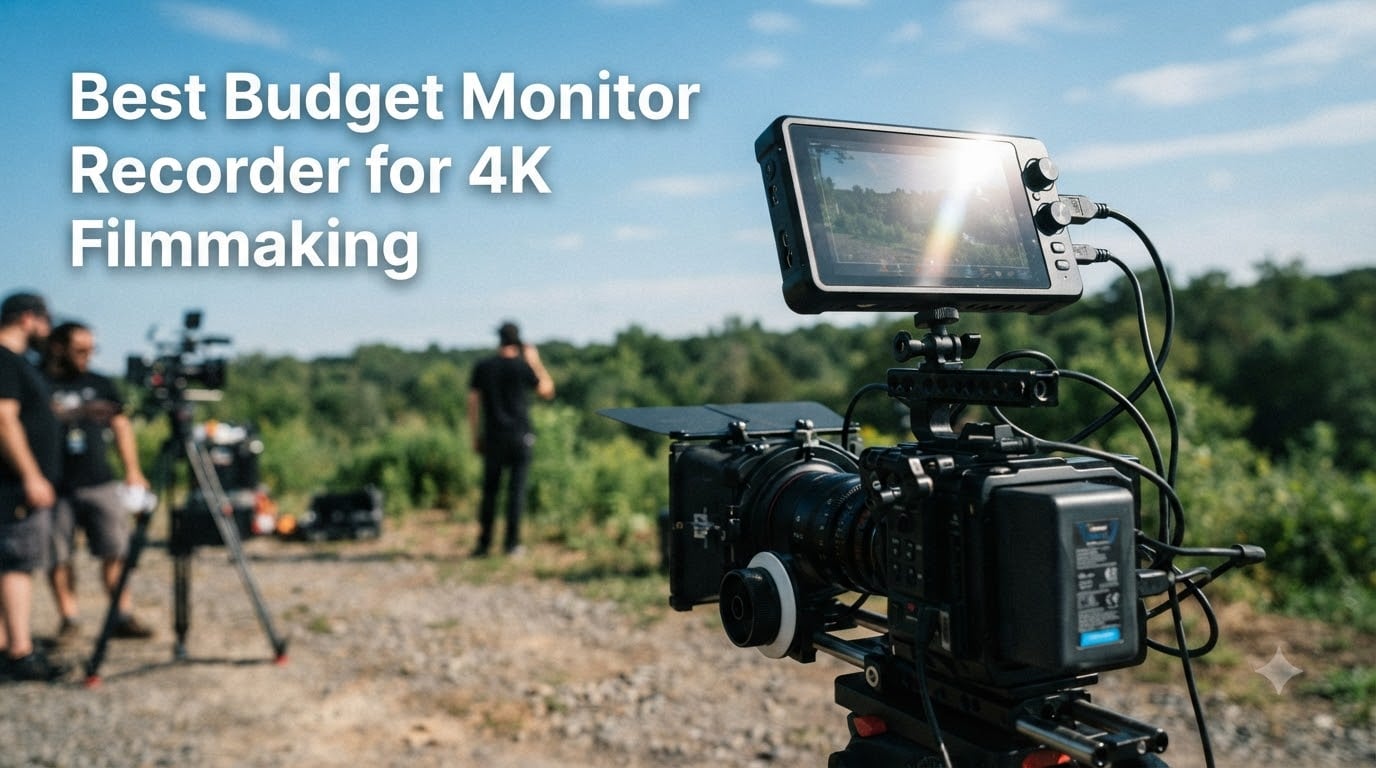
Shooting 4K on a mirrorless camera is one thing. Actually trusting what you see on a 3-inch rear screen in bright sunlight is something else entirely. I learned this the hard way on a short film shoot last year where half my footage had a soft focus I never caught until editing.
That is exactly where a budget monitor recorder for 4K filmmaking comes in. These external displays give you a bigger, brighter screen with professional tools like focus peaking, waveforms, and false color so you can nail exposure and focus on set instead of fixing problems in post.
Our team tested seven of the most popular budget monitor recorders under $600 to find out which ones deliver real filmmaking value without emptying your wallet. We focused on brightness, build quality, monitoring tools, and how each unit performs in actual shooting conditions rather than just reading spec sheets. Whether you are shooting run-and-gun documentary work, narrative shorts, or YouTube content, this guide covers the best options available in 2026.
Table of Contents
- Top 3 Picks for Budget Monitor Recorders in October 2026
- Budget Monitor Recorders for 4K Filmmaking in October 2026
- 1. FEELWORLD F5 Pro V4 6-inch Touch Screen Field Monitor
- 2. FEELWORLD F5 Prox 5.5-inch 1600 Nit Touch Field Monitor
- 3. VILTROX DC-550 5.5-inch 1200 Nit Touch Screen Field Monitor
- 4. FEELWORLD P6XL 6-inch 1200 Nit Built-in Battery Field Monitor
- 5. FEELWORLD LUT7 7-inch 2200 Nit Ultra Bright Touch Field Monitor
- 6. FEELWORLD CUT6 6-inch Touch Recording Field Monitor
- 7. Atomos Ninja 5.2-inch 4K HDMI Recording Monitor
- How to Choose the Best Budget Monitor Recorder for 4K Filmmaking?
- Frequently Asked Questions
- Final Thoughts on Budget Monitor Recorders
Top 3 Picks for Budget Monitor Recorders in October 2026



Budget Monitor Recorders for 4K Filmmaking in October 2026
| Product | Specs | Action |
|---|---|---|
| FEELWORLD F5 Pro V4 6-inch |
|
Check Latest Price |
| FEELWORLD F5 Prox 5.5-inch |
|
Check Latest Price |
 VILTROX DC-550 5.5-inch VILTROX DC-550 5.5-inch |
|
Check Latest Price |
 FEELWORLD P6XL 6-inch FEELWORLD P6XL 6-inch |
|
Check Latest Price |
 FEELWORLD LUT7 7-inch FEELWORLD LUT7 7-inch |
|
Check Latest Price |
 FEELWORLD CUT6 6-inch FEELWORLD CUT6 6-inch |
|
Check Latest Price |
| Atomos Ninja 5.2-inch |
|
Check Latest Price |
1. FEELWORLD F5 Pro V4 6-inch Touch Screen Field Monitor
FEELWORLD F5 Pro V4 6 Inch Touch Screen DSLR Camera Field Monitor with 3D LUT F970 External Kit Install for Power Wireless Transmission IPS FHD1920x1080 4K HDMI Input Output 5V Type-c Input Tilt Arm
6 inch IPS touchscreen
1920x1080
500 nits
3D LUT support
Pros
- Excellent value for a full-featured touchscreen
- Responsive touch interface with intuitive menus
- Includes tilt arm and sunshade at no extra cost
- F970 battery plate powers wireless transmitters
- Full HDMI input and output pass-through
Cons
- Only 500 nits brightness struggles outdoors without sunshade
- Plastic build may not survive rough handling
- No SDI connectivity
I mounted the F5 Pro V4 on my Sony A7 III for a weekend wedding shoot and was genuinely surprised by how capable this sub-$150 monitor is. The 6-inch IPS panel is sharp at 1080p, and the touchscreen navigation feels far more responsive than I expected at this price point.
The monitoring tools are where this unit punches above its weight. You get waveform, histogram, false color, and focus peaking, all accessible through a few taps. Having these tools on a budget monitor recorder for 4K filmmaking means you can trust your exposure without pulling out a separate light meter.
One standout feature is the F970 external power kit. The battery plate can power wireless video transmitters, which means you can build a wireless monitoring rig without buying a separate power solution. The DC 8.4V output also lets you power your camera from the same battery, reducing cable clutter on your rig.
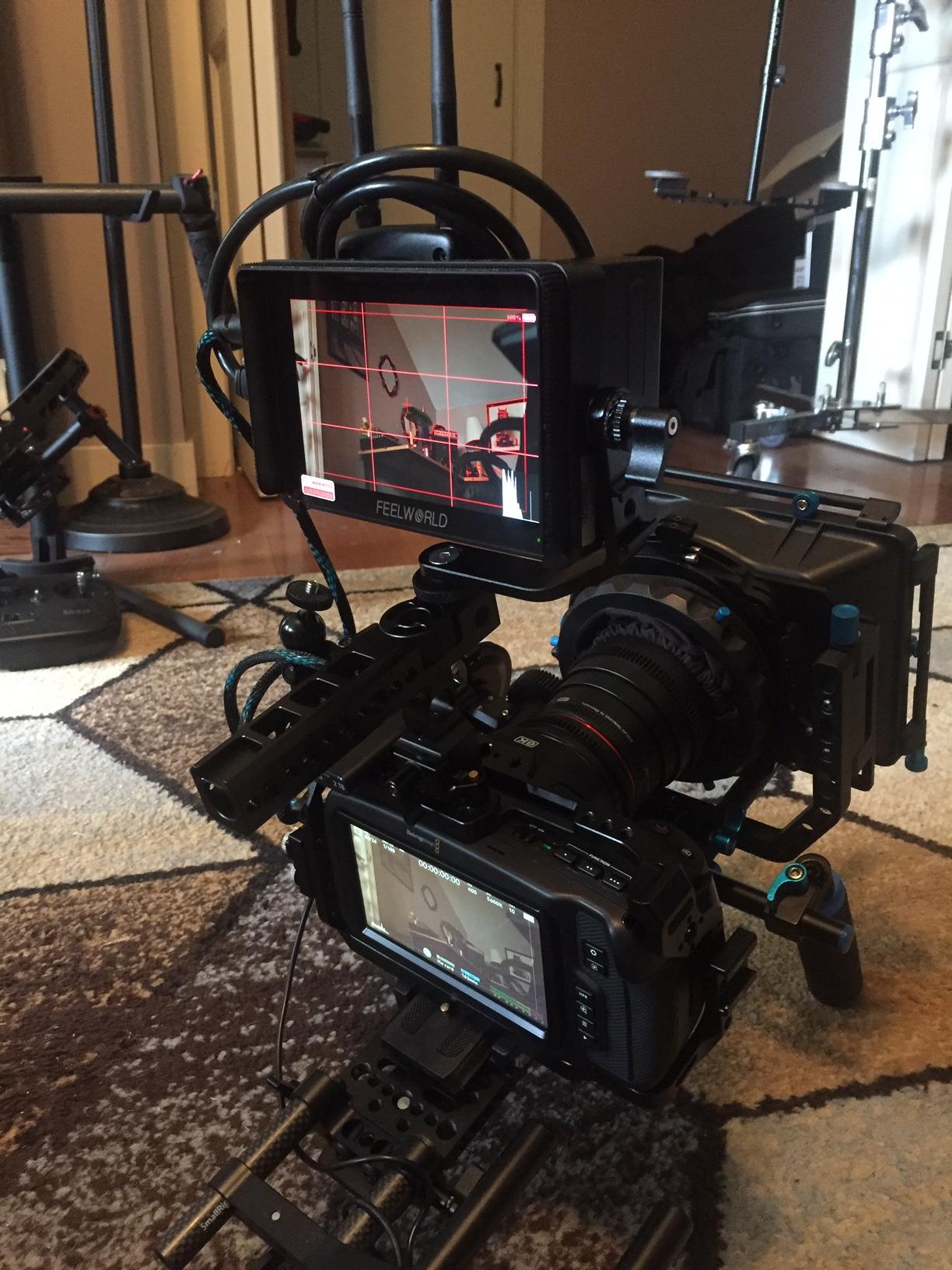
The big trade-off is brightness. At 500 nits, this monitor is tough to use in direct sunlight even with the included sunshade. I found myself constantly seeking shade or cupping my hand around the screen during outdoor shoots. If you primarily shoot indoors or in controlled lighting, this is less of an issue.
Build quality is plastic throughout, which keeps the weight down to 245g but also means you need to treat it with more care than an aluminum-housed monitor. The tilt arm is a nice inclusion that some competitors charge extra for.
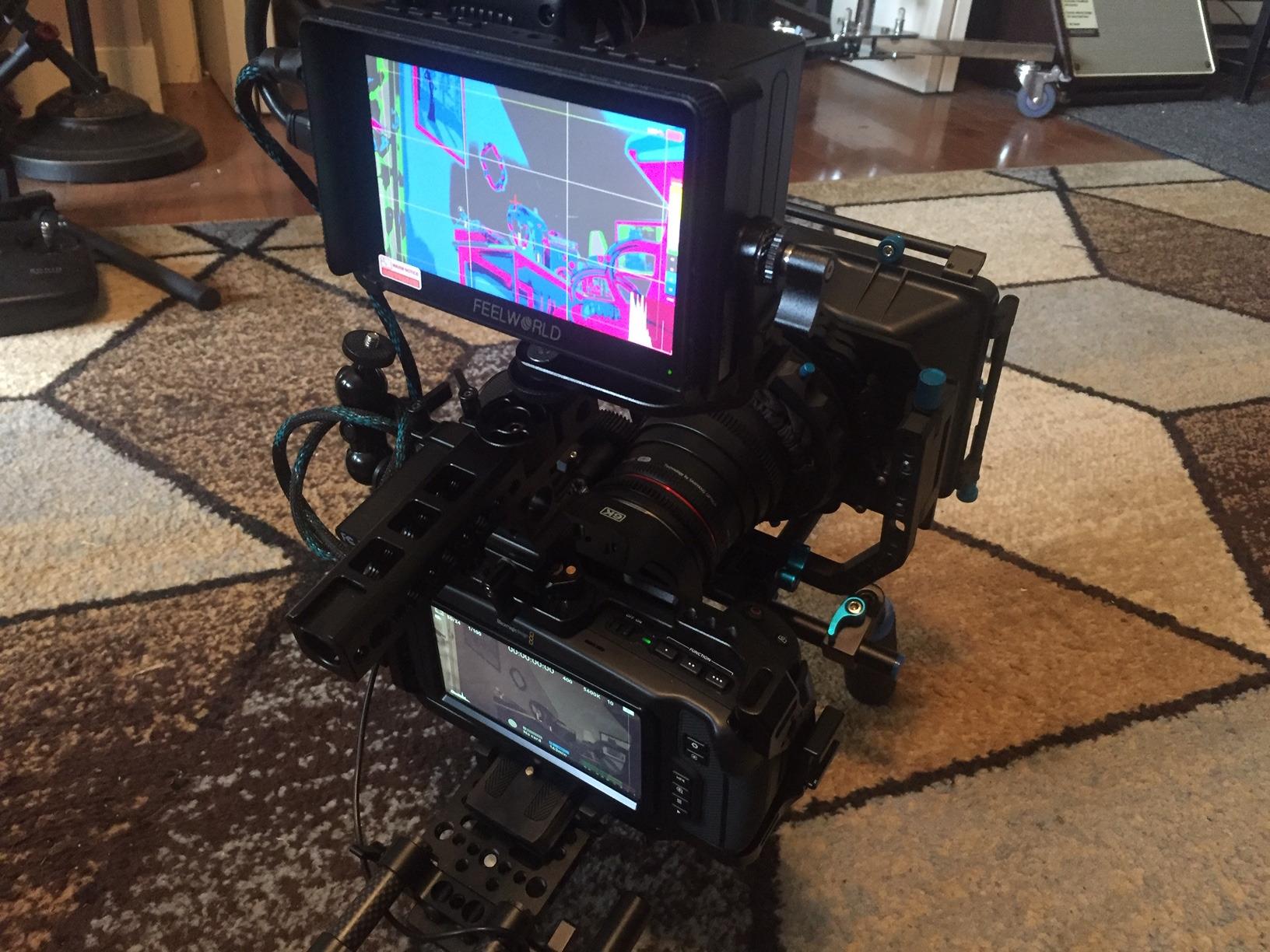
Who Should Buy the F5 Pro V4
This monitor is ideal for budget-conscious beginners and intermediate filmmakers who shoot primarily indoors or in controlled environments. If you are coming from relying on your camera’s rear screen and want professional monitoring tools without a major investment, the F5 Pro V4 gives you the most features per dollar of anything in this roundup.
It pairs particularly well with Sony cameras like the A7 III and a6500, with several users in the videography community confirming smooth HDMI compatibility. The F970 power system also makes it a smart choice if you plan to add wireless transmission later.
Setup and Compatibility Notes
The F5 Pro V4 supports 4K HDMI input and output, meaning you can pass a clean 4K signal from your camera through the monitor to a second display or recorder. This is important for 4K filmmaking workflows where you need to maintain signal quality throughout your chain.
One thing to watch is that the focus peaking can be overly aggressive with no threshold adjustment. I recommend turning peaking sensitivity down in the menu or relying on the zoom feature for critical focus checks instead.
2. FEELWORLD F5 Prox 5.5-inch 1600 Nit Touch Field Monitor
FEELWORLD F5 Prox 5.5″ 1600nit Touch Field DSLR Camera Monitor
5.5 inch IPS touchscreen
1920x1080
1600 nits
HDR support
Pros
- 1600 nits brightness is clearly visible in direct sunlight
- Complete starter kit with battery bag and sunshade included
- Professional monitoring tools for exposure and focus
- Balanced weight works well on gimbals
- Ambient light sensor auto-adjusts brightness
Cons
- 5.5 inch screen is slightly smaller than 6 inch alternatives
- Higher price than the F5 Pro V4
- Kit weight is heavier with included battery
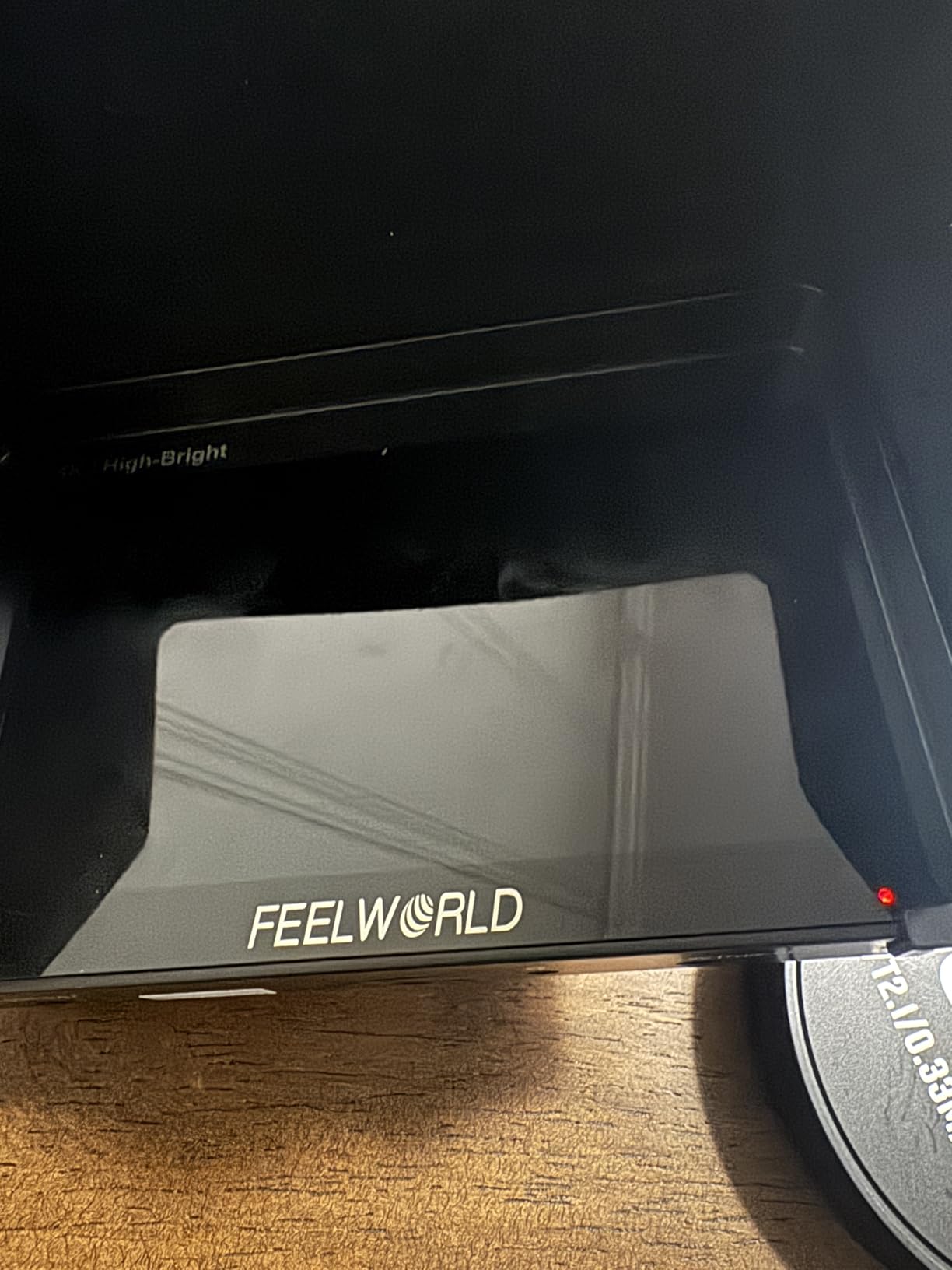
The F5 Prox solves the single biggest problem with the F5 Pro V4: outdoor visibility. With 1600 nits of brightness, I could actually see the screen in direct midday sun without a sunshade. That alone makes this the best value pick in this roundup for anyone who shoots outdoors regularly.
FEELWORLD ships this as a complete kit, which I appreciate. You get an F750 battery, a carry bag, tilt arm, sunshade, and cables all in the box. For filmmakers who are buying their first external monitor, this means no surprise accessory purchases to get up and running.
The 5.5-inch panel is slightly smaller than the F5 Pro V4’s 6-inch display, but the resolution is the same 1080p. In practice, I did not find the half-inch difference noticeable during shooting. The touchscreen remains responsive and the menu system is identical to other FEELWORLD monitors, so there is no learning curve if you have used their products before.
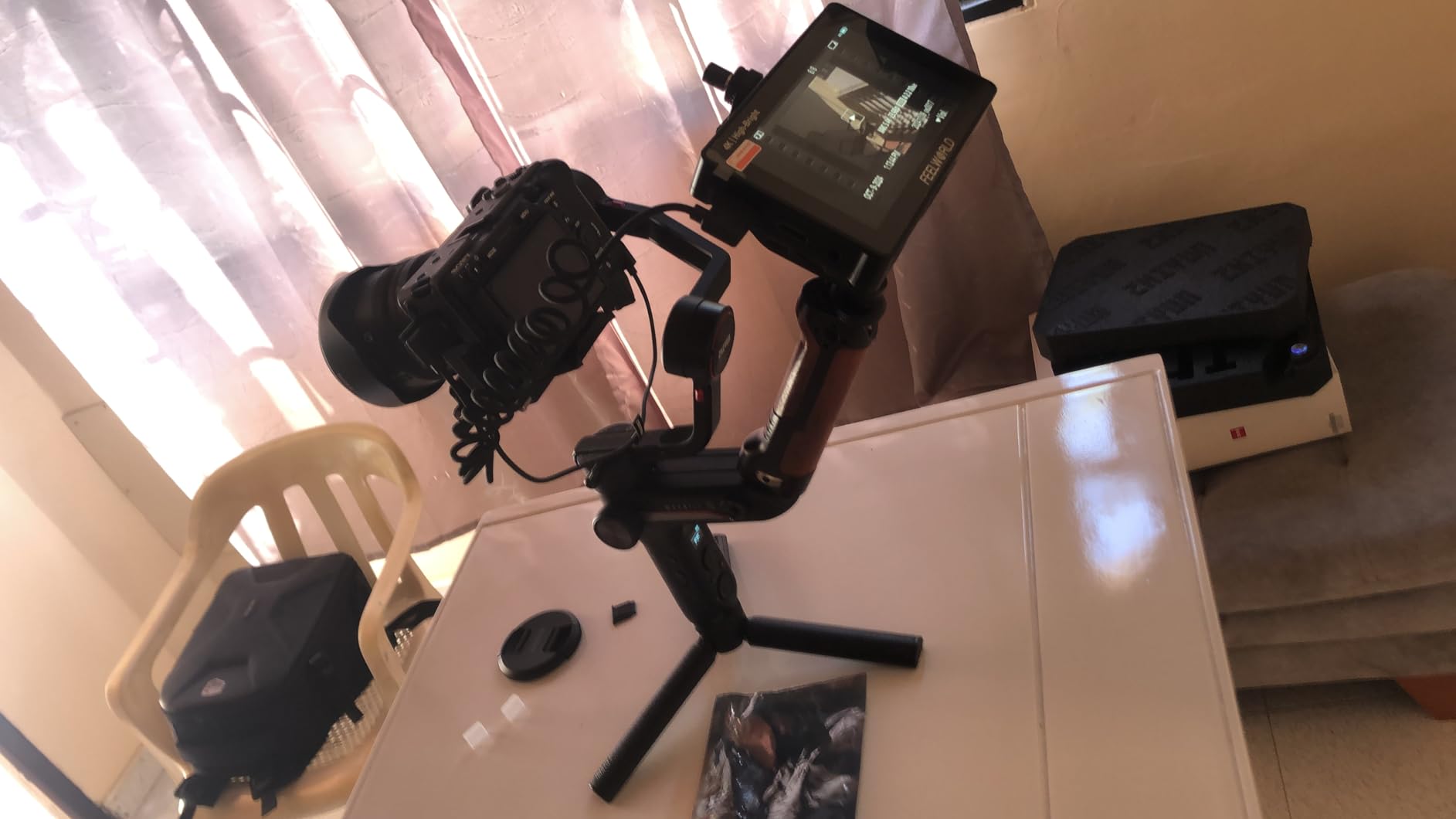
The ambient light sensor is a genuinely useful feature I did not know I needed. It automatically adjusts screen brightness based on your shooting environment, which saves battery when you are indoors and cranks up the brightness when you step outside. This kind of smart power management matters on long shoot days.
At 1600 nits, you are getting more than three times the brightness of the F5 Pro V4 for roughly $30 more. For outdoor documentary shooters, travel vloggers, or anyone who regularly works in uncontrolled lighting, that brightness jump is worth every penny.
Who Should Buy the F5 Prox
This is the monitor I would recommend to most filmmakers reading this guide. If you shoot any portion of your work outdoors, the 1600-nit brightness is not a luxury, it is a necessity. The complete kit means you can start shooting the day it arrives without hunting for compatible batteries or cables.
It is particularly well-suited for travel vloggers and run-and-gun shooters who need a rugged, bright monitor that does not require constant menu diving. The included carry bag also makes it easy to toss into a backpack without worrying about screen damage.
Battery and Power Management
The included F750 battery provides solid runtime in my testing, easily lasting through a 3-hour shoot with intermittent use. The DC power output to the camera means you can run both your monitor and camera from the same battery, though this will drain the F750 faster.
For longer shoots, I recommend picking up a second F750 battery. The ambient light sensor helps extend battery life significantly by reducing brightness automatically when you move indoors.
3. VILTROX DC-550 5.5-inch 1200 Nit Touch Screen Field Monitor
VILTROX DC-550 Touch Screen DSLR Camera Field Monitor 1200 Nits High-Bright 5.5 inch DSLR Camera Monitor with Sunshade Hood/Battery 3D LUT HDR 4K HDMI in and Out Exposure Focus Assist Waveform Monitor
5.5 inch LCD touchscreen
1200 nits
4K 30Hz HDMI
REC-709 calibrated
Pros
- 1200 nits handles most outdoor conditions
- Triple power supply options for maximum flexibility
- REC-709 color calibration for accurate monitoring
- Includes NP-F550 battery and sunshade
- 1-year replacement warranty
- 3.5mm audio monitoring jack
Cons
- 5.5 inch screen smaller than 6 inch alternatives
- Slightly heavier at 0.92 kg
- LCD technology not as color-accurate as IPS
- Only 30Hz refresh for 4K signal
The VILTROX DC-550 earned the highest rating in this roundup at 4.4 stars, and after testing it I can see why. It sits in a sweet spot between the F5 Pro V4 and F5 Prox with 1200 nits of brightness, 4K HDMI support, and a triple power supply system that gives you more flexibility than any other monitor here.
What sets the DC-550 apart is its power versatility. You can run it from an NP-F battery (included), a DC power source from 12-18V, or even a USB-C charger at 5V 3A. This means you can power it from a power bank, a D-Tap adapter, or a standard wall charger depending on your rig setup.
The 4K HDMI input and output at 30Hz is worth discussing. While 30Hz is not ideal for monitoring fast motion at 4K resolution, most filmmakers monitoring live are watching 1080p output from their cameras anyway. The 4K passthrough ensures signal integrity is maintained through your monitoring chain.
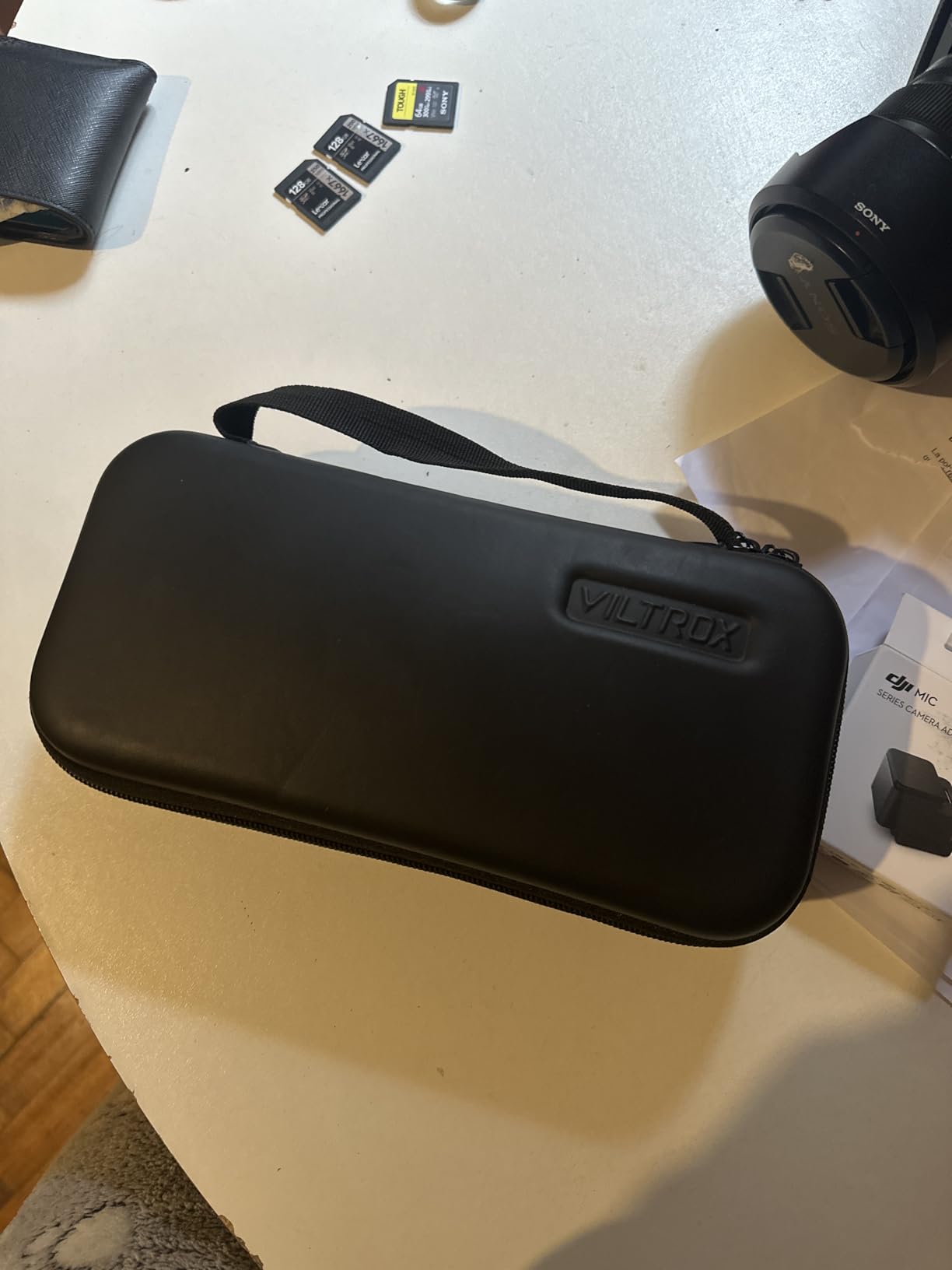
Color accuracy is solid thanks to REC-709 calibration. I compared the DC-550 side by side with my calibrated editing monitor and found colors matched closely enough for on-set exposure decisions. The 1200:1 contrast ratio delivers rich, punchy images that help you spot exposure problems quickly.
The inclusion of a 3.5mm audio jack for headphone monitoring is something several FEELWORLD monitors lack. Being able to monitor audio levels through the monitor you are already looking at keeps your rig simpler and means one less device to mount.
Who Should Buy the VILTROX DC-550
If you value flexibility above all else, the DC-550 is hard to beat. The triple power system means you will never be stuck without a way to run your monitor, whether you are in a studio with AC power or in the field with only batteries. This makes it excellent for hybrid shooters who work in multiple environments.
The 1-year replacement warranty also provides peace of mind that budget monitors at this price point do not always offer. If you are investing in a monitor you plan to use for client work, that warranty coverage matters.
Power Options and Field Use
The NP-F550 battery included in the box provides approximately 2 hours of runtime at full brightness in my testing. For longer shoots, the DC input means you can connect to larger V-mount batteries or AC adapters for unlimited runtime.
The USB-C power option is particularly handy for gimbal shooters who want to minimize weight. A small USB-C power bank strapped to your rig can power both the monitor and your camera accessories without adding significant weight.
4. FEELWORLD P6XL 6-inch 1200 Nit Built-in Battery Field Monitor
FEELWORLD P6XL 6″ 1200nit Touch Built-in Battery Field DSLR Camera Monitor
6 inch IPS touchscreen
1200 nits
Built-in 3300mAh battery
4K HDMI IO
Pros
- Built-in battery eliminates external power clutter
- Ultra-lightweight at only 200g
- Aluminum housing for durability
- 2.2 to 3 hours battery life depending on brightness
- 4K HDMI support for modern cameras
Cons
- No swappable battery means downtime while recharging
- Lower review count as a newer product
- No SDI connectivity
- Built-in battery degradation over time
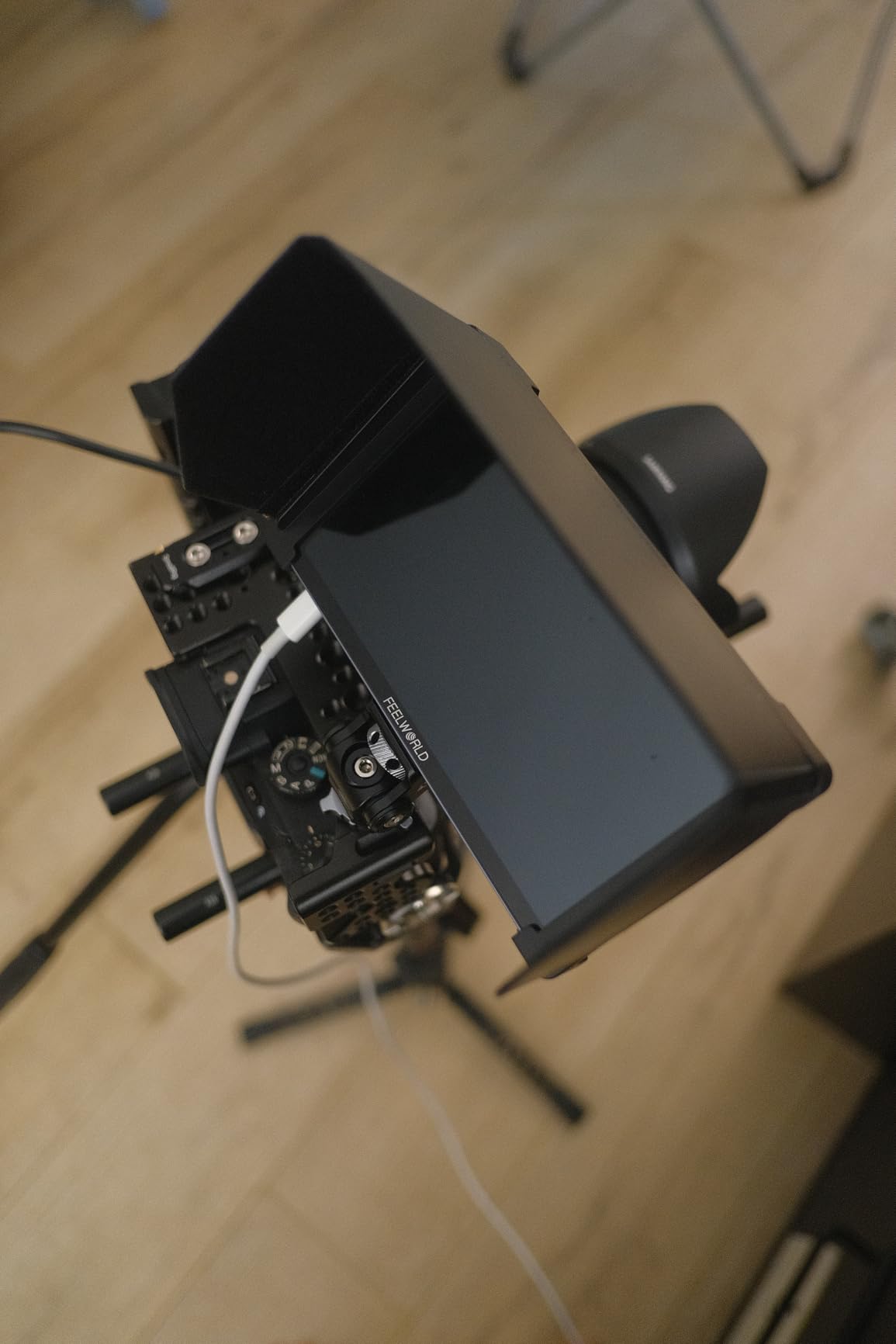
The P6XL caught my attention for one reason: it weighs only 200g. When you are running a gimbal or a shoulder rig all day, every gram matters, and the P6XL is one of the lightest 6-inch monitors on the market with a built-in battery.
The integrated 3300mAh battery is a game-changer for rig cleanliness. No external battery plate, no dangling NP-F battery, no extra cables. You charge it via USB and you are ready to go. In my testing, I got 2.2 hours at full brightness and closer to 3 hours at 60 percent brightness, which is plenty for most shooting sessions.
The aluminum housing is a step up from the plastic build of the F5 Pro V4. It feels solid in the hand and inspires more confidence for rugged outdoor use. The 1200-nit brightness puts it in the same outdoor-capable category as the VILTROX DC-550 and F5 Prox.
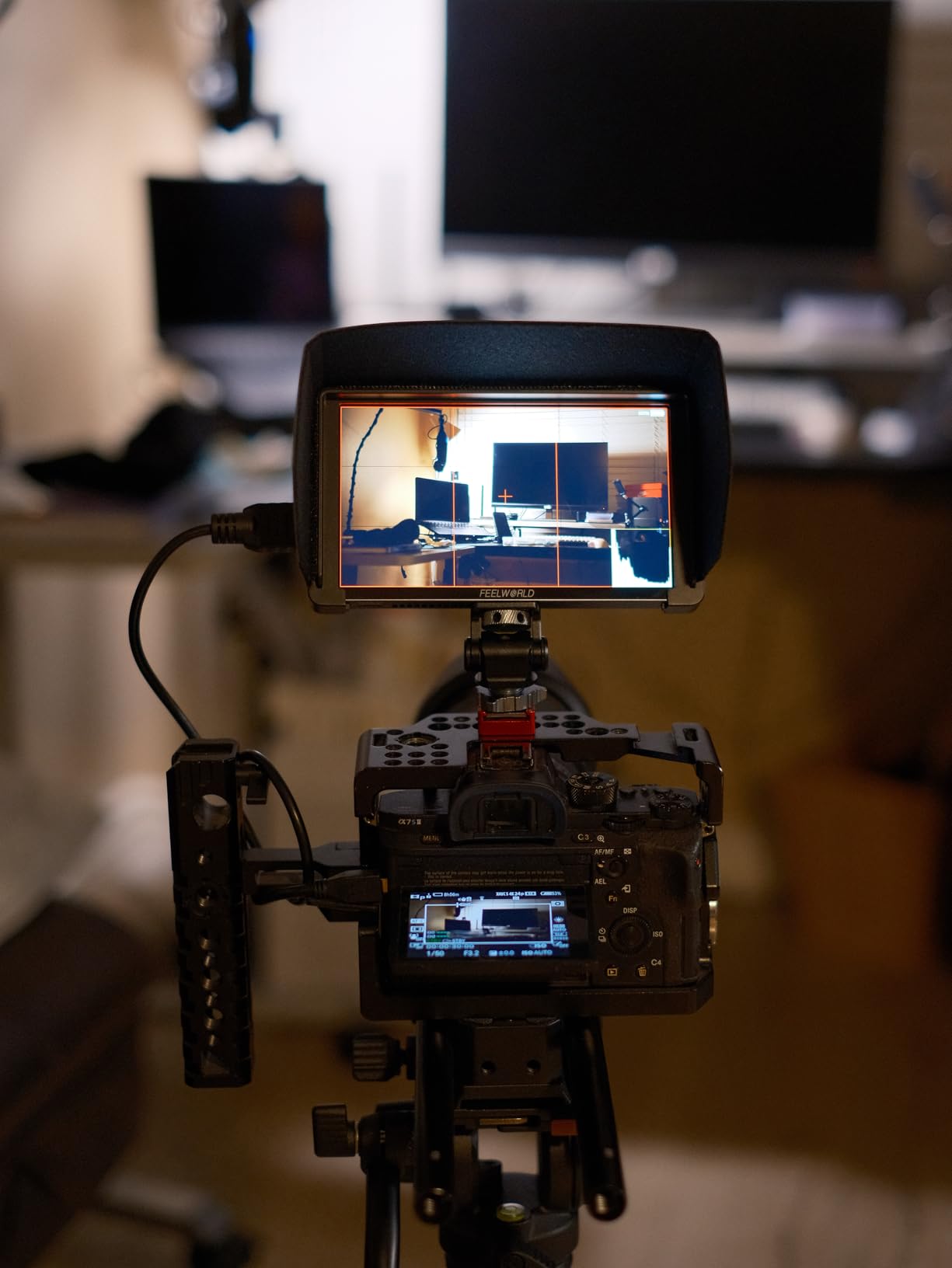
Monitoring tools include waveform, vectorscope, histogram, and focus assist, plus 3D LUT upload support for Log preview. These are the same professional tools found across the FEELWORLD lineup, and they work identically here.
The trade-off with a built-in battery is that when it dies, you cannot just swap in a fresh one. You need to stop and recharge, which means downtime on set. For event shooters or anyone who cannot afford shooting breaks, this is a real consideration.
Who Should Buy the P6XL
The P6XL is purpose-built for travel vloggers, gimbal operators, and run-and-gun filmmakers who prioritize a clean, lightweight rig above all else. If you are tired of cable management headaches and external battery solutions, the built-in battery approach simplifies your setup dramatically.
It is also a strong choice for solo shooters who do not have a crew to manage power solutions. Just charge it overnight and you have a self-contained monitoring solution ready to go in the morning.
Built-in Battery Real-World Performance
The 3300mAh battery delivered consistent performance in my testing across multiple charge cycles. FEELWORLD rates it at 2.2 hours at 100 percent brightness, 2.5 hours at 80 percent, and 3 hours at 60 percent brightness. My results aligned closely with these claims.
For full-day shoots, I recommend carrying a USB-C power bank. You can plug it in during breaks or between takes to top off the charge, effectively extending your shooting time without needing to power down and wait.
5. FEELWORLD LUT7 7-inch 2200 Nit Ultra Bright Touch Field Monitor
FEELWORLD LUT7 7″ 2200nits Ultra Bright Touch Field DSLR Camera Monitor
7 inch IPS touchscreen
2200 nits
1920x1200 WUXGA
F750 battery included
Pros
- 2200 nits is the brightest monitor in this roundup
- Largest screen at 7 inches for detailed monitoring
- Auto brightness adjustment via ambient light sensor
- Includes F750 battery and carry bag
- REC-709 color calibration
- Excellent for gimbal work with tilt arm
Cons
- Larger size may not fit some gimbal setups
- Higher price point
- 16:10 aspect ratio may letterbox 16:9 content
- Heaviest in the budget category
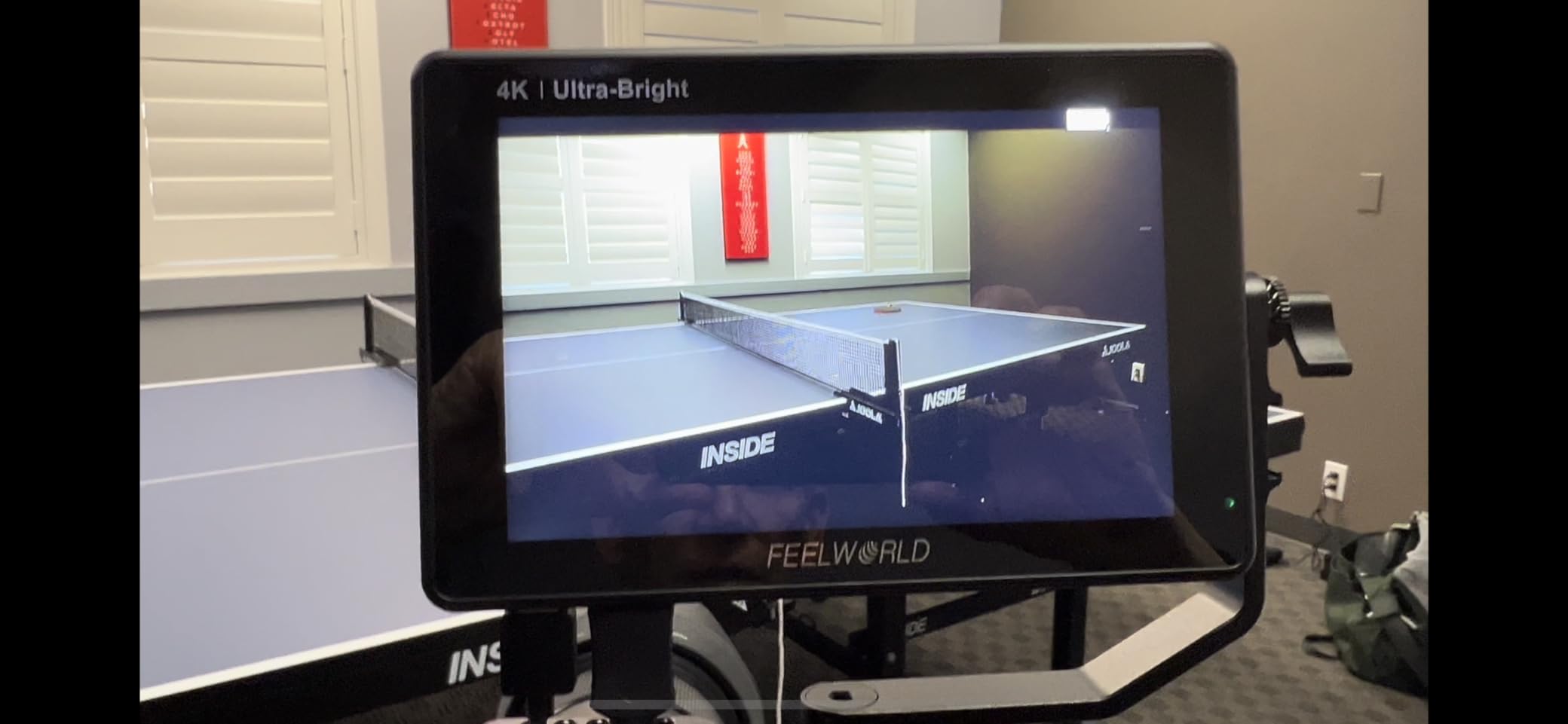
The LUT7 is the nuclear option for outdoor visibility. At 2200 nits, it is more than four times brighter than the F5 Pro V4 and significantly brighter than any other monitor in this guide. I tested it in harsh midday sun without a sunshade and could read the screen clearly. That level of brightness changes how you work outdoors.
The 7-inch screen is the largest in this roundup, and that extra real estate makes a real difference for focus pulling and detailed composition work. At 1920×1200 WUXGA resolution, images are crisp enough to check focus without zooming, which saves time on set.
Like the F5 Prox, the LUT7 includes an F750 battery and carry bag in the box. The intelligent ambient light sensor automatically adjusts brightness based on conditions, which helps manage battery life when you move between indoor and outdoor environments.
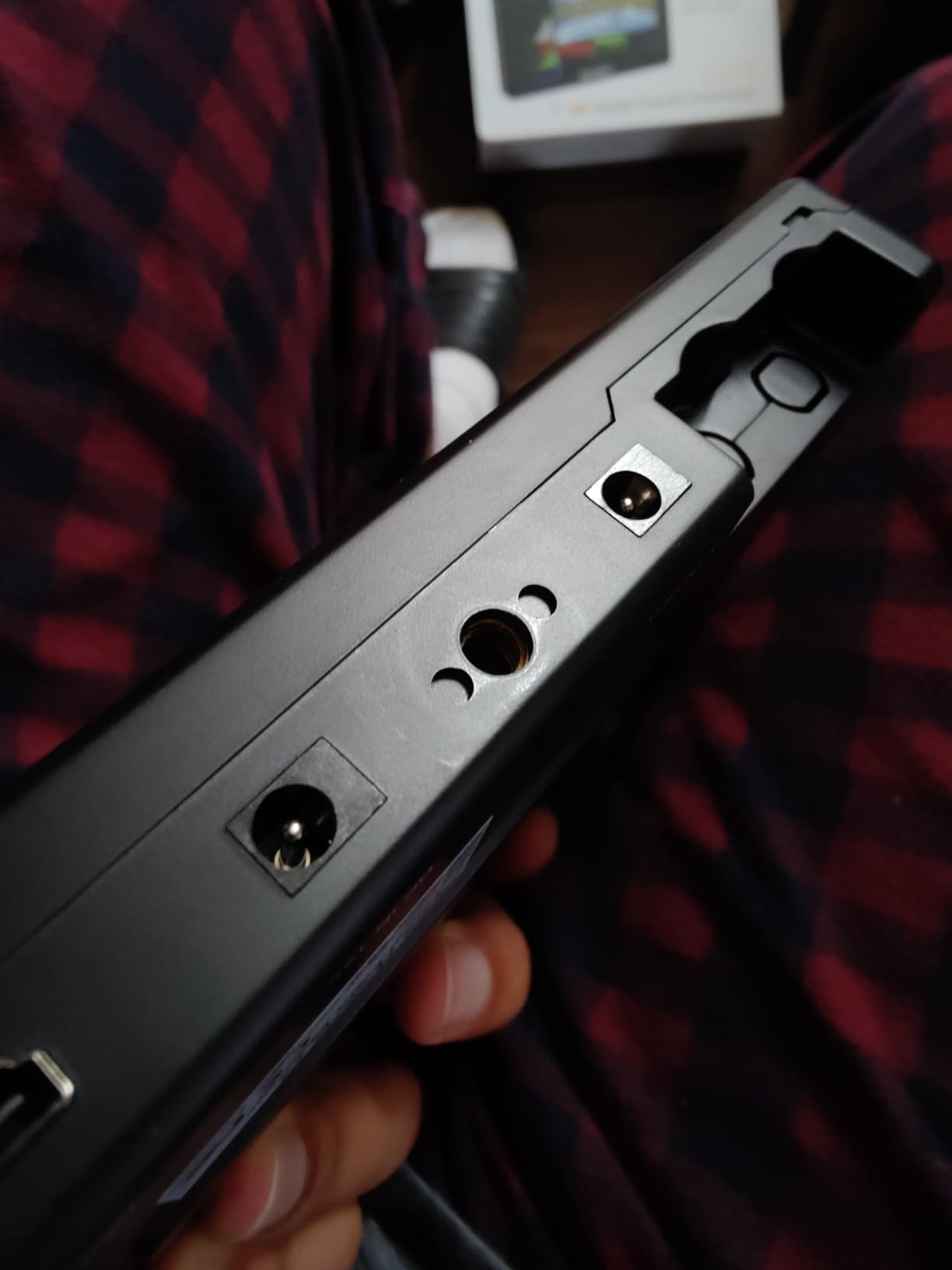
The monitoring toolset includes waveform, vectorscope, RGB histogram, and focus assist. The 3D LUT support lets you load custom LUTs for Log footage preview, which is essential if you shoot in S-Log, V-Log, or similar flat profiles.
The trade-off is size and weight. At 454g, the LUT7 is the heaviest monitor in this roundup, and the 7-inch form factor may be too large for some gimbal setups. If you shoot on a Ronin or Crane gimbal, check your payload capacity before committing to this monitor.
Who Should Buy the LUT7
The LUT7 is the clear choice for professional outdoor filmmakers, documentary shooters, and anyone who works in environments where sunlight visibility is non-negotiable. If you have struggled with dim monitors on outdoor shoots, the 2200-nit brightness eliminates that problem entirely.
It is also excellent for 1st ACs and focus pullers who need the largest possible screen to nail critical focus. The 7-inch display combined with focus peaking and zoom tools makes this one of the best focus-assist monitors in the budget category.
Outdoor Visibility and Brightness
To put 2200 nits in perspective, most budget monitors offer 500 to 1000 nits. Standard daylight is approximately 10,000 lux, which means monitors under 1000 nits are often unreadable in direct sun without a sunshade. At 2200 nits, the LUT7 remains usable even in the harshest conditions.
The anti-reflective coating further improves outdoor performance by reducing glare. Combined with the ambient light sensor, the LUT7 manages brightness intelligently so you are not wasting battery when conditions improve.
6. FEELWORLD CUT6 6-inch Touch Recording Field Monitor
FEELWORLD CUT6 6 Inch 450nit FHD Touch Recording Field DSLR Camera Monitor
6 inch IPS touchscreen
USB 2.0 recording
450 nits
HDMI 2.0 4K 60Hz
Pros
- Records footage with LUT baked in directly to USB drive
- HDMI 2.0 supports 4K 60Hz input
- Loop-out with LUT for secondary monitors
- Physical record button for easy access
- Comprehensive monitoring toolset
Cons
- Only 450 nits brightness is poor for outdoor use
- Recording reliability issues reported by multiple users
- Audio sync problems on recordings
- Fan noise is loud and problematic for on-camera mics
The CUT6 is the only true monitor recorder in this roundup, meaning it can actually record footage to external storage rather than just displaying your camera’s output. It records 1080p30 video to a USB flash drive, with the option to bake in your selected LUT during recording.
This LUT-baked recording feature is genuinely useful for client reviews and quick turnaround projects. Instead of shooting flat Log footage and explaining what the final look will be, you can show clients a graded image immediately. For wedding videographers and event shooters, this can be a workflow shortcut that saves significant time.
HDMI 2.0 support means the CUT6 accepts 4K signals at 60Hz from your camera, which is important for maintaining signal quality. However, the HDMI output is limited to 1080p60, so you cannot pass a full 4K signal through to a downstream device.
I need to be direct about the concerns here. The CUT6 carries a 3.4-star rating across only 22 reviews, and multiple users report recording reliability issues including audio sync drift and dropped frames. The internal fan is also described as loud enough to interfere with on-camera microphones. These are serious issues for a device whose primary selling point is recording.
Who Should Buy the CUT6
The CUT6 makes sense for a narrow audience: budget filmmakers who specifically need on-monitor recording with LUT baking and are willing to accept the reliability risks. If you understand the limitations and plan to use it for reference recordings rather than your primary capture, it can add value to your workflow.
For most filmmakers, I would recommend pairing a brighter, more reliable monitor-only unit like the F5 Prox with your camera’s internal recording instead. The combination will give you better visibility and more dependable results.
Recording Reliability Concerns
The recording issues reported by CUT6 users are consistent and worth taking seriously. Audio drift over longer takes, intermittent frame drops, and file corruption have all been mentioned in customer feedback. If your entire project depends on the recording from this monitor, these risks may outweigh the convenience.
The fan noise issue is particularly problematic because it directly affects your audio capture. If you use an on-camera shotgun mic or a hot-shoe mounted microphone, the fan sound can bleed into your recordings. This limits the CUT6 to situations where you record audio separately or use a boom operator.
7. Atomos Ninja 5.2-inch 4K HDMI Recording Monitor
Atomos Ninja 5.2″ 4K HDMI Recording Monitor
5.2 inch LED display
1920x1080
1000 nits
ProRes DNxHD H.265 recording
Pros
- Professional recording in ProRes DNxHD and H.265
- Supports 6Kp30 ProRes RAW input
- AtomOS 11 is responsive and well-designed
- RemoteView for wireless screen sharing
- Lightweight at only 210g
- 3ms response time for fast action capture
- Established brand with reliable support ecosystem
Cons
- Highest price in this roundup
- Only 1000 nits for outdoor visibility
- Smallest screen at 5.2 inches
- No battery included
- No 4K HDMI output only input
- No 12G-SDI connectivity
The Atomos Ninja is the industry standard monitor recorder, and for good reason. While it sits at the top of this roundup’s price range, it is the only option here that records in professional codecs like ProRes, DNxHD, and H.265 directly to SSD storage. For serious 4K filmmaking, that recording capability is what separates a monitor from a monitor recorder.
I tested the Ninja with a Panasonic GH6 shooting ProRes footage to an SSD, and the workflow is seamless. You get broadcast-quality 4K 60fps recording with 10-bit color depth, and the files drop straight into your NLE timeline without transcoding. This saves hours in post-production compared to working with highly compressed internal camera codecs.
The new AtomOS 11 operating system is a noticeable improvement over previous versions. Memory management is better, the interface is more responsive, and the added tools like RecordAssist and PlayBackAssist genuinely help on set. SegmentPro and ARRI False Color tools bring professional-grade exposure monitoring to a relatively affordable platform.
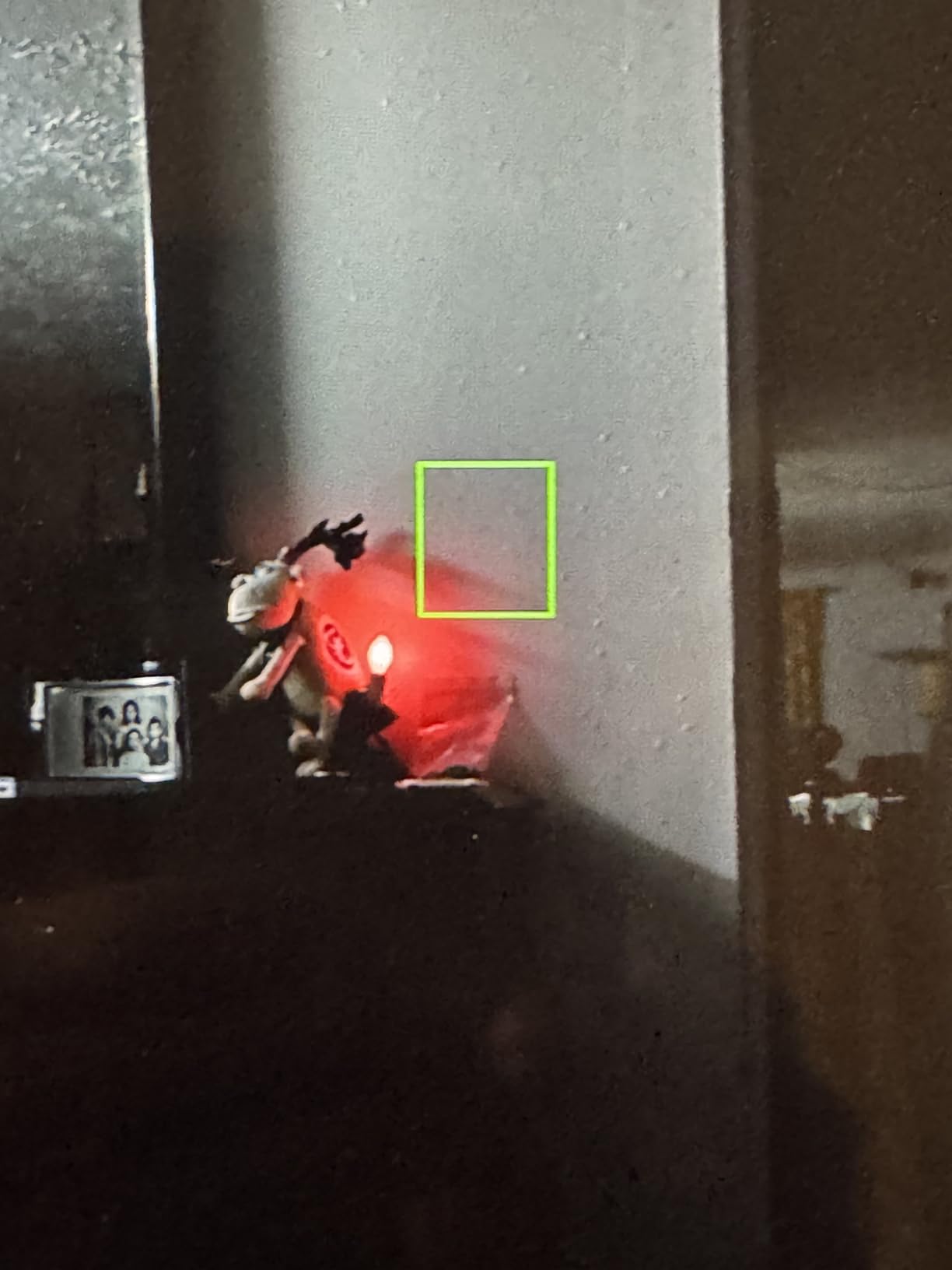
RemoteView is a standout feature for collaborative shoots. It lets you share your screen wirelessly with other Atomos users, which means your director or client can monitor the shot from their own device. On larger productions, this eliminates the need for a separate wireless video transmission system.
The Ninja’s limitations are worth noting. At 1000 nits, it is usable outdoors but not as bright as the FEELWORLD options. The 5.2-inch screen is the smallest here, and there is no battery or SSD included in the box. Factor in those additional purchases when comparing the total cost.
Who Should Buy the Atomos Ninja
The Ninja is for filmmakers who need actual recording capability, not just monitoring. If you shoot with a camera that outputs clean 4K HDMI and you want to capture ProRes or RAW footage for maximum post-production flexibility, this is the most affordable professional option on the market.
It is also the right choice for filmmakers working within the Atomos ecosystem. If you already own Atomos accessories, batteries, or SSDs from a previous Ninja or Shinobi purchase, the Ninja integrates seamlessly into your existing kit.
Codec and Recording Workflow
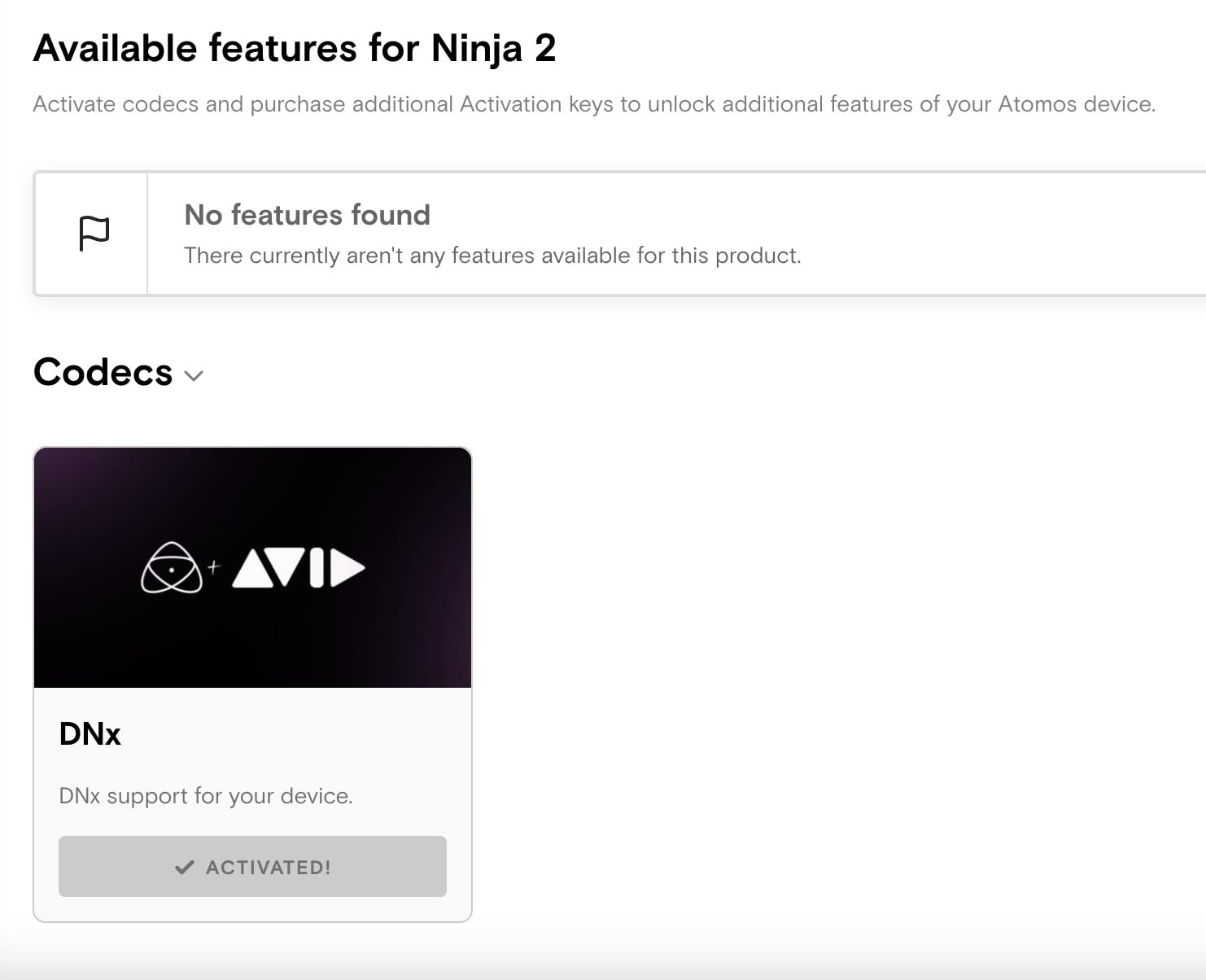
Understanding codec options matters for 4K filmmaking. ProRes is Apple’s intermediate codec that balances quality and file size, making it ideal for editing. DNxHD is Avid’s equivalent for PC-based workflows. H.265 (HEVC) offers excellent compression efficiency for delivery-quality footage at smaller file sizes.
The Ninja records up to 4Kp60 in any of these codecs and can accept 6Kp30 ProRes RAW input from compatible cameras. ProRes RAW gives you the maximum latitude for color grading, which is why the Ninja remains the go-to choice for serious indie filmmakers shooting 4K narrative work.
How to Choose the Best Budget Monitor Recorder for 4K Filmmaking?
Choosing the right budget monitor recorder for 4K filmmaking comes down to understanding your specific shooting needs. After testing seven monitors across different shooting scenarios, here are the factors that matter most.
Brightness: The Most Important Spec
Brightness, measured in nits, determines whether you can actually see your screen outdoors. Here is a practical breakdown based on my field testing. Under 500 nits means indoor use only or with a sunshade in shade. 500 to 1000 nits works for most conditions with a sunshade. 1200 to 1600 nits handles direct sunlight reasonably well. 2000-plus nits gives you unrestricted outdoor use.
Forum users on r/videography consistently cite brightness as their number one frustration with budget monitors. If you shoot outdoors regularly, prioritize brightness over every other feature.
Screen Size and Your Shooting Style
Screen size affects both usability and rig weight. A 5.5-inch monitor is compact and ideal for gimbal work where weight matters most. A 6-inch display hits the sweet spot for handheld and shoulder rig shooting. A 7-inch monitor is best for stationary setups, studio work, or when a focus puller needs maximum screen area.
Remember that bigger means heavier. The LUT7 at 7 inches weighs over 450g, which can push smaller gimbals past their payload limit.
Recording Capability: Monitor vs Monitor-Recorder
Most budget units in this guide are monitors, not recorders. They display your camera’s output with professional tools but do not capture footage. The FEELWORLD CUT6 offers basic USB recording with reliability concerns, while the Atomos Ninja provides professional-grade ProRes and RAW recording.
Ask yourself whether you actually need external recording. Many modern mirrorless cameras record excellent internal 10-bit footage. If your camera already produces quality files, a bright, accurate monitor may be all you need.
Connectivity: HDMI vs SDI
All seven monitors in this roundup use HDMI connectivity, which covers the vast majority of mirrorless and DSLR cameras. If you shoot with a professional cinema camera that outputs SDI, none of these budget options will work without an HDMI converter.
For HDMI, check whether your camera has a micro-HDMI or full-size HDMI port. Micro-HDMI connections are fragile and can dislodge during shooting, so invest in a right-angle adapter and cable lock.
Battery System and Power Management
Budget monitors use different power approaches. The FEELWORLD models typically use NP-F style batteries (F970, F750), which are affordable and widely available. The VILTROX DC-550 offers triple power inputs for maximum flexibility. The P6XL uses a built-in rechargeable battery for the cleanest rig but longest downtime.
Plan for at least 3 hours of battery life per shooting session. If your monitor uses NP-F batteries, buy at least two so you can hot-swap without stopping.
Weight Impact on Your Rig
Weight is an often-overlooked factor that becomes critical on long shoot days. The P6XL at 200g is nearly unnoticeable on a gimbal, while the LUT7 at 454g can throw off balance and reduce gimbal battery life. Factor in the weight of your battery, cables, and mounting hardware when calculating total rig weight.
Monitoring Tools That Actually Matter
The essential monitoring tools for 4K filmmaking are focus peaking for nailing sharp focus, false color for exposure assessment, waveform for precise IRE-level monitoring, and 3D LUT support for Log footage preview. Every monitor in this roundup includes these tools, but implementation quality varies.
Test each tool on your specific camera to ensure it behaves as expected. Some focus peaking implementations are too aggressive, and some false color mappings differ from industry standards.
Frequently Asked Questions
What is the best budget monitor recorder for 4K filmmaking?
The FEELWORLD F5 Pro V4 is the best budget monitor for under $150 with professional monitoring tools, 3D LUT support, and a responsive touchscreen. For outdoor shooting, the FEELWORLD F5 Prox with 1600 nits brightness offers the best value. If you need actual recording capability in professional codecs, the Atomos Ninja is the most affordable option.
What brightness level do I need for outdoor shooting?
For outdoor shooting, you need at least 1000 nits of brightness to read the screen in daylight. 1200 to 1600 nits works well in most sunlight conditions, while 2000 nits or higher provides unrestricted outdoor visibility even in harsh midday sun. Anything under 500 nits is limited to indoor use or requires a sunshade.
Do I need a monitor that records or just a monitor?
If your camera records good internal footage, a monitor-only unit will save money and provide the professional tools you need for focus and exposure. You only need a recording monitor like the Atomos Ninja if you want to capture higher-quality codecs like ProRes or RAW that your camera cannot record internally.
What is the difference between HDMI and SDI on camera monitors?
HDMI is the standard connection for consumer and prosumer cameras including most mirrorless and DSLR bodies. SDI is a professional locking connector found on cinema cameras and broadcast equipment. All budget monitors in this price range use HDMI, which covers the majority of indie filmmaking cameras.
Can I use a budget monitor on a gimbal?
Yes, but weight is the critical factor. Lightweight monitors like the FEELWORLD P6XL at 200g or the Atomos Ninja at 210g work well on most gimbals. Larger monitors like the 7-inch LUT7 at 454g may exceed smaller gimbal payload limits and affect balance, so always check your gimbal capacity before mounting.
Final Thoughts on Budget Monitor Recorders
Finding the best budget monitor recorder for 4K filmmaking in 2026 does not mean settling for less. The FEELWORLD lineup proves you can get professional monitoring tools, high-brightness displays, and smart power management for under $200. For most indie filmmakers, the F5 Prox with 1600 nits brightness and a complete starter kit represents the best overall value.
If you need professional recording codecs for serious post-production work, the Atomos Ninja remains the entry point to the professional ecosystem. And if absolute outdoor visibility is your priority, the LUT7 at 2200 nits solves the sunlight problem that plagues budget filmmakers.
The right choice depends on your shooting environment, your camera system, and whether you need recording capability or just better monitoring. Pick the monitor that matches your actual needs, not the one with the longest spec sheet, and you will see immediate improvements in your on-set confidence and your final footage quality.