
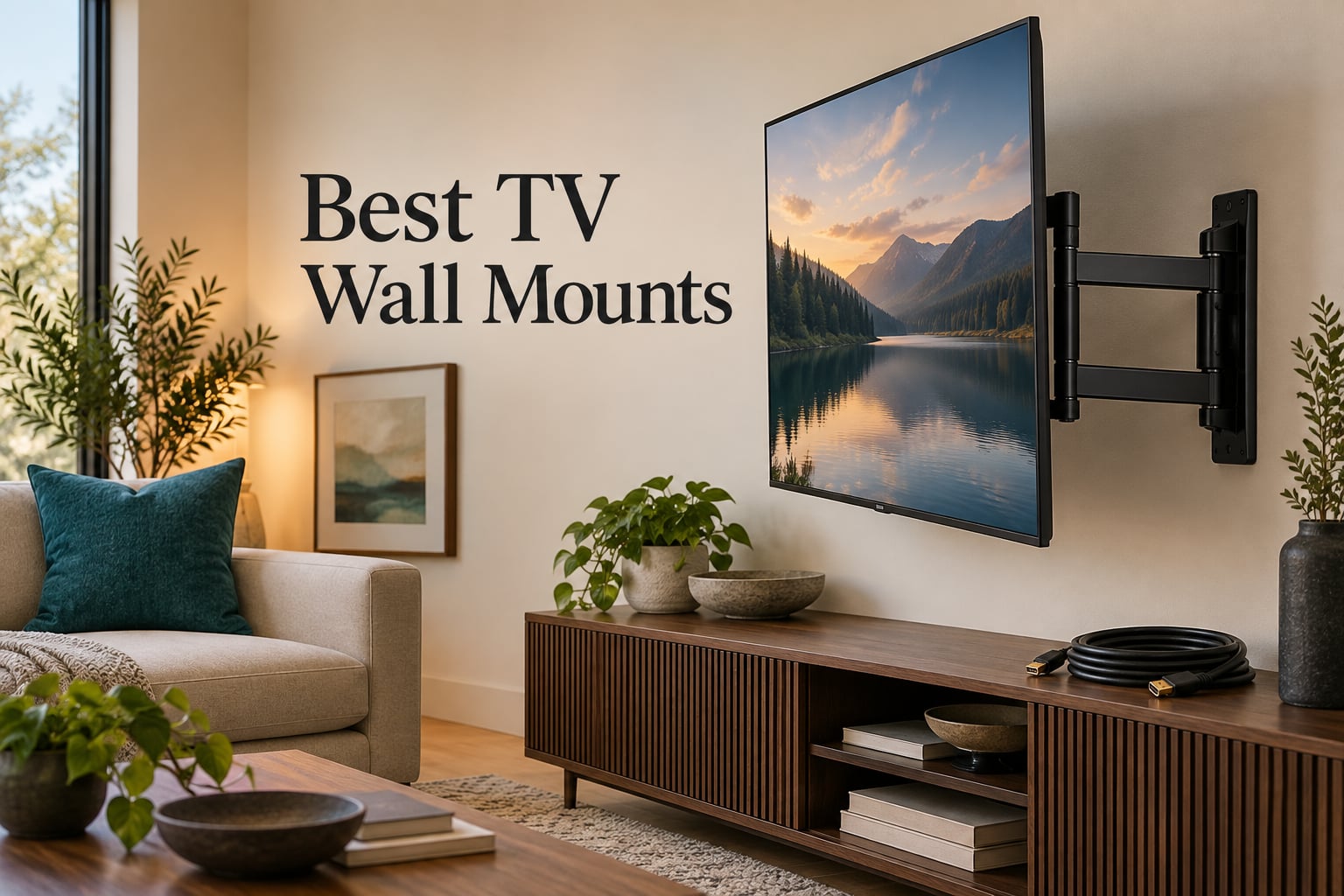
Wall-mounting a television is one of the most effective upgrades available in a home theater. It clears the floor, it kills glare a stand can never fix, and it stops a curious child dragging a 65-inch panel off its base. It also forces three decisions up front: which mount type you need, which hole pattern your TV has, and what your wall is made of.
Get any of those three wrong and you end up with a bracket that cannot carry the set, cannot reach a stud, or leaves you unable to plug in a cable once the screen is flush. This guide covers ten mounts in detail, with verified VESA ranges, load ratings and screen size limits for each, so you can match hardware to television before you buy rather than after.
Every flat-panel TV comes with no mounting bolts. The bracket is a separate purchase, and for most people it is the one accessory that changes the entire shape of the room.
The same matching logic runs through our studio builds too, from helmet mounts for action cameras to shock mounts for studio microphones: match the hardware to the load and the surface, not the other way round.
Table of Contents
- Top 3 Best TV Wall Mounts in 2026
- 10 Best TV Wall Mounts at a Glance in September
- 1. Mounting Dream Full Motion TV Mount for 32-70 Inch TVs
- 2. Mounting Dream Tilting TV Wall Mount for 37-90 Inch TVs
- 3. Pipishell Full Motion Mount for 13-43 Inch TVs and Monitors
- 4. Amazon Basics Full Motion Articulating Mount for 26-55 Inch TVs
- 5. USX Mount Full Motion TV Wall Mount for 42-90 Inch TVs
- 6. BONTEC Heavy Duty Fixed TV Wall Mount for 43-100 Inch TVs
- 7. PERLESMITH Tilting TV Wall Mount for 23-60 Inch TVs
- 8. Auoace No Stud TV Wall Mount for Drywall
- 9. Pipishell Tilting TV Wall Mount for 37-90 Inch TVs
- 10. Pipishell Full Motion Mount for 26-74 Inch TVs
- TV Wall Mount Types Explained
- Understanding VESA and Matching Your TV
- How to Choose the Right TV Wall Mount
- Mounting a TV: What You Need to Know
- Frequently Asked Questions
- Final Verdict
Top 3 Best TV Wall Mounts in 2026
These three cover the widest range of real setups: a mid-size room with a moving seat, a large fixed screen, and a very large panel. Each has tens of thousands of owner reviews and load ratings that leave headroom above the television weight.

Mounting Dream Full Motion…
- 32-70 inch TVs up to 110 lbs
- Max VESA 400x400mm
- Extends 17.5 inches
- Swivel plus tilt

Mounting Dream Tilting…
- 37-90 inch TVs up to 132 lbs
- Max VESA 600x400mm
- Only 1.5 inch from wall
- 8 degree tilt

BONTEC Heavy Duty Fixed Mount
- 43-100 inch TVs up to 265 lbs
- VESA 200x200 to 800x600mm
- 0.9 inch wall gap
- Auto-locking latches
10 Best TV Wall Mounts at a Glance in September
Every mount in the roundup, with its core specification. Use the screen size, load rating and VESA columns to narrow the list before reading the individual reviews.
| Product | Specs | Action |
|---|---|---|
| Mounting Dream Full Motion TV Mount |
|
Check Latest Price |
| Mounting Dream Tilting TV Mount 37-90 inch |
|
Check Latest Price |
 Pipishell Full Motion Mount 13-43 inch Pipishell Full Motion Mount 13-43 inch |
|
Check Latest Price |
 Amazon Basics Full Motion Mount 26-55 inch Amazon Basics Full Motion Mount 26-55 inch |
|
Check Latest Price |
 USX Mount Full Motion 42-90 inch USX Mount Full Motion 42-90 inch |
|
Check Latest Price |
| BONTEC Heavy Duty Fixed Mount 43-100 inch |
|
Check Latest Price |
 PERLESMITH Tilting Mount 23-60 inch PERLESMITH Tilting Mount 23-60 inch |
|
Check Latest Price |
 Auoace No Stud Drywall TV Mount Auoace No Stud Drywall TV Mount |
|
Check Latest Price |
 Pipishell Tilting Mount 37-90 inch Pipishell Tilting Mount 37-90 inch |
|
Check Latest Price |
 Pipishell Full Motion Mount 26-74 inch Pipishell Full Motion Mount 26-74 inch |
|
Check Latest Price |
1. Mounting Dream Full Motion TV Mount for 32-70 Inch TVs
Mounting Dream Full Motion TV Wall Mount for 32-70 Inch TVs up to 110lbs
32-70 inch TVs up to 110 lbs
Max VESA 400x400mm
Extends 17.5 inches
6 articulating arms
Pros
- Robot-welded steel arms hold large panels with no visible sag
- Swivels and extends smoothly to reach HDMI ports
- Paper template and pre-labeled hardware bags
- Plus or minus 3 degree post-install leveling
- Retracts to 3.4 inches when finished
Cons
- Wall plate is built for 16 inch on-center studs only
- Concrete anchors must be requested separately
- Heavy enough to need a second person
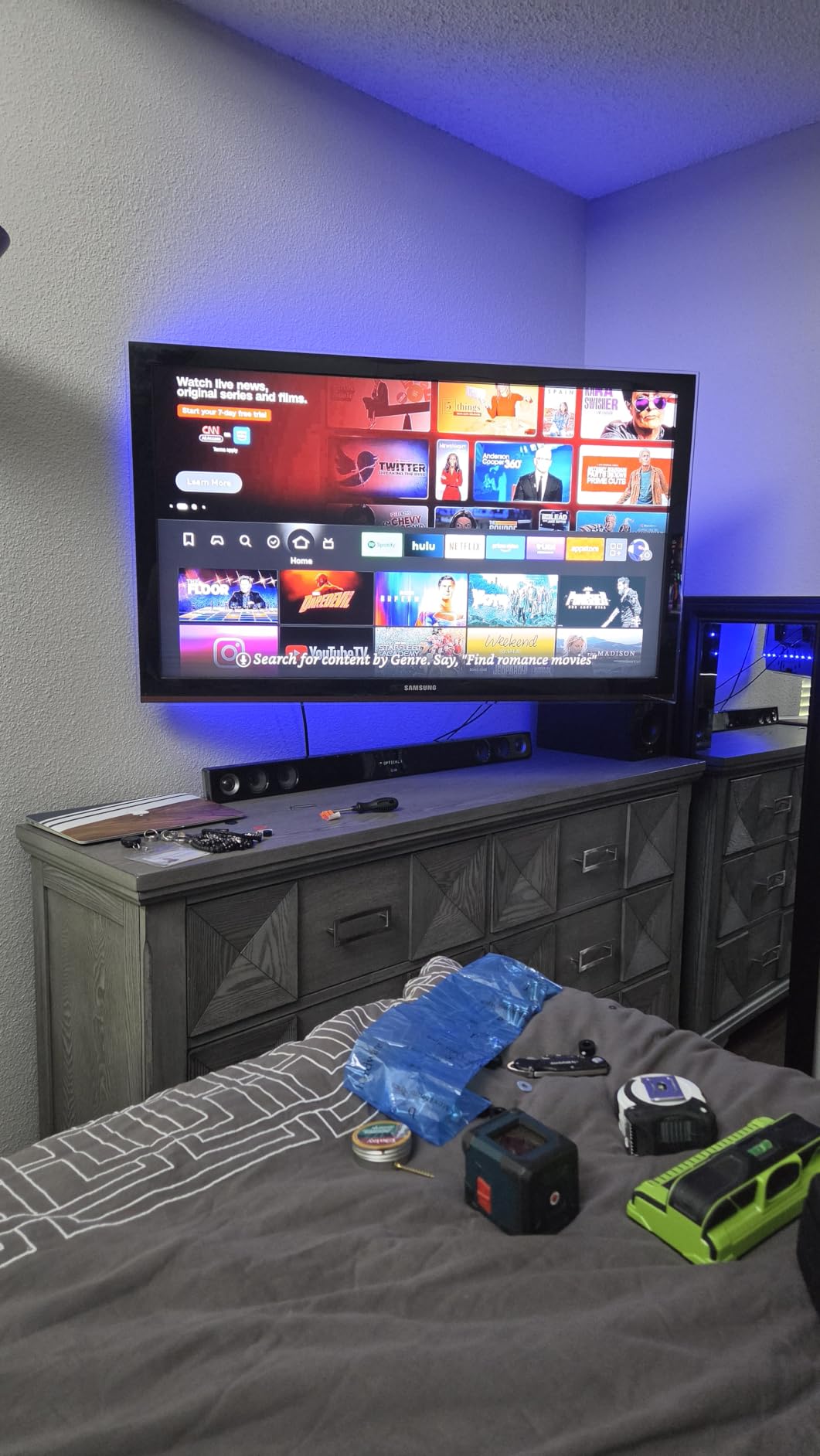
This is the bracket for anyone whose seating is not square to the wall. It handles 32 to 70 inch panels with a 110 pound load rating and a 400x400mm maximum VESA pattern, built from six robot-welded steel arms.
Extension earns it the place. It pulls out to 17.5 inches and folds back to 3.4 inches, which is the clearance you need to reach a side-mounted HDMI port on a 65 inch set without taking anything apart.
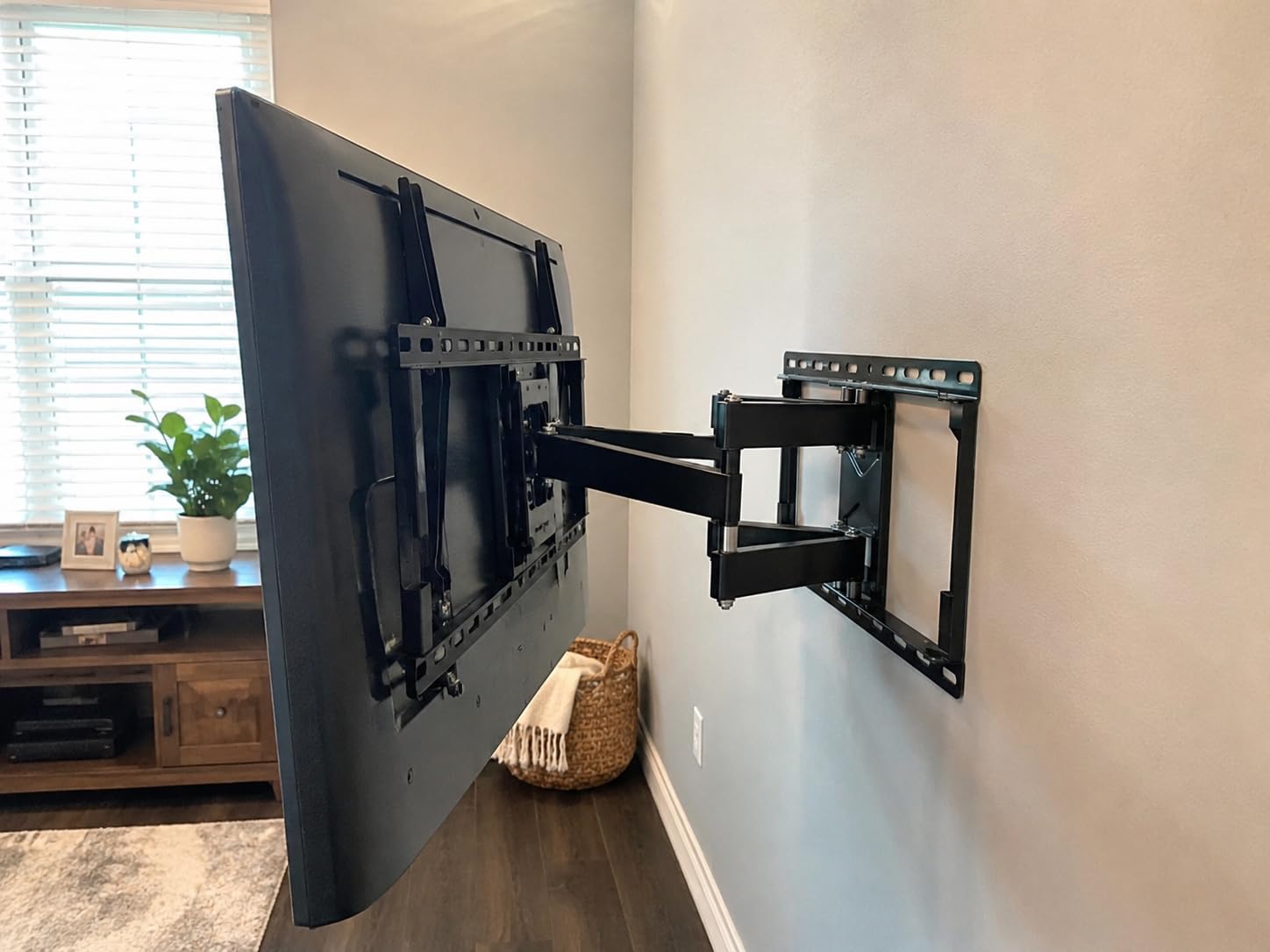
Tilt runs up 5 and down 15 degrees. Installation is straightforward: the paper template and pre-labeled hardware bags take out most of the anxiety, and plus or minus 3 degrees of post-installation leveling means a slightly off-centre stud will not ruin the job.
The wall plate is the limitation worth knowing. It is built around 16 inch on-centre stud spacing, concrete anchors are not in the box, and at its weight the bracket wants a two-person lift.
When this mount makes sense
Choose it when your main seating position is off-axis, or when your television has side-facing ports. It is a safe pick for a 55 to 65 inch panel in a busy room.
When to pick something else
Skip it if you want the screen as close to the wall as the connectors allow, or if your framing is not on 16 inch centres. For a very large panel, use a fixed heavy-duty arm instead of adding load to a six-arm bracket.
2. Mounting Dream Tilting TV Wall Mount for 37-90 Inch TVs
Mounting Dream Tilting TV Wall Mount for Most 37-90 Inch TVs up to 132lbs
37-90 inch TVs up to 132 lbs
Max VESA 600x400mm
1.5 inch from the wall
8 degree forward tilt
Pros
- Holds 65 inch and 75 inch panels on a rigid bracket
- Very low 1.5 inch profile for a finished look
- Supports 16 18 and 24 inch stud spacing
- Quick lock and release pull straps
- Three step install with an included level
Cons
- Fixed design means cables go in before hanging
- Two-piece bracket layout takes a moment to understand
- Tilt works best with the supplied spacers
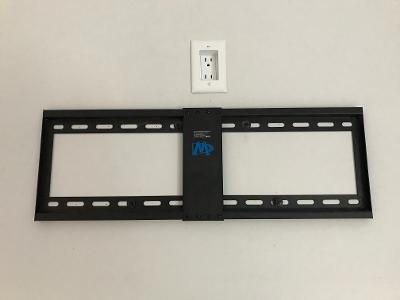
This is the bracket to buy when a clean, near-invisible look matters more than flexibility. It covers 37 to 90 inch televisions up to 132 pounds with a 600x400mm maximum VESA pattern, and holds the back of the panel just 1.5 inches from the wall.
That narrow gap is both the argument and the trap. With almost no room behind the screen, every cable must be connected before you lift the TV on. Plan your HDMI, optical and power runs first.
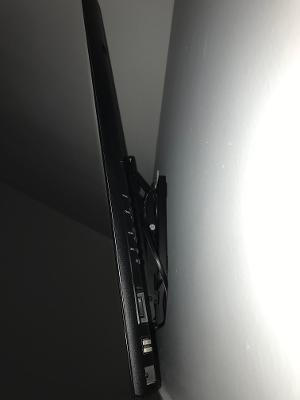
The 8 degree forward tilt is enough to knock down reflections from a window behind the seating. It is fixed tilt rather than swivel, so the wall position has to sit close to square to your sofa. Owners report better behaviour when the brackets are mounted low on the TV using the supplied spacers.
What separates it from cheaper tilting brackets is stud spacing: 16, 18 and 24 inch centres, which covers a lot of older housing. A 10 year warranty backs it, and pull straps make taking the set down a one-person job.
When this mount makes sense
It suits a room where the television goes up once and stays, and where visual clutter matters. The 132 pound rating and 600x400mm ceiling cover large panels comfortably.
When to pick something else
Choose a full-motion bracket if your sofa is off-axis or you need port access after hanging. Also skip it on a solid exterior wall, where a 1.5 inch profile will not sit flat without chasing the masonry.
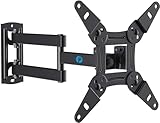
3. Pipishell Full Motion Mount for 13-43 Inch TVs and Monitors
Pipishell Full Motion TV Wall Mount for Echo Show 21/15 and 13-43 Inch Flat Curved Screen TVs & Monitors, Max VESA 200x200mm up to 44lbs, TV Mount Wall Bracket with Rotation Swivel Tilt Extension
13-43 inch screens up to 44 lbs
VESA 75x75 to 200x200mm
Rotates 360 degrees
Retracts to 2.7 inches
Pros
- Swivel tilt and 360 degree rotation in a small bracket
- Extends 14.59 inches and retracts to 2.7 inches
- Removable TV plate allows a single-person install
- Doubles as a monitor arm up to 35 inch ultrawide
- Alloy steel with a 5 year warranty
Cons
- 44 lb ceiling rules out anything large
- Maximum VESA is 200x200mm
- Swivel range narrows as screen size increases
Small screens deserve a proper mount. This one covers 13 to 43 inch flat or curved televisions and monitors up to 44 pounds with VESA patterns from 75x75mm to 200x200mm, and it is the pick for a bedroom, dorm or secondary display.
The motion is unusually complete for its size. It tilts up 9 and down 11 degrees, swivels up to 90 degrees each way, and rotates a full 360 degrees so you can run a screen in portrait orientation.
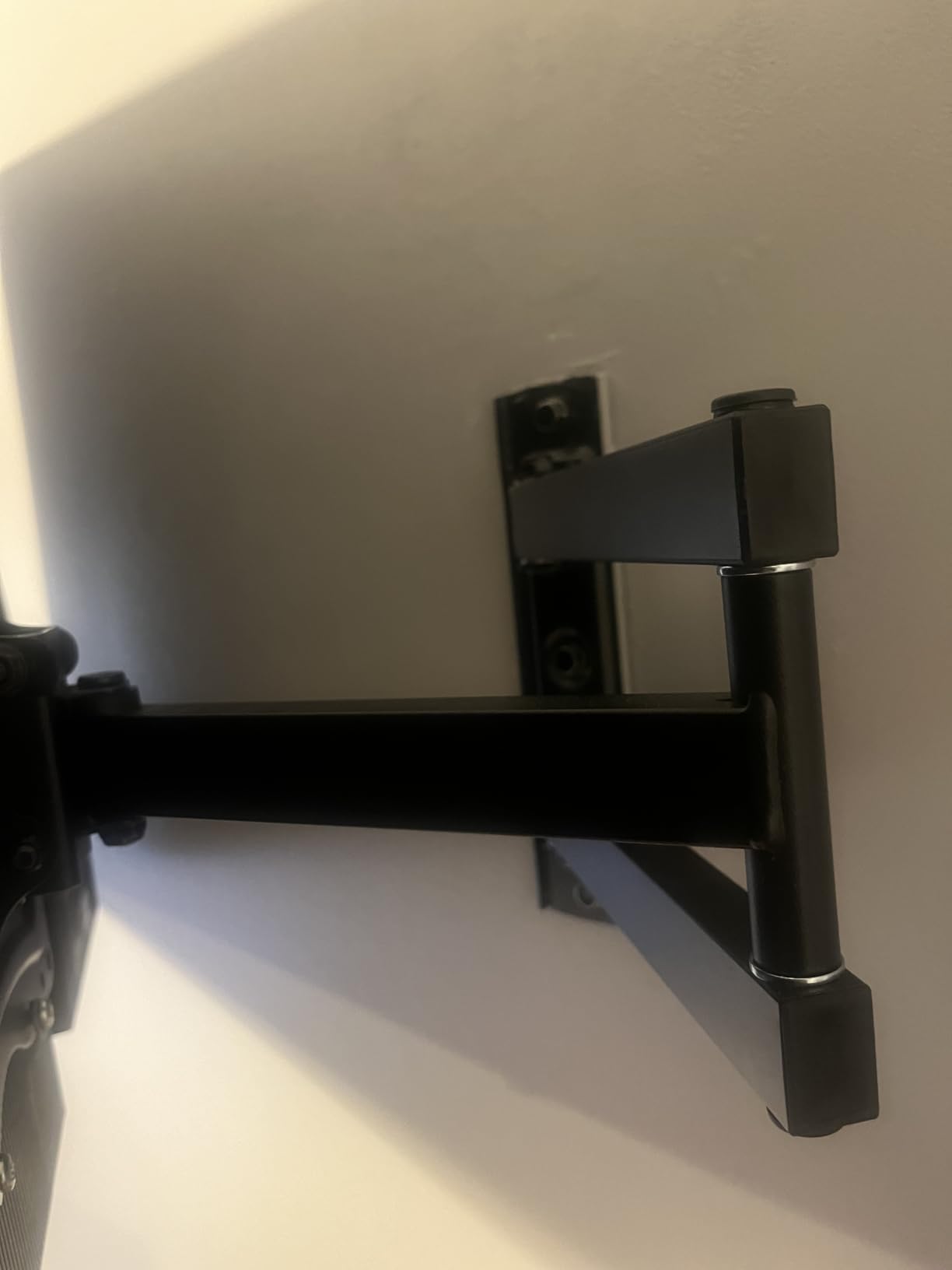
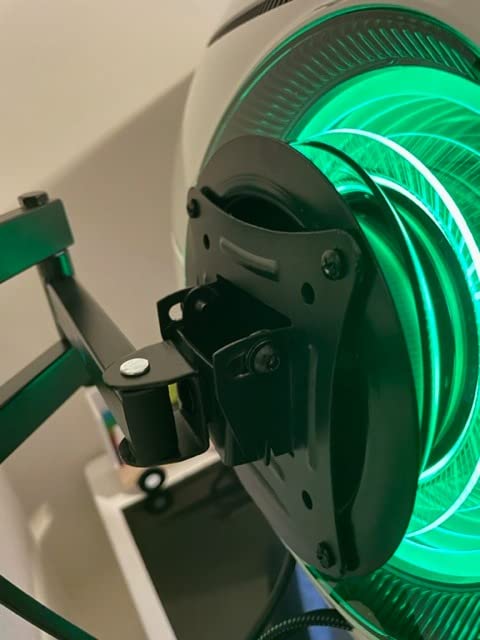
Extension runs to 14.59 inches and retracts to 2.7 inches, and the removable TV plate is designed so one person can hang the screen. It fits a single stud, concrete or brick, and covers common monitor sizes from 13 to 35 inch ultrawide.
Be realistic about the ceiling. A 44 pound rating and a 200x200mm maximum rule out anything large, and owners note the achievable swivel angle narrows as the panel grows. Check your pattern and weight first.
When this mount makes sense
It is built for compact spaces and modest hardware, and the 360 degree rotation makes it useful for a vertical monitor setup. It also handles a curved panel of this size comfortably.
When to pick something else
Any television above 43 inches rules it out on weight alone. For a heavier set, go to a bracket rated past 100 pounds with a wider VESA range.
4. Amazon Basics Full Motion Articulating Mount for 26-55 Inch TVs
Amazon Basics Full Motion Articulating TV Wall Mount, with Swivel and Tilt, for 26″ to 55″ TVs and Flat Panels up to 80 Lbs, VESA Compatible, Single Stud, Black
26-55 inch TVs up to 80 lbs
VESA 3.9 to 15.7 inch square
180 degree swivel
2.6 to 16.3 inch extension
Pros
- Very wide VESA range for a single bracket
- 180 degree swivel and generous 16.3 inch extension
- Template and bubble level included
- Single stud mount fits awkward framing
- Holds up to 80 pounds
Cons
- Tilt range of plus 10 and minus 5 degrees is modest
- Single stud design limits lateral adjustment
- A second person is normally needed for the lift
This bracket has the widest VESA range in the roundup, running from 3.9 inch square to 15.7 inch square. For a 26 to 55 inch television with an 80 pound load rating, you are very unlikely to hit a pattern it cannot take.
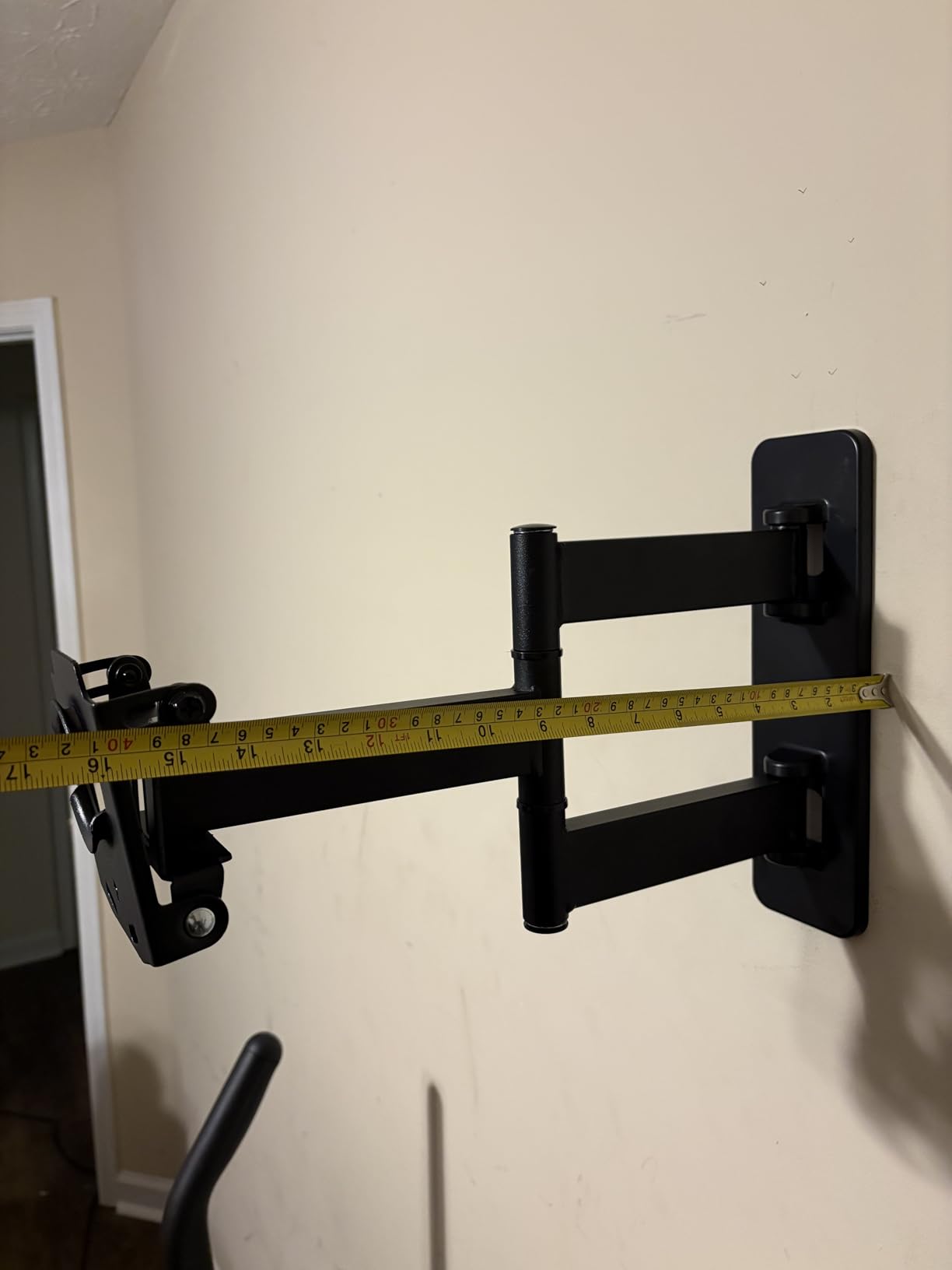
Articulation is where it earns its place. The arm extends from 2.6 to 16.3 inches and swivels 180 degrees, so a room with seating on two sides works. It is designed around a single stud, which helps when framing is uncooperative.
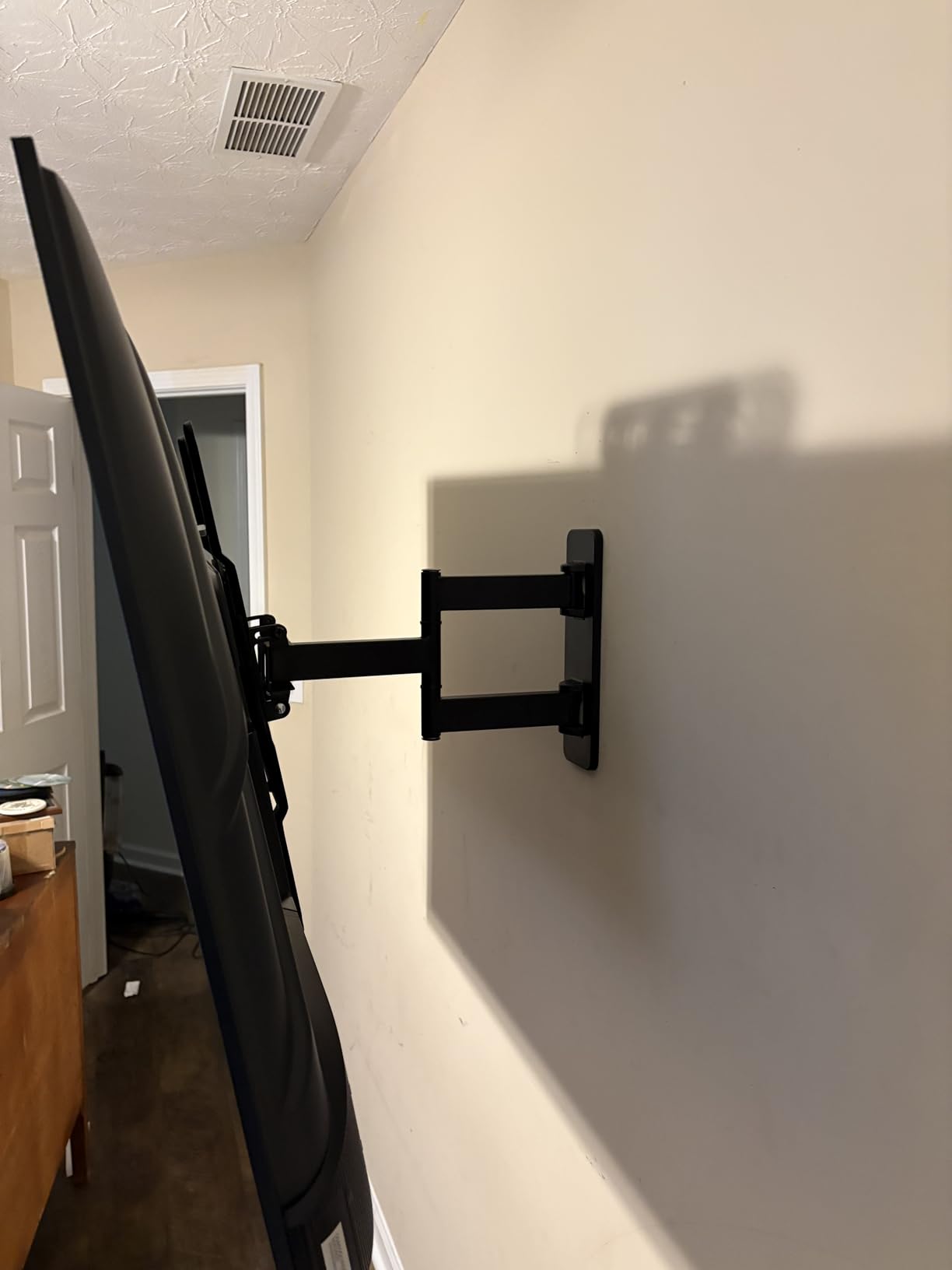
The honest limitation is tilt. Owners consistently single out the plus 10 and minus 5 degree range as narrow, so it handles side-to-side movement far better than up-and-down glare correction. The single-stud layout also means less sideways adjustment if the stud is not centred.
At 6.8 pounds the bracket is manageable, but lifting a 55 inch TV onto an extending arm is still a two-person job. Set the height and angle before you lift rather than after.
When this mount makes sense
It is a sound middle-of-the-road choice for a 43 or 50 inch panel in a multipurpose room. The wide VESA range also makes it forgiving if you are buying on someone else’s behalf.
When to pick something else
If you are mounting high above a fireplace or a row of windows, the shallow tilt will not solve the glare. Pick a bracket with deeper downward tilt, or one rated past 100 pounds for an 85 inch set.
5. USX Mount Full Motion TV Wall Mount for 42-90 Inch TVs
USX Mount Full Motion TV Wall Mount for Most 42-90 inch Flat Screen/LED/4K, TV Mount Bracket Dual Swivel Articulating Tilt 6 Arms, Max 16″ Wood Studs, VESA 600x400mm, Holds up to 132lbs
42-90 inch TVs up to 132 lbs
VESA 200x100 to 600x400mm
Extends 16.49 inches
Plus or minus 3 degree leveling
Pros
- Heavy duty build holds its set angle without drift
- Dual swivel arms with generous extension
- VESA range from 200x100 to 600x400mm
- Bubble level template and cable ties included
- Fast assembly with packaged fasteners
Cons
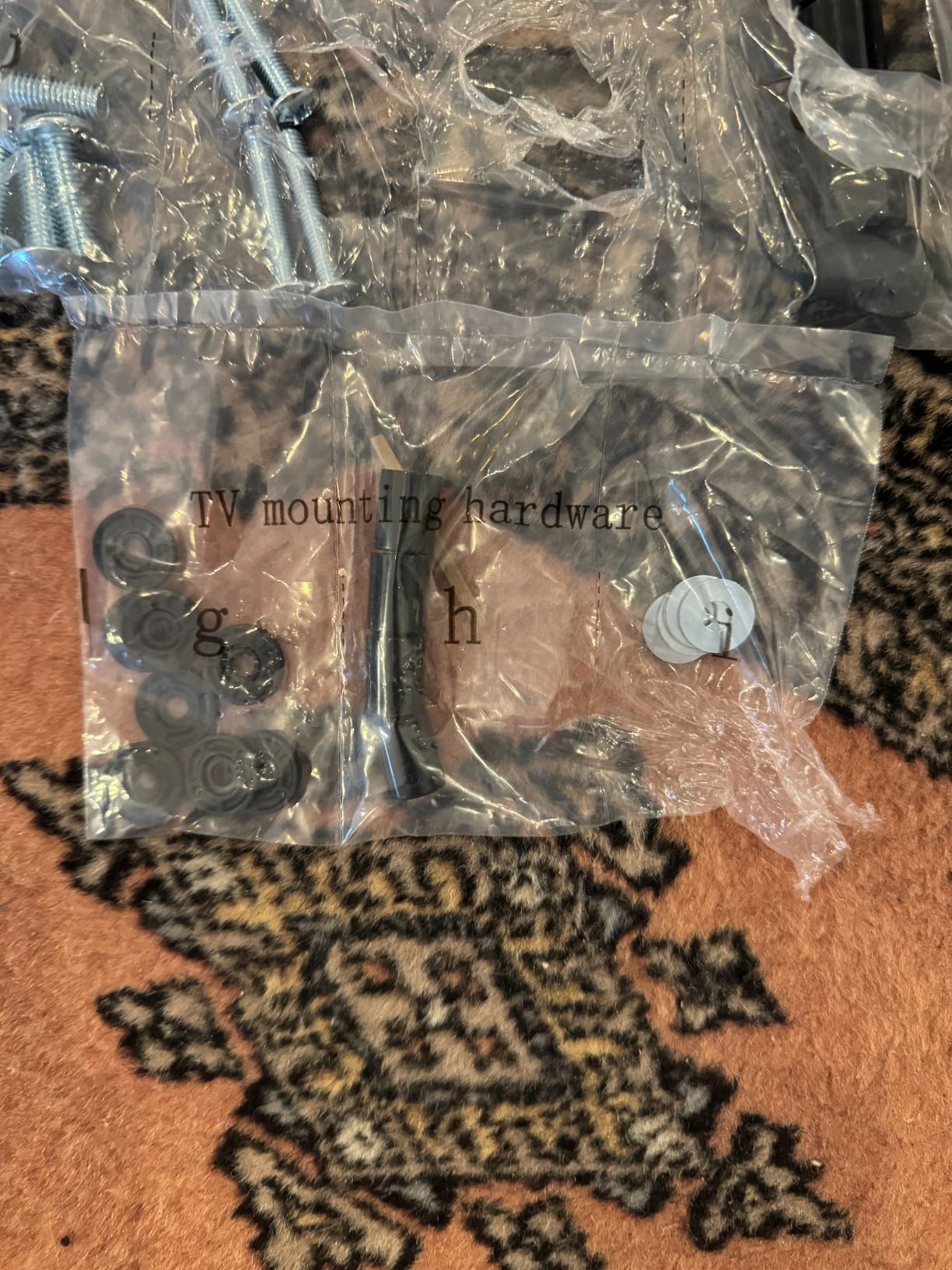
- TV-to-bracket bolts are not supplied for every model
- Arms feel demanding on very large screens
- Concrete anchors must be requested
- 11.9 pounds means two installers
This is the full-motion option for large panels, covering 42 to 90 inch sets up to 132 pounds across a VESA range of 200x100mm to 600x400mm. The dual-arm design is what you want when the screen is big enough that flex would show.
Owners single out one thing above all else: the mount holds the angle where you set it, without the slow droop that spoils cheaper articulating arms. Tilt runs up 5 and down 15 degrees, swivel is plus or minus 45 degrees.
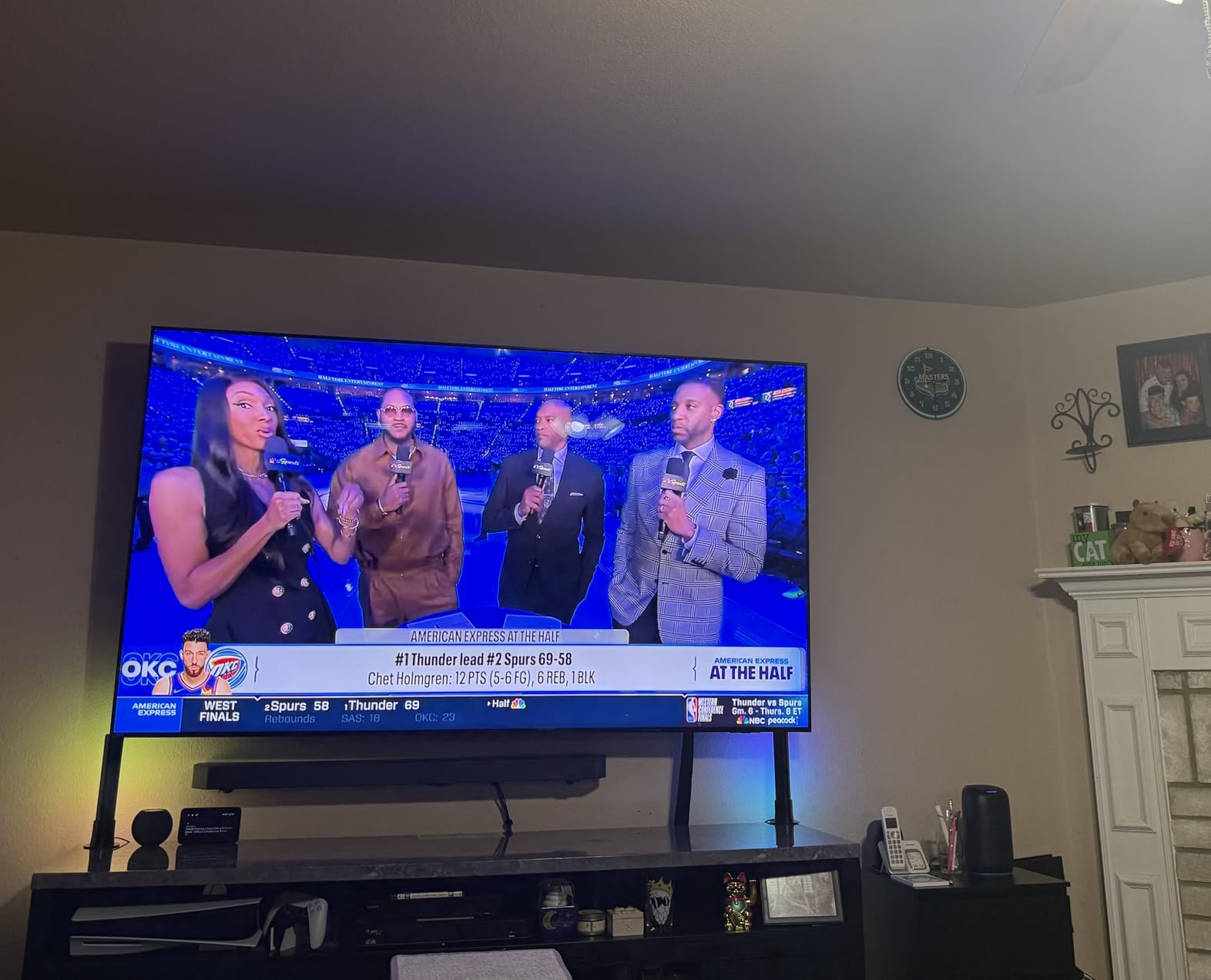
Extension goes to 16.49 inches and retracts to 2.40 inches, a tight gap that stops a big screen looking like it is floating away from the wall. Assembly is fast, with packaged fasteners, a cardboard template, a bubble level and cable ties in the box.
Two honest caveats. The screws attaching the arms to the television are not included for every model, so check what your TV ships with. And at 11.9 pounds with a large screen on the end, some owners would rather use a fixed bracket.
When this mount makes sense
It fits a large television in a room with more than one seating position, where you want the option to swing the panel around. The 132 pound rating and 600x400mm ceiling cover large modern panels well.
When to pick something else
For a very heavy or older panel, or if you want the set permanently still, a fixed heavy-duty bracket is sturdier and simpler. This one is also designed only for 16 inch stud spacing.
6. BONTEC Heavy Duty Fixed TV Wall Mount for 43-100 Inch TVs
BONTEC Heavy Duty Fixed TV Wall Mount, 43-100 Inch TVs, Max VESA 800x600mm
43-100 inch TVs up to 265 lbs
VESA 200x200 to 800x600mm
0.9 inch wall gap
One-piece steel plate
Pros
- One-piece steel plate rated to 265 pounds
- Ultra low 0.9 inch profile looks finished
- Auto-locking latches secure the set automatically
- Fits 16 24 and 32 inch stud spacing
- Accepts flat or curved panels
Cons
- Fixed with no tilt swivel or extension
- Unusual VESA patterns may not centre
- Studs brick or concrete only
- Check rear port clearance first
For an 85 inch or 98 inch panel, the fixed approach wins. This takes 43 to 100 inch flat or curved televisions up to 265 pounds, with VESA patterns from 200x200mm out to 800x600mm and a 0.9 inch gap behind the screen.
The build is the story. Instead of a folded plate, it uses a one-piece solid steel wall plate with 200, 400, 600 and 800mm centering grooves, and the manufacturer reports a four-times load test. A 98 inch set is a lot of leverage on four bolts.
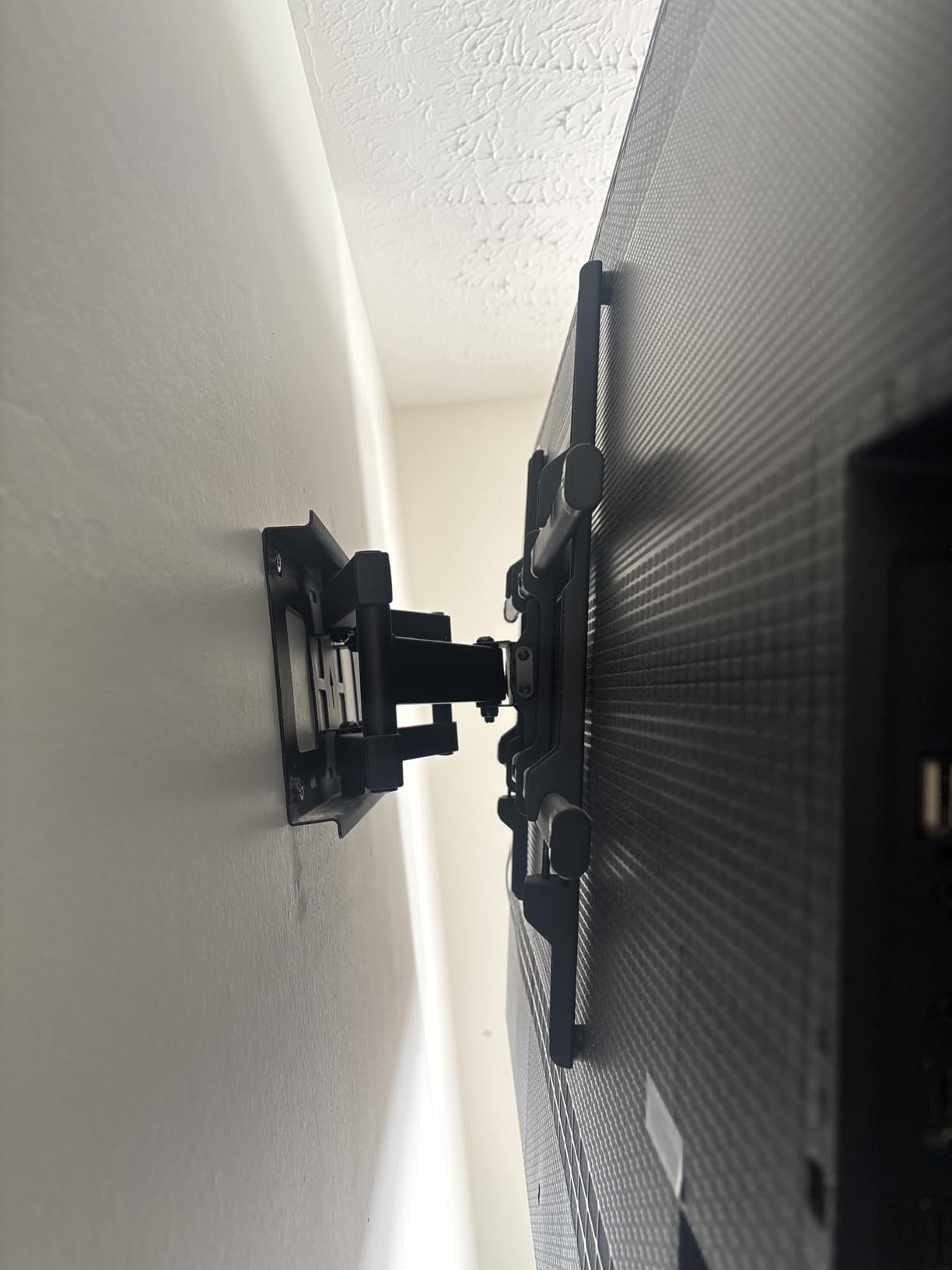
Auto-locking latches engage when you lower the TV in, and release with a single pull of the adjustable cords, which tuck behind the screen. It also fits 16, 24 and 32 inch stud spacing, covering framing layouts that defeat most brackets.
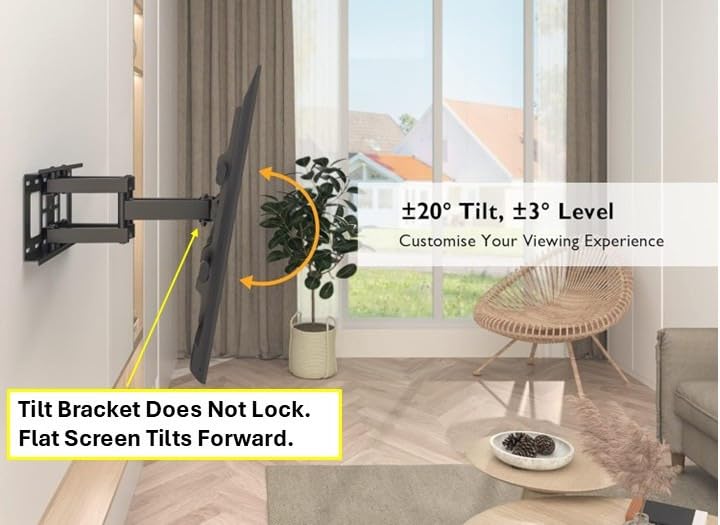
Being fixed, it cannot correct glare at all, so placement matters more than with an articulating arm. Unusual VESA sizes such as 300×200 or 300×300 may not centre properly, and on very large displays it is worth confirming rear port clearance first.
When this mount makes sense
It is the right call for a huge screen that will live in one spot, especially in a dedicated media room with fixed seating. The 265 pound rating gives real margin over a typical large-panel weight.
When to pick something else
Do not use it with a window or lamp opposite, since there is no tilt to compensate. It also must go into studs, brick or concrete, never drywall alone.
7. PERLESMITH Tilting TV Wall Mount for 23-60 Inch TVs
PERLESMITH Tilting TV Wall Mount Bracket Low Profile for Most 23-60 inch LED LCD OLED, Plasma Flat Screen TVs with VESA 400x400mm Weight up to 115lbs, Fits 16″ Wood Stud
23-60 inch TVs up to 115 lbs
VESA 75x75 to 400x400mm
7 degree downward tilt
1.2 inch from the wall
Pros
- Light at 200 grams and quick to install
- Low 1.2 inch profile conceals cables
- Level hardware and cable ties in the box
- Quick release locking mechanism
- Tested to four times its rated load
Cons
- Only 7 degrees of tilt
- No swivel or extension
- Not for drywall alone
- Reported missing promotional accessories
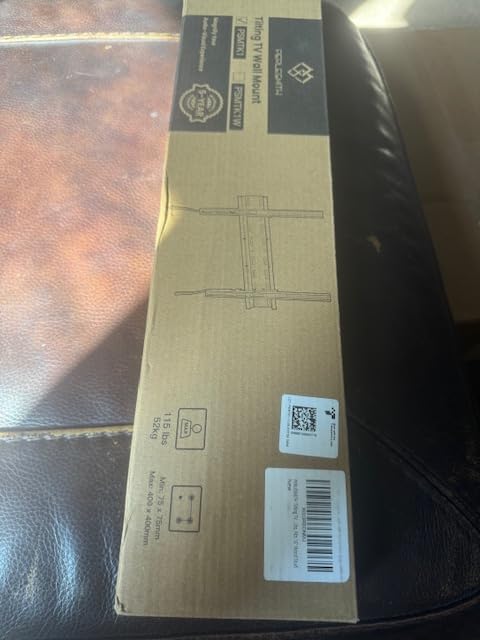
A bedroom bracket should be small, light and boring, and this one is all three. It covers 23 to 60 inch sets up to 115 pounds, fits VESA patterns from 75x75mm to 400x400mm, and weighs 200 grams, making it the easiest install in this roundup.
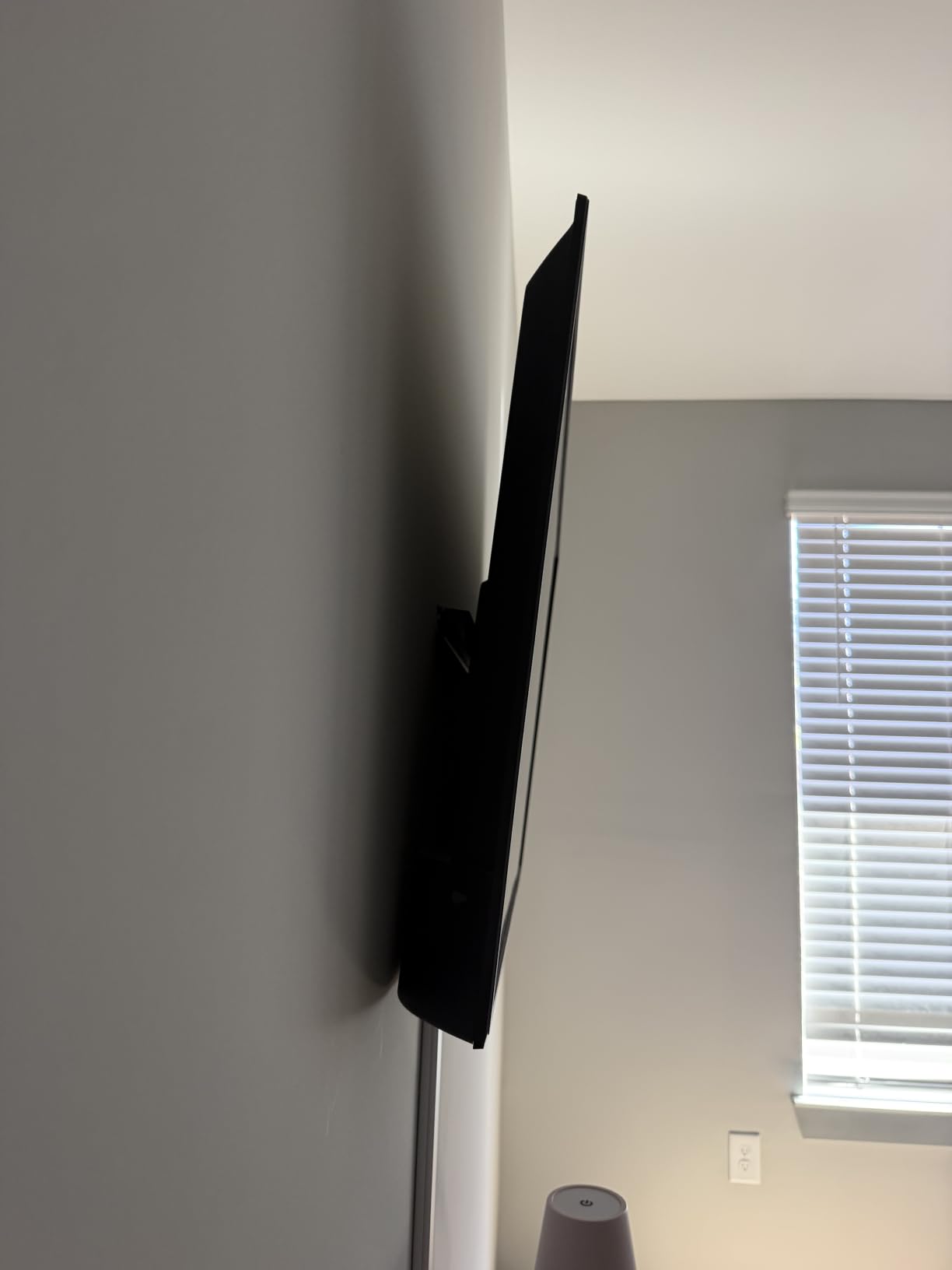
The 1.2 inch profile does a good job hiding cable loops, and the 7 degree downward tilt takes the edge off a window reflection without leaving a visible gap. A detachable panel, bubble level and quick-release lock are in the box, backed by a 5 year warranty.
It installs on 8, 12 or 16 inch wood studs as well as concrete and brick, which is unusually accommodating for such a light bracket. The steel is tested to four times the rated weight under UL standards.
The 7 degree tilt is the recurring complaint, and it is fair. There is no swivel and no extension, so this is not a bracket for a high wall or a difficult reflection. A few buyers also reported that free accessories advertised in the listing were missing.
When this mount makes sense
A bedroom, guest room or dorm is exactly the environment it is designed for. At 200 grams it is also the easiest option to reposition, and it handles older LED and plasma panels heavier than modern sets.
When to pick something else
Move up to a full-motion bracket if your bed is off to the side of the screen. In a bright room, the 7 degree limit will disappoint.
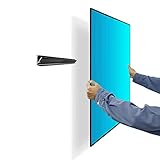
8. Auoace No Stud TV Wall Mount for Drywall
No Stud TV Wall Mount, Drywall Studless TV Hanger No Damage, No Drill, Non Screws, Dry Wall Flat Screen TVs Easy Install Bar Bracket fits VESA 12-55 inch TVs up to 99 lbs, Include Hardware Levels
12-55 inch TVs up to 99 lbs
VESA 100x100 to 400x400mm
1.1 inch wall gap
No stud or drill required
Pros
- Installs in about 10 minutes with no stud finder
- Nails and toggle bolts instead of studs
- Removes and patches in minutes
- 1.1 inch gap for a flush look
- Works in rentals and awkward walls
Cons
- Entirely fixed with no tilt or swivel
- Bar sits at a slight downward angle
- Many nails needed for full security
- Owners stay well below the 99 lb rating
This is the answer for anyone who cannot reach a stud, and the rental case is where it genuinely earns its place. It fits 12 to 55 inch TVs and monitors up to 99 pounds, covers VESA patterns from 100x100mm to 400x400mm, and installs with nails and toggle bolts.
Owners report roughly a 10 minute install by one person, and the fact that the holes can be patched in a couple of minutes matters enormously in a rented flat. Foam backing protects the paint, and the box includes 25 nails, a security cable, spacers and M4 through M8 bolts.
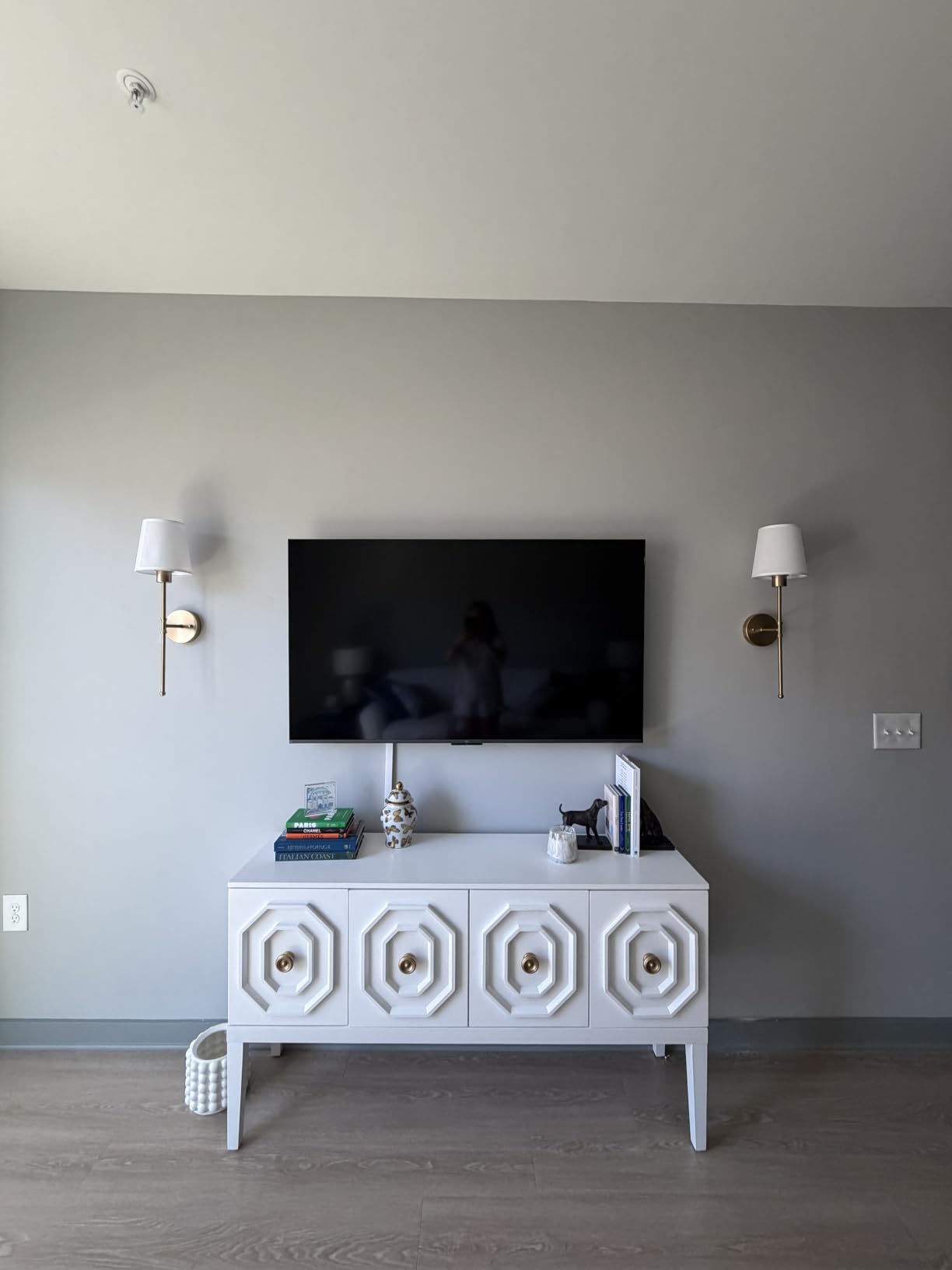
What you give up is any adjustment. There is no tilt, no swivel and no extension, so glare must be solved by where you hang it. The bar sits at a slight downward angle, which most people stop noticing once the screen is on.
Treat the 99 pound rating as a ceiling rather than a target. Plenty of users are sceptical of that figure and would stay well below it for a heavier panel, and the mount needs a lot of nails driven to feel secure. For a 32 to 43 inch set in a rental, it works.
When this mount makes sense
Renters, students, and anyone on a slatted or awkward wall where a toggle bolt cannot bite into anything solid. It is also useful as a temporary mount for a second screen.
When to pick something else
Do not put a large expensive panel on it. If you have studs available, a stud-mounted bracket will be steadier and will let you tilt the screen.
9. Pipishell Tilting TV Wall Mount for 37-90 Inch TVs
Pipishell Tilt TV Wall Mount Bracket Low Profile for Most 37-90 Inch LED LCD OLED Plasma Flat Curved TVs, Large Tilting Mount Fits 16″-24″ Wood Studs Max VESA 600x400mm Holds up to 132lbs
37-90 inch TVs up to 132 lbs
VESA 200x100 to 600x400mm
1.44 inch wall profile
7 degree downward tilt
Pros
- Handles panels up to 90 inches and 132 pounds
- Ultra slim 1.44 inch profile
- Fits 16 to 24 inch stud spacing
- Wall plate mounts over an outlet
- Tool-free pull cord release
- Accepts curved panels
Cons
- Only about 7 degrees of tilt
- Fixed design so cables go in first
- Non-standard VESA patterns will not fit
- Two people needed for a large screen
This tilting bracket covers 37 to 90 inch flat, curved, LED, LCD and OLED panels up to 132 pounds, with VESA patterns from 200x100mm through to 600x400mm. It is one of the most heavily reviewed brackets here, so real failure reports are easy to find.
Two design choices stand out. The wall plate is an open frame, so you can mount directly over an existing electrical outlet. And the 1.44 inch profile reads as flush on a large screen while still giving the panel breathing room.
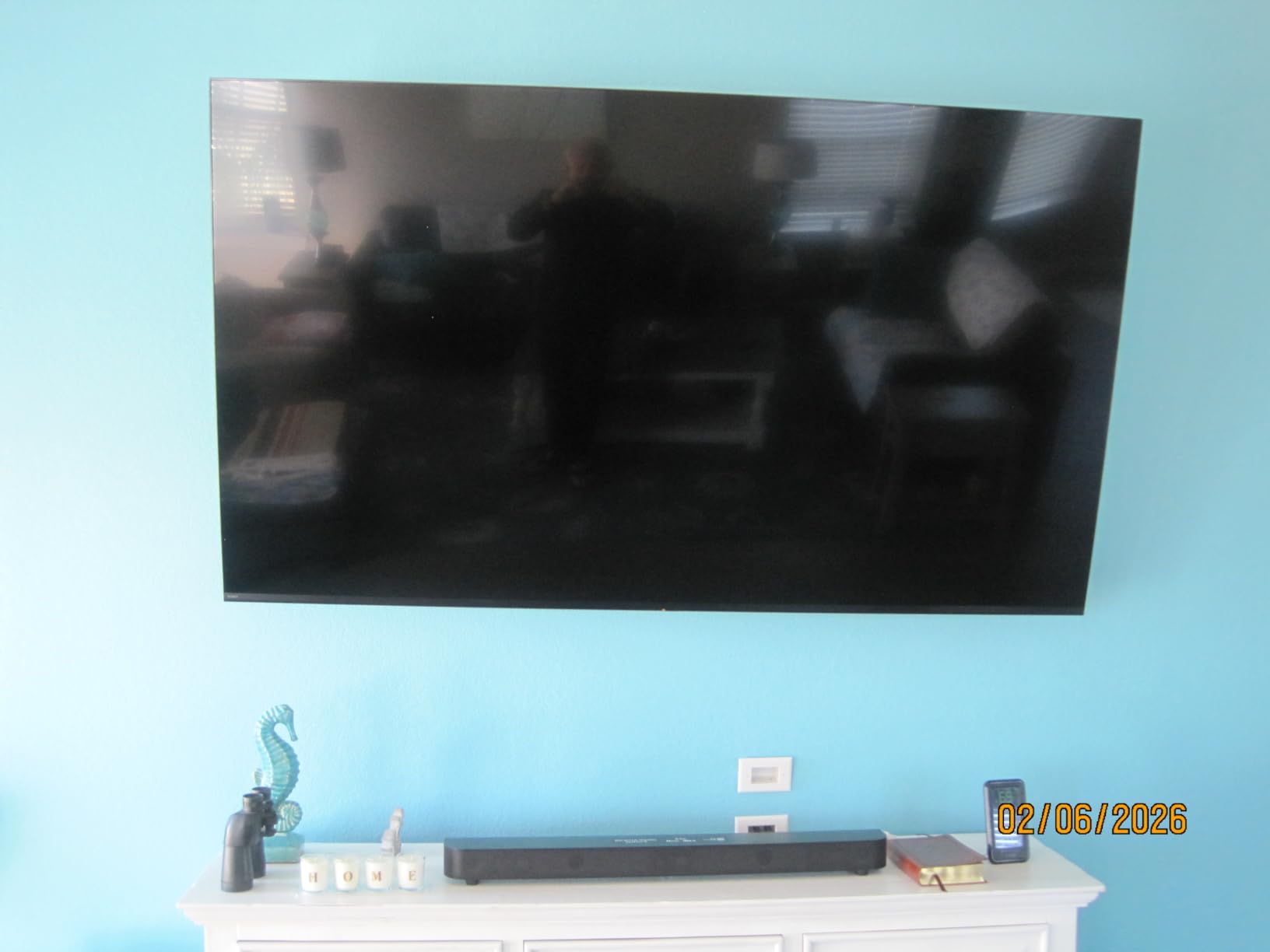
Locking and release happen with pull cords, no tools needed, and raised panel edges stop a large screen sliding off. It mounts on 16 to 24 inch studs plus concrete and brick, with all hardware and a detailed installation guide inside.
What it cannot do is swivel or extend, so every cable must be connected before hanging and glare must be handled by placement. Tilt is limited to about 7 degrees, and a large screen still needs two people to lift.
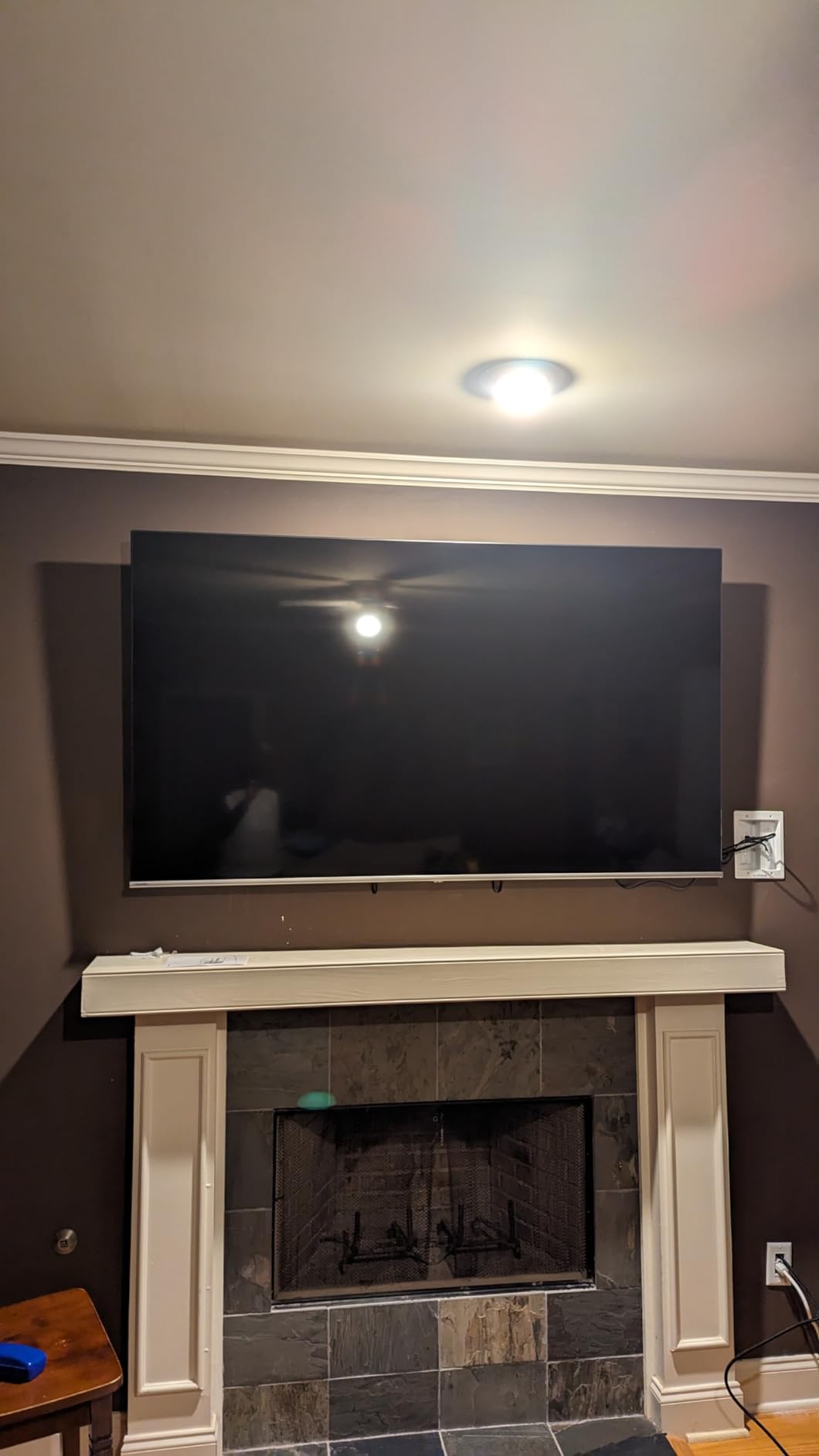
When this mount makes sense
It is a strong match for a large curved or flat panel where the outlet is already in the right place. The 24 inch stud spacing support also helps in older housing.
When to pick something else
Choose a full-motion arm if you need side-to-side movement or port access after hanging. If your panel is unusually heavy, check it against the 132 pound rating with margin.
10. Pipishell Full Motion Mount for 26-74 Inch TVs
Pipishell TV Wall Mount for 26-74 inch LED LCD OLED 4K TVs up to 99lbs, Full Motion TV Mount Bracket Articulating Swivel Extension Tilting Leveling Max VESA 400x400mm, Fits 12/16 Inch Wood Studs
26-74 inch TVs up to 99 lbs
VESA 100x100 to 400x400mm
Extends 15.34 inches
Plus or minus 45 degree swivel
Pros
- Heavy gauge steel arms feel substantial
- Swivels and extends with little effort
- Plus or minus 3 degree leveling
- Collapses to 3.98 inches when retracted
- Horizontal slide helps centre offset studs
Cons
- Tilt change needs a screw loosened each time
- Maximum VESA is 400x400mm
- Stud spacing limited to 8 12 or 16 inches
- Drywall anchors alone are not enough on big sets
This full-motion mount handles 26 to 74 inch televisions up to 99 pounds with VESA patterns from 100x100mm to 400x400mm. It sits mid-roundup in size terms, which makes it a likely fit for a 50 to 65 inch panel in an L-shaped room.
Owners are consistently surprised by how much steel is in the dual articulating arms. It swivels to plus or minus 45 degrees, tilts from plus 5 to minus 15 degrees, extends to 15.34 inches and collapses to 3.98 inches, holding position without drifting.
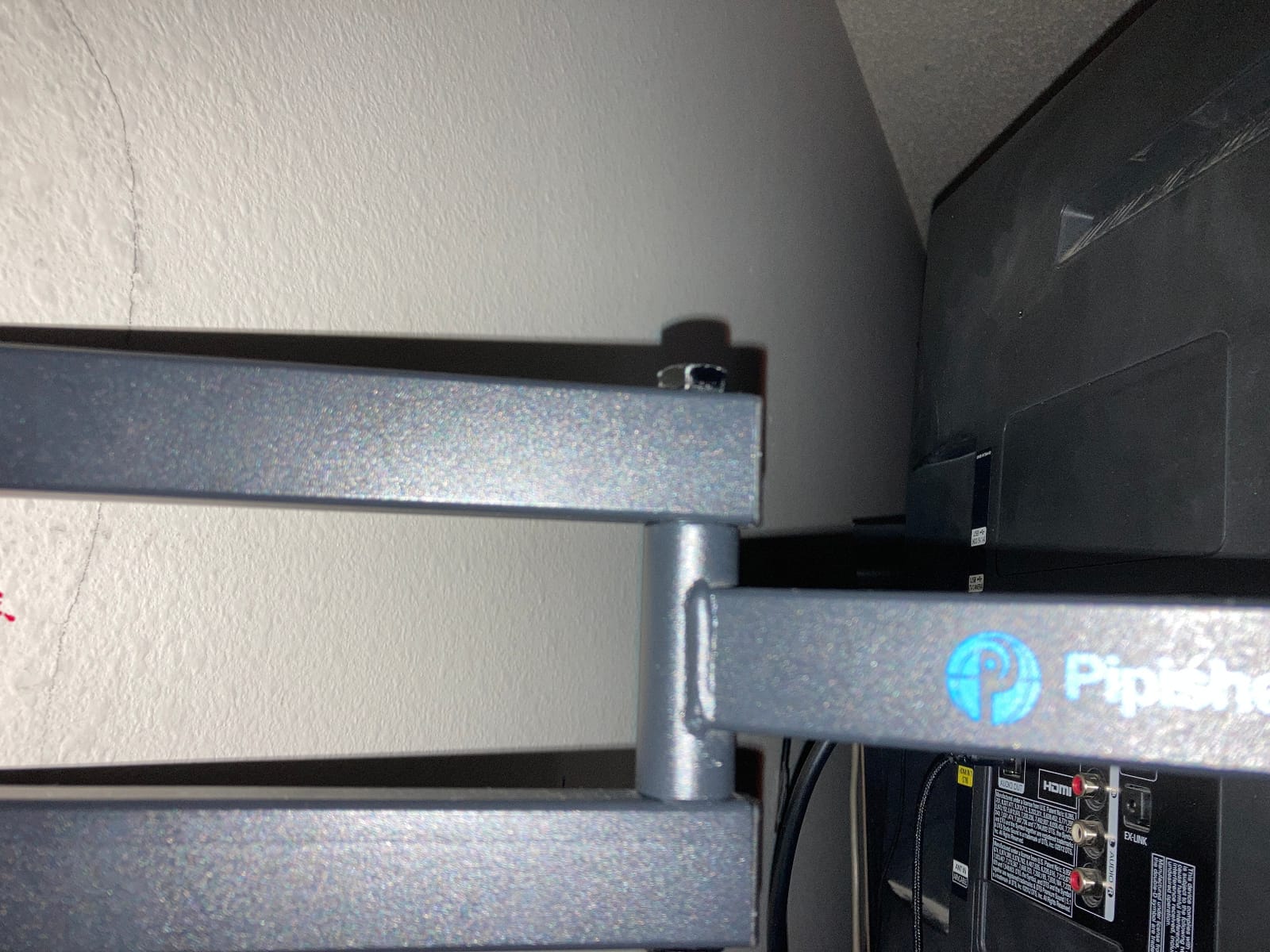
The plus or minus 3 degree leveling helps on older walls where the stud is not quite where you want it, and the horizontal slide centres the panel in those cases. It fits 8, 12 and 16 inch studs plus concrete and brick, with a 5 year warranty.
The niggles are specific. Changing the tilt means loosening a screw rather than turning a knob, the 400x400mm ceiling excludes 600x400mm patterns, and 24 inch stud spacing needs a different model.
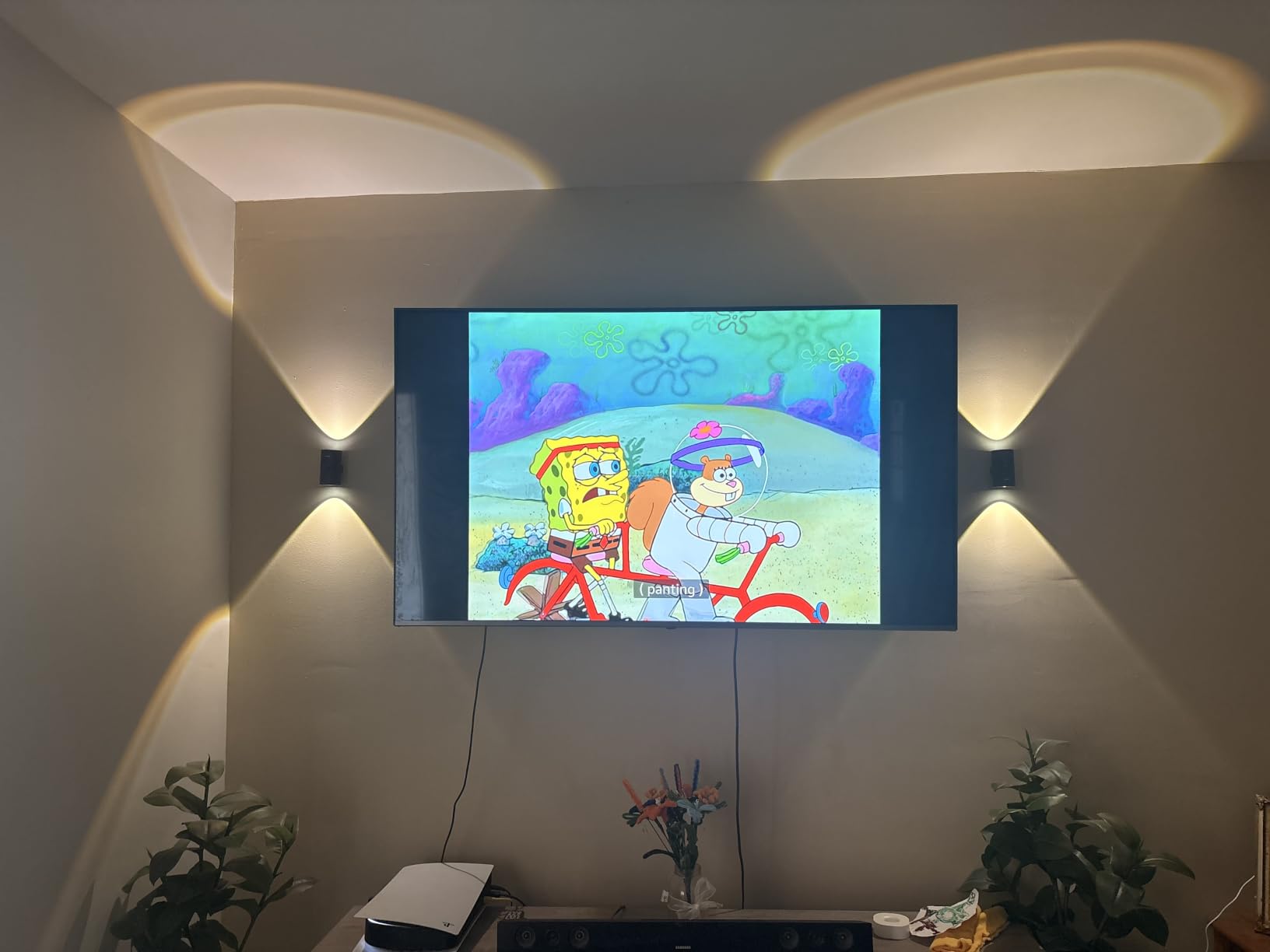
When this mount makes sense
It is a strong all-rounder for mid-size screens in a room where people sit off to one side, and it suits a curved panel of this size well.
When to pick something else
If your television is 77 inches or larger, the 400x400mm limit and 99 pound rating are likely to rule it out. Confirm both figures, and never rely on drywall anchors alone at this size.
TV Wall Mount Types Explained
There are four mount types, and the right one depends almost entirely on how many places you sit and whether you have a glare problem.
Fixed is a single plate holding the screen in one position with no movement. It is the sturdiest and cleanest option, and the best choice for a very large panel in a dedicated room. Several of the widest VESA ranges in this roundup sit here.
Tilt adds a small downward angle, usually 7 to 8 degrees, which knocks down reflections without adding moving parts. It is the most popular type overall, and the place most buyers should start.
Swivel moves the screen left and right on a single pivot while keeping it fixed to the wall. It solves an off-centre sofa and nothing else. It is rarely sold alone today.
Full-motion, also called articulating, combines tilt, swivel and extension on multiple arms so you can pull the screen out, angle it and push it back. It is the most capable and the least rigid, and the type where droop is most likely to appear over time.
Understanding VESA and Matching Your TV
VESA is the standard defining the distance between the four mounting holes on the back of your television, measured in millimetres horizontally and vertically. It is also called FDMI, the Flat Panel Mounting Interface. A pattern such as 200x200mm means the holes sit 200mm apart across and 200mm apart down.
To find yours, look in the specification sheet or manual for a line labelled VESA, VESA compatible or mounting interface. The pattern is also printed on a sticker near the inputs on many sets. To confirm, measure between the centres of the four holes yourself, horizontally first and then vertically.
Match the mount’s maximum VESA figure to your TV’s pattern, not to screen size. A 65 inch and a 43 inch television can share an identical pattern, while two 65 inch sets from different brands can differ. Nothing on the label matters more than this number.
As a rough guide, sets from 24 to 32 inches tend to sit in the 100×100 to 200×200 range, 40 to 50 inch sets commonly use 200×200 to 400×400, and 65 inch and larger panels frequently need 300×300 up to 600×400 or wider. Unusual patterns such as 300×200 do exist, so verify rather than assume.
Weight is the second gating fact. Every bracket here publishes a load rating, and you want the TV’s actual weight comfortably under it rather than just below. A margin of 20 percent or more is sensible, and heavier panels deserve more.
How to Choose the Right TV Wall Mount
Five criteria decide the purchase, in this order. Check your TV’s VESA pattern from the manual or spec sheet. Confirm the mount’s weight rating exceeds the TV’s weight with margin. Pick the mount type from the number and position of your seating areas. Match the bracket to your wall type and anchor situation. Then decide how much extension you need for cable access and glare.
Wall type is where installs go wrong. Most of these brackets are stud-only by design. Brick, concrete or block needs masonry anchors and a masonry bit, and several mounts here ship without them. A very thin flush mount on a solid exterior wall is the classic expensive mistake, because the masonry will not sit flat enough to accept the profile.
On brands, Sanus is the name enthusiasts mention most often unprompted, with models like the SLF226 and VLF728 cited by people who have installed them. The rest of the category is largely budget-first brands where build quality varies widely. Judge by published weight rating, steel gauge and warranty rather than logo alone.
Is an expensive full-motion mount worth it? Only if you genuinely have more than one seating position or a recurring glare problem. With fixed seating, a tilting bracket does the same job with a sturdier arm and no droop to worry about later, and the money is better spent on load capacity and installation quality.
Height matters too. Aim for the centre of the screen at seated eye level, usually about 40 to 45 inches from the finished floor. Above a fireplace, set the screen lower and let the downward tilt handle the viewing angle, because a fireplace forces a higher position than comfort wants.
Renters and non-standard walls need their own plan. On a slatted or acoustic panel wall, toggle bolts into drywall will not bite into anything solid, so fix into the framing behind the panel or use a surface-mounted bar. A nail-and-toggle bracket is the reversible option, and many landlords accept a mount that stays in place at move-out. If you also rig audio, our chest mounts for action cameras guide covers the same non-permanent logic.
Mounting a TV: What You Need to Know
Connect every cable before hanging on a fixed or tilting mount. This is the most common regret among owners of low-profile brackets, because once a 65 inch panel is flush there is no hand clearance to reach a side port.
Work in this order: find the studs and mark the centre line, mark the position with the included template, check the height with a bubble level before drilling, install the wall plate, attach the bracket to the back of the TV, connect the cables, then lift the screen on with a second person. Most of these brackets include a template and level, so use them rather than measuring twice by eye.
Studs sit 16 inches on centre in most housing, and some brackets here also support 8, 12, 18, 24 or 32 inch spacing. If the plate will not reach a stud you need appropriate anchors, and a heavy panel deserves toggle bolts or masonry screws rather than small plastic anchors.
Decide honestly whether to do it yourself. Anything above about 65 inches, or any panel on masonry, is a two-person job at minimum. Our action camera mount guide covers the lighter loads where one person is genuinely fine.
Frequently Asked Questions
What is the best brand for TV wall mounts?
Sanus is the most consistently recommended name in enthusiast communities, with models like the SLF226 and VLF728 cited by people who have installed them. The rest of the category is largely budget-first brands where quality varies. Judge by published weight rating, steel gauge and warranty rather than logo alone.
Which type of TV wall mount is best?
A tilting mount is the best all-rounder because it adds glare control with no moving parts to loosen. Choose fixed for a very large panel in a dedicated room, swivel for a single off-centre seat, and full-motion only when you have more than one seating position or a recurring reflection problem.
How do I know which TV wall mount to buy?
Check the TV VESA pattern from the manual or spec sheet, confirm the mount weight rating exceeds the TV weight with margin, choose the mount type from the number of seating areas, match the bracket to your wall type, then decide how much extension you need for cable access and glare.
How do I find my TV’s VESA pattern?
Look in the specification sheet or manual for a line labelled VESA, VESA compatible or mounting interface, often printed on a sticker on the back of the set. To confirm, measure in millimetres between the centres of the four holes, horizontally and then vertically.
Is a full motion TV mount worth the extra cost?
Only if you have more than one seating position or a recurring glare problem. With fixed seating, a tilting bracket does the same job with a sturdier arm and no risk of droop over time, and the money is better spent on a higher load rating or professional installation.
Can you wall mount a TV without studs?
Yes, using a bar-style bracket fixed with nails and toggle bolts, or a no-drill hanger. It installs in about ten minutes, removes cleanly and patches easily, which makes it practical for rentals. It is fixed with no tilt, so check the weight rating carefully before using it for a large panel.
Final Verdict
For most people the Mounting Dream full motion mount in position one is the best TV wall mount here: a 4.8 rating across more than 75k reviews, 110 pound capacity, 400x400mm VESA and enough extension to reach any port. If your seating is fixed, the tilting mount in position two gives you the cleanest look for far less, and the BONTEC in position six is the right answer for an 85 inch or larger panel.
Before you order, confirm two numbers: the VESA pattern on your television and its weight. That is all the compatibility you need. Updated for 2026.