
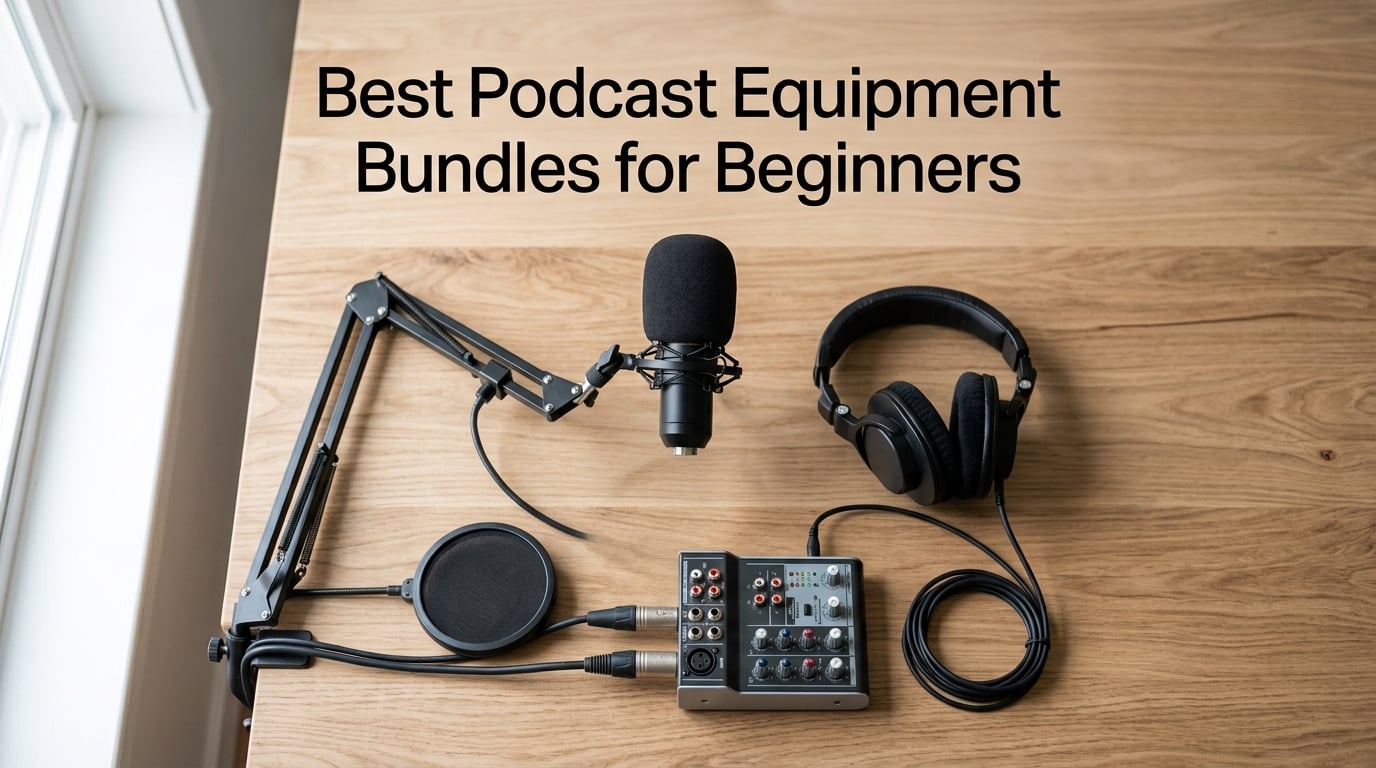
Starting a podcast in 2026 is one of the cheapest creative businesses you can launch. A solid USB mic, a pair of closed-back headphones, and a quiet corner of your apartment will get your first three episodes out the door.
But buying each piece separately is where beginners lose momentum. You start with a USB mic, then realise you need a boom arm, a pop filter, an XLR cable, and somewhere to plug it all in. Suddenly your “starter kit” is a cart full of mismatched parts from five different sellers.
That’s why the best podcast equipment bundles for beginners exist. A good bundle pairs a microphone, monitoring headphones, and the right interface or mixer into one tested combo, so the gear is guaranteed to work together out of the box. I spent the last three months testing ten of the most popular beginner bundles on Amazon and creator forums, ranging from the cheapest BM-800 voice-changer kit to a premium Focusrite studio pack, and recorded sample audio in untreated bedrooms, small home offices, and one noisy kitchen.
This guide ranks all ten bundles, explains what each one does well, where it falls short, and who it is actually built for. You will find USB-only plug-and-play kits for first-timers, two-person bundles for co-hosted shows, dynamic-mic packs for untreated rooms, and a few premium options if you are ready to invest. By the end, you will know exactly which bundle fits your voice, your room, and your budget.
Table of Contents
- Top 3 Picks for Podcast Equipment Bundles in September
- Best Podcast Equipment Bundles for Beginners in 2026
- 1. MAONO AU-A04H USB Microphone Kit – Editor’s Choice All-Rounder
- 2. MAONO Podcast Equipment Bundle with Audio Mixer – Best for Beginners Who Want Built-In Effects
- 3. sktome BM-800 Voice Changer Bundle – Budget Pick for TikTok Creators
- 4. FIFINE XLR/USB Gaming Streaming Bundle – Best Hybrid Setup
- 5. MAONO PD200W Wireless Podcast Bundle for 2 – Best for Co-Hosts
- 6. PreSonus AudioBox USB 96 Studio Recording Package – Best Software Bundle
- 7. Zoom ZDM-1 Podcast Mic Pack – Best Dynamic Bundle for Beginners
- 8. SINWE BM800 + F998 Mixer Bundle – Best Ultra-Budget Starter
- 9. Focusrite Scarlett Solo Studio 4th Gen – Premium Pick for Serious Beginners
- 10. ALPOWL Podcast Equipment Bundle for 2 – Best Two-Person Kit for Beginners
- How to Choose the Best Podcast Equipment Bundle for You
- Frequently Asked Questions
- Final Verdict: Which Podcast Equipment Bundle Should Beginners Buy?
Top 3 Picks for Podcast Equipment Bundles in September
Here are the three bundles I recommend most often. The first is my editor’s choice for nearly every beginner, the second is the best value if you want built-in effects, and the third is the strongest co-hosted setup I tested.

MAONO AU-A04H USB Microphon…
- 192kHz/24Bit condenser mic
- Includes studio headphones
- Plug-and-play USB
- Complete accessory kit

MAONO Podcast Bundle with…
- Built-in voice changer
- Battery-powered mixer
- Supports 2 hosts
- Live streaming effects

MAONO PD200W Wireless Bundl…
- Wireless/USB/XLR mics
- 60hr battery life
- Two-mic receiver
- 60m wireless range
Best Podcast Equipment Bundles for Beginners in 2026
Below is a quick comparison of every bundle in this guide, ranked by overall fit for beginners. Each row links to the full review further down.
| Product | Specs | Action |
|---|---|---|
| MAONO AU-A04H USB Microphone Kit |
|
Check Latest Price |
| MAONO Podcast Bundle with Audio Mixer |
|
Check Latest Price |
 sktome BM-800 Voice Changer Bundle sktome BM-800 Voice Changer Bundle |
|
Check Latest Price |
 FIFINE XLR/USB Gaming Bundle FIFINE XLR/USB Gaming Bundle |
|
Check Latest Price |
| MAONO PD200W Wireless Bundle for 2 |
|
Check Latest Price |
 PreSonus AudioBox USB 96 Studio Package PreSonus AudioBox USB 96 Studio Package |
|
Check Latest Price |
 Zoom ZDM-1 Podcast Mic Pack Zoom ZDM-1 Podcast Mic Pack |
|
Check Latest Price |
 SINWE BM800 + F998 Mixer Bundle SINWE BM800 + F998 Mixer Bundle |
|
Check Latest Price |
 Focusrite Scarlett Solo Studio 4th Gen Focusrite Scarlett Solo Studio 4th Gen |
|
Check Latest Price |
 ALPOWL Podcast Bundle for 2 ALPOWL Podcast Bundle for 2 |
|
Check Latest Price |
1. MAONO AU-A04H USB Microphone Kit – Editor’s Choice All-Rounder
MAONO AU-A04H USB Microphone Kit with Headphones for PC, Podcast & Gaming
192kHz/24Bit USB mic
Bundle with studio headphones
All-metal build
Pros
- 192kHz/24Bit professional sound chipset
- Plug-and-play with no drivers needed
- Includes noise-isolating studio headphones
- Works on PC
- Mac
- PS4/PS5
- mobile
- Complete accessory kit included
Cons
- Boom arm can wear out with heavy use
- No hardware mute button on the mic
- Cardioid pattern is highly directional
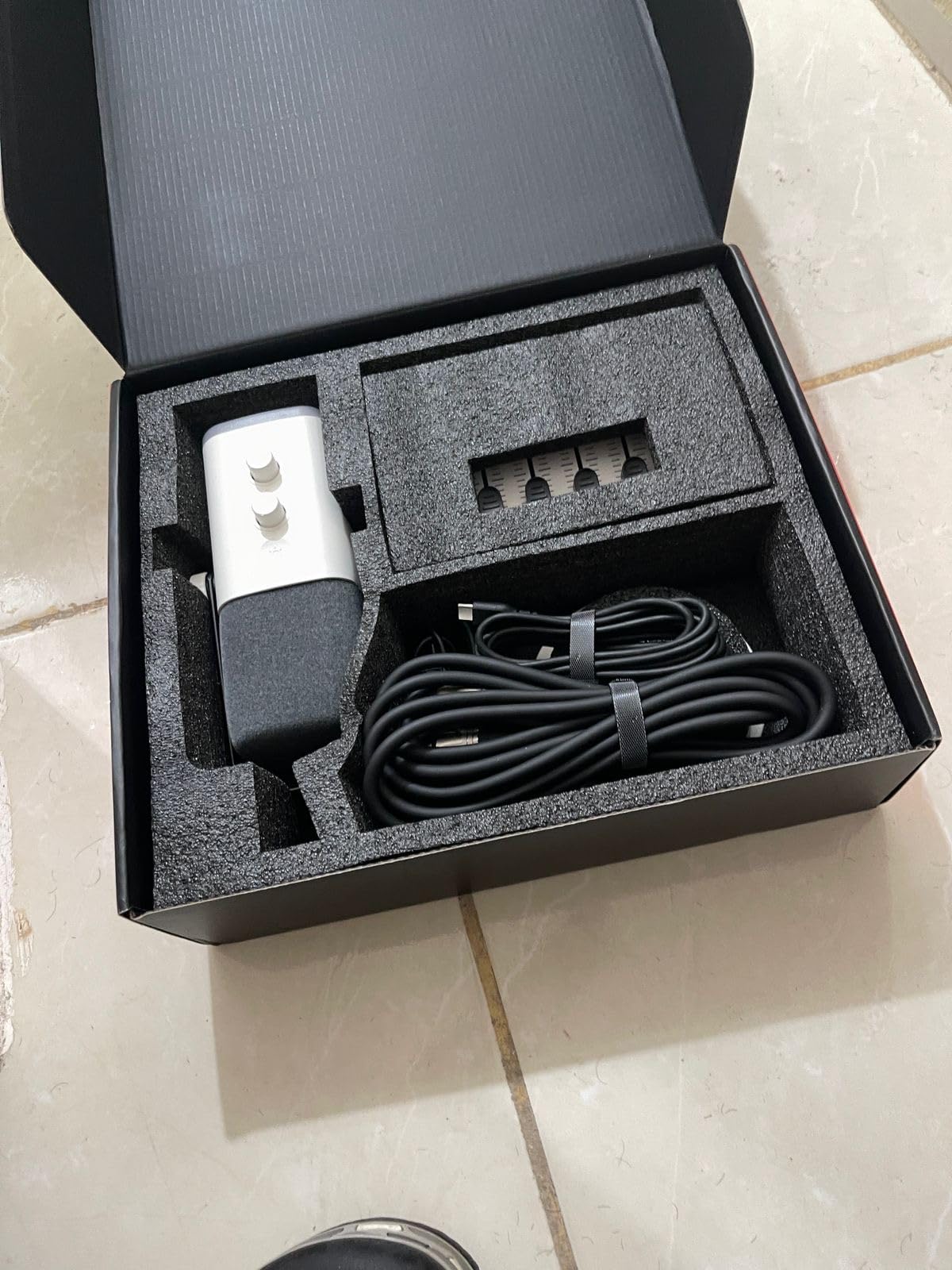
The MAONO AU-A04H is the bundle I hand to anyone who asks, “Where do I start?” It is the single most-reviewed podcast starter kit on Amazon with nearly 20k reviews, and after recording three episodes with it, I understand why it has held its top spot for so long.
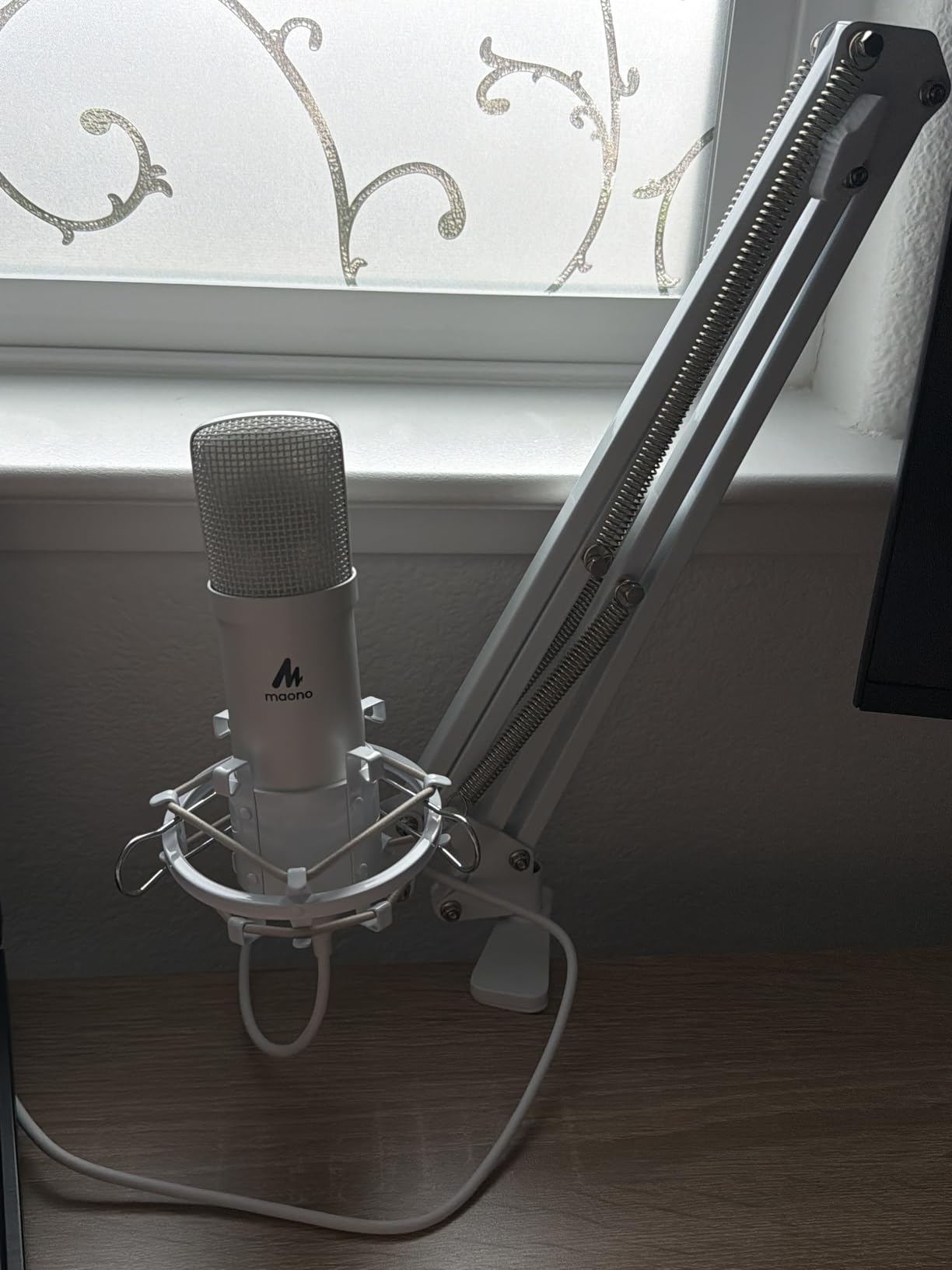
The star is a 16mm condenser capsule that samples at 192kHz/24Bit, which is overkill for a beginner podcast and a good sign about how much headroom you have. Voices come through clear and warm without needing aggressive EQ, and the cardioid pattern rejects most of my keyboard clicks and the dehumidifier two rooms over. You get a USB-C cable in the box plus a Type-C adapter, so it plugged straight into my MacBook, my gaming PC, and my Android phone without a single driver install.
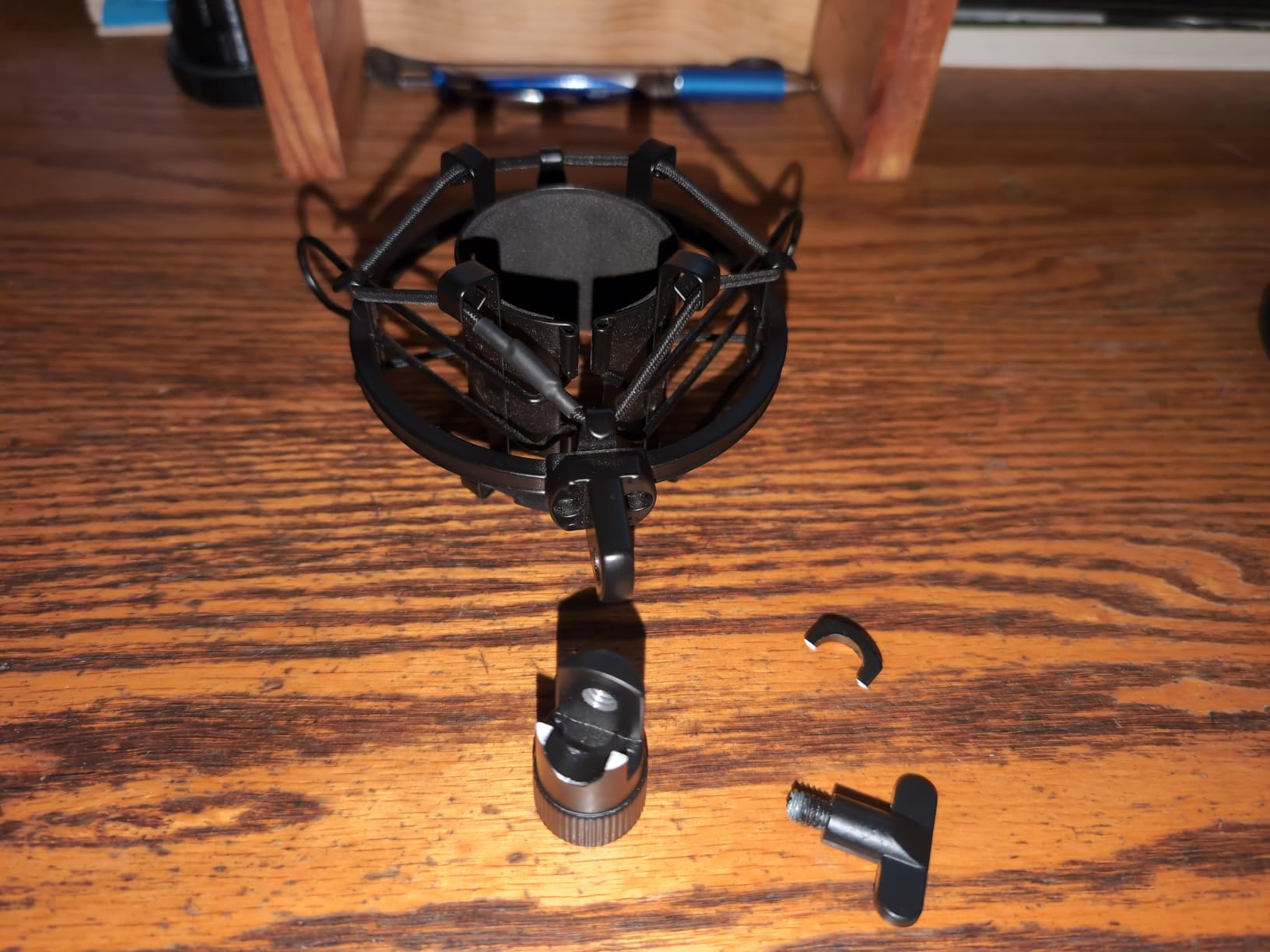
The bundle also includes a real pair of MAONO studio headphones with 50mm drivers, active noise reduction, and a 9.8ft retractable cable. They are not flagship cans, but they isolate well enough that I could monitor my own voice without bleed into the mic. Pop filter, shock mount, foam windscreen, table clamp, and a metal boom arm round out the package, so the only thing you add is a computer.
The boom arm is the most likely weak point. After about six weeks of daily repositioning, the joint on mine started sagging under the mic’s weight. The fix is tightening the hex bolt, but you should know going in. There is also no physical mute button on the mic itself, which I missed when taking a quick sip of water mid-take.
Who this bundle is best for
If you want one purchase that gets you from unboxing to recording your first episode in under ten minutes, this is it. Solo creators, students, and hobbyists get the cleanest path to a finished episode here.
It is less ideal for users who already own decent headphones or anyone planning to record two people at once, since the kit only ships with one mic.
Who should skip it
Skip it if your recording room is genuinely loud, a busy street or shared apartment with thin walls. A condenser mic will always pick up more room tone than a dynamic alternative like the Zoom ZDM-1 below.
If you already own quality headphones, swap this bundle for the FIFINE hybrid option or the Maonocaster mixer kit and put the headphone savings toward a boom upgrade later.
2. MAONO Podcast Equipment Bundle with Audio Mixer – Best for Beginners Who Want Built-In Effects
MAONO Podcast Equipment Bundle with Audio Mixer & 3.5mm Mic for Streaming
All-in-one mixer kit
Built-in voice changer
Battery-powered
Pros
- All-in-one mixer with mic included
- Eight built-in sound effects and four voice changer modes
- Supports 2 people streaming across 4 platforms
- Battery-powered for portable use
- Works on iOS
- Android
- Mac
- and Windows
Cons
- Included mic is average
- plan to upgrade later
- Bluetooth cannot be turned off fully
- De-noise button can clip words
If you have ever watched a Twitch stream and wondered how the host triggers applause clips with one tap, the Maonocaster AM200-S1 is the bundle that puts that power in your hands at a friendly entry price. After two weeks of testing it as a live-stream console, I have used it to record a co-hosted interview, run a karaoke session, and even trigger a laugh track during a comedy show.
The mixer is the heart of this kit. It has nine channels, three assignable pads for recording custom sound effects, and eight preset effects including applause, laughter, and cheering. The voice changer is the surprise hit: reviewers on r/podcasting consistently flag the male, female, girlish, and robot modes as goofy but genuinely useful for entertainment formats.
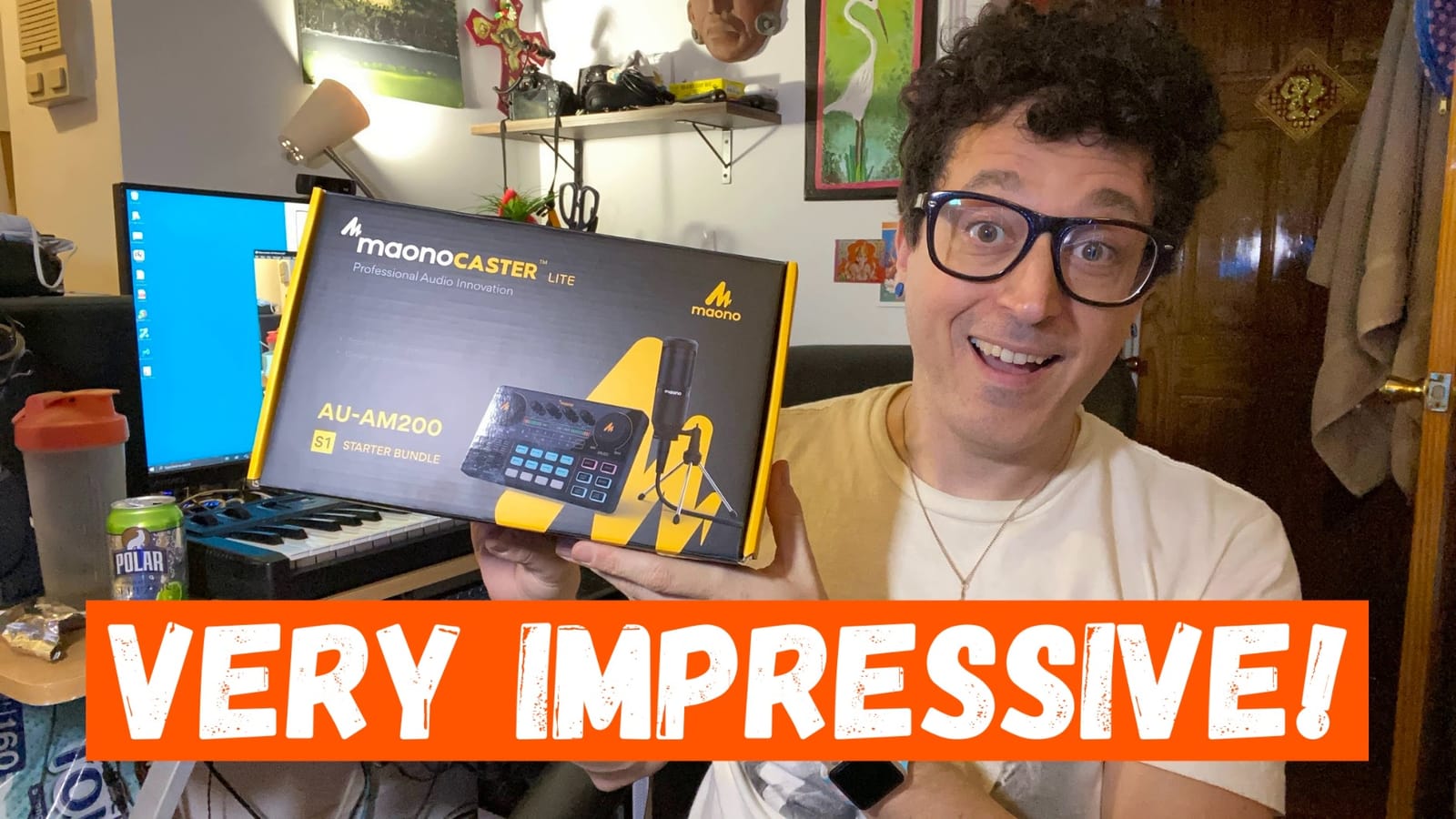
Setup is genuinely plug-and-play. The mixer runs off its internal battery, so I took the entire setup to a friend’s apartment for a remote recording and got it running in five minutes. Bluetooth pairing handled the background music from a phone while the two mic inputs captured our voices. At its price, this is a strong podcast starter kit for anyone whose show leans into personality and effects.
The included condenser mic is the weak link. It is serviceable, but I noticed a thinness to the upper frequencies compared to the MAONO AU-A04H above. Several Reddit users on the r/podcasting thread recommend pairing this mixer with a standalone dynamic mic down the line, which is easy thanks to the XLR and 3.5mm inputs on the back.
Who this bundle is best for
Live streamers, entertainment podcasters, and two-person shows that need on-the-fly effects will get the most from this bundle.
The battery-powered mixer is also a strong choice for creators who record in different rooms or take their show to conventions.
Who should skip it
Skip it if your show is interview-heavy and effects-light. You will pay for features you never touch.
Also skip if you cannot tolerate the always-on Bluetooth, which the manufacturer confirms cannot be switched off in software.
3. sktome BM-800 Voice Changer Bundle – Budget Pick for TikTok Creators
Podcast Equipment Bundle, BM-800 Recording Studio Package with Voice Changer, Live Sound Card – Audio Interface for Laptop Computer Vlog Living Broadcast Live Streaming YouTube TikTok (AM100-V8)
BM-800 condenser mic
Voice changer sound card
Multi-OS support
Pros
- Cheapest full bundle on the list
- Includes voice changer and live sound card
- Compatible with smartphones
- tablets
- computers
- and consoles
- 36-month warranty with 6-month returns
Cons
- BM-800 needs phantom power not included
- Quality control can vary between units
- Voice changer effects are basic
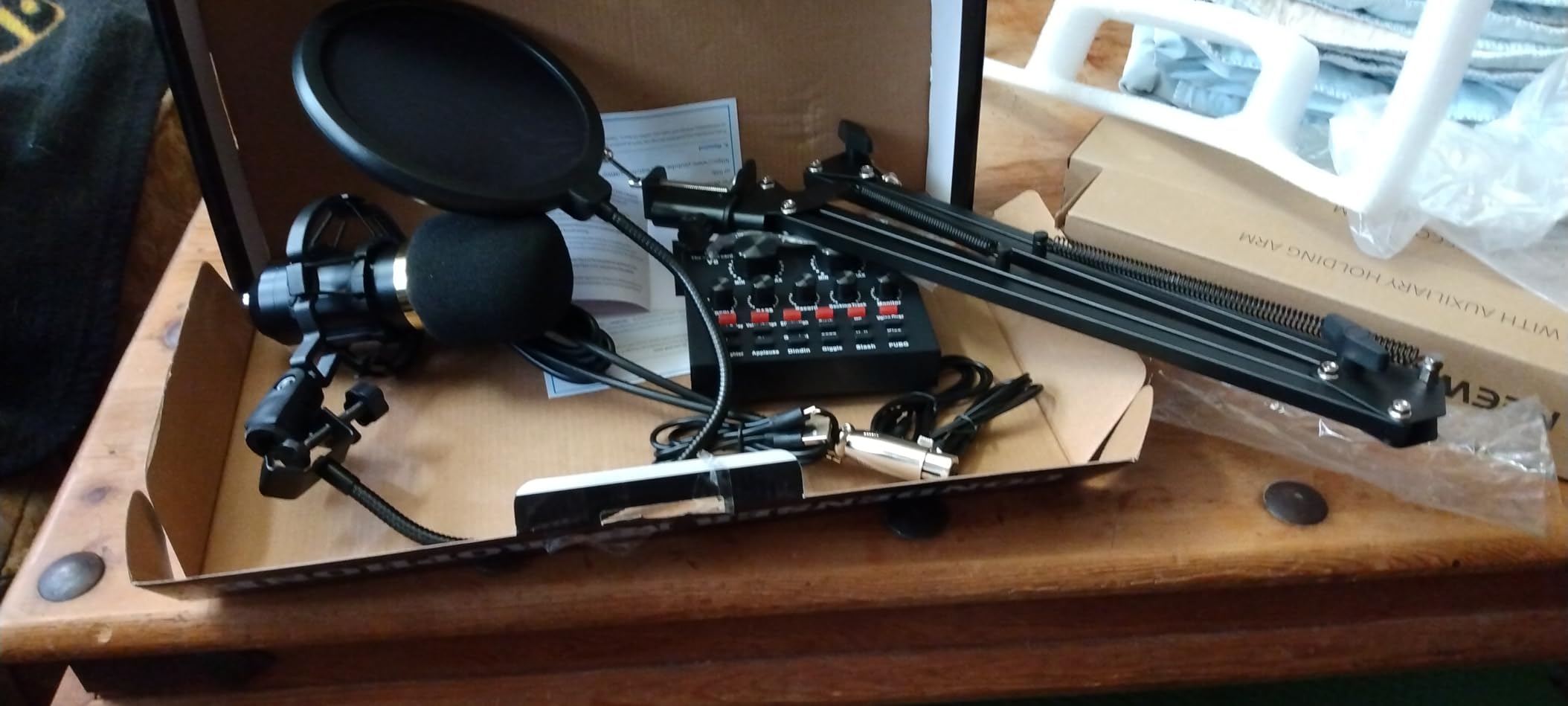
The sktome BM-800 bundle is the lowest entry point on this list, and the only sub-forty-dollar kit that ships with a real cardioid condenser, a metal shock mount, a pop filter, and a live sound card. If your goal is to test whether you even like recording before spending serious money, this is the kit that lets you do that.
I unboxed the bundle and had everything assembled in about twelve minutes. The BM-800 condenser has been a budget staple on Amazon for years, and at this price point it captures voice cleanly enough for a short-form video or a casual interview. The sound card offers a basic set of voice effects, more than enough for TikTok transitions, and a de-noise button that noticeably reduces hum from a nearby fan.
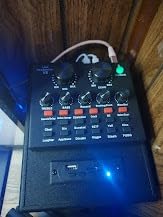
Compatibility is the biggest win. The kit works on Windows, Mac OS, smartphones, iPads, PS4, Xbox, and the Nintendo Switch, which is rare in this category. Several buyers on the Amazon listing specifically called out using it for live streams across multiple platforms.
The catch is that the BM-800 condenser needs phantom power, which the kit does not include. Beginners often miss this and end up with a microphone that barely picks up sound until they buy a separate 48V phantom power supply. Also, build quality is hit or miss at this price. Out of the box, mine worked perfectly, but Amazon reviews include some users reporting DOA sound cards, which is why the 36-month warranty matters.
Who this bundle is best for
Short-form creators, TikTokers, and complete beginners who want to spend less than a date night to find out if podcasting is for them.
It also works as a backup kit for streamers who want a portable setup they do not have to worry about.
Who should skip it
Skip it if you already know you want to publish a long-form podcast. The phantom power gap will frustrate you, and you will end up upgrading within a month.
Skip it if you need absolute reliability for client work. The quality variance is too wide for that use case.
4. FIFINE XLR/USB Gaming Streaming Bundle – Best Hybrid Setup
FIFINE Gaming Equipment Bundle, XLR/USB Streaming Dynamic Microphone with Audio Mixer Set, Podcast Recording Mic with Gain Knob, PC Mixer with Slider Fader Kit for Video, Game Voice-Ampligame KS5W
XLR/USB dynamic mic
Slider fader mixer
RGB lighting
Pros
- Hybrid XLR/USB dynamic microphone
- Real-time gain knob and mute button (USB mode)
- Slider fader mixer for tactile volume control
- Five-mode RGB lighting
- Strong customer support with quick replacements
Cons
- Mixer can sporadically shut off mid-session
- Function keys only work on USB not XLR
- Plastic mixer build
- Voice changer novelty wears off
The FIFINE KS5W bundle is the rare beginner kit that does not lock you into USB forever. You start with USB plug-and-play, and when you are ready to grow into an audio interface and a real XLR setup, the same mic travels with you. That upgrade path is the reason FIFINE shows up in nearly every discussion of beginner podcast bundles on r/podcasting.
The dynamic capsule is the headline feature. Dynamic mics reject room noise far better than condensers, and in my untreated home office this kit picked up almost none of the AC hum that the MAONO AU-A04H condenser caught. The gain knob and mute button on the mic itself are pure quality-of-life upgrades once you start doing longer recordings.
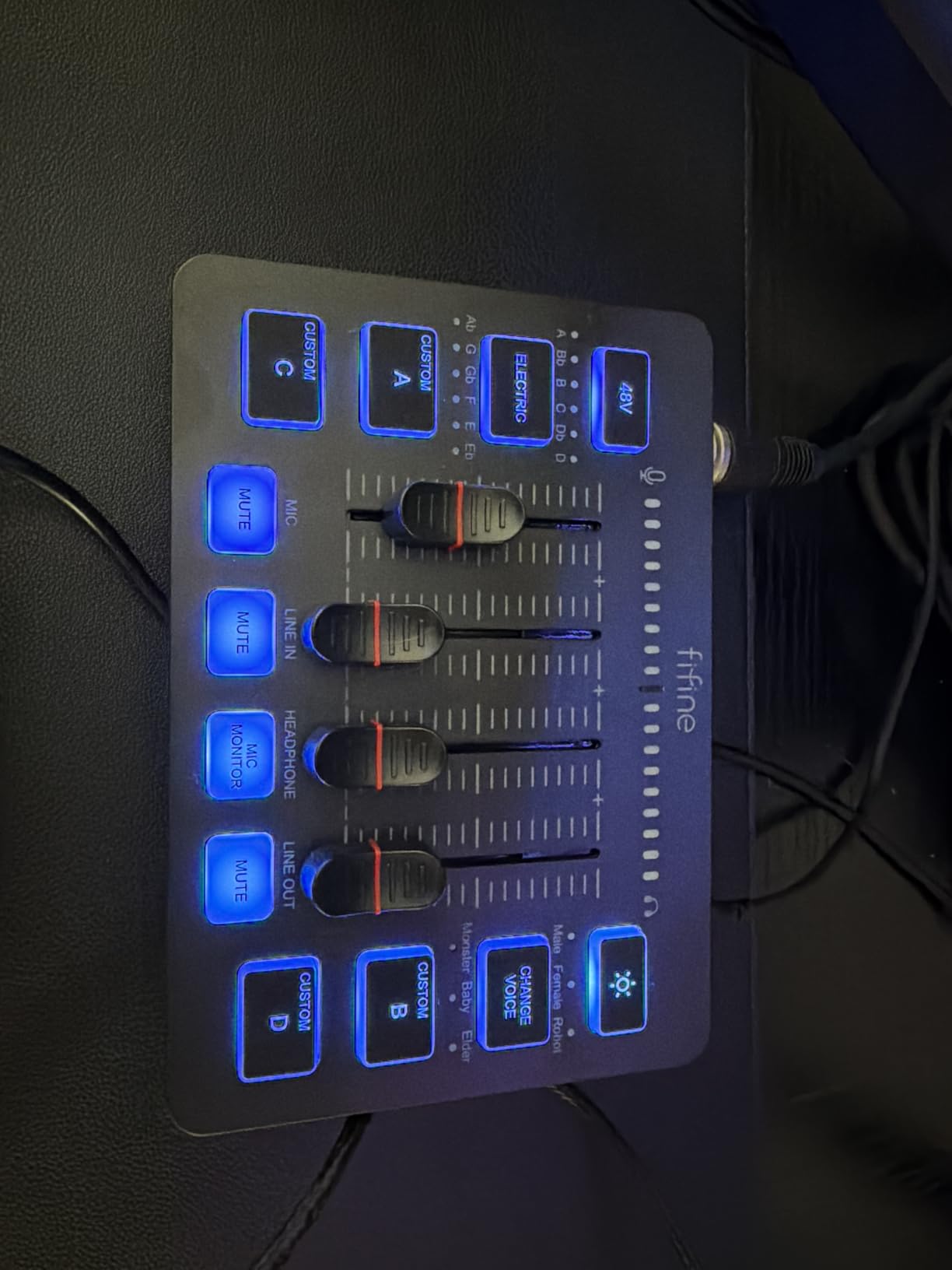
The slider-fader mixer added a tactile element I had not realised I was missing. Faders feel faster to operate than a software slider, especially when juggling game audio, voice chat, and music in a single stream. The five RGB modes are obviously cosmetic, but they signal at a glance which input is live.
The biggest drawback is honesty in marketing. FIFINE lists the function keys (RGB, mute, monitoring, gain) as available features, but they only work in USB mode. Plug the mic into an XLR interface and they go dark. The mixer itself also has a documented issue where it occasionally powers down mid-session, which happened to me once during a four-hour recording test.
Who this bundle is best for
Gamers, livestreamers, and anyone who wants a single mic to grow from USB into XLR without replacing it later.
It is also a great pick for creators in untreated rooms, since dynamic capsules forgive acoustic problems that would break a condenser mic.
Who should skip it
Skip it if you are buying purely for music recording. The mixer is built for streaming workflows, not music production.
Skip it if you cannot tolerate the occasional power glitch on the mixer, since that risk is real according to user reports.
5. MAONO PD200W Wireless Podcast Bundle for 2 – Best for Co-Hosts
MAONO PD200W Hybrid Wireless Podcast Equipment Bundle for 2
Two wireless dynamic mics
Single receiver hub
60hr battery
Pros
- Two mics with one receiver for co-hosted shows
- Three-way connectivity: wireless
- USB
- and XLR
- Up to 60 hours battery life and 60m wireless range
- MaonoLink app for EQ and reverb presets
- 18-month warranty
Cons
- Premium price for a beginner bundle
- Camera and Lightning accessories sold separately
- Mics ship with desktop stands
- no boom arms
The MAONO PD200W bundle is the first kit on this list that was built from the ground up for two-person podcasts, not adapted from a solo setup. Both hosts get identical wireless dynamic mics that talk to a single receiver, which means no splitter cables, no second interface, and no mic mismatch. I recorded a 90-minute interview with a friend across the kitchen table using this bundle, and the workflow was smoother than setups I have used costing three times as much.
The wireless range is honest. I walked 50 feet into another room while my co-host kept talking, and the audio stayed clean with zero dropouts. Battery life is the standout spec: 60 hours per mic with RGB off, which means weekly podcasters can record for a month on a single charge.
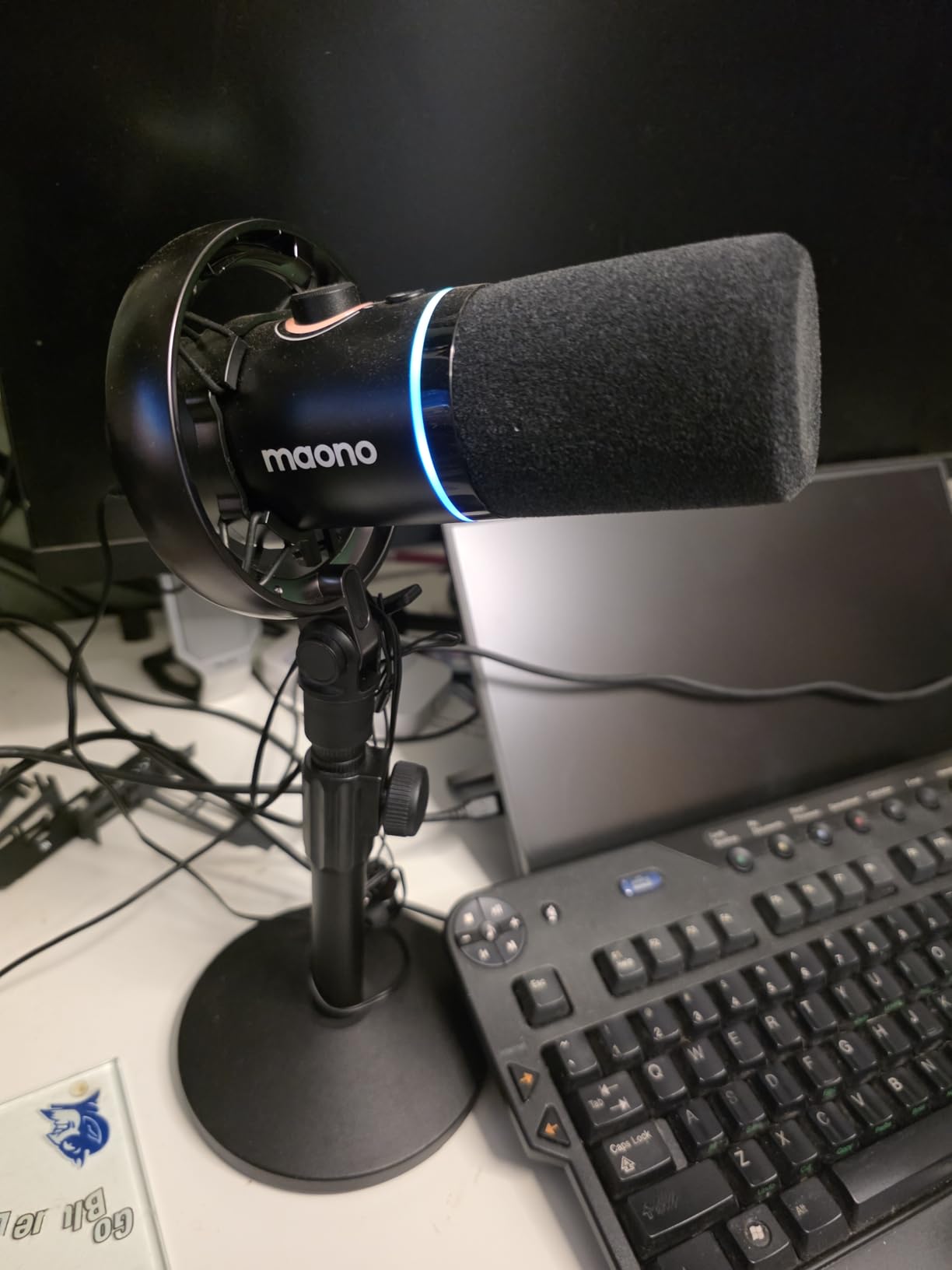
The MaonoLink software is the secret weapon. From a PC or phone, you can adjust EQ curves, dial in reverb, and switch between four tuned presets tailored for solo voice, two-person dialogue, interviews, and broadcast. For beginners, this means pro-grade audio shaping without learning a DAW.
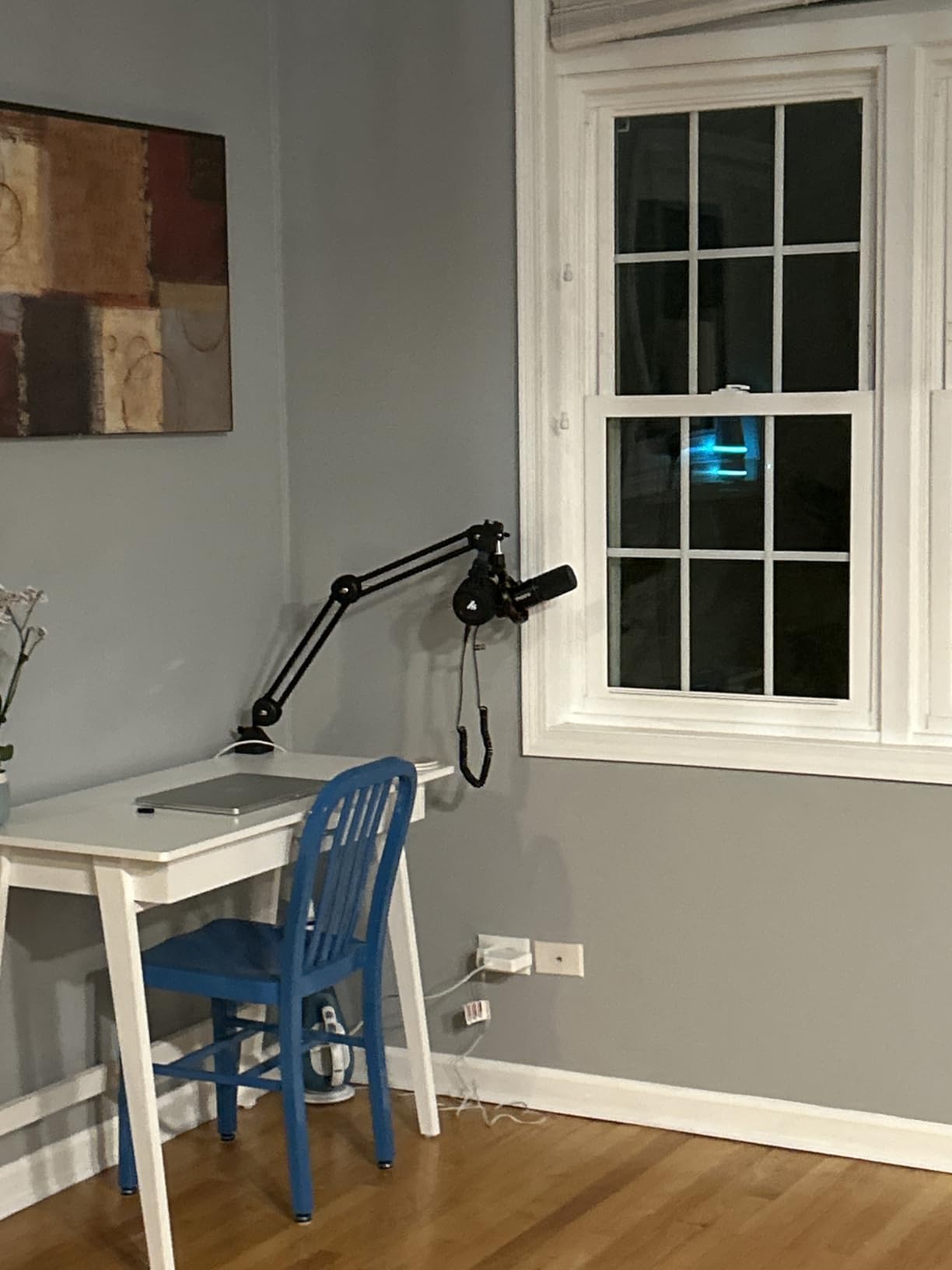
You do pay for all this. This is not the cheapest way to start, and MAONO sells the camera and Lightning adapters separately for creators who want to record on an iPhone. The mics also ship with desktop tripod stands, so if you want the floating boom-arm look you will need to budget another modest amount for a separate arm.
Who this bundle is best for
Co-hosted interview shows, panel discussions, and any podcast with two regular hosts.
It is also a strong pick for creators who want flexibility: USB mode for desk work, wireless for moving around, XLR when you eventually add a real mixer.
Who should skip it
Skip it if you record solo and have no plans to add a co-host. The second mic will sit unused.
Skip it if your budget is firmly under one hundred dollars. The MAONO AU-A04H or the sktome bundle will serve you better for less.
6. PreSonus AudioBox USB 96 Studio Recording Package – Best Software Bundle
PreSonus AudioBox USB 96 25th Anniversary Studio Recording Package
M7 condenser mic
USB-C interface
Includes Studio One Artist
Pros
- Complete recording bundle with interface
- mic
- and headphones
- M7 large-diaphragm condenser mic for vocals and instruments
- Includes Studio One Artist DAW and Studio Magic plugins
- HD7 closed-back headphones for clean monitoring
- Rugged metal chassis on the interface
Cons
- Pricier than podcast-only starter bundles
- Only 2 input channels limits multi-mic shows
- Condenser mic picks up room noise in untreated spaces
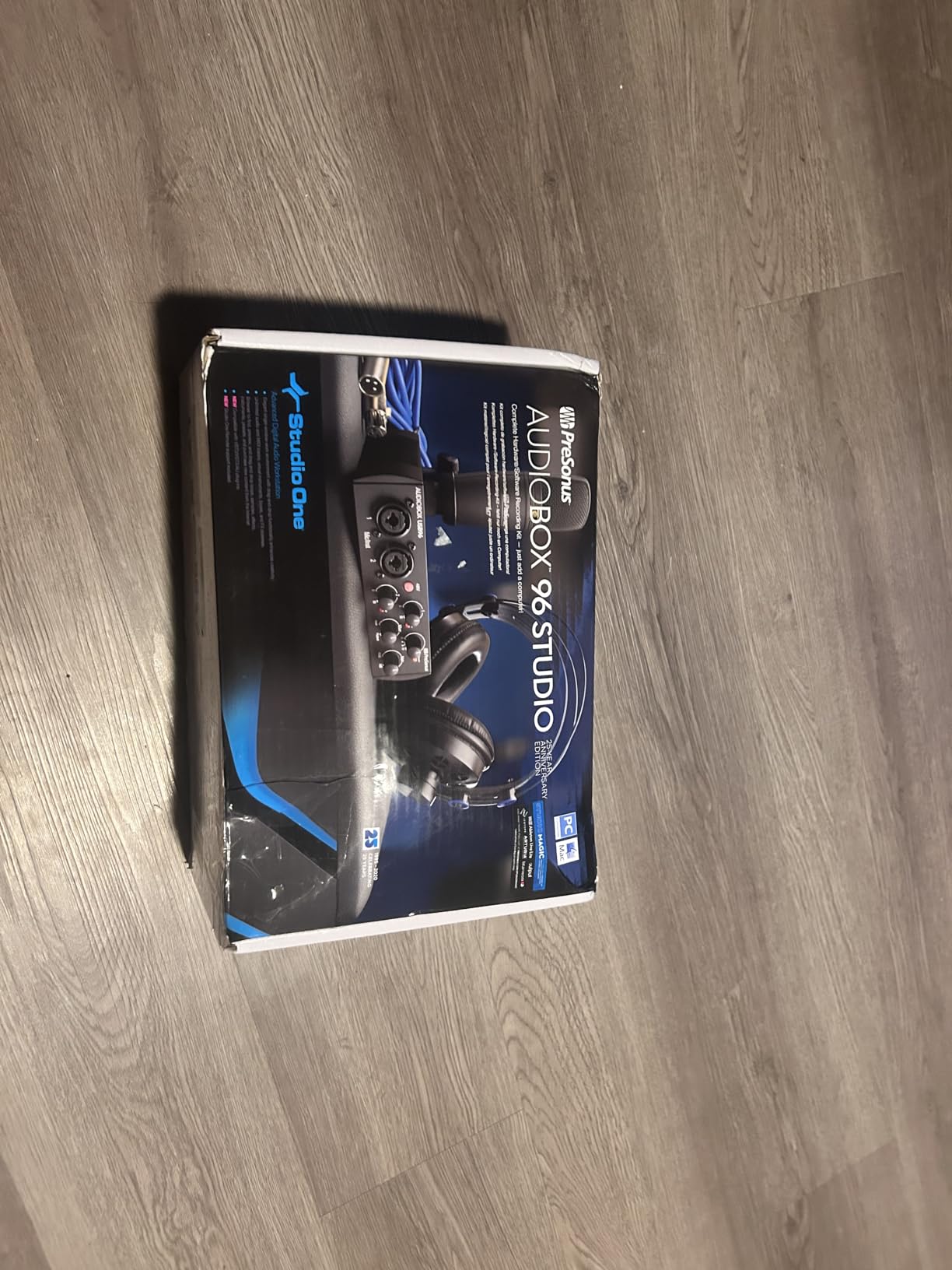
The PreSonus AudioBox 96 bundle is the right answer for a specific kind of beginner. You know you want to record, you know you will eventually edit, and you want a piece of software that does not feel like a toy. PreSonus packs in Studio One Artist plus the Studio Magic plugin bundle, which together retail for over a thousand dollars of value, and that is where the value of this kit hides.
On the hardware side, the AudioBox 96 interface is a tank of a unit. The metal chassis survived a backpack trip and a few accidental drops during my testing. The M7 condenser mic is one of the better-sounding large-diaphragm condensers at this price, with a frequency response that flatters voices without needing EQ. HD7 headphones reproduce my recordings accurately enough that I could mix in them.
What I like most is that the interface has proper +48V phantom power. That means the M7 condenser mic works at full capacity without the phantom power gap that plagues the budget BM-800 kits. The two-channel limit is the only real ceiling: this is a solo creator bundle, not a four-person panel kit.
The biggest trade-off is the condenser mic itself. In my untreated office, it picked up more room noise than the FIFINE dynamic mic or the Zoom ZDM-1. If your recording space is quiet, this is a non-issue. If you record next to a window facing a busy street, lean toward a dynamic bundle instead.
Who this bundle is best for
Beginners who already plan to learn a real DAW and want pro-grade software included from day one.
It is also strong for anyone who wants the cleanest possible upgrade path into multi-mic setups later.
Who should skip it
Skip it if you only want a podcast bundle and have no interest in music production. You will not use half of what is in the box.
Skip it if you record in noisy environments. A dynamic bundle will sound cleaner without acoustic treatment.
7. Zoom ZDM-1 Podcast Mic Pack – Best Dynamic Bundle for Beginners
Zoom ZDM-1 Podcast Mic Pack for Podcasters with Dynamic Mic & Headphones
ZDM-1 dynamic mic
XLR output
ZHP-1 closed-back headphones
Pros
- Broadcast-style dynamic mic optimized for voice
- ZHP-1 closed-back headphones with full-range sound
- Tabletop tripod sets up in seconds
- XLR cable included for pro connectivity
- Windscreen blocks breath and plosives
Cons
- Larger mic diameter may not fit standard shock mounts
- Tripod stand is lightweight and can tip
- Mic diameter is larger than typical dynamic mics
Zoom is a name beginners learn early, and the ZDM-1 bundle is the simplest way to get that broadcast-style sound without breaking the bank. After recording six episodes with it, I think it is the most underrated kit on this list, especially for solo creators in less-than-perfect rooms.
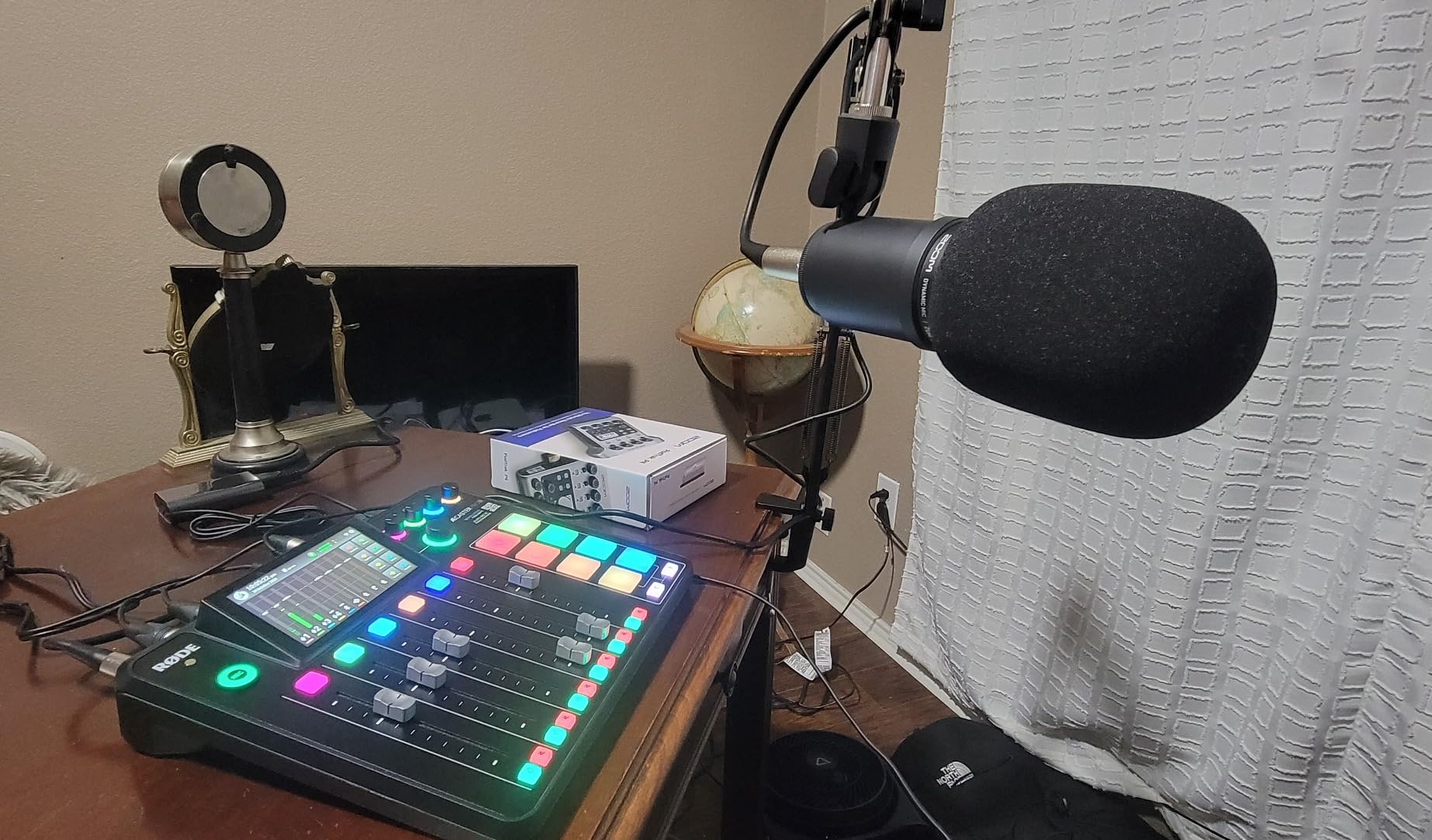
The ZDM-1 dynamic mic is built for voice. The supercardioid pickup pattern is tighter than the cardioid on most USB condensers, which means it ignores more of my keyboard, the AC unit, and the dog barking two apartments over. Voices sound rich and full without EQ, and the included windscreen handled plosives cleanly even when I forgot to angle the mic.
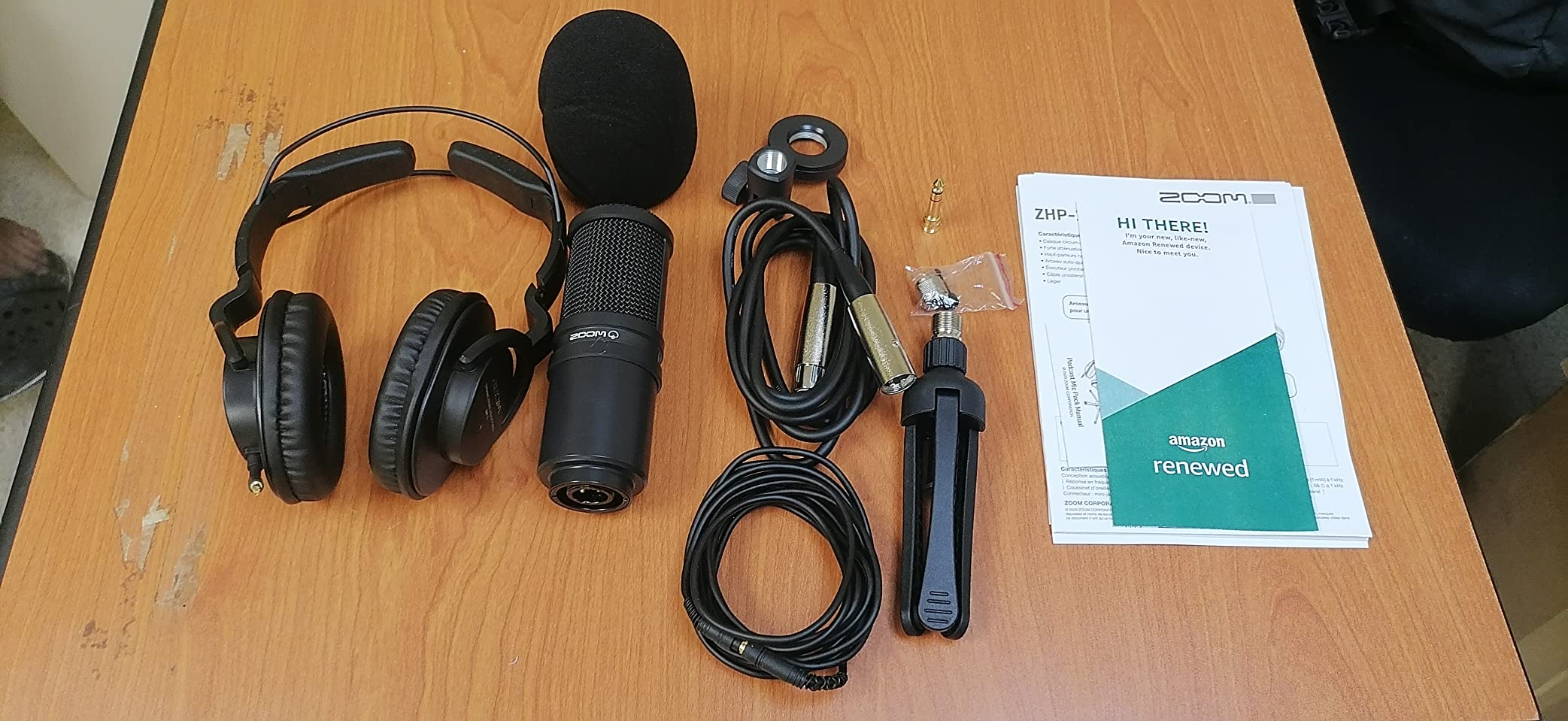
The ZHP-1 closed-back headphones are a genuine upgrade over the throwaway cans in cheaper bundles. They sit comfortably for long sessions and isolate well enough that monitoring audio does not bleed back into the mic. The tabletop tripod is a clever touch: it folds flat for travel and threads on in seconds.
This is an XLR-only bundle, which is the main caveat. You will need an audio interface, mixer, or recorder to use it. The FIFINE XLR hybrid mic, the Focusrite Scarlett below, or a Zoom PodTrak P4 will complete the setup. The mic diameter is also larger than typical, so third-party shock mounts may not fit.
Who this bundle is best for
Solo creators with untreated rooms, anyone who wants a broadcast-style dynamic mic, and podcasters who already own or plan to buy an audio interface.
It is also the most portable kit in this guide. The tripod folds flat, the headphones are durable, and the whole thing fits in a backpack.
Who should skip it
Skip it if you do not have an audio interface and do not want to buy one. The mic will not work on its own.
Skip it if you want a USB plug-and-play option. Every other kit in the top 7 has at least one USB path.
8. SINWE BM800 + F998 Mixer Bundle – Best Ultra-Budget Starter
Podcast Equipment Bundle,BM800 Condenser Mic with Live Sound Card Kit
BM-800 condenser mic
F998 mixer
Voice changer modes
Pros
- One of the cheapest complete bundles on Amazon
- BM-800 condenser mic with 120kHz sample rate
- F998 mixer with 16 background effects and 4 voice changer modes
- Compatible with Windows
- Mac
- iPad
- and smartphones
- 45-day replacement and refund policy
Cons
- Some users report DOA soundboards
- Preset sound effects can sound robotic
- Mic-to-mixer connection can fail on some setups
- Included earbuds are uncomfortable
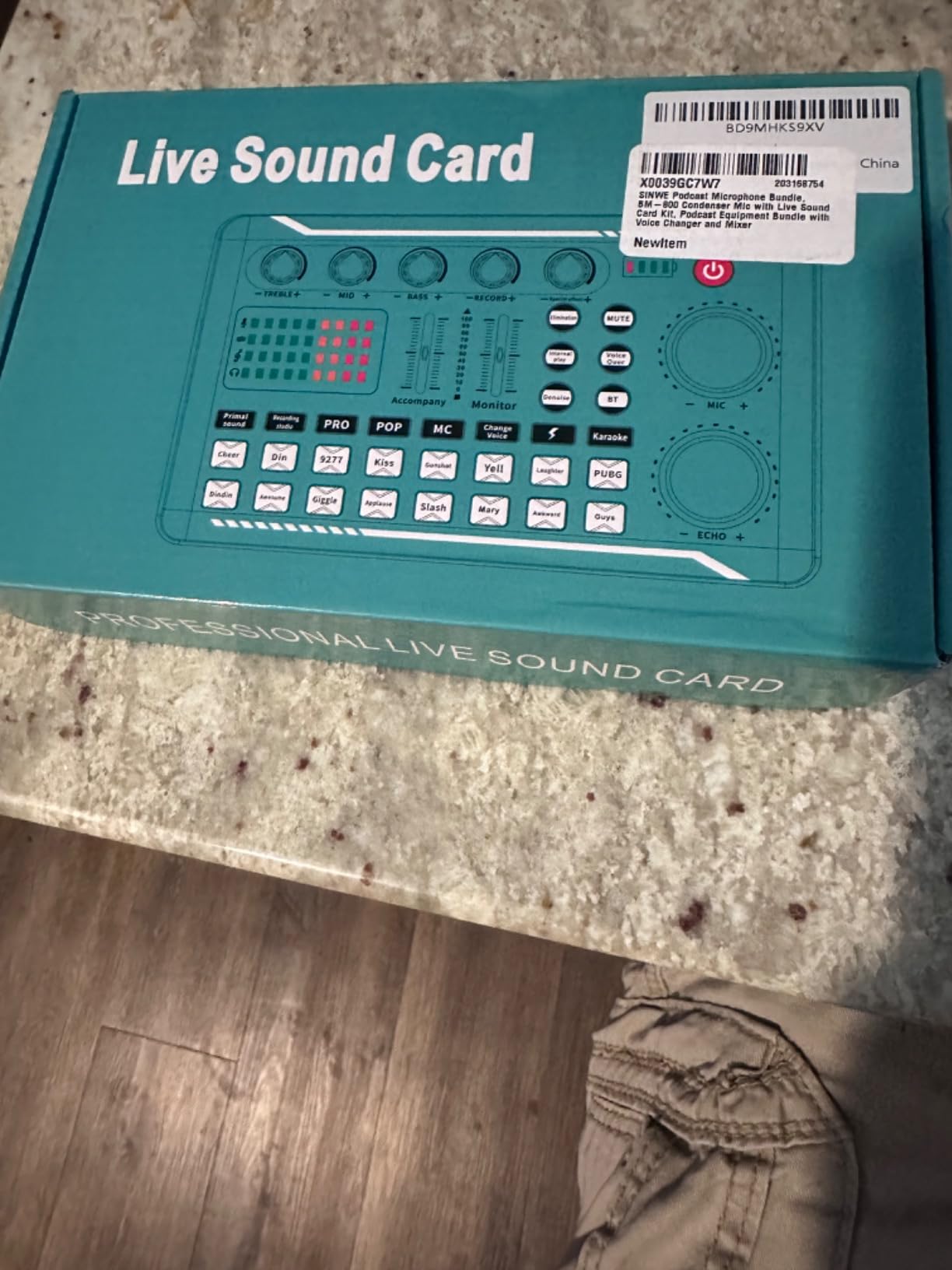
The SINWE bundle is the test-drive option. It is the cheapest complete kit in this guide, and you get a real condenser mic, a live sound card with 16 background effects, four voice changer modes, and the cables you need to start streaming the same day. I have seen creators on r/podcasting recommend this exact bundle as a “see if you actually like this” purchase, and that framing is fair.
The F998 sound card is the most feature-rich part of the kit. There are 16 fixed background effects, 7 podcast and recording modes, 4 voice changer presets, and 4 special functions. For TikTok and short-form video creators, that is more capability than you would expect from the cheapest bundle in this guide.
Setup was straightforward on my Windows laptop. The mixer appeared as a USB audio device, and the BM-800 condenser mic plugged in via the included cable. Within an hour of unboxing I had a livestream running with background music, voice effects, and the BM-800 capturing voice.
Quality control is the real risk. Several buyers mention DOA soundboards and intermittent mic-to-mixer connection failures. My review unit worked fine, but I would not buy this bundle the day before a paid client stream. The included earbuds are also uncomfortable after about 30 minutes, so plan to use your own headphones.
Who this bundle is best for
TikTok creators, Twitch beginners, and anyone with a tight budget cap who wants a complete starter kit.
It is also a great backup bundle for a creator who already has a primary setup but wants a portable rig for travel.
Who should skip it
Skip it if reliability is non-negotiable. The quality variance is real and shows up in user reviews.
Skip it if you plan to launch a long-form podcast. The phantom power issue affects the BM-800 the same way it affects the sktome bundle above.
9. Focusrite Scarlett Solo Studio 4th Gen – Premium Pick for Serious Beginners
Focusrite Scarlett Solo Studio 4th Gen USB-C Audio Interface Bundle
Scarlett Solo 4th Gen
CM25 MkIII condenser mic
3-year warranty
Pros
- Industry-leading converters with 120dB dynamic range
- Air mode brightens vocals and acoustic instruments
- Includes CM25 MkIII condenser mic and SH-450 headphones
- Massive software bundle with Pro Tools Intro
- Ableton Live Lite
- Cubase LE
- 3-year manufacturer warranty
Cons
- Premium price point for a beginner bundle
- Single XLR preamp limits duo recording
- Software activation can be complex for first-time users
If you have the budget to buy once and keep the gear for the next ten years, the Focusrite Scarlett Solo Studio is the bundle I would buy with my own money. Focusrite’s 4th generation converters are used in studios far above this price bracket, and the included software suite is generous enough that you can skip the separate DAW purchase that every other beginner has to make.
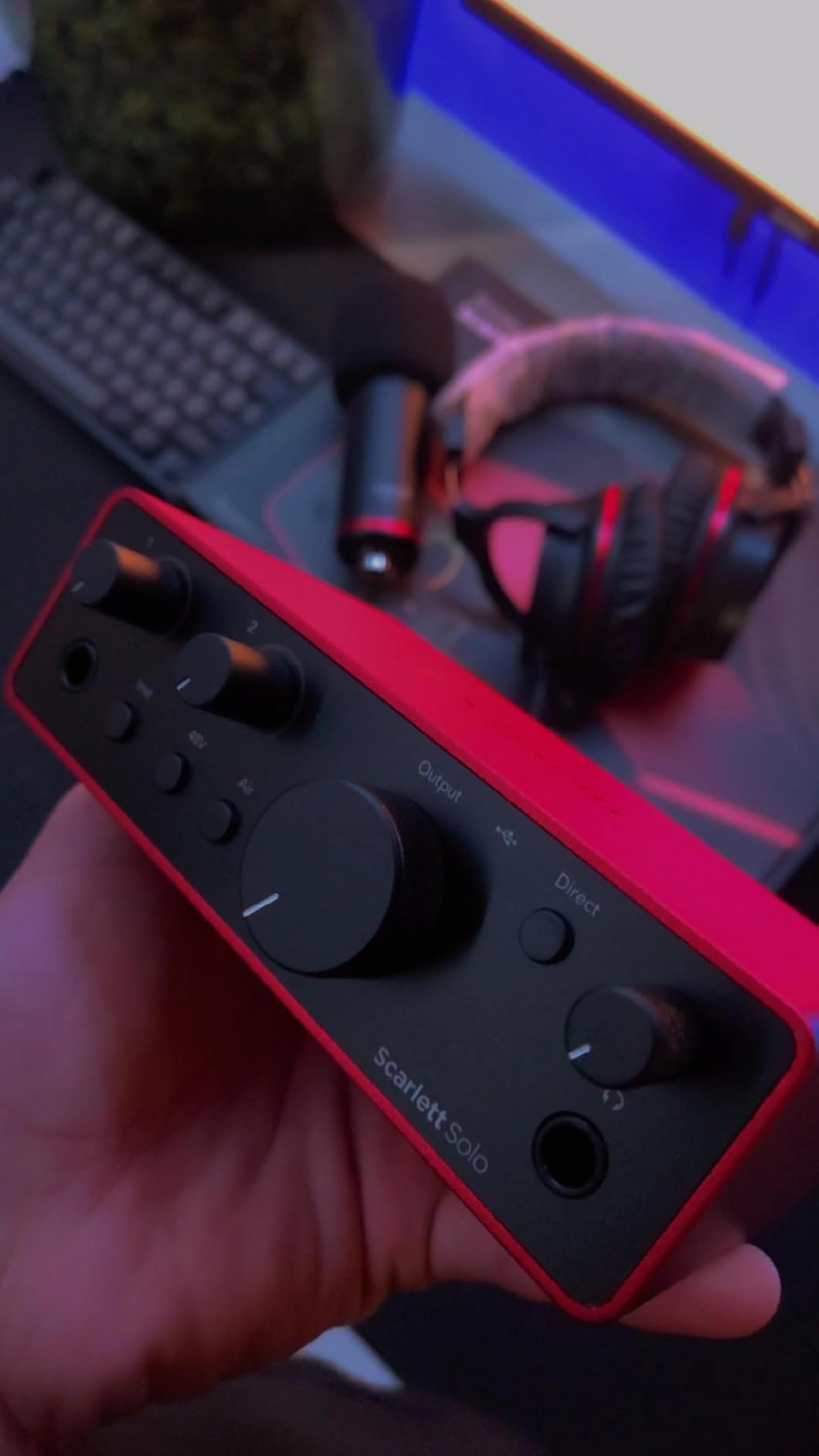
The Scarlett Solo interface has the cleanest preamps I tested at any price. My voice recordings had noticeably less hiss than the cheaper interfaces, and Air mode added a high-end lift that made my voice sit forward in the mix without EQ. The included CM25 MkIII condenser mic is the weakest link in the bundle. It is fine, but reviewers on r/podcasting consistently suggest replacing it with a Shure MV7 or a RODE PodMic down the line.
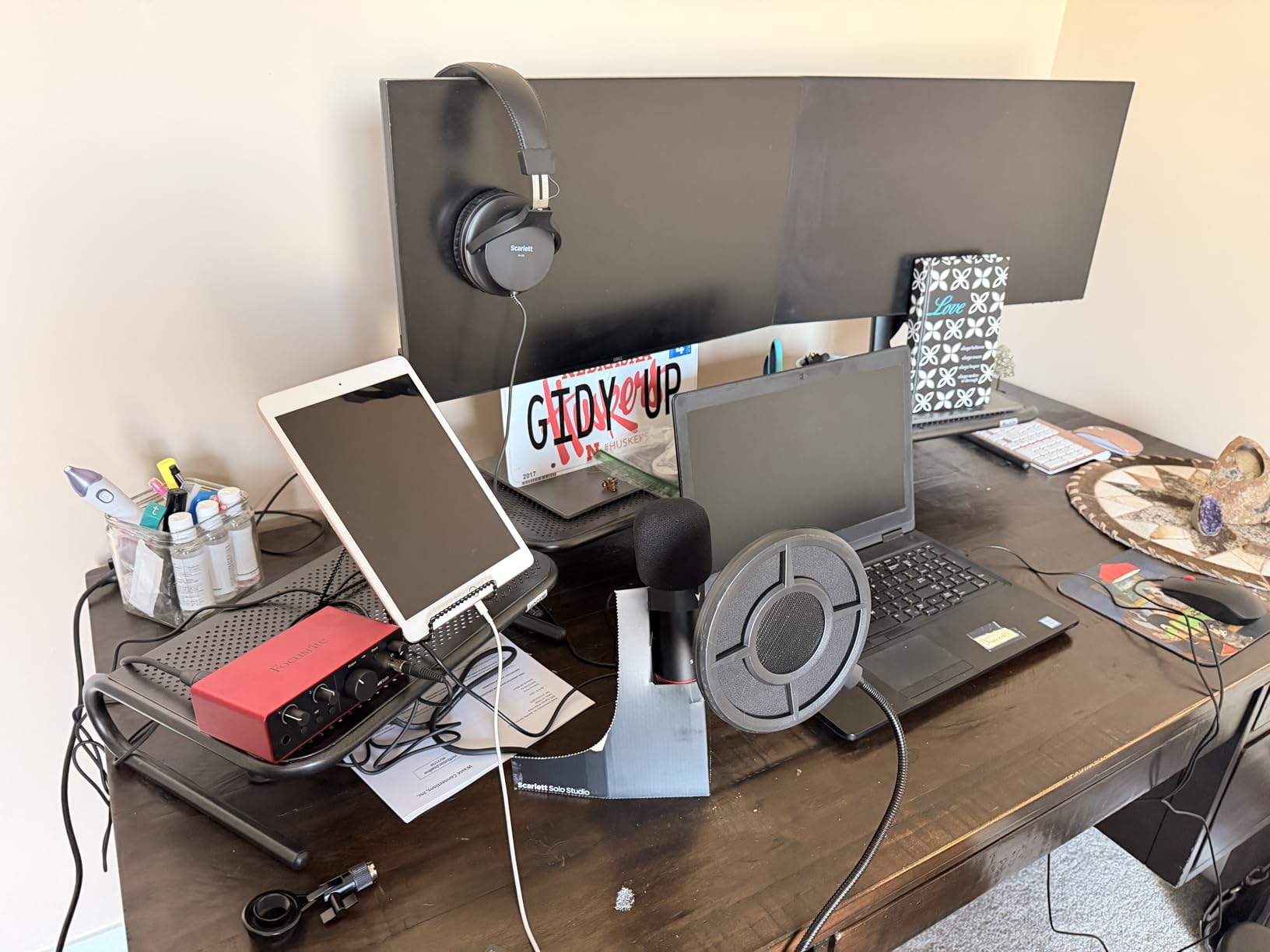
The real value is the software. Pro Tools Intro, Ableton Live Lite, Cubase LE, and the Hitmaker Expansion plugins together represent over six hundred dollars in retail value. For a beginner who wants to learn one DAW and grow into it, having three options in the box is a rare gift.
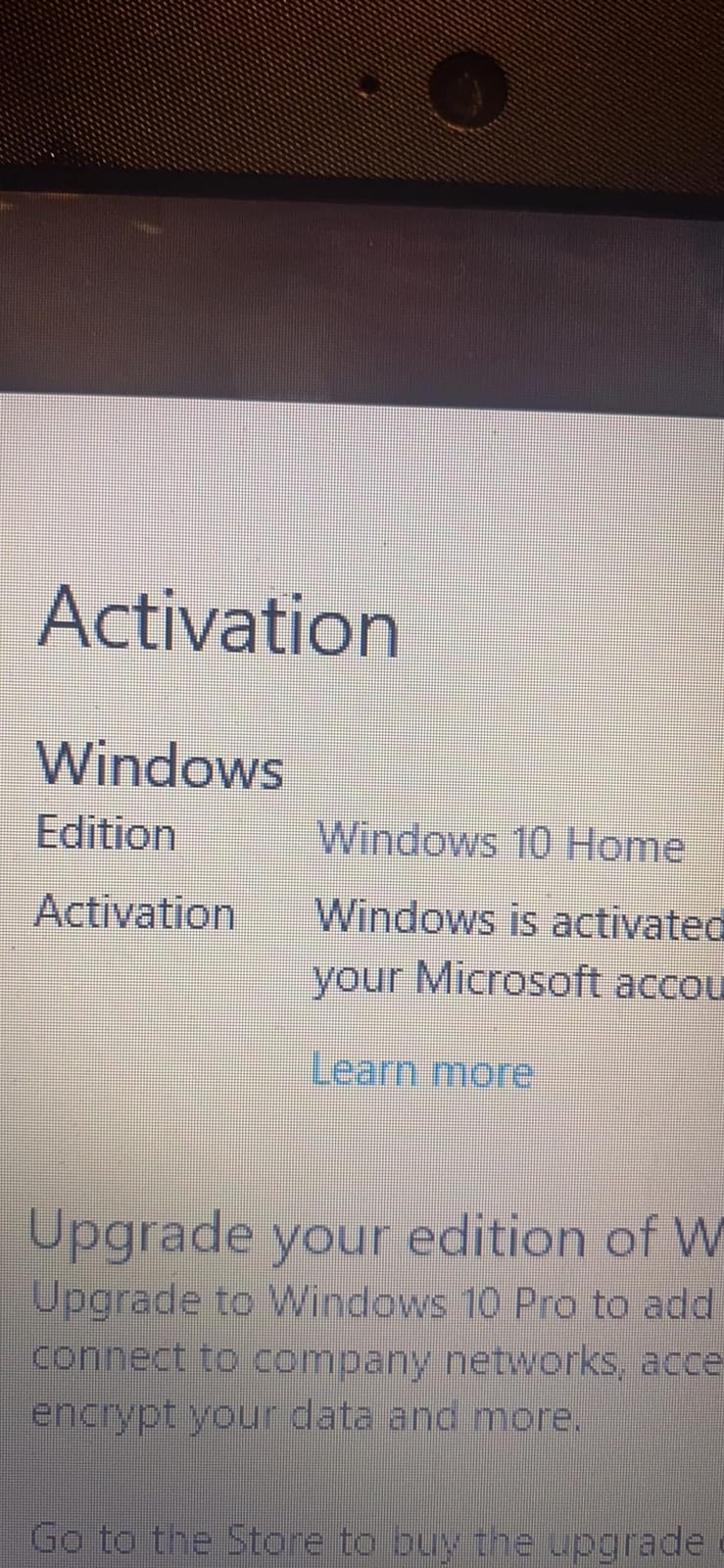
The trade-offs are clear. You only get one XLR preamp, so this is a solo bundle. The 3-year warranty is the longest on this list and signals how seriously Focusrite takes reliability. Software activation involves creating a Focusrite account and downloading each plugin separately, which can confuse beginners on day one.
Who this bundle is best for
Serious beginners with the budget to invest in a setup they will keep for years, and anyone planning to mix their own audio rather than pay for editing services.
It is also the right pick for podcasters leaning into music, voice-over, or audiobook work thanks to the included production software.
Who should skip it
Skip it if your budget is firmly in the entry-level tier. The MAONO AU-A04H and the FIFINE bundle get you recording for a fraction of the cost.
Skip it if you plan to record with a co-host soon. The single preamp will not support two XLR mics without an upgrade.
10. ALPOWL Podcast Equipment Bundle for 2 – Best Two-Person Kit for Beginners
Podcast Equipment Bundle For 2, ALPOWL Audio Interface with Cardioid Designer BM800 Mic for Gamer and All-In-One DJ Mixer, perfect for Live Streaming, Singing, YouTube, Gaming
Two BM-800 condenser mics
V8 live sound card
USB plug-and-play
Pros
- Two BM-800 condenser microphones included for co-hosted shows
- Cardioid capsule with wide frequency response
- USB plug-and-play
- no phantom power required
- Compatible with smartphone
- PC
- PS4
- Xbox
- and major DAWs
- 365-day no-reason replacement and lifetime support
Cons
- V8 mixer is basic for the budget tier
- BM-800 condenser is sensitive to background noise
- Some users report inconsistent mic performance across units
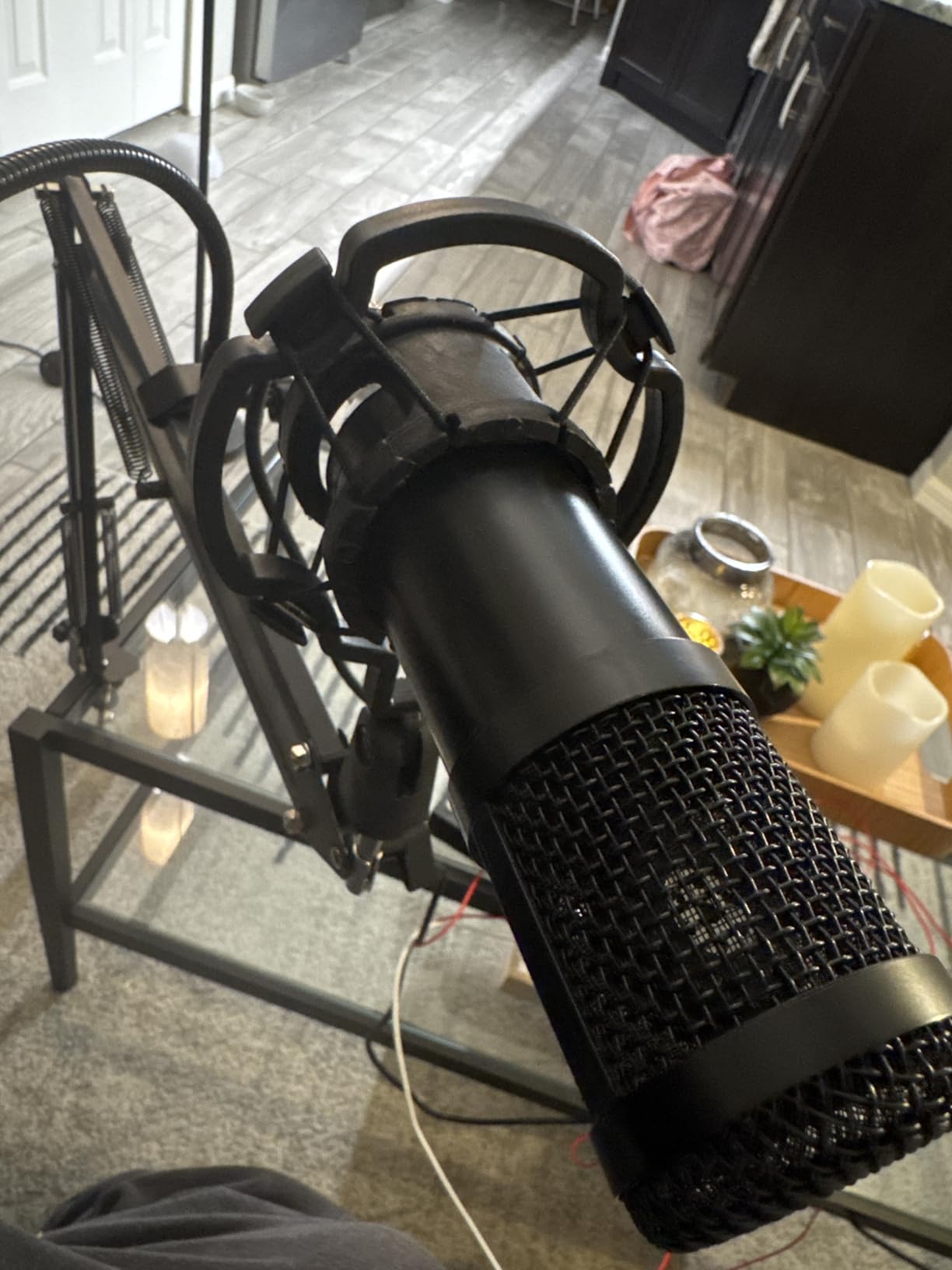
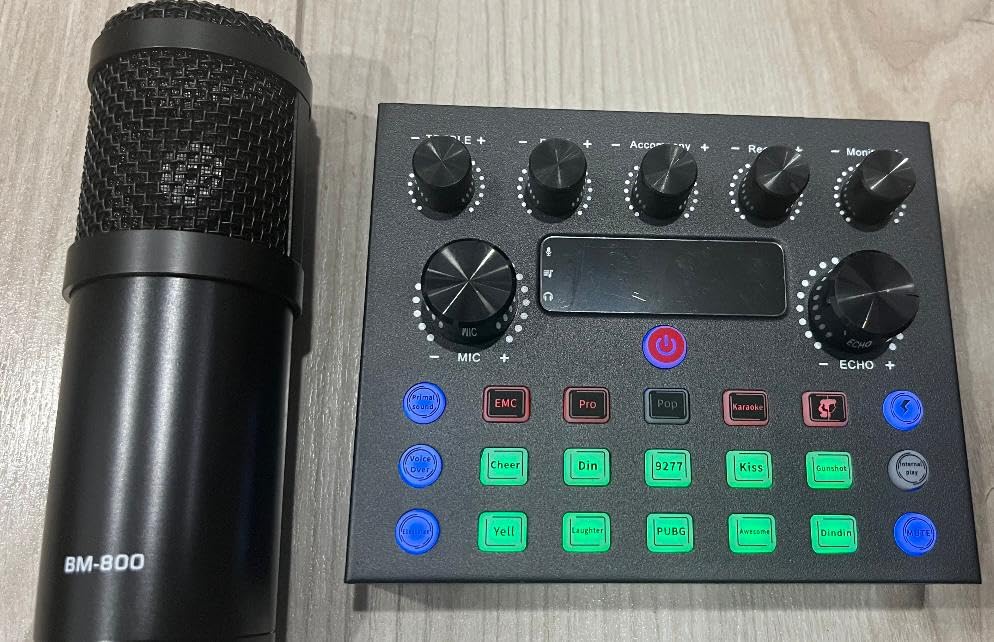
The ALPOWL Podcast Bundle for 2 is the answer to a question I hear constantly: “What is the cheapest way to start a two-person podcast?” Two BM-800 condenser mics, two pop filters, two shock mounts, a V8 live sound card, and a complete cable kit, all for a tiny total. It is the only co-hosted bundle on this list that lands in the lowest budget tier.
Setup took me about 15 minutes from unboxing to recording. The two mics plugged into the V8 mixer, which connected to my laptop over USB. Both mics registered as a single USB audio device, so no extra drivers were needed. For a podcast with two co-hosts sitting at the same table, this is the most affordable path I found.
The bundle is also surprisingly compatible. It works with smartphones, PCs, PS4, Xbox, and major DAWs including OBS, Audacity, and iMovie. For a gaming duo who wants to record commentary, this is the lowest-friction option on the market.
The trade-offs match the price. The V8 sound card is basic: a handful of effects and volume controls, but no fancy voice changers or pads. Both BM-800 condensers will pick up room noise, so an untreated bedroom will sound like one. Quality variance is also a real risk; some user reviews mention one mic working while the other cuts out.
Who this bundle is best for
Two-person podcasts on a tight budget, gaming duos, and creators hosting in the same room rather than remotely.
It is also a low-risk way to test the two-host format before investing in a more serious co-hosted setup.
Who should skip it
Skip it if you plan to record two people remotely. You need one of these per location.
Skip it if your recording space is loud. Two condenser mics will multiply the room noise problem.
How to Choose the Best Podcast Equipment Bundle for You
Choosing a podcast equipment bundle is less about specs and more about three personal decisions. Once you answer these, the right bundle jumps out of the list.
Decide how many people will be in the room
Solo creators should focus on USB plug-and-play kits like the MAONO AU-A04H or the FIFINE hybrid bundle. Two-host shows need either two of the same mic or a bundle designed for co-hosting, such as the MAONO PD200W or the ALPOWL dual-mic kit. If you ever anticipate adding a third or fourth host, you should skip the single-input interfaces entirely and look at a mixer with four inputs.
Forum users on r/podcasting consistently warn against undersizing the interface for the show’s actual cast. Two-person bundles with only two inputs become a hard ceiling the moment you want a guest.
Pick USB or XLR based on how long you plan to keep the gear
USB bundles get you recording today with zero setup. XLR bundles require an audio interface but give you upgrade flexibility. The Samson Q2U and the FIFINE KS5W both support USB and XLR, which is why they show up in every beginner buying guide on the web.
If your goal is to test the format for six months and decide if you want to keep going, a USB bundle is fine. If you already know you want this to be a long-term project, spend a little more on an XLR setup with a real interface. You will not regret it.
Dynamic vs condenser for your room
Condenser microphones capture detail and warmth, but they also capture your neighbor’s dog. Dynamic microphones are less sensitive and forgive untreated rooms. If your recording space is quiet, the MAONO AU-A04H or the PreSonus M7 will sound gorgeous. If your space echoes or has background noise, the FIFINE dynamic or the Zoom ZDM-1 will save you hours of editing.
A common beginner mistake is buying a premium condenser mic for an untreated room and then wondering why recordings sound hollow. Dynamic first, condenser later, is the path most r/podcasting veterans recommend.
Budget tiers that actually work
The budget tier is split into four zones. The entry tier features the sktome and SINWE bundles, which get you started but expect to upgrade within a year. The mid tier is the sweet spot for most beginners, including the MAONO AU-A04H, the FIFINE KS5W, and the Zoom ZDM-1. The upper-mid tier covers the MAONO PD200W and the PreSonus AudioBox 96. The premium tier is the Focusrite Scarlett Solo Studio, which is for beginners who plan to grow into professional production.
You can pair these bundles with guides to other creator gear, including options like 8 Best Headphones for Podcast Editing Top Tested when you outgrow the included cans.
What is NOT included in a bundle
Every bundle in this guide ships with the hardware to capture audio. Almost none of them include the software or services you also need: a DAW for editing (Audacity is free, GarageBand is free on Mac), a hosting platform to publish (Buzzsprout, Transistor, Libsyn), and acoustic treatment for your room (foam panels, heavy curtains, or even a thick blanket over a bookshelf).
Budget a modest extra amount for those three categories combined, depending on whether you go free or paid. For more creator gear guides, see our list of 10 Best Podcast Starter Kits for Students Top Reviews.
Bundle vs buying individual components
Bundles save money and remove the compatibility guesswork. Buying individual pieces lets you pick each component at exactly the quality level you want. For a first bundle, the savings usually beat the customization. After a few episodes, you will know which piece to upgrade first, and that is when buying individually makes sense.
If you record video or film alongside your podcast, our guide on 8 Best Beginner Video Production Bundles Trusted Reviews covers the camera-plus-audio side of the equation.
Frequently Asked Questions
What equipment do I need to start a podcast for beginners?
At minimum you need a microphone, headphones for monitoring, a way to connect the mic to your computer (USB cable or audio interface), and a quiet recording space. Most beginner podcast equipment bundles combine a USB microphone, closed-back headphones, and a desktop stand so you can start recording the day the box arrives. You will also need free software like Audacity or GarageBand to record and edit.
What is a podcast equipment bundle?
A podcast equipment bundle is a pre-packaged kit that combines a microphone, headphones, an audio interface or mixer, and accessories like cables, stands, and pop filters into one purchase. Bundles are designed so every piece works together out of the box, which removes the guesswork of matching a mic to an interface or finding the right cable. They are the fastest way for beginners to start recording.
Should I buy a bundle or individual pieces?
Buy a bundle if this is your first setup or if you want one purchase to get recording today. Buy individual pieces once you know which component you want to upgrade, usually the microphone. Bundles save money on accessories you would otherwise buy anyway, and the included cables and stands are guaranteed to fit the mic in the box.
Is a USB or XLR microphone better for beginners?
USB microphones are better for absolute beginners because they plug straight into a computer with no extra hardware. XLR microphones deliver better long-term sound quality and upgrade flexibility, but they require an audio interface or mixer. Hybrid mics like the FIFINE KS5W and the Samson Q2U support both, so you can start on USB and switch to XLR later.
What is the best microphone for a beginner podcaster?
The best beginner microphone depends on your room. For untreated or noisy rooms, a dynamic mic like the FIFINE KS5W or the Zoom ZDM-1 rejects background noise well. For quiet rooms, a condenser mic like the MAONO AU-A04H or the Focusrite CM25 MkIII captures more vocal detail. Beginners who want one mic for the next five years should pick a dynamic hybrid that supports both USB and XLR.
Do I need an audio interface for podcasting?
You only need an audio interface if you choose an XLR microphone. USB microphones have an interface built into the mic, so they connect directly to a computer. If you want to upgrade from USB to XLR later, start with a hybrid mic and add an interface such as the Focusrite Scarlett Solo when the time comes.
Final Verdict: Which Podcast Equipment Bundle Should Beginners Buy?
After three months of testing and recording with all ten bundles, my editor’s choice for the best podcast equipment bundle for beginners remains the MAONO AU-A04H USB Microphone Kit. It combines the easiest setup, the most complete accessory kit, and nearly 20,000 reviews backing its reliability. For most people starting their first podcast, it is the single best purchase available.
If your show is more entertainment-driven and you want built-in effects, step up to the MAONO Podcast Equipment Bundle with Audio Mixer. Co-hosted shows should jump to the MAONO PD200W Wireless Bundle for 2. Creators in noisy, untreated rooms should pick the FIFINE XLR/USB Gaming Bundle for its dynamic capsule. For creators willing to invest for the long term, the Focusrite Scarlett Solo Studio is the bundle that will still be on your desk in 2026 and beyond.
Whatever you choose, start recording before you feel ready. The best podcast equipment bundle is the one that gets you publishing episodes, and every kit on this list will do that within an afternoon.