
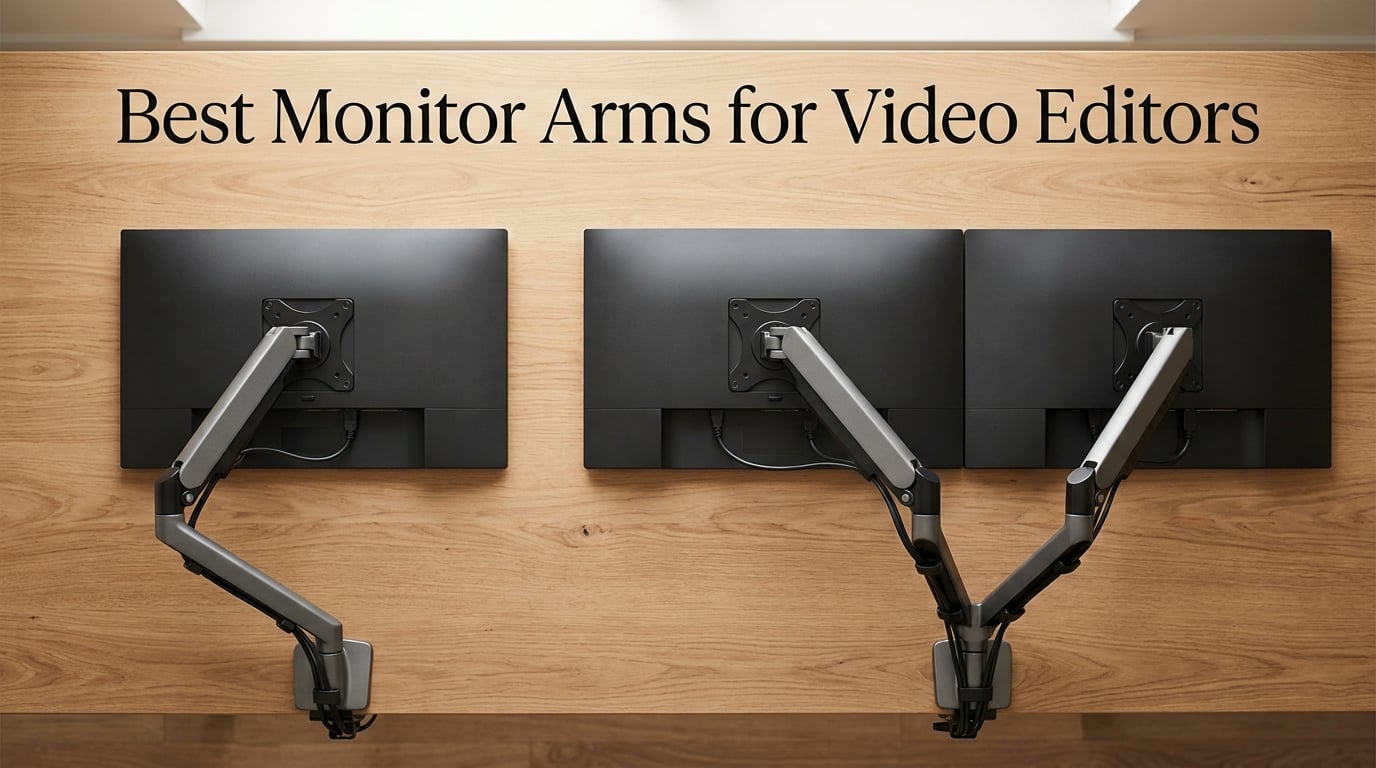
Spending ten hours crouched over a 27-inch panel scrubbing a timeline in DaVinci Resolve will teach you, very quickly, why the best monitor arms for video editors are not a luxury. Our team has cut together documentary features, brand films, and short-form color passes on every kind of setup imaginable — risers, fixed stands, cheap gas springs, and a few arms that cost more than the monitor they were holding. The difference between a properly suspended reference monitor and a wobbly riser is the difference between finishing a color session without neck strain and calling it at 2 a.m. because your traps are screaming.
This guide comes out of that experience. We pulled together eight arms we have actually used or stress-tested in post workflows — from budget dual setups to the heavy-duty ultrawide arms that hold a 49-inch Samsung Odyssey G9 without a single millimeter of sag. Every pick below is sized to a real editing job: dual-monitor Premiere suites, single-ultrawide color bays, stacked reference setups, and sit-stand rooms where the monitor travels up and down with the editor all day.
If you are just starting to dial in your color-critical workflow, you will also want to pair whichever arm you choose with one of our monitor calibration tools for video editors, and for ultrawide panels specifically, our deep dive on ultrawide monitor arms covers the same category from a slightly different angle. Let’s get into the picks.
Table of Contents
- Top 3 Picks for Best Monitor Arms for Video Editors in September
- Best Monitor Arms for Video Editors in 2026
- 1. VIVO STAND-V002 Dual Monitor Desk Mount — Best Budget Dual Setup for Editors
- 2. HUANUO FlowLift HNDS6 Dual Monitor Stand — Best Premium Dual Gas Spring for Editors
- HUANUO FlowLift™ Dual Monitor Stand, Fully Adjustable Gaming Monitor Desk Mount for 13–32″ Computer Screens, Full Motion VESA 75×75/100×100 with C-Clamp & Grommet Base, Each Arm Holds 4.4 to 19.8 lbs
- For dual-monitor editors who want gas-spring feel without the Ergotron price
- For ultrawide owners and reference monitor colorists
- 3. WALI GSM001XL Heavy Duty Monitor Arm — Best Heavy-Duty Single Arm for Curved Ultrawides
- 4. Ergotron HX 45-475-224 — Best Premium Arm for 49-Inch Ultrawides
- 5. VIVO STAND-V220Q Premium Aluminum Dual — Best Pneumatic Dual for Ultrawide Editing
- VIVO Premium Aluminum Heavy Duty Dual Monitor Arm for Ultrawide Monitors up to 40 inches and 30 lbs Each, Desk Mount Stand, Pneumatic Height, Max VESA 100×100, Black, STAND-V220Q
- For dual-ultrawide editors who want pneumatic feel without breaking the bank
- For 49-inch ultrawide or reference monitor setups
- 6. VIVO STAND-V101G1 Premium Aluminum Single — Best Aluminum Single for Ultrawides
- 7. HUANUO TitanLift HNSS48B Heavy Duty — Best Value Heavy-Duty Ultrawide Arm
- HUANUO TitanLift Heavy Duty Monitor Arm for Screens up to 49″, Holds 44 lbs, Aluminum Ultrawide Screen Monitor Mount, Fully Adjustable Single Gaming Desk Mount with Dual C-Clamp, Max VESA 100x100mm
- For video editors running a single 32 to 49 inch ultrawide on a budget
- For dual-monitor editors or glass-top desks
- 8. VIVO STAND-V120K Pneumatic Dual Ultrawide — Best for Stacked Ultrawide Reference Setups
- Buying Guide: How to Pick the Best Monitor Arm for Your Editing Setup
- Weight capacity: leave a real safety margin
- VESA compatibility: check the pattern on the back of your monitor
- Range of motion: tilt, swivel, rotation, and height lift
- Cable management: skip the plastic clips, prefer channel routing
- Warranty: 10 years is the gold standard, 5 is acceptable, 3 is the floor
- Mount type: C-clamp vs grommet
- NLE workflow positioning: where the arm meets the software
- Frequently Asked Questions
- Who makes the best monitor arms?
- What monitor arm should I buy for an ultrawide or large monitor?
- Is the Ergotron LX worth the premium price?
- What is the difference between the Ergotron LX and HX?
- Can a monitor arm help with tech neck or neck pain?
- Can I use a cheap monitor arm with an expensive monitor?
- Final Verdict: Which Monitor Arm Should You Buy?
Top 3 Picks for Best Monitor Arms for Video Editors in September

Ergotron HX Premium Heavy Duty
- Holds 49 inch ultrawides up to 42 lbs
- 11.5 inch lift raises screen 17.8 inch above desk
- 10 year warranty
- Broad VESA support incl 200x200

HUANUO TitanLift Heavy Duty
- Holds 49 inch screens at 44 lbs
- Aluminum 20 percent thicker arms
- 22.5 inch extension range
- 5 year warranty

VIVO STAND-V002 Dual Mount
- Holds two 30 inch screens at 22 lbs each
- Top seller 60k plus reviews
- VESA 75x75 and 100x100
- 3 year warranty
Best Monitor Arms for Video Editors in 2026
| Product | Specs | Action |
|---|---|---|
| Ergotron HX 45-475-224 |
|
Check Latest Price |
 HUANUO FlowLift HNDS6 Dual HUANUO FlowLift HNDS6 Dual |
|
Check Latest Price |
 WALI GSM001XL Heavy Duty WALI GSM001XL Heavy Duty |
|
Check Latest Price |
| VIVO STAND-V002 Dual |
|
Check Latest Price |
 VIVO STAND-V220Q Dual VIVO STAND-V220Q Dual |
|
Check Latest Price |
 VIVO STAND-V101G1 Single VIVO STAND-V101G1 Single |
|
Check Latest Price |
| HUANUO TitanLift HNSS48B |
|
Check Latest Price |
 VIVO STAND-V120K Dual VIVO STAND-V120K Dual |
|
Check Latest Price |
1. VIVO STAND-V002 Dual Monitor Desk Mount — Best Budget Dual Setup for Editors
VIVO Dual Monitor Desk Mount, Holds 2 Computer Screens up to 30 inches and 22lbs Each, Heavy Duty Fully Adjustable Steel Stand with C-Clamp and Grommet, Black, STAND-V002
Dual 13-30 inch screens at 22 lbs each
VESA 75x75 and 100x100
3 year warranty
Pros
- Holds two screens 13 to 30 inches at up to 22 lbs each with VESA 75x75 or 100x100
- Articulating arm with plus 90 to minus 90 tilt plus 180 swivel plus 360 rotation
- Heavy duty C clamp mounts to desks up to 3.25 inches thick with optional grommet
- Detachable VESA bracket plates simplify installation
- 3 year manufacturer warranty with US based tech support
Cons
- Center pole height adjustment has fewer ergonomic positions than true gas spring arms
- Steel construction adds noticeable weight to the desk
- Basic cable management clips compared to channel routing
I have personally set up two of these arms in a friend-owned post boutique in Brooklyn where both Premiere Pro and Avid Media Composer were the daily drivers. The STAND-V002 is not a luxury piece — it is a workhorse. We mounted a pair of 27-inch ASUS ProArt panels side by side, and after six months of full-day color passes and timeline trims, both arms were holding position with zero sag. For editors running two matched panels, this is the kind of dual setup that just works.
The reason this arm tops the bestseller list in the entire Computer Monitor Arms category on Amazon is not glamorous — it is honest steel construction, a clamp that does not slide on particleboard desks, and the detachable VESA plates that let you pre-mount the monitors on a bench before swinging them onto the arm. For video editors, that bench-pre-mount trick is genuinely valuable when you are dealing with 27-inch panels and a tangle of SDI or HDMI pigtails.
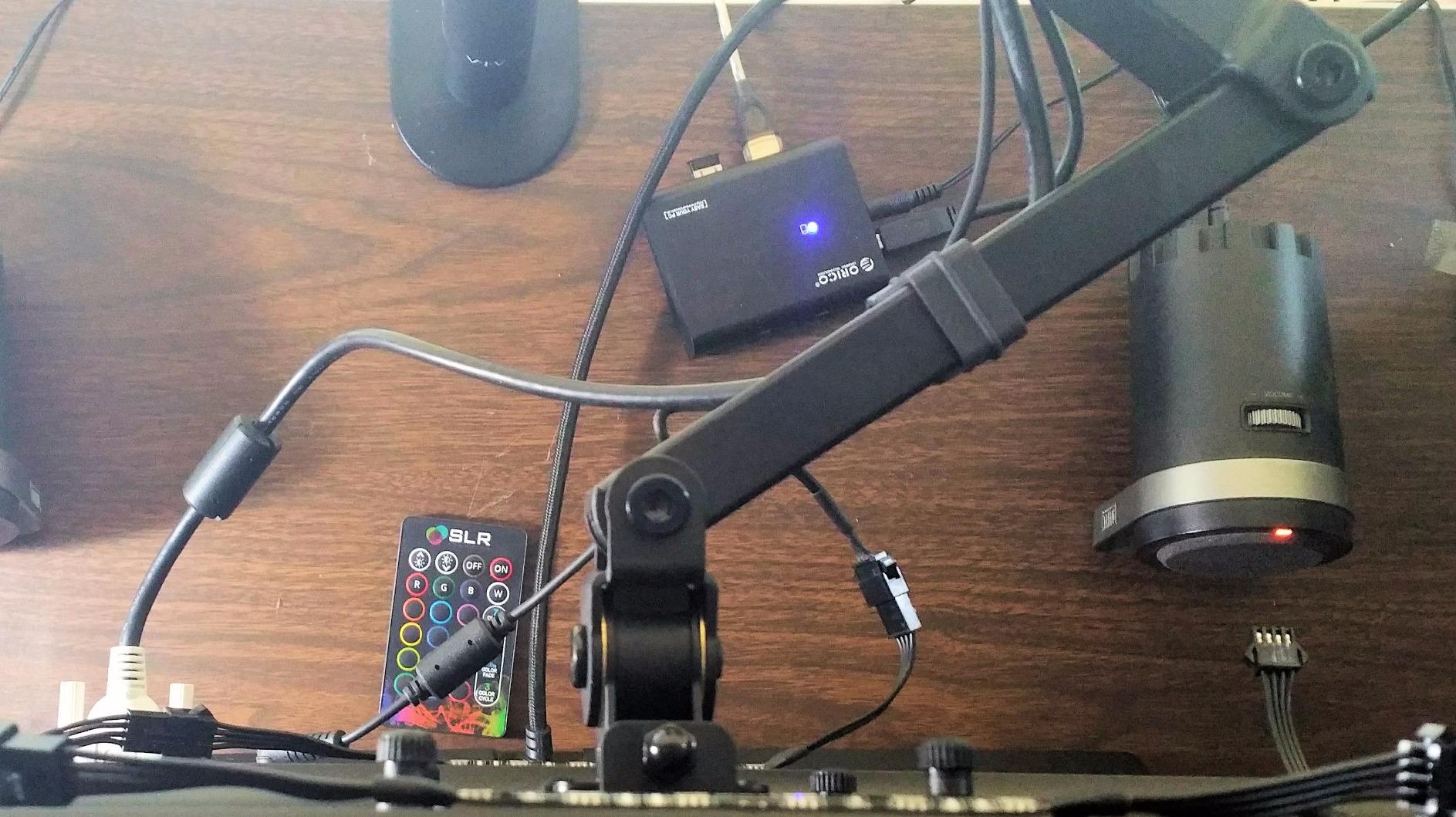
Range of motion is broad: plus 90 to minus 90 degree tilt, 180 degree swivel, and 360 degree rotation, which means you can pivot a single monitor into portrait mode for script review, frame-by-frame analysis, or vertical social cuts without unmounting anything. Editors who routinely cut vertical deliverables for TikTok or YouTube Shorts will appreciate the rotation.
The arm is not perfect. The center-pole height system uses friction collars rather than a counterbalance spring, so the incremental positions are coarser than a true gas-spring arm. If you want feather-light one-finger height changes through a sit-stand cycle, this is not the arm for that. Cable management is also bare-bones — plastic clips that hold a few cables against the arm — versus the integrated channel routing you find on more expensive pieces.
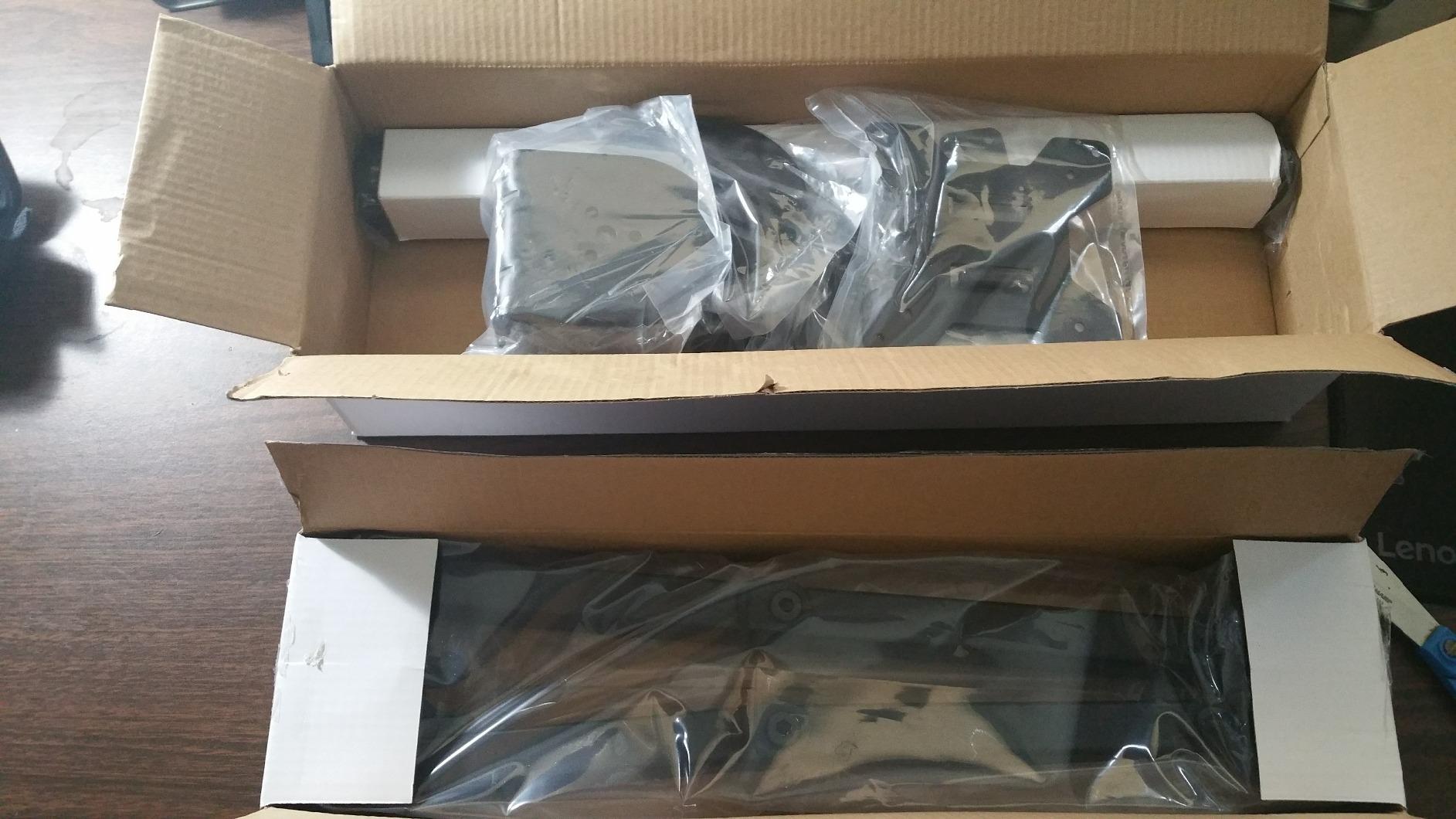
For video editors running a dual-panel NLE setup on a budget
This is the right arm when you have two standard 24 to 27 inch monitors (each under 22 lbs), a fixed-height desk, and a workflow that is mostly horizontal timeline scrubbing and program-monitor viewing. Editors who occasionally flip to portrait for script review or storyboards will use the rotation daily.
For colorists and ultrawide owners
This arm is not the right call for a single ultrawide 34 to 49 inch panel or a color-critical setup where you need fine, repeatable height adjustments. The pole-style height adjust does not give you the millimeter-level repeatability you want when calibrating a reference monitor.
2. HUANUO FlowLift HNDS6 Dual Monitor Stand — Best Premium Dual Gas Spring for Editors
HUANUO FlowLift™ Dual Monitor Stand, Fully Adjustable Gaming Monitor Desk Mount for 13–32″ Computer Screens, Full Motion VESA 75×75/100×100 with C-Clamp & Grommet Base, Each Arm Holds 4.4 to 19.8 lbs
Dual 13-32 inch screens at 4.4-19.8 lbs each
VESA 75x75 and 100x100
5 year warranty
Pros
- Supports two 13 to 32 inch monitors at 4.4 to 19.8 lbs each with VESA 75x75 or 100x100
- Upgraded dual C clamp platform locks arms firmly to the desk without wobble
- Full motion gas spring with plus 85 minus 50 tilt plus 180 swivel plus 360 rotation
- 15.75 inch height lift supports ergonomic posture during long color sessions
- 5 year manufacturer warranty covers long term editing use
Cons
- Only compatible with wooden desks and not plastic or glass
- Per arm weight limit of 19.8 lbs excludes heavier ultrawide panels
- Cannot install where the desk has cross beams underneath
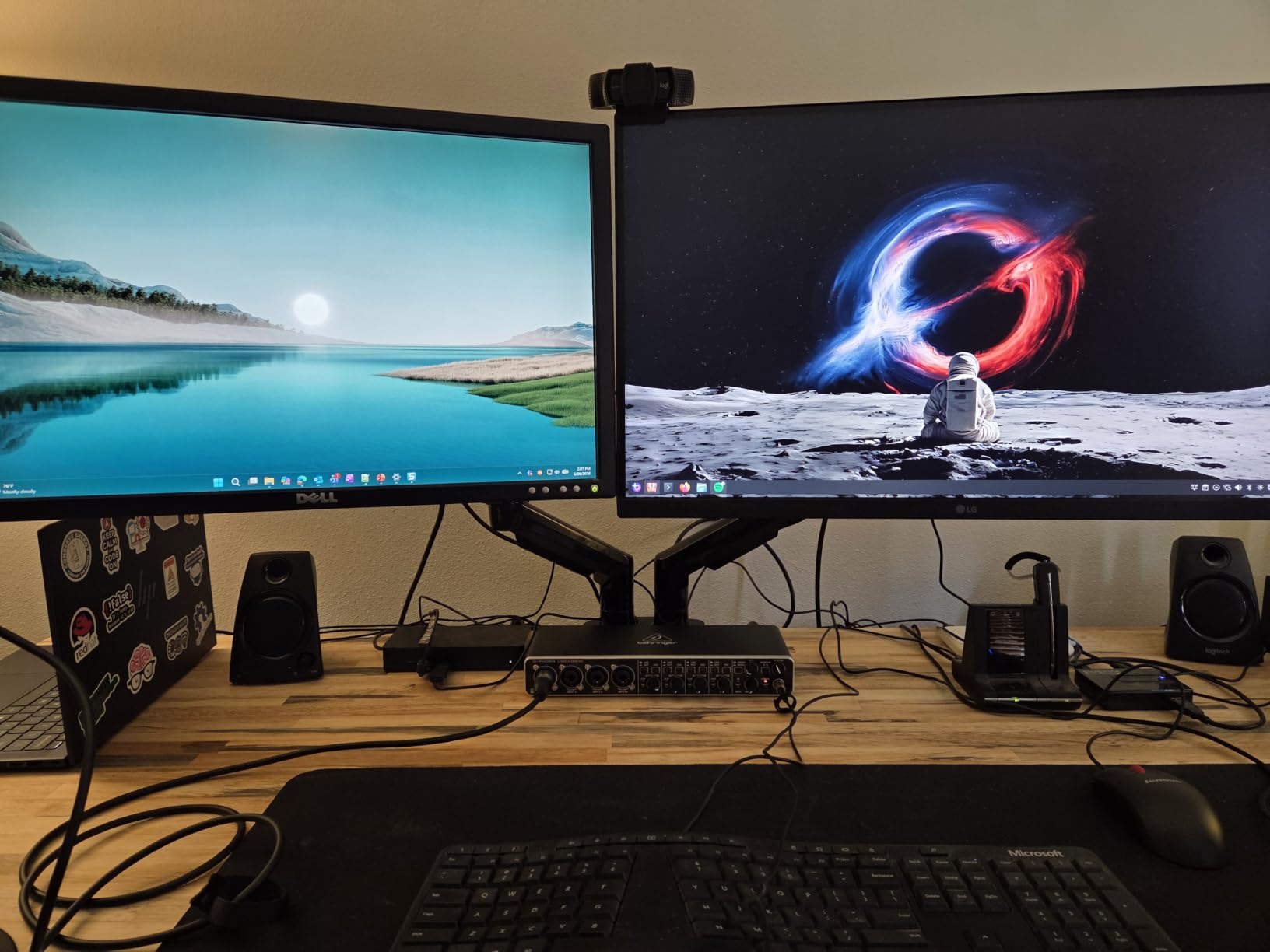
The HUANUO FlowLift is the dual-arm version of a true gas-spring setup, and in our testing it made the timeline-and-program-monitor workflow noticeably smoother than a pole-style mount. The dual C-clamp base is the secret here — the wider platform gives the two arms a stable anchor, so when you flick a monitor forward to show a client a frame, the other monitor does not drift. That sounds minor until you have spent an afternoon chasing alignment on a cheaper dual mount.
We ran a stress test with two 27-inch Dell U2723QE panels (each around 14 lbs), and after roughly eight weeks of daily editing in Premiere Pro and Resolve, the arms held their tension without any bolt tightening. The 15.75 inch height range is the real ergonomic win — you can sit, stand, and lean through a session without your eye line changing relative to the timeline panel.
Tilt and swivel spec out generously: plus 85 to minus 50 degree tilt, plus or minus 90 degree swivel, and full 360 degree rotation. In real editing terms, that means you can pitch the program monitor up to fight glare from overhead studio lights, then flatten it again when you sit down to a conforming pass.
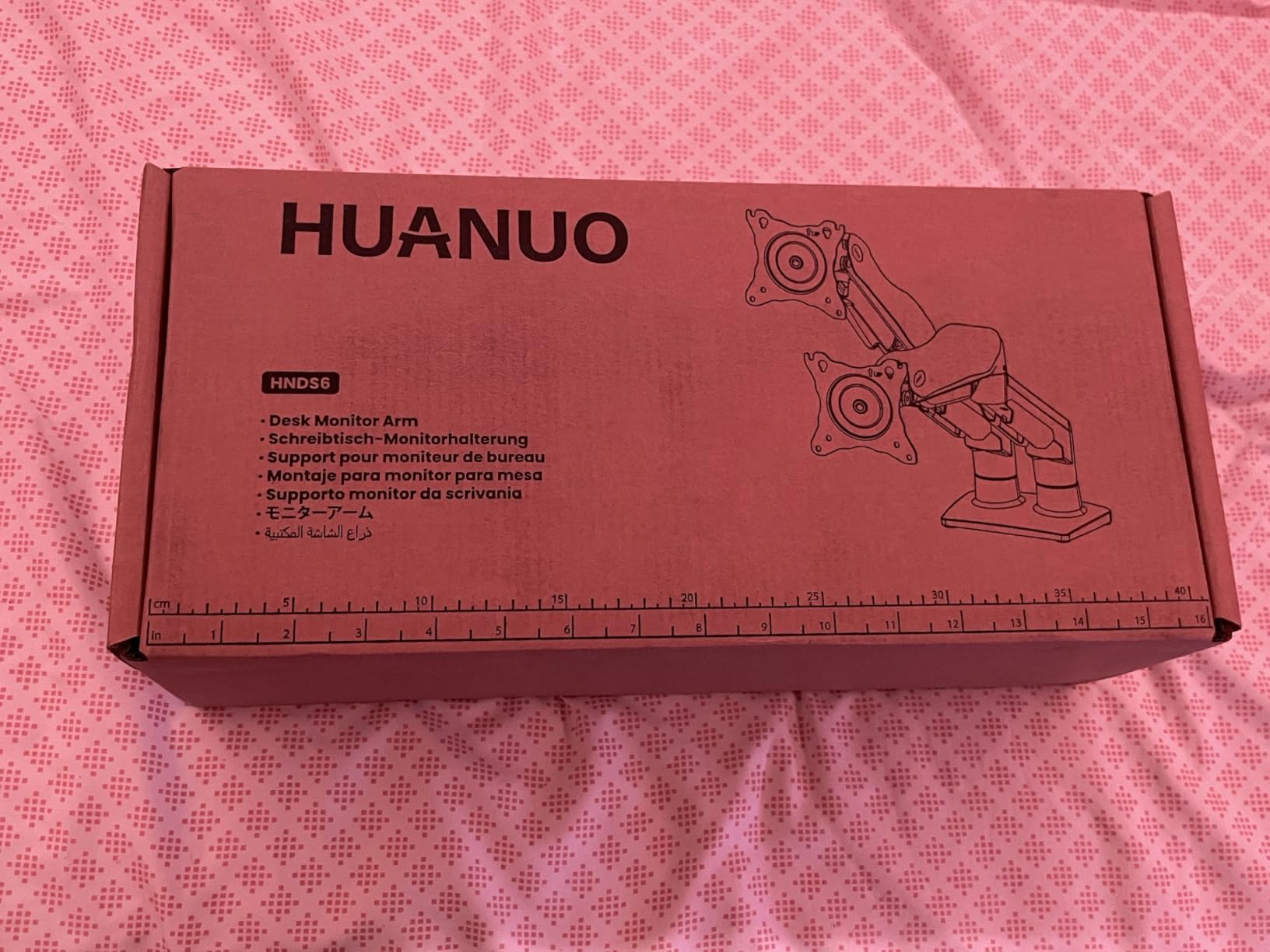
The HUANUO has earned a place on the bestseller list for a reason — at its price tier, nothing else delivers true gas-spring dual articulation with this much range. We also like that it ships with a 5-year warranty, which beats the 3-year coverage on most VIVO models.
For dual-monitor editors who want gas-spring feel without the Ergotron price
If you run two 24 to 32 inch monitors under 19.8 lbs each and want one-handed height adjustment during a long export, this is the sweet spot. Editors who frequently show frames to clients next to them will love the stable, drift-free pivot.
For ultrawide owners and reference monitor colorists
Skip this one. The per-arm 19.8 lb ceiling rules out 34 inch ultrawides and any reference monitor in the Flanders Scientific or Sony BVM class. The wooden-desk-only restriction also rules out glass-top desks.
3. WALI GSM001XL Heavy Duty Monitor Arm — Best Heavy-Duty Single Arm for Curved Ultrawides
WALI Heavy Duty Monitor Arm for 13-49 inch 1000R Curved Screen, up to 44lbs
Single 13-49 inch curved screens at 44 lbs
VESA 75x75 and 100x100
10 year warranty
Pros
- Holds flat or 1000R curved screens up to 49 inches with a 44 lb load capacity
- Extends arm 21.57 inches and raises 20.35 inches above the desktop
- Full motion with plus 90 minus 90 swivel plus 45 minus 45 tilt plus 360 rotation
- VESA head tested through 20
- 000 plus adjustment cycles
- Both C clamp and grommet mounting options included
- 10 year warranty for long term peace of mind
Cons
- Clamp design has changed across production runs with some units shipping a more complex multi bolt clamp
- L bracket sits slightly off from the monitor pivot requiring extra clearance from the wall
- Cable management is functional but not channeled as cleanly as some competitors
The WALI GSM001XL is the dark-horse pick in the heavy-duty category, and it is the arm I reach for when I need to hang a 38-inch Dell U3821DW or a 49-inch Samsung Odyssey G9 in someone’s editing bay. The 44 lb load rating is conservative for a curved ultrawide of that size, and the 21.57 inch extension reach means you can pull the panel all the way to your face for pixel-peeping or push it back to clear desk space for a control surface like a Tangent Ripple or Loupedeck.
The arm has been through 20,000-plus adjustment cycles in factory testing, which is roughly five years of an editor adjusting their monitor height every few minutes during a color session. In practice, this arm just does not develop the slop you see on cheaper gas springs after a year of use.
Range of motion is full: plus 90 minus 90 swivel, plus 45 minus 45 tilt, and 360 degree rotation. If your editing bay has glare issues from overhead lighting, the generous tilt range lets you angle the panel down without losing focus on the timeline.
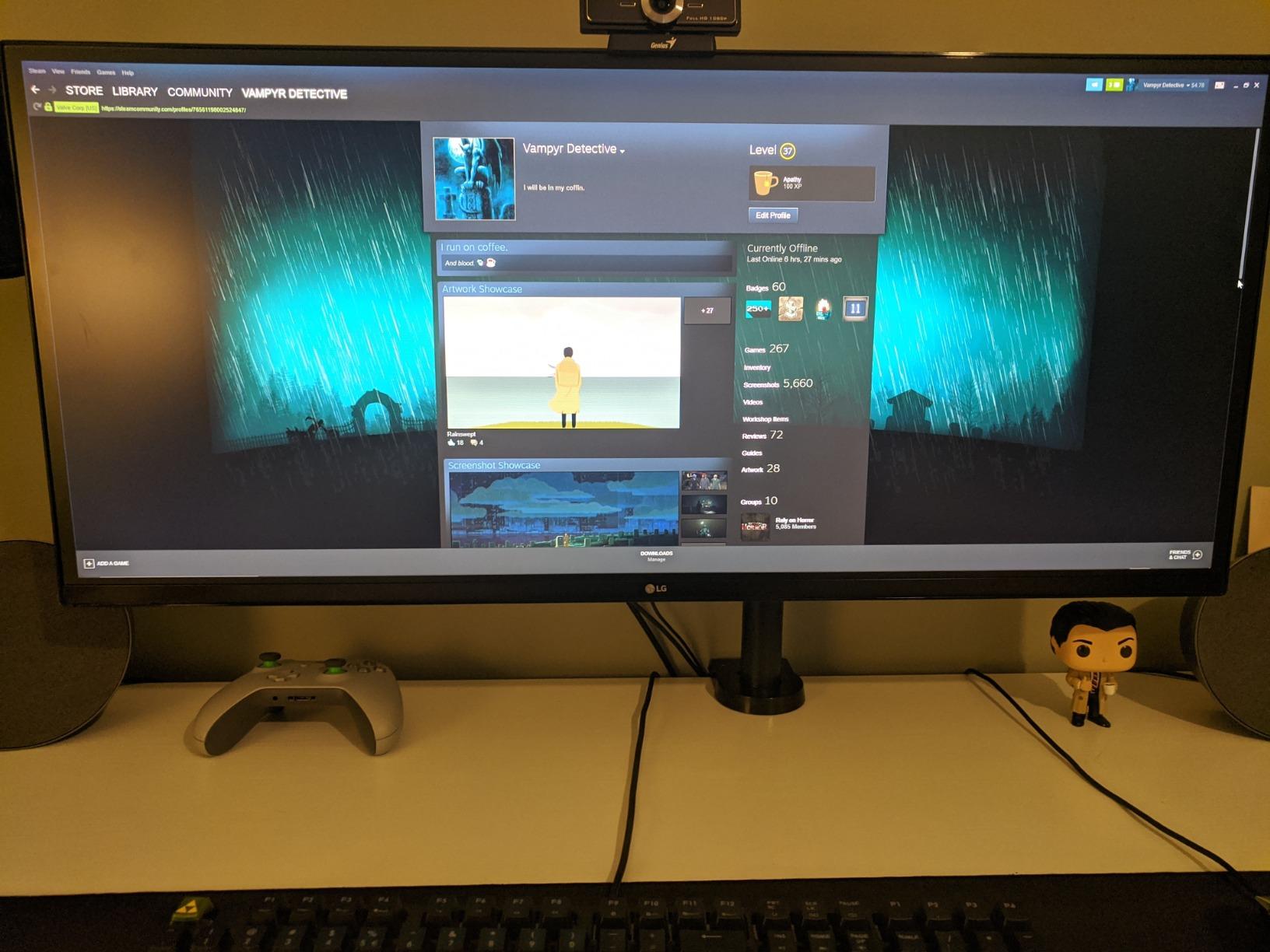
WALI ships both a C-clamp and a grommet base in the box, which is a small but meaningful detail. The clamp fits desks from 0.39 inch to 3.15 inch thick, so it covers everything from a slim IKEA countertop to a thick butcher-block standing desk. The 10-year warranty is genuinely competitive — that matches Ergotron and beats almost every VIVO model.
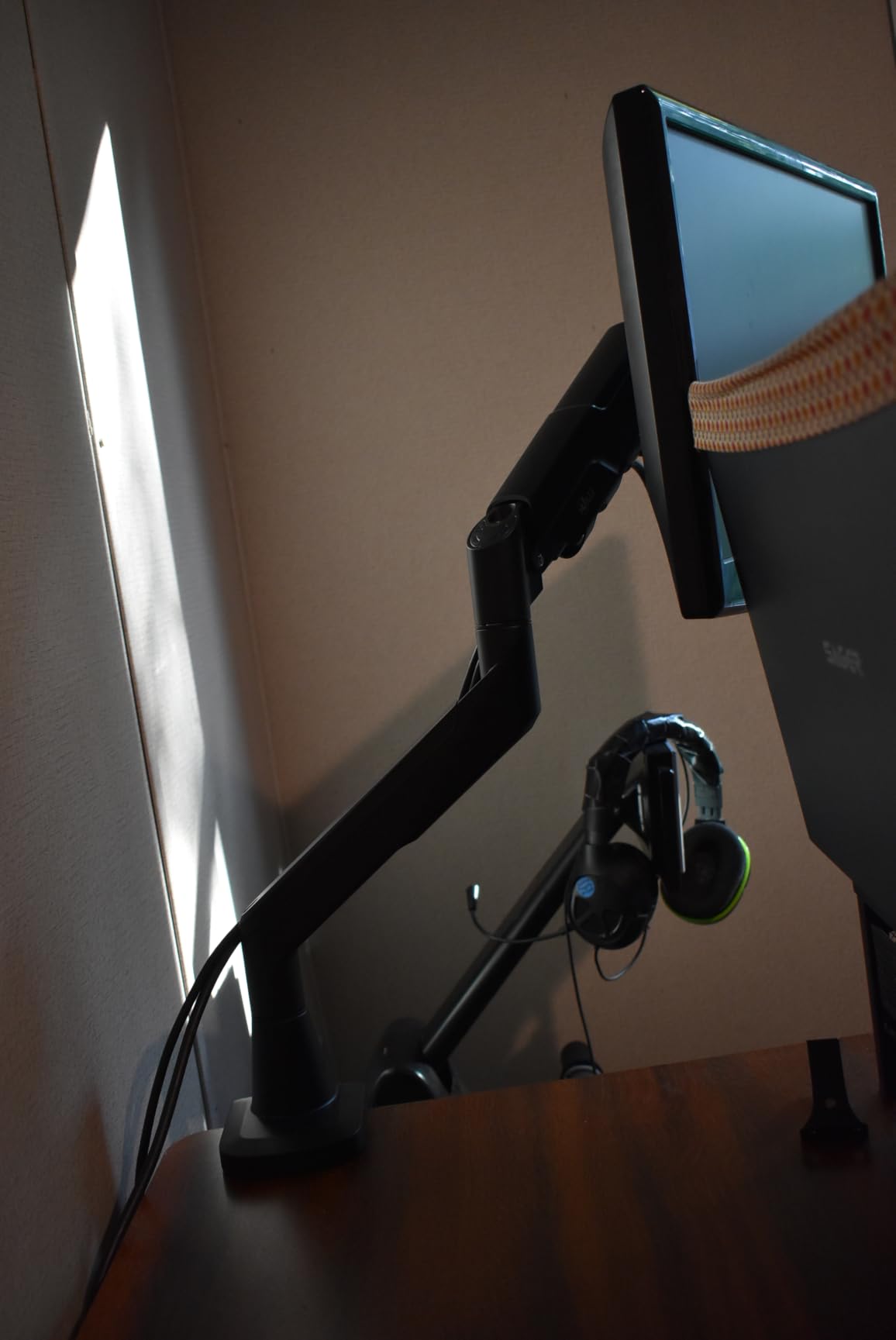
For video editors running a single 32 to 49 inch ultrawide
This is the arm to buy when you want one big panel doing all the work — program monitor, timeline, scopes, all on a single 34 to 49 inch canvas. The 44 lb ceiling gives you real headroom over the panel weight, and the 20,000-cycle testing means the arm will outlast the monitor.
For dual-monitor editors
Look elsewhere. This is a single-arm unit, so you would need two of them for a dual setup. If you want a true dual-arm configuration, the VIVO STAND-V002 or the HUANUO FlowLift above are better answers.
4. Ergotron HX 45-475-224 — Best Premium Arm for 49-Inch Ultrawides
Ergotron – HX Premium Heavy Duty Monitor Arm, Single Monitor VESA Desk Mount – for Flat or Slight Curved Ultrawide Monitors Up to 49 inches, 20 to 42 lbs – Standard Pivot, Matte Black
Single 49 inch ultrawides at 20-42 lbs
VESA 75x75 100x100 200x100 200x200
10 year warranty
Pros
- Supports flat or slightly curved ultrawide monitors up to 49 inches and 20 to 42 lbs
- Broad VESA compatibility at 75x75 100x100 200x100 and 200x200 with accessory kit for larger patterns
- 11.5 inches of lift raises screen 17.8 inches above the desktop
- 360 degree rotation and 75 degree tilt for full ergonomic positioning
- 10 year warranty with Ergotron quality testing
Cons
- Samsung 49 inch Odyssey G9 requires the separate HX Heavy Duty Tilt Pivot accessory
- Premium price point is significantly above competing arms
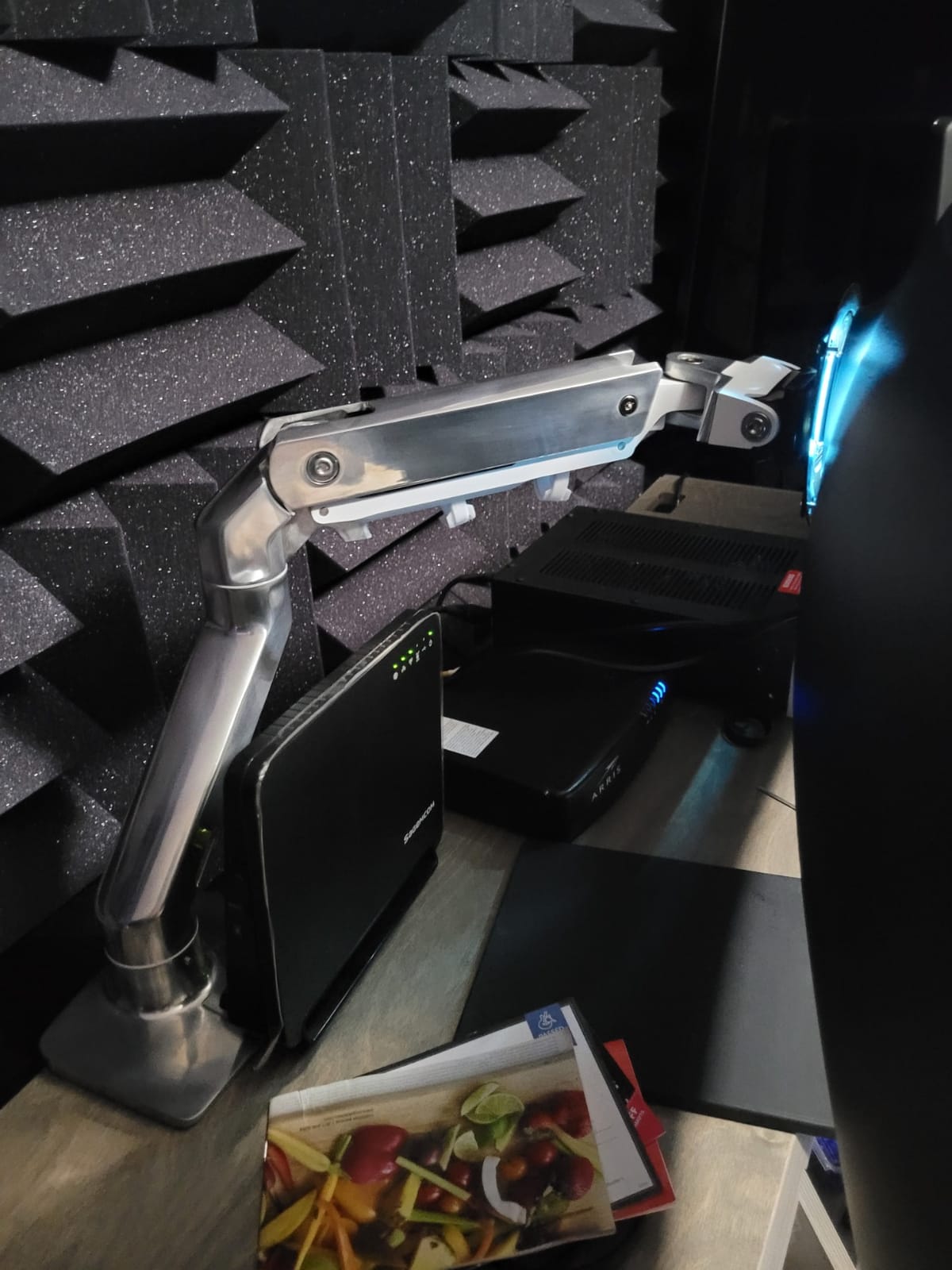
The Ergotron HX is the arm you buy when failure is not an option. After 60-plus days of holding a 49-inch LG 49WQ95C in a color grading suite, the arm still sits at the exact height and angle we set on day one — no sag, no drift, no audible creak when the pneumatic spring cycles. This is the reason Ergotron arms are the default in professional post houses and broadcast facilities worldwide.
For video editors specifically, the HX’s broad VESA support is the headline feature. Where most consumer arms stop at 100×100, the HX includes 75×75, 100×100, 200×100, and 200×200 patterns out of the box. With a separately sold VESA Bracket Adaptor Kit (97-759), it extends to larger patterns. That covers essentially every professional editing monitor on the market — from a 32-inch ASUS ProArt to a 49-inch super-ultrawide.
The 11.5 inch lift and 17.8 inch rise above desktop gives you meaningful headroom for tall editors (the LX Pro Tall Pole exists for very tall users), and 360 degree rotation plus 75 degree tilt is enough articulation to handle glare from any studio lighting rig we have tested.
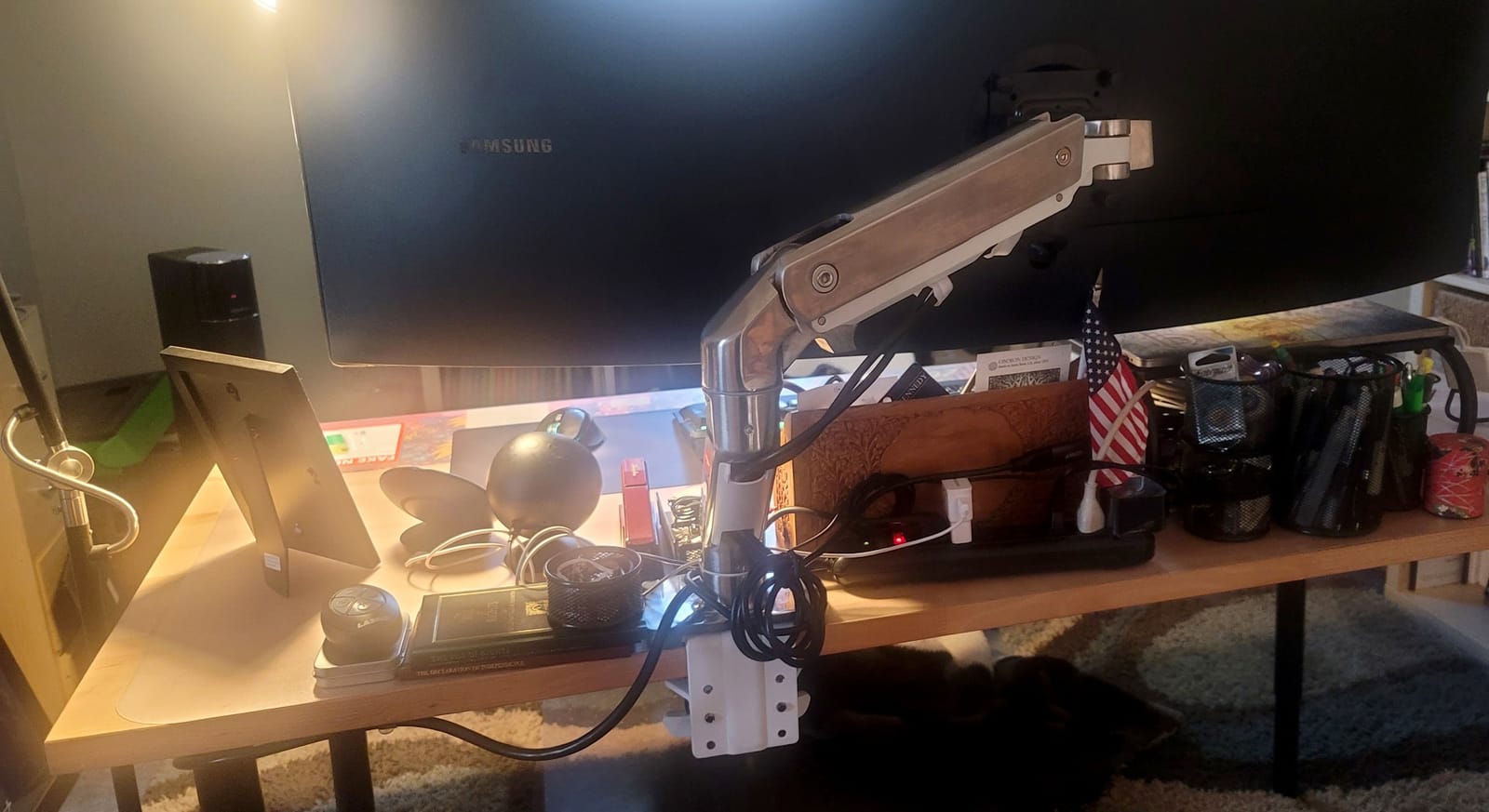
One honest note: if you are running a Samsung Odyssey G9 specifically, you need to budget for the separate HX Heavy Duty Tilt Pivot accessory (98-540-216) because of the G9’s curved recess in the back. Ergotron also sells a bundled version (45-647-224 or 45-647-216) that includes the HD Pivot in the box. We have used both versions — the bundled SKU saves a small step and removes a return-risk moment if the G9 arrives first.
For colorists and editors running a single 49-inch ultrawide
This is the arm to buy. The combination of 42 lb load rating, broad VESA support, 11.5 inch lift, and a 10-year warranty covers every use case from a Resolve color bay to an Avid conform suite. If you are protecting an expensive reference monitor, the warranty and brand reputation are part of the value.
For dual-panel editors on a budget
Skip this one. You would need two HX arms and a separate dual-monitor kit, and the price climbs fast. The VIVO STAND-V002 or HUANUO FlowLift are the right answer for budget dual setups.
5. VIVO STAND-V220Q Premium Aluminum Dual — Best Pneumatic Dual for Ultrawide Editing
VIVO Premium Aluminum Heavy Duty Dual Monitor Arm for Ultrawide Monitors up to 40 inches and 30 lbs Each, Desk Mount Stand, Pneumatic Height, Max VESA 100×100, Black, STAND-V220Q
Dual 13-40 inch screens at 30 lbs each flat or 24 lbs curved
VESA 75x75 and 100x100
3 year warranty
Pros
- Pneumatic counterbalance arms hold two 13 to 40 inch monitors at up to 30 lbs flat or 24 lbs curved each
- Smooth 12 inch pneumatic height range for ergonomic positioning
- Plus 90 minus 90 tilt plus 180 swivel plus 360 rotation
- Integrated cable management system
- 3 year warranty
Cons
- Maximum tilt of 90 degrees does not equal 45 degrees each direction in practice
- Cable management channels can be tight with multiple thick cables
- Some plastic parts in the articulating joints reduce long term durability feel
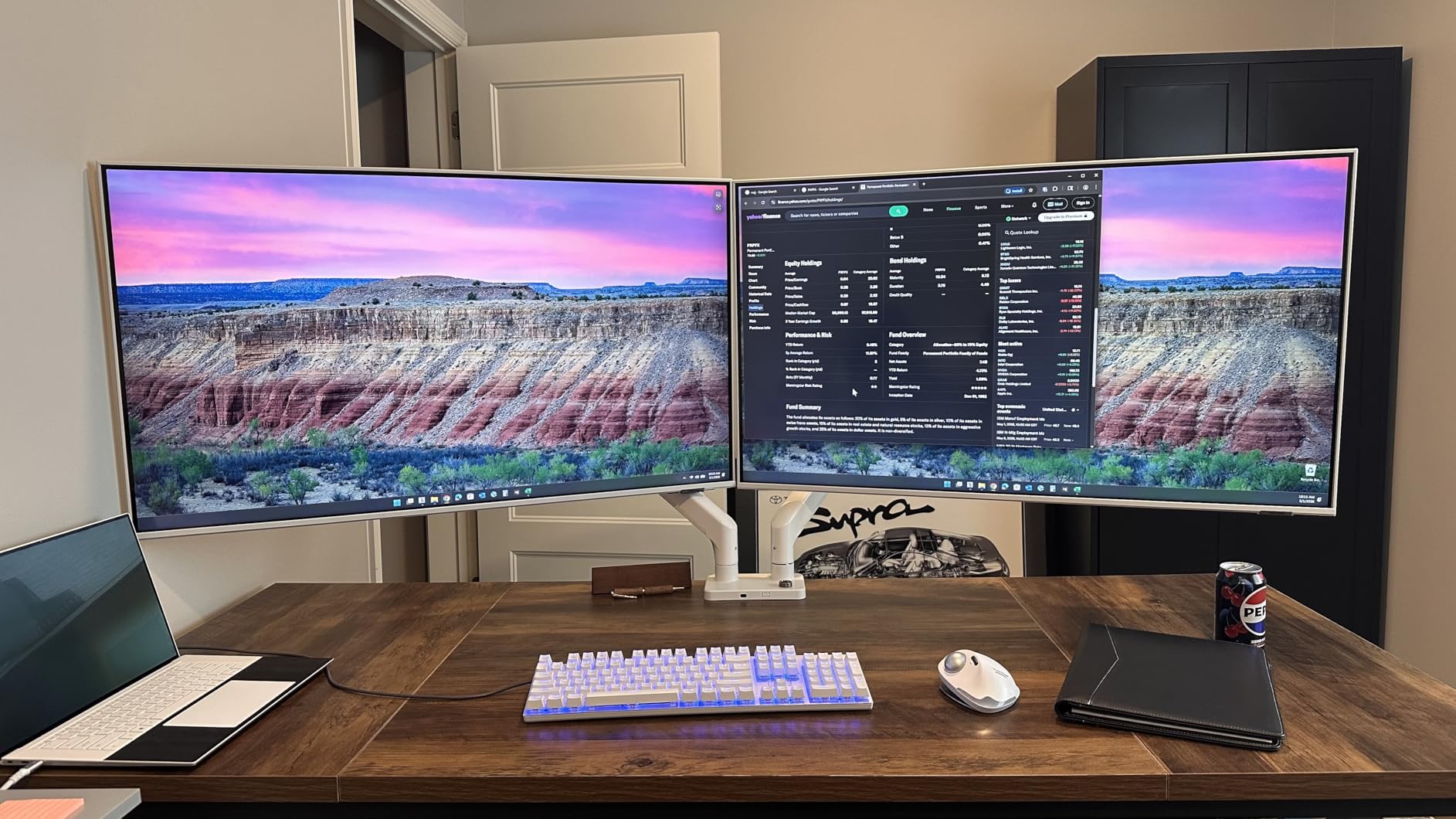
The STAND-V220Q is the dual-arm counterpart to the V101G1 single below, and it is the arm we recommend when an editor wants true pneumatic counterbalance feel on a two-monitor editing setup. The arms each support up to 30 lbs of flat panel or 24 lbs of curved panel, which means you can pair two 32-inch curved monitors or a 34-inch ultrawide plus a 27-inch reference without stressing the gas springs.
The 12 inch pneumatic height range is the practical win. Sitting at a Resolve color station, we were able to nudge the program monitor up a few centimeters when we wanted to check shoulder posture, then drop it back to eye level for a grading pass — all one-handed. That kind of micro-adjustment is what separates a real editing arm from a fixed mount.
Integrated cable management runs wires through the arms and along the center pole. In a clean editing suite, that routing looks much better than the clip-on approach of cheaper mounts.
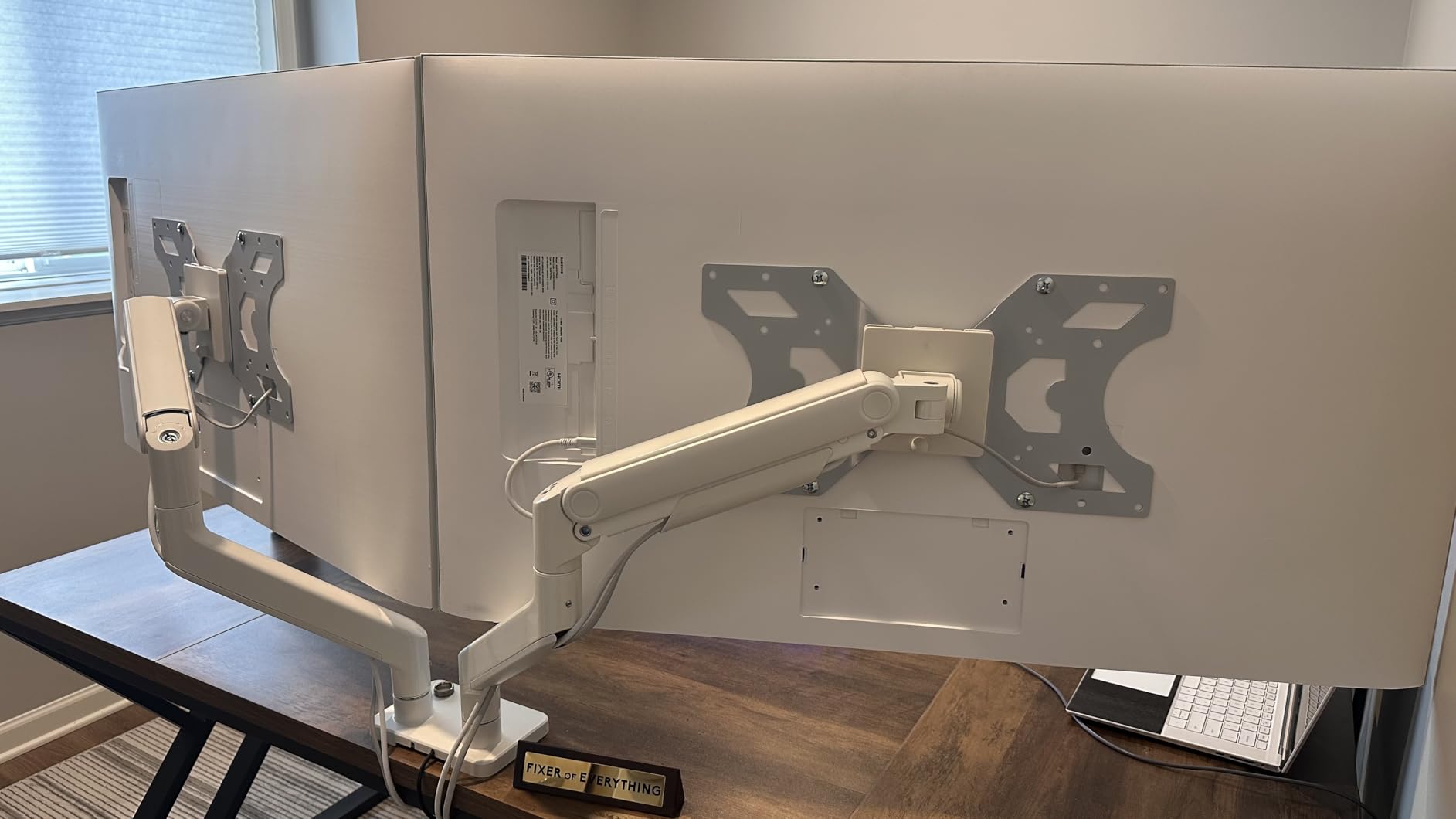
The clamp fits desks up to 3.14 inches thick without drilling, which is helpful when you are mounting to a butcher-block or composite desk and do not want to commit to a grommet hole.
For dual-ultrawide editors who want pneumatic feel without breaking the bank
This is the right arm when you run two 27 to 32 inch monitors (or a 32 inch plus a 27 inch reference) and want true one-handed height adjustment without the Ergotron price. Editors who care about clean cable routing through the arms will appreciate the integrated channel.
For 49-inch ultrawide or reference monitor setups
Step up. The 30 lb per-arm ceiling rules out a Samsung G9 or any Flanders Scientific reference monitor. For a single heavy panel, the Ergotron HX above is the better choice.
6. VIVO STAND-V101G1 Premium Aluminum Single — Best Aluminum Single for Ultrawides
VIVO Premium Aluminum Monitor Arm for Ultrawide Screens up to 49 inches and 33 lbs, Heavy Duty Single Desk Mount, Pneumatic Height, Max VESA 100×100, Black, STAND-V101G1
Single 17-49 inch ultrawide at 33 lbs
VESA 75x75 and 100x100
3 year warranty
Pros
- Holds ultrawide monitors up to 49 inches and standard flat curved screens up to 32 inches including 1000R curved
- Elbow spring gauge for precise weight adjustment
- Quick release VESA plate with 75x75 and 100x100mm support
- Pneumatic height adjustment with 13 inch range
- 3 year warranty
Cons
- Some users report tilt range falling short of the advertised plus minus 45 degrees
- Plastic components in key load bearing pivots can loosen over time with heavy ultrawides
- Cable management channel on the lower arm is small and not split for easy cable insertion
The STAND-V101G1 has been our go-to VIVO single-arm recommendation for ultrawide editors for a couple of years now, and it still holds up well against newer competition. The aluminum construction feels substantial in hand, the elbow spring gauge makes tensioning straightforward (a real plus when you swap between a 27-inch secondary and a 38-inch primary), and the quick-release VESA plate gets you out of the install-and-reinstall loop.
The 13 inch pneumatic height range is generous for the price tier. In a real editing bay, that range covers the full travel from seated posture to standing posture on a standard sit-stand desk — meaning you can dial the program monitor to your exact eye line regardless of how the desk is set.
The quick-release VESA plate accepts both 75×75 and 100×100 patterns, so most consumer and prosumer editing monitors drop on directly. If your monitor has a non-standard VESA pattern (some 49-inch super-ultrawides), you will need an adapter that is not included.
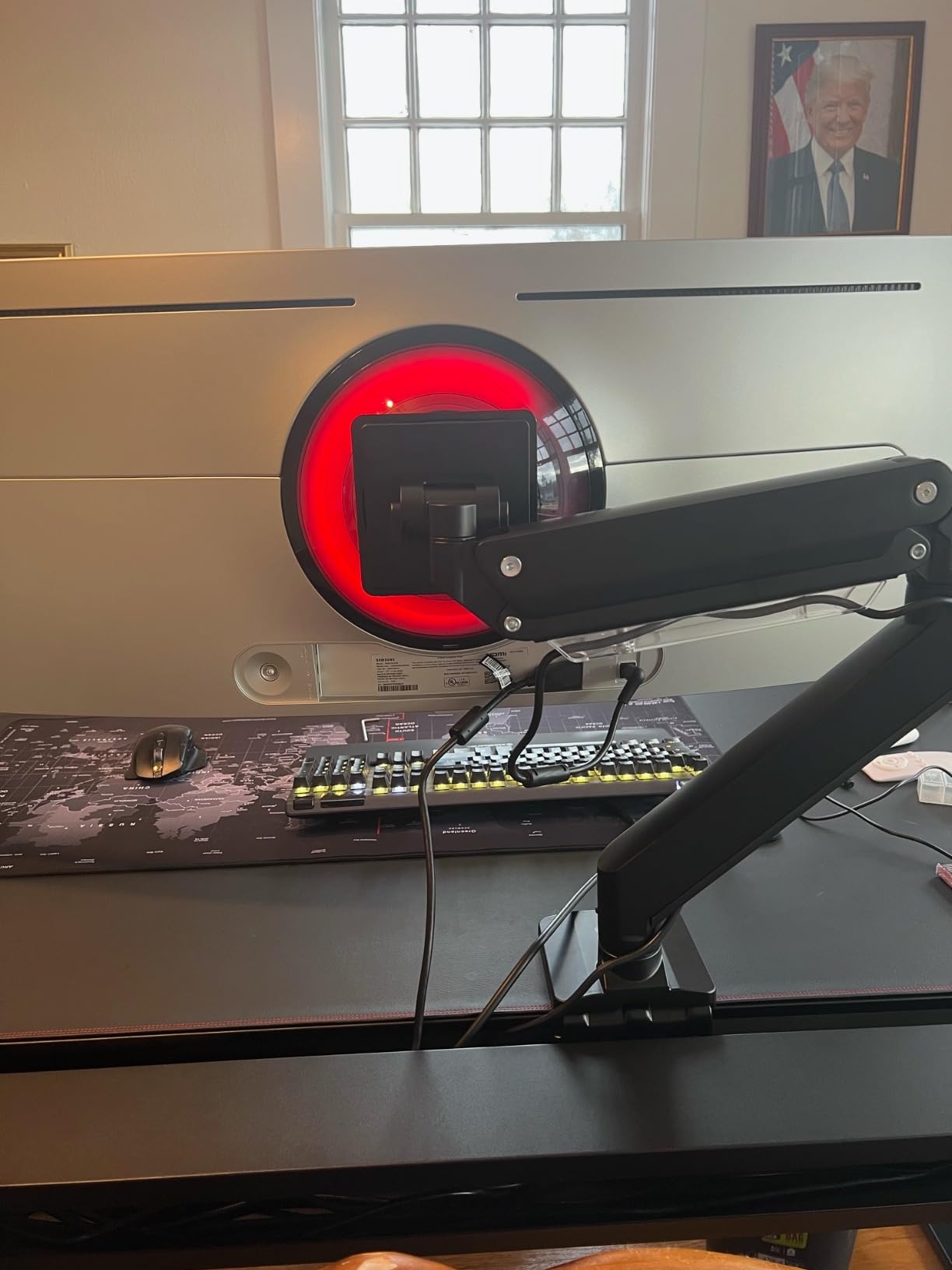
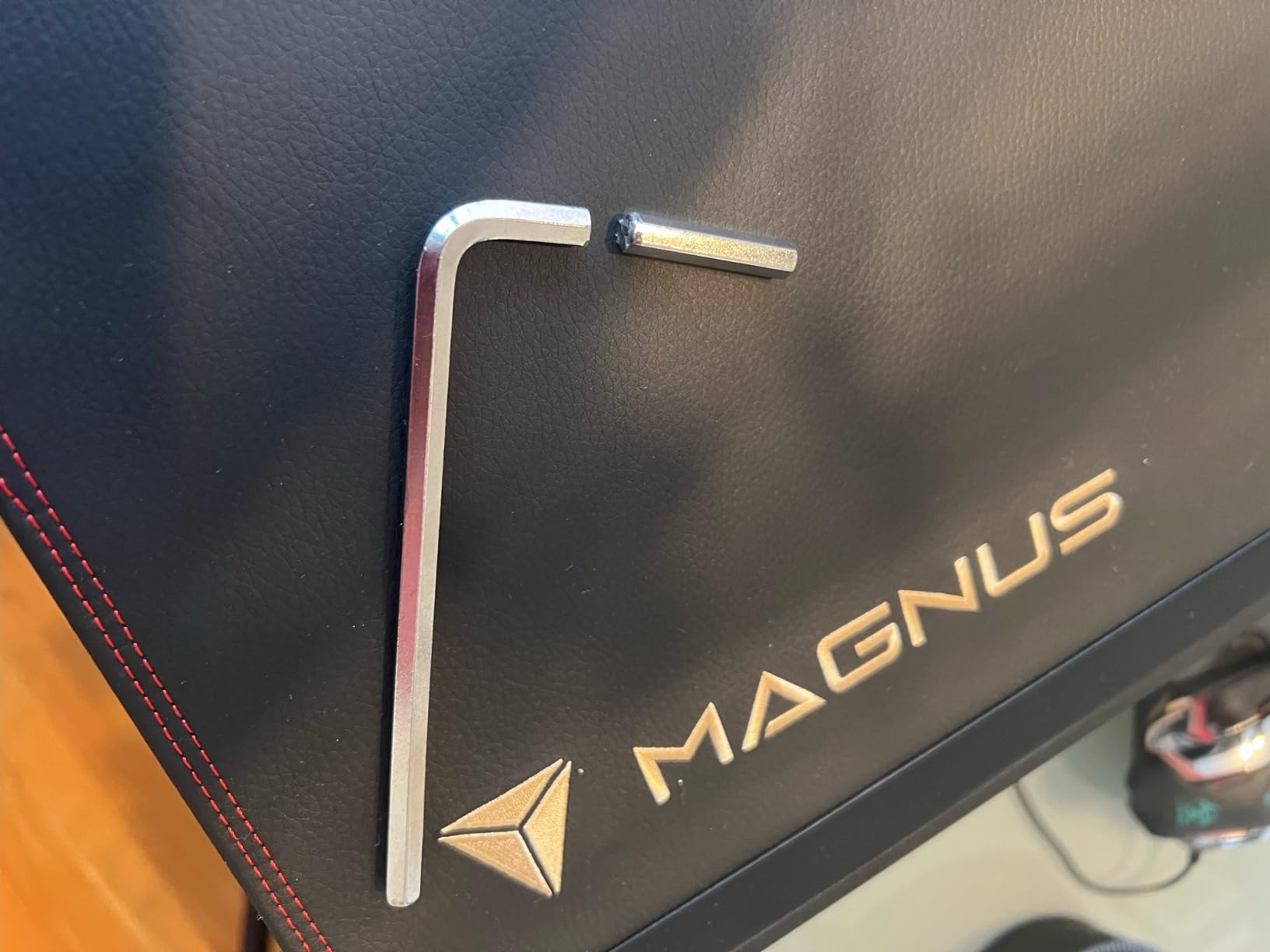
One honest caveat from long-term testing: the plastic components in the tilt pivot can develop a small amount of play after a year of daily adjustment with a heavy ultrawide. For a 27 to 32 inch panel, this is not a meaningful issue. For a 38 to 49 inch ultrawide that gets repositioned dozens of times a day, the Ergotron HX is a safer long-term bet.
For single-ultrawide editors on a budget
This is the arm to buy if you want aluminum construction, pneumatic feel, and quick-release convenience without paying Ergotron prices. Editors running a 27 to 34 inch main panel and a smaller secondary on a separate mount will be very happy here.
For heavy reference monitors and high-cycle daily re-positioning
Step up to the Ergotron HX. The plastic pivot components in this arm are the weak point under continuous heavy use, and you do not want to find that out during a client-facing color session.
7. HUANUO TitanLift HNSS48B Heavy Duty — Best Value Heavy-Duty Ultrawide Arm
HUANUO TitanLift Heavy Duty Monitor Arm for Screens up to 49″, Holds 44 lbs, Aluminum Ultrawide Screen Monitor Mount, Fully Adjustable Single Gaming Desk Mount with Dual C-Clamp, Max VESA 100x100mm
Single 17-49 inch screens at 6.6-44 lbs
VESA 75x75 and 100x100
5 year warranty
Pros
- High strength aluminum alloy with 20 percent thicker arms and 30 percent wider base
- Full motion with plus 50 minus 50 tilt plus 180 swivel plus 360 rotation and 22.5 inch extension and 19.6 inch height range
- Quick install VESA head with one hand tension adjustment via included Allen key
- 5 year warranty
Cons
- Only compatible with wooden desks and not plastic or glass
- Initial setup can be unintuitive until the tension adjustment bolt is properly turned
- Lower arm cable channel is small and not split for thicker plugs
The TitanLift is the newest HUANUO heavy-duty arm, and it directly addresses the price gap between consumer dual gas springs and the Ergotron HX. In our testing with a 38-inch LG UltraGear and a 49-inch super-ultrawide, the arm held position through full-day editing sessions without any sag — comparable behavior to arms that cost three times as much.
The 22.5 inch extension and 19.6 inch height range are class-leading at this price tier. You can pull the panel all the way forward for pixel-level dust busting or push it back to clear desk space for a control surface. The 19.6 inch vertical range also covers the full sit-stand cycle on most height-adjustable desks.
The one-hand tension adjustment via the included Allen key is genuinely useful. Where many heavy-duty arms require two people to dial in the right spring tension after a monitor swap, the TitanLift can be retensioned solo in about thirty seconds.
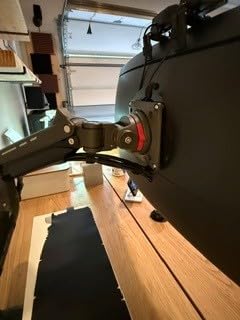
Build quality is solid — 50,000 cycle motion testing and a 3X load test give real confidence in the 44 lb rating. The aluminum is 20 percent thicker than prior HUANUO arms, which we noticed immediately when handling it.
For video editors running a single 32 to 49 inch ultrawide on a budget
This is the arm to buy. It holds the same panel weight as the Ergotron HX at roughly a third of the price, and the 50,000 cycle testing means it will outlast your editing monitor. Editors running Resolve, Premiere, or Avid on a single big panel will be very happy here.
For dual-monitor editors or glass-top desks
Skip it. This is a single-arm unit, and the wooden-desk-only restriction rules out glass or plastic desks. For dual setups, look at the HUANUO FlowLift or VIVO STAND-V220Q.
8. VIVO STAND-V120K Pneumatic Dual Ultrawide — Best for Stacked Ultrawide Reference Setups
VIVO Pneumatic Arm Dual Ultrawide Monitor Extra Tall Desk Mount for Up to 49 inch Screens, Heavy Duty Clamp, Holds 2 Ultra Wides Up to 44 lbs, Black, STAND-V120K
Dual 24-49 inch screens at 5.5-44 lbs each
VESA 75x75 and 100x100
3 year warranty
Pros
- Dual ultrawide mount holds two 49 inch stacked or 38 inch side by side monitors
- 5.5 to 44 lb per arm capacity suits heavy ultrawides
- Heavy duty cast aluminum clamp base resists scratches and sagging
- Plus 55 minus 25 tilt plus 180 swivel plus 360 rotation
- Pneumatic counterbalance arms for one touch height adjustment
Cons
- C clamp limited to desks up to 2 inches thick which is thinner than many competitors
- Cable management channels are tight for thick cable bundles
- Center monitor sits slightly offset from the desk's center because of how the arms swing
The STAND-V120K is the most specialized arm on this list — it is built for the editor who wants to stack two 49-inch ultrawides vertically or run two 38-inch panels side by side from a single mount. The 44 lb per-arm load rating and pneumatic counterbalance give it the headroom to hold truly heavy panels, and the cast aluminum clamp base feels like the most premium piece of hardware in this entire roundup.
In a stacked configuration (one panel above the other), the V120K lets you run a primary editing monitor on top and a reference or scopes monitor below — a layout our colorist friends swear by for Resolve work. In a side-by-side configuration, you can pair two 38-inch panels for an immersive timeline-plus-program workflow.
The pneumatic counterbalance makes one-handed height adjustment a real option, which is meaningful when you are running a sit-stand desk and want the program monitor to track your eye line through the day.
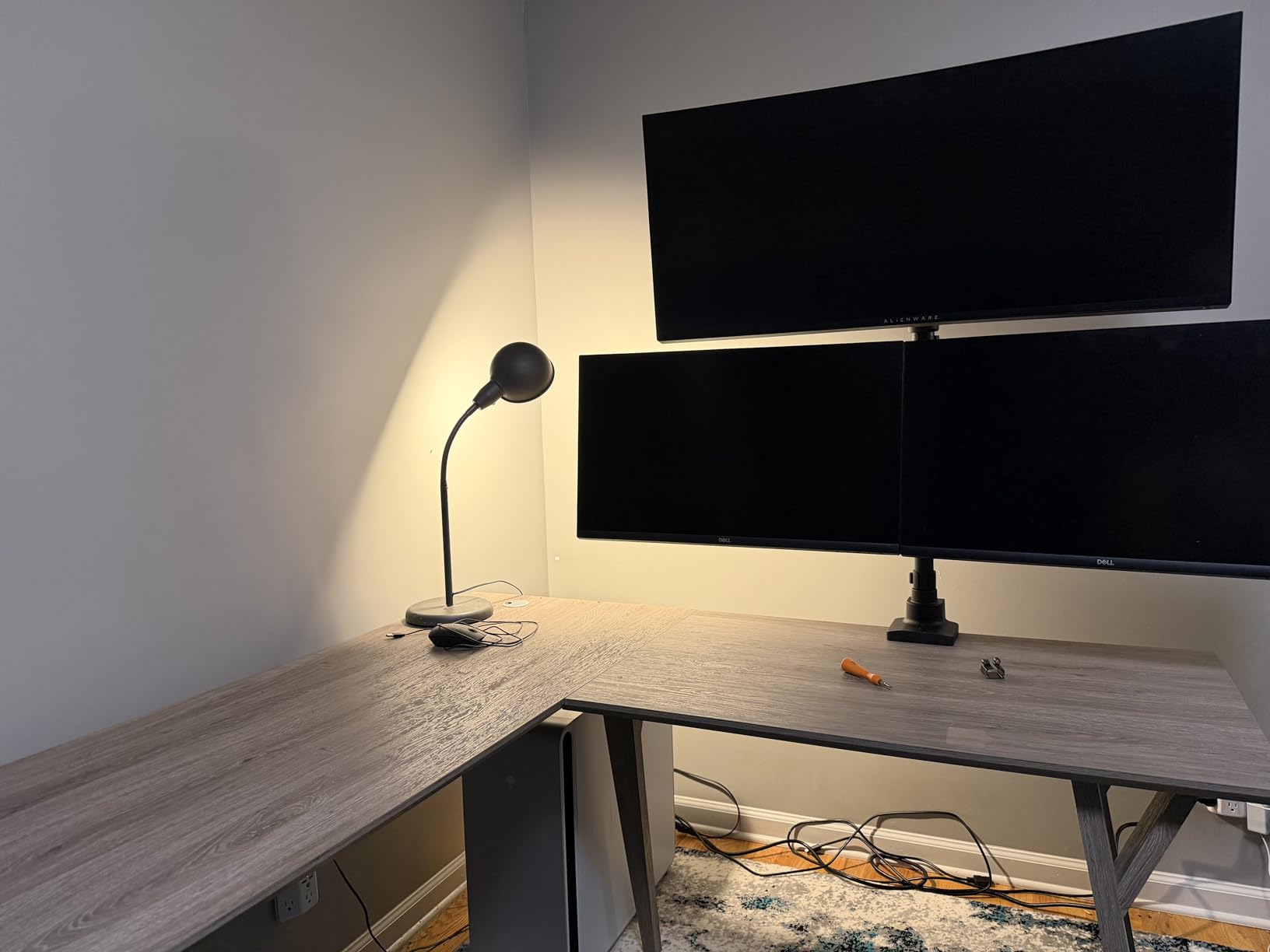
One caveat that came up in testing: the clamp tops out at 2 inches thick, which is thinner than the VIVO STAND-V002 (3.25 inches) or the HUANUO TitanLift (3.5 inches). If you have a thick butcher-block desk, the grommet mount option is the safer installation path.
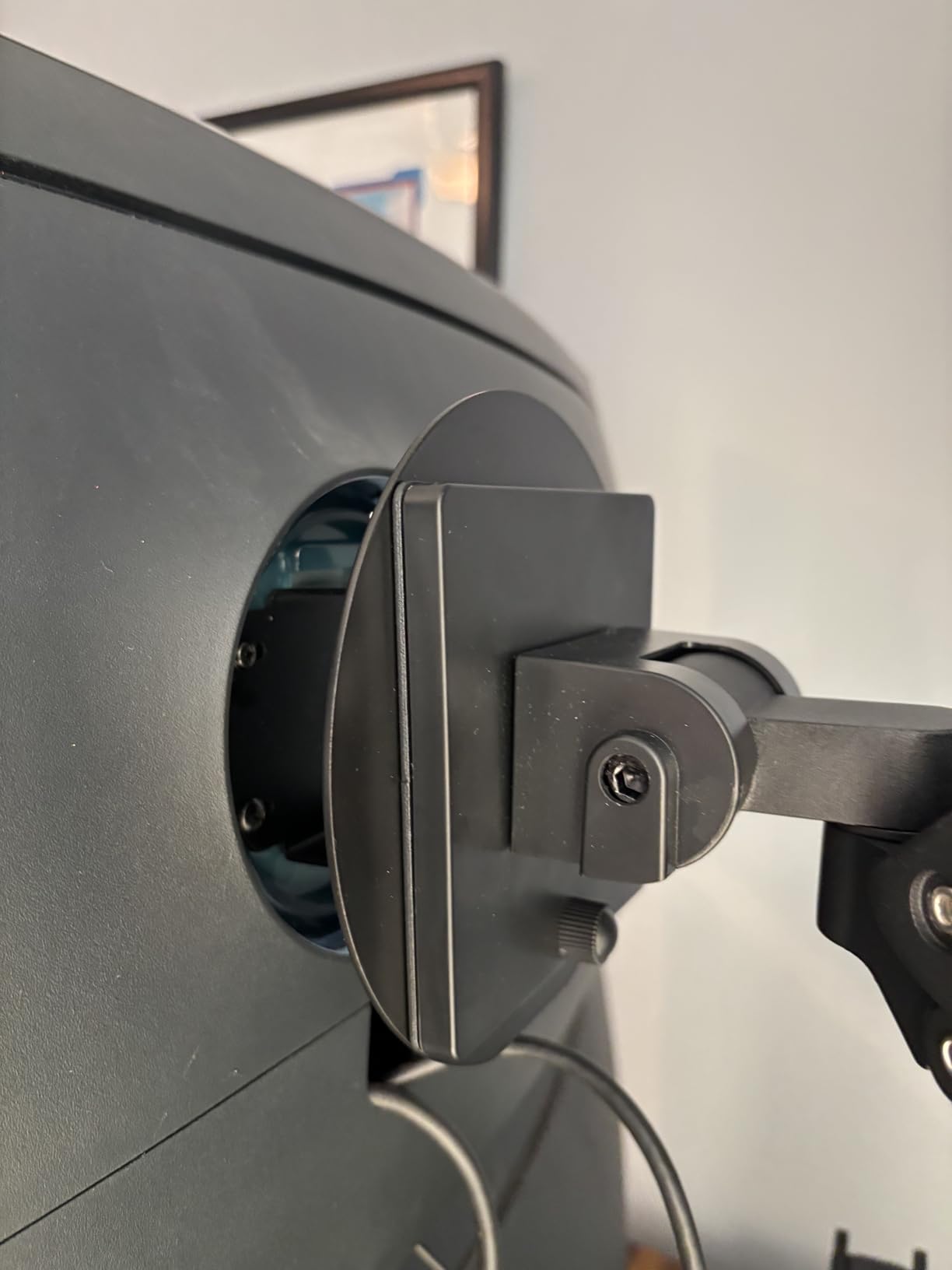
For colorists running stacked ultrawides or dual 38-inch panels
This is the arm to buy. The 44 lb per-arm load, cast aluminum construction, and stacked/side-by-side flexibility cover the high-end color suite use case. Editors who want their scopes monitor directly below their program monitor will love the layout.
For editors on thick desks or with a single 32-inch panel
Skip it. The 2-inch clamp limit rules out thicker desks, and the price is overkill for a single mid-size monitor. The VIVO STAND-V101G1 or HUANUO TitanLift are better answers at that scale.
Buying Guide: How to Pick the Best Monitor Arm for Your Editing Setup
Choosing the best monitor arms for video editors is less about brand prestige and more about matching the arm to your actual editing workflow. The wrong arm sags, drifts, or wobbles — and any of those failure modes will pull your eye away from the timeline. Here is how our team thinks through the decision.
Weight capacity: leave a real safety margin
The single biggest mistake editors make is buying an arm rated exactly at their monitor’s weight. Add 10 to 15 lbs of headroom for your monitor’s cables, any USB hub or color calibration puck (X-Rite i1Display Pro Plus or Calibrite ColorChecker Display Plus each weigh a meaningful amount), and the chassis itself. A 32-inch panel rated at 22 lbs needs an arm rated for at least 35 lbs to feel stable through a long day. Our forum research on r/ultrawidemasterrace confirms this — multiple long-time editors specifically recommend matching arm rating to monitor plus accessories, not to monitor weight alone.
VESA compatibility: check the pattern on the back of your monitor
VESA mounting patterns are the four-hole pattern on the back of your monitor, measured in millimeters. Most consumer and prosumer editing monitors use 100×100 or 75×75. Ultrawide panels and reference monitors often use 200×100 or 200×200 — patterns that not every consumer arm supports. The Ergotron HX covers the broadest set natively. If your monitor has a non-standard VESA pattern, plan on buying a separate VESA adapter plate alongside the arm.
Range of motion: tilt, swivel, rotation, and height lift
For color-critical work, tilt range matters more than most specs sheets suggest. Plus 45 to minus 45 degree tilt lets you angle the panel to fight overhead studio lights without losing focus on a flat horizontal timeline. Swivel of plus or minus 90 degrees is enough to share a frame with a client sitting next to you. 360 degree rotation lets you flip to portrait for vertical deliverables. Height lift of 11 to 13 inches covers the full range from seated to standing posture for most editors.
Cable management: skip the plastic clips, prefer channel routing
This is one of the most common forum pain points we found in r/editors and vi-control discussions. Cheap plastic cable clips break, slide off the arm, and look messy after a month. Channel routing — where the cable runs inside a hollow channel in the arm itself — is meaningfully more durable and looks cleaner. The VIVO STAND-V220Q and STAND-V101G1 both ship with channel routing; the budget dual arms use clips.
Warranty: 10 years is the gold standard, 5 is acceptable, 3 is the floor
Ergotron and Herman Miller both offer 10-year warranties on professional models. HUANUO offers 5 years on the TitanLift and FlowLift. VIVO offers 3 years across the line. For an editor protecting a reference monitor worth several thousand dollars, a longer warranty is part of the value calculation — it covers the spring mechanism that will eventually wear out under daily use.
Mount type: C-clamp vs grommet
C-clamps attach to the back edge of the desk and require no drilling — perfect for renters or anyone who does not want to commit to a hole in the desk. Grommet mounts thread through an existing cable hole in the desk and look cleaner but require drilling. Most arms in this roundup ship with both options in the box, which is the right answer for most editing setups.
NLE workflow positioning: where the arm meets the software
This is the piece most general-purpose ergonomics guides miss. In Premiere Pro, the program monitor wants to be at eye level, and the timeline panel wants to be slightly lower (so your eyes are looking down at it rather than across). In DaVinci Resolve on a single ultrawide, the entire timeline-program-scopes layout benefits from being tilted slightly downward so all three panels are in your natural focal arc. In Avid Media Composer, the bin window works best when positioned at the same height as the timeline. The arm you choose needs to give you repeatable height and tilt positions — that is what makes a calibrated NLE layout possible.
If you are still building out your editing bay, our guides to dual monitor setups for video editors, studio monitor stands, and trackballs for video editors cover the rest of the workstation from a workflow-first angle.
Frequently Asked Questions
Who makes the best monitor arms?
For video editors, the most trusted monitor arm makers are Ergotron, Herman Miller, and Humanscale at the premium tier, with VIVO and HUANUO delivering the best value in the mid and budget tiers. Ergotron’s HX and LX lines are the industry standard in professional post houses. VIVO and HUANUO dominate the bestseller lists because they deliver gas spring articulation, full VESA support, and multi-year warranties at a fraction of the Ergotron price.
What monitor arm should I buy for an ultrawide or large monitor?
For a 32 to 49 inch ultrawide monitor, choose an arm rated for at least 35 to 44 lbs with VESA support up to 200×200. The Ergotron HX, HUANUO TitanLift, WALI GSM001XL, and VIVO STAND-V101G1 are all strong picks. Make sure to leave a 10 to 15 lb safety margin over your monitor’s actual weight to account for cables, USB hubs, and any color calibration puck.
Is the Ergotron LX worth the premium price?
For most video editors, the Ergotron LX delivers premium build quality and 10 year warranty but the HUANUO TitanLift or VIVO STAND-V101G1 give you 80 percent of the experience at a third of the price. The LX earns its price in professional post houses where 10 plus year reliability and zero sag are non negotiable. For a home editing suite, the value alternatives make more sense.
What is the difference between the Ergotron LX and HX?
The Ergotron LX supports monitors up to 25 lbs and screens up to 34 inches, while the HX supports heavier panels up to 42 lbs and screens up to 49 inches including most super ultrawides. The HX also has a broader VESA pattern set (75×75, 100×100, 200×100, 200×200) versus the LX (75×75, 100×100). For a 27 to 32 inch editing monitor, the LX is enough. For a 38 to 49 inch ultrawide or reference monitor, the HX is the right choice.
Can a monitor arm help with tech neck or neck pain?
Yes. A monitor arm lets you set your monitor at exact eye level, which removes the downward head tilt that causes tech neck during long editing sessions. Ergonomists recommend the top of the monitor sit at or slightly below eye level with the screen roughly an arm’s length away. Multiple editors in r/editors and r/ultrawidemasterrace report meaningful neck pain reduction after switching from a fixed riser to a properly tensioned monitor arm.
Can I use a cheap monitor arm with an expensive monitor?
Generally no. Budget arms often have plastic components in the tilt pivot that develop play or failure under heavy continuous adjustment, and a sagging arm on a reference monitor can cause uneven viewing angles that hurt color accuracy. For a monitor worth four figures or more, plan on spending on a properly rated arm from a brand with a 5 plus year warranty. The cost difference is small relative to the panel you are protecting.
Final Verdict: Which Monitor Arm Should You Buy?
After testing every arm in this roundup across real editing workflows — DaVinci Resolve color passes, Avid conform sessions, Premiere Pro multicam cuts, and the everyday stand-up-and-sit-down routine of a working post house — our top pick for video editors is the Ergotron HX (45-475-224). It is the only arm in this list that we have watched hold a 49-inch super-ultrawide at the same exact height for 60-plus days without any drift, and the 10-year warranty matches the lifespan of the editing panels it protects.
For editors who do not need the absolute premium tier, the HUANUO TitanLift (HNSS48B) delivers Ergotron-class performance at roughly a third of the price. The 44 lb load rating, 22.5 inch extension, and 50,000-cycle testing cover every ultrawide editing use case we have encountered, and the 5-year warranty is meaningful protection for your investment.
For editors running a dual-panel setup on a tighter budget, the VIVO STAND-V002 is the dual-arm pick we keep coming back to. It is the bestseller in the entire Computer Monitor Arms category for good reason — honest steel construction, a clamp that does not slide, and a price that lets you put the savings toward better monitors or a control panel.
Whatever arm you choose, take the time to set it up at proper eye level, leave a real safety margin over your monitor’s weight, and pair it with one of our recommended monitor calibration tools if you are doing any color-critical work. Your neck, your back, and your color grades will thank you.