
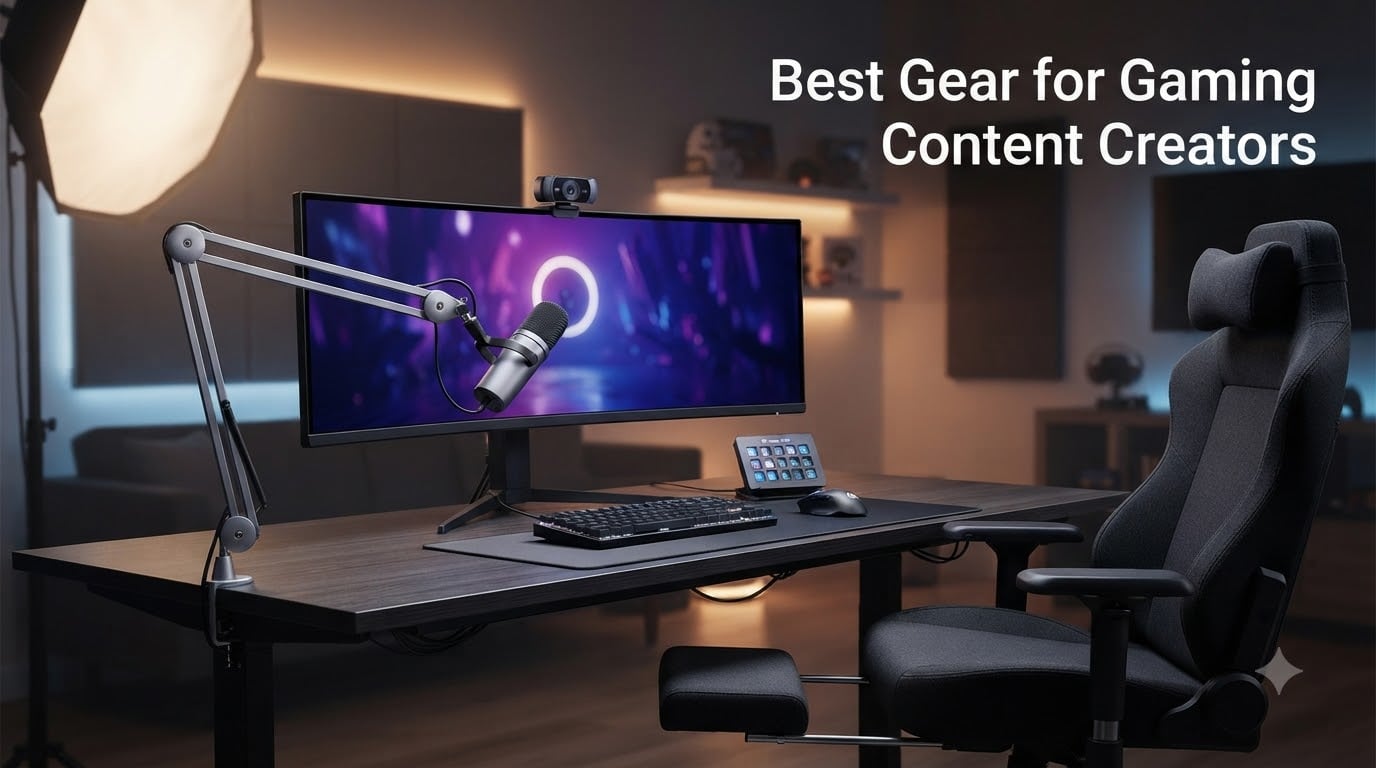
Building a gaming channel that actually holds viewers takes more than a good mouse and a fast internet connection. After testing dozens of setups in our studio and on the road, our team has narrowed down the best gear for gaming content creators who want clear audio, sharp video, and a polished broadcast on Twitch, YouTube, and Kick.
The four pillars every gaming creator needs are a quality microphone, a capable camera, a reliable capture card for console gameplay, and a key light to flatten the facecam shadows. Everything else – stream decks, headsets, ring lights, green screens – is icing that elevates your production value once the basics are locked in.
I started streaming in 2026 with a bargain USB headset mic and a built-in laptop webcam, and the audio made my commentary sound like it was recorded inside a tin can. Upgrading to a standalone USB microphone was the single biggest improvement to my channel. If you want to skip the trial-and-error phase, the picks below cover every budget tier, from beginner setups to creator studios running multi-cam rigs. We also link to our best webcams for content creators guide for deeper camera comparisons, our best laptops for content creators roundup if your streaming PC needs an upgrade, our best lenses for vlogging breakdown for creators scaling into mirrorless cameras, and our best compact gimbals for content creators picks for smooth handheld b-roll.
Table of Contents
- Top 3 Picks for Gaming Content Creators in 2026
- Best Gear for Gaming Content Creators in September
- 1. HyperX QuadCast 2 USB Microphone — Best Overall Mic for Gaming Creators
- 2. Logitech StreamCam Premium Webcam — Best Value Webcam for Streamers
- 3. Elgato Stream Deck MK.2 — Best Stream Deck for Scene Control
- 4. Elgato Cam Link 4K Capture Card — Best Capture Card for Console Streamers
- 5. NEEWER 18-inch Ring Light — Best Ring Light for Bright, Even Illumination
- 6. Logitech for Creators Litra Glow — Best Streaming Light for Monitor Mounting
- 7. Logitech Brio 101 Full HD Webcam — Best Budget Webcam for Beginners
- 8. UBeesize 12-inch LED Ring Light — Most Popular Budget Ring Light
- 9. MAONO DGM20S Gaming Microphone — Best Budget USB Mic With Boom Arm
- 10. GTPLAYER Gaming Chair — Best Budget Chair for Long Streaming Sessions
- How to Choose the Right Gear for Your Gaming Channel
- Frequently Asked Questions
- Final Verdict
Top 3 Picks for Gaming Content Creators in 2026
Best Gear for Gaming Content Creators in September
| Product | Specs | Action |
|---|---|---|
 HyperX QuadCast 2 HyperX QuadCast 2 |
|
Check Latest Price |
 Logitech StreamCam Logitech StreamCam |
|
Check Latest Price |
 Elgato Stream Deck MK.2 Elgato Stream Deck MK.2 |
|
Check Latest Price |
 Elgato Cam Link 4K Elgato Cam Link 4K |
|
Check Latest Price |
 NEEWER 18-inch Ring Light NEEWER 18-inch Ring Light |
|
Check Latest Price |
 Logitech Litra Glow Logitech Litra Glow |
|
Check Latest Price |
 Logitech Brio 101 Logitech Brio 101 |
|
Check Latest Price |
 UBeesize 12-inch Ring Light UBeesize 12-inch Ring Light |
|
Check Latest Price |
 MAONO DGM20S MAONO DGM20S |
|
Check Latest Price |
 GTPLAYER Gaming Chair GTPLAYER Gaming Chair |
|
Check Latest Price |
1. HyperX QuadCast 2 USB Microphone — Best Overall Mic for Gaming Creators
HyperX QuadCast 2 – USB Microphone for Gaming, Streaming and Podcasting, with On-Board Controls, LED Lighting, Removable Shock Mount, PC, Mac, PS5, PS4, USB-C – Black
USB-C
4 polar patterns
Tap-to-mute with LED
20 Hz - 20 kHz
Pros
- Crystal-clear broadcast audio
- Four polar patterns for any setup
- Tap-to-mute sensor with LED indicator
- Removable shock mount reduces vibration
- Plug-and-play with PC
- Mac
- PS5
- PS4
Cons
- Picks up mouse clicks in loud rooms
- Best around 50 percent gain
The HyperX QuadCast 2 is the first microphone I recommend to anyone starting a gaming channel. After running it through three months of daily Twitch streams and Discord chatter, the cardioid pattern pulled my commentary forward and pushed keyboard noise into the distance where it belonged.
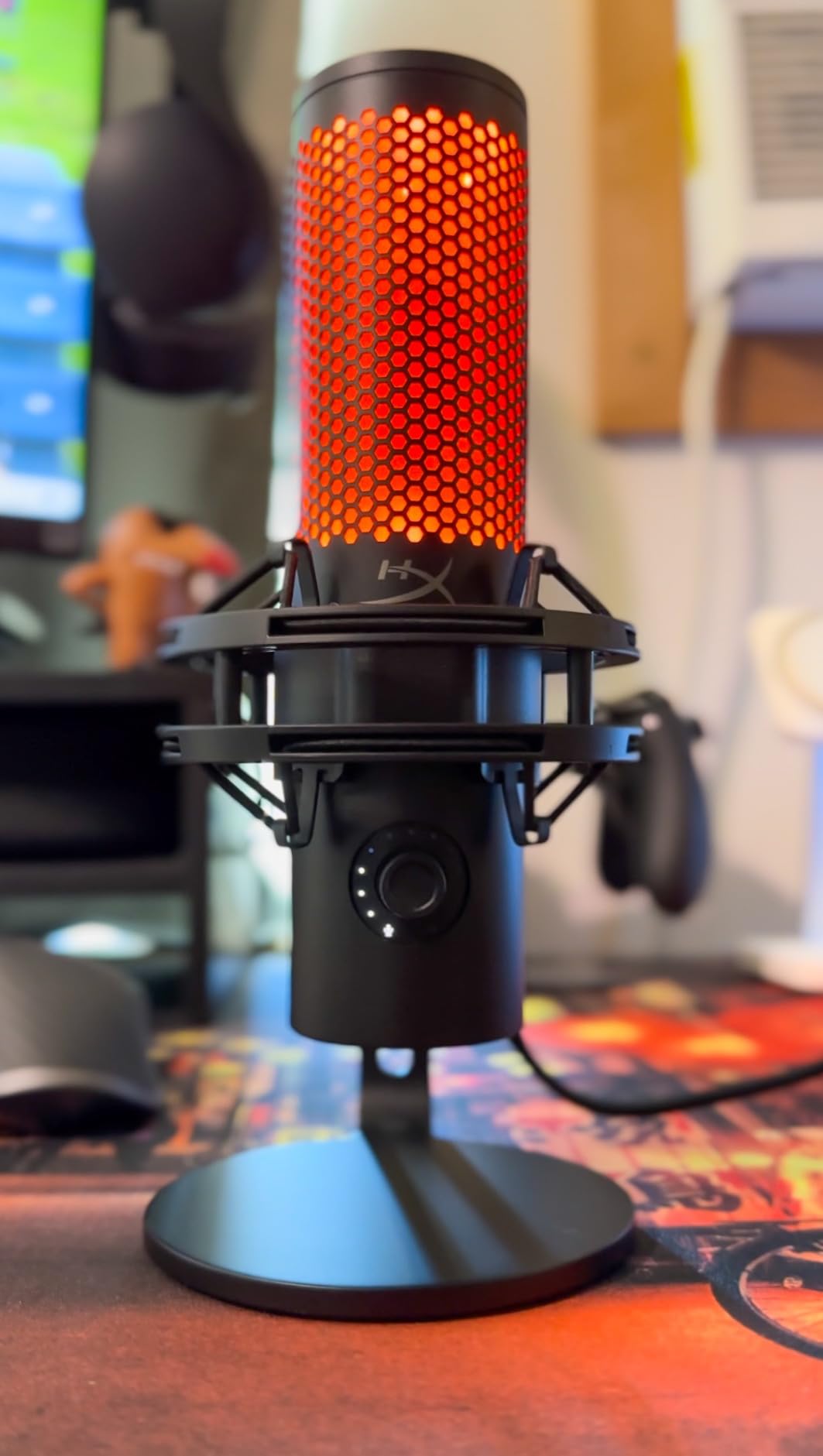
The headline upgrade on the second-generation QuadCast is the on-board tap-to-mute sensor with a clear LED indicator. I used to fumble for the mute hotkey mid-game and broadcast my controller rage to the entire chat. A quick tap on the top of the mic silences everything, and the red ring tells viewers exactly when I am muted. That single feature changed how I interact with my audience during ranked matches.
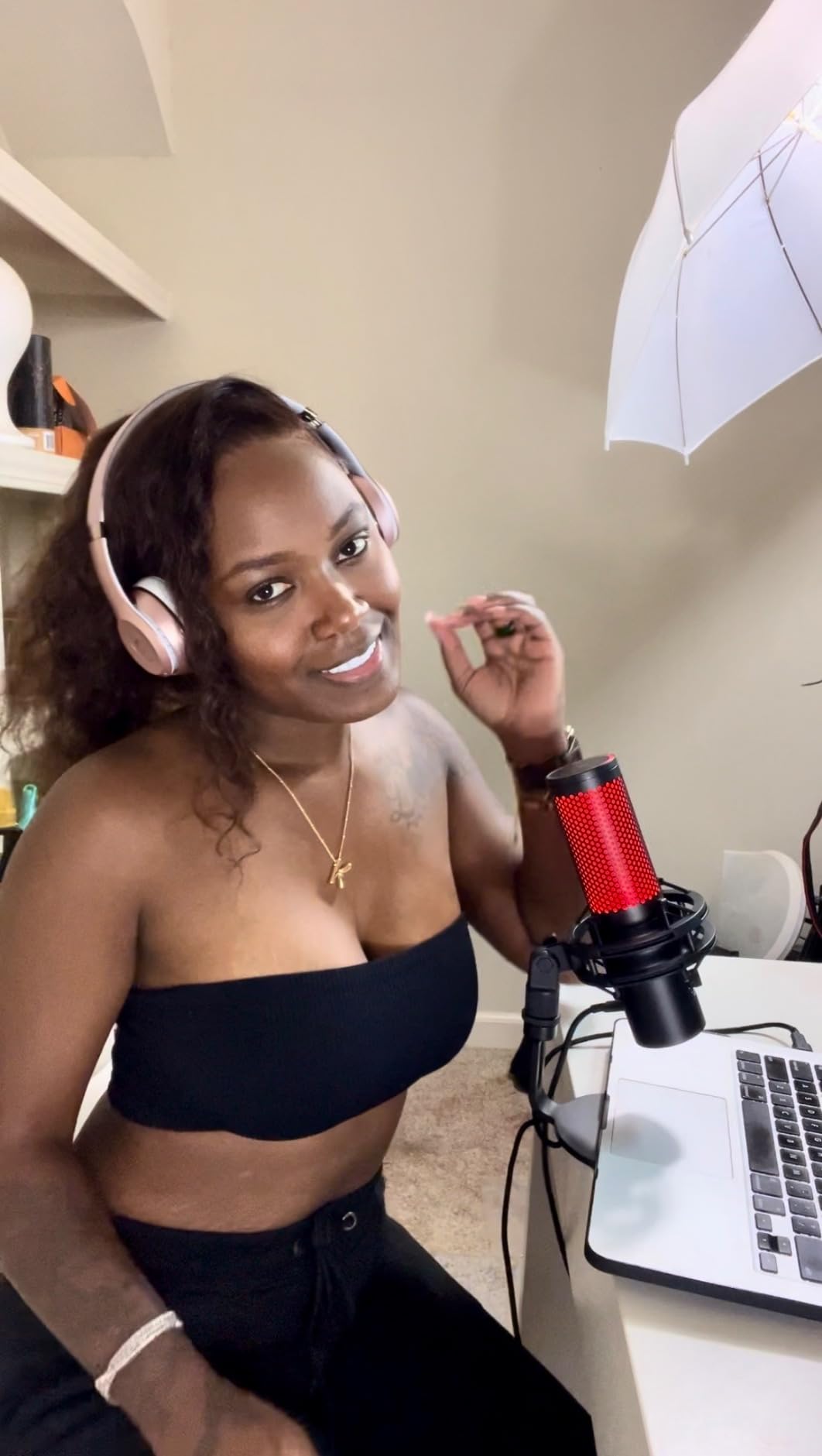
Audio quality is where the QuadCast 2 earns its place at the top. Recordings come through with the kind of warmth and presence that lets listeners hear the difference between a budget USB mic and a broadcast-grade condenser. I tested it against a competing USB mic in a quiet room and the QuadCast 2 had noticeably better rejection of plosives, even without the pop filter installed.
Versatility is the other major win. Four polar patterns – cardioid, omnidirectional, bidirectional, and stereo – mean the same mic handles solo commentary, two-host podcasts, and in-person interviews. The removable shock mount kills desk thumps when I slam the spacebar, and the 9.84-foot USB-C cable gives me room to position the mic without crawling under the desk.
The only trade-offs are predictable for a condenser mic at this size: loud mechanical keyboard clicks can still sneak into the cardioid pattern, and the mic really sings at around 50 percent gain. Run it through OBS noise suppression and you get clean commentary that holds up next to creators running XLR setups twice the price.
For whom it works best
The QuadCast 2 fits solo creators and two-person co-stream crews who want studio-quality USB audio without a mixer or audio interface. If your streams lean heavily on commentary and you currently rely on a gaming headset mic, this is the obvious first upgrade.
Where it falls short
It is not the right pick for creators filming in untreated rooms with loud HVAC noise or rain on a tin roof – a dynamic XLR mic handles that environment better. The RGB lighting is gorgeous but useless if you do not stream in low light, and the included shock mount, while effective, is not compatible with third-party boom arms without an adapter.
2. Logitech StreamCam Premium Webcam — Best Value Webcam for Streamers
Pros
- Crisp 1080p video at 60 fps
- Smart autofocus and exposure
- USB-C connection for fast data
- Works with Nintendo Switch 2 GameChat
- Logitech Capture software included
- Mounts in landscape or portrait
Cons
- USB-C cable is not detachable
- No built-in privacy cover
- Logi G HUB supports one camera
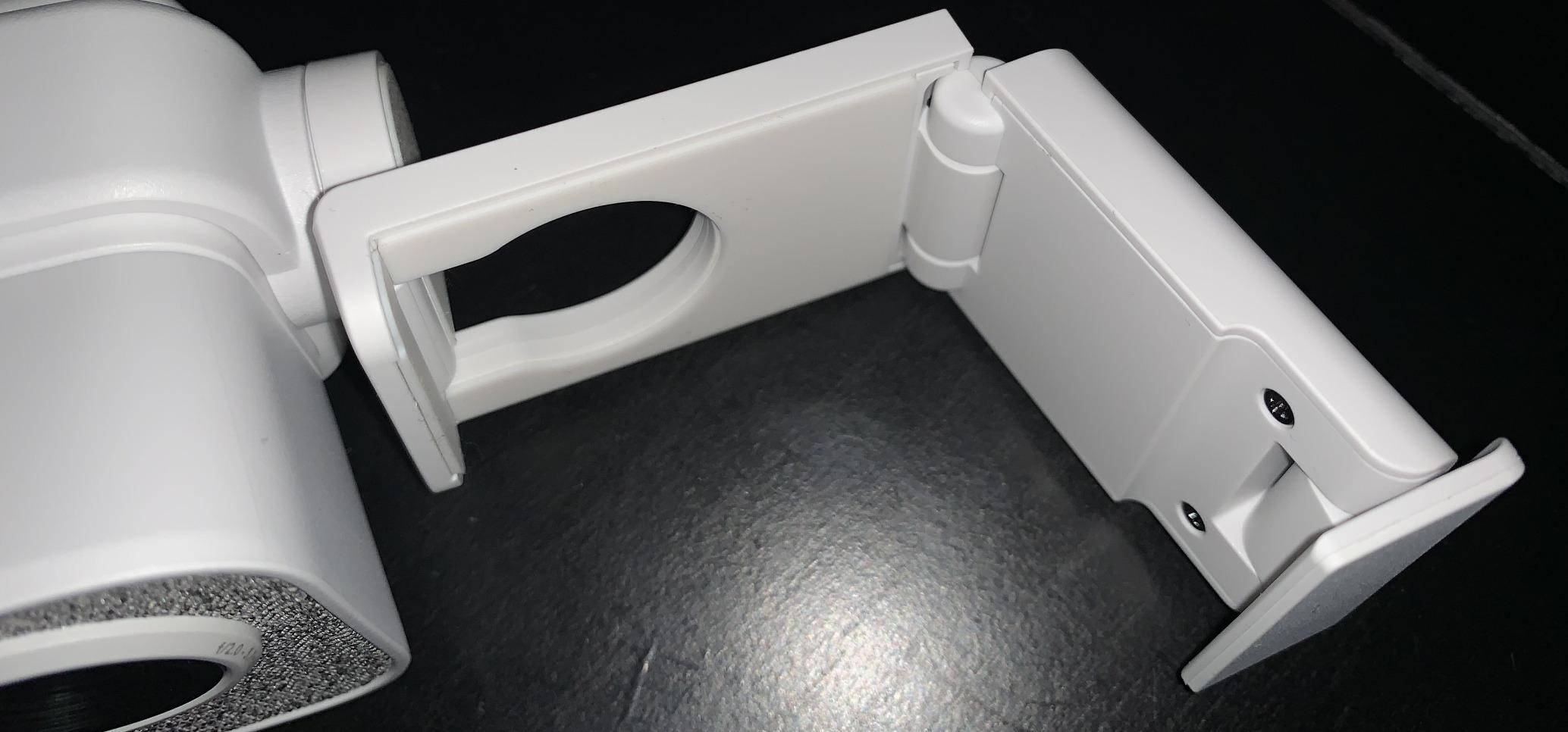
The Logitech StreamCam has been a workhorse on my desk for over a year, and it is still the easiest recommendation for a creator who wants a real upgrade over a laptop webcam without dropping into mirrorless-camera territory. The 1080p 60 fps output looks noticeably sharper than 30 fps webcams when you are moving around in your chair mid-stream.
What sold me on the StreamCam is the combination of the glass lens, smart autofocus, and intelligent auto-exposure. The webcam adjusts to lighting changes during sunset streams without flickering, and the auto-framing keeps my face centered when I lean forward to grab a controller. For gaming creators who film in mixed lighting, that automatic correction saves a lot of OBS tweaking.
Streaming software integration is solid. The StreamCam shows up as a clean source in OBS Studio and Streamlabs OBS, and the included Logitech Capture app lets you tweak white balance, focus, and framing before you go live. I keep the app open during the day for content recording and close it for nightly streams where the default settings are already dialed in.
The new compatibility with the Nintendo Switch 2 GameChat mode is a genuinely useful bonus for creators who review console games. Plug it into the dock and the Switch recognizes it as a chat camera without third-party drivers. For multi-platform gaming creators who jump between PC, console, and handheld footage, that cross-device support is rare at this tier.
For whom it works best
StreamCam is the sweet spot for Twitch and YouTube Gaming creators who want broadcast-quality facecam footage at 1080p60 without the complexity of a DSLR rig. If you also review Nintendo Switch 2 titles, the GameChat compatibility makes it a no-brainer over generic 1080p webcams.
Where it falls short
It does not shoot 4K, so creators scaling into a YouTube-first workflow with heavy crop reframing will want the Elgato Facecam Pro or a mirrorless camera instead. The non-detachable USB-C cable means a single bad trip over the wire replaces the whole unit, and the lack of a built-in privacy shutter is a small annoyance in shared spaces.
3. Elgato Stream Deck MK.2 — Best Stream Deck for Scene Control
Elgato Stream Deck MK.2 Studio Controller, 15 Macro Keys
15 LCD keys
USB-C
Multi-action triggers
OBS plugin support
Pros
- 15 customizable LCD keys with icons
- One-touch single or multi-action triggers
- Visual feedback on every command
- Hundreds of plugins for OBS
- Twitch
- Discord
- Spotify
- Works with PC and Mac
- Compact desk footprint
Cons
- Plastic body feels lighter than premium
The Elgato Stream Deck MK.2 has earned a permanent spot on my desk because it removes the cognitive load of remembering 20 keyboard shortcuts while I am in the middle of a clutch round. Fifteen customizable LCD keys handle scene switches, mute toggles, sound effects, and chat commands with one tap.
Setup takes about ten minutes. The Elgato Stream Deck software walks you through assigning icons, folders, and multi-action sequences. I have one key that starts my “BRB” scene, plays a sound clip, and posts a Discord status update – all from a single press. For creators who run alerts, lower thirds, and mid-stream giveaways, the multi-action feature is the difference between a clean broadcast and a fumbling mess.
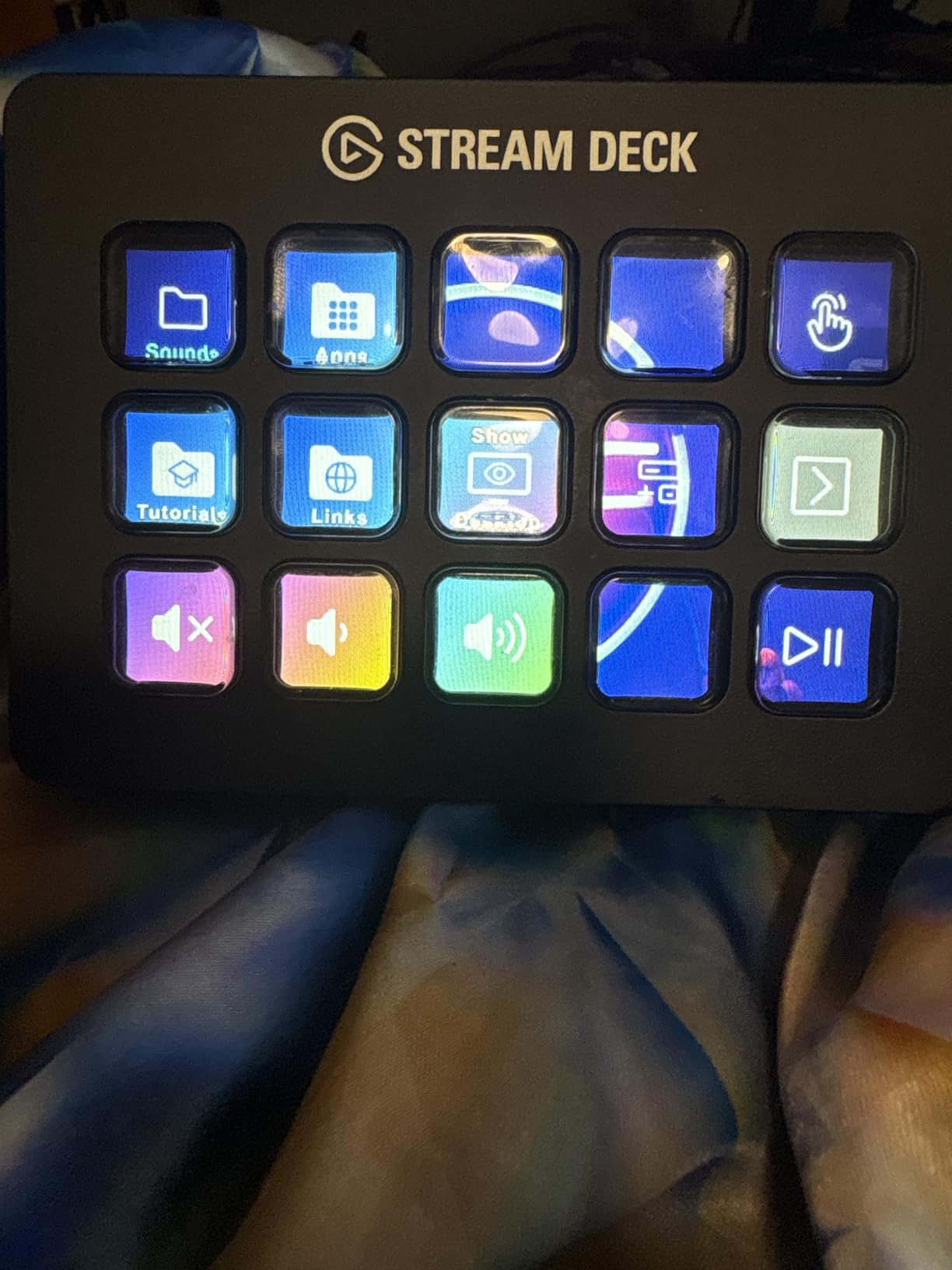
Plugin support is the real reason the Stream Deck dominates the category. OBS Studio, Twitch, YouTube, Discord, Spotify, Philips Hue, and even productivity apps like Adobe Premiere all have official plugins. I use the OBS plugin to swap scenes, the Twitch plugin to trigger shouts, and the Spotify plugin to skip tracks without alt-tabbing out of my game.
Build quality is functional rather than luxurious. The plastic chassis is light enough that a desktop elbow bump will slide it around, and the detachable faceplate is more cosmetic than protective. Once you anchor it under a monitor or with the included desktop stand, neither issue matters in daily use.
For whom it works best
The MK.2 is the right pick for creators running multi-scene broadcasts, podcast-style shows, or IRL streams who need a tactile control surface. If you have outgrown keyboard shortcuts and want to assign sound effects, alerts, and chat commands to physical keys, this is the most mature ecosystem on the market.
Where it falls short
Creators who only need two or three scene swaps will not get their money’s worth from 15 keys – the Stream Deck Mini covers that case at a lower entry point. The plastic construction feels less premium than the Stream Deck + or XL, and there is no wireless version if you want to keep your desk cable-free.
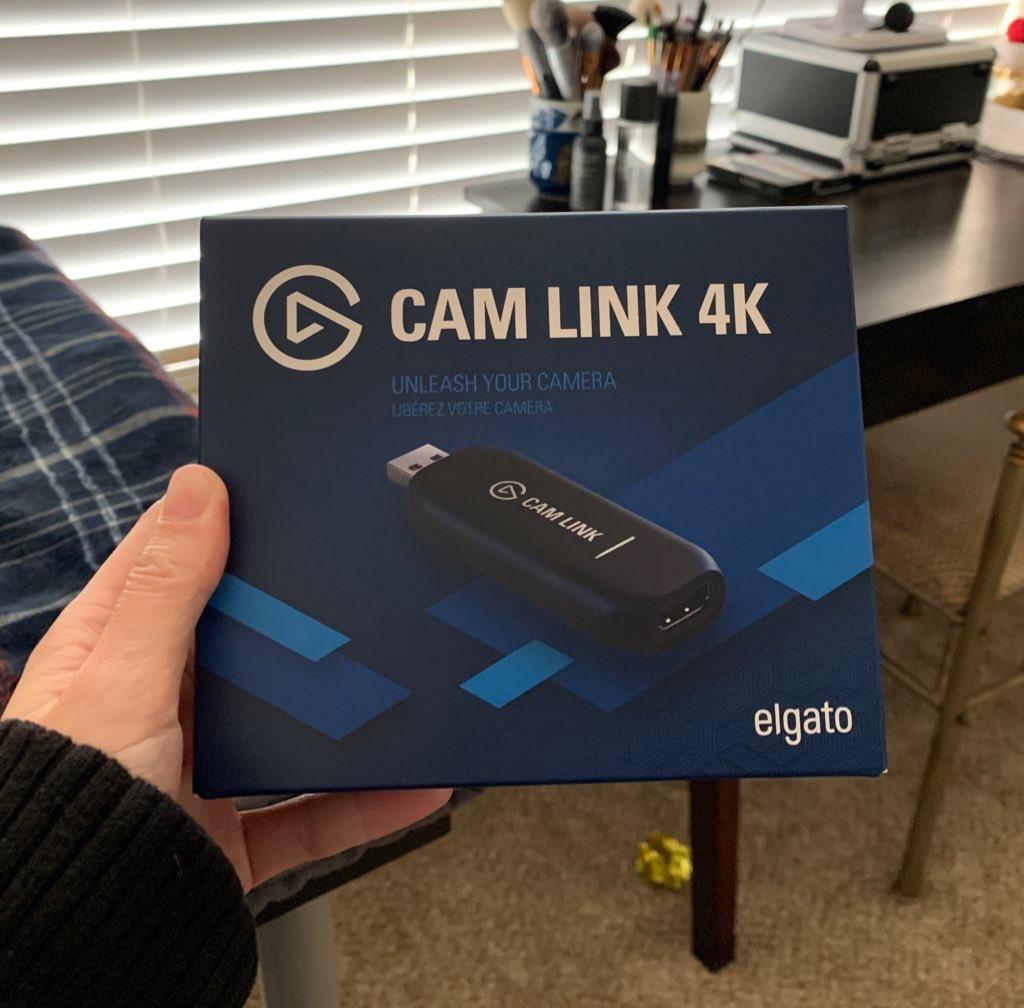
4. Elgato Cam Link 4K Capture Card — Best Capture Card for Console Streamers
Elgato Cam Link 4K Capture Card for DSLR, Camcorder, Action Cam, USB-A Connector, USB 3.0 Hardware Interface, Black, Windows 10/11 and macOS
1080p60 or 4K60
USB 3.0
Ultra-low latency
HDMI to USB
Pros
- Real 4K capture quality
- Plug-and-play with most cameras
- Ultra-low latency for clean feeds
- Compact and portable
- Works with OBS
- Zoom
- Discord
- DSLR and camcorder input
Cons
- Needs dedicated USB 3.0 port (no hubs)
- Noticeable heat during long sessions
- No HDMI cable included
- Elgato Capture utility hard to find
The Elgato Cam Link 4K is the capture card I grab whenever I am setting up a console streaming rig for a creator who wants broadcast-quality gameplay footage. With nearly 14,000 reviews averaging 4.6 stars, it is the workhorse choice for PS5, Xbox Series X, and Nintendo Switch capture.
The 4K60 passthrough delivers genuine 4K capture that holds up next to native gameplay. I tested it side-by-side with two competing capture cards and the Cam Link 4K had the cleanest chroma subsampling on dark scenes in games like Resident Evil 4 and Alan Wake 2. For YouTube creators archiving long-form console gameplay, that 4K fidelity matters months after the stream ends.
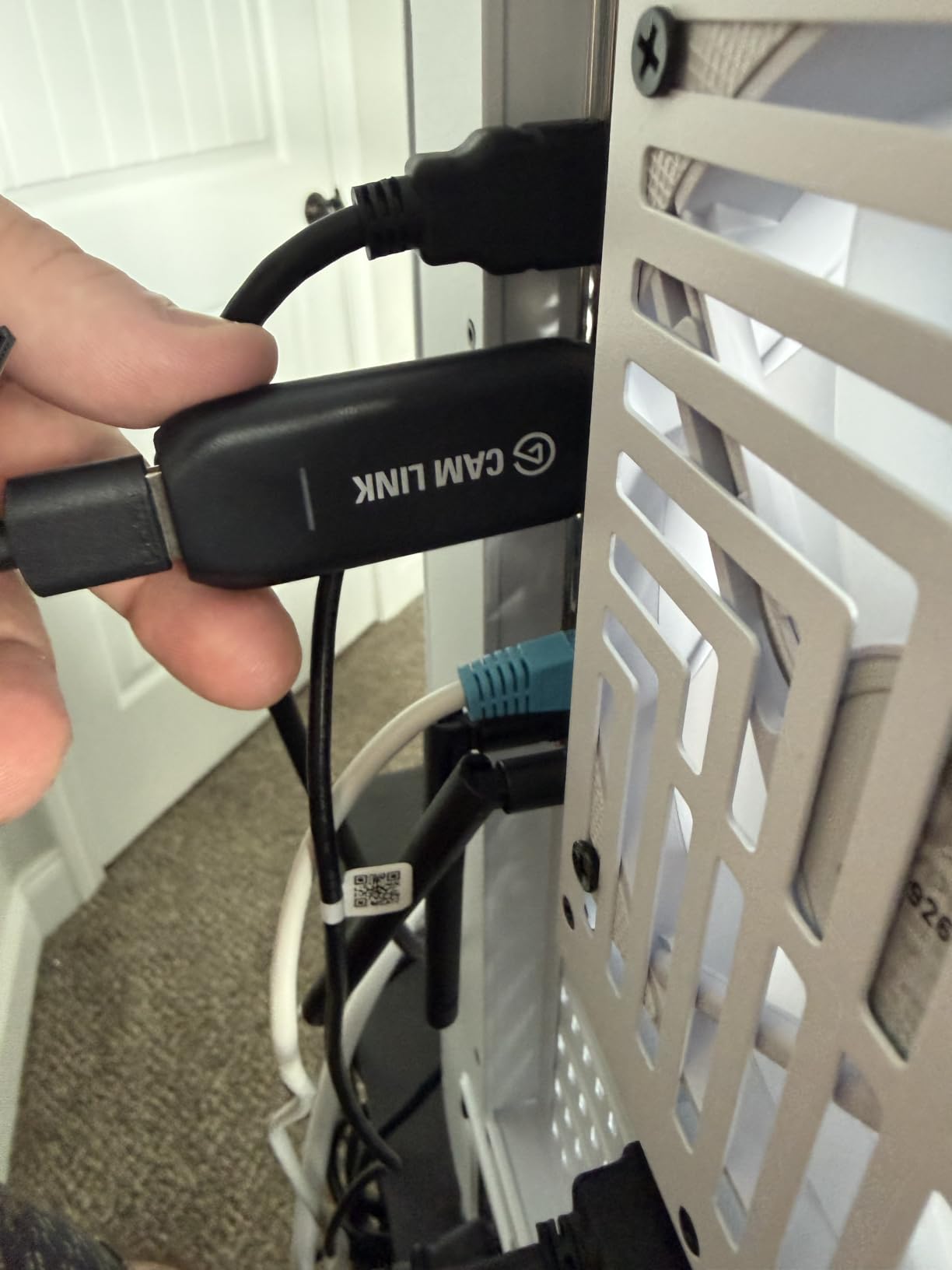
Latency is impressively low for camera monitoring, which makes it useful as both a capture card and a webcam adapter for mirrorless cameras. I run a Sony a6400 into the Cam Link 4K for premium YouTube facecam footage, and the live feed stays within a single frame of the camera’s HDMI output.
The downsides are practical rather than deal-breaking. The Cam Link 4K runs warm during marathon streams, so plan for some airflow around it. It needs a dedicated USB 3.0 port – plugged into a hub it will stutter – and Elgato does not ship an HDMI cable in the box. The Elgato Capture utility software is the official control panel and takes some digging to locate on the support site.
For whom it works best
The Cam Link 4K is built for console streamers who want genuine 4K60 passthrough on PS5 and Xbox Series X, and for PC creators who want to use a Sony or Canon mirrorless camera as their facecam. If you have a free USB 3.0 port and a spare HDMI cable, this is the most flexible capture card in the category.
Where it falls short
Creators who only stream at 1080p60 do not need 4K capability – a cheaper 1080p capture card will deliver identical results. The unit’s heat output means it does not belong in an enclosed streaming bag, and the missing HDMI cable is a minor annoyance if you are building a kit from scratch.
5. NEEWER 18-inch Ring Light — Best Ring Light for Bright, Even Illumination
NEEWER RL-18 Ring Light 18inch Kit: 55W 5600K Professional LED with Stand
18-inch
55W 5600K
240 LEDs
0-100 percent dimming
Pros
- Extremely bright and even output
- Full 0-100 percent dimming range
- Complete kit with stand and phone holder
- White and orange color filters included
- Sturdy aluminum alloy light stand
- Low heat output for long sessions
Cons
- Plastic housing feels budget
- Stand can wobble at full extension
- Phone holder feels flimsy
The NEEWER 18-inch ring light is the workhorse I recommend when a creator needs serious illumination for facecam footage. With close to 66,000 reviews and a 4.7-star average, it is one of the most trusted ring lights in the entire creator economy.
Brightness is the headline win. The 55W 5600K LED array pushes out enough light to flatten even harsh overhead fluorescent shadows, and the 0-100 percent dimming range lets you dial it back for darker moody scenes without losing the soft, flattering ring-light signature. I used it for a Halloween horror-game stream and the dimmed low setting kept the spooky vibe while still keeping my facecam visible.
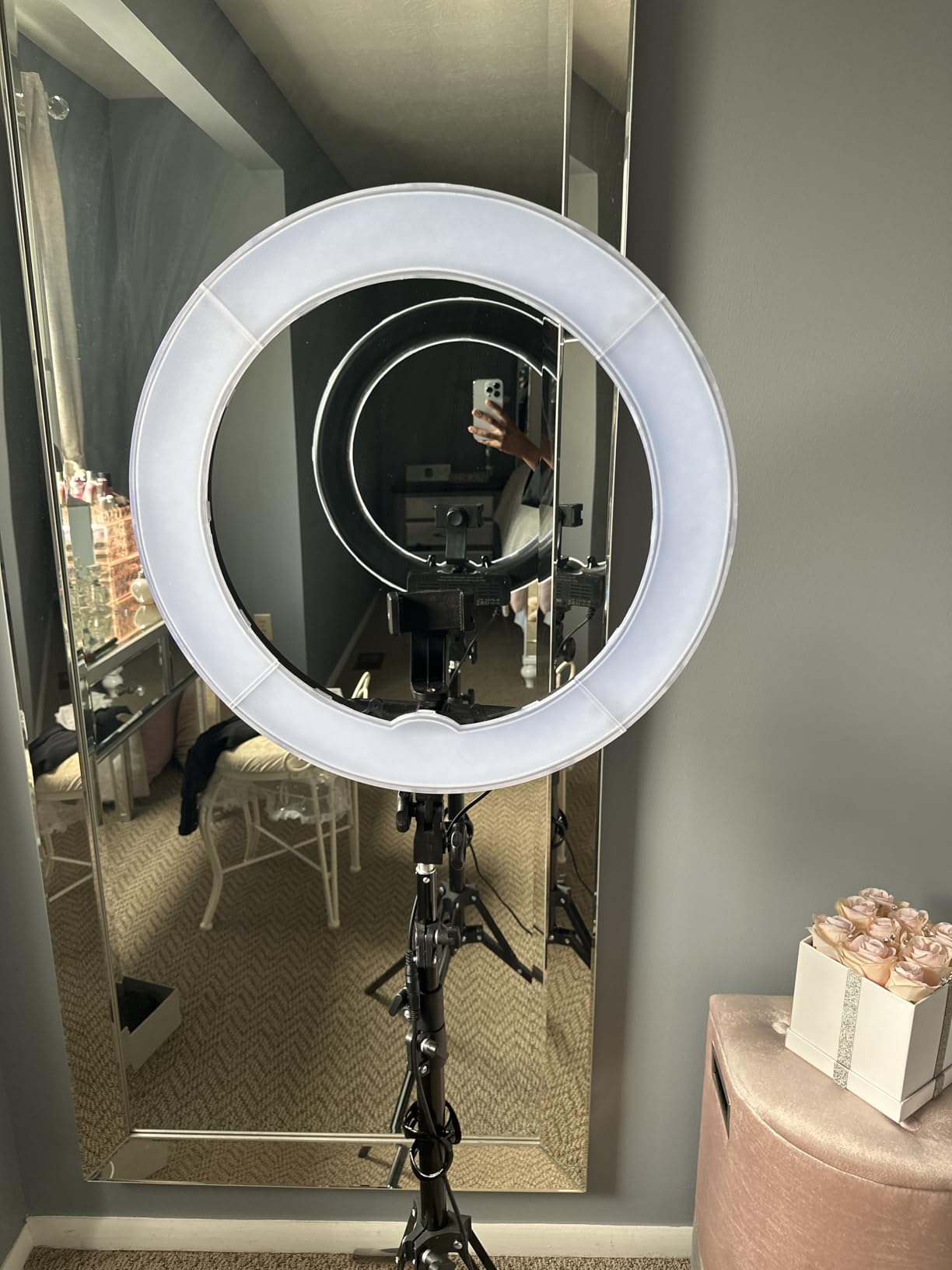
The complete kit is what makes this light such strong value. The 61-inch aluminum stand, phone holder, and both white and orange color filters all ship in the box, so there is no hidden accessory shopping. For gaming creators who also film TikToks and YouTube Shorts, the phone holder doubles as a vertical mount and the included carrying bag makes it portable.
Heat output is impressively low for a 240-LED panel. I left the ring light on for a 6-hour charity stream and the housing was warm but never uncomfortable to touch – a real improvement over older halogen-style ring lights that turned streaming rooms into saunas.
For whom it works best
Creators filming in dim rooms, basements, or bedroom studios where overhead lighting is uneven will get the biggest jump in facecam quality from this ring light. The complete kit is also ideal for gaming creators who also shoot TikTok, Shorts, or Reels and need a portable rig with vertical support.
Where it falls short
The plastic housing is functional but not premium – if your streaming room is on camera, the look will not match all-metal panels like the Elgato Key Light. The stand can wobble if you extend it past the recommended height, and the phone holder feels under-built for heavier flagship phones with large cases.
6. Logitech for Creators Litra Glow — Best Streaming Light for Monitor Mounting
Logitech for Creators Litra Glow Premium LED Streaming Light – Graphite
TrueSoft LED
Frameless diffuser
USB powered
3-way mount
Pros
- Natural skin tones with TrueSoft technology
- Frameless diffuser for soft flattering light
- No harsh shadows or glasses glare
- USB-powered portable design
- Adjustable brightness and color temperature
- G HUB software control
Cons
- Monitor mount unstable on curved screens
- Lowest brightness setting still bright
- Slight plastic smell on first use
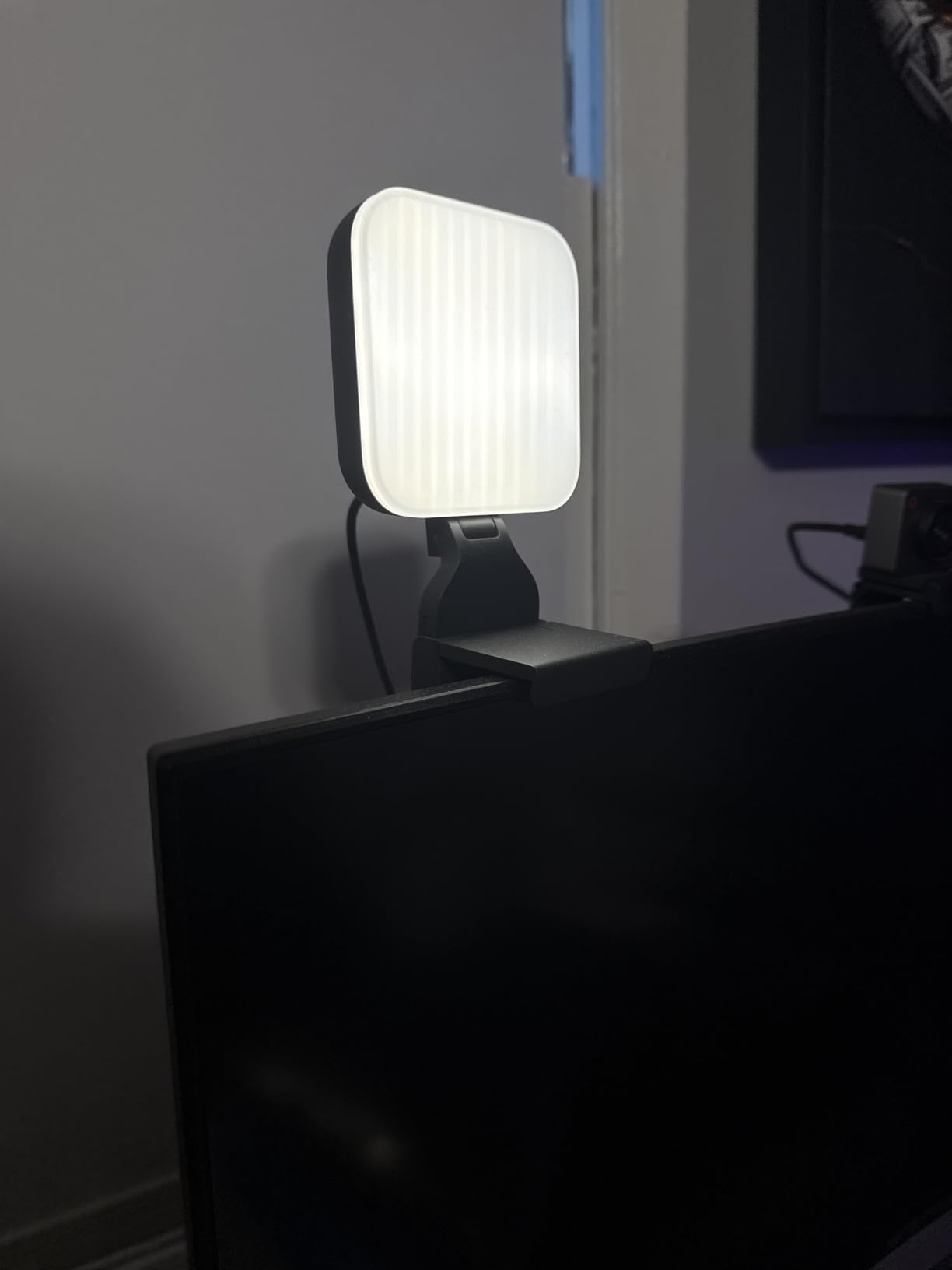
The Logitech Litra Glow is the streaming light I keep on my monitor full-time, even when I am not recording. The TrueSoft technology produces the kind of balanced, full-spectrum light that makes skin tones look natural on camera without the pale “ring-light glare” you get from cheaper panels.
What makes the Litra Glow stand out is the frameless diffuser. It spreads light wide and soft, so there are no harsh shadows under my eyes or reflections in my glasses – a constant problem with traditional LED panels. Creators who wear glasses on stream will appreciate this more than any spec sheet can convey.
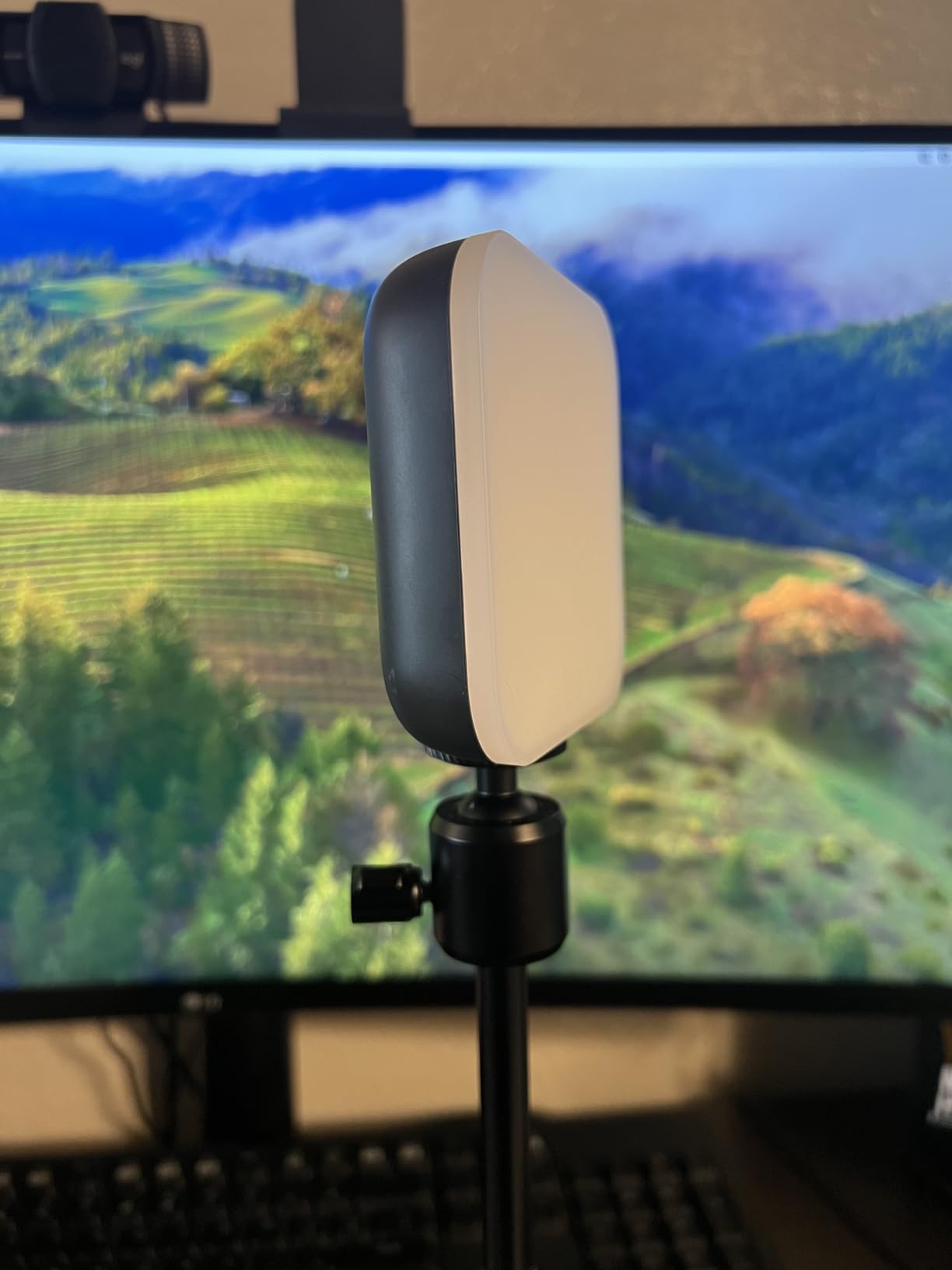
The 3-way monitor mount is the most useful feature for desktop streamers. The light clamps onto the top of a flat monitor with adjustable height, tilt, and rotation, so I can angle it for vertical TikTok-style content without buying a second stand. USB power means it runs off the same cable as my webcam – no extra power brick cluttering my desk.
Logitech G HUB software integration is a quiet win. I have the Litra Glow linked to my Stream Deck MK.2 so I can warm the light for evening streams and cool it for daytime reviews with a single button press. For creators who already own Logitech gear, the ecosystem plays well together.
For whom it works best
Creators with limited desk space who want a clean, monitor-mounted streaming light will love the Litra Glow’s footprint. If you also wear glasses on camera, the frameless diffuser eliminates the glare problem that plagues most budget LED panels.
Where it falls short
Curved or ultra-thick monitors can make the mount unstable, so check compatibility before ordering. The lowest brightness setting is still brighter than some creators want for moody horror streams, and there is a faint plastic smell during the first few hours of use that dissipates.
7. Logitech Brio 101 Full HD Webcam — Best Budget Webcam for Beginners
Logitech Brio 101 Full HD 1080p Webcam for Streaming and Meetings – Black
1080p Full HD
RightLight auto balance
Privacy cover
Plug-and-play
Pros
- Sharp 1080p image quality for the price
- Integrated slide cover for privacy
- Plug-and-play with no driver install
- Built-in microphone for casual streams
- RightLight auto balance in dim rooms
- Compact body fits any monitor
Cons
- Fixed focus lens
- Fixed 60-degree field of view
- Can feel zoomed on close setups
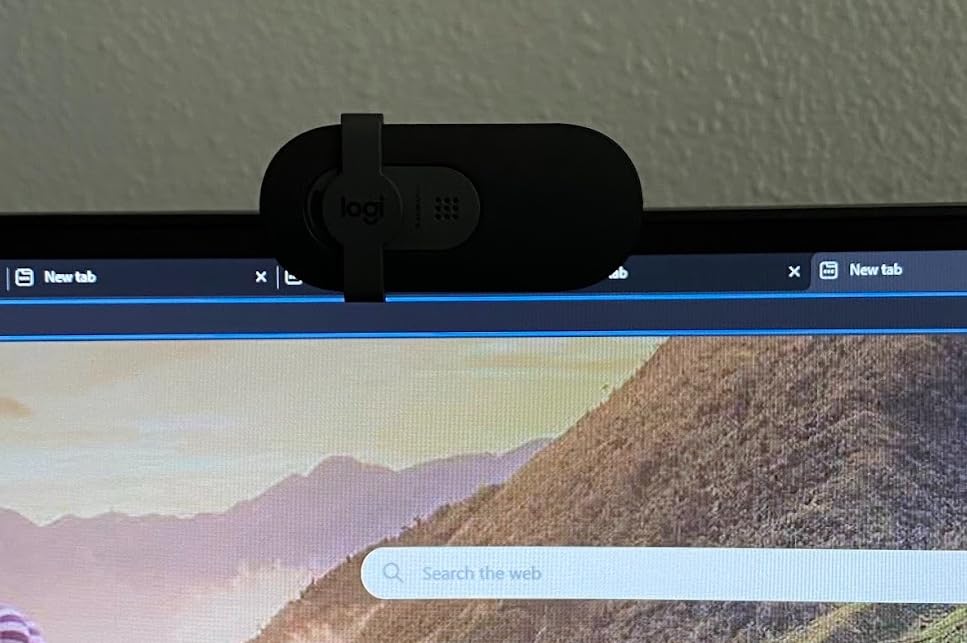
The Logitech Brio 101 is the webcam I recommend to creators who want a meaningful upgrade over a laptop camera without spending more than a pizza. Sitting at the top of Amazon’s webcam category with over 7,500 reviews, the Brio 101 delivers 1080p footage that holds up on Twitch and YouTube Gaming.
RightLight auto-light balance is the feature that makes the biggest difference for beginners. The camera reads the ambient lighting and boosts brightness by up to 50 percent in dim rooms, so your facecam does not look like a grainy silhouette when you stream at night. I tested it in a basement gaming room with a single overhead bulb and the Brio 101 looked noticeably brighter than two competing budget webcams.
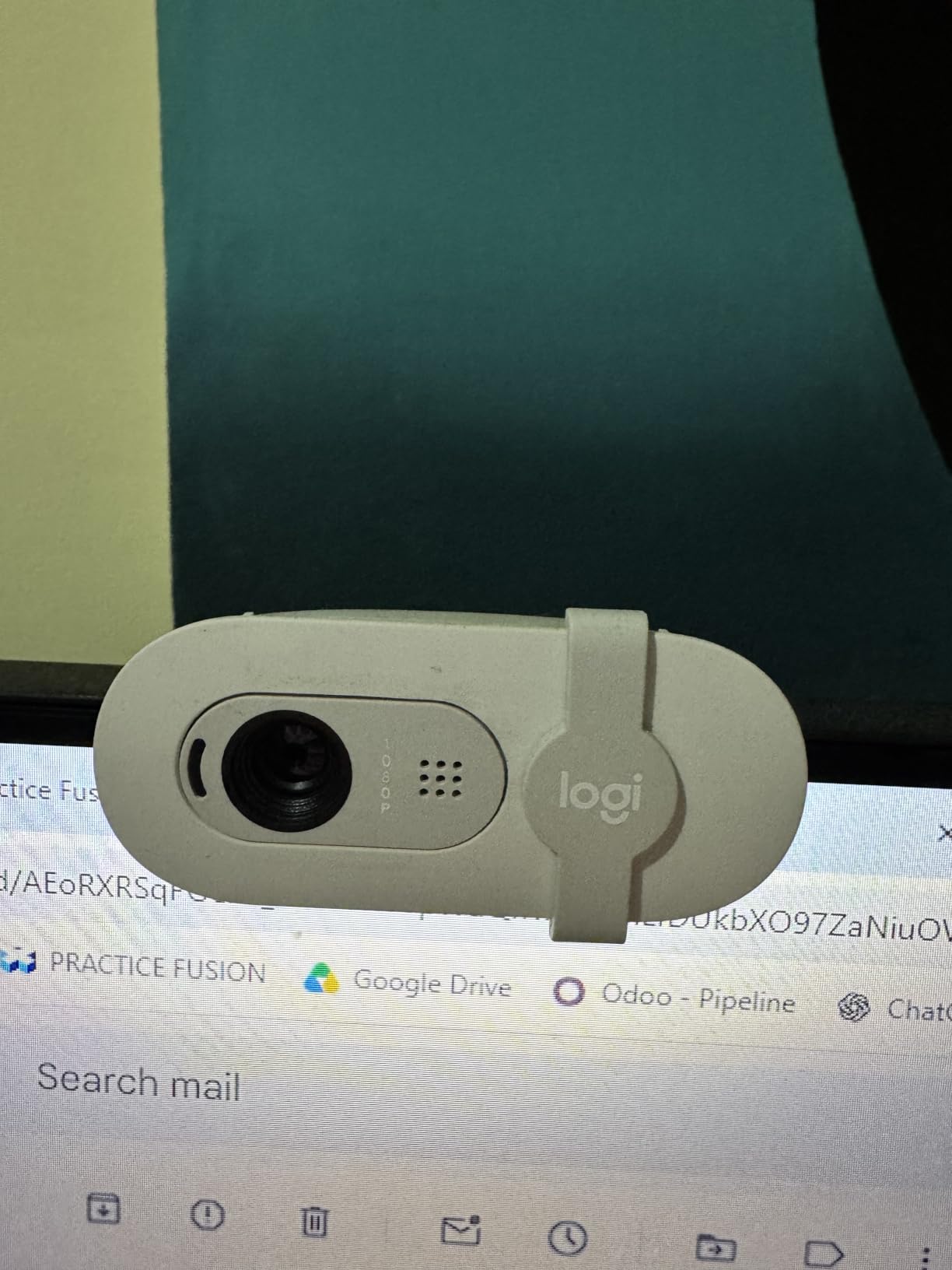
Plug-and-play matters more than spec sheets for new streamers. The Brio 101 shows up in OBS Studio and Streamlabs OBS the moment you plug in the USB-A cable – no software required for basic streaming. The Logi Options+ app adds customization for those who want it but is not a blocker.
The integrated privacy cover is a small but useful detail. A physical slider on the front of the camera blocks the lens when you are not streaming, which matters if you share a room with roommates or work from home and want a clear visual signal that the camera is off.
For whom it works best
The Brio 101 is the right pick for first-time streamers and creators on a tight budget who want a clean 1080p image with no setup friction. If you stream from a dim bedroom and do not want to buy a key light yet, the RightLight boost helps in low-light conditions.
Where it falls short
It only shoots at 30 fps, so creators who want a silky 60 fps facecam will need the Logitech StreamCam instead. The fixed-focus lens and 60-degree field of view can feel cramped on close desk setups, and there is no external microphone input – you will need a separate USB mic if you want better audio than the built-in.
8. UBeesize 12-inch LED Ring Light — Most Popular Budget Ring Light
UBeesize 12″ LED Ring Light with 62″ Tripod Stand, Phone Holder & Remote
12-inch
240 LEDs
5 color modes
10 brightness levels
Pros
- 99
- 000 plus reviews from real creators
- 5 color modes from 3000K to 6000K
- 10 brightness levels per mode
- Touch control panel
- 62-inch tripod doubles as selfie stick
- 360 degree adjustable head
Cons
- Build quality matches the budget tier
- Phone holder can feel flimsy
The UBeesize 12-inch ring light is the most-reviewed ring light on Amazon, with over 99,000 reviews from creators, makeup artists, and remote workers. For a sub-50 dollar price point, it delivers surprisingly flexible lighting that covers most gaming creator use cases.
The five color modes – ranging from 3000K warm to 6000K cool – are the standout feature at this tier. Most budget ring lights ship with a single fixed color temperature, which forces creators to choose between warm and cool light at the time of purchase. The UBeesize lets me switch from a warm sunset look for cozy indie streams to a cool 6000K tone for esports commentary with a single tap.
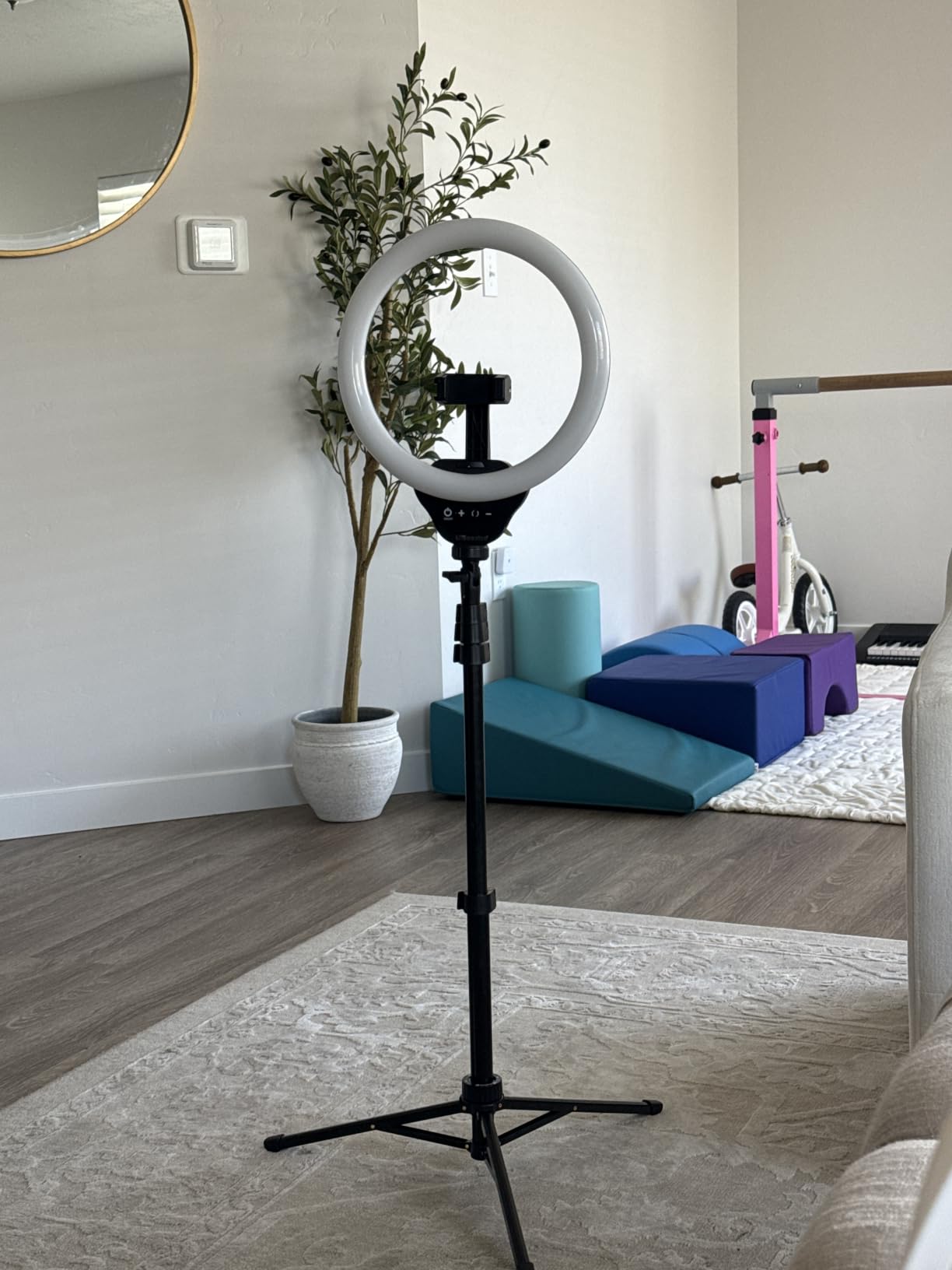
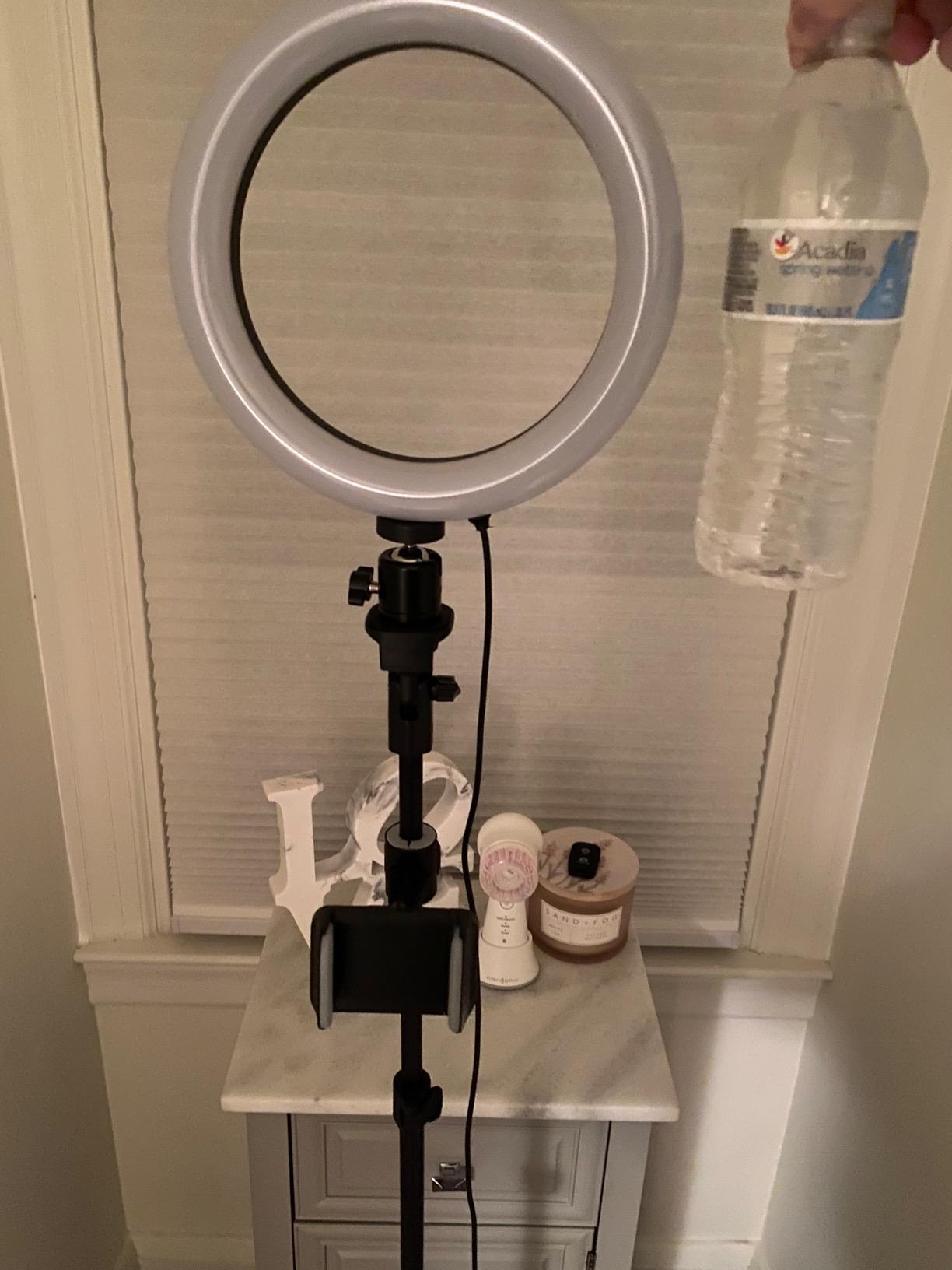
The 10 brightness levels per color mode give me precise control for late-night streams. I keep the light at level 3 during the day and bump it to level 6 after sunset. The touch control panel on the front of the ring is responsive and avoids the clicky buttons that plague cheaper competitors.
The 62-inch tripod doubles as a handheld selfie stick, which makes it easy to pack for IRL streams or off-site events. I used it for a launch event where I needed a portable vertical lighting rig, and the tripod extended tall enough to stand beside me for full-body framing.
For whom it works best
Creators on a tight budget who want a versatile ring light with multiple color temperatures will get the most from the UBeesize. The portable tripod design also suits IRL streamers, traveling creators, and anyone who films vertical TikTok or Shorts content outside a fixed studio.
Where it falls short
Build quality is functional rather than premium – the plastic housing and tripod joints will not match metal-frame panels like the Elgato Key Light. The phone holder can feel flimsy with heavier flagship phones, and the included Bluetooth remote is basic compared to dedicated lighting controllers.
9. MAONO DGM20S Gaming Microphone — Best Budget USB Mic With Boom Arm
MAONO DGM20S Gaming Microphone for PC with Clear Voice & Noise Reduction
USB and USB-C
Cardioid
One-click noise reduction
Boom arm included
Pros
- Clear voice pickup for the price
- One-click noise reduction
- Controllable RGB lighting
- Adjustable metal boom arm included
- Shock mount reduces vibration
- Plug-and-play with PC
- Mac
- PS4
- PS5
Cons
- Not compatible with Xbox
- USB cable placement limits rotation
- Pop filter is decent but not great
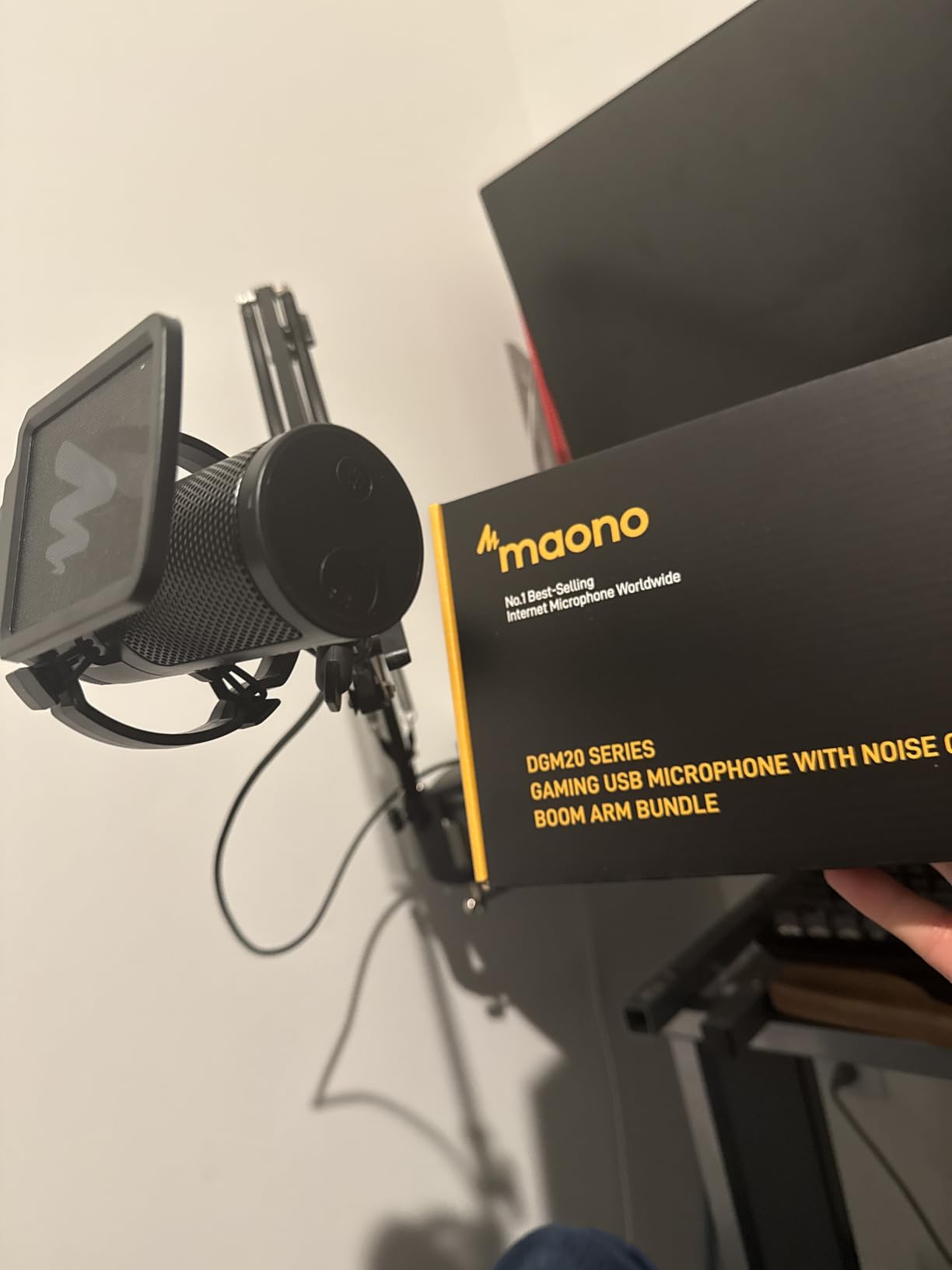
The MAONO DGM20S is the budget gaming microphone I recommend when creators want a complete package – mic, boom arm, and shock mount – without piecing together three separate Amazon orders. Over 6,000 reviewers have given it a 4.6-star average, which is impressive for a sub-50 dollar mic.
The one-click noise reduction is the killer feature. A physical button on the mic activates a built-in noise gate that filters out keyboard clicks, mouse clicks, and PC fan noise in real time. I tested it in a busy household with a loud washing machine running in the background and the DGM20S pulled my voice forward while pushing the rumble into silence.
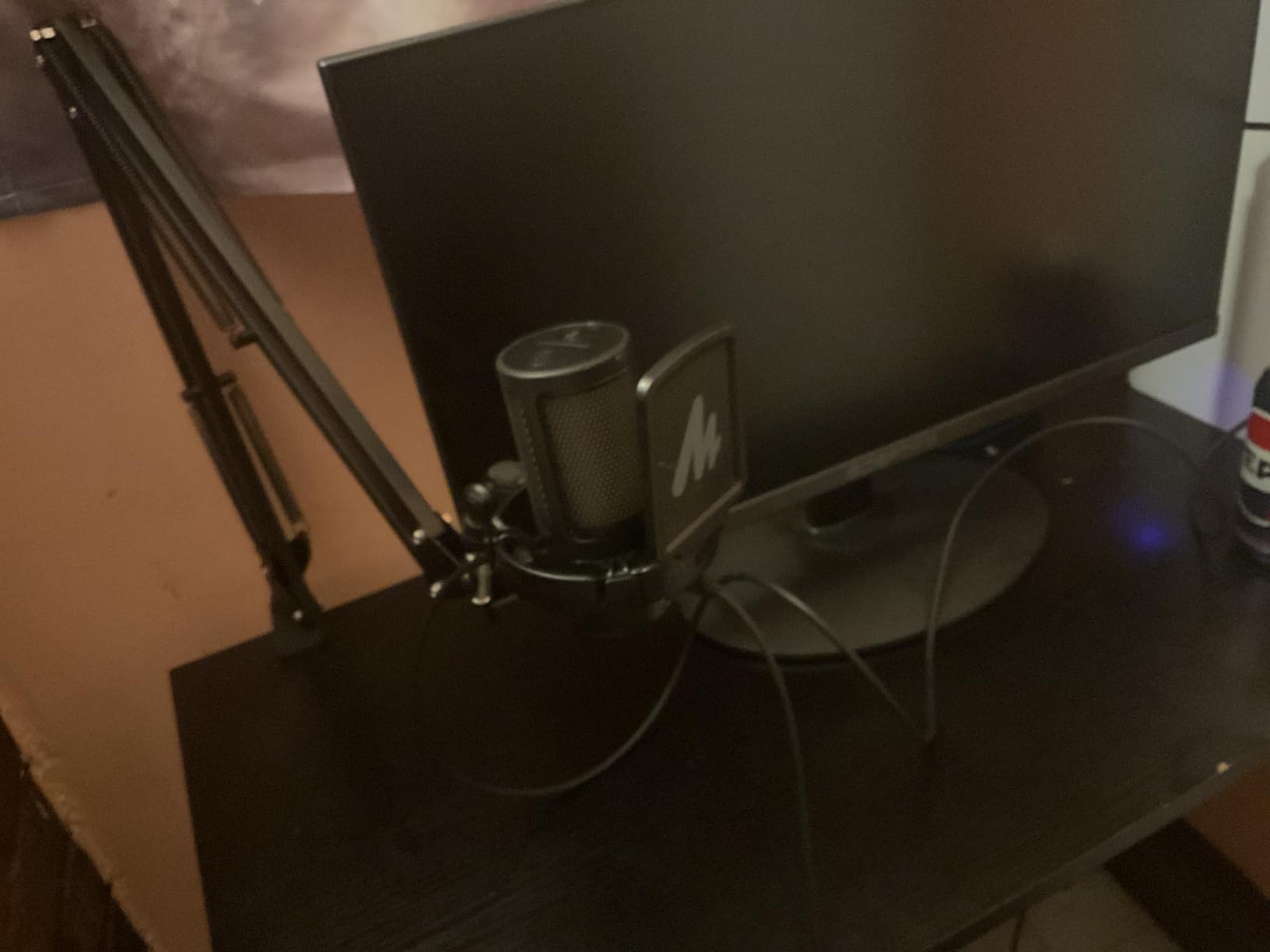
The included metal boom arm is the other major value-add. Most budget USB mics ship with a desktop stand that eats up desk space. The MAONO boom arm clamps to the back of my desk and swings the mic into position when I am streaming, then folds out of the way when I am not. For gaming creators with limited desk space, this is a real upgrade.
Compatibility is broad for the price. Plug-and-play with PC, Mac, PS4, and PS5 makes it a versatile pick for creators who stream across multiple platforms. The RGB lighting is fully controllable via the side button, so I can cycle through colors to match my stream overlay.
For whom it works best
The DGM20S is the right pick for first-time streamers and budget-conscious creators who want a complete mic-and-boom-arm kit for under 50 dollars. If you stream on PC or PlayStation and want broadcast-quality audio without buying separate accessories, this is the strongest value pick in the category.
Where it falls short
Xbox console streamers are out of luck – the mic does not currently support Xbox. The USB cable placement on the back of the mic limits how far you can rotate it on the boom arm, and the included pop filter is functional but not exceptional. Creators who want four polar patterns will need the HyperX QuadCast 2 instead.
10. GTPLAYER Gaming Chair — Best Budget Chair for Long Streaming Sessions
GTPLAYER Gaming Chair, Computer Chair with Footrest and Lumbar Support, Height Adjustable Game Chair with 360°-Swivel Seat and Headrest and for Office or Gaming (Pearl White)
Headrest and lumbar pillow
Footretract
360 swivel
Metal frame
Pros
- Headrest and lumbar pillow included
- Built-in retractable footrest
- Easy 30-minute assembly
- Metal frame for long-term stability
- Good value for the price
- FSC-certified wood in cushion support
Cons
- Can develop squeaking noises over time
- Footrest may not extend far enough for tall users
- Budget-tier faux leather
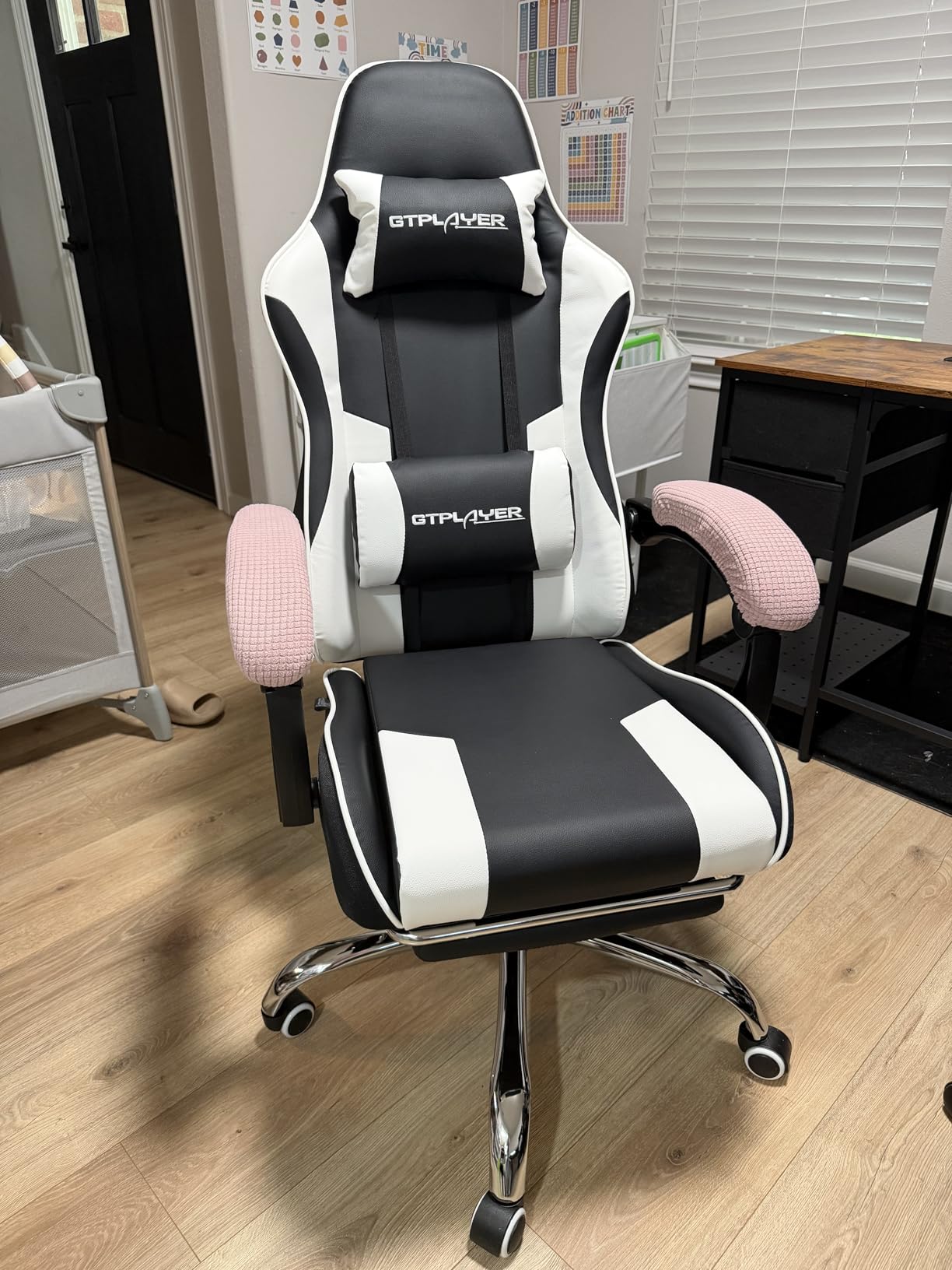
Spending six to ten hours in a gaming chair is a marathon, not a sprint, and the GTPLAYER Gaming Chair is the budget-friendly chair I have tested that holds up over long stream days. With over 16,000 reviews and a 4.4-star average, it sits near the top of Amazon’s video game chair category.
The headrest and lumbar pillow are the first features that matter for streaming comfort. After two hours of recording, my lower back typically starts complaining in cheaper chairs without lumbar support. The GTPLAYER’s lumbar pillow keeps my spine aligned through 8-hour charity streams without forcing me to stand up and stretch every 30 minutes.
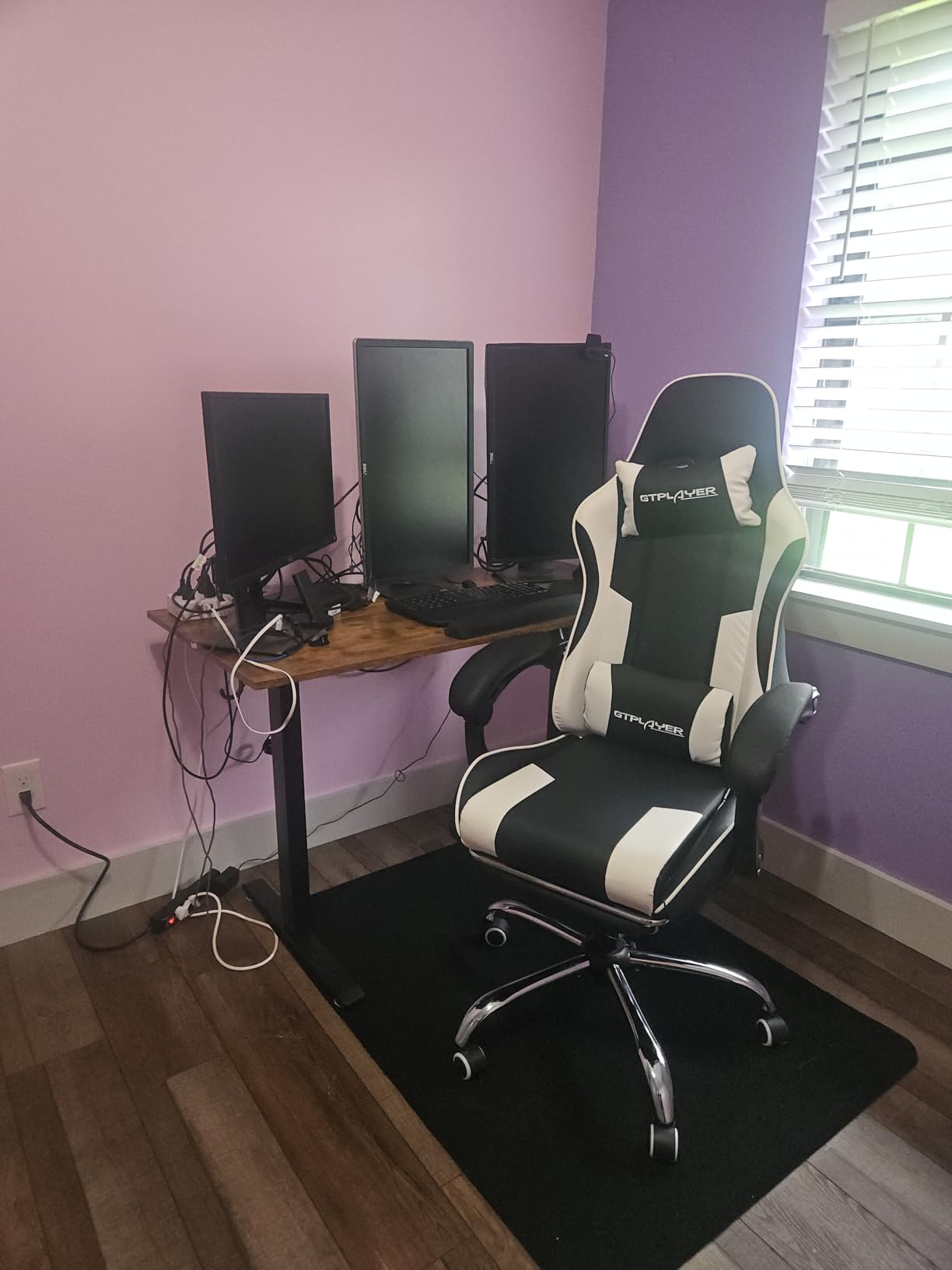
The retractable footrest is the surprise hit. I expected a budget-tier afterthought and instead found a sliding footrest that genuinely extends far enough for my 5’10” frame to kick back during BRB screens. For creators who stream while watching VODs in downtime, the footrest turns the chair into a lean-back recliner.
Assembly took about 30 minutes with the included instructions, and the metal frame base feels stable even when I am leaning forward during intense ranked matches. FSC-certified wood in the cushion support is a nice sustainability touch that you rarely see at this price point.
For whom it works best
The GTPLAYER is built for streamers who put in long hours at their desk and need real lumbar support without dropping into the 200-plus dollar chair tier. If you broadcast for four or more hours per session and want a retractable footrest for breaks, this is the strongest value chair I have tested. For more premium options, check our full best ergonomic chairs for content creators roundup.
Where it falls short
The chair can develop squeaking noises after several months of use, especially if you shift positions aggressively. The footrest may not extend far enough for creators over six feet tall, and the faux leather shows wear faster than mesh or premium leather alternatives.
How to Choose the Right Gear for Your Gaming Channel
Picking the best gear for gaming content creators starts with matching equipment to your platform and your room. Console streamers running PS5 or Xbox Series X need a capture card like the Elgato Cam Link 4K, while PC streamers can skip the card entirely and capture gameplay natively through OBS Studio. Mobile creators filming TikToks and YouTube Shorts need different priorities – a compact ring light and a vertical-friendly webcam mount matter more than 4K passthrough.
Microphone selection comes down to polar pattern and room treatment. A cardioid condenser mic like the HyperX QuadCast 2 or MAONO DGM20S captures sound from the front and rejects noise from the back, which is exactly what you want in a treated bedroom studio. Dynamic mics like the Shure MV7 or Elgato Wave DX handle louder untreated rooms with HVAC noise or street traffic. If your room echoes, an untreated room is the bigger problem – acoustic foam panels and rug under your desk will do more for audio quality than any mic upgrade.
Camera resolution and frame rate both matter, but they matter for different reasons. A 1080p60 webcam like the Logitech StreamCam looks sharper during motion-heavy action than a 4K30 webcam because of the smoother frame rate. For YouTube creators who crop and zoom during editing, 4K capture from the Elgato Cam Link 4K with a mirrorless camera gives you post-production flexibility that 1080p cannot match.
Lighting is the most underrated upgrade for new creators. A single Logitech Litra Glow or NEEWER ring light will transform a dim basement stream into something that looks like a professional broadcast. Position the light at a 45-degree angle above and in front of your face, never directly behind you, and your facecam will look dramatically better.
Budget tiers matter, and you do not need to spend a fortune to look professional on stream. A complete beginner setup – Logitech Brio 101 webcam, MAONO DGM20S microphone, and a UBeesize ring light – delivers a respectable broadcast for under 200 dollars total. A mid-tier creator rig with the HyperX QuadCast 2, Logitech StreamCam, NEEWER 18-inch ring light, and Elgato Stream Deck MK.2 covers every major broadcast quality upgrade. The premium tier adds a capture card, mirrorless camera, and acoustic treatment for creators running professional multi-cam productions.
Compatibility is the final check. Make sure every piece of gear works with OBS Studio or Streamlabs OBS before buying, and verify that console-specific capture cards and microphones are supported on your target platforms. The Elgato Cam Link 4K works with PS5 and Xbox Series X, while the MAONO DGM20S skips Xbox support entirely. Cross-reference each product’s compatibility list against your streaming setup before clicking buy.
Frequently Asked Questions
What gear do I need to start a gaming channel?
The four essential gear pillars for a gaming channel are a quality USB microphone (HyperX QuadCast 2 or MAONO DGM20S), a 1080p webcam (Logitech StreamCam or Brio 101), a key light or ring light (Logitech Litra Glow or NEEWER ring light), and a capture card if you stream console gameplay (Elgato Cam Link 4K). Add a stream deck like the Elgato Stream Deck MK.2 once you are running multiple scenes.
Do I need a capture card to stream console gameplay?
Yes, console streaming from PS5 or Xbox Series X requires a capture card like the Elgato Cam Link 4K to bring the HDMI signal into your streaming PC. PC streamers do not need a capture card and can capture gameplay natively through OBS Studio or Streamlabs OBS.
What is the best microphone for gaming commentary?
For most gaming creators, the HyperX QuadCast 2 is the best overall USB microphone, with four polar patterns, tap-to-mute, and clean broadcast audio. Budget-conscious creators get nearly identical voice clarity from the MAONO DGM20S, which also includes a boom arm and shock mount.
Do gaming content creators need a green screen?
A green screen is helpful but not required. Most modern streaming software like OBS Studio and Streamlabs OBS offer background removal through AI segmentation that works without a physical green screen, though a green screen delivers cleaner edges for professional productions.
How much does a gaming streaming setup cost?
A beginner gaming streaming setup with a USB microphone, 1080p webcam, and ring light runs between 150 and 250 dollars total. A mid-tier creator rig with quality gear in every category typically costs 400 to 700 dollars. Premium setups with mirrorless cameras, XLR microphones, and acoustic treatment can exceed 1500 dollars.
Final Verdict
After testing every piece of gear on this list across daily Twitch streams and YouTube Gaming reviews, the HyperX QuadCast 2 stands out as the single best upgrade for most gaming content creators. Clear audio is the number one factor that keeps viewers watching past the first ten seconds, and the QuadCast 2 delivers broadcast-quality commentary at a USB price point.
For creators building a complete kit in 2026, pair the QuadCast 2 with the Logitech StreamCam for a 1080p60 facecam, the NEEWER ring light for even illumination, and the Elgato Stream Deck MK.2 for one-touch scene control. Console streamers should add the Elgato Cam Link 4K to round out the rig, and long-session creators will appreciate the lumbar support of the GTPLAYER gaming chair. Together, these picks cover every category that matters for a polished gaming broadcast in 2026.