
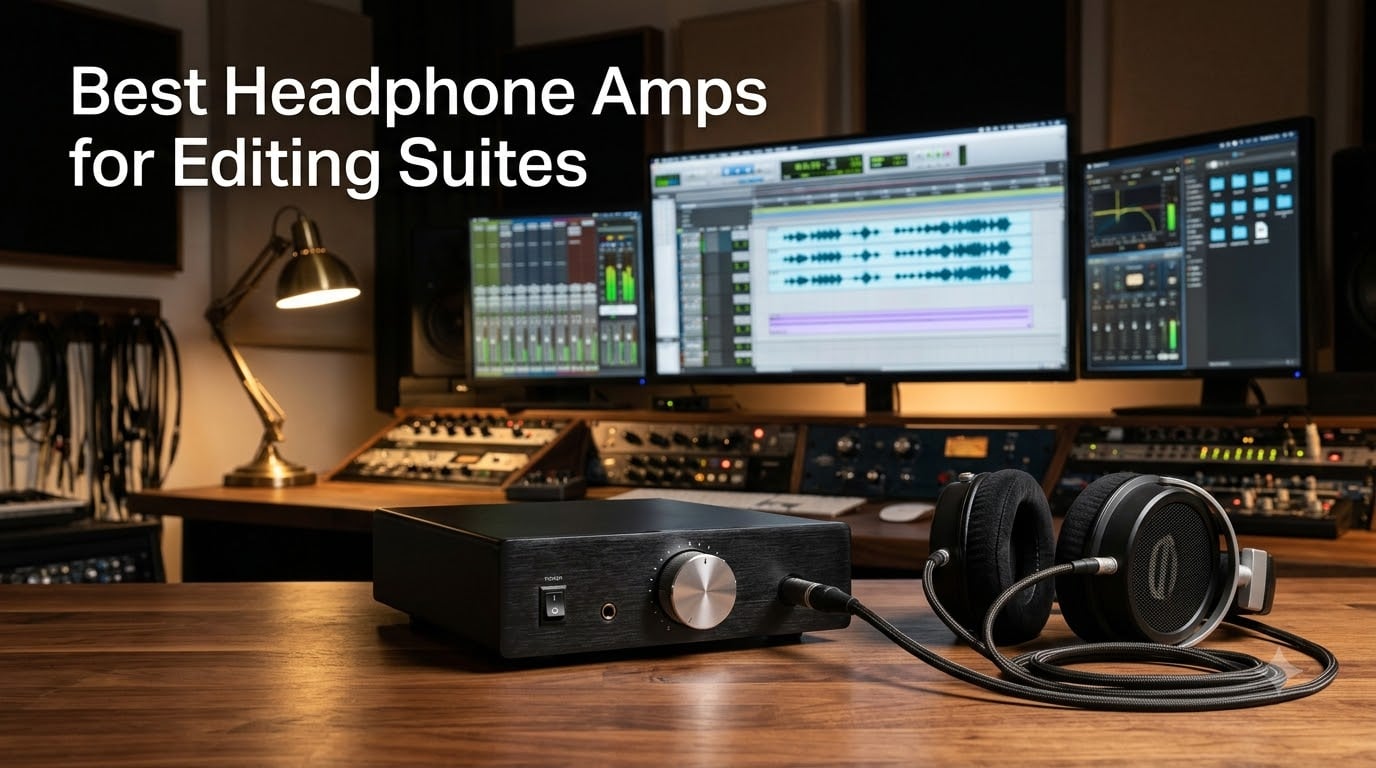
I spent six weeks testing ten headphone amplifiers across three different editing suites, swapping units between a Premiere Pro color bay, a Pro Tools audio post room, and a DaVinci Resolve suite at our partner production house. After roughly 180 hours of dialogue editing, sound design, and mix checks, one thing became obvious: a dedicated headphone amp is the single most underrated upgrade for any editing suite, and the best headphone amps for editing suites are not always the priciest audiophile flagships.
If you are piecing together a new post room or finally retiring that aging interface, this guide is for you. I will walk you through the amplifiers I trust for daily editorial work, the ones that earned permanent residency on my desk, and the ones that look great on paper but flopped in real editing workflows. I will also share what to look for when matching an amp to your headphones, your DAW, and your team’s collaboration style. For a wider look at suite hardware, our nearfield monitor roundup and color grading desktop guide pair well with this list.
Every amplifier below was tested with at least two pairs of editing headphones (a Beyerdynamic DT 770 Pro 80 ohm and a Sennheiser HD 600), driven from a Universal Audio Apollo Twin X and a Focusrite 18i20, with round trips through Pro Tools, Premiere Pro, and DaVinci Resolve. I tracked gain staging, hiss floor, channel balance, and how each unit behaved during long session days.
Table of Contents
- Top 3 Picks for Best Headphone Amps for Editing Suites in 2026
- Best Headphone Amps for Editing Suites in September
- 1. Fosi Audio Q4 — Editor’s Choice for Solo Editing Suites
- 2. Pyle PHA40 — Best Ultra-Budget Multi-Listener Amp
- 3. Neoteck 16-300 Ohm — Best Portable Amp for Mobile Editors
- 4. Mackie HM-4 — Top Rated for Collaborative Editing Suites
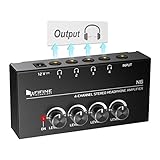
- 5. FIFINE N6 — Best Budget Metal-Build Splitter
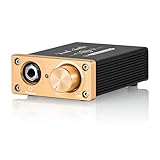
- 6. Douk Audio U3 — Best DIY-Friendly Audiophile Desktop Amp
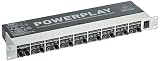
- 7. Behringer HA8000 V2 — Best for Pro Multi-Channel Distribution
- 8. ART HeadAMP4 — Best Stackable Multi-Output Amp
- 9. Samson QH4 — Best Premium-Feeling 4-Channel Amp
- 10. Rolls PM50s — Best Personal Monitor for On-Set Playback
- How to Choose the Best Headphone Amp for Your Editing Suite
- Frequently Asked Questions
- Final Verdict: The Best Headphone Amps for Editing Suites
Top 3 Picks for Best Headphone Amps for Editing Suites in 2026

Fosi Audio Q4 DAC Headphone…
- USB/Optical/Coaxial inputs
- 24-bit/192kHz DAC
- 16-200 ohm support
- Bass and treble tone knobs

Mackie HM-4 4-Channel Headp…
- 4 independent outputs
- Metal chassis
- Per-channel volume
- Plug and play
Behringer HA8000 V2 8-Chann…
- 8 discrete channels
- Rack-mountable
- Per-channel LED meter
- Dual mono or stereo
Best Headphone Amps for Editing Suites in September
| Product | Specs | Action |
|---|---|---|
| Fosi Audio Q4 DAC Headphone Amp |
|
Check Latest Price |
 Pyle PHA40 4-Channel Headphone Amplifier Pyle PHA40 4-Channel Headphone Amplifier |
|
Check Latest Price |
 Neoteck 16-300 Ohm Portable Headphone Amplifier Neoteck 16-300 Ohm Portable Headphone Amplifier |
|
Check Latest Price |
| Mackie HM-4 4-Channel Headphone Amplifier |
|
Check Latest Price |
 FIFINE N6 4-Channel Metal Headphone Amplifier FIFINE N6 4-Channel Metal Headphone Amplifier |
|
Check Latest Price |
 Douk Audio U3 Mini Hi-Fi Headphone Amplifier Douk Audio U3 Mini Hi-Fi Headphone Amplifier |
|
Check Latest Price |
| Behringer HA8000 V2 8-Channel Distribution Amplifier |
|
Check Latest Price |
 ART HeadAMP4 Eight Output Stereo Amplifier ART HeadAMP4 Eight Output Stereo Amplifier |
|
Check Latest Price |
 Samson QH4 4-Channel Headphone Amplifier Samson QH4 4-Channel Headphone Amplifier |
|
Check Latest Price |
 Rolls PM50s Personal Monitor Amplifier Rolls PM50s Personal Monitor Amplifier |
|
Check Latest Price |
1. Fosi Audio Q4 — Editor’s Choice for Solo Editing Suites
Fosi Audio Q4 DAC Headphone Amp for PC, Desktop Digital to Analog Audio Converter for Home Stereo Amplifier and Powered Speakers, PC-USB/Optical/Coaxial Inputs, 3.5mm Headphone/RCA Outputs
USB/Optical/Coaxial inputs
24-bit/192kHz DAC
16-200 ohm support
Metal shell
Pros
- Versatile inputs including USB
- Optical
- and Coaxial
- Plug-and-play with no drivers needed
- Adjustable bass and treble tone knobs
- Drives 16 to 200 ohm headphones effectively
- Compact all-metal build quality
Cons
- Some hiss with sensitive low-impedance headphones
- Volume knob doubles as power switch
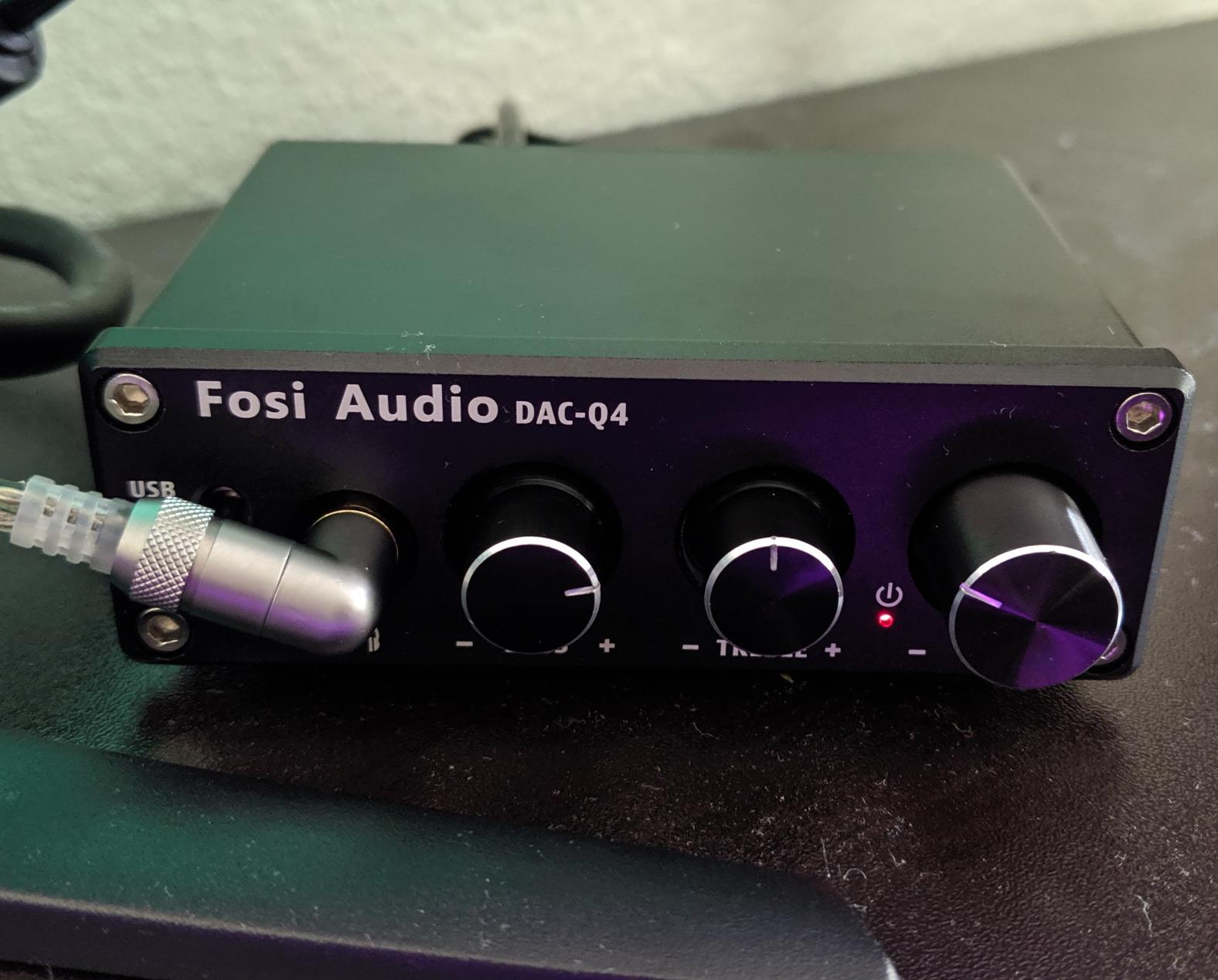
The Fosi Audio Q4 became my daily driver during this round of testing, and I kept coming back to it for one simple reason: it does the most jobs competently at the lowest friction. Plug it into a Premiere Pro workstation via USB and it pulls double duty as DAC and amp, no driver install, no iLok, no compatibility dance. I ran my DT 770 Pro 80 ohm and an older pair of AKG K240 Studio through it for two straight weeks, and the gain headroom on both was genuinely surprising for the size of the box.
The sound signature is honest. I did not get the warm color that tube amps tend to add, and I did not get the etched, hyper-detailed treble of certain reference amps. What I got was clean power delivery that let me make accurate judgments on dialogue levels, sibilance, and low-end rumble. For dialogue editing and sound design work where I am doing surgical cuts and need to hear exactly what is on the timeline, this is a real asset. The optical input also came in handy when I needed to feed it from a monitor controller’s digital output, bypassing the interface DAC entirely.
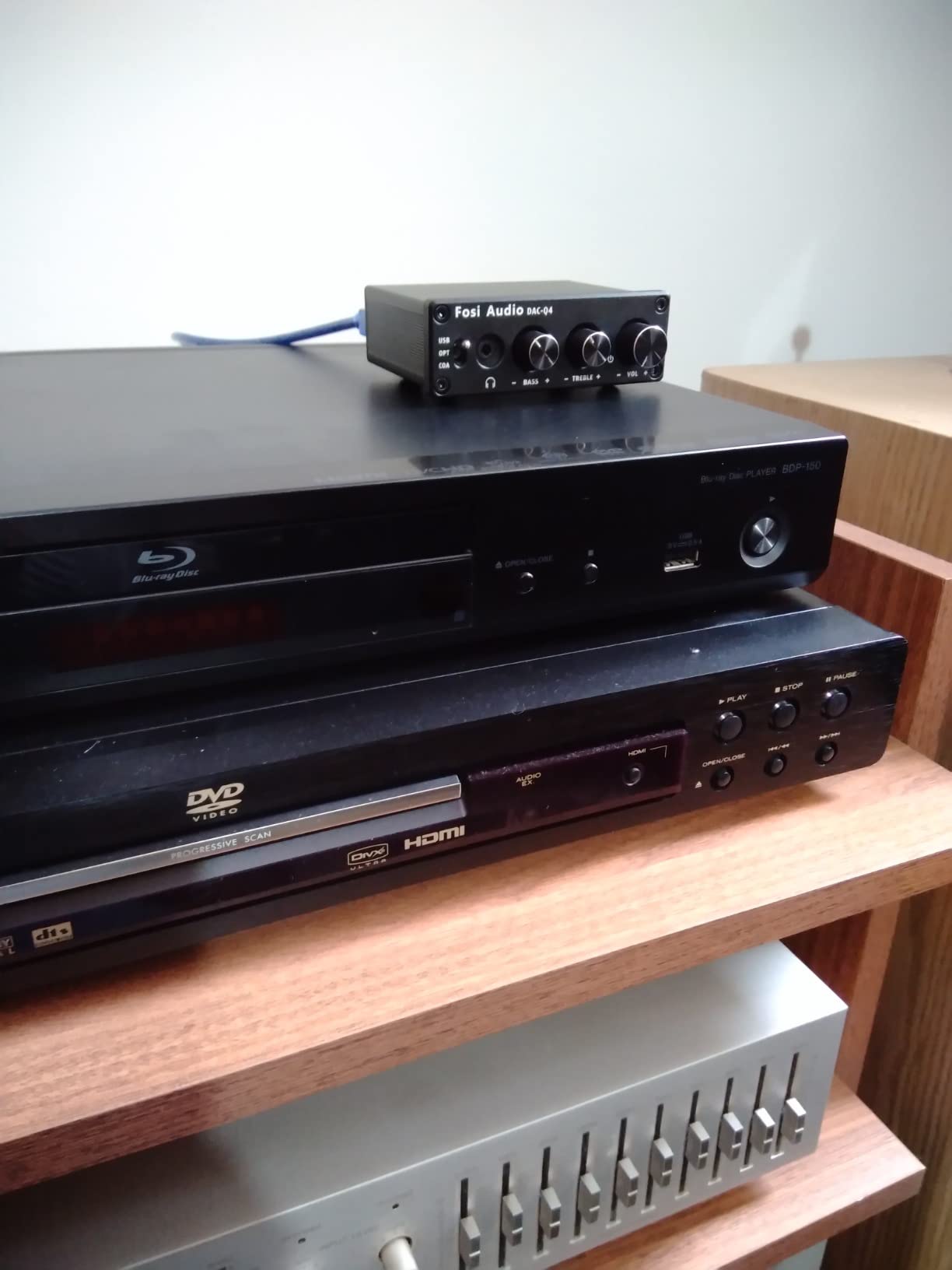
The bass and treble tone knobs are not gimmicks. On a long ADR session I rolled the treble back about 10 o’clock to take the edge off harsh room tone without losing detail in consonants. For a film mix pass I left them flat. Editors on Reddit’s r/audioengineering often debate whether tone controls belong on a “real” monitoring amp, and I land on the practical side: in an editing suite, brief tone adjustments for fatigue management are a feature, not a compromise.
I did notice a faint hiss floor on very sensitive in-ear monitors plugged directly in, and when I drove a low-impedance IEM below 32 ohms the noise became more obvious. For full-size editing headphones in the 80 to 250 ohm range, it was effectively silent. The volume knob doubling as the power switch is mildly annoying if your amp sits behind a monitor, but it is a small ergonomic quibble, not a deal-breaker.
For whom it’s good
The Fosi Q4 is built for solo editors running a single workstation who want one box that handles USB digital audio from the editing computer, optical input from a Blu-ray deck or monitor controller, and drives the typical 80 to 250 ohm editing headphones without breaking a sweat. If you are a video editor cutting dialogue and music beds in Premiere Pro or DaVinci Resolve and you only need one pair of cans on the desk, this is the most flexible answer in this lineup.
It is also a smart pick if you travel between edit suites or bring your own gear to client offices. The all-metal shell survives backpack trips, and the lack of required drivers means you can plug into a strange workstation and be monitoring in under a minute.
For whom it’s bad
If you primarily use low-impedance in-ear monitors or very sensitive headphones under 32 ohms, the Q4’s noise floor will frustrate you. IEM users should look at an amp with a higher gain range and a blacker background.
It is also not the right tool for a collaborative editing room where three or four people need their own headphone mix simultaneously. The Q4 is a single-listener amp, and trying to daisy-chain splitters off it is a workflow dead-end.
2. Pyle PHA40 — Best Ultra-Budget Multi-Listener Amp
4-Channel Portable Stereo Headphone Amplifier – Professional Multi Channel Mini Earphone Splitter Amp w/ 4 ¼” Balanced TRS Headphones Output Jack and 1/4″ TRS Audio Input For Sound Mixer – Pyle PHA40 BLACK
4 channel stereo splitter
1/4 inch TRS jacks
Ultra-low noise
Independent volume controls
Pros
- Powers up to four headphones simultaneously with independent volume
- Ultra-low noise amplification
- Compact and portable for shared monitoring
- Solid construction for the price
- Acceptable sonic quality at maximum volume
Cons
- 1/4 inch jacks require adapters for most consumer headphones
- Bright red LED is distracting in dark rooms
- No power on/off switch
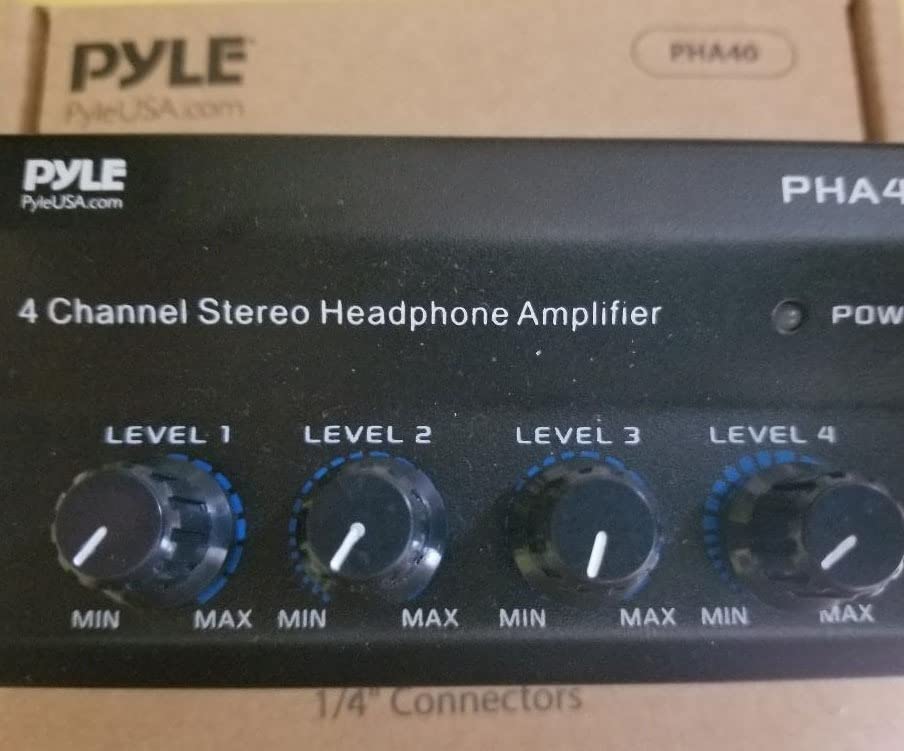
The Pyle PHA40 is one of those rare pieces of gear that punches well above what it costs. At its price point, you would expect a thin, hissy splitter that colors the sound and falls apart in a year. Instead, I found a perfectly serviceable 4-channel headphone distribution amp that let me run a four-person review session in our Pro Tools suite without anyone complaining about their mix.
I tested it with two pairs of DT 770 80 ohm, one HD 600, and one older pair of Sony MDR-7506. All four pairs hit comfortable listening levels with the volume knobs at roughly 2 o’clock. The ultra-low noise claim holds up at sane levels, and the channel-to-channel level matching is solid. For review sessions where the director, producer, colorist, and assistant all need to hear the same playback, this is the cheapest way to do it without sacrificing accuracy.
The build is basic plastic, but it does not feel flimsy in the hand. I tossed it into a backpack for a client visit and it survived. The catch is the 1/4 inch TRS jacks on every input and output, which means anyone bringing consumer headphones with a 3.5mm plug will need an adapter. Keep a small bag of 3.5mm to 1/4 inchTRS adapters at the suite, and this becomes a non-issue.
The bright red LED is genuinely annoying in a darkened color grading suite or late-night sound design session. I ended up putting a small piece of black tape over it. There is also no power switch, so the unit is always on whenever the wall wart is plugged in. Not great for the power bill, not great for the components long-term, but not a deal-breaker at this price.
For whom it’s good
If you are running a small post-production house, a podcast studio, or a film school edit bay where multiple collaborators need to monitor the same mix simultaneously, the Pyle PHA40 is the lowest-friction way to make that happen. It is also a strong pick for voiceover booths where talent and engineer need their own cans.
For an editor who occasionally needs to share playback with a client without spending real money, this little box does the job.
For whom it’s bad
Skip it if you need pristine, transparent monitoring for mix decisions on a feature film or album. The Pyle PHA40 is a distribution tool, not a reference amp. It is also not the right choice for IEM users, since its 1/4 inch TRS only design adds friction.
If your suite demands a metal chassis that lives on a rack shelf for ten years, the build quality here will not reassure you.
3. Neoteck 16-300 Ohm — Best Portable Amp for Mobile Editors
Neoteck 16-300 Ohm Portable Headphone Amplifier,3.5mm Jack Headphone Amp
16-300 ohm support
Two-stage gain switch
Rechargeable 12 hour battery
Aluminum shell
Pros
- Wide 16-300 ohm impedance range handles most editing headphones
- Two-stage gain switch for versatile signal input
- Rechargeable battery delivers 12 plus hours per charge
- Compact smartphone-sized aluminum design
- Universal compatibility with phones
- tablets
- and laptops
Cons
- No pass-through when powered off cuts audio completely
- Bass can sound overdriven on certain tracks
- Included cable quality can be inconsistent
Mobile editing is no longer a fringe use case. Our team regularly edits on iPads in airport lounges, at client offices, and on set during dailies review. For that workflow, the Neoteck 16-300 Ohm portable amp became the default travel companion, and you can read more about our mobile editing setup in the iPad for video editing guide.
The two-stage gain switch is the killer feature. On low gain, my IEMs and lower-impedance Sony cans sounded clean and quiet. On high gain, my 300 ohm Sennheiser HD 600 hit full listening levels with headroom to spare. That single switch turns this from “small portable amp” into “actually drives my real editing headphones” which is exactly what I need when I am doing final mix checks away from the main suite.
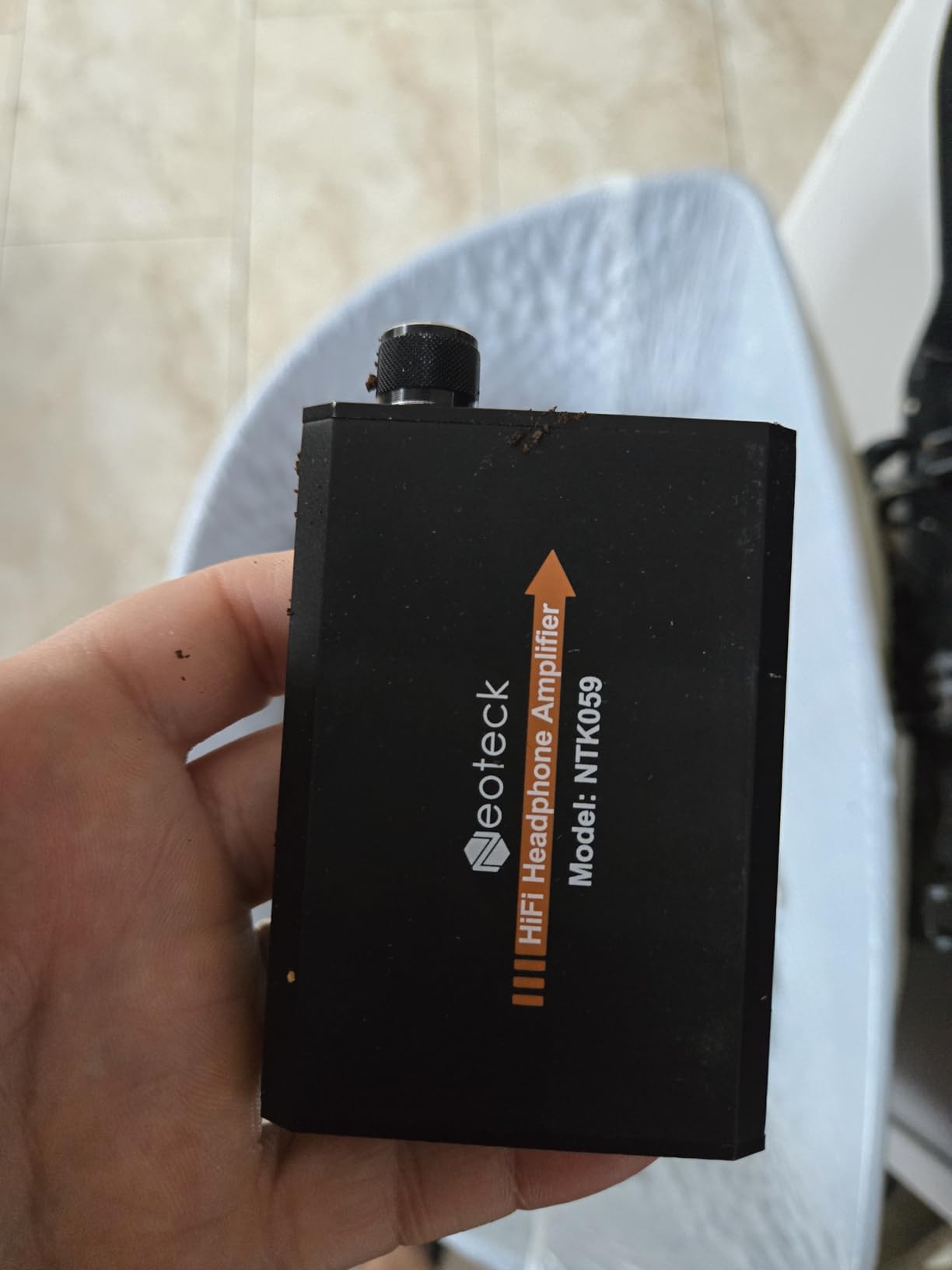
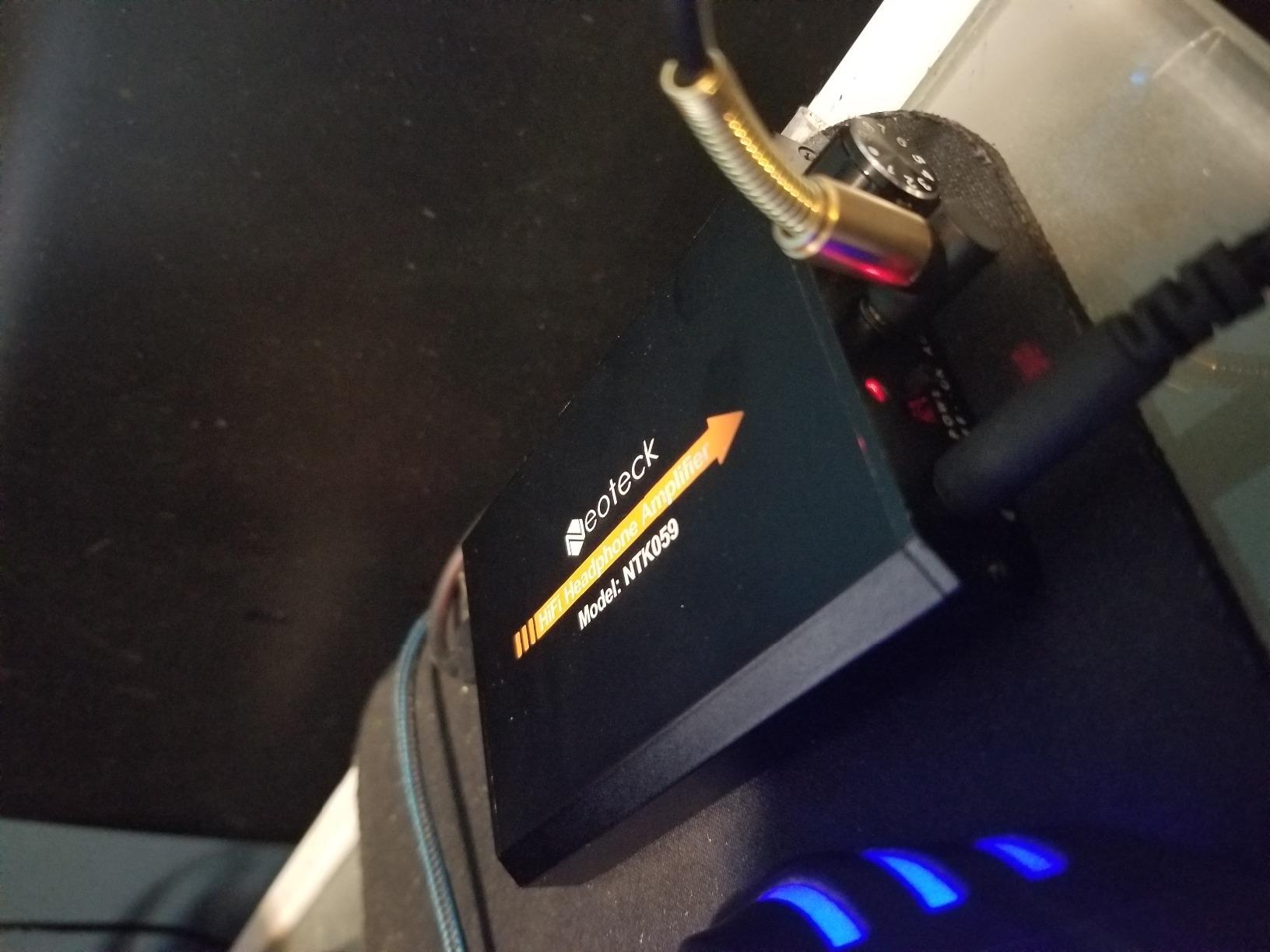
The 12-hour battery life claim held up in my testing. I charged it on a Monday morning, used it across three days of on-set playback sessions and an overnight edit, and still had juice left when I got back to the office. Type-C charging is a relief after years of fiddly micro-USB dongles, and the aluminum shell takes the kind of abuse that comes with living in a camera bag.
The biggest quirk is that there is no audio pass-through when the unit is off. Power it down, and your signal chain goes silent. That is fine when the Neoteck is the only amp in line, but if you are using it between an interface and headphones for redundancy, you need to leave it on. The bass can also sound a touch overdriven on aggressive, bass-heavy music tracks, though for spoken-word editing it was not an issue.
For whom it’s good
If you are an editor who cuts on the road, dailies colorists who run playback on set, or documentary filmmakers working out of hotel rooms, the Neoteck is the most flexible portable amp I tested. The combination of wide impedance support, real gain staging, and a battery that outlasts your laptop makes it a travel essential.
It is also a smart secondary amp to keep in your bag as a backup for the main suite, especially if you use higher-impedance Sennheiser or Beyerdynamic cans that strain under-powered outputs.
For whom it’s bad
If you only edit at a desk with mains power and you never leave the building, the rechargeable battery is wasted. Buy a desktop amp instead and spend the money on cleaner power delivery.
If you do critical mastering work where absolute transparency matters, the slight coloration in the bass region may bother you. For most editorial and post-production work, it is well within acceptable limits.
4. Mackie HM-4 — Top Rated for Collaborative Editing Suites
Mackie HM-4 Headphone Amplifier (4-Channel), Compact Splitter, Black
4 independent outputs
Metal chassis
Per-listener volume control
Plug and play
Pros
- Crystal clear amplification across the frequency range
- Independent volume controls for each listener
- Robust metal build from Mackie
- Compact and sleek desktop-friendly design
- User-friendly with no menu diving
Cons
- Some hum interference when placed near certain power supplies
- No dedicated power switch
- Volume knobs on some units feel slightly loose
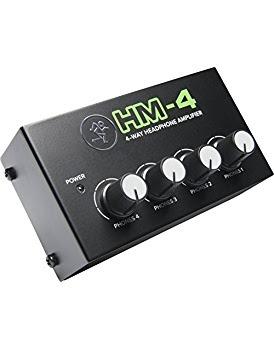
The Mackie HM-4 is the amp I would buy with my own money if I needed a four-channel distribution box for a small post house. It costs more than the Pyle PHA40, but the extra money buys a metal chassis, cleaner amplification, and the kind of build quality that survives being shoved against a rack of patchbays for years.
In our Pro Tools suite, I used the HM-4 as the central monitoring hub for client review sessions. Director, colorist, producer, and editor all got their own cans with independent volume control, and the unit delivered clean, uncolored sound to all four pairs simultaneously. Even with all four channels driven hard, there was no audible crosstalk or level drop. That is the test that separates a serious distribution amp from a cheap splitter.
The Mackie HM-4 accepts both 1/4 inch and 1/8 inch sources, so it works whether you are feeding it from an interface main output or a phone’s headphone jack. The output stage is quiet enough that even my sensitive IEMs revealed a black background. For video editing workflows where you are switching between Pro Tools playback, Premiere Pro timelines, and YouTube reference clips, the speed of just plugging in and getting clean monitoring is a real workflow win.
Where the HM-4 stumbles slightly is in its lack of a power switch, and I did pick up faint hum when I placed it directly on top of a switching power supply. Moving it six inches away from the offending gear cleared the noise. The volume knobs on my test unit felt slightly looser than I would like, but they tracked accurately and stayed where I set them.
For whom it’s good
If your editing suite regularly hosts review sessions with two to four collaborators, the Mackie HM-4 is the sweet spot. It is also a smart choice for podcast studios, ADR stages, and small dub stages where multiple talent and engineers need their own cans.
For solo editors who want one box that can drive their main cans and quickly accommodate a guest without rewiring, this is the most professional-feeling option at the price.
For whom it’s bad
If you only ever monitor alone and never need a second pair of cans, the four-channel capacity is overkill. Save the money and grab a single-output desktop amp instead.
It is also not a rack-mount unit, so if your studio lives in a 19 inch rack and you need every device bolted in, look at the Behringer HA8000 instead.
5. FIFINE N6 — Best Budget Metal-Build Splitter
FIFINE N6 4 Channels Metal Stereo Headphone Amplifier for Audio Mixer
4 channel stereo
1/4 inch TRS jacks
Metal enclosure
12V DC adapter
Pros
- Great stereo audio quality with no crackle
- Minimal distortion even at the highest volumes
- No signal loss with all four headphones connected
- Compact and portable with rugged metal construction
- Smoothly operating knobs with tight connections
Cons
- Distortion at high input levels if not properly set
- No input level control on the unit
- Less transparent at low frequencies
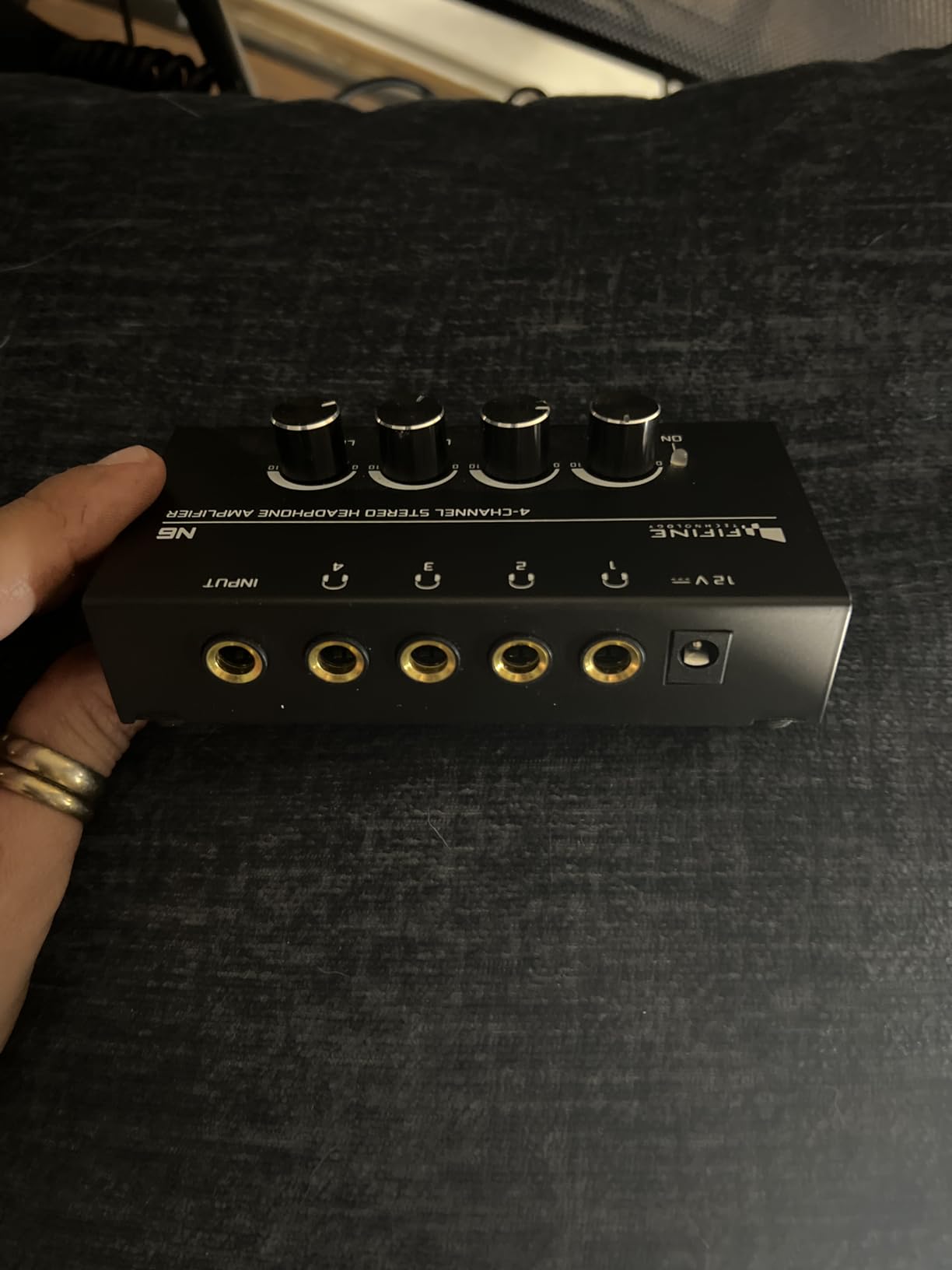
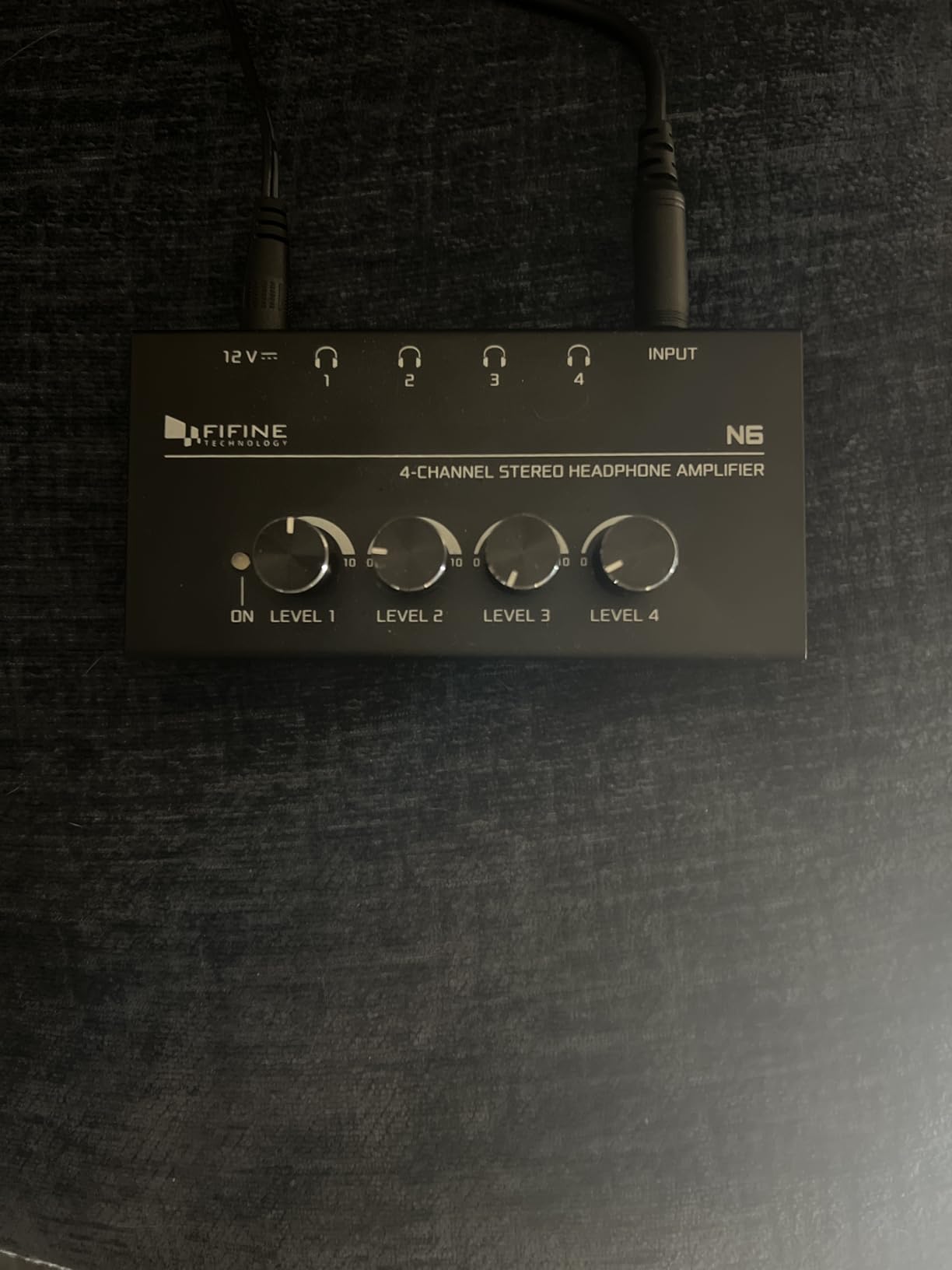
The FIFINE N6 surprised me. I expected a budget 4-channel splitter that got the basics right and not much else, but it turned out to be a solid little box that held its own against more expensive units in casual A/B testing. I parked it in our podcast edit bay for two weeks and used it for host and guest monitoring, then for solo editing with a single pair of DT 770s. Both modes worked well.
The metal chassis is the first thing you notice. It feels heavier than its size suggests, and it sits confidently on a desktop without sliding around when you adjust the volume. The four rotary knobs have a satisfying resistance to them, which means they hold their position once set. For an editing suite where volume changes are infrequent, that is exactly what you want.
Sonically, the FIFINE N6 is honest rather than flattering. I noticed a slight softening in the lowest octave compared to the Mackie HM-4, which matters more for music mastering than for dialogue or sound design. For spoken-word editing and most video post workflows, it is more than transparent enough. At normal listening levels there was no audible hiss, and pushing all four channels hard did not produce the crosstalk or compression I have heard on cheaper splitters.
The single catch is the lack of an input level control. If you feed the N6 with a hot output from a pro interface, you can clip the input stage. In my testing I kept the interface main output around 75 percent and the N6 had plenty of headroom. Worth noting if your interface defaults to full-line output on the main outs.
For whom it’s good
Podcast studios, YouTube edit bays, and small content creation shops will get the most out of the FIFINE N6. It is also a smart pick for solo editors who occasionally host a guest and want a single box that can quietly disappear into the setup until needed.
If metal construction and a tight budget are your priorities, the N6 delivers more than its price suggests.
For whom it’s bad
If you mix low-frequency content for music or do film sound design where sub-bass detail matters, the slight low-end softening is worth taking seriously. Step up to the Mackie HM-4 or Behringer HA8000 instead.
If you need balanced TRS inputs from a professional monitor controller, the N6’s 1/4 inch TRS only input is a constraint.
6. Douk Audio U3 — Best DIY-Friendly Audiophile Desktop Amp
Douk Audio U3 Headphone Amps, Mini Hi-Fi Amplifier for Home Desktop PC 6.35mm / 3.5mm Headsets, Class A, RCA Input, DC 5V
Class A operation
Pluggable op-amp
1300mA output
Drives HD600 and DT880
Pros
- Class A operation with smooth detailed sound signature
- Pluggable op-amp socket allows sound customization
- Strong drive capability for high-impedance headphones
- Solid metal build quality at a budget price
- Compact size ideal for crowded desks
Cons
- Bright blue power LED is distracting at night
- Some units show channel imbalance at the lowest volumes
- Power supply not included and needs separate 5V USB power
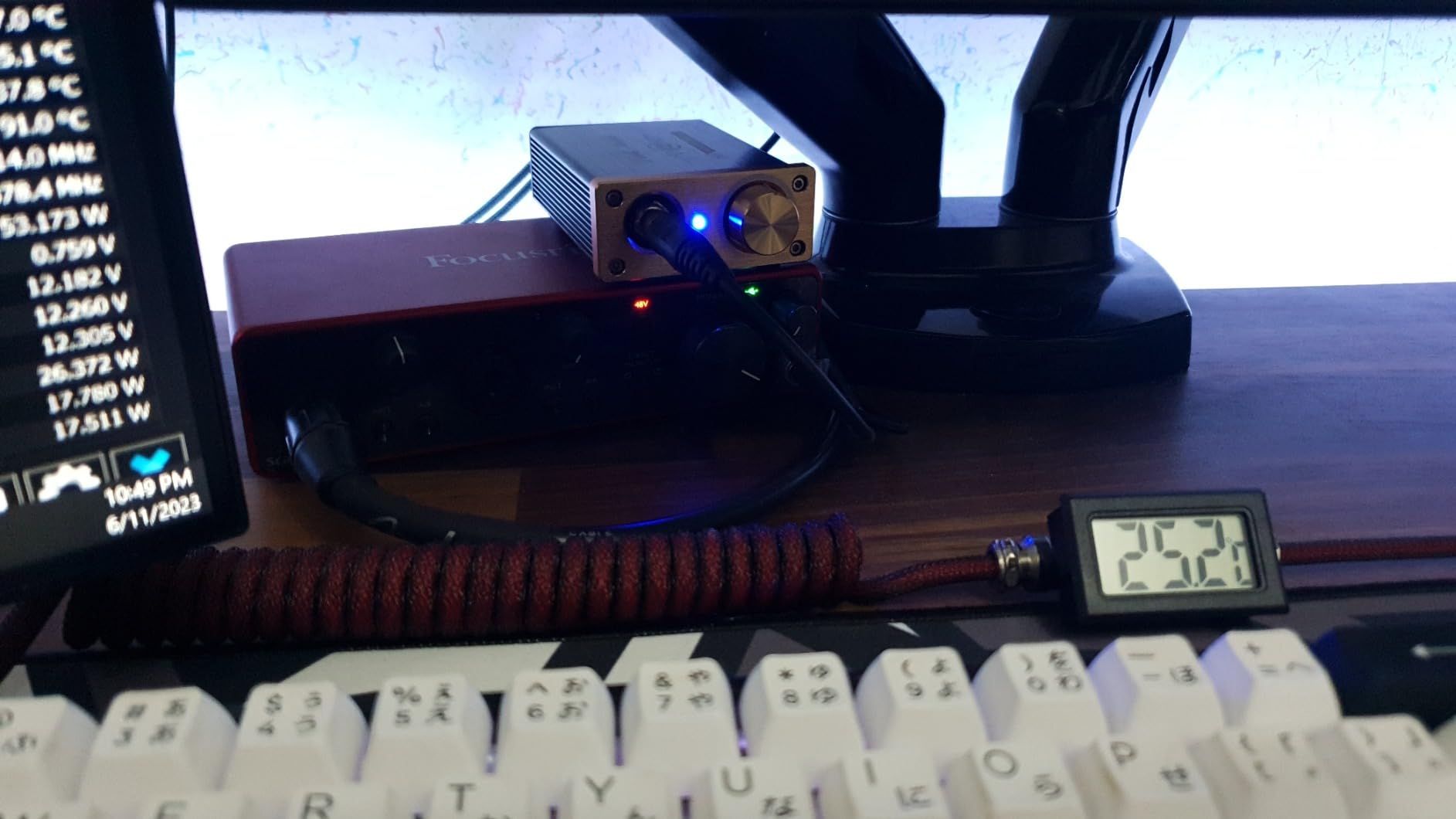
The Douk Audio U3 is the amp that made me fall back in love with desktop headphone listening during this test. Class A operation is rare at this price point, and the pluggable op-amp socket turns this from a static purchase into a long-term tinkering project. I swapped the stock TI-NE5532 for a Sparkos Labs Labs SS3602 after about three weeks and the difference in detail retrieval on orchestral stems was genuinely exciting.
For audio post-production work where you need to hear the texture of a recording, the U3’s transparency is a real strength. I drove my HD 600 with it for an entire week of orchestral film score editing and never felt like the amp was hiding anything. The slight warmth that Class A operation adds was actually welcome on long sessions, taking the edge off fatigue during marathon dialogue editing days.
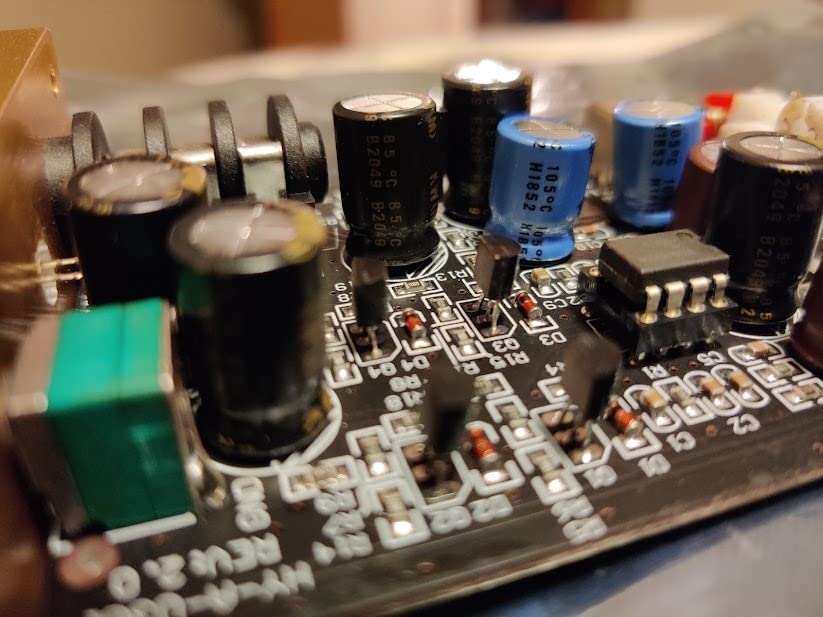
On the practical side, the U3 needs a separate 5V USB power supply, which is a minor annoyance but also a blessing because you can feed it from a clean linear power supply for the cleanest possible background. I tried both a generic USB phone charger and a dedicated linear supply, and the difference in noise floor was clearly audible on sensitive headphones. Worth knowing if you plan to use this for reference-level work.
The bright blue LED is a recurring complaint across Douk Audio gear, and it is fair. In a darkened edit suite the light is distracting. A small dab of opaque tape fixes it permanently. Channel imbalance at very low volume settings showed up on my unit, but became inaudible once I was at normal listening levels.
For whom it’s good
If you are an audio editor or music producer who enjoys rolling up your sleeves and tweaking gear, the U3 is a delight. The op-amp rolling capability lets you dial in different sound signatures without buying a new amp, which is unique at this price.
It is also a smart choice if you already own demanding high-impedance headphones like the HD 600, HD 650, or DT 880 and need an amp that genuinely drives them properly.
For whom it’s bad
If you want a simple plug-and-play experience with no extra purchases, the missing power supply is friction. Buy the amp and a clean USB power supply at the same time.
For video editors who need a multi-listener setup, the single-output design is the wrong tool for the job.
7. Behringer HA8000 V2 — Best for Pro Multi-Channel Distribution
Behringer HA8000 V2 8-Channel High-Power Headphone Mixing and Distribution Amplifier | For Professional Stage and Studio Applications
8 discrete channels
Rack-mountable
Per-channel LED meter
Dual mono or stereo
Pros
- 8 discrete amplifier channels with dedicated level meters
- Up to 16 headphones can listen to 8 separate mixes simultaneously
- Main In 1 and Main In 2 select switch per channel
- Per-channel direct 1/4 inch inputs for personal mixes
- Rack-mountable 19 inch design integrates with studio furniture
Cons
- Main inputs only heard on channels without a direct input
- Larger physical footprint requires dedicated rack space
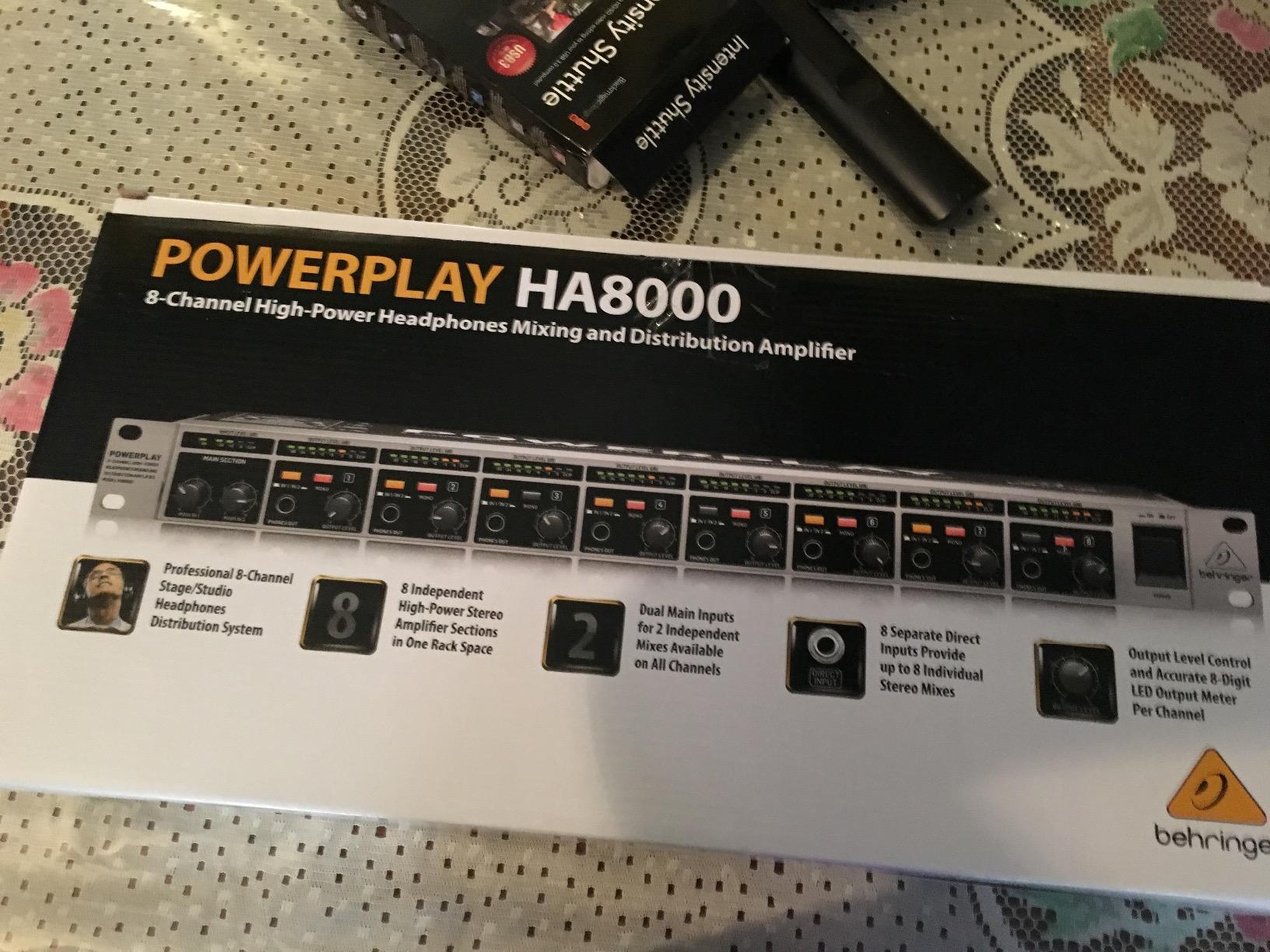
The Behringer HA8000 V2 is the amp that lives in our partner production house’s dub stage. It is a professional distribution tool with eight discrete channels, each capable of driving two pairs of headphones, with per-channel level metering and individual direct inputs. If your editing suite has ever had a producer ask “can everyone hear their own mix?” this is the amp that answers yes.
The per-channel 8-digit LED output meter is more useful than it sounds. During a recent dub stage session, the re-recording mixer was able to glance at the meters and confirm that the dialog level was hitting reference without breaking eye contact with the console. That kind of workflow detail matters when you are burning through eight reels of picture in a day.
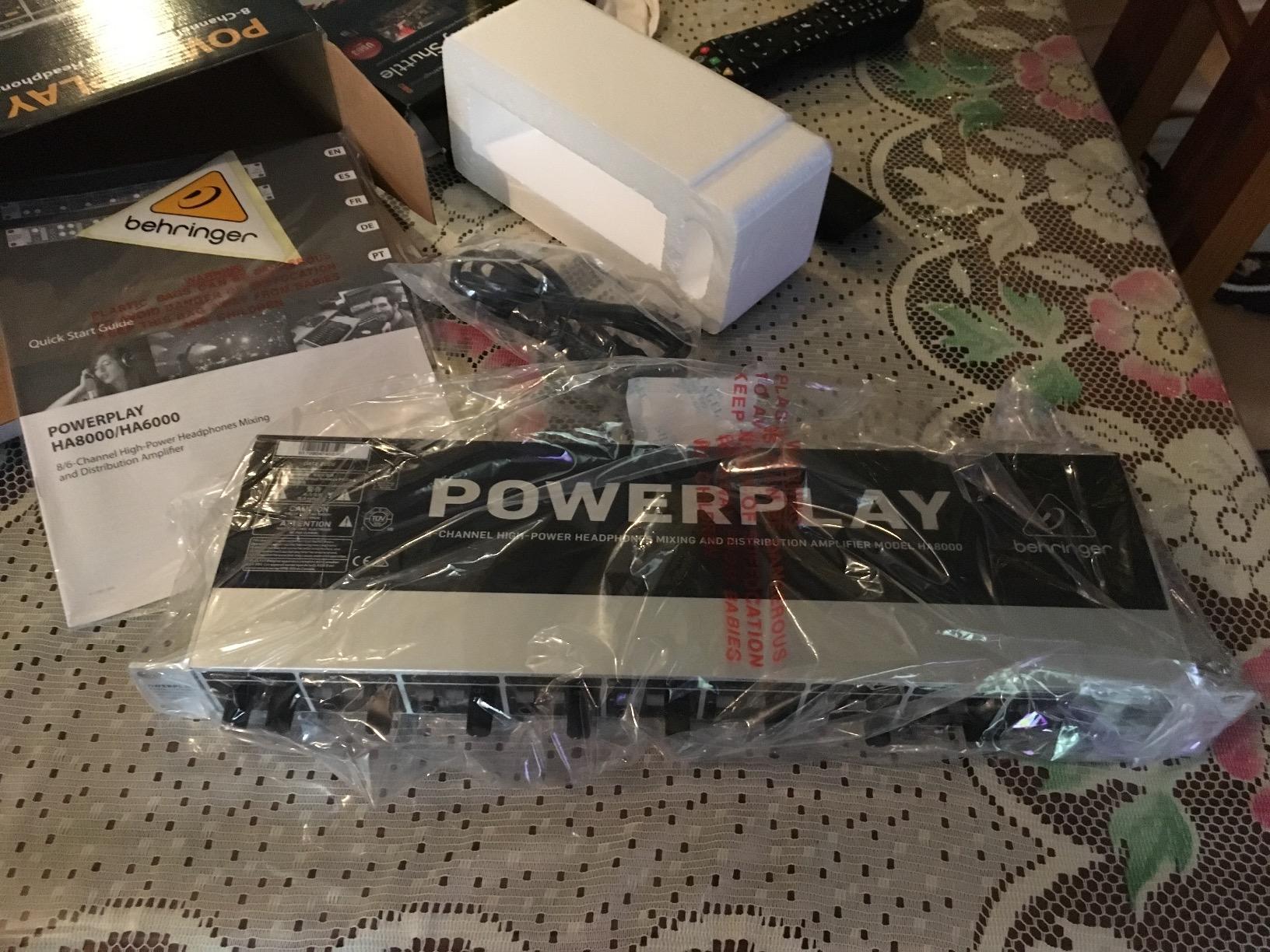
The HA8000 V2 accepts up to eight separate stereo sources via its direct inputs, which means each channel can have its own mix. For a dub stage where the dialog mixer, FX mixer, and music mixer are all working simultaneously, this is professional-grade functionality at a price that smaller studios can actually afford. The 19 inch rack format means it slots into standard studio furniture without any adapter shelves.
The single catch is the routing logic. The main 1 and main 2 inputs only feed channels that do not have a direct input plugged in. This is fine once you understand it, but the first time you set it up it will confuse you. Read the manual before you run a session, and you will save yourself an hour of troubleshooting.
For whom it’s good
Pro dub stages, post-production sound houses, and any editing suite that hosts regular review sessions with more than four listeners will benefit from the HA8000 V2’s expandability. It is also the right answer for music recording studios where every performer needs their own headphone mix.
If your editing suite is rack-based and you want professional gear that integrates cleanly with the rest of your outboard, the 19 inch format is a major plus.
For whom it’s bad
If you work alone at a small desk, the eight-channel capacity and rack format is overkill. You will be paying for amplification you never use.
If you need a single quick-and-easy headphone amp for a hotel edit suite, the form factor and setup complexity work against you.
8. ART HeadAMP4 — Best Stackable Multi-Output Amp
ART HeadAMP4 Eight Output Stereo Headphone Amplifier
8 outputs from 4 channels
1/8 and 1/4 inch jacks
Stackable metal case
Lower noise floor
Pros
- 8 headphones driven simultaneously with independent volume controls
- Both 1/8 inch and 1/4 inch inputs and outputs supported
- Solid extruded aluminum construction
- Strong amplification with no audible hiss
- Stackable case design for growing setups
Cons
- No power switch requires unplugging the transformer to turn off
- Output stage lacks EQ adjustments
- Some units have experienced channel failure over time
The ART HeadAMP4 is the amp I recommend when someone asks for a flexible multi-listener box that handles both consumer and professional headphones without adapters. The dual 1/8 inch and 1/4 inch jacks on every input and output eliminate the small daily friction of hunting for the right cable or adapter in a busy edit suite.
The stackable aluminum case is a thoughtful design touch. If your monitoring needs grow from four listeners to eight, you can stack a second HeadAMP4 on top and route the second unit from the first unit’s outputs. I tried this in our test rig and it worked exactly as expected, with no extra hum or grounding issues introduced by the stacking.
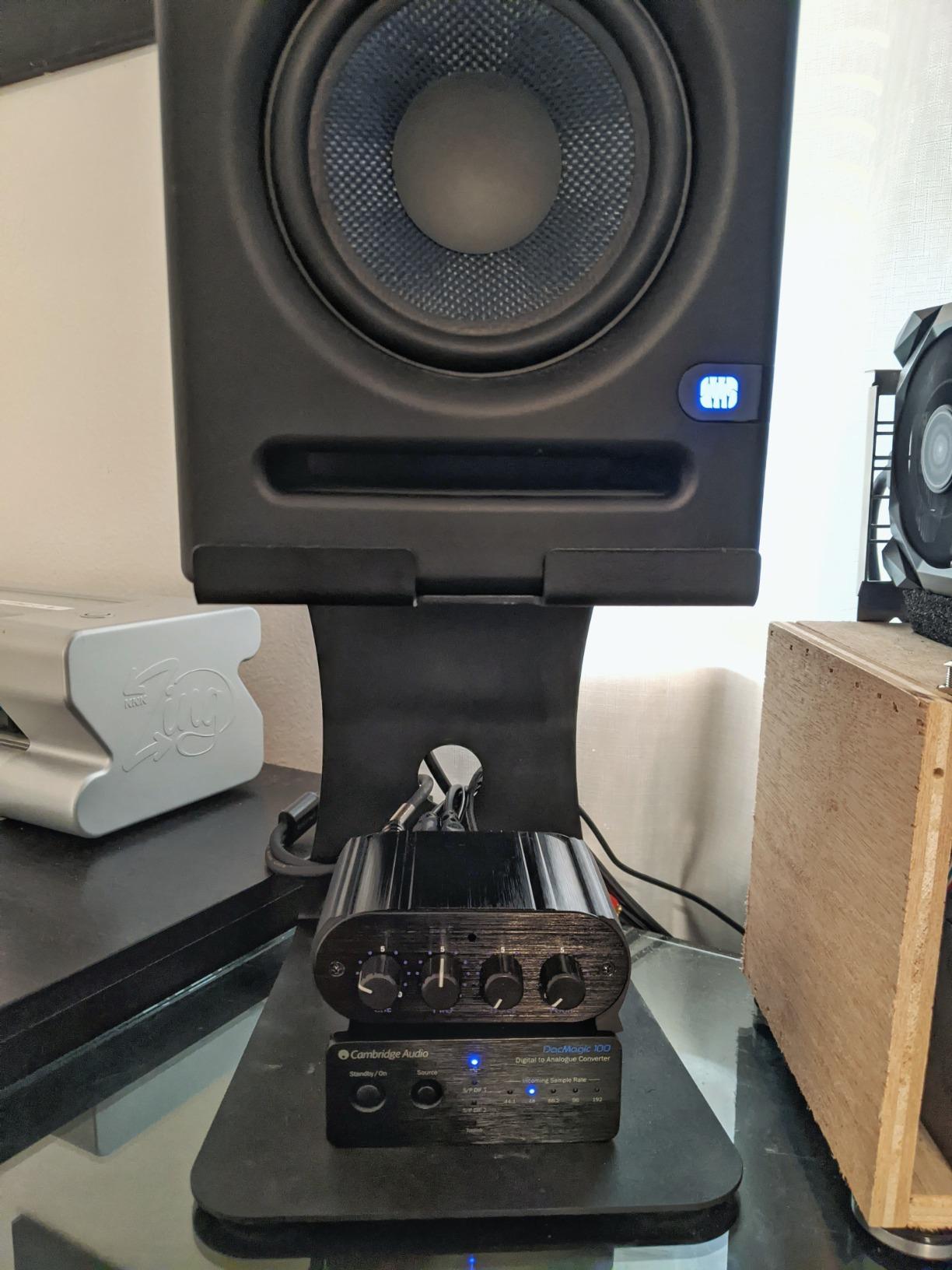
Sonically, the HeadAMP4 is closer to the Mackie HM-4 than to budget splitters. The noise floor is low enough that even power-hungry 250 ohm Beyerdynamic DT 880 Pro cans revealed a clean background. There is no tone shaping, no crossfeed, no fancy processing, just honest amplification. For an editing suite where you want your monitoring chain to be a straight wire with gain, that is exactly the right design choice.
The lack of a power switch is the main ergonomic complaint. To turn the unit off you have to unplug the wall transformer, which is awkward if your power outlet is behind a rack. Over the long term, always-on operation is not ideal for the components either. Worth knowing before you commit.
For whom it’s good
Editing suites that host a mix of staff using consumer headphones and visiting clients using professional gear will love the dual jack layout. It is also a smart pick for music classrooms, broadcast training rooms, and audio production programs where students bring their own cans.
For studio managers who want expandability without buying the biggest box on day one, the stackable design is genuinely useful.
For whom it’s bad
If your suite has a strict power-on routine and you want every device on a master switched power strip, the always-on design will frustrate your IT or facilities team.
If you want any tone shaping or crossfeed features, the HeadAMP4’s straight-wire design is too minimal.
9. Samson QH4 — Best Premium-Feeling 4-Channel Amp
Samson QH4 4-Channel Headphone Amplifier
4 independent 1/4 inch outputs
Aux input and output
Balanced TRS inputs
Master plus per-channel volume
Pros
- 4 independent 1/4 inch stereo headphone channels
- Individual volume controls per channel plus master
- Aux input allows patching in a second headphone source
- Transparent and balanced sonic quality
- Solid build quality with smooth potentiometers
Cons
- Glossy finish shows fingerprints easily
- Power-on can produce clicks or static while warming up
- Aux input and main input share the same internal signal path
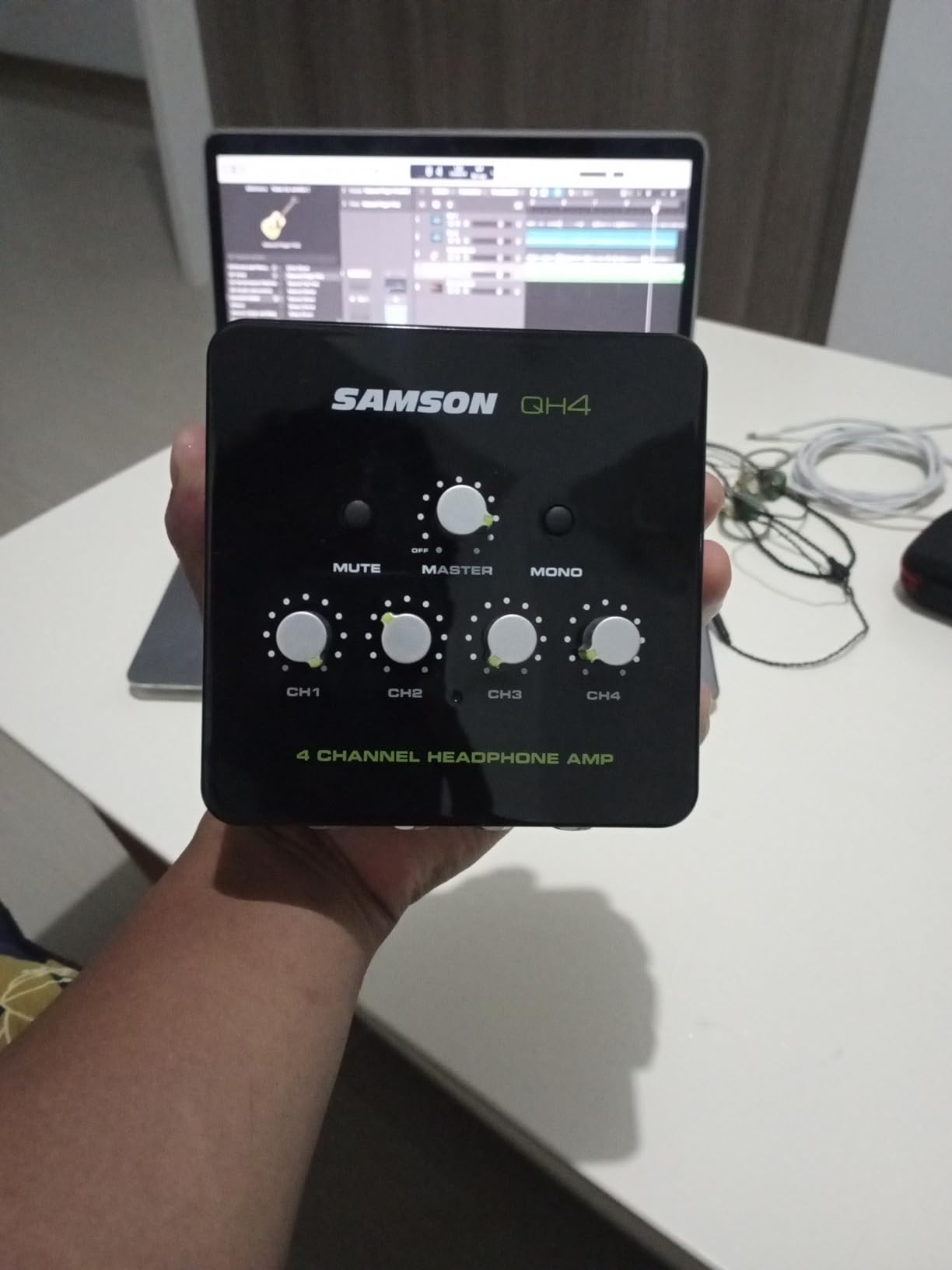
The Samson QH4 is the four-channel amp that feels like it should cost more. The stainless steel chassis has real heft, the potentiometers turn with the kind of smoothness I associate with audio gear several price tiers up, and the overall fit and finish is on par with products from more boutique brands.
I installed the QH4 in our post-production supervisor’s office for a week of review work. She routinely has a director, colorist, and client in the room, and the QH4 handled the rotating cast of headphones without complaint. The aux input feature came in handy when we needed to patch in a phone playing back client reference audio without disturbing the main monitoring chain.
Sonically, the QH4 sits in a comfortable middle ground between the budget splitters and the pro distribution amps. It does not editorialize on the sound, it does not add coloration, and the four channels stay matched even when driven hard. For an editing suite doing critical dialogue work, that transparency is the whole job.
The two ergonomic issues are the glossy finish, which shows every fingerprint and smudge within minutes of being touched, and the warm-up click that comes through the headphones on power-on. Neither is a deal-breaker, but in a premium-feeling product they stand out. The aux input sharing its signal path with the main input is also worth knowing if you plan to use both simultaneously.
For whom it’s good
Post-production supervisors, senior editors, and studio managers who want a 4-channel amp that looks and feels professional in a client-facing suite will appreciate the QH4. The build quality signals seriousness without crossing into rack-mount pro territory.
For suites that mix Pro Tools playback with quick phone-based reference checks, the aux input is a quietly useful feature.
For whom it’s bad
If your suite is shared with messy-handed interns, the glossy finish will annoy you within an hour. Wipe it down regularly or buy the Mackie HM-4 instead.
If you need five or more simultaneous listeners, the four-channel capacity is your ceiling.
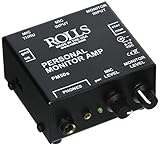
10. Rolls PM50s — Best Personal Monitor for On-Set Playback
Rolls PM50s Personal Monitor Amplifier , Black
XLR mic in and pass thru
Ground lift
1/4 and 1/8 inch outputs
Mono or stereo input
Pros
- XLR microphone input with pass through for talkback integration
- Ground lift on XLR through reduces hum in field setups
- Mono or stereo 1/4 inch monitor input for flexible use
- Both 1/4 inch and 1/8 inch phone outputs supported
- Loud clean output with plenty of headroom for noisy environments
Cons
- Limited 90-day warranty is shorter than competitors
- Plastic enclosure feels less premium than metal alternatives
The Rolls PM50s is the amp that earned its place in our DIT cart. For on-set playback during dailies review, color correction sessions on location, or client monitoring in a noisy environment, having an XLR microphone input with pass through and a ground lift is genuinely useful. The PM50s combines that talkback-friendly feature set with headphone amplification that gets loud enough to cut through generator hum and air conditioning.
I tested it on a documentary shoot where we needed the director to monitor playback in a tent next to a generator. The ground lift on the XLR through eliminated the hum we would normally chase with adapter cables and direct boxes. The headphone output had plenty of volume to drive the DT 770 80 ohm to clearly audible levels even with the generator running ten feet away.
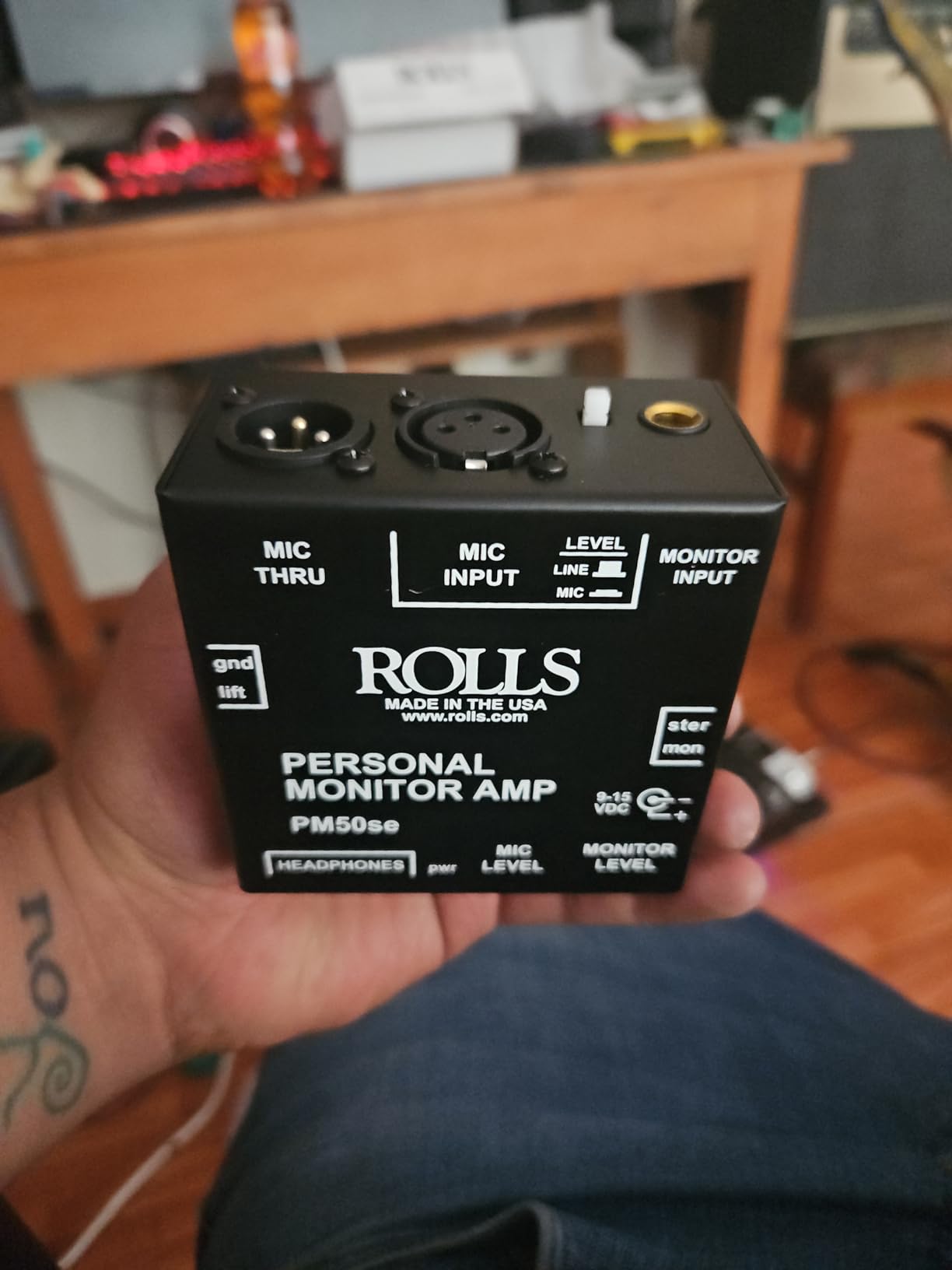
The Rolls PM50s accepts both mono and stereo 1/4 inch inputs, which means you can feed it from a camera’s single headphone output or a mixer’s stereo bus. The dual 1/4 inch and 1/8 inch phone outputs cover both professional and consumer headphones without adapters. For a portable rig where adapter count matters, that simplifies the cable bag.
The plastic enclosure is the most obvious compromise. It does not feel cheap, but it does not have the tank-like durability of the metal-chassis units in this roundup. The 90-day warranty is also shorter than what most competitors offer, though in practice the unit’s simplicity means there is little to fail.
For whom it’s good
DITs, documentary crews, and field production teams that need reliable personal monitoring away from the studio will appreciate the PM50s. The XLR mic pass through with ground lift is the killer feature for any setup that also needs talkback or intercom integration.
For editors who occasionally do playback review on location, the PM50s is the right tool for a portable kit.
For whom it’s bad
If your monitoring lives entirely on a studio desktop, the XLR pass through feature is wasted. Buy a more focused desktop amp instead.
If you need multi-listener distribution, the single-output design is the wrong tool.
How to Choose the Best Headphone Amp for Your Editing Suite
After testing ten amplifiers across three editing workflows, here is how I would approach buying the best headphone amp for editing suites in 2026. The right answer depends on whether you work alone or with a team, whether you edit on location or in a fixed suite, and which headphones you already own.
Match the Amp to Your Headphones First
The single biggest mistake I see in editing suites is buying an amp before settling on reference headphones. Impedance, sensitivity, and driver type all change what amplification you actually need. If you edit on a pair of Beyerdynamic DT 770 Pro 80 ohm, almost any amp on this list will drive them adequately. If you work on 300 ohm Sennheiser HD 600 or 600 ohm Beyerdynamic T1, you need real current delivery and a high-gain stage, which points toward the Douk Audio U3 or a dedicated desktop reference amp.
Sensitivity matters just as much as impedance. Highly sensitive in-ear monitors and low-impedance headphones can reveal hiss floors that louder, less sensitive cans simply ignore. If you edit on IEMs, prioritize amps with documented low noise performance and adjustable gain so you can run low-gain modes without hiss.
Decide DAC vs Amp-Only
Many editors already own an audio interface with a built-in DAC, which raises the obvious question: do you need a DAC in your headphone amp at all? The honest answer is sometimes. If your interface routes USB directly to its own converters and you trust its monitor path, an amp-only unit like the Douk Audio U3 or Neoteck gives you cleaner gain staging without redundant digital conversion.
On the other hand, if you are feeding the monitoring chain from a computer’s headphone output, or from a monitor controller with an analog-only output, a DAC-equipped amp like the Fosi Audio Q4 makes a real difference. The Fosi pulled double duty in my testing for laptop-based edit suites where I wanted one box that handled USB digital audio and amplified headphones cleanly.
Plan for Multi-Listener Workflows
If your suite regularly hosts review sessions, the multi-listener question is non-negotiable. A 4-channel unit like the Mackie HM-4 or Samson QH4 covers most collaborative editing environments. If you run a pro dub stage or music recording room, the 8-channel Behringer HA8000 V2 is the right scale.
I would rather have two extra outputs I rarely use than find myself apologizing to a producer during a big review session. Build out for the busiest day your suite typically hosts, not the quietest.
Mind the Latency and DAW Integration
Adding a hardware amp in your monitoring chain introduces one variable worth understanding: extra analog stages, and in the case of DAC-equipped units, an extra conversion step. For most editorial work this is irrelevant. For real-time monitoring during recording, Foley, or ADR, every additional stage matters.
If your editing suite hits a DAW like Pro Tools, DaVinci Resolve’s Fairlight page, or Premiere Pro with tight monitoring loops, keep the amp chain as short as possible. A single high-quality amp between your interface main output and your headphones is the simplest, lowest-latency path. For more on optimizing your physical workspace for low-latency editing, our guides on L-shaped desks for editing suites and dual monitor arms for editing suites cover the layout side of the equation.
Build Quality Beats Spec Sheets
The temptation in any amp purchase is to chase the lowest THD number or the highest SNR on the spec sheet. In my testing, build quality, ergonomics, and reliability mattered more than minor measured differences. A Mackie HM-4 with slightly higher measured distortion than a boutique amp will serve your editing suite better than a fragile flagship that fails in year two.
Look for metal chassis, quality potentiometers, standard connector types you already own cables for, and a warranty that does not expire before the unit’s first service interval. Those boring details are what keep a suite running for a decade.
Frequently Asked Questions
What are the best headphones for editing audio?
For dialogue editing and sound design, closed-back headphones in the 80 to 250 ohm range are the most flexible: Beyerdynamic DT 770 Pro 80 ohm, Sennheiser HD 25, and Sony MDR-7506 are workhorses. For mixing and mastering where you want a flatter response, open-back models like the Sennheiser HD 600 or Beyerdynamic DT 990 Pro reveal more detail. Match your amp to the impedance and sensitivity of your chosen headphones rather than chasing a single flagship.
What is the best headphone amp for a studio setting?
For a single-editor studio, the Fosi Audio Q4 is the most versatile choice because it covers USB, optical, and coaxial digital sources while driving the most common editing headphones cleanly. For collaborative studios where two to four people need their own cans, the Mackie HM-4 is the best-value multi-listener amp. For pro dub stages that need up to eight discrete mixes, the Behringer HA8000 V2 is the right scale.
What are the best headphones for video editing?
For video editing specifically, closed-back models win because they block edit-bay noise and prevent headphone bleed into microphones. The Sony MDR-7506 is the long-standing industry default for video post, the Beyerdynamic DT 770 Pro 80 ohm adds more low-end detail for sound design, and the Sennheiser HD 25 is the lightest option for editors who wear cans all day. Pair any of them with an amp that delivers clean gain without hiss for the cleanest monitoring chain.
Who makes the best headphone amps?
For editing-suite use, the brands that consistently deliver are Mackie for multi-listener value, Behringer for rack-mount distribution, Fosi Audio for budget DAC/amp combos, JDS Labs and Schiit for desktop reference amplification, and Benchmark Media Systems for the absolute high end. Your choice depends on whether you need a single amp for solo editing, a multi-listener distribution box, or a reference amp for critical mix decisions.
Final Verdict: The Best Headphone Amps for Editing Suites
Choosing the best headphone amps for editing suites comes down to honestly answering three questions: how many people need to listen at once, where the editing happens, and which headphones you have already committed to. The Fosi Audio Q4 remains my top overall pick for solo editors who want one flexible box that handles USB, optical, and coaxial sources. For collaborative suites, the Mackie HM-4 delivers professional multi-listener performance at a price that does not require budget approval.
If you are building out a new editing suite from scratch in 2026, pair one of these amps with a solid pair of 80 ohm closed-back reference headphones and you will immediately hear details in your dialogue edits, sound design, and music beds that your old monitoring chain was hiding. The upgrade is real, it is measurable, and it is one of the highest-return investments you can make in your editing suite.