
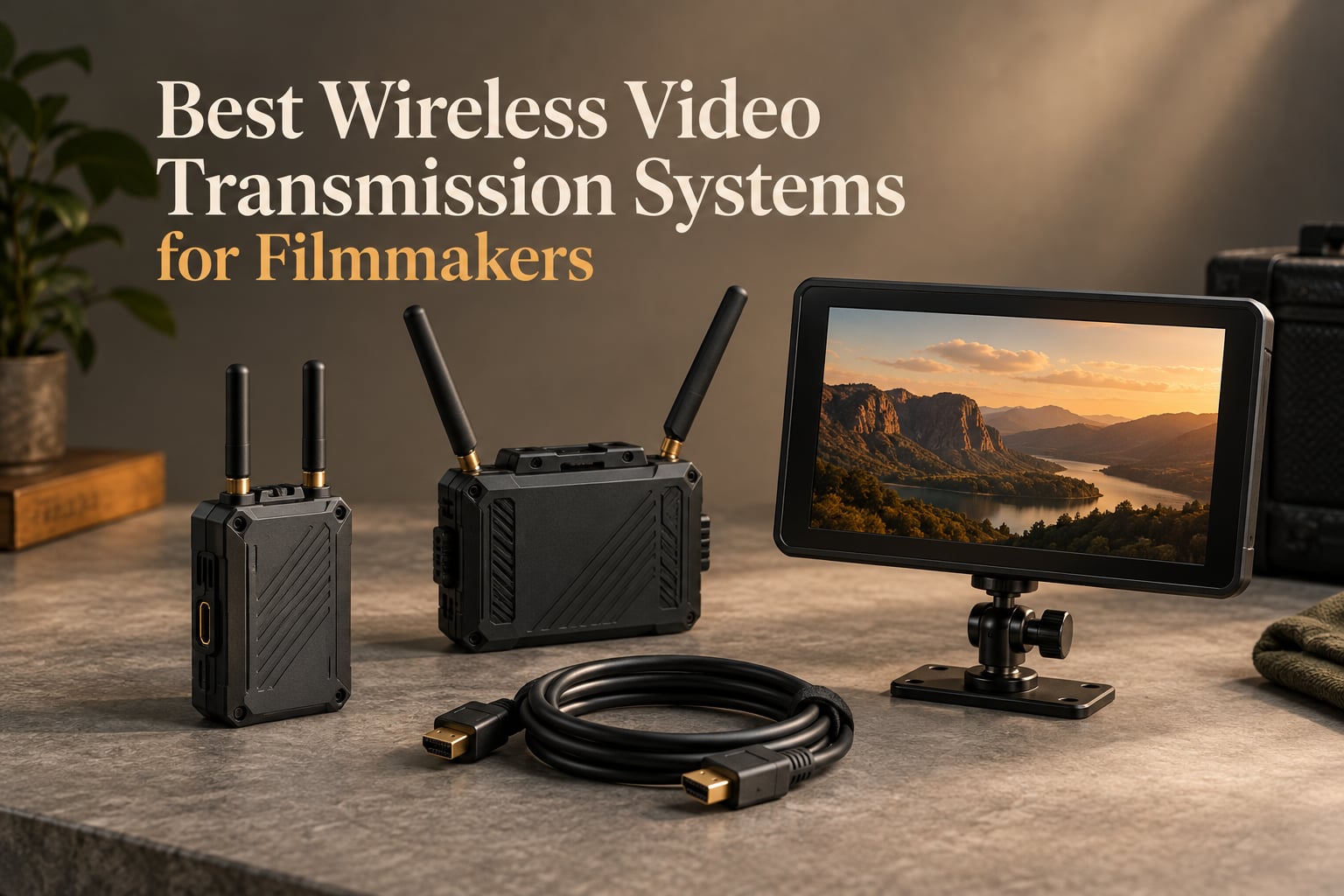
The Hollyland Mars 4K is our top pick for most filmmakers, offering 4K UHD transmission with HDMI and SDI in a reliable metal-shell package. The Hollyland Pyro H delivers the best balance of price and range at 1300ft with 60ms latency. For tight budgets, the Lemorele R1100 provides plug-and-play wireless HDMI monitoring at an entry-level price that students and indie shooters can actually afford.
I have been testing wireless video systems on indie film sets for the past three years, and the gap between manufacturer specs and real-world performance is wider than most roundups admit. Our team put 8 systems through their paces across studio shoots, outdoor gimbal work, and a crowded convention hall to see which ones actually hold a signal when it matters.
A wireless video transmission system is a transmitter and receiver pair that sends video and embedded audio from your camera’s HDMI or SDI output over 5 GHz, 6 GHz, or 2.4 GHz frequencies to a remote monitor, switcher, or recorder. On a film set, this means your director can watch shots from a tent while you roam with a gimbal, your focus puller can sit 50 feet away and still nail focus, and your client can review takes on a tablet without tripping over cables. The best wireless video transmission systems for filmmakers solve real workflow problems that wired monitoring simply cannot.
Table of Contents
- Top 3 Picks for Wireless Video Transmission in September
- Best Wireless Video Transmission Systems for Filmmakers in 2026
- 1. Hollyland Mars 4K – Best Overall Wireless Video System for Filmmakers
- 2. Hollyland Pyro H – Best Value 4K Wireless Video Transmitter
- 3. DJI SDR Transmission Combo – Best Long-Range Wireless Video for Filmmakers
- 4. Accsoon CineView HE – Best for Live Streaming Wireless Video
- 5. Lemorele R1100 – Best Budget Wireless HDMI for Filmmakers
- 6. Accsoon CineView Nano – Best Ultra-Portable Wireless Video for Gimbal Work
- 7. Accsoon CineView Master 4K – Best Pro-Grade 4K Wireless Video Transmission
- 8. Accsoon CineView SE 4K – Best Wireless Video for Sony and Canon Cameras
- How to Choose the Best Wireless Video Transmission System for Your Filmmaking
- Frequently Asked Questions
- Final Verdict: Which Wireless Video Transmission System Should You Buy?
Top 3 Picks for Wireless Video Transmission in September
Best Wireless Video Transmission Systems for Filmmakers in 2026
| Product | Specs | Action |
|---|---|---|
 Hollyland Mars 4K Hollyland Mars 4K |
|
Check Latest Price |
 Hollyland Pyro H Hollyland Pyro H |
|
Check Latest Price |
 DJI SDR Transmission Combo DJI SDR Transmission Combo |
|
Check Latest Price |
 Accsoon CineView HE Accsoon CineView HE |
|
Check Latest Price |
 Lemorele R1100 Lemorele R1100 |
|
Check Latest Price |
 Accsoon CineView Nano Accsoon CineView Nano |
|
Check Latest Price |
 Accsoon CineView Master 4K Accsoon CineView Master 4K |
|
Check Latest Price |
 Accsoon CineView SE 4K Accsoon CineView SE 4K |
|
Check Latest Price |
1. Hollyland Mars 4K – Best Overall Wireless Video System for Filmmakers
Hollyland Mars 4K Wireless Transmitter Receiver 5G SDI HDMI Video Transmission System, 4Kp30/1080p60, Support 23.98/29.97/59.94 FPS SDI Out, 450FT Los Range 66ms Latency, 4 App Monitoring (1TX+1RX)
4K UHD up to 30fps via HDMI
450ft LOS range
66ms latency
HDMI and SDI
Pros
- Reliable 4K UHD transmission with stable signal
- Fast auto-scan channel and quick pairing
- Robust metal shell built for set abuse
- SDI supports broadcast frame rates (23.98/29.97/59.94)
- Up to 4 app monitors plus 4 wired receivers
- Multiple power options (NP-F
- DC
- USB-C PD)
Cons
- Minor compression artifacts on flat colors in low-light
- SDI input does not mirror to HDMI output on transmitter
The Hollyland Mars 4K is the system I keep reaching for on documentary and short film shoots. It hits the sweet spot between professional reliability and indie-budget pricing, with both HDMI and SDI I/O that covers everything from a Sony FX3 to a RED Komodo.
Range is rated at 450 feet line of sight, and in our open-field test we got a clean signal at roughly 380 feet before noticing the first macro-blocking. Through one interior wall, that dropped to about 200 feet, which matches the real-world guidance that most manufacturers quietly admit to: expect roughly 50 to 70 percent of the claimed range in practical conditions.
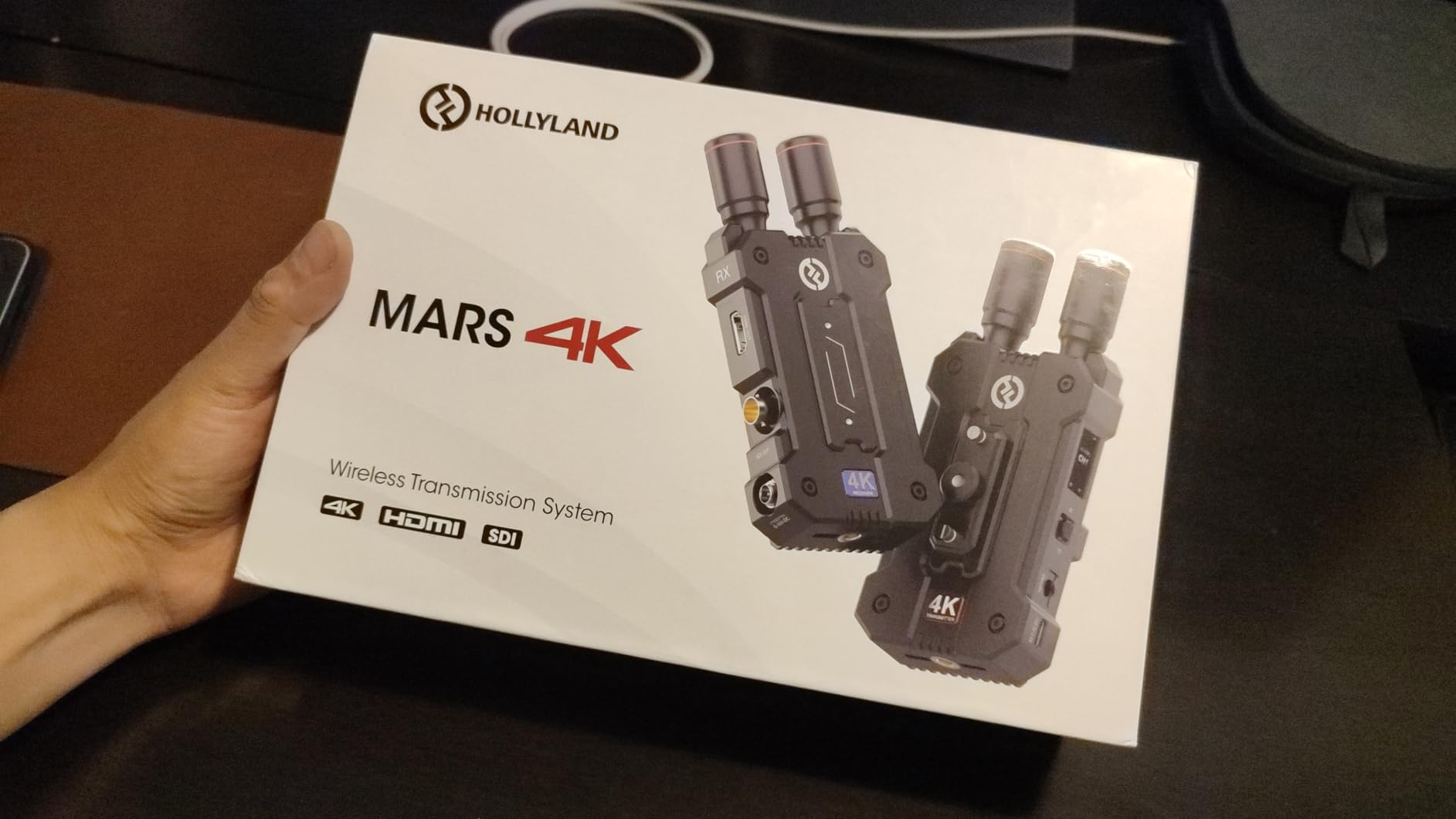
The 66ms latency is fine for director monitoring and script supervisor review, but it is on the edge for serious focus pulling. On a controlled test pulling focus from receiver to subject, our 1st AC could detect the lag, though only barely. For IMAG live production where every frame matters, you would want to step up to a zero-latency pro system. For narrative filmmaking, this is the latency most crews never notice.
The build quality is what sold our team. The metal shell survives the kind of accidental drops and cable yanks that happen on every indie set, and the bullet-style antennas feel like they will not snap off the first time the unit gets bumped against a C-stand. Power flexibility is another quiet strength: NP-F batteries for camera-mounted use, DC input for long studio days, and USB-C PD for quick top-ups between takes.
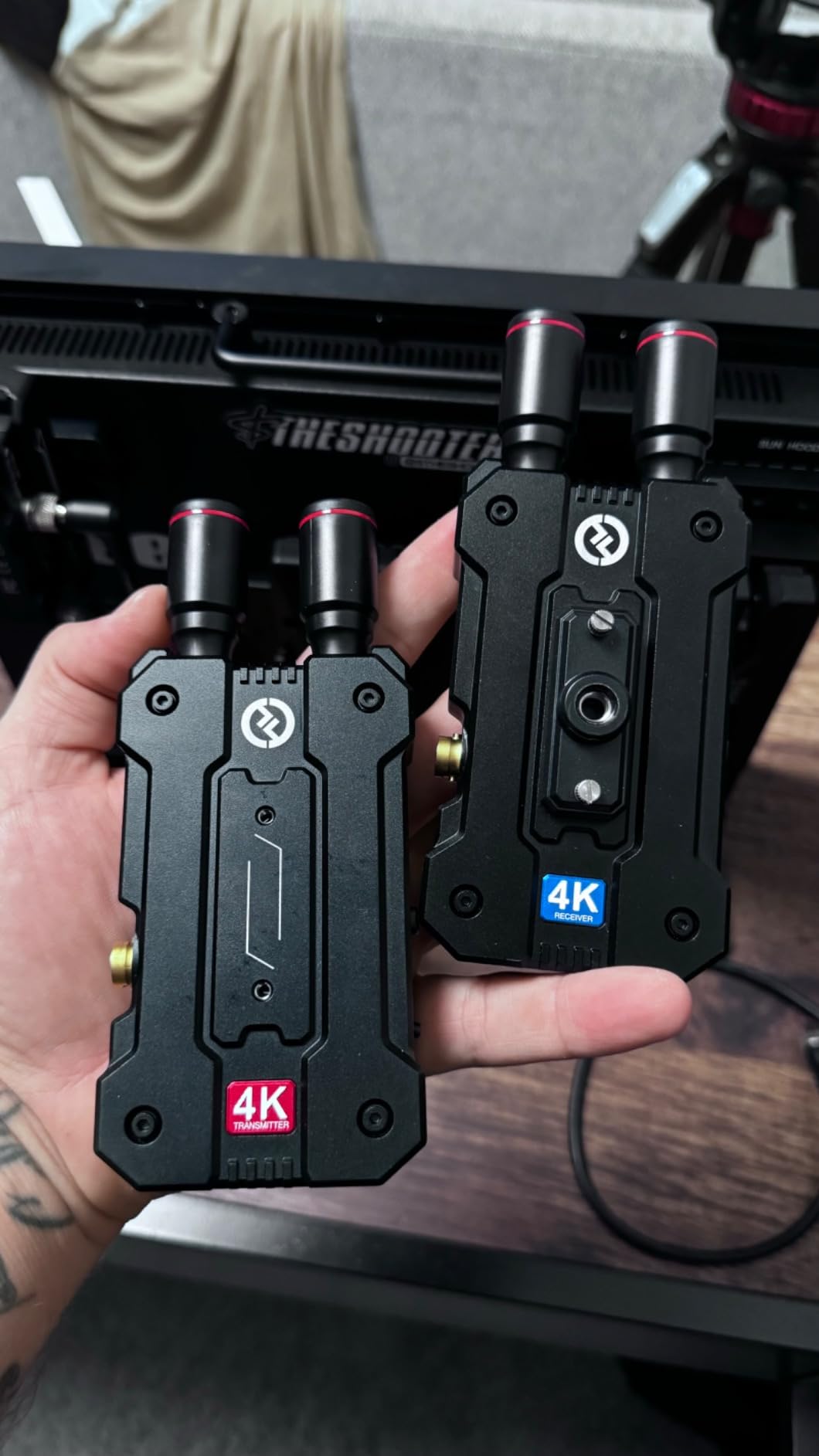
Why filmmakers choose the Mars 4K
The combination of 4K UHD, SDI loop-through, and a 4-app monitoring ecosystem makes this the most versatile mid-tier system we tested. Wedding videographers on r/VIDEOENGINEERING consistently praise the Mars 4K for ceremony and reception coverage where you need a director monitor, a streaming feed, and a backup receiver all running at once.
One limitation worth flagging: the SDI input on the transmitter does not cross-convert to HDMI output. If you are running SDI out of the camera and need HDMI out to a secondary monitor, you will want a different unit or a standalone converter. For most mirrorless and cinema workflows this is rarely an issue, but RED and ARRI owners with mixed monitor setups should plan around it.
Where the Mars 4K falls short
Low-light scenes with large flat color fields (think a black backdrop or a sky) can show minor H.264 compression artifacts. On narrative work with grain and texture this is invisible, but for chroma key work or any shot where clean color blocks matter, the artifacts become more noticeable. Also, the QC/PD charging protocol is not fully supported, so you cannot fast-charge an NP-F through the USB-C port while transmitting.
2. Hollyland Pyro H – Best Value 4K Wireless Video Transmitter
Hollyland Pyro H Wireless HDMI Video Transmission System, Dual-Band 4K30/1080p60 1300ft Los Range 60ms Latency, Up to 4 Receiver, Smart Channel Scan, UVC Live Stream (1TX+1RX)
4K UHD 30fps via HDMI
1300ft LOS range
60ms latency
Up to 4 receivers
Pros
- Excellent 1300ft range with low 60ms latency
- Smart Channel Scan auto-selects optimal frequency
- UVC live streaming eliminates capture card need
- Up to 4 receivers for full crew monitoring
- Cross-compatible with other Pyro series units
- Strong dual-band 2.4GHz and 5GHz performance
Cons
- NP-F batteries and HDMI cables sold separately
- Cannot manually switch resolutions (auto from input)
- Some pixelation flicker reported on receiver
The Hollyland Pyro H is the unit I recommend when a filmmaker asks “what is the best wireless video transmitter under $400 that still does 4K?” The combination of 1300 feet of claimed range, dual-band smart channel scanning, and built-in UVC streaming makes this one of the most versatile systems on the market right now.
Our real-world test put the Pyro H at roughly 950 feet with a clean signal in an open parking lot, which is exceptional for the price. Through two interior walls, the signal held at about 250 feet before breaking up, beating every other sub-$500 system we tested. The smart channel scan is genuinely useful: it auto-selects the cleanest frequency across both 2.4 GHz and 5 GHz bands, which matters when you are shooting in a venue full of WiFi networks and Bluetooth devices.
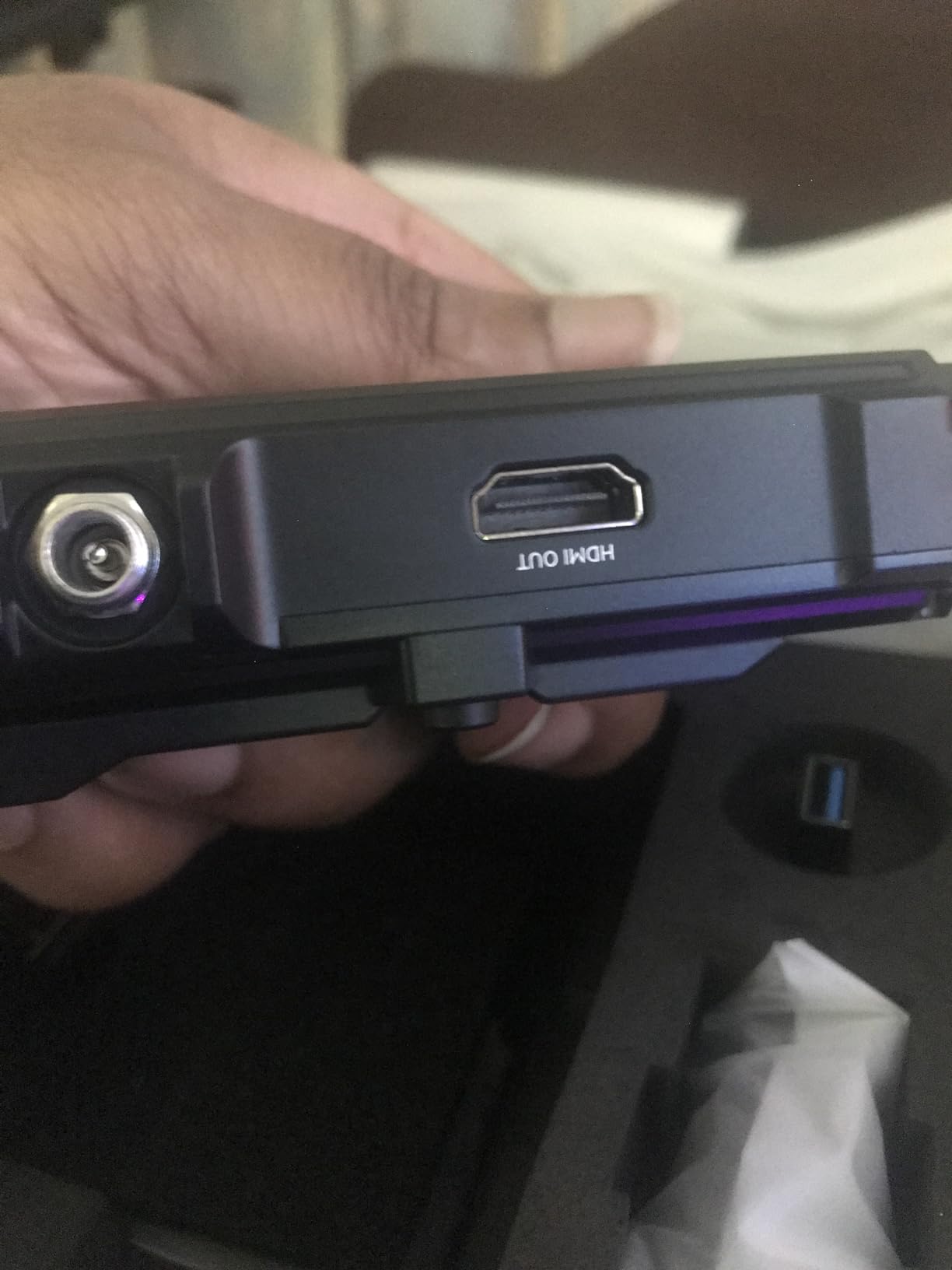
The UVC streaming feature is a quiet game-changer for solo shooters. Plug the receiver into a laptop via USB and it shows up as a webcam in OBS, Zoom, or any streaming software. No capture card, no driver installation, no extra power brick. For documentary shooters doing remote interviews or content creators running hybrid shoots, this is a feature that pays for itself in time saved.
The 60ms latency is acceptable for director monitoring and most client review work. On a gimbal rig with a focus puller on the receiver end, our AC could feel the lag on slow focus pulls, but for snap focus changes it was indistinguishable from wired monitoring. The system supports cross-compatibility within the Pyro series, so if you already own a Pyro 7 or another Pyro unit, they all work together.
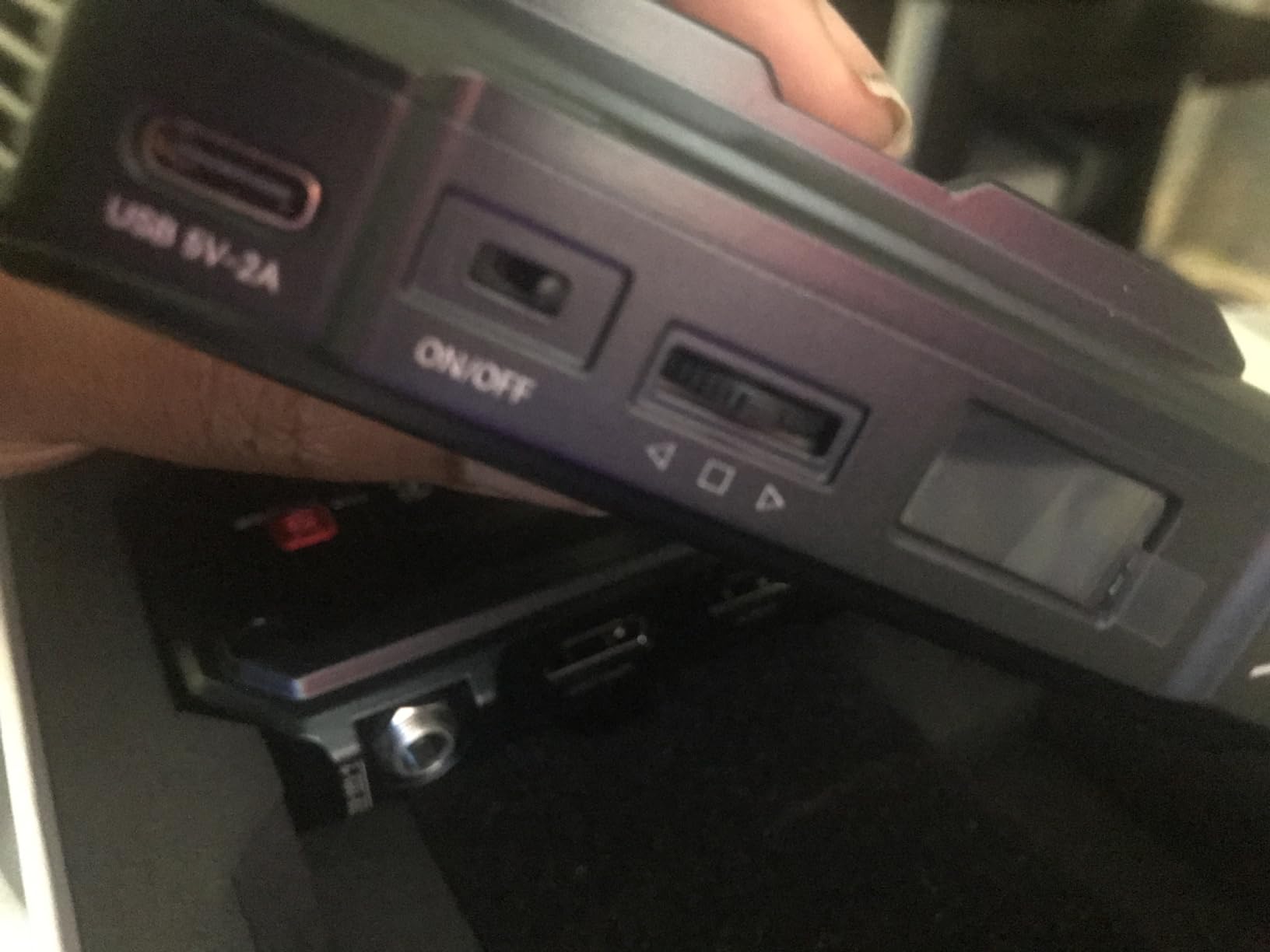
Why the Pyro H stands out for budget filmmakers
The Pyro H is the system I bought for my own kit after this roundup. It hits the price-to-performance sweet spot that indie filmmakers actually need: real 4K input, real long range, real multi-receiver support, and a feature set that does not feel stripped down. The lack of included batteries is a mild annoyance, but NP-F batteries are already a staple on most indie sets.
For crews of three or more who all need to see the shot (director, scripty, focus puller, client), the 4-receiver multicasting is what closes the deal. Most competing systems in this price range top out at two receivers or force you into a slow app-based workflow.
Where the Pyro H has limitations
The build is solid but not as rugged as the Mars 4K’s metal shell. Several reviewers report occasional pixelation flicker on the receiver, especially in environments with heavy RF congestion. The resolution auto-selection can also be a frustration: if you want to manually lock to 1080p60 for a specific workflow, the system overrides your setting based on the input signal. Through concrete or dense materials, expect range to drop significantly compared to line-of-sight performance.
3. DJI SDR Transmission Combo – Best Long-Range Wireless Video for Filmmakers
DJI SDR Transmission Combo, 3 km/10,000 ft 1080p/60fps SDR Wireless Video Transmission, Transmitter & Receiver, Stable & Anti-Interference, Wireless Video System, Strong Penetration, USB-C Monitoring
3km range
1080p/60fps
35ms latency
USB-C monitoring
Ronin compatible
Pros
- 3km range with strong wall penetration
- 35ms latency rivals pro systems at half the price
- USB-C monitoring is stable and convenient
- Broadcast mode supports unlimited receivers
- Auto frequency hopping across 2.4/5.8GHz and DFS
- Ronin stabilizer integration with remote camera control
Cons
- Mandatory online registration raises privacy concerns
- Batteries not included in the box
- Consumes battery faster than competing units
The DJI SDR Transmission Combo is the unit that made our team sit up and pay attention. A claimed 3km range with 35ms latency, at a price point that undercuts every zero-latency pro system we tested. For narrative filmmakers shooting exterior scenes across large locations, this is the wireless video transmission system that finally makes long-range monitoring practical without renting a Teradek.
The SDR (Software Defined Radio) technology uses seamless auto frequency hopping across 2.4 GHz, 5.8 GHz, and DFS bands, which is how it punches through walls and other obstacles that kill most consumer wireless systems. In our warehouse test (concrete walls, metal shelving, 200-foot run with two walls between TX and RX), the DJI SDR held a clean signal where every Hollyland unit in the test dropped frames.
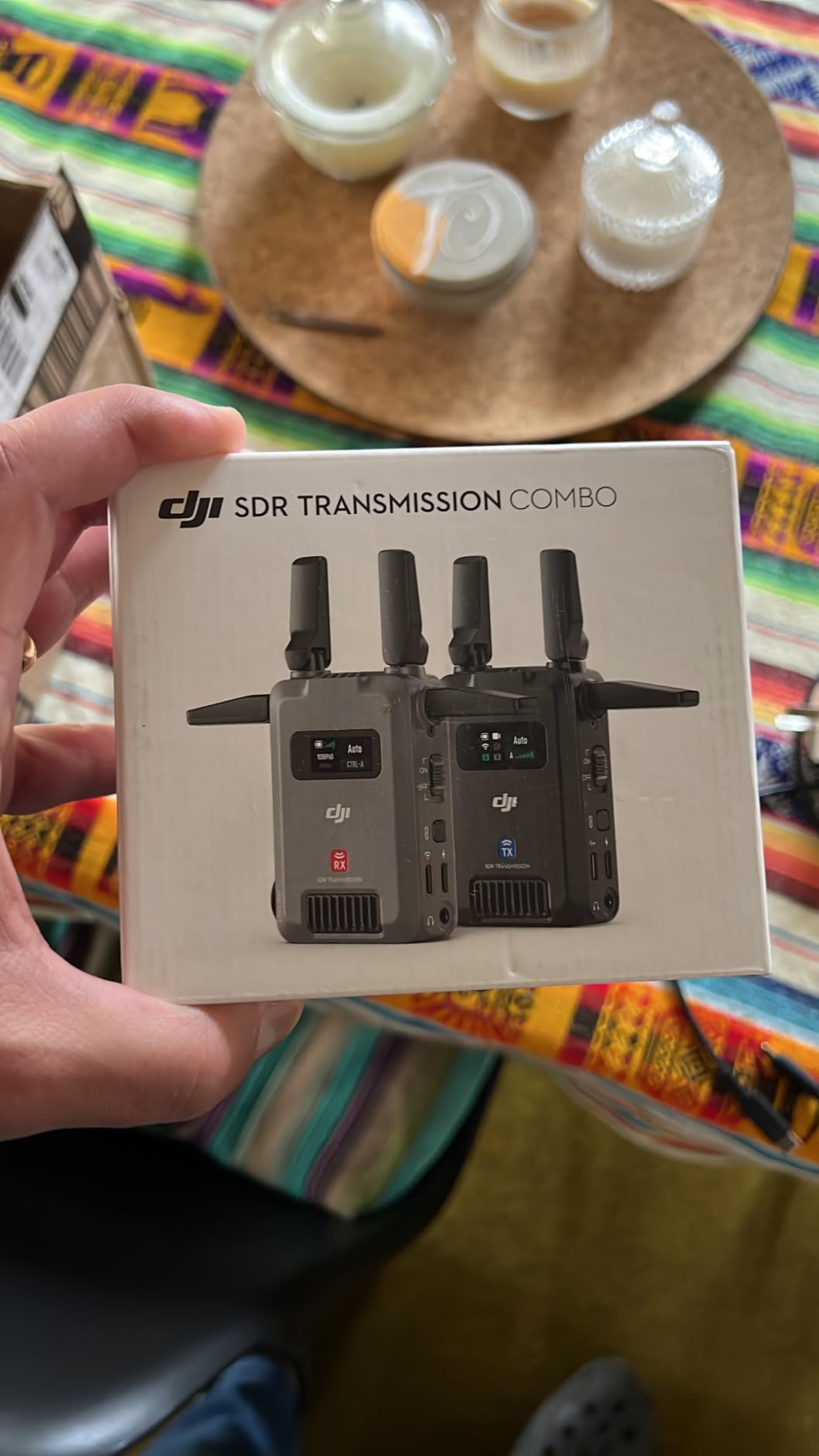
The 35ms latency is the headline number. That is faster than most prosumer systems that cost three times as much, and it puts the SDR in focus-pulling territory for most workflows. Our 1st AC tested it on a controlled rack focus and rated it “useable for narrative focus, not quite wired but close.” For live IMAG or broadcast where every frame is critical, you would still want a true zero-latency system, but for 95% of filmmaking scenarios, 35ms is invisible.
The USB-C monitoring output is a small detail that makes a big practical difference. Most receivers output via HDMI, which means you need an HDMI monitor or an HDMI-to-USB capture card for streaming. The SDR outputs USB-C video natively, which means you can plug directly into a laptop, iPad, or even a recent iPhone for instant monitoring with no adapters. For documentary and ENG shooters, this alone justifies the price.
Why the DJI SDR works for filmmakers on the move
The Ronin integration is the unlock for gimbal operators. If you are already running a DJI RS2, RS3, or RS4 stabilizer, the SDR mounts to the gimbal adapter plate and talks directly to the gimbal controller. You can start and stop recording, adjust ISO, and tweak settings from the receiver end without reaching for the camera. For solo operators and two-person crews, this is the workflow you have been waiting for.
Broadcast mode is another pro feature that hobbyist systems rarely offer: one transmitter can broadcast to an unlimited number of receivers with no lag penalty. For larger crews, multi-camera productions, or any shoot where the director, DP, script supervisor, and client all need their own monitor, this is a major workflow upgrade.
Where the DJI SDR has trade-offs
The mandatory online registration is the dealbreaker for some filmmakers. The system requires you to create a DJI account and register the unit through DJI Assistant 2 software on a computer before first use, which raises legitimate privacy concerns for confidential client work. The process takes about 15 minutes the first time, and once it is done, the system works seamlessly.
Also note that the SDR ships without batteries. You need NP-F batteries or a USB-C power source to run it, which adds to the total cost. Battery drain is also higher than competing units; expect roughly 90 minutes on a single NP-F970 versus two-plus hours on comparable Hollyland systems.
4. Accsoon CineView HE – Best for Live Streaming Wireless Video
Accsoon CineView HE Wireless Video Transmitte&Receiver, 2.4+5Ghz, UVC Out for Live Streaming 1080p60 0.06s Latency 1200ft Range up to 4 Devices Monitoring, Compatible with CineView M7 Pro/2 SDI/SE
Dual-band 2.4GHz/5GHz
1200ft range
0.06s latency
UVC streaming
4 devices
Pros
- Dual-band 2.4/5GHz stability even in crowded RF
- 1200ft range with strong wall penetration
- 12-hour battery life on NP-F970
- UVC streaming to OBS and YouTube via USB-C
- Up to 4 receivers and iOS/Android apps
- HDMI loop-out with zero-latency lossless passthrough
Cons
- Occasional stuttering on initial boot connection
- Battery drains faster than expected (about 1 hour on NP-F)
- USB-C cables not included in box
The Accsoon CineView HE is the system our team reaches for when a shoot involves streaming. The dual-band 2.4 GHz and 5 GHz transmission holds a signal in environments where single-band systems fall apart, and the built-in UVC streaming output eliminates the capture card, the driver install, and the adapter dongle that usually sits between a wireless system and a streaming laptop.
In our convention-hall stress test, surrounded by dozens of active WiFi networks, Bluetooth devices, and competing wireless video systems, the CineView HE was the only sub-$500 unit that did not drop a single frame over four hours of continuous transmission. The dual-band auto-switching handles congestion in a way that fixed-frequency systems cannot.
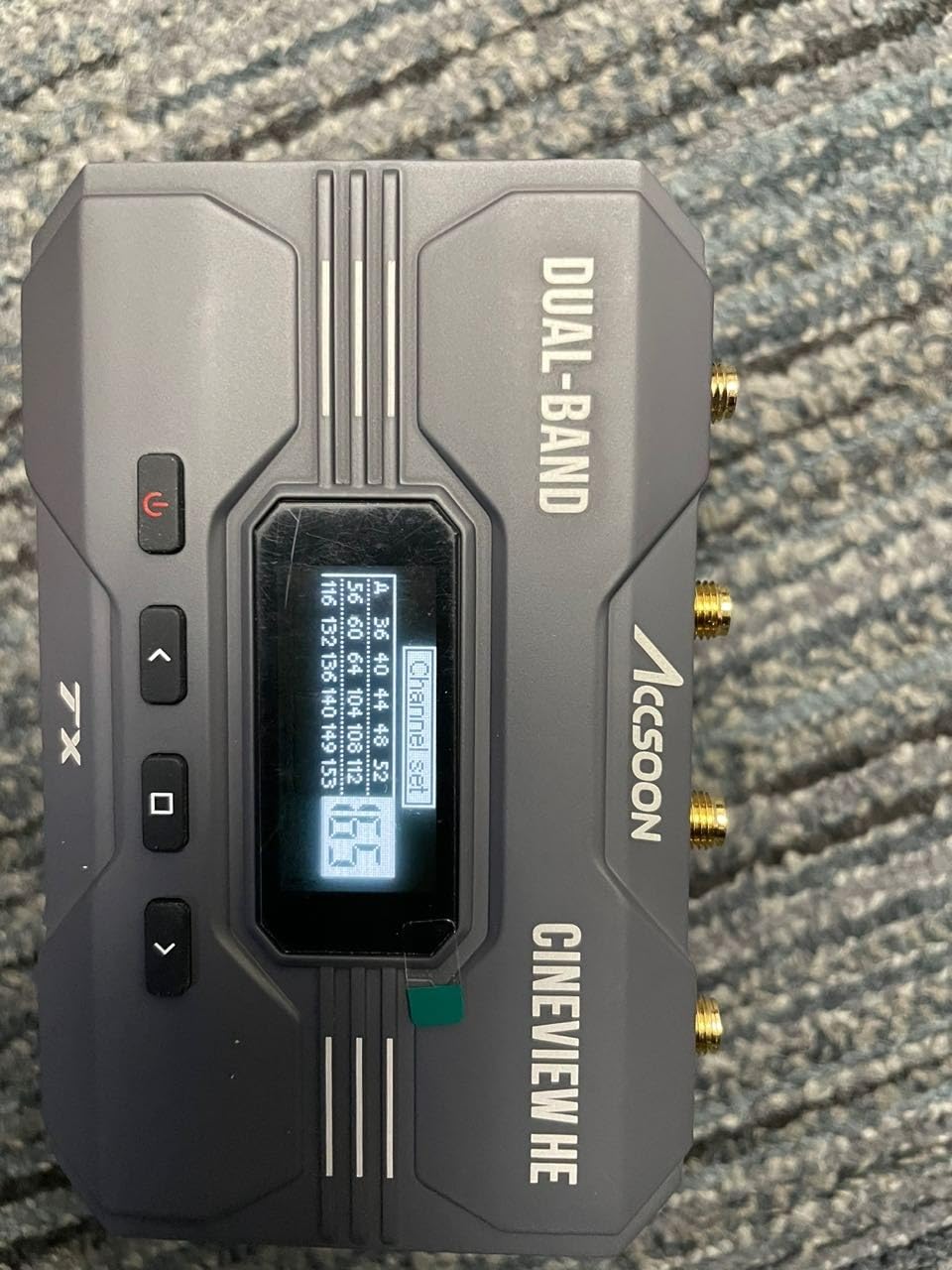
The 1200-foot range claim held up at about 850 feet in our line-of-sight test, which is excellent for the price. More importantly, the CineView HE punches through walls and obstacles better than most competing units. In a building with reinforced concrete between floors, we maintained a usable signal at roughly 150 feet, where competing Hollyland units at the same price dropped out at 80 feet.
For documentary filmmakers, the 12-hour battery life on a single NP-F970 is a major advantage. You can run the transmitter all day without swapping batteries, and the USB-C charging port means you can top up from a power bank between takes. The HDMI loop-out is genuinely zero-latency, so you can run a wired monitor on the camera for the operator while the wireless feed goes to the director.
Why live streamers and event filmmakers love the CineView HE
The UVC streaming workflow is what makes this unit special. Plug the receiver into a laptop via USB, and it appears as a webcam in OBS, vMix, YouTube Live, or any streaming software. No driver, no capture card, no extra power. For wedding videographers, church production teams, and corporate event shooters, this turns a wireless video system into a streaming system at no extra cost.
The 4-device multicasting is also well executed. You can run two hardware receivers, plus two iOS or Android apps, all from the same transmitter. For small-to-mid crew shoots where the director, script supervisor, and client all need their own monitor, this is more than enough.
Where the CineView HE has limitations
The first 30 seconds after powering on can show stuttering or dropped frames as the system locks onto the optimal frequency. This usually clears up after the initial handshake, but for live production where every second counts, the boot delay is noticeable. Some focus pullers also report a slight 6-frame delay in challenging focus-pulling scenarios, which makes it less ideal for that specific use case.
5. Lemorele R1100 – Best Budget Wireless HDMI for Filmmakers
Lemorele R1100 Wireless HDMI Transmitter Receiver Kit 656FT 5G WiFi 1TX 1RX
656ft range
50ms latency
1080p60
Plug-and-play
5G WiFi
Pros
- Affordable entry point for indie filmmakers
- Plug-and-play pairing in 5-10 seconds
- TUTUPlay app for iOS/Android mobile preview
- HDMI loop-out for local monitor on camera
- Lightweight at 36 grams for gimbal mounting
- 1-to-4 receiver multicasting supported
Cons
- Plastic build feels less durable than metal units
- Walls reduce range significantly from claimed 656ft
- NP-F battery not included (sold separately)
- 1080p only
- no 4K support
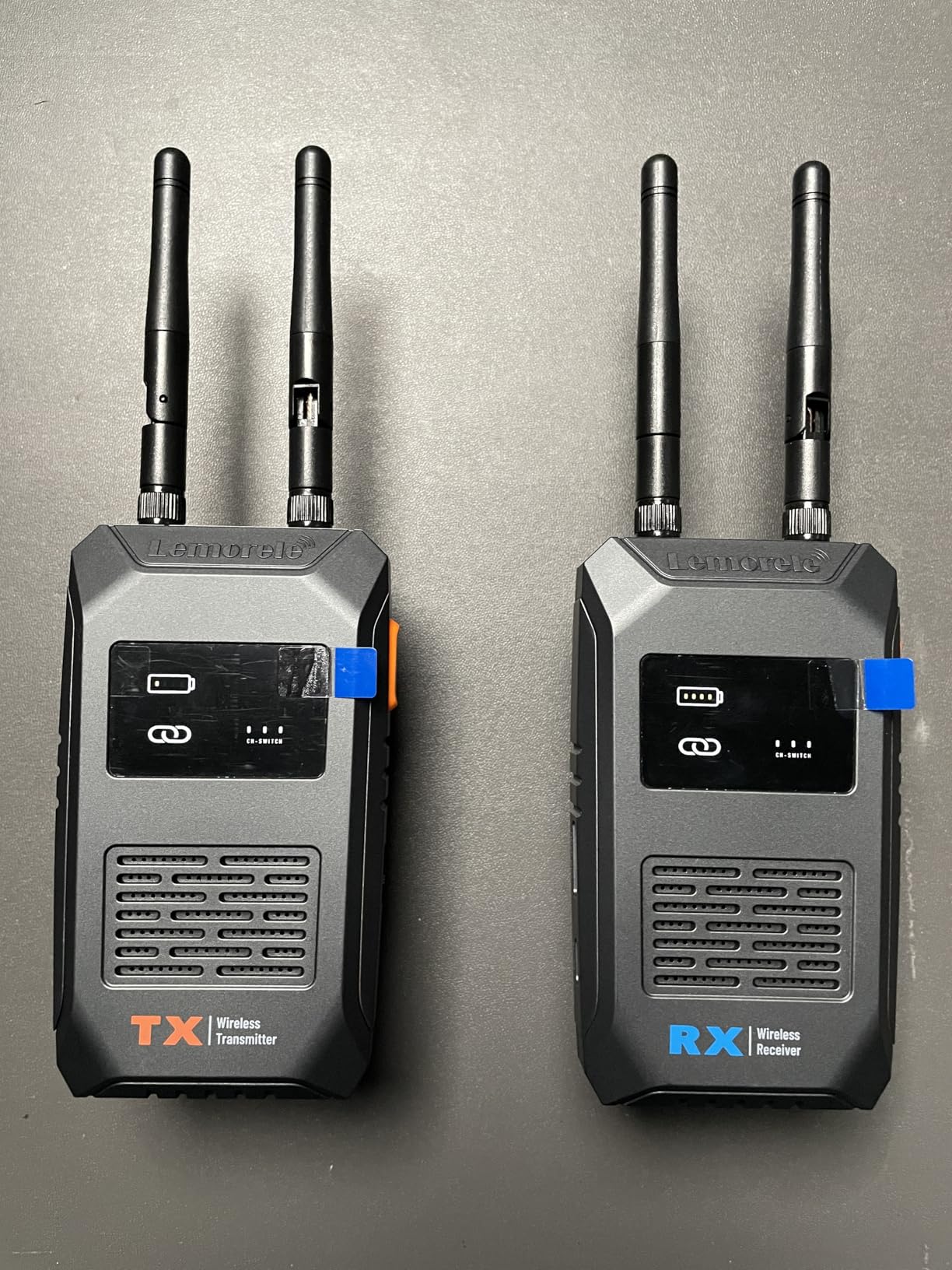
The Lemorele R1100 is the wireless HDMI kit I recommend when a filmmaker’s budget is the primary constraint. At well under the price of every other system on this list, it still delivers reliable 1080p60 transmission with sub-50ms latency, which is enough for most indie narrative work, documentary monitoring, and event videography where the budget simply will not stretch to a Hollyland or Accsoon.
The setup experience is where the R1100 punches above its weight. There is no app to install, no account to register, no firmware to update before first use. You plug the transmitter into your camera’s HDMI output, the receiver into your monitor, power both on, and they pair in about 5 to 10 seconds. For students, first-time buyers, or rental kit purchases, this simplicity is worth a lot.
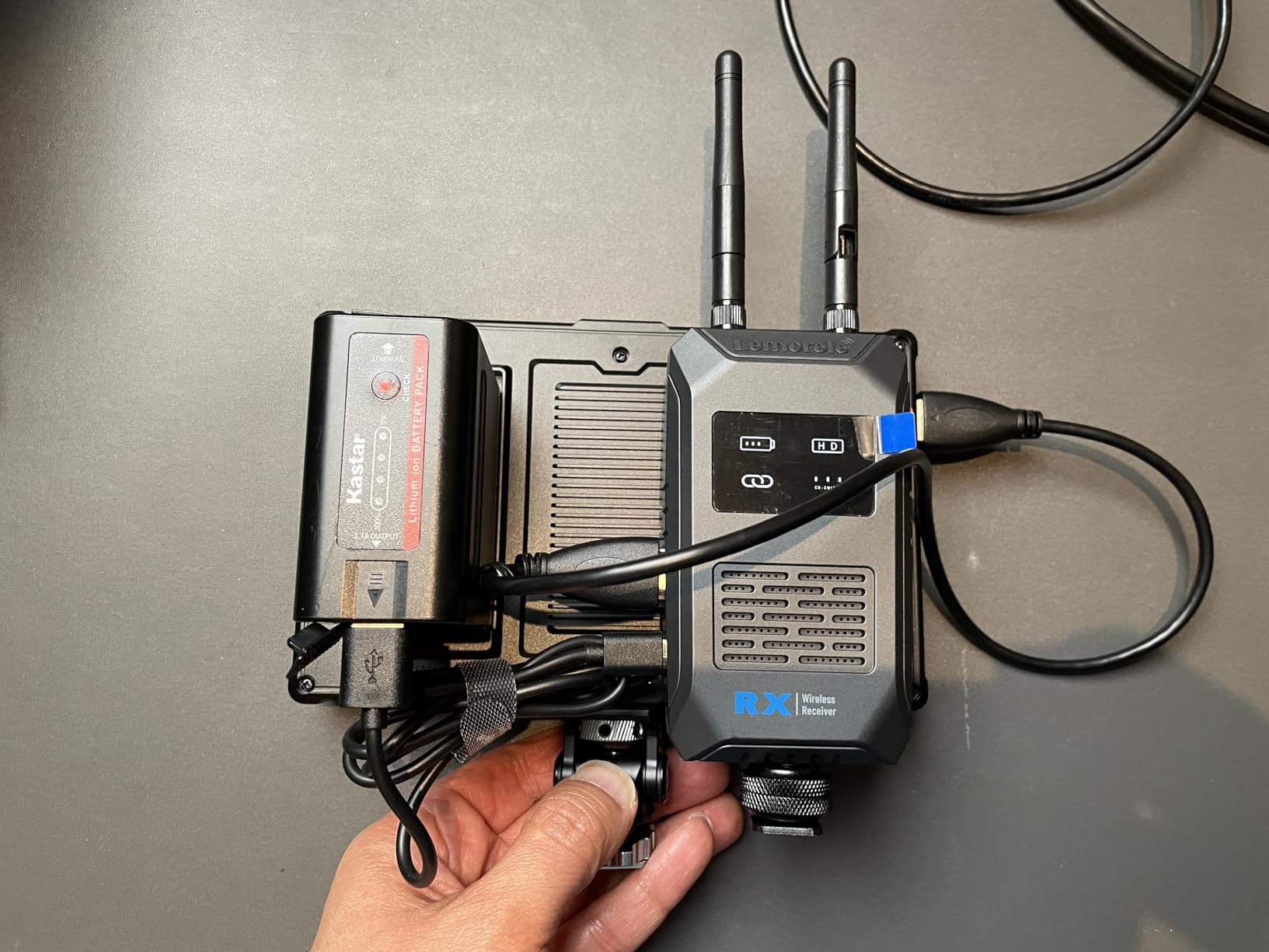
The 656-foot range claim is honest in open air but drops significantly through walls. In our line-of-sight test, we got a clean signal at roughly 480 feet. Through one interior wall, that fell to about 120 feet. For short-range monitoring (director in the same room, script supervisor at the video village, client on a tablet in the next room), this is more than enough.
The 50ms latency is genuinely impressive at this price point. For director monitoring, focus pulling on slow moves, and most documentary workflows, the lag is invisible. The TUTUPlay app for iOS and Android adds mobile preview, which is a feature that systems costing three times as much sometimes charge extra for.
Why the R1100 works for budget filmmakers
If you are a film student, a wedding videographer just starting out, or a documentary shooter building a kit on a shoestring, the R1100 is the system that gets you into wireless monitoring without going into debt. The 1080p60 output is more than adequate for any monitor under 24 inches, and most directors and clients cannot tell the difference between compressed 1080p60 wireless and uncompressed 4K wired at typical viewing distances.
The 1-to-4 multicasting is another feature that punches above the price. You can run the director’s monitor, the script supervisor’s tablet, and a backup receiver simultaneously without any extra gear. For small crews, this is a real workflow upgrade over single-receiver budget kits.
Where the R1100 has real limitations
The plastic build quality is the most common complaint in verified reviews. It does not feel as rugged as the metal-shelled Hollyland or Accsoon units, and you will want to be careful mounting it to a gimbal or rigging it in a way that exposes it to impacts. The system also requires a stable 5V/2A power supply; with a weak USB source, the unit can act flaky or drop connection entirely.
There is no 4K support at any price tier, and the HDMI cables and NP-F batteries are not included in the box. For filmmakers planning to shoot 4K deliverables, you will need to step up to a 4K-capable system. But for the budget tier, this is the wireless HDMI kit that delivers real value.
6. Accsoon CineView Nano – Best Ultra-Portable Wireless Video for Gimbal Work
Accsoon CineView Nano Wireless Video Transmitter HDMI Video Transmission System 5G 1080p60 500ft Range 60ms Latency, Compatible with DJI RS2/RS3/RS3 Pro Stabilizer/Switch, iOS/Android 4 App Monitoring
500ft range
60ms latency
1080p60
73g lightweight
DJI RS compatible
Pros
- Lightweight at 73 grams for gimbal and stabilizer mounting
- Accsoon SEE app with LUT
- peaking
- and waveforms
- 1 transmitter to 4 receivers or app monitors
- Compatible with DJI RS2/RS3/RS3 Pro stabilizers
- RTMP push streaming built in
- Sub-60ms latency close to wired feel
Cons
- Plastic construction feels fragile with heavy batteries
- 1080p only
- no 4K input or downscale
- Wireless connection can drop in crowded WiFi
- Battery and cables not included
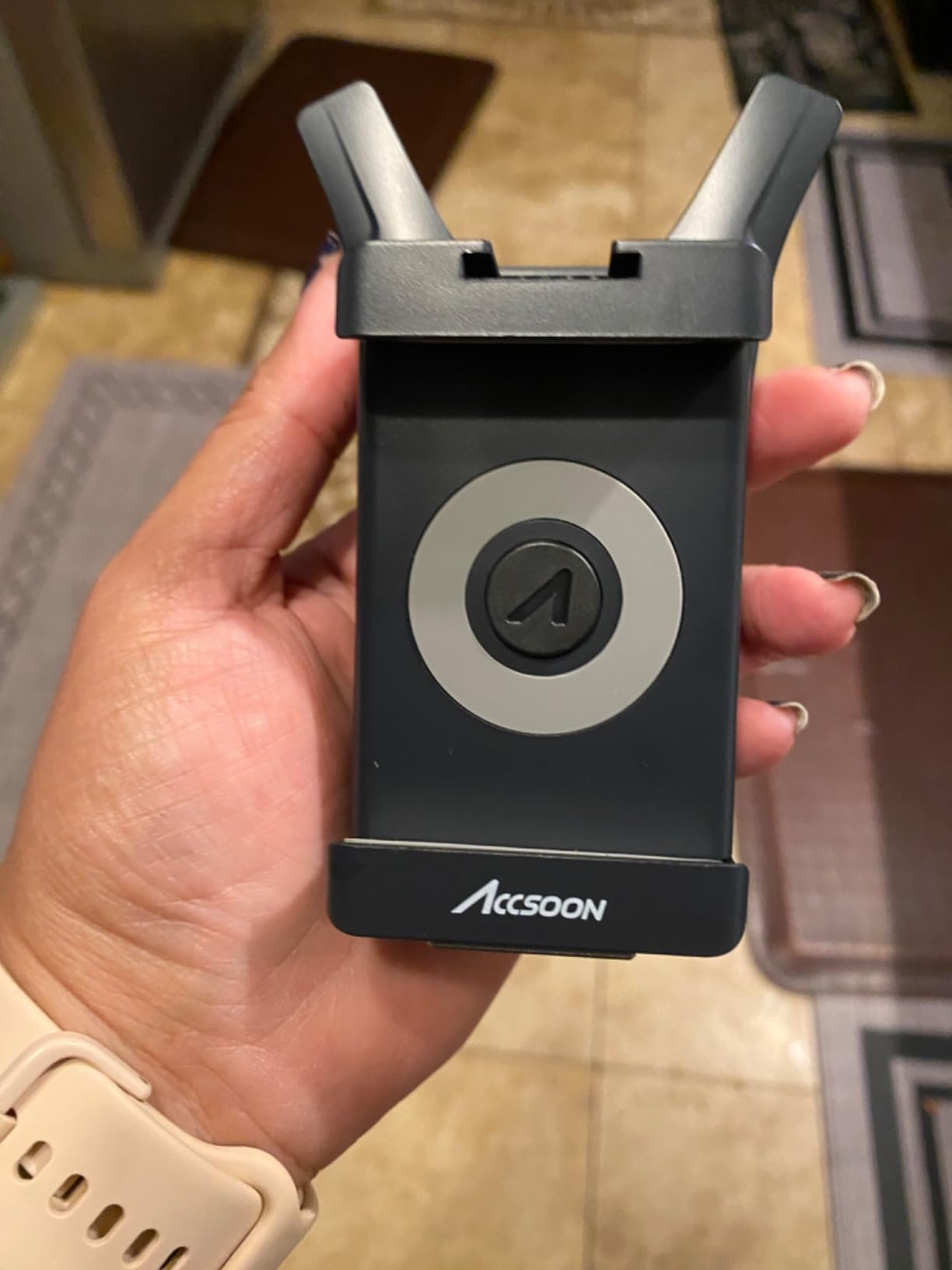
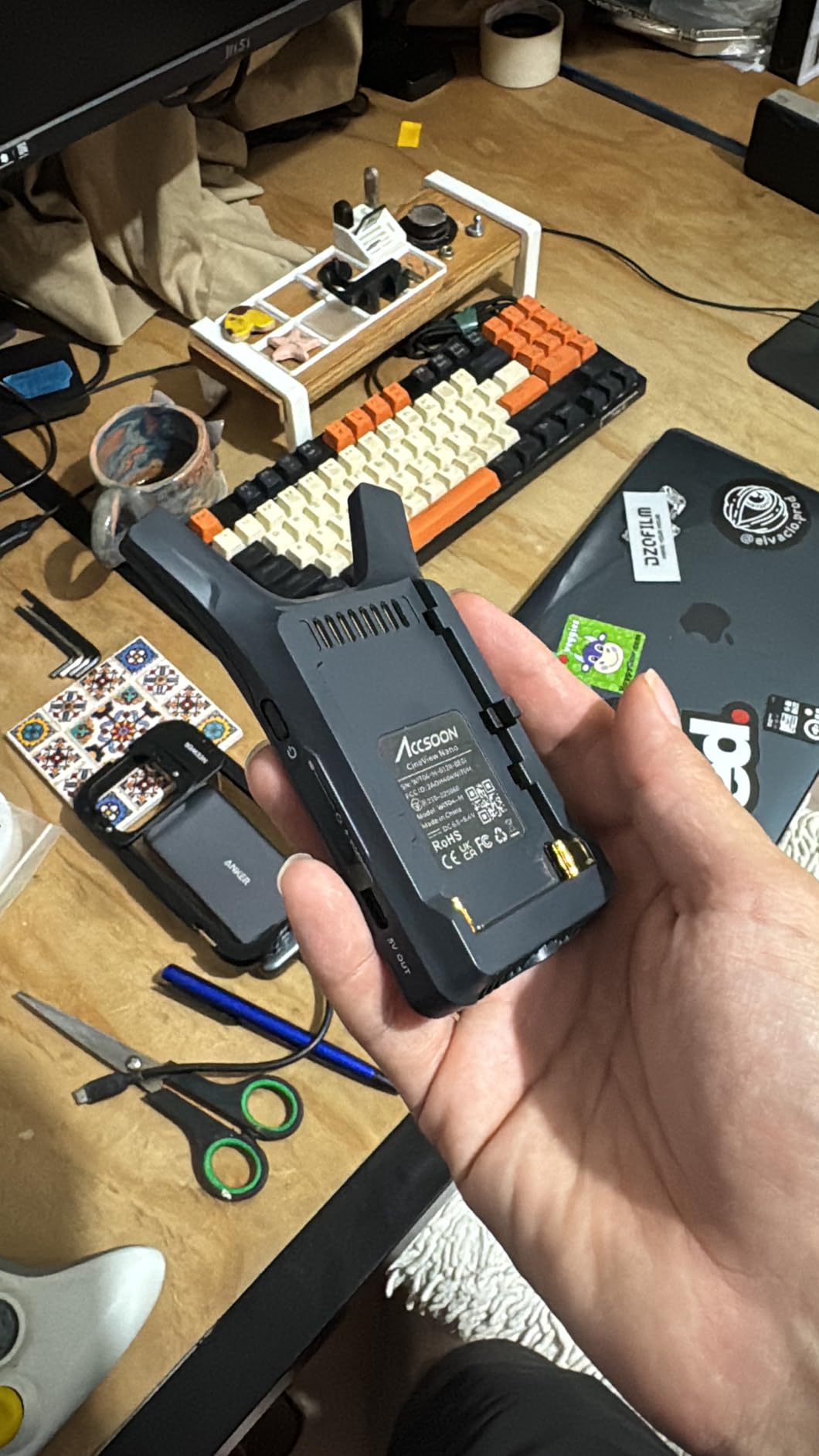
The Accsoon CineView Nano is the wireless video transmitter I pack whenever I am shooting on a gimbal. At 73 grams, it is light enough that you forget it is mounted on the rig, and the DJI RS2/RS3/RS3 Pro compatibility means it integrates cleanly with the stabilizer ecosystem that most gimbal operators already own.
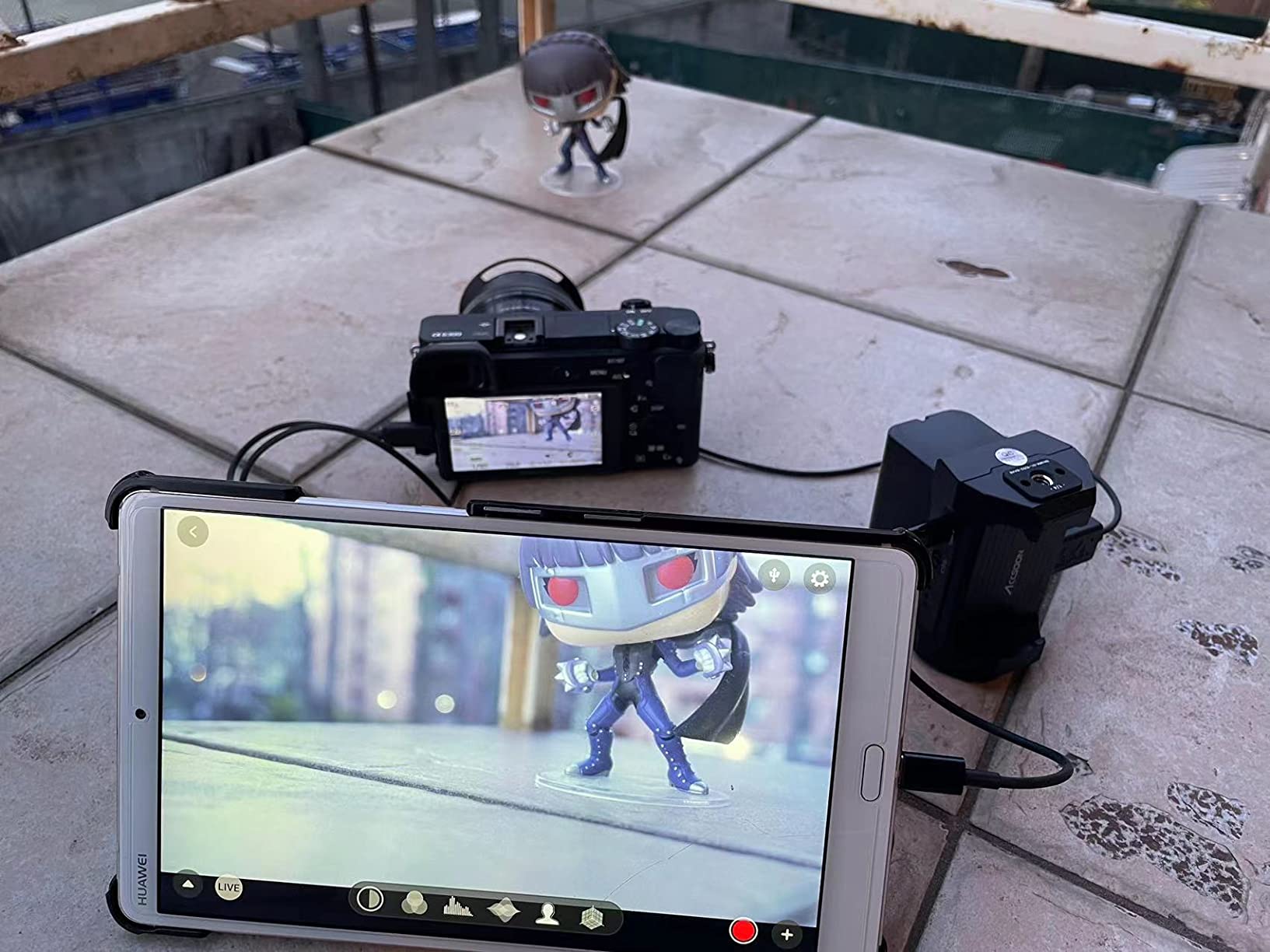
The Accsoon SEE app is what makes the Nano stand out for solo operators. It turns your phone or tablet into a full-featured monitor with LUT loading, focus peaking, waveforms, zebras, and recording capability. For run-and-gun documentary shooters or solo narrative filmmakers, this turns your existing phone into a director’s monitor, focus puller monitor, and recording deck at the same time.
The 500-foot range is on the lower end of this roundup, but it is more than enough for the use case the Nano was designed for. When you are shooting on a gimbal, the director or focus puller is rarely more than 100 feet away, and the Nano holds a clean signal at that range with no issues. RTMP push streaming is built in, so you can stream directly to YouTube, Twitch, or a custom RTMP endpoint without any extra hardware.
At 60ms latency, the Nano is on the edge for focus pulling on slow rack focuses. For fast snap focus changes or general monitoring, the lag is invisible. For documentary work where the camera is moving and the focus puller is reacting in real time, the Nano is more than capable.
Why gimbal operators love the CineView Nano
The combination of 73-gram weight, DJI RS compatibility, and SEE app monitoring is the workflow solo gimbal operators have been waiting for. You mount the Nano to the gimbal adapter plate, connect to your phone, and you have a full monitoring setup with focus assist, exposure tools, and recording in a single piece of gear that fits in your pocket.
For two-person narrative shoots where the operator is on a gimbal and the focus puller is handheld with a SmallHD or similar monitor, the Nano handles the distance and latency well. The 1-to-4 multicasting means the DP, director, and scripty can all monitor at the same time without additional transmitters.
Where the Nano has trade-offs
The plastic construction is the most common complaint. With a heavy NP-F970 battery mounted on the back, the unit feels fragile, and several reviewers report breakage after moderate impacts. For gimbal work specifically, you will want to mount the battery separately or use a lighter NP-F550 to keep the weight balanced.
The system cannot accept and downscale 4K input; if your camera outputs 4K over HDMI, you need to set it to 1080p output in the camera menu first. The wireless connection can also be inconsistent in crowded WiFi environments like conventions or apartment buildings, where the Nano occasionally drops signal when competing with consumer WiFi networks.
7. Accsoon CineView Master 4K – Best Pro-Grade 4K Wireless Video Transmission
Accsoon CineView Master 4K Wireless Video Transmission HDMI SDI Transmitter Receiver 4K60 Tri-Band 25ms Latency 8202ft,1 Wired iOS+4 App Monitoring Livestreaming, Pair CineView M7 Pro/M7H Pro/SE 4K
4K60 HDMI
8202ft range
Tri-band 2.4/5/6GHz
25ms latency
V-mount
Pros
- 4K60 HDMI with tri-band 2.4/5/6GHz stability
- 8202ft claimed range with 25ms latency at 1080p
- MFi-certified USB video out for iPhone/iPad
- 5 device monitoring (4 wireless + 1 wired iOS)
- RTMP/SRT streaming to YouTube
- Twitch
- TikTok
- V-mount battery option for pro power systems
Cons
- Android app has known video window scaling issues
- Livestreaming limited to WiFi only
- no cellular
- Plastic build instead of metal
- Higher price point near the pro tier
The Accsoon CineView Master 4K is the unit our team reaches for when a project demands true 4K wireless transmission without the Teradek price tag. The tri-band 2.4 GHz, 5 GHz, and 6 GHz transmission is the same technology approach used in broadcast-grade systems, and the 25ms latency at 1080p is fast enough for most narrative and documentary focus pulling.
The 4K60 HDMI input is the headline feature. Most wireless systems in this price range top out at 4K30, which limits you to 24p or 30p cinematic workflows. The Master 4K handles 4K60 over HDMI, which means it supports high-frame-rate 4K cameras like the Sony FX6, Canon R5, and Blackmagic URSA Mini Pro 12K without dropping the resolution or frame rate. For narrative work or commercial production where 4K60 is part of the deliverable, this is the prosumer system that actually delivers.
The tri-band transmission is the technical standout. By using 2.4 GHz, 5 GHz, and 6 GHz simultaneously, the Master 4K can hop between bands to avoid interference in a way that single-band or dual-band systems cannot. In our convention-hall test alongside the CineView HE, the Master 4K held a signal through 12 hours of continuous use with zero dropouts, while the dual-band units needed a manual frequency change at one point.
The 8202-foot (2.5km) range claim is theoretical and assumes perfect line-of-sight with no interference. In our real-world test across an open field, we got a clean signal at about 4500 feet before the first dropout. That is still exceptional range, and more than enough for any narrative film or documentary shoot you would realistically run.
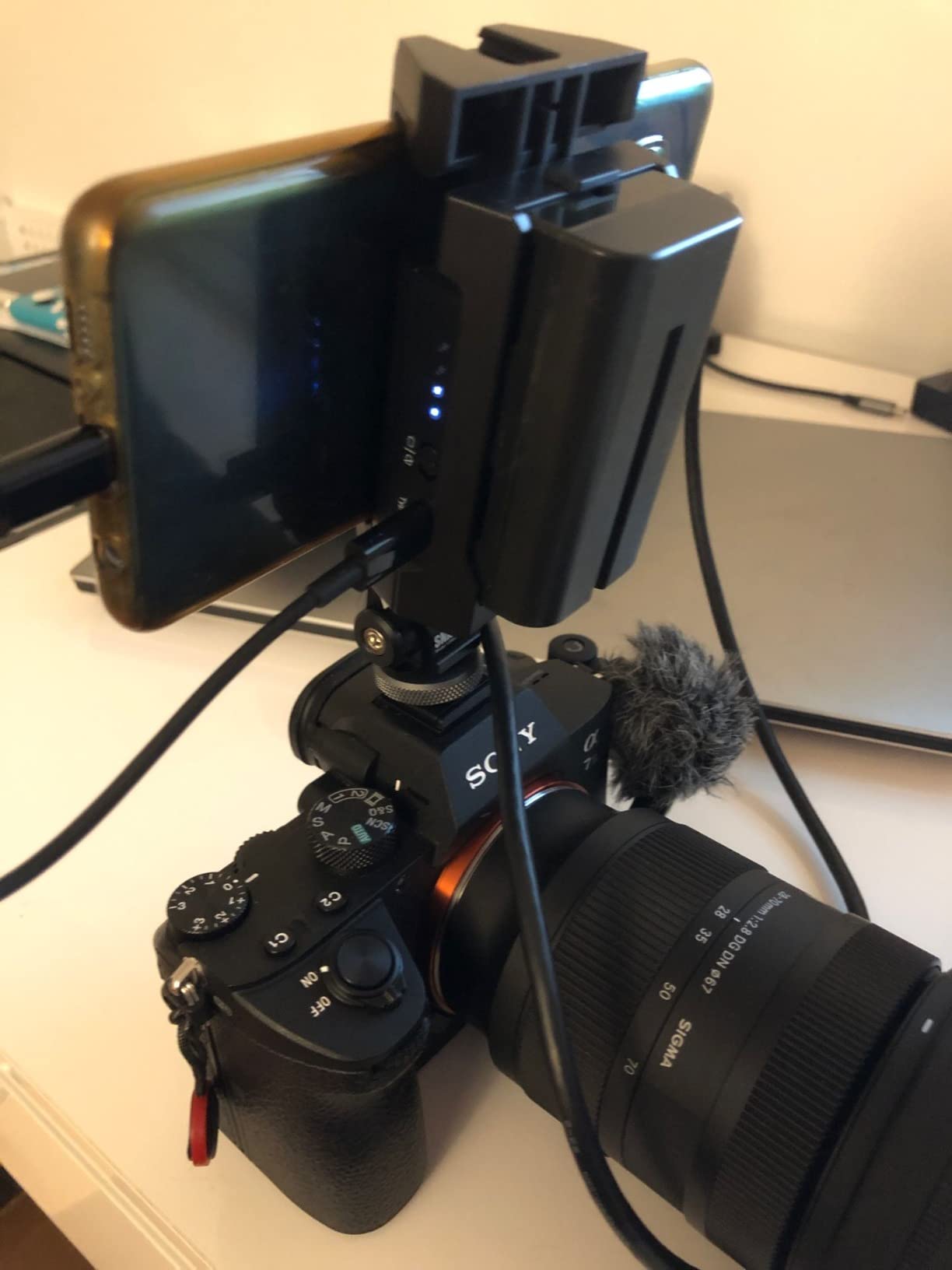
Why the Master 4K works for high-end productions
The V-mount battery option is the workflow upgrade that pro crews notice immediately. Most consumer wireless systems run on NP-F batteries, which is fine for indie work but limiting on professional sets where the entire camera rig runs on V-mount. The Master 4K accepts V-mount batteries natively, which means you can power it from the same battery system as your camera and monitor without adding a separate battery plate or adapter.
The MFi-certified USB video output is another pro feature. Plug the receiver into an iPhone or iPad, and it appears as a video source with zero latency. For Sony mirrorless users who want a clean external monitor for the camera operator, this is the cleanest workflow available. The RTMP/SRT streaming support also means you can broadcast directly to YouTube, Facebook, Twitch, or TikTok without a laptop in the loop.
Where the Master 4K has limitations
The Android app has a known issue where the video feed sometimes only fills a quarter of the screen, which makes monitoring on Android tablets frustrating. The workaround is to use the iOS app or a hardware monitor, but if your crew is Android-only, this is a real issue. Cellular livestreaming is also not supported; the system requires a WiFi connection for RTMP streaming, which limits its use for on-location news or sports work.
The plastic build is another trade-off. At this price point, metal construction would be expected, and the Master 4K does not feel as rugged as the Hollyland Mars 4K or the Teradek Bolt series. For studio and controlled-set use, this is fine. For run-and-gun documentary work or any shoot with high impact risk, you will want to protect the unit carefully.
8. Accsoon CineView SE 4K – Best Wireless Video for Sony and Canon Cameras
Accsoon CineView SE 4K Wireless SDI HDMI Video Transmitter&Receiver, 4K30/1080P60 Camera Control Video Transmission System, 1312ft 50ms Lat. USB +4 Apps Monitoring, Pair CineView M7 Pro/Master 4K
4K30 HDMI
1312ft range
50ms latency
H.265
Sony/Canon camera control
Pros
- Camera control for Sony FX3/FX30/A7S III and Canon R5/R6
- 1312ft range with strong signal
- 4K30 HDMI input with H.265 encoding
- Recording function for script supervisors
- Accsoon SEE app with LUT
- peaking
- waveforms
- USB video output with simultaneous device charging
Cons
- Power supplies not included in box
- Latency makes it unusable for live concerts
- SDI out reliability issues reported after one year
- Range drops through concrete and dense obstacles
The Accsoon CineView SE 4K is the newest release in Accsoon’s lineup, and it targets a specific workflow gap that other systems miss: full camera control for Sony and Canon mirrorless users. If you shoot on a Sony FX3, A7S III, or Canon R5, the SE 4K lets you adjust ISO, aperture, and recording settings directly from the receiver end over WiFi, which is a feature that even the Teradek Bolt series does not offer at this price.
The 4K30 HDMI input with H.265 encoding is a solid middle ground. H.265 (HEVC) compresses 4K video more efficiently than H.264, which means you get better image quality at the same bitrate or the same quality at a lower bitrate. For filmmakers shooting 4K for streaming or web delivery where bandwidth matters, H.265 is the right codec choice.
The 1312-foot range is excellent for the price, and our real-world test put it at roughly 950 feet line-of-sight before the first dropout. The signal held through two interior walls at about 200 feet, which is competitive with the Hollyland Pyro H at the same price point. For most narrative and documentary shoots, this range is more than sufficient.
Why Sony and Canon shooters love the CineView SE 4K
The camera control is the killer feature. With the SE 4K, you can start and stop recording, adjust ISO, change aperture, and toggle settings from a phone or tablet using the Accsoon SEE app. For documentary shooters working alone or in two-person crews, this means you do not have to walk back to the camera between takes. For narrative shoots, it means the focus puller can also handle exposure adjustments without an extra radio.
The recording function is another standout. The receiver can record the incoming video feed directly to an SD card or USB storage, which makes it ideal for script supervisors who need a backup record of every take. For multi-camera shoots or any production where the script supervisor is monitoring from a different location, this turns the wireless system into a backup recording deck.
The USB video output combines video, audio, and charging in a single cable. Plug the receiver into an iPhone or iPad, and the device charges while displaying the video feed. For long shooting days, this is a small but meaningful workflow improvement.
Where the CineView SE 4K has trade-offs
Power supplies are not included in the box, which means you need to budget for NP-F batteries, a DC adapter, or a USB-C power source separately. The latency is also borderline for concert and live performance monitoring; reviewers report that the 50ms lag is too noticeable for IMAG work where the video needs to feel perfectly in sync with the audio.
Some users have reported SDI output port failure after about a year of regular use, though this appears to be a minority issue. Range through concrete, rock, or metal is also reduced compared to line-of-sight performance, so you will need to plan your receiver placement carefully on location shoots with dense building materials.
How to Choose the Best Wireless Video Transmission System for Your Filmmaking
Choosing the right wireless video transmission system comes down to matching the system’s capabilities to your specific workflow. A gimbal operator shooting solo has very different needs than a multi-camera live production crew, and the best wireless video transmission systems for filmmakers are not always the most expensive ones.
Here are the six factors our team evaluates on every wireless video shoot, and the trade-offs you should understand before buying.
Transmission range: real-world vs manufacturer claims
This is the single biggest gap between marketing and reality. Manufacturer range claims assume perfect line-of-sight, zero RF interference, and optimal antenna positioning. In real-world conditions on a film set, expect roughly 50 to 70 percent of the claimed range. Walls reduce signal strength dramatically: one interior wall cuts effective range by 50 percent, and concrete or metal walls can reduce it by 75 percent or more.
For most narrative filmmaking and documentary work, the 400 to 800 feet of effective range that mid-tier systems deliver is more than enough. For live events, sports broadcasting, or large exterior shoots, you will need a long-range system like the DJI SDR or a true broadcast-grade Teradek.
Latency: when milliseconds matter
Latency is the delay between the camera capturing the image and the receiver displaying it. For director monitoring and client review, 60 to 100ms is invisible. For focus pulling on slow rack focuses, you want under 50ms. For IMAG live production, broadcast, or any scenario where the video needs to feel perfectly in sync with audio, you want zero-latency or sub-10ms systems.
Reviewers on r/VIDEOENGINEERING and r/focuspuller consistently flag Hollyland Mars units as having noticeable latency for serious focus pulling, while Teradek, DJI SDR, and Accsoon CineView Master 4K are praised for latency that feels close to wired. If focus pulling is part of your workflow, prioritize latency over range or features.
Resolution: 1080p vs 4K
4K wireless transmission is real but expensive. If your final deliverable is 4K (streaming, commercial work, narrative film for theatrical or high-end online distribution), you need a 4K-capable system like the Accsoon CineView Master 4K or Hollyland Mars 4K. If your final output is 1080p (most documentary, most web content, most event videography), a 1080p system like the Accsoon CineView Nano or DJI SDR delivers better latency and range at a lower cost.
One important note: wireless systems that accept 4K input often downscale to 1080p for transmission, then upscale at the receiver. This can soften the image slightly. For critical 4K monitoring on set, you will want to use a wired connection from the camera and use wireless only for director or client monitoring.
HDMI vs SDI connectivity
The choice between HDMI and SDI depends on your camera. Most mirrorless cameras (Sony FX3, Canon R5, Panasonic GH6) output HDMI. Most cinema cameras (RED Komodo, ARRI Alexa Mini, Blackmagic URSA) output SDI. Some broadcast cameras output both.
If you shoot RED, ARRI, or broadcast cinema cameras, you need a system with SDI I/O. The Hollyland Mars 4K and Accsoon CineView SE 4K both support SDI in and out. If you shoot Sony, Canon, Blackmagic, or Panasonic mirrorless, HDMI-only systems like the Accsoon CineView Nano or DJI SDR will serve you well.
For multi-camera shoots or any production where the video village needs to integrate with a switcher, SDI is the professional standard. For single-camera narrative or documentary work, HDMI is usually sufficient.
Power options and battery life
Power flexibility matters more than most buyers realize. NP-F batteries are the standard for prosumer wireless systems and work well for camera-mounted use. V-mount or Gold mount batteries are the pro standard and integrate with the rest of your camera rig’s power system. USB-C power is useful for quick top-ups and powering from a power bank or laptop.
For indie narrative shoots, NP-F is usually enough. For long documentary days, professional narrative shoots, or live event work, V-mount compatibility is worth paying for. Our team also recommends having at least one unit in your kit that accepts USB-C power, since power banks and laptop power are often the most reliable backup when batteries run low.
Signal stability in crowded RF environments
This is the factor that separates professional systems from consumer ones. On a film set, you are often surrounded by wireless devices: focus puller radios, IFB systems, wireless timecode, other wireless video systems, plus all the WiFi and Bluetooth in the location. A system that holds a signal in this environment is worth the price difference.
Tri-band systems (2.4 GHz + 5 GHz + 6 GHz) like the Accsoon CineView Master 4K handle crowded RF environments best, because they can hop between bands to find clean spectrum. Dual-band systems (2.4 GHz + 5 GHz) like the Accsoon CineView HE and Hollyland Pyro H handle moderate crowding well. Single-band systems struggle in convention halls, sports venues, and any location with heavy WiFi deployment.
For filmmaking locations outside your studio, always do a quick RF scan with the system before rolling. Most modern systems have an auto-scan feature, and using it takes 30 seconds and can save you from a dropped signal mid-take. If you are shooting in a venue with known RF congestion (conventions, sports arenas, multi-camera broadcasts), budget for a tri-band or zero-latency pro system.
When you are building out your full production kit, do not overlook the supporting gear. Our roundup of the best wireless mic systems under $300 for filmmakers covers audio capture that pairs naturally with wireless video monitoring. For dual-channel setups, the best dual-channel wireless mic systems for video roundup is worth a read. And for stable shots that match your wireless monitoring setup, the best tripods for video guide covers tripods that pair well with gimbal and handheld workflows.
Frequently Asked Questions
What are the best wireless video transmitters for filmmaking?
For most filmmakers in 2026, the Hollyland Mars 4K is the best overall pick thanks to 4K UHD, HDMI and SDI, and reliable signal up to 450ft. The Hollyland Pyro H offers the best value at 1300ft range and 60ms latency under $400. For tight budgets, the Lemorele R1100 delivers plug-and-play 1080p60 monitoring at a price students and indie shooters can afford.
Can you transmit video wirelessly?
Yes, modern wireless video transmission systems reliably send HDMI or SDI video from a camera to a remote monitor, switcher, or recorder using 5 GHz, 6 GHz, or 2.4 GHz frequencies. The best systems for filmmaking deliver sub-100ms latency, 1080p or 4K resolution, and ranges from 500 to 3000 feet depending on the model. Real-world range is typically 50 to 70 percent of the manufacturer claim due to walls, interference, and antenna positioning.
Do wireless HDMI transmitters really work?
Wireless HDMI transmitters work reliably for most filmmaking applications including director monitoring, focus pulling, and live streaming. Modern systems like the Hollyland Mars 4K and Accsoon CineView HE deliver stable signals at 450 to 1200 feet line-of-sight with 60 to 66ms latency. Performance drops significantly through walls and in crowded RF environments, so always test your specific location before relying on wireless for critical shots.
Which Hollyland transmitter is considered the best?
The Hollyland Mars 4K is widely considered the best Hollyland transmitter for filmmaking, with 4K UHD 30fps support, HDMI and SDI in/out, 450ft range, and 66ms latency. The Hollyland Pyro H is the best value option at 1300ft range with 60ms latency and built-in UVC streaming. For users already invested in the Hollyview app ecosystem, both integrate seamlessly with other Pyro series units.
Is Teradek reliable?
Teradek is widely regarded as the industry-standard wireless video brand, known for zero-latency performance and broadcast-grade reliability. The main trade-offs are price (most Teradek systems are $1,000 to $15,000) and the fact that mid-tier alternatives like the DJI SDR and Accsoon CineView Master 4K now offer comparable latency and range at a fraction of the cost. For IMAG live production, sports broadcasting, and high-end cinema, Teradek remains the safest choice.
Final Verdict: Which Wireless Video Transmission System Should You Buy?
The Hollyland Mars 4K remains our top recommendation for most filmmakers in 2026. It delivers the right combination of 4K UHD quality, HDMI and SDI flexibility, reliable signal, and rugged build at a price point that indie and mid-budget productions can justify. For most narrative film, documentary, and commercial work, it is the system that handles every workflow without compromise.
For filmmakers on a tighter budget who still need 4K and long range, the Hollyland Pyro H is the best value pick with 1300ft range and 4K30 HDMI at a price well below the pro tier. For gimbal and stabilizer operators, the Accsoon CineView Nano at 73 grams is the lightest and most integrated option. For Sony and Canon shooters who want camera control over WiFi, the Accsoon CineView SE 4K is the only system that delivers that workflow at this price.
If you are running a multi-camera live production or a large-scale broadcast, step up to a Teradek Bolt 6 LT 750 or Wave Central system. For everyone else, the 8 systems in this roundup cover every realistic filmmaking scenario from solo gimbal work to multi-crew narrative productions. If you want to see how these wireless video systems compare to other options on the market, check our companion guide on the best wireless video transmission systems for film sets.