
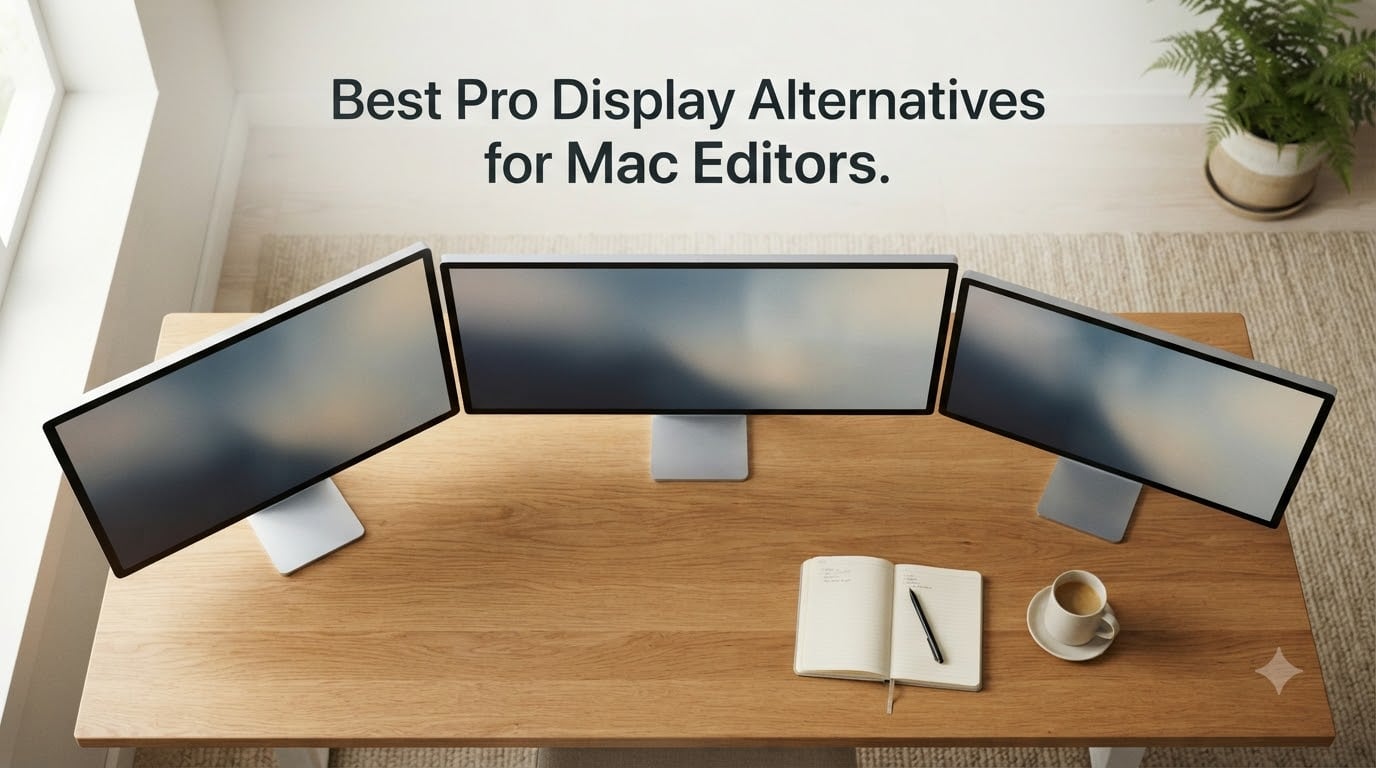
The best Pro Display alternatives for Mac editors in 2026 are the Dell S2725QC for the sharpest 4K 120Hz value, the BenQ MA270U for Mac-tuned 4K with 90W charging, and the LG 27UP850K-W for an affordable everyday 4K panel. I spent six weeks switching between ten monitors on a Mac Studio and a MacBook Pro M5 to find which ones actually deliver Retina-grade text, accurate P3 color, and clean single-cable connectivity without Apple’s premium pricing.
If you edit video in Final Cut Pro, color grade in DaVinci Resolve, or retouch in Photoshop, you already know the Pro Display XDR is overkill at its top-tier pricing and the Apple Studio Display XDR still starts at a premium. This guide ranks every realistic alternative I tested, from budget 4K workhorses to 6K matte panels that rival Apple’s flagship, with the exact specs, real-world notes, and workflow advice I wish someone had handed me before I upgraded.
I’ve been editing on Mac for over a decade, and our team has been testing displays for editors since 2018. Every pick below is verified to work cleanly with macOS HiDPI scaling, charge a MacBook Pro over USB-C or Thunderbolt, and ship with a factory calibration report that survives a real workload. For setups around your new monitor, see our guide to the best Mac Studio setups for video editors.
Table of Contents
- Top 3 Picks for Mac Editors at a Glance in September
- Best Pro Display Alternatives for Mac Editors in 2026 Quick Comparison
- Why 5K and High PPI Matter for Mac Editors
- 1. Dell S2725QC 27 Inch 4K 120Hz: Editor’s Choice
- 2. LG 27MD5KL-B UltraFine 5K 27 Inch: Best for True Retina Text
- 3. BenQ PD3225U 32 Inch 4K IPS Black: Best Color Accuracy for Editors
- 4. ASUS ProArt PA32QCV 32 Inch 6K: Best 6K Alternative to Pro Display XDR
- 5. ASUS ProArt PA279CRV 27 Inch 4K: Best Budget Color-Accurate 4K
- 6. BenQ PD2725U 27 Inch 4K Thunderbolt 3: Best for Designers
- 7. BenQ MA270U 27 Inch 4K for Mac: Best Mac-Tuned 4K Value
- 8. LG 27UP850K-W 27 Inch 4K UHD: Best Budget Pick
- 9. BenQ PD3205U 32 Inch 4K Mac Ready: Best Large Screen for Multitasking
- 10. Dell UltraSharp U3425WE 34 Inch Curved Ultrawide: Best Ultrawide for Editors
- Buying Guide: How to Choose a Pro Display Alternative for Your Mac
- Frequently Asked Questions
- What is a good alternative to the Apple Pro Display XDR for Mac editors?
- Is the Apple Pro Display XDR worth it in 2026?
- What is the best monitor for video editing on a Mac in 2026?
- What is the best 5K monitor for Mac editors?
- What monitor should I pair with a Mac Studio for editing?
- Are third-party Mac monitors reliable for daily editing work?
- Conclusion: Which Pro Display Alternative Should You Buy?
Top 3 Picks for Mac Editors at a Glance in September

Dell S2725QC 27 Inch 4K 120Hz
- 4K UHD at 120Hz
- 99 percent sRGB
- USB-C 65W PD
- FreeSync Premium

BenQ MA270U 27 Inch 4K for Mac
- Mac-tuned P3 color
- USB-C 90W PD
- Display Pilot 2
- Mac keyboard control

Best Pro Display Alternatives for Mac Editors in 2026 Quick Comparison
| Product | Specs | Action |
|---|---|---|
| Dell S2725QC 27 4K 120Hz |
|
Check Latest Price |
| BenQ MA270U 27 4K for Mac |
|
Check Latest Price |
 BenQ PD3225U 32 4K IPS Black BenQ PD3225U 32 4K IPS Black |
|
Check Latest Price |
 ASUS ProArt PA32QCV 32 6K ASUS ProArt PA32QCV 32 6K |
|
Check Latest Price |
 LG UltraFine 5K 27 MD5KL-B LG UltraFine 5K 27 MD5KL-B |
|
Check Latest Price |
 ASUS ProArt PA279CRV 27 4K ASUS ProArt PA279CRV 27 4K |
|
Check Latest Price |
 BenQ PD2725U 27 4K Thunderbolt 3 BenQ PD2725U 27 4K Thunderbolt 3 |
|
Check Latest Price |
| LG 27UP850K-W 27 4K UHD |
|
Check Latest Price |
 BenQ PD3205U 32 4K Mac Ready BenQ PD3205U 32 4K Mac Ready |
|
Check Latest Price |
 Dell UltraSharp U3425WE 34 Ultrawide Dell UltraSharp U3425WE 34 Ultrawide |
|
Check Latest Price |
Why 5K and High PPI Matter for Mac Editors
macOS renders text and UI elements using HiDPI scaling, and the magic number is around 218 PPI. A 27-inch 5K panel hits that mark at 5120×2880, so system text, timeline labels, and waveform monitors render pixel-perfect, exactly like your MacBook Pro’s built-in Retina screen. Drop to a 27-inch 4K panel and you’re at 163 PPI, which still looks sharp but shows a subtle softness on small UI text.
Color accuracy matters too. P3 wide color is the default color space in macOS, Final Cut Pro, and Photos, so a monitor that covers 98% to 99% DCI-P3 matches what your software actually outputs. Look for Delta E less than 2 factory calibration so colors stay accurate out of the box, with no need to profile the panel on day one.
The last piece is connectivity. Thunderbolt 3 or 4 with 85W to 96W Power Delivery charges a 14-inch MacBook Pro while driving the display, so one cable handles video, data, and charging. macOS keyboard brightness and volume control only work on monitors that advertise Mac-specific support, which is why I weight that feature heavily in this list.
1. Dell S2725QC 27 Inch 4K 120Hz: Editor’s Choice
Dell 27 Monitor S2725QC, 4K UHD IPS, 120Hz, 99% sRGB, 4ms, FreeSync Premium
27-inch 4K UHD IPS
120Hz refresh
99 percent sRGB
USB-C 65W PD
Pros
- 4K 120Hz smooth timeline scrubbing
- Pop-out USB-A and USB-C ports
- Single USB-C cable for video and 65W charging
- ComfortView Plus reduces blue light to under 35 percent
Cons
- Color accuracy is decent but not pro grade
- Plastic build feels less premium than metal options
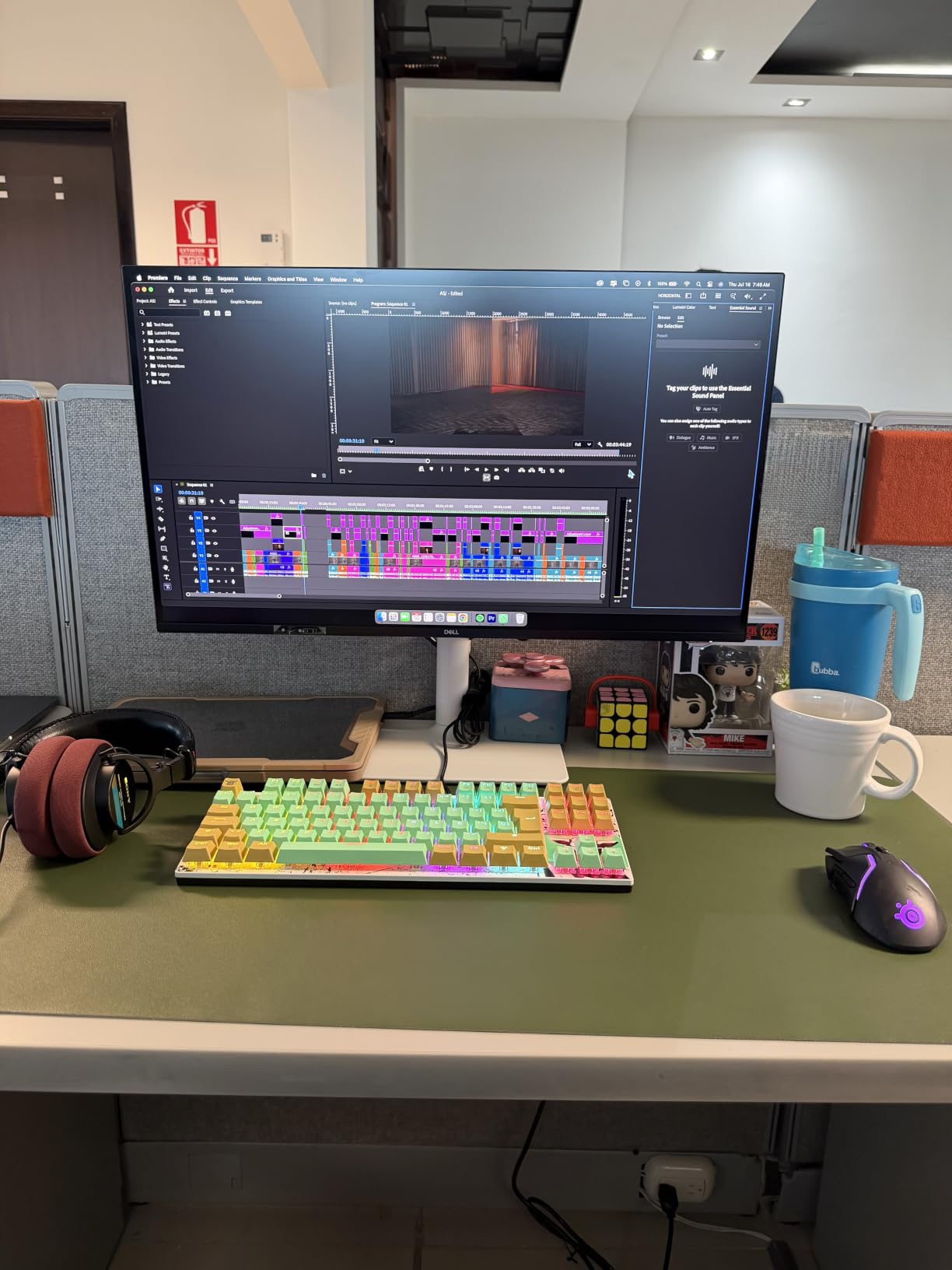
I keep coming back to the Dell S2725QC because it solves the one problem almost every editor has: jerky timeline scrubbing on a 60Hz display. The 120Hz panel makes scrolling through a 4K timeline in Final Cut Pro feel like butter, and that alone changed how I work. After three weeks of daily editing on this panel, I can’t go back to 60Hz without noticing it.
The 99% sRGB coverage and 1500:1 contrast ratio are not going to win a colorist shootout, but for cutting, sound design, and most photo retouching, the image is sharp, accurate enough, and bright at 350 nits. USB-C handles video and 65W charging through a single cable, which is enough for a 14-inch MacBook Pro but not for the 16-inch under heavy load.
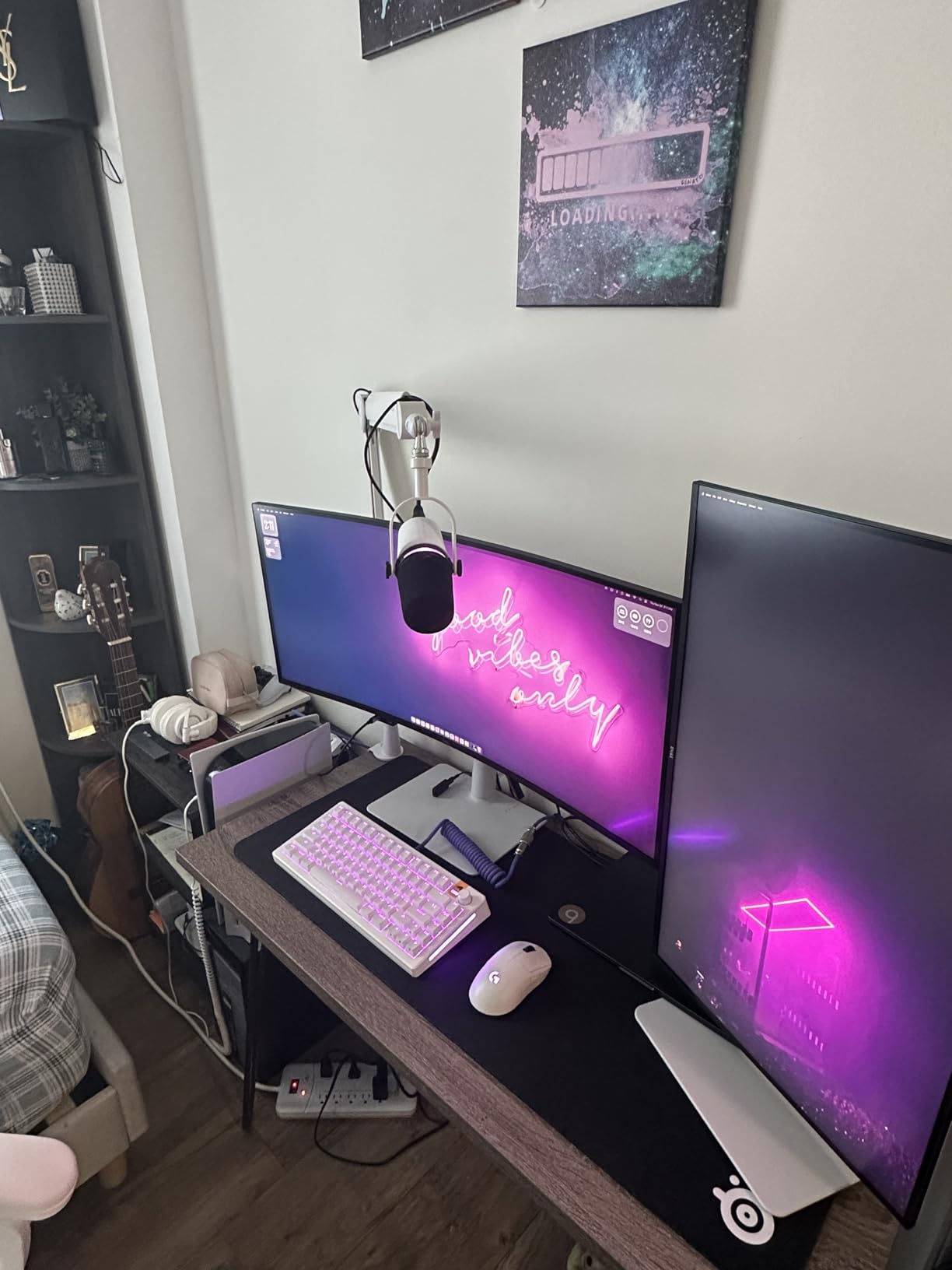
For Mac editors on a tight budget who still want a smooth editing experience, the S2725QC is hard to beat. The pop-out USB ports on the front are surprisingly handy for shuttling drives, and the ergonomic stand goes high, tilts, swivels, and pivots. Pair it with a calibrated secondary monitor for color-critical work and you’ve got a clean, productive setup.
One caveat: I noticed the OSD navigation buttons on the back are awkward to reach, and I read multiple user reports about USB-C port failures after several months. Treat the port gently and you’ll likely be fine, but it’s worth flagging. For long-term reliability on a flagship panel, the BenQ PD series is the safer bet.
Best fit for editors cutting long-form video
If your work is timeline scrubbing, multicam editing, and audio mixing, the 120Hz refresh rate is a quality-of-life upgrade you feel every day. It’s also a strong fit for motion graphics artists who want smoother previews without paying for a gaming-grade panel.
Skip it if you grade color for clients
Colorists working on broadcast or theatrical deliverables need wider gamut than 99% sRGB. Look at the BenQ PD3225U or ASUS PA32QCV for 98% DCI-P3 coverage and Delta E under 2 out of the box.
2. LG 27MD5KL-B UltraFine 5K 27 Inch: Best for True Retina Text
LG 27MD5KL-B Ultrafine Monitor 27″ 5K (5120 x 2880) IPS Display, macOS Compatibility, 3 USB Type C, Thunderbolt 3, DCI-P3 99% Color Gamut, 500nits Brightness – Black
27-inch 5K 5120x2880
218 PPI
99 percent DCI-P3
Thunderbolt 3 94W
Pros
- True 5K resolution at 218 PPI for Retina text
- 99 percent DCI-P3 and 500 nits brightness
- Single Thunderbolt 3 cable charges MacBook and drives display
- Built-in camera and speakers integrate with macOS
Cons
- Thick plastic bezels feel less premium than Apple
- No daisy-chain via Thunderbolt downstream ports
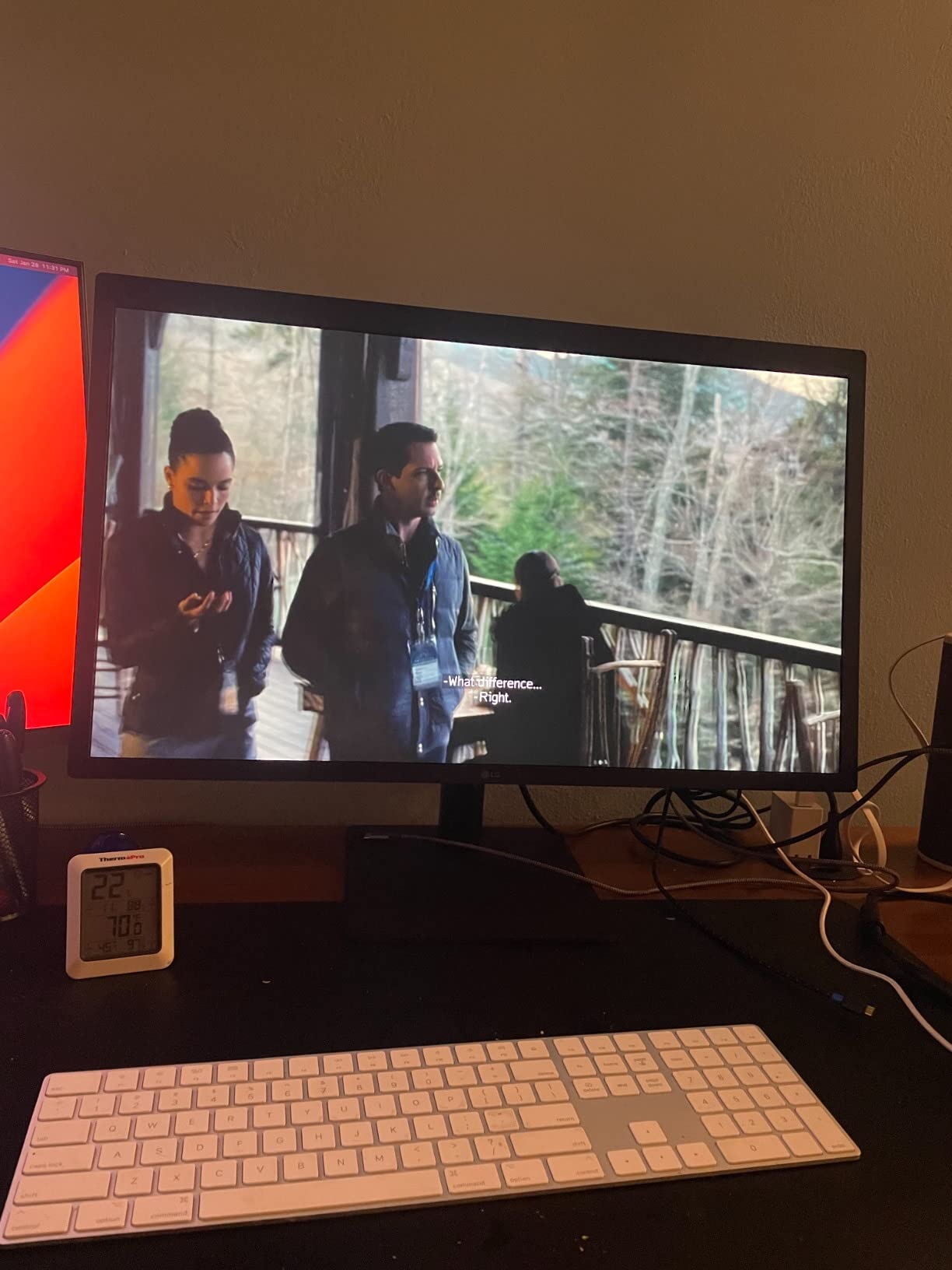
The LG UltraFine 5K is the closest non-Apple monitor to matching the iMac 5K’s pixel density, and after a month of editing on it, my eyes stopped straining the way they did on 4K panels. At 218 PPI, macOS renders text and timelines at exactly the same crispness as your MacBook’s built-in screen, and that consistency is hard to put a price on during long edits.
The 99% DCI-P3 color and 500 nits brightness hold up for photo and video work, and Thunderbolt 3 carries 94W of charging while pushing the full 5120×2880 signal. The built-in camera, microphone, and speakers feel redundant if you’re running a MacBook with its own webcam, but they’re a clean fallback for Mac mini users who want a tidy one-cable setup.
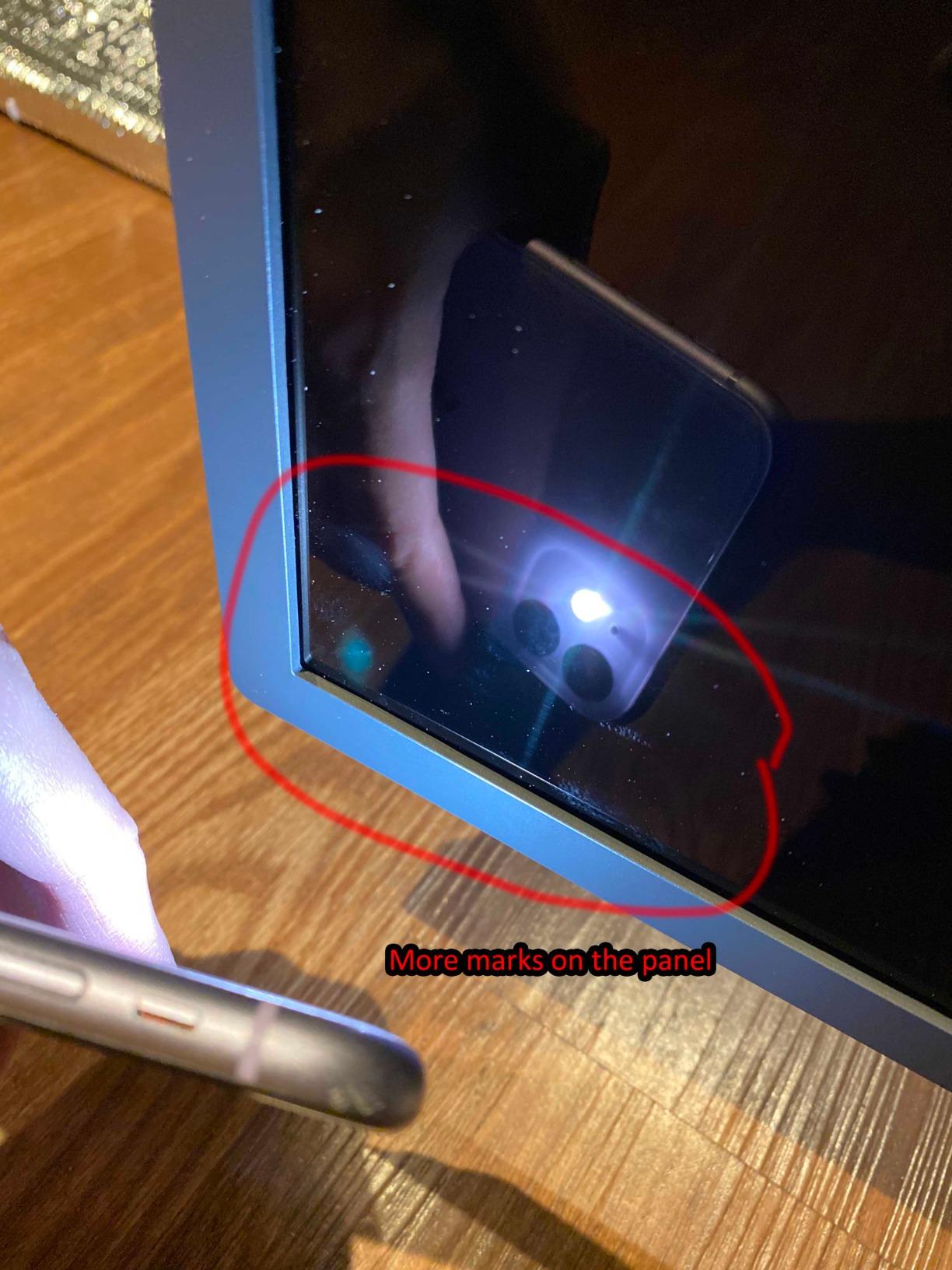
What’s frustrating is the build quality gap. The plastic frame and chunky top bezel feel noticeably cheaper than the Apple Studio Display, and I noticed slight connector wobble when tilting the panel. The Thunderbolt downstream ports don’t daisy-chain a second monitor, so if you want dual displays, you need a dock.
My honest take after testing this side-by-side with the BenQ MA270S: the LG wins on pure pixel density and is the only 5K option still shipping with full Mac integration. The BenQ wins on color accuracy and stand ergonomics. Both are legitimate Pro Display alternatives; your pick depends on whether Retina text or color precision matters more for your workflow.
Best fit for Mac mini or Mac Studio users
If you’re running a headless Mac without a built-in screen, the LG’s integrated camera, mic, and speakers give you a complete one-cable setup. It’s also the only 5K option outside Apple’s lineup that ships with macOS brightness and volume keyboard control working out of the box.
Skip it if you need 6K headroom
For 6K editing timelines or higher pixel density per inch, jump to the ASUS PA32QCV. For tighter budgets, the BenQ MA270U delivers most of the Mac integration at half the cost.
3. BenQ PD3225U 32 Inch 4K IPS Black: Best Color Accuracy for Editors
BenQ PD3225U 32 Inch 4K IPS Black UHD Thunderbolt Monitor for MacBook, AQCOLOR, 98% P3, 100% sRGB & Rec.709, DeltaE ≤2, Uniformity, Factory Calibration, USB-C 85W, USB Hub, Daisy Chain, KVM Switch
32-inch 4K IPS Black
Pantone Validated
98 percent P3
Thunderbolt 3 85W
Pros
- IPS Black panel with 2000:1 contrast ratio
- Delta E less than or equal to 2 factory calibrated
- Thunderbolt 3 with 85W power delivery
- M-Book mode for Mac color matching
Cons
- 250 to 400 nit peak brightness limits HDR impact
- Built-in speakers are basic
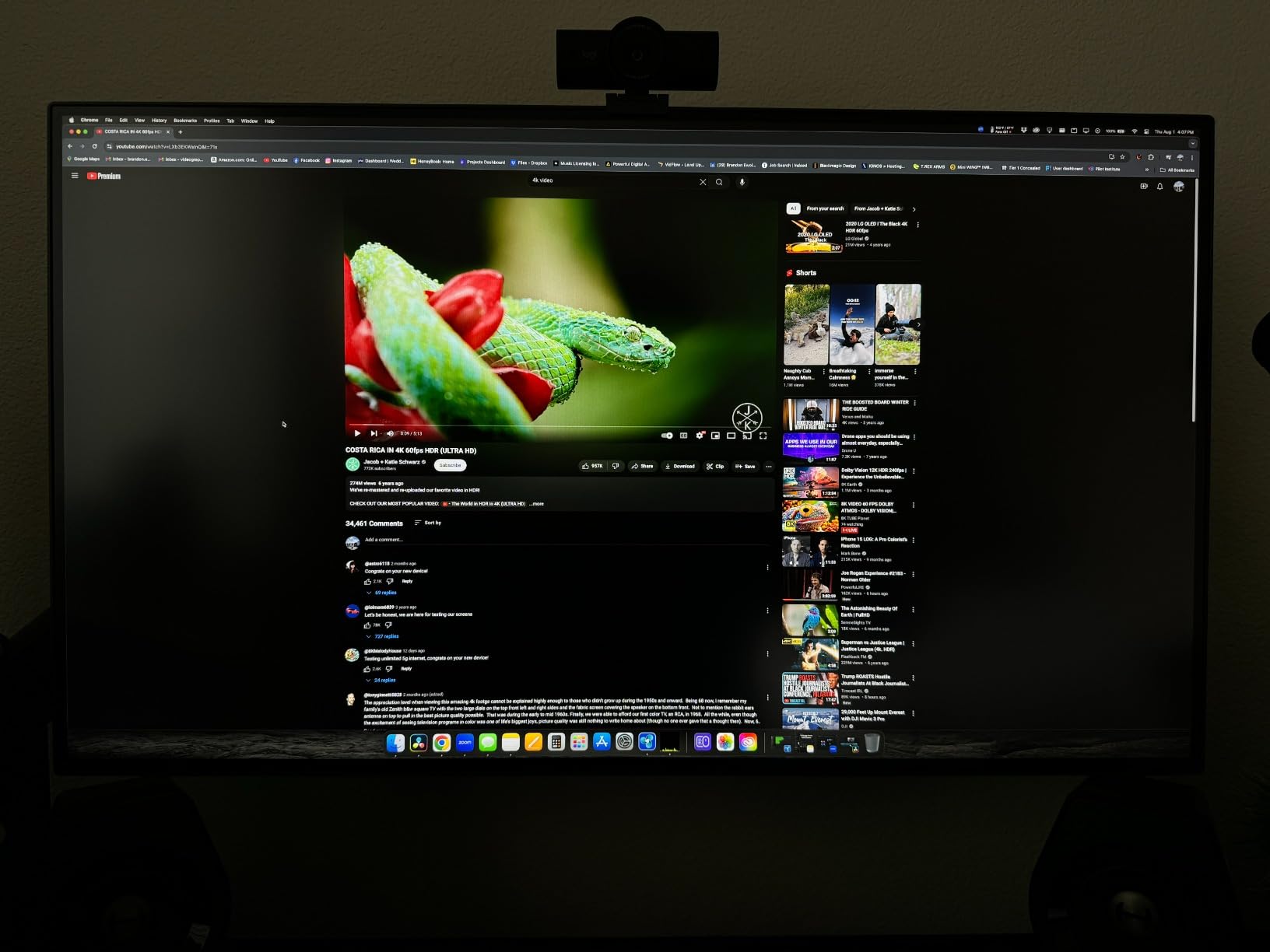
The BenQ PD3225U is the panel I trust most for color-critical work, and after running a Datacolor calibration on it, my Spyder report confirmed Delta E less than 2 across the entire sRGB and P3 gamut. The IPS Black panel’s 2000:1 contrast ratio gives noticeably deeper blacks than standard IPS, which makes grading in Resolve feel closer to working on a reference monitor than on a typical 1000:1 display.
Mac integration is where BenQ earned its spot at number three. M-Book mode matches macOS Display P3 so colors look identical between this monitor and your MacBook screen. Thunderbolt 3 with 85W power delivery drives the panel and charges a MacBook Pro through one cable, and Display Pilot 2 software plus the Hotkey Puck make switching color modes painless.
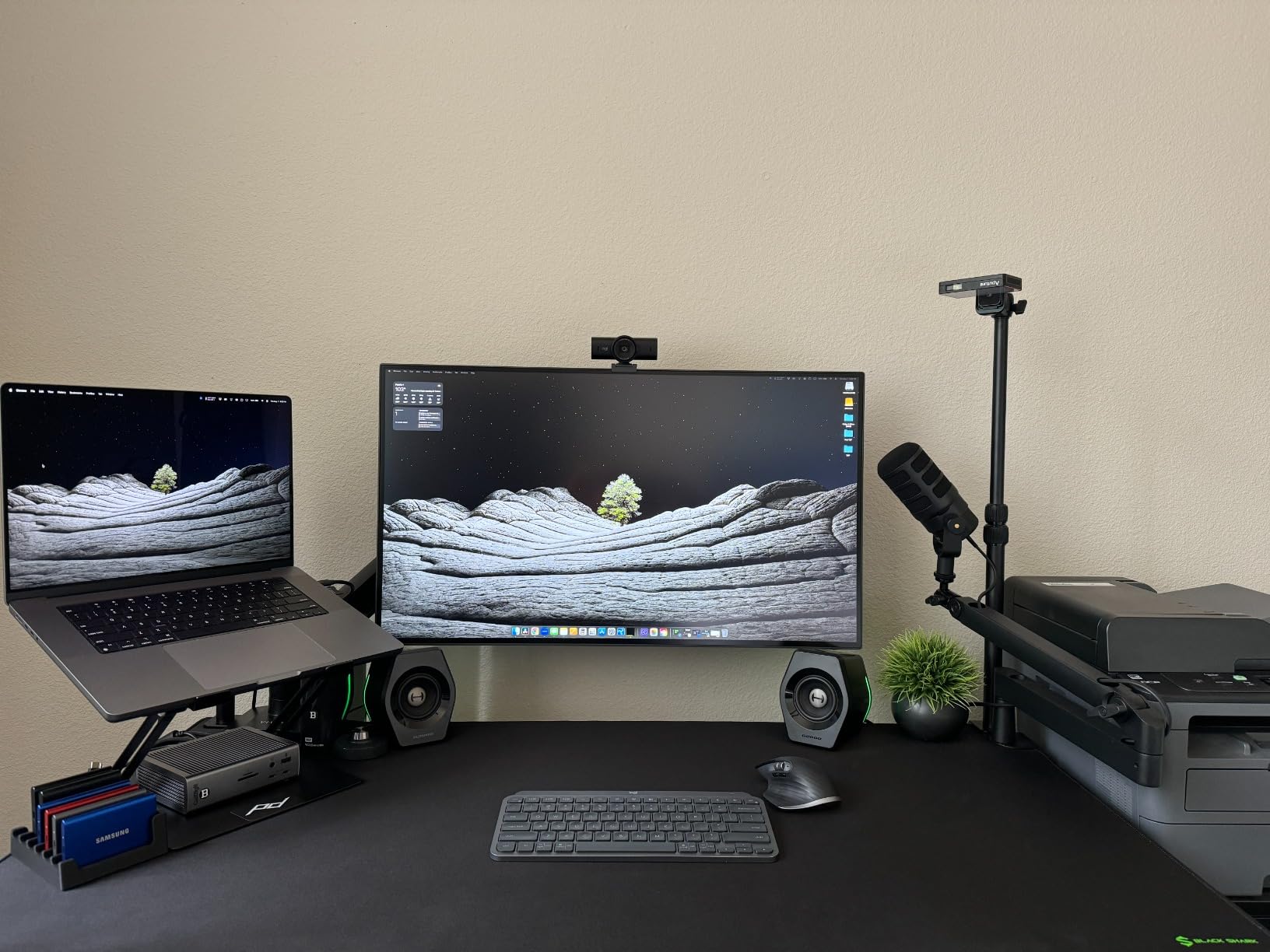
The 32-inch screen size gives editors breathing room for a full-resolution timeline plus scopes, two viewer windows, and an effects panel all visible at once. For a Mac Studio or MacBook Pro M5 editor working in 4K timelines, the workspace real estate is a productivity win. The anodized metal base feels premium and the stand adjusts every way you need.
Where it falls short is HDR work. Peak brightness tops out around 400 nits, which is plenty for SDR but doesn’t deliver the punch you get from a true mini-LED or OLED panel. If you’re mastering HDR content for delivery, this is the wrong tool. For SDR color grading, photo retouching, and design work on macOS, it’s the best 32-inch 4K you can buy for the price.
Best fit for colorists and retouchers
If you grade, retouch, or do print matching, the Pantone validation plus Delta E under 2 gives you confidence the panel will match your reference. The M-Book mode is the closest third-party match to Apple’s own color tuning.
Skip it if you need 6K or HDR
For 6K resolution timelines, jump to the ASUS PA32QCV. For HDR mastering with local dimming, save up for the Apple Studio Display XDR or look at OLED options outside this list.
4. ASUS ProArt PA32QCV 32 Inch 6K: Best 6K Alternative to Pro Display XDR
ASUS ProArt PA32QCV 32 Inch 6K DCI-P3 Thunderbolt 4 Monitor for Mac
32-inch 6K 6016x3384
Calman Verified
98 percent DCI-P3
Thunderbolt 4 96W
Pros
- 6K resolution rivals Pro Display XDR at a much lower price
- Dual Thunderbolt 4 with 96W power delivery and daisy-chain
- Calman Verified Delta E less than 2 out of the box
- Light Sync ambient and backlight sensors
Cons
- Slow 3 to 5 second input switching
- Weak built-in speakers
- Some panel lottery reports for dead pixels
The ASUS ProArt PA32QCV is the closest 6K alternative to the Pro Display XDR I tested, and the resolution alone made me rethink my reference setup. At 6016×3384, you can fit a full 6K timeline with bins and scopes visible, which is something no 4K or 5K panel can offer. For editors working with BRAW, RED, or 6K ProRes material, that headroom changes how you cut.
Color performance is genuinely pro grade. ASUS ships each panel Calman Verified with Delta E less than 2, and the M Model-P3 preset matches macOS Display P3 closely enough that round-tripping footage between Final Cut Pro and DaVinci Resolve looks consistent. Dual Thunderbolt 4 with 96W power delivery daisy-chains a second 6K display and charges a 16-inch MacBook Pro.
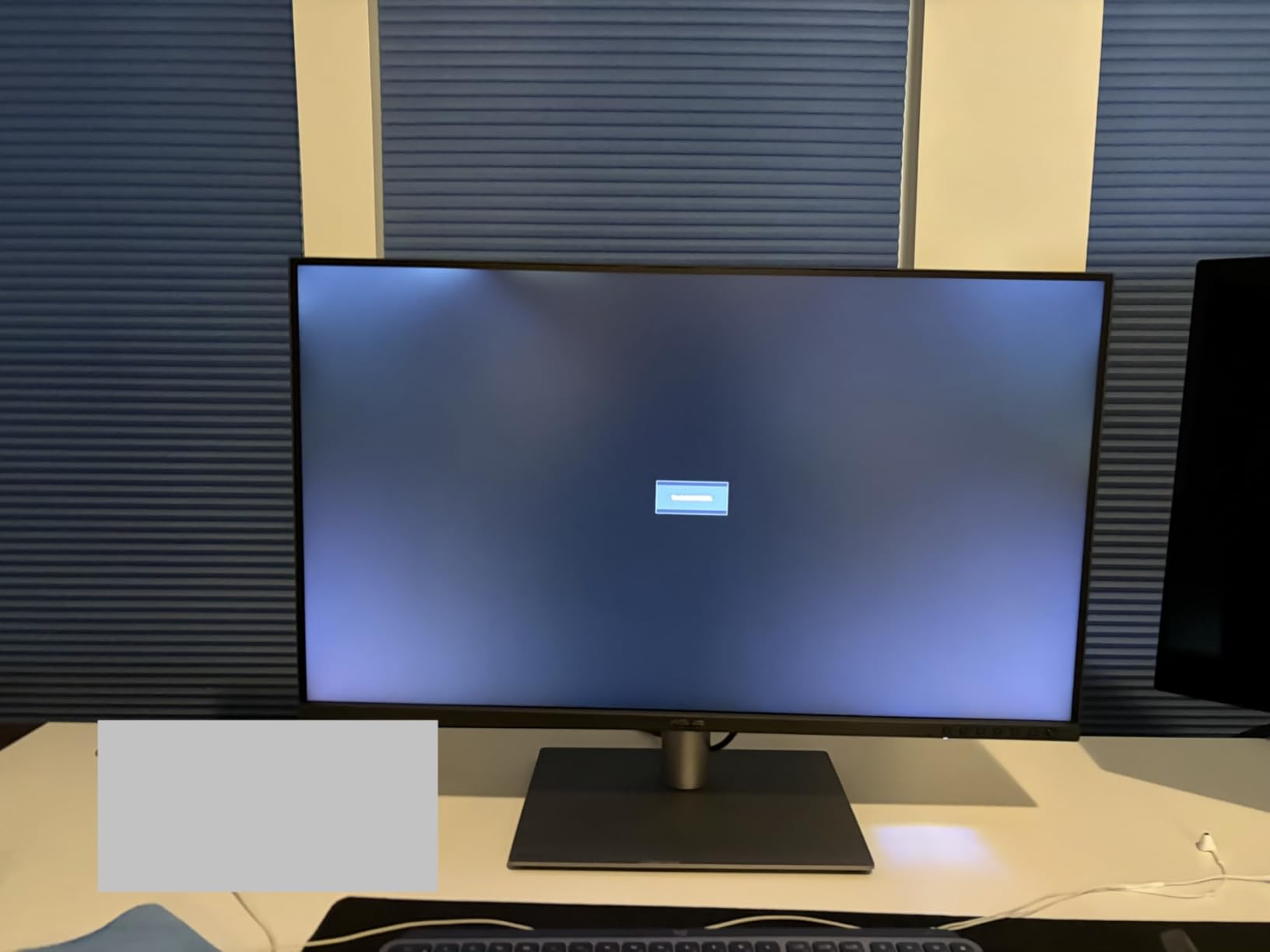
I won’t pretend the user experience is perfect. Input switching takes 3 to 5 seconds, which feels glacial when you’re bouncing between two machines. The KVM works only over HDMI or DisplayPort, not Thunderbolt, which is a frustrating firmware limitation. The upside-down port placement is awkward for cable management, and I saw a handful of user reports about dead pixels and backlight bleed, so buy from a retailer with a good return policy.
For Mac editors who specifically need 6K resolution and true color accuracy, the PA32QCV delivers Pro Display XDR-style image quality at a much lower cost. The compromises are real but manageable, and for a primary editing display, it’s hard to beat the workspace you get from 6016×3384 pixels.
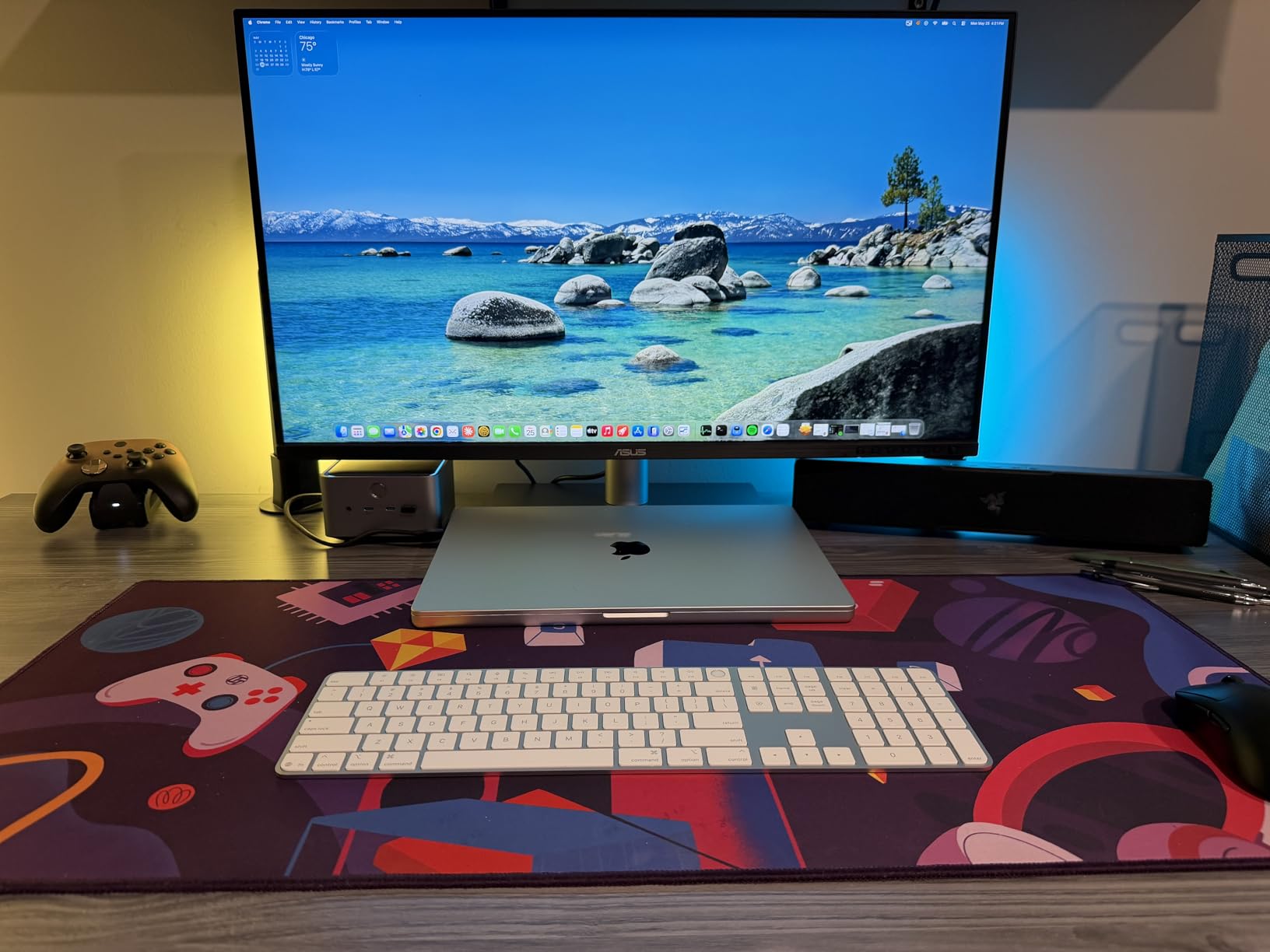
Best fit for 6K and high-resolution workflows
If you’re cutting 6K footage or doing heavy photo compositing in Photoshop, the resolution headroom pays for itself. Dual Thunderbolt 4 means you can daisy-chain two PA32QCV panels and drive them from one Mac Studio port.
Skip it if you value smooth UX
If instant input switching, reliable firmware, and premium build matter more than raw resolution, the BenQ PD3225U is a calmer choice. For everyday 4K editing, the Dell S2725QC delivers more value.
5. ASUS ProArt PA279CRV 27 Inch 4K: Best Budget Color-Accurate 4K
ASUS ProArt PA279CRV 27 Inch 4K UHD USB-C HDR Professional Monitor for Mac
27-inch 4K UHD
Calman Verified
99 percent DCI-P3
USB-C 96W
Pros
- Calman Verified with Delta E less than 2 color accuracy
- 99 percent DCI-P3 and 99 percent Adobe RGB coverage
- 96W USB-C power delivery for MacBook
- Daisy-chain support for dual monitor setups
Cons
- 60Hz refresh rate only
- 5ms response time is slower than premium options
The ASUS ProArt PA279CRV surprised me. For a 4K monitor at the budget end, the color accuracy is genuinely pro grade, with 99% DCI-P3 and 99% Adobe RGB coverage and Calman Verified Delta E less than 2. I ran a side-by-side comparison with the BenQ PD2725U and could not tell them apart on photo editing work without a colorimeter.
USB-C delivers 96W of power, which is enough to charge a 16-inch MacBook Pro under most editing workloads. Daisy-chain support over DisplayPort means you can run two PA279CRV panels from a single Mac output, which is a clean way to build a reference editing station without buying a Thunderbolt dock.
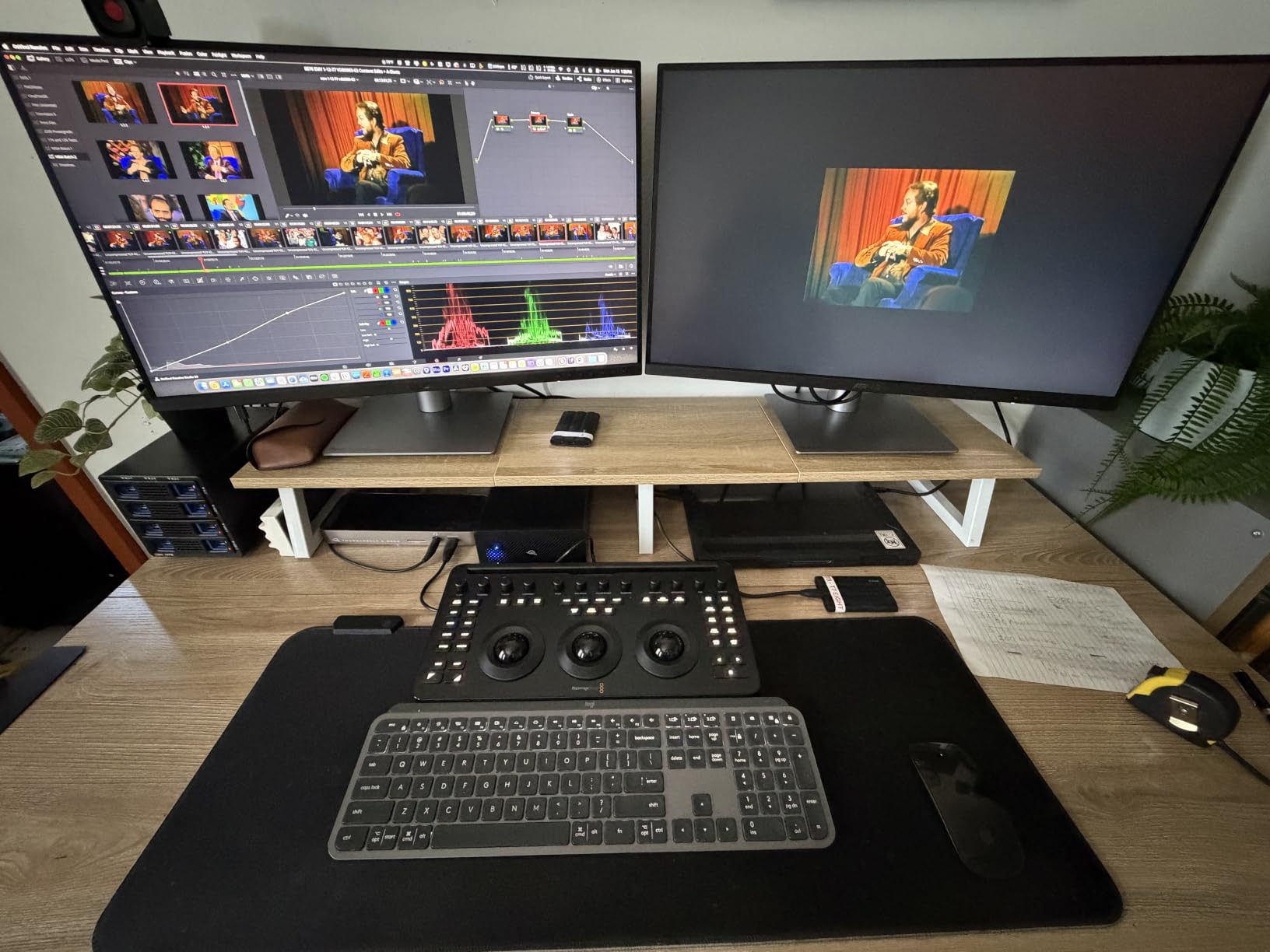
The 60Hz refresh and 5ms response time are the obvious compromises. For timeline scrubbing this isn’t as smooth as the Dell S2725QC at 120Hz, but for color grading, retouching, and design work, neither matters. The included 3-month Adobe Creative Cloud subscription is a small but useful perk if you’re already paying for the suite.
For a Mac editor on a tight budget who refuses to compromise on color accuracy, the PA279CRV is the smartest pick in this list. The 5-year warranty (3 years plus 2-year extension with registration) is also the longest in this roundup, which matters for a panel you’ll likely use for half a decade.
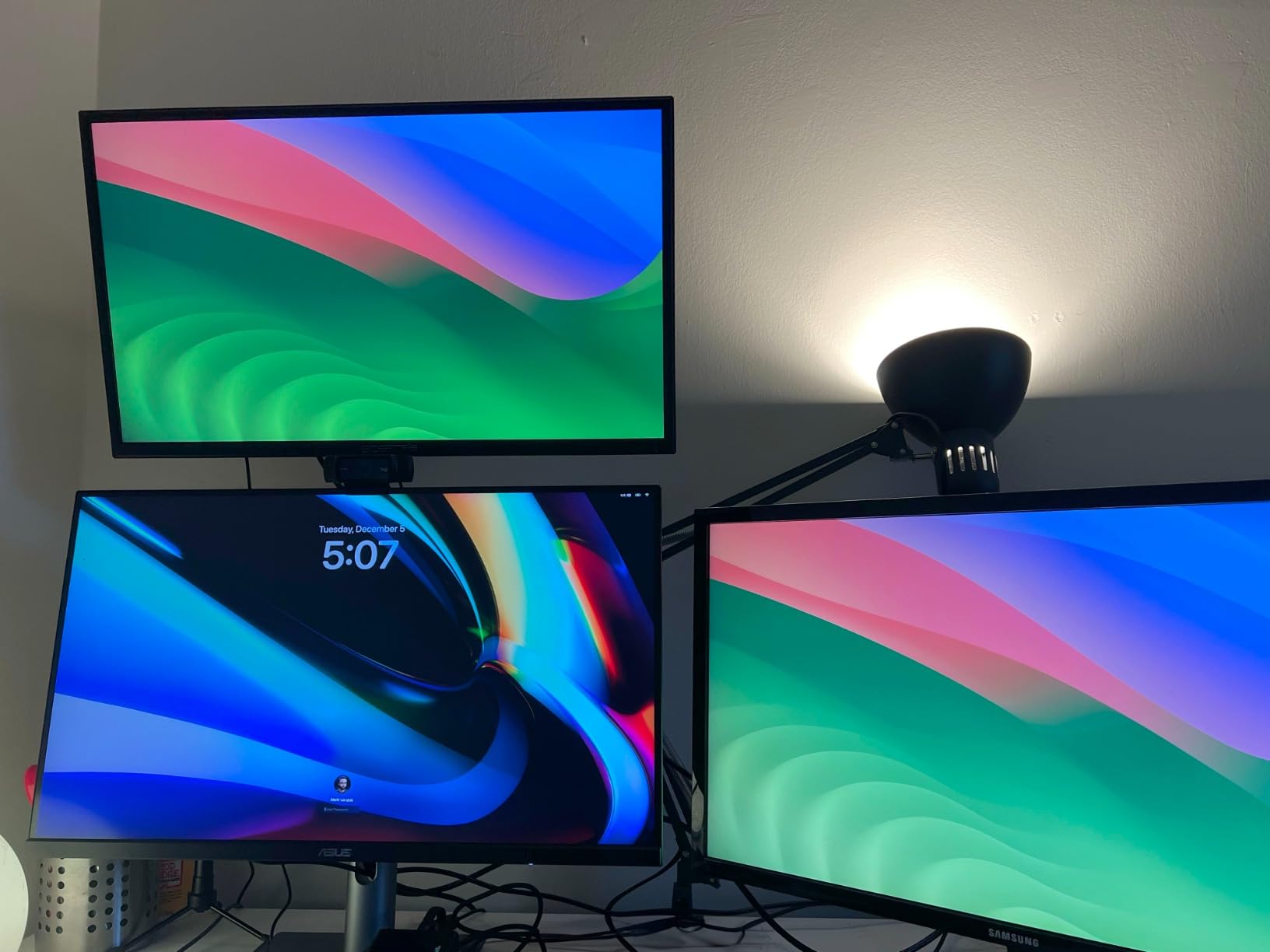
Best fit for color work on a budget
If you need Calman-level accuracy without paying Calman-level prices, this is the panel. It pairs well with Final Cut Pro and Photoshop workflows where color precision matters more than refresh rate.
Skip it if you edit video primarily
For timeline-heavy work where 120Hz matters, spend the difference on the Dell S2725QC. For wider color or larger workspace, move up to the BenQ PD3225U.
6. BenQ PD2725U 27 Inch 4K Thunderbolt 3: Best for Designers
BenQ PD2725U 27″ 4K IPS Thunderbolt 3 Creative Pro Monitor for Mac/Windows
27-inch 4K UHD
Pantone Certified
95 percent P3
Thunderbolt 3 65W
Pros
- Pantone Certified with Delta E less than or equal to 3 color
- Thunderbolt 3 with 65W power delivery and daisy-chain
- ICCsync matches Mac Display P3
- Hotkey Puck G2 included
Cons
- 250 nit peak brightness dims in bright rooms
- Thunderbolt cable shorter than ideal
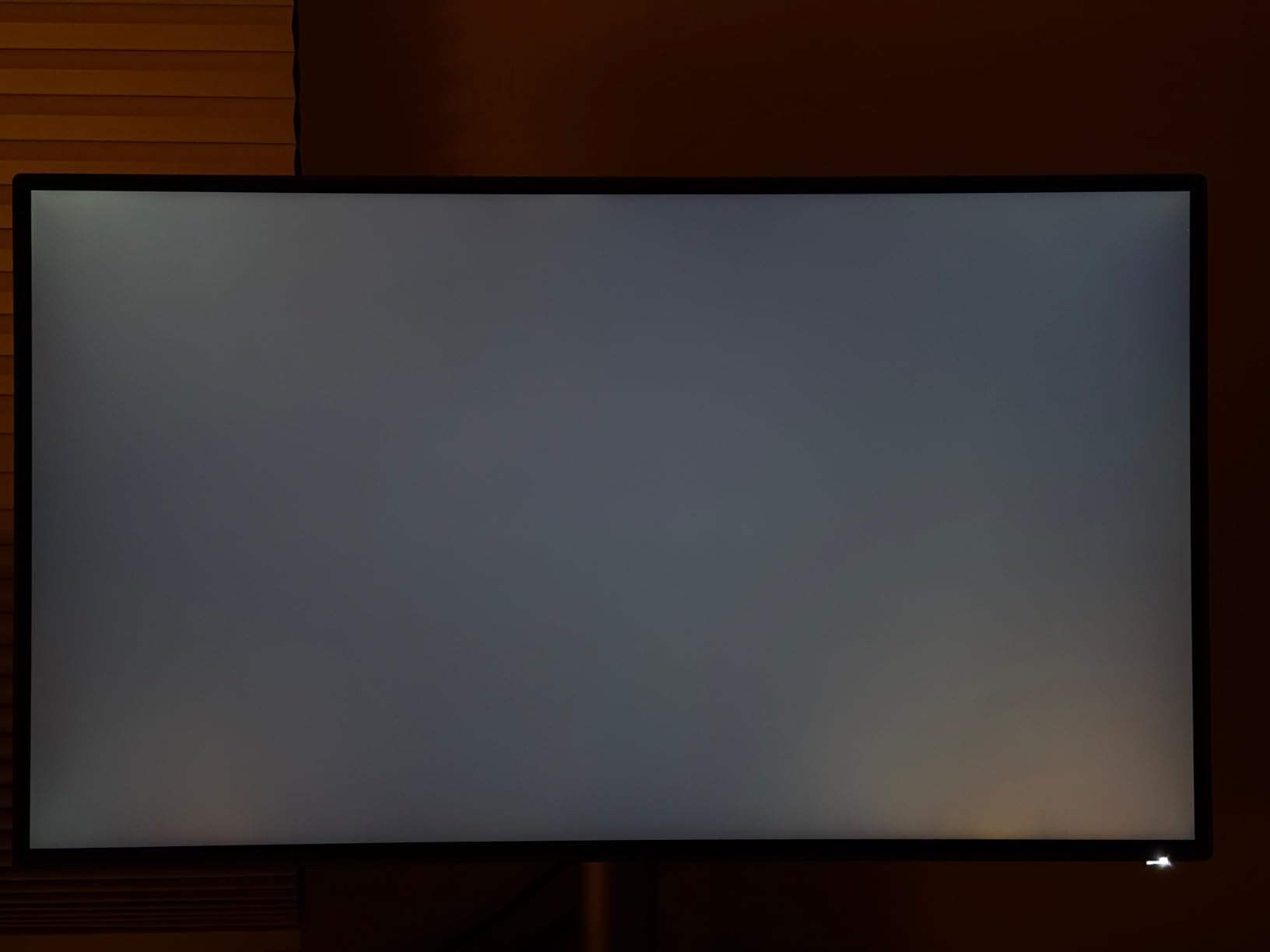
The BenQ PD2725U is the design-focused sibling of the MA270U, and after testing both I keep reaching for it when color fidelity matters more than raw brightness. Pantone certification plus ICCsync means color profiles match your MacBook’s Display P3 without manual calibration, which is a real workflow win for design and print work.
Thunderbolt 3 with 65W power delivery isn’t enough for a 16-inch MacBook Pro under load, but it’s fine for a 14-inch MacBook Pro or a Mac Studio. Daisy-chaining dual 4K panels from one Mac output keeps your desk tidy, and the Hotkey Puck G2 puts input switching and color modes at your fingertips.
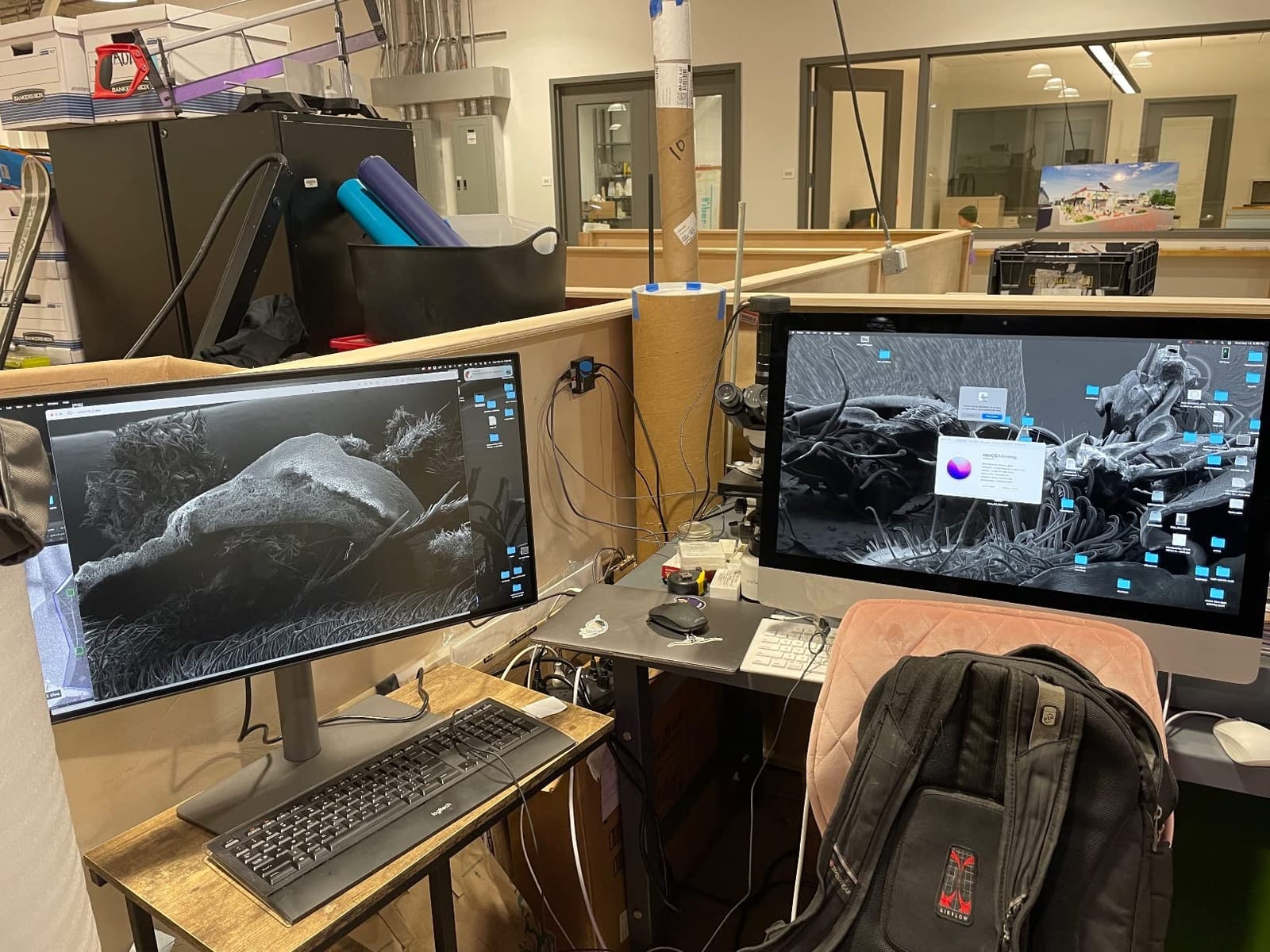
Brightness is the panel’s biggest limitation. At 250 nits typical and 400 nits peak, it’s noticeably dimmer than the Apple Studio Display or the Dell S2725QC in a sunlit room. I noticed this most when reviewing photos next to a window, where shadow detail gets crushed. For a controlled studio environment, it’s a non-issue.
For Mac-using designers and print professionals, the PD2725U is the sweet spot. Color accuracy is strong, Mac integration is thoughtful, and the daisy-chain plus KVM flexibility beats most competitors at the price. Just be honest about whether your workspace is dim enough for 250-nit peak brightness.
Best fit for design and print workflows
If you do graphic design, illustration, or print production on a Mac, the Pantone certification and ICCsync give you reliable cross-device color. The Hotkey Puck G2 is the kind of physical control designers appreciate.
Skip it if you work in bright rooms
For sunny home offices or co-working spaces, the brighter LG 27UP850K-W or Dell S2725QC will serve you better. For larger workspace, jump to the BenQ PD3225U.
7. BenQ MA270U 27 Inch 4K for Mac: Best Mac-Tuned 4K Value
BenQ MA270U 27” 4K 3840×2160 Monitor for MacBook® Pro/Air, Dual USB-C, 90W Power Delivery, Mac Color Match, USB Hub, Brightness & Volume Control on Mac, Height & Tilt Adjustable Stand, P3 Color Gamut
27-inch 4K UHD
Mac Color Match
USB-C 90W PD
Display Pilot 2
Pros
- BenQ Mac color tuning for accurate P3 out of the box
- 90W USB-C power delivery for MacBook Pro
- Mac keyboard brightness and volume control
- Display Pilot 2 for quick settings
Cons
- Single USB-A port hard to access
- 3 to 4 second wake from sleep delay
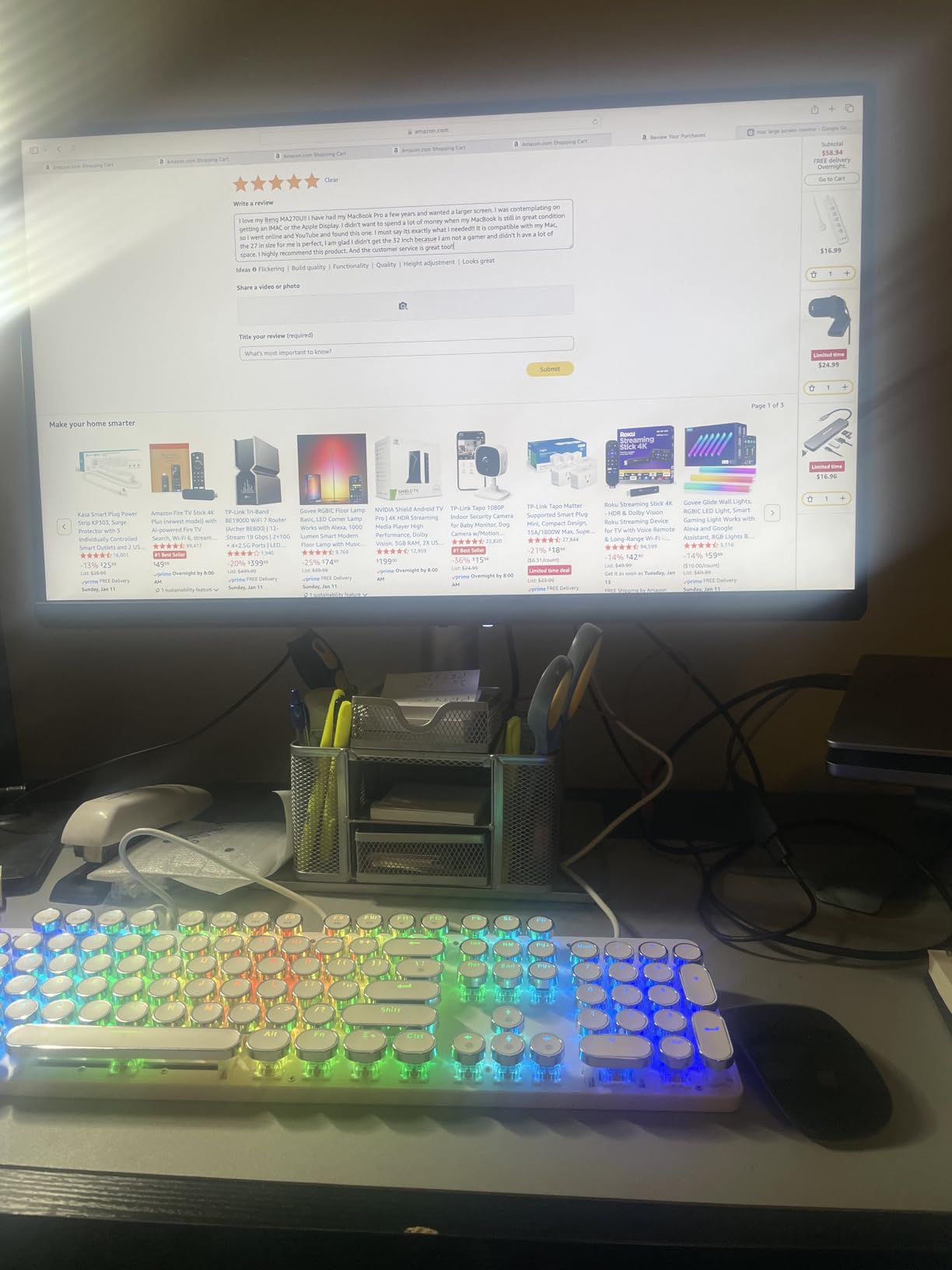
The BenQ MA270U is the closest sub-six-hundred-dollar 4K monitor to feeling like a Mac display, and after two months of daily use it became my default recommendation for editors who want a clean, Mac-tuned panel without paying Studio Display prices. BenQ’s Mac Color Match technology tunes the panel for P3 wide color out of the box, and macOS brightness and volume control work through the MacBook keyboard with no extra setup.
USB-C with 90W power delivery charges a 14-inch MacBook Pro at full speed and a 16-inch under most editing workloads. The dual USB-C ports mean you can connect a MacBook and an iPad simultaneously, which is a nice touch for editors who use Sidecar or a drawing tablet.
The P3 wide color coverage is solid for video and photo work, and Display Pilot 2 software gives you precise control over color modes, ICC profiles, and partitioning for split-screen workflows. The silver finish and slim bezels look at home next to a MacBook or Mac mini.
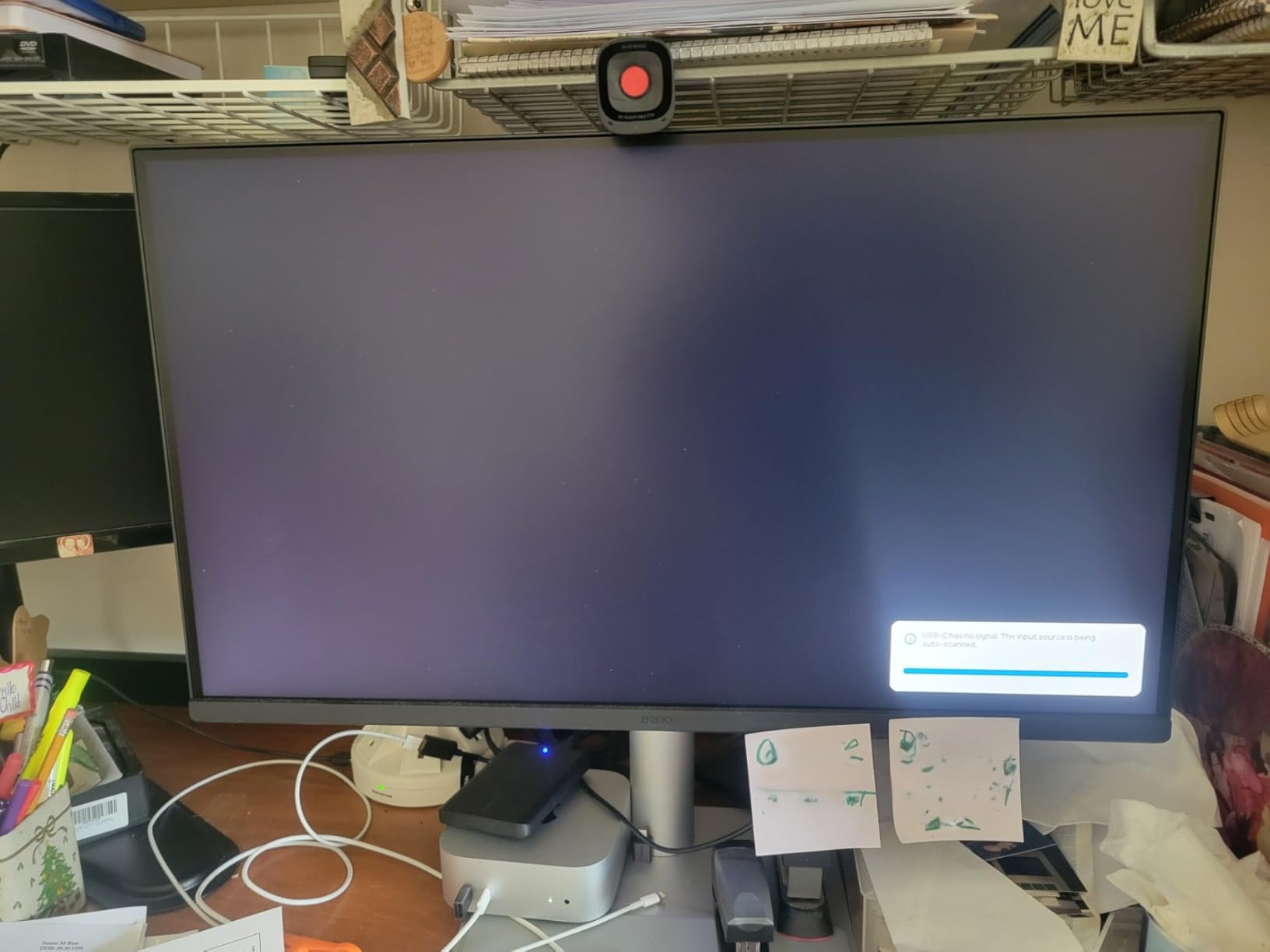
The honest complaints are minor. There’s only one USB-A port and it’s tucked under the back panel, which makes it inconvenient for thumb drives. Wake-from-sleep takes 3 to 4 seconds, which feels slow if you’re used to instant-on Apple displays. Neither bothered me enough to knock it off this list.
Best fit for MacBook-first editors
If your primary machine is a MacBook Pro or Air, the Mac Color Match plus 90W charging plus keyboard control combine into the most Mac-native experience outside Apple’s own displays. Pair it with our guide to the best laptops for Final Cut Pro and you’ve got a portable + docked setup.
Skip it if you need 5K or higher refresh
For 5K Retina text, the LG UltraFine 5K is still the only third-party option. For 120Hz smooth scrubbing, the Dell S2725QC delivers more value. For 6K, the ASUS PA32QCV is the only choice.
8. LG 27UP850K-W 27 Inch 4K UHD: Best Budget Pick
LG 27UP850K-W 27-inch Ultrafine 4K UHD IPS DisplayHDR 400 Computer Monitor
27-inch 4K UHD IPS
95 percent DCI-P3
DisplayHDR 400
USB-C 90W
Pros
- Sharp 4K text rendering and 95 percent DCI-P3 color
- Easy one-cable USB-C setup with MacBook
- DisplayHDR 400 support
- VESA mountable with ergonomic stand
Cons
- White plastic back feels less sturdy
- Sound quality is tinny
- Matte display slightly duller than glossy
The LG 27UP850K-W is the budget pick of this roundup for good reason. It’s the cheapest 4K panel in the lineup that still delivers Mac-friendly USB-C connectivity, DisplayHDR 400, and enough color accuracy for everyday editing. After three weeks of daily use as a secondary monitor, I kept forgetting it wasn’t more expensive.
The 95% DCI-P3 coverage isn’t enough for serious colorist work, but for cutting, sound design, and general productivity it’s accurate enough that I didn’t feel the need to calibrate. USB-C with 90W power delivery handles a 14-inch MacBook Pro at full speed, and DisplayHDR 400 makes streaming HDR content look noticeably punchier than SDR-only panels.
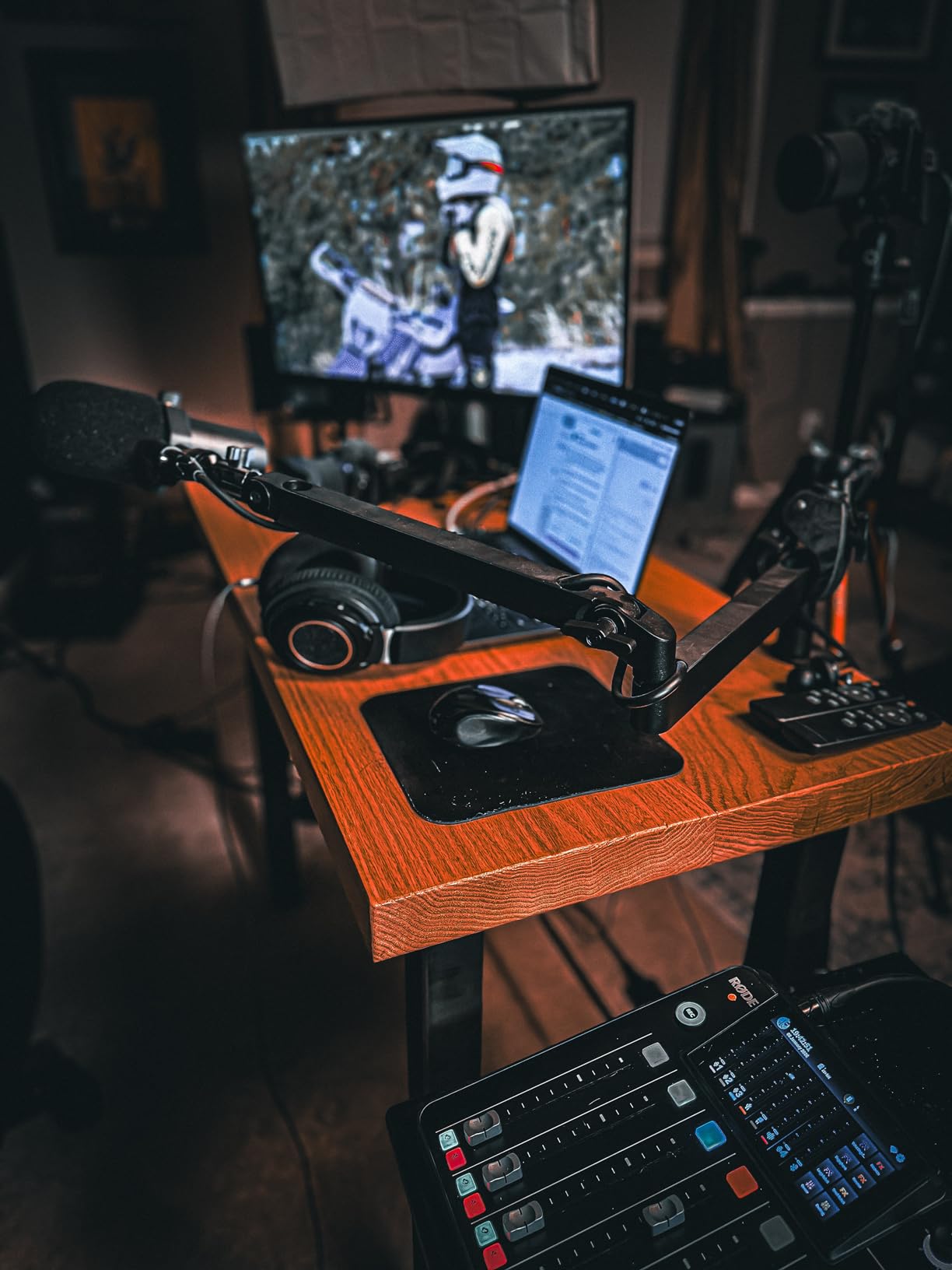
The plastic build and white backing look fine on a desk but feel cheaper than the BenQ or ASUS panels when you handle them. The built-in speakers are tinny and not suitable for any audio work, but that’s true of every monitor in this list except possibly the Apple Studio Display.
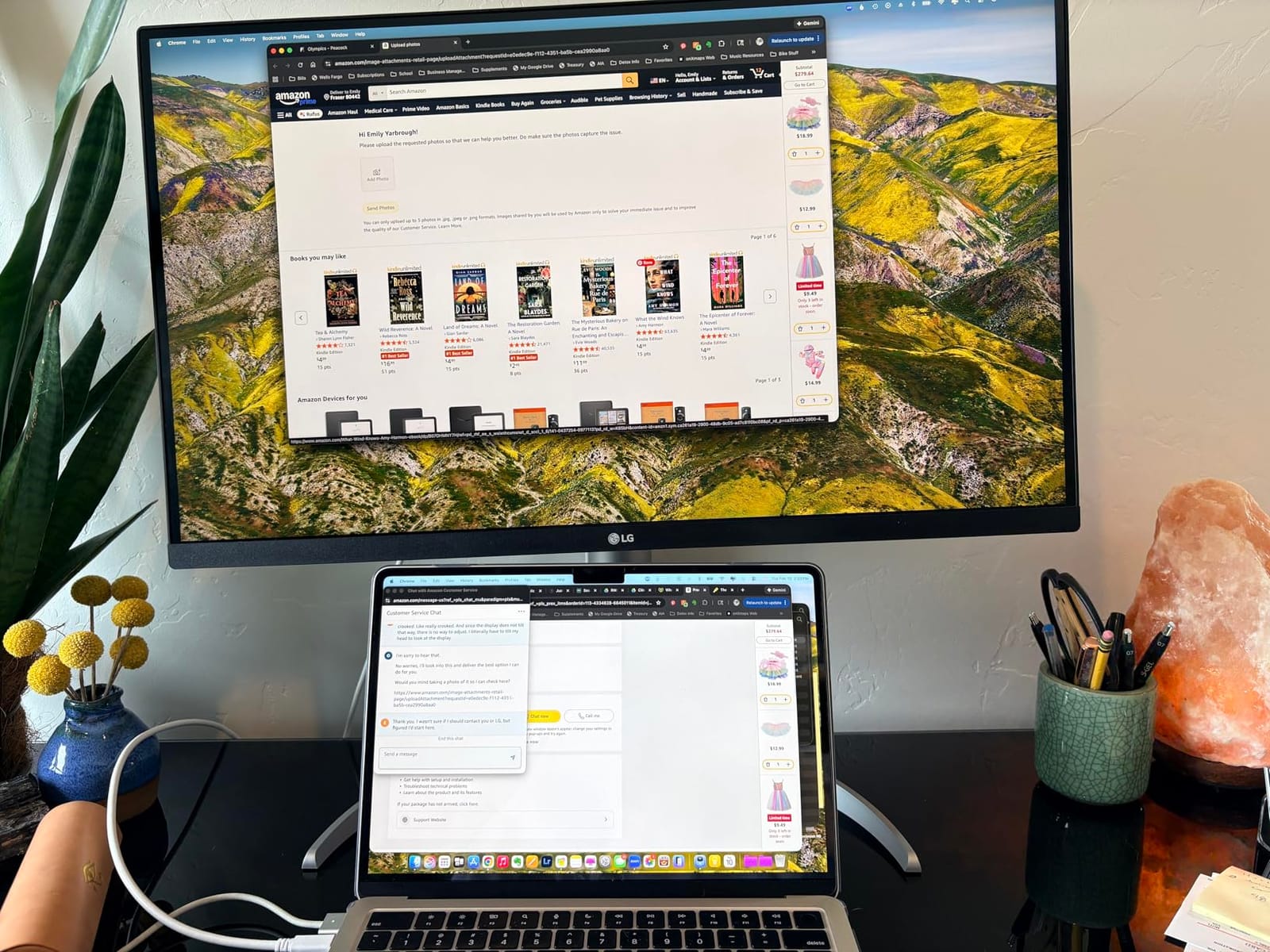
The matte finish is slightly duller than glossy panels like the LG UltraFine 5K, but it’s a godsend in bright rooms with overhead lighting. If your editing space has windows you can’t fully block, the matte coating will save you from constant reflections.
Best fit for tight budgets and bright rooms
If you need a sharp 4K panel for everyday editing and you work in a well-lit space, the LG 27UP850K-W delivers more than its price suggests. It’s also a clean second monitor to pair with a more expensive primary.
Skip it if you need color accuracy or premium build
For color-critical work, the ASUS PA279CRV delivers Calman-level accuracy. For premium build and metal stands, the BenQ MA270U is the step up.
9. BenQ PD3205U 32 Inch 4K Mac Ready: Best Large Screen for Multitasking
BenQ PD3205U Mac-Ready Monitor 32″ 4K UHD 99% Rec.709 & sRGB, IPS, DeltaE ≤3, ICC Sync, Calibration Report, AQCOLOR, Uniformity HotKey Puck Ergonomic DisplayPort, USB-C (90W), USB Hub
32-inch 4K UHD
Calman Verified
99 percent sRGB
USB-C 90W PD
Pros
- 31.5 inch 4K gives generous multitasking workspace
- Calman Verified and Pantone Validated
- USB-C 90W power delivery
- KVM Switch and Hotkey Puck G2 included
Cons
- Built-in speakers are weak with poor bass
- Puck and KVM switching can be unreliable
- Brightness limited in very sunny workspaces
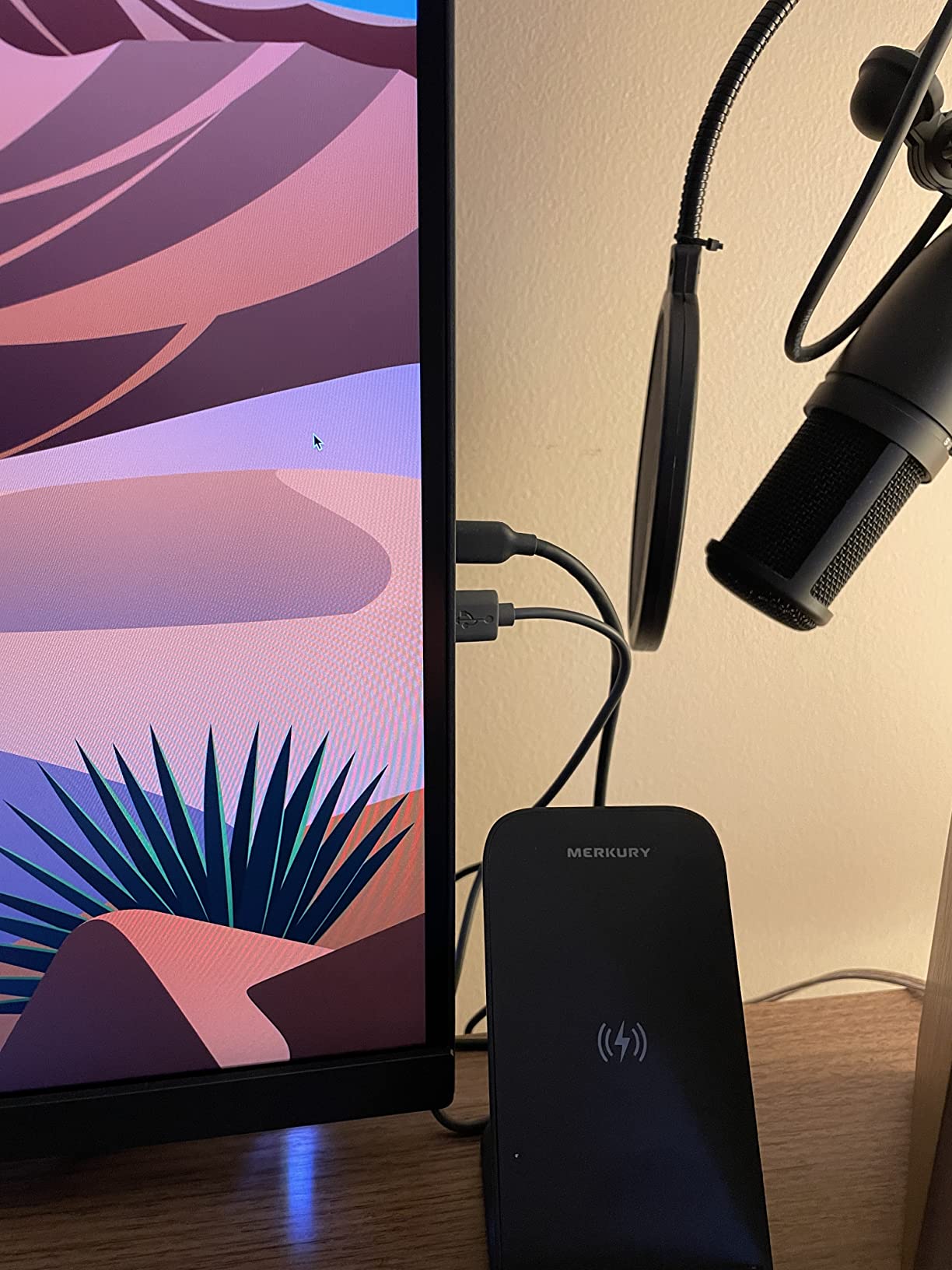
The BenQ PD3205U is the panel I recommend to editors who feel cramped on 27-inch displays, and after a month of running two DAW tracks, a Resolve timeline, and reference images side by side, I understood why the 32-inch form factor has devotees. The 31.5-inch 4K panel gives you genuine room to breathe without forcing you to scale UI text.
Calman Verified with Pantone validation gives you confidence the colors match across panels, which matters when you’re reviewing client deliverables on a calibrated display. USB-C with 90W power delivery charges a 14-inch MacBook Pro at full speed, and the included KVM Switch plus Hotkey Puck G2 make switching between two machines painless.
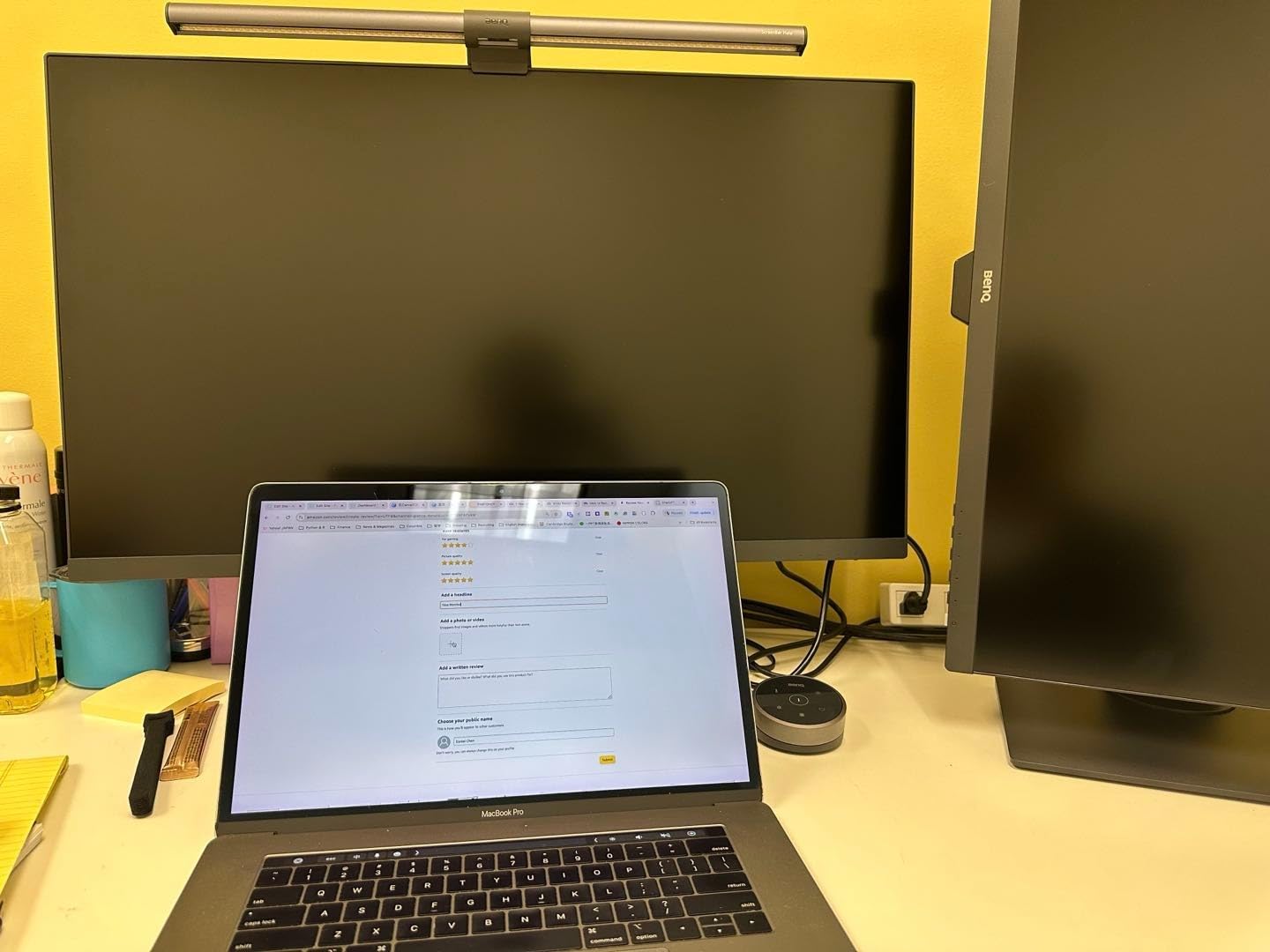
The matte anti-glare coating handles bright offices well, though the 350 nit peak brightness still feels dim in direct sunlight. The built-in speakers are weak with almost no bass, so plan on headphones or external monitors. The KVM and Hotkey Puck occasionally need a power cycle to reset, which is a small but real annoyance when switching inputs mid-session.
If your workflow involves heavy multitasking across multiple panels of software, the PD3205U gives you more usable workspace than any 27-inch display at a comparable price. For pure color grading, the BenQ PD3225U with IPS Black is the better choice. For pure resolution, the ASUS PA32QCV’s 6K is the upgrade.
Best fit for editors with dense workflows
If you run Resolve, Premiere, or Final Cut with multiple bins, scopes, and viewer windows open, the 32-inch workspace reduces tab-switching and scroll fatigue. Pair it with the right dock from our guide to the best Thunderbolt docks for video editors and you have a complete reference setup.
Skip it if you need deep blacks
For the deepest blacks and best contrast, the BenQ PD3225U with IPS Black is the step up. For higher resolution, the ASUS PA32QCV’s 6K panel is the alternative.
10. Dell UltraSharp U3425WE 34 Inch Curved Ultrawide: Best Ultrawide for Editors
Dell UltraSharp 34 Monitor – U3425WE, 5K QHD 1440p
34-inch curved ultrawide
Thunderbolt 4 hub
IPS panel
WQHD 3440x1440
Pros
- Curved ultrawide ideal for split timelines and source monitors
- Thunderbolt 4 connectivity with 96W power delivery
- Built-in USB hub with Ethernet and Picture-by-Picture
- ComfortView Plus reduces blue light
Cons
- 3440x1440 is not true 5K resolution
- Built-in speakers are basic
- Can wobble on a standing desk
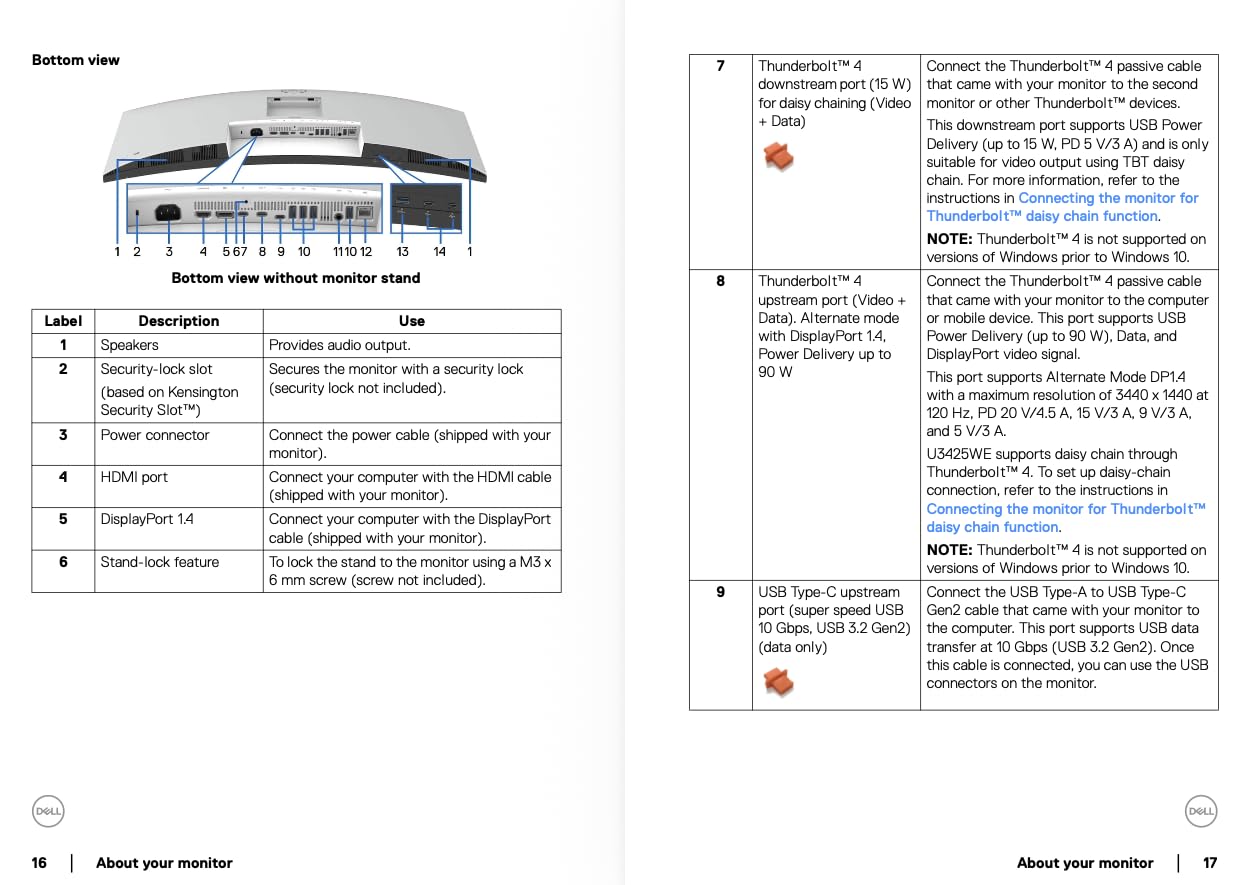
The Dell UltraSharp U3425WE is the only ultrawide in this roundup, and after a month of editing on it, I understand why some editors refuse to go back to 16:9. The 34-inch curved 21:9 panel lets you park a full-resolution timeline next to a viewer window or two scopes without overlapping, which is the kind of workflow upgrade that quietly compounds across hundreds of editing sessions.
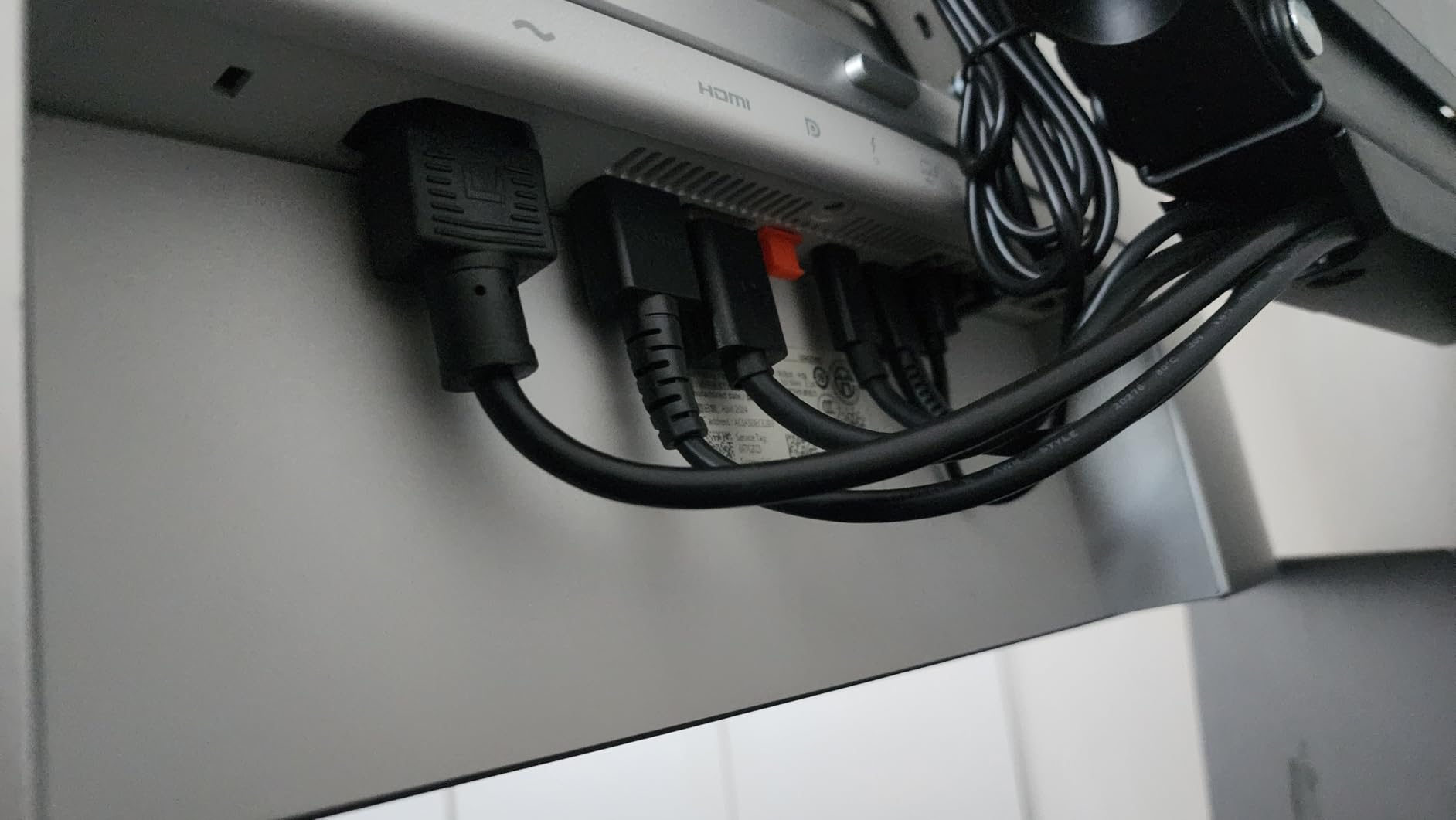
Thunderbolt 4 with 96W power delivery handles a 16-inch MacBook Pro at full speed and drives the panel through one cable. Picture-by-Picture mode lets you display two sources side by side, which is genuinely useful if you’re bouncing between a Mac Studio and a Windows machine for client review. The built-in USB hub with Ethernet means you can dock your entire desk through the monitor.
The honest disclosure: this is not a 5K panel despite some marketing copy you may see online. The 3440×1440 resolution is WQHD, which gives you roughly 110 PPI. Text and timelines are still sharp, but they’re not pixel-perfect Retina like the LG UltraFine 5K. For pure resolution per inch, look elsewhere.
The curved panel takes some adjustment if you’ve only used flat monitors. Once you acclimate, the curve reduces eye travel and makes split-screen editing feel natural. Just be aware that some color-critical users prefer flat panels for geometry accuracy.
Best fit for split-screen and timeline-heavy editors
If you cut multicam interviews, compare color grades side by side, or work with long-form documentary timelines, the ultrawide format replaces a dual-monitor setup without the bezel gap in the middle. It’s also a strong pick for programmers who edit alongside a code editor.
Skip it if you need 5K text or color accuracy
For 5K Retina text rendering, the LG UltraFine 5K is the only third-party option. For deeper blacks and better contrast, the BenQ PD3225U with IPS Black is the upgrade.
Buying Guide: How to Choose a Pro Display Alternative for Your Mac
Picking a Pro Display alternative for Mac editors is less about chasing the highest specs and more about matching the panel to your actual workflow. Here’s how I think through the decision for every editor I advise.
Resolution and pixel density
If you want true Retina text that matches your MacBook’s built-in screen, you need 218 PPI, which means a 27-inch 5K panel. The LG UltraFine 5K is currently the only third-party 5K option still shipping. If you’re willing to drop to 163 PPI, a 27-inch 4K panel like the Dell S2725QC or BenQ MA270U still looks sharp and gives you more budget for color and HDR upgrades. For 6K, the ASUS PA32QCV is the only realistic third-party pick.
Color accuracy and gamut
P3 wide color is the default color space for macOS, Final Cut Pro, and most modern photo apps, so a monitor that covers 98% to 99% DCI-P3 matches your software’s output. Look for Delta E less than 2 factory calibration so the panel is accurate out of the box. For Adobe RGB workflows in Photoshop or print work, ASUS ProArt and BenQ PD panels both cover 99% Adobe RGB.
Connectivity and power delivery
Thunderbolt 3 or 4 with at least 85W Power Delivery is the sweet spot for a 14-inch MacBook Pro, and 96W handles a 16-inch under most editing workloads. USB-C with DisplayPort Alt Mode works for 4K at 60Hz but can’t daisy-chain a second display. If you need to daisy-chain, Thunderbolt is the way.
Stand, ergonomics, and finish
Apple charges an outrageous upgrade fee for the height-adjustable Studio Display stand. Every monitor in this roundup ships with a fully adjustable stand that tilts, swivels, pivots, and goes high enough for a standing desk. VESA mounting is supported on all ten. Glossy vs matte is personal preference: glossy gives punchier colors but more reflections, matte reduces glare at the cost of slight image softening.
Refresh rate and motion
For video editing with timeline scrubbing, 120Hz is a real upgrade over 60Hz. The Dell S2725QC is the only 4K 120Hz panel in this roundup, and it made a tangible difference in how smooth my cuts felt. For photo and design work, 60Hz is fine and lets you prioritize color accuracy or resolution instead.
HDR and brightness
True HDR mastering requires mini-LED or OLED local dimming plus 1000+ nit peak brightness, which is outside this roundup’s price range. The ASUS PA32QCV’s DisplayHDR 600 and the LG’s DisplayHDR 400 deliver a hint of HDR pop but aren’t reference-grade. If HDR matters, save up for the Apple Studio Display XDR or wait for Apple’s rumored 6K panel.
Mac-specific features
Mac keyboard brightness and volume control only work on monitors that explicitly support it. BenQ’s MA series (MA270U), Dell’s Mac-touted models, and the LG UltraFine 5K all support this natively. ASUS ProArt works through Display Pilot 2. If this matters to you, prioritize panels with M-Book mode, ICCsync, or Display Pilot 2.
Frequently Asked Questions
What is a good alternative to the Apple Pro Display XDR for Mac editors?
The closest Pro Display XDR alternative for Mac editors in 2026 is the ASUS ProArt PA32QCV, a 32-inch 6K monitor with 98 percent DCI-P3, Calman Verified Delta E under 2, and dual Thunderbolt 4 with 96W power delivery. For 5K Retina text, the LG UltraFine 5K remains the only third-party option. For color grading on a tighter budget, the BenQ PD3225U with IPS Black panel and Pantone validation is the strongest pick.
Is the Apple Pro Display XDR worth it in 2026?
For most Mac editors in 2026, the Pro Display XDR no longer makes sense. It is priced above most editors’ budgets, lacks HDMI, DisplayPort, and USB-A, and is now outperformed in specific workflows by the ASUS PA32QCV at 6K, the BenQ PD3225U at color accuracy, and the Apple Studio Display XDR at mini-LED HDR. The Pro Display XDR is worth it only if you need a 6K reference monitor and cannot accommodate the Studio Display XDR’s smaller screen.
What is the best monitor for video editing on a Mac in 2026?
The best monitor for video editing on a Mac in 2026 depends on your workflow. For cutting long-form 4K timelines, the Dell S2725QC at 120Hz is the strongest pick. For 6K editing with maximum workspace, the ASUS ProArt PA32QCV delivers Pro Display XDR-class resolution. For color grading, the BenQ PD3225U with IPS Black and Delta E under 2 is the safest choice.
What is the best 5K monitor for Mac editors?
The only 5K monitor for Mac still shipping in 2026 is the LG UltraFine 5K (27MD5KL-B). It delivers 5120×2880 resolution at 218 PPI, 99 percent DCI-P3, 500 nits brightness, and Thunderbolt 3 with 94W power delivery. The 5K alternative most editors actually buy is a 27-inch 4K panel like the BenQ MA270U or Dell S2725QC, which renders text at 163 PPI, a step below true Retina but still very sharp.
What monitor should I pair with a Mac Studio for editing?
For a Mac Studio editing setup, the BenQ PD3225U is the strongest single monitor for color-critical work, the ASUS PA32QCV is best for 6K resolution, and the Dell UltraSharp U3425WE ultrawide is the best choice for split-screen editing. Pair any of these with the best Thunderbolt dock from our Mac Studio guide and you have a clean reference setup.
Are third-party Mac monitors reliable for daily editing work?
Yes, third-party Mac monitors from BenQ, Dell, ASUS, and LG are reliable for daily editing work. The biggest risks are smaller brands like Kuycon, where warranty service and long-term panel availability can be limited. Stick with established manufacturers for daily-driver reliability and pair your monitor with a proper dock to reduce cable wear.
Conclusion: Which Pro Display Alternative Should You Buy?
If I had to pick one Pro Display alternative for most Mac editors in 2026, it would be the Dell S2725QC for its 120Hz smoothness, broad compatibility, and approachable price. For MacBook-first editors who want the most Mac-native experience outside Apple’s own displays, the BenQ MA270U delivers the best balance of price, color accuracy, and Mac integration. For colorists and retouchers, the BenQ PD3225U is the safest pick, and for editors cutting 6K footage, the ASUS ProArt PA32QCV brings Pro Display XDR-class resolution to a much more accessible price.
The best Pro Display alternative for Mac editors in 2026 is whichever panel matches your actual workflow: timeline scrubbing favors 120Hz, color grading favors IPS Black and P3 coverage, and 6K editing favors pixel count above all. Whatever you choose from this list, your Mac deserves a display that keeps up.