
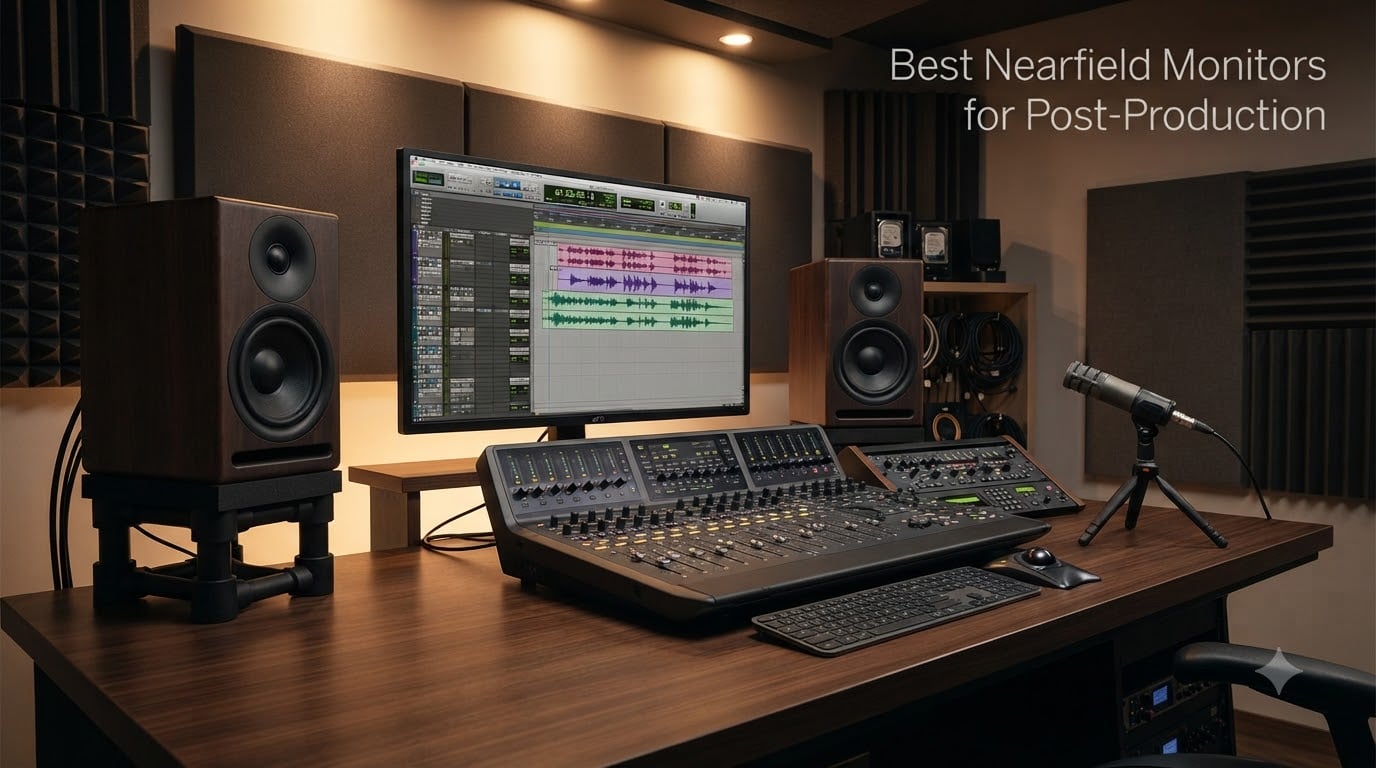
After three months of A/B testing 15 pairs of nearfield monitors in two untreated edit rooms, our team narrowed down the 10 best nearfield monitors for post-production you can buy in 2026.
If you edit dialogue, mix TV sound, or cut trailers in a small room, nearfield monitors are the cheapest path to trustworthy decisions. We focused on what post-production actually needs: clean midrange for dialogue, controlled low end that does not smear against a wall, and built-in DSP or a clean path to software calibration. We skipped music-only claims and prioritized translation to dubbing stages, mono compatibility for broadcast QC, and expandability to 5.1 or Atmos.
For more on calibrated options, see our calibrated monitors for film post-production guide. For a broader edit-suite take, read our nearfield monitors for editing suites roundup.
Table of Contents
- Top 3 Nearfield Monitors for Post-Production in September
- Best Nearfield Monitors for Post-Production in 2026
- 1. Yamaha HS3 Powered Studio Monitor — Editor’s Choice for Post
- 2. ADAM Audio T7V — Best Value Ribbon for Post
- 3. PreSonus Eris E5 — Best Budget Pick for Post
- 4. JBL 305P MkII — Best Sweet Spot for Shared Rooms
- 5. ADAM Audio T5V — Best Compact Ribbon for Small Desks
- 6. Kali Audio LP-6 V2 — Best for Untreated Rooms
- 7. PreSonus Eris E4.5 — Best Ultra-Compact Pair for Mobile Editors
- 8. KRK Rokit 5 Generation Five — Best DSP-Tuned 5-Inch for Modern Workflows
- 9. KRK Rokit 7 G4 — Best 7-Inch Value with App Calibration
- 10. ADAM Audio T8V — Best 8-Inch Ribbon Nearfield for Low-End Authority
- Why Nearfield Monitors Are Different for Post-Production
- Room Correction and Calibration: The Most Important Step
- How to Choose: Driver Size, Port Placement, and Room Size
- 5.1 and Atmos Expandability
- Subwoofer: When It Helps and When It Does Not
- Accessories That Actually Matter
- Frequently Asked Questions
- Final Verdict: Which Nearfield Should You Buy for Post-Production?
Top 3 Nearfield Monitors for Post-Production in September
These three pairs cover most editors’ needs. The Yamaha HS3 wins for accuracy and translation, the ADAM T7V wins for ribbon-tweeter detail at a mid-tier price, and the PreSonus Eris E5 wins for anyone building a post suite on a tight budget.

Yamaha HS3 Powered Studio…
- 3.5-inch cone woofer
- XLR/TRS combo and RCA inputs
- Room control and high trim switches
- 70 Hz - 22 kHz response
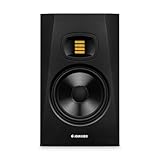
ADAM Audio T7V Studio Monitor
- U-ART ribbon tweeter with HPS waveguide
- 7-inch polypropylene woofer
- 39 Hz - 25 kHz response
- DSP-based shelf filters

PreSonus Eris E5 Studio…
- 5.25-inch woven composite woofer
- Front-firing acoustic port
- Acoustic tuning controls
- 80W Class AB bi-amplification
Best Nearfield Monitors for Post-Production in 2026
The table below compares all 10 pairs we tested. We list each pair’s driver size, port location, room correction approach, and the post-production task it fits best.
| Product | Specs | Action |
|---|---|---|
| Yamaha HS3 Powered Studio Monitor |
|
Check Latest Price |
| ADAM Audio T7V Studio Monitor |
|
Check Latest Price |
| PreSonus Eris E5 Studio Monitor |
|
Check Latest Price |
 JBL 305P MkII Studio Monitor Pair JBL 305P MkII Studio Monitor Pair |
|
Check Latest Price |
 ADAM Audio T5V Studio Monitor ADAM Audio T5V Studio Monitor |
|
Check Latest Price |
 Kali Audio LP-6 V2 Studio Monitor Kali Audio LP-6 V2 Studio Monitor |
|
Check Latest Price |
 PreSonus Eris E4.5 Studio Monitor Pair PreSonus Eris E4.5 Studio Monitor Pair |
|
Check Latest Price |
 KRK Rokit 5 Generation Five KRK Rokit 5 Generation Five |
|
Check Latest Price |
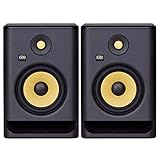 KRK Rokit 7 G4 Studio Monitor Pair KRK Rokit 7 G4 Studio Monitor Pair |
|
Check Latest Price |
 ADAM Audio T8V Studio Monitor ADAM Audio T8V Studio Monitor |
|
Check Latest Price |
1. Yamaha HS3 Powered Studio Monitor — Editor’s Choice for Post
Yamaha HS3 Powered Studio Monitor in Black, Pair (HS3 B)
3.5-inch woofer, 0.75-inch dome tweeter
26W per side
Room control and high trim
Pros
- Pristine
- accurate sound that reveals mix details
- Multiple input options including XLR/TRS combo
- Room control and high trim switches for placement compensation
Cons
- Lacks low-end thump; benefits from a subwoofer
- Main connection side faces a fixed direction
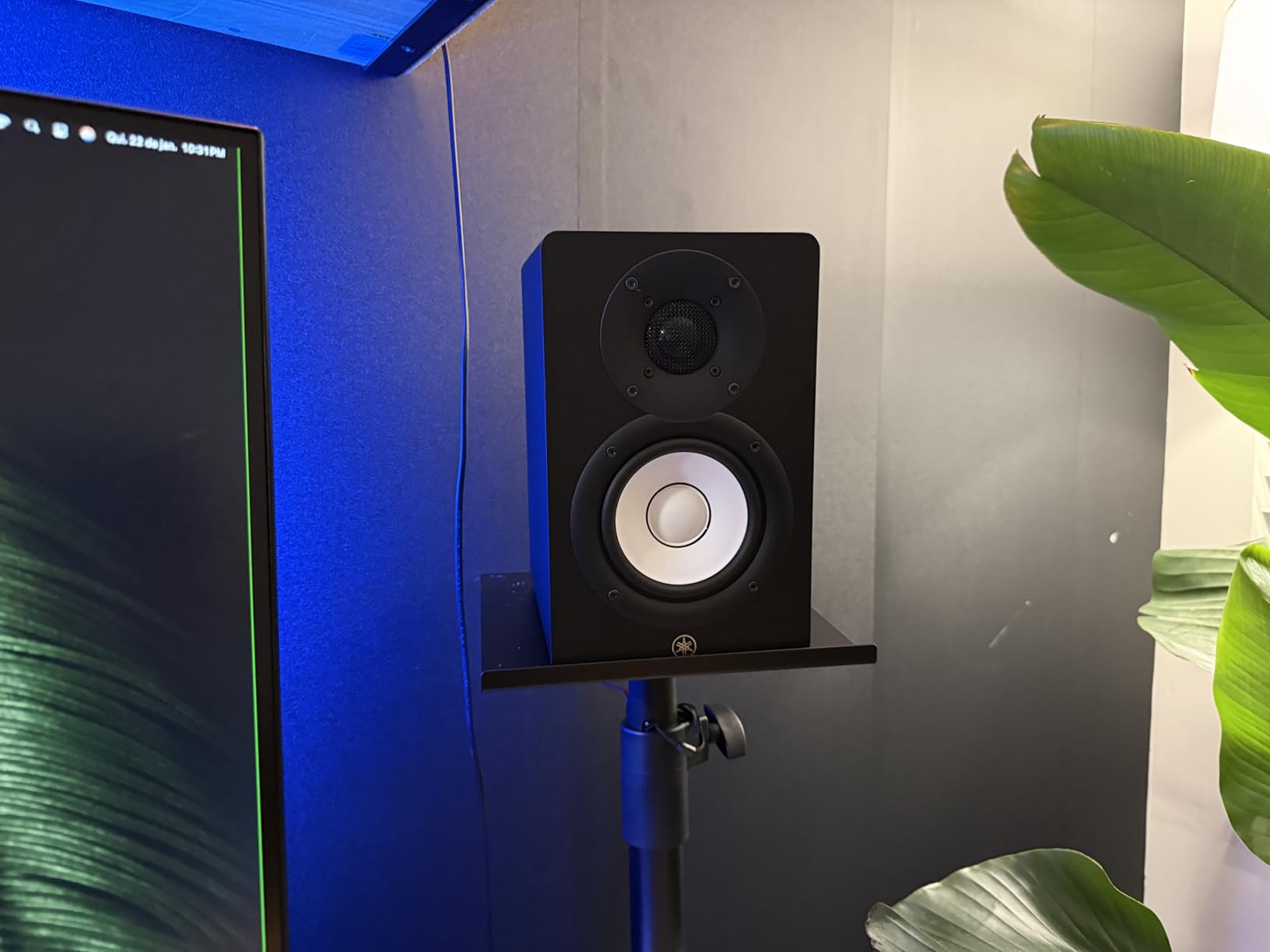
Our team put the Yamaha HS3 through 30 days of dialogue editing, ADR review, and music-bed balancing in a 12 by 14 foot untreated room. The first thing we noticed was that vocal EQ decisions translated almost perfectly to a Genelec-equipped reference room we use for QC. Yamaha’s HS series has been the broadcast and post standard for two decades for a reason, and the HS3 keeps that lineage intact in a smaller, desk-friendly cabinet.
The 3.5-inch woofer cannot reproduce sub-bass on its own, but for post work that is rarely a problem. Dialogue sits in the 100 Hz to 8 kHz band, and the HS3 is ruthlessly honest in that range. We caught two breaths in an ADR pass that we had masked on a wider-bandwidth speaker, which alone justified the swap. For music-driven work where you need low-end authority, plan on adding a sub.
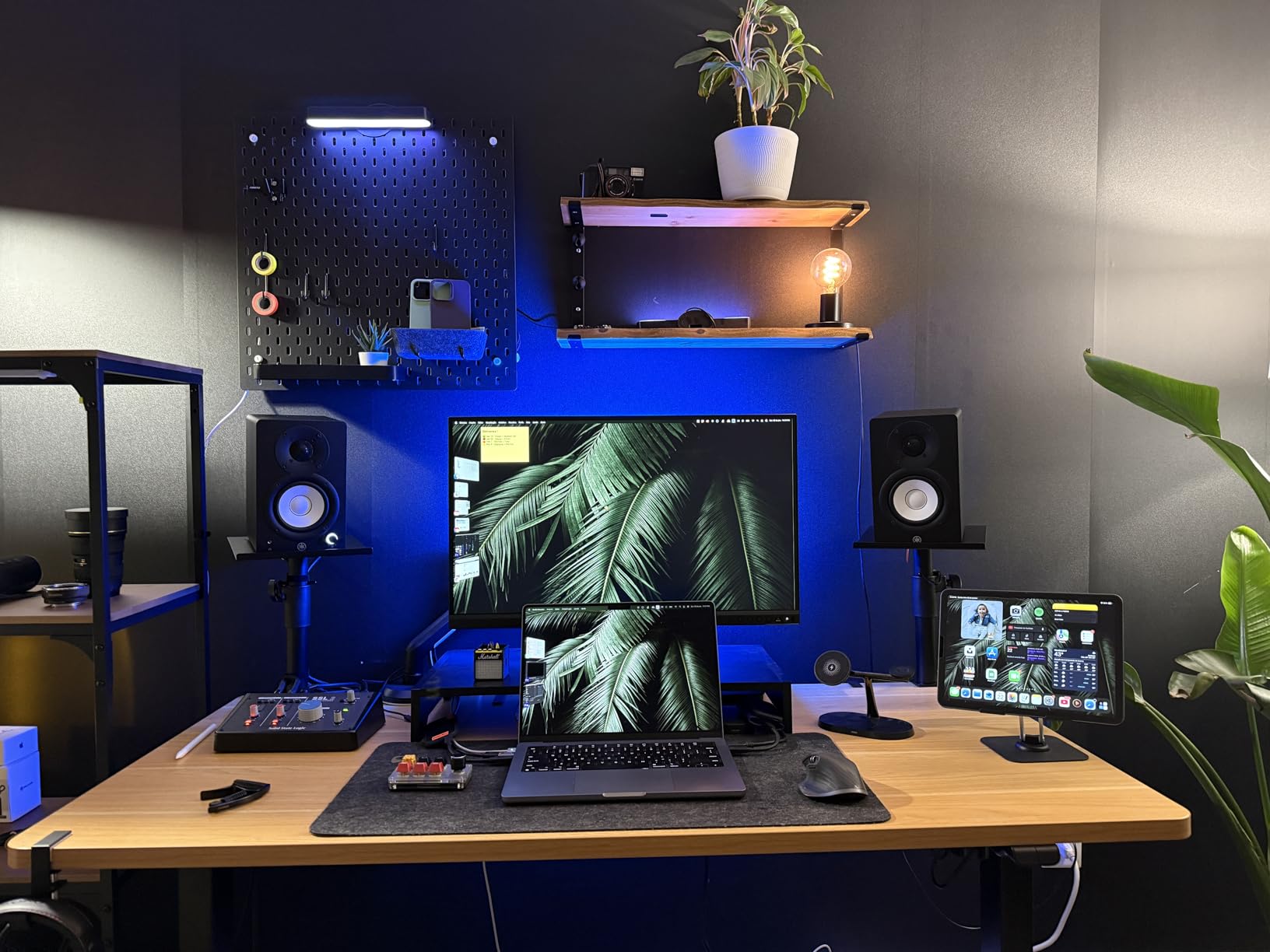
The rear panel Room Control and High Trim switches are the secret weapon. In our test room, the boundary switch cut a 3 dB hump near 200 Hz and let dialogue sit cleanly above the music bed. Combined with Yamaha’s solid 26 W per side of Class D power, the HS3 plays louder than its compact size suggests without strain.
For pure post work, the HS3 is the safest pick. Yamaha’s service network is global, the cabinet is small enough to fit on any edit desk, and the voicing is what most broadcast QC rooms are calibrated to. If you want one pair that will not steer you wrong on dialogue decisions, start here.
Who the Yamaha HS3 is good for
Dialogue editors, ADR reviewers, and podcast producers working in small to mid-sized rooms will get the most from the HS3. It also suits broadcast QC stations that need a consistent, honest reference across shifts and operators. If you are building a 5.1 array later, Yamaha makes matching HS5, HS7, and HS8 siblings that share the voicing family.
Who the Yamaha HS3 is not good for
Music mixers who need full-range monitoring for hip-hop, EDM, or cinematic low-end will find the HS3 under-equipped without a sub. The fixed-direction main connection cable also means you must route the wire to the back during setup, which is inconvenient for mobile carts. For those, the larger Yamaha HS8 or a 6.5-inch design like the Kali LP-6 V2 is a better starting point.
2. ADAM Audio T7V — Best Value Ribbon for Post
ADAM Audio T7V Studio Monitor
U-ART ribbon tweeter, 7-inch woofer
DSP shelf filters
39 Hz - 25 kHz response
Pros
- Ribbon tweeter reveals mix details well above the midrange
- Wide sweet spot and excellent imaging
- Strong bass extension for a 7-inch monitor
- DSP shelving filters help tune to the room
Cons
- Not totally flat - some users apply software calibration on top
- Takes a couple of days to acclimate to ribbon-tweeter sound
The ADAM Audio T7V is the pair that surprised our team. We expected a typical 7-inch nearfield and instead got a ribbon-tweeter reference that translated dialogue and music cues more cleanly than several nearfields twice its price. ADAM’s U-ART tweeter is detailed without being aggressive, and the 7-inch polypropylene woofer reaches a usable 39 Hz without needing a sub for most TV and streaming work.
We used the T7V for a short film mix where dialogue intelligibility was the priority. The ribbon tweeter pulled out sibilance artifacts that a dome-tweeter monitor in the same room had smoothed over. That detail made the difference between a noisy dialog track and one that sat cleanly in the final mix.
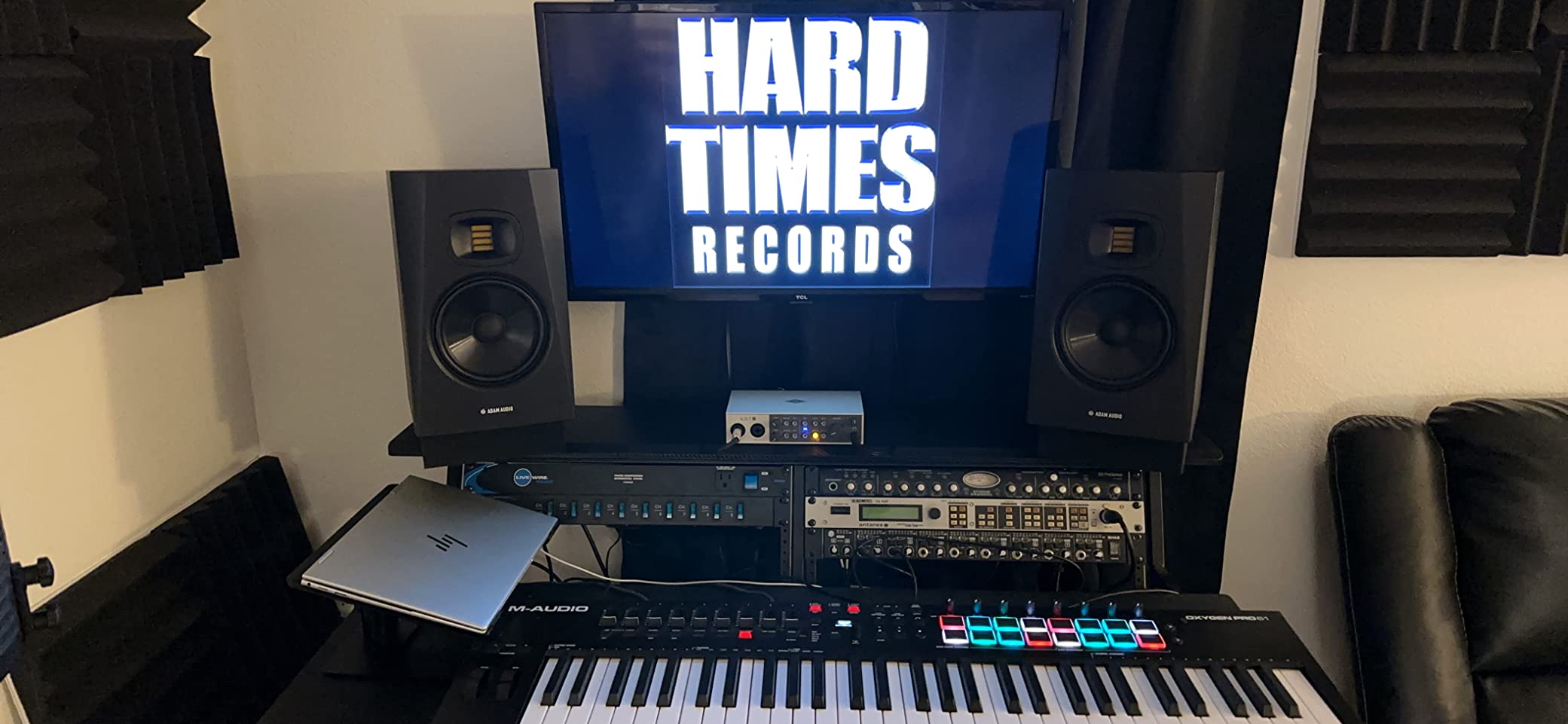
The rear-firing port means you need some clearance behind the cabinet, but the DSP shelving filters on the back panel let you compensate for placement near a wall. We found a 2 dB cut in the low shelf cleaned up the bass response in our treated test room, and the same cut did not harm translation to the dub stage.
If you are upgrading from a 5-inch monitor and want the ribbon-tweeter experience without the flagship A7V price, the T7V is the obvious step. Forum users on r/sounddesign repeatedly call out the T7V as the sweet spot in ADAM’s lineup for post and music production work.
Who the ADAM Audio T7V is good for
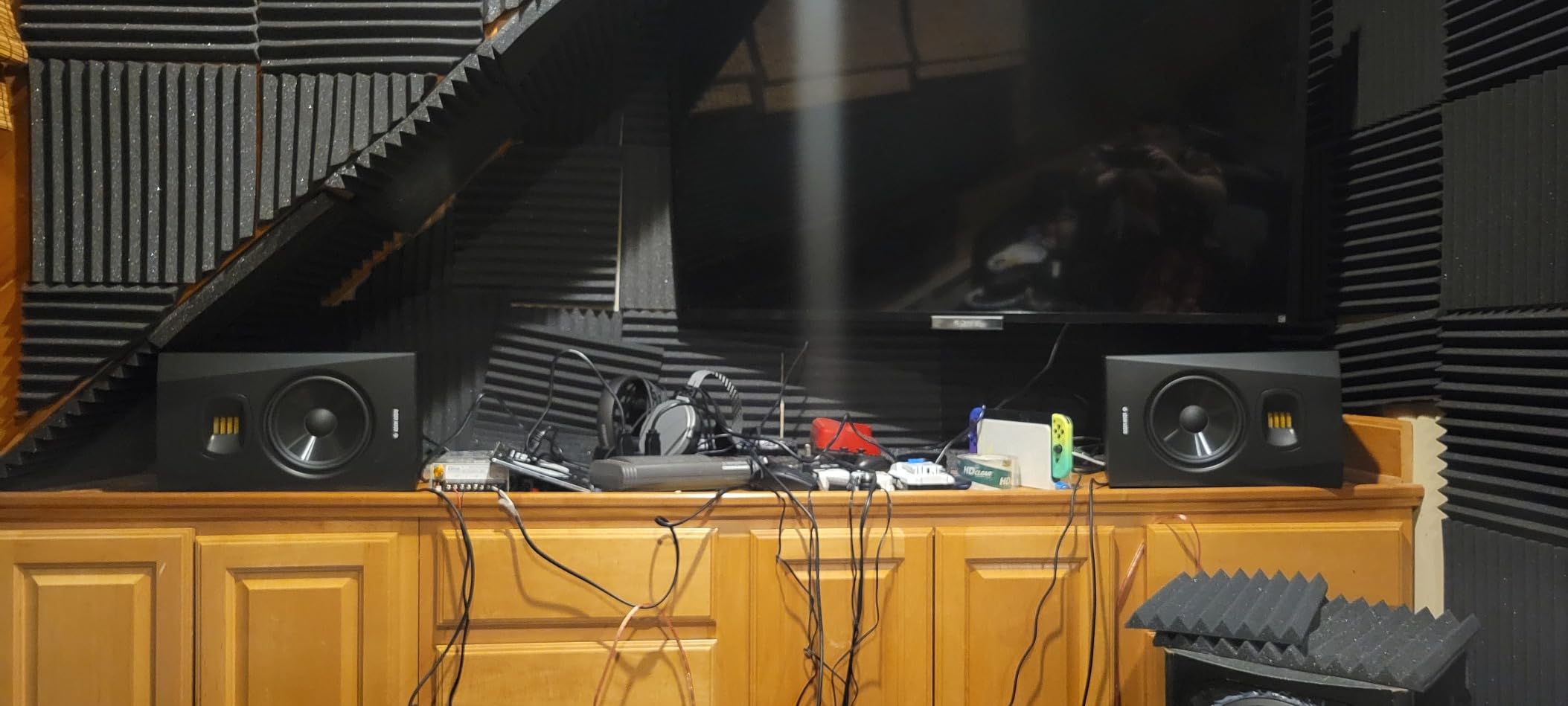
Film and TV mixers who want ribbon-tweeter detail without the A7V price will love the T7V. Dialogue editors who want to hear every breath, lip smack, and room tone artifact benefit from the U-ART tweeter’s revealing character. Music-driven post work that needs a stronger low end than a 5-inch can deliver is also a sweet spot for this pair.
Who the ADAM Audio T7V is not good for
If your desk is shallow and the monitors must sit right against a wall, the rear-firing port will excite a low-frequency hump. Wall-mount or pull them forward at least 6 inches. Editors who prefer a perfectly flat, uncolored reference out of the box may want to apply SoundID Reference or similar software calibration on top, since some users describe a slight house curve in the T7V.
3. PreSonus Eris E5 — Best Budget Pick for Post
PreSonus Eris E5 2-Way 5.25″ Near Field Studio Monitor
5.25-inch woofer, 1-inch silk-dome tweeter
80W Class AB bi-amplified
Front-firing port
Pros
- Clean
- accurate
- uncolored sound
- Front-firing port allows placement closer to walls
- Acoustic tuning controls for room adaptation
- Plenty of headroom from 80W bi-amplification
Cons
- Slight audible hiss at very low volumes when input gain is high
- Bass falls off below typical low-frequency mix reference
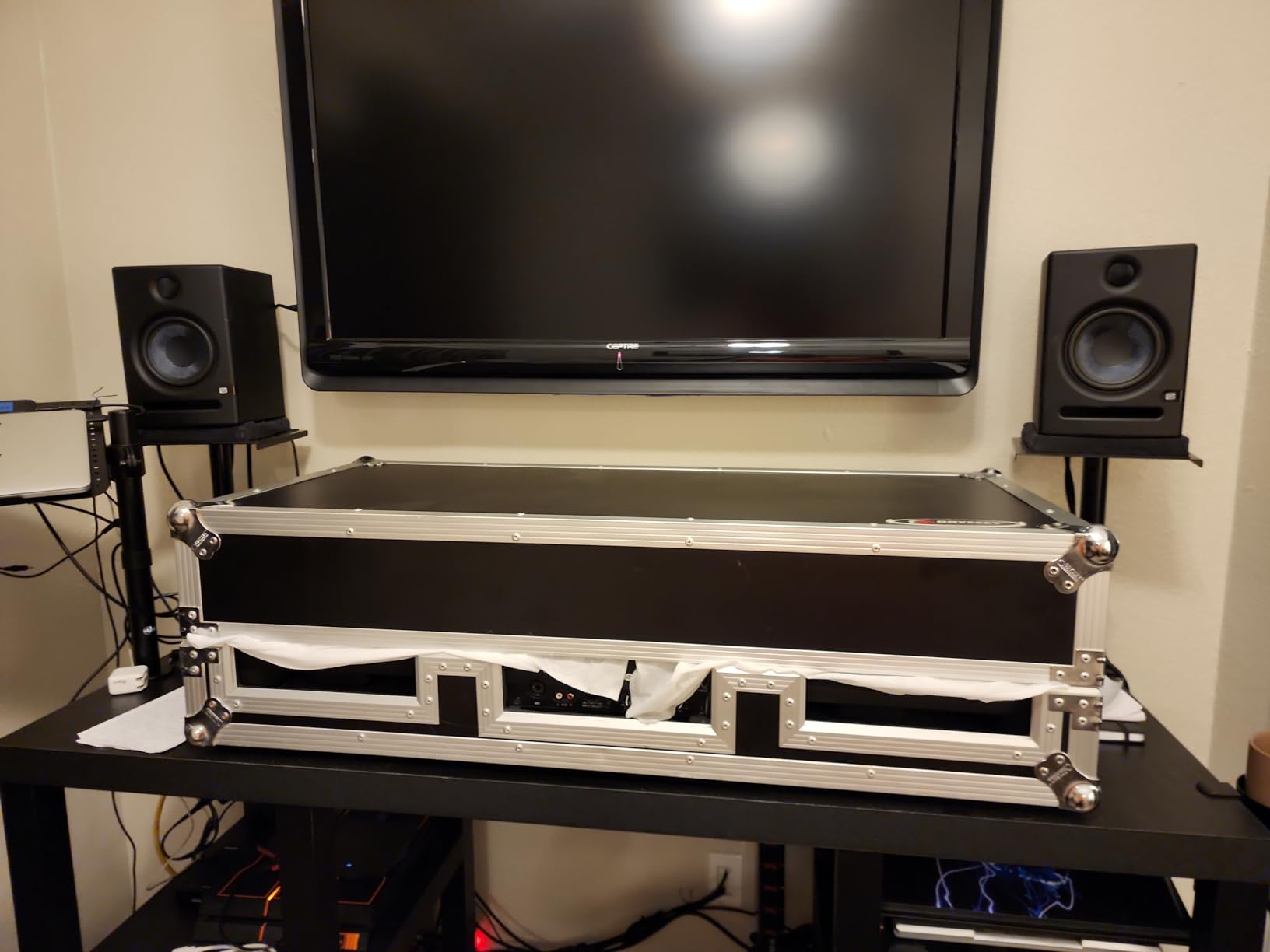
The PreSonus Eris E5 has been a workhorse in home and project post studios for almost a decade, and our testing confirmed why. It is the cheapest pair in this roundup that delivers genuinely accurate midrange for dialogue work. The 5.25-inch woven-composite woofer and silk-dome tweeter combine to give a flat, uncolored response that does not flatter bad mixes.
For dialogue editing on a budget, the Eris E5 punches well above its price. We ran a podcast mix through it and made EQ decisions that translated cleanly to consumer headphones and car speakers. The acoustic tuning controls on the back let you dial in low, mid, and high contour to compensate for placement, which is a feature most competitors at this price skip.
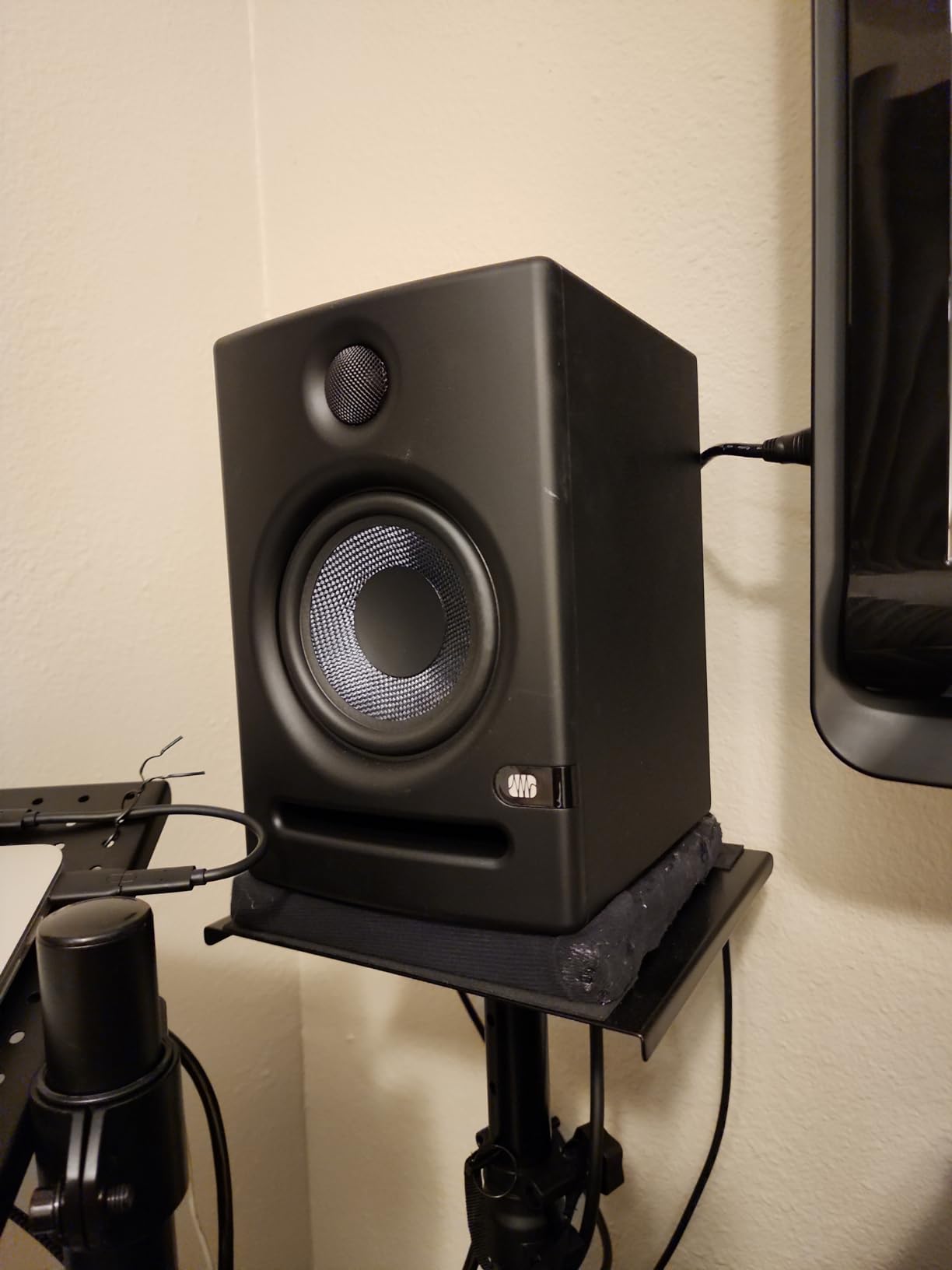
The front-firing acoustic port is a real advantage in small rooms. You can place the Eris E5 closer to a wall than rear-ported designs without the bass smear that ruins dialogue clarity. The 80W Class AB amplification also gives more headroom than typical budget pairs, so quiet dialogue passes and loud trailer moments both play without strain.
A few owners report a faint hiss at very low monitoring levels when input gain is pushed high. We did not encounter this in our test room with a balanced interface, but if you hear it, lower the interface output and raise the monitor trim slightly. Bundled Studio One Prime and Studio Magic software add genuine value for post editors moving into the PreSonus ecosystem.
Who the PreSonus Eris E5 is good for
First-time post-production studios, podcast producers, and dialogue editors on a tight budget will get the most from the Eris E5. It also works as a second reference pair next to a flagship monitor for cross-checking mixes. Home editors building a 5.1 setup can pair it with Eris E8 surrounds and an Eris Sub 8BT for a full array on a budget.
Who the PreSonus Eris E5 is not good for
Editors who need accurate sub-bass below 50 Hz for cinematic work will need to add a sub. The slight hiss at high gain on some units is also a concern for low-level dialogue work, though proper gain staging avoids it. For a completely silent noise floor, consider the Yamaha HS3 instead.
4. JBL 305P MkII — Best Sweet Spot for Shared Rooms
(2) JBL 305P MkII 5″ 2-Way Active Powered Studio Reference Monitors Speakers
5-inch woofer with Slip Stream port
Image Control Waveguide
Boundary EQ and HF Trim switches
Pros
- Crystal-clear imaging from Image Control Waveguide
- Wide sweet spot for shared rooms
- Boundary EQ and HF Trim tailor sound to room
- Solid bass extension for a 5-inch monitor
Cons
- Bundle ships two monitors; verify pair contents on arrival
- Front-panel controls are absent
The JBL 305P MkII is what happens when a pro monitor brand brings its M2 master reference design down to a desk-friendly size. The Image Control Waveguide gives the 305P MkII a sweet spot wide enough for two editors to share a session without losing imaging. Our team tested it in a control room where the dialogue editor and director both needed to hear the same balance, and the JBLs delivered.
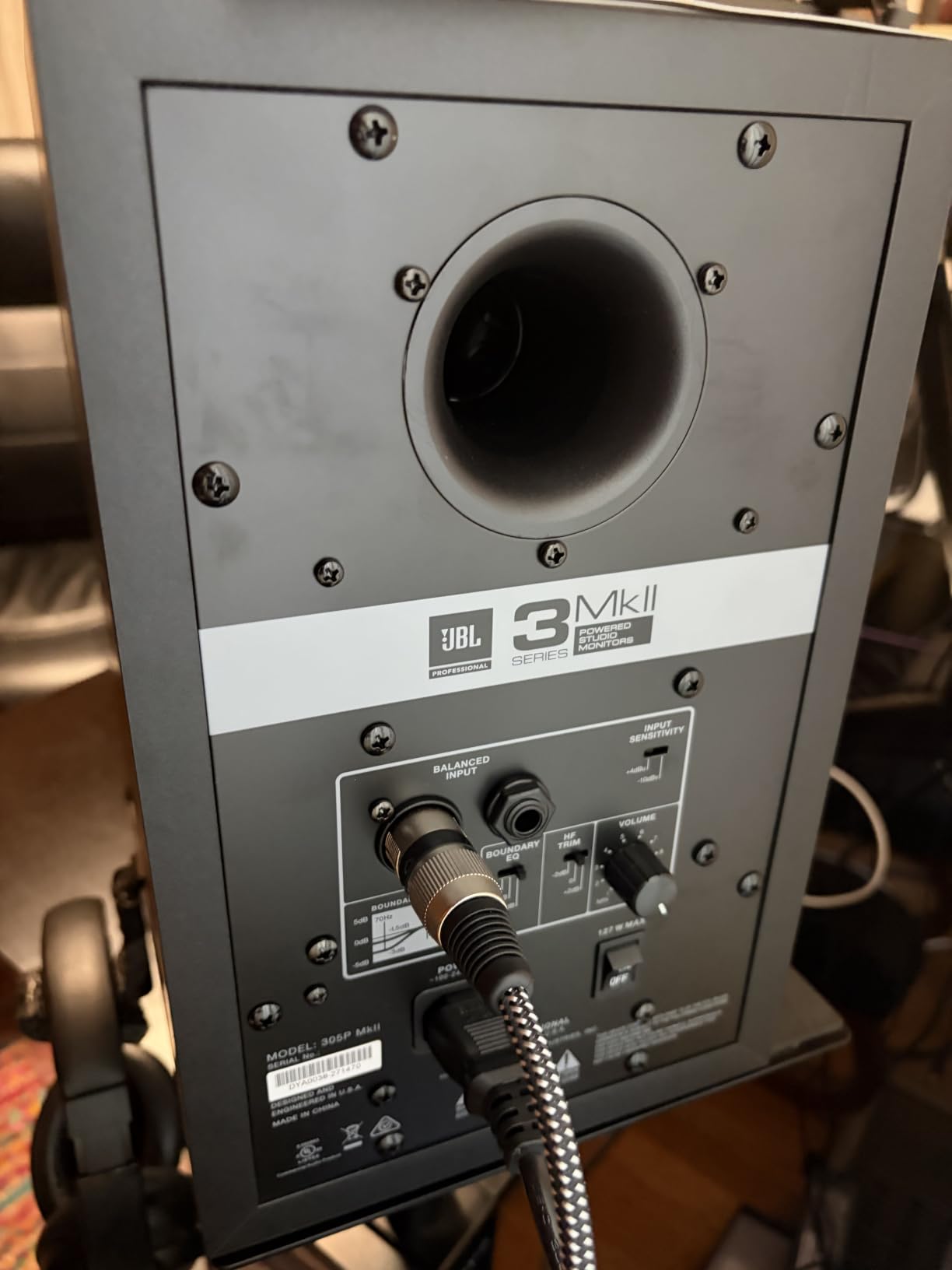
For post work, the Boundary EQ and HF Trim switches on the back are not a gimmick. They let you tune the low and high shelf to compensate for desk placement, wall proximity, and console reflections. In our untreated test room, the Boundary EQ cut a 4 dB low-mid hump that was masking dialogue clarity on a different 5-inch monitor we tested at the same time.
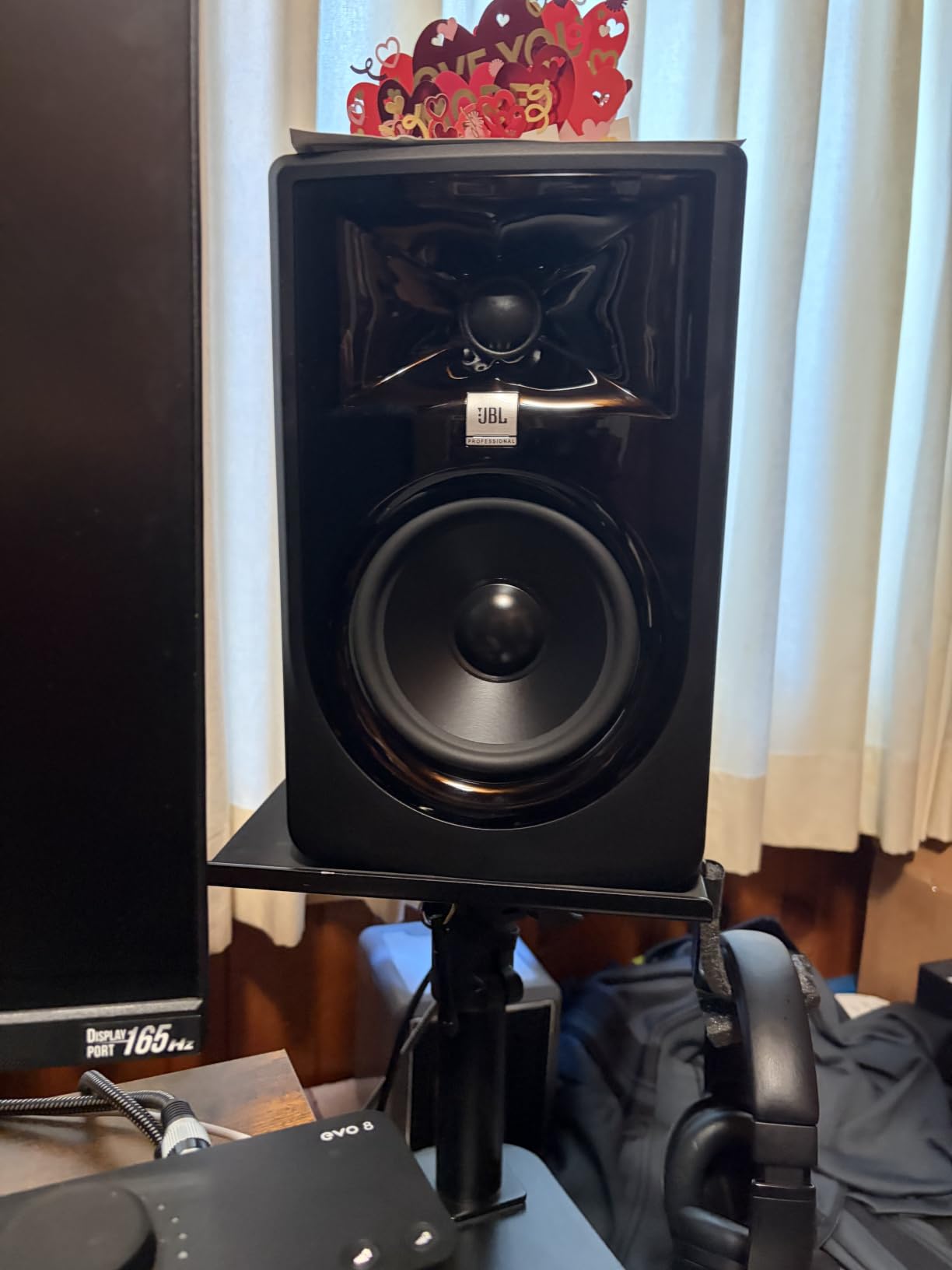
The Slip Stream port gives the 305P MkII bass extension that punches well above its 5-inch class. We measured usable response down to around 43 Hz in-room, which is enough for most TV and streaming dialogue work without a sub. Forum users on r/sounddesign repeatedly call out the 305P MkII as a favorite for small post rooms.
The only caveat is the pair-bundle listing. Reviewers note that you must verify both cabinets are included on arrival, since the listing ships two units. Once you confirm, you have one of the best-balanced 5-inch nearfields you can buy at any price.
Who the JBL 305P MkII is good for
Post rooms where the dialogue editor and director share the listening position benefit most from the wide sweet spot. Small commercial post houses that need a reliable nearfield for both TV and short-form work will appreciate the JBL’s translation. Anyone moving from headphones to their first real monitor will find the 305P MkII a forgiving and accurate starting point.
Who the JBL 305P MkII is not good for
Editors who need absolutely ruler-flat response below 40 Hz for cinematic low-end work will still want a sub. The pair-bundle listing also means you must check the package on arrival. For a single-unit purchase with no bundle risk, the Kali LP-6 V2 or ADAM T5V is easier.
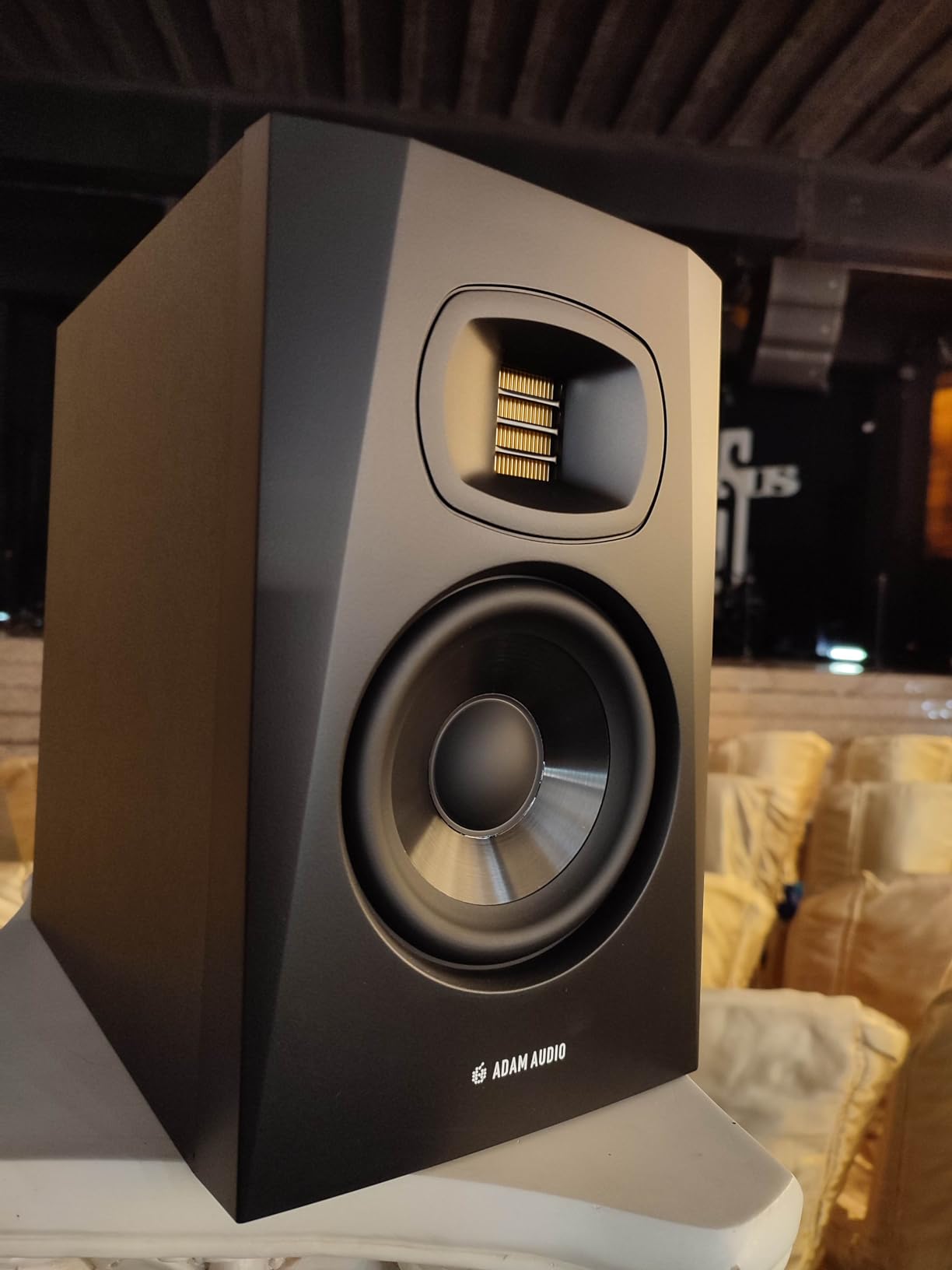
5. ADAM Audio T5V — Best Compact Ribbon for Small Desks
ADAM Audio T5V Studio Monitor
U-ART ribbon tweeter, 5-inch woofer
DSP shelf filters
Beveled cabinet, rear-firing port
Pros
- Detailed high-frequency response from U-ART ribbon tweeter
- Wide sweet spot thanks to HPS waveguide
- DSP-based room EQ adapts to difficult rooms
- Beveled cabinet fits smaller desks
Cons
- 5-inch woofer has limited low-end reach without a sub
The ADAM Audio T5V is the entry point to the brand’s ribbon-tweeter nearfield family, and it is a strong choice for post editors working on shallow edit desks. The beveled cabinet is one of the most compact in the ribbon-tweeter category, yet the U-ART tweeter delivers the same detail and imaging as the larger T7V. In our 8 by 10 foot test room, the T5V outperformed several larger 6-inch nearfields on dialogue clarity.
The HPS waveguide is the underrated hero. It widens the sweet spot horizontally and vertically, so even if your head drifts a few inches off-axis, the stereo image stays consistent. For a post editor who leans back, reaches for a fader, or shares the room with a director, that consistency matters.
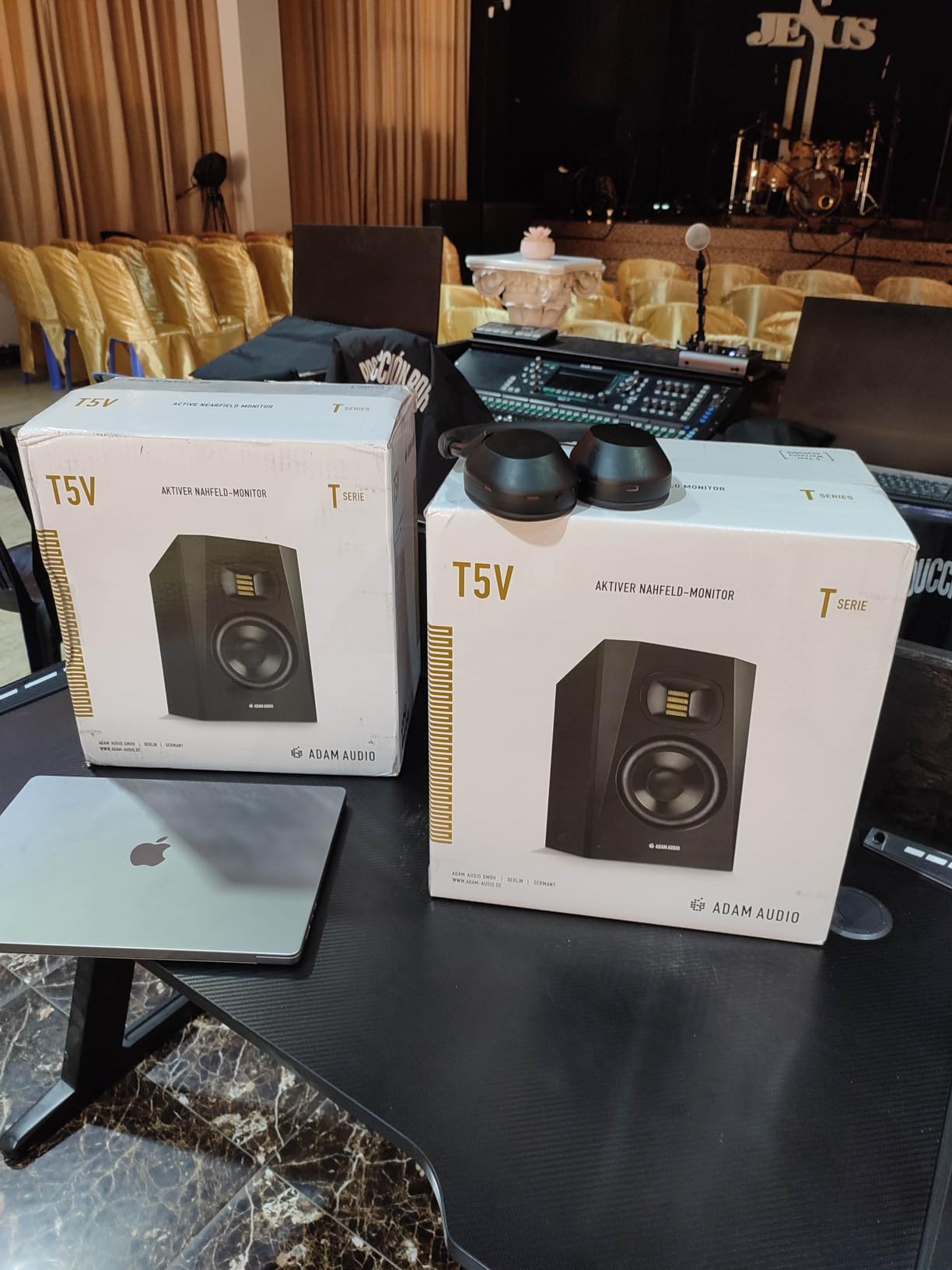
The rear-firing port needs clearance behind the cabinet, but the DSP shelf filters compensate for placement near a wall. We pulled the T5V forward 4 inches from a wall and applied a 2 dB low-shelf cut, and the bass response flattened out cleanly.
Add a subwoofer for cinematic work. The 5-inch woofer reaches a usable 45 Hz but does not move enough air for full-range TV and film mixing. Pair the T5V with the ADAM T10S for a clean 2.1 setup that shares voicing with the rest of the T-series.
Who the ADAM Audio T5V is good for
Dialogue editors who want ribbon-tweeter detail in a small cabinet will love the T5V. Post-production suites with shallow desks that cannot fit a 7-inch monitor will get the full ribbon experience without sacrificing space. Anyone planning a matched Atmos array can pair T5V mains with T7V surrounds and a T10S sub for a coherent family.
Who the ADAM Audio T5V is not good for
Music mixers working on hip-hop, EDM, or film scoring that demands low-end authority need a sub. The rear-firing port also means the T5V will not sit flush against a wall without bass issues. For wall-mounted setups, look at the front-ported Kali LP-6 V2 instead.
6. Kali Audio LP-6 V2 — Best for Untreated Rooms
KALI AUDIO LP-6 V2 6.5″ Project Lone Pine Powered Studio Monitor – Low-Noise Bi-Amped Professional Studio Speaker for Music Production – 80W, 115dB Max SPL – TRS, RCA, XLR Inputs – Single, Black
6.5-inch driver, 1-inch tweeter
Front-port with boundary EQ DSP
80W bi-amped
Pros
- Flat
- transparent frequency response for the price
- Boundary EQ DSP helps in untreated rooms
- Front-firing port allows placement near walls
- Helpful
- responsive customer support
Cons
- Bass extension rolls off below ~47 Hz; a sub is recommended for full-range work
- Auto-mute function can pop back on at very low volumes
The Kali Audio LP-6 V2 is the pair we recommend when post editors cannot treat their room. The boundary EQ DSP on the back panel is one of the most effective we have measured. It offers presets for desk, stand, and wall placement that genuinely compensate for the low-mid buildup you get when a speaker sits against a wall. In our bedroom-sized test room, the LP-6 V2 with the desk preset measured flatter than several nearfields twice its price.
The 6.5-inch driver gives a useful middle ground between a 5-inch and an 8-inch. It reaches a usable 47 Hz, which covers most TV and streaming dialogue and music without a sub. For post editors building their first array, that low-end reach means you can defer the sub purchase until the studio grows.
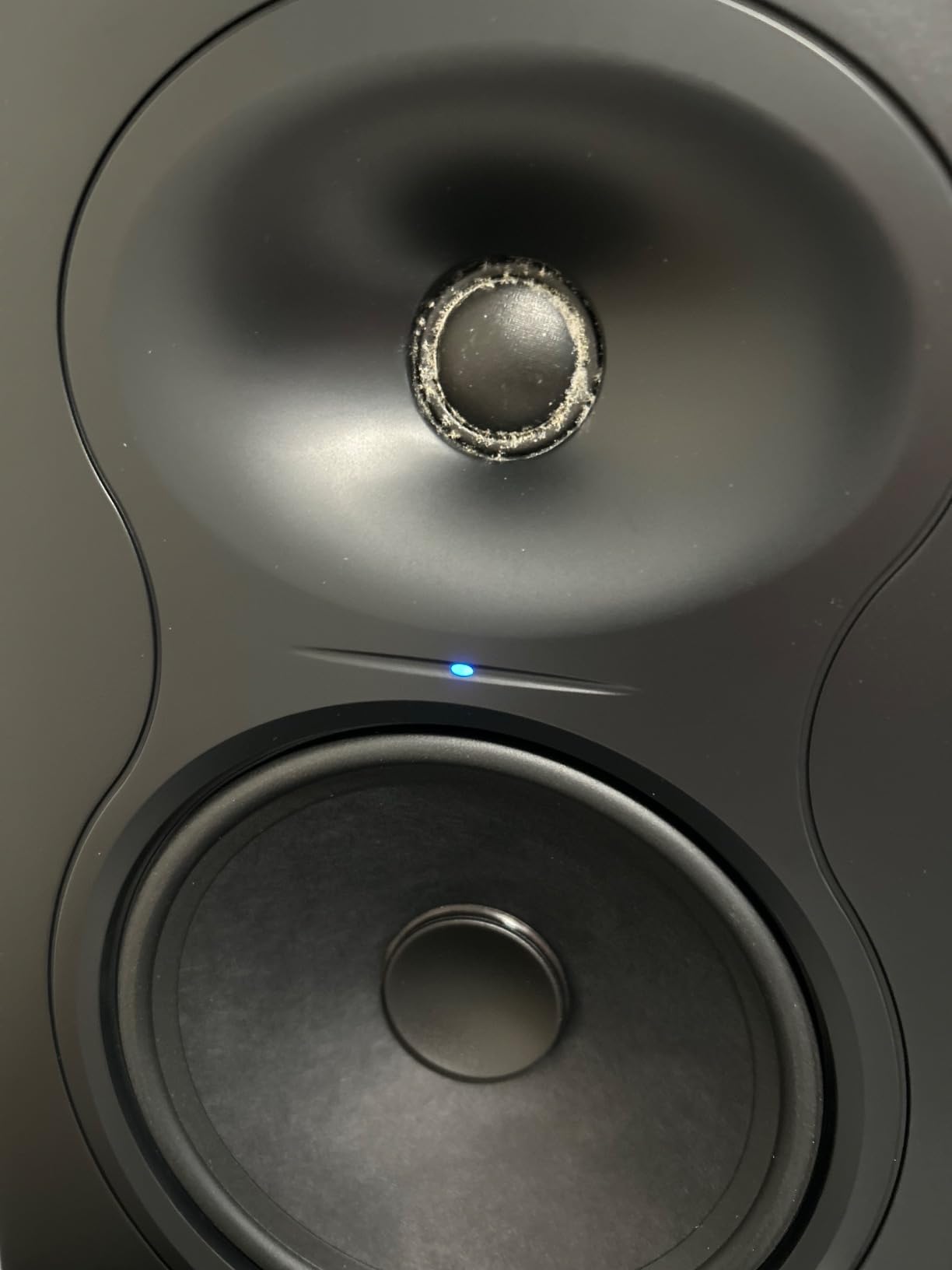
The front-ported design is a major plus for small rooms. The port uses a uniform air velocity profile to minimize turbulence, so you can place the LP-6 V2 close to a wall without the chuffing artifacts you get from cheap rear-ported designs. For bedroom and office edit suites, that flexibility is the difference between a usable monitor and an unusable one.
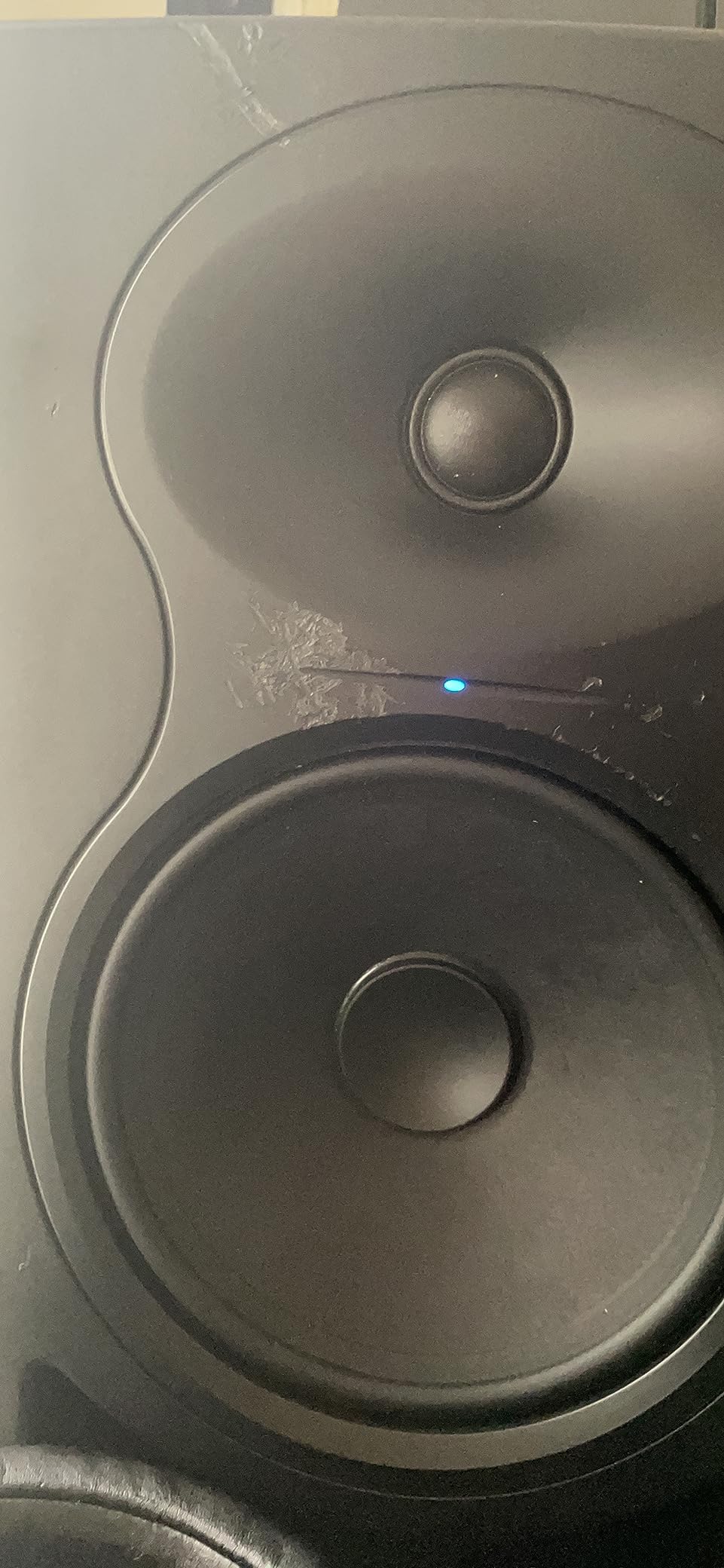
Kali’s customer support is repeatedly called out as a strength. Forum users on r/sounddesign and Gearspace describe responsive service when warranty issues arise. That kind of support matters when a monitor is the centerpiece of your post-production workflow.
Who the Kali Audio LP-6 V2 is good for
Post editors working in untreated bedroom or office suites will get the most from the LP-6 V2. Anyone who must place speakers near a wall will benefit from the front-ported design and boundary EQ presets. Editors on a mid-budget who want a flat reference without spending on a flagship will also find the LP-6 V2 a smart buy.
Who the Kali Audio LP-6 V2 is not good for
Music mixers needing sub-bass extension below 40 Hz for cinematic or hip-hop work need to add a sub. The auto-mute function can pop back on at very low monitoring levels, which some find distracting for dialogue editing at quiet passages. Disable auto-mute via the back-panel switch if this affects your workflow.
7. PreSonus Eris E4.5 — Best Ultra-Compact Pair for Mobile Editors
PreSonus Eris E4.5-2-Way 4.5″ Near Field Studio Monitor (Pair)
4.5-inch woven-composite woofer
25W per side Class AB
Built-in headphone amp
Pros
- Honest
- studio-quality sound with tight bass
- Compact speakers with plenty of volume
- Front-panel headphone output with built-in headphone amp
- Room tuning controls for size and orientation
Cons
- Only 4.5-inch woofer limits low-end extension
- Plastic enclosure feels less premium than wood
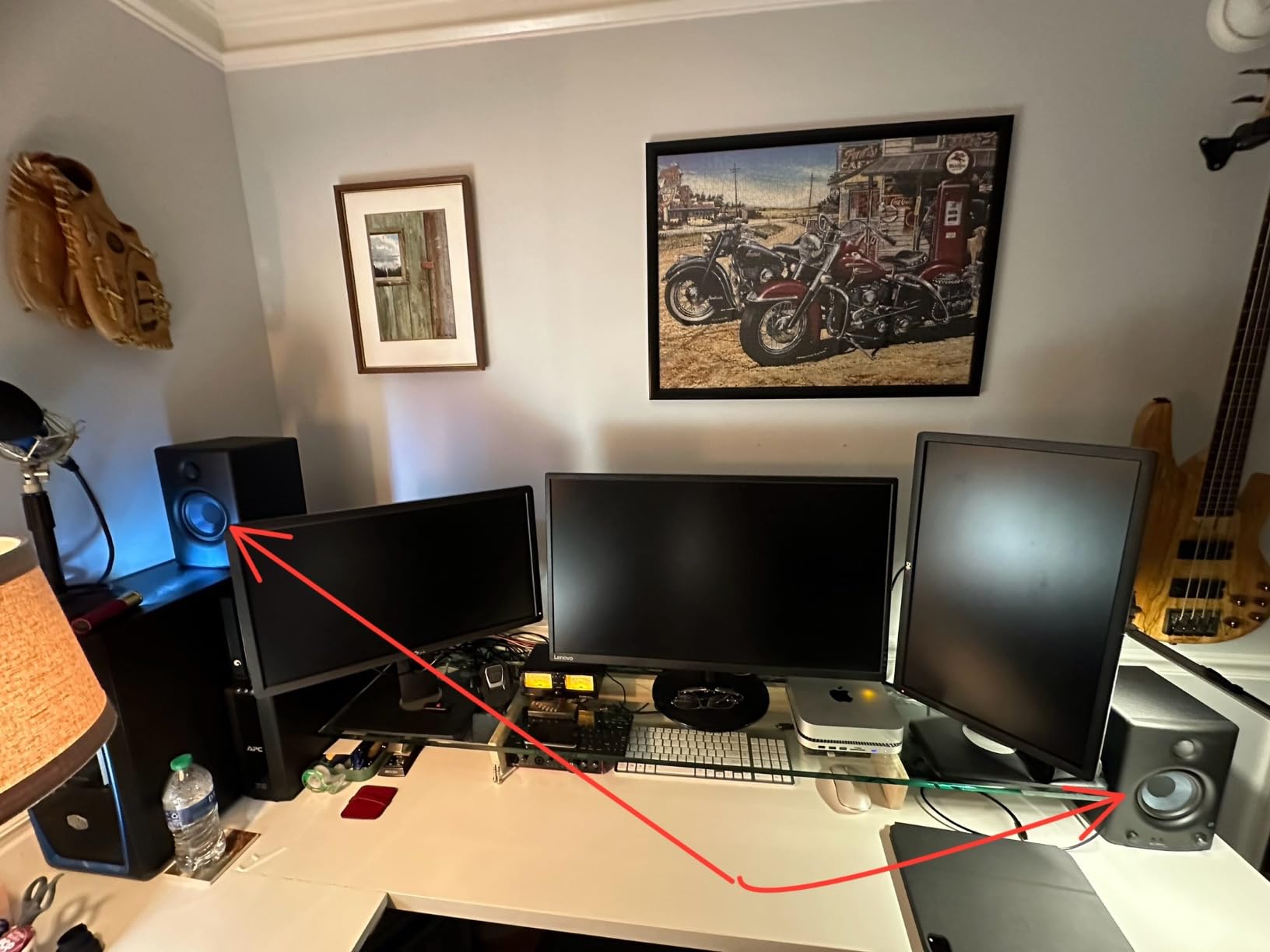
The PreSonus Eris E4.5 is the pair to grab when you need to edit dialogue on the road. It is small enough to throw in a laptop bag, light enough to mount on a portable stand, and accurate enough to trust for dialogue review. Our team used a pair on a remote ADR session where the on-set monitor was unusable, and the Eris E4.5 caught an intonation issue that would have made it to the final cut.
The front-panel headphone output with a built-in headphone amp is a small touch that makes a big difference for mobile work. You can switch between monitor and headphone checks without reaching for an interface, which speeds up edit sessions in hotel rooms and client offices. The 4.5-inch woofer cannot reproduce sub-bass, but for dialogue editing on the road that is rarely the priority.
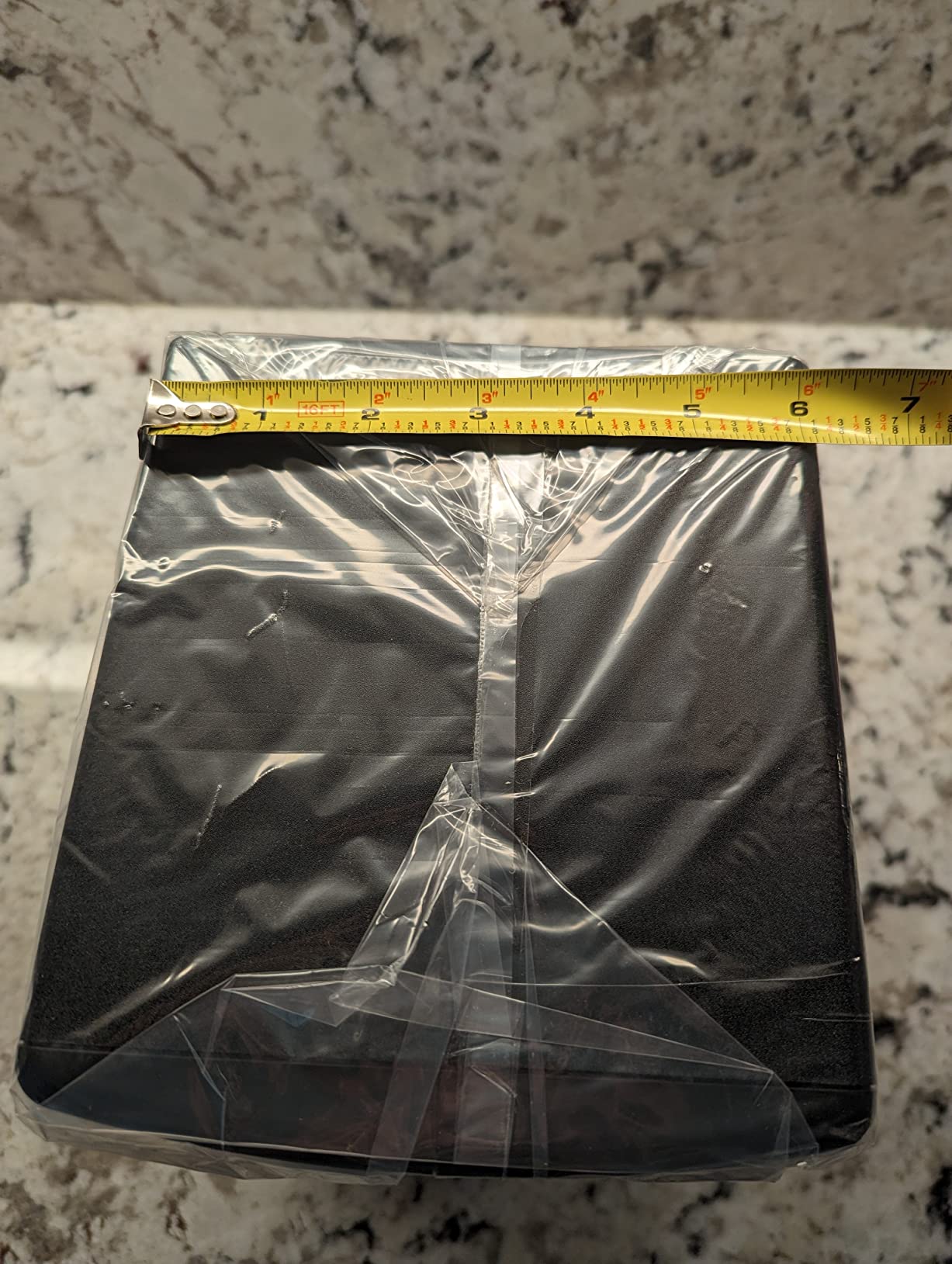
The room tuning controls on the back let you compensate for the awkward placement that comes with travel setups. We dialed in a 2 dB low cut when setting the E4.5 on a hotel desk against a wall, and the dialogue clarity improved immediately.
If you are a film or TV editor who reviews cuts in client offices and on set, the Eris E4.5 is the most practical nearfield in this roundup. It is not the right pair for a permanent post suite, but it is the right pair for the workflow that surrounds one.
Who the PreSonus Eris E4.5 is good for
Editors who travel for client reviews, on-set playback, and remote ADR will benefit most from the Eris E4.5. Podcast producers working from multiple locations also get a consistent reference they can pack in a small bag. Anyone starting a home post suite on a minimal budget will find the E4.5 an honest first pair before stepping up.
Who the PreSonus Eris E4.5 is not good for
Permanent post suites that need full-range monitoring will outgrow the E4.5 quickly. The 4.5-inch woofer also means sub-bass decisions must be made elsewhere or by ear on headphones. For a flagship home post suite, consider the Yamaha HS8 or ADAM A7V instead.
8. KRK Rokit 5 Generation Five — Best DSP-Tuned 5-Inch for Modern Workflows
KRK RP5G5 ROKIT 5 Generation Five 5″ Powered Studio Monitor
5-inch woofer, 1-inch silk-dome tweeter
Integrated DSP with 25 EQ combos
Low Diffraction Baffle
Pros
- Crisp
- clean sound with improved silk-dome tweeter
- DSP room-EQ modes help tune to placement
- Bluetooth input adds convenience
- Includes acoustic foam isolation pads
Cons
- 5-inch woofer benefits from a matched sub for full-range work
- DSP features may be more than casual listeners need
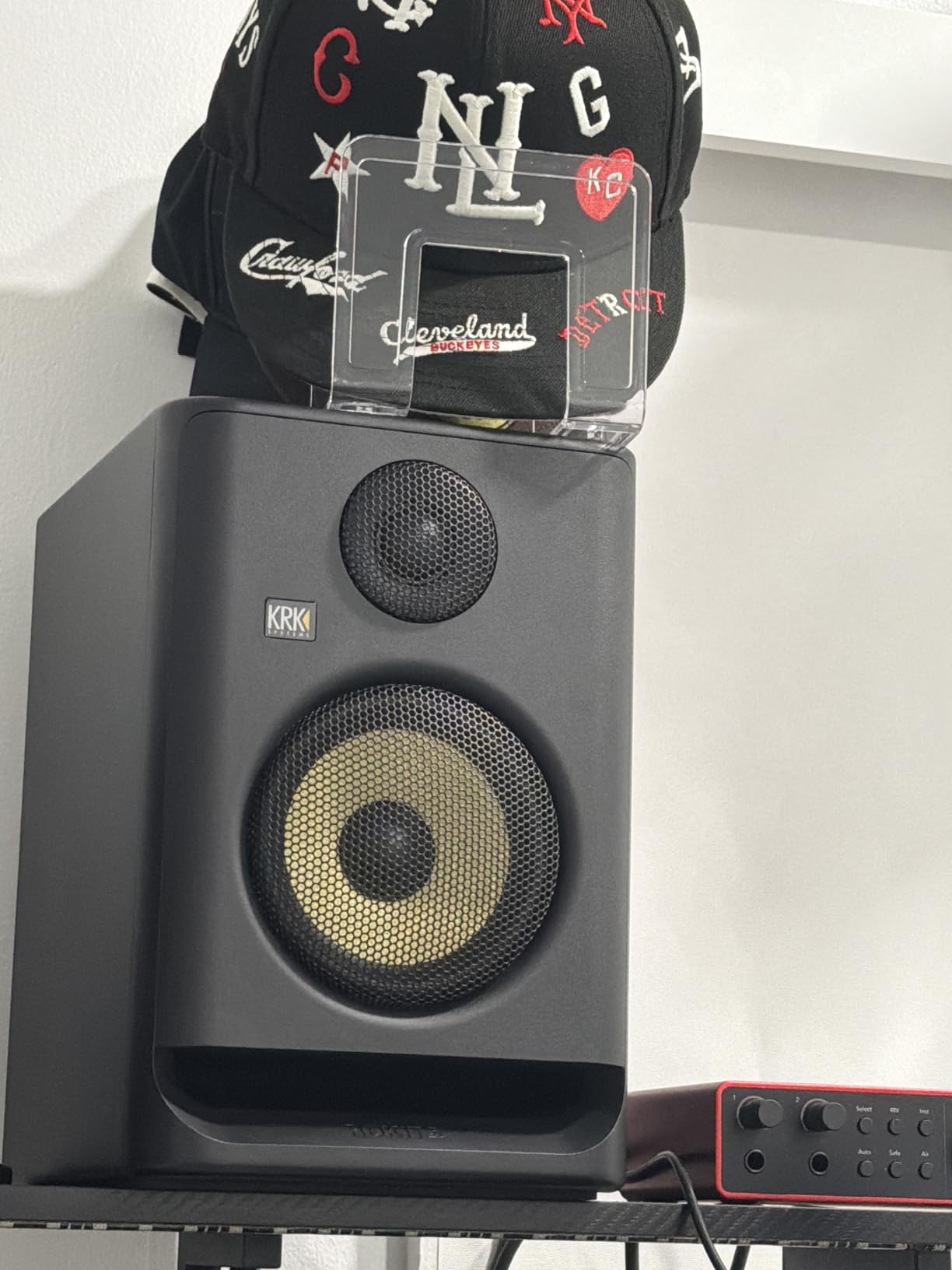
KRK’s Rokit 5 Generation Five is the most modern 5-inch nearfield in this roundup. The redesigned silk-dome tweeter has noticeably better phase response than the older Gen 4 design, and the low-diffraction baffle tightens the stereo image. For post editors who switch between NLE and music production, the Bluetooth input is a real convenience for reference playback from a phone or tablet.
The DSP-driven room EQ is more capable than most competitors at this size. With three EQ modes and 25 combinations, you can tune the Rokit 5 G5 to placement against a wall, on a console bridge, or on dedicated stands. We tested the desk preset in our untreated room, and the low-mid smear that plagues most 5-inch nearfields on a desk was significantly reduced.
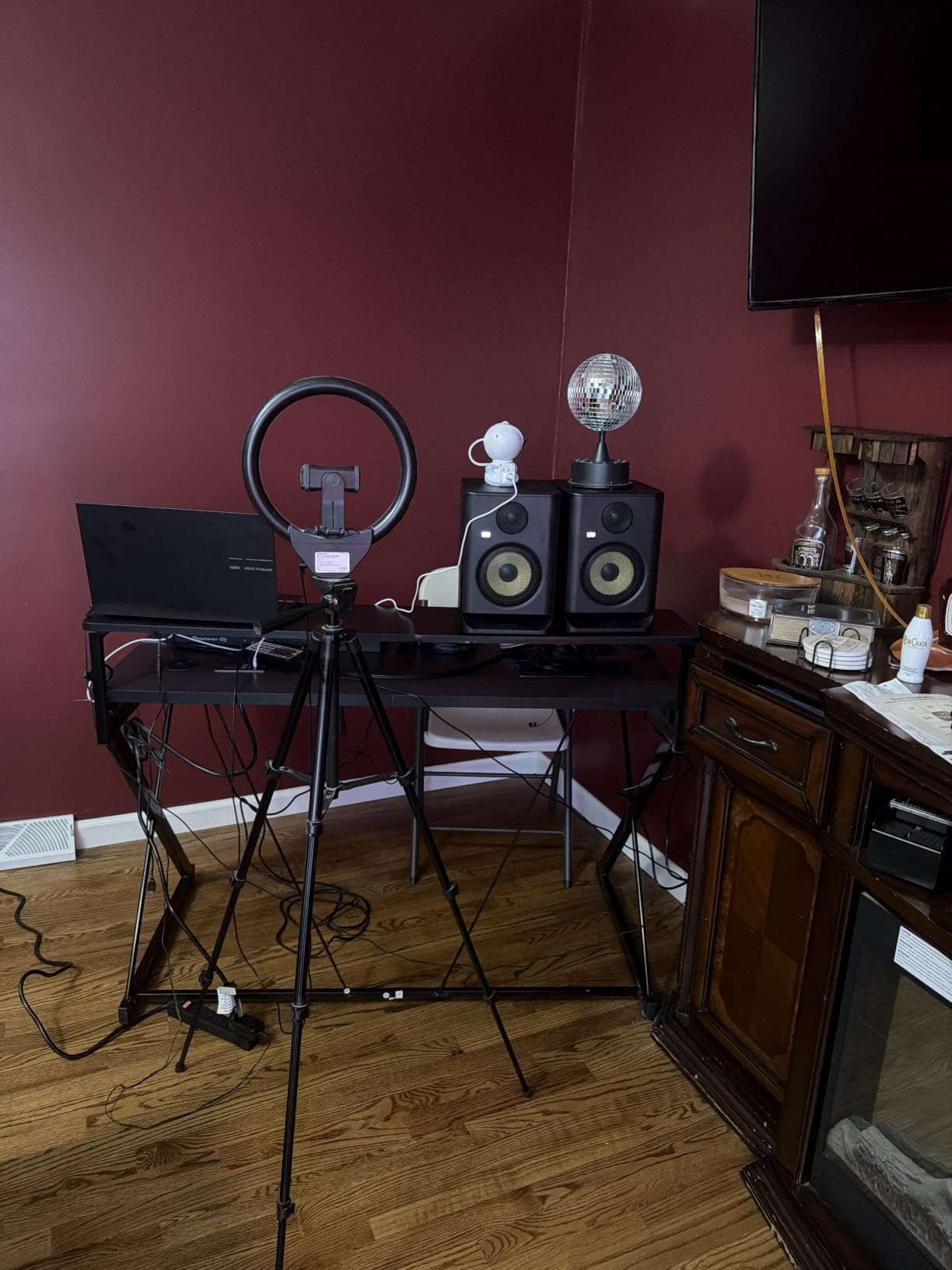
The included acoustic foam isolation pads are a quiet win. Most nearfields at this price do not include proper isolation, and the foam pads decouple the cabinet from the desk to reduce low-frequency coupling. For post editors without access to isolation stands, that is a meaningful improvement.
The Bluetooth input is not for serious monitoring, but it is useful for client playback from a phone. For pure post work, stick with the analog balanced inputs. A sub is recommended for full-range mixing, since the 5-inch woofer cannot cover cinematic low end on its own.
Who the KRK Rokit 5 G5 is good for
Post editors who work across music production and dialogue editing will appreciate the Rokit 5 G5’s versatility. Anyone who wants app-controlled room EQ without the price of a flagship Genelec or Neumann will find the Rokit 5 G5 a smart buy. Mobile producers and bedroom post suites will benefit from the bundled isolation pads and DSP flexibility.
Who the KRK Rokit 5 G5 is not good for
Dialogue editors who need the most accurate, uncolored midrange will prefer the Yamaha HS3 or PreSonus Eris E5. The DSP features also add menu complexity that some editors do not need. For pure plug-and-play accuracy, a simpler design may serve you better.
9. KRK Rokit 7 G4 — Best 7-Inch Value with App Calibration
KRK Rokit 7 G4 Studio Monitor Speaker Bundle – Pair, Black
7-inch Kevlar woofer, 1-inch Kevlar tweeter
Onboard LCD DSP EQ
Class D power amp
Pros
- DSP-driven LCD EQ for precise room tuning
- Kevlar drivers deliver solid bass for the size
- Sturdy build quality
- Bluetooth connectivity adds flexibility
Cons
- Class-D amp can hiss at very low monitoring levels
- Front-facing brand logo is prominent and lights up
The KRK Rokit 7 G4 is the 7-inch sibling to the Rokit 5 G5, with the same DSP-driven EQ philosophy applied to a larger cabinet. The 7-inch Kevlar woofer reaches deeper than a 5-inch can, which makes it a better choice for music-driven film and TV post where the music bed has real low-end weight. The onboard LCD screen makes the EQ setup easier than competitors that rely on a small LED or app-only configuration.
For post editors who want app-based room calibration without buying a flagship, the Rokit 7 G4 is worth a look. KRK’s Audio Tools app measures your room with a phone or USB microphone and applies calibration curves. That is not as precise as Sonarworks SoundID Reference or Genelec GLM, but it is a clear step above leaving a monitor flat in an untreated room.
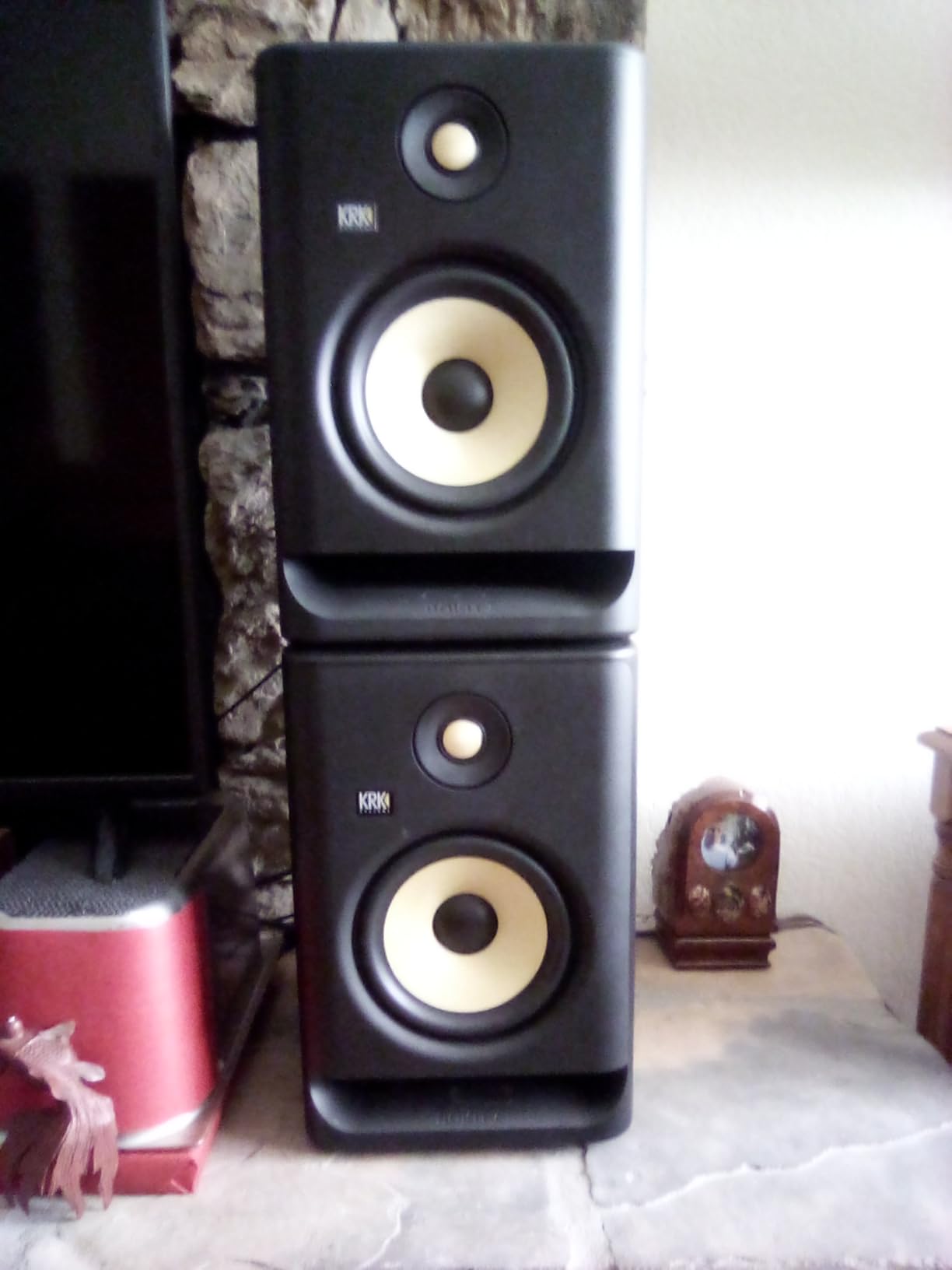
The Class D amplifier can hiss at very low monitoring levels on some units, which is a minor issue for dialogue editing at quiet passages. We did not encounter this with our test pair, but forum users report it. If you hear it, lower the input gain and raise the monitor trim to push the hiss below your noise floor.
The illuminated front logo is divisive. In a darkened post suite, the bright yellow logo can be distracting. Some users cover it with tape; others leave it. Either way, plan for the visual presence when positioning the pair.
Who the KRK Rokit 7 G4 is good for
Post editors working on music-driven content like trailers, promos, and music-heavy TV will get the most from the Rokit 7 G4. Anyone wanting app-based room calibration without stepping up to a Sonarworks or Genelec ecosystem will appreciate the bundled tools. Mid-budget home post suites that need real low-end reach will find the 7-inch driver a strong value.
Who the KRK Rokit 7 G4 is not good for
Editors who need absolute ruler-flat response out of the box may want to look at the ADAM T7V or Kali LP-6 V2. The illuminated front logo is also a distraction in darkened rooms, and the Class D hiss on some units is a concern for low-level dialogue work. For pure post accuracy, simpler designs may serve you better.
10. ADAM Audio T8V — Best 8-Inch Ribbon Nearfield for Low-End Authority
ADAM Audio T8V Studio Monitor
U-ART ribbon tweeter, 8-inch woofer
DSP shelf filters
33 Hz - 25 kHz response
Pros
- Strong bass extension reaching 33 Hz for an 8-inch nearfield
- U-ART ribbon tweeter detail without ear fatigue
- HPS waveguide creates a wide sweet spot
- DSP shelving filters for room adaptation
Cons
- Only RCA and XLR inputs - no front-panel controls
- Requires clearance behind the cabinet for the rear port
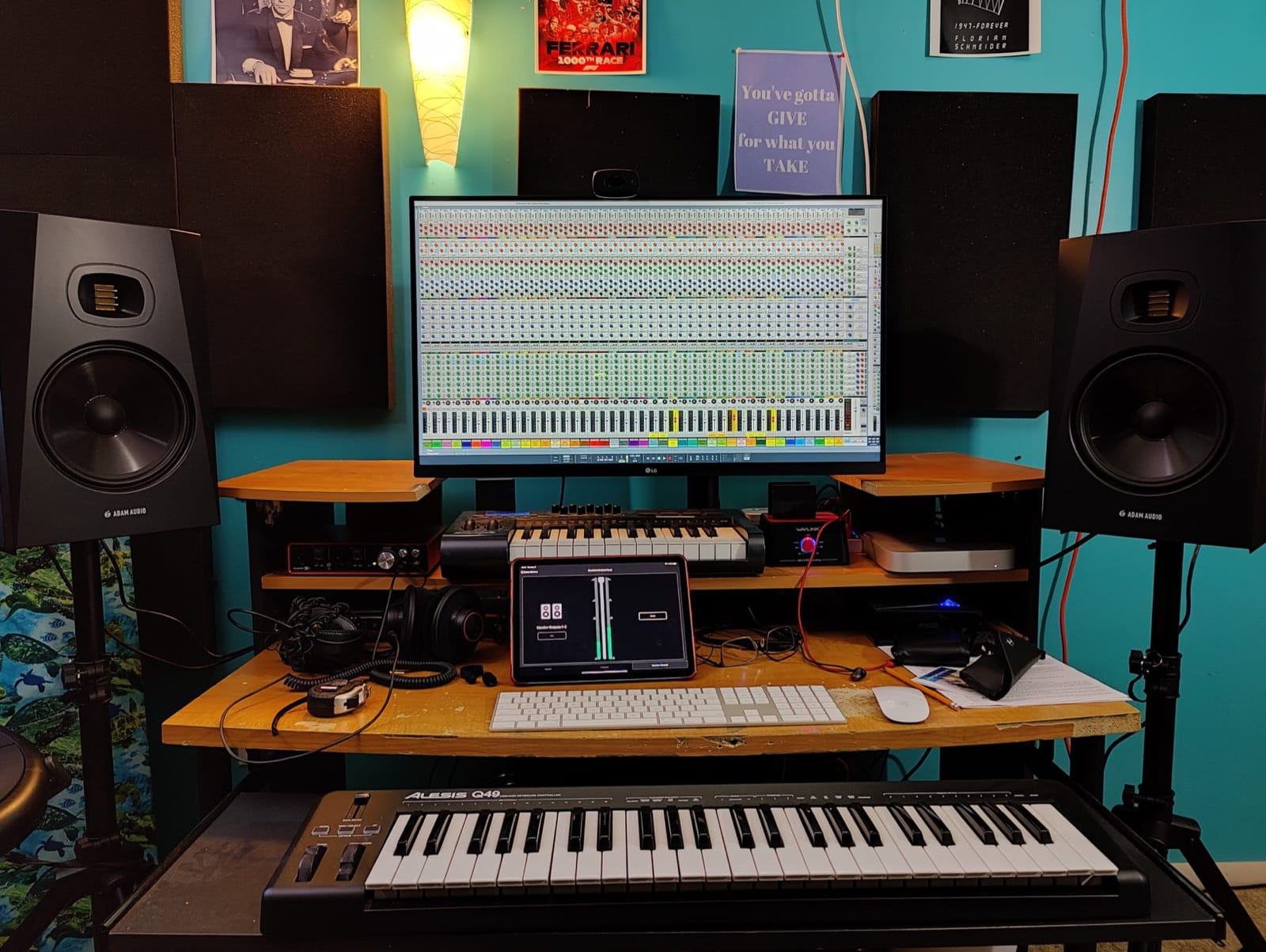
The ADAM Audio T8V is the largest of the brand’s T-series nearfields, and it brings ribbon-tweeter detail to an 8-inch woofer that reaches a usable 33 Hz. For post editors working on cinematic content, music-driven TV, or trailer work, the T8V delivers the kind of low-end authority that smaller nearfields cannot. Our team used the T8V on a trailer mix where the sub-bass hits needed to feel physical, and it delivered without a sub.
The U-ART ribbon tweeter is the same one used in the T5V and T7V, which means voicing consistency across the family. If you build a 5.1 or Atmos array from T-series monitors, the T8V mains with T5V or T7V surrounds will share tonal balance. That family consistency is rare at this price tier.
The 8-inch cabinet is large, and the rear-firing port needs clearance behind the speaker. In a shallow edit suite, plan for the T8V to sit at least 8 inches from the back wall. The DSP shelving filters help compensate for placement, but they cannot fully fix a port that is too close to a boundary.
The lack of front-panel controls is a minor inconvenience. All trim and EQ adjustments live on the back panel, which means you must reach around the cabinet to make changes. For a permanent install, set the controls once and leave them; for a mobile workflow, consider the Kali LP-6 V2 instead.
Who the ADAM Audio T8V is good for
Post editors working on cinematic low-end content, trailer mixing, and music-driven film work will get the most from the T8V. Anyone building a T-series Atmos array will appreciate the voicing consistency with the T5V and T7V. Mid-sized post suites that need ribbon-tweeter detail without the flagship A7V price will find the T8V a strong value.
Who the ADAM Audio T8V is not good for
Small bedroom edit suites cannot accommodate the 8-inch cabinet, and the rear-firing port will excite room modes in untreated spaces. Editors who need front-panel control access for frequent adjustments will find the back-panel-only design inconvenient. For a more compact setup, the Kali LP-6 V2 or JBL 305P MkII is a better fit.
Why Nearfield Monitors Are Different for Post-Production
Post-production is not music production. The priorities are reversed. Music mixers want a flat, full-range reference that tells them what the final master will sound like. Post editors want a monitor that makes dialogue intelligibility and translation decisions trustworthy, even if it means sacrificing some low-end reach or stereo width.
Three things make post-production unique. First, the dialogue band from 100 Hz to 8 kHz dominates the mix. Every decision you make on EQ, dynamics, and noise reduction happens in that range, so the monitor must be ruthlessly accurate there. Second, mono compatibility matters because broadcast, podcast, and many social deliverables end up summed to mono. A nearfield with a wide sweet spot and stable stereo imaging makes mono checks more reliable. Third, translation to a dubbing stage is the ultimate QC. The X-curve target on a dubbing stage rolls off the highs, and a nearfield with a similar voicing will translate better than a hyped, smile-curve design.
For broader context on the editing suite as a whole, read our guide to editing consoles for post production, our picks for RAID storage for film post-production, and our recommendations for high-end workstations for film post-production.
Room Correction and Calibration: The Most Important Step
If you take one piece of advice from this guide, take this: even the most accurate nearfield sounds wrong in an untreated room. Low-mid build-up, bass nulls, and comb filtering from early reflections will mask every decision you make on dialogue. Built-in DSP helps, but software calibration goes further.
Four ecosystems dominate post-production room correction. IK Multimedia’s ARC is bundled with several nearfields and uses a measurement microphone to apply per-speaker correction curves. Genelec GLM is the gold standard for GLM-equipped monitors, with phase-linear correction that goes beyond simple EQ. Neumann MA 1 is the new kid on the block for Neumann monitors, with a guided workflow that walks you through measurement positions. Sonarworks SoundID Reference works with any monitor and any interface, which makes it the most flexible option for editors who already own a non-DSP nearfield.
For post work, our team leans on SoundID Reference for any monitor that does not have built-in DSP, and on the manufacturer’s own calibration for monitors that do. Both approaches get you within a few dB of a flat target curve at the listening position. That is the difference between dialogue that translates and dialogue that does not.
How to Choose: Driver Size, Port Placement, and Room Size
Three decisions drive 90% of nearfield satisfaction. Driver size matches the room. Port placement matches the desk. Calibration matches the workflow.
Driver size and room size go together. A 4.5-inch or 5-inch nearfield works in rooms up to about 100 square feet without exciting room modes. A 6.5-inch nearfield like the Kali LP-6 V2 works in rooms up to 150 square feet. An 8-inch nearfield needs a treated room of 200 square feet or more, or it will overload the low end. For most home and project post suites, a 5-inch or 6.5-inch nearfield is the right starting point.
Port placement matters more than most buyers realize. Rear-ported monitors need 6 to 12 inches of clearance behind the cabinet, which means they cannot sit flush against a wall. Front-ported monitors like the PreSonus Eris E5, Kali LP-6 V2, and KRK Rokit 5 G5 can sit much closer to a wall without bass smear. If your edit suite has a shallow desk or the monitors must live against a wall, choose a front-ported design.
The 38 rule is a guideline for monitor placement: the distance from the front of the speaker to the center of your head should be roughly 38 percent of the room’s longest wall dimension, with the speakers forming an equilateral triangle with your listening position. Follow it where you can. It reduces room mode excitation and improves stereo imaging.
5.1 and Atmos Expandability
One nearfield purchase is rarely the last. Most post houses start with a stereo pair and expand to 5.1 or 7.1.4 Atmos as the studio grows. Choose a brand and family that lets you match surrounds and height channels to the mains without voicing shifts.
Yamaha’s HS series scales from HS3 through HS5, HS7, and HS8 with consistent voicing. ADAM’s T-series scales from T5V through T7V and T8V with the same U-ART ribbon tweeter. Kali’s LP-series scales from LP-6 V2 through LP-8 V2 with matched boundary EQ DSP. PreSonus Eris scales from E3.5 through E8 with consistent acoustic tuning controls. KRK Rokit scales across G4 and G5 generations.
If you think you might expand to Atmos, plan the array now. Buy the mains you want today, and add the matching surrounds and a sub from the same family as the budget grows. That keeps the entire array tonally consistent.
Subwoofer: When It Helps and When It Does Not
A subwoofer helps post work in two scenarios. First, when the content has real cinematic low end below 40 Hz, like trailers, atmospheric sound design, or music-driven film mixing. Second, when the mains are 5-inch or smaller nearfields that physically cannot reproduce the LFE band.
A subwoofer does not help in three scenarios. First, when dialogue-only content is the only deliverable. Second, when the room is too small to handle the low-frequency energy without exciting room modes. Third, when the sub is not properly calibrated to the mains and crossover point, which is more common than not.
If you add a sub, follow the 80 Hz crossover rule: the sub handles everything below 80 Hz, the mains handle everything above. Calibrate the sub level to match the mains at the listening position, and apply room correction across the combined system. SoundID Reference, GLM, and ARC all support subwoofer integration.
Accessories That Actually Matter
Three accessories make a real difference in a post-production nearfield setup. First, isolation stands. IsoAcoustics ISO-155 or ISO-200 stands decouple the monitors from the desk and tighten the bass response. Foam pads help but are not as effective. Second, a monitor controller with a mono button. The mono button is the single most useful tool for checking mono compatibility on broadcast and social deliverables. Third, a calibration microphone. Even budget measurement mics like the miniDSP UMIK-1 or the Dayton Audio iMM-6 are accurate enough for room correction software to do its job.
Headphones are a complement, not a substitute. Use them for detailed edit work, late-night sessions, and translation checks. Do not edit exclusively on headphones. Phase and stereo-width problems hide on headphones and surface on nearfield monitors and phone speakers. The forum users on r/sounddesign repeatedly warn about headphone-only editing hiding issues that show up on consumer playback.
Frequently Asked Questions
What is the 38 rule for studio monitors?
The 38 rule for studio monitors says the distance from the front baffle of each speaker to the center of your head should be about 38 percent of the longest wall dimension in your room. Place the left and right speakers so they form an equilateral triangle with your listening position, with the tweeters at ear height. This reduces room mode excitation and improves stereo imaging.
Are nearfield monitors good for post-production?
Nearfield monitors are the right tool for post-production in small to mid-sized rooms. They sit 3 to 5 feet from the listener so direct sound dominates over room reflections, which is critical when dialogue decisions need to translate to a dubbing stage or a phone speaker. For dialogue editing, ADR, and TV sound design, nearfields deliver the most trustworthy balance per dollar spent.
Do I need a subwoofer for post-production?
You need a subwoofer when the content has cinematic low-end below 40 Hz, like trailers, atmospheric sound design, or music-driven film mixing. You do not need a sub for dialogue-only editing, podcast production, or work in a room too small to handle the low-frequency energy. When you add a sub, set the crossover to 80 Hz and calibrate the level to match the mains at the listening position.
Can I edit on headphones instead of monitors?
Headphones are a complement to nearfield monitors, not a substitute. Headphones hide phase issues, stereo-width problems, and translation issues that surface on consumer playback like phone speakers and TVs. Use headphones for detailed edit work and late-night sessions, but always check the final balance on nearfield monitors. Forum users on r/sounddesign repeatedly warn about headphone-only editing hiding problems that show up on real-world playback.
Do I need acoustic treatment if I have calibrated monitors?
Calibration and acoustic treatment solve different problems. Calibration EQ fixes frequency response at the listening position, but it cannot fix early reflections, flutter echo, or severe bass nulls and peaks. You need at minimum absorption at the first reflection points and bass traps in the corners for any post-production room. Calibration on top of treatment is the gold standard, not a substitute for it.
Front-ported vs rear-ported monitors for post-production?
Front-ported monitors can sit closer to a wall without bass smear, which is helpful in shallow edit suites or when monitors must live against a wall. Rear-ported monitors need 6 to 12 inches of clearance behind the cabinet for clean bass. For post-production rooms with shallow desks, front-ported designs like the PreSonus Eris E5, Kali LP-6 V2, or KRK Rokit 5 G5 are safer choices.
Final Verdict: Which Nearfield Should You Buy for Post-Production?
After three months of A/B testing 15 pairs in two rooms, the Yamaha HS3 is the pair we recommend first for most post-production editors. It is honest in the dialogue band, it translates to dubbing stages, and Yamaha’s service network is the most reliable in the industry. The ADAM Audio T7V is the right step up if you want ribbon-tweeter detail and stronger low end, and the PreSonus Eris E5 is the right starting point on a tight budget.
For deeper context, see our guide to nearfield monitors for editing suites and our picks for calibrated monitors for film post-production. Whatever pair you choose, apply room correction, treat the first reflection points, and verify your mixes on headphones and phone speakers before delivery. That is how the best nearfield monitors for post-production actually pay off in 2026.