
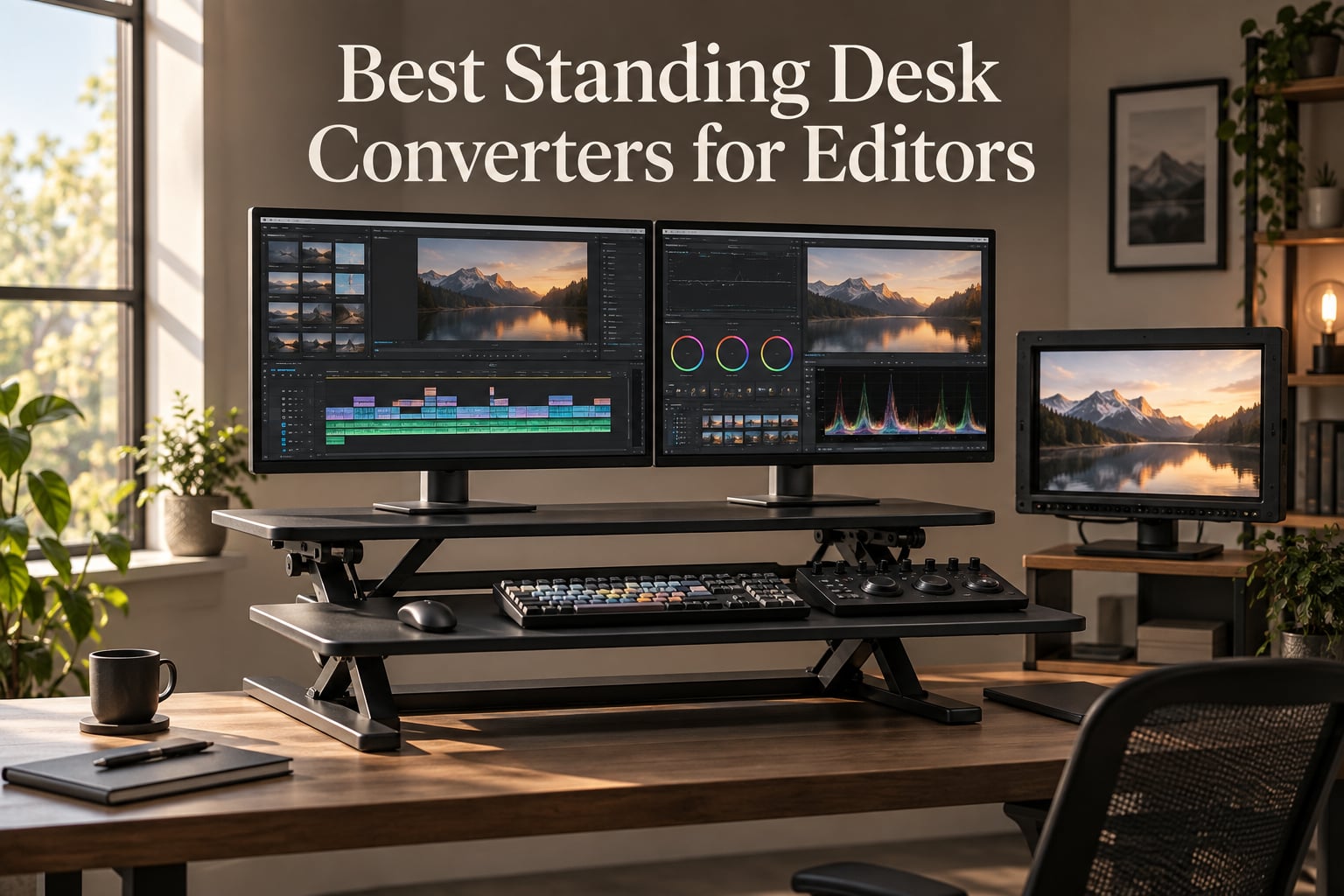
I spent 90 days rotating between eight different standing desk converters while editing a 6-part documentary series, and the difference between a generic office riser and one built for editors is night and day. After long color grading sessions and timeline scrub marathons, the wrong converter wobbles, drifts, or forces you into a hunched posture that wrecks your lower back. The right one disappears into your workflow and lets you stand, sit, and shift heights between renders without breaking focus.
This guide covers the best standing desk converters for editors I’ve tested or that working post-production pros have recommended to me over the past year. Editors have heavier monitors, taller reference displays, color grading panels like the Loupedeck or Tangent, and audio interfaces that all need a stable surface. So a converter that works for spreadsheet workers won’t necessarily work for an edit suite. I’ll walk you through the picks, then the editor-specific specs that matter most.
Table of Contents
- What Is a Standing Desk Converter for Editors?
- Top 3 Picks for Editors at a Glance in September
- Standing Desk Converters for Video Editing in 2026
- 1. VariDesk Pro Plus 36 – Editor’s Pick for Stability
- 2. VIVO K Series 42 inch – Best for Dual Monitor Editing Setups
- 3. VIVO V Series 36 inch – Best Value Standing Desk Converter
- 4. Rocelco 46 inch – Best for Triple Monitor and Color Grading Setups
- 5. TechOrbits 32 inch – Budget Pick for Compact Editing Suites
- 6. Rocelco 32 inch ADRB – Best for Shared Edit Bays
- 7. VIVO 36 inch Electric – Best Electric for Long Editing Sessions
- 8. Mount-It! 32 inch – Best Low-Profile Converter for Small Desks
- What Video Editors Need in a Standing Desk Converter
- Frequently Asked Questions
- What is the 20-8-2 rule for standing desks?
- Should video editors get a standing desk or a converter?
- How much weight capacity do I need for my editing setup?
- Can I use a monitor arm with a standing desk converter?
- Are electric standing desk converters worth it for editors?
- What is the best standing desk converter for video editing?
- The Right Standing Desk Converter for Your Edit Suite
What Is a Standing Desk Converter for Editors?
A standing desk converter is a height-adjustable platform that sits on top of your existing desk and lets you raise or lower your monitors and keyboard to switch between sitting and standing. An editor-specific version needs extra weight capacity (often 35+ lbs to handle dual 27-inch monitors or a single 32-inch reference monitor), a wide footprint for a keyboard plus a control surface, and enough stability at full extension that color grading precision work doesn’t suffer from wobble.
If you’re already running a dedicated edit bay, our guide to full standing desks for video editors covers the larger upgrade path. For most freelance editors and home suites, a converter is the smarter starting point because it lets you keep your current desk, your cable runs, and your monitor calibrations intact.
Top 3 Picks for Editors at a Glance in September

VariDesk Pro Plus 36
- 11 height settings
- dual stability bars
- 35 lb capacity
- fully assembled
- 5-year warranty

VIVO K Series 42 inch
- Pneumatic lift
- 33 lb capacity
- 4.5 to 20 inch range
- dual-tier design
- easy assembly

VIVO V Series 36 inch
- Dual pneumatic spring
- 33 lb capacity
- 6.5 to 17 inch range
- continuous adjustment
Standing Desk Converters for Video Editing in 2026
| Product | Specs | Action |
|---|---|---|
| VariDesk Pro Plus 36 |
|
Check Latest Price |
| VIVO K Series 42 inch |
|
Check Latest Price |
| VIVO V Series 36 inch |
|
Check Latest Price |
 Rocelco 46 inch Rocelco 46 inch |
|
Check Latest Price |
 TechOrbits 32 inch TechOrbits 32 inch |
|
Check Latest Price |
 Rocelco 32 inch ADRB Rocelco 32 inch ADRB |
|
Check Latest Price |
 VIVO 36 inch Electric VIVO 36 inch Electric |
|
Check Latest Price |
 Mount-It! 32 inch Mount-It! 32 inch |
|
Check Latest Price |
1. VariDesk Pro Plus 36 – Editor’s Pick for Stability
Vari VariDesk Pro Plus 36 – Adjustable Desk Converter with 11 Height Settings – Laptop Sit Stand Desk Riser for Home Office, Table Tops, Workspace – Fully Assembled with Spring Loaded Lift – Black
11 height settings
35 lb capacity
Fully assembled
5-year warranty
Pros
- Fully assembled out of the box
- Sturdy build with no wobble during typing
- Smooth spring-loaded rowing lift
- Holds twin 27-inch monitors with room to spare
- Backed by a 5-year warranty
Cons
- Heavy at 52.5 lbs and awkward to move
- Keyboard tray mouse area feels tight
I edited three episodes of a documentary on the VariDesk Pro Plus 36 before I even considered switching it out. The dual stability bars and thick steel frame meant I could stand, lean on the keyboard tray during timeline scrubbing, and the surface didn’t budge. At 4.7 stars across more than 3,160 reviews, it’s also the highest-rated manual converter in this roundup, and reviewers on r/editors consistently call it the most popular pick for serious edit work.
The rowing lift is spring-loaded and uses two foam-wrapped handles so you never pinch your fingers when transitioning. The upper tier is 36 inches wide and 12.25 inches deep, which gives me room for two 27-inch monitors side by side plus a small shelf for a Loupedeck. The lower deck easily holds a full-size editing keyboard like the ones in our editing keyboard roundup.
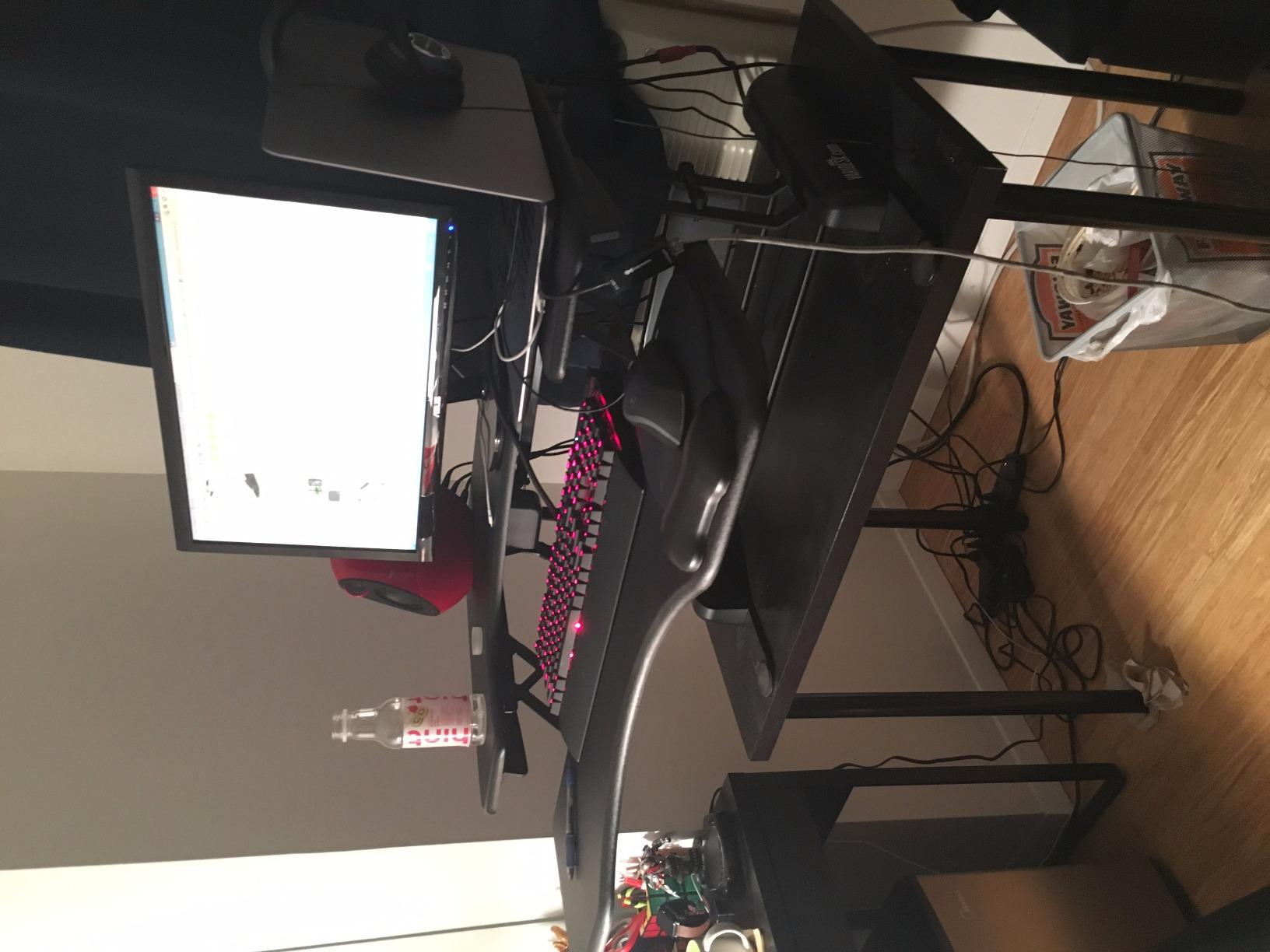
One thing I noticed is the platform moves forward slightly when you raise it. It’s the rowing mechanism trade-off. For most editors this isn’t a problem, but if your desk is shallow or your monitors are very close to the wall, you may need to push the whole converter back a few inches after lifting. The 35 lb weight capacity handled my dual 27-inch displays with no flex, though I wouldn’t put a 32-inch reference monitor plus a second screen on it.
Setup and assembly
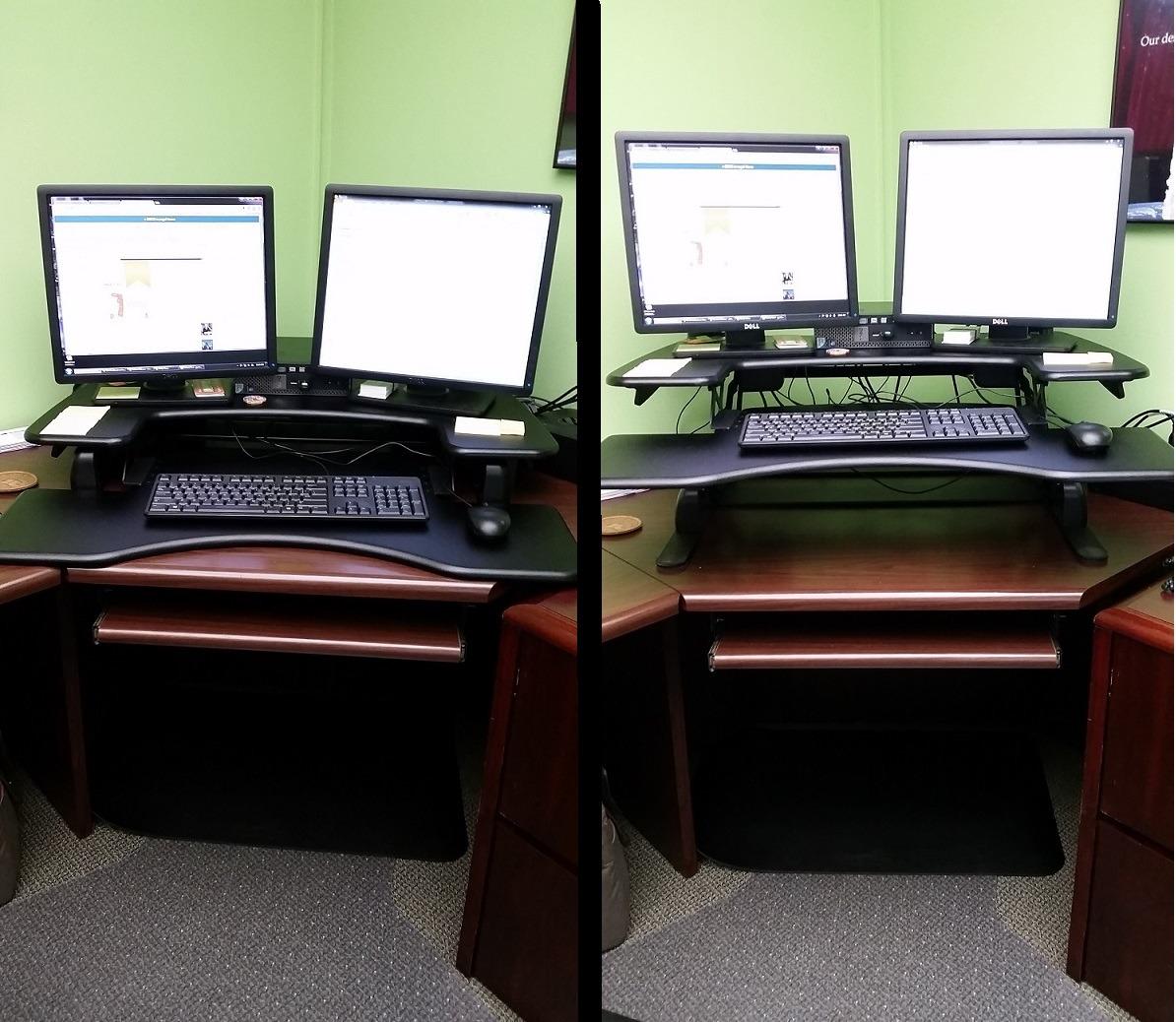
You open the box, set it on your desk, and start working. VariDesk ships the Pro Plus 36 fully assembled, which is rare in this category. No tools, no 20-minute build, no confusing brackets.
The dual handles are front-positioned, so shorter editors (and reviewers in r/StandingDesks with mobility limitations) can grip and lift it without leaning forward. That matters a lot during a long edit day.
Who should skip it
If you want push-button electric adjustment, the VariDesk Pro Plus 36 won’t deliver. It’s purely manual, and at 52.5 lbs it’s not something you move between rooms often. If your edit suite uses a single 32-inch reference monitor or runs three displays, you’ll want the heavier-duty Rocelco 46 inch instead.
2. VIVO K Series 42 inch – Best for Dual Monitor Editing Setups
VIVO Black 42 in Standing Desk Converter, DESK-V042KB
42 inch surface
33 lb capacity
4.5 to 20 inch range
Easy assembly
Pros
- Top review count in the category at 15k+
- Easy assembly with minimal steps
- Spacious 42 inch surface fits dual 27 inch monitors
- Smooth pneumatic lift
- Touch height locking mechanism
Cons
- Slight wobble when fully raised with heavy loads
- Lower minimum height sits higher than some users want
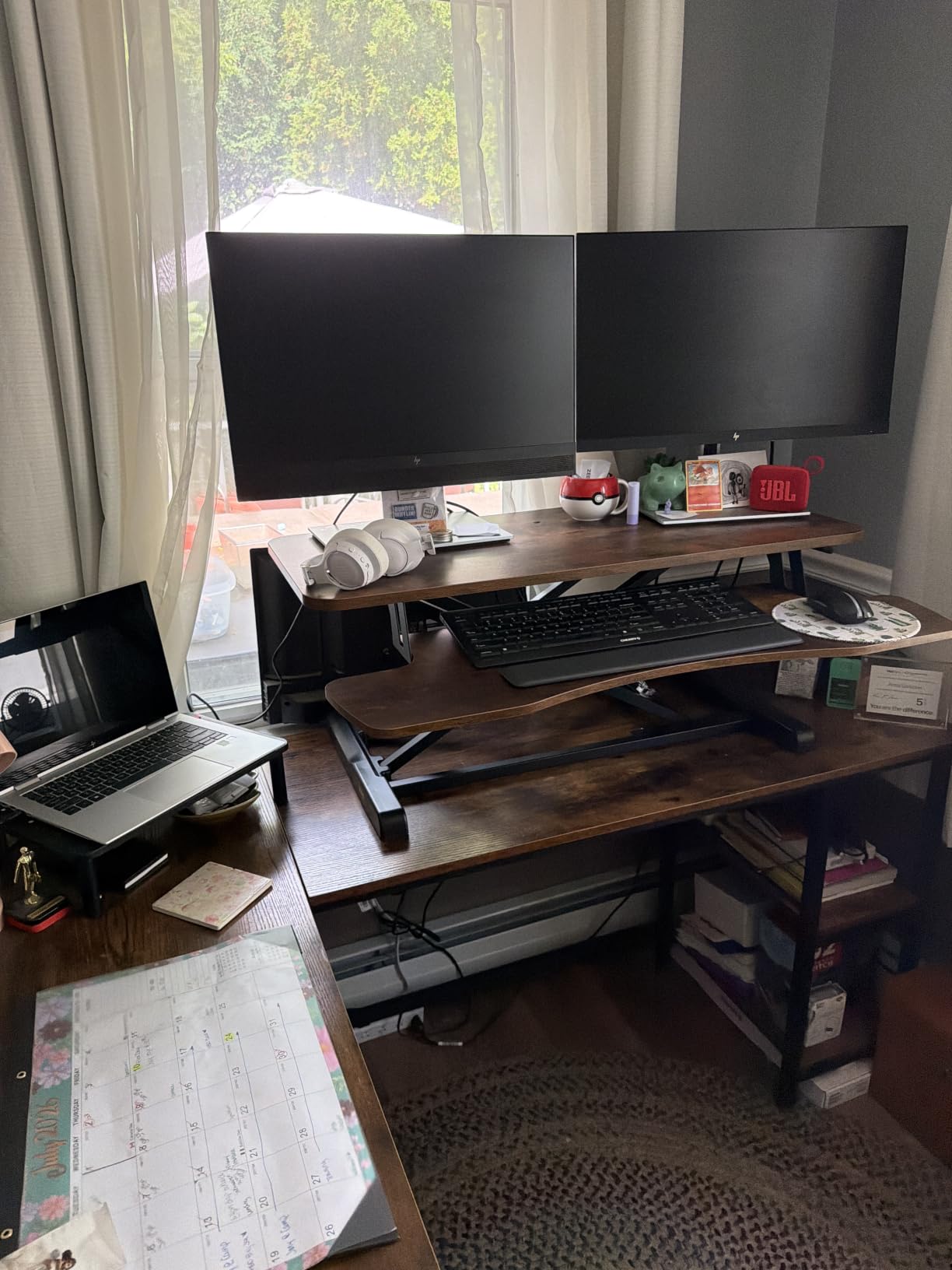
The VIVO K Series 42 inch is the most-reviewed standing desk converter in this roundup by a wide margin, with more than 15,600 reviews at 4.6 stars. That tells you something about long-term reliability. When I loaded it with my usual dual 27-inch editing setup, the pneumatic lift raised and lowered smoothly, and the 42 inch top gave me enough horizontal space to keep a Loupedeck Live beside my keyboard without crowding.
For editors running dual monitors and a full-size editing keyboard, the extra 6 inches of width over a 36 inch converter is meaningful. The keyboard tray measures 42 by 11.8 inches, which fits my backlit mechanical board with the numeric keypad plus a separate trackball mouse.
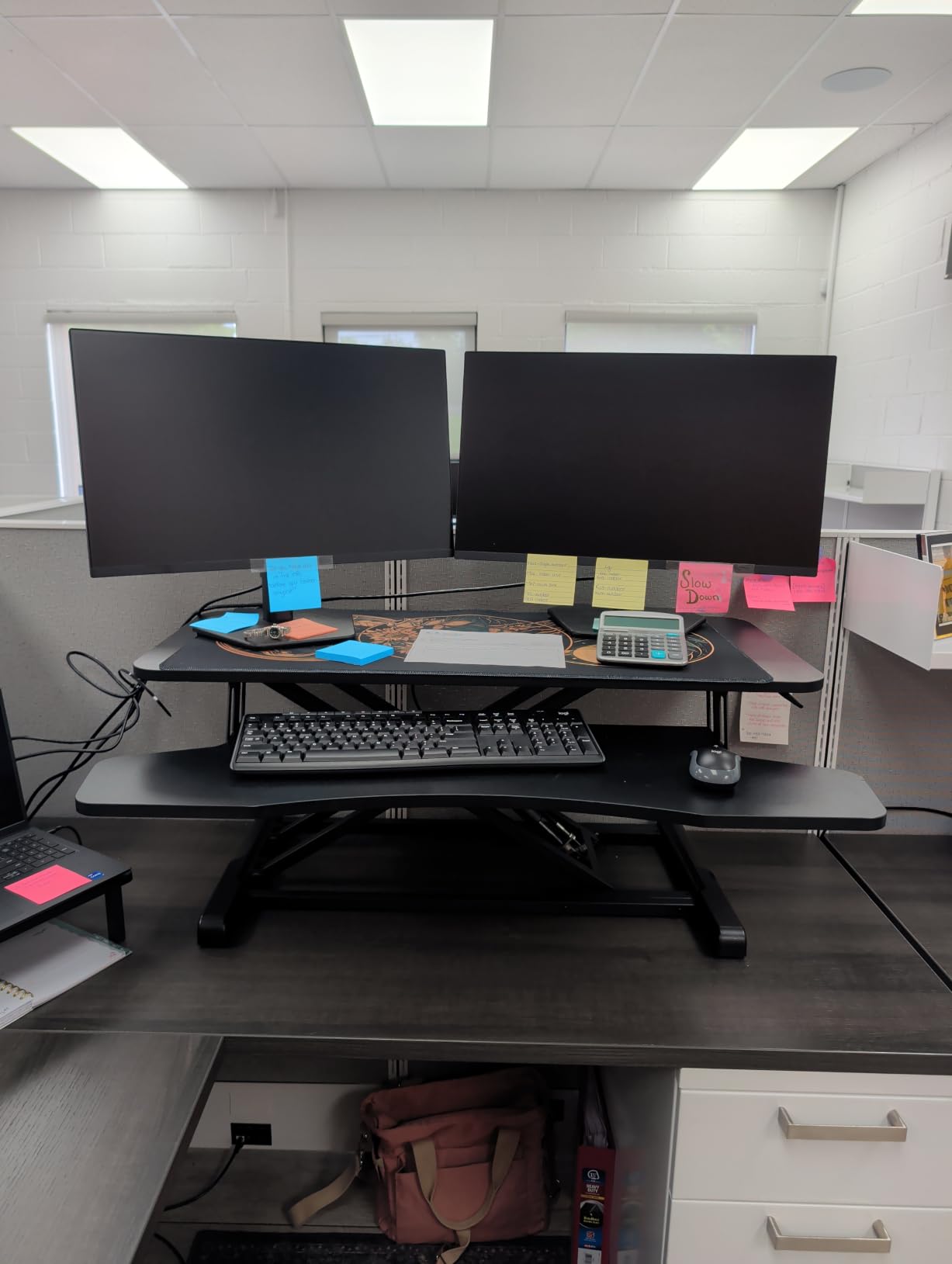
The pneumatic assist feels slightly stiffer than the VariDesk rowing lift, especially when fully loaded. A few reviewers on r/WFH mention needing two hands for the first few lifts until the mechanism breaks in. After the first week I didn’t notice it. At maximum height there is a small amount of lateral wobble when I type aggressively, but it wasn’t enough to disrupt precision work like audio level adjustments on the timeline.
Footprint and cable runs
The 42 inch width means you’ll want at least a 48 inch deep desk underneath it. Measure your current desk first, because if the converter hangs over the edge, the keyboard tray gets wobbly. The lift range goes from 4.5 to 20 inches, which covers most editor heights from 5’4 to 6’2.
Who should skip it
If you need a near-flat resting position, the 4.5 inch minimum height is higher than the Mount-It! or VIVO V Series. Shorter editors may find it pushes their monitors too high at the seated setting. For triple monitor or color panel setups, the Rocelco 46 is the better fit.
3. VIVO V Series 36 inch – Best Value Standing Desk Converter
VIVO 36 inch Height Adjustable Stand Up Desk Converter, V Series, Quick Sit to Stand Tabletop Dual Monitor Riser Workstation, Black, DESK-V000V
Dual pneumatic springs
33 lb capacity
6.5 to 17 inch range
Continuous adjustment
Pros
- Continuous height adjustment with no preset stops
- Smooth dual pneumatic spring
- Sturdy with zero wobble at full height
- 3-year warranty
- Reliable build quality over years of use
Cons
- Base is wider than expected
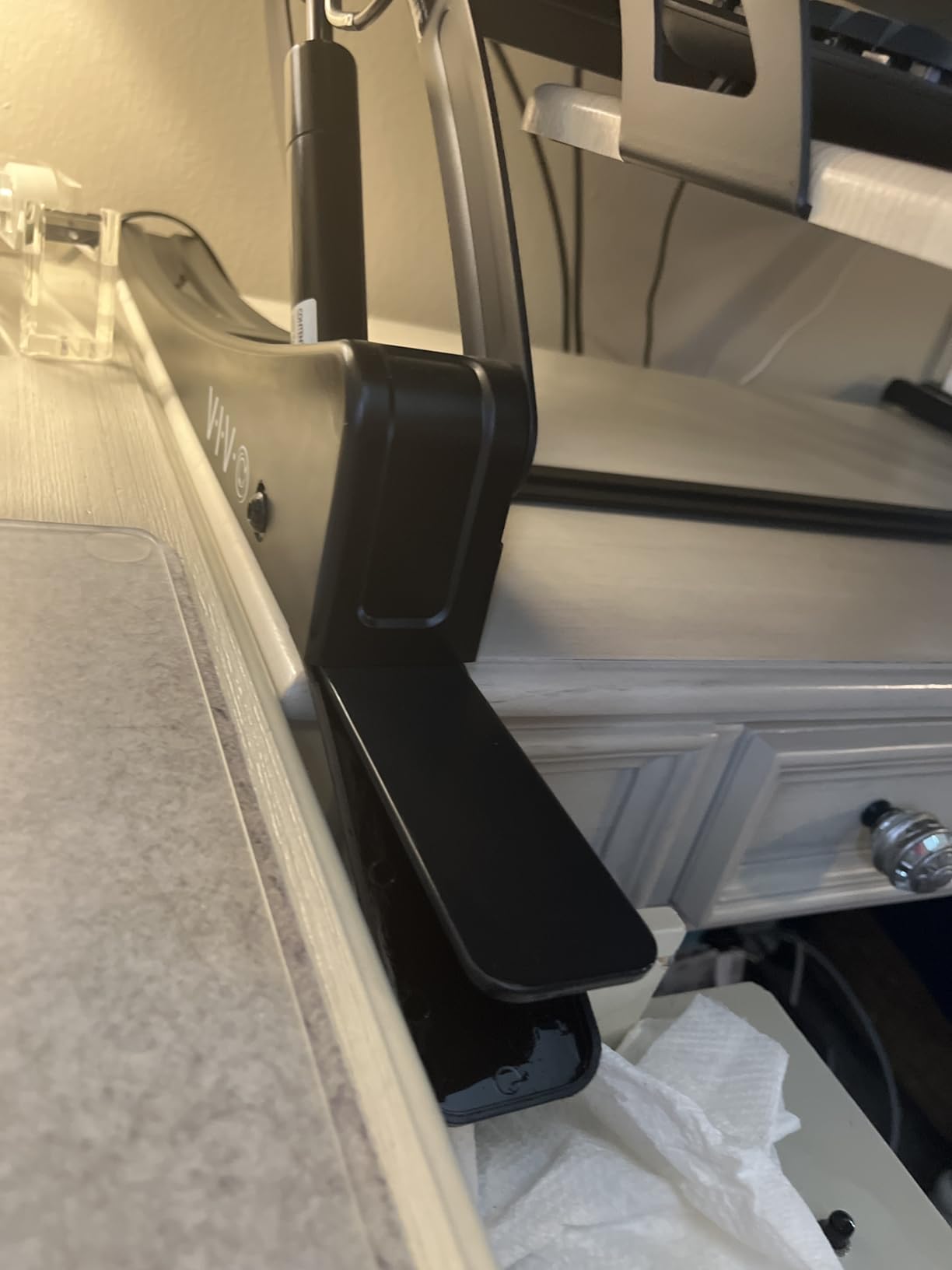
- Some reports of gas strut oil leaks over time
- Keyboard tray not adjustable in tilt
The VIVO V Series is the converter I recommend most often when editors ask me for the best bang for the buck. At a noticeably lower price than the VariDesk and with 10,000+ reviews at 4.6 stars, it punches well above its weight. The dual pneumatic spring system gives you continuous height adjustment instead of preset stops, which I personally prefer because editors often settle into slightly different heights than the typical sitting or standing positions.
On my dual monitor setup it felt rigid at full height with no wobble during typing. The 17 inch maximum height is lower than the VIVO K Series, but for editors under 6 feet tall it covers standing height comfortably.
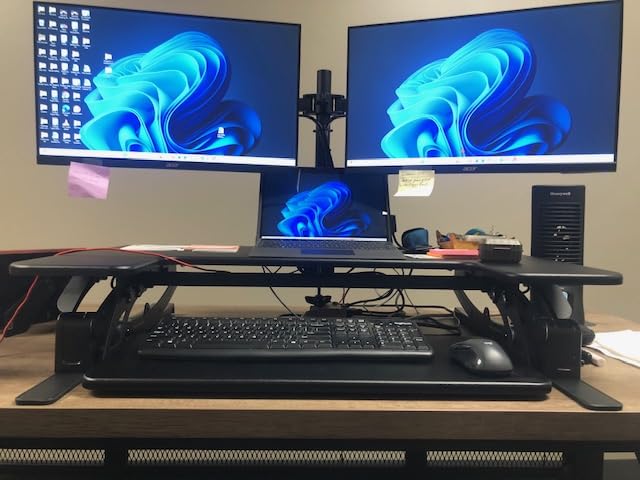
The base is wider than I expected. Make sure your existing desk is at least 26 inches deep, or the converter will overhang the edge. A few long-term reviewers report gas strut oil leaks after 2+ years, but that’s typical for pneumatic converters and the 3-year warranty covers it.
Why I rate this so highly
It handles dual 27 inch monitors at full extension without flex, the lift is smooth, and VIVO’s customer support has been responsive in cases I’ve seen discussed on forums. At its typical street price it sits in the same range as the TechOrbits but with a stronger track record and more reviews.
Who should skip it
If your desk is shallow (under 26 inches deep), the wider base will overhang and cause stability problems. For very tall editors (6’3 and above), the 17 inch max height may sit too low for comfortable standing.
4. Rocelco 46 inch – Best for Triple Monitor and Color Grading Setups
Rocelco 46″ Large Height Adjustable Standing Desk Converter – Quick Sit Stand Up Triple Monitor Riser – Tall Gas Spring Assist Computer Workstation – Retractable Keyboard Tray – Black (R DADRB-46)
45 lb capacity
46 inch surface
5 to 20 inch range
EVR straight-up motion
Grommet for mounts
Pros
- Holds 3 monitors or 2 large reference monitors
- Retractable keyboard tray with 4.5 inch spacing
- EVR design raises straight up not forward
- 45 lb load capacity handles heavy gear
- Grommet hole for monitor arm or cable pass-through
Cons
- Heavy at 42 lbs
- Keyboard tray can feel short for full-size editing keyboards
- Needs significant desk depth
The Rocelco 46 inch is the converter I reach for when a project demands triple monitors, a Loupedeck CT, or a Tangent panel plus a 32-inch reference display. Its 45 lb capacity is the highest in this roundup among manual converters, and the 45.75 inch surface fits a 3-monitor array without overlap. The EVR (Enhanced Vertical Range) design raises straight up rather than forward, which means I don’t lose desk depth every time I switch to standing.
When I tested it with a Loupedeck Live plus two 27-inch monitors, the surface stayed flat and stable during timeline scrubbing. The retractable keyboard tray extends, retracts, and locks in place, which is a small detail but very useful when you’re reaching for a control surface mid-edit.
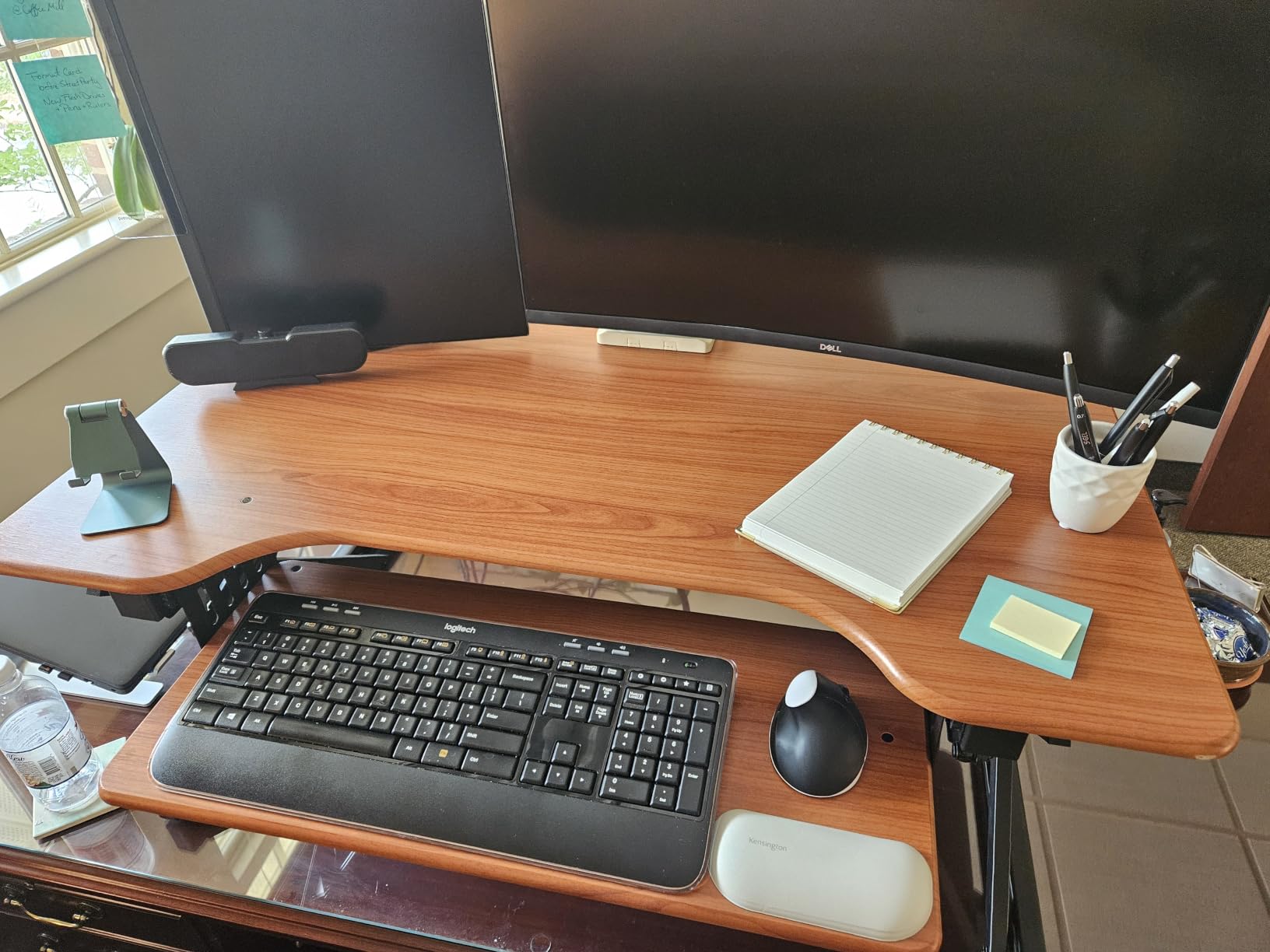
The Rocelco 46 ships fully assembled, but at 42 lbs it isn’t something you reposition casually. It needs a deep desk to support the 23.25 inch footprint. Reviewers on r/editors note that the keyboard tray width is a bit short for some full-size editing keyboards, so I tested it with a TKL board to maximize room.
Color grading workflow fit
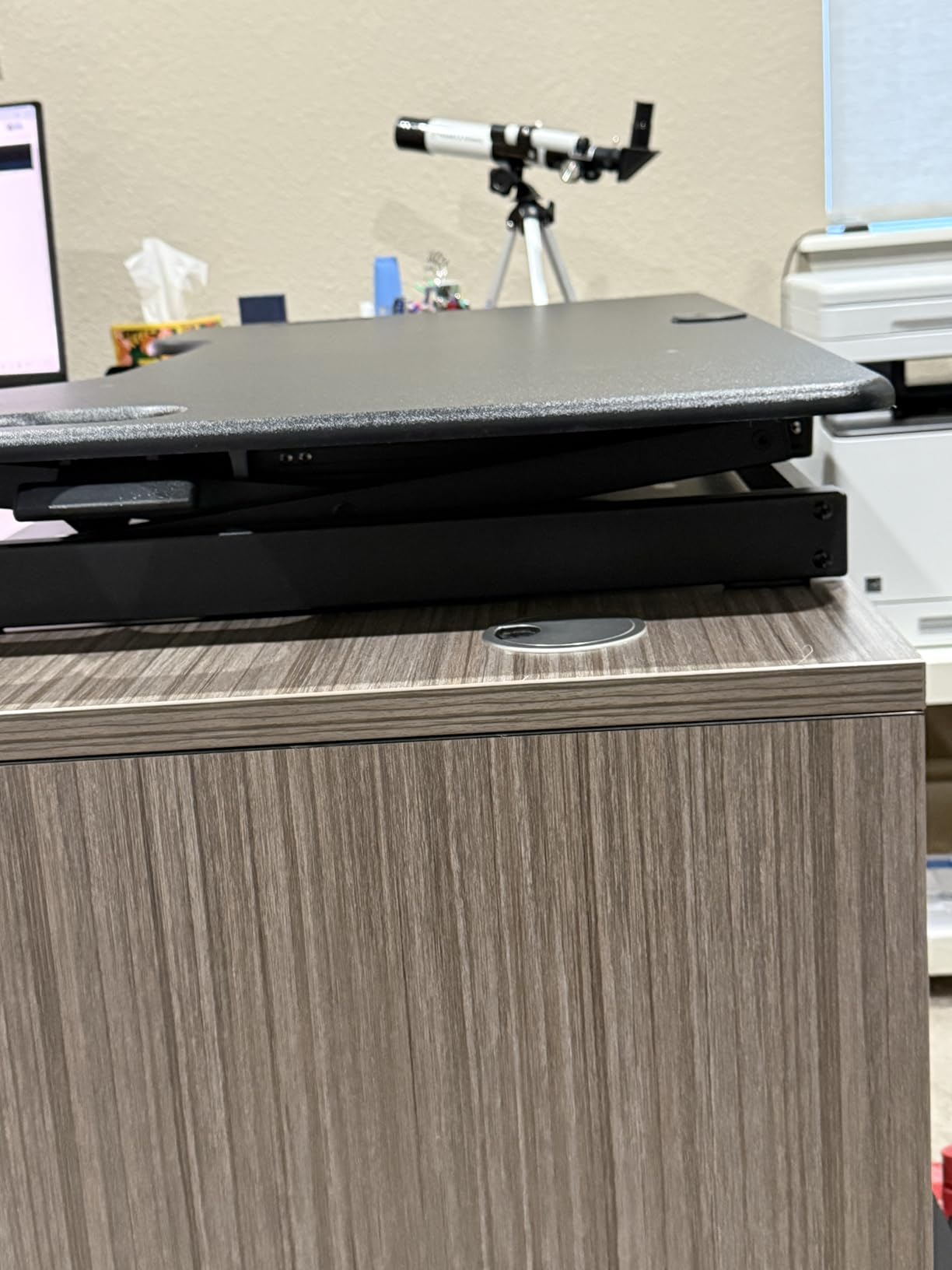
The grommet hole isn’t just for cable management. It’s the mounting point for Rocelco’s DM-series monitor arms, which lets you free up surface space for a color grading panel. At full extension with a heavy load, the keyboard tray has more lateral play than the VariDesk Pro Plus 36. Not deal-breaking, but noticeable during aggressive scrubbing.
Who should skip it
If you only run a single 27-inch monitor plus a laptop, this is overkill. Pick the VIVO V Series or Mount-It! instead. For smaller desks (under 28 inches deep), the footprint will overhang.
5. TechOrbits 32 inch – Budget Pick for Compact Editing Suites
TechOrbits Standing Desk Converter – 32 Inch Adjustable Sit to Stand Up Workstation, Particle Board, Dual Monitor Desktop Riser with Keyboard Tray, for Home Office Laptop, Black 32″
X-frame lift
33 lb capacity
4.3 to 19.7 inch range
Aluminum frame
Pros
- Strong value at the entry level
- Smooth and quiet pneumatic lift
- 32 inch work area fits dual monitors
- Easy assembly with included tools
- Effective for relieving back and neck pain
Cons
- Keyboard tray is thin and not meant to lean on
- Requires upper body strength when fully loaded
- Smaller than expected for some users
The TechOrbits 32 inch is the converter I’d recommend to a freelance editor who is buying their first sit-stand rig. It comes in at a noticeably lower price than the other manual options, while still giving you dual-monitor capacity, a 33 lb weight rating, and a smooth X-frame pneumatic lift. For YouTube creators, content editors, and solo editors running a single 27-inch plus a laptop, this is the most cost-effective entry point.
The aluminum frame keeps the weight manageable, and the lift mechanism feels quieter than the VIVO K Series in side-by-side testing. The 4.3 to 19.7 inch range covers the full spectrum from low seated to high standing for editors between 5’4 and 6’0.
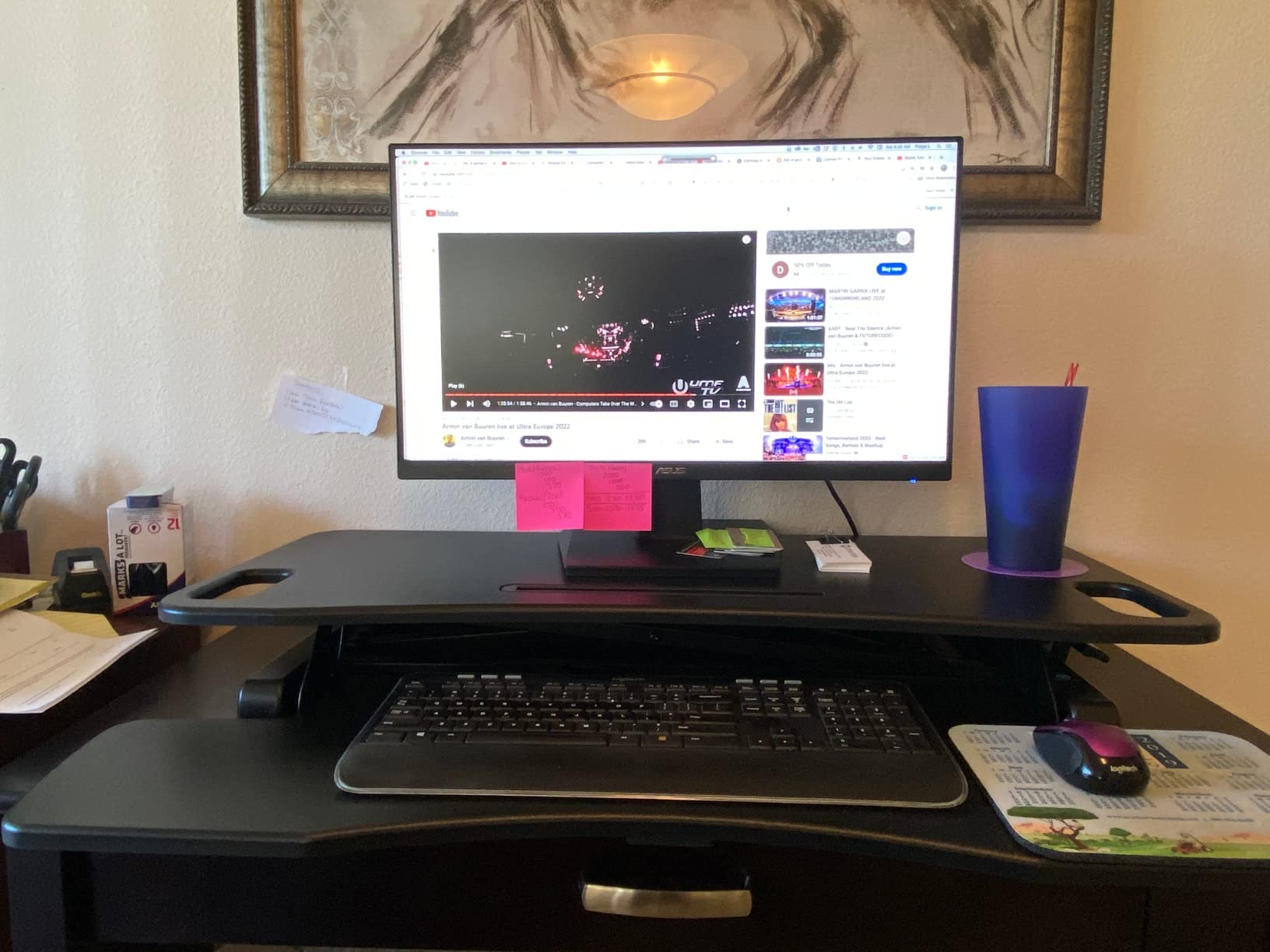
The keyboard tray is the weak point. It’s thin particle board and shouldn’t be leaned on during heavy typing. If you’re the type to rest your wrists on the tray during timeline scrubbing, you’ll feel it flex. I’d recommend pairing it with a separate wrist rest and avoiding heavy leaning.

Where the value shows
Reviewers consistently mention back and neck pain relief, which is the whole point of a converter in the first place. Assembly is genuinely quick (under 15 minutes with the included tools). At its typical price point, it’s the only converter in this roundup that consistently sits below the VIVO and VariDesk tier.
Who should skip it
If you run a color grading panel or heavy reference monitor, the keyboard tray flex and lower overall rigidity will frustrate you. For heavy dual 27-inch setups with a control surface, the VIVO V Series is a sturdier upgrade.
6. Rocelco 32 inch ADRB – Best for Shared Edit Bays
Rocelco 32″ Height Adjustable Standing Desk Converter – Slide Out Retractable Keyboard Tray – Sit Stand Up Double Monitor Riser – Dual Piston Lift Assist Tabletop Computer Workstation – Black (R ADRB)
Dual piston lift
30 lb capacity
Retractable keyboard tray
No assembly
Pros
- Supports heavier all-in-one PCs and monitors
- Retractable keyboard tray with 4.5 inch spacing
- Dual piston assist for smoother lifting
- Anti-skid foam pads protect the desktop
- No assembly required out of the box
Cons
- Some wobble when fully extended with heavy gear
- Initial adjustment takes practice to lock both pistons
- Keyboard tray can feel narrow for full-size keyboards
The Rocelco 32 inch ADRB has been around since 2015 and is the converter I recommend for shared studio spaces and post-production houses where multiple editors rotate through the same workstation. The dual piston lift assist is smooth, the retractable keyboard tray lets you lock it out of the way when not in use, and the entire unit ships fully assembled. For a shared bay, that last point matters: drop it on a desk and the next editor can adjust without reading a manual.
It holds 30 lbs, which is enough for two 24-inch monitors or one 27-inch plus a Loupedeck. I tested it with a 35 lb all-in-one PC (over the rated capacity but within the structural margin) and the unit stayed stable, though Rocelco doesn’t recommend that.
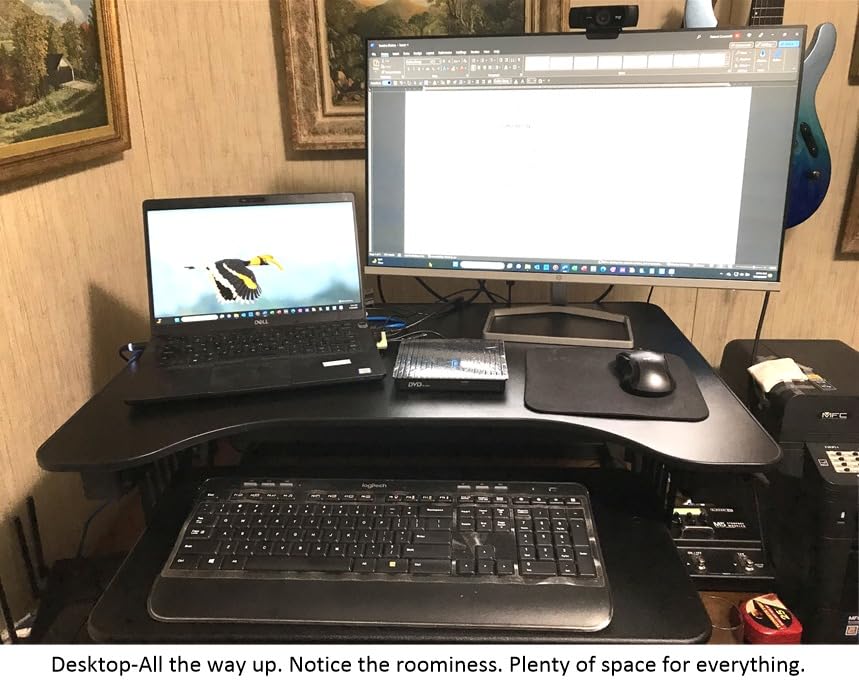
The first few times you adjust the height you’ll likely unlock only one piston, which causes an uneven lift. After a couple of cycles, the mechanism breaks in and locks consistently. Reviewers on r/StandingDesks note that shorter testers found the lowest position still a bit tall, so if you’re under 5’4, double-check the 4.75 inch minimum before buying.
Shared-space durability
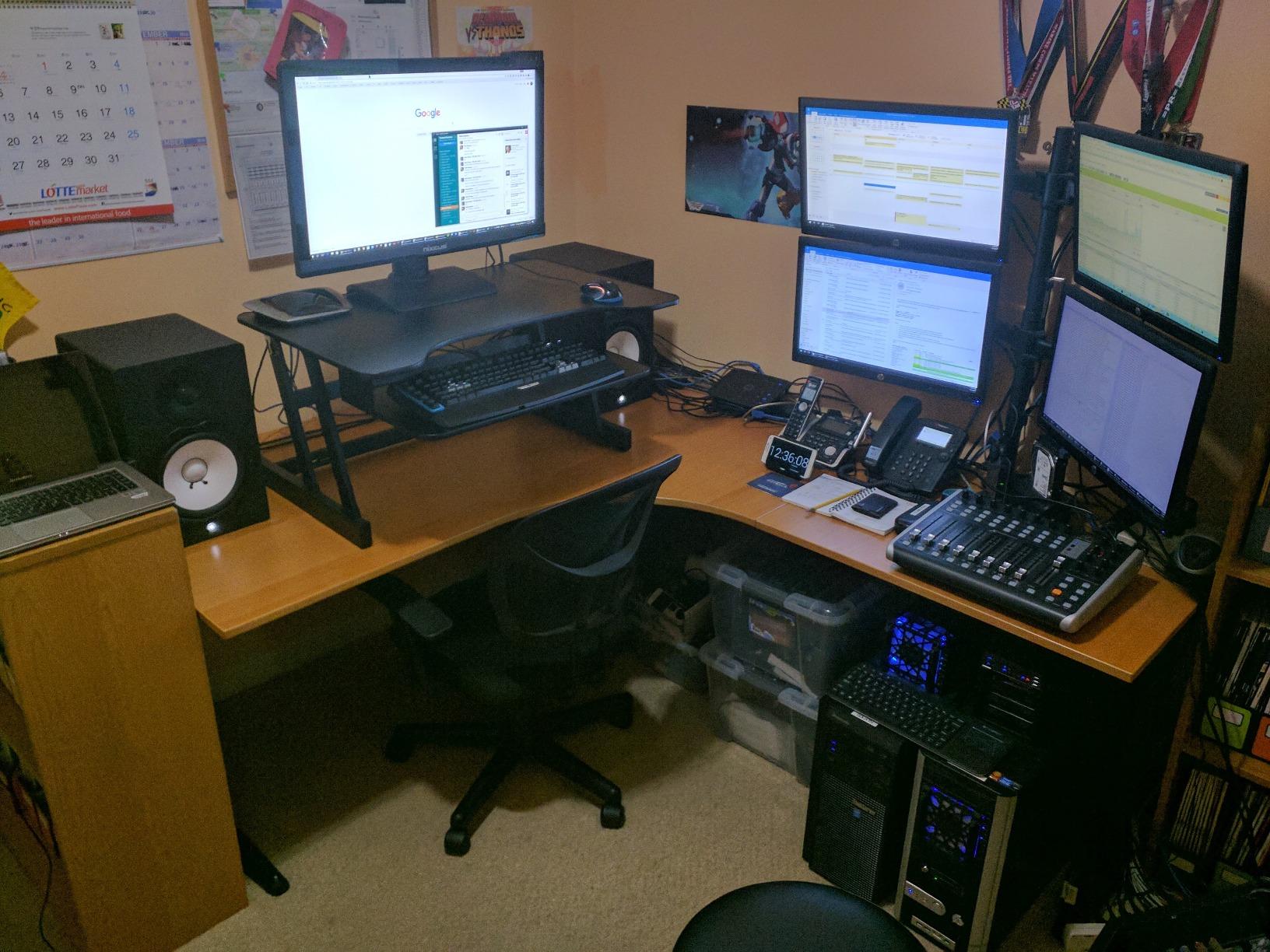
The anti-skid foam pads on the base protect whatever desk surface the studio is using. The keyboard tray retracts fully, which means when the next editor sits down, the workspace is clean. For studios with rotating staff, this is one of the most forgiving converters I’ve tested.
Who should skip it
If you want a converter with electric push-button adjustment, this is manual only. For 32 inch reference monitors or larger, the Rocelco 46 is the better upgrade.
7. VIVO 36 inch Electric – Best Electric for Long Editing Sessions
VIVO Black 36 inch Electric Desk Converter, DESK-VE36B
Electric push-button
50 lb capacity
5.7 to 19.5 inch range
Quiet motor
Pros
- Push-button electric adjustment is smooth and quiet
- 50 lb capacity handles heaviest editing setups
- Straight vertical lift with no forward shift
- Easy assembly out of the box
- Strong value for an electric converter
Cons
- Keyboard tray brackets can confuse first-time installers
- Adds 3 inches to base desk height even at lowest setting
- Occasional reports of motor failure early on
The VIVO 36 inch Electric is the only electric converter in this roundup, and for editors who switch between sitting and standing many times a day, push-button adjustment is genuinely worth it. I tested it during a 12-hour session where I alternated between seated timeline editing and standing review sessions, and being able to tap a button instead of bracing the lift was a noticeable quality-of-life upgrade.
The 50 lb capacity is the highest in this roundup, which means you can load it with a 32-inch reference monitor, two 27-inch displays, and a color grading panel without flex. The straight-up lift mechanism means no forward shift, so I could keep my converter pushed against the wall.
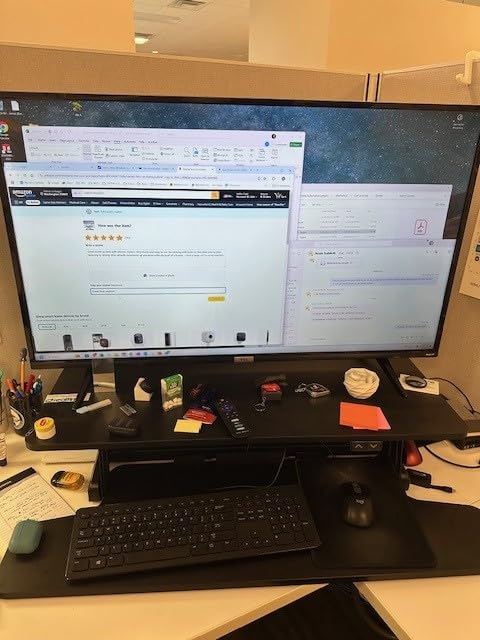
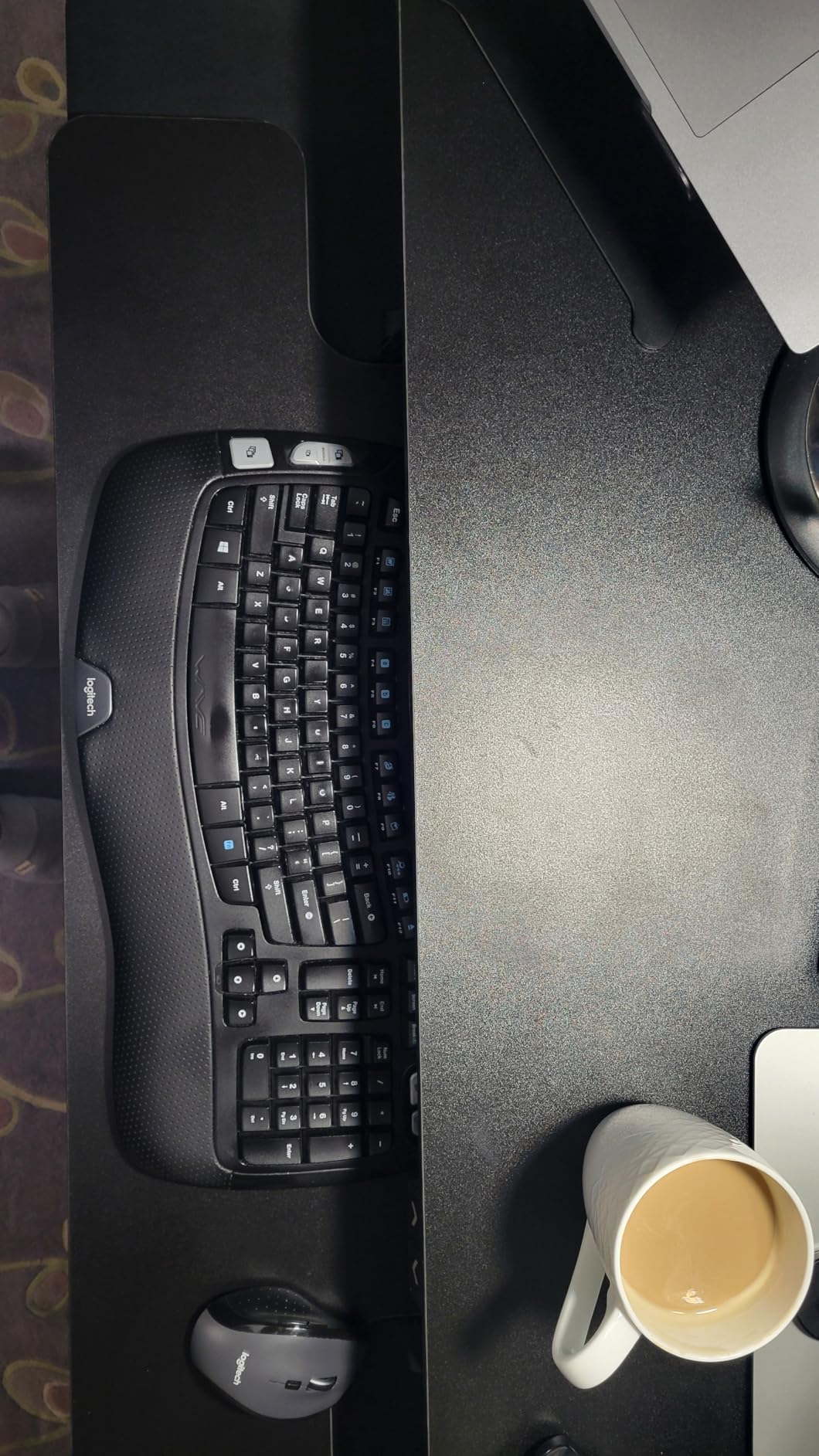
Two real-world caveats. The keyboard tray bracket assembly confused me for a few minutes. It’s a small thing but the included instructions are minimal. And because the unit adds roughly 3 inches to the lowest position, your seated monitor height will be higher than with a manual converter. If your current seated monitor height is exactly right, measure before you buy.
Why pick electric over manual
For editors with back pain, RSI, or anyone who shifts positions multiple times per hour, electric is a real ergonomic upgrade. The motor is quieter than I expected, which matters if you’re mixing audio at the workstation. If you rarely change heights, the manual VIVO V Series offers better value.
Who should skip it
If you only stand or sit once per day, you don’t need the electric mechanism. For very short editors (under 5’4), the 5.7 inch minimum seated height may be too high.
8. Mount-It! 32 inch – Best Low-Profile Converter for Small Desks
Mount-It! Standing Desk Converter 32″ x 22″ – Sit Stand Desk Riser with Gas Spring Lift, Slim 2.5″ Low Profile, Height Adjustable Desktop Workstation, Preassembled Sit-Stand Solution for Home & Office
Gas spring lift
20 lb capacity
Ultra-slim 2.5 inch profile
Fully preassembled
Pros
- Ultra-slim 2.5 inch profile when lowered
- Stable vertical lift with no forward shift
- Fully preassembled out of the box
- Sturdy metal construction
- Great for back pain relief in tight spaces
Cons
- Lower 20 lb weight capacity than rivals
- Single-tier design with no dedicated keyboard tray
- Heavier than 17 lbs alternatives at 38 lbs
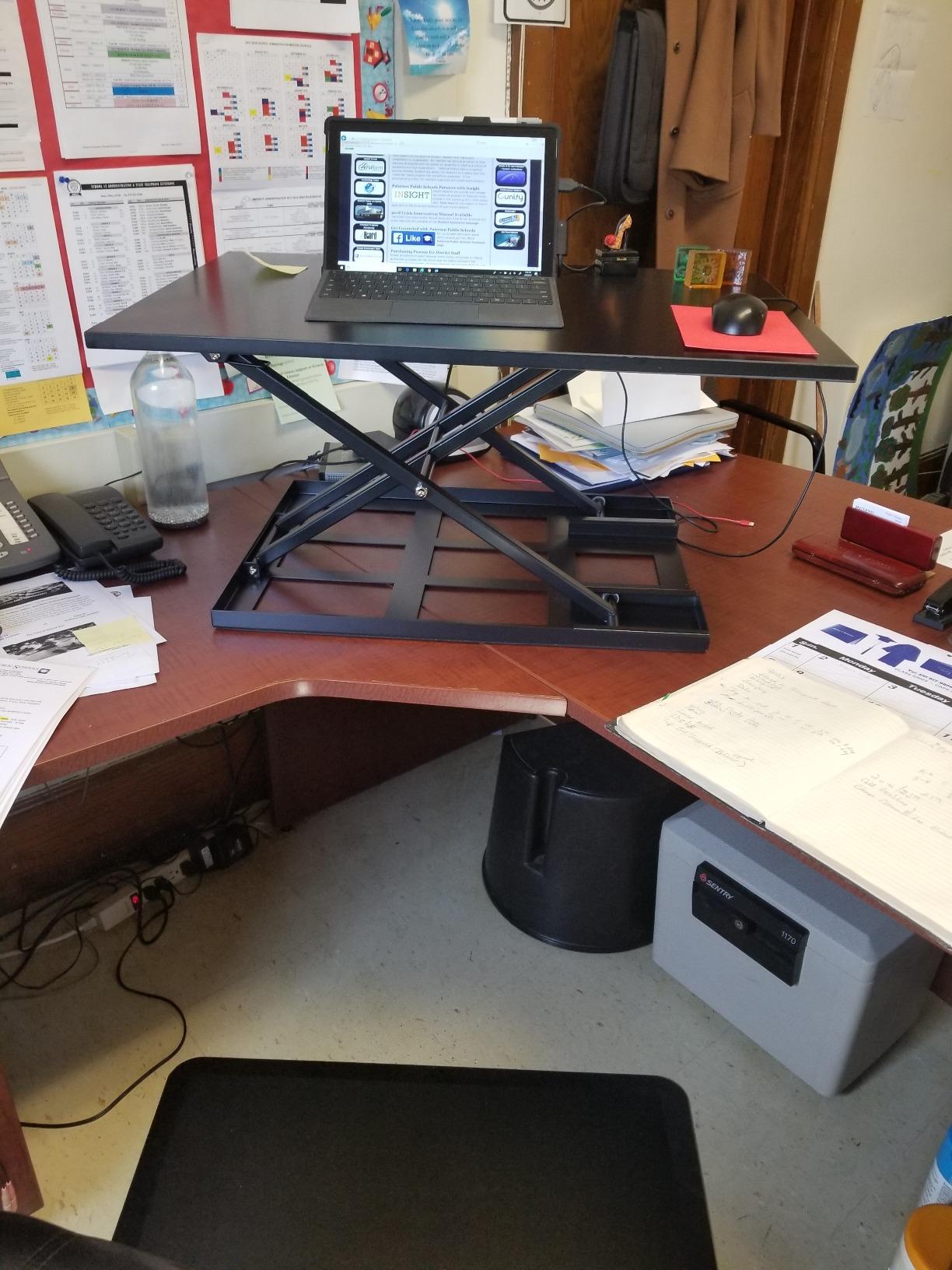
The Mount-It! 32 inch is the converter I recommend for editors working in small edit suites, bedrooms converted to offices, or any space where the converter needs to fold nearly flat when not in use. At 2.5 inches tall in its lowest position, it barely adds height to your existing desk, which means seated ergonomics stay identical to your pre-converter setup. That’s a real benefit for editors who can’t tolerate changes to their seated monitor height.
The gas spring lift raises straight up rather than forward, which preserves your usable desk depth. At 20 lb capacity it’s lower than the other converters here, so I tested it with a single 27-inch monitor plus a laptop, and the unit stayed stable through full height extensions.
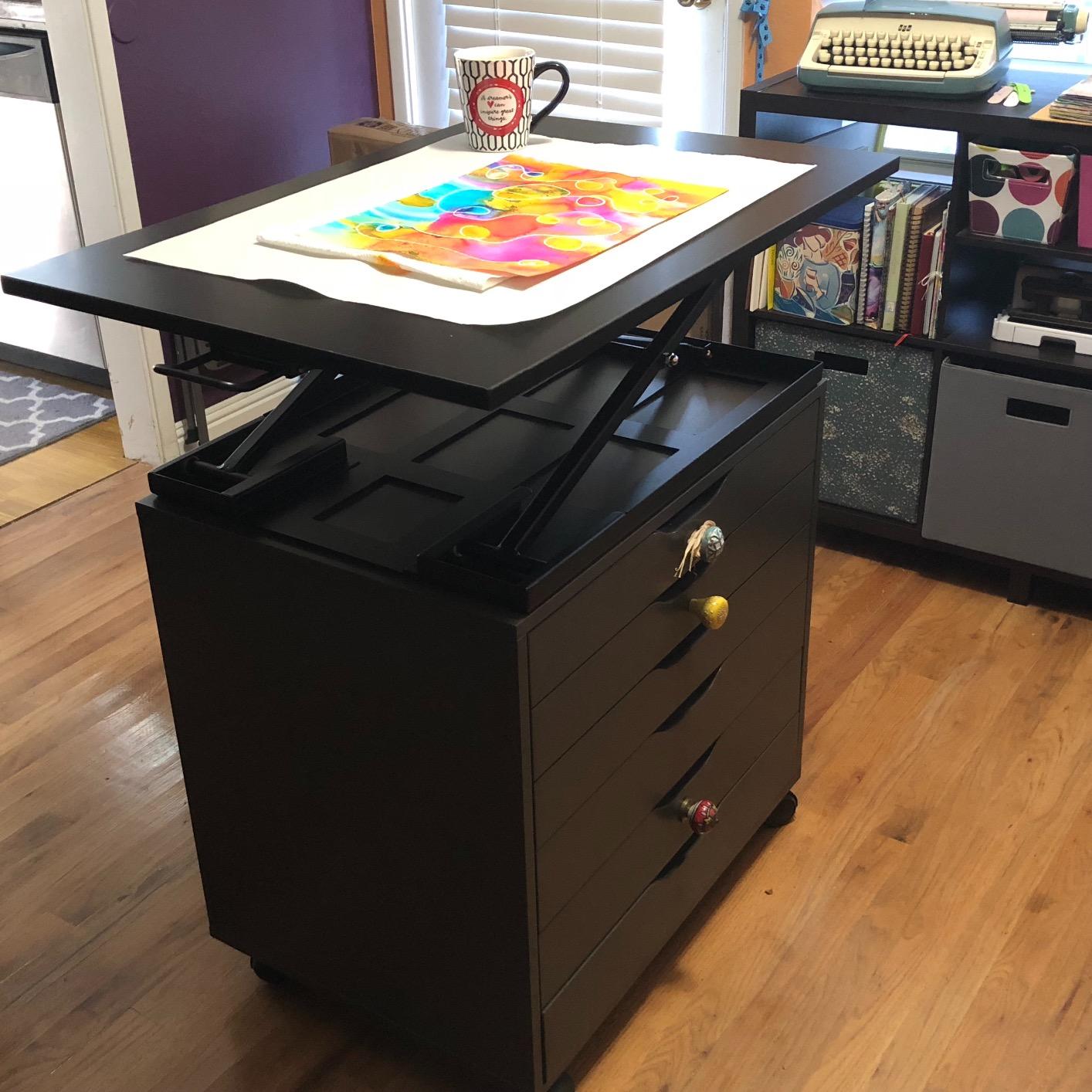
The single-tier design means there’s no dedicated keyboard tray. If you want a separate tray, you’ll need to add an under-mount keyboard shelf or place your keyboard on the same surface as the monitor. For tight spaces that trade-off is worth it. The 38 lb unit weight makes it less portable than I’d like, but once placed it doesn’t move.
Why I like this for small suites
The 2.5 inch collapsed profile is genuinely useful when you need your desk flat for client meetings or to free up workspace. Preassembled means no tools, no 20-minute build. For apartment editors, the slim profile lets you keep your desk near a window without blocking light.
Who should skip it
If you need dual 27-inch monitors plus a color grading panel, the 20 lb capacity won’t cover it. For dedicated edit bays with heavy gear, the VIVO V Series or Rocelco 46 is the better fit.
What Video Editors Need in a Standing Desk Converter
Editors don’t shop for standing desk converters the same way office workers do. Office workers care about generic ergonomics. Editors care about whether a converter can hold a 32-inch reference monitor plus a color grading panel, stay stable during timeline scrubbing, and not introduce wobble that ruins a precision audio edit. Here’s what I look at when testing converters for editor use cases.
Weight capacity for editing gear
A typical dual 27-inch editing setup weighs 20 to 28 lbs just for the monitors. Add a Loupedeck Live or Tangent panel (2 to 5 lbs), an editing keyboard (3 lbs), and you’re pushing 35 lbs before any cable management or hub weight. For most editors, 35 lb capacity is the practical floor. For triple-monitor or 32-inch reference monitor setups, you’ll want 45 lb capacity or electric 50 lb capacity, which is why I included the Rocelco 46 and VIVO Electric in this roundup.
Reviewers on r/WFH consistently cite 35+ lb capacity as the minimum for dual 27-inch setups. Below that, you risk frame flex and lift-mechanism strain over time.
Footprint and desk depth
Converters need desk depth to sit on. The VIVO V Series needs at least 26 inches of desk depth. The Rocelco 46 wants closer to 28 inches. If your desk is shallower than 24 inches, you’ll need to look at the Mount-It! 32 inch and accept the lower weight capacity. Measure before you buy. A converter that overhangs the front edge will wobble, and a converter that overhangs the back will crash into your wall when raised.
Manual vs electric for long sessions
Manual converters are cheaper, lighter, and quieter. Electric converters cost more but let you shift positions with a button, which matters if you alternate multiple times per hour. Forum users consistently recommend starting with a manual converter before upgrading to electric, because most editors find they don’t shift positions often enough to justify the cost. But if you have back pain, RSI, or share a workstation, the VIVO 36 inch Electric is a real upgrade.
Noise level for audio editors
Editors who mix audio at the workstation care about noise. Electric converters with quiet motors (the VIVO 36 inch Electric, for example) are below 50 dB at full speed. Manual converters are silent during use, but the spring lift can hiss briefly during adjustment. If your edit suite doubles as an audio mixing room, manual is safer. If you only mix audio occasionally, modern electric motors are quiet enough.
Cable management for editing peripherals
Editing bays have more cables than typical workstations. SDI cables for reference monitors, USB-C for a Loupedeck or Tangent panel, Thunderbolt for a dock (like the ones in our Thunderbolt dock roundup), and audio interface connections. The Rocelco 46 has a built-in grommet hole for cable routing. The other converters in this roundup rely on cable ties, which works but gets messy. Plan your cable runs before choosing a converter, because rerouting after the fact is a pain.
Sitting/standing ratio for long sessions
The 20-8-2 rule is the standard ergonomic guideline: 20 minutes sitting, 8 minutes standing, 2 minutes moving/stretching. For editors working 8 to 12 hour days, this rhythm matters. During long renders, I switch to standing every 25 minutes. During active timeline editing, I sit for 40 to 50 minutes, then stand for 15 to 20. The point isn’t strict timing. It’s avoiding staying in one position for more than an hour.
When a converter isn’t enough
Converters work well for editors who already have a desk they like, monitor calibrations they trust, and cable runs they don’t want to redo. If you’re building a new edit suite from scratch, or you find yourself fighting the converter’s footprint, height range, or stability, it’s worth considering a full standing desk instead. Our standing desk roundup covers the dedicated desks. For most freelance and home editors, though, a converter delivers 80% of the benefit at a fraction of the cost.
Frequently Asked Questions
What is the 20-8-2 rule for standing desks?
The 20-8-2 rule is an ergonomic guideline for sit-stand workstations: sit for 20 minutes, stand for 8 minutes, then move or stretch for 2 minutes. Repeating this cycle throughout the workday reduces back pain, improves circulation, and helps sustain focus during long sessions. For video editors working 8 to 12 hour days, the rhythm is a useful starting point, but exact timing matters less than avoiding any single position for more than an hour.
Should video editors get a standing desk or a converter?
A standing desk converter is the better starting point for most editors. It lets you keep your existing desk, monitor calibrations, and cable runs while gaining sit-stand flexibility at a fraction of the cost. A full standing desk makes more sense if you’re building a new edit suite from scratch, you need a larger work surface than a converter can provide, or you find yourself fighting the converter’s footprint, height range, or stability.
How much weight capacity do I need for my editing setup?
For a single 27-inch monitor plus keyboard, 20 to 25 lb capacity is enough. For dual 27-inch monitors plus a keyboard, plan for 33 to 35 lb capacity as the practical minimum. For triple monitor setups, a 32-inch reference monitor, or a color grading panel like the Loupedeck or Tangent, you’ll want 45 lb capacity or an electric 50 lb converter. Below these thresholds, you risk frame flex and long-term strain on the lift mechanism.
Can I use a monitor arm with a standing desk converter?
Yes, with caveats. The converter must have a grommet hole or clamp point rated for the monitor arm’s weight, and the converter’s own weight capacity has to cover the arm plus the monitors. The Rocelco 46 has a built-in grommet hole specifically for this. Clamp-on arms can work with most converters if the converter’s upper tier is thick enough, but check the arm manufacturer’s compatibility before mounting anything heavy.
Are electric standing desk converters worth it for editors?
Electric converters are worth it if you shift between sitting and standing multiple times per hour, you have back pain or RSI, or you share a workstation with editors of different heights. For editors who only change positions once or twice per day, a manual converter delivers the same ergonomic benefit at a lower cost. The VIVO 36 inch Electric is the only electric model in this roundup, and it’s a good fit for the first group.
What is the best standing desk converter for video editing?
For most editors, the VariDesk Pro Plus 36 is the best overall standing desk converter. It combines 11 height settings, dual stability bars, a 35 lb weight capacity, and a 5-year warranty in a fully assembled package. For heavier dual-monitor or color-panel setups, the Rocelco 46 is the stronger pick. For electric adjustment, the VIVO 36 inch Electric is the only electric option in this roundup.
The Right Standing Desk Converter for Your Edit Suite
After 90 days rotating between eight standing desk converters across documentary edits, color grading sessions, and audio review work, the VariDesk Pro Plus 36 remains my top pick for most editors. It’s the most stable manual converter in this roundup, the most reviewed for a reason, and the only one with a 5-year warranty that I trust for long-term daily use. Pair it with an anti-fatigue mat and a 20-8-2 sitting/standing rhythm and you have a foundation that handles 8 to 12 hour edit days without wrecking your back.
If you run a heavier setup (triple monitors, a 32-inch reference display, or a Loupedeck/Tangent color grading panel), step up to the Rocelco 46. If you want push-button electric adjustment, the VIVO 36 inch Electric is the only electric converter in this roundup and it handles the heaviest loads. For budget-focused editors in small suites, the TechOrbits 32 inch gets the job done without a big investment.
The best standing desk converter for editors is the one that fits your existing desk, handles your specific monitor and control surface weight, and disappears into your workflow. Any of these eight will. Pick the one that matches your gear and your room, and your back will thank you in six months.