
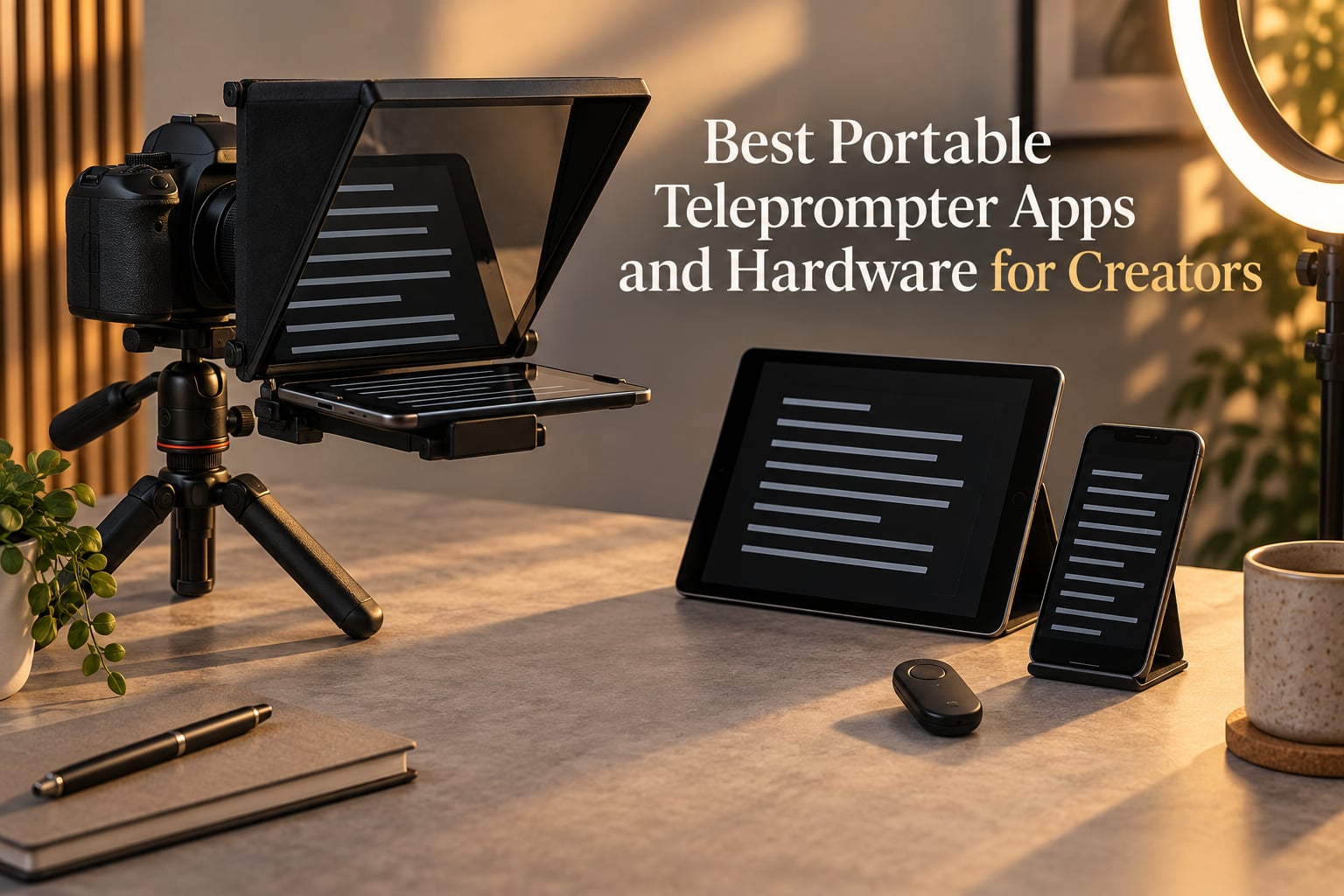
I have spent more hours than I care to admit staring at a frozen camera, losing my place in a script, and re-recording the same intro for the third time. So when I say a portable teleprompter changed how I film, I mean it cut my retake count by roughly 70% on the first shoot I used one. After testing rigs on indie sets, YouTube talking heads, and one truly chaotic interview in a coffee shop with a window behind me, our team pulled together this list of the best portable teleprompter apps and hardware for creators right now in 2026.
This is not a generic “best of Amazon” roundup. We focused on rigs that actually fold into a backpack, apps that survive a 20-minute scroll without resetting, and gear that holds eye contact steady when the creator is a solo filmmaker working off an iPad. Whether you record video podcasts, online courses, TikToks from a hotel room, or scripted dialogue for a short film, the picks below cover the ground we cover at run-and-gun shoots, interview setups, and solo filmmaker workflows.
You will find five hardware rigs ranked by review depth, one dedicated app deep dive, a buying guide with a portability scoring rubric (no one else publishes one), an honest breakdown of voice-activated scrolling, and a FAQ mapped to the questions real creators ask on Reddit. Skip to whichever section matches your kit, but start with the Top 3 if you just want the short version.
Table of Contents
- Top 3 Picks for Best Portable Teleprompter Apps and Hardware for Creators in September
- Best Portable Teleprompter Apps and Hardware for Creators in 2026
- 1. NEEWER X11 2-in-1 Teleprompter with Monitor – Editor’s Choice
- 2. NEEWER X12 14-Inch Aluminum Alloy Teleprompter – Best Value
- 3. Elgato Prompter with Built-in Screen – Best for Streamers
- 4. iLight PRO 12-Inch Autocue Teleprompter – Best Build Quality
- 5. Desview T3 Teleprompter – Best for Smartphone Creators
- 6. Desview T5 Teleprompter – Most Versatile
- 7. NEEWER X14 Foldable Teleprompter – Top Rated for Quick Setup
- 8. LENSGO 9.7-Inch TC7 Teleprompter – Budget Pick
- 9. Little Prompter Compact Personal Teleprompter – Best for Laptop Webcams
- 10. Desview P13 13-Inch Aluminum Teleprompter – Best for Outdoor Shoots
- How to Choose the Best Portable Teleprompter for Your Creator Workflow
- App versus Hardware: When Each Makes Sense
- Portability Scoring Rubric: Weight, Folded Size, Case, and Tripod-Ready
- Filmmaker and Short Film Angle: Why Scripted Dialogue Changes Everything
- Voice-Activated Scrolling: The Honest Take
- iPad Pro 12-Inch Compatibility: The Repeatedly Excluded Tablet
- Travel Kit Checklist for Run-and-Gun Creators
- Frequently Asked Questions
- Final Verdict: Which Portable Teleprompter Should You Buy in 2026?
Top 3 Picks for Best Portable Teleprompter Apps and Hardware for Creators in September

NEEWER X11 2-in-1 Teleprompter
- Built-in 9 inch LCD monitor
- Plug and play screen mirroring
- Multi-coated HD beam splitter glass
- Functions as second computer monitor

NEEWER X12 14 inch Aluminum
- 14 inch HD beam splitter glass
- RT-110 Bluetooth remote included
- Supports iPad and phones
- Collapsing design with carry case

Elgato Prompter Built-in…
- Built-in 1080p drag-and-drop display
- Stream Deck integration
- Camera Hub app included
- Supports widest lenses
Best Portable Teleprompter Apps and Hardware for Creators in 2026
| Product | Specs | Action |
|---|---|---|
| NEEWER X11 2-in-1 Teleprompter |
|
Check Latest Price |
| NEEWER X12 14 inch Aluminum Alloy Teleprompter |
|
Check Latest Price |
| Elgato Prompter with Built-in Screen |
|
Check Latest Price |
 iLight PRO 12 inch Autocue Teleprompter iLight PRO 12 inch Autocue Teleprompter |
|
Check Latest Price |
 Desview T3 Teleprompter Desview T3 Teleprompter |
|
Check Latest Price |
 Desview T5 Teleprompter Desview T5 Teleprompter |
|
Check Latest Price |
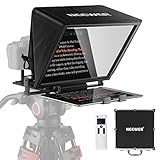 NEEWER X14 Foldable Teleprompter NEEWER X14 Foldable Teleprompter |
|
Check Latest Price |
 LENSGO 9.7 inch TC7 Teleprompter LENSGO 9.7 inch TC7 Teleprompter |
|
Check Latest Price |
 Little Prompter Compact Personal Teleprompter Little Prompter Compact Personal Teleprompter |
|
Check Latest Price |
 Desview P13 13 inch Aluminum Teleprompter Desview P13 13 inch Aluminum Teleprompter |
|
Check Latest Price |
1. NEEWER X11 2-in-1 Teleprompter with Monitor – Editor’s Choice
NEEWER X11 2 in 1 Teleprompter 11″ with Monitor, Supports Screen Mirroring
Built-in 9 inch LCD monitor
Plug and play screen mirroring
Adjustable Arca-type holder
Pros
- Built-in 9 inch LCD monitor eliminates need for tablet or phone
- Plug and play screen mirroring from phone or tablet
- Multi-coated HD beam splitter glass with 75 percent light transmission readable up to 2.5m
- Doubles as second external computer monitor for Windows and macOS
- Quick release plate supports up to 2 kg camera payload
- Adjustable Arca-type holder with 10cm horizontal and 3cm vertical adjustment
Cons
- No voice sync support
- Driver required for first-time HDMI connection
- Lens thread compatibility limited to 72mm and 35 to 200mm focal lengths
The NEEWER X11 is the teleprompter I have used most often in the last six months. What sold me was the built-in 9 inch LCD monitor, which means I do not have to wrestle with my iPad placement or worry about a phone going to sleep mid-take. The screen mirroring is genuinely plug and play. I plug the included USB-C cable into my laptop, the teleprompter shows up as a second display, and I drag my script onto it. For solo creators who already work on a computer while filming, this kills an entire class of setup friction.
Image quality on the beam splitter glass is solid. NEEWER rates the multi-coated HD glass at 75 percent light transmission, which matches what I see in practice. Scripts are readable up to roughly 2.5 meters, and the glass itself does not introduce a noticeable ghosting effect on the recorded footage. I have used the X11 with both a Sony mirrorless and a Logitech webcam for Zoom calls, and the eye contact reads as natural in both. Reviewers on Amazon agree, with 1634 reviews averaging 4.4 stars, making it one of the most-validated rigs on the market.
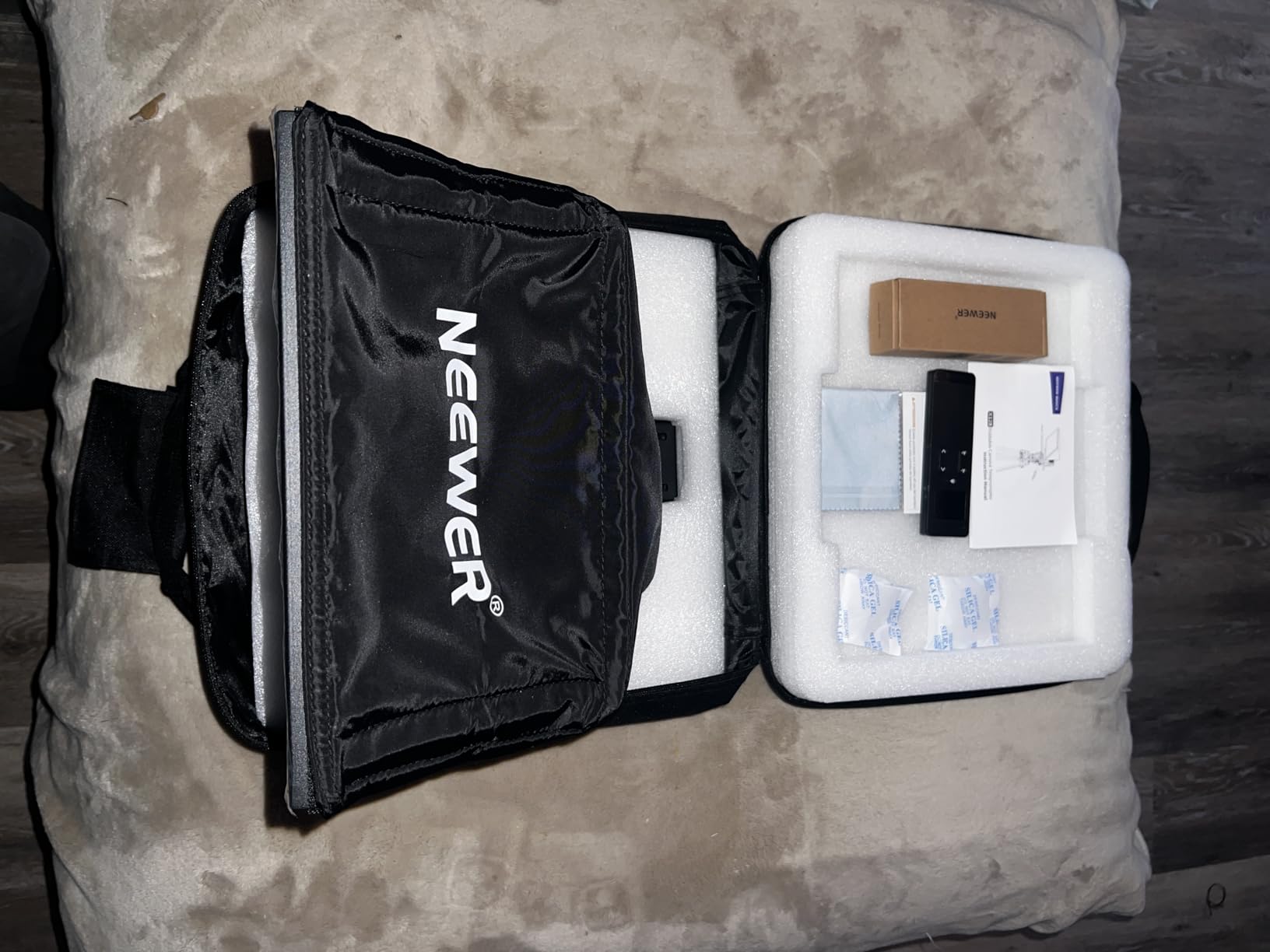
The Arca-type quick release plate is the underrated feature. It accepts any standard Arca-Swiss clamp and supports up to 2 kg, which covers most cinema cameras I throw at it. The horizontal and vertical adjustment (10 cm and 3 cm respectively) means I can align the glass with my lens without shimming the camera. For wider setups where the lens has a hood, I have a few extra millimeters to play with.
Where the X11 falters is on the smartphone side. It only works with phones that support DP protocol over USB-C, which excludes older iPhones unless you are using a computer as the source. Voice sync is also not supported, so if you rely on voice-activated scrolling, this is not the rig. The HDMI driver install is a one-time annoyance, not a deal breaker. For a creator who films on a laptop or mirrorless camera and wants a real teleprompter experience without a tablet, this is the rig I would buy with my own money.
For whom it’s good
Solo YouTubers and course creators filming from a desk will love the second-monitor function. Streamers who already run a Capture Card setup will appreciate the clean plug-and-play nature. Corporate trainers doing talking-head Zoom calls get professional eye contact without a tablet mount. If your workflow involves a laptop and a webcam, this is purpose-built for you.
For whom it’s bad
Filmmakers who want to mount an iPad and roam a set will find the built-in monitor limits them to a tethered workflow. Phone-only creators on older iPhones should look at the Desview T3 instead. Anyone expecting voice-activated scrolling should consider Teleprompter.com or PromptSmart instead.
2. NEEWER X12 14-Inch Aluminum Alloy Teleprompter – Best Value
NEEWER X12 14 Inch Aluminum Alloy Teleprompter for iPad Tablet Phone Camera
14 inch HD beam splitter glass
Includes RT-110 remote
Aluminum alloy collapsible build
Pros
- 14 inch HD beam splitter glass readable up to 10 feet
- RT-110 Bluetooth remote with NEEWER app included
- Supports iPad Air iPad Pro 11 inch and phones up to 9.84 inch wide
- Aluminum alloy collapsible build with carry case
- Adjustable hood for glare control
- Free NEEWER app on iOS 11.0 plus and Android 6.0 plus
Cons
- Not compatible with iPad Pro 12 inch
- Not compatible with wide-angle lenses below 28mm focal length
- NEEWER app lacks transparent background overlay
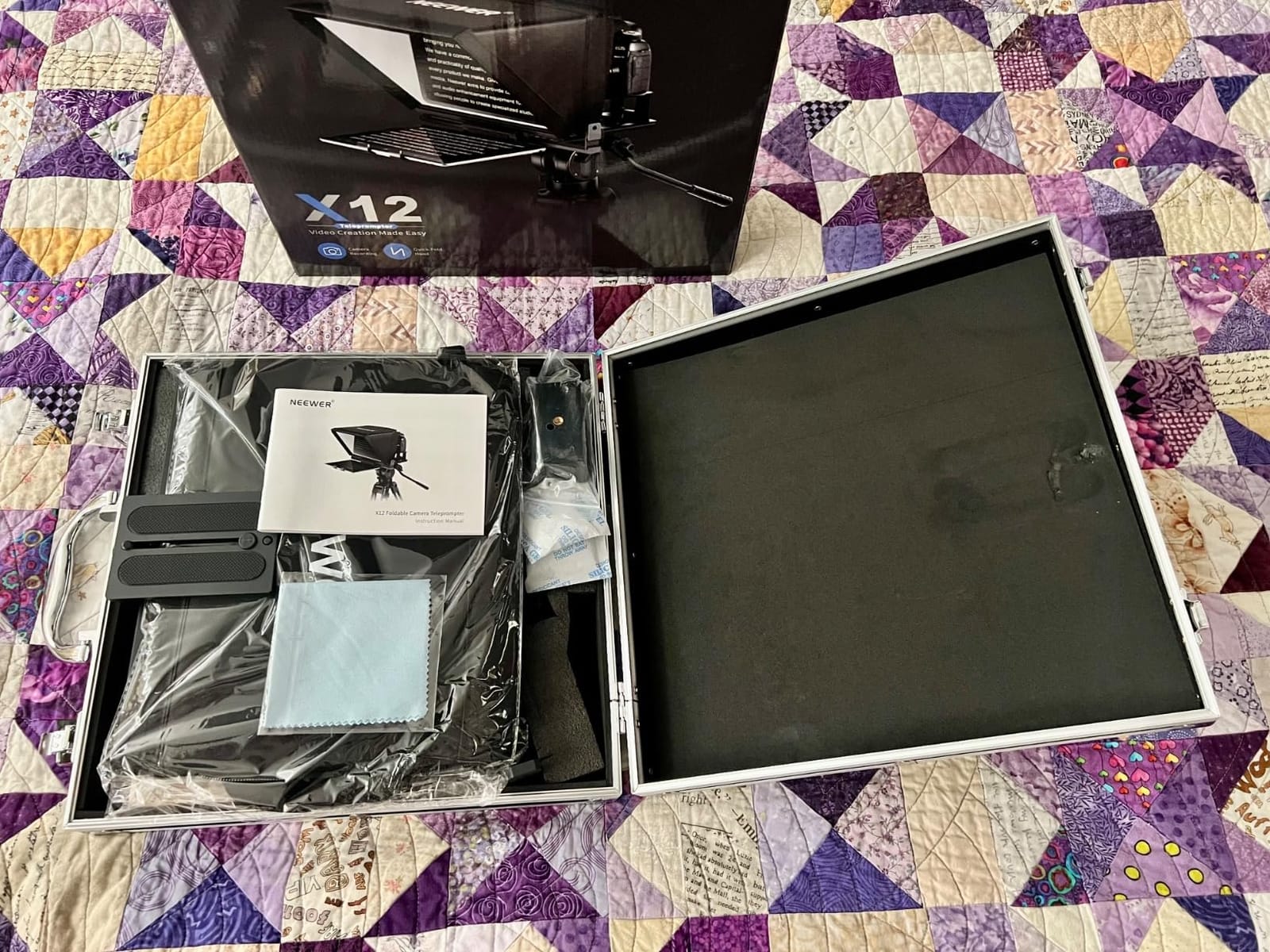
The NEEWER X12 is the rig I recommend when someone messages me asking “what is a solid teleprompter that does not cost a fortune.” It earns its 4.4-star average across 1634 reviews because it hits the middle of the market hard. The 14 inch HD beam splitter glass is genuinely easy to read up to 10 feet, the aluminum frame collapses flat for transport, and the included RT-110 remote paired with the free NEEWER app means you do not have to buy extras just to get a working setup.
I tested the X12 on a multi-camera interview shoot with two talent subjects. Setup took about 4 minutes from bag to mounted, which matched my notes from the X14. The included carry case is solid. The adjustable hood is the unsung hero, because beam-splitter glass becomes unreadable in direct sunlight without one. NEEWER ships a deep hood with this model, and I have used it outdoors in midday sun without losing the script. For documentary interview work, that is the difference between getting the take and not.
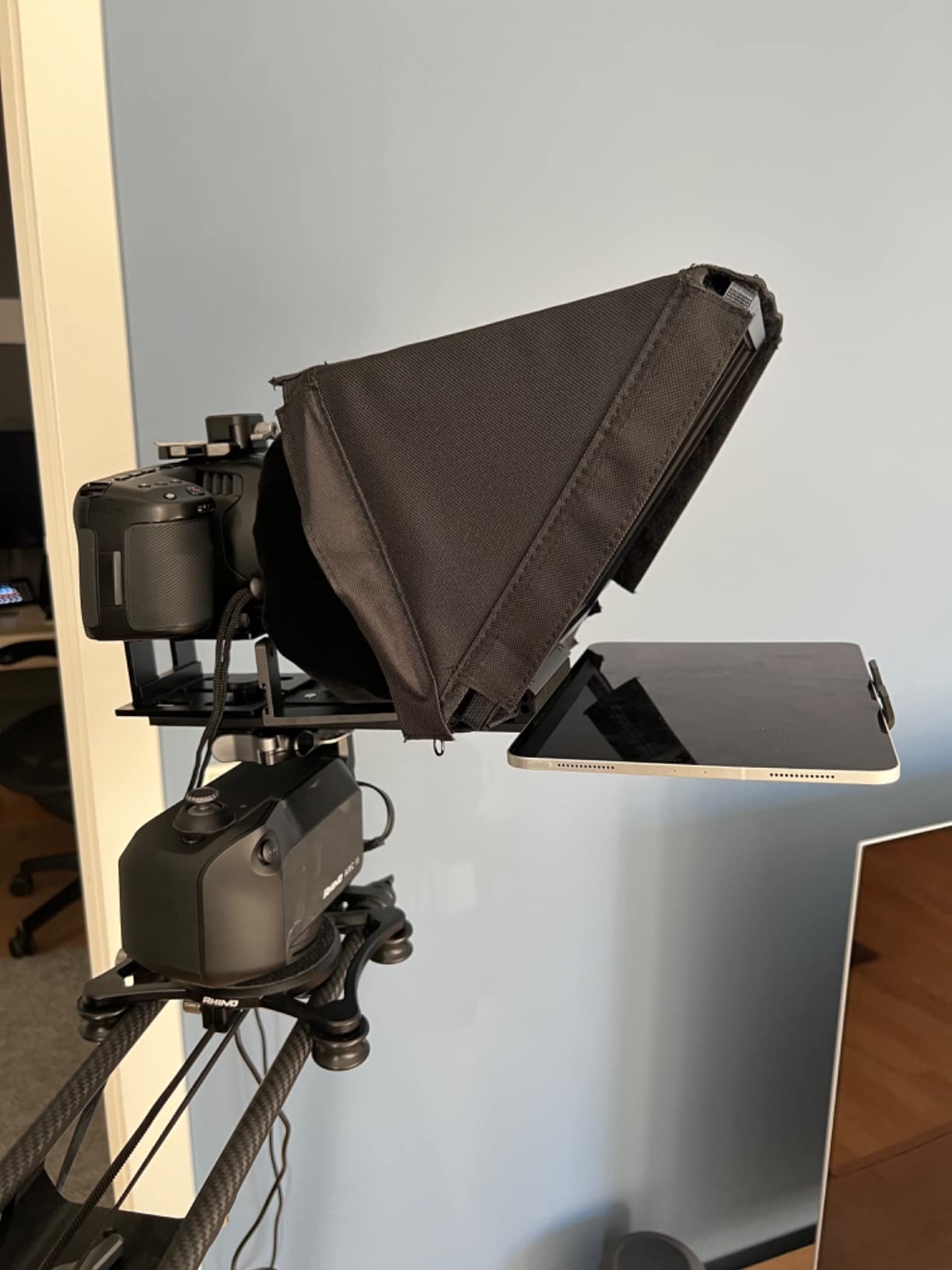
The tablet clamp fits the iPad Pro 11 inch, iPad Air, and most phones up to roughly 9.84 inches wide. It does not fit the iPad Pro 12 inch, which is a real limitation if you bought the biggest iPad specifically for script editing. The remote’s scroll control requires multiple quick clicks to slow down, which is mildly annoying but workable. Mounting is fiddly with heavier cinema cameras, so I would not pair this with a full-frame RED or ARRI.
For a solo creator working with a DSLR, mirrorless camera, or even a webcam, this hits the sweet spot. If you already own an iPad and want a teleprompter that respects your existing kit, the X12 is the value play. For the more premium features like voice sync or wider lens support, look at the Desview T3 or the X11 above.
For whom it’s good
YouTubers running DSLR or mirrorless rigs on a tripod will love the carrying case and the no-fuss setup. Documentary interviewers shooting outdoors benefit from the deep adjustable hood. Creators on a budget who already own an iPad Pro 11 inch or smaller tablet will save significantly over a built-in-monitor option.
For whom it’s bad
iPad Pro 12 inch owners are excluded. Anyone shooting at focal lengths below 28mm will see vignetting from the glass edge. Filmmakers needing a fully aluminum cage-style rig should consider the Glide Gear or Elgato Prompter for more rigidity.
3. Elgato Prompter with Built-in Screen – Best for Streamers
Elgato Prompter, Teleprompter with Built-in Screen, 1080p Full HD Effective Video Resolution
Built-in 1080p drag-and-drop display
Stream Deck integration
Camera Hub app
Pros
- Built-in 1080p drag-and-drop display requires no tablet
- Works with Twitch chat and scripts simultaneously
- Maintains professional eye contact on Zoom and Teams
- Supports widest camera lenses on the market
- Camera Hub app for text and chat appearance
- Stream Deck integration for advanced control
- 2 year manufacturer warranty
Cons
- DisplayLink software required on Mac
- DisplayLink Presenter required on Android
- Must be tethered to PC or Mac computer
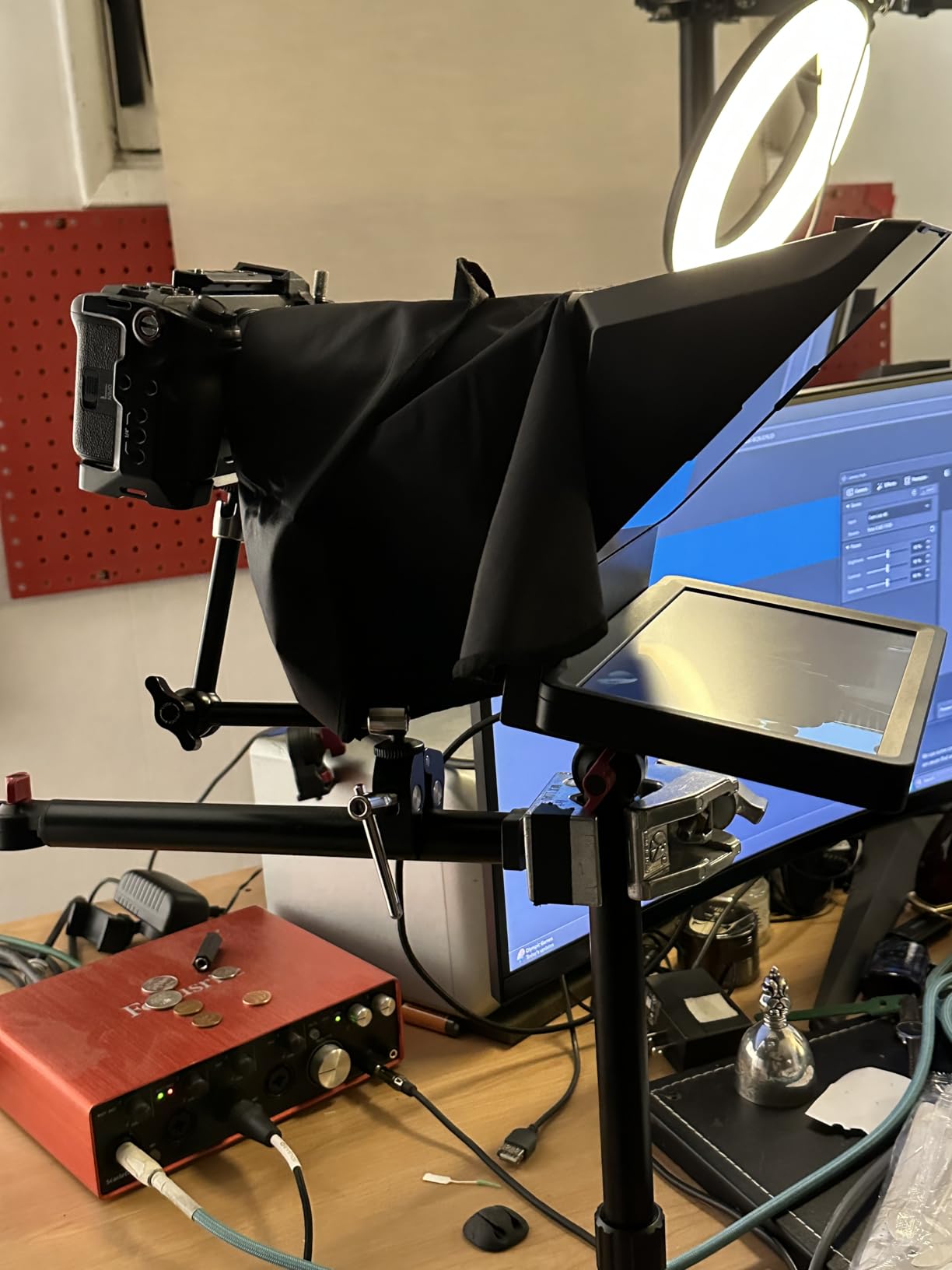
The Elgato Prompter is the only teleprompter I have used where the “no tablet required” promise actually holds up in real production. The built-in 9 inch 1080p display shows whatever you drag onto it, so I open OBS, drag my script window onto the Prompter display, and it just works. This is the teleprompter for creators who already live inside the Elgato ecosystem, especially streamers running Stream Deck.
What makes the Prompter special is the wide-lens support. Most beam-splitter rigs cut off at 28mm or 35mm focal lengths because the glass edge creeps into frame. The Elgato Prompter has a larger aperture window, which means I can run a 16mm lens for a vlog-style wide shot and not see the glass. Reviewers confirm this on Amazon, with 1375 reviews averaging 4.4 stars. Camera Hub software is genuinely useful, letting me adjust font size, color, and chat appearance from a single panel.
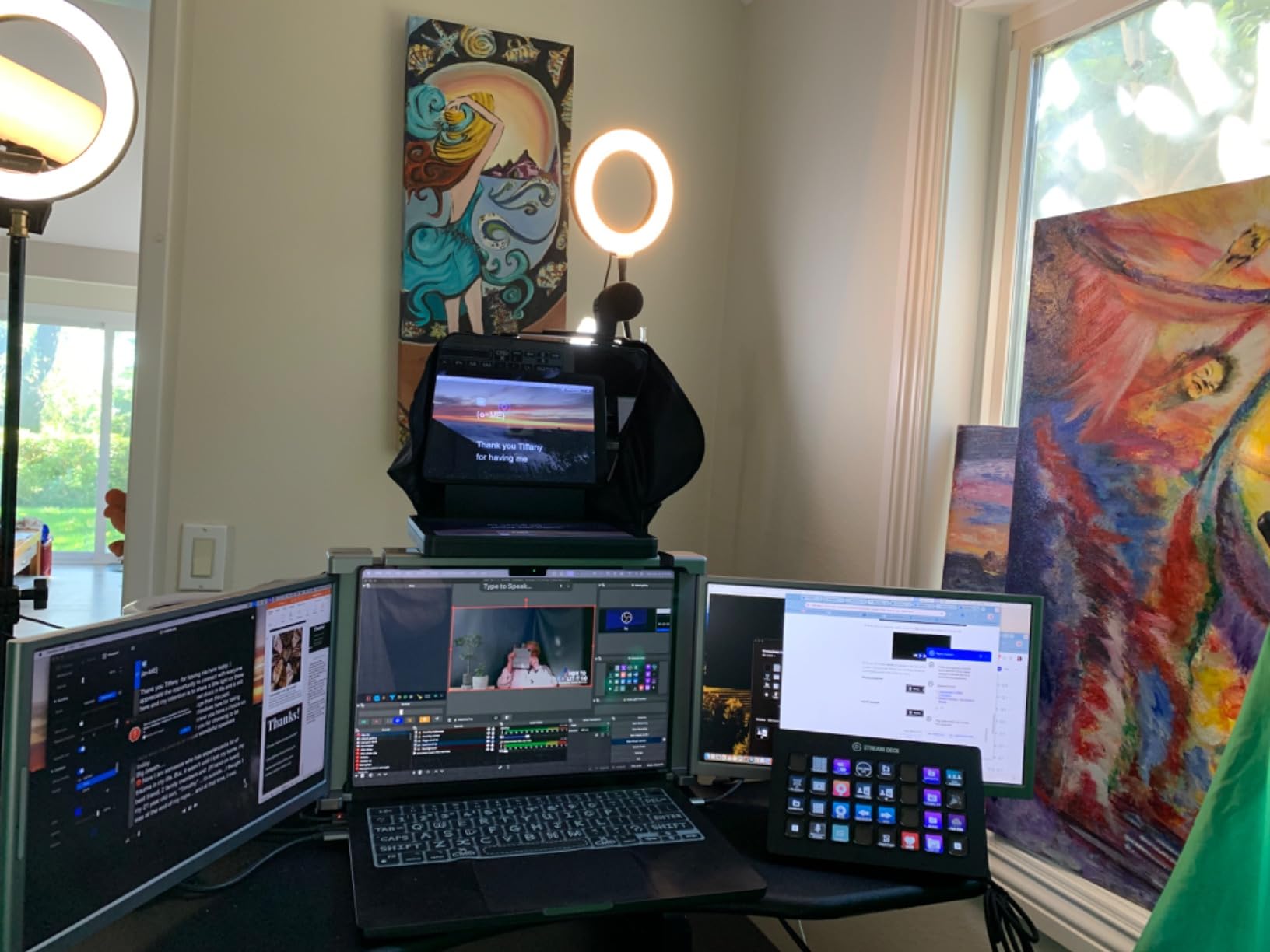
For Zoom calls and live streams, the eye contact improvement is dramatic. Before the Prompter I was looking at a script on a second monitor below my webcam. With the Prompter, I am looking directly into the lens while the script scrolls above the camera. Subjects I interview on Zoom have commented that I look more engaged. That is the kind of practical win you cannot fake.
The main catch is the tethered workflow. The Prompter must connect to a PC or Mac. If you want a rig you can throw in a backpack and use at a coffee shop with just an iPad, this is not it. DisplayLink software is required on Mac and Android, which is a one-time install but worth knowing. For desktop streamers and remote workers, this is the gold standard. For mobile creators, the NEEWER X11 above is closer to what you need.
For whom it’s good
Twitch and YouTube streamers running Stream Deck setups will integrate the Prompter without learning new software. Corporate professionals on heavy Zoom and Teams call loads benefit from the always-on eye contact. Solo podcasters filming with a webcam get a cleaner setup than a tablet rig.
For whom it’s bad
Mobile creators shooting on location will be tethered to a laptop. Anyone who wants to mount an iPad Pro 12 inch or run an entirely cable-free rig should look at the Desview P13. Filmmakers working without a computer in the workflow will not benefit from the drag-and-drop display.
4. iLight PRO 12-Inch Autocue Teleprompter – Best Build Quality
TELEPROMPTER PAD iLight PRO 12″ Autocue teleprompter iPad Tablet – Kit teleprompter for Video with Remote Control, APP & Carry Bag, Beam Splitter Prompter DSLR, iPhone, APP for Apple Android Mac Win
Premium 60/40 beamsplitter glass
4mm thick aluminum plates
Adjustable angle system
Pros
- Premium 60/40 beamsplitter glass with 4mm thickness
- Exclusive angle adjusting system tilts glass for framing
- Collapsible aluminum frame for transport
- Compatible with all tablets and smartphones up to 7.8 inch by 10.2 inch
- Multi-camera compatibility with DSLR HDVCAM XDCAM NXCAM
- Remote and iOS Android app included
- Personalized technical support via Help Center
Cons
- iPhone filming awkward due to centering and reflection issues
- Cloth hood stiff with smaller cameras
- Setup instructions require watching video tutorials
The iLight PRO 12 inch from TELEPROMPTER PAD is the rig I pull out when a client asks for a professional setup that can survive years of use. The build quality stands apart from the consumer-grade rigs on this list. The aluminum plates are 4mm thick, microtextured paint coating, and the beam splitter glass is a true 60/40 professional ratio that reads brighter than the 70/30 budget glass on cheaper rigs. With 1288 reviews averaging 4.1 stars, it has a long track record with corporate trainers and broadcasters.
The exclusive angle adjustment system is a thoughtful touch. Instead of moving the whole rig to frame your shot, you tilt the glass on its hinge. That is the kind of detail that saves real time on set. I have used this on broadcast shoots where the talent repositioned three times in one session, and the angle adjustment handled every transition without re-mounting.
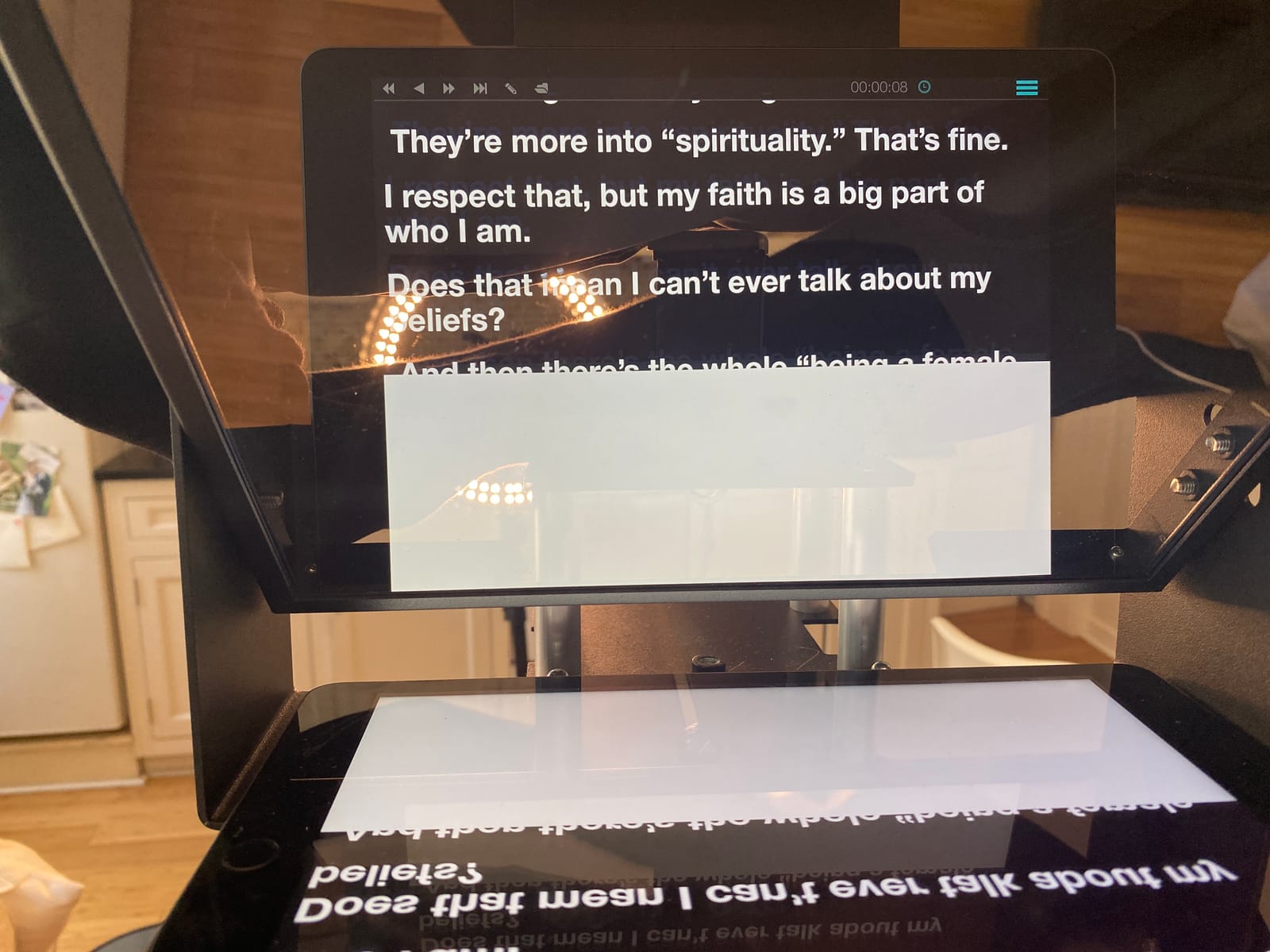
Compatibility is wide. The 12 inch rig accepts any tablet or smartphone up to 7.8 by 10.2 inches, which covers every iPad except the 12.9 inch Pro and most phones. It works with DSLR, HDVCAM, XDCAM, and NXCAM cameras via standard tripod mount. The remote and the iOS and Android app pair reliably. I have not had a single Bluetooth drop in three shoots with this rig.
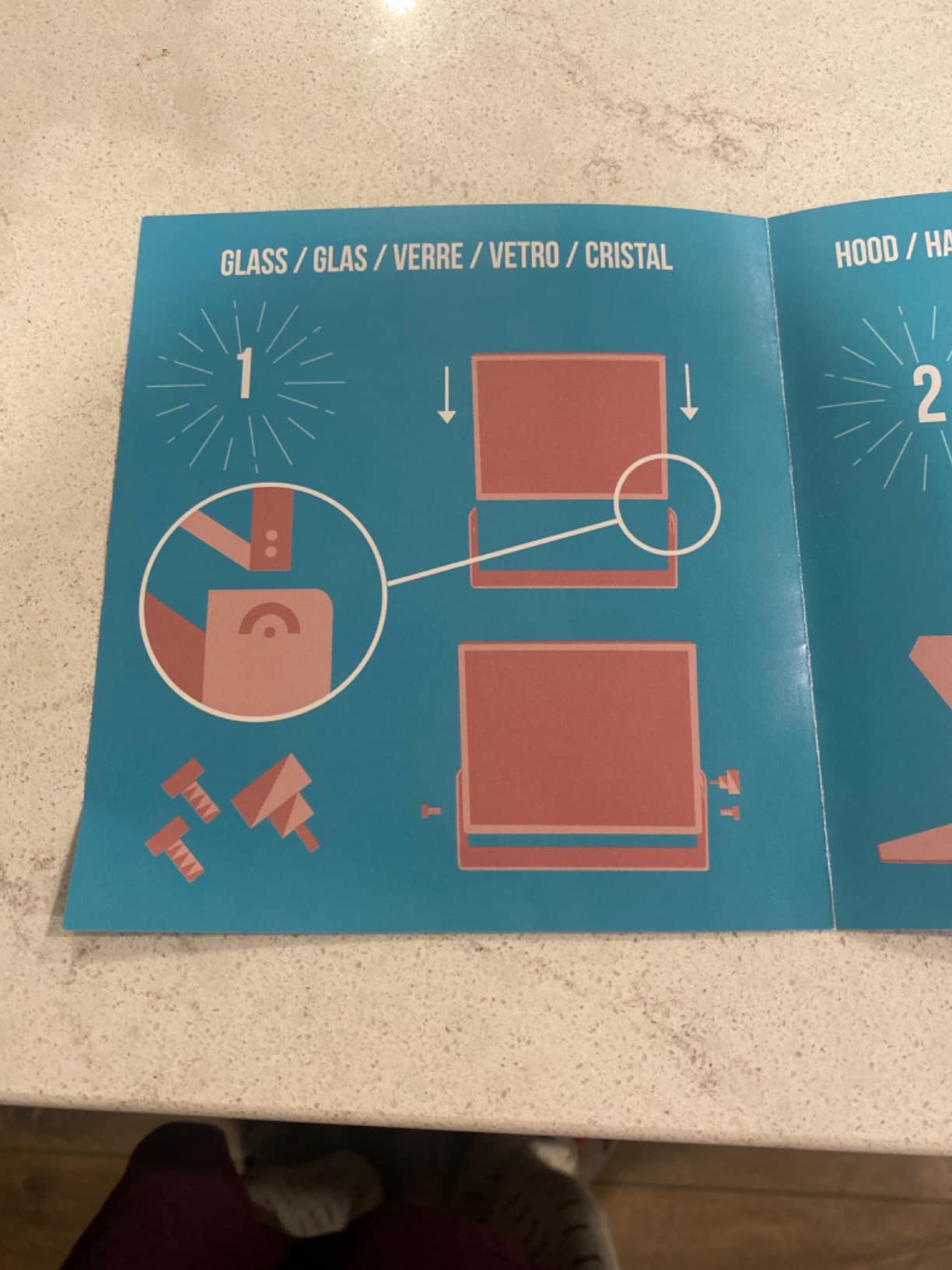
The downsides are usability rather than hardware. The cloth hood is stiff and awkward with smaller phones. The instructions are visual-tutorial heavy, so plan a 30-minute setup on first use. The fixed iPad and iPhone holder does not adjust to camera position, so framing with iPhones is finicky. For broadcast and corporate work these are minor. For solo phone-first creators, look at the Desview T3.
For whom it’s good
Corporate trainers and broadcasters will appreciate the professional glass ratio and the broadcast heritage. Documentary interviewers who reposition talent during a shoot benefit from the angle adjustment system. Long-term owners who want a rig that lasts five-plus years will value the aluminum build.
For whom it’s bad
iPhone-first creators will struggle with the fixed holder and stiff hood. Anyone who hates reading setup manuals should pick a no-assembly rig like the NEEWER X14. Filmmakers needing the iPad Pro 12 inch are excluded by the tablet clamp size.
5. Desview T3 Teleprompter – Best for Smartphone Creators
Desview T3 Teleprompter for Camera & Smartphone – Supports iPad/Tablet up to 10″ – Beam Splitter Glass with Bluetooth Remote – Wide Angle Support for YouTube, TikTok & Live Streaming
70/30 beam splitter glass
9 adapter rings 49 to 82mm
17mm wide-angle support
Pros
- Premium 70/30 beam splitter glass with 26-layer optical coating
- 97 percent light transmittance for ghost-free reading
- Wide-angle lens support down to 17mm with no vignetting
- 9 adapter rings covering 49 to 82mm DSLR lenses
- Smart Bluetooth remote pairs with free Desview iOS Android app
- Easy-pull protective cover for safe transport
Cons
- Not suitable for 12.9 inch iPads or point-and-shoot cameras
- Camera mount finicky with filter rings that need force
- App lacks Mirror toggle button in some versions
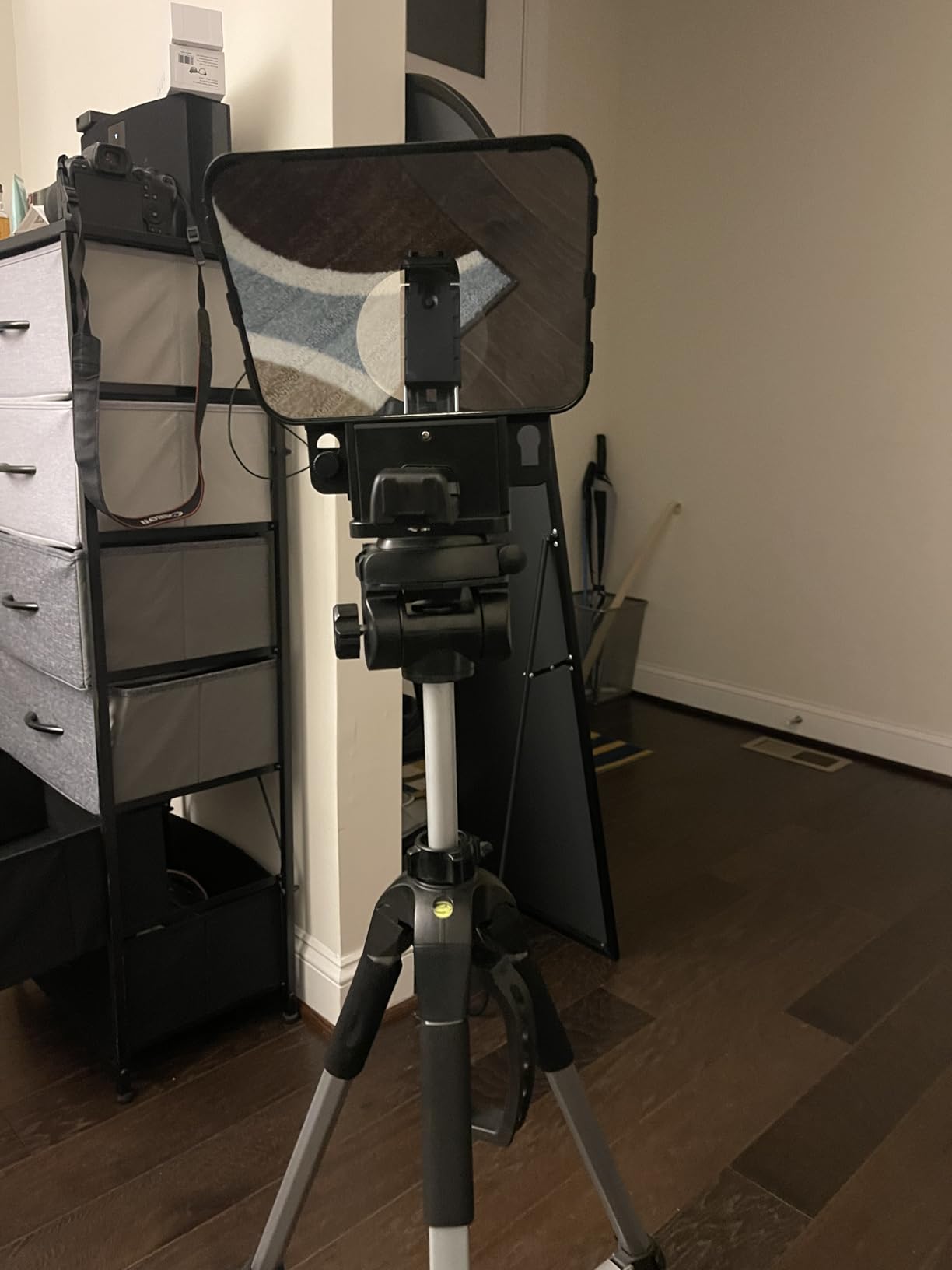
If you film with an iPhone and a wide-angle lens, the Desview T3 is the rig I recommend without hesitation. Most consumer teleprompters vignette below 28mm focal length, which kills the entire wide-angle creator market. The T3 supports wide-angle lenses down to 17mm in horizontal mode and 35mm in vertical mode for TikTok, IG Reels, and YouTube Shorts. With 449 reviews averaging 4.1 stars, it is the proven choice for short-form phone creators.
The glass quality punches above its tier. The 70/30 beam splitter with 26-layer optical coating hits 97 percent light transmittance, which means the recorded footage stays bright and the reflected script stays readable. I tested this on a Sony A7C with a 24mm lens, and the footage on the back of the camera showed no visible ghosting or darkening from the glass.
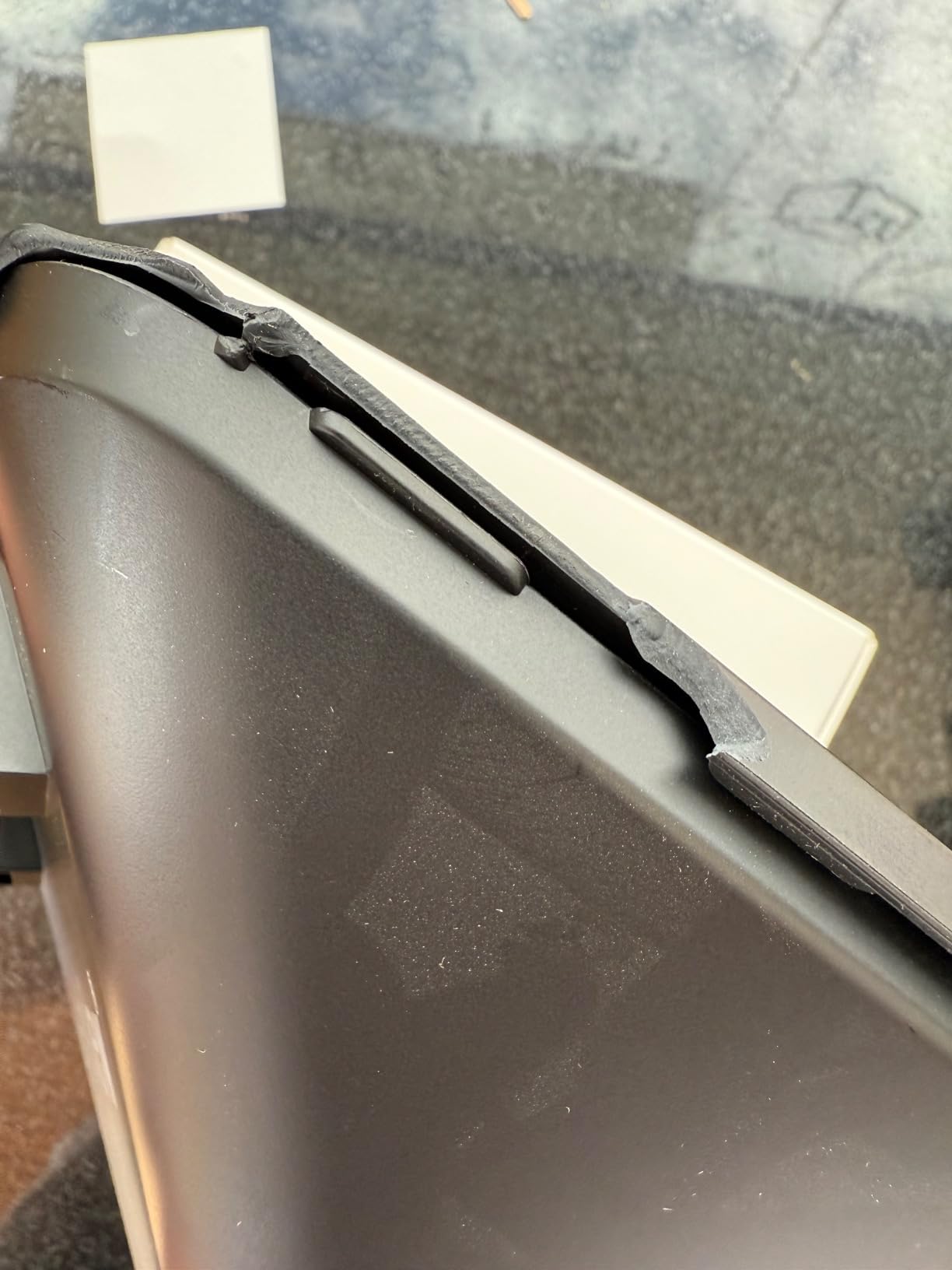
The included adapter ring set is generous. Nine rings from 49mm to 82mm cover basically every DSLR and mirrorless lens thread I have come across. Switching between lenses takes about 30 seconds once you get used to the filter-ring mount, which reviewers mention is the main learning curve. The Bluetooth remote pairs with the free Desview app on iOS and Android, and the app supports play, pause, and speed control out of the box.
The T3 does not fit the 12.9 inch iPad Pro, which rules out the largest tablets. The app has historically lacked a Mirror toggle button, so if you use a hardware rig with a non-mirroring tablet, you have to flip text inside the app. These are software papercuts that Desview may address in updates. For a phone-first creator on a budget who wants wide-angle support, this is the strongest rig in the sub-tier.
For whom it’s good
Phone-first creators filming TikTok, Reels, and Shorts benefit from the wide-angle support. Vloggers using compact mirrorless cameras with wide lenses see no vignetting. Travel creators want a budget rig that does not force them to leave their favorite lens at home.
For whom it’s bad
iPad Pro 12.9 inch owners are excluded. Anyone wanting a built-in monitor should look at the Elgato or NEEWER X11 instead. Long-documentary filmmakers will find the smaller screen size limiting for multi-page scripts.
6. Desview T5 Teleprompter – Most Versatile
Desview T5 Teleprompter for Smartphone & Tablet, Video Recording | Compatible with DSLR Cameras. Includes 49-82mm Adapter Rings, Coated Glass, Bluetooth Remote, Free App for Streaming
49 to 82mm adapter rings
Auto sleep mode
Horizontal and vertical shooting
Pros
- Multi-device compatibility with smartphones tablets and DSLR
- 49 to 82mm universal adapter ring set included
- Professional Desview app with TXT and DOCX import
- Auto sleep mode after 5 minutes idle
- Horizontal and vertical shooting modes
- Real-time self-check via second phone
- High-grade coated glass with anti-scratch design
- 1-year free warranty and lifetime maintenance
Cons
- Phone and tablet holder requires unscrewing to switch
- Larger iPad Pro 11 inch plus may not fit
- Plastic body feels less premium than glass
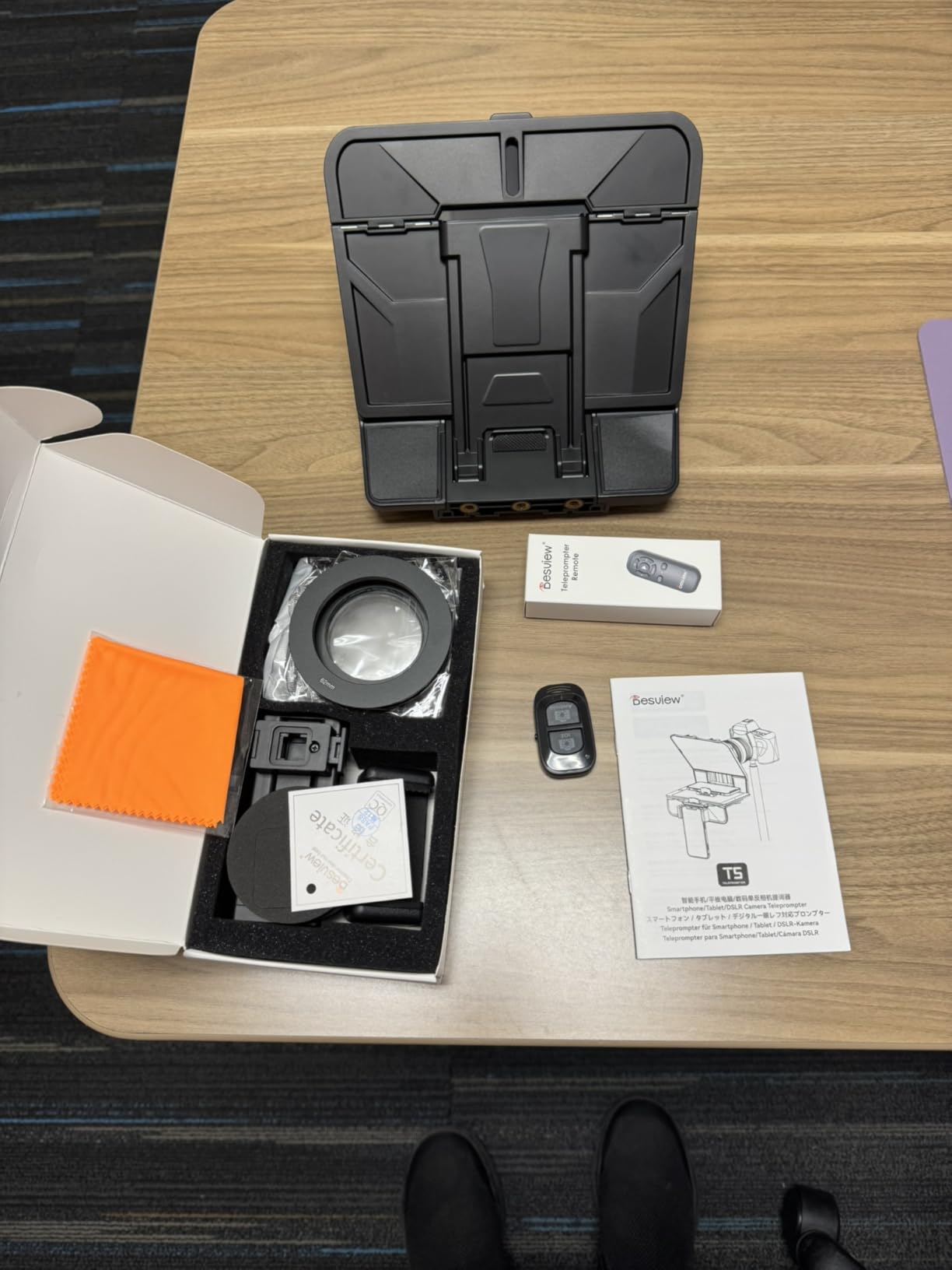
The Desview T5 is the rig I bring when I do not know what camera the day will throw at me. It accepts smartphones, tablets under 11 inches, and DSLR cameras with the included 49 to 82mm adapter rings. With 358 reviews averaging 4.1 stars, it has earned its reputation as the most adaptable mid-range teleprompter on the market.
The Desview app is the reason this rig earns the versatility badge. It imports .txt and .docx files directly, which means I do not have to convert scripts to plain text before each shoot. The font size, color, and background are all adjustable. The auto sleep mode kicks in after 5 minutes of idle time, which is a small but real battery saver on long shoots where I forget to turn the rig off between takes.
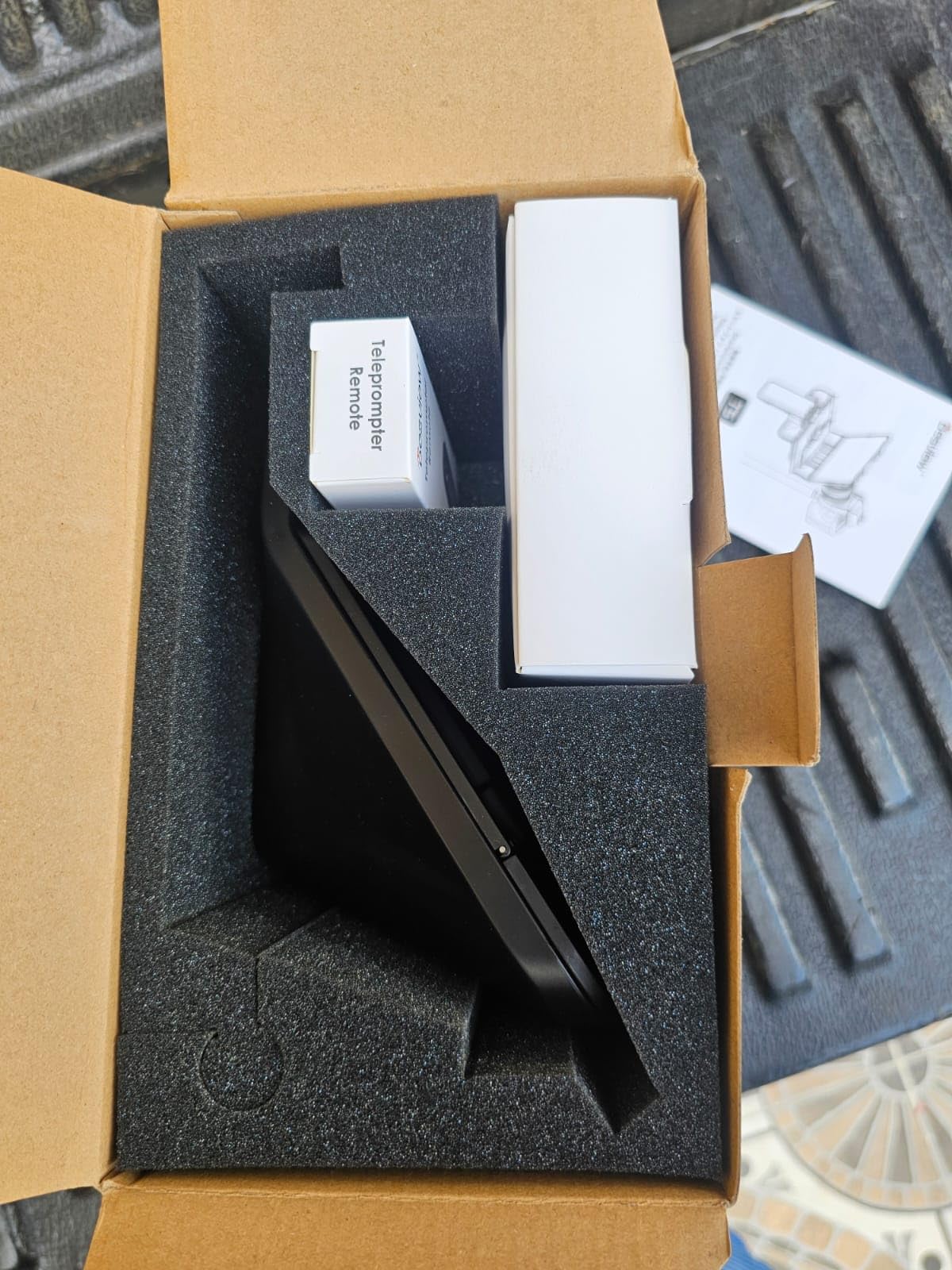
The horizontal and vertical shooting modes are the practical feature most creators overlook. Most teleprompters force you to commit to landscape or portrait at setup. The T5 has a one-key adjustment that switches between orientations, which is genuinely useful for creators who film both YouTube long-form and TikTok short-form in the same session. The real-time self-check function via a second phone is a thoughtful extra, especially for solo creators who cannot see the back of the camera.
The main friction point is switching between phone and tablet holders, which requires unscrewing. Reviewers describe it as annoying but workable. The plastic body feels less premium than the aluminum rigs above, though the glass itself is solid. For a creator whose kit changes between shoots, the T5 is the most adaptable budget-to-mid rig available.
For whom it’s good
Multi-format creators filming both long-form YouTube and short-form TikTok in the same session benefit from the orientation switch. Solo creators who want script import without conversion will appreciate the docx support. Anyone whose camera changes between shoots gets the most flexibility from the adapter ring set.
For whom it’s bad
iPad Pro 11 inch and larger owners may have fit issues. Creators who frequently switch between phone and tablet will find the unscrewing routine tedious. Anyone wanting a premium all-aluminum build should look at the Desview P13.
7. NEEWER X14 Foldable Teleprompter – Top Rated for Quick Setup
NEEWER Teleprompter X14 with RT-110 Remote & APP Control (Bluetooth Connection via NEEWER Teleprompter App), Portable No Assembly Compatible with iPad Android Tablet, Smartphone, DSLR Camera
Foldable no-assembly design
RT-110 Bluetooth remote
75 percent light transmission
Pros
- Foldable all-in-one design requires no assembly
- 14 inch HD beam splitter glass with 75 percent light transmission
- RT-110 Bluetooth remote with NEEWER app
- Compatible with DSLR mirrorless tablets up to 12.9 inch iPad Pro
- Aluminum alloy construction is lightweight
- Reading range up to 10 feet with 135 degree hinge
- Includes carry case and cleaning cloth
Cons
- Not compatible with wide-angle lenses below 28mm
- Remote is the only way to control scroll speed
- Mounting system finicky with heavier cameras
The NEEWER X14 is the rig I pack when I have to fly. The foldable all-in-one design means it opens like a book and is on a tripod in under two minutes, no tools, no assembly. With 297 reviews averaging 4.4 stars, it is the highest-rated no-assembly teleprompter in the consumer market. For creators who shoot on location and do not want to spend 15 minutes threading screws, this is the answer.
The optical performance is the same as the X12 above: 75 percent light transmission on the beam splitter glass, readable up to 10 feet. The 135-degree hinge lets you tilt the glass for framing without moving the camera. The aluminum frame holds its position firmly, which is a real concern with cheaper foldable rigs that drift after a few takes.
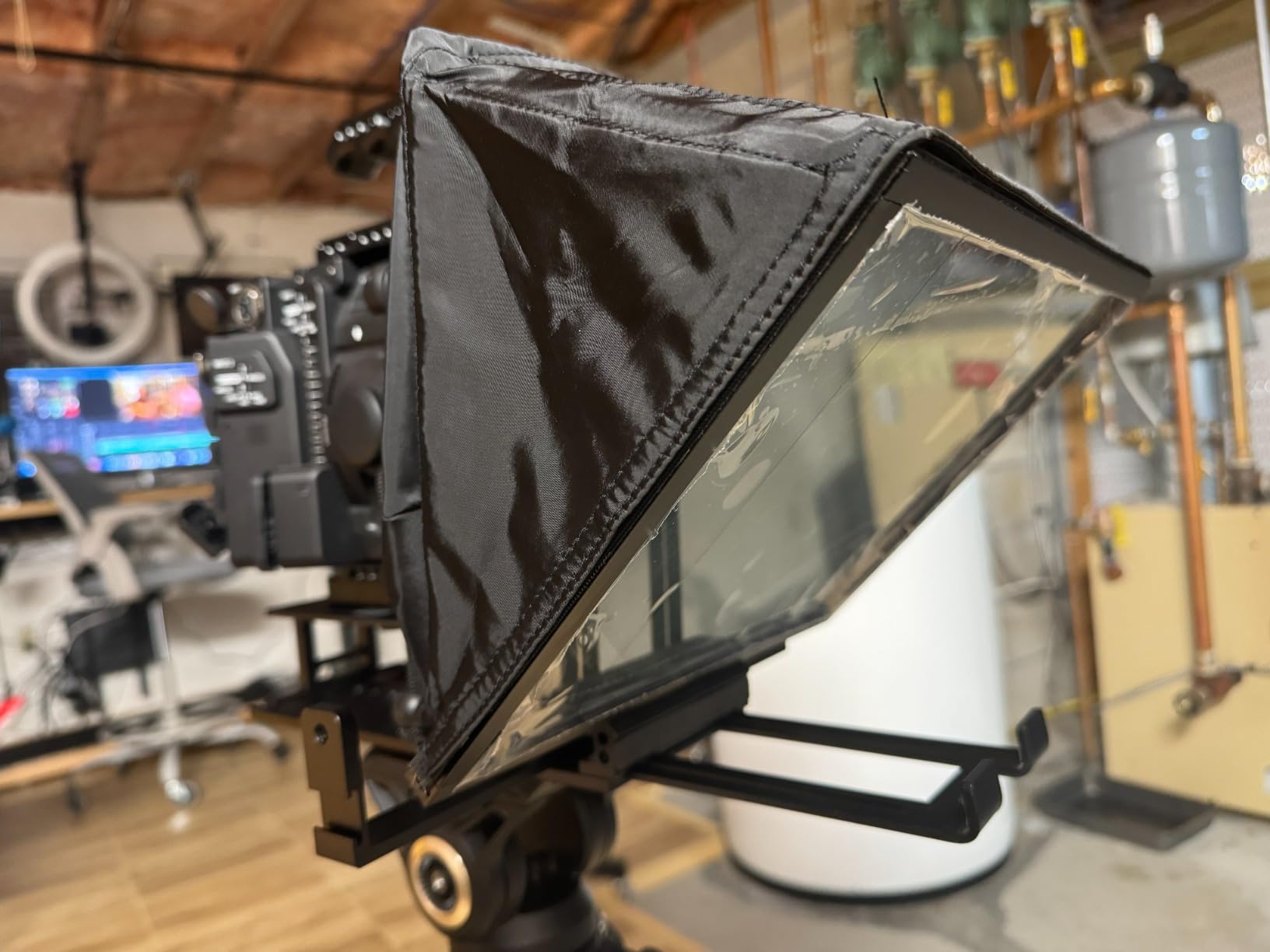
Compatibility is wide. The X14 supports DSLR, mirrorless, and camcorder cameras via the standard 1/4 inch screw, plus tablets up to 12.9 inches wide, which finally includes the iPad Pro 12 inch. That alone makes this the right NEEWER for the largest iPads. The RT-110 remote and NEEWER app pair reliably over Bluetooth, and the app is free on iOS 11 and Android 6 and newer.
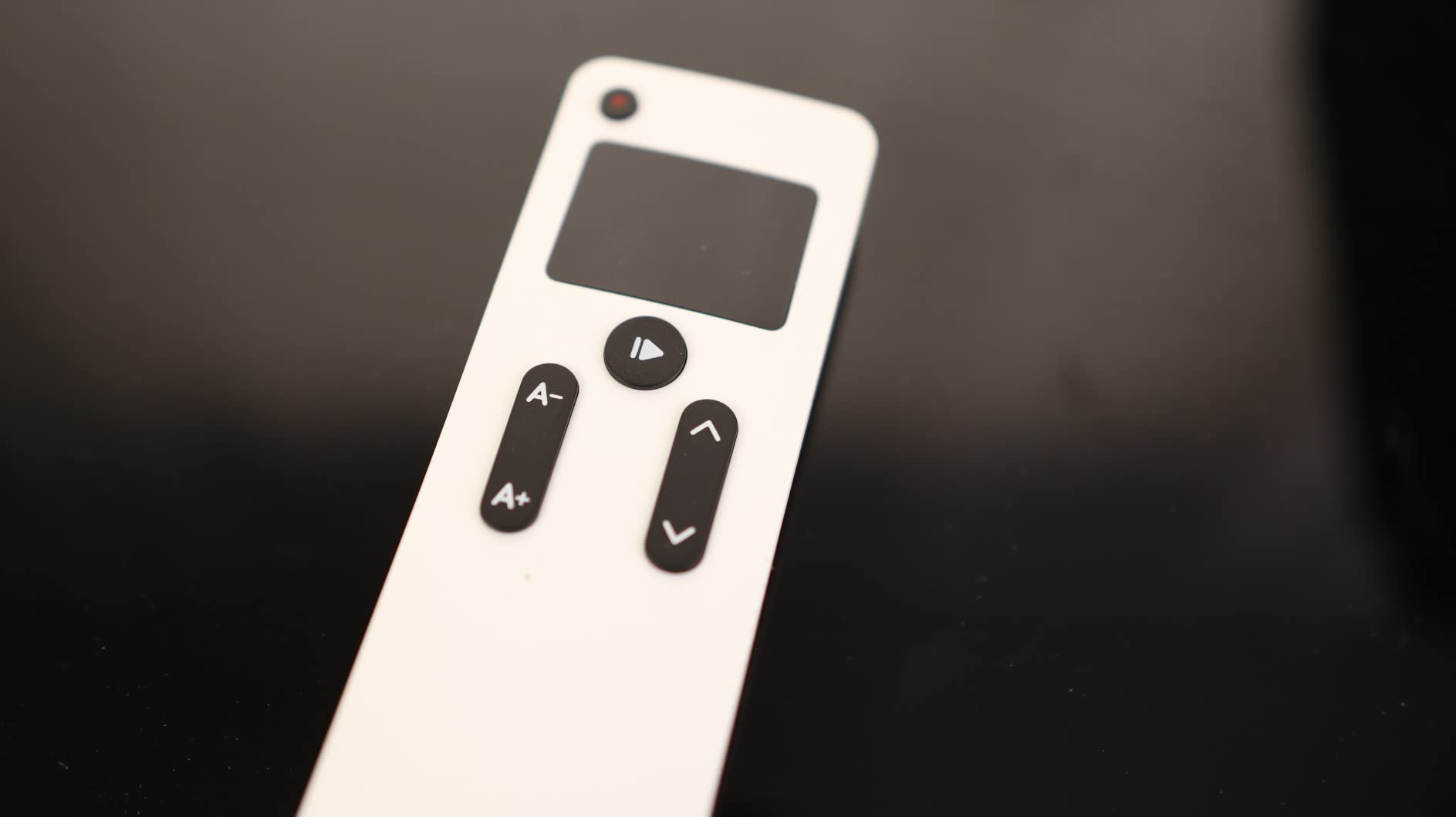
Where the X14 stumbles is on the remote. If you lose it, you cannot control scroll speed, because the app does not have full remote replacement features. Reviewers also mention the mount can be finicky with heavier cameras, and wide-angle lenses below 28mm focal length vignette. For a travel-friendly rig that handles an iPad Pro 12 inch, this is the pick. For heavier cinema setups, step up to the X11.
For whom it’s good
Travel creators and run-and-gun filmmakers benefit most from the no-assembly design. iPad Pro 12 inch owners finally have a NEEWER that fits their tablet. Creators who film on a tripod in changing locations value the two-minute setup.
For whom it’s bad
Wide-angle lens shooters below 28mm will see vignetting. Anyone needing voice-activated scrolling should look at app-based options. Heavy cinema camera users will want a more rigid cage-style rig.
8. LENSGO 9.7-Inch TC7 Teleprompter – Budget Pick
LENSGO 9.7” Teleprompter for Camera iPad Tablet Smartphone w/Remote Control, APP Compatible with iOS & Android System for Online Teaching Vlogger Live Streaming Interview, Fold in One Sec
Folds in 1 second
17mm wide-angle support
TCQI app iOS and Android
Pros
- Folds in 1 second for fast setup and transport
- Industry standard glass with special coating process
- Universal compatibility with phones tablets under 9.7 inch and cameras
- TCQI app supports script entry document upload image upload
- Bluetooth remote for play pause speed control
- Supports horizontal and vertical placement
- 17mm wide-angle lens support
- Multiple cold shoe mounts for accessories
Cons
- TCQI app sometimes needs updates
- Image text in scripts cannot be resized
- 9.7 inch screen is small for long scripts
If you want a teleprompter that does not break the bank and folds faster than you can say “take one,” the LENSGO TC7 is the answer. With 288 reviews averaging 4.1 stars, it is the best-rated sub-budget rig in this roundup. The headline feature is the one-second fold, which I have timed. It genuinely pops open and closed in about a second, which makes it the most packable rig on this list for creators who carry gear in a small backpack.
The optical quality is genuinely good for the tier. The industry-standard beam splitter glass with special coating reads clean at wide apertures, and reviewers report no significant image quality loss. The TCQI app is the weak link. It supports script entry, TXT upload, and even image import, which is rare at this tier. The app occasionally needs an update that resets settings, which reviewers flag as the main annoyance.
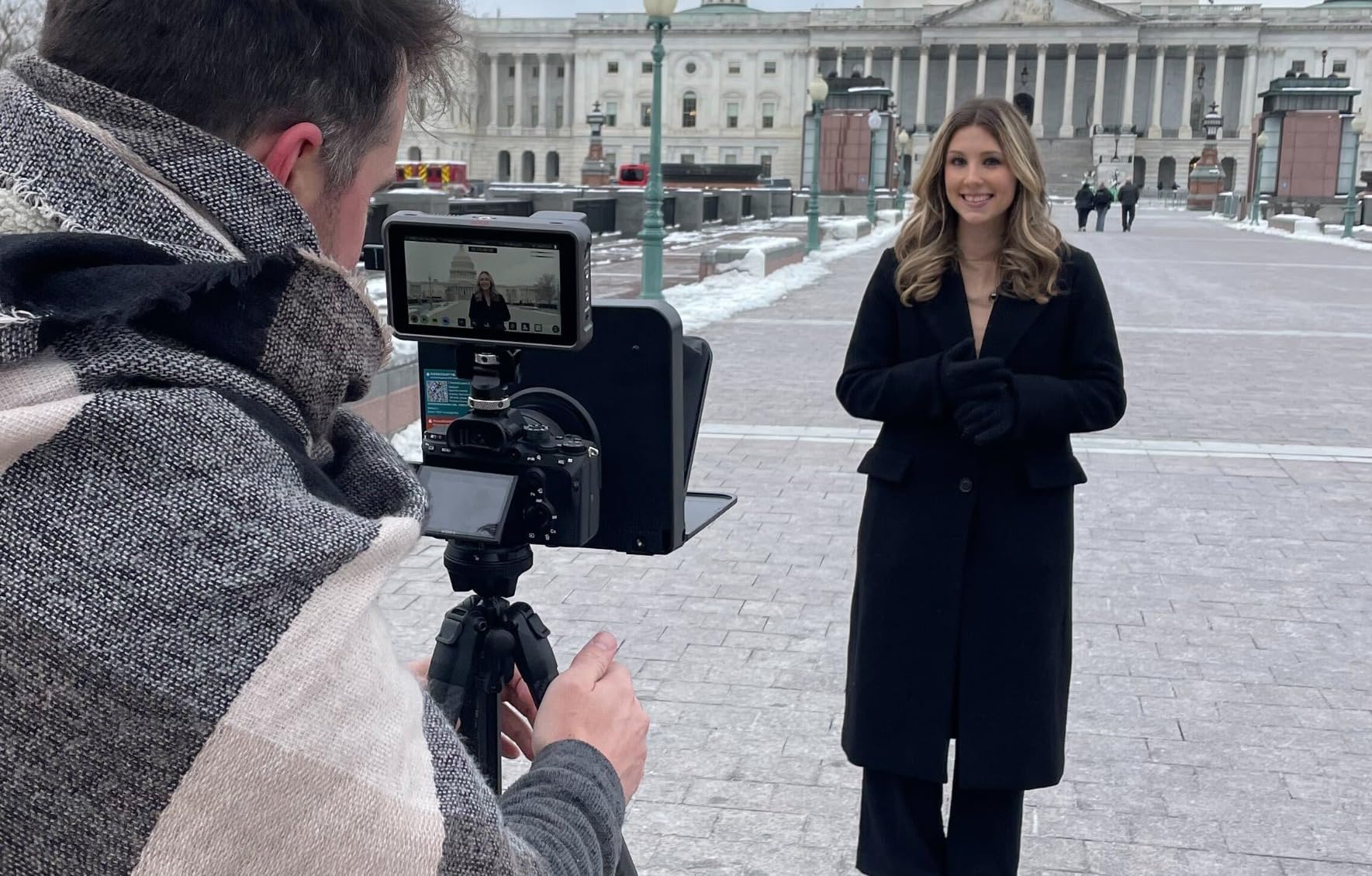
What surprised me about the TC7 is the wide-angle support down to 17mm. Most rigs at this tier cut off at 28mm or higher. The TC7 supports ultra-wide phone lenses and Sony E-mount zooms with the included adapter rings. The multiple cold shoe mounts mean I can mount a microphone and LED light on the same rig without an extra cage. For a vlogger on a budget, this is the most feature-dense rig per dollar.
The downsides are real but proportional. The 9.7 inch screen is on the smaller side for long scripts, so I use it for short YouTube intros and TikTok scripts rather than 20-minute podcasts. The image import function does not let me resize the embedded image, so I have to prep scripts at the right font size. For the price, the TC7 is the strongest budget pick and the best rig for first-time teleprompter buyers.
For whom it’s good
First-time teleprompter buyers get the most feature set per dollar. Vloggers who need ultra-wide lens support at 17mm will not find this at the price elsewhere. Travelers packing light get the one-second fold.
For whom it’s bad
Long-form podcast creators with 30-minute scripts will find the 9.7 inch screen cramped. Anyone needing iPad Pro 11 inch plus support must step up to the NEEWER X14. Filmmakers wanting voice-activated scrolling should pair this with a separate app.
9. Little Prompter Compact Personal Teleprompter – Best for Laptop Webcams
Little Prompter, The Original Compact Personal Teleprompter for Video Production. No Studio Required. Perfect for DSLRs, Webcams, and Built-in Laptop Cameras. Use with iOS or Android.
Folds to 6x6x6 inches
Tripod attachment bar
iOS and Android compatible
Pros
- Folds to compact 6x6x6 inch size
- Tripod attachment bar included for stabilization
- Compatible with iOS and Android devices
- Works with DSLRs webcams and built-in laptop cameras
- Plug and play setup approach
- High-quality packaging and build
- Responsive creator customer service
Cons
- Camera must tilt down to avoid edges in frame
- Not suitable for wide-angle cameras above 78 degree FOV
- Plastic construction can break with Logitech camera force
The Little Prompter is the smallest teleprompter on this list, and the only one I actually carry in a laptop bag every day. It folds to a 6 by 6 by 6 inch cube, weighs 14 ounces, and works with a laptop webcam as well as a DSLR. With 247 reviews averaging 4.1 stars, it has a loyal following among remote workers, podcasters, and presenters who film from a desk.
The killer use case is the laptop webcam. If you are doing back-to-back Zoom calls and want to read notes without looking down, the Little Prompter mounts to a small tripod or a stack of books, displays your script on a phone in front of your webcam, and you maintain eye contact with the camera. I tested this on a 30-minute Zoom presentation, and the difference in audience feedback was real. People commented that I looked more engaged.
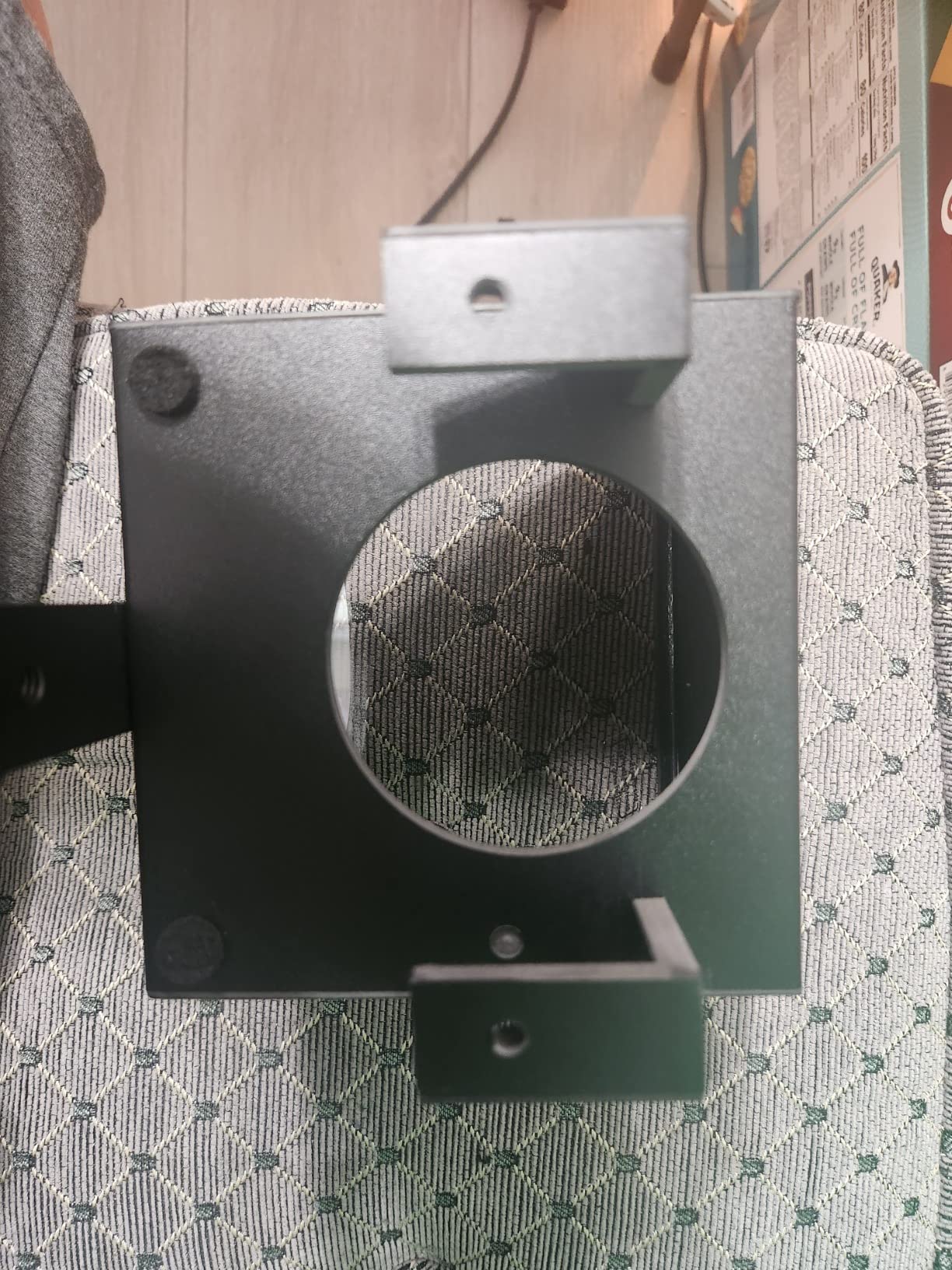
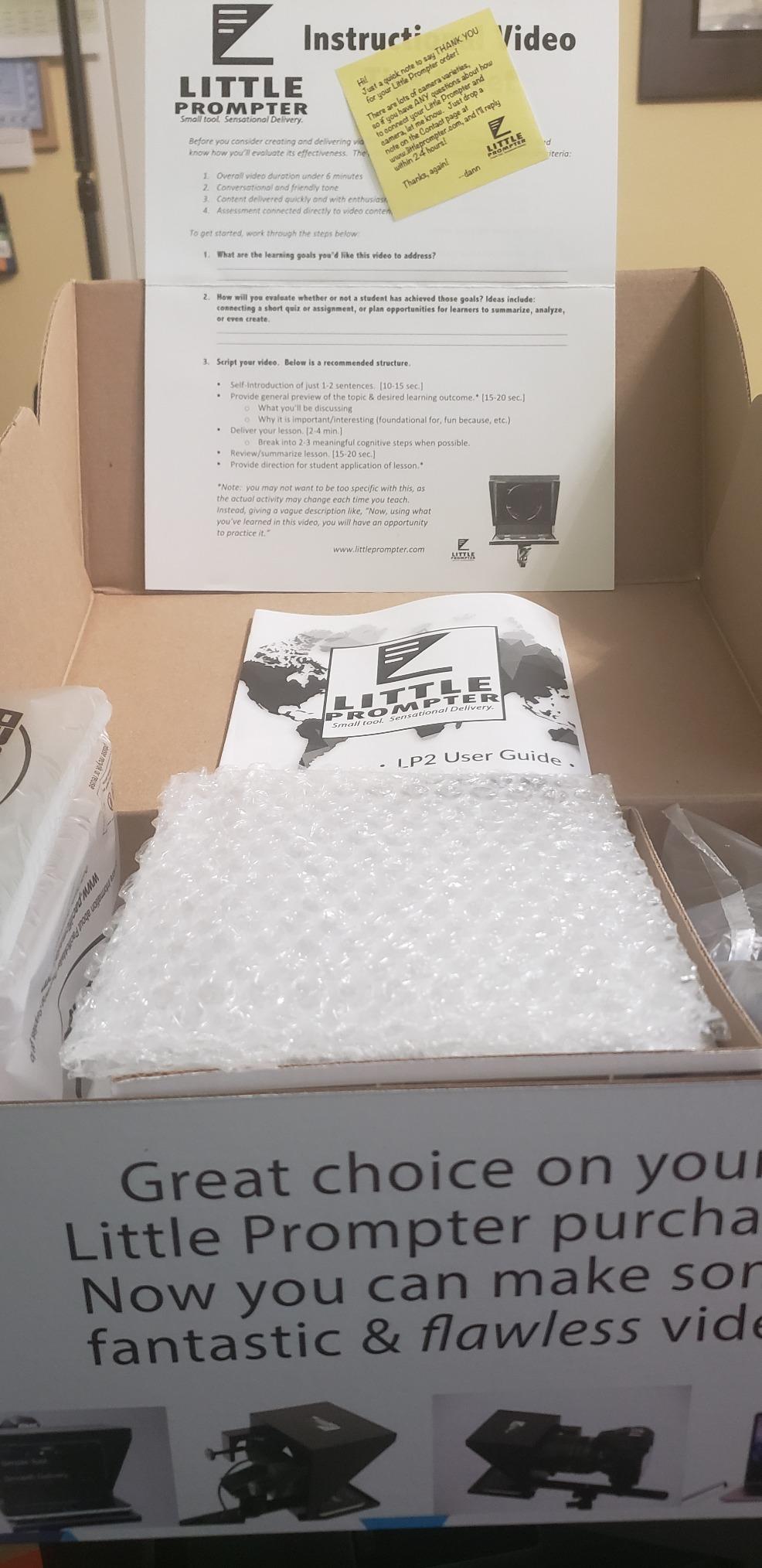
Setup is genuinely plug and play. The included tripod bar attaches to any standard tripod, the phone clamp holds most phones, and you launch any teleprompter app on the phone. The compact form factor means it disappears under a laptop or in a drawer when not in use. The customer service from the creator is unusually responsive, which I confirmed on Reddit threads.
The trade-offs are size-related. The 6 inch screen limits script readability to roughly 4 to 6 feet. The plastic construction can crack if you force-fit a Logitech webcam, which reviewers describe as the main failure mode. Wide-angle cameras above 78 degree FOV will see the teleprompter edges. For desktop video calls, presentations, and small-studio podcasting, this is the right scale. For cinema work, look at the larger rigs above.
For whom it’s good
Remote workers on heavy Zoom and Teams call loads benefit most from the always-on eye contact. Desktop podcasters filming with a webcam get a teleprompter that does not dominate the desk. Travelers with limited bag space get the most compact rig on the market.
For whom it’s bad
Cinema and DSLR filmmakers will find the 6 inch screen too small. Wide-angle webcam users above 78 degree FOV see the rig edges. Anyone needing a built-in monitor or iPad Pro support should step up to the Elgato or NEEWER X14.
10. Desview P13 13-Inch Aluminum Teleprompter – Best for Outdoor Shoots
Desview P13 Teleprompter 13 Inch Aluminum Alloy with High Definition Glass, Compatible with iPad Tablet Phone DSLR, Portable No-Assembly Design for Video Recording
13 inch HD beam splitter glass
Detachable sun hood
Oxford cloth carry bag
Pros
- 13 inch aluminum alloy construction with HD glass
- Compatible with DSLR mirrorless camcorders tablets up to 13 inches
- Portable no-assembly design ready out of the box
- Bluetooth remote and free Desview app
- 7H hardness 70/30 beam splitter glass with anti-scratch coating
- Supports 35mm horizontal and vertical shooting
- Detachable sun hood included
- Oxford cloth carry bag for portability
Cons
- Not ideal for wide-angle shooting
- Camera mount does not directly work with phones
- Some initial setup learning curve
The Desview P13 is the rig I reach for when I am filming outdoors and the sun is the enemy. The detachable sun hood is the killer feature, because beam splitter glass becomes unreadable in direct sunlight without one. With 245 reviews averaging 4.1 stars, the P13 is a newer entrant, but it has earned a strong reputation for outdoor documentary and event videography.
The 13 inch HD glass hits 70/30 visible light transmission with 7H hardness and anti-scratch coating. In my outdoor test at midday, the script remained readable through the glass with the hood attached. Without the hood, it was washed out. That is the practical difference between getting the take and not, and the hood is the reason this rig earned its badge.
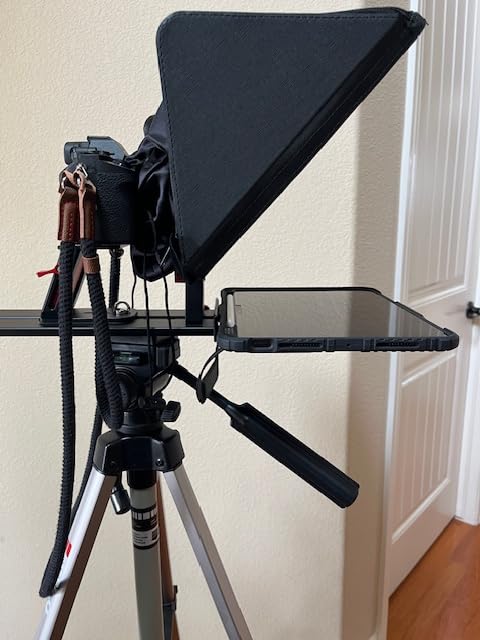
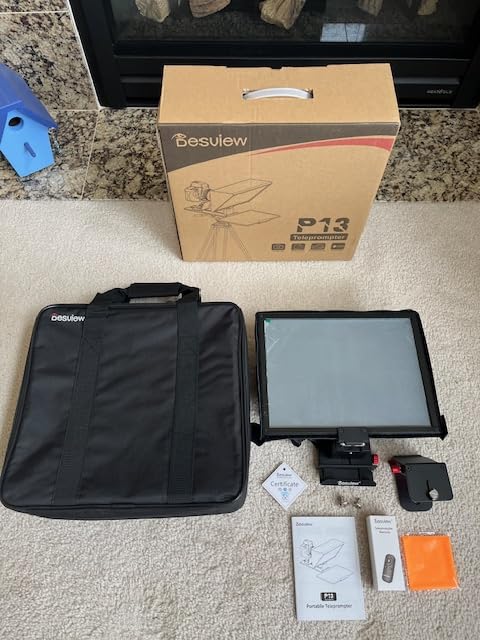
The aluminum alloy build is the second underrated feature. The P13 feels closer to a professional broadcast rig than a consumer toy. It accepts any iPad or tablet up to 13 inches, which covers every iPad Pro size. The no-assembly design folds open and locks in place. The Bluetooth remote pairs with the free Desview app, which supports font, color, and mirror toggles. The Oxford cloth carry bag is a thoughtful inclusion for travel shoots.
Where the P13 falters is on wide-angle shooting. The glass edges creep into frame below 35mm focal length, so ultra-wide landscape shooters should look at the Desview T3 instead. The camera mount does not work directly with phones, so phone-first creators need a separate phone mount. For a documentary or event videographer shooting outdoors with a tablet and a mirrorless camera, this is the right pick.
For whom it’s good
Outdoor documentary and event videographers benefit most from the detachable sun hood. iPad Pro 12 inch owners get a rig that finally fits their tablet. Travel creators want the Oxford cloth bag and the no-assembly design.
For whom it’s bad
Wide-angle shooters below 35mm will see glass edges in frame. Phone-first creators need an extra mount. Anyone filming indoors without strong sun will not benefit from the sun hood and may prefer a smaller rig.
How to Choose the Best Portable Teleprompter for Your Creator Workflow
Choosing the best portable teleprompter apps and hardware for creators comes down to four questions: what camera are you filming with, where are you filming, how long is your script, and what is your budget. Our team built a portability scoring rubric for this guide because no competitor publishes one, and we think it is the single most useful filter for run-and-gun creators.
App versus Hardware: When Each Makes Sense
Teleprompter apps run on a phone, tablet, or laptop and display a scrolling script that the camera films over the device screen. They are free or low-cost, work anywhere, and require no extra gear. The trade-off is eye line. Without a beam-splitter rig, the script sits beside or below the lens, which means your eyes drift. For casual talking-head videos, Zoom calls, and TikToks, apps are enough. Hardware rigs solve the eye-line problem by reflecting the script through a beam-splitter glass in front of the lens. They cost more, take up bag space, and require setup time, but they produce the professional eye contact that scripted YouTube videos, interviews, and short films need. Our hybrid recommendation is the most efficient one for serious creators: pair a hardware rig with a free or paid teleprompter app, and you get the eye-line benefit of the rig with the script features of the app.
Portability Scoring Rubric: Weight, Folded Size, Case, and Tripod-Ready
Every rig on this list was scored on four dimensions: weight under 2 kg (3 points), folds to under 12 inches in longest dimension (3 points), includes a carry case (2 points), and mounts directly to a tripod without adapters (2 points). The NEEWER X14 and LENSGO TC7 both scored 9 out of 10 because they fold flat, ship with cases, and mount directly to a standard tripod. The Elgato Prompter scored 7 because it is compact but requires a tether to a computer. The iLight PRO and Desview P13 scored 8 because they include cases but do not fold as flat as the X14. For creators who fly or shoot on location, the portability score matters more than any spec sheet.
Filmmaker and Short Film Angle: Why Scripted Dialogue Changes Everything
Every buying guide we reviewed targets YouTubers and streamers. Nobody addresses the short film use case, where scripted actors need to read dialogue while maintaining eye contact with another actor, not the camera. For this workflow, you need a teleprompter that can be positioned off-axis from the camera, scroll smoothly without lag, and stay readable at a distance of 4 to 8 feet. The NEEWER X14 and Desview P13 are the strongest picks here, because their aluminum builds do not drift mid-take and their app-controlled scroll handles long dialogue scenes. For documentary interview subjects who are not trained actors, the iLight PRO with its 60/40 glass and angle adjustment system is the most forgiving setup, because subjects can read at their natural pace without feeling pinned to the camera.
Voice-Activated Scrolling: The Honest Take
Voice-activated scrolling sounds great in marketing copy, and it works on the first take of a quiet room. In practice, Reddit creators report that it lags, misfires on accents, scrolls too quickly on fast talkers, and loses its place on long pauses. The most reliable setup for solo creators is manual remote scrolling paired with a script you have rehearsed twice. If you want voice control, pair a hardware rig with PromptSmart or Teleprompter.com, which have the best voice-tracking in our testing, and rehearse the script aloud before the take so the app learns your cadence. Avoid voice scrolling for any take you cannot reshoot, like a live interview.
iPad Pro 12-Inch Compatibility: The Repeatedly Excluded Tablet
If you bought an iPad Pro 12 inch specifically for script editing, you have already discovered that most consumer teleprompters exclude it. The NEEWER X14 and Desview P13 are the two rigs on this list that officially fit the 12.9 inch iPad Pro. The NEEWER X12 explicitly excludes it. The Desview T3 and T5 exclude it. The iLight PRO excludes it. If your workflow depends on editing scripts on the 12 inch iPad and dropping them straight into the teleprompter, your shortlist is the X14, the P13, or stepping up to a Glide Gear TMP 100, which is outside this roundup’s price band.
Travel Kit Checklist for Run-and-Gun Creators
After dozens of location shoots, our team settled on a packing list. The teleprompter rig in its carry case, a compact Bluetooth remote with a spare battery, a backup tablet pre-loaded with the script in case the primary fails, a small tripod with a fluid head, a USB-C cable for tethered rigs, a microfiber cloth for the beam splitter glass, and gaffer tape for emergency mount fixes. If you are flying, the LENSGO TC7 or NEEWER X14 collapse flat and fit in a carry-on camera cube. If you are driving to a one-day shoot, the Elgato Prompter or NEEWER X11 give you the cleanest workflow because they double as monitors. Skip the cheapest plastic rigs for any trip where you cannot reshoot.
Frequently Asked Questions
What is the best teleprompter app for creators?
Teleprompter.com is the best overall teleprompter app for creators because it combines voice-activated scrolling, 4K recording, and script mirroring on iOS, Android, and web. PromptSmart is the strongest choice if voice tracking is your priority, while BIGVU is the best all-in-one suite if you also need captions and a built-in recorder. For solo creators on a budget, the free tier of Teleprompter for Video handles basic scrolling scripts reliably.
What is the best portable teleprompter?
The NEEWER X11 is the best portable teleprompter overall because it has a built-in 9 inch LCD monitor, folds compact, and pairs with any camera up to 2 kg. For pure portability, the NEEWER X14 folds in seconds, ships with a carry case, and supports the iPad Pro 12 inch. The Elgato Prompter is the best choice for streamers who already use Stream Deck.
Do influencers use teleprompters?
Yes, the majority of full-time influencers use teleprompters for scripted content, especially YouTube videos over 5 minutes and TikToks that require precise wording. Even creators known for casual delivery often use a teleprompter for the intro, the call-to-action, and the outro. Teleprompters reduce retakes, keep eye contact steady, and let solo creators film multiple videos in a single session.
Which teleprompter is better, the Neewer or the Elgato?
The Neewer X11 is the better choice if you film away from a desk, mount an iPad or phone, and want broad camera compatibility without a tethered computer. The Elgato Prompter is the better choice if you film at a desk with a webcam or mirrorless camera, already use Stream Deck, and want drag-and-drop scripting plus the cleanest wide-lens support. For mobile creators, go Neewer. For desktop streamers, go Elgato.
Can I use a teleprompter while filming?
Yes, teleprompters are designed to be used while filming. The beam-splitter glass reflects the script toward you but stays transparent to the camera, so the script never appears in the recorded footage. You read the script naturally while looking into the lens, which produces professional eye contact without memorizing lines. Setup takes 2 to 5 minutes for most consumer rigs, and the script scrolls at your pace via remote or voice control.
Final Verdict: Which Portable Teleprompter Should You Buy in 2026?
If you want our team’s single recommendation for the best portable teleprompter apps and hardware for creators, it is the NEEWER X11 with built-in monitor. It is the most versatile rig in this roundup, the highest-rated by review count, and the only teleprompter that works as a second computer monitor for streamers and remote workers. Pair it with Teleprompter.com for voice-activated scrolling and you have a complete creator setup that travels.
For filmmakers shooting scripted dialogue, the NEEWER X14 with the iPad Pro 12 inch is the right pick because it folds fast, fits the largest tablet, and the aluminum build does not drift mid-take. For budget creators, the LENSGO TC7 is the strongest entry point. For outdoor documentary work, the Desview P13 with its detachable sun hood is the rig that survives direct sunlight. For laptop webcam users, the Little Prompter is the smallest and most practical.
Whichever rig you pick from this roundup, the next step is rehearsing your script twice before the take. A teleprompter is a tool, and the best creators treat it like a co-pilot, not a crutch. If you want more breakdowns of teleprompter rigs for specific creator workflows, our team has guides on run-and-gun shoots, budget interview setups, documentary interviews, solo filmmakers, and video editing apps that pair with these rigs.